 This article has a talk page!
This is a sub-page of Proto:SpongeBob SquarePants: SuperSponge (PlayStation).

Gameplay Differences#
Interestingly, the game plays much more like the Game Boy Advance version.
- SpongeBob has a health system in the prototype that was changed to a system similar to Sonic's rings. This also means spatulas have no use.
- SpongeBob doesn't have knockback when getting hit.
- There's food items that were removed in the final game. These restore health to SpongeBob.
- You can use the karate chop at all times. In the final game, it's a powerup in the level Desert Wasteland.
- The controls are different:
- ◻- Jump
- ✕- Karate Chop (Only with full unarmed mode)
Graphical Differences#
At this point in development, most objects used pre-rendered 3D models. In the final game, most of these were drawn over (though a lot of the enemies weren't), which results in an inconsistent art style.
Legal Screen#
|
SBSP 020501 |
Final |
|---|---|

|
|
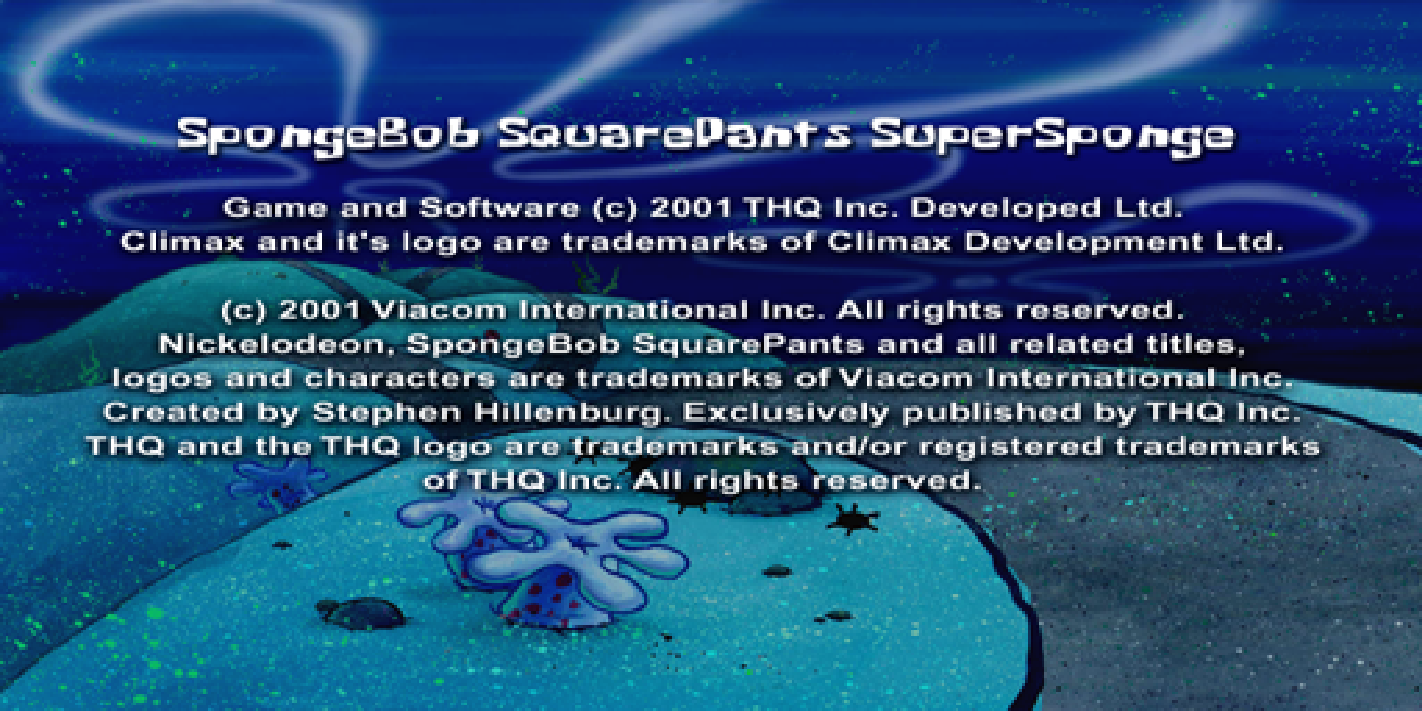
- When booted, the game shows the placeholder copyright screen, and immediately begins to load the first level. However, a title screen and main menu is implemented, and can be accessed by exiting the level from the pause menu.
SpongeBob#
- SpongeBob's sprites are slightly different, due to being raw 3D Studio MAX renders that have not been drawn over yet.
- He has a thinner outline in this build.
- His pupils are smaller.
- SpongeBob uses an animation when dying that was replaced in the final, though it's cut-off here. The animation still exists in the final.
Dialogue Boxes#
|
SBSP 020501 |
Final |
|---|---|

|
|
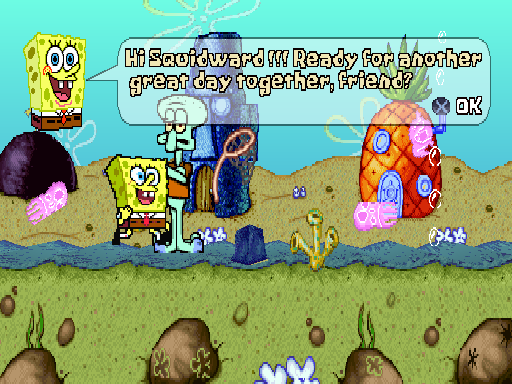
- The dialogue boxes use a bamboo border.
- Text clipping hasn't been implemented yet.
- All of the dialogue head sprites are sketches.
Prototype |
 |
 |
 |
 |
 |
 |
 |
 |
 |
|---|---|---|---|---|---|---|---|---|---|
Final |
 |
 |
 |
 |
 |
 |
 |
 |
 |
Pickups#
Powerups had their sprite size doubled in the final game.
Prototype |
 |
 |
 |
 |
 |
 |
|---|---|---|---|---|---|---|
Final |
 |
 |
 |
 |
 |
 |
Bugs#
- Kill plains don't work yet.
- SpongeBob can walk through big rocks in 1-3.
- Level and object generation is a bit broken as parts of levels and objects disappear when slightly on-screen.
Oddities#

- The bus in 1-1 has collision at the top.

- There's a spike generator inside a rock in 1-3.
Debug Commands#
Many debugging features are enabled by default.
- Holding L1 will enable "No Clip Mode".
- Pressing R2 will skip a level.
- Pressing Triangle will enable a simple collision debugger.
- Pressing Select shows the current VRAM.
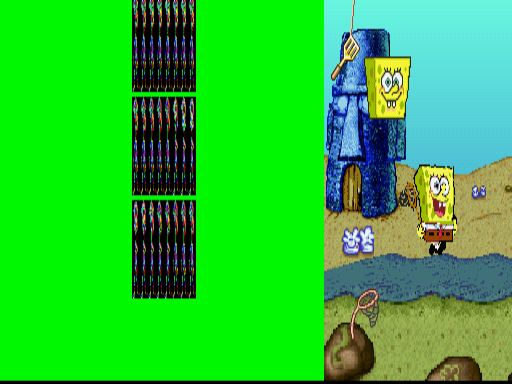
- Pausing the game will give you the following options.
- Invincible SpongeBob - Makes SpongeBob invincible.
- BASIC & FULL UNARMED mode - Removes upgrades from SpongeBob.
- BALLOON, BUBBLE MIXTURE, NET, CORAL BLOWER and JELLY LAUNCHER mode - Gives SpongeBob the specific item.
- DEAD mode - Kills SpongeBob.
