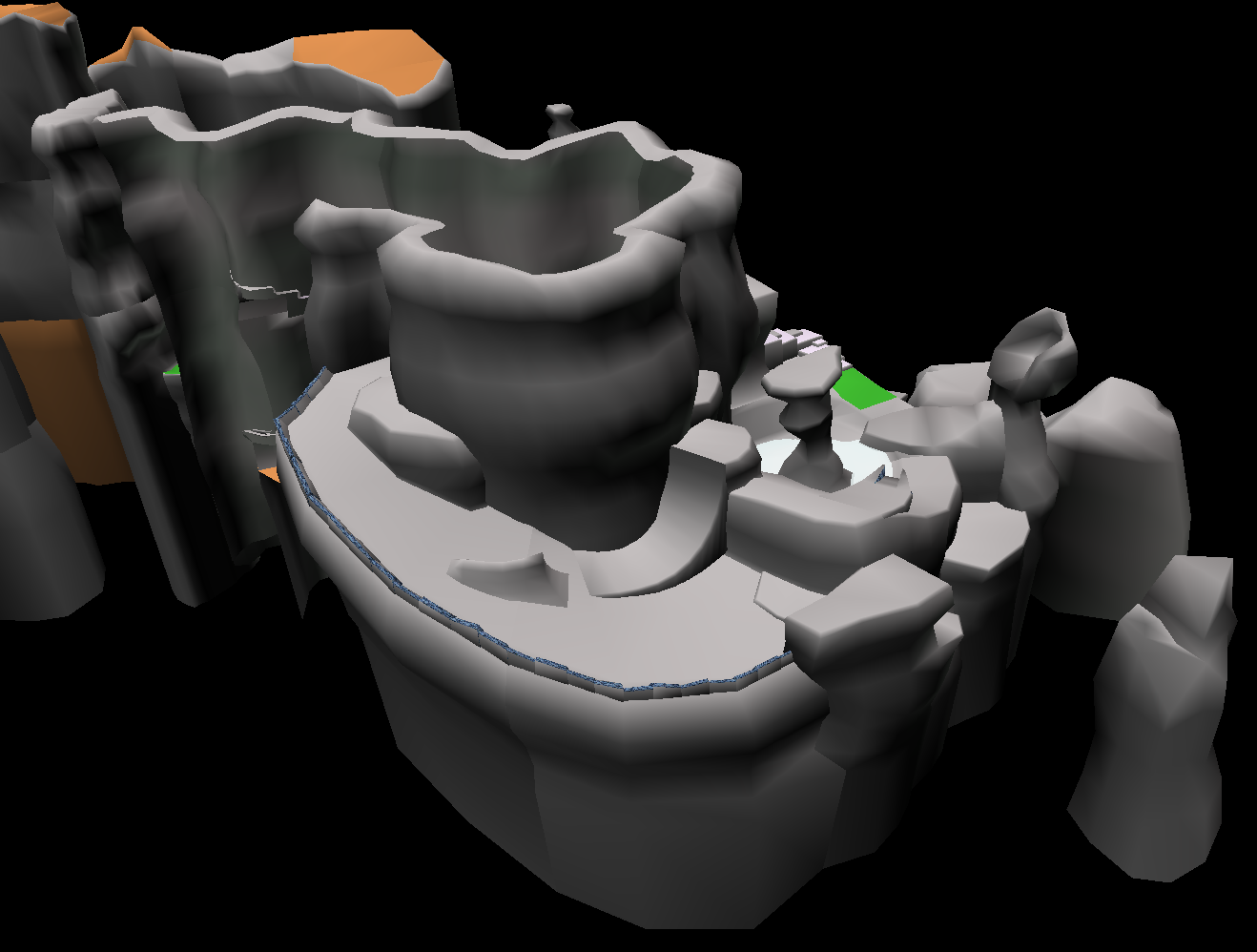
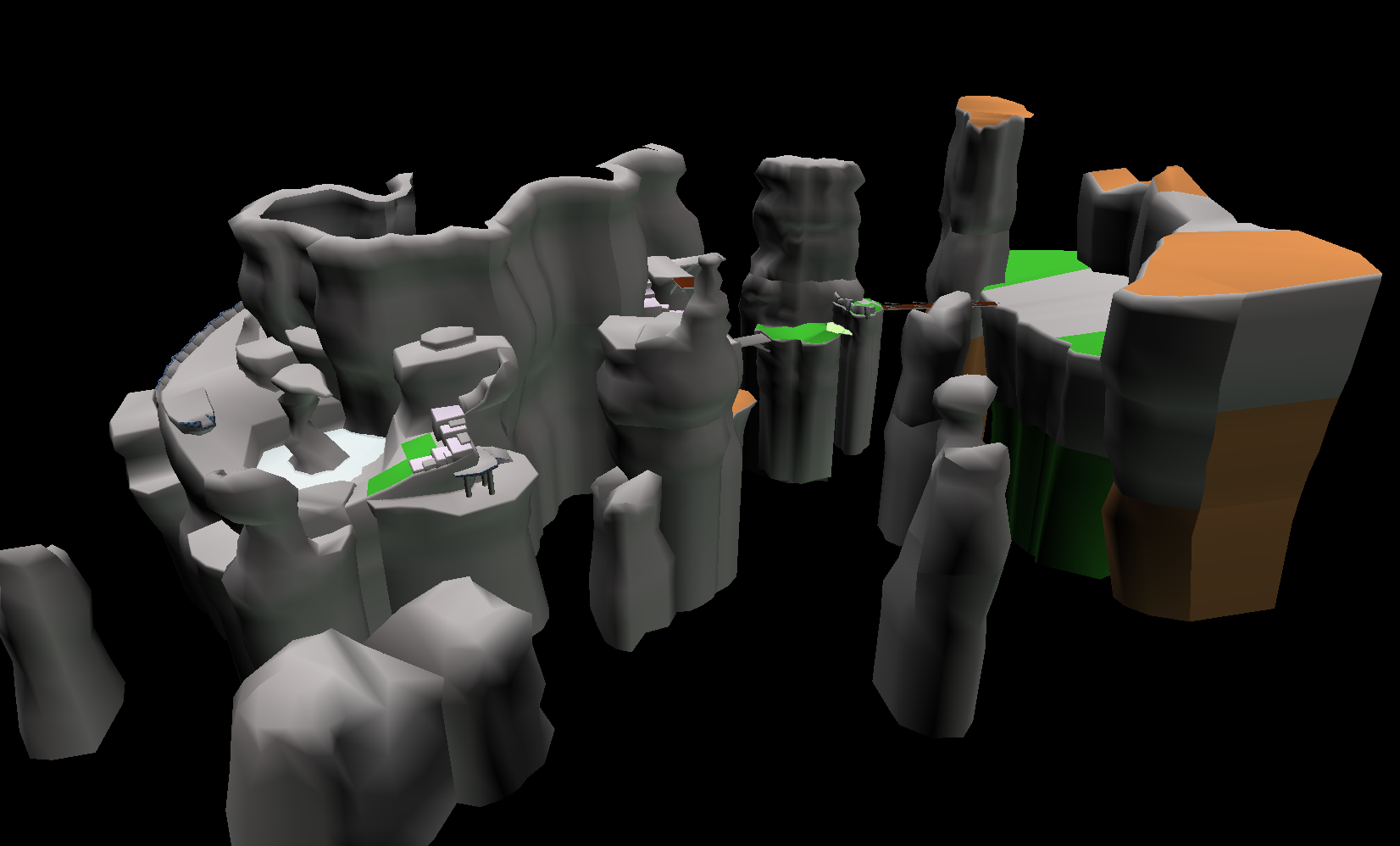
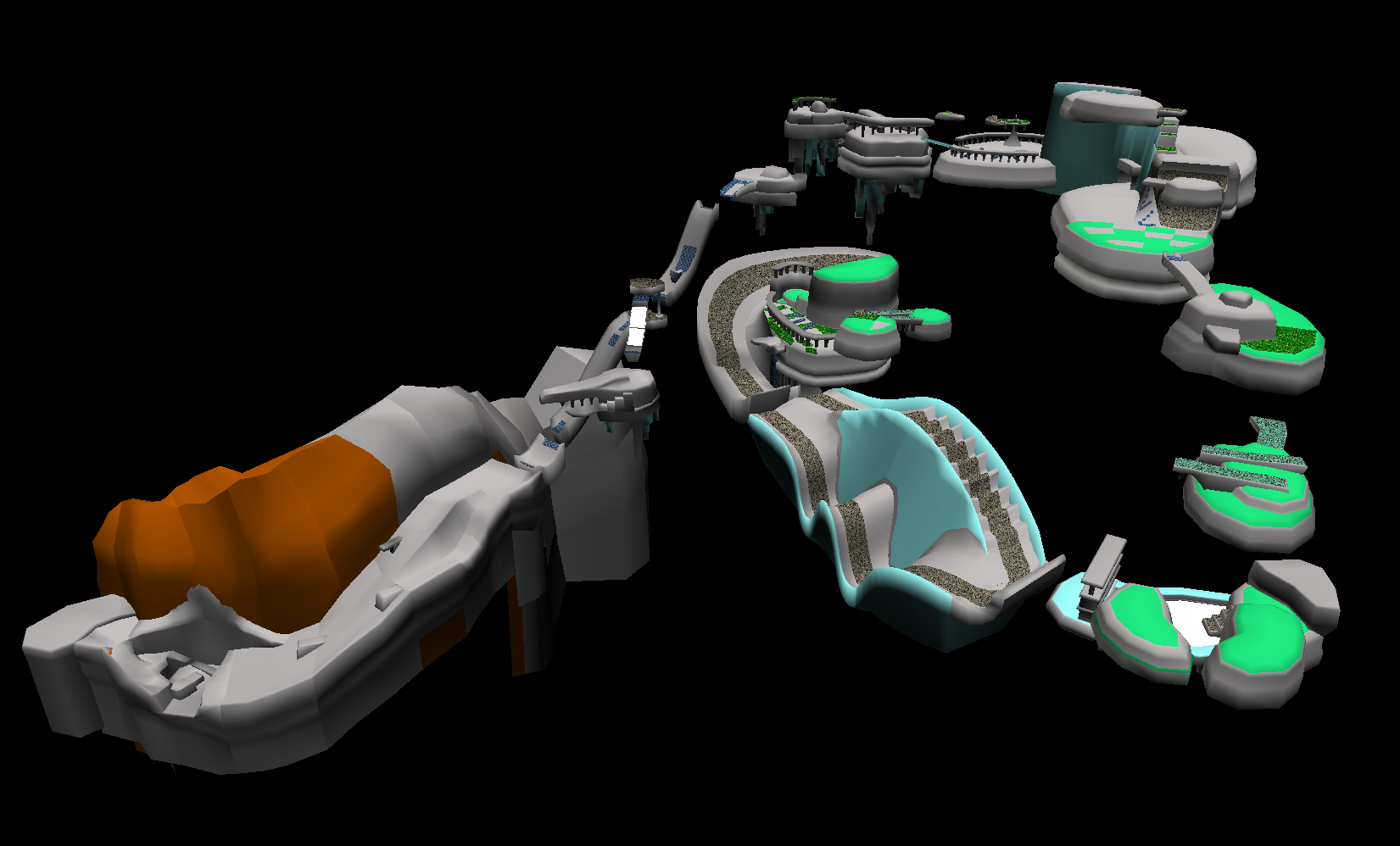
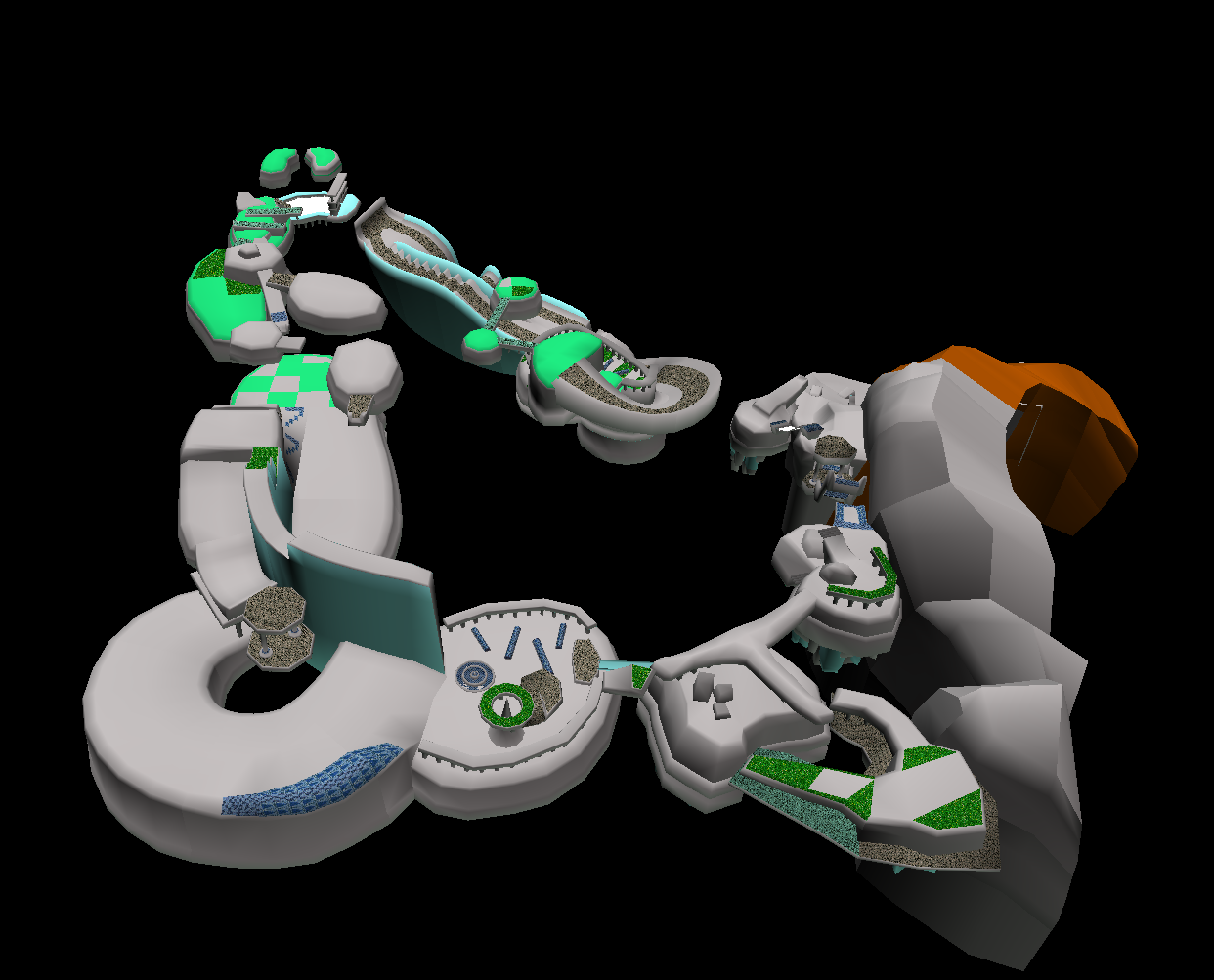
The geometry and level design for the fabled prototype version of Windy Valley seen in the game's official Japanese unveiling are partially intact. The proper textures are missing, though a very small handful managed to survive in the final game with recycled uses in other levels. According to a 2018 interview by Retro Gamer with Takashi Iizuka, this early version of the stage was scrapped late into development due to severe performance issues, which are apparent due to the amount of object spam (especially in Act 1) and rather complex visual effects.
Level File: 24 September 1998
SET Files: 28 July 1998
CAM Files: 14 August 1998
Act 1Act 1Act 3Act 3
This version of Windy Valley is very large and open in comparison to its more linear counterpart from the final game. While the geometry for Act 1 seems to follow the same rough path as the final version, Act 3 is entirely different.
All three parts have their original texture listings and start positions present in the game's coding, although the level file itself only contains Parts 1 and 3, skipping the old tornado section. While the meshes for Part 2 do exist, they don't have the necessary entries in the level file itself. All stages in Sonic Adventure contain "Landtable" data, which basically contains all of the stage models that make up the geometry and tells the game how they're "stitched together" to form the level. While Acts 1 and 3 have Landtable data, Act 2 does not. This is because Act 2 behaves completely differently than any other stage in the game: All of the geometry chunks are handled as actual objects, and float up and down within the level itself.
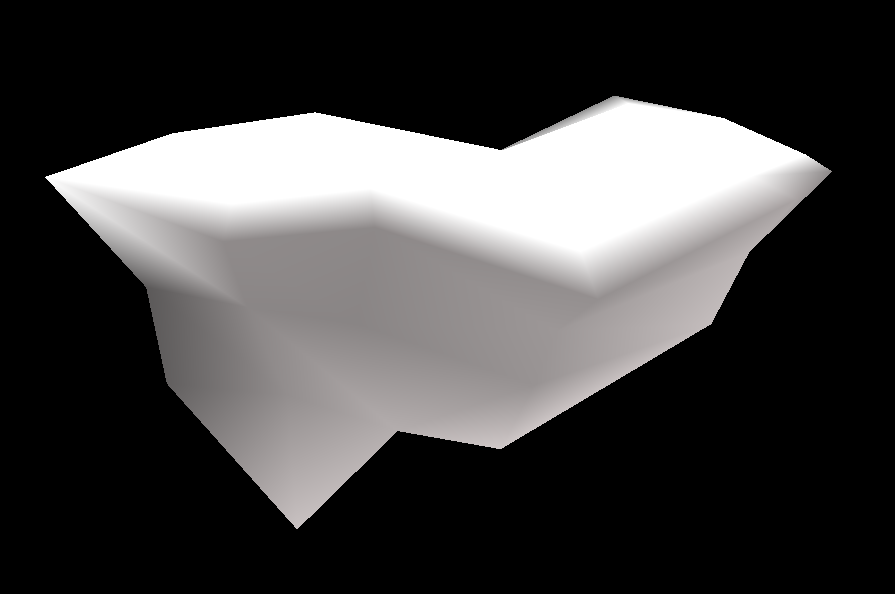
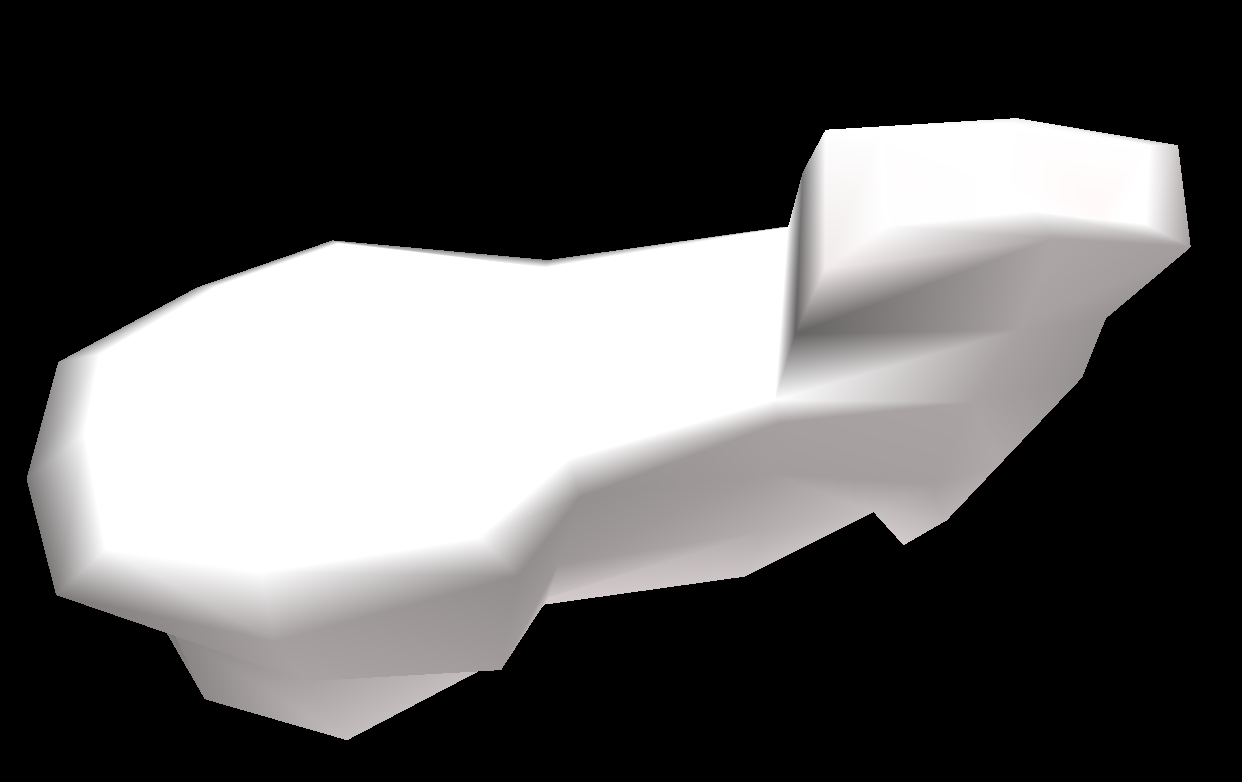
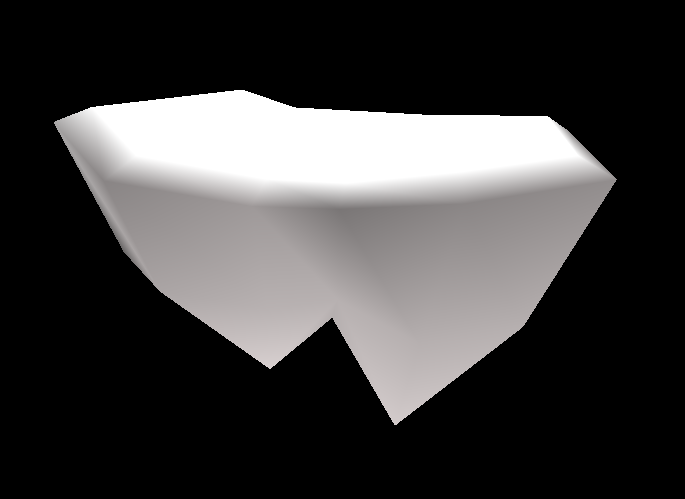
All of the geometry for the tornado segment is listed below in the order the player would've encountered each piece as they progressed through the Act:
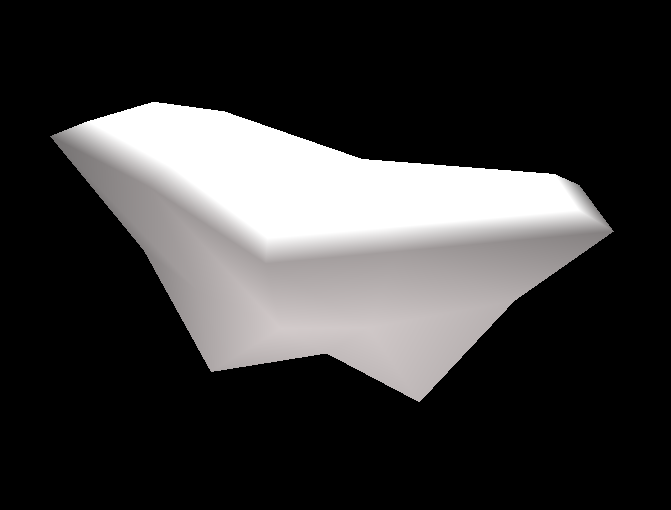
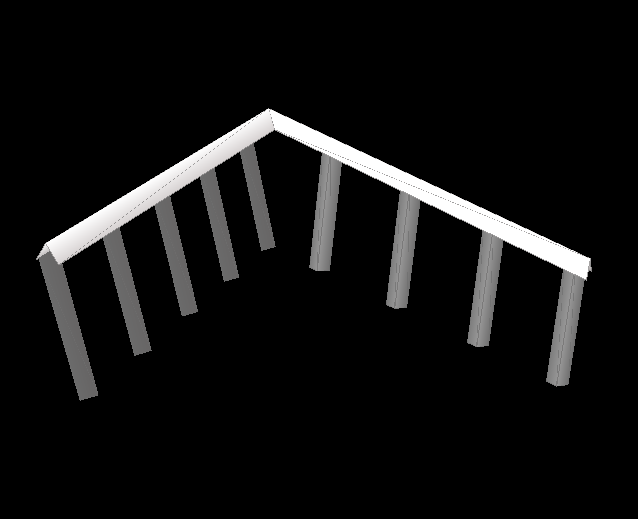
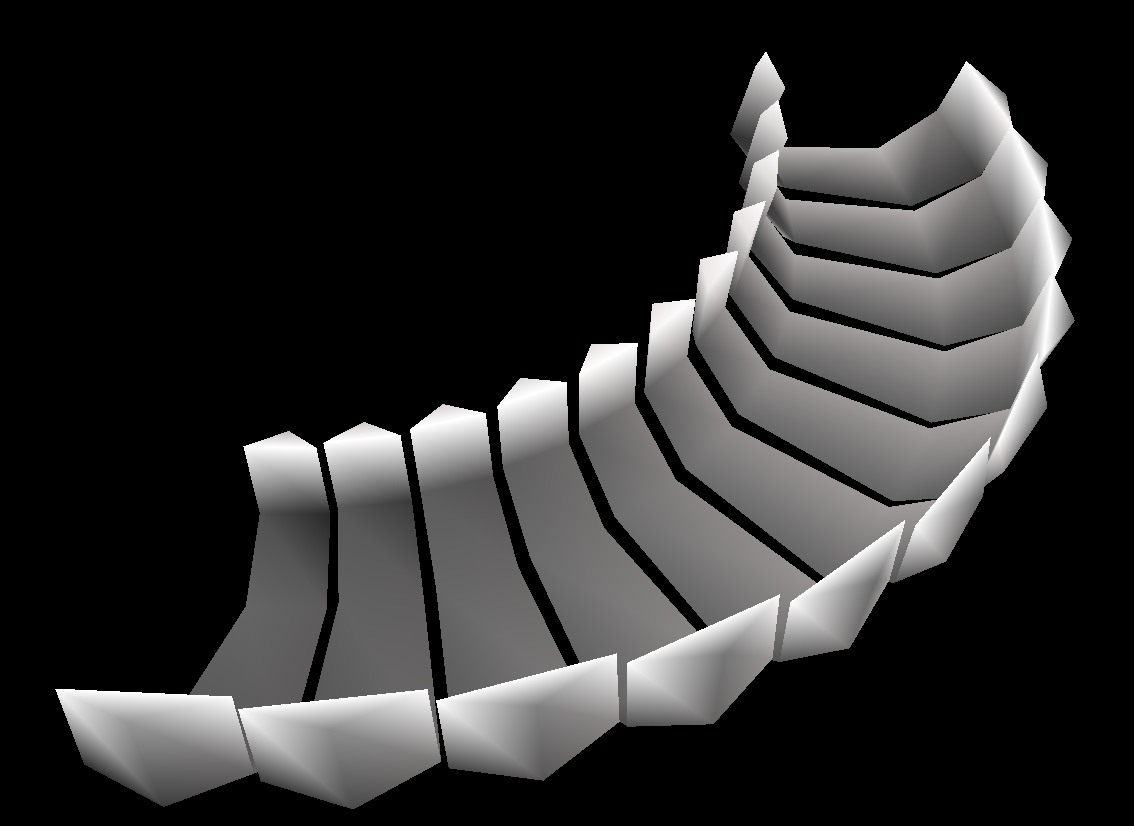
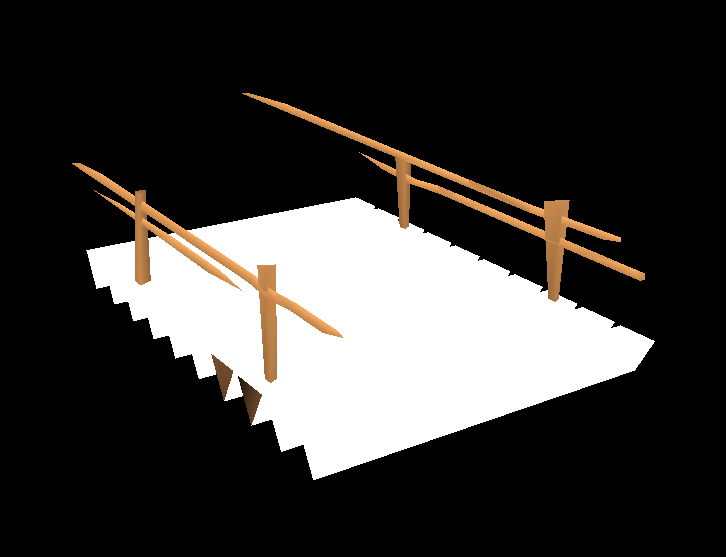
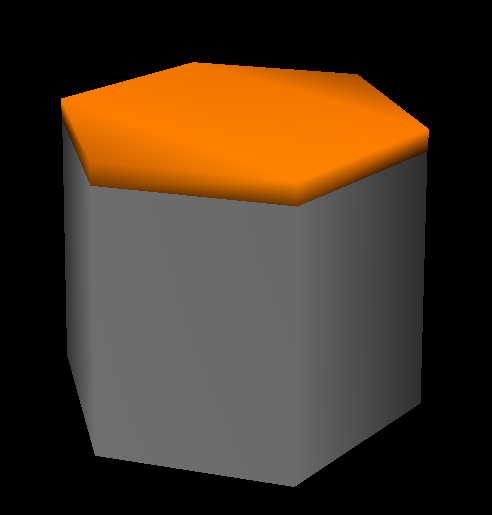
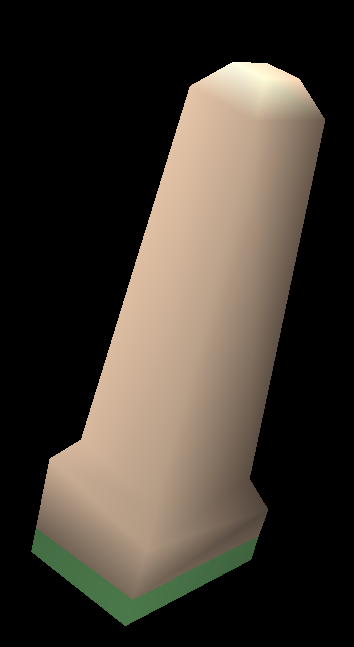
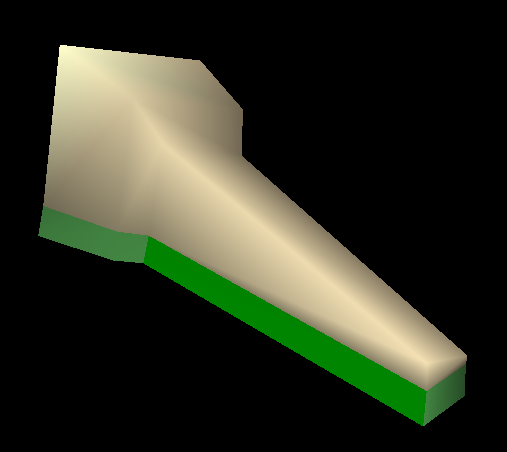
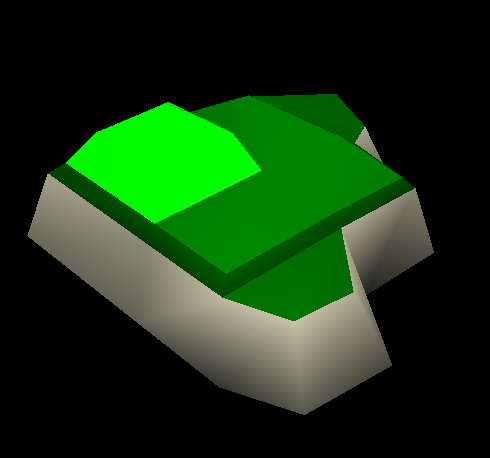
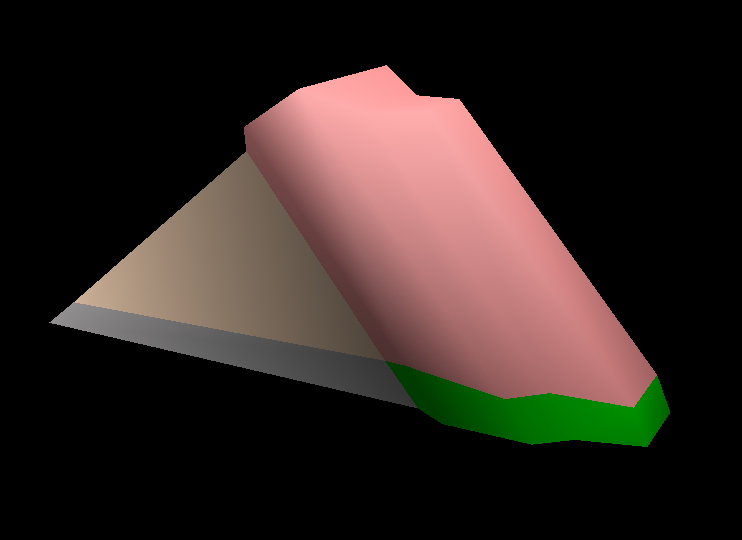
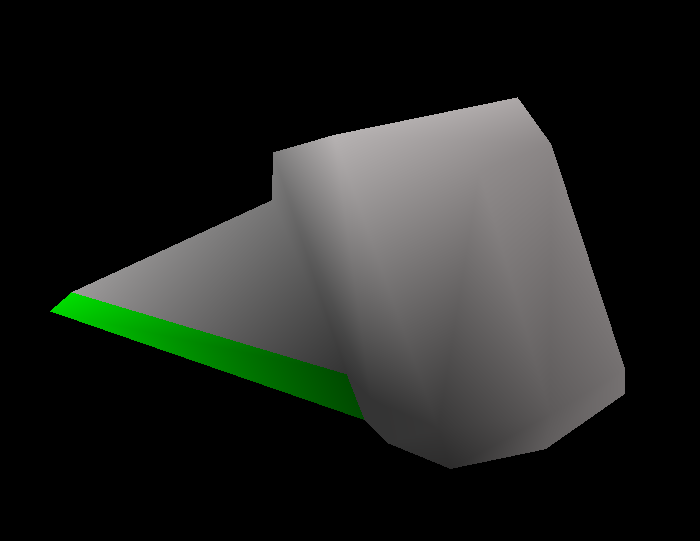
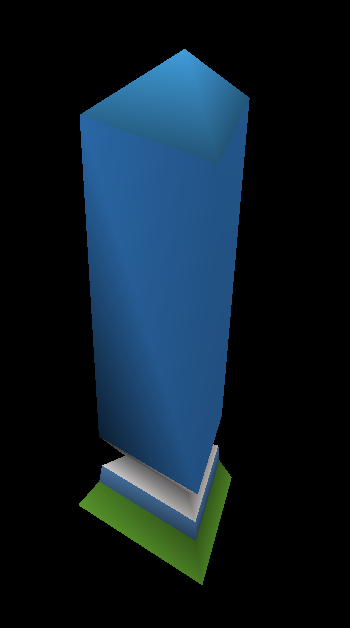
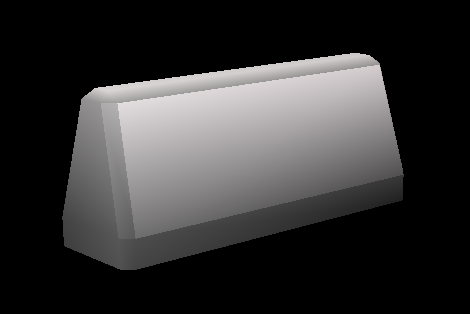
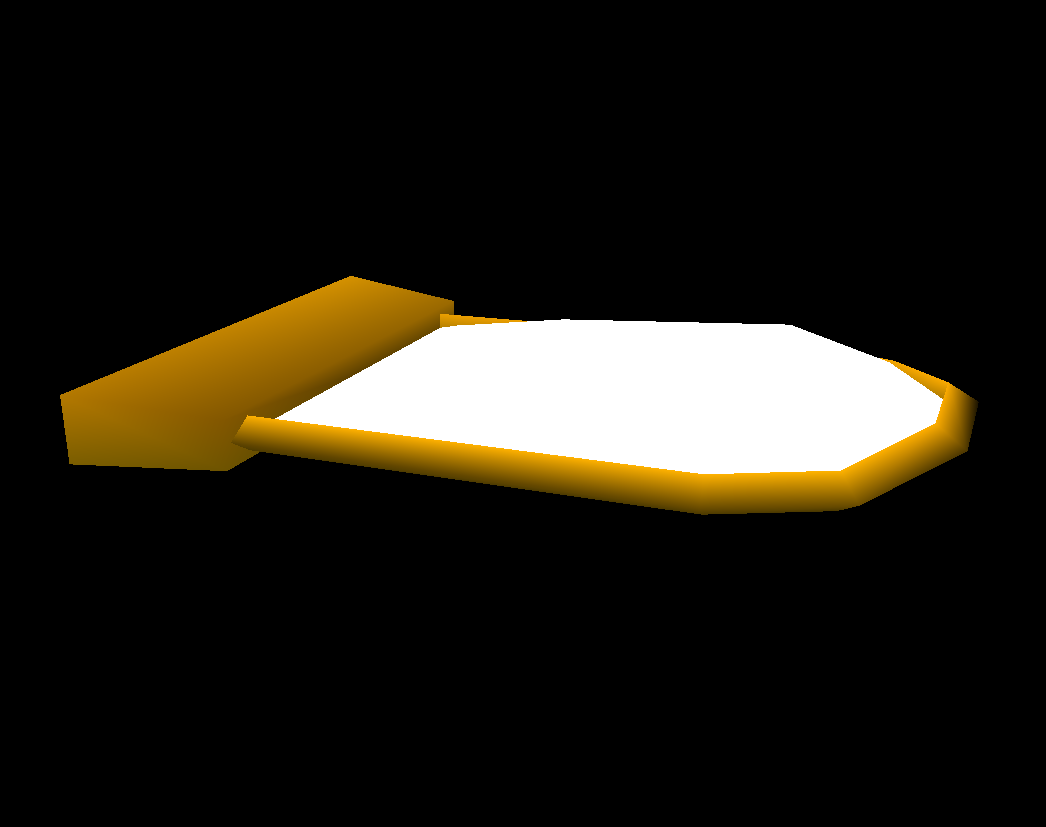
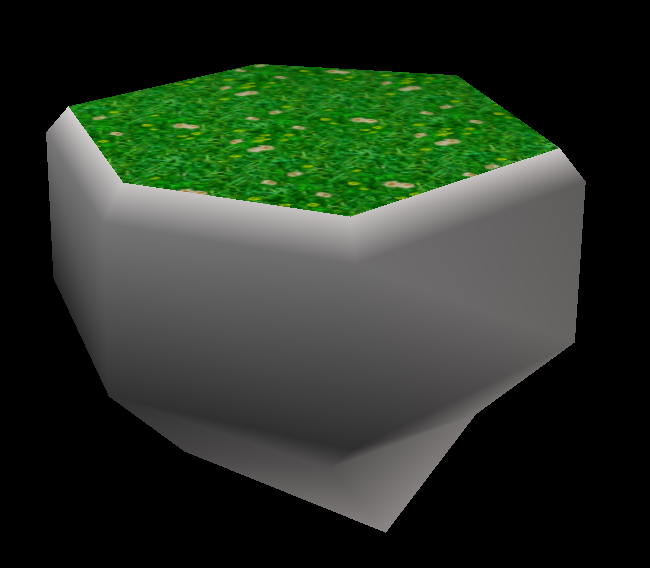
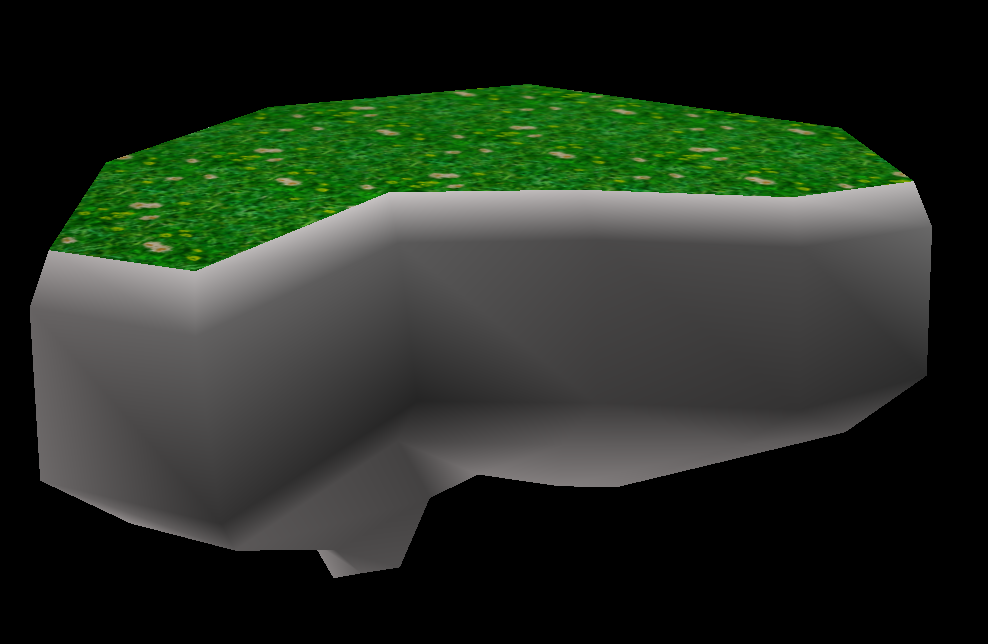
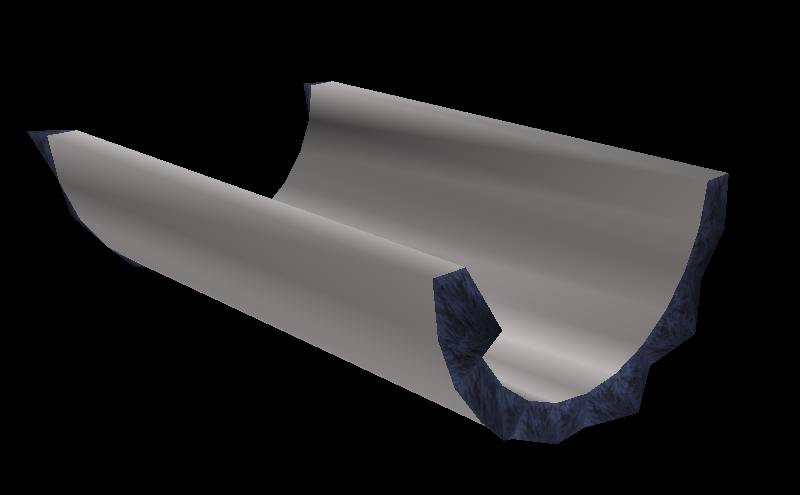
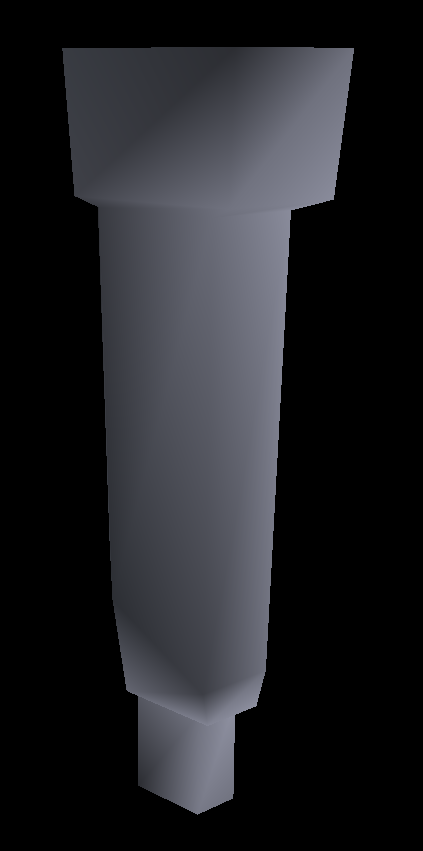
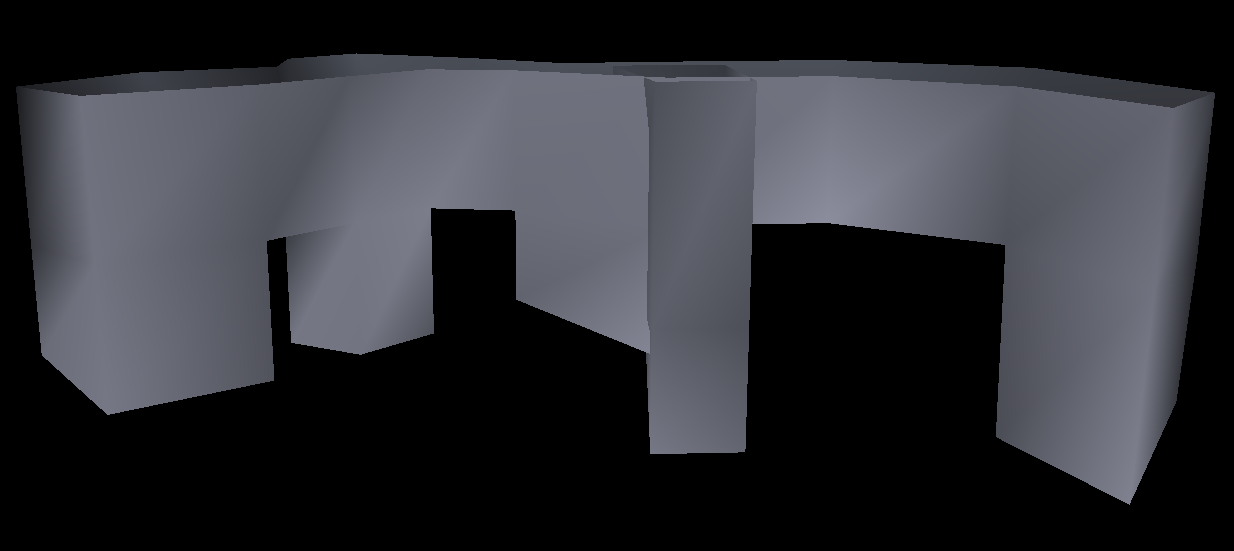
The very bottom piece of geometry, which is a rocky platform of a dark color with a grassy top with flowers on it. The player spawns above this piece, however, and cannot normally land on it due to a PU Wind object in the way.This is the platform that the player spawns on. It greatly resembles a pillar structure seen in the geometry for Act 1. The pillars have arrows pointing up, and the broken parts of the model have a purple rock texture. The surface of the structure is the same as its Act 1 counterpart: a tan-colored texture.The player takes a spring up to this long platform, which is a rocky purple color with a grassy top. On the circular left part is a T_SPRING object, and in the ditch on the right is a LAUCHIN, giving the player a choice on how they want to proceed.These stairs, which use a purple stone texture, are placed on the previous long rocky platform, and lead up to the ditch. Three of the middle stairs use a dark-colored stone texture for their sides that have arrows pointing upwards.A small platform floating above and just off to the side of the long rocky platform below it. It uses unknown textures that weren't shown in any footage, and aren't used by any objects in the stage.What appears as a giant version of T_RAFT1, floating not far up from the previous platform. It uses the same textures as the other platform, though.Yet another small platform floats above this one, using the same textures as the previous two, but uses a unique texture on its front side that isn't used by any other model in the stage. Again, this wasn't shown in any footage.This platform is reached by riding a floating platform, and can actually be seen in the early footage of this section of the stage! It's a rocky purple platform with a grassy top.Another piece that can be seen in the footage is this L-shape platform.This small fence rests in the corner of the previous platform, again appearing in the footage. Has a collision model.This is the last piece of geometry seen in the footage. This wooden pillar appeared for a brief moment, and used a different texture instead of the purple rock one it's set to use in the AutoDemo's data. In the footage, it used a light-blue and orange texture that is used in some parts of Act 1 and many parts of Act 3.A T_RAFT2 platform takes the player from the pillar to this platform. It's a rocky purple platform with a slope that leads into the bridge.A segmented bridge, which uses a unique, unknown texture not used by any other model in the stage. It also uses an orange texture with arrows on the sides of the inside of the bridge. Has a collision model.The last piece of geometry for Act 2, which is another rocky purple platform. A LAUCHIN rests inside, which would bounce the player out of the tornado and into Act 3.
The tornado can be found in the game's files, but it has no textures either:
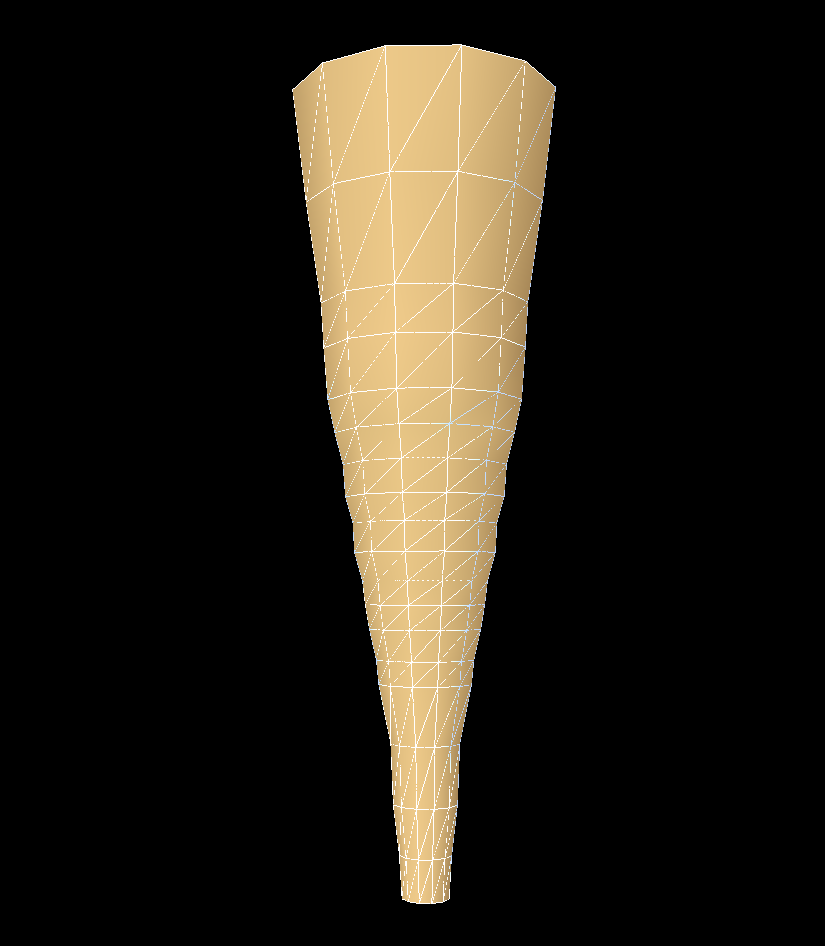
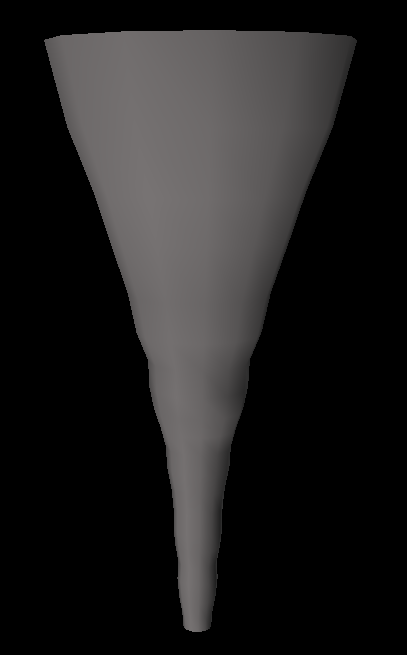
The tornado model used when destroying the bridge. There are three versions of it that are used for a layering effect.The tornado model that pops out from behind a mountain and bends back and forth in the distance. Three variants of this model also exist for the layering effect.
Tornado Sequence Objects
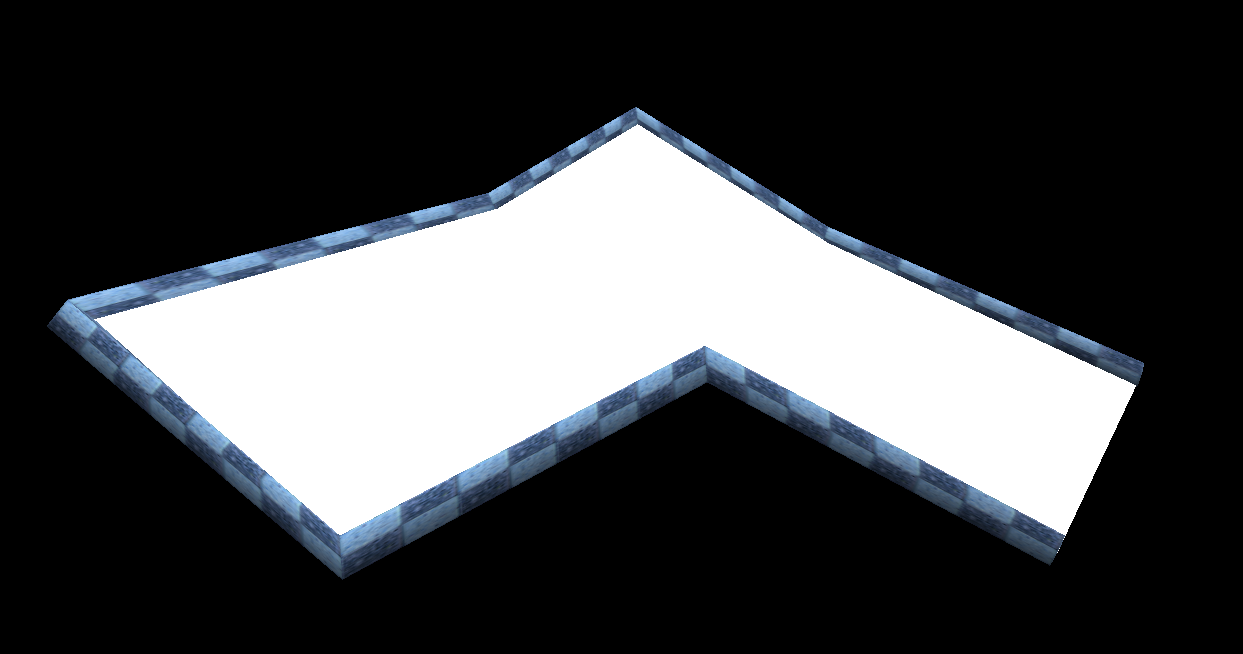
An effect model that appears around the player's camera when the tornado model swaps and it begins tearing apart the bridge. This is for the "strong winds effect" seen in the final game, however this version of the level also displays it during the entirety of Act 2. Early footage of the player being sucked into the tornado didn't show such an effect, indicating that the stage was worked on further after the early footage of the stage was recorded.The bridge that is torn apart by the tornado in the early version is much more dynamic than the final's, and contains far more individual pieces. There are over 300 unique models for the tornado bridge, a fraction of which is shown above. The railings of the bridge use a light-blue checkered texture.
The debris that swirls around in the tornado is far more varied than the final, containing rocks, pieces of wood, and trees:
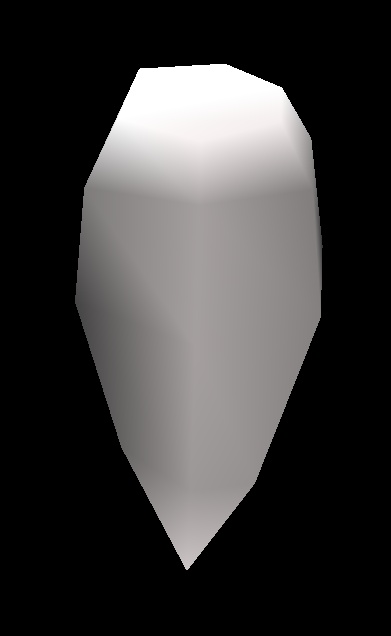
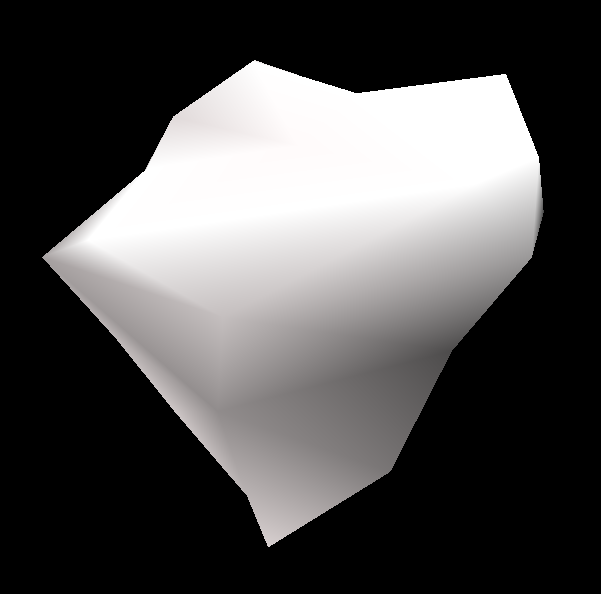
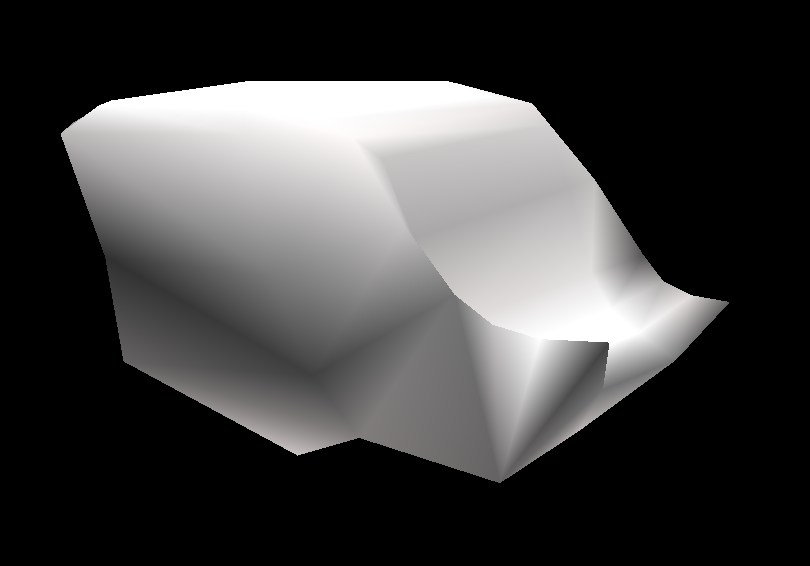
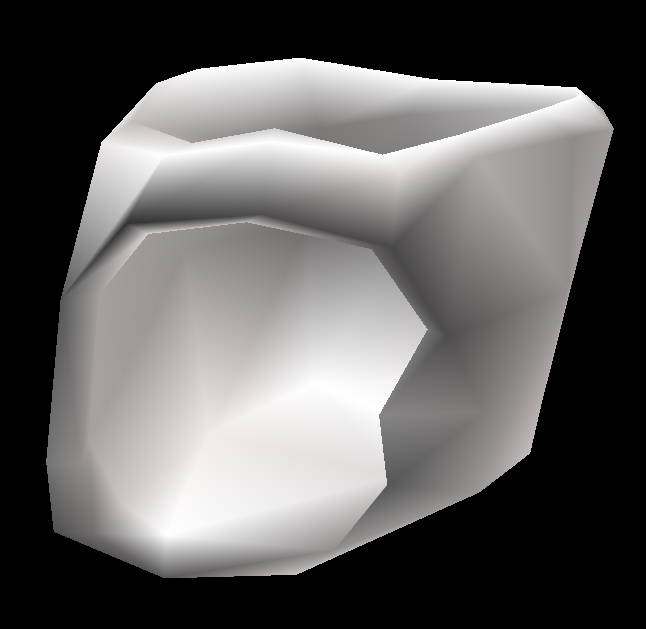
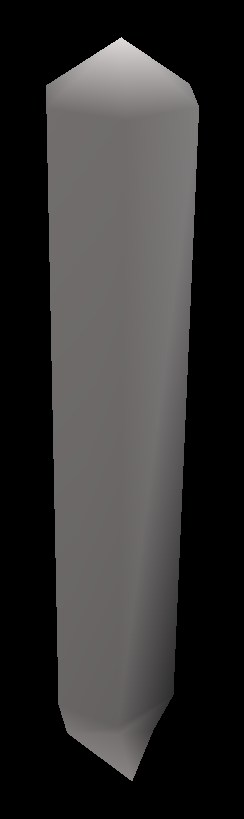
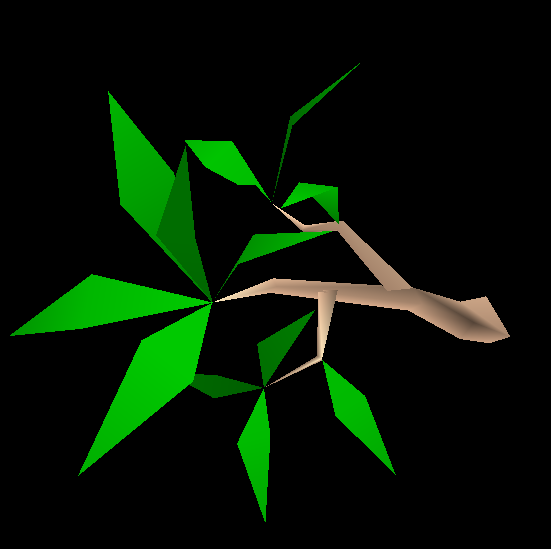
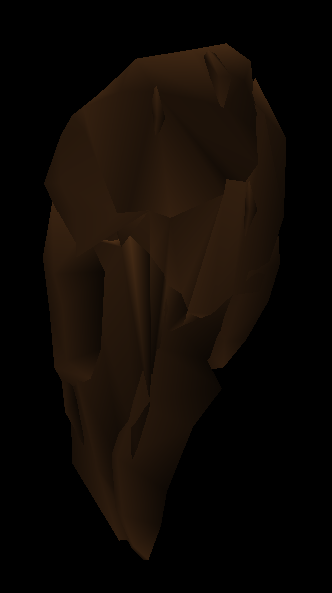
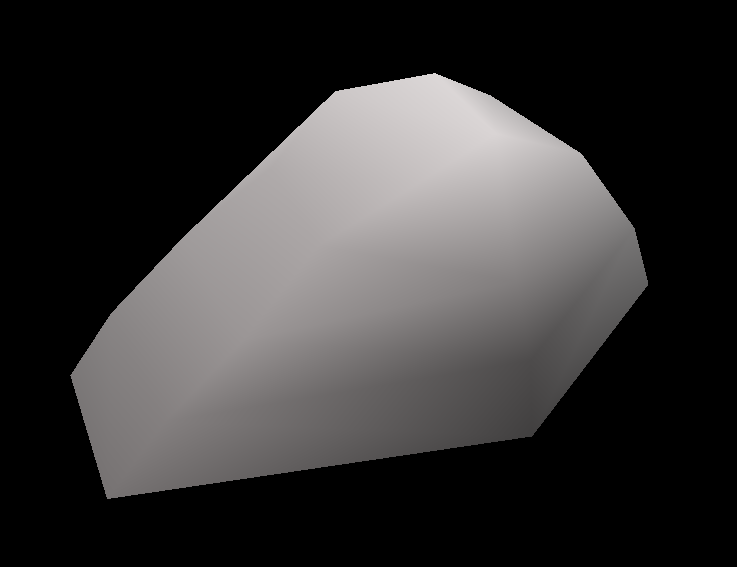
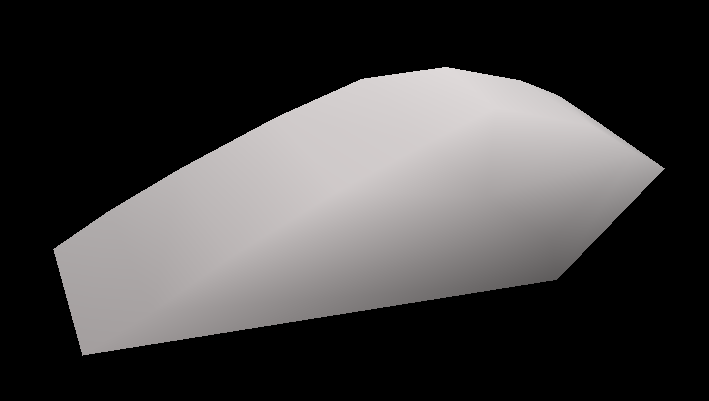
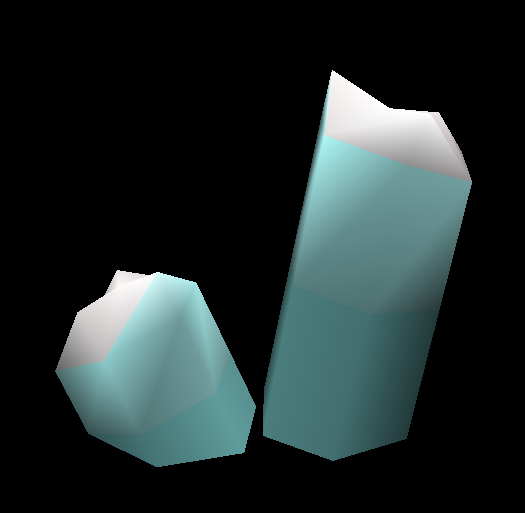
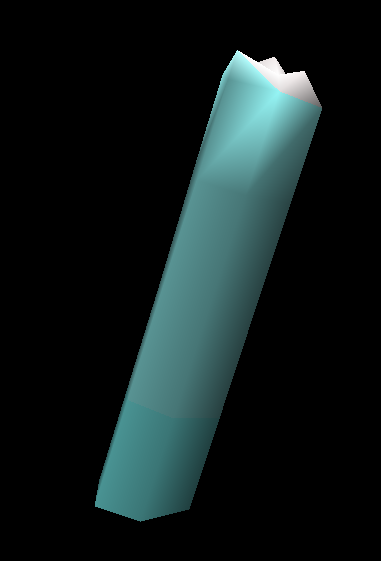
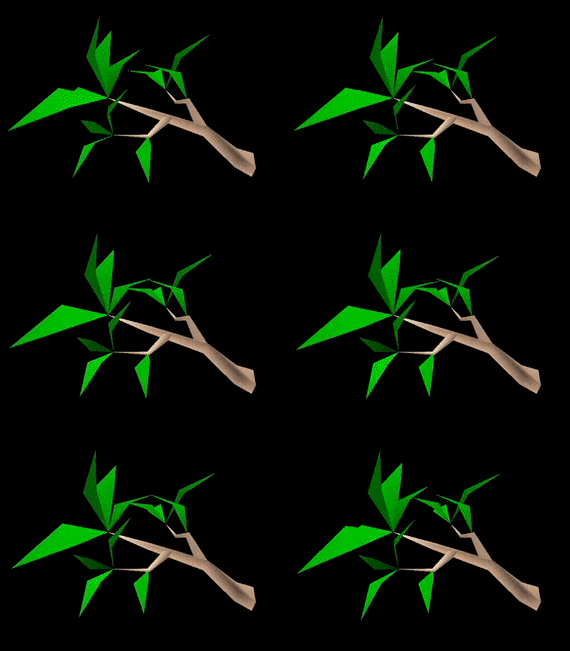
A small white rock.Another small white rock.A tree without its leaves. Oddly, its trunk uses a different texture than the model used for the SET version of this tree.A somewhat larger rock, being dark-colored instead of white.A bent piece of wood.A flat piece of wood.A tiny leaf.A very large, very tall, very thick pillar. It uses a white rock bottom texture, a grey checkerboard texture used by some pillars in Act 1, and an unknown texture for its top.Another tree debris, this time with all of its leaves still on it. Despite this, the stage in this build either doesn't use this piece specifically, or doesn't display its leaves.Another piece of wood.A tiny triangle of wood.A large, magatama-shaped rock that actually shows up in the early footage of this part of the stage. The model is assembled through multiple other smaller models, and when one appears in the level, it breaks apart after a few seconds. It uses a dark-brown rock texture.
Inside the level file are numerous objects that aren't present in the final game:
Plant Objects
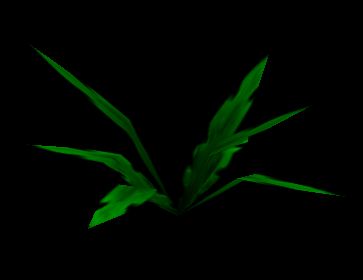
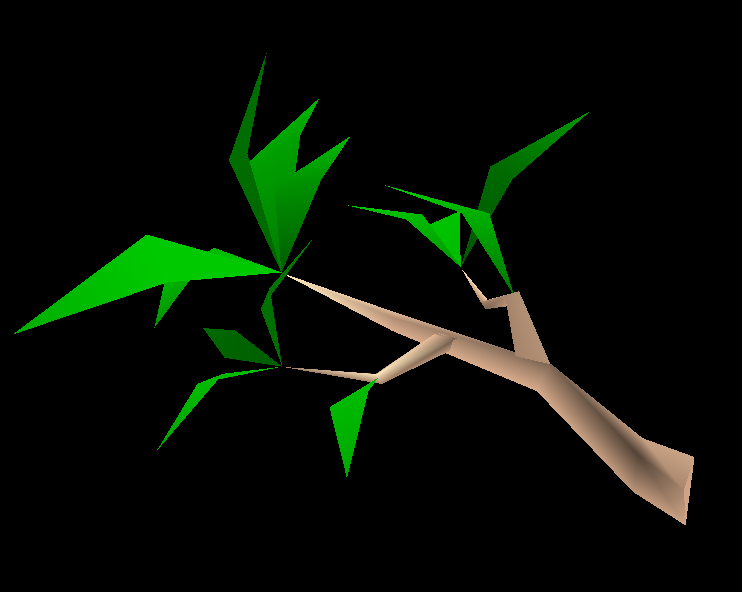
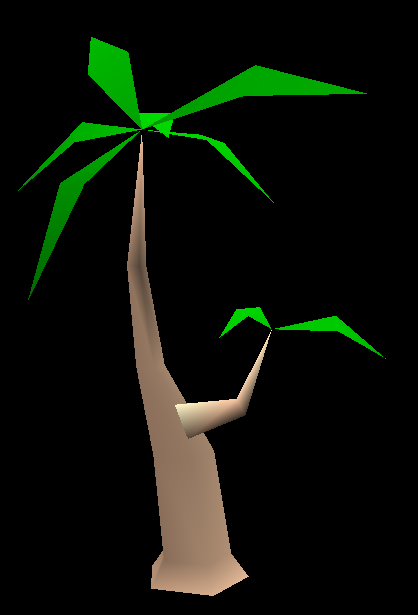
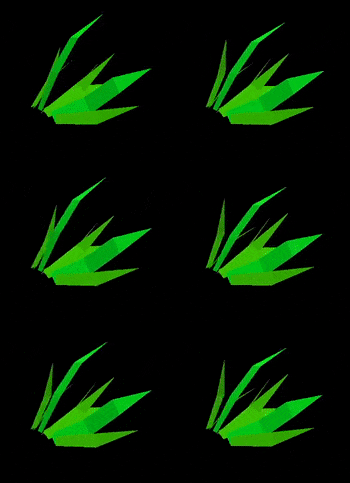
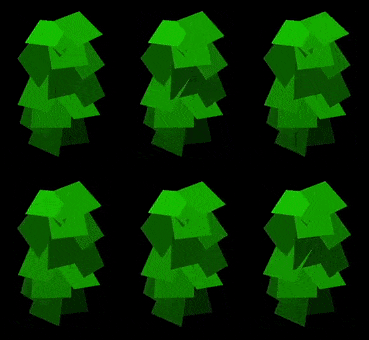
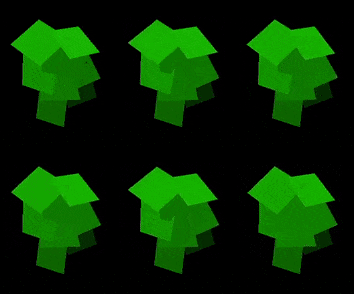
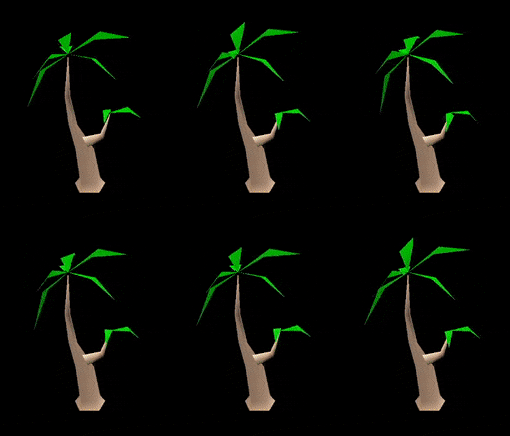
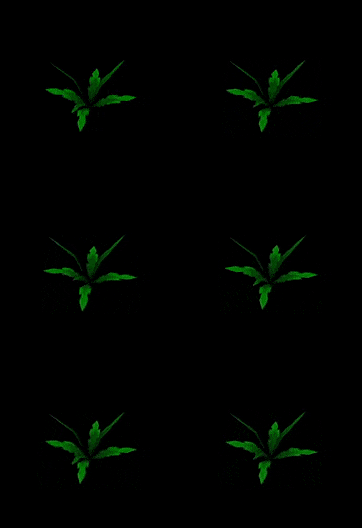
A small bunch of white flowers.A smaller bunch of yellow flowers.Flat straws of grass that rattle in the wind.A larger and longer version of the previous grass.An unused grass object type that is vertical instead of horizontal. Possibly intended to be attached to walls.Another unused vertical grass type. Much smaller than the previous.A weed used frequently in Act 1 that uses the same common weed texture in the final game.Unlike the final Windy Valley, the early version has two different types of trees. This sideways variant made it into the final game, albeit with a new (much smaller) model and a more subtle rattling animation for its leaves.An upright tree, which was completely scrapped in the final. Can be seen in plenty of early footage, as well as the game's intro movie in the shot with Big.A small group of presumably pink flowers, given the object's name (PINK_F). Used in Act 3 only on the starting platform at the very beginning of the level. Has an animation that rattles the three 3D flowers, but is handled in code instead of animation data like the previous plant objects.A static grass decoration used quite a few times in Act 1 up against many of the walls in the level.A dandelion, an object that did make it into the final, but the stem and top part was made into a billboard object, whereas the early version is fully 3D. It's also much smaller than the final. Functions the same as in the final game. The seeds it spawns either take much longer to despawn, or don't despawn at all. The very top of the stem is untextured.
Rock Objects
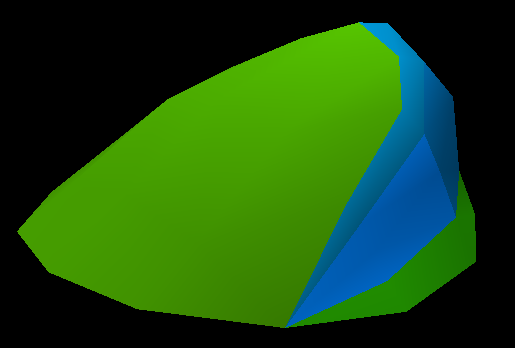
A large rock used in Acts 1 and 3. Can be seen in early footage. A duplicate of it exists in the data.A smaller rock.The smallest version of this type of rock.An unused small brown rock object with grass with flowers on top. A duplicate of it exists in the data.A giant dark-colored boulder with a sloped design. Used in Acts 1 and 3.A medium-sized, dark-colored flat-top rock used in Act 1.A small, white rock in a pointy shape. Used in Act 1.A smaller, dark-colored rock.A tiny white rock used in Act 1. Strangely, this object is called "ROCK_5" internally, while the previous rock is called "ROCK_3". It's unknown what "ROCK_4" looked like, or if it was ever implemented.
"SARA Floor Pads"
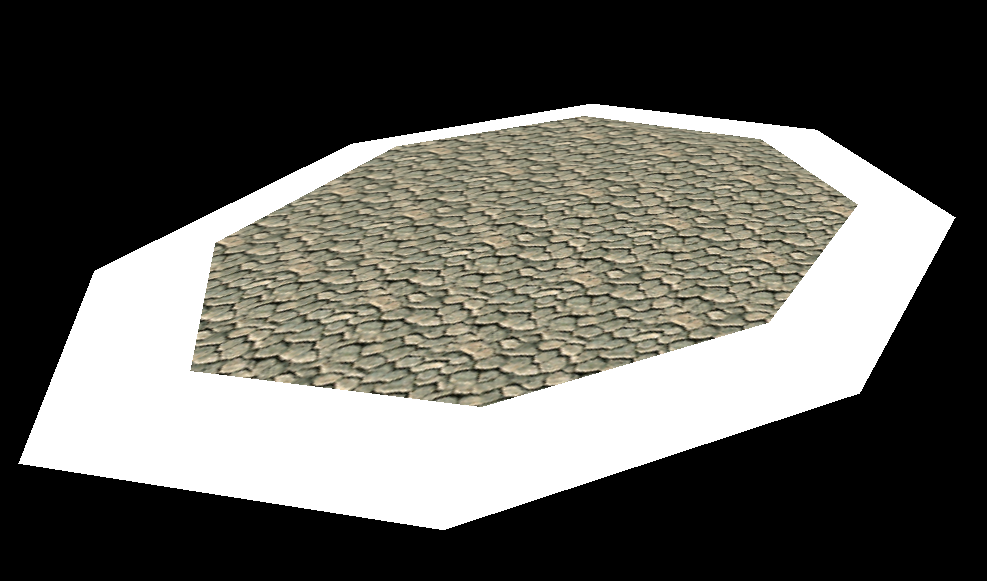
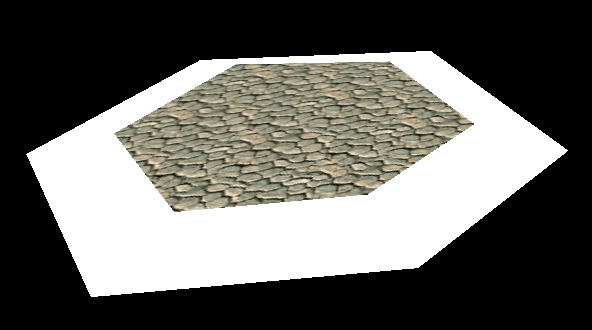
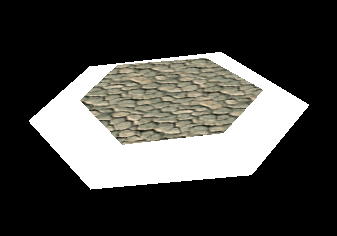
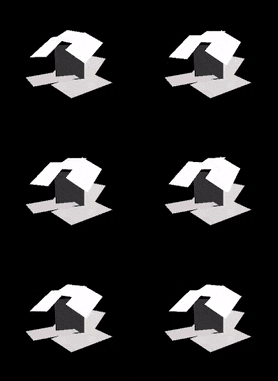
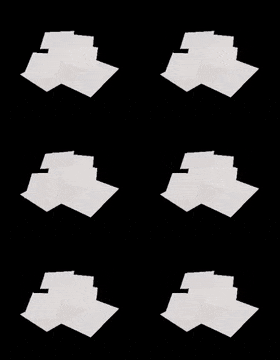
Rock "floor pads" used in Act 3 in some areas of the level to add some variety to the terrain the player runs across. These can be seen in the early footage of Tails in the level, as well as Amy's flashback image in the final game. There are six "SARA" objects, and they come in three sizes. Each size has two versions; the model for both is identical, but they use different textures around the border, presumably for variety with the grass patterns along the edges. Its center texture survived in the final game, and is used in the Chao Race track.Medium size.Small size.
Propeller Objects
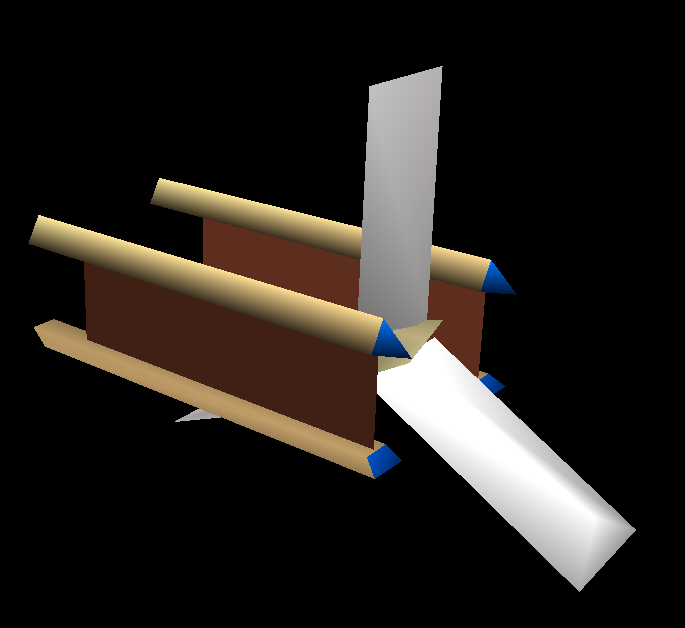
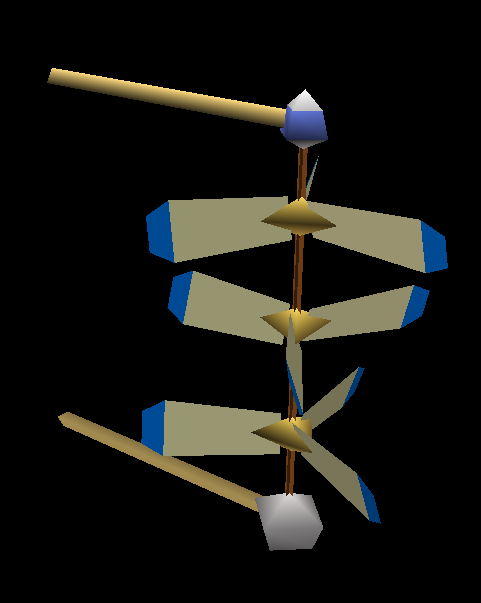
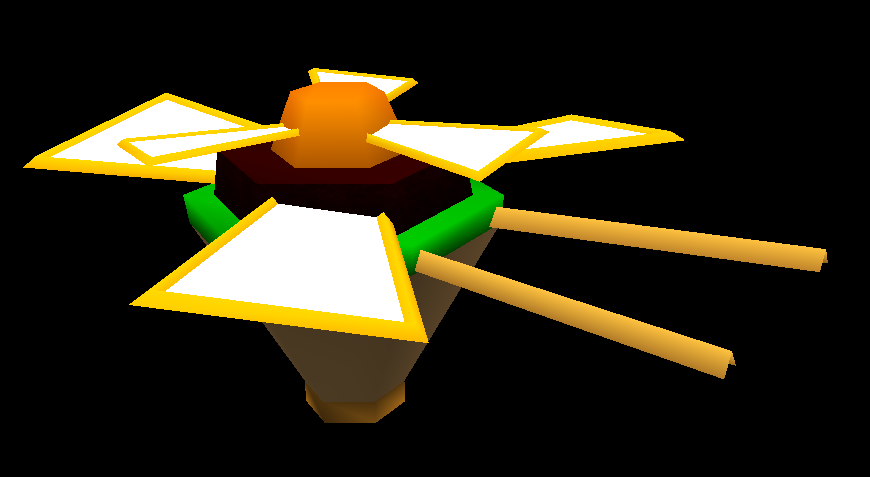
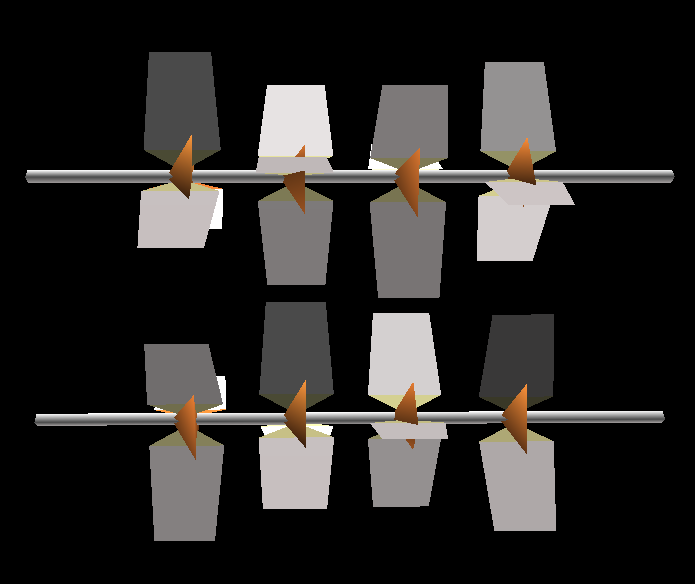
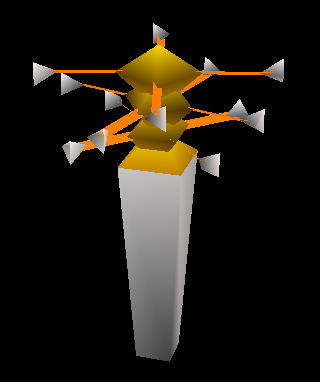
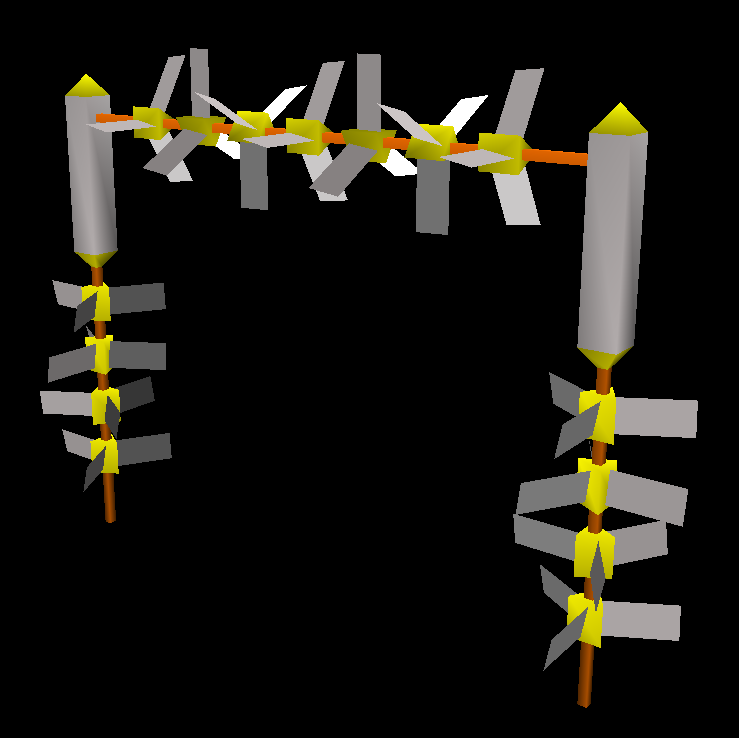
A wall-mounted wooden propeller decoration, called PROPE1, that can be seen in plenty of footage, as well as some screenshots of the level. Used in Act 1.Another wall-mounted propeller from Act 1, called PROPE2. It has wooden cross beams on its sides and white fan blades. This object made it into the final, but with an updated design. It was changed from a box shape to a more slanted shape, it gained an additional blade, and its wooden cross beams were modeled instead of being left to a texture. A duplicate of it exists in the data.An unused propeller that would, again, be attached to a wall. Its top part that connects the top beam with the vertical beam uses the same texture as the body for PROPE1.An unused double propeller that would be attached to a wall. In-game, the two propellers spin in opposite directions, with the top part spinning faster than the bottom one. A duplicate of it exists in the data, but with the UVs on the rocky bottom model being flipped upside-down. None of the propeller objects so far have any collision.This propeller decoration, however, does have collision. This is used in Act 3 a total of four times, along a raised platform that leads to a wind path. Its sides are the same white fan blade texture used by PROPE2.An unused double fan blade object intended to attach in-between two walls, likely the arches in Act 3. A duplicate of it exists in the data. Has collision.Another fan blade object intended for the arches in Act 3, and it's actually used in said Act around the area seen in Amy's flashback image. Has collision.An unused small spinning decoration, called POT01. Each of the three top pieces spins quite fast, with the top spinning the slowest and the bottom spinning the fastest. Has collision.Another small, unused spinning decoration, called POT02. Has collision.A gate object with numerous fans attached. This object made it into the final game, but with far less fans on it. Yellow arrows on its top corner pieces point to inside the gate. The pointy top parts of the gate use a blue texture. Has collision.
"DOME Parts"
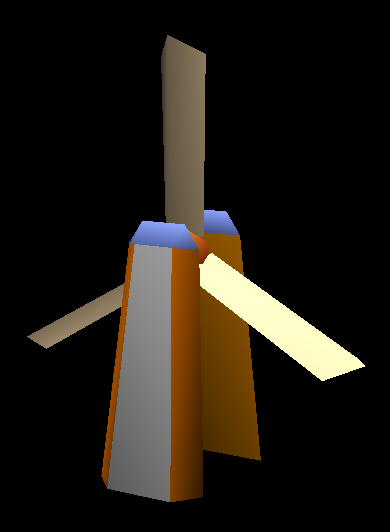
Intended for Act 3 are three large windmill objects, called DOME internally. They are towers with giant fan blades spinning in them, assembled in code, and each variant has one additional fan blade section than the previous one. The DOME object is used a few times in Act 3, and can be seen in concept art for the stage. The bottom part of the base segment uses a bright rocky wall texture used by some other ruins and walls in Act 3. Its collision behaves oddly in this build, with it seemingly moving alongside the fan blade, but in an unnatural way.The giant fan blade segment.The divider piece used for the unused DOME2 and DOME3 objects.The cap for each DOME object. The underside is untextured.
Pillar/Ruin Objects
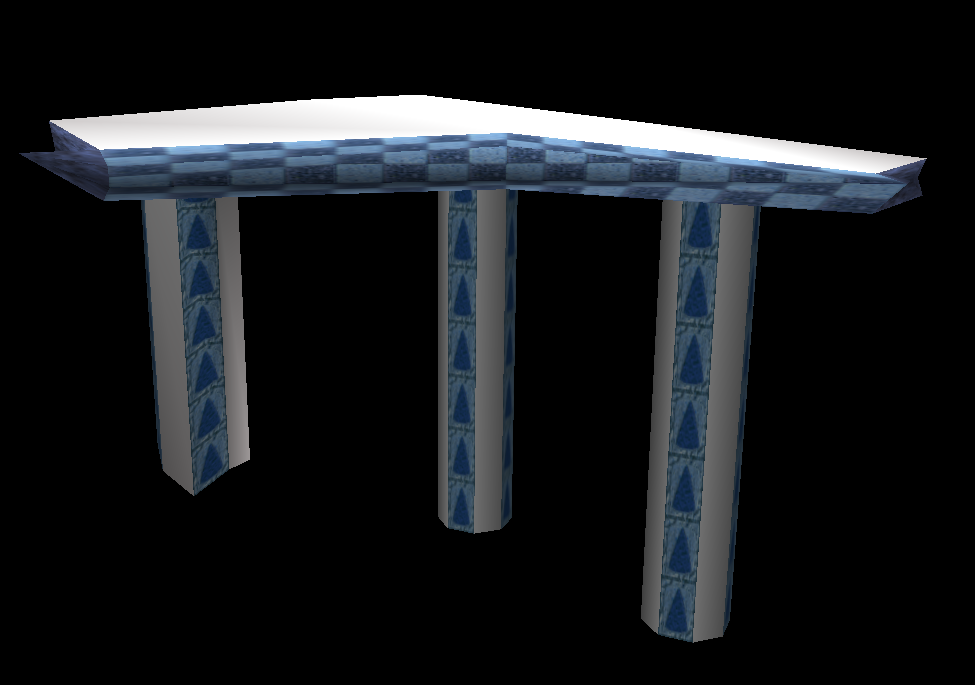
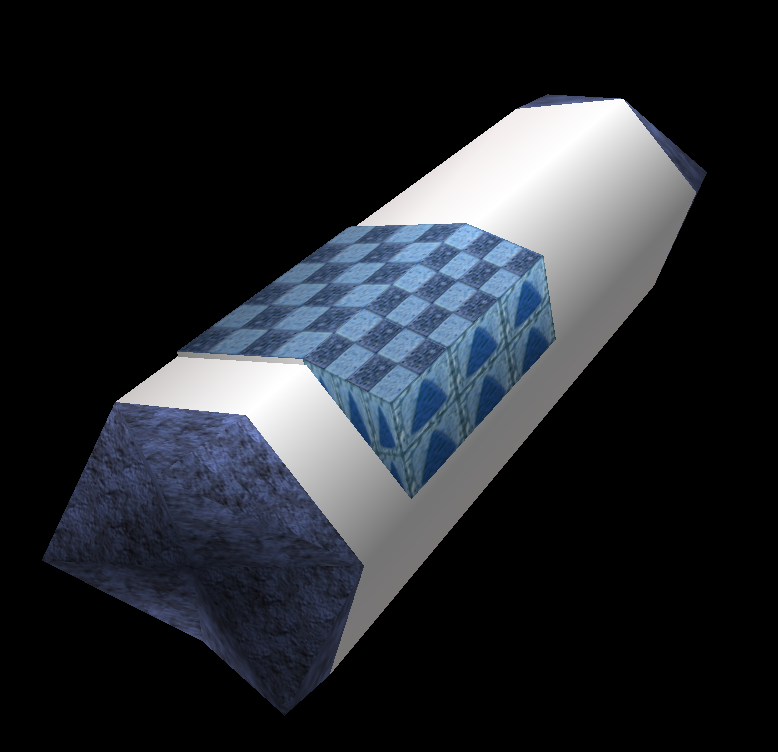
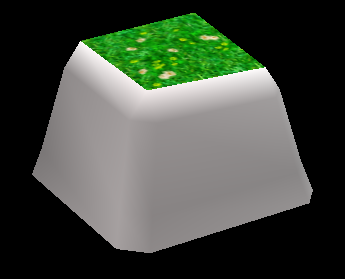
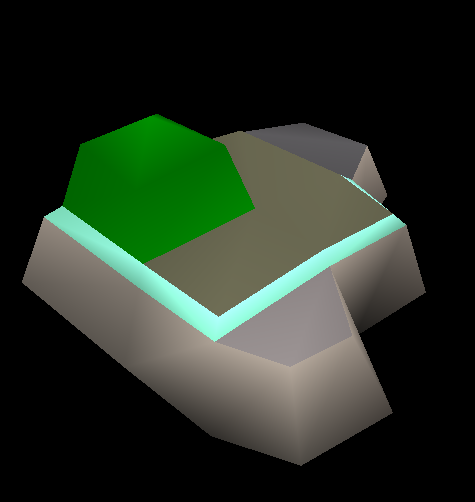
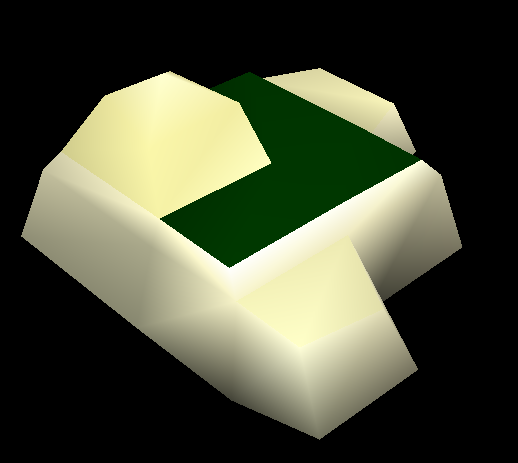
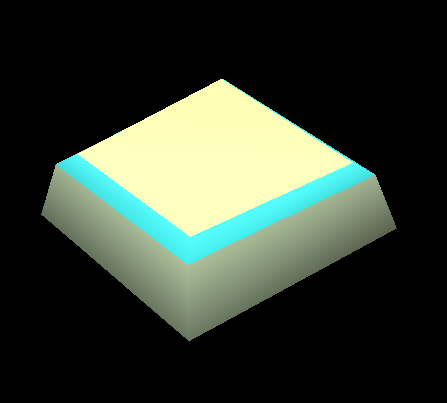
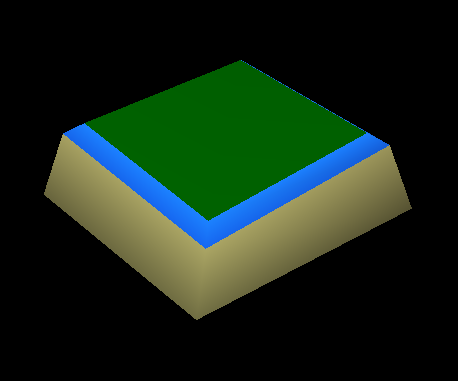
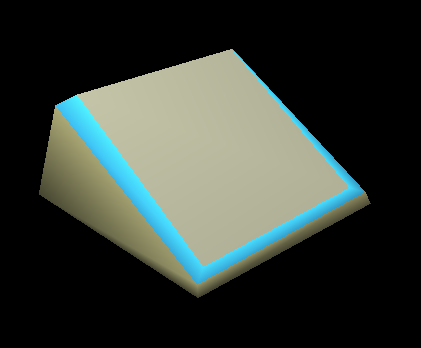
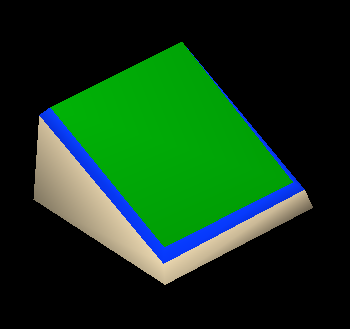
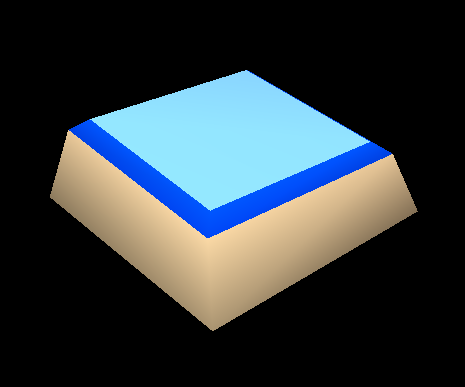
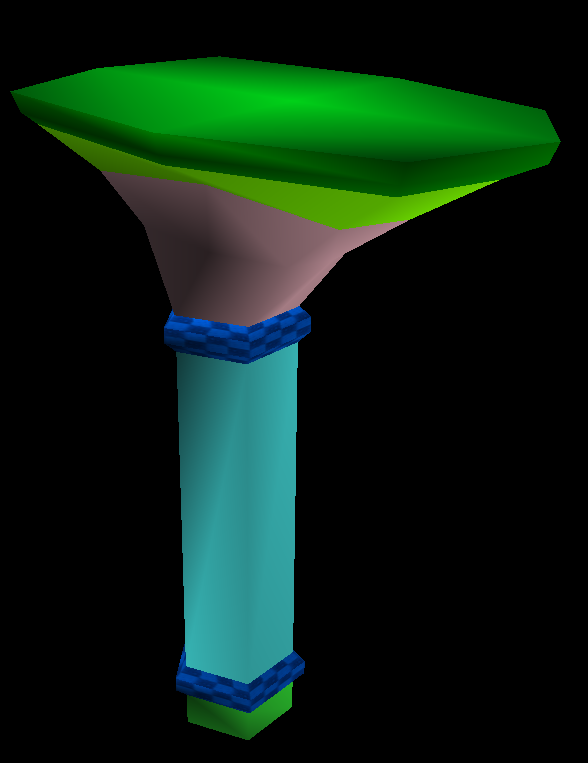
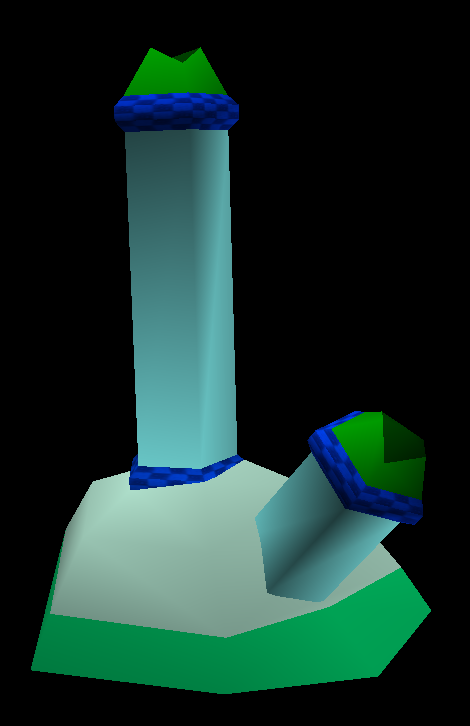
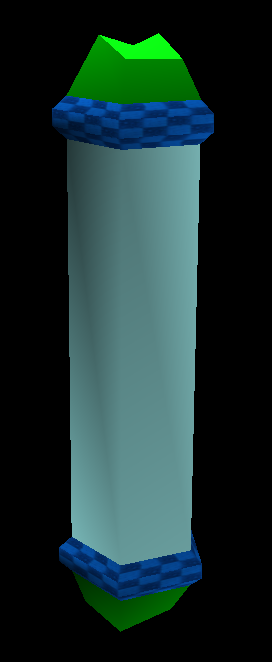
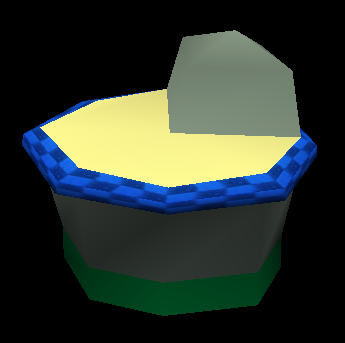
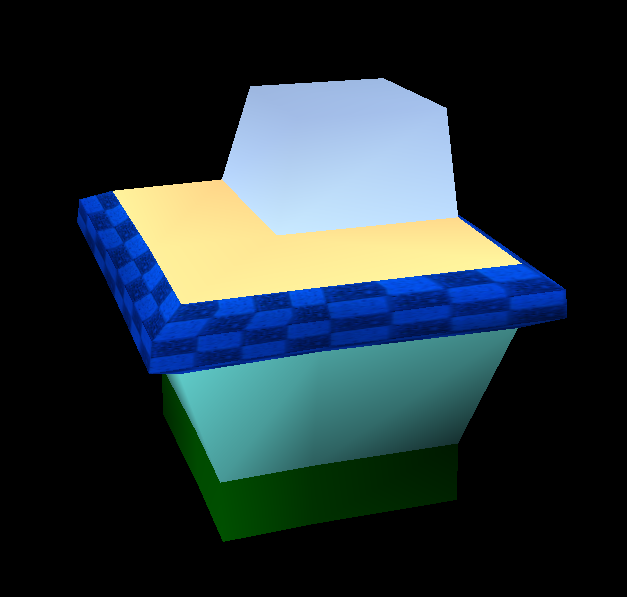
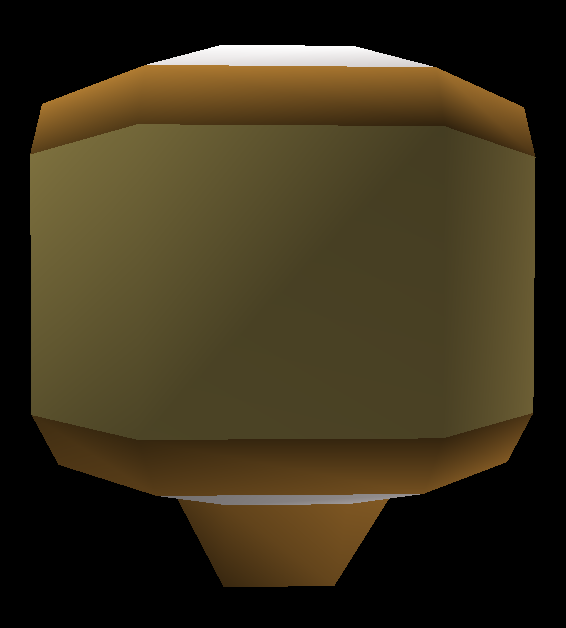
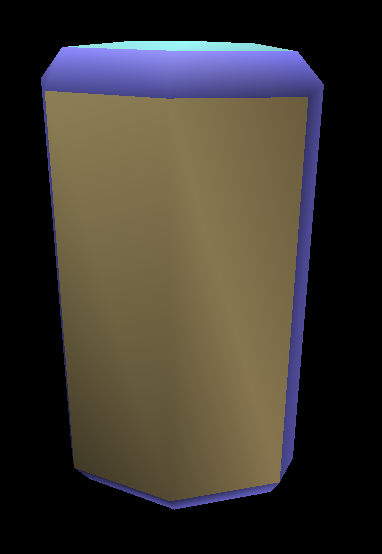
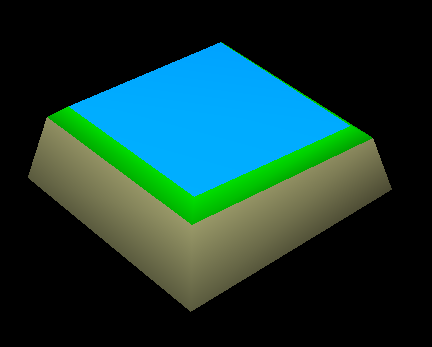
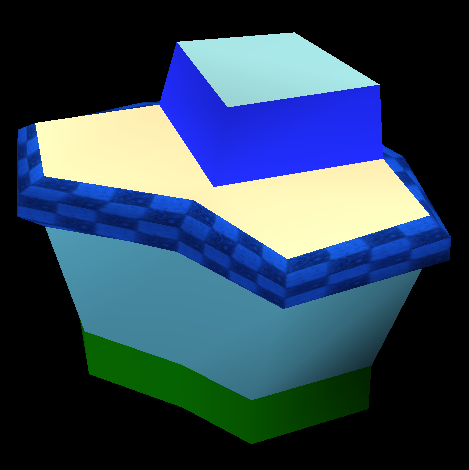
A small ruin decoration used in Act 3.Another small ruin decoration used in Act 3, this one having fallen over.A grassy rock structure with purple stone used in Act 1 a few times.A purple rock structure with less grass than the previous, also used in Act 1.A white, grassy rock structure used once in Act 1.A small square stone with white rocks and a blue rim.Another square stone with a white base, dark blue rim, and grassy middle.A slanted stone square with a white rocky base, blue rim, and white middle.An unused slanted stone square with a white base, dark blue rim, and grassy middle with flowers on it.Another stone square with a white rocky base, dark blue rim, and a dark grey middle.One last slanted stone square with a dark-colored base, dark blue rim, and a grassy middle.A large fallen over ruin object used in Act 3 a few times. Has a blue rock base and a brown rock top.A small, square-like ruin decoration used in Act 3.A smaller version of the previous ruin object, used once in Act 3.A tall pillar platform with a grassy top, purple rock, and a blue pillar color. The texture for its rims, the checkerboard, survived in the final game and is used in the Chao Race track. This object has a bounds issue in-game, often causing the player to fall through its top. Used in Acts 1 and 3. A duplicate of it exists in the data.Two pillars stuck in a purple rock. Used once in Act 1. A duplicate of it exists in the data.A standalone blue pillar object, used in Act 1.A short pillar object that is used as a base for some pillars in Act 1. It has purple stone on top of its flat surface and underneath. Its flat surface texture is tan-colored. A duplicate of it exists in the data.Another pillar base object, with a more square shape. A duplicate of it exists in the data.A grey, broken couple of pillars seen in Act 1 in early footage. The pillars had a checkerboard pattern on them.Another grey pillar, this one being a single, longer one.
Signs
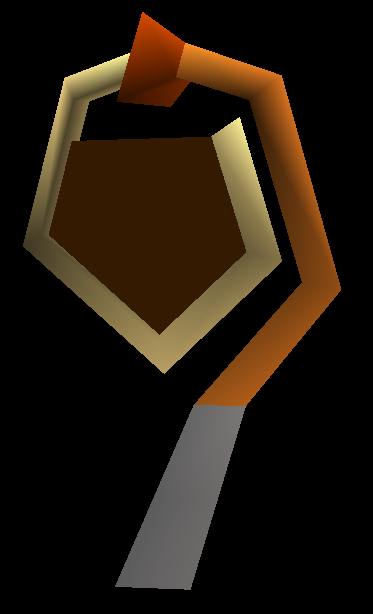
A curved hanging sign that has its center part swinging back and forth in the wind. This swing animation is handled through code, not animation data. The center part is orange, and has a yellow and blue arrow in the middle. Used numerous times in Act 1. Has no collision.A group of dark-colored rocks with arrows on two of them. They have grassy tops and a blue and white pattern separating the dark rock and the grass. Used in Act 1.Another group of dark-colored rocks, this one being only two rocks instead of four. The larger of the two rocks has the arrow on it.A single, standalone dark rock with an arrow on it.A yellow-colored sign with a circular design that points upward. Used in Acts 1 and 3, but was never seen in any early footage or screenshots. A duplicate of it exists in the data.This wall sign, however, was shown in a bit of footage of Act 3. The center part has three arrows pointing up, and has a blue rim along the sides of the yellow part. Used in Acts 1 and 3.A dark-colored small tower of three arrows pointing upwards on each of its sides. The carved out section near its bottom uses a white texture. Used in Act 1.A small version of the dark-colored rock arrows, but this one doesn't have any arrows on it. Used in Act 1.A nearly flat dark-color circular rock that points forward. Used in Act 3.A long, green sign made of purple stone, used exclusively in Act 3 many times. Can barely be made out in the background of the Tails footage showing him battling a Leon badnink. It has three yellow arrows all pointing in the same direction.A shorter version of the Act 3 green signs, this one only having one arrow on it. A duplicate of this exists in the data, albeit offset from the origin a bit and having messed up UVs on top.A small "sign" used once in Act 3 that has no arrows on it at all. It has a curved top.An unused sign object called "Yagi01". Uses its own, completely unique textures, so it's totally unknown what it looked like.
Interactable Objects
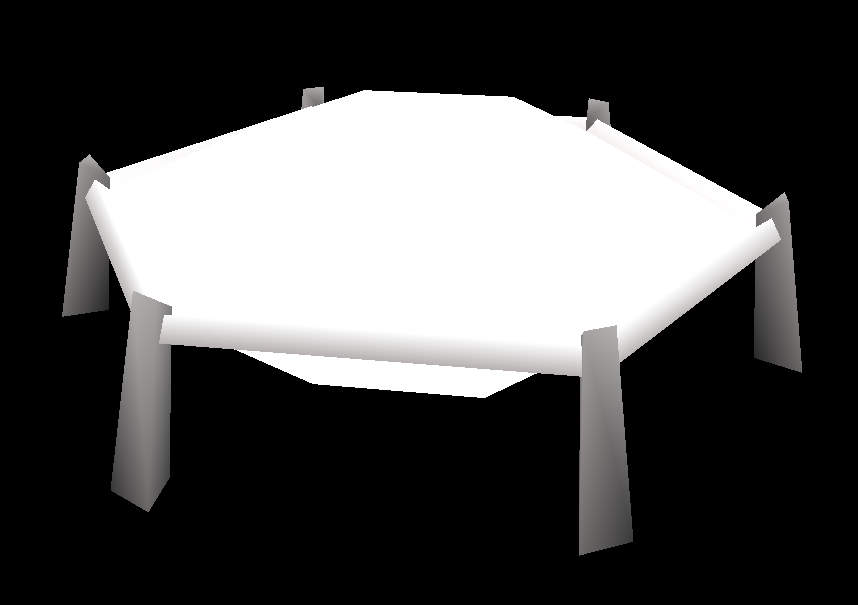
An unused, very large object that appears to be a wall trampoline. Its presumably cloth section has a code-based animation that makes it look like wind is rushing up against it from beneath. It has no collision in-game. It can be seen in early concept art for the stage.A floating platform with a grassy top with flowers on it, made of white rock.A longer, larger floating platform with the same textures as the previous.A small, dark-colored rocky floating platform only used in the tornado section. Oddly, this object is set up to use the stage's universal object texture file (OBJ_WINDY.PRS), however, its material slot uses the very first texture in the file, which is a leaf texture. This looks very strange, and may be unintentional, as a texlist found near the model data for the object lists a different texture for it, a dark-colored stone texture.A strange, curved platform made of wood and purple rock that has orange top parts with arrows pointing upwards. Only used in the tornado section. Like the previous, it's set up to use OBJ_WINDY, but just uses the first few texture slots instead of what a nearby texlist says."BANEIWA" (Spring Rock), the infamous blue spring object. It has a yellow star in the middle of its spring cap, and a small propeller on its side with white fan blades that slowly spins around. This spring object is more sensitive to the player's touch than the common springs used in the game, as in the player has to literally jump onto the spring cap to be launched; touching its rock base part will do nothing."LAUCHIN", a nearly flat spring used only in the tornado section. It moves along with the floating geometry objects. It has the same blue center with a star that BANEIWA has, and has an orange rim. This spring actually isn't set up to use OBJ_WINDY, and instead relies on individual PVR texture files, much like the tornado, tornado debris, bridge, and skyboxes.The models used for the level's bridges, using the same textures that they use in early footage and screenshots. These models were actually found in the Autodemo's 1ST_READ.bin file, instead of the stage file.An early version of the trampoline. Its model is very similar to the final, but it uses vastly different and more colorful textures. Its feet are orange with arrows pointing upwards, its top rim is mostly light-blue, and the top inside parts of the legs are white.
'T_Spring'
There is one more interactable object, called T_Spring. It's an object used only in the tornado section, and uses a model from 1ST_READ.BIN instead of the stage file. It moves along with the floating geometry of Act 2, and is set to use the common texture file instead of the stage's object texture file. It's not completely clear what model it was meant to use, but it may have used the common spring model in an older build, given the circumstances.
'WELE'
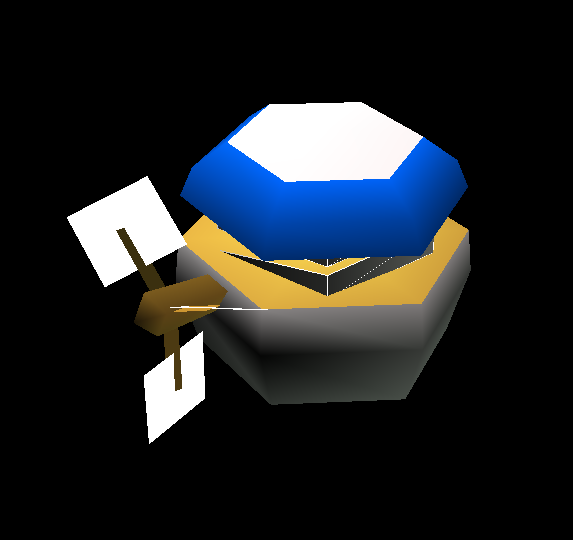
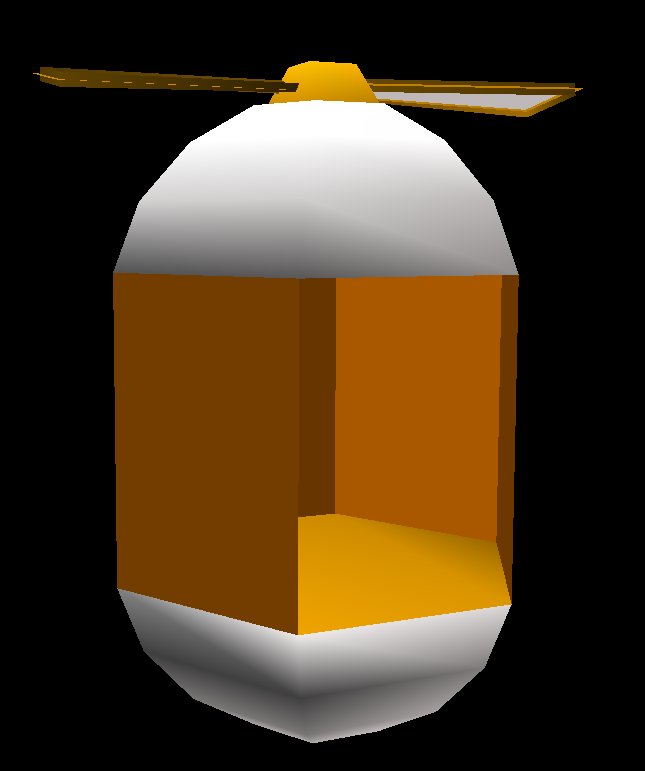
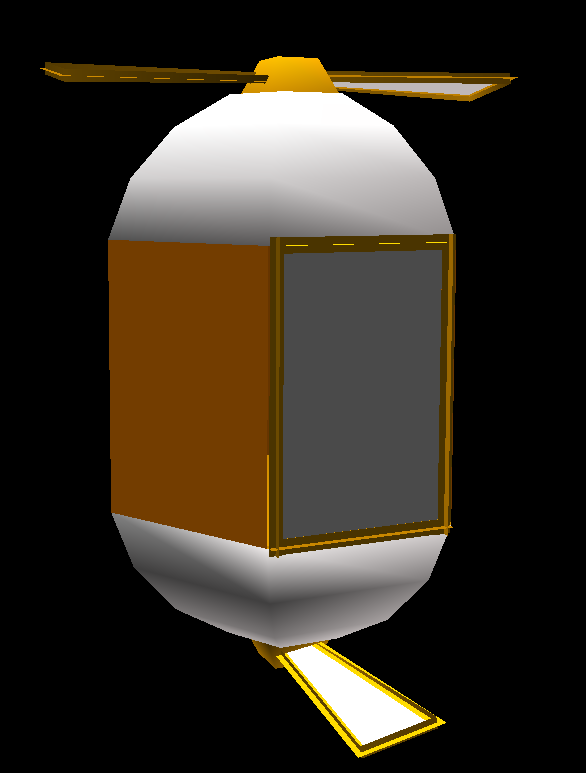
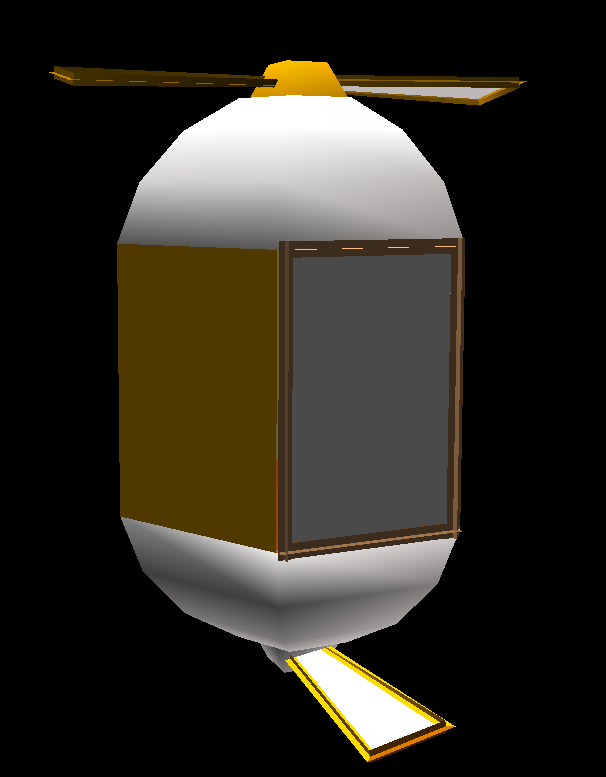
"WELE", or "Wind Elevator", is an unused object intended for use in Act 3. Its coding appears to be incomplete in the Autodemo, as stepping inside of it just causes the model to move down, and its collision does not move with it. In-game, the object also duplicates its top propeller, rotating it to be upside-down, and spins it alongside the top propeller slowly at the bottom of the pod. A couple unused sound effects for this object actually still exist in the final version's soundbanks, which are for its door closing and a sound that would be used while it's moving.If you were wondering about a door, then here's your answer. There are two additional WELE models in the stage data that aren't used by the actual WELE object. This version uses all of the same textures as the used model, but has a separate model for the bottom propeller and a door. The used model actually does have a bottom propeller model and door model, but they are separated from the model hierarchy and aren't called in the object's code.One more unused WELE model, and this one uses almost completely different textures from the previous two. Most of its textures are used by other objects in the level, with many of them having shown which textures they use in early footage and screenshots. This elevator model is white, using the same fan blade texture as PROPE2's blades. The two walls next to the door use a wooden texture used by the level's bridge's ropes. The very top of the elevator pod and the sides of the base of the propellers use a tan-colored texture. The other walls of the pod, as well as the door, use a metal grate texture, which is not used by any other object model for the stage.
Unreferenced Objects
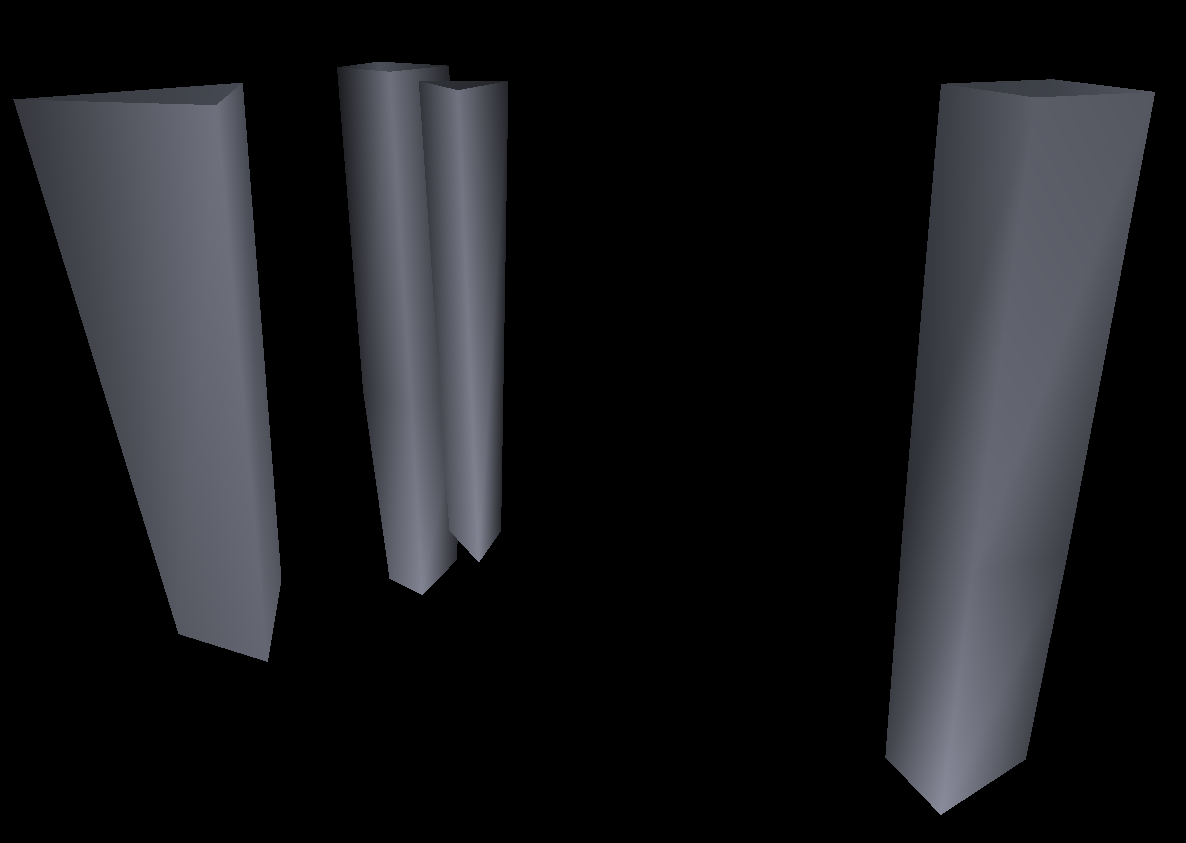
These six object models were found in the stage data, are unique, and aren't used by any known SET object made for the stage. These first three, however, are referenced and used by three unreferenced basic display routines. All the routines do is display the model. They have no collision, and don't do anything else. They are gigantic dark-colored stone structures, easily dwarfing the size of any SET object for the stage. Given that their tops are not modeled, they were likely intended to be used on the underside of some geometry in Act 3, as additional detail.
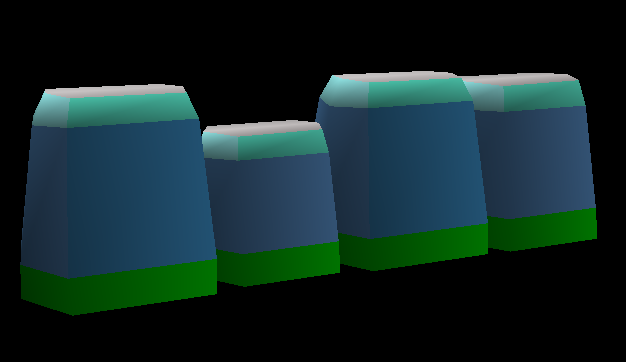
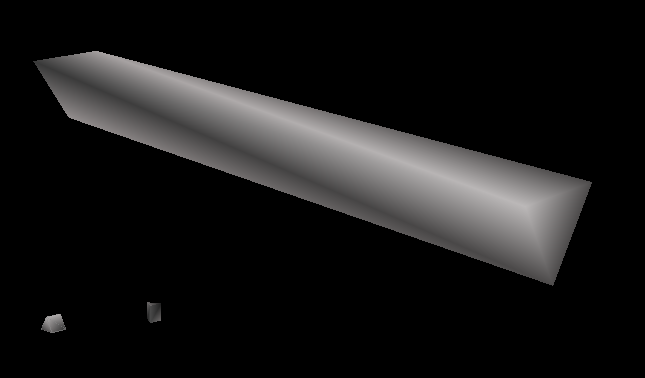
A big, vertically-long pillar.A long, erratic stone structure.Four individual pillars.
A much smaller unreferenced object than the last three, this seemingly being a variant of some Act 3 ruin objects, but without the long pillar part. Uses the same textures as those aforementioned ruin objects.Yet another square stone object. This one has a purple stone base, a grassy middle with flowers on it, and a rim that uses a unique texture in the object texture file that no other model uses, except the last unreferenced model here, much like the white WELE model.Another pillar base model, with a strange warped disformed look to its flat surface. It uses the same texture that the previous unreferenced model uses for its rim along the side of the cube part on its flat surface.
A mod was made for Sonic Adventure DX that restores this version of Windy Valley, using resources from the AutoDemo: Watch on YouTube
There is only one type of leaf in this version, green. The final adds two more colors that are randomized per leaf. The leaves are also much smaller than the final's.
The PU Wind object in this version of the stage, the wind that blows the player upwards, is far more complicated and dynamic than the final version. It spawns many more leaves, the leaves encircle the player while they're being blown about, and there's a blurring leaf effect seen rising all around where the object is loaded. All of these effects were either toned down for the final, or outright removed, most likely to help improve the framerate, as this object causes the game to lag very badly. The blurring leaf effect is also used along the wind paths in this version, and was removed in the final version as well.
The tornado and bridge destruction sequence are all handled by stage objects, not SET objects like the final version.
The tornado bends, and is brown instead of grey.
Act 1 actually loads more objects than what the game limits itself to - 1,800 compared to the hardcoded limit of 1,023.
Some of the floating platform objects in the level clip into each other because they use the larger platform model instead of the smaller one, despite them not appearing to do so in early footage. This is because the object code that handles swapping which model they use was updated, and the object layout file has not been updated since late July '98, while this stage compilation comes from September. The debug text that appears when in object-editing mode in the build is still explaining outdated information about swapping this object's model, as well.
The floating platform objects, as well as the Act 2 geometry, have problems with their moving collision. The visual model for these actually floats up and down much faster and higher than the corresponding collision model moves. It's unknown if this is a problem with using updated code in this build instead of the intended code from the September build that this stage comes from, or if it's actually just an unfinished aspect of the stage itself.
Further, if the game is paused while in Act 2, the floating platforms and geometry will actually continue moving in whatever direction they were going when the game was paused. And when the game is unpaused, they'll resume floating from their new positions.
Most stage effects and some objects do not display while the game is paused, as well.
The stage has wind paths, and although the one in Act 1 works fine, the ones in Act 3 are very wonky. This is because they contain loops, which the final version doesn't have at all.
The bottom of the skybox in Act 1 is a cloud layer instead of water.
The only common objects used throughout the level are rings and springs. There are no checkpoints, items, dash panels, or any other shared object across the stages. There is a capsule at the end of the level, however.
Camera data is only available for Act 1, but due to it being for a much older version of the game, it bugs out quite a bit due to changed IDs. While the camera data for Act 2 is blank, this seems to be intentional, as the camera is actually hardcoded in that Act in this build.
When this restored stage is loaded on actual Dreamcast hardware, Acts 1 and 3 hang on the loading screen. Only Act 2 loads, but it's very laggy.
 This article has a talk page!