This article has a talk page!
This is a sub-page of Proto:Grand Theft Auto: Vice City.
Debug Cheats#
Simpler versions of some cheat codes can be inputted on controller 1. Repeat any of the following inputs three times in a row for the desired effect.
Input |
Effect |
|---|---|
Right, Left |
Increase Wanted level. |
Down, Up |
Decrease Wanted level. |
Down, Right, Up, Left |
Weapon cheat. |
Down, Left, Up, Right |
Health cheat. |
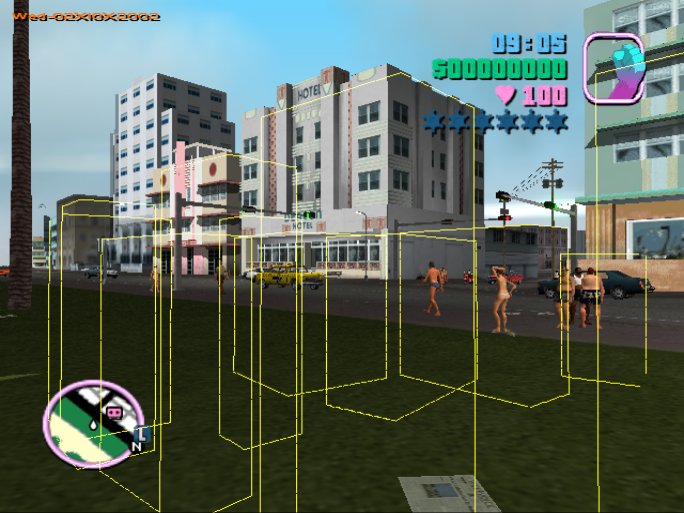
Additionally, Left, Up repeated three draws blue wireframes on certain parts of the map, such as store markers, for a single frame. 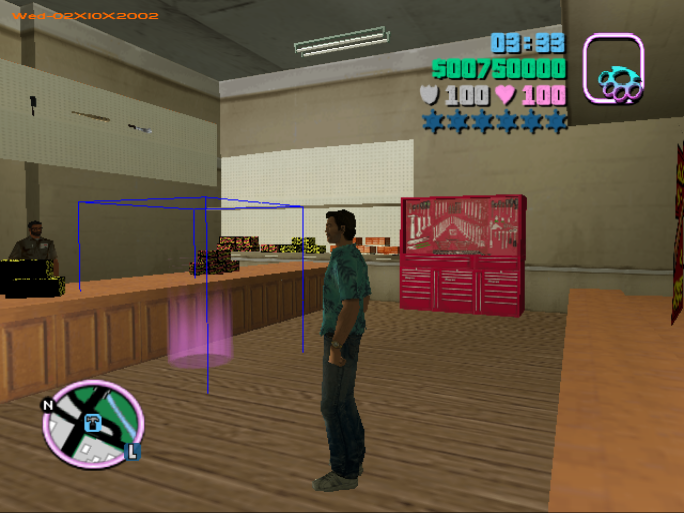
Debug Menu (Controller 1)#
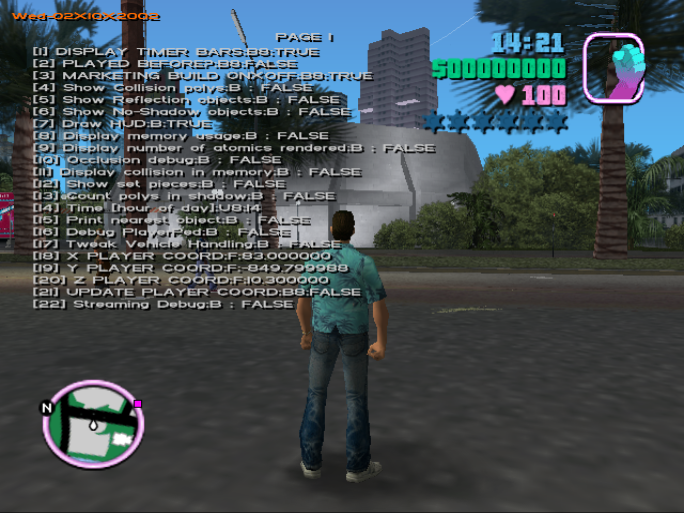
During gameplay, on controller 1 press L1 and R1 to bring up the debug menu. Up and Down on the d-pad scrolls through the options, though there is no visual indicator which one you are currently on. Use Left and Right, or Square and Triangle to toggle/modify the current option.

|
This needs some investigation.
|
Show Collision polys, Reflection objects, No-Shadow objects#


Draw HUD#
Self explanatory, HUD can be re-enabled through the Controller 2 debug options.
Occlusion debug#
Time (hour of day)#
Self explanatory, lets you choose the hour of day. However, the hour value is only bounded while scrolling forward (and checked on every hour), so if you scroll backwards, the 8-bit value used for the hour will overflow to 255, and can be scrolled through various non-existent hour values. The game will interpret random memory as light information and various trippy effects will happen; the hour will be reset to 0 after 1 in-game hour has passed.
X/Y/Z/Update Player Coord#
Edit Tommy's X/Y/Z coordinates and toggle Update Player Coord to teleport him there.
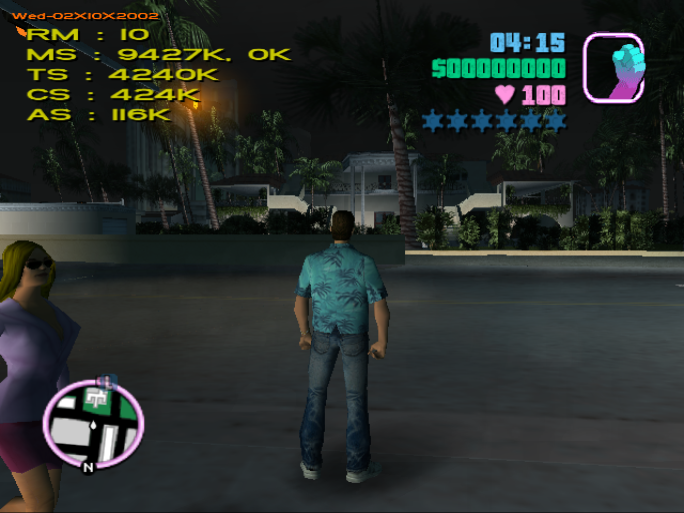
Streaming Debug#
Debug (Controller 2)#
Using the second controller, it is possible to access more debug features.
Controls#
Input |
Effect |
|---|---|
L1 |
Write coordinates to file. |
L2 |
Write coordinates to file. |
R1 |
Vehicle spawner. Press again to despawn (if not driven) and again for the next vehicle. |
D-pad Left/Right |
Mission select. Spawns the marker on the map, cancels any active missions you are currently on. |
D-pad Down |
Pickup spawner. Each weapon comes with 2000 ammo. |
R3 |
Teleport to mission marker. |
Select |
Enable/Disable traffics. |
Start |
Enable/Disable HUD. |
Circle |
Enables free cam mode. Also works during cutscenes. |
Triangle |
Enable/Disable "cheat mode". On by default. |
While in free cam mode.
Input |
Effect |
|---|---|
Square |
Move forward. |
X |
Move backwards. |
Left Analog |
Look around. |
Right Analog |
Move camera |
R2 |
Teleport to current camera coords. |
Circle |
Exit free cam mode. |
While "cheat mode" is disabled.
Input |
Effect |
|---|---|
L1 |
Change weather. |
R1 (Hold) |
Speed up time. |
L2 (While in vehicle) |
Change color. |
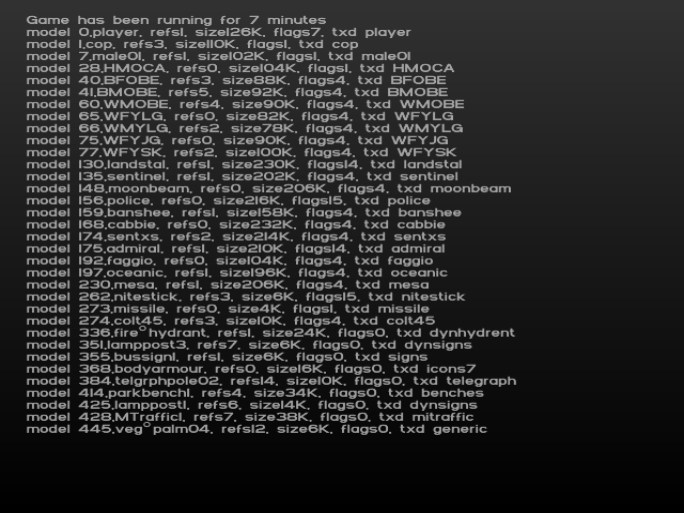
- L1+L2+R1+R2 brings up a multi page debug display. ShowsPress X to advance to the next page.

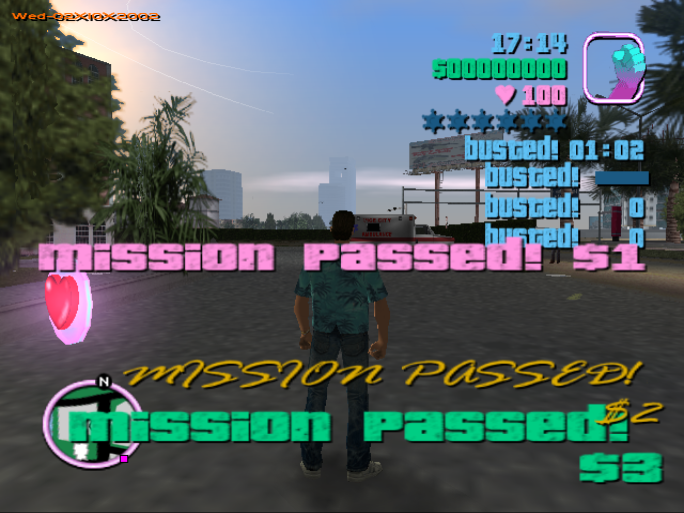
- Select+X displays "Mission Passed" in various fonts alongside a timer, meter and counters labeled "Busted!".