 This article has a talk page!
This is a sub-page of Proto:Dispatch/Steam Demo.
Debug Menu#
To enable the debug menu, use a program like Universal Unreal Engine 4 Unlocker to enable the game's console. After doing so, type the command "enablecheats" in the console.
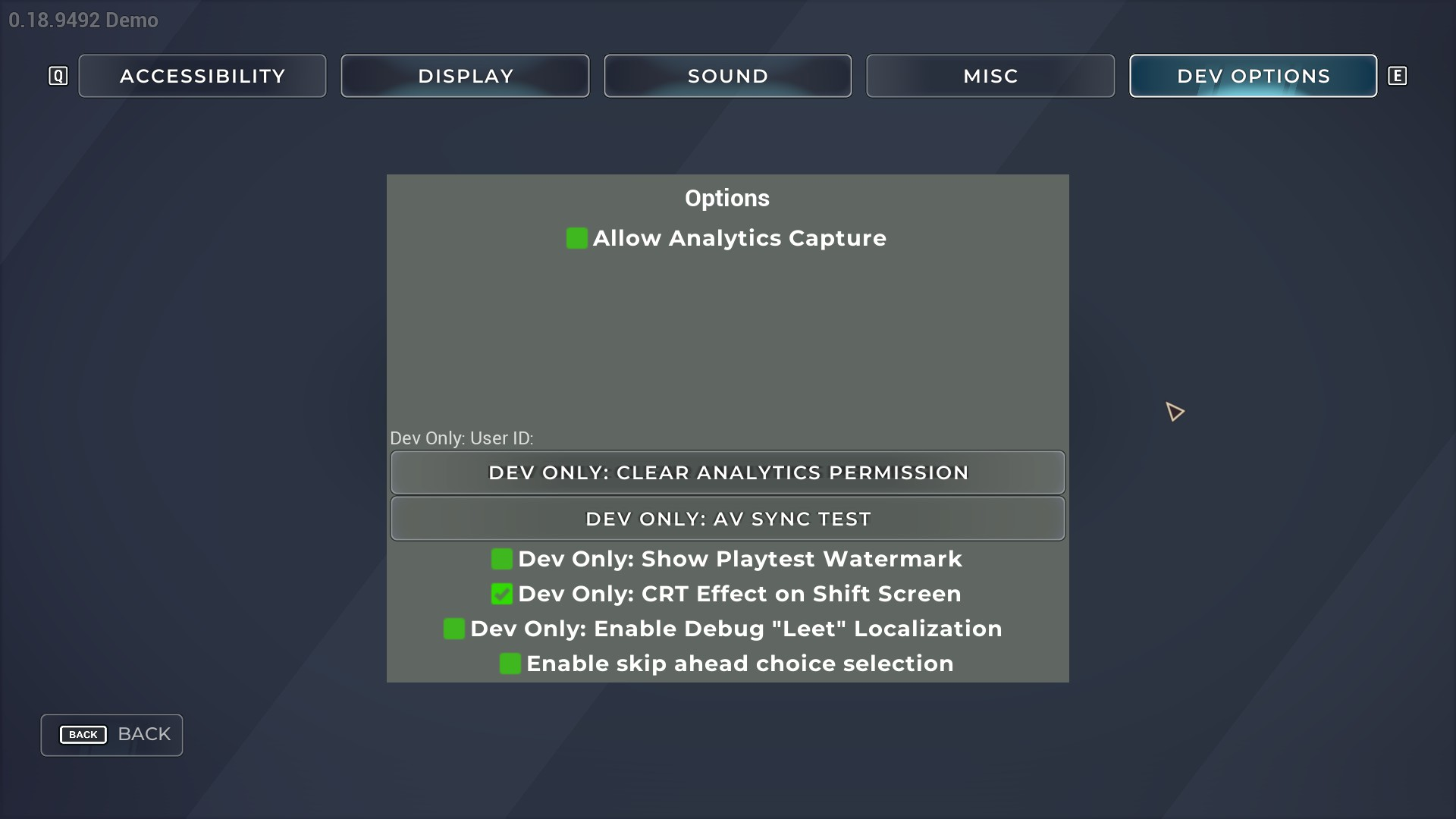
Dev Options#
Enabling debugging functions adds this tab to the settings screen.
 |
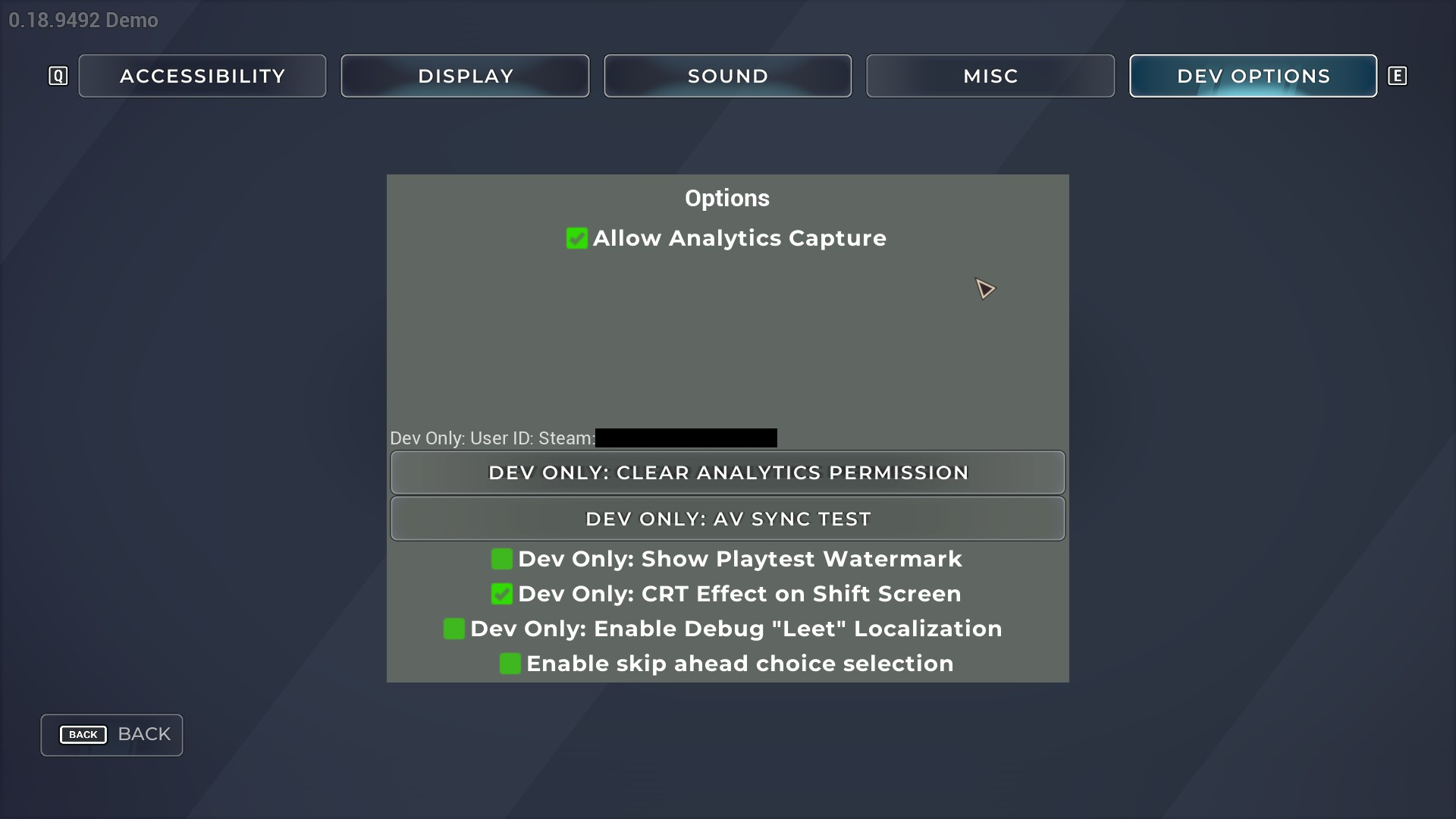
Allow Analytics Capture#
Enabling this option adds your SteamID to the "User ID" field. It also probably enables some backend data collection.
 |
Dev Only: Clear Analytics Permission#
Selecting this option clears your option for Allow Analytics Capture.
Dev Only: AV Sync Test#
Selecting this option brings you to an audio/video sync test screen. However, there is no audio or video to be tested once you hit Play. The only thing hitting Play does is start the Frame timer.
 |
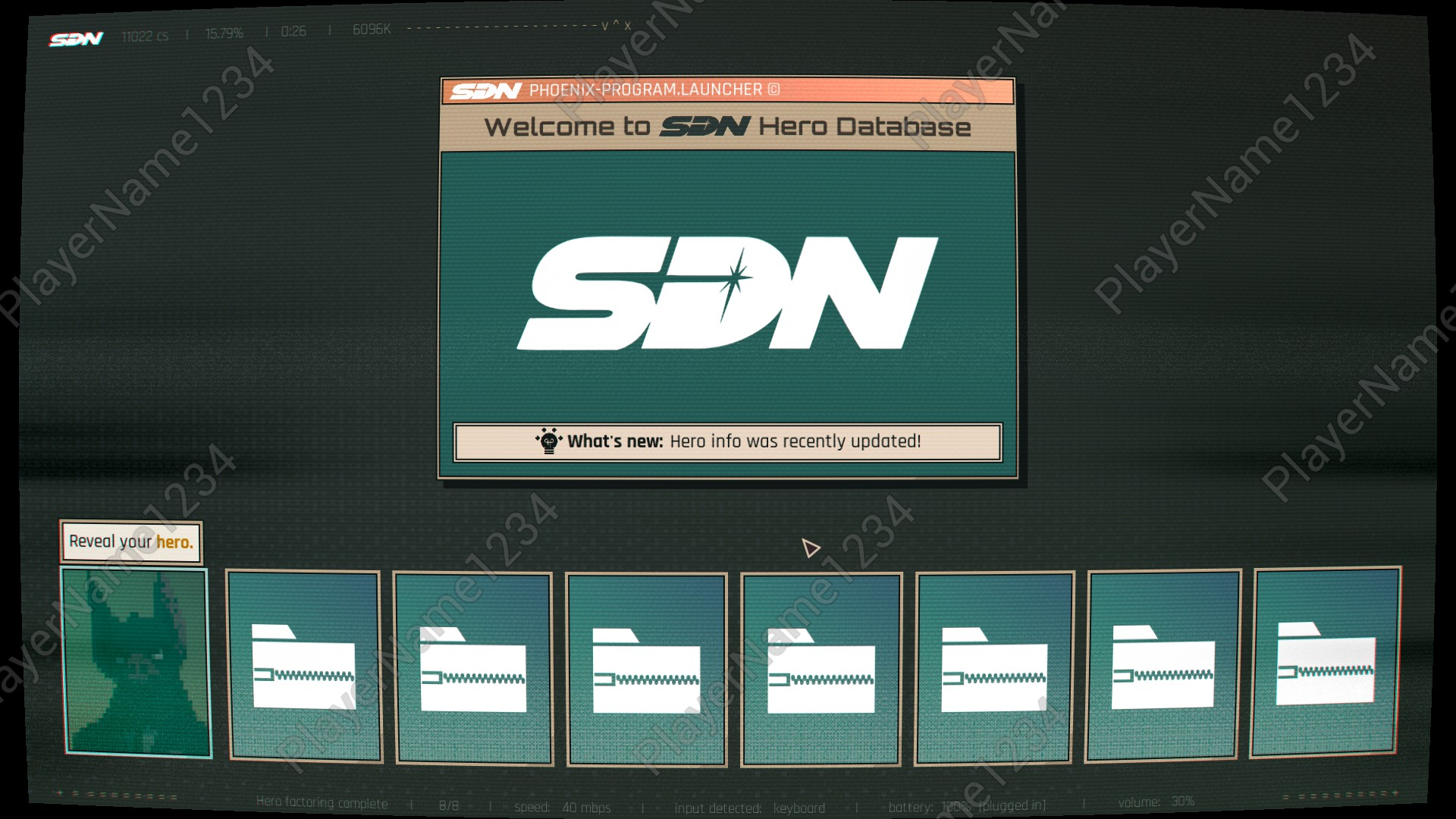
Dev Only: Show Playtest Watermark#
Enabling this option adds a text watermark over all gameplay. The text reads "Playername1234" and shifts across the screen
 |
 |
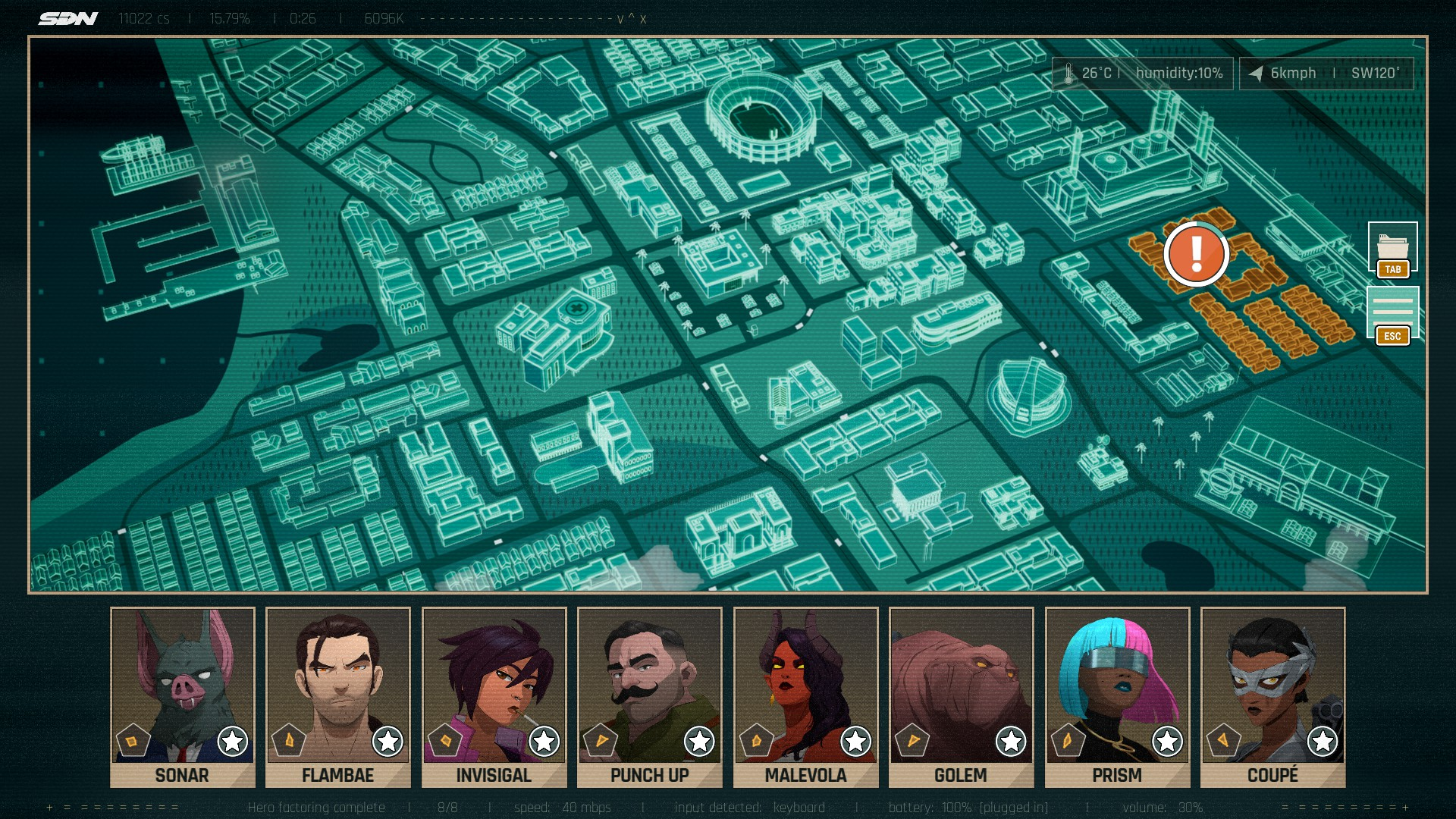
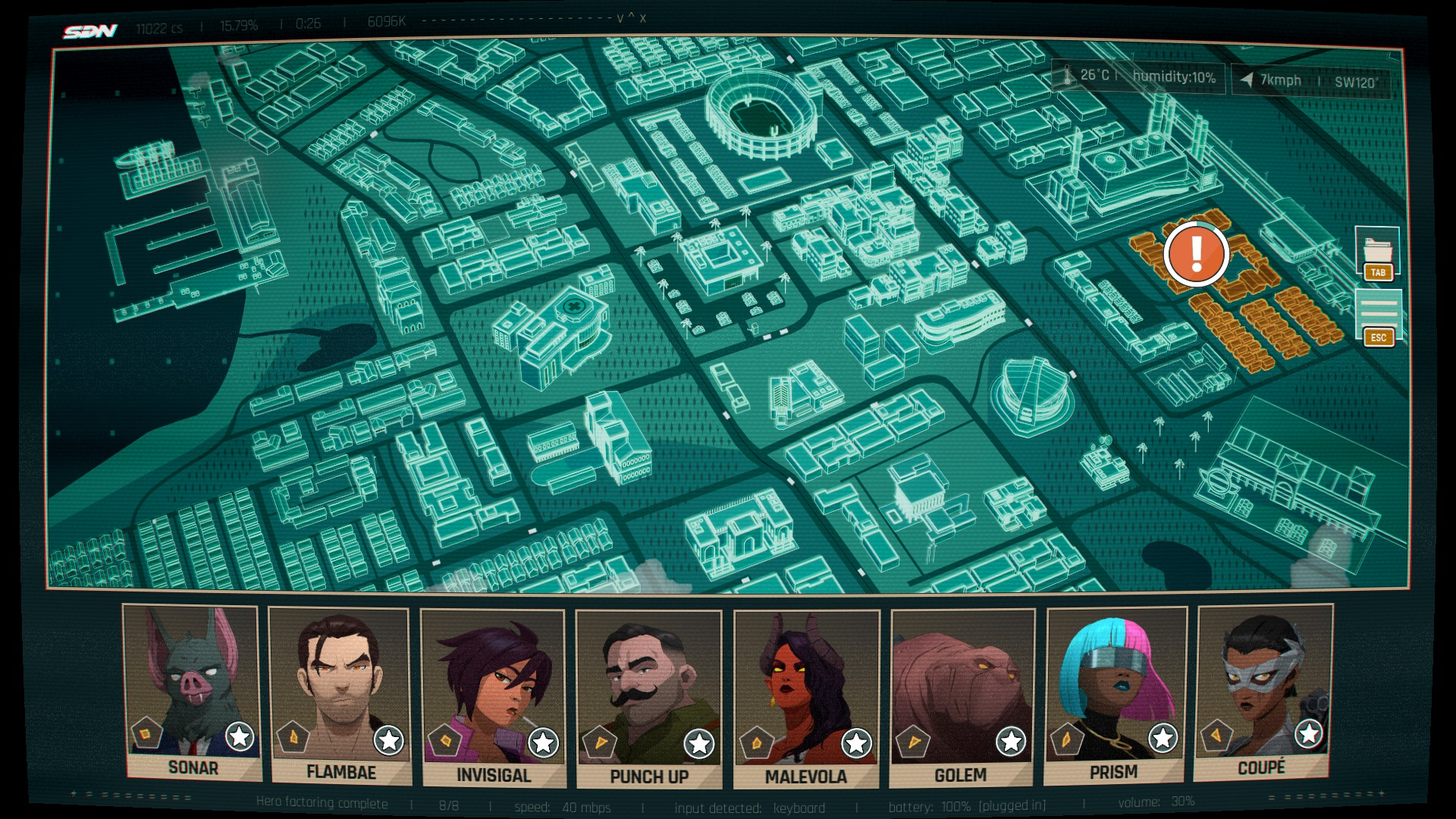
Dev Only: CRT Effect on Shift Screen#
Enabling this option off will disable the curving of the shift screen.
Disabled |
Enabled |
|---|---|
 |
 |
Dev Only: Enable Debug "Leet" Localization#
Enabling this option on will enable the "LEET" localization text. LEET's purpose is to identify UTF-8 Unicode errors with the game's text.
Enable skip ahead choice selection#
This option has no apparent function in this demo, though its purpose is likely similar to the option in the full game's debug menu.