 This article has a talk page!
The sequel of the 2003 Hulk game from the same developers.
Sub-Page#

Build Date#
A build date is present in the SLES file of the PS2 version.
Hulk release Jun 20 2005 15:16:15Unused/Cut Features#
There are mentions of a Windows version in frontend/fe_run.txt, fe_real_e3 and fe_loading files. This suggests that may have plans to make a PC port of the game, but they were ultimately scrapped for unknown reasons.
$MACRO_DEFINE setupPauseCamera
{
    ifplatform XBOX
    {
        camera "FEpause_camera_xbox"
    }
    ifplatform PS2 WIN32
    {
        camera "FEpause_camera_ps2"
    }
    ifplatform GAMECUBE
    {
        camera "FEpause_camera_gc"
    }
}

AddScreen "Loading"
{
    AddSceneGraph "FE_loadScreen"
    ifplatform XBOX
    {
        camera "FEloadScreen_camera_xbox"
    }
    ifplatform PS2 WIN32
    {
        camera "FEloadScreen_camera_ps2"
    }
    ifplatform GAMECUBE
    {
        camera "FEloadScreen_camera_gc"
    }

$MACRO_DEFINE setupMainMenuCamera
{
    ifplatform XBOX
    {
        camera "FEmain_camera_xbox"
    }
    ifplatform PS2 WIN32
    {
        camera "FEmain_camera_ps2"
    }
    ifplatform GAMECUBE
    {
        camera "FEmain_camera_gc"
    }
}

ifplatform WIN32
{
    AddNamedValueFloat "VideoBrightness" 80 "VideoBrightnessChanged"
    AddNamedValueInt "VideoResolution" 0 "VideoResolutionChanged"
}Arguments#
Create a args.txt file in the root folder of the game and put the following arguments there (hyphen symbol is required) to use some hidden commands for the game. These commands return from the 2003 game.
Command Argument |
Effect |
|---|---|
-framerateicon |
Makes some weird green rectangle appear in the upper left corner of the screen, but it doesn't show anything. |
-lang XX |
Gives you an option to change the language of the game. Put one of these languages' codes (de, en, es, fr, it) in pace of the "XX". Note that this feature will only work in the European and Asian versions of the game. |
-fmvvol |
can be used to change the volume of the cutscenes. For example, fmvvol 0 will make the cutscenes silent. |
Debug Menu#

|
This page or section needs more images. |
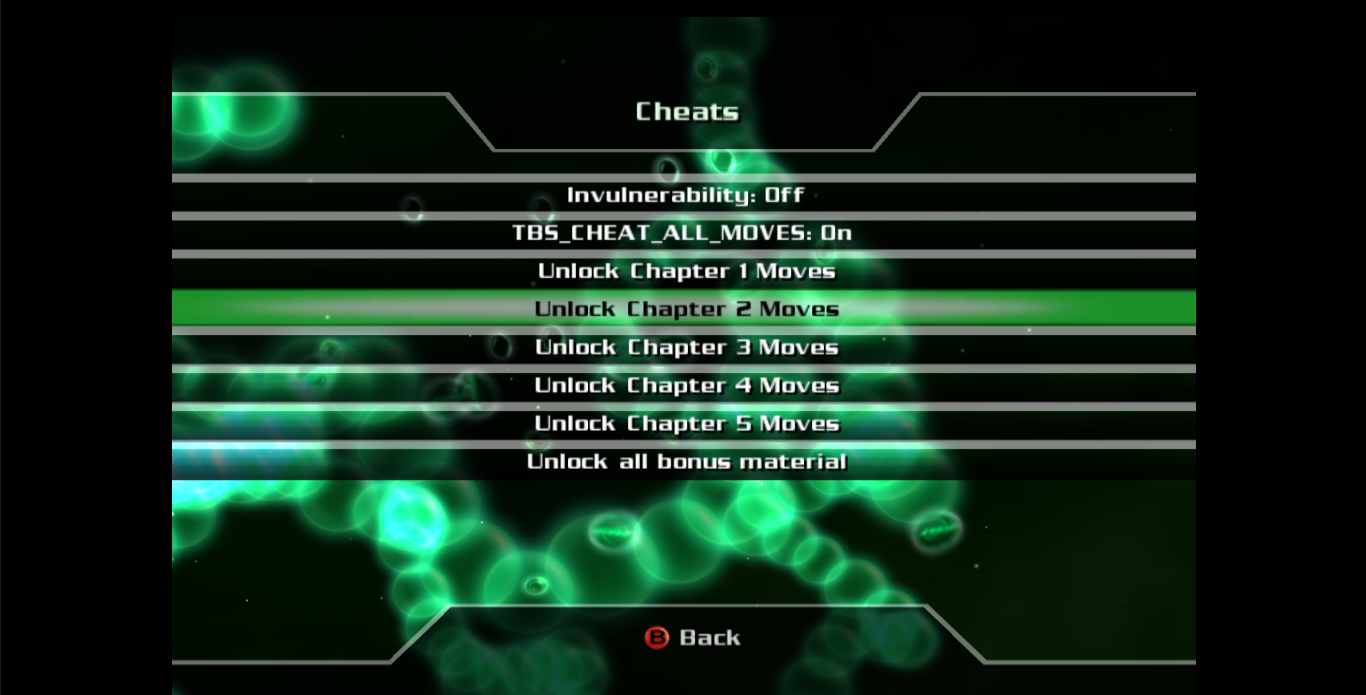
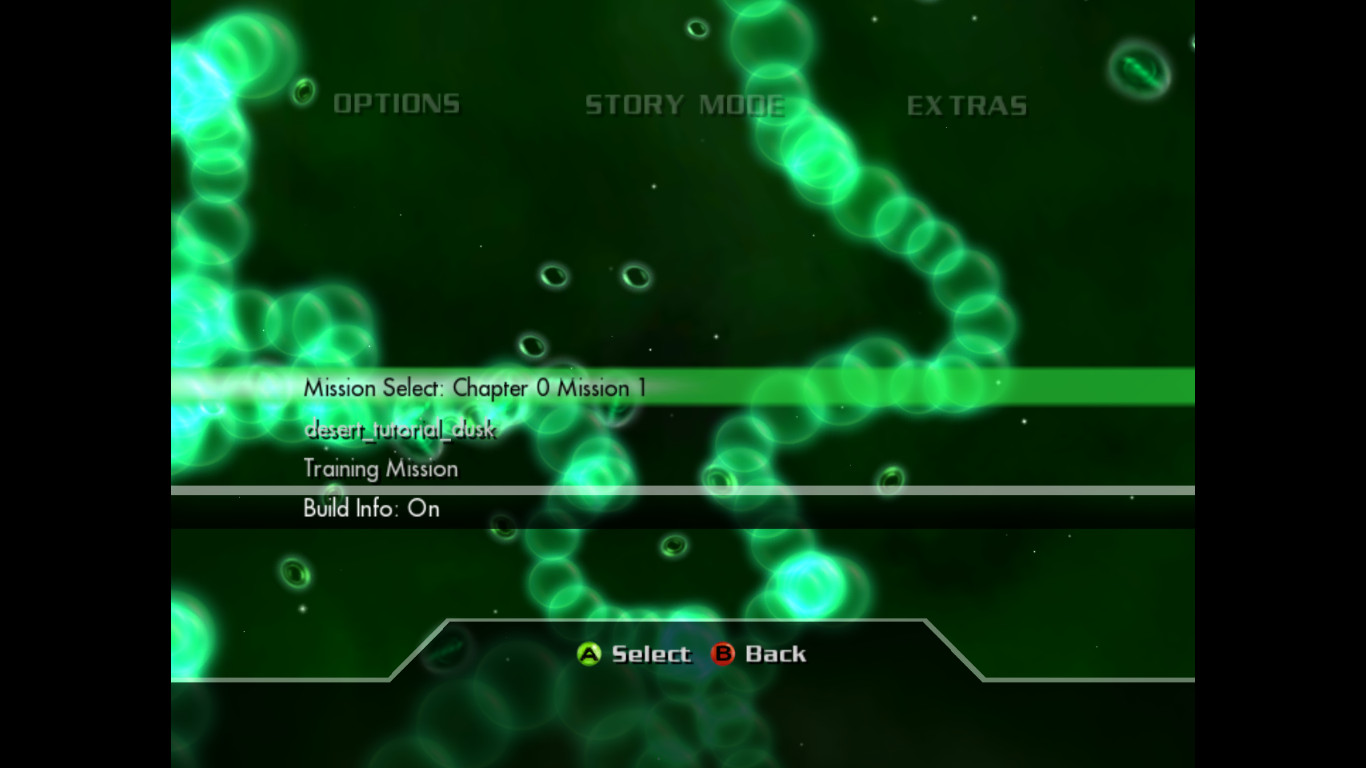
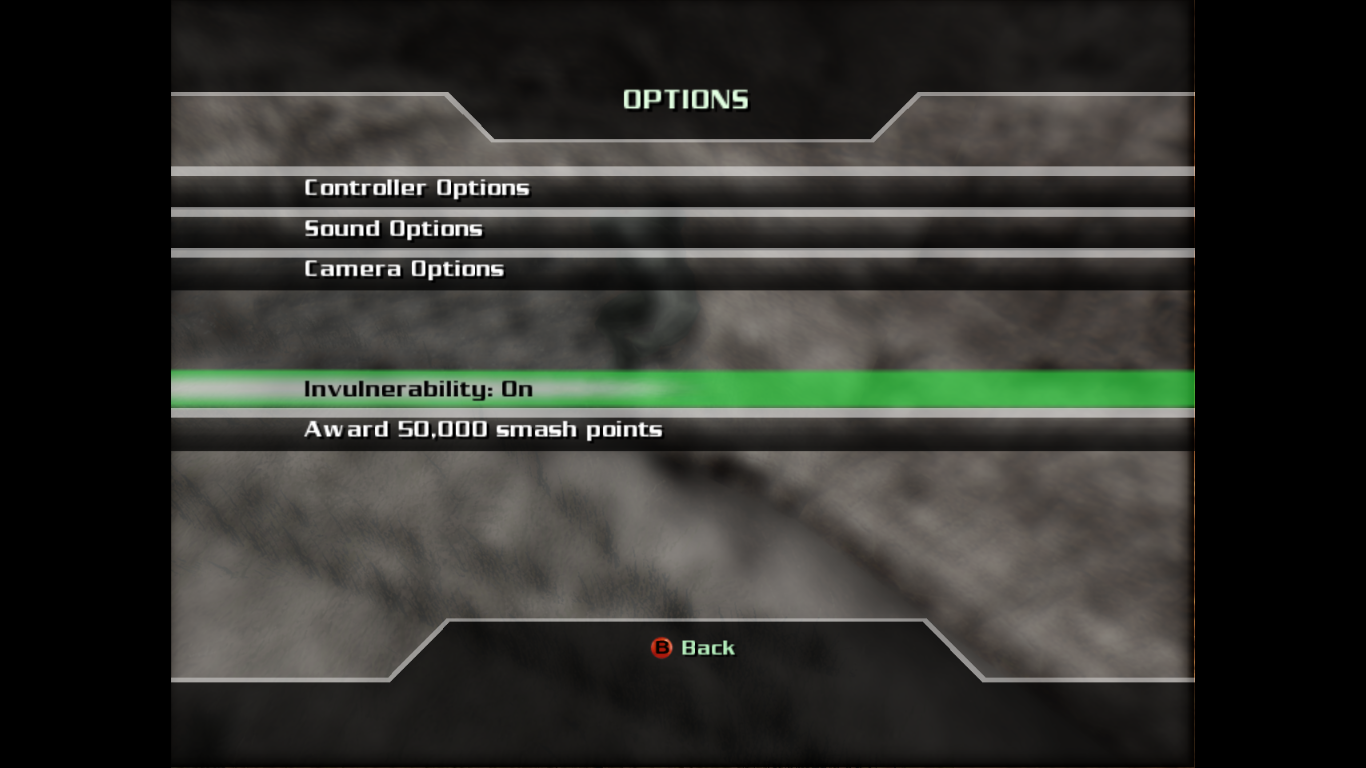
A hidden leftover developer debug menu can be enabled by changing the code functions in the frontend folder in fe_real.txt and fe_real_e3.txt. The debug menu can be activated from the main menu which allows the player to unlock the chapter moves, invulnerability and bonus materials. Also, missions can be entered through the debug menu after you go to options section. Activate the menu in-game by going to Extras\Cheats
|
The Hulk series | |
|---|---|
|
SNES |
|
|
Sega Master System |
|
|
Genesis |
|
|
Game Gear |
|
|
Windows |
|
|
GameCube, Xbox |
|
|
PlayStation 2 |
|
|
Wii |
|
|
Nintendo DS |
|
|
Xbox 360 |
The Incredible Hulk (Debug Build) |
|
See Also | |