
|
This page contains no introduction. |
Debug Menu#

|
To do: |
Like all of Gust's PlayStation 2 Atelier games before Atelier Iris: Eternal Mana, a very elaborate debug menu remains in this game as well. You can apply the following code for a cheat device that supports raw codes, such as a CodeBreaker or a GameShark to enable it.
Master Code (For an actual PS2 only)
901000A4 0C0A16AD
Enable Debug Menu At Boot
00285AC4 00000000
With the code above active, upon booting the game for the first time, you will come across the debug menu.

Upon first boot, we will come across this screen. It's likely some of the names in this menu represent various developer names that worked on the game. Selecting Game will start the game normally.
HIGDON#

This menu contains quite a bit of variety on what you can do here.
- Selecting ipu will allow you to view all of the background images, such as town scenery.
- Selecting movie will allow you to watch all the movies in the game.
tex2D#


This menu will let you view all of the images in the game and adjust them to your leisure.
sound#
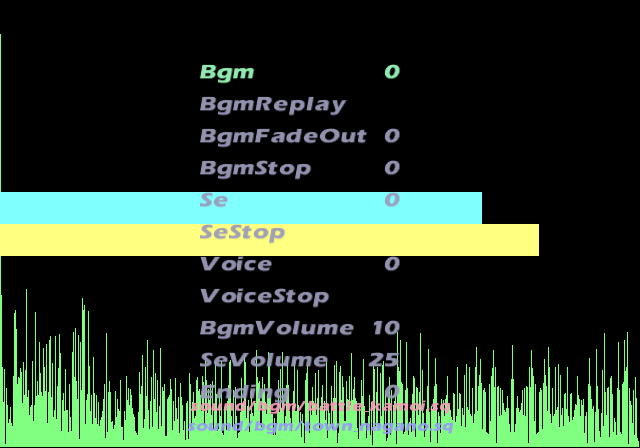
The sound test option. You can listen to all the music here, as well as SFX and voices.
AnmObj#

Entering this option will let you view all the standard sprites in the game, as well as their walking patterns.
illusion#
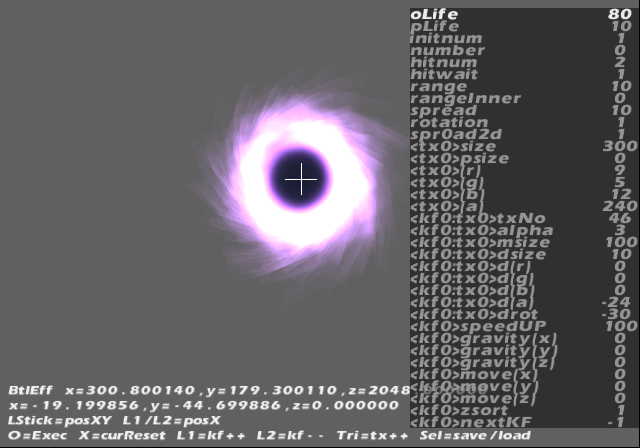


This option allows you to view the entire library of effects that are displayed in the game. You can change a lot of parameters relating to them as well. Apparently you can also save the changes to a memory card or HDD.
illusionCircle#
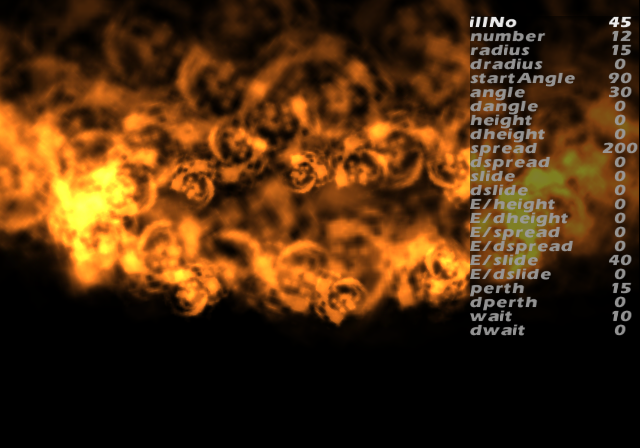
Much like the above option, you can view and change various effects that appear in battle here.
effectCircle#
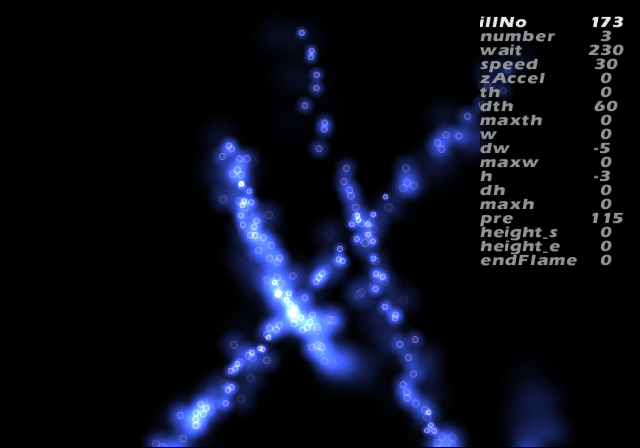
This option will display more effects that you can choose from and allow you to edit them as well.
effectFollow#
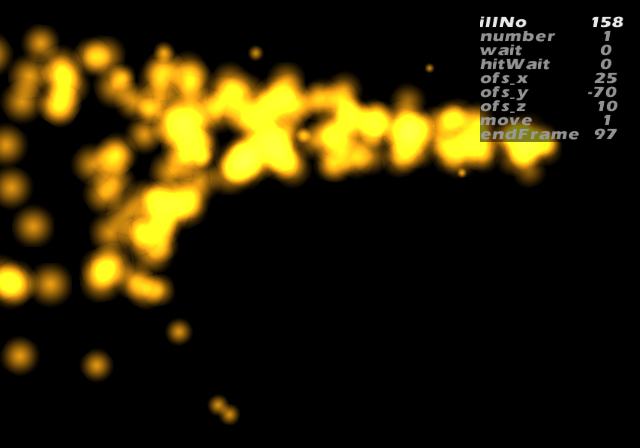
Another set of effects you can choose from and edit are in this menu.
Buc#
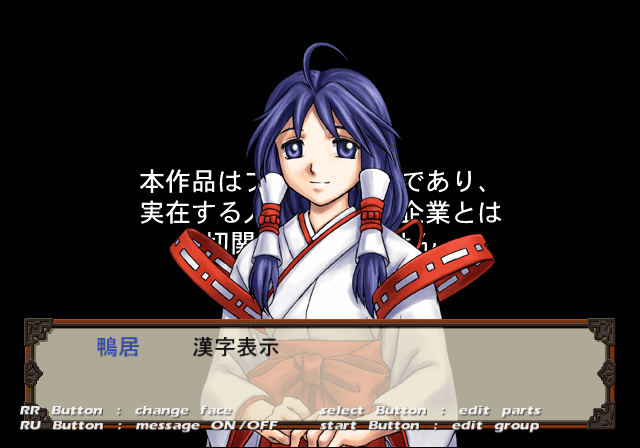
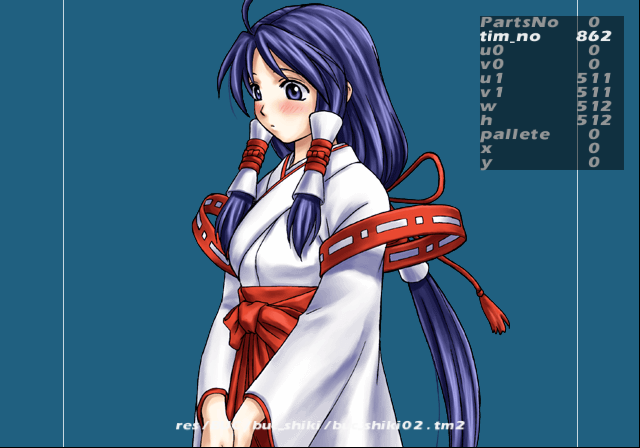
This option will allow you to select and edit all of the character portraits here.
Bg#
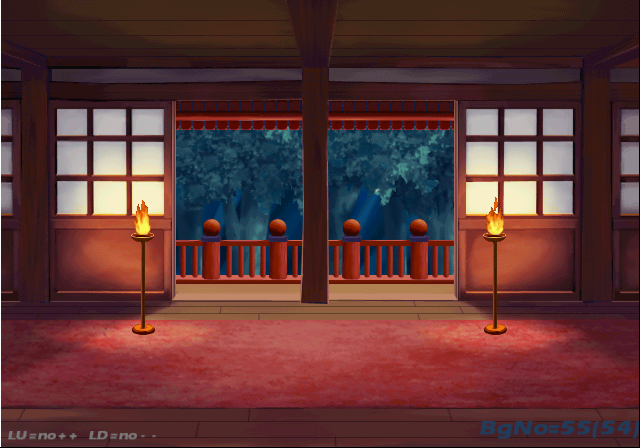
Inside this menu are all the background images in the game. You can also move a white debug marker in this mode as well, although it's unclear what it represents.
BtlSpiritTest#

This option allows you to edit the battle gauge shown in battle to various levels.
BtlTest#

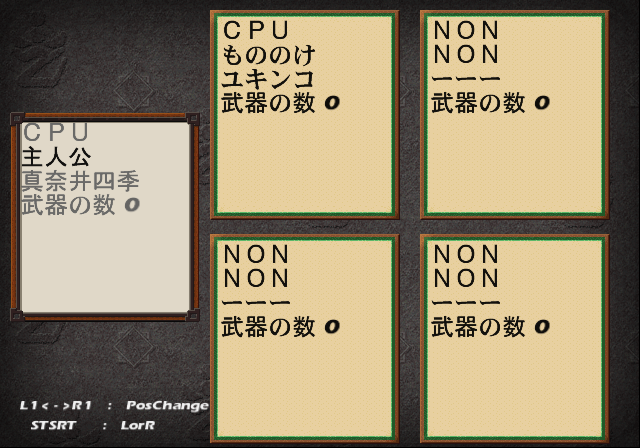
The battle debug option. You can set a lot of options in this menu.
Konishi#

Inside this menu you will mostly find map related options, such as an event viewer which allows you to view all the cutscenes in the game, as well as a level select option. This menu also plays music when entering it.
Qv#

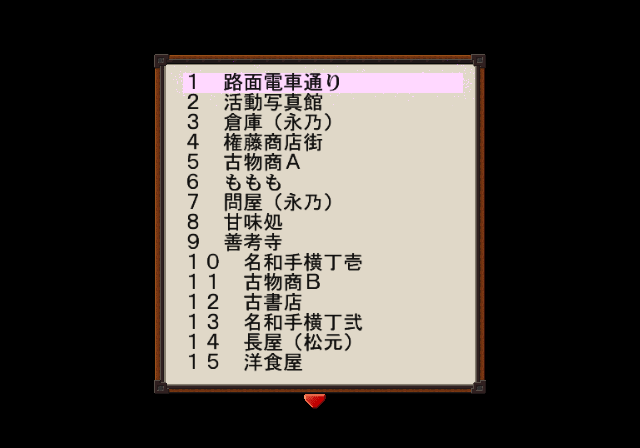
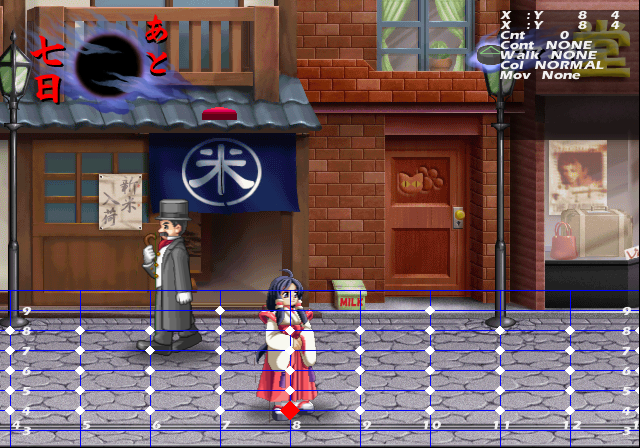
This menu will allow you to select all the levels in the game. There are several placeholder maps for each character in this option however, you can't move around in them.
Event#

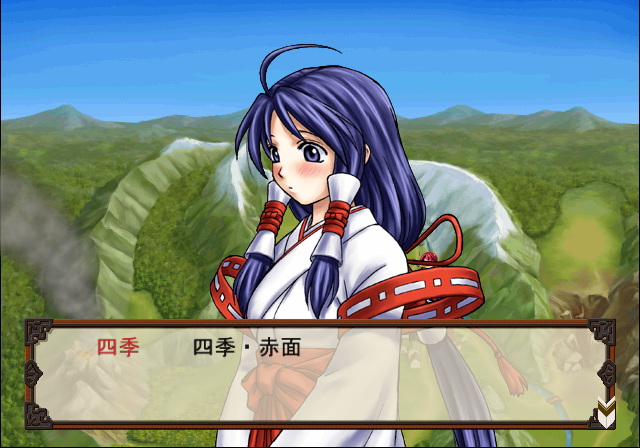
This option allows you to select all the cutscenes in the game. Choosing Test00 will yield another debug option allowing you to view all the character portraits as well as a description of their pose they are currently doing.
QvCharDebug#

Much like the debug option AnmObj, this is another animation viewer.
TataraEffectTest#
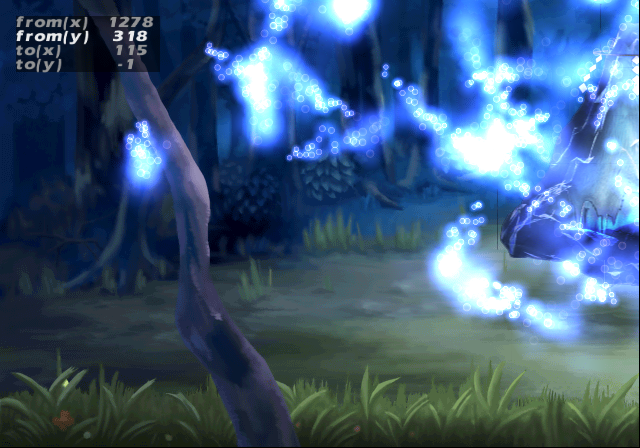
Another effect viewing option. It appears you can make the effects move in certain patterns here.
WinTalkNameColorTest#
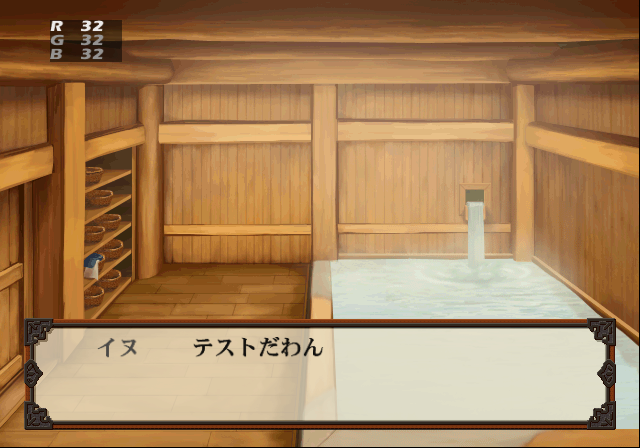
It's unclear what this option is used for. You can't do anything in here. The name displayed here reads "Dog".
Y.TAKEZAWA#

A menu containing a variety of options. Selecting TextScrl here will crash the game.
Debug#

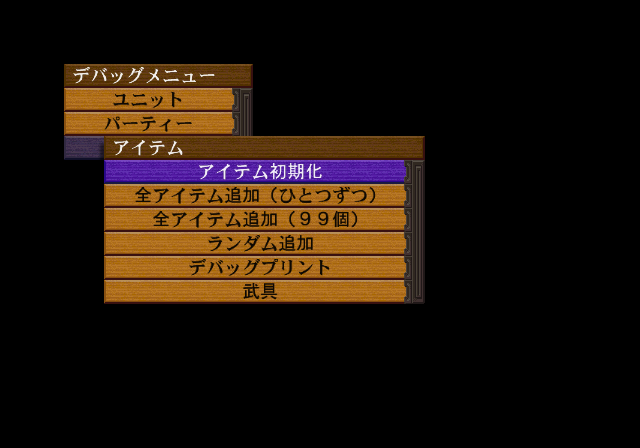
This menu will allow you to set various unlock parameters. You can obtain everything in the game by selecting all of the options here once.
Cmd#

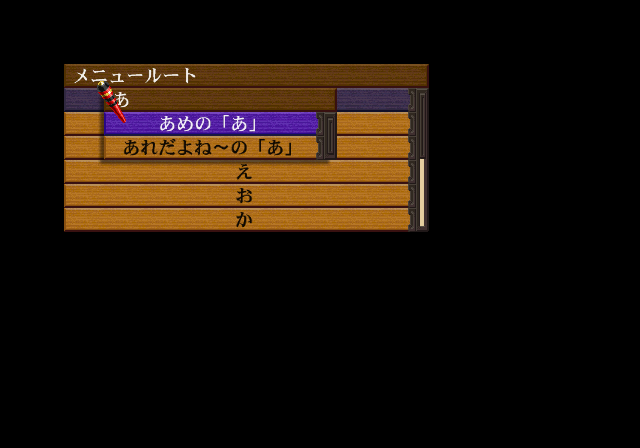
It's unclear what this option does.
Fog#
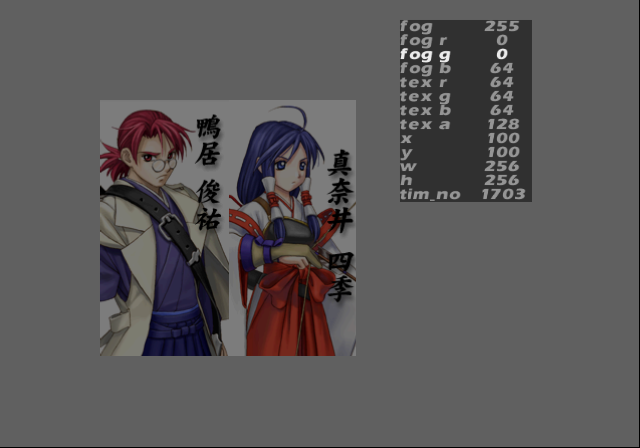
This option will allow you to apply various color settings to an image.
K.TAKAYANA#
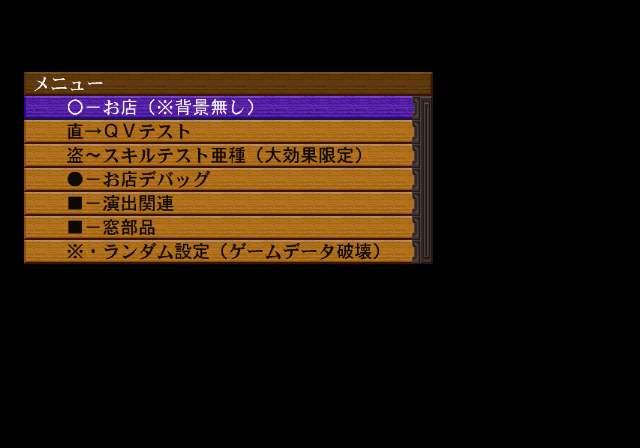
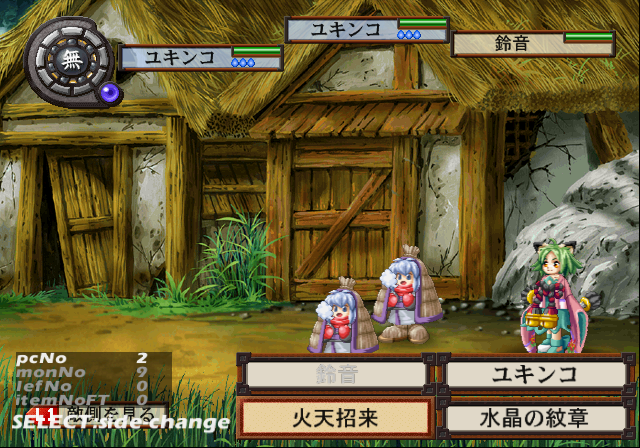
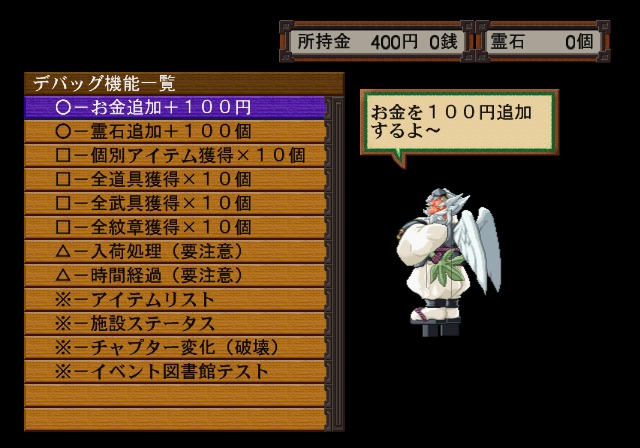
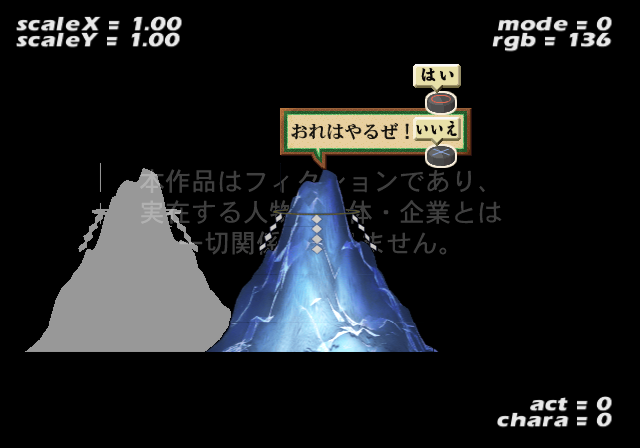
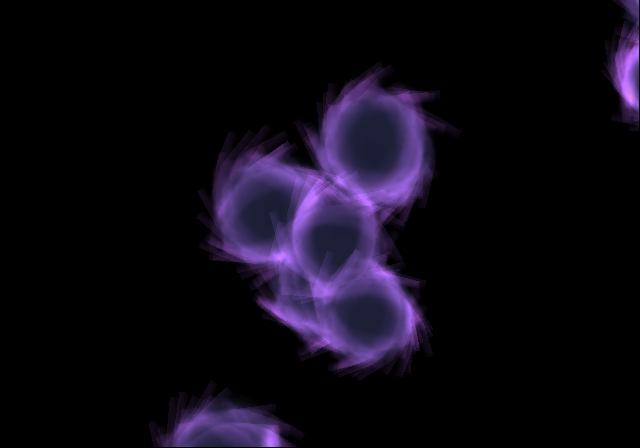
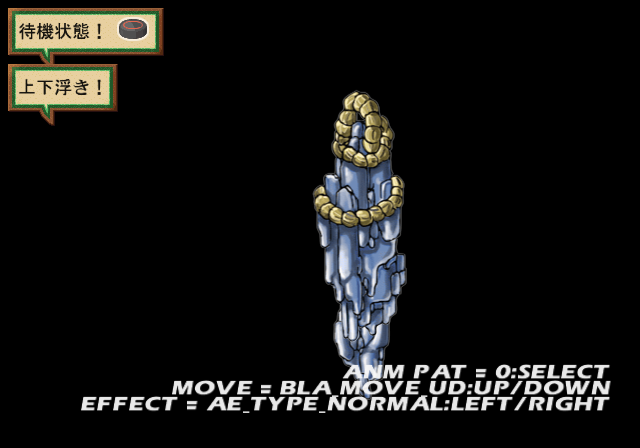
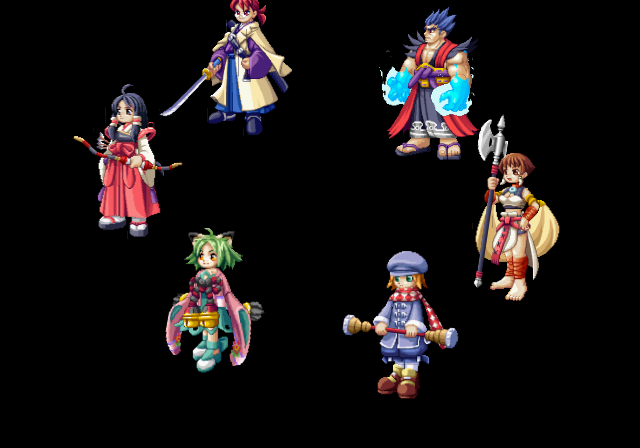
Another assortment of options you can choose from in this menu. This option mostly contains shop related debug options. It also contains another battle test option where you can control both sides of a battle.
T.NAKAI#

This menu mostly contains battle options along with a few miscellaneous options.
BtlAnmTest#


Another animation viewer option. This one contains all of the battle sprites in the game.
(Source: Original TCRF research)
Unused Image#
A single test image can be seen below.

(Source: Original TCRF research)
Unused Music#
Several placeholder songs can be found on the game disc. Forcing them to play will result in playing used music in the final game with little to no difference. You can either apply the code provided below, or enter the sound option from the debug menu to listen to them.
Force Sequenced Song to Play
20130970 2410????
With the above code on, simply take a Music ID from below and put it where the "????" is in the above code to hear the song play.
Music ID |
Music Internal Name |
|---|---|
000E |
place_obasute |
000F |
place_mure |
0010 |
place_watasi |
0011 |
place_azumi |
0012 |
place_mori |
0013 |
place_oni |
0014 |
place_toba |
0015 |
place_kinasa |
0016 |
place_numa |
001C |
shop_henjou |
001E |
shop_kajiya |
001F |
shop_library |
0020 |
shop_onsen |
0026 |
event_serious |
0028 |
hensei |
(Source: Original TCRF research)