This is a sub-page of Sonic the Hedgehog CD (2011).

|
To do: |
Regional Differences#
In all Western locales, the non-highlighted palette of the menu text is a grayish hue. In the Japanese locale, it's red instead. In the mobile version and Sonic Origins, all locales use red.
All except Mobile & Japanese |
Japanese |
All (Mobile) |
|---|---|---|
 |
 |
 |
Platform Differences#
There are some notible differences between the various versions of the game:
- The mobile releases include some additional logo animations that all other releases lack.
- All FMVs are cropped on the console, PC and Windows Phone releases, while the mobile releases are instead letterboxed.
- When selecting the US soundtrack, in the console versions the opening FMV uses the opening version of Sonic Boom found in the Sonic the Hedgehog Boom album, while all of the other versions use the original version found in the Sega CD release.
- Arrows on the menus have the text "FLICK" in the mobile release.
|
PC / Consoles |
Mobile |
|---|---|

|

|
Options#
- The mobile releases lack any control options.
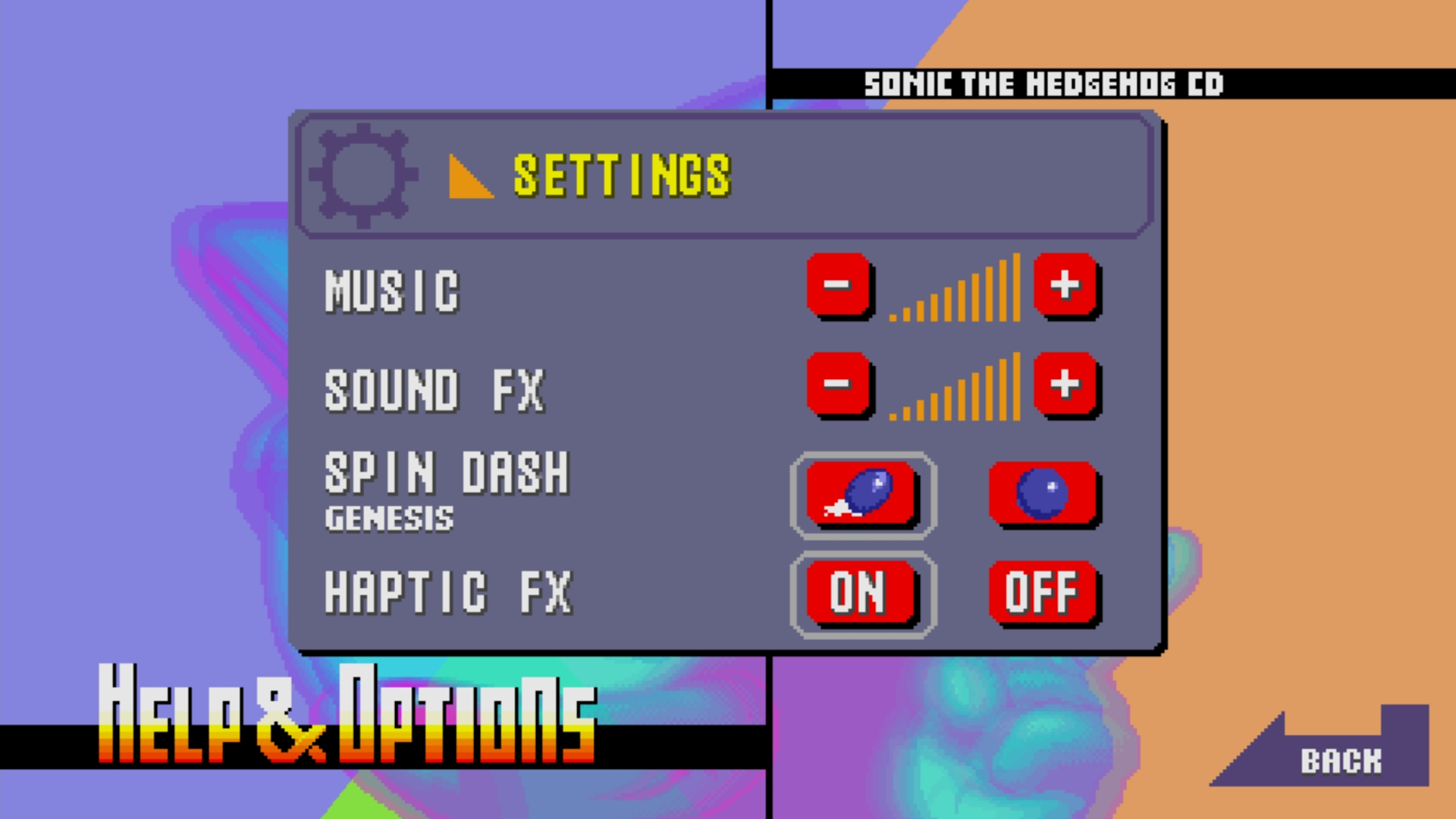
- The settings screen reuses the main menu background on mobile.
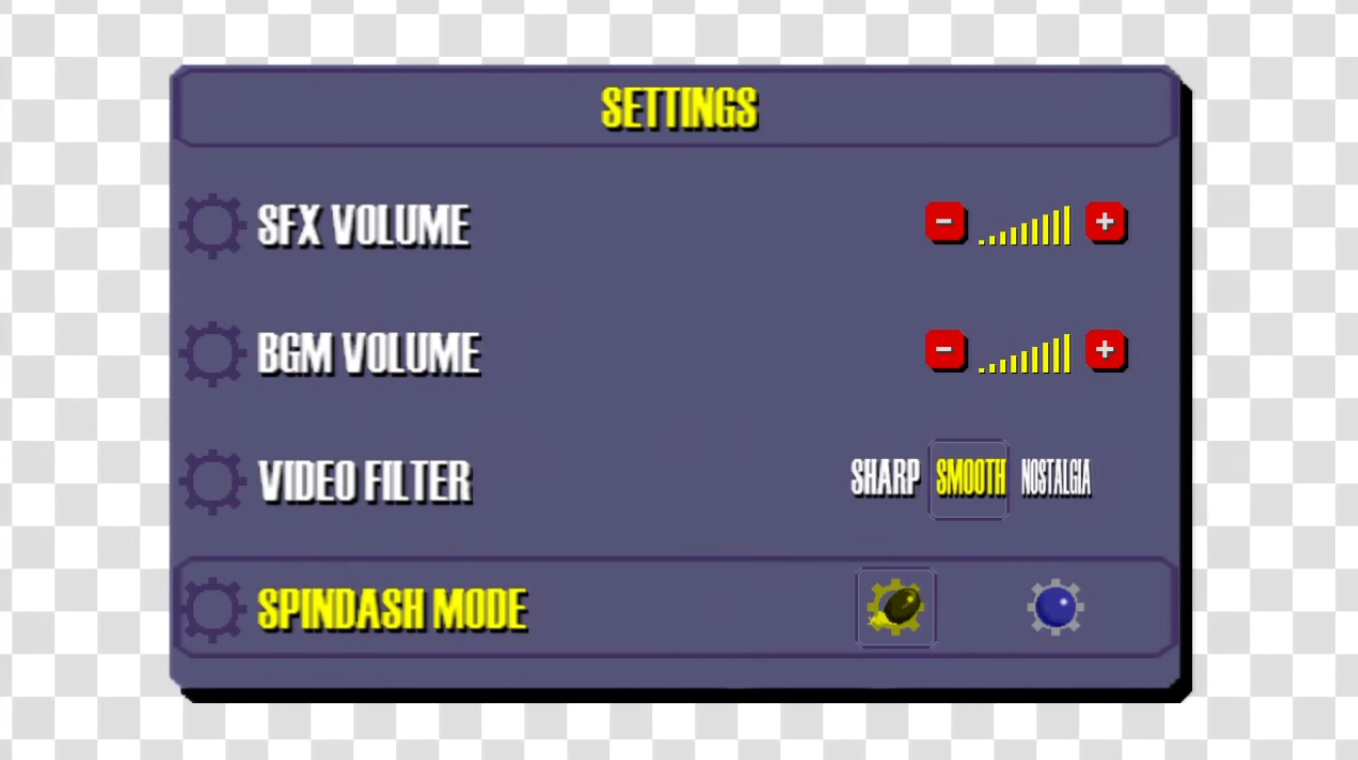
- The mobile versions have no screen filters, but do feature haptic or "rumble" feedback (these are exclusive to the 1.0.2-1.0.6 Android builds).
- The "Back" button, which works in the mobile version, does not work in the PC version because there is no mouse and cursor support.
|
PC / Consoles |
Mobile |
|---|---|
|
|
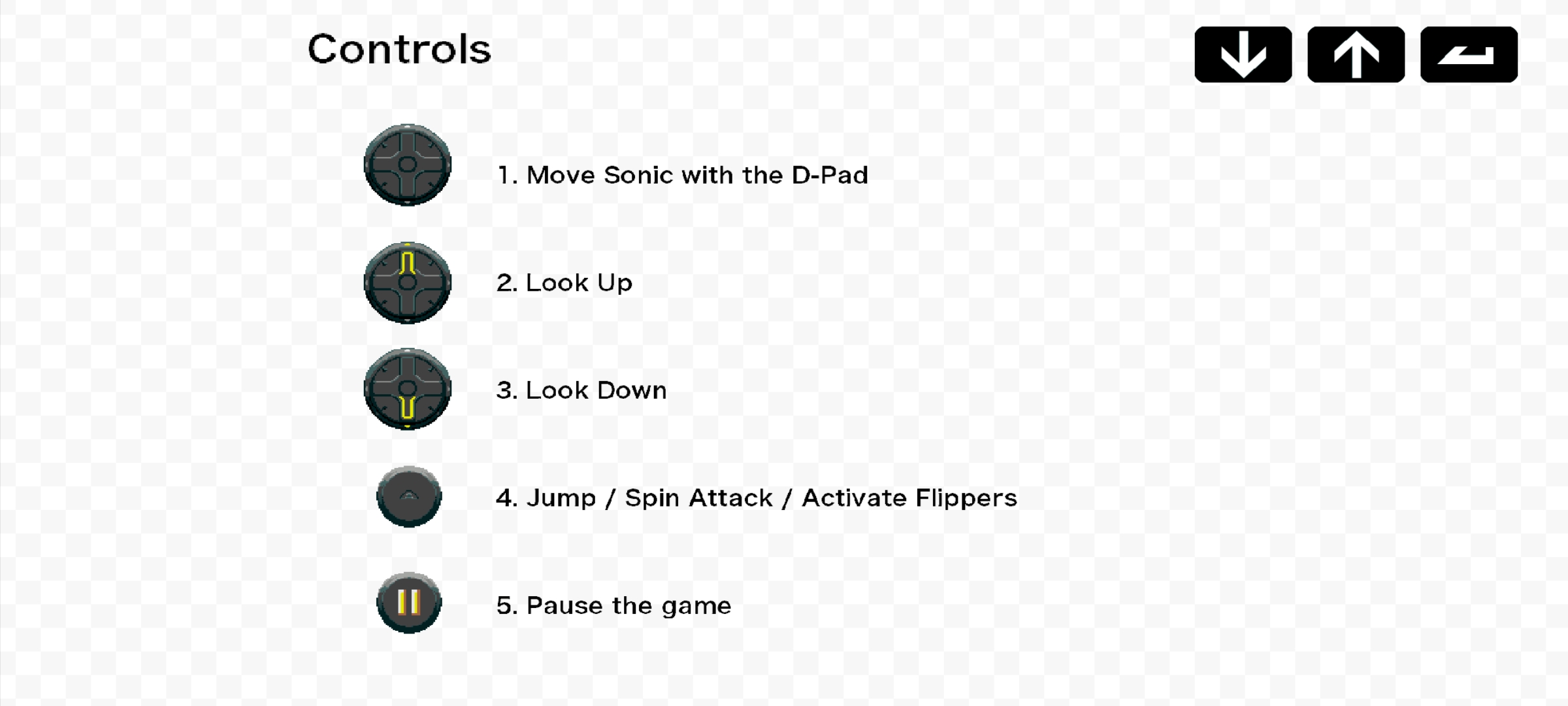
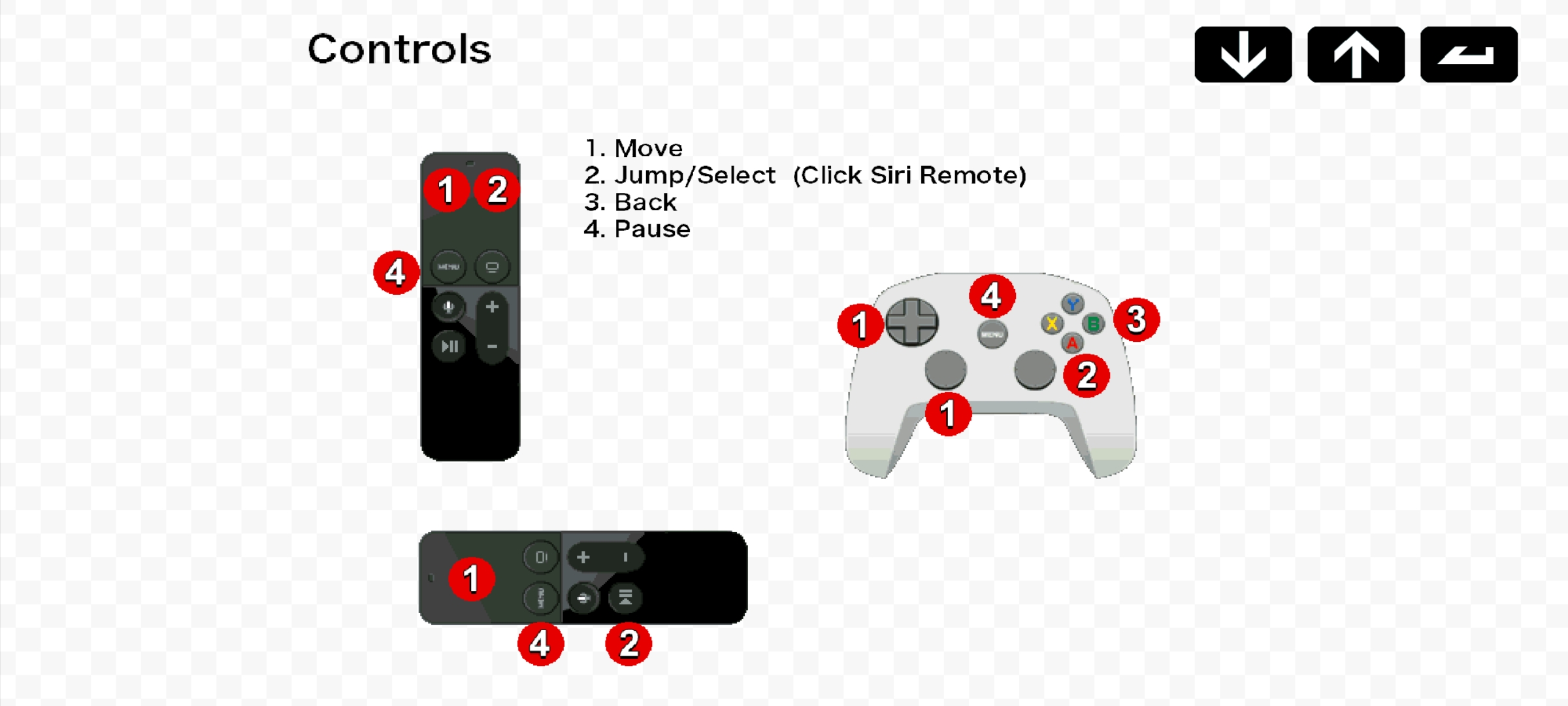
- In the Apple TV version, the Help screen has been changed into Help Apple TV. The biggest difference is the control sprites; instead of an in-game touch joystick, it shows how to use the Apple TV Remote Controller and Apple TV Game Controller to play. The PC/Console version has a similar setup, only accessed through Help & Options/Controls instead. In both the Apple TV and PC/Console versions, it is impossible to change the control scheme.
- In the Fire Stick version, the help page uses a webpage to show the help information.
- Also in the Fire Stick version, the game asks for confirmation before you exit or restart the game.
- In the Fire Stick version of the instructions menu, instead of using the background from the mobile version, it seems to use the one from the PC version but brighter.
Standard |
Fire Stick |
|---|---|
 |
 |
Apple TV |
PC |
|---|---|
 |
 |
PS3 |
PS3 Help Screen |
|---|---|
 |
 |

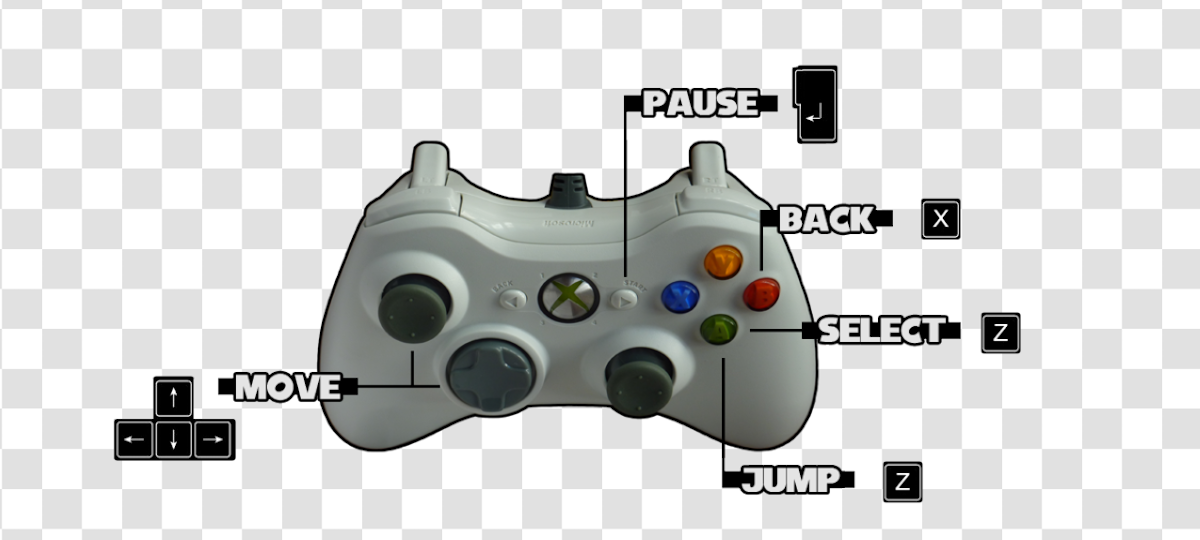
- In the PC version of the game, the Help Screen uses the icons of the mobile version of the game, but the Control Screen uses an Xbox 360 controller pointing to corresponding keys on a keyboard.
- The PS3 version of the control menu obviously shows a DualShock 3 instead of the 360 controller.
- Additionally, in the PS3 version, the help screen uses the icons of the PS3 controller instead of the icons from the mobile versions of the game.
In-Game#
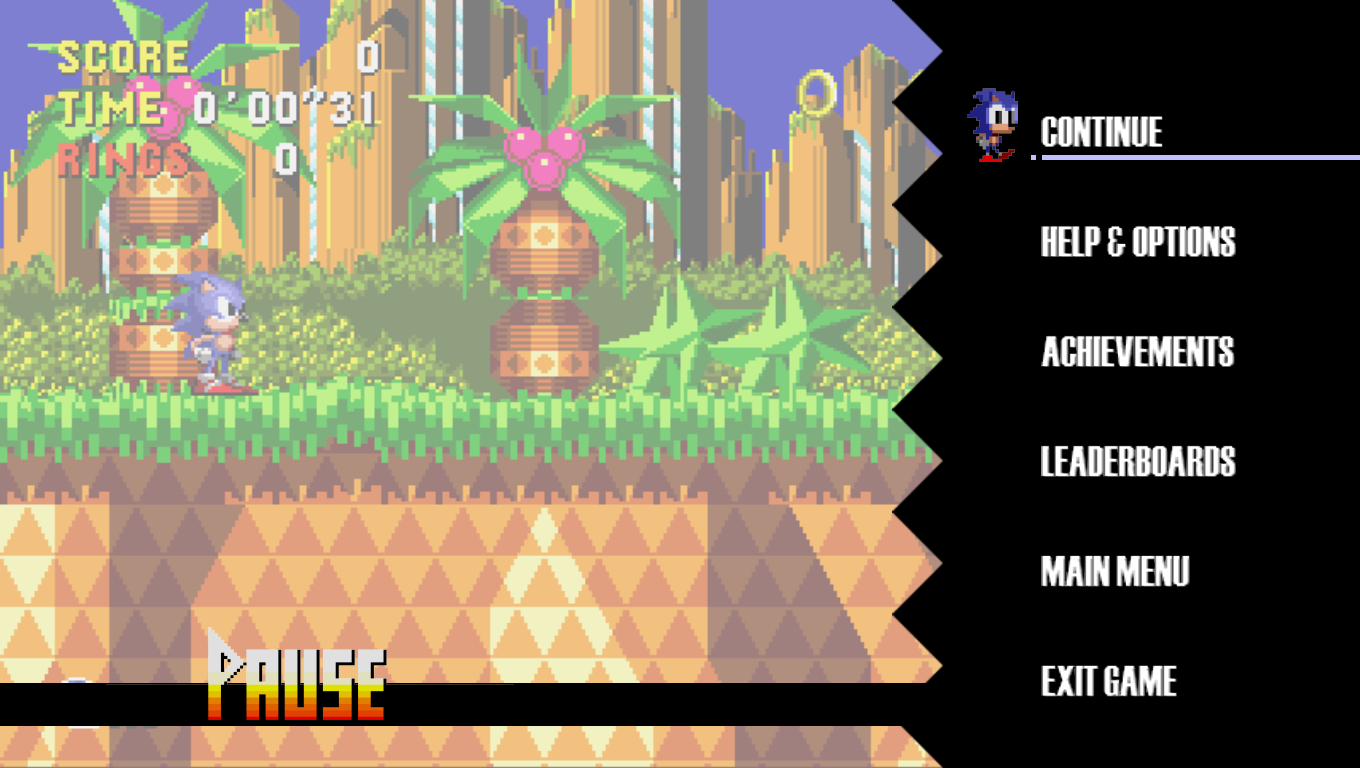
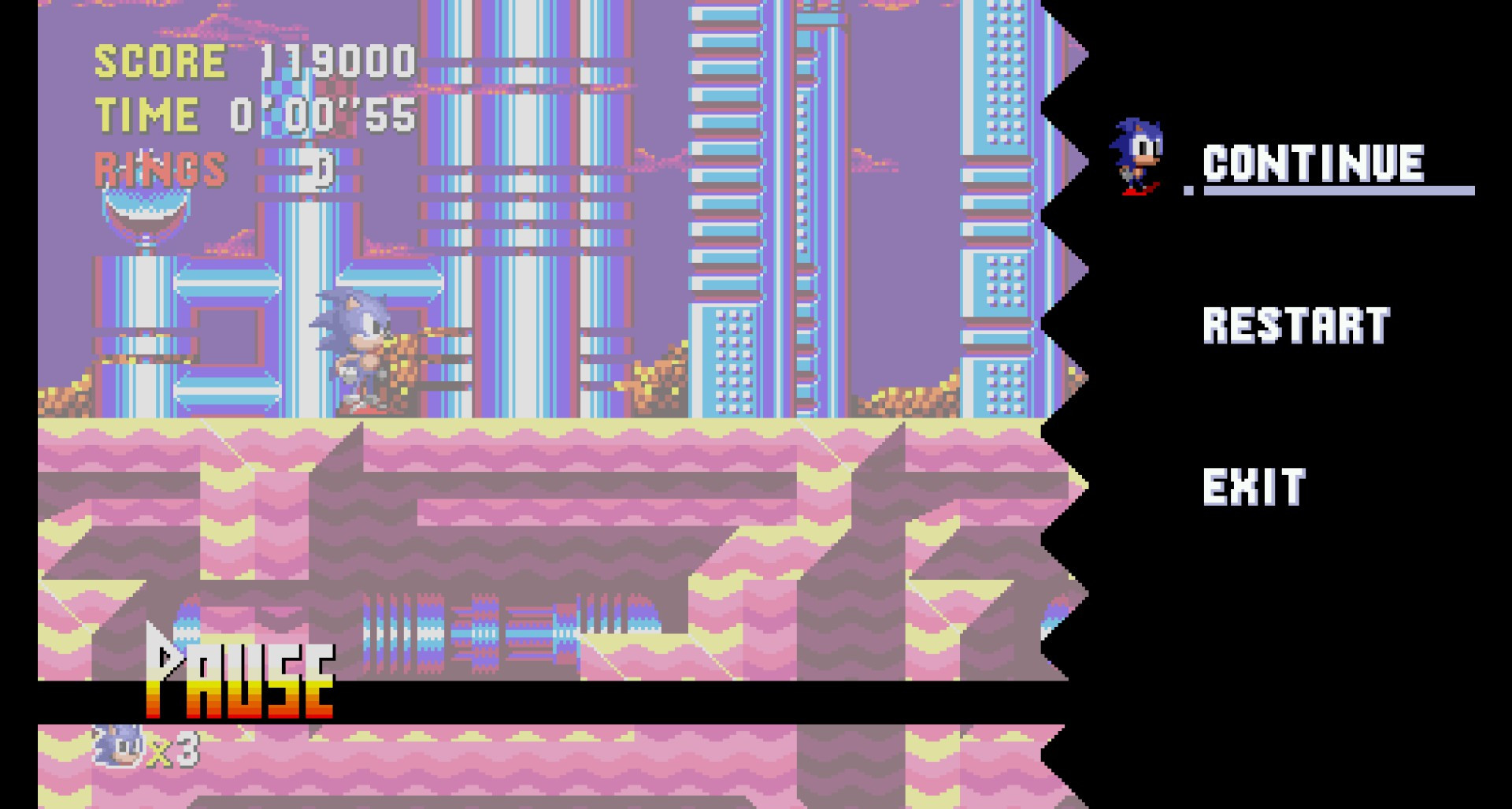
- The in-game pause menu is more simplistic in the mobile release, with also using a different font for the letters.
|
PC / Consoles |
Mobile |
|---|---|
|
|
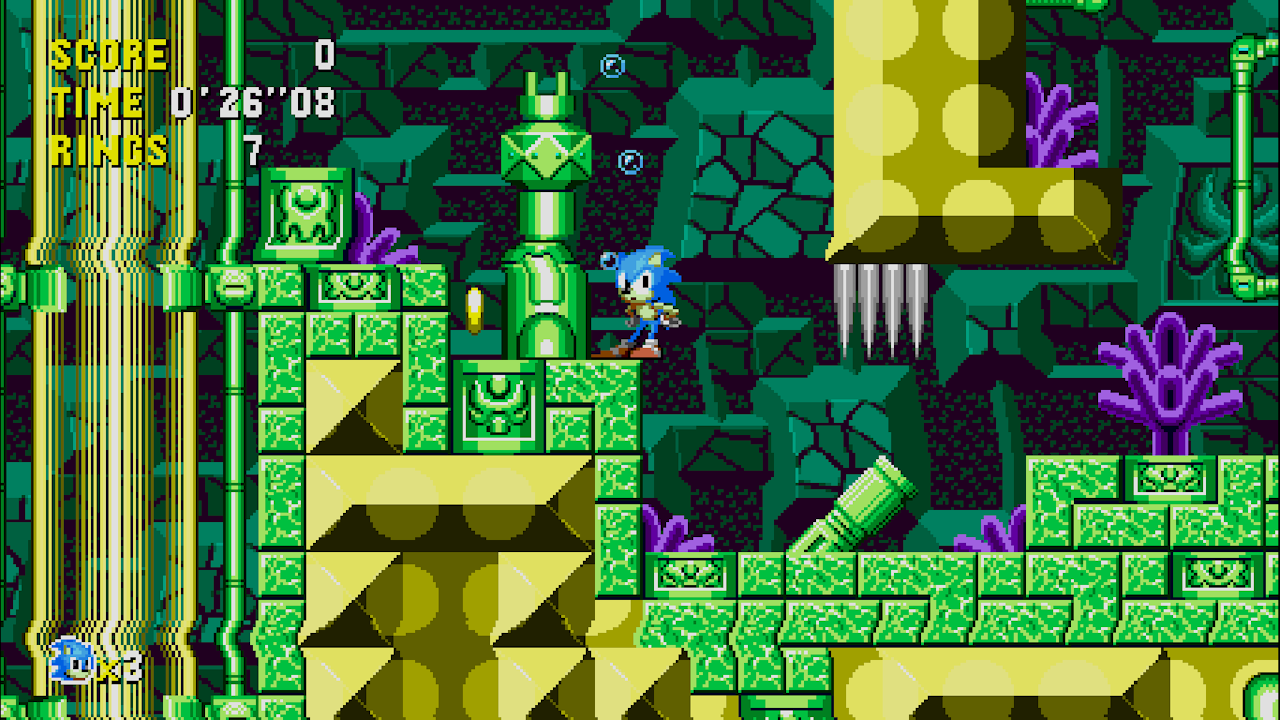
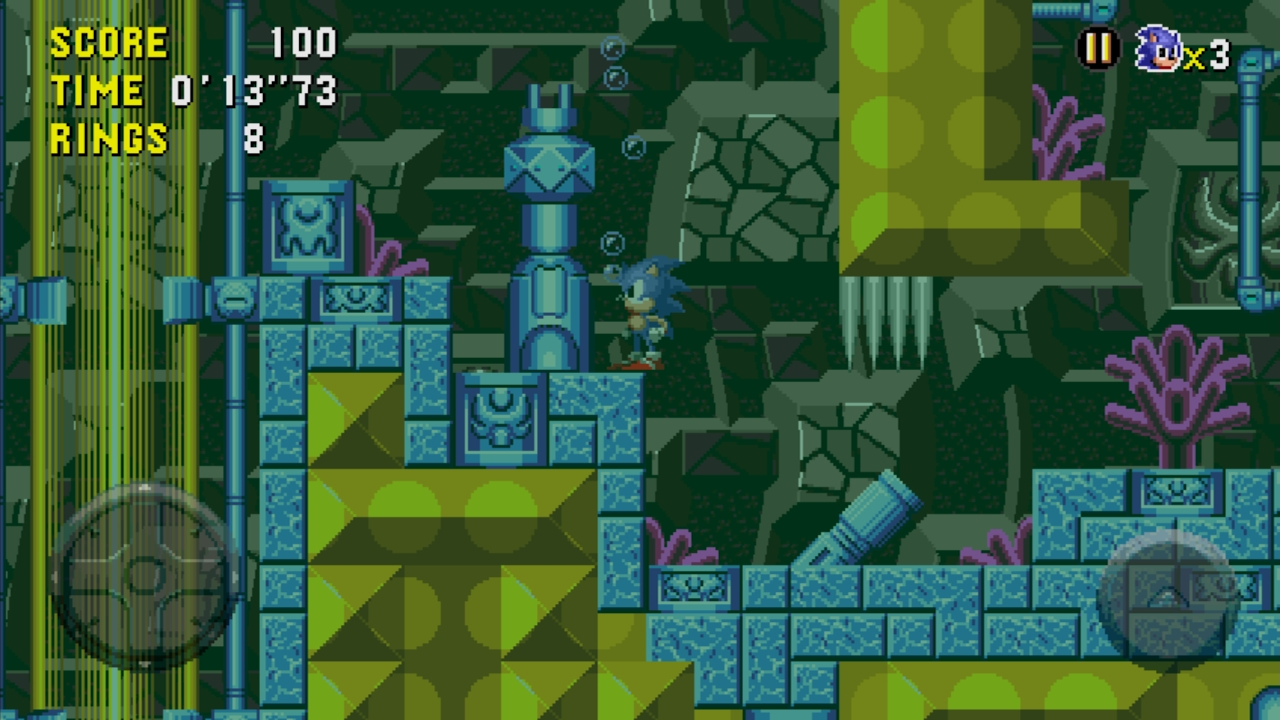
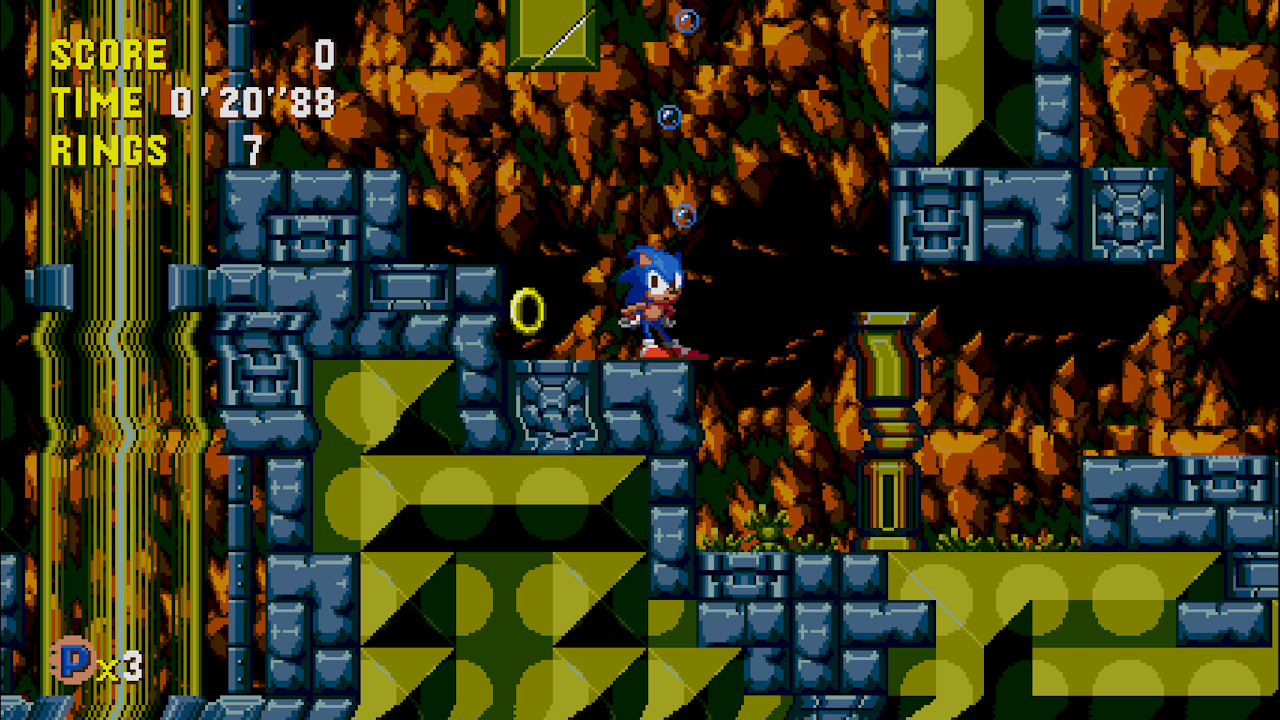
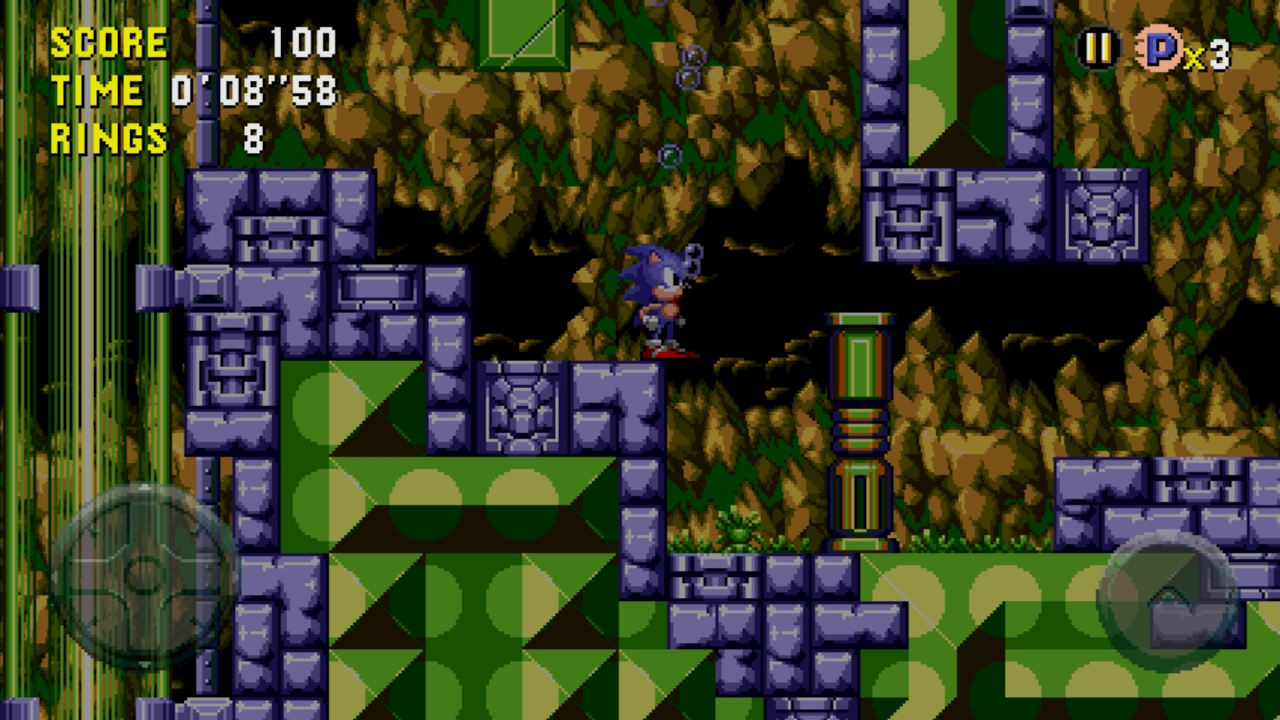
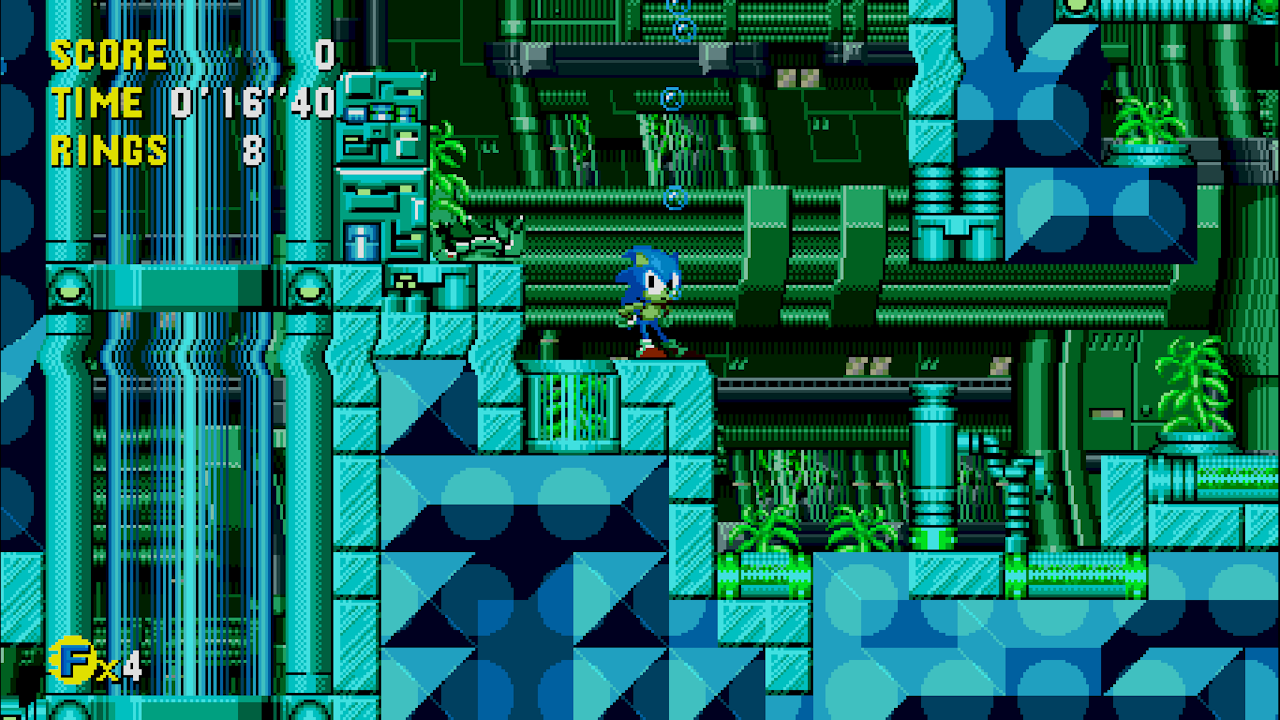
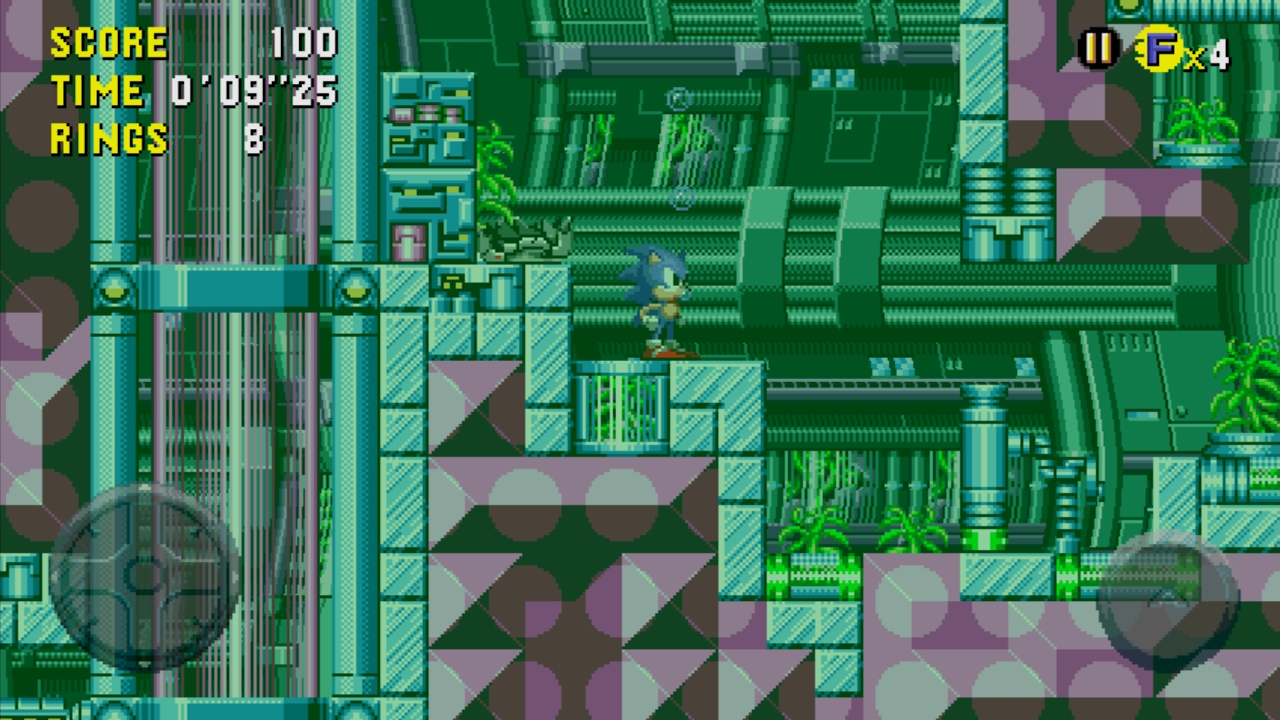
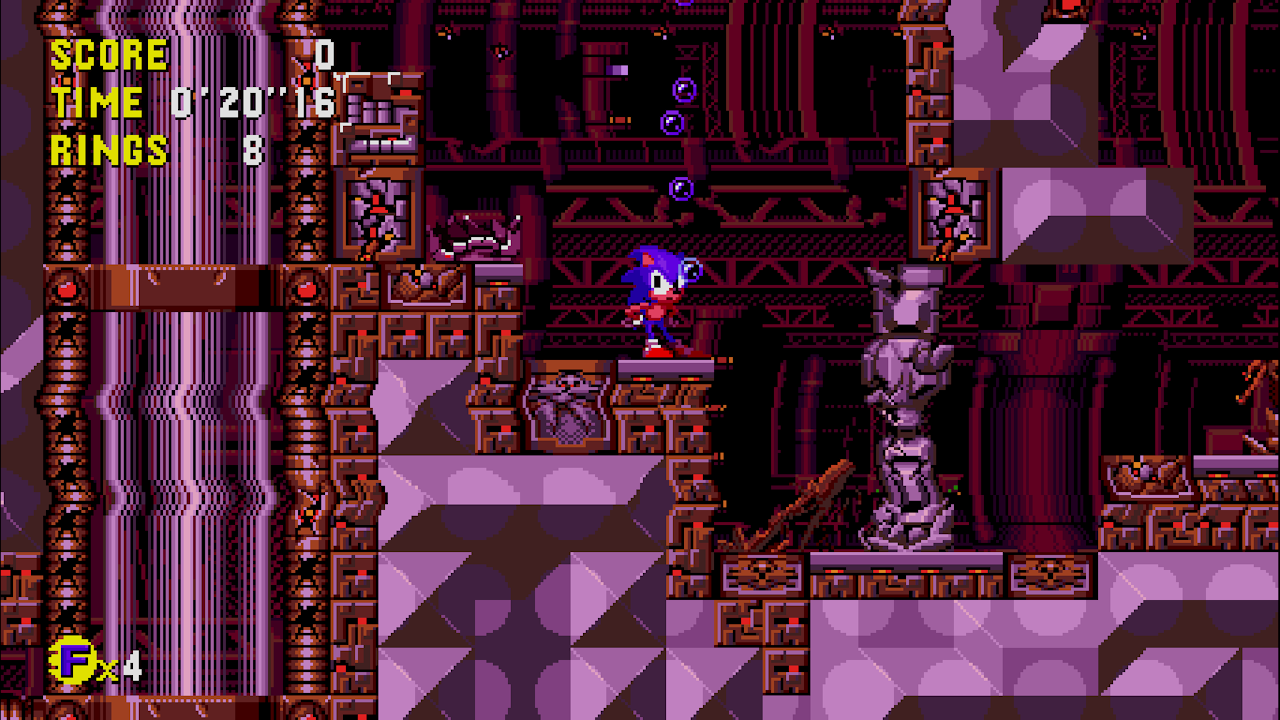
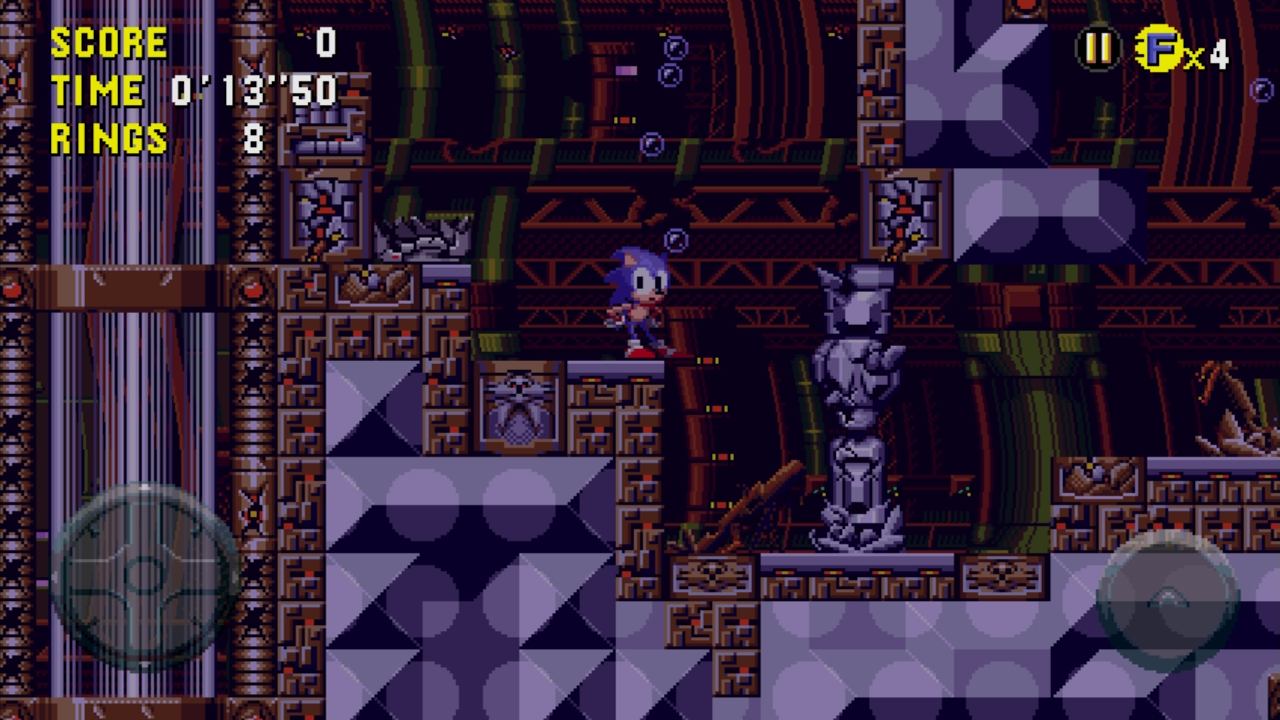
- The underwater palettes in Tidal Tempest differ between the mobile and console/PC versions; the mobile release uses a shader effect to darken the colors and add a green tint, while the console/PC versions use a proper underwater palette just like the original game.
Time |
PC / Consoles |
Mobile |
|---|---|---|
Present |
 |
 |
Past |
 |
 |
Good Future |
 |
 |
Bad Future |
 |
 |
Sega Forever Edition#
On February 1, 2018 (February 5 on iOS), the mobile version was updated under the SEGA Forever brand. This version renamed the app to Sonic CD Classic. The Apple TV version was used as the basis for this update, albeit with some differences (for comparison sakes the 1.0.6 Android version will also be used for comparisons):
General Differences#
- The SEGA logo screen has been changed. Instead of a static background with the SEGA logo sound and sprite, now used is a video clip showing the SEGA Forever version of the logo.
|
Before SEGA Forever |
SEGA Forever |
|---|---|
|
|
|
- The game now asks for the age of the player when loading it up for the first time. This change remains exclusive to this version of the game.
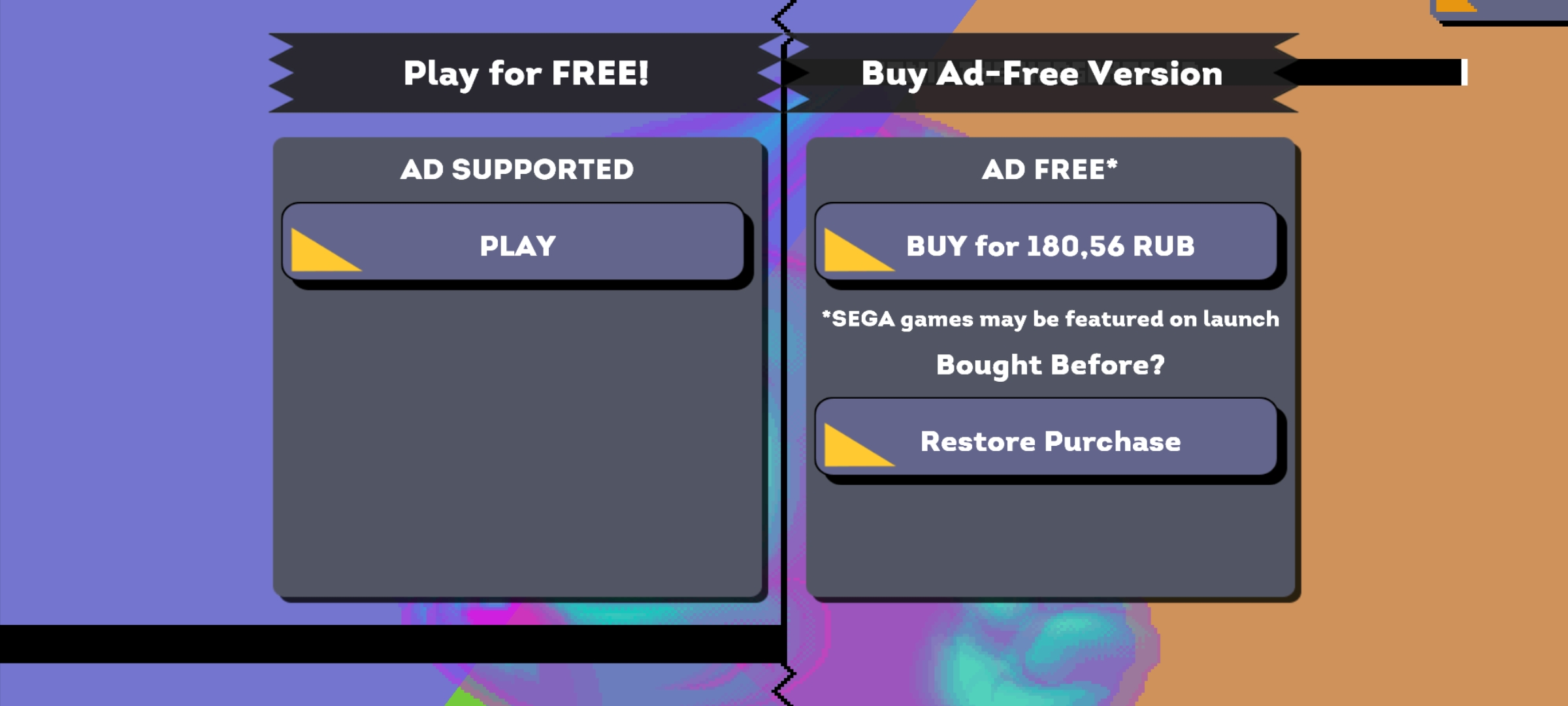
- The game is now "free-to-play", but ad-supported. If the player does not buy the ad-free option, they will start the game with one life instead of three, and also will see ads between levels and after dying.
- Getting a Game Over will also give you an ad pop-up.
- If the player does not watch the ad, Sonic/Tails will get a Game Over.
- The assets folder (assets/aexTex.png) contains sprites with the words "Remove Ads" in nine different languages. However, only six are used. The unused languages are Russian, Korean, and Chinese. These sprites were taken from the SEGA Forever re-releases of Sonic 1 and Sonic 2.
- Getting a Game Over will also give you an ad pop-up.
|
Used |
Unused |
|---|---|

|

|
(Source: I-like-Sonic-91, Original TCRF Research)
- The game now supports ultra-widescreen formats and works on modern devices. If the player wants to play the old version on modern mobile devices, the game will not run in full-screen mode, instead either cropping or stretching the image. However, in the Sega Forever version, the screen area will be enlarged. This unfortunately creates some problems not seen in earlier versions.
- Because of the enlarged screen, the player can see elements normally hidden from the player, because the game was originally created for smaller screens.
- This version now supports new controllers, achievements and leaderboards. The old Android version of the game only supported MOGA Game Controller for Android 2.3+. Achievements and leaderboards were originally present in all versions minus the old Android release.
- If the player connects a controller the text "Press Button" from the Apple TV version appears on the title screen. This text would also be used in the Origins version.
- The player can now view the opening video in the Intro Movie tab on the menu like in the Apple TV version.
- In the iOS version, this video can be watched like a video file outside of the app, complete with the ability to turn off the sound, rewind and fast forward etc. In the Android version, it can only be closed.
- It should be noted that for the initial releases of this version (1.0.0 on Android, 3.0.0 on iOS), the opening FMV didn't play after creating a new save file, this decision was quickly reverted in later updates however.
- The More Games tab from Main Menu and the Facebook log in/log out tab from the About screen have been removed.
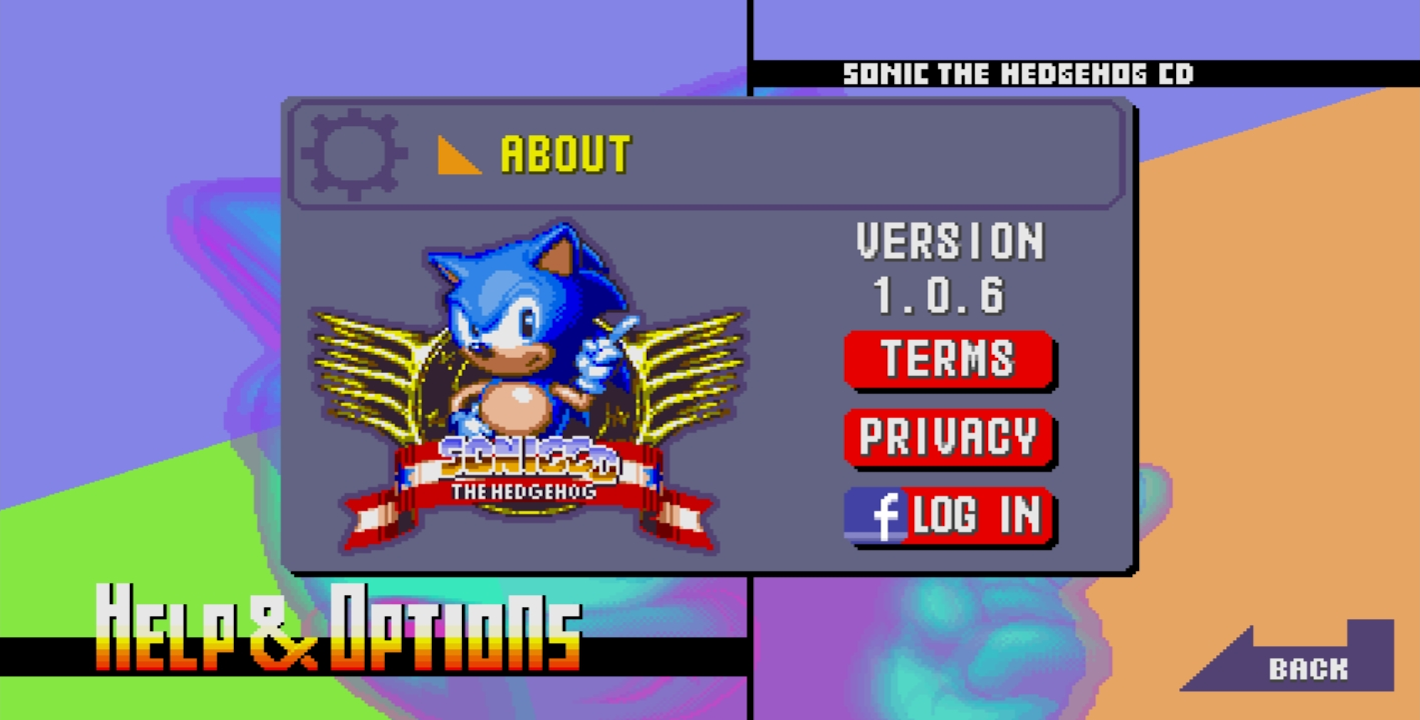
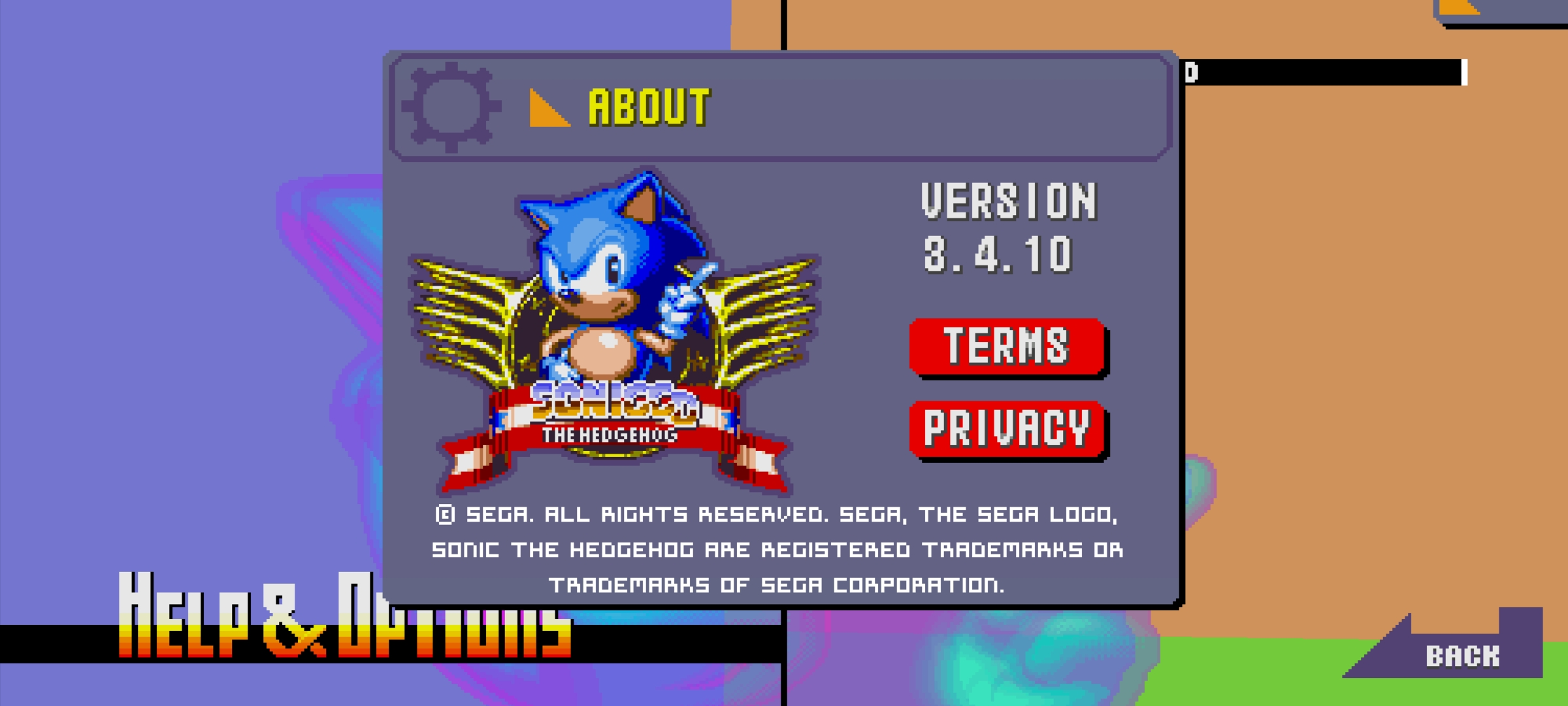
- The About screen has been updated.
- There is now a bug associated with this screen, where the copyright text is displayed incorrectly from previous versions of the game.
|
Before SEGA Forever |
SEGA Forever |
|---|---|
|
|
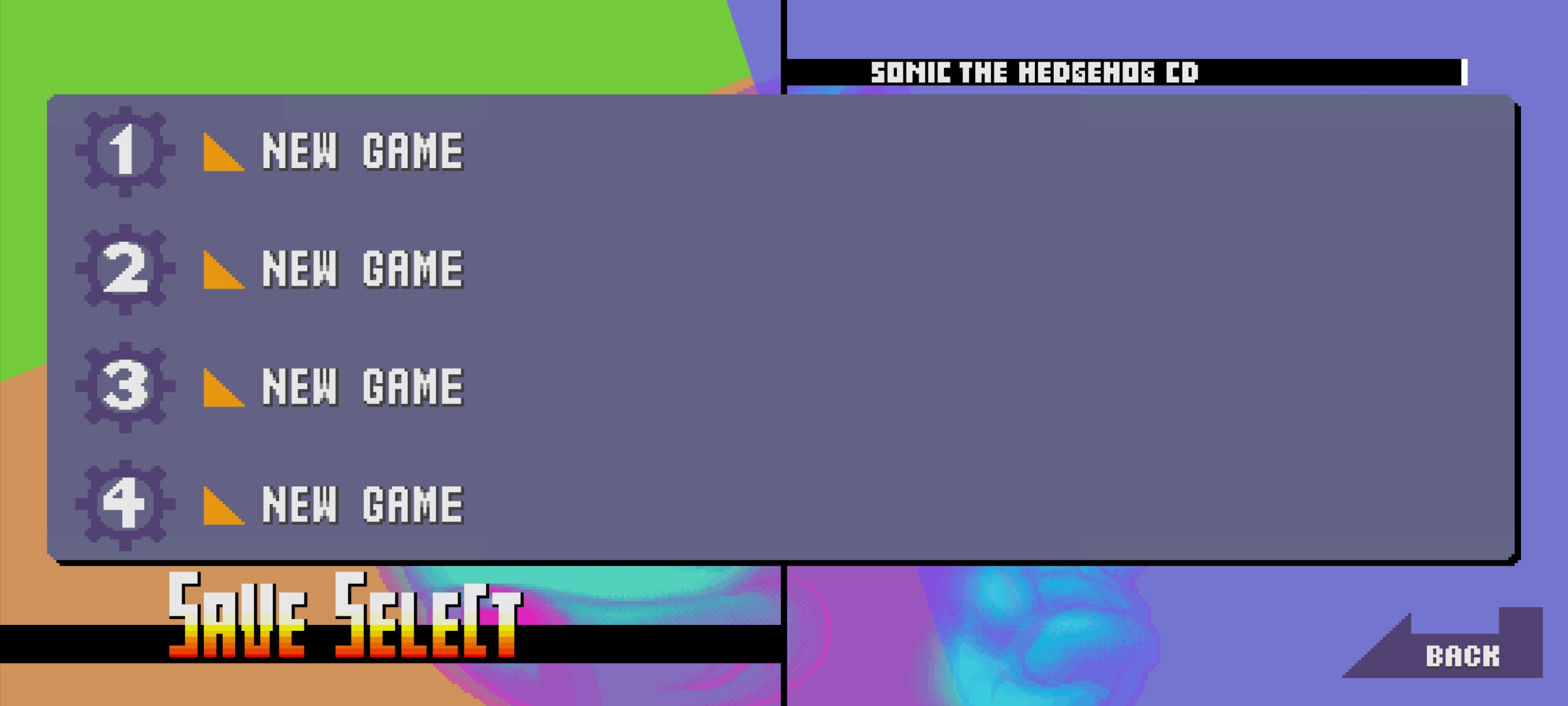
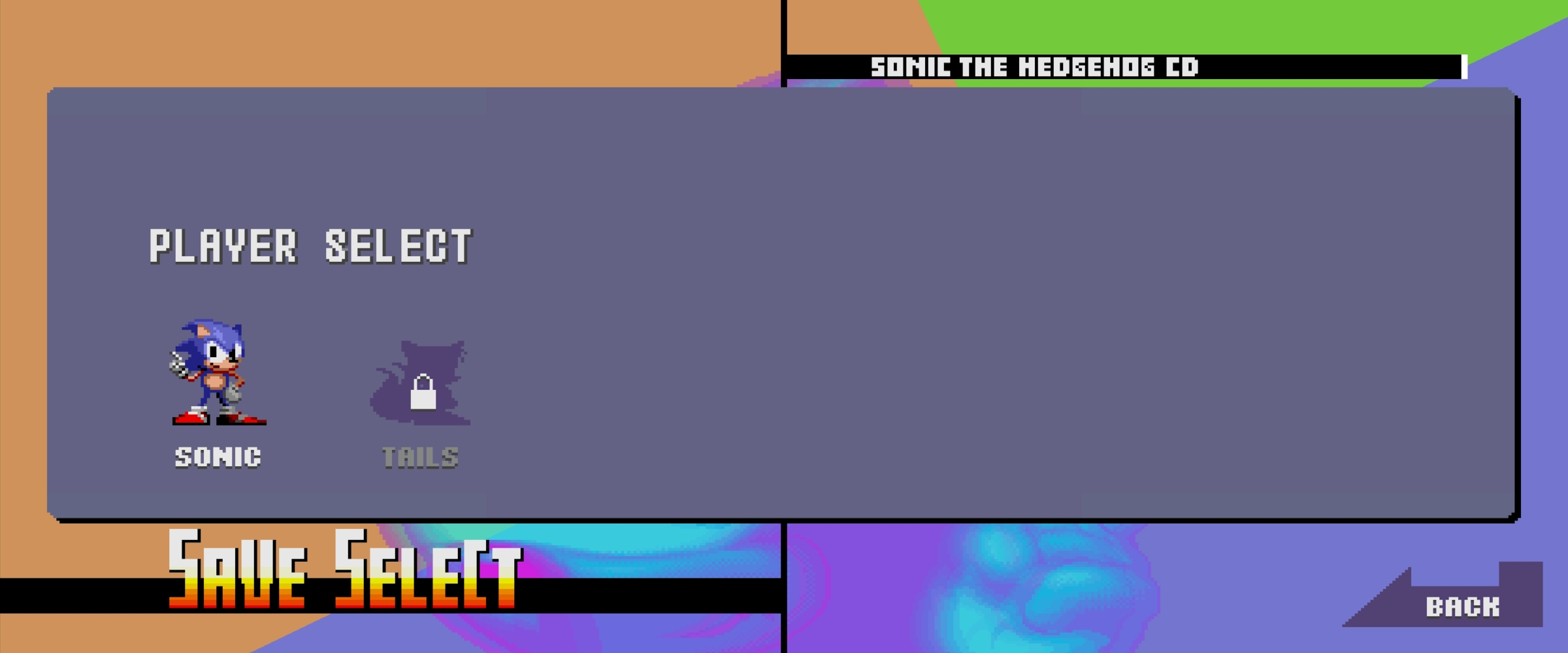
- The Save Slot screen is much larger than what it was in the old versions. Despite this, the screen has not been redesigned properly, except for the Delete Saved Game screen (this issue was also present in the Apple TV).
- Also, MenuGfx1_EN.gif now has a resolution of 512x1024 pixels instead of 512x512 pixels as it was in the old version of the game.
Name |
Before SEGA Forever |
SEGA Forever |
|---|---|---|
Save Select Slot |
 |
 |
Player Select |
 |
 |
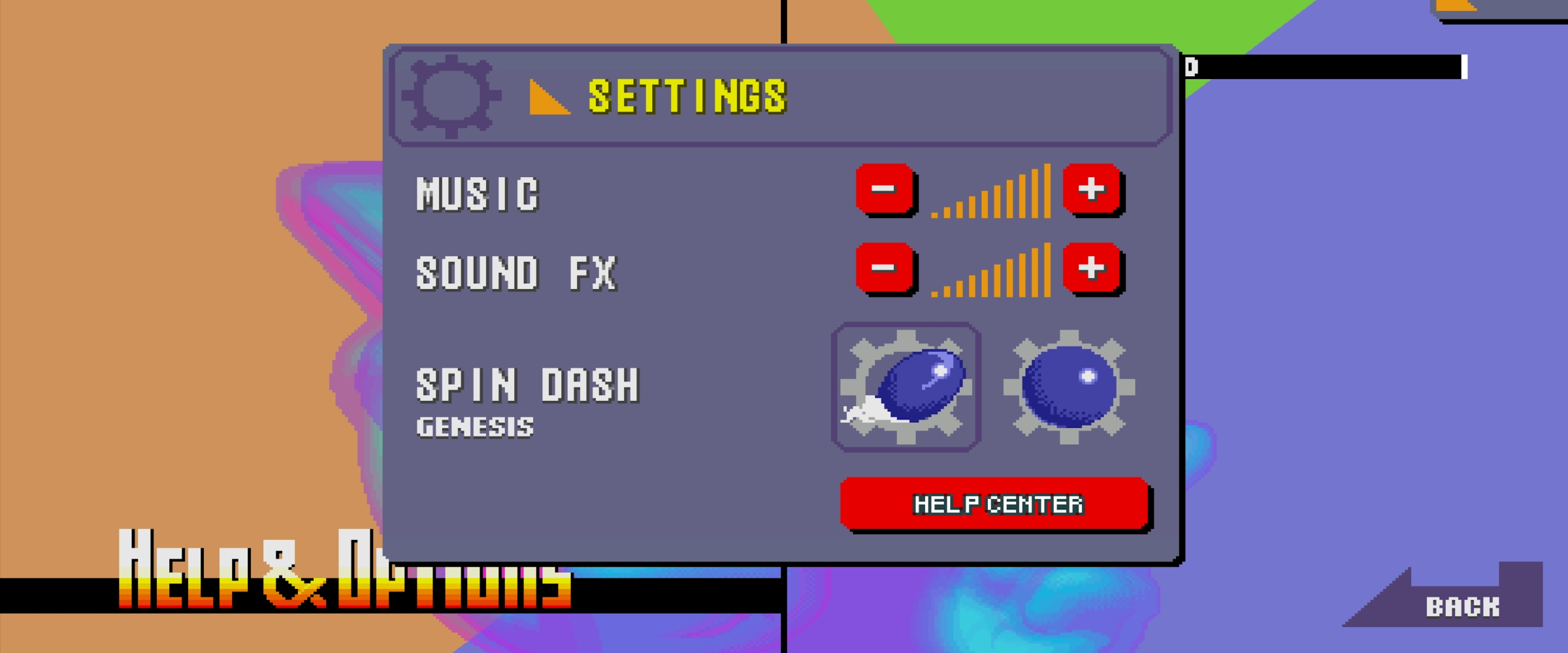
- The Settings tab has been updated. Haptic FX/Vibration support has been removed from the Settings. In older versions of the game, it could be disabled/enabled, vibrating the phone when enabled (as previously stated, this option is only available in the 1.0.2-1.0.6 Android versions). The icons for switching the Spin Dash type have also been changed. Now they use the PC/Console versions of the icons instead of the smaller ones from the original mobile versions.
- This version of the screen, minus the music and SFX configuration, made its way to the Origins version.
|
Before SEGA Forever |
SEGA Forever |
|---|---|
|
|
|
- The Help Apple TV screen from the Apple TV version has been carried over in this version (albeit unused) if the player hacks the game, activates the DevMode and goes to the path Presentation/Help AppleTV.
- Despite being on Android, this option is still available and even works exactly as intended.
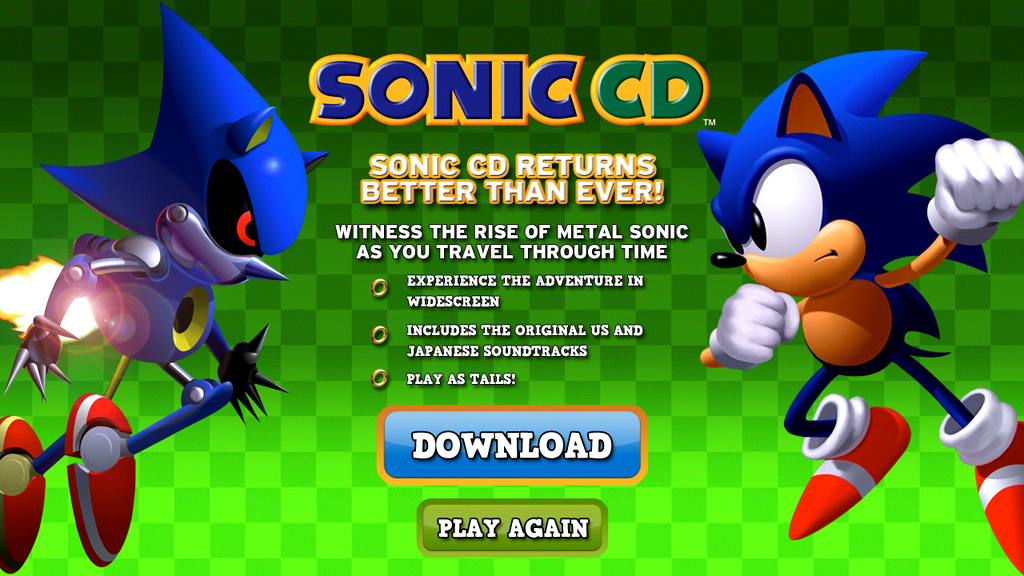
- The Download screen has been redesigned into a Buy Full Game screen with new button fonts. The old version can be found in Presentation/Download Screen.
(Source: Zrise The Sonic gamer)
|
Unused |
Used |
|---|---|
|
|
Full List of Buy Full Game Screens |
|---|
Language |
English |
Japanese |
German |
France |
Italy |
Spain |
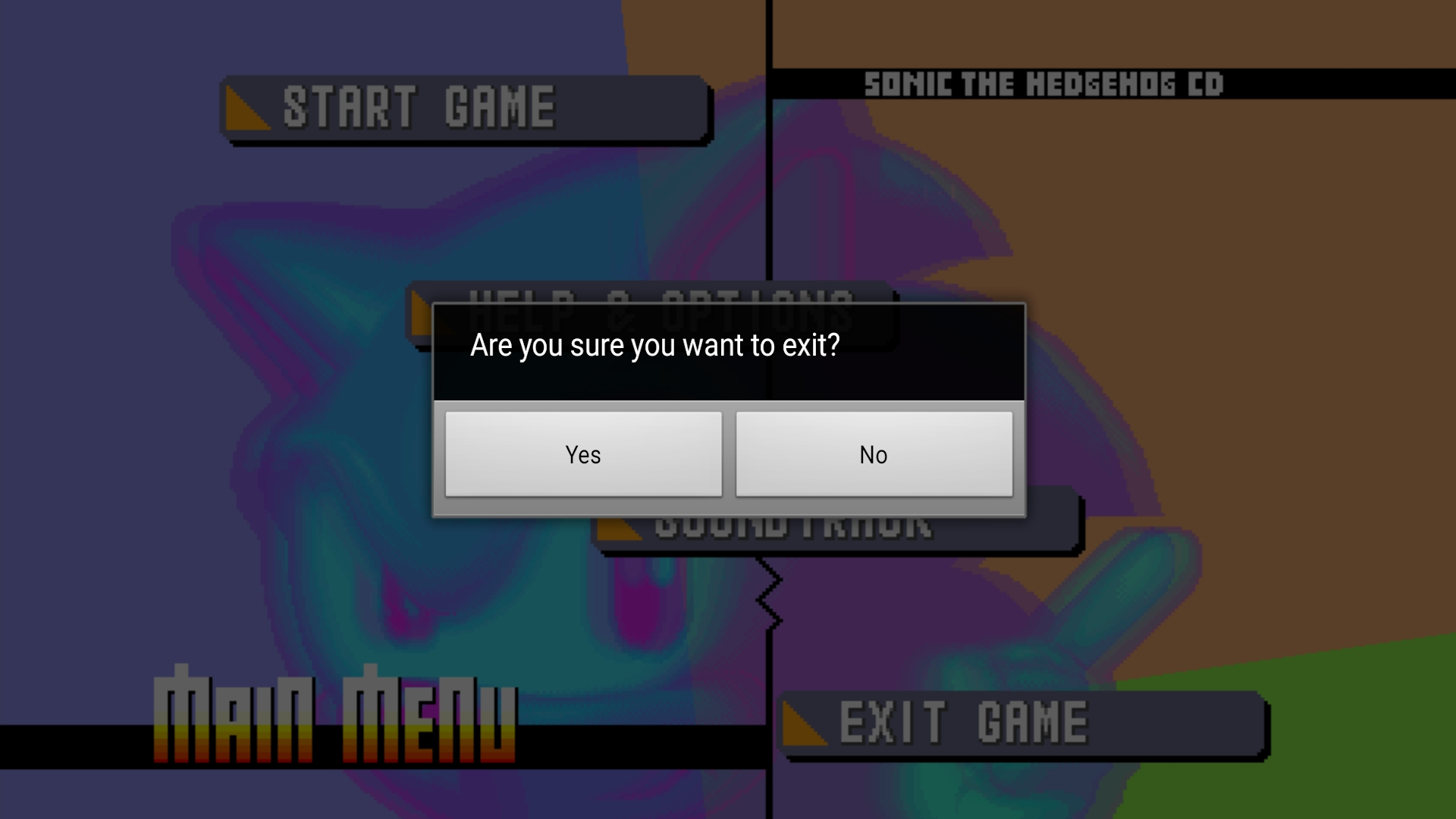
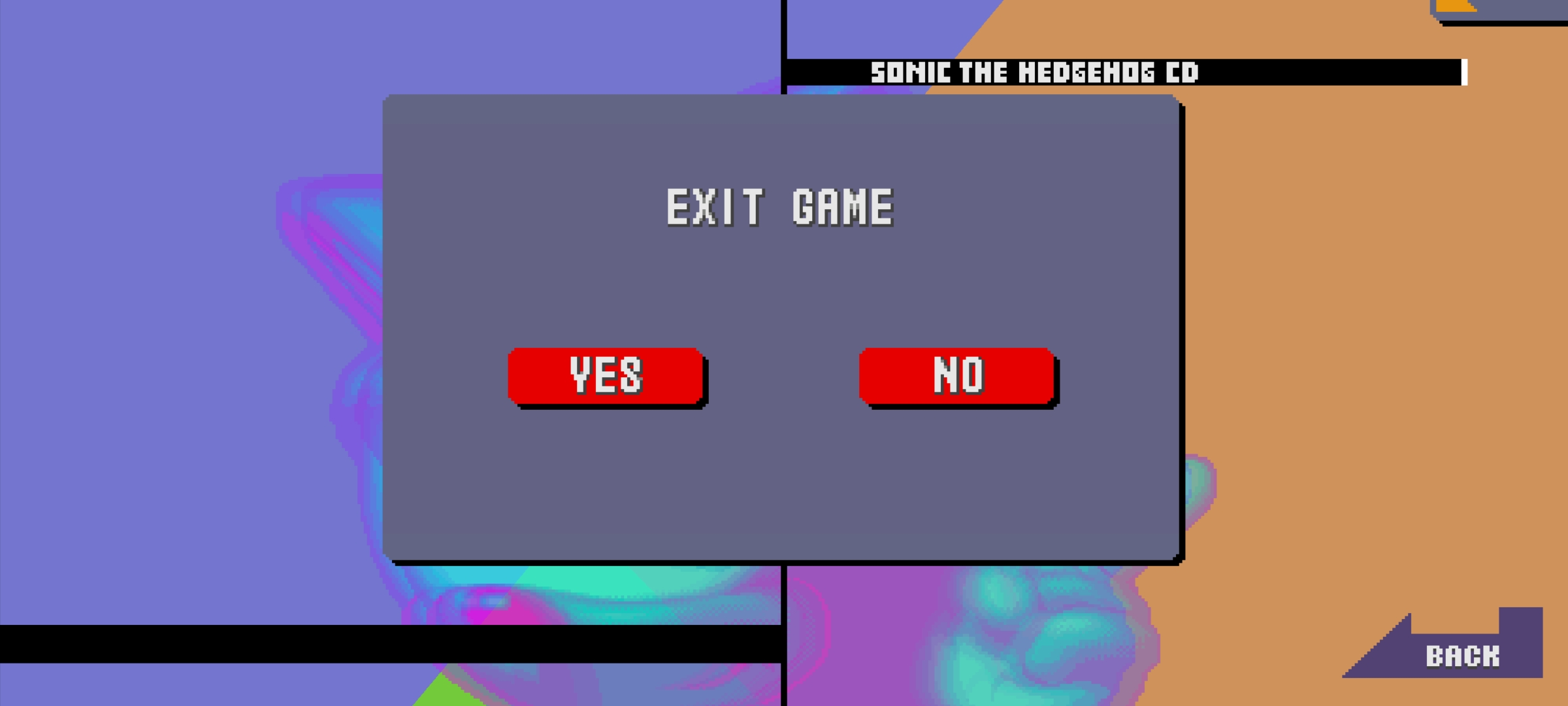
- There's now a dedicated Exit Game screen in-game as opposed to having an external application to confirm your decision.
|
Before SEGA Forever |
SEGA Forever |
|---|---|
|
|
Bugs#
- The signpost, score tally, and skidding sound effects no longer play after patch 3.4.5.
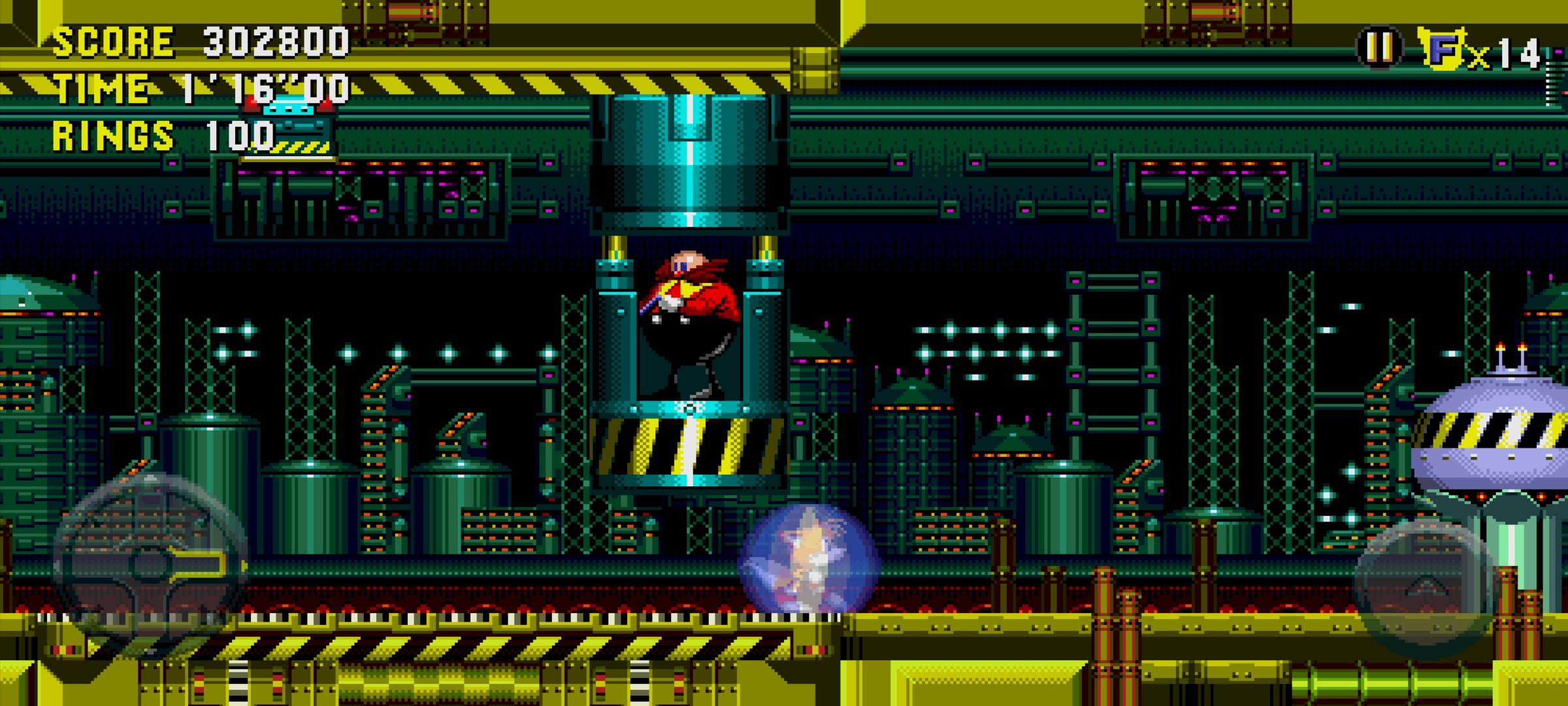
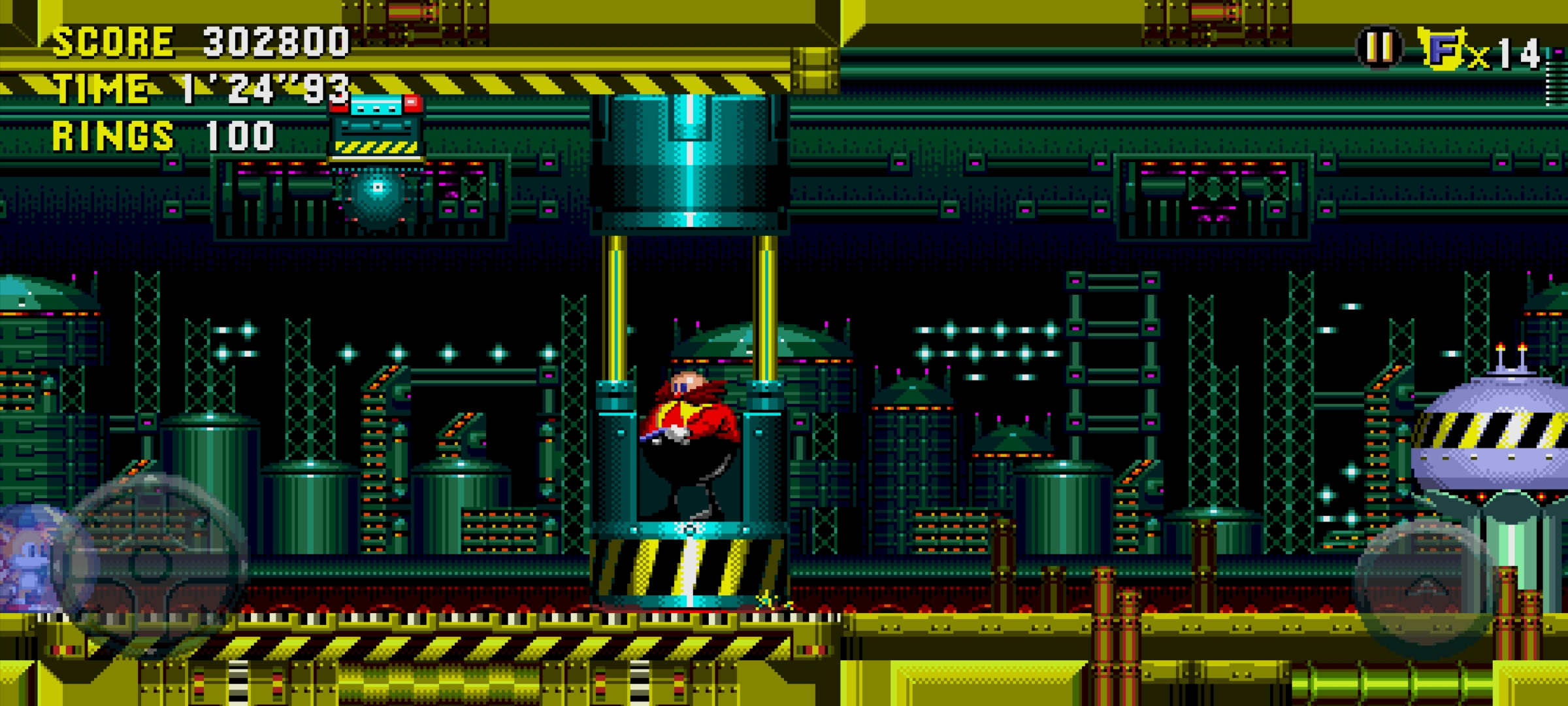
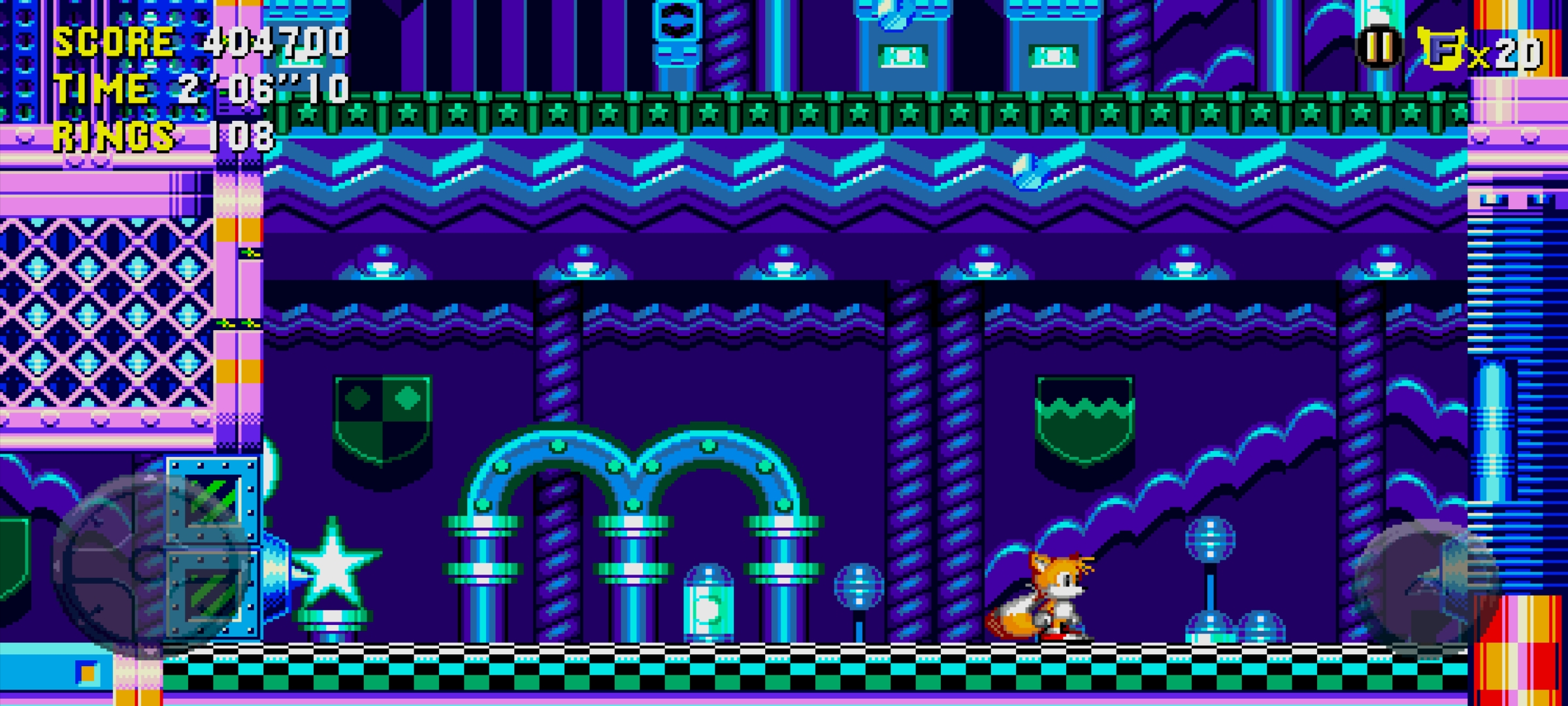
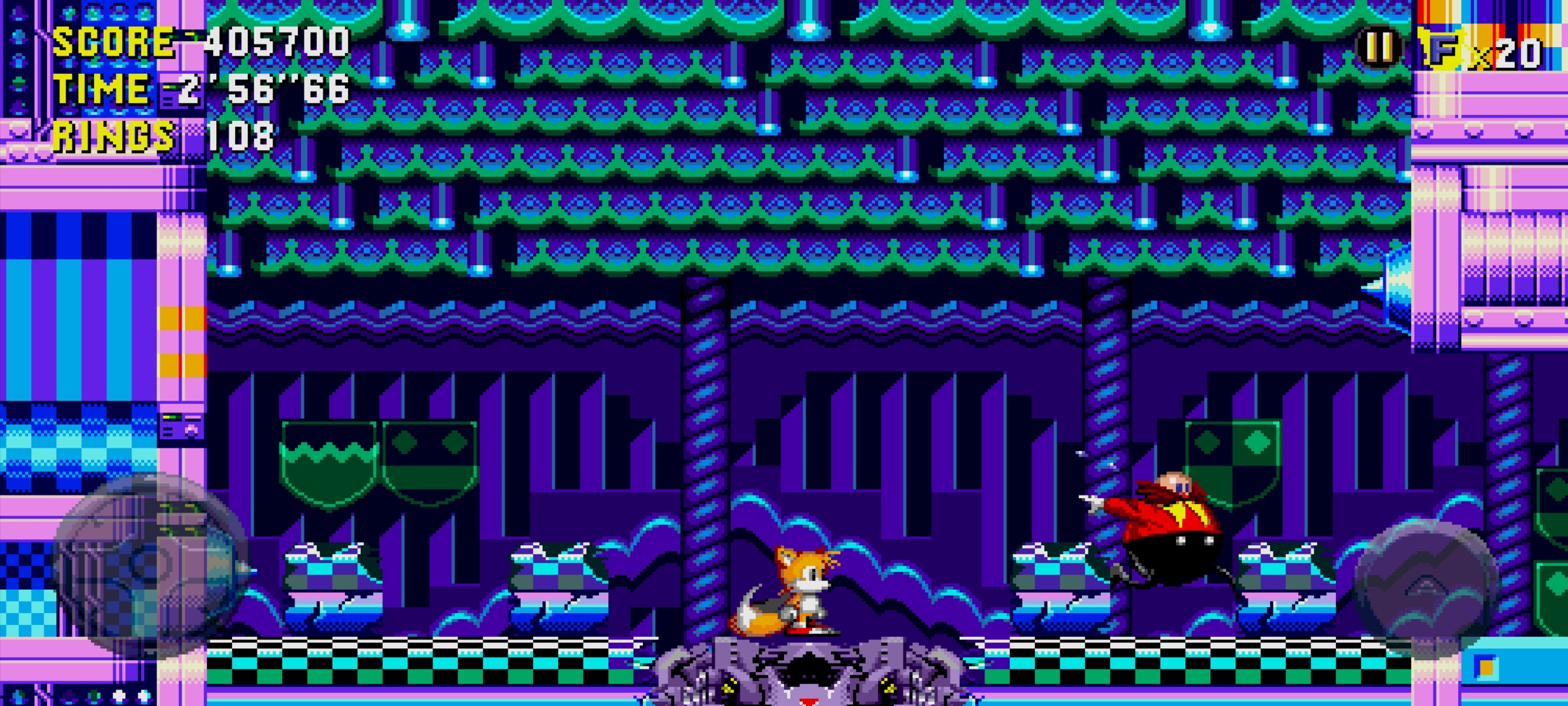
- The ultra-widescreen display tends to cause camera lock issues, in particular in Quartz Quadrant Act 3 and Wacky Workbench.
- In Quartz Quadrant Zone 3, if the player gets too close to the boss before initiating the fight, the camera will break and the player won't fall backward into the spike trap.
|
Activating |
Result |
|---|---|
|
|
- In Wacky Workbench Zone 3, the camera in the boss arena is locked off-center. This fixes itself after the boss is defeated.
|
Bug is activated. |
Bug is fixed. |
|---|---|
|
|
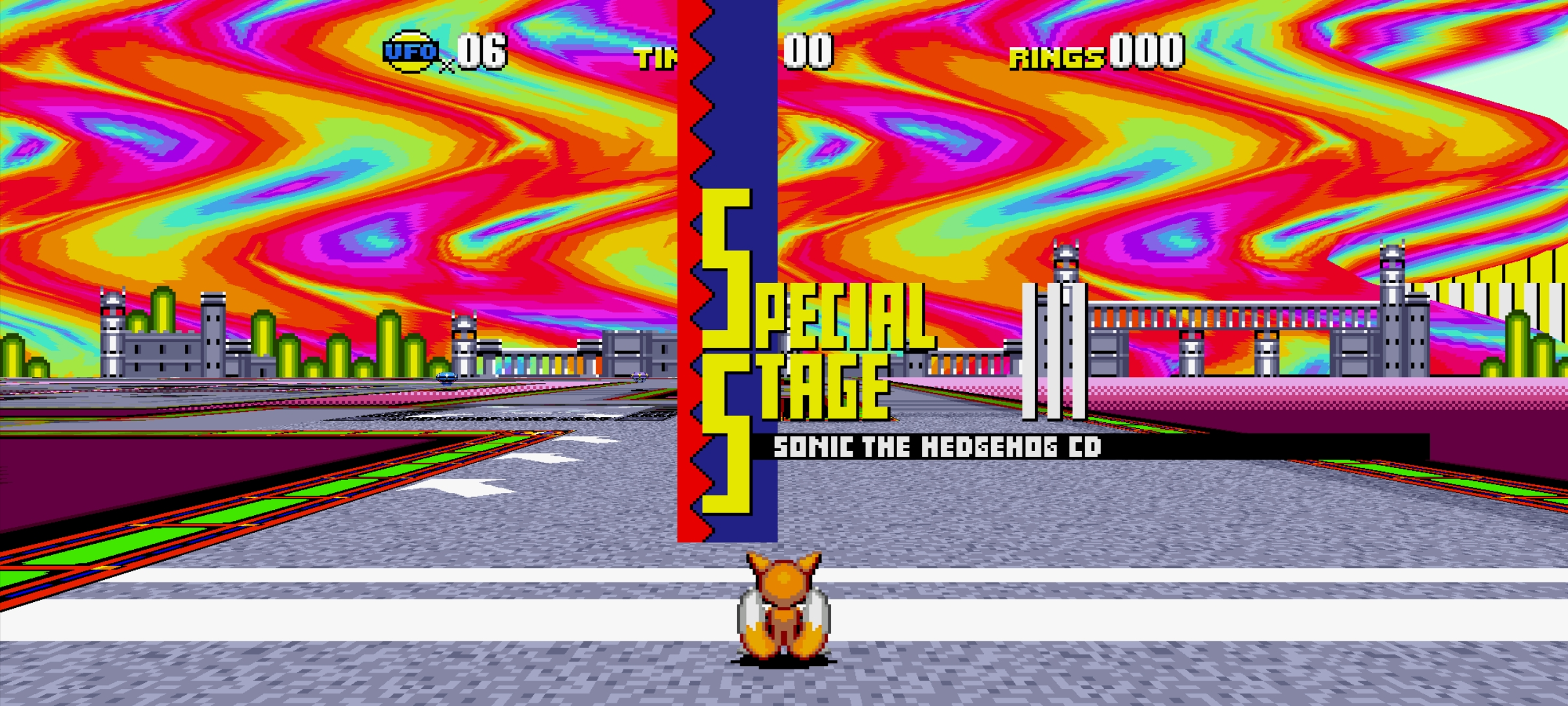
- The 6th Special Stage has a bugged background on the right side of the screen when in ultrawide resolutions, causing a "hall of mirrors" effect.
- Interestingly, there is no such bug with the background for the rest of the Special Stages, although they use the same technique for displaying the background.
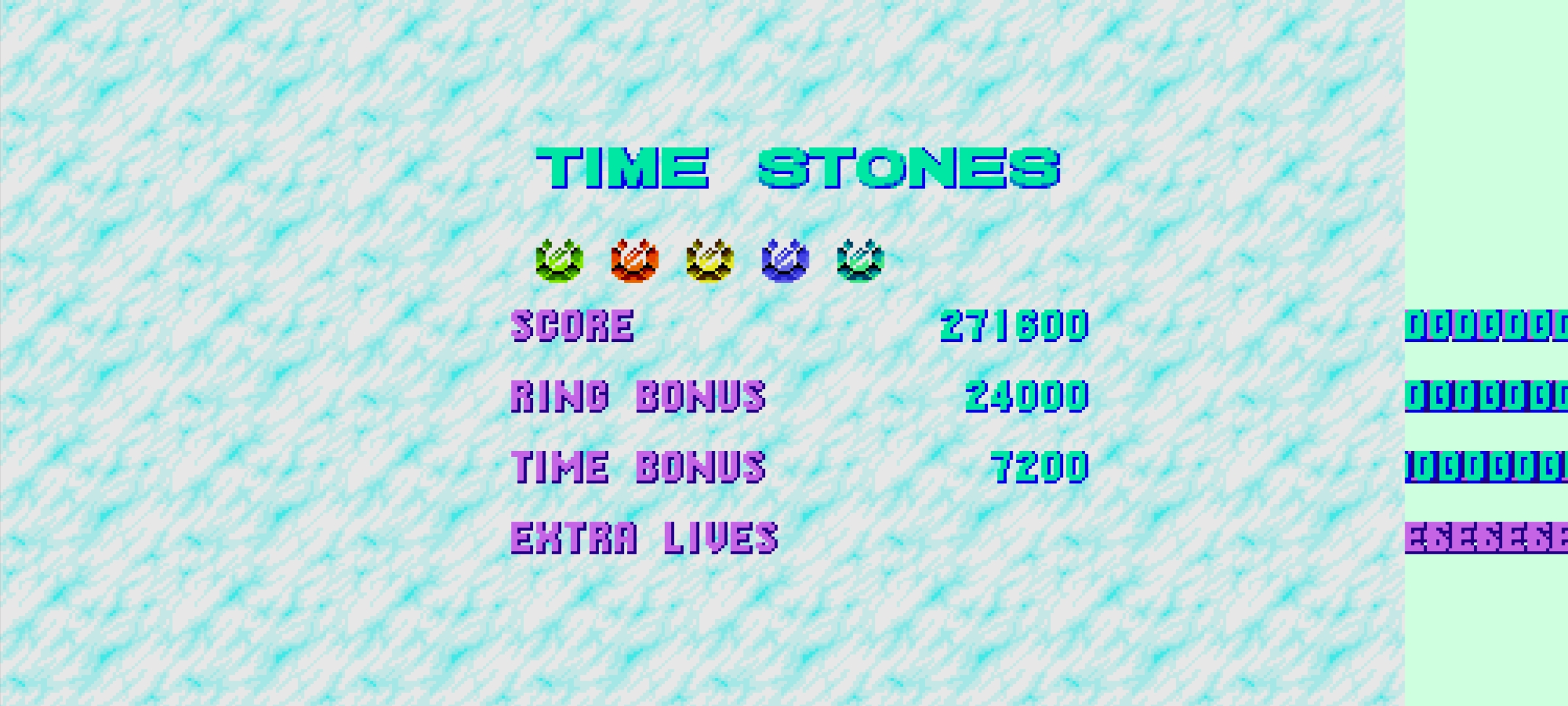
- The Time Stones screen was once bugged, as it was never designed with ultrawide resolutions at the time. This was patched in version 3.4.5.
|
Special Stage Bug |
Time Stone Screen Bug |
|---|---|
|
|
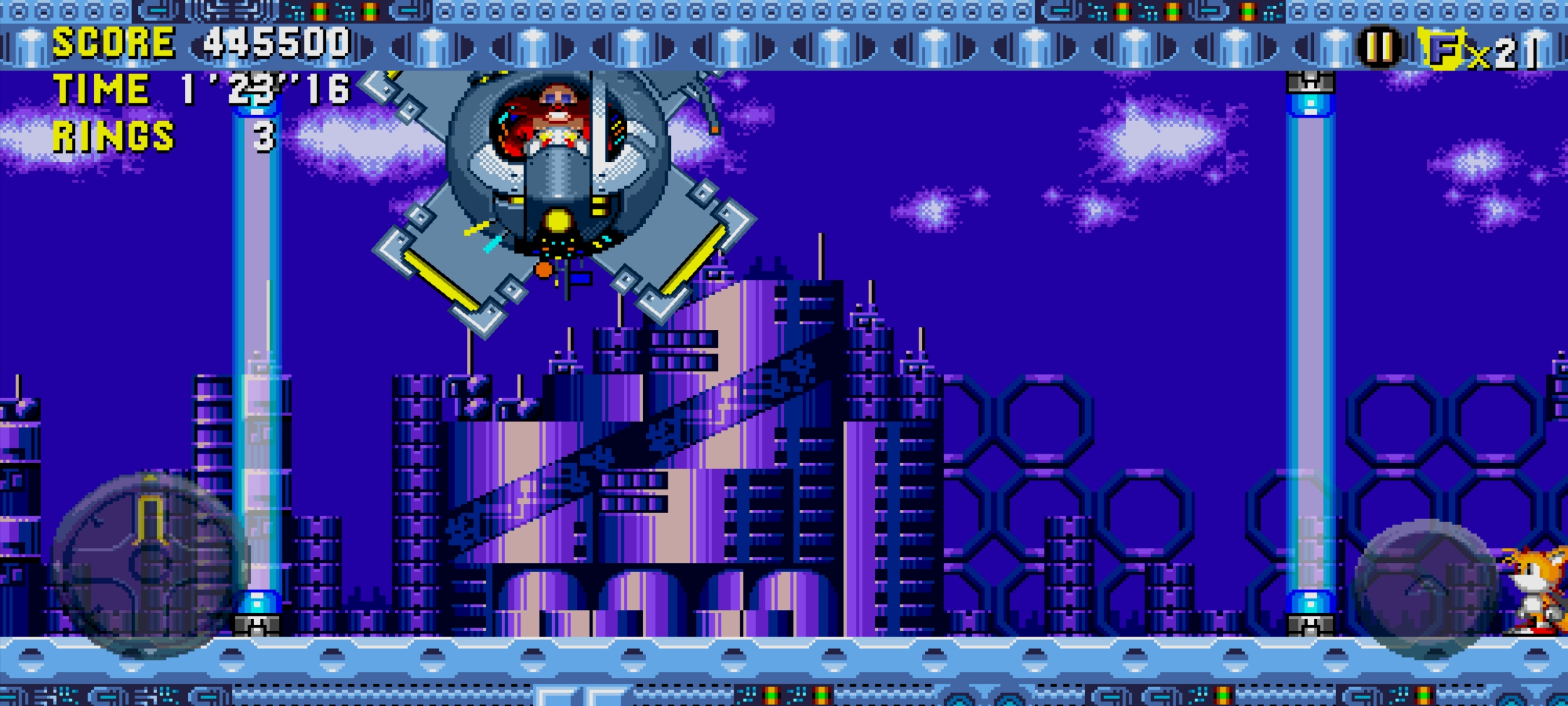
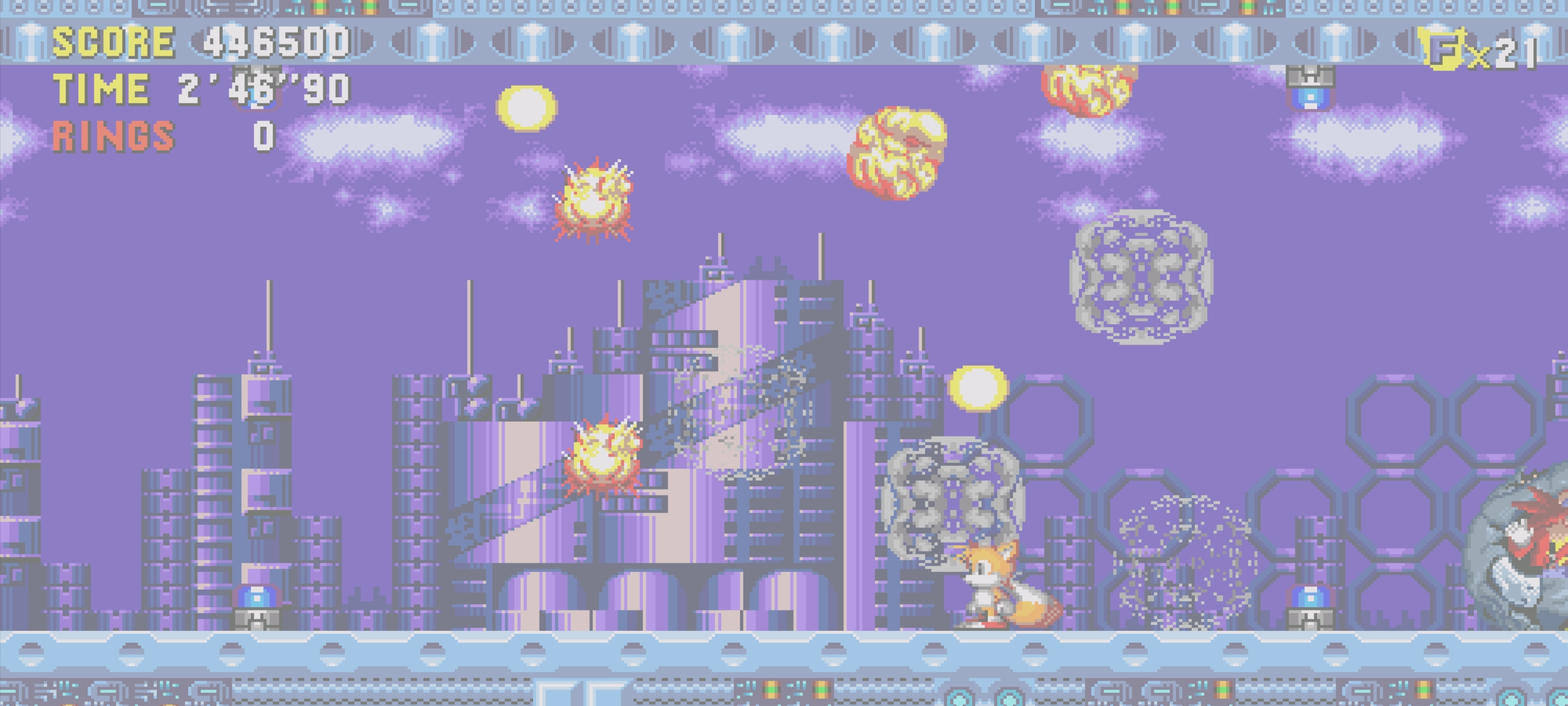
- In Metallic Madness Zone 3, if the player is too close to the side of the screen when the boss first appears, they can slip past the right "light beam." Fortunately, it's not solid from this side, so they can simply walk or jump back through to return to the arena. Eggman can still hurt the player while they are inside the wall.
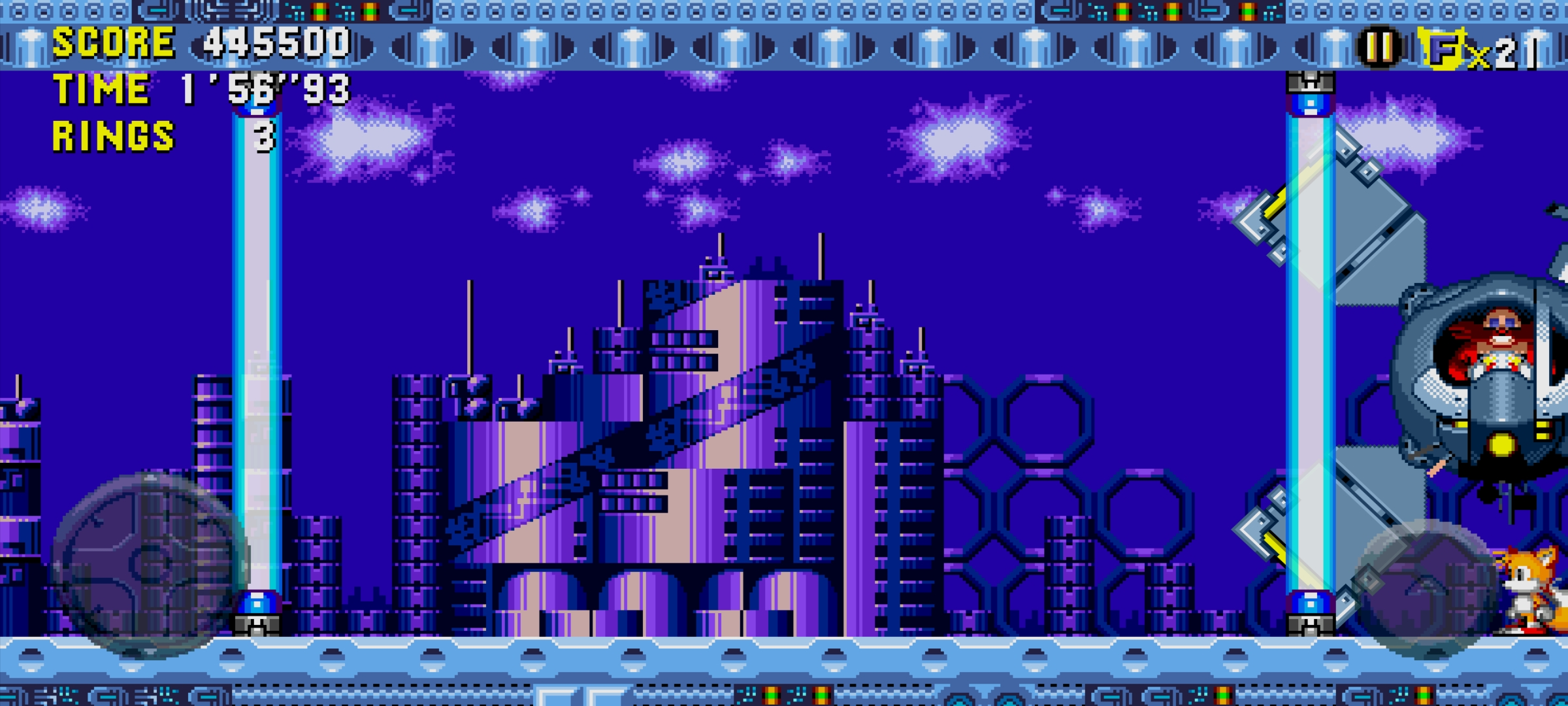
- After defeating the boss, the player can clearly see how it does not completely disappear after flying off to the right.
Light Beam Bypass |
Eggman Attack |
After Defeated |
|---|---|---|
 |
 |
 |
(Source: Original TCRF Research)
Other Bugs |
|---|
Name |
Activating of Metal Sonic Script |
Time Attack BG |
Title Clouds |