The PS2 Shinobi is the first 3D entry in the series. It was originally developed for the Dreamcast, being moved to the PS2 after Sega announced it was exiting the console market.
Sub-Page#

Debug Menu#


A decent-sized debug menu can be re-enabled with the below code. This allows you to select any level in the game, as well as toggle debug info and unlock various options. With the below code on, press L3 at the "Press START button" screen. You can also press L3 over the New Game option as well to access a quick start menu.
USA code:

Press L3 At Press Start Screen For Debug Menu
E0020400 01BC93E4
20238B1C 24020001
20238B88 24020001
E0020000 01BC93E4
20238B1C 0000102D
20238B88 0000102D

Japan code (SLPM-65200):
E0020400 01BC93E4
201878F4 24020001
20187968 24020001
E0020000 01BC93E4
201878F4 0000102D
20187968 0000102D

Japan (Demo version) code:
D0499782 0000FFFD
201878E4 24020001
D0499782 0000FFFF
201878E4 0000102D
The game's code indicates that the debug menu would have been accessed with a series of steps, the last part of which involves Controller 2 (the final game doesn't acknowledge Controller 2 at all):
- Wait at the "Press START button" screen for the demo movie to play.
- Wait until the demo movie ended (or skipped).
- Back at the "Press START button" screen, hold R1 on Controller 1 and R2 + L2 + L1 + D-Pad Right + D-Pad Down on Controller 2.
(Source: Original TCRF research)
SYSTEM#

Mostly lets you unlock various items in the game, such as items in the Extras menu.
MAIN DEBUG#

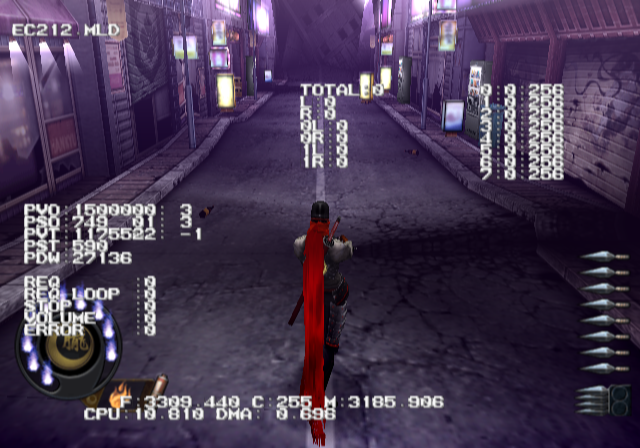
Allows you to toggle various debug information on-screen.
AREA SELECT#

Allows you to warp to any map in the game, assuming you know their correct map IDs. This also allows you to toggle various map settings on or off. Setting the "PLAYER" option to Off will allow you to enter a free camera state.
Quick Start#

Pressing L3 over the New Game option in the main menu will allow you to enter this menu. This allows you to quickly jump into a map based on story progression.
Unused Maps#
Using the "AREA SELECT" menu, you can easily warp to these maps. When selecting any of these maps, you will need to turn off the SE and Enemy options. These maps do not contain those files and will fail to load if the game tries to load them.
MA10_00#
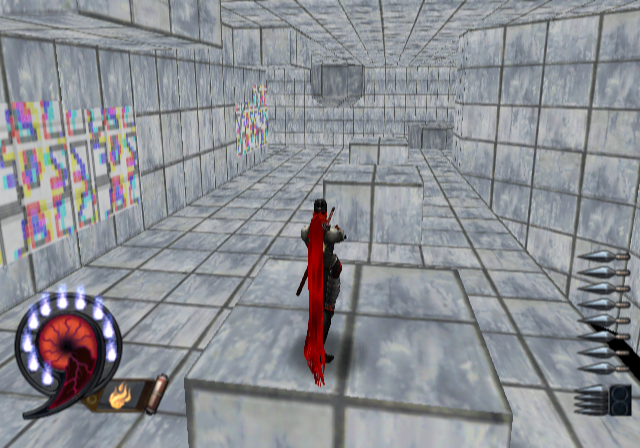
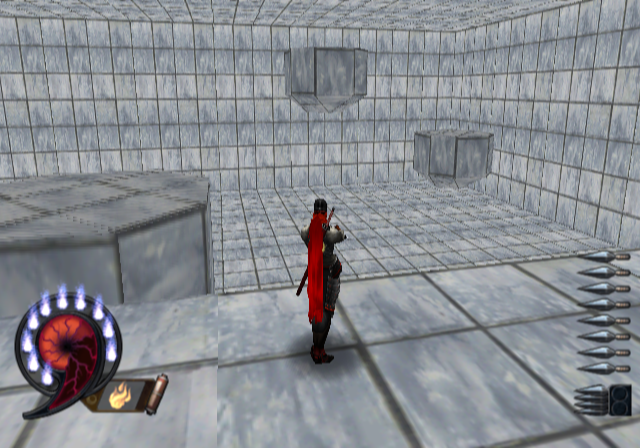
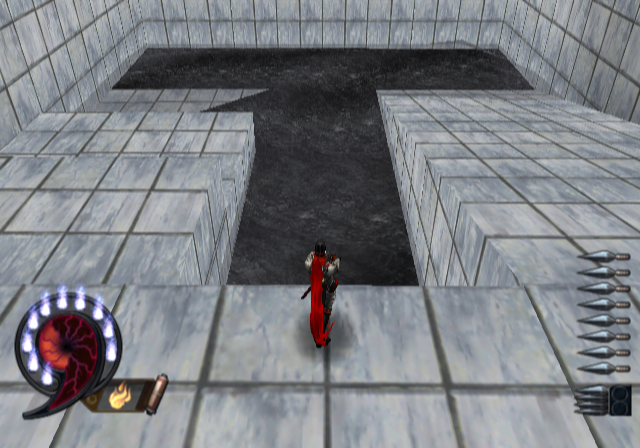
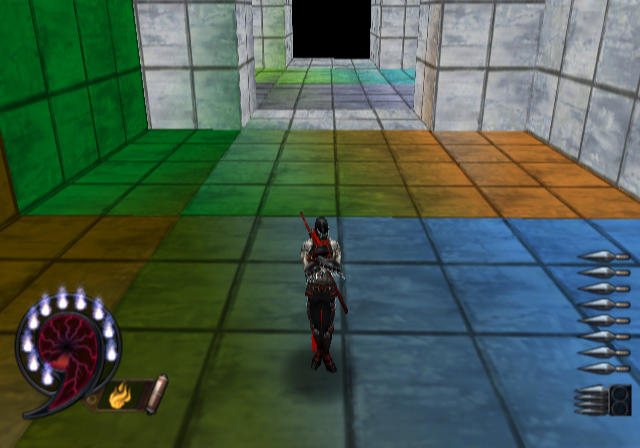
Stage No. 10, Area No. 0
A test map which contains various colored floors and moving platforms.
MA10_01#

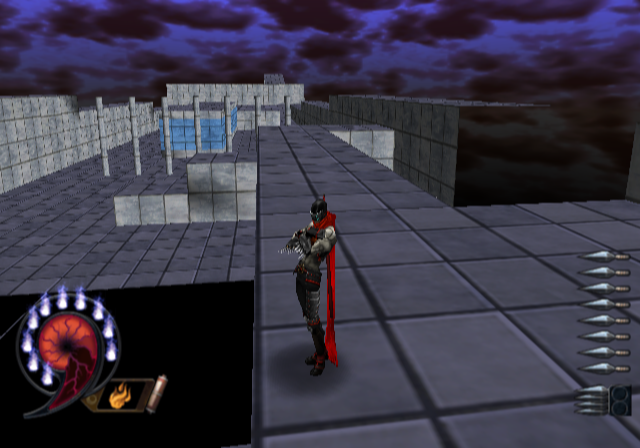
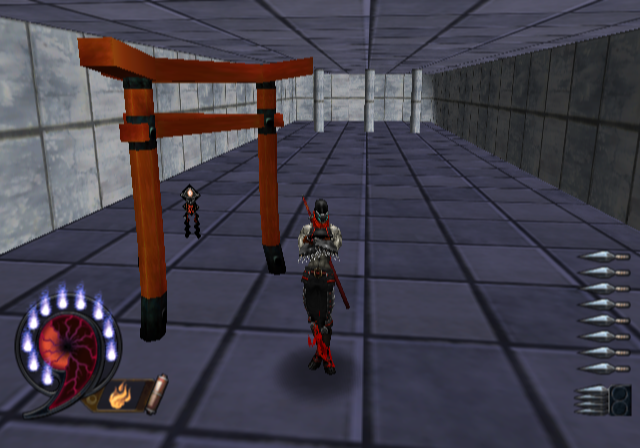
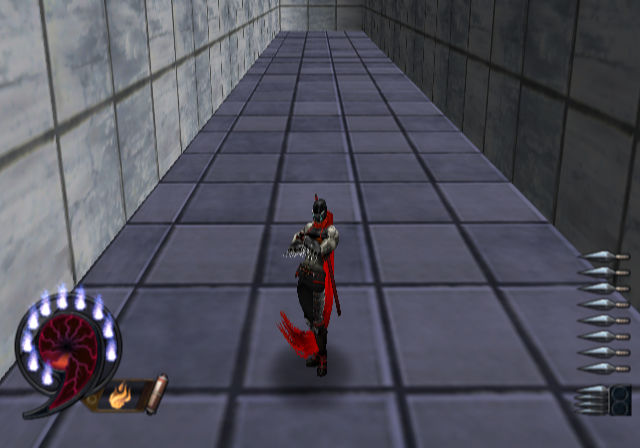
Stage No. 10, Area No. 1
Another test map which contains various walls which you can traverse.
(Source: Original TCRF research)
Regional Differences#
- The Japanese and European versions have three difficulty settings: Easy, Normal, and Hard. The US version removed Easy, shifted the Normal-level collectables to Hard, and added an extra "Super" difficulty with the old Hard-level collectables (along with being the only difficulty where default character Hotsuma can't kill the later bosses in one hit).
- Human and dog deaths from tates were censored in the Japanese version: they just fall over instead of splitting in two.
|
The Shinobi series | |
|---|---|
|
Master System |
|
|
Amstrad CPC |
|
|
ZX Spectrum |
|
|
Amiga |
|
|
NES |
|
|
TurboGrafx-16 |
|
|
Genesis |
The Revenge of Shinobi (Prototype) • Shinobi III: Return of the Ninja Master (Prototypes) |
|
Game Gear |
|
|
Sega Saturn |
|
|
PlayStation 2 |
|
|
Game Boy Advance |
|