
|
This page contains no introduction. |
Debug Mode#
Applying the below code will re-enable a few debugging options. This can also be found in Interlude as well, however in this game the debug menu does not work.
SLPS-25395 codes:

Master Code (Only needed for cheat devices)
9040EE10 0C103B2C

Enable Debug Mode
20519B08 00000001
20519B0C 00000001
This code enables the following options:
- Holding L1 + R1 when the game is first starting up will send you to a debug screen. It's not clear what this does.
- Holding Select would have sent you to a system debug information screen. This doesn't work anymore as it is looking for Interlude data.
- Starting a new game would have opened a debug menu. This doesn't work anymore and will softlock the game.
(Source: Original TCRF research)
Debug Menu (Broken)#

Starting a new game would have made a debug menu appear, however the image above represents what you're greeted with. This results in a softlock because the game is looking for a non-existent debug menu from Interlude's data.
Unknown Debug Screen#

Holding L1 + R1 when the game is first starting up will send you to this screen. It's not clear what this does.
Progressive Display Mode (640x480p)#

Holding Triangle + X when the game is first starting up will allow you to turn on progressive mode.
(Source: Original TCRF research)
Unused Images#
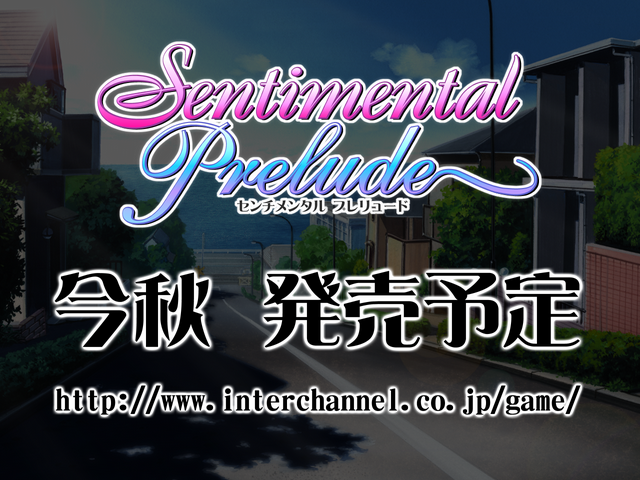

A demo screen image which translates to "Launching this fall".












Mock-up CG gallery screens from the first game.
(Source: Original TCRF research)
|
The Sentimental Graffiti series | |
|---|---|
|
Sega Saturn |
|
|
Dreamcast |
|
|
PlayStation |
|
|
PlayStation 2 |
|