This is a sub-page of SNES Classic Edition.
Watch on YouTubeHidden in the system files is a factory application used for testing the SNES Classic's hardware, controllers, audio, display image, etc. To access this menu without making complex changes, you would need to mod your console with Hakchi2 and import the following file into your games_snes folder:
If you want to exit any of the menus and go back to the game selection menu, press Start and Select fast simultaneously 5 times in a row.
FOXCONN#
Set#
Toggles through different audio, color, controller and "keyboard" tests. You can't pass the controller unplug test however. This test also checks before starting for any existing logs, NAND issues, voltage issues, HDMI issues or screen resolution issues.


QR Display#
Displays a QR code surrounded by either a green or red screen. This depends if test logs l6 and l10 have OK or NG written in them. The QR code either reports back some console version information or an error code.


MB#
A non-working GPU & NAND check that crashes the test menu when selected. It does output a log, but its file shows it should display a screen with some dialog.
Highload#
A color triangle test while a 1KHz tone plays.

Controller NES#
NES Classic controller test. This is the only test that counts the amount of OK or NG screens. It doesn't seem to register button inputs however.

Controller SNES/SHVC#
SNES Classic controller test. Same as the NES one, and also doesn't seem to register button inputs.

Detect - Key - Test#
The same thing as before, but now it actually works. This one counts the amount of times a button has been pressed. More notably, this test shows a build date from 01/11/2016, a few days before the NES Classic Edition launched.

NERD#
Graphics#
The same as the Highload test, except now there's no sound.

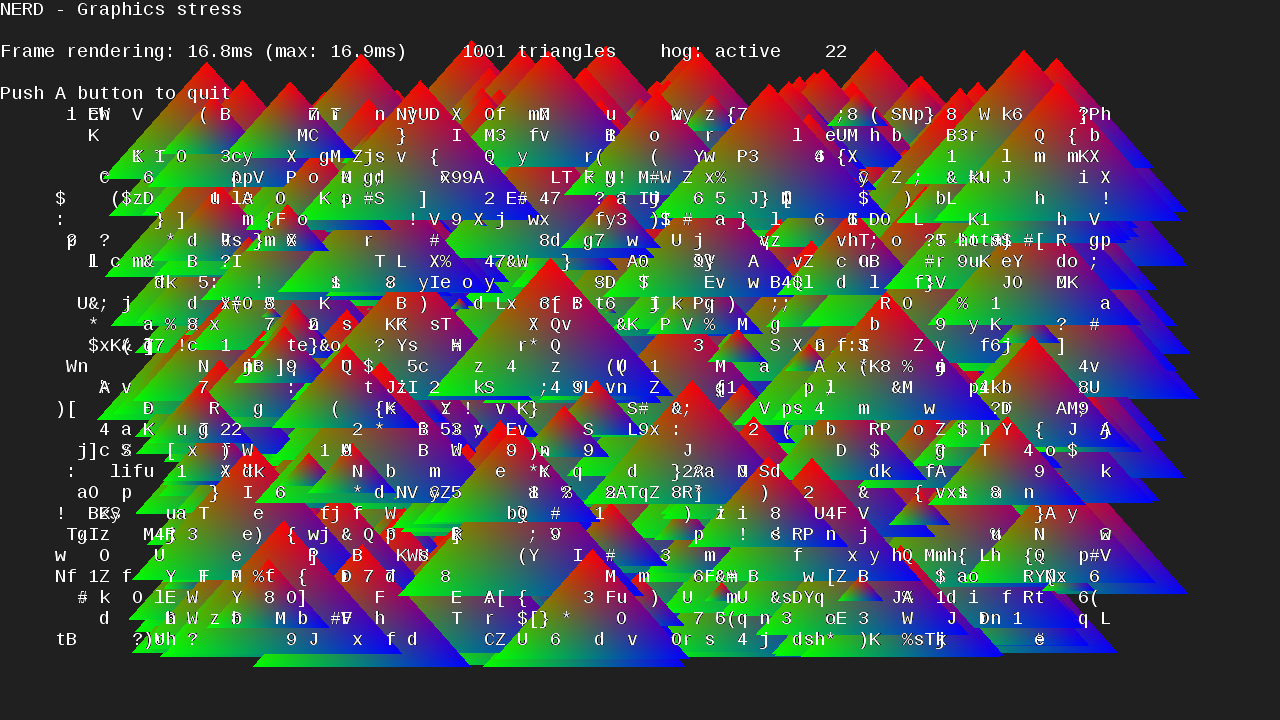
Stress#
Shows a bunch of colored triangles and randomized characters to stress test the console.
Audio#
Cycles between the left and right audio channels with a tone.

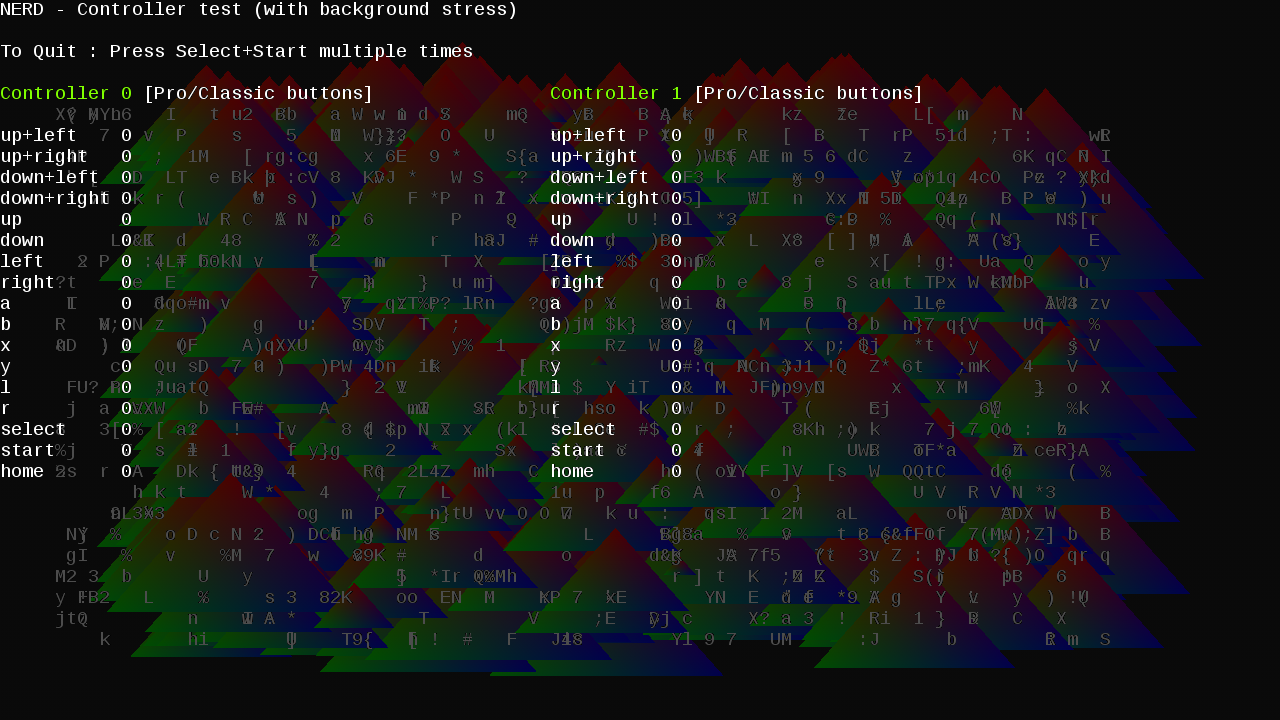
Controller#
It's another one. This one also allows the home button on Wii Classic Controllers to be pressed.

Controller (Background stress)#
The same as before, except combined with the stress test.
Keyboard#
Not actually a keyboard test. Instead, it tests the power on, off and reset buttons.

Input Lag - SDL#
Flashes a red and white screen if you press A. Pressing B sends you back to the main menu.

Input Lag - EGL#
A black screen that flashes white if you press A, B, X or Y. Pressing anything else sends you back to the main menu.
Input Lag - fbdev#
Same as EGL.
automatic resolution mode#
Sets the resolution to 1280 x 720.
720p mode#
Forces 720p.
480p mode#
Forces 480p. It crops the menu's screen.
720p mode downscaled to 480p#
Does exactly what it says.
480p mode downscaled to 720p#
Does exactly what it says. It crops the menu's screen.
Reboot#
Reboots the console. This sometimes could lead to a crash on startup.
Quit#
Quits and returns to the main menu.
Test Succeed / Fail Screens#

(Source: Original TCRF research)