Putt-Putt apparently ranked in enough pennies from mowing lawns and recycling bottles to buy a ticket to the circus, but when a goat eats it, it seems all hope is lost...until it turns out that he just so happens to arrive a little too early to find everything in a complete mess. The owner of the circus, against all odds and probability, offers free tickets for life if he can help fix it. Once that happens, Putt-Putt Joins the Circus. And by that, we mean he just gets to participate in completely forgettable minigames, once the player realizes they just finished a cheap attempt to clone Putt-Putt Saves the Zoo's formula, what with having to help talking animals out of tight situations.
Unused Text#
Most Humongous games have inaccessible subtitles, and this one is no exception. To activate them, add the setting
TextOn=1to either hegames.ini or scummvm.ini.
Debug Mode#
Adding the following line
SputmDebug=60500to hegames.ini or scummvm.ini enables debug mode for this game.
Room Debug#

This is the room debug screen, which gives a map that allows you to access any location in the game. Press Shift-G, or type room 6 in ScummVM's debugger or 6 on the room goto window to access it.
Item Debug#

This is the item debug screen, which gives a picture of every item in the game. Clicking on one places an "X" over it, indicating it's in your inventory. Press Shift-I or type room 38 in ScummVM's debugger, or 38 on the room goto window to access it.
Fast Mode#
The combination Ctrl-F enables a turbo mode that makes all animations run much faster.
Object Pickup#
Ctrl-O prompts the user for an object number to pick up.
Go To Room#
Ctrl-G brings up a prompt for a room number to go to.
Change Variable#
Pressing Ctrl-E first asks for a variable number to change, then gives the value of that variable and prompts the user for a new value to set it to.
Unused Graphics#
Graphic |
Notes |
|---|---|
 |
Placeholder image for the load/save screen. Similar images exist in most Humongous games. |
 |
A rough sketch of an early title screen, showing the game was originally going to be called "Putt-Putt Saves the Circus". |
 |
Room 2, which is where all the dashboard sounds are stored, contains two placeholder graphics that are displayed upon warping there, the handwritten words "in-your-face" overlapping "interface". |
 |
A storyboard sequence of Francine performing her dive. |
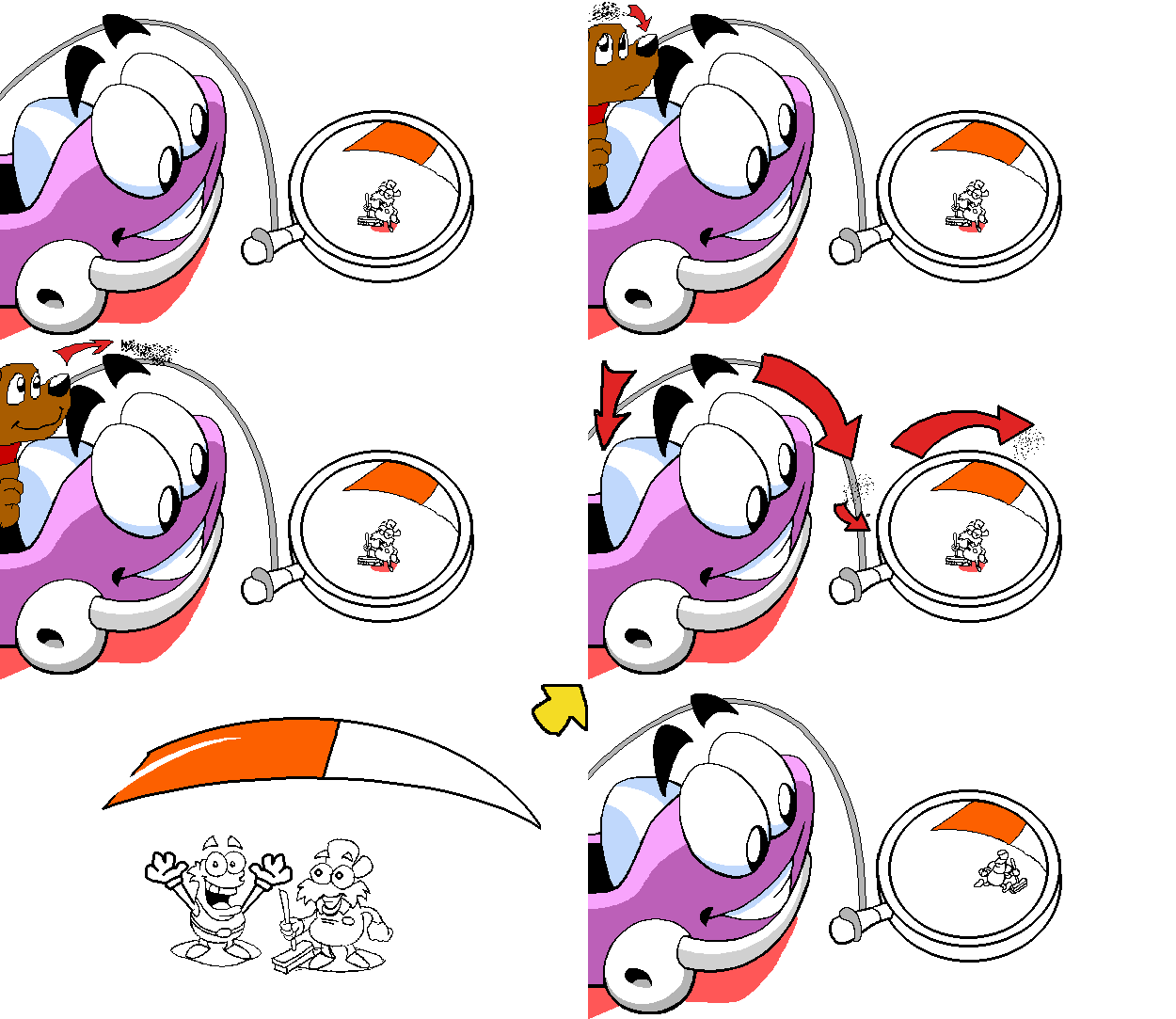 |
A storyboard sequence for returning the fleas. |
 |
A closeup sketch of Lester's badge, something that doesn't appear in the final game. |
 |
A sketch of a Lester holding a photo of him and Phillipe, something else that doesn't appear in the final game. |
Unused Cutscenes#
Watch on YouTubeNormally it is impossible to put the trampoline in the chasm from the left, but there is still an animation for Putt-Putt setting the trampoline up from that side anyway. Setting the trampoline up still functions as intended, though Putt-Putt will jump from the right no matter what. This is only possible to do using debug rooms.
Unused Dialogue#

|
This needs some investigation. |
File |
Subtitles |
Notes |
|---|---|---|
None |
A leftover audio file from Putt-Putt Enters the Race of Putt-Putt saying, "Look, it's an armadillo!" This is stored with the sound effects instead of the dialogue, and as such it has no subtitles. |
Unused Music#
File |
Notes |
|---|---|
A single unused music piece resides in the HE4 file, with an unknown use thanks in part to how similar every tune in this game sounds. |
|
Looks like somebody left the load/save music from Putt-Putt Travels Through Time again after the last game, because it's still here. |
References#
|
The Putt-Putt series | |
|---|---|
|
DOS, 3DO |
|
|
Windows, Mac OS Classic |
Joins the Parade • Goes to the Moon • Saves the Zoo (Prototype) • Travels Through Time • Enters the Race • Joins the Circus • Pep's Birthday Surprise |
|
Arcade | |
|
DOS |
Putt-Putt's Fun Pack • Putt-Putt & Fatty Bear's Activity Pack |
|
3DO |
|
|
Windows, Mac OS Classic |
Putt-Putt & Fatty Bear's Activity Pack • Putt-Putt & Pep's Balloon-o-Rama • Putt-Putt & Pep's Dog on a Stick |
|
See also | |