 This article has a talk page!

|
To do: |

|
This page contains no introduction. |
Debug Menu#

Much like the first game, a debug menu also exists here. This one contains more options. Apply the code below and press the L3 button at anytime to access it.
USA Code:

Press L3 For Debug Menu
001E7CAF 00000020
D02A8902 0000FFFD
2042FF4C 0000001A
(Source: Original TCRF research)
MOTION VIEWER#

This doesn't appear to properly work anymore. Nothing gets rendered on-screen.
HANAI MODE#


This option allows you to view the game's textures.
SOUND TEST#

This allows you to play all of the SFX in the game. You can also change the pan and pitch of the sound.
ISHIKAWA TEST#

Like the motion viewer option, this also doesn't appear to properly render anything.
MOVIE TEST#

This allows you to watch all of the game's pre-rendered videos.
MODEL VIEWER#


This lets you view the game's models. It's unclear if you can select more than the menu option's models, however.
Unused Map#
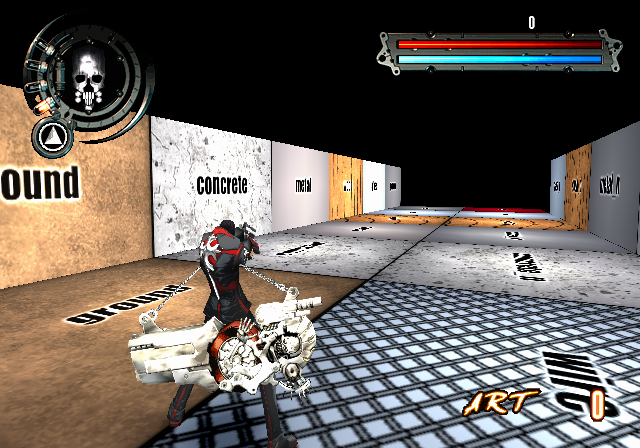
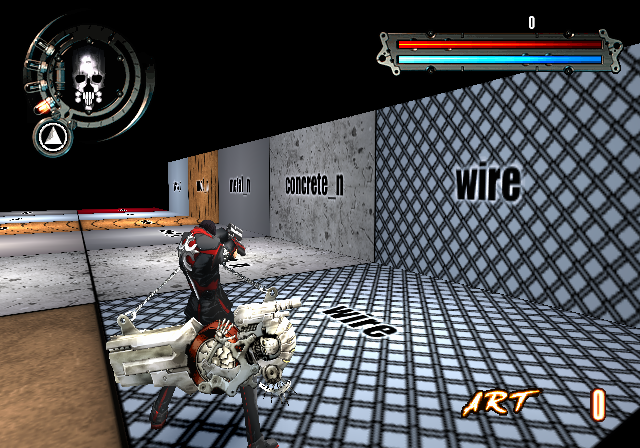
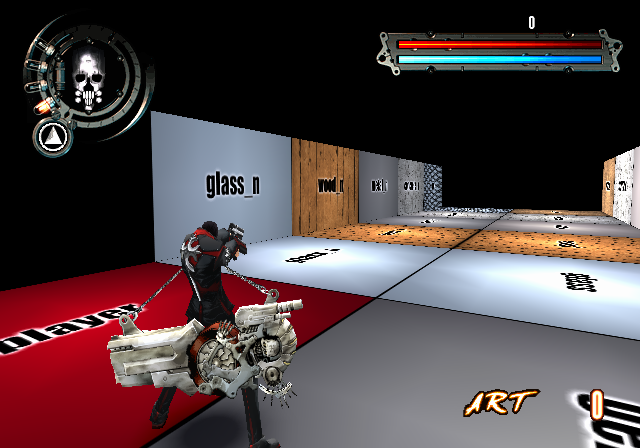
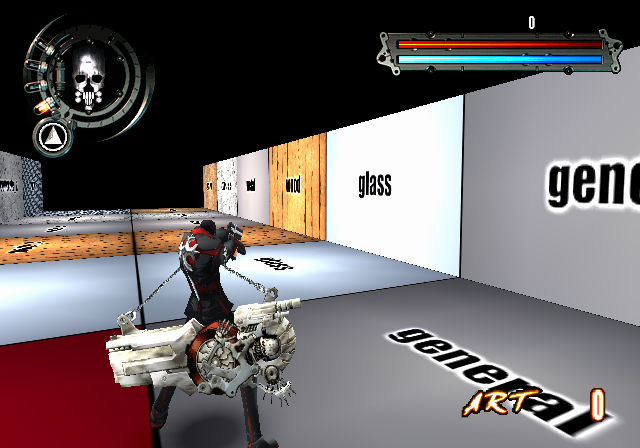
Selecting either TEST(10) or EFFECT(11) from the debug menu will bring you here. This tests various terrain types.
|
The Gungrave series | |
|---|---|
|
PlayStation 2 |
|