 This article has a talk page!
Freddi Fish and The Case of the Haunted Schoolhouse is the second outing of Freddi and Luther, where a ghost haunts their school and steals all the toys on show and tell day. In order to catch it, they decide to finish an extremely elaborate Rube Goldberg trap that was so conveniently there when they needed it.
Unused Text#
As with many other Humongous games, this one has subtitles that are inaccessible in this game unless you put
TextOn=1in hegames.ini or in scummvm.ini, or if you enable them with ScummVM's UI.
Debug Mode#
As with many Humongous games, this one includes debug rooms for easy testing. On the original interpreter, these can be accessed by adding the following line to hegames.ini:
SputmDebug=72296(Source: ScummVM Wiki)
Room Select#
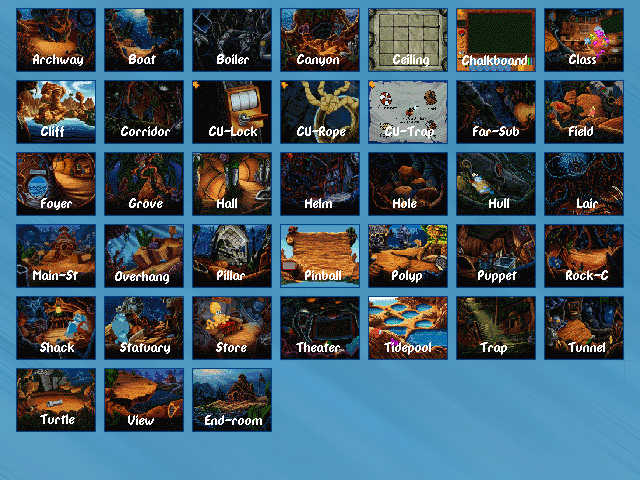
This allows you to jump to any room. To access it, press Shift+G or type "room 43" in ScummVM's debugger.
Item Select#
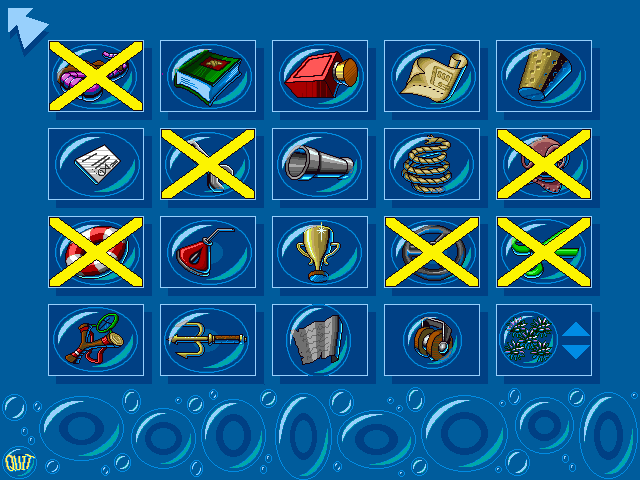
This screen allows you to pick up any item at any time. To access it, press Shift+I or type "room 44" in ScummVM's debugger.
Path Select#
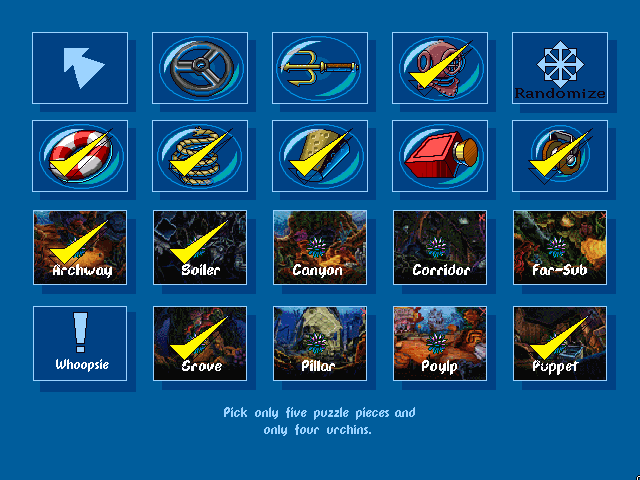
Here, you may go to any path you want to. Shift+C does not work for this one though, and the only way to make it here on the original interpreter is to use Ctrl+G to bring up the room goto window and type "45", or type "room 45" in ScummVM's debugger. Unlike most other path debuggers, this one allows you to randomize it. If you pick more than five paths or five urchin locations though, they are randomized based on which ones you picked.
Fast Mode#
With debug mode enabled, it is possible to press Ctrl+F to enable fast mode on the original interpreter. It turns off "min jiffies" (as the SCUMM developers called it) and puts everything in turbo speed.
Room Goto#
Pressing Ctrl+G brings up the room goto box.
Object Pickup#
Ctrl+O prompts which object number you want to pick up.
Change Variable#
Pressing Ctrl-E first asks for a variable number to change, then gives the value of that variable and prompts the user for a new value to set it to.
LateNightClassCam#
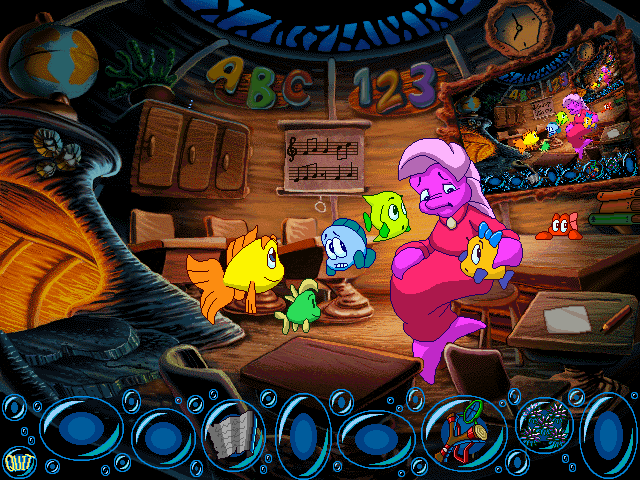
By inputting
LateNightClassCam=72296into hegames.ini or scummvm.ini, you will trigger a hidden Easter Egg. By clicking on the globe on the top left part of the classroom, a duplicate of the screen will show up on the chalkboard.
(Source: ScummVM Wiki)
Always Show Ghost Scenes#
By inputting
SeeGhostScenes=72296into hegames.ini or scummvm.ini, the ghost scenes will always appear no matter what. Without it they only appear occasionally.
E3 Demo#
By inputting
E3Demo=72296into hegames.ini or scummvm.ini, the E3 demo is triggered. It is nearly identical to the regular demo, except it also includes the first screen of the schoolhouse and Casey's screen. Beyond that, it's the same as the real demo, where you solve the puzzle with Tucker getting his head caught in a pipe.
Unused Graphics#
General#

A placeholder image for the load/save screen. Similar images exist in most Humongous games.
Cursors#


Only one urchin can be taken out of the inventory at a time, so these two to five urchin variants go unused.
Room 6 (School exit)#


Blank versions of the "Vote Freddi 4 Class Prez" and "Go Marlins!" banners found above the exit of the schoolhouse. Likely left in to make things easier for translators.
Room 7 (Lockers)#

A storyboard of the ghost showing up just around the corner.
Room 8 (Classroom)#


Tons of images like this exist in the game. They are simply solid colors with a file name at the top right corner. They may have been used in very early stages of the game to mark what backgrounds were used where.
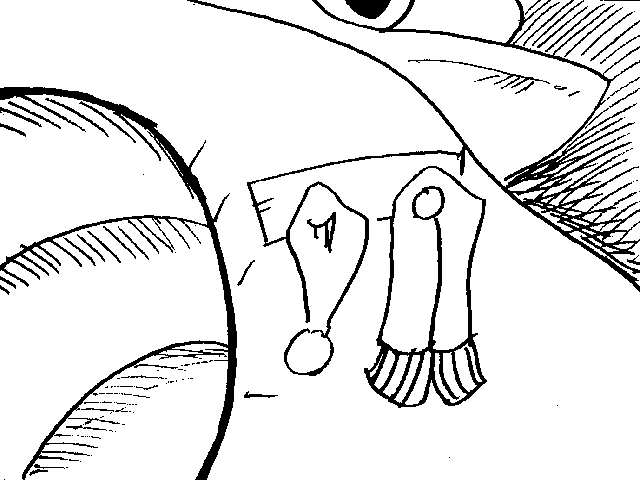
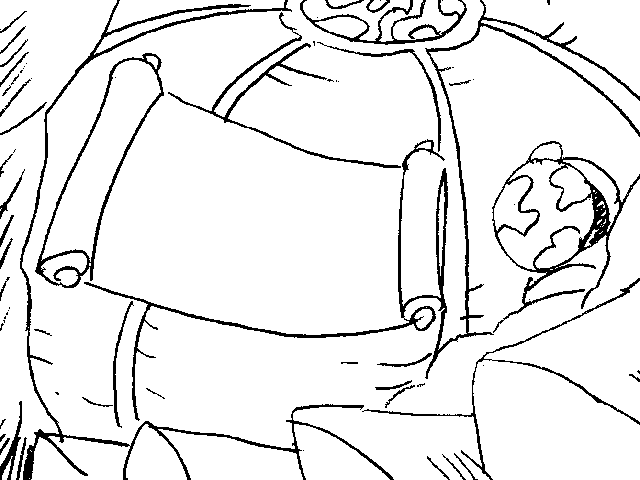
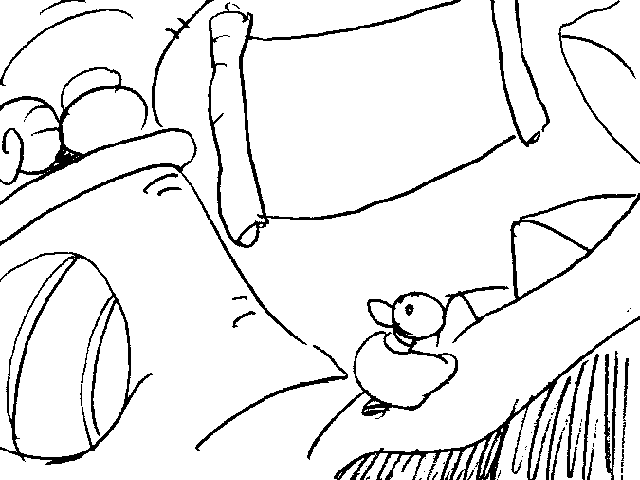
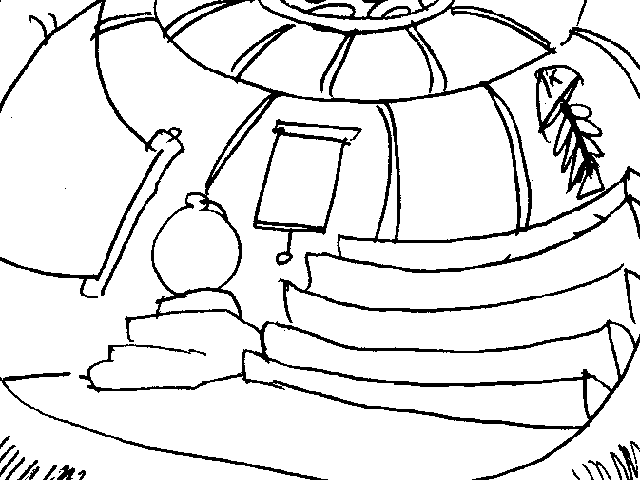
Various pencil sketches of the numerous backgrounds found in the classroom.
Room 10 (Trap room)#


More filename images.


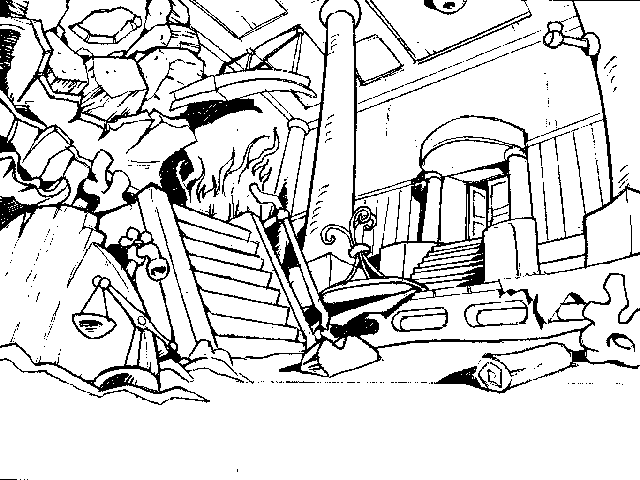
Various pencil sketches and storyboards of where the trap parts go and where the characters are placed. There's also an odd thin horizontal bar with two short lines on it clumped with these. No idea what its purpose was. Also, a pencil sketch of the room's background.
Room 11 (Ending)#

ANOTHER one of these.
Room 12 (Part List)#


Tons of sketches for the trap parts. Even though the list in the game does use simple sketches, none of these made it into the final game. There's quite a few here that are very similar with very minor alterations (particularly, some that are the exact same drawing, but one with an arrow and one without).
Room 14 (Storage Room)#

A pencil sketch of a close-up of the rope untying book. There are no scenes like this that made it into the final game.
Room 26 (Captain Schnitzel)#


Storyboard of Freddi and Luther conversing.
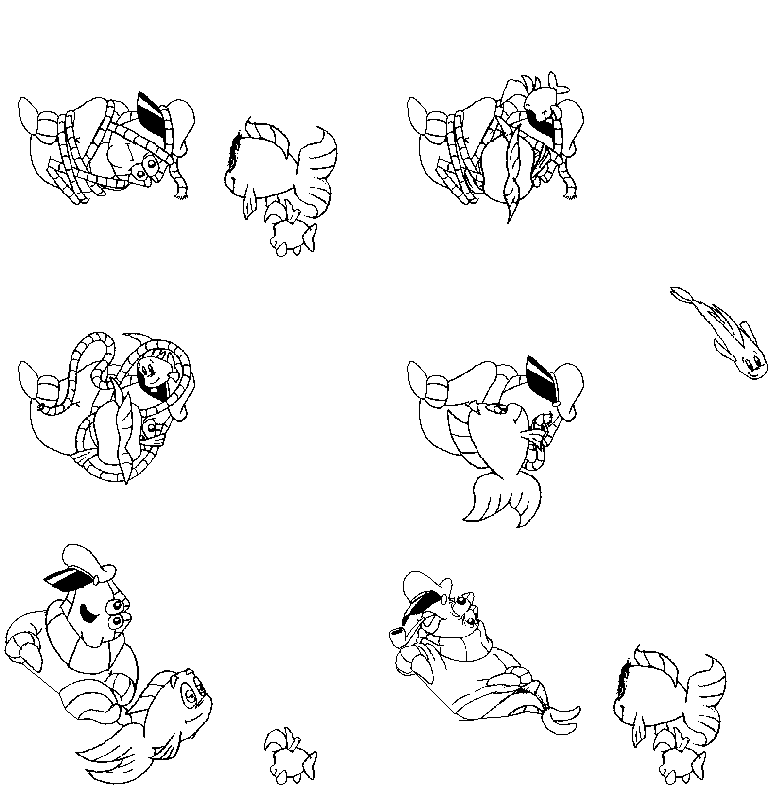
Here's something interesting -- originally, Captain Schnitzel was going to be tied up. This is a test animation of Freddi and Luther untying him. In the finished game, the rope is simply tied to the top of an anchor he sits on, rendering this animation unnecessary.
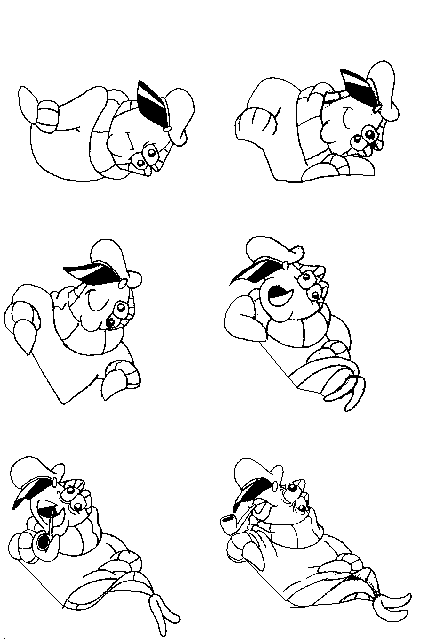
There is also a standalone animation of Captain Schnitzel just sitting up with no rope untying involved.
Room 28 (Submarine)#

SIGH.
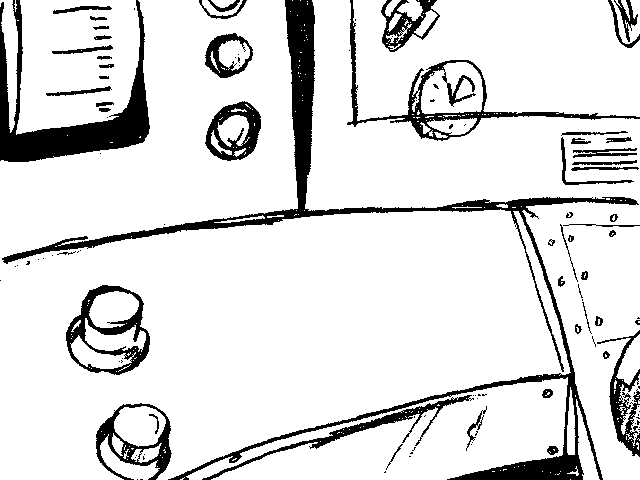
A pencil sketch of a closeup on the submarine's controls.
Room 34 (Mr. Triplefin)#


Storyboard drawings of Freddi and Luther talking to Mr. Triplefin as he's...smoking a pipe? By the looks of it, it doesn't seem very pleasant for Freddi and Luther either. This idea was dropped in the final game and he's instead portrayed as a friendly elder. These graphics do not have any proper animation assigned to them.
Room 37 (Museum)#
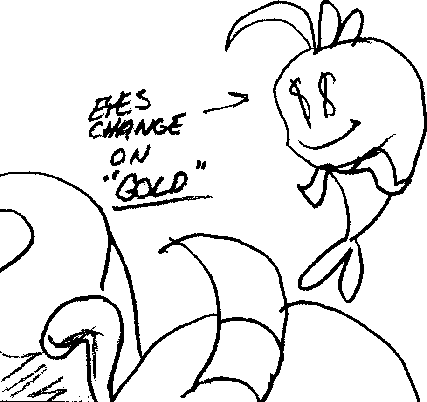
A storyboard drawing of a closeup for Luther going crazy over the trophy.
Room 40 (Movie Theater)#

An unused movie gives us a little closeup version of the 1994–1995 Humongous logo. This may have originally been intended as something to show before the movies actually started, but the finished game uses a standard countdown. It was probably cut since this was the first game to use the hand-drawn Humongous logo, rendering this one obsolete.
Room 42 (Credits)#


This text is used for test versions of the toys falling and getting trapped in bubbles.

One of the toys in the credits that didn't make it to the final game was a spaceship carrying an alien, both from Putt-Putt & Pep's Balloon-o-Rama. It also has text marking where to start looping the animation.

Another unused toy, this time involving a parachute man. It too has a marker for where to start looping.
Unused Dialogue#
While the game has a lot of unused graphics, it's pretty lacking on the dialogue side of things.
File (dialogue) |
Subtitles |
Details |
|---|---|---|
It's Luther's 'Codfish Commando' action figure. |
Meant to be spoken when Luther's action figure is examined...except it's never an inventory item and its only appearance when there is interaction is at the very beginning of the game when Luther is holding it, where it isn't even a clickable item. |
|
We have six purple sea urchins! |
Only five urchins will be in the game at a time; the only possible way to get more is if the game glitches up at the beginning and mistakenly spawns a sixth urchin, in which case it's surprisingly properly written into the game code. There are no inventory graphics for six or seven urchins though -- they're simply duplicates of the five-urchin graphic. |
|
We have seven purple sea urchins! |
||
It's those sharks! |
This is clumped together with the ending dialogue, presumably meant to be said after the costume is torn off. It was probably left out for either pointing out the obvious or for being redundant with another line spoken later on in the ending. |
|
Sorry, we didn't mean to bother you, sir. |
This is an alternate line meant to be spoken after Eddie initially refuses access to the life preserver (the used one has Freddi politely requesting it). Since Eddie will not be out to speak unless he is guarding the life preserver, this line was probably rendered moot. |
|
We have enough sea urchins. |
This is used on the item debug screen, if you attempt to take a sixth sea urchin. It has no use in the actual game otherwise. |
Unused Music#
When the great Titanic sank
Leaving its twisted remains
I made my way through the metal debris
To find this pulley in chains!
An unused song for the Pulley salesman. It was probably cut due to the fact that the Pulley Emporium doesn't have more than four pulleys.
The ending theme consists of three separate themes all stringed together for one scene, with each set to play at a certain point. The first plays when the ending starts (obviously), the second plays when the ghost first walks in, and the third plays after the trap is finished. Even though none of the three are heard in full in the actual game, how much you actually do hear of them varies widely -- if you play the game from the CD or an older computer, you're generally going to hear a whole lot more of it because of the frequent pauses due to loading. If you play it off your hard drive, you hear much less of it. Typically, the first two themes are only heard for about thirty seconds (leaving nearly half of them unheard) while the third one is almost heard in its entirety, cutting off when only a few seconds of it are left.
Revisional Differences#
1999 Version#
This version isn't a whole lot different from the 1996 version, but there are a few noteworthy things.
Graphics#
|
1996 |
1999 |
|---|---|

|

|
The 1996 version used the hand-drawn logo. The 1999 version used the variant with "www.humongous.com" added below.
|
1996 |
1999 |
|---|---|
|
|
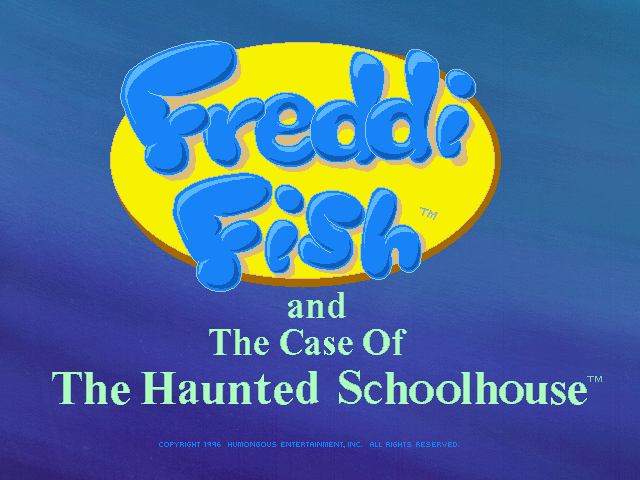
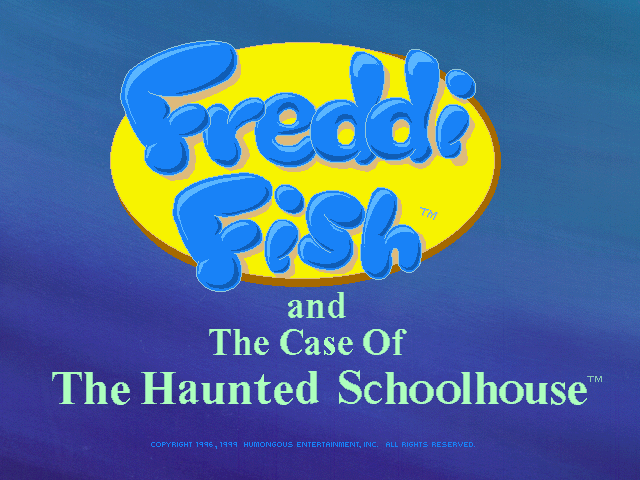
The copyright dates on the title screen were updated accordingly.
2002 Version#
The 2002 re-release from Infogrames made several more changes:
- The opening logos are replaced with the flashy Infogrames logo followed by the paper-flip Humongous logo.
- The copyright date was removed altogether on the title screen.
Music#
|
1996 |
1999 |
|---|---|
The song played when clicking on the harp at the beginning of the game had a little lead-in that was oddly cut in the 1999 version.
Other#
- The game runs in fullscreen instead of letterboxing at resolutions above 640×480.
- Support for Windows 3.1 was dropped in the 1999 version; Windows 95 or higher is now a requirement.
References#
|
The Freddi Fish series | |
|---|---|
|
Windows/Mac OS Classic |
The Missing Kelp Seeds (Prototype) • The Haunted Schoolhouse • The Stolen Conch Shell • The Hogfish Rustlers of Briny Gulch • The Creature of Coral Cove |
|
Arcade | |
|
Windows, Mac OS Classic |
|
|
See also | |