 Unused TextToo many leftovers and unused strings.
 Unused TexturesOver such a long period of development, the developers accumulated a lot of unused files.
 Unused SoundsThere's still so much left to be heard...
Compiler Information#
Present at 0x29AF99.
WATCOM C/C++32 Run-Time system. (c) Copyright by Sybase, Inc. 1988-2000. All rights reserved.Debugging Features#
DirectX information#
Pressing F12 in the upper-left corner the game will show the basic information processed by DirectX 9: hardware and software triangles, current FPS, and etc.

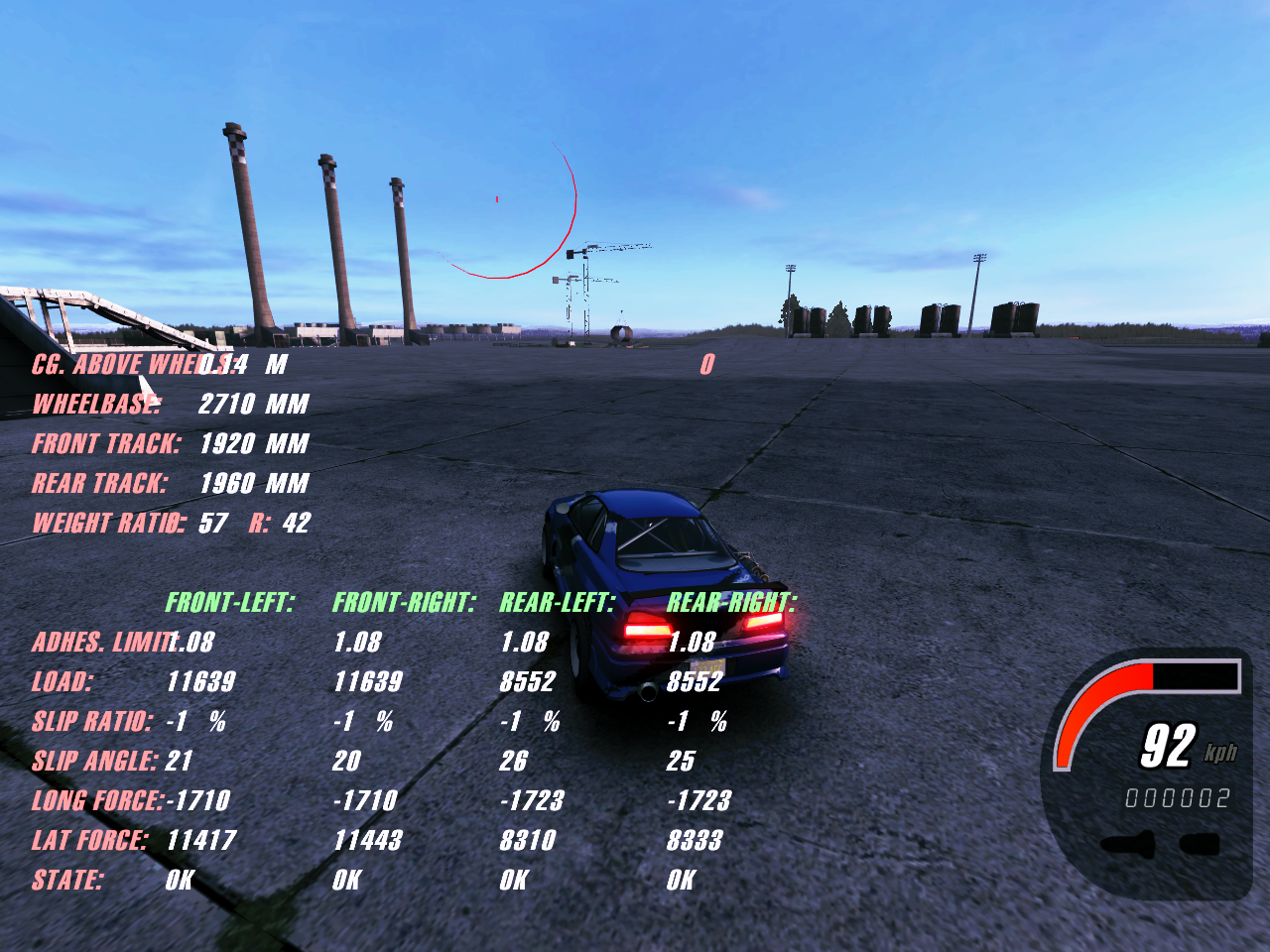
Car physics information#
This debug information can't be seen in the game without additional manipulation. This debug feature shows the values responsible for the behavior of the wheels and suspension of the car. The values are displayed in real time. When showing this feature, the entire HUD is hidden except for the speedometer (without displaying weapons).
Event information#
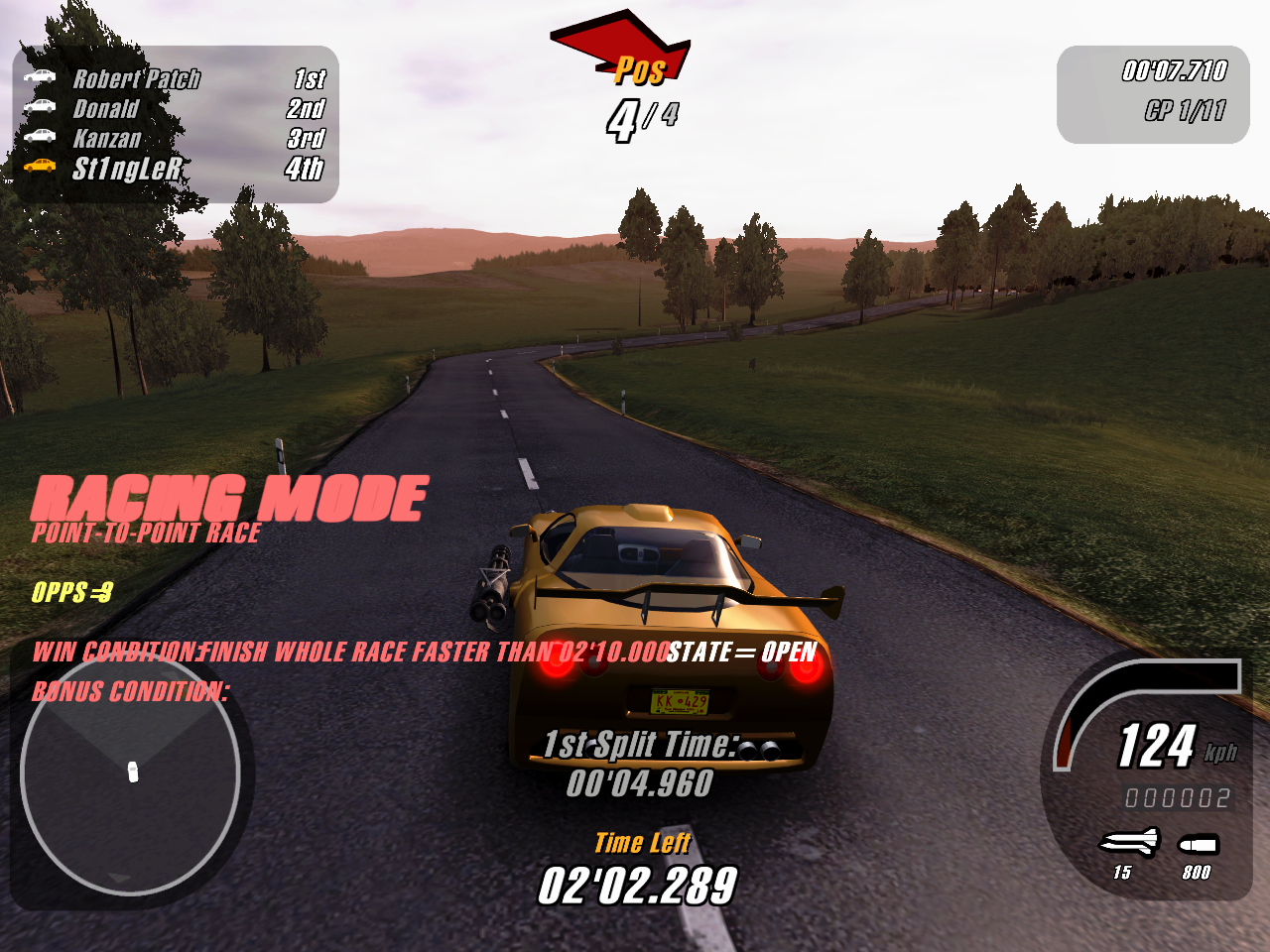
This debug information can't be seen in the game without additional manipulation. This debug feature shows the main information about the current race: the game mode, the variation of the mode, the number of opponents, the condition for winning and the bonus condition, which is an unused feature in the career.
AI nodes#
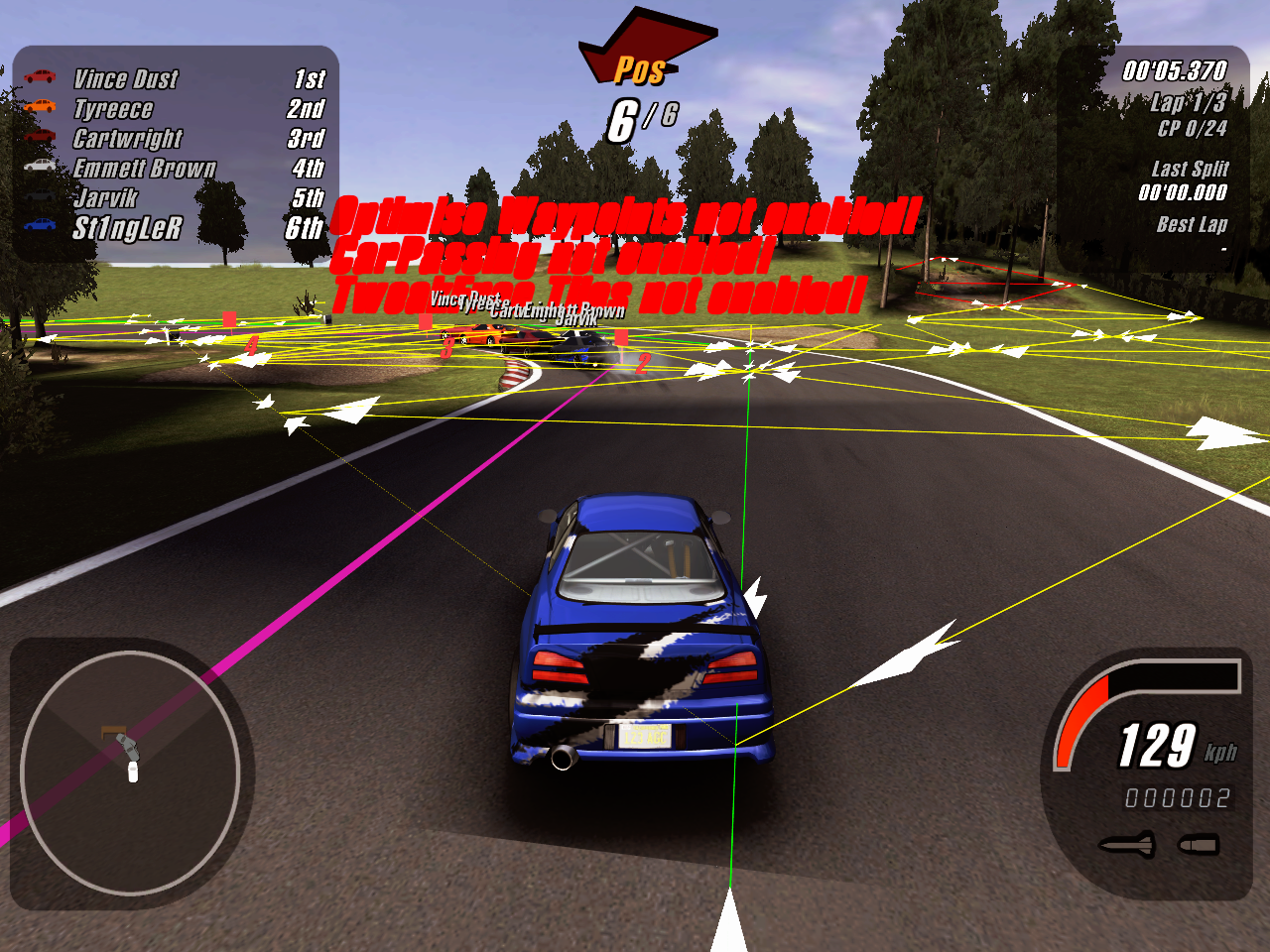
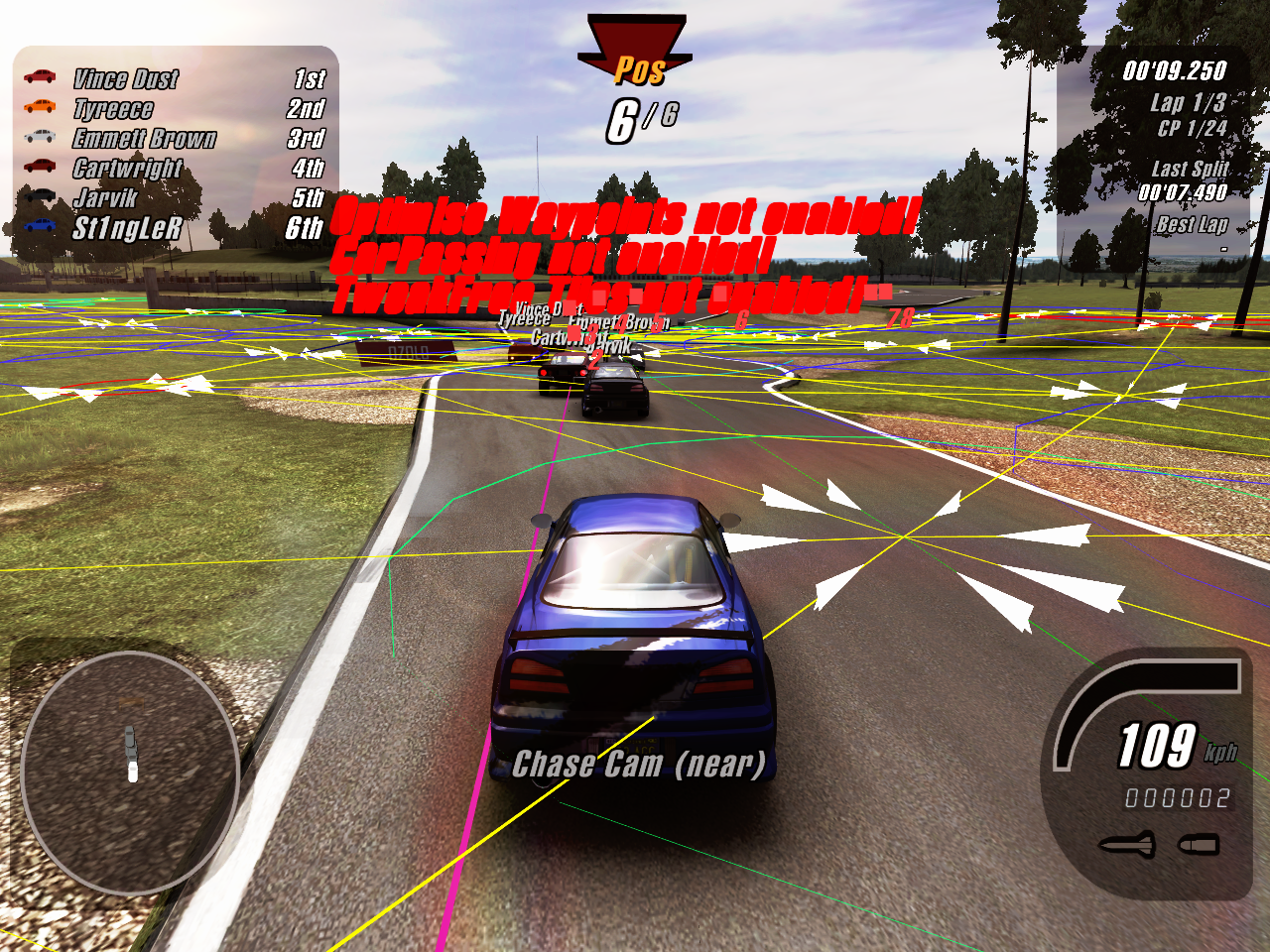
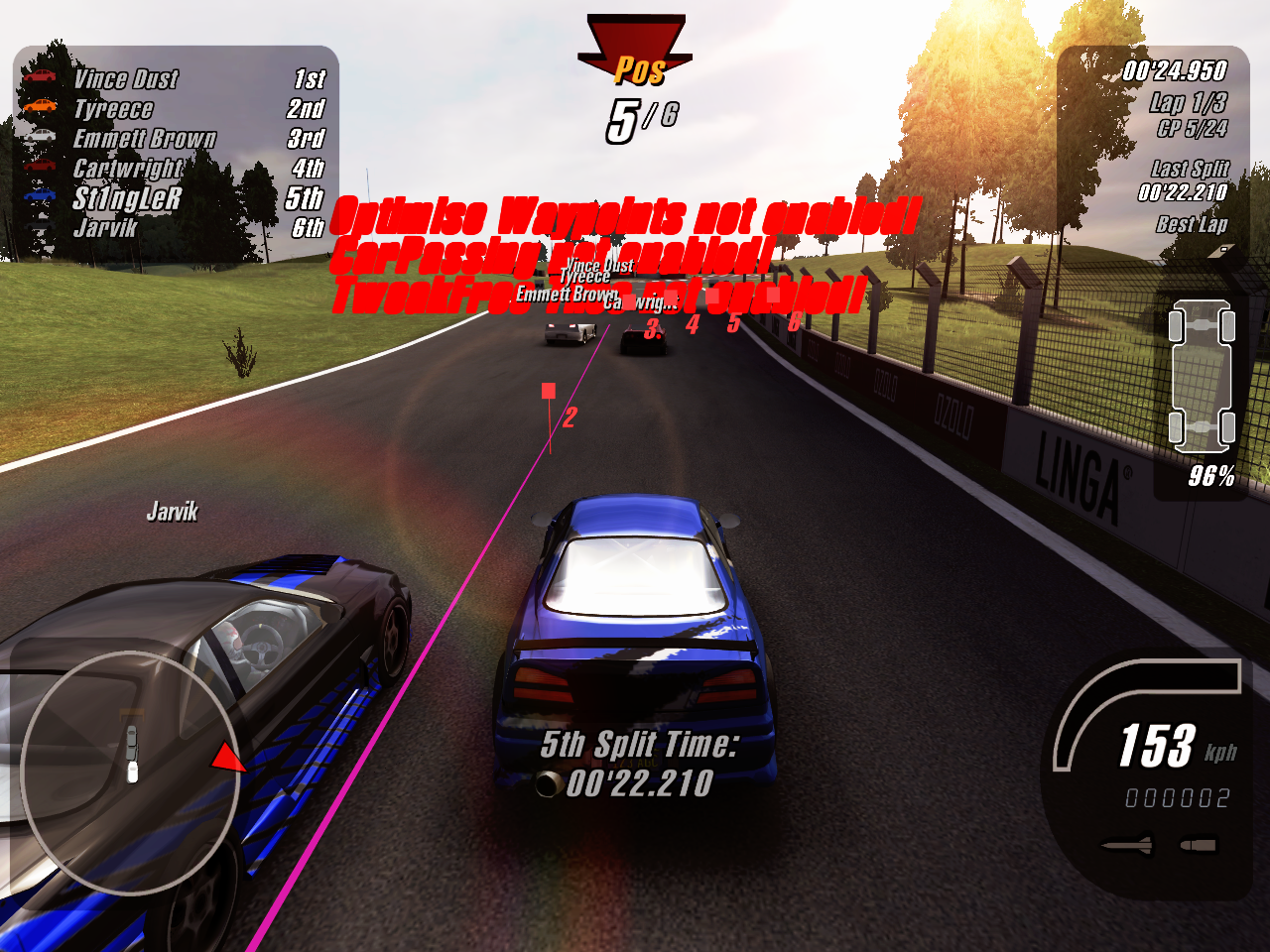
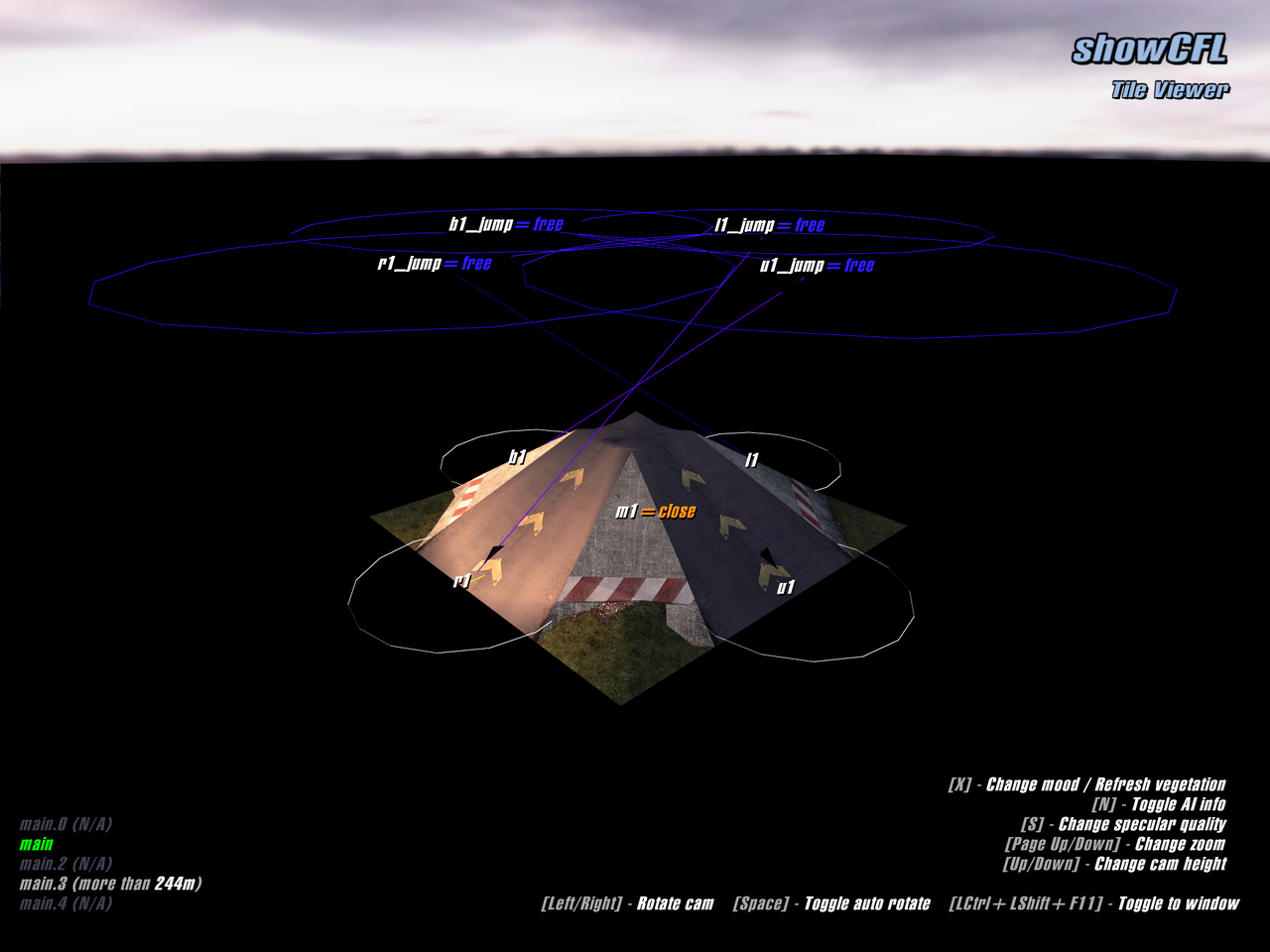
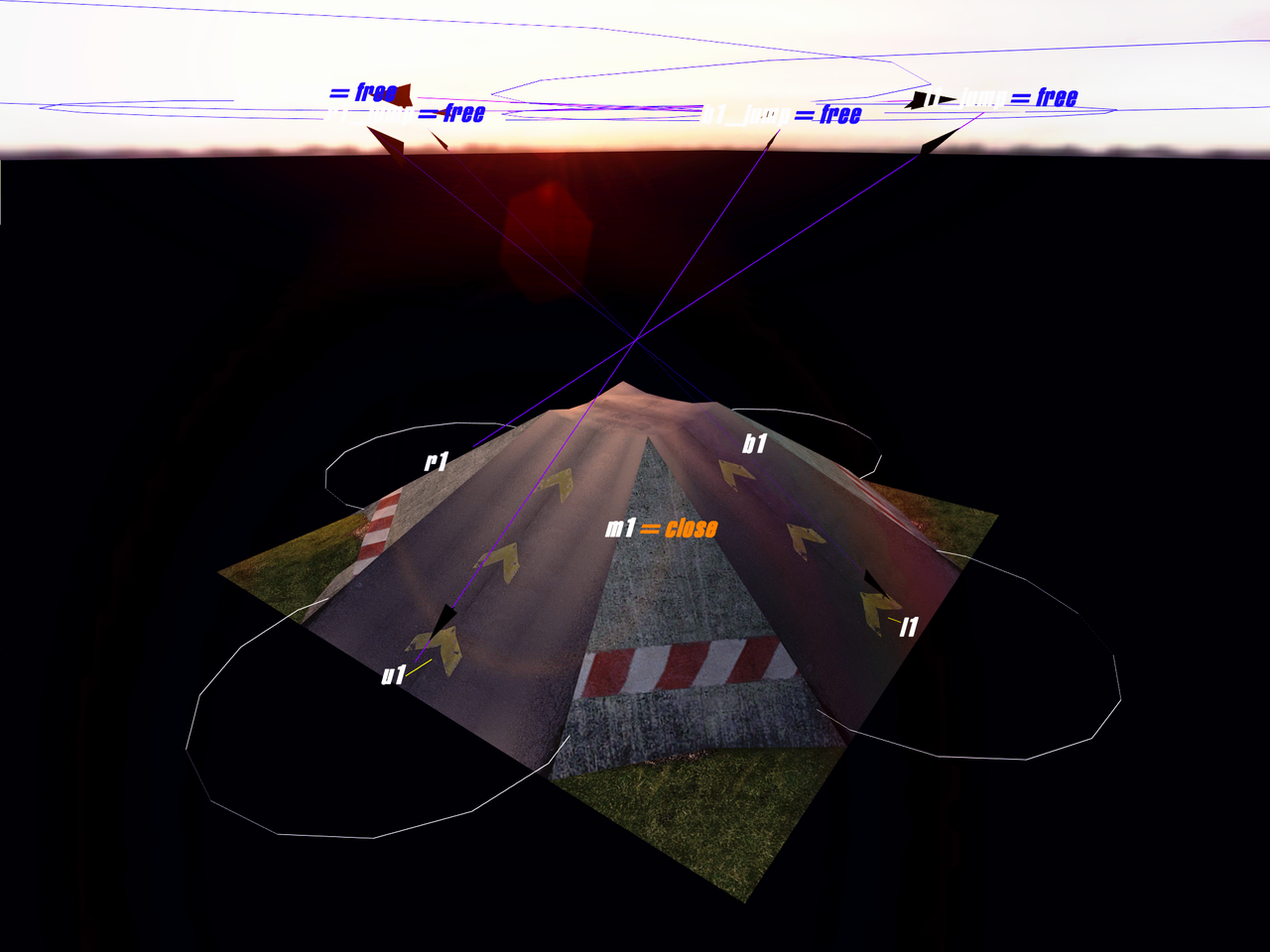
This debug information can't be seen in the game without additional manipulation. This debug feature shows the nodes that the AI is driving through during the race. Unlike the previous hidden debug features, this feature can be assigned to each AI. Also, this feature has 4 modes, each of which shows more nodes, radii and other information. This debug feature is very unstable: it causes large FPS drops and crashes in some game modes.
It's also possible to display a separate text informing about route optimization, passing other cars and free movement:
Optimise Waypoints not enabled!
CarPassing not enabled!
TweakFree Tiles not enabled!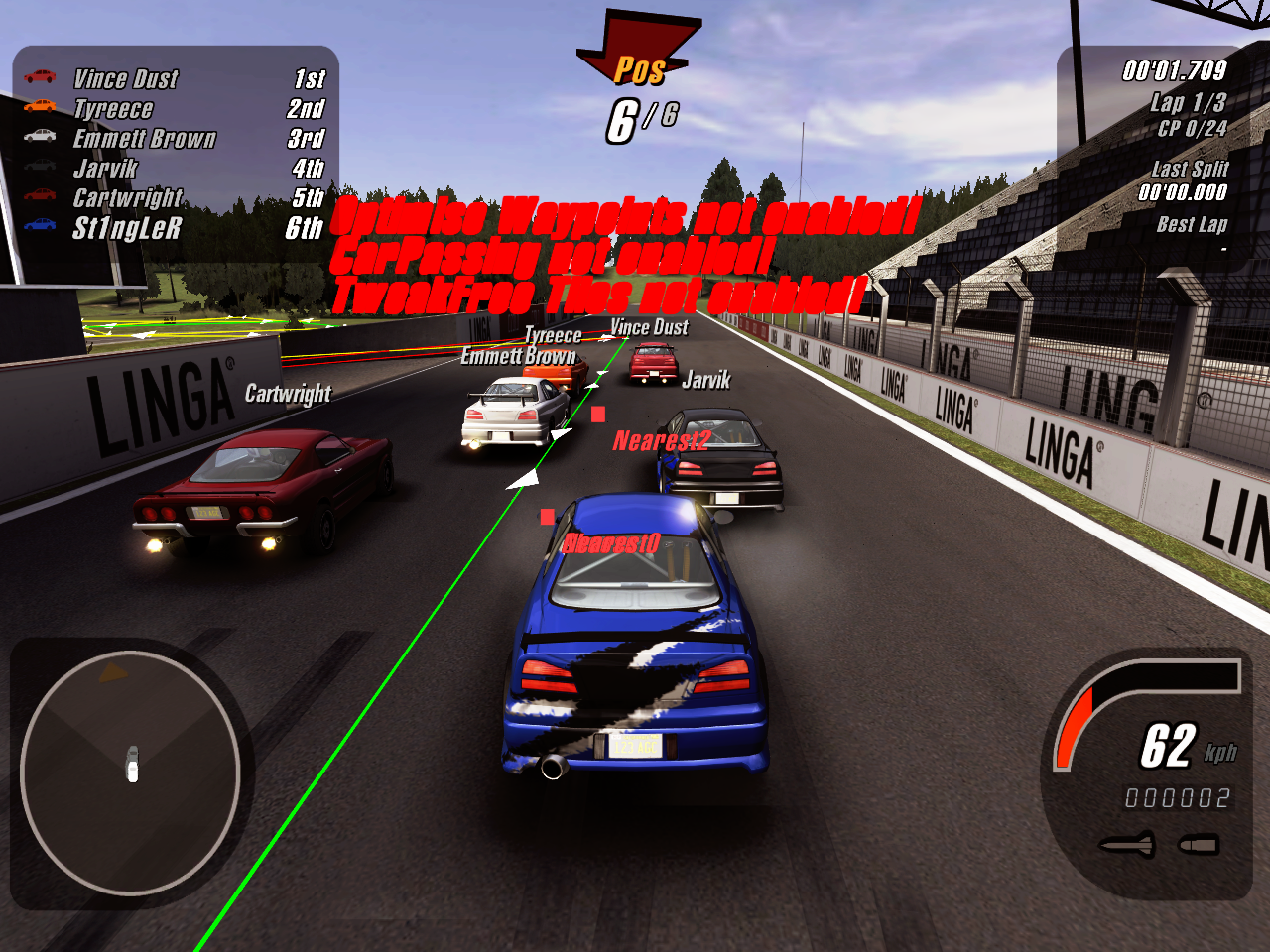
Keyboard Shortcuts#
The game has several keyboard shortcuts that can be activated while playing in different locations. None of the following keyboard shortcuts are documented.
Shortcut |
Actions |
Activation Location |
|---|---|---|
Ctrl+Shift+F |
Toggle creating screenshots as a video frames in "vidoutput" folder |
Game menus |
Ctrl+Shift+H |
Toggle UI |
During race |
Ctrl+H / Shift+H |
Toggle UI |
Game menus (only for 1.0) |
Ctrl+Shift+F11 |
Toggle fullscreen |
Almost anywhere |
Ctrl+Shift+X |
Imitate event complition |
Select career events |
Ctrl+1 |
Imitate event complition on 1st place |
Select career events |
Ctrl+2 |
Imitate event complition on 2nd place |
Select career events |
Ctrl+3 |
Imitate event complition on 3rd place |
Select career events |
Ctrl+4 |
Imitate event complition on 4th place |
Select career events |
Ctrl+5 |
Imitate event complition on 5th place |
Select career events |
Ctrl+6 |
Imitate event complition on 6th place |
Select career events |
Ctrl+A |
Buy Everything |
Select career events |
Ctrl+Alt+C |
Restart Career |
Select career events |
Ctrl+Shift+Backspace |
Win all events |
Select career events |
Ctrl+L |
Save current car tunings to a "car_tuning.html" file |
Select car |
Shift+Up / Shift+Down |
Scroll briefing text |
Career event briefing text |
F9 |
Open load track menu |
Track editor |
O |
Open track settings menu |
Track editor |
Unused GUI pages and elements#
Hidden elements#
While working in the game menus, some elements tend to hide with certain actions, however, there are cases when the elements are always hidden and they cannot be seen in the game without outside manipulation.
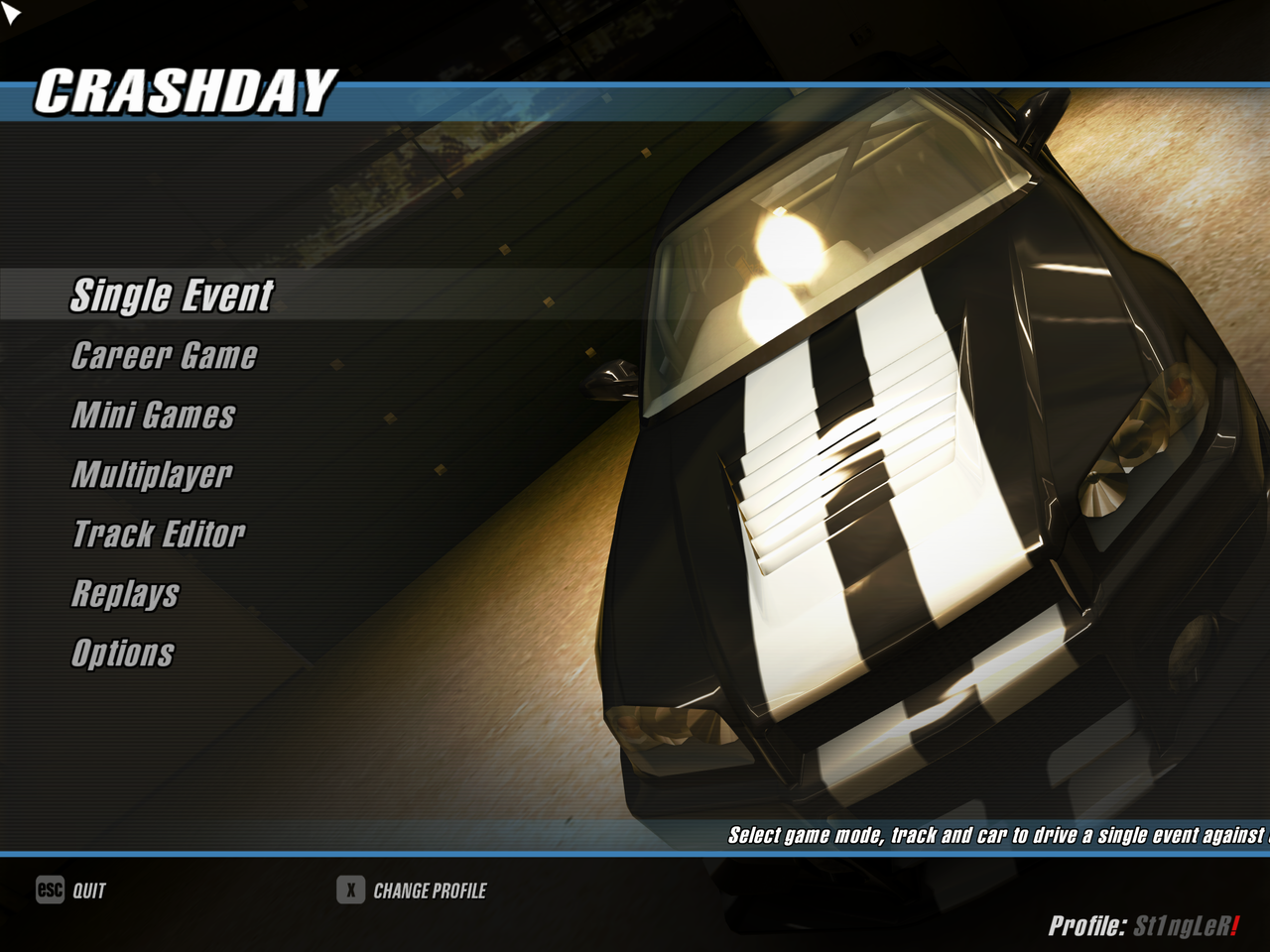
In the main menu, there is an "lblUser" element representing the current player profile listed in the lower-right part of the screen.
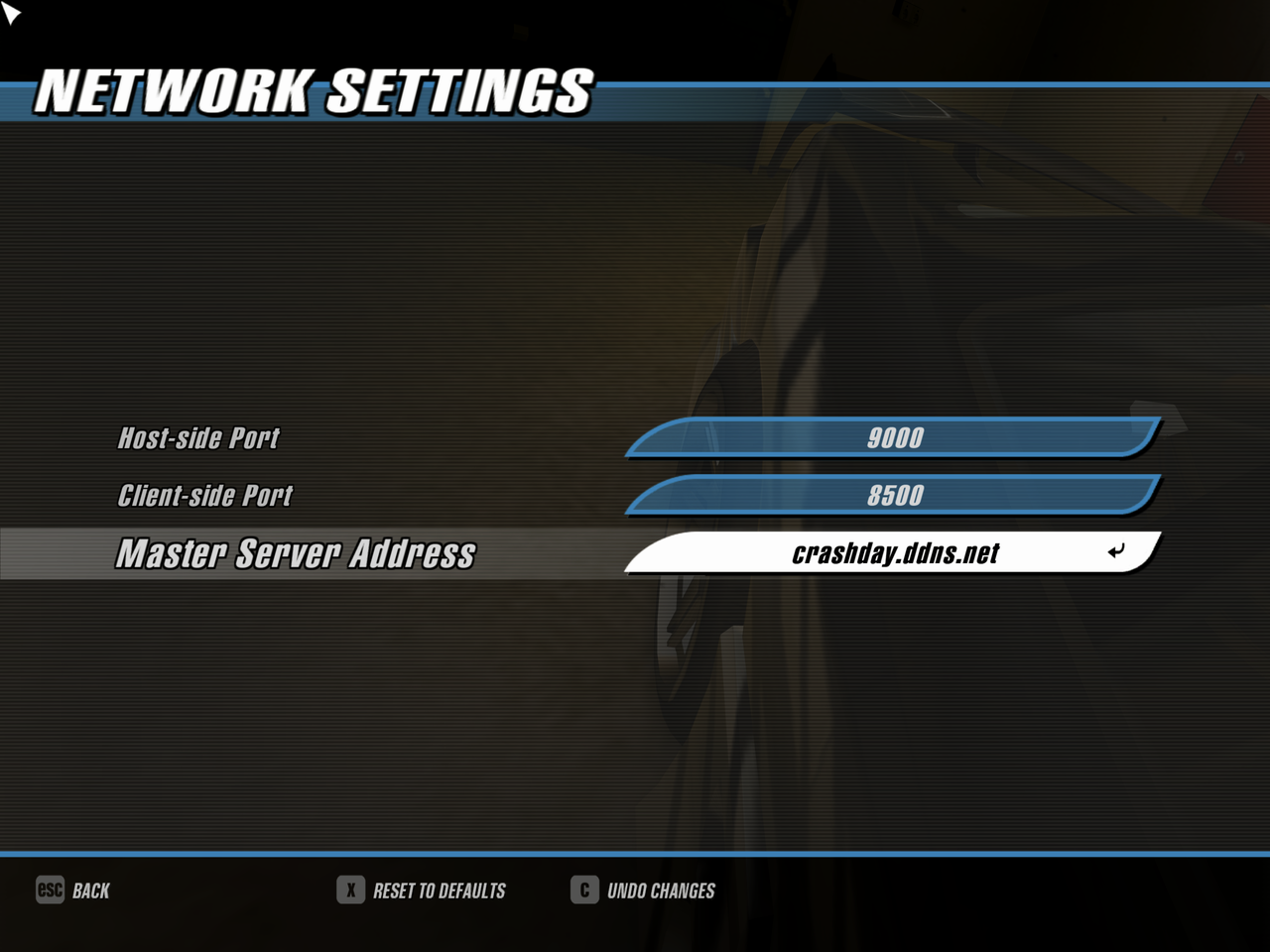
There is an "inpMasterServerIP" element in the network settings menu, which is responsible for entering the IP address of the master server. On release, it's hidden in the game.
Old garage UI#
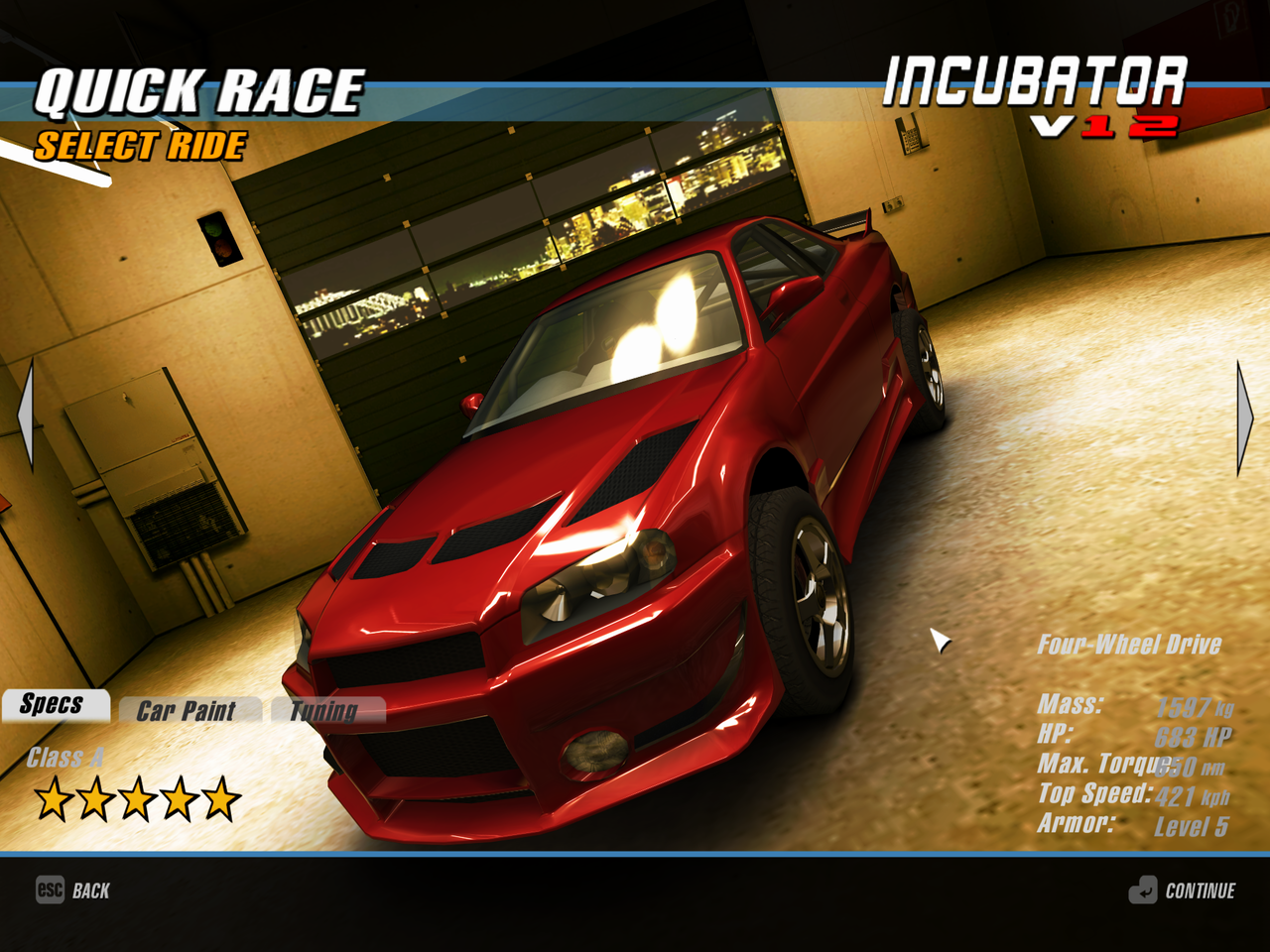
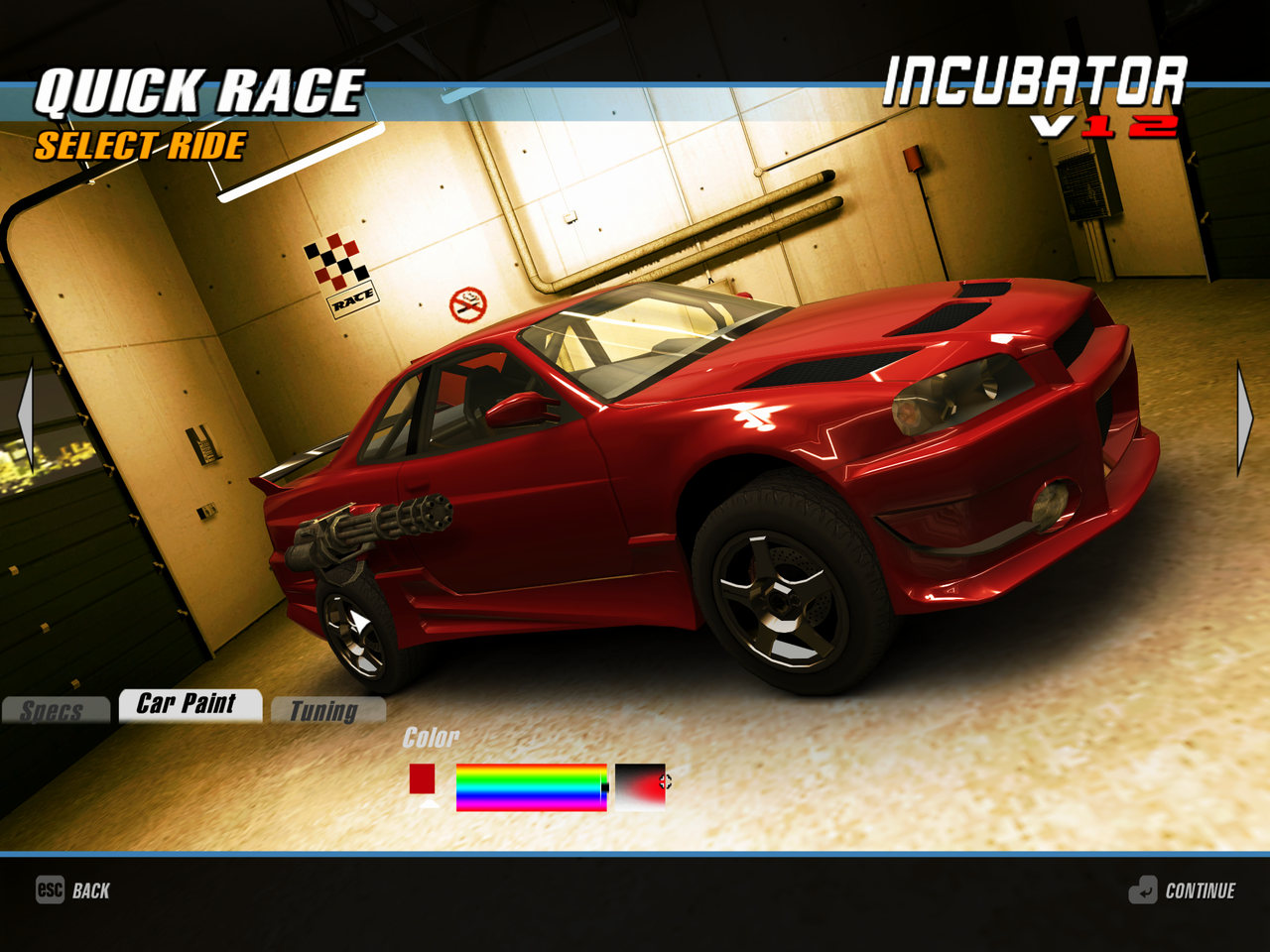
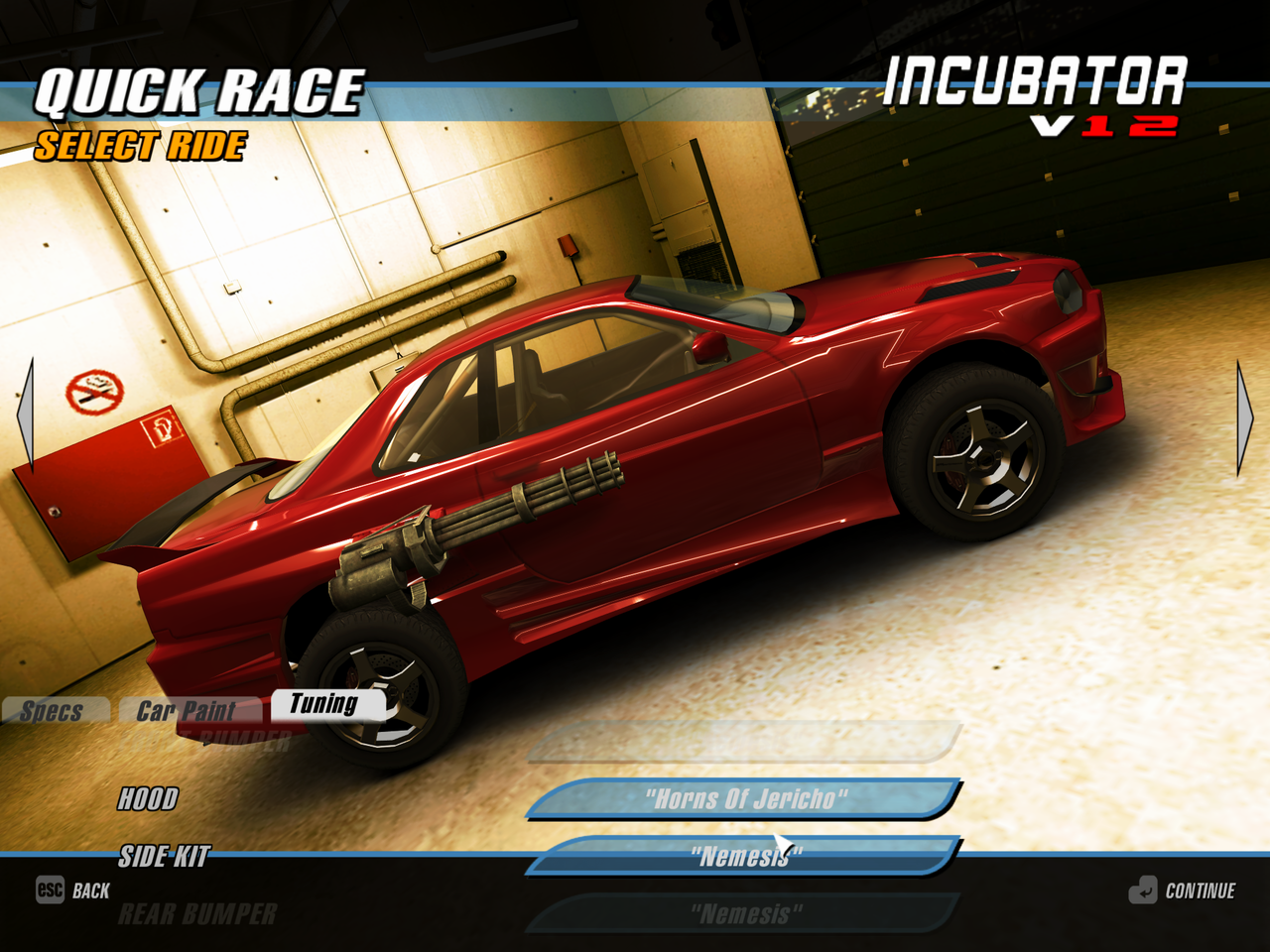
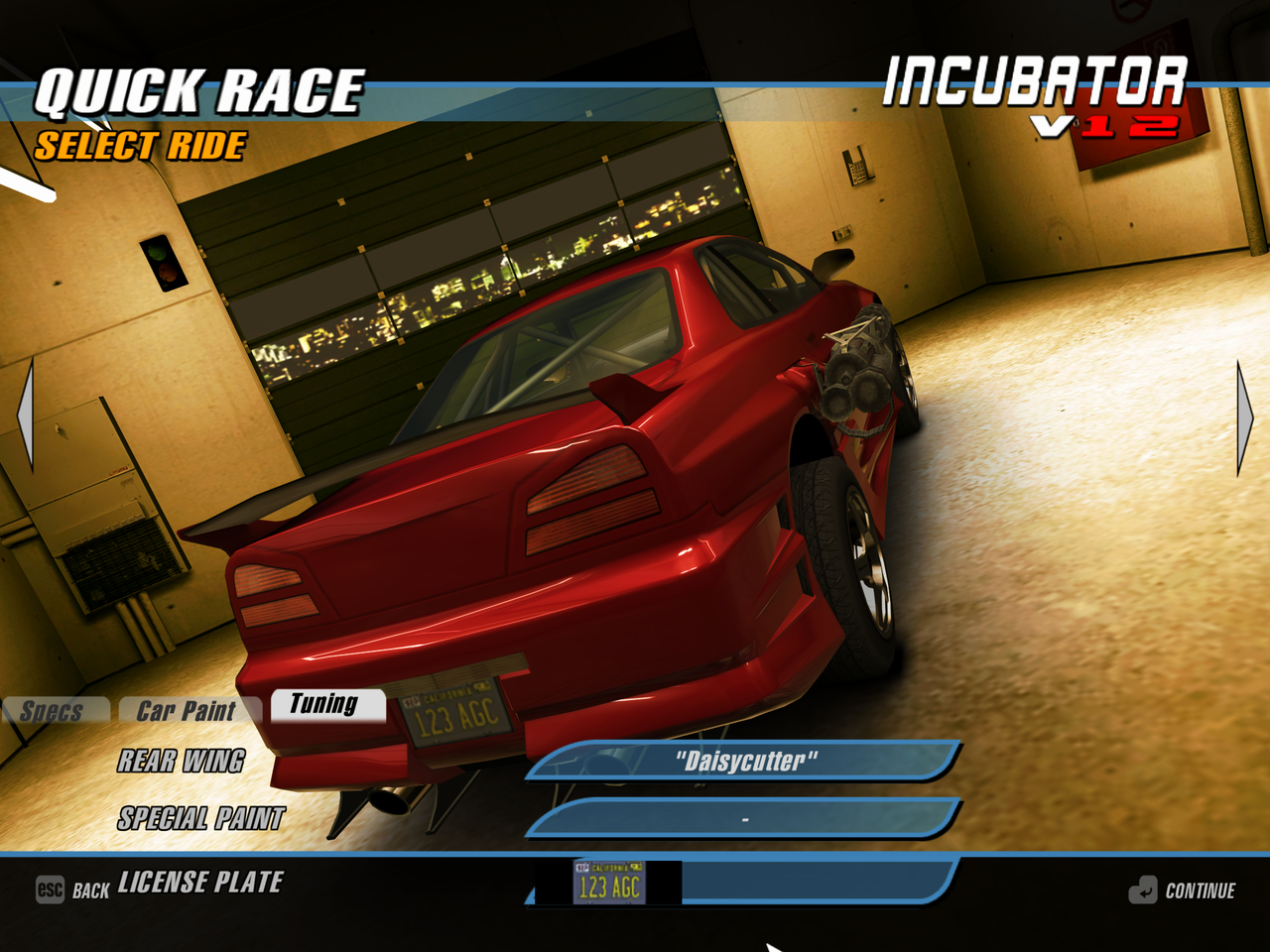
Many localization strings for this interface are missing, so the reconstruction may not match what actually happened during development.
Despite the game using a completely new UI for the garage and shop, the game code still contains a partially functional old garage interface that has remained virtually unchanged since the alpha stage of the game. The restored interface looks too unfinished and contains elements that don't look very good with the release textures (i.e. the color selection).
Here are some of the features that have been identified when using this UI:
- This UI uses the "GUIRegisterCards" element type, which represents switchable tabs. This element type isn't used by the game anywhere in the release.
- The game doesn't sort cars by purchase order, but alphabetically
- The wheels of the cars are not turned
- No screen fading and no extra time between switching cars
- There is only a rotating camera
- It's impossible to apply new tuning parts, only select them
- The number of all cars in the garage is missing
- The license plates are selected among the textures from the textures/numplate folder, however only .tga textures are available
Old shop UI#
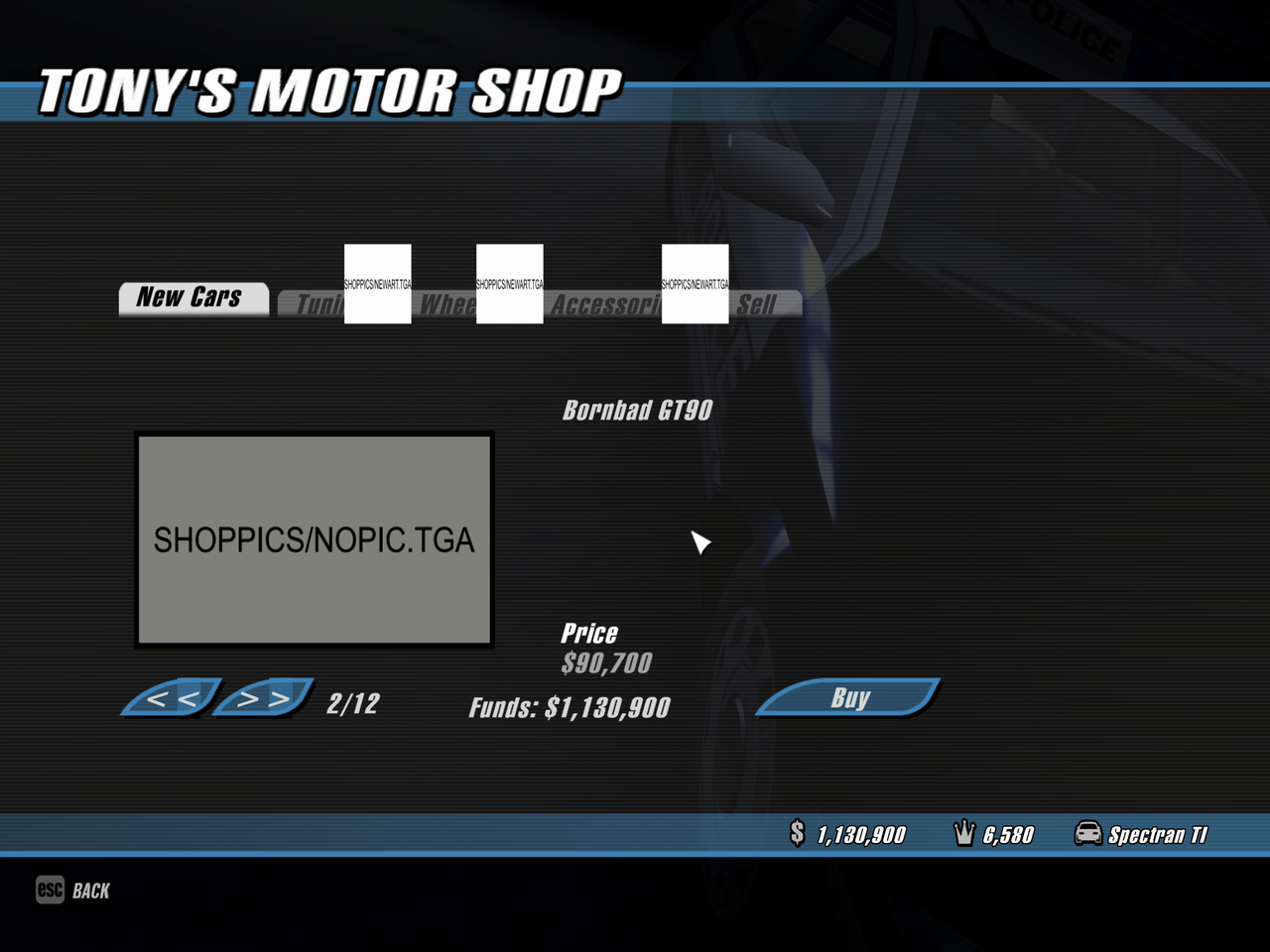
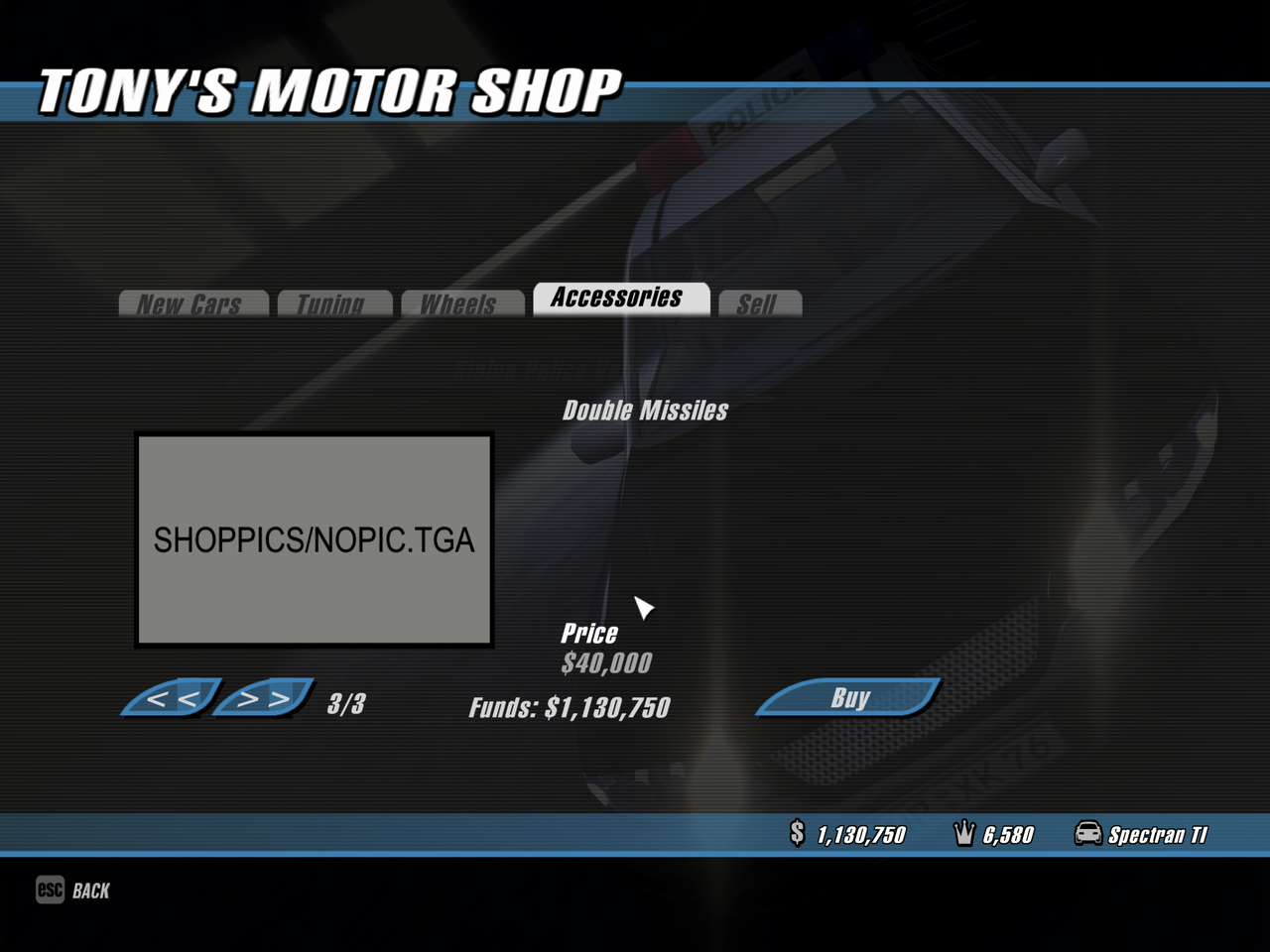
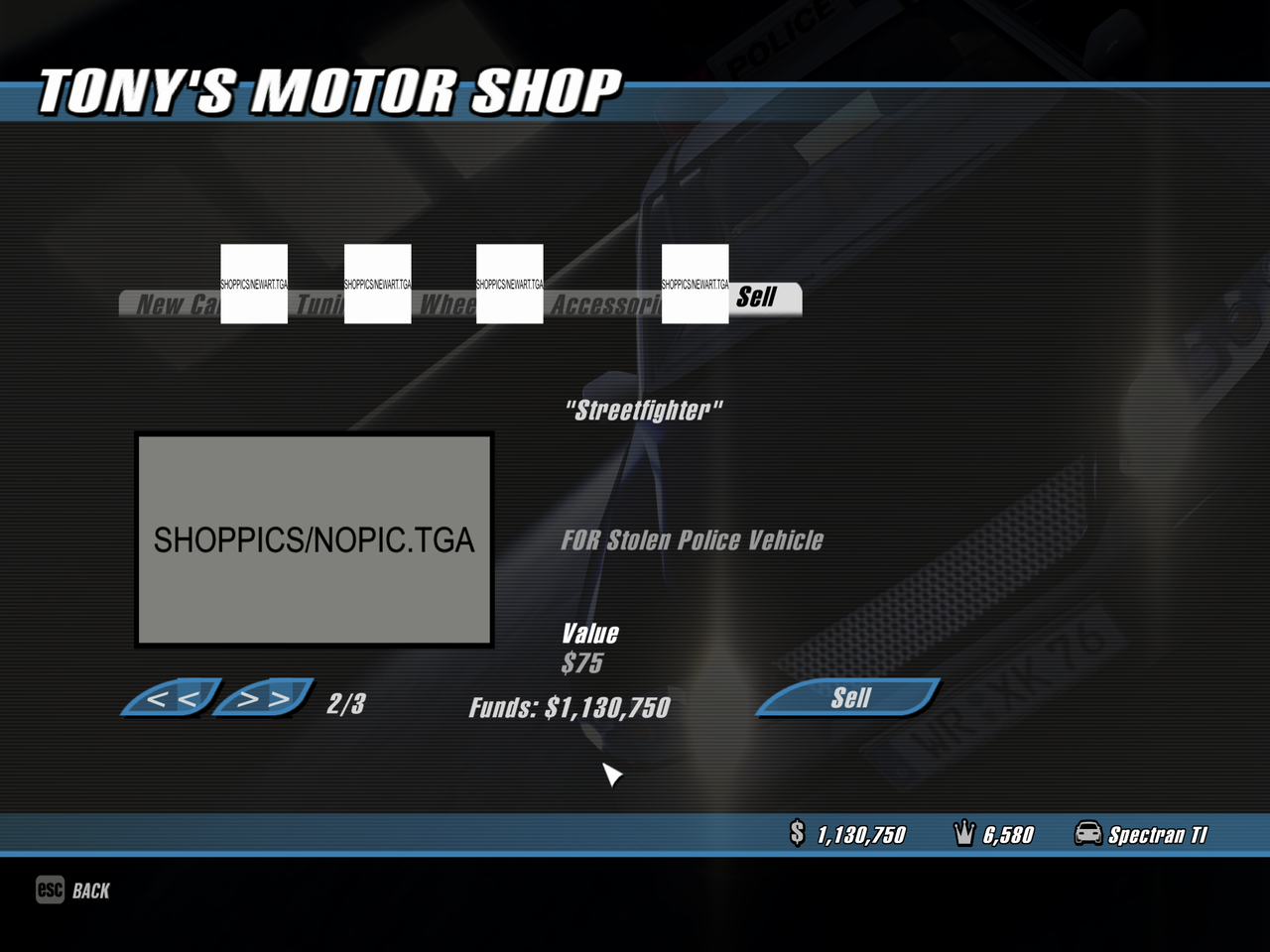
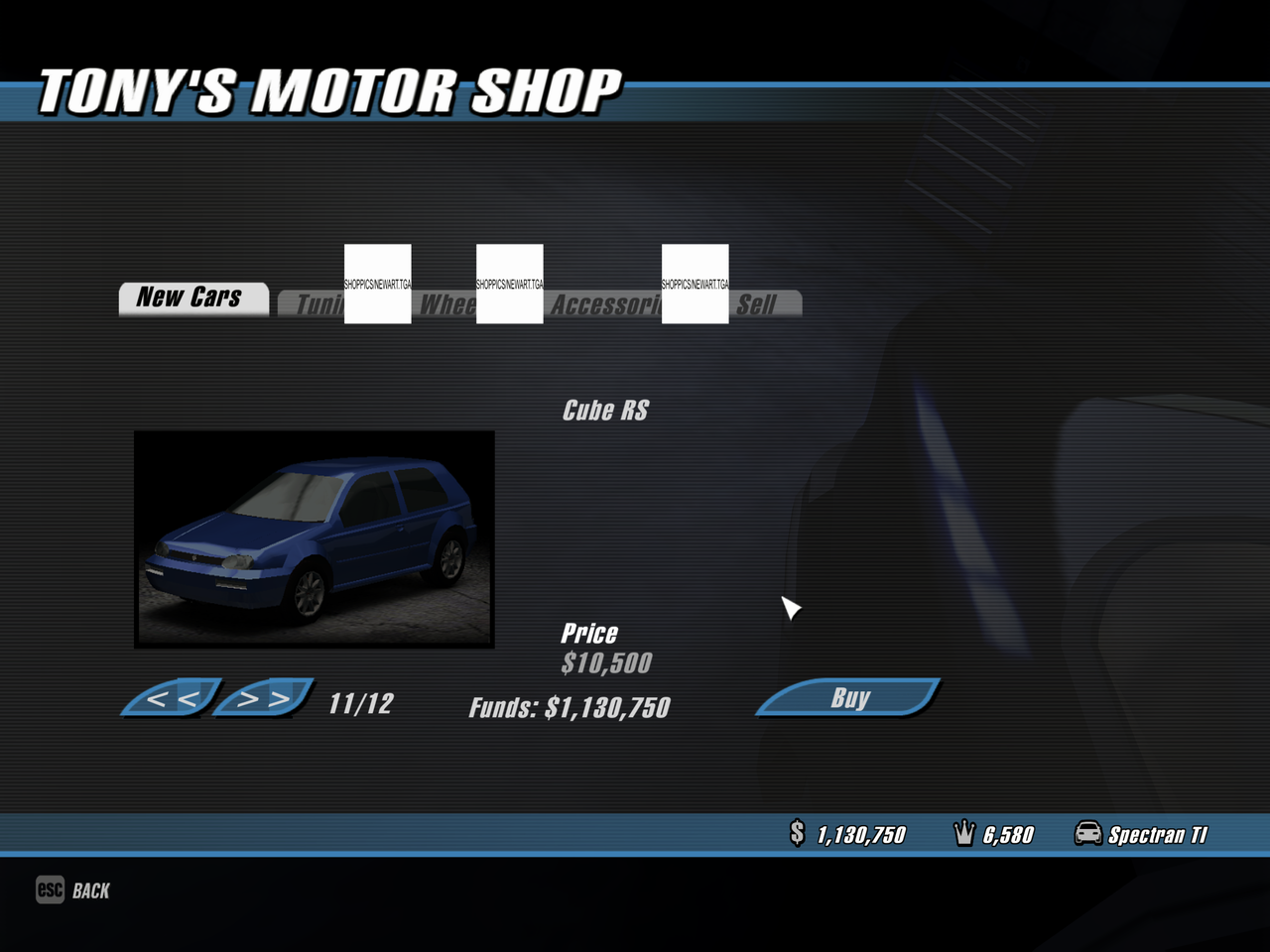
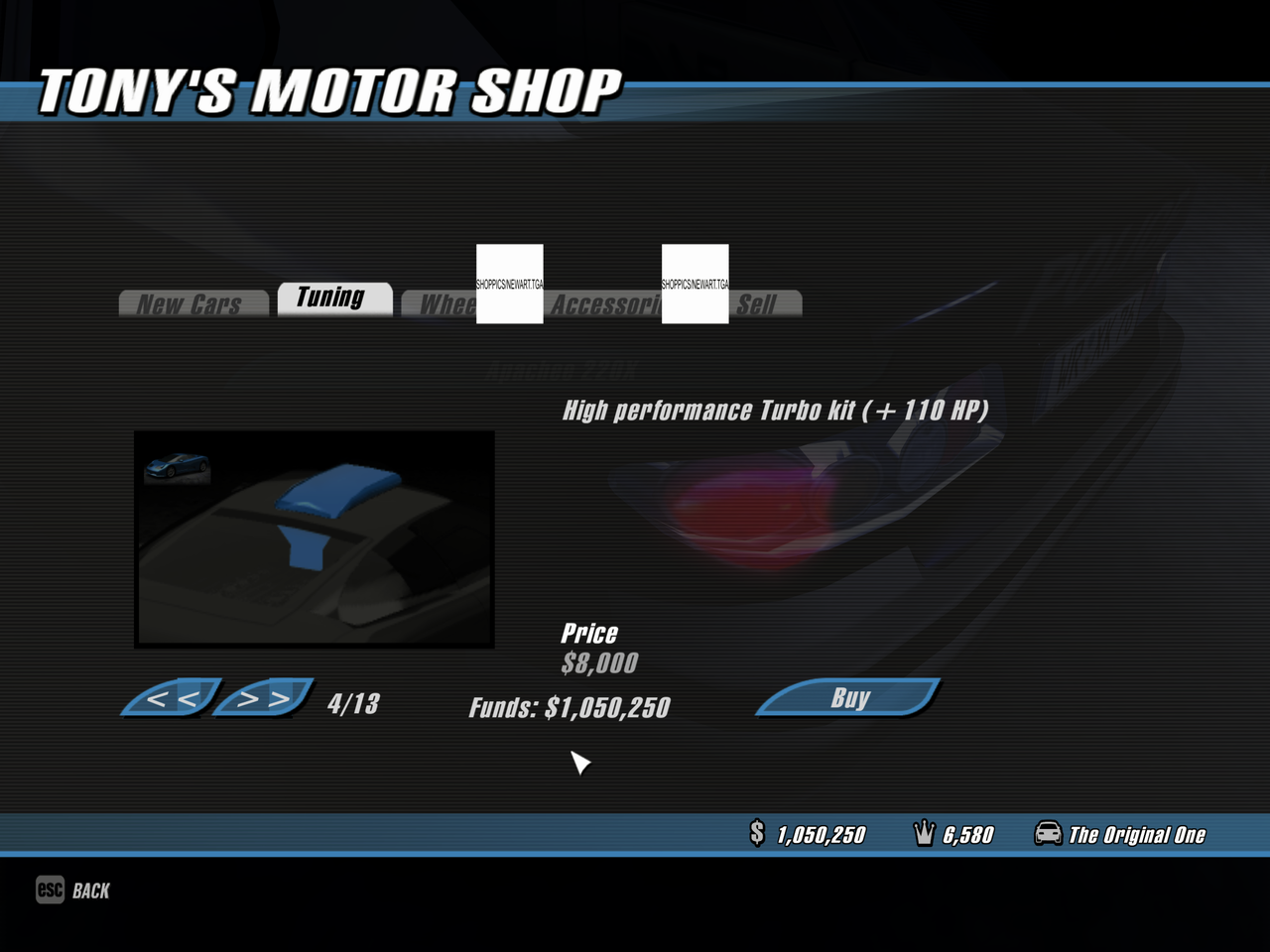
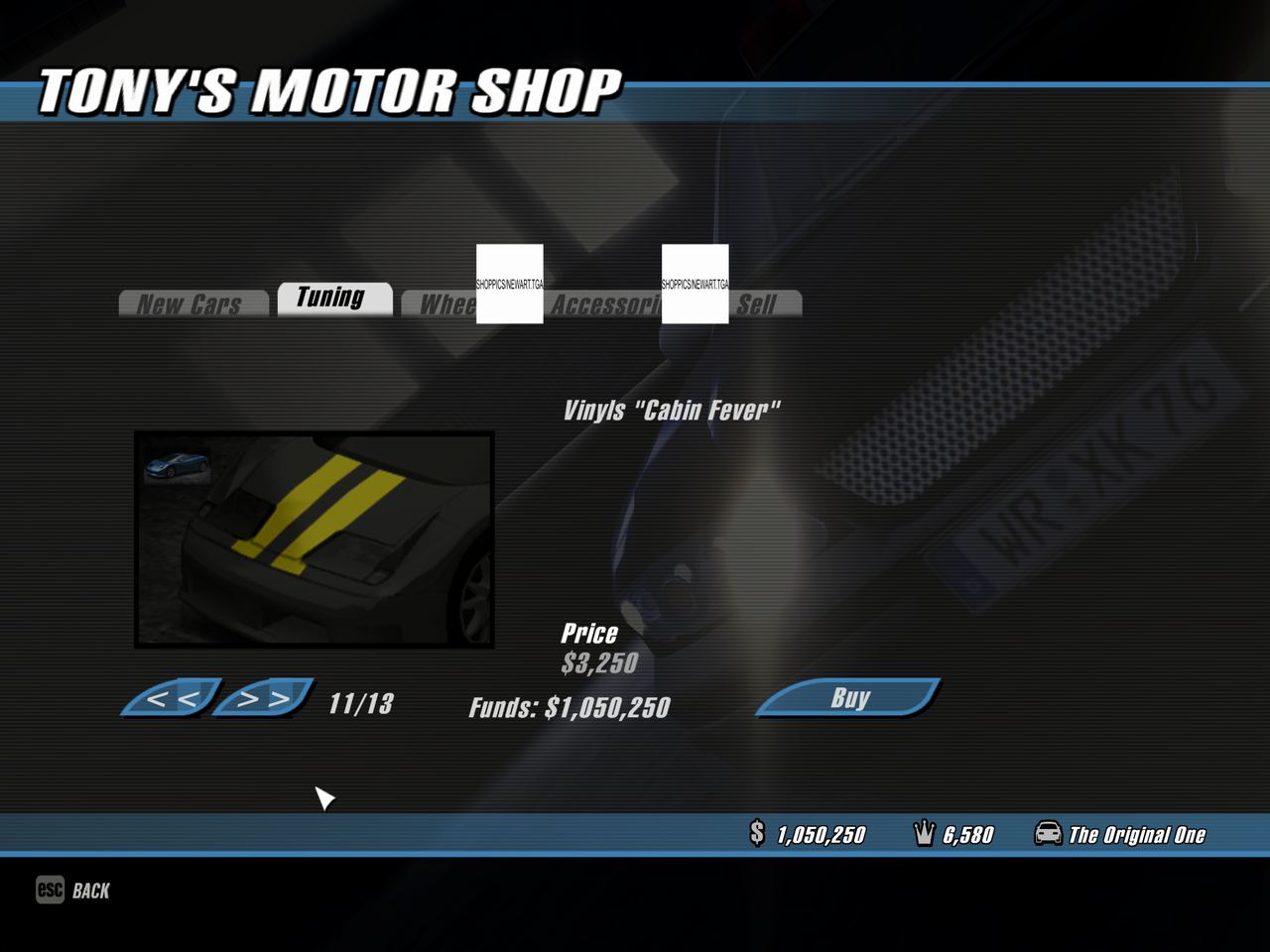
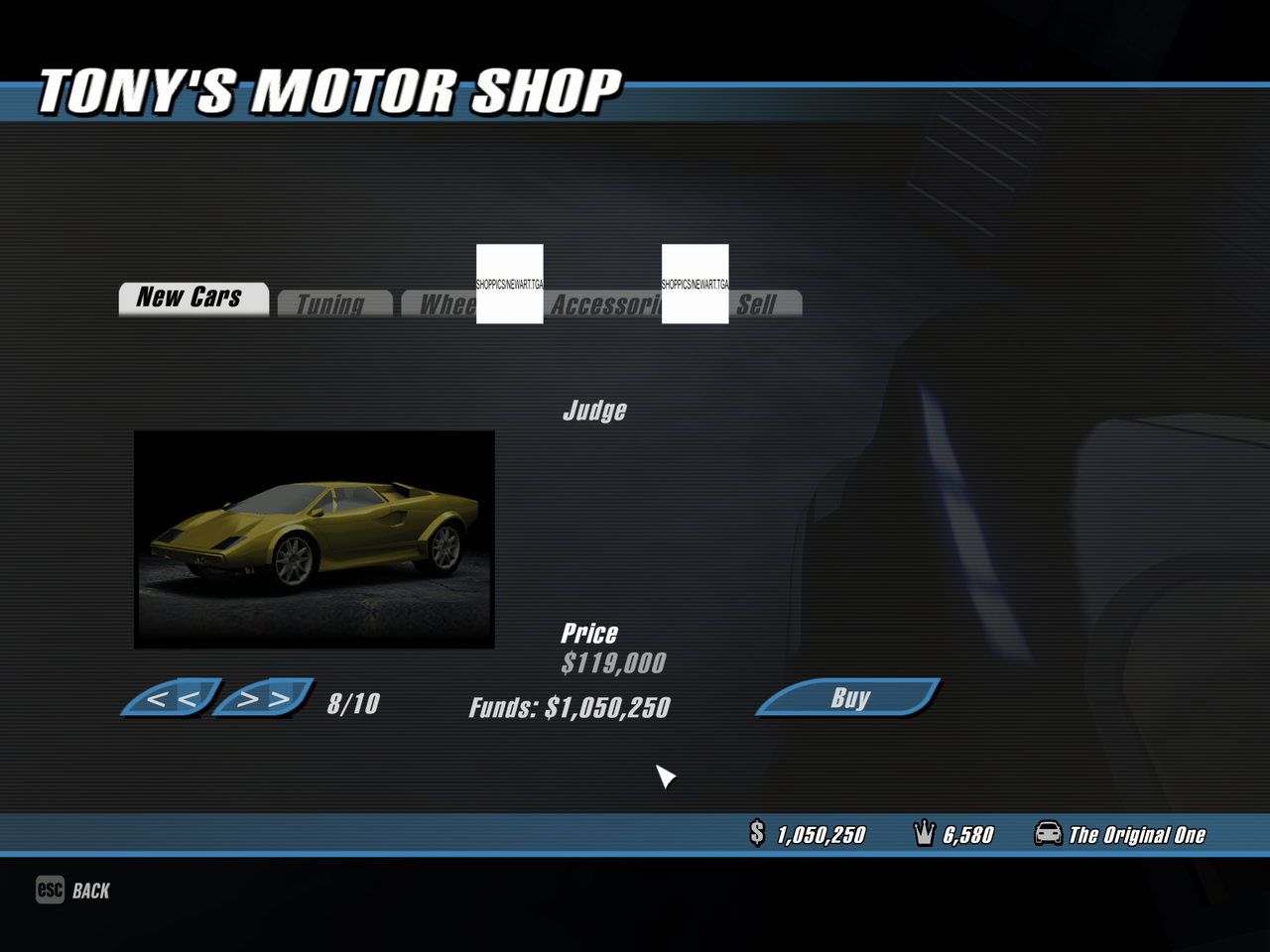
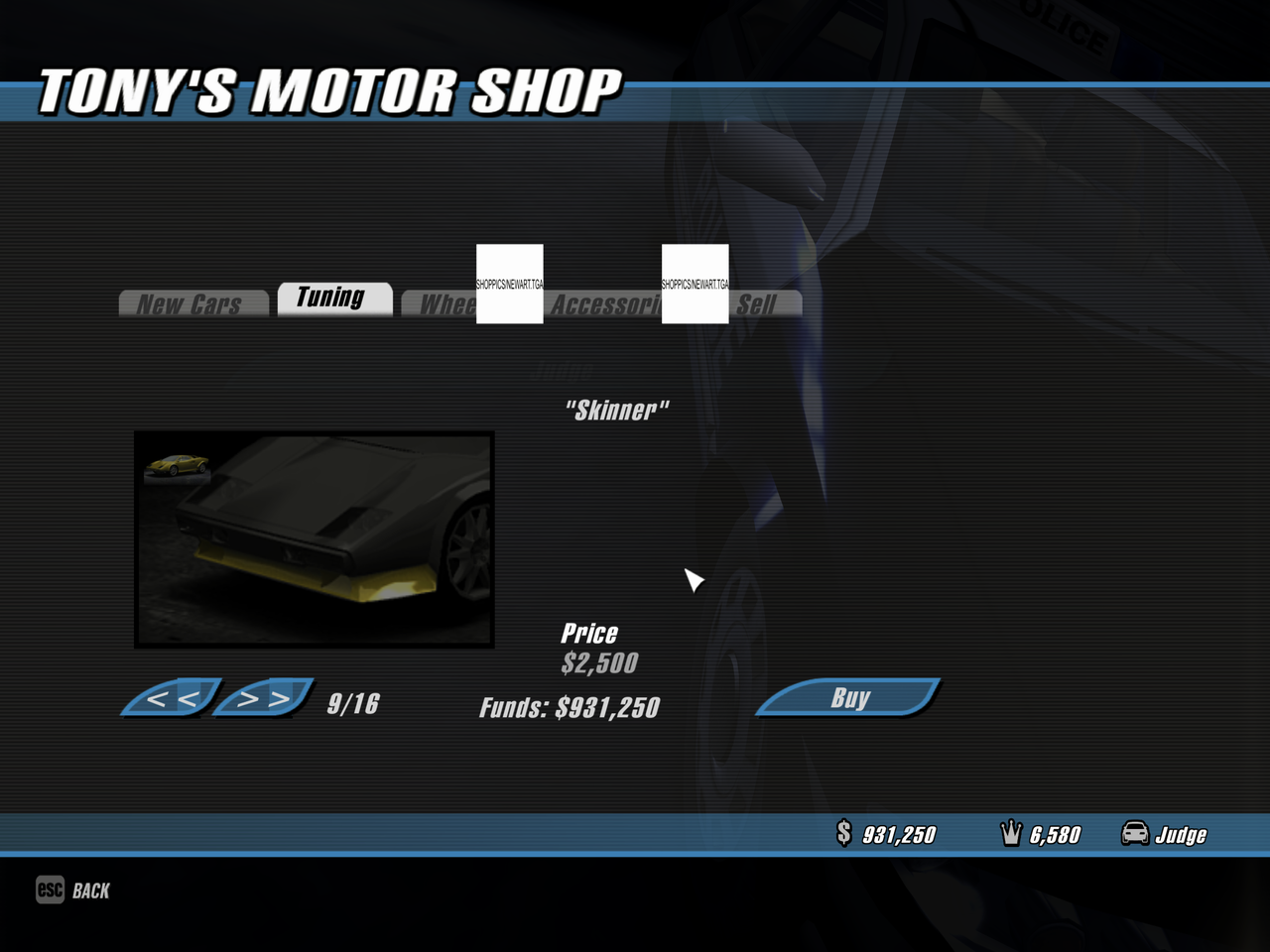
As with the old garage UI, there are also missing localization strings and two textures - "shoppics/newart.tga" and "shoppics/nopic.tga".
This UI came from a very early stage of development and remained in a very unstable form: impossible to leave the menu, crashes when choosing stock car parts and crashes when selling a single car, etc.
The features of this UI:
- As the old garage UI, this UI uses the "GUIRegisterCards" element type, which represents switchable tabs. This element type isn't used by the game anywhere in the release.
- The UI is using "shop pictures" instead of actual 3D model preview. The images are taken from the "shop.lst" lines, which are not used in the final version.
- Weapons section is called "Accessories".
Unused dialogues#
The game code contains two dialog boxes that are never actually used. Both of these messages are related to the demo version and are intended to inform the player that some features may be unavailable. Both windows use hardcoded strings instead of localized strings, unlike everywhere else in the game.
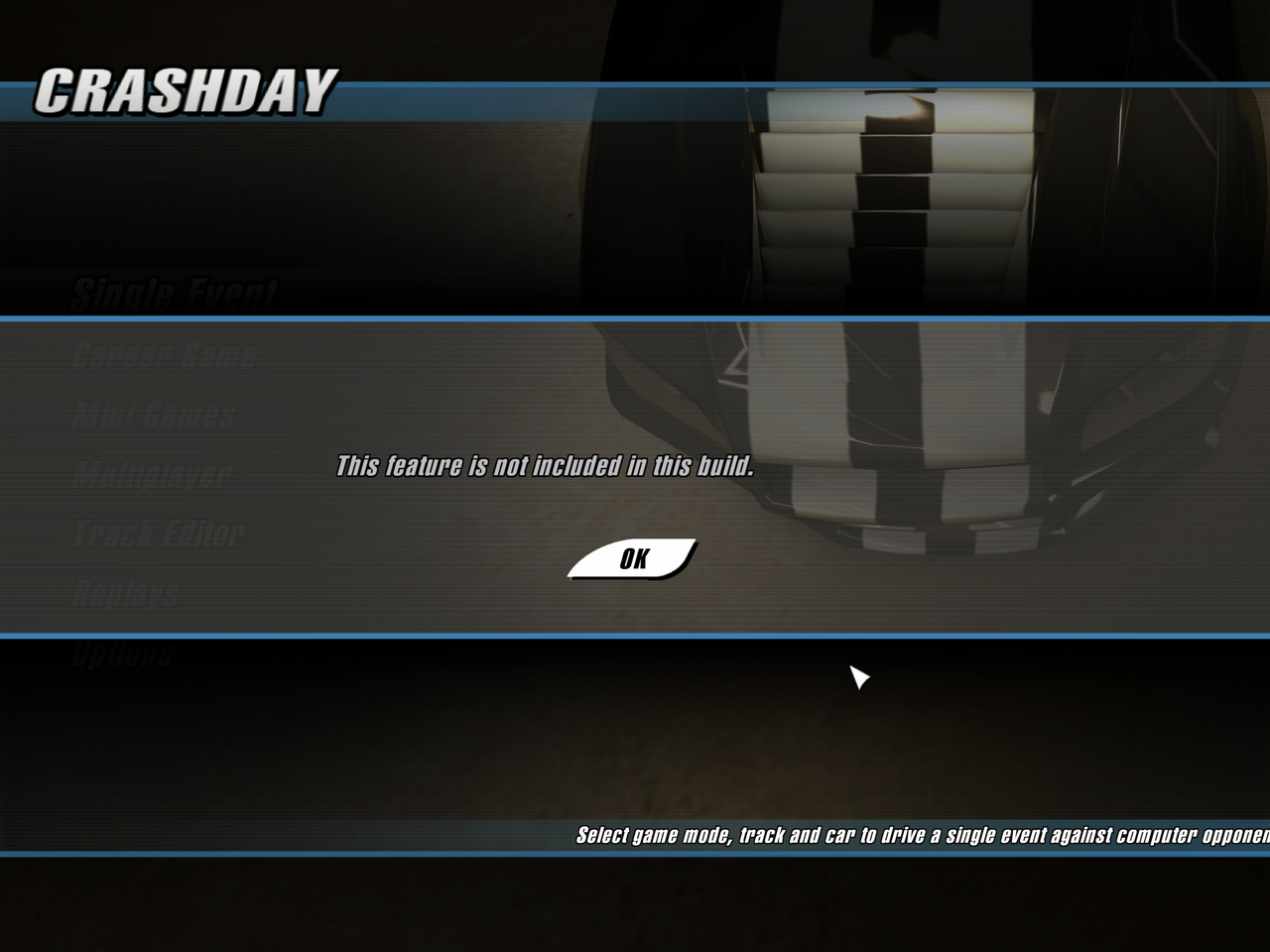
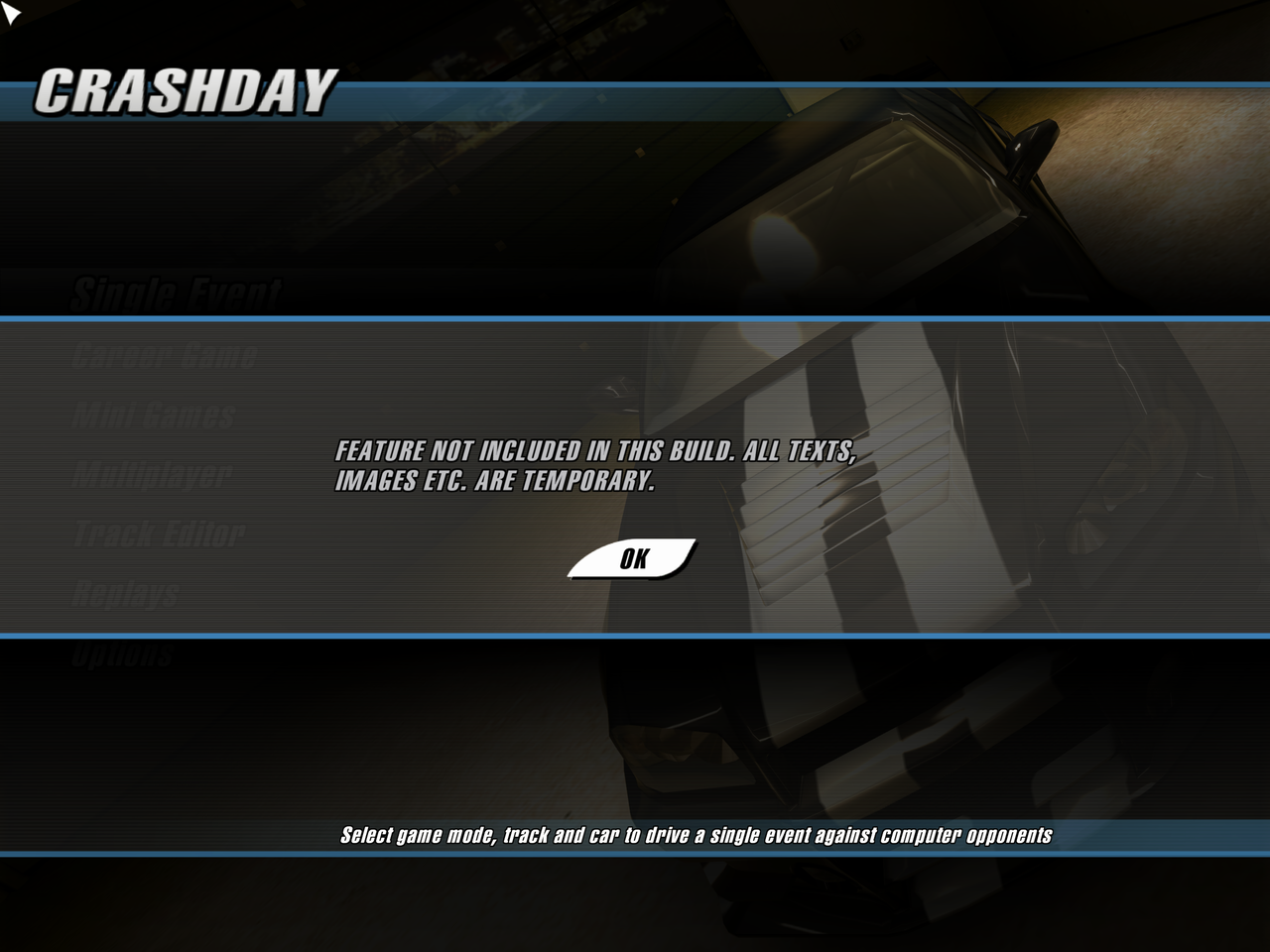
To activate these two dialog boxes in 1.2 game version, you need to call the corresponding functions at these addresses: 0x5469D0 and 0x546AB0.
Unused replay features#
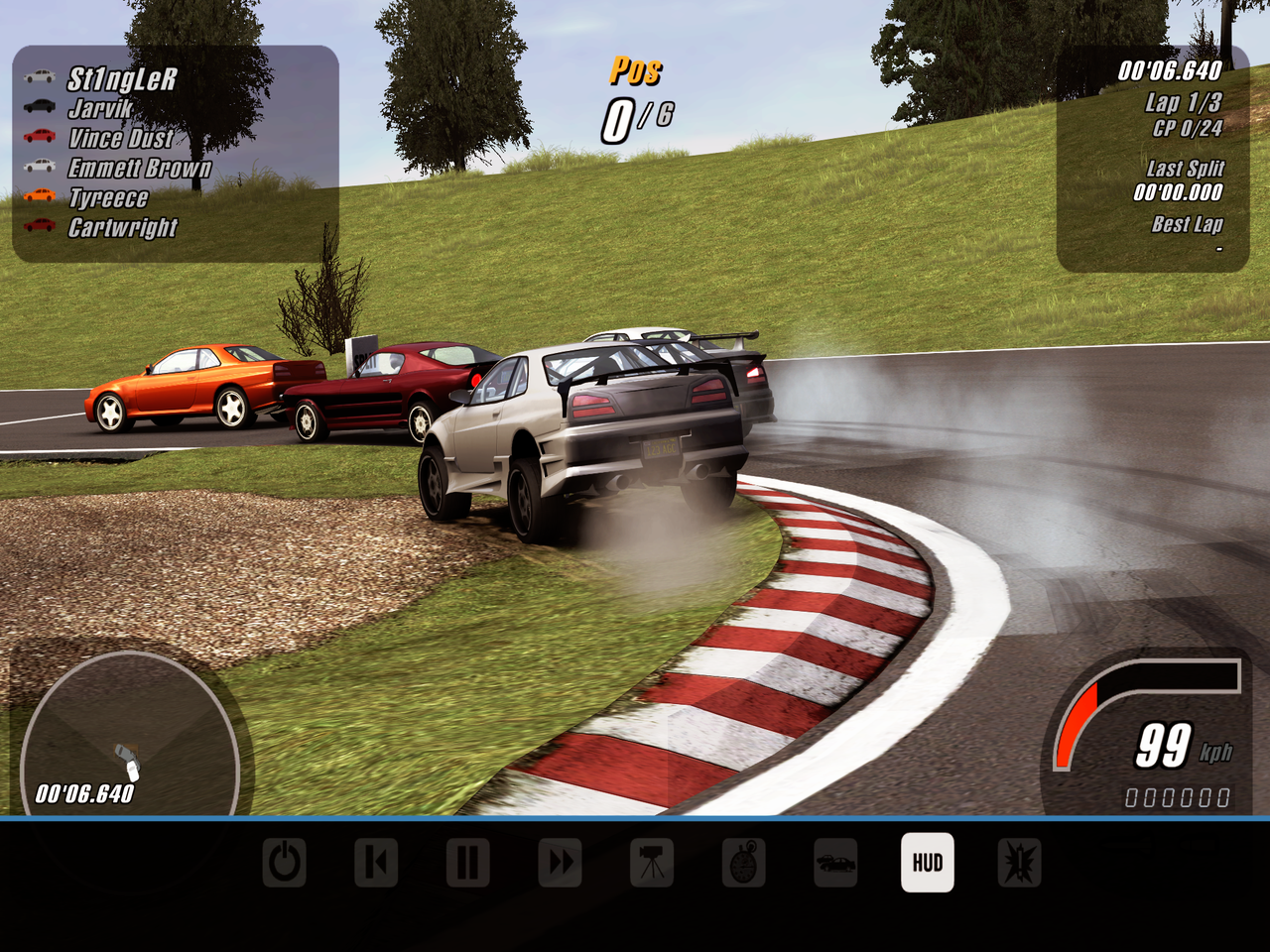
Replays were also supposed to have other features that later became unavailable on release: move to replay start, forward replay and hide/show the game HUD. For them, the corresponding localization strings and button textures for the interface still remain in the game files.
The 2nd, 4th, and 8th buttons are hidden in the release game, but they can be restored. However, among these hidden features, only hiding/showing the game HUD works.

The "hide/show the game HUD" feature is broken: the interface is not displayed for switchable car cameras such as Chase Cam, Cockpit Cam, and etc.; some elements are displayed incorrectly (i.e. missing position in the race).
Title screen with "Press Enter"#
In the release version the title screen automatically switches to the main menu when loading is complete. However in the demo, the game asks the player to press ↵ Return to access the main menu. The release version of the game doesn't display the "Press ENTER to continue..." message because it skips this step when loading. However, after restoring this loading step, pressing ↵ Return will do nothing.

Leftover executables#
FontCreator#


Inside the folder "textures/fonts" you can find two executable files - "FontCreator.exe" and "PROJECT1.exe" and dated March 4, 2005 and November 4, 2004 respectively. Both of these executables were made in Delphi and are responsible for creating fonts in the game. At the output, applications create a font bitmap without alpha (a file without an extension) and a file with information about the width of each font (extension ".bin").
Notably, the "FontCreator.exe" creates ".bin" is a file with different values, which is why the characters overlap each other in the game. While "PROJECT1.exe" creates fonts correctly, despite the fact that the program was compiled earlier.
In addition, outputs of both programs don't match how fonts work in the game on release: a file with the format ".tga" with alpha for bitmap and ".wid" file for the width of characters.
Both programs are not documented anywhere, which confirms that they are in the game files unintentionally.
Early ShowP3D and ShowCFL#
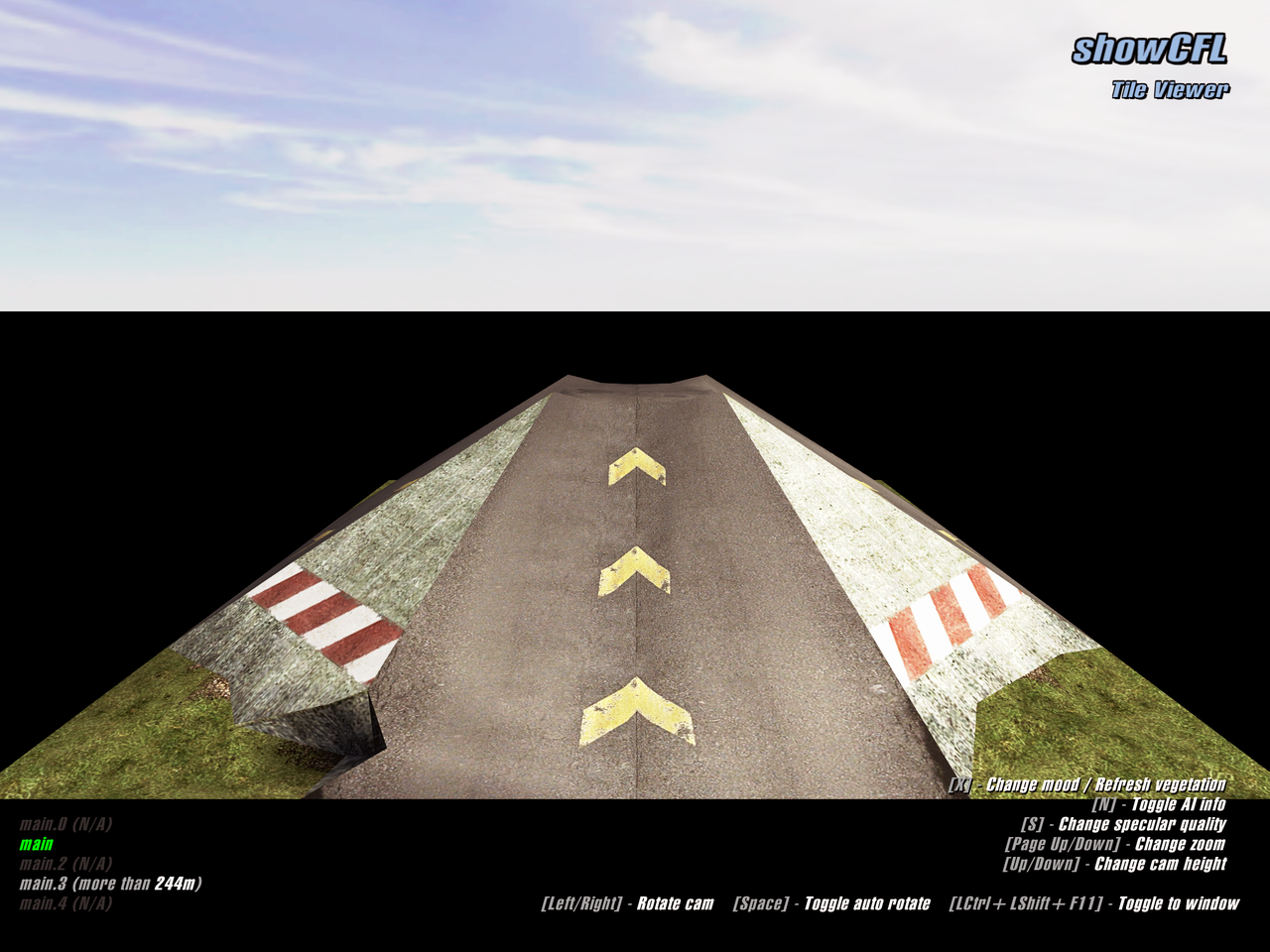
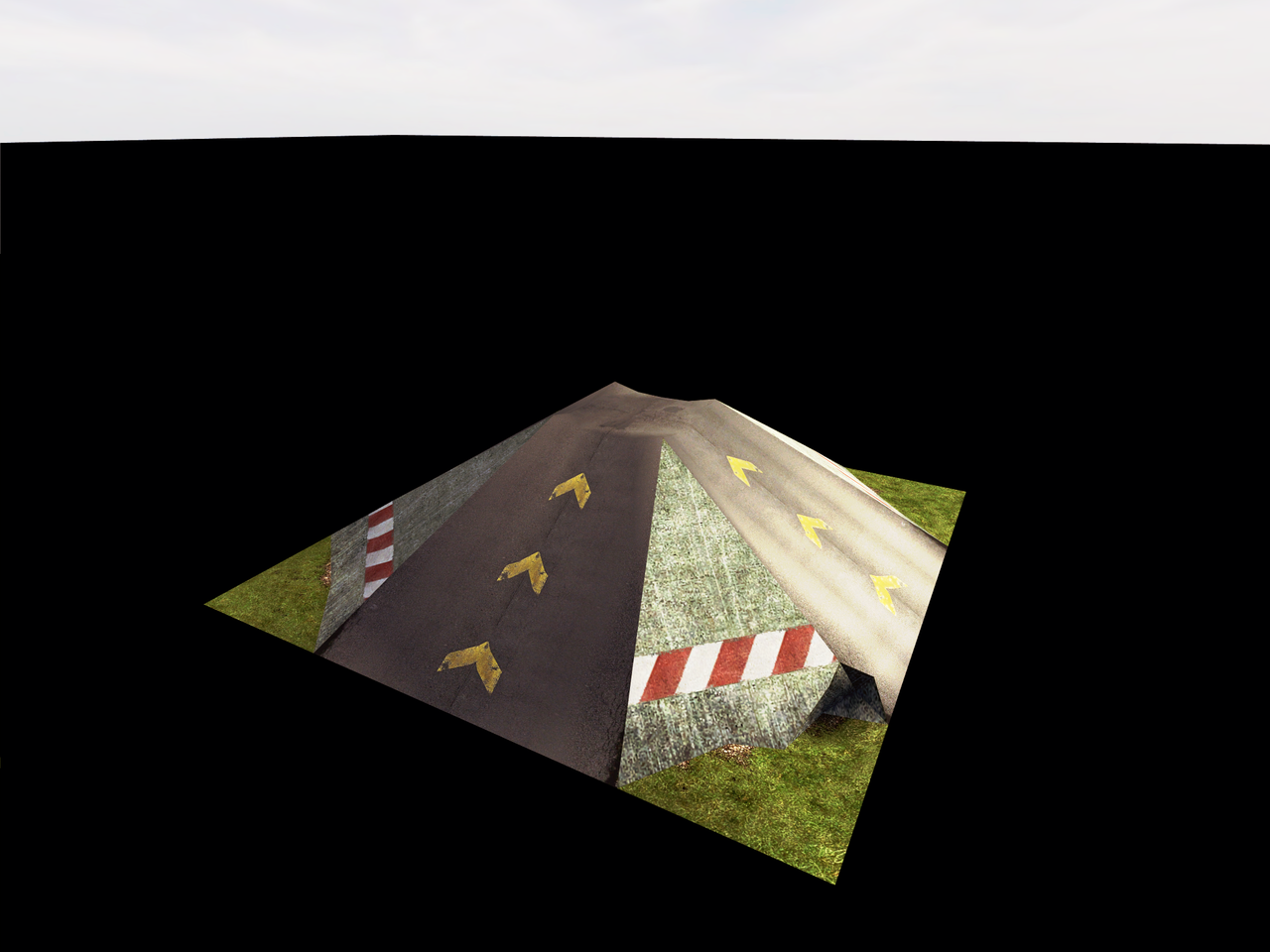
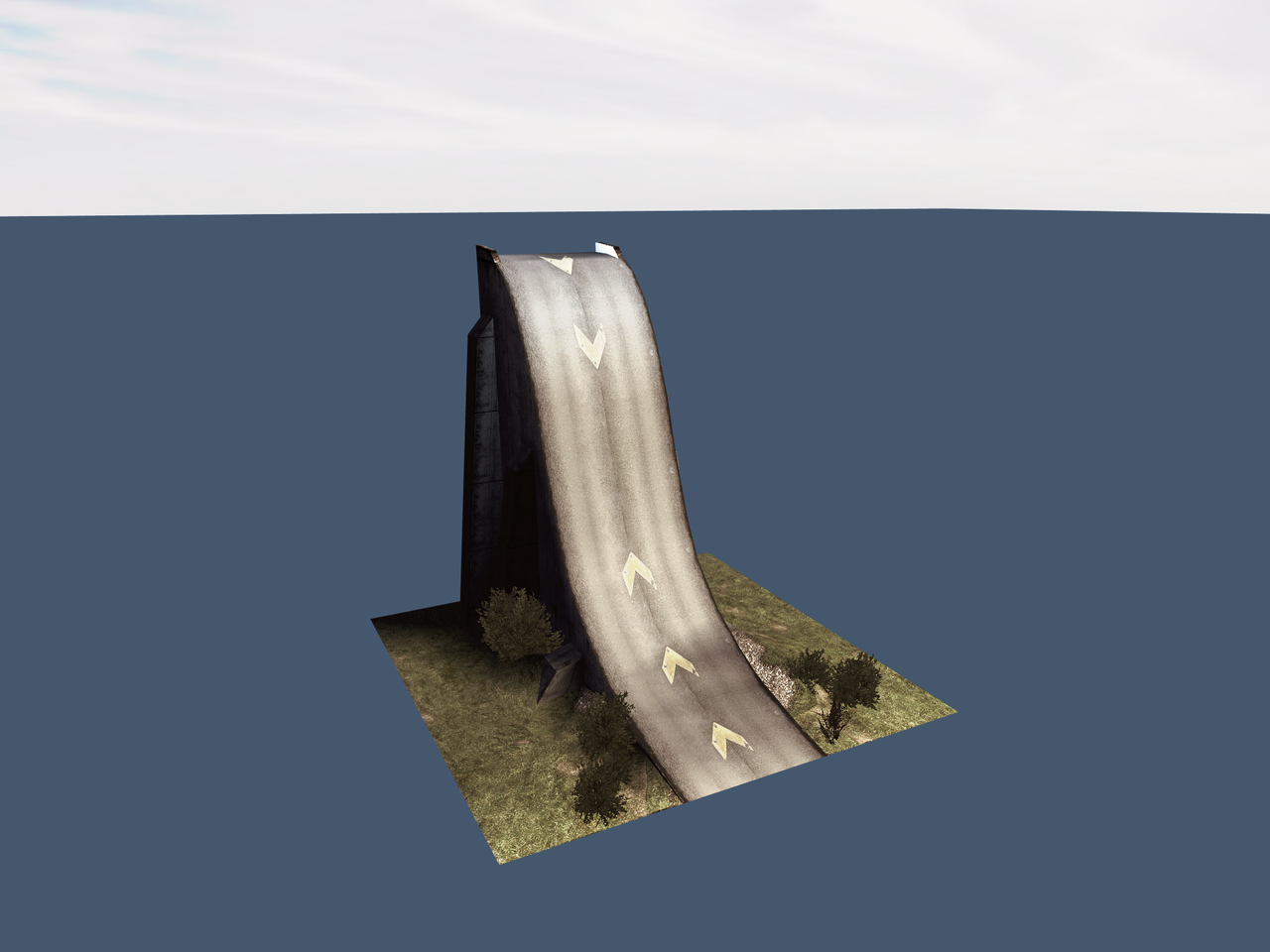
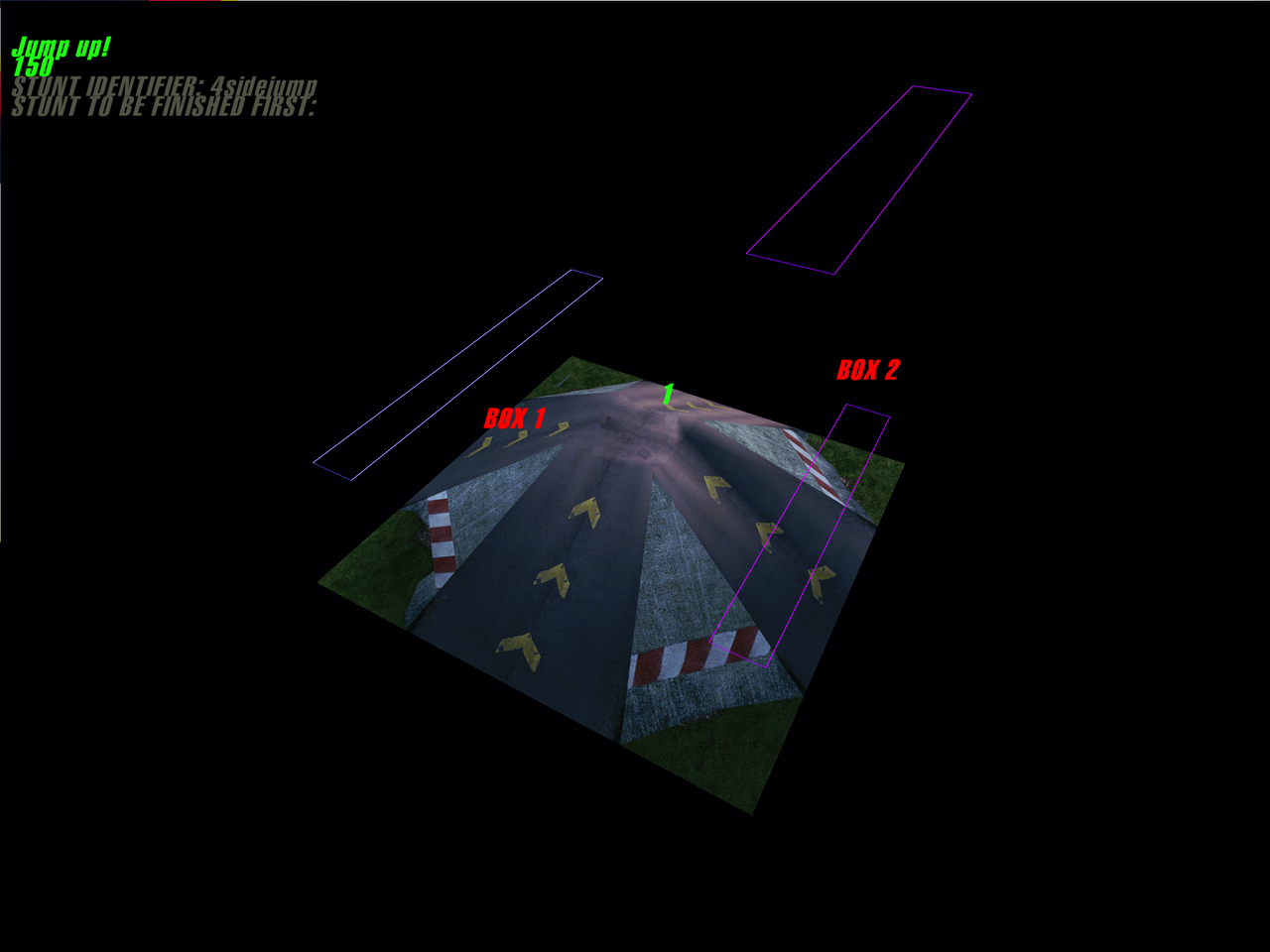
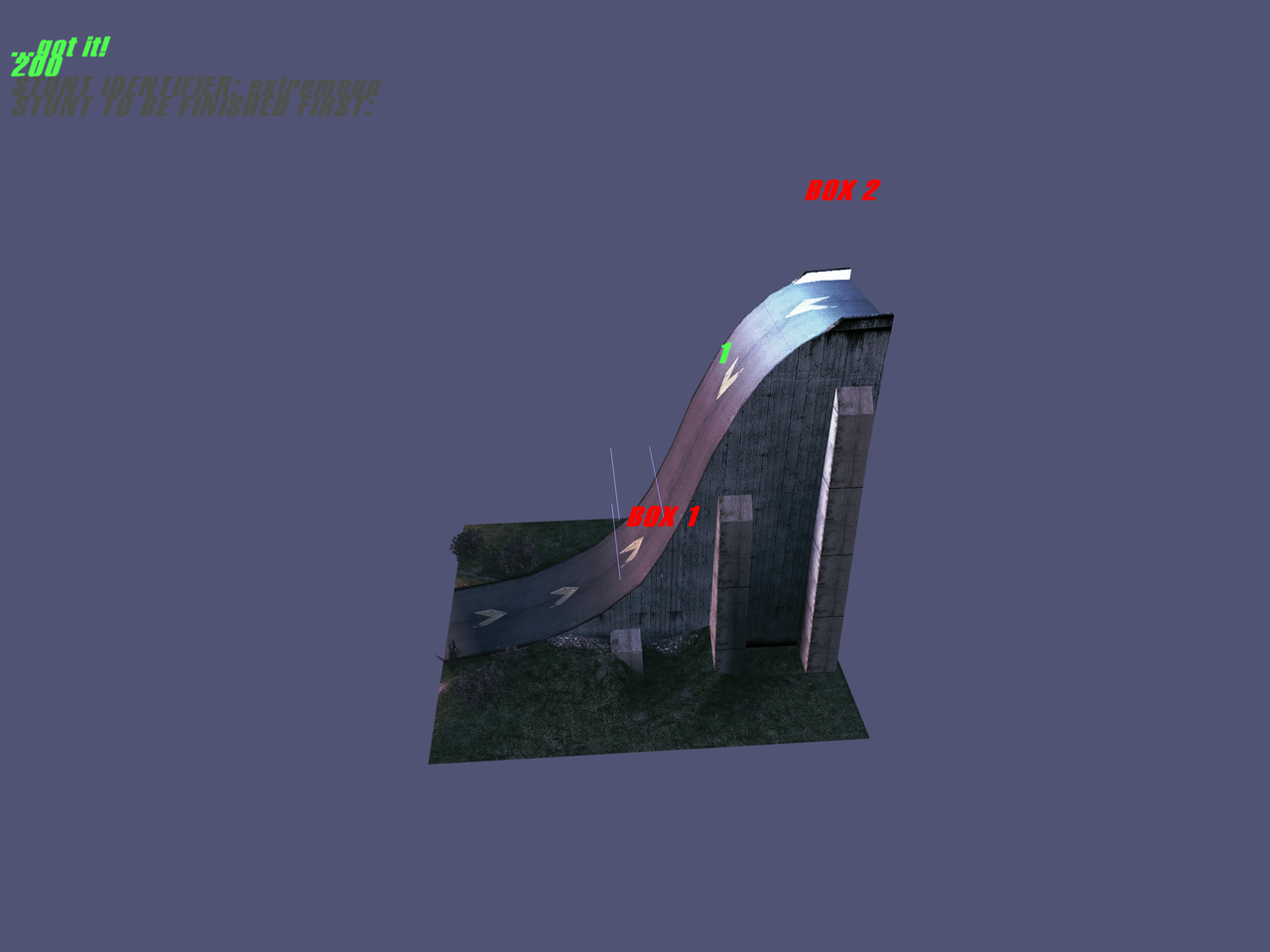
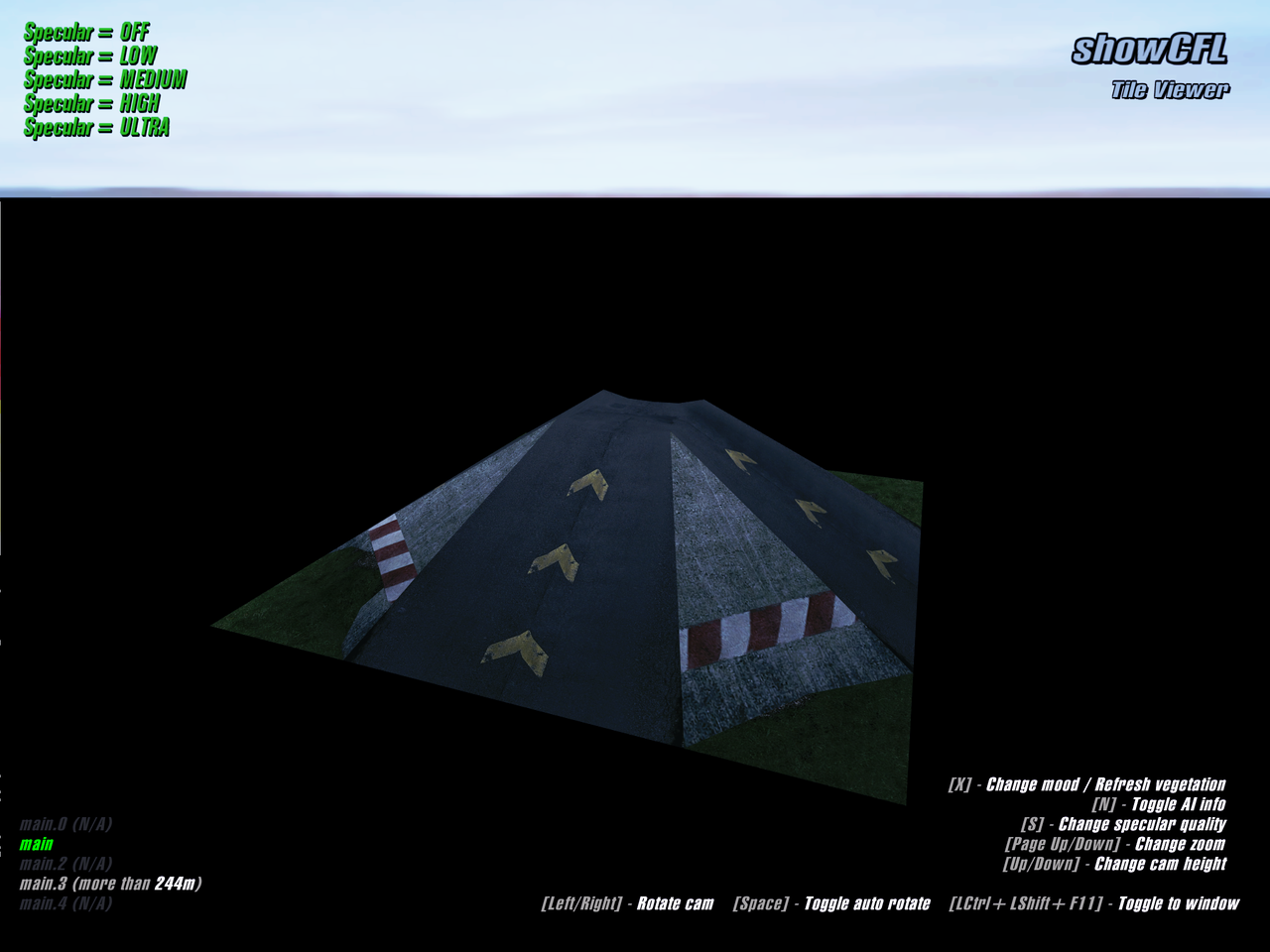
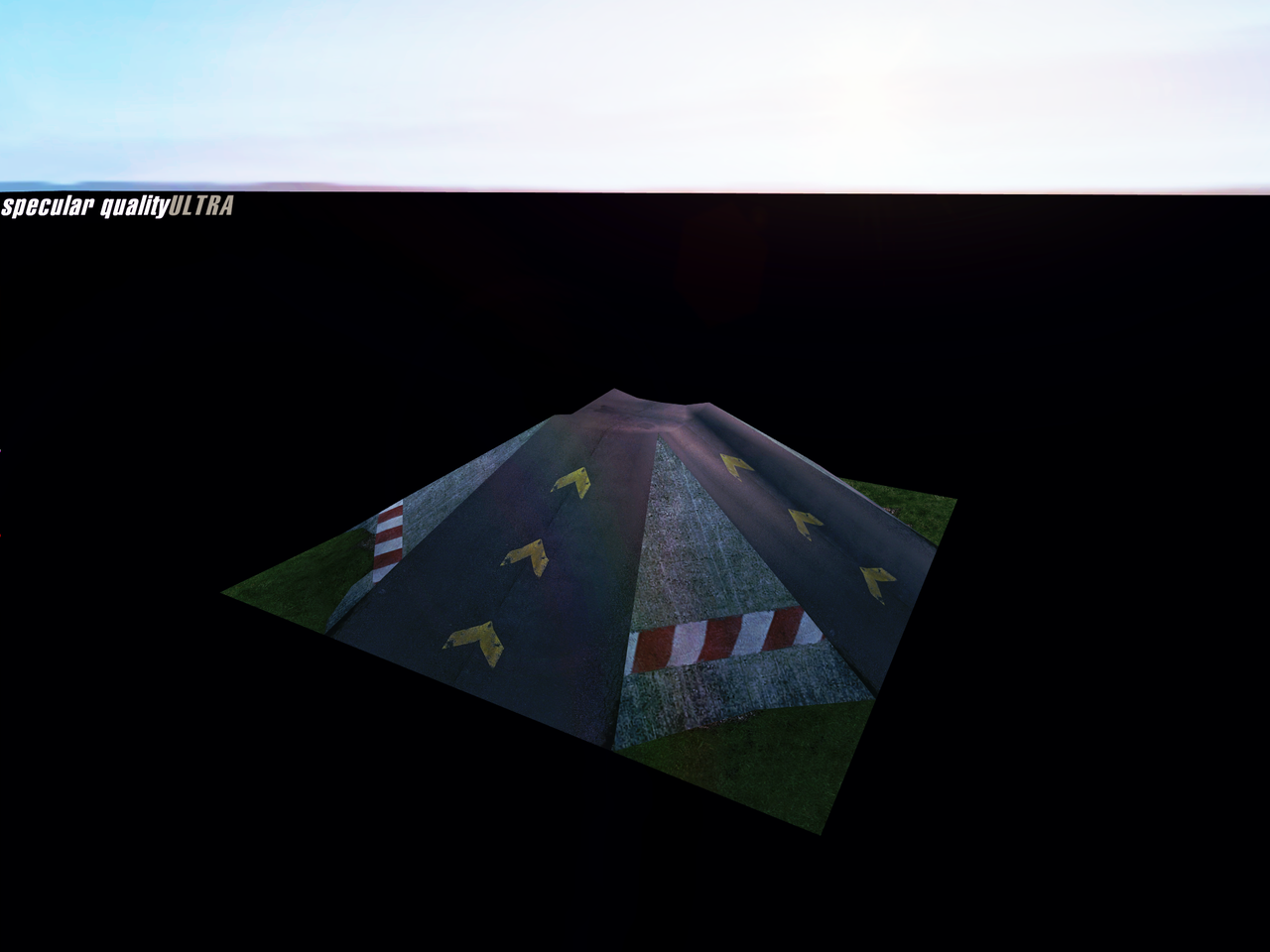
ShowP3D and ShowCFL are part of the official SDK released on April 5, 2006. They are designed to view 3D models in P3D format and track tiles in CFL format on the game engine.
Early versions of these tools from November 2005 can be found in the Russian release from Noviy Disk, and ShowCFL from January 2006 in the US release from ValuSoft. In both editions, they are inside "gamedx/main". The very first (European) release doesn't contain any forgotten SDK tools.
Public release executable |
Russian release executable |
US release executable |
|
|---|---|---|---|
ShowP3D |
April 5, 2006 18:56 |
November 3, 2005 15:44 |
N/A |
ShowCFL |
April 5, 2006 19:00 |
November 3, 2005 18:49 |
January 4, 2006 20:18 |
Launching early versions of ShowP3D and ShowCFL from the Russian release will not be successful out of the box, as it's require an earlier version of the dx9.dll file than the one included in the game’s release version. However, it's possible to launch both versions, although this requires some shenanigans to preparing for launch.
Public version |
US release early version |
Russian release early version |
|
|---|---|---|---|
Main view |
 |
 |
 |
Display AI nodes |
 |
 |
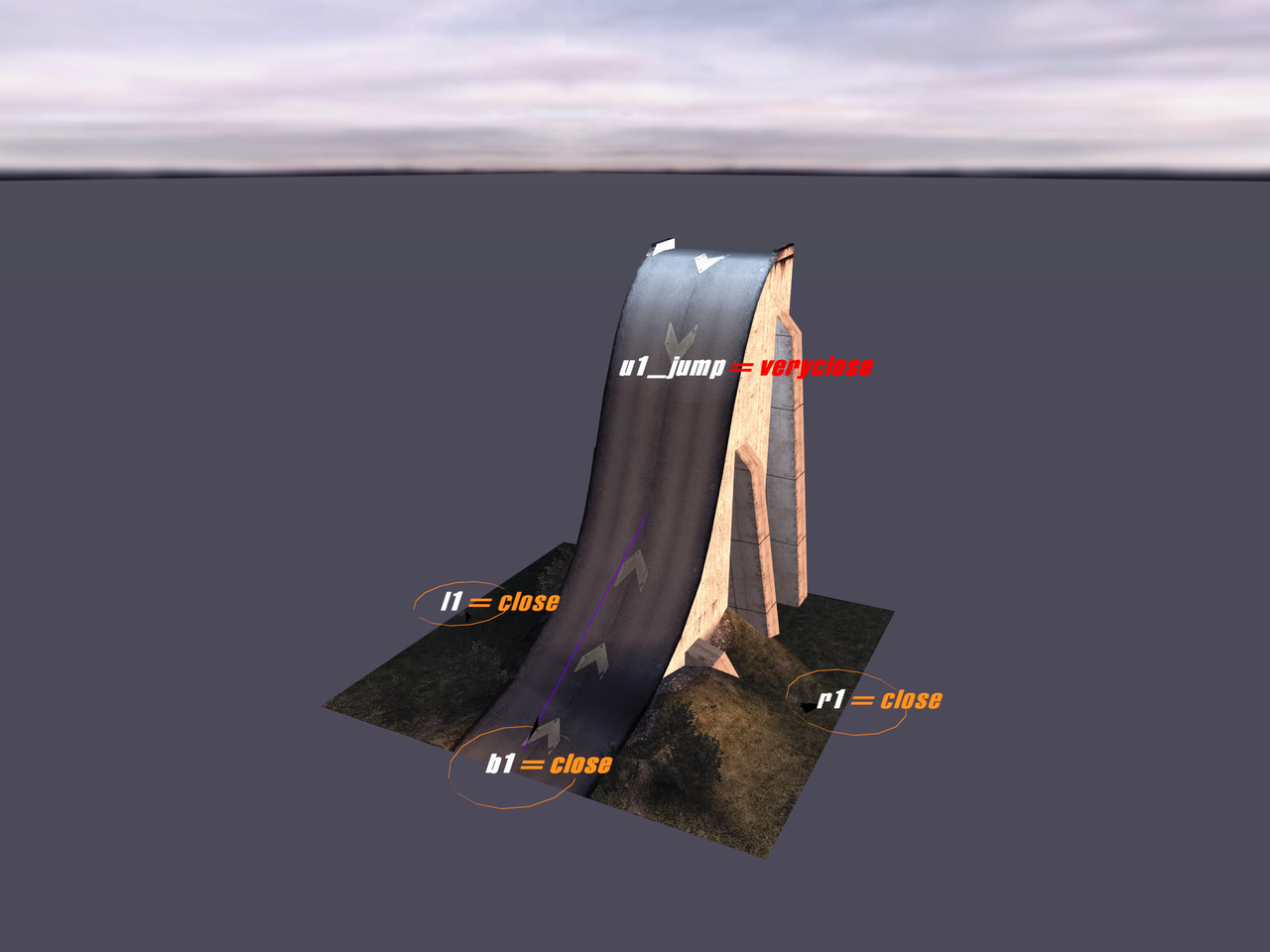 |
Display all stuntboxes |
N/A |
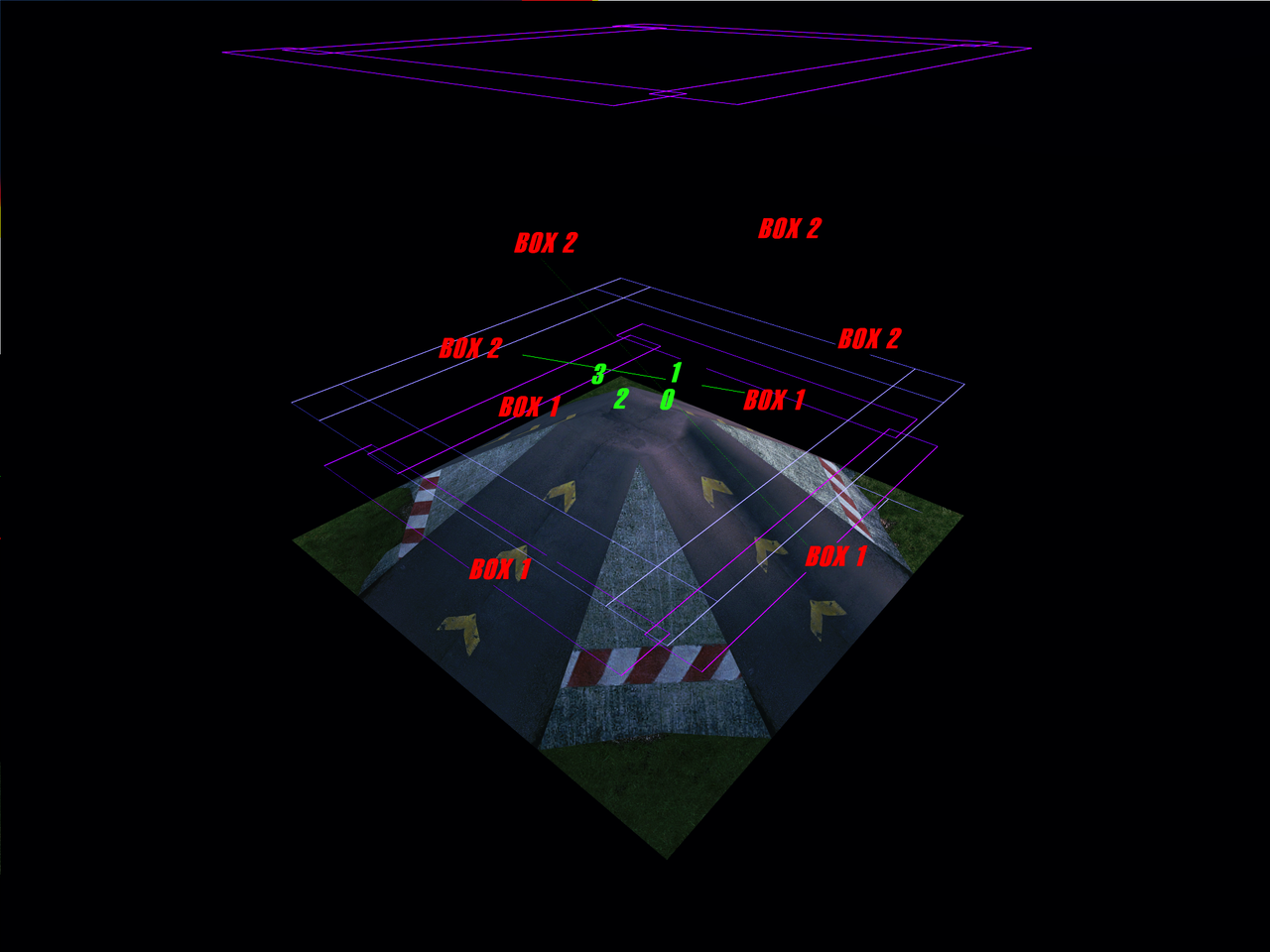 |
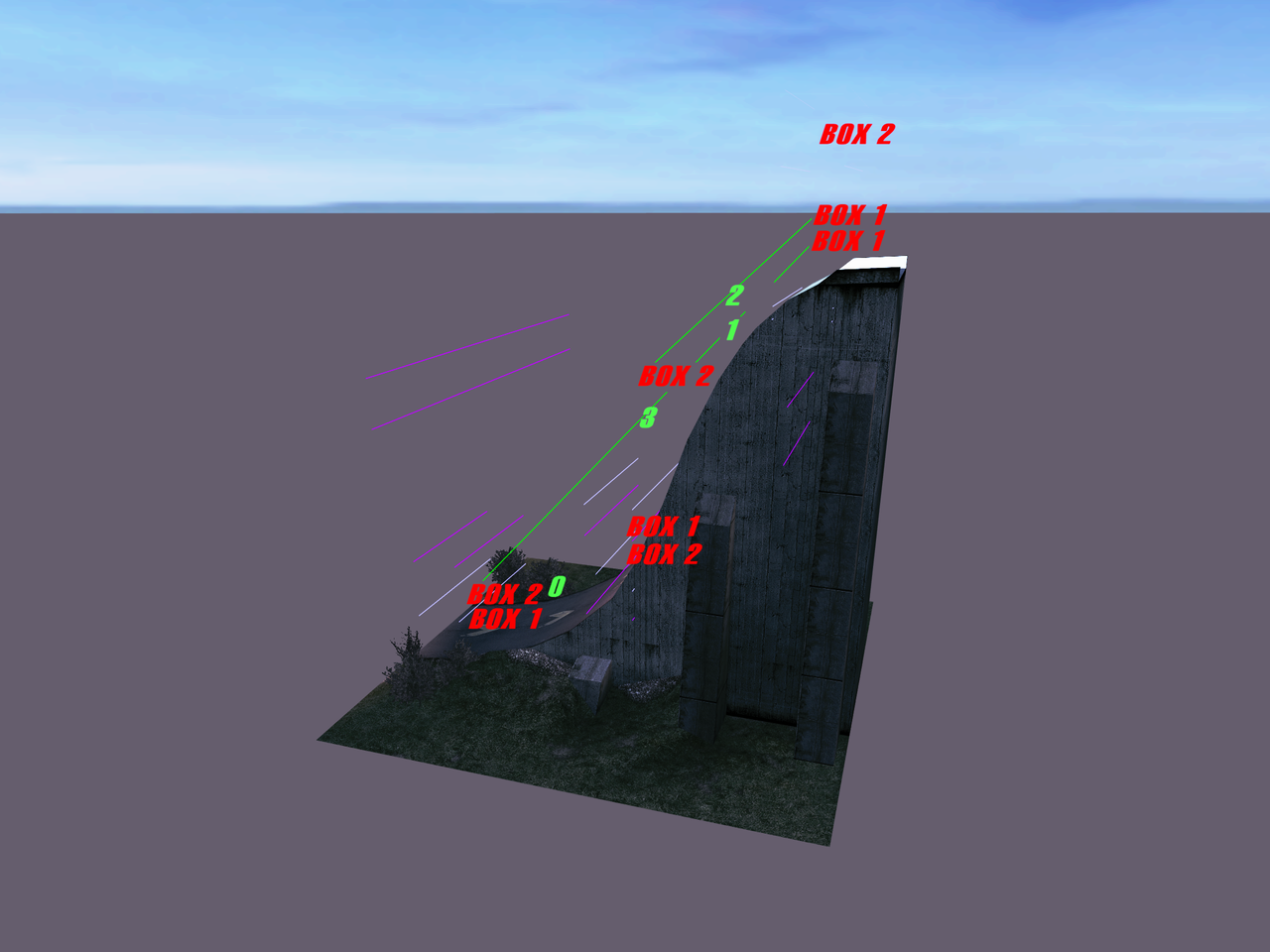 |
Display specific stunt |
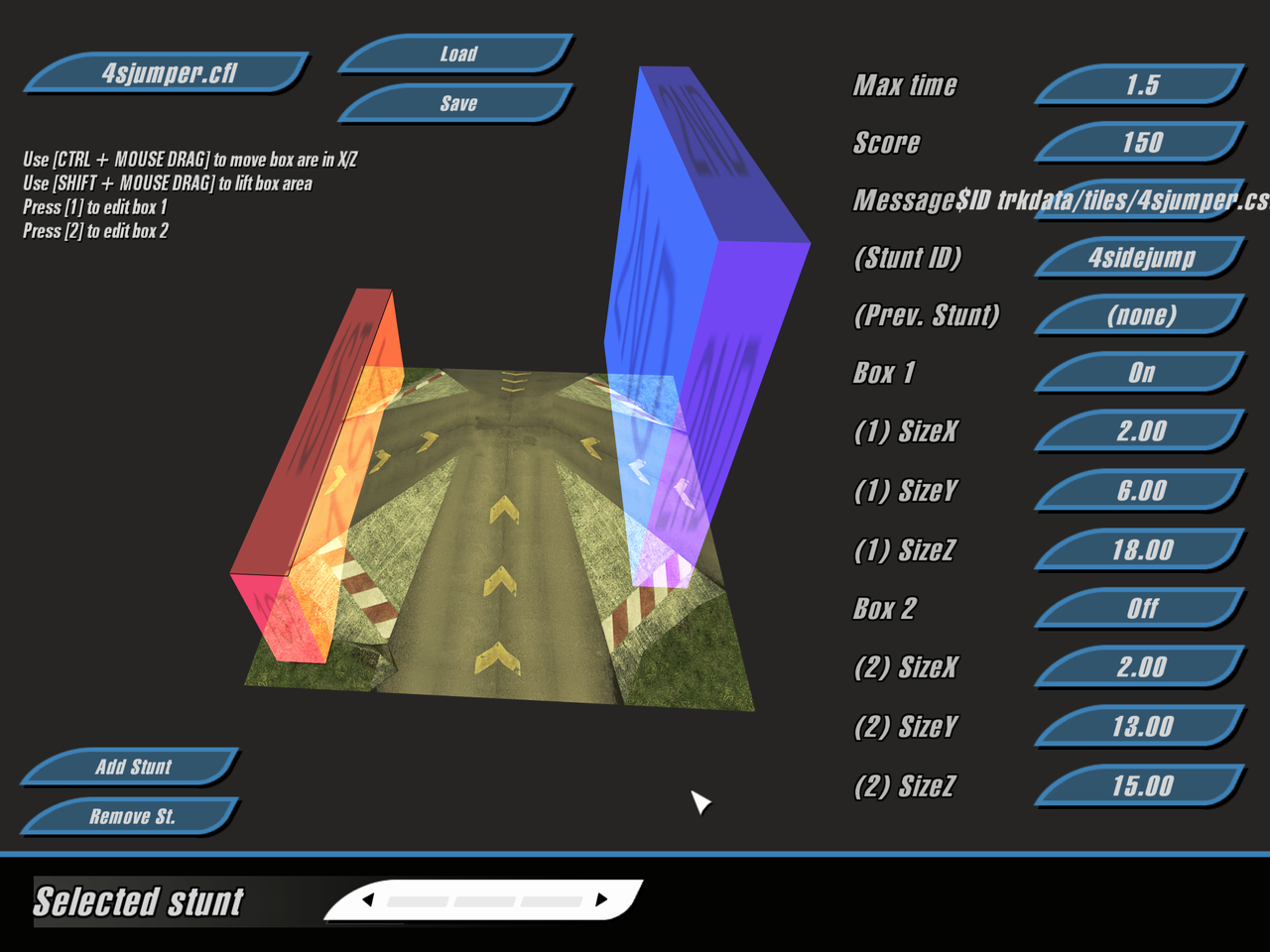 |
 |
 |
Change specular quality |
 |
 |
Crashes the tool |
Public version |
Early version (US/Russian release) |
|
|---|---|---|
Camera movement (left/right) |
Left Arrow, Right Arrow |
Left Arrow, Right Arrow |
Camera movement (up/down) |
Up Arrow, Down Arrow |
Up Arrow, Down Arrow |
Camera movement (near/far) |
PgUp, PgDown |
PgUp, PgDown |
Toggle auto rotate |
Space |
Space |
Change ambience |
X |
X |
Toggle AI info |
N |
N |
Change specular quality |
S |
F2 |
Show all stuntboxes |
A |
|
Show specific stuntbox |
1, 2, 3, 4 |
|
Hide all stuntboxes |
5 |
|
Toggle windowed mode |
Ctrl+⇧ Shift+F11 |
F11 (US release leftover only) |
Here are some other differences between both early versions and the publicly available version:
- The tool can only be launched in the game’s root directory;
- The tool can only be launched if the CFL file name is specified in the launch parameter (in the screenshotы, it’s 4sjumper.cfl and extreme.cfl);
- The tool runs in windowed mode;
- The HUD is practically non‑existent;
- There is an option to view Stuntboxes (this feature was moved to a separate tool — StuntEdit);
- The colors of the AI nodes differ.
Comparison with the Russian and the US release versions:
- The void in the 2005 version of the tool is colored in the fog colors of the current ambience, but in later versions it is always black;
- No option to toggle windowed mode in the version from 2005. To use full-screen mode, you need to manually maximize the window;
- The 2005 version requires 17 keys instead of 19 in the "gametext/eventnam.lst" section, which is responsible for the game's control key names. This may indicate that some keystroke actions were missing at that time;
- For this version, you also need to remove the line commented "Is it possible to freely roam across all tiles without hitting anything?" from the CFL file to open it. This parameter value is either 0 or 1 and determines whether the flag can be spawned from Hold The Flag mode on this tile.
- Additionally, to run the tool, you need to manually convert each tile texture to TGA format, since for some reason the tool cant accept DDS.
- The 2005 version of the tool saves screenshots in BMP 24 bit format instead of TGA with 0 alpha.