 This article has a talk page!
Cowboy Bebop: Tsuioku no Serenade is an action video game for the Sony PlayStation 2.1 One of the only two games based on the cult classic anime show.

Debug Menu#


An elaborate debug menu can be enabled with the below code. Press Select button to enable it. This menu will only work in hand-to-hand combat modes.
Master Code (Only needed for cheat devices)
90342118 0C0D07EE

Enable Debug Menu
D0495EDC 00000100
10495EF8 00000800
D0495EDC 00000000
10495EF8 00000000
Text |
Translation |
Text |
Translation |
|
|---|---|---|---|---|
フラグ |
Flag |
ライト |
Light |
|
カメラ |
Camera |
ミップマップ |
Mip Map |
|
DMC専用 |
DMC Use |
フォグ |
Fog |
|
DMC2 |
DMC2 |
レンズフレア |
Lens Flare |
|
パスカメラ |
Path Camera |
影パラメタ |
Shadow Parameter |
|
マップ変更 |
Map Change |
BGM |
BGM |
|
イベントシーン作成へるぱ |
Event Scene Helper |
EFFECT |
EFFECT |
|
座標取り |
Take Coordinates |
parameter |
parameter |
|
add npc |
add npc |
misc |
misc |
|
add gmk |
add gmk |
enemy |
enemy |
|
exec mode |
exec mode |
scatter |
scatter |
|
play map cmd |
play map cmd |
combo timing |
combo timing |
|
CLIP |
CLIP |
vehicle |
vehicle |
|
TEST VALUES |
TEST VALUES |
STEREO / MONO |
STEREO / MONO |
|
SE VOL TBL |
SE VOL TBL |
|||
Shooting |
Shooting |
|||
edge |
edge |
|||
(Source: Original TCRF research)
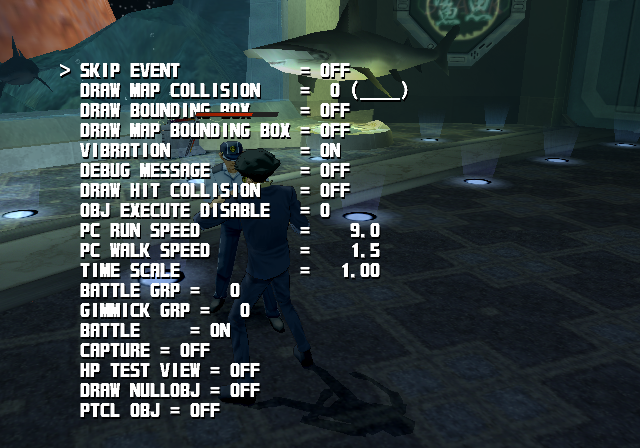
Flag |
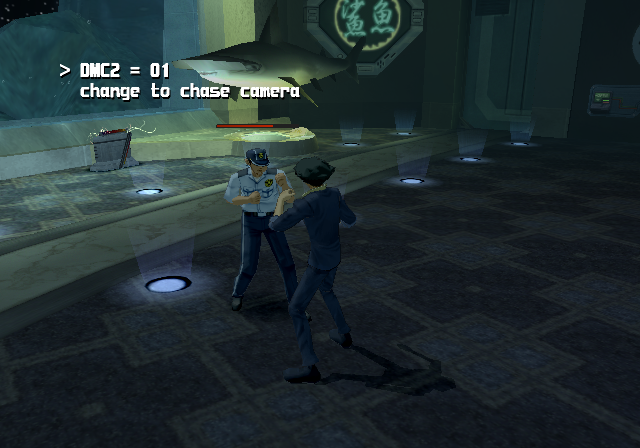
Camera |
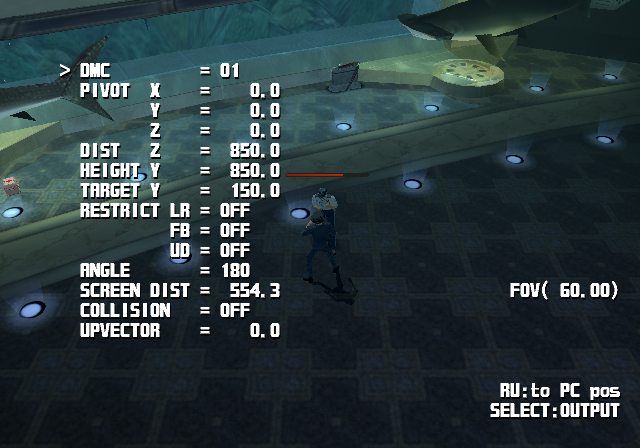
DMC Use |
|---|---|---|
 |
 |
 |
This allows you to change various exclusive game-related settings. |
This allows you to change camera viewpoints in the map. |
This modifies the current camera selected. |
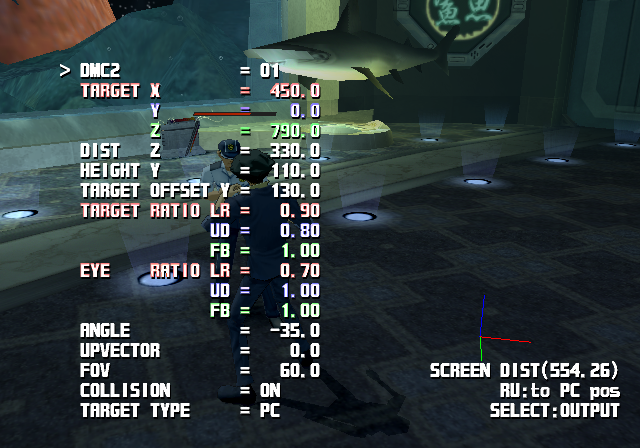
DMC2 |
Path Camera |
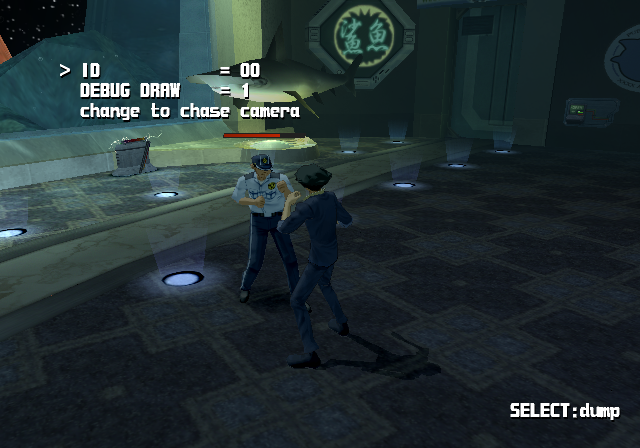
Map Change |
|---|---|---|
 |
 |
 |
Another camera setting. It isn't clear what this one does. |
It isn't clear what this one does. |
This allows you to change maps, assuming you know the correct ID. |
Event Scene Helper |
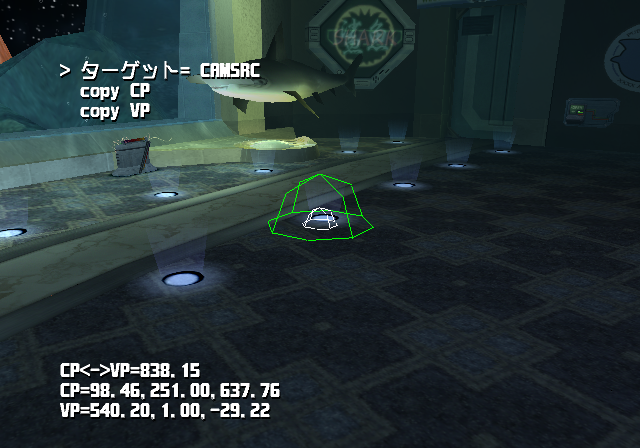
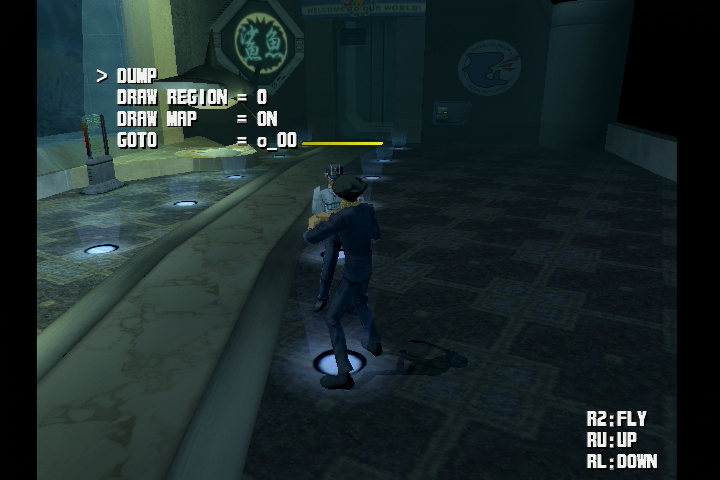
Take Coordinates |
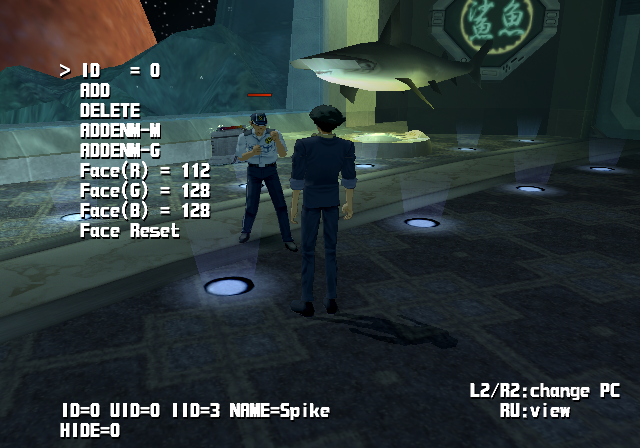
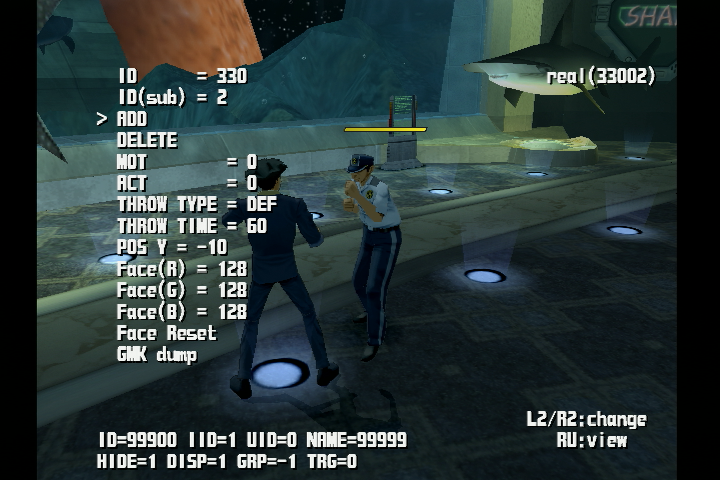
add npc |
|---|---|---|
 |
 |
 |
It's not clear what this does. |
Walk around freely in third person with map collision disabled. |
This allows you to add NPCs to the map. It's not fully clear how this works. |
add gmk |
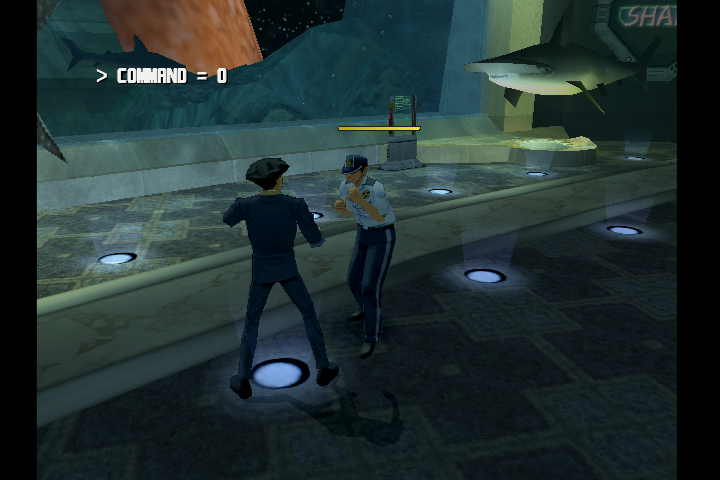
play map cmd |
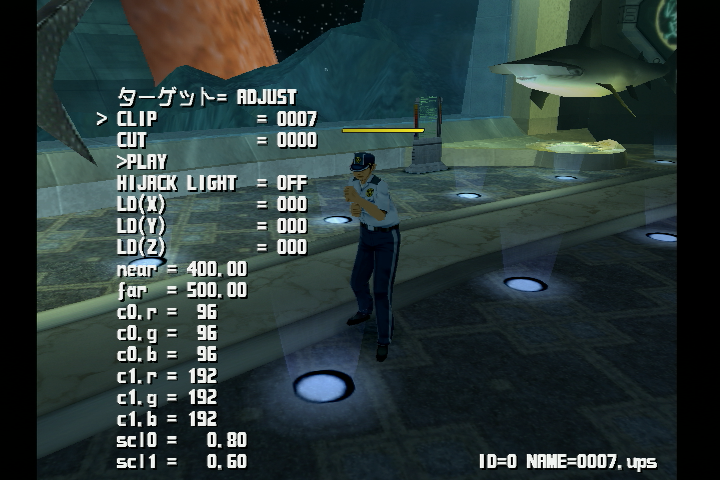
CLIP |
|---|---|---|
 |
 |
 |
This allows you to add objects to the map. |
Commands developers added to use while in-game. |
It's not clear what this does. |
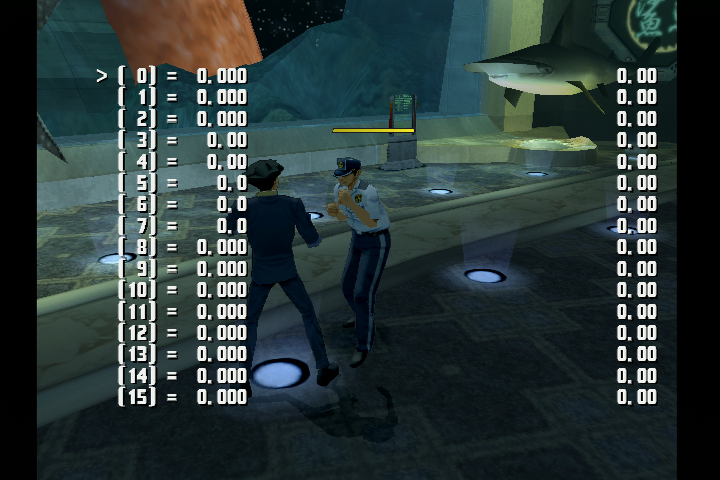
TEST VALUES |
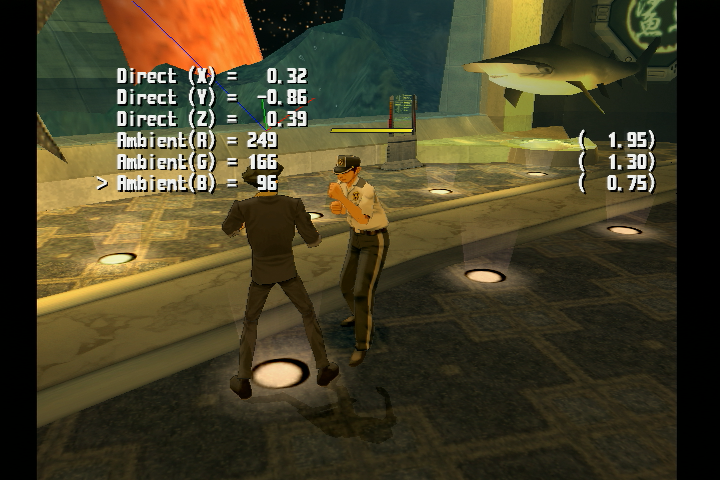
Light |
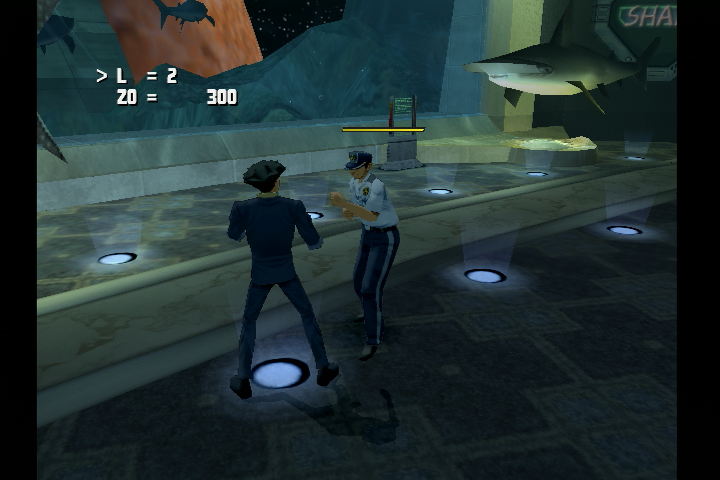
Mip Map |
|---|---|---|
 |
 |
 |
Used for debugging values. |
Changes light position and color. |
It's not clear what this does. |
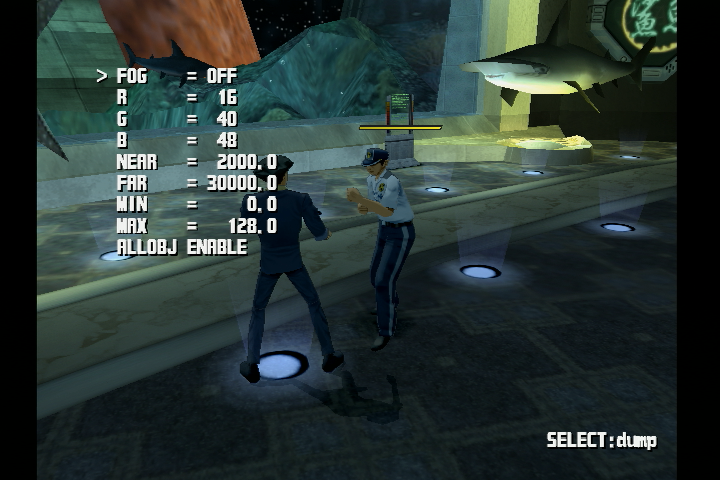
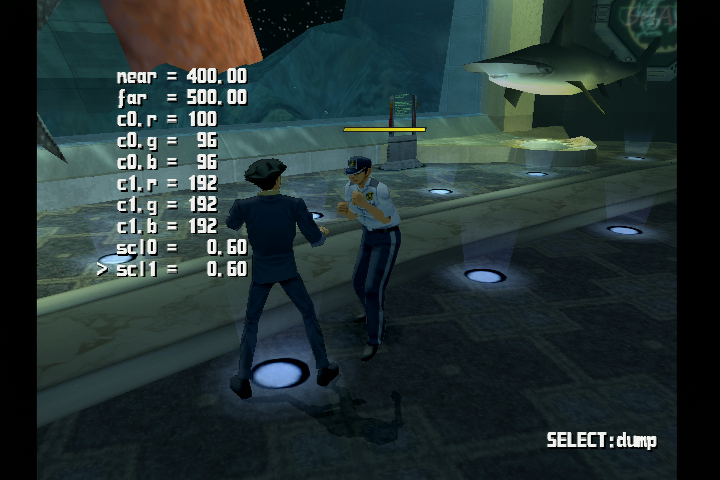
Fog |
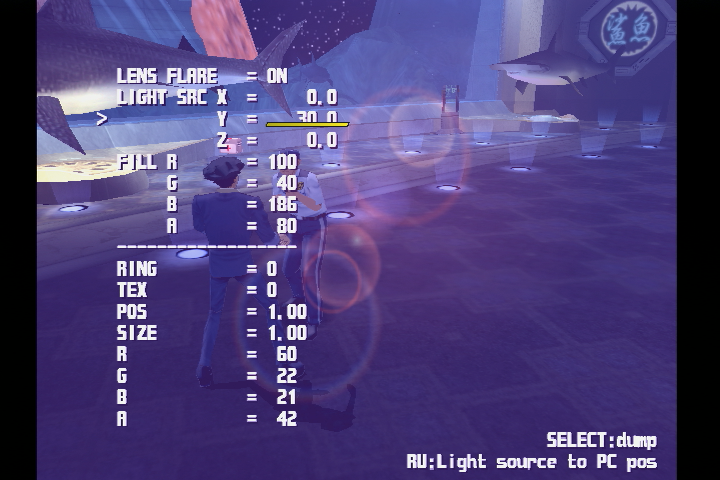
Lens Flare |
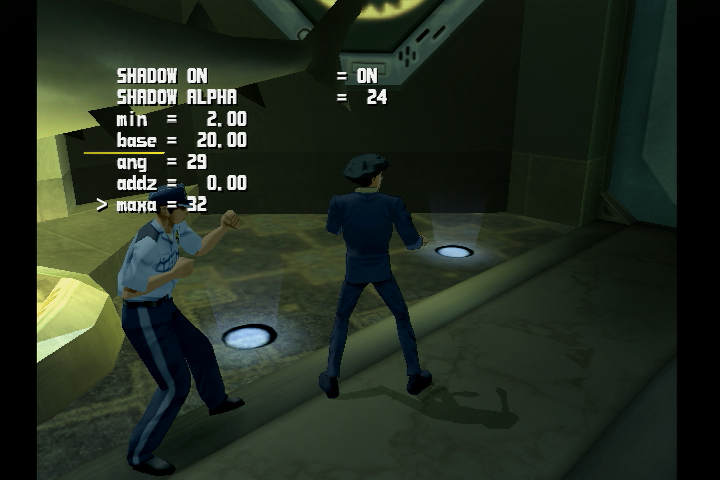
Shadow Parameter |
|---|---|---|
 |
 |
 |
Changes fog distance and color. |
Used for changing lens flare position and color. |
Changes shadow size and angle. |
BGM |
EFFECT |
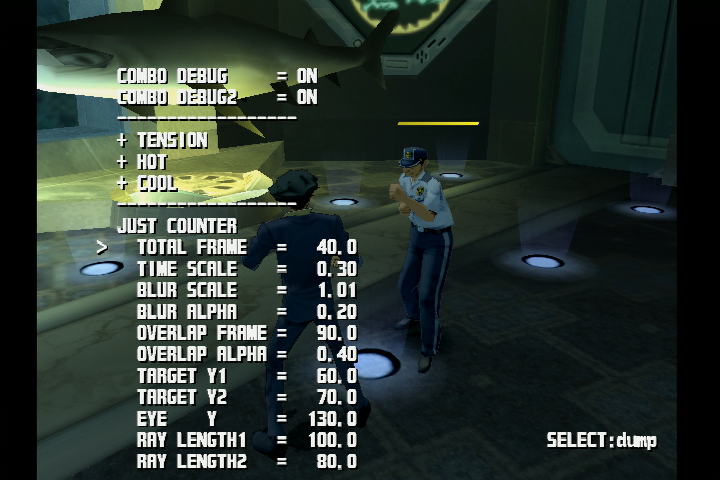
parameter |
|---|---|---|
 |
 |
 |
This allows you to play all of the music in the game. |
This allows you to play all of the sound effects. |
It's not clear what this does. |
misc |
enemy |
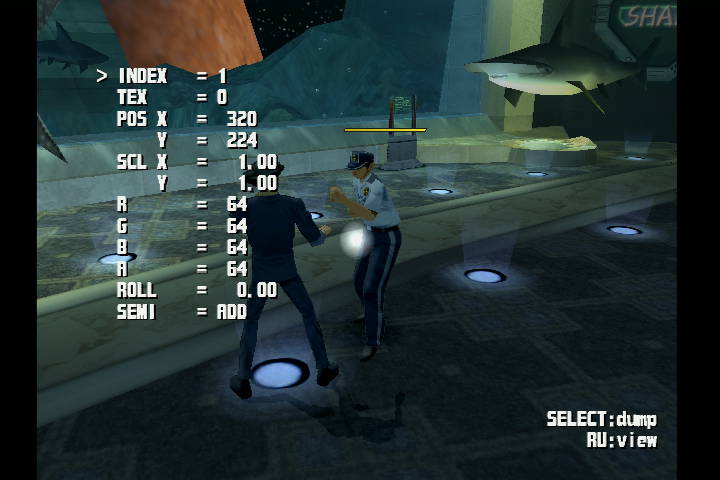
scatter |
|---|---|---|
 |
 |
 |
Miscellaneous debugging settings. |
Changes enemy behavior traits. |
Another lighting setting. It isn't clear what this one does. |
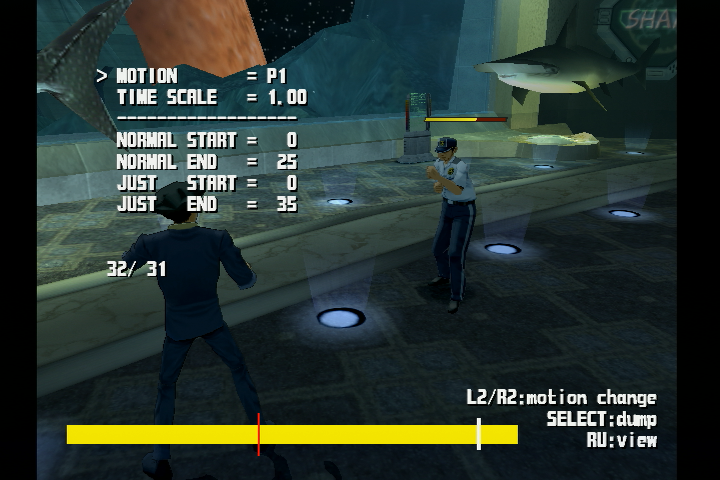
combo timing |
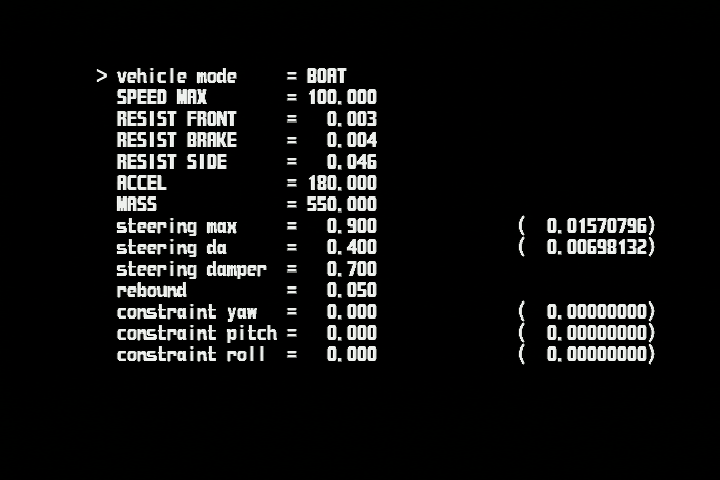
vehicle |
STEREO MONO |
|---|---|---|
 |
 |
 |
Adjusts timing of animations. |
Changes vehicle properties. |
Stereo and Mono audio toggle. |
SE VOL TBL |
Shooting |
edge |
|---|---|---|
 |
 |
 |
Another sound effect setting. It isn't clear what this one does. |
Spaceship mini-game levels. |
It isn't clear what this one does. |
Exec Mode#
It is not clear what this mode was intended to do, as it has much different functionality compared to the rest of the Debug Menu. Using the PS2 Server Directory, the console would connect to the servers using the pre-programmed directories. In "Setup", there is a developer directory, where a few project names can be discovered. Cowboy Bebop and Meitantei Conan are referred to under the names "BEBOP" and "CONAN". The other two are unknown projects.
If you attempt to select a project and load any folder such as "MASTER" or "DMAP", a "----WAIT----" screen will appear and the menu will go back to the PS2 Server Directory. Once in this state, the console cannot return to the main game.
Exec Mode |
PS2 Server Directory |
PS2 Project Folder |
|---|---|---|
 |
 |
 |
Mode |
Functionality |
Mode |
Functionality |
|
|---|---|---|---|---|
0 |
Crashes Game, Music Plays |
31 |
Crashes Game, Music Plays |
|
1 |
Crashes Game, No Music |
32 |
PS2 Server Directory |
|
10 |
Reload Room |
33 |
Crashes Game, Music Plays |
|
11 |
Reload Room |
40 |
Returns to Title Screen |
|
12 |
Reload Room |
(Source: Original TCRF research)
Debug Menu Text#
Present in the executable is text for another debug menu. This is part of another game mode, likely a mini game of some sort. It isn't clear how to activate it.
"[[[[[ BATTLE VOICE ]]]]]\n"
"[[[[[ BGM ]]]]]\n"
"[[[[[ EXEC No. ]]]]]"
"[[[[[ MAIN ]]]]]"
"[[[[[ MAP SE ]]]]]\n"
"[[[[[ MEMORY CARD FORMAT ]]]]]"
"[[[[[ MESSAGE VOICE ]]]]]\n"
"[[[[[ PROJECT ]]]]]"
"[[[[[ SERVER IP ]]]]]\n"
"[[[[[ SHORT CUT ]]]]]"
"[[[[[ SOUND TEST MENU ]]]]]"
"[[[[[ SYSTEM SE ]]]]]"
"[[[[[ USER ]]]]]"
"[BACK]     P.%02d"
"[CAMERA]   P.%02d"
"[DEBUG]    P.%02d"
"[EFFECT]   P.%02d"
"[FLAG1]    P.%02d"
"[FLAG2]    P.%02d"
"[FLAG3]    P.%02d"
"[HIDE]     P.%02d"
"[LIGHT]    P.%02d"
"[MOVIE]    P.%02d"
"[PATH]     P.%02d"
"[SCENE]    P.%02d"
"[SHADOW]   P.%02d"
"[TEXTURE]  P.%02d"
Unused Progressive Display Mode#
Applying the below code will enable an unused progressive mode when first starting the game.
Enable Progressive Mode
D0987EDC 00003D65
00987EDF 00000034
This code modifies system settings that get loaded at run-time. The display modes can be found in a file on the DVD named "ROOT.DAT". The below text can be found inside this file.
//フレームモード
// 0:NTSC interless 640x448(PSMCT32)
// 1:NTSC noninter  640x224(PSMCT32)
// 2:PAL  interless 640x512(PSMCT32)
// 3:PAL  noninter  640x256(PSMCT32)
// 4:480P           720x480(PSMCT16S)
// 5:VESA           640x480(PSMCT16S)
// 6:NTSC noninter  640x448(PSMCT16S)
// 7:PAL  noninter  640x512(PSMCT16S)
// 8:NTSC noninter  512x448(PSMCT32)
// 9:PAL  noninter  512x512(PSMCT32)
//10:NTSC noninter  640x448(PSMCT16)
//11:PAL  noninter  640x512(PSMCT16)
//12:NTSC noninter  512x448(PSMCT32/PSMZ24)
//13:PAL  noninter  512x512(PSMCT32/PSMZ24)
frame={1}
//frame={8}
Unused Language Settings#
Like the above file, "ROOT.DAT" also contains possible language settings for this game, however none except Japanese work.
Text |
Translated |
|---|---|
|
|
"framemode_debug" doesn't appear to do anything when enabled.