 This article has a talk page!
Bookworm is an endless word-based game from PopCap, similar to Scrabble but in its own style.
Sub-Pages#

Music Tracker Comments#
Present in music/Bookworm1.mo3 is a comment with information about the song offsets and composers.
Bookworm Deluxe!

(C) Peter Hajba 2003 --- > http://www.futurecrew.com/skaven

Song HexPos:
1/9 (00-19) - Main game loop
2/9 (1B-23) - Intro & Main Menu (loop to 1C)
3/9 (25-31) - Realtime Mode
4/9 (33-34) - Main Game Danger Song
5/9 (36-39) - High Scores (Gaudeamus Igitur)
6/9 (3B-3B) - Realtime Mode Game Over (delayed; jumps to <<BREAK>>)
7/9 (3D-3D) - Main Game Over (delayed; jumps to <<BREAK>>)
8/9 (3F-3F) - <<BREAK>> (silence)
9/9 (41-42) - Realtime Mode Danger Song

High Scores = "Gaudeamus Igitur", composed by Johannes Brahms in 1879
Partner.xml File#

|
This needs some investigation. |
Present in almost every PopCap game is partner.xml. partner.xml allows PopCap, as well as PopCap's partners, to easily modify small details of the game without the need to recompile the game or access to the game's source code. This file has been edited numerous times by multiple partners and PopCap themselves, and later revisions of the PopCap framework have added additional features to it. Also present is a checksum check, so not every user can make any changes they want. If the checksum fails, an error message appears, and the game either fails to boot up or boots up with default values, typically enabling the trial or registration system. Below is an attempt to list the features for partner.xml in Bookworm Deluxe. Some features may not be present in earlier revisions. Some early versions and localisation versions don't use partner.xml at all.
Boolean Value |
Effect |
|---|---|
DefaultWindowed |
On a fresh installation, start the game in Windowed or Full Screen. |
DontUpdate |
Toggle the in-game update system. |
CheckForUpdates |
Toggle the automatic checking for updates. |
NoInternetScore |
Toggle the system that allows you to submit scores to the Internet Hall of Fame. |
NoReg |
Toggle the registration system. Configurable through MaxPlays |
ShowTrialStatus |
Toggle the trial system. Configurable through integer MaxTime. |
Integer Value |
Effect |
|---|---|
NumOptionsLinks |
Display a link button in the options menu. Configurable through string OptionsLinkText0 & OptionsLinkText0 |
MaxPlays |
Max amount of times allowed to play before forcing registration. |
MaxTime |
Trial duration in minutes. |
LoadingBarY |
Y offset for the loading bar graphics and text. |
OptionsDialogHeight |
Y offset for the options menu. |
String Value |
Effect |
|---|---|
OptionsLinkText0 |
The text that the link button on the options menu will say. |
OptionsLinkURL0 |
The URL that the link button will redirect the user to. |
RegisterLabel |
The text that will be on the register button in the options menu. |
RegistryKey |
Path to the game's registry. |
FontPath |
Path to the game's fonts folder. |
ImagePath |
Path to the game's images folder. |
SoundPath |
Path to the game's sounds folder. |
RSRC File#
A Bookworm.rsrc file in the game folder on Mac does not even mention Bookworm in any way, but instead mentions Bejeweled 2, a title that wasn't even known until a year after.
Revision List#
- 1.0 = Initial release!
- 1.01 = New tiles, bug fixes.
- 1.02 = Bug fixes.
- 1.03 = Bug fixes.
- 1.0.5 = Bug fixes.
- 1.13 = Windows Vista Compliance.
Multiple revisions were pushed. Steam got 1.13, and PopCap's old downloads CDN got 1.0-1.03, while PopCap's final CDN version got 1.13 for all installers. 1.0.5 is exclusive for Mac.
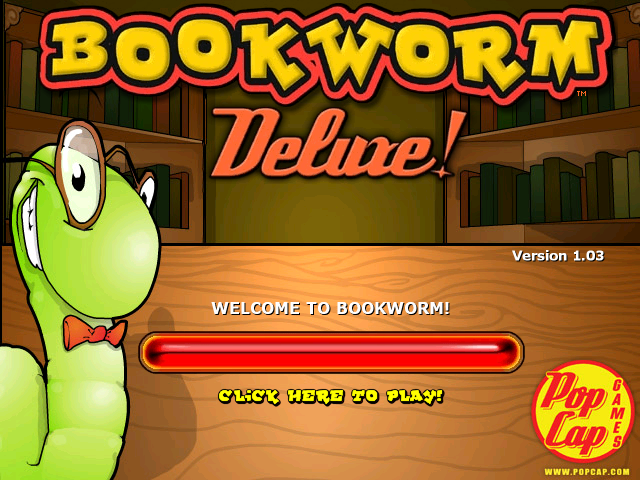
Title Screen#
January 29, 2003 |
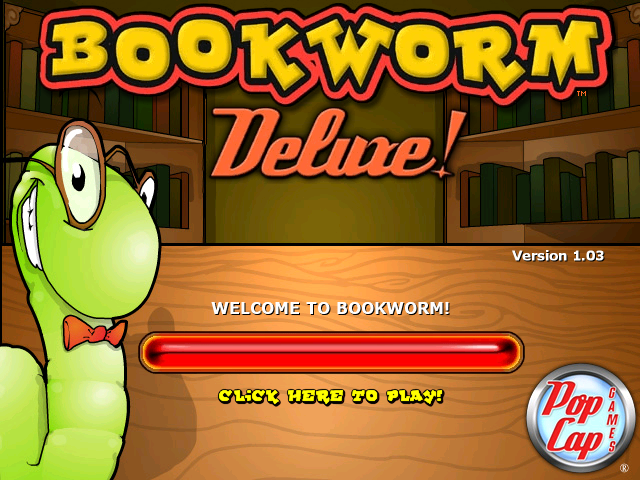
March 1, 2007 |
August 15, 2007 |
|---|---|---|
 |
 |
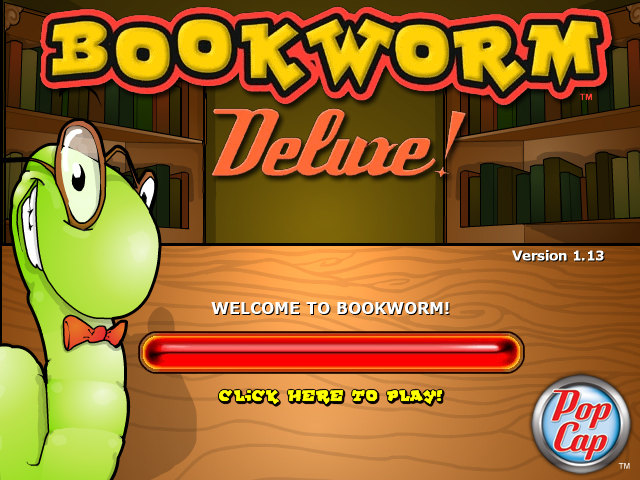 |
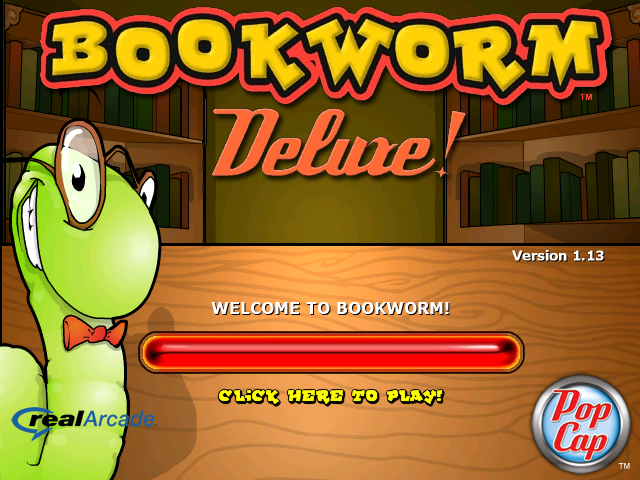
Traditionally, installers from 2003 to 2006 used the old PopCap logo. For a brief period, the second revision of the logo was used, and in August 2007, the final logo was used, with some minor tweaks.
1.0sw (Old Installer, Shockwave.com, February 20, 2003)#
- Pre-dates the 1.0 from ComputerGamingWorld with minor differences
- The readme states an even earlier date, being January 31, 2003, and contains differences
- Uses a unique data folder for the fonts instead of a folder named fonts
- The font .gifs are inside the images folder
- Like most partner versions, Internet High Scores have been disabled. However, the green object is still present
- Any reference to Hardware Acceleration is completely missing, even inside the executable
- Any reference to the "Debug Commands" is completely missing, including their strings
- Any reference to the Command-Line Parameters is completely missing, including their strings
- Gameplay differences found in the previously documented 1.0 ComputerGamingWorld version are also found here
1.0 (Old physical installation CD, ComputerGamingWorld, February 25, 2003)#
- Together with 1.0sw, the only version with digits on the tiles compared to the later yellow dots
- The text "Click here to disable hints" on the hint window appears more greyed out compared to "Click here to continue", discouraging users from clicking it
- In the Level Up/Game Over screen, many strings contain double spaces. Future versions changed this to single
- Unfocusing the game does not mute the music, but minimising does
- Pausing the game does not mute the music
- The only known version together with 1.0sw with no properties folder at all
- The option to turn off or on "Hardware Acceleration" is missing, but references are inside the executable
- The "Debug Commands" appear non-functional. The strings are present in the .exe, but the way to enable them seems not to be
- Command-Line Parameters, such as -version appear non-functional, but the strings are present in the executable
1.0 (Old installer, Popcap.com, February 26, 2003)#
- Strangely dates after some of the partner versions
- readme provides a date of February 19, 2003, like the ComputerGamingWorld version, making the 1.0sw version a sort of pre-release!
- Gameplay differences found in the previously documented 1.0 ComputerGamingWorld version are also found here
|
|
This needs some investigation. |
Unused Audio
Interestingly, version 1.0 and some localised versions have an additional sound file for Lex named Lex_cool. Versions 1.01 and above completely removed it.
What the purpose of the sound would be is anyone's guess. Cool!
1.01 (Old installer, PopCap.com, July 18, 2003)#
- Added support for partner.xml
- This version and beyond can no longer be opened multiple times
- The titlescreen progress bar, "Click here to play!", as well as "Unregistered Version!"/"Thanks for Registering!" has been shifted a bit higher. This is done through partner.xml
- Tiles are now updated to their final looks
- "Hardware Acceleration" added to the options menu
- The text "Click here to disable hints" on the hint window now appears identical to the option "Click here to continue"
- The Level Up/Game Over screen no longer has double spaces for many of its strings
- Unfocusing the game now mutes the music
- Pausing the game now mutes the music
- The "Debug Commands" through CTRL-ALT-D now activate like later builds
- The build information using -version marks version 1.01 as build 127 dated Thursday July 17, 18:57:12, 2003
1.02 (Old installer, PopCap.com, September 29, 2003)#
- The build information using -version marks version 1.02 as build 170 dated Monday September 29, 14:36:07, 2003
1.03 (Old installer, PopCap.com, April 15, 2004)#
- The build information using -version marks version 1.03 as build 190 dated Thursday April 15, 14:52:08, 2004
1.13 (Installer, PopCap.com, April 30, 2007)#
- The game's executable was recompiled, having support for loading from a main.pak file, excluding reading a packed music directory. The developers never packaged the game assets since this change, so it wasn't shown off.
- The trademark over the game logo in the game's menu backdrop texture was removed.
- The texture of the game logo on the title screen was redone.
- The size of the PopCap logo on the game's title backdrop texture was shortened.
- Introduced a few bugs related to the game's music. For example, the title screen incorrectly plays the "Classic Game" theme after visiting the Hall of Fame, either directly from the title screen or after a game over. Furthermore, in "Action Game", if you reach danger level and then remove the burning tile(s), the game incorrectly starts playing the "Classic Game" theme instead of continuing the "Action Game" theme. Neither of these issues occurs in older versions, where the correct music plays. From testing, this problem appears to be present in every 1.13 version, including localised ones, and was never fixed.
- The removal of the Internet Hall of Fame system, officially by PopCap themselves. However, it is still done through partner.xml, so it is possible it can be re-enabled.
- Welcome back,
never appear anymore due to unknown reasons. - The build number and build date using the command-line parameter -version no longer work, providing empty data. This seems consistent with builds after 2005.
Partner Versions#
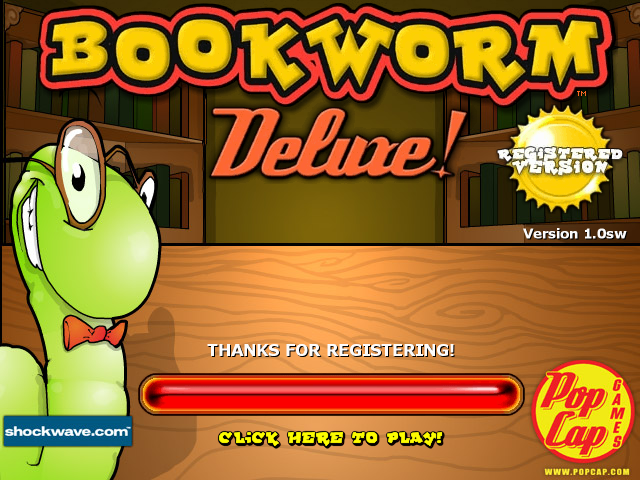
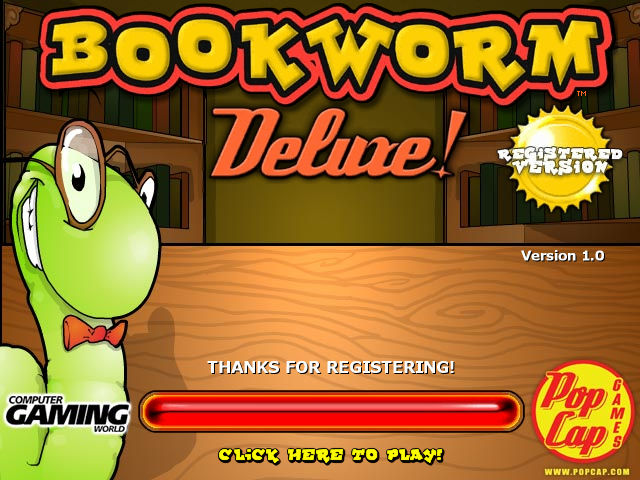
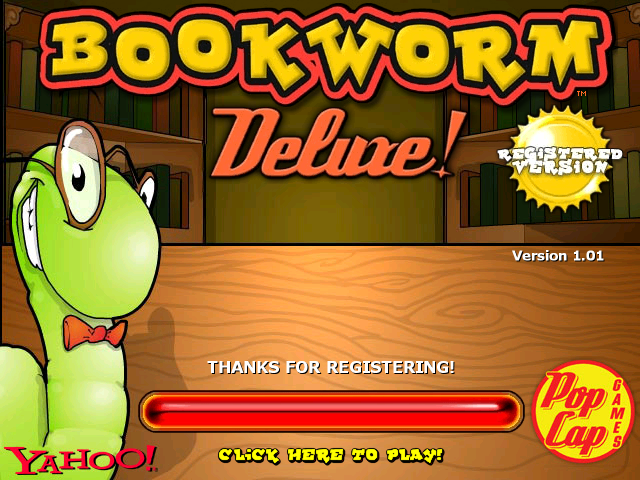
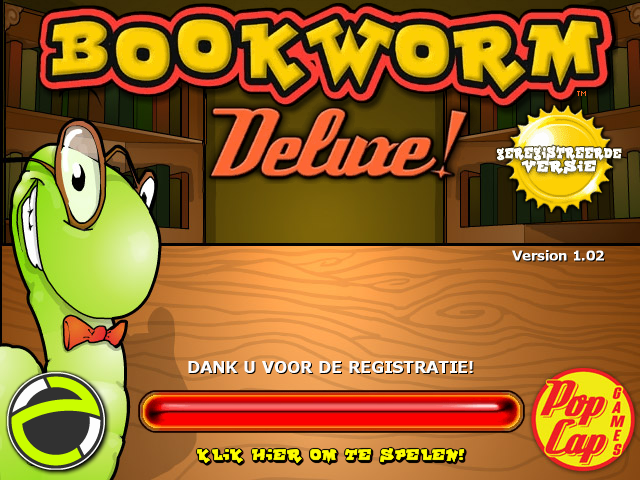
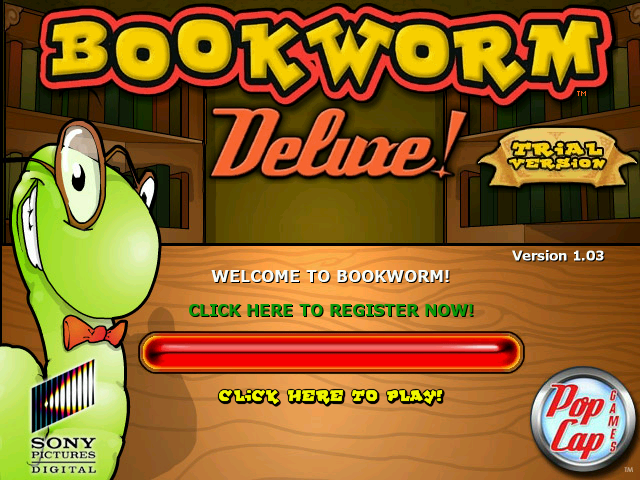
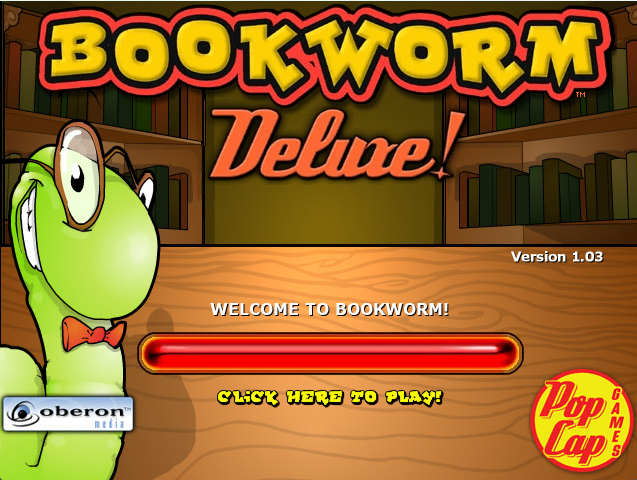
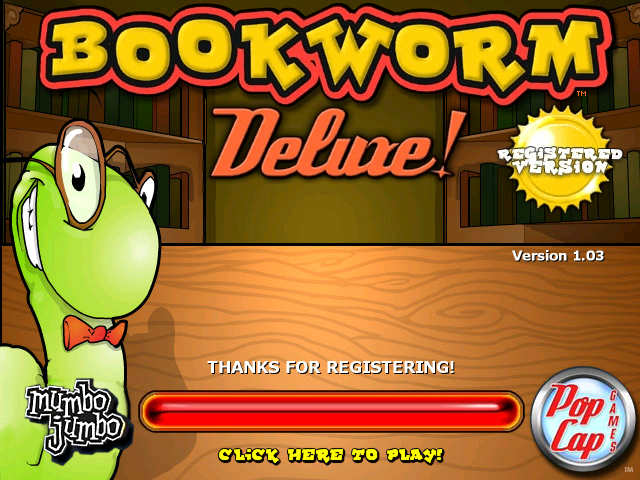
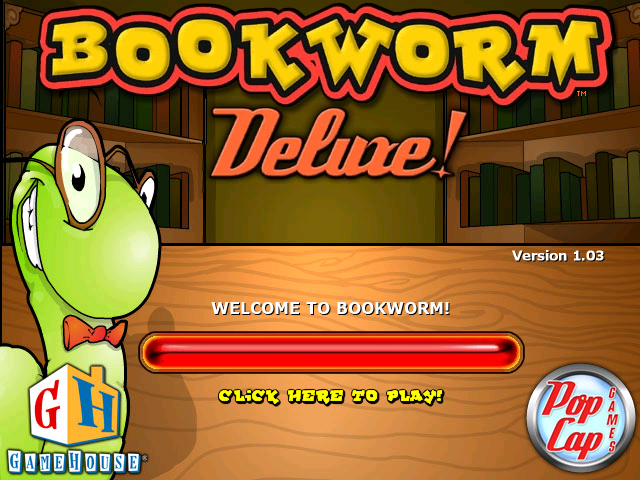
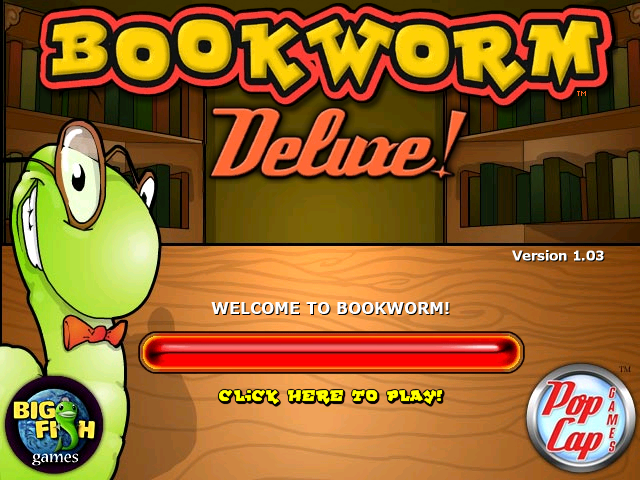
Partner versions are setups of the game distributed by other companies that have partnered with PopCap. These setups typically have a similar or special build of the game that makes use of the partner.xml file to make small changes to the game, and Bookworm.dll to inject code into the game. Furthermore, upon booting the game, the partner's company logo can be found on the bottom left of the title screen, which was added by editing the backdrop_title image. Often, these partner versions come with the company's own DRM system, which forces users to purchase the game after a short period of free time. Some partner versions are also full versions of the game, distributed through physical media. The copies distributed VIA physical media by Oberon Media are identical to the other partner 1.03 releases except that it displays the old PopCap logo on startup.
1.0sw "Shockwave.com" |
1.0 "ComputerGamingWorld" |
1.01 "Yahoo!" |
1.02 "Zylom" (Dutch) |
1.03 "SonyPictures.com" |
|---|---|---|---|---|
 |
 |
 |
 |
 |
1.03 "Oberon Media" |
1.03 "MumboJumbo" |
1.03 "GameHouse" |
1.03 "Big Fish Games" |
1.13 "RealArcade" |
 |
 |
 |
 |
 |
All the partner versions also completely disabled the Internet Hall of Fame system, which is done through partner.xml. Furthermore, the Hall of Fame graphics were edited to remove the green symbol on the top right, which is where the button to submit the score online would be. The only exceptions are the 1.0sw version and the versions distributed by Zylom, which left the green symbol intact while still disabling the system. Eventually, PopCap themselves removed the system altogether, starting with version 1.13.
Hall of Fame with the green symbol present |
Hall of Fame with the green symbol removed |
|---|---|
] |
] |


Localised Versions#
A file present on localised versions is default.xml, which is found in the properties folder. Here are the translations of the game. You can also change some gameplay elements, such as the point values of tiles, how frequently specific tiles appear, as well as enabling and disabling the definitions setting found in the options menu by editing the boolean HAS_DEFINITIONS to false or true. All localised versions have definitions disabled by default. However, it seems letter point values and frequency differ between localised versions!
The latest localised versions are all based on a special build of 1.13 with support of default.xml, except the Dutch version. The Dutch version is strange and is labelled as "1.20", featuring numerous differences with a build date of October 3, 2006. However, the installer is named 1.0, and the readme is named 1.03. It pre-dates 1.13 and does not have the music bugs yet. However, it strangely also has no Hardware Acceleration setting in the options.
- The only known version to exist as "1.20"
- Uses the old PopCap logo, but without www.popcap.com at the bottom
- Strangely uses some of the Dutch version of Bejeweled 2 for Lex's voicelines, including welcoming the user to Bejeweled 2 on the title screen. This seems to be a revision bug, since this does not occur in earlier versions, such as the one distributed by Zylom, where English voices are used
- Still uses the old digit tiles for the Help screen
- Unlike any version after 1.0, pausing the game still does not mute the music, but losing focus does
- While the Hardware Acceleration setting is missing, you can still turn 3d Mode on or off using the Debug Commands
- Like all the 1.13 versions, the Command-Line Parameter -version no longer provides a build number or date
- Even though it comes with it installed, it seems like 1.0 to not make use of partner.xml and ignores it completely
Bespelled Deluxe#
Bespelled Deluxe is an official reskin of Bookworm Deluxe based on versions after 1.0. Published by Oberon Media and Zone.com, spread on the internet as "Bookworm before it became Bookworm", or a prototype of the game. This is instead a distribution of the Bookworm Deluxe game under a different name and main character, presumably to make it more appealing to a wider audience. The real reason will never be known, but a lot of effort has gone into it, and nothing except references in the executable and sound files remains of Bookworm Deluxe. The installation files uses the official Popcap style installers, and all files available seem to suggest this was officially created by Popcap themselves, not Oberon Media or Zone.com; they only published it like other partner versions.
Bespelled Deluxe "OberonMedia" |
Bespelled Deluxe "Zone.com" |
|---|---|
] |
] |
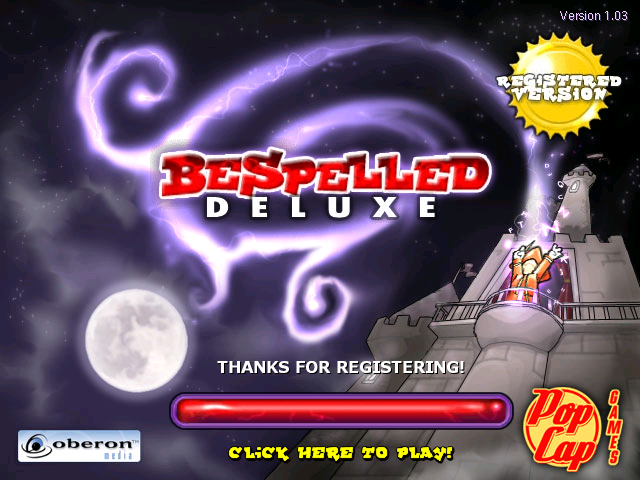
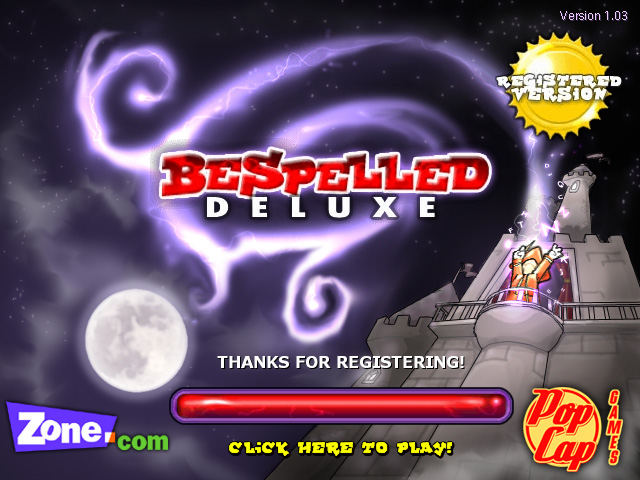
- Almost all the assets have been completely changed. Lex, Bookworm's main character, was replaced with a new character named Wizard. His image asset names were changed from _lex to _wiz
- A completely new sound was made for when the Wizard spawns in when starting your session. This file is named teleport
- Due to unknown reasons, folder fonts sounds and images were re-named to zfonts zsounds and zimages and requires those names to run. Oddly, if you get a failed signature from Partner.xml, the game attempts to load the old folder structure from Bookworm Deluxe
- The game's logo has been removed from the main menu, shifting the Welcome to Bespelled,
higher up - In the help screen of Bespelled Deluxe, the example word "Fun" is worth 330 points, while in Bookworm Deluxe, it's 300. The help screen was also completely re-done to match the assets and wording of Bespelled Deluxe
- The hitboxes for the game modes are slightly longer
- Other minor changes, such as disabling the internet Hall of Fame, are done through partner.xml found in the properties folder
- backdrop_ihs, which is the asset for Internet Hall of Fame, still exists, but is a 1x1 transparent pixel. This seems to suggest Bespelled Deluxe never had a non-partner version
- Using -version, the currently available versions of Bespelled Deluxe have the build dates as follows
Build Number: 132 - Build Date: Monday, August 11, 2003 (Zone.com, 1.01)
Build Number: 186 - Build Date: Monday, November 24, 2003 (Oberon Media & zone.com, 1.03)
Audio Differences#
Bespelled Deluxe has a few audio differences compared to Bookworm Deluxe.
Lex_welcome
Bookworm Deluxe |
Bespelled Deluxe |
|---|---|
Chomp
Bookworm Deluxe |
Bespelled Deluxe |
|---|---|
Command-Line Parameters#
The game's executable mentions developer command lines for starting the game, it's not friendly with commands using spaces so use = instead, starting from this method forces the game to act like it's in "Trial" mode. Note this does not work on Mac OS as the framework port didn't support them at the time. These are:
- -play: Plays popcap.dmo if it's present, if not present, an error is shown. -demofile can also be used to choose the name and location of the file.
- -recnum: Records demos with Popcap.dmo and Popcap#.dmo if that's taken on every boot.
- -playnum: Plays demos with Popcap.dmo and Popcap#.dmo from -recnum if that's taken on every boot.
- -record: Records a demo named Popcap.dmo and saves after shutdown of the game.
- -demofile: Specifies filename for recorded demos.
- -crash: Crashes the game immediately with an Access Violation error.
- -screensaver: Makes the game act like it's a screensaver, any movement or key presses will immediately force close the game.
- -changedir: Changes game installation directory, for the current boot.
- -version: Shows the product name, version, build number and build date with a popup instead of starting the game.
Debug Commands#
Pressing CTRL + ALT + D will play a sound (c:\windows\media\Windows XP Menu Command.wav) to indicate debug key input is enabled, allowing options of typing unique keys for debugging displays or mechanisms, another use will disable it.
- F2 : Start/Stop perf timing.
- F3 : Toggle FPS display.
- ⇧ Shift + F3 : Toggle FPS/mouse coordinate display.
- F8 : Show current Video Stats (mostly used to see if 3D acceleration is currently on).
- ⇧ Shift + F8 : Toggle 3D acceleration.
- F11 : Take screenshot (goes into the ProgramData/OEM/Bookworm/_screenshots) directory.
- ⇧ Shift + F11 : Dump all program images in memory to the ProgramData/OEM/Bookworm/_dump directory.
Internal Project Name#
The game is internally referred to as Wordfall2.
|
The Bookworm series | |
|---|---|
|
Windows, Mac OS X |
Bookworm • Bookworm Adventures • Bookworm Adventures Volume 2 |
|
Game Boy Advance |
|
|
Nintendo DS |
|
|
iOS |
|
|
PopCap Loader |
|
|
HTML5 |
|
References#
- https://web.archive.org/web/20030407232418/http://www.popcap.com/javagames.php↩︎
- Online Java version's file name. (wordfall.cab / wordfall.jar)↩︎