 This article has a talk page!
Set six months after the events of Back to the Future Part III, Back to the Future: The Game has Marty having to rescue Doc from the past while making sure that everything he knows still exists in a crazy new adventure.
This is very likely as close to a proper Part IV as we're ever going to get.
 Episode 1: It's About Time"You know what this needs? Marmalade."
 Episode 2: Get Tannen!"When this baby hits 23 miles per hour, you're going to see some serious cowflop."
 Episode 3: Citizen Brown"Relax! We've got everything under control."
 Episode 4: Double Visions"Great Scott! This time travel business is trickier than I imagined."
 Episode 5: OUTATIME"Hey, it's just a science demo. It ain't a matter of life and death!"
Debug Menu#
All five episodes have a debug menu that, by default, is only accessible in development builds. However, it can be re-enabled with a simple code modification. Typically, this involves removing the check for IsToolBuild in the debug function:
function DebugMenu_ToggleButtons(bForce)
  local bUsingKeyboard = IsPlatformPC() or IsPlatformMac()
  if not mbButtonsActive and not IsToolBuild() and bUsingKeyboard and not DeveloperKeyPressed() then
    return
  end
  ToggleButtons(true, bForce)
end
By removing the condition and simplifying the function, you can force the menu to appear:
function DebugMenu_ToggleButtons(bForce)
  ToggleButtons(true, bForce)
end
In Telltale games, the debug menu acts solely as a room teleporter. On consoles, activating it also requires mapping a button manually in a .imap file. It is recommended to map it to the Back button on Xbox or Select on PlayStation.
You can edit .imap files using this tool: GitHub – Telltale Modding Group: IMAP Editor


You might also come across a reference to a debug activation key. This is often mapped to key code 112 (F1) or the P key by default.
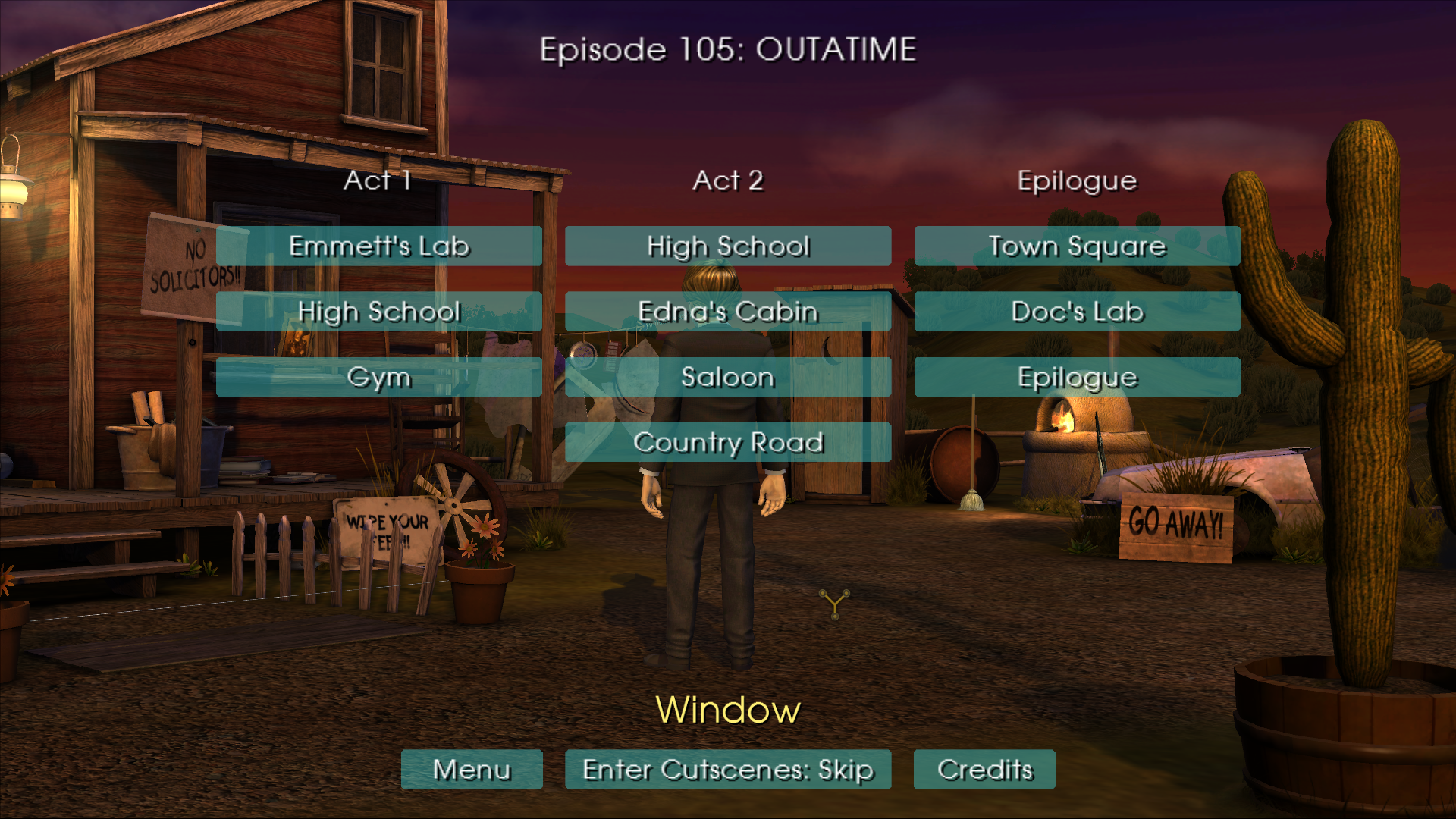
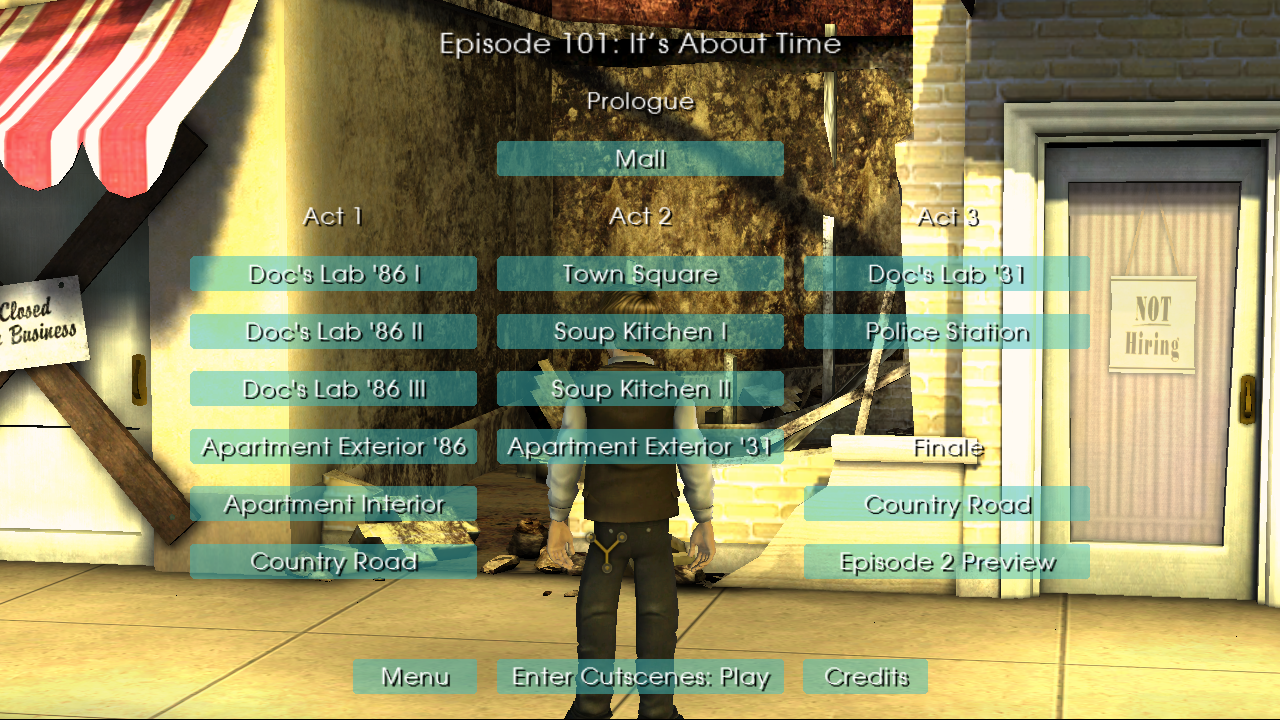
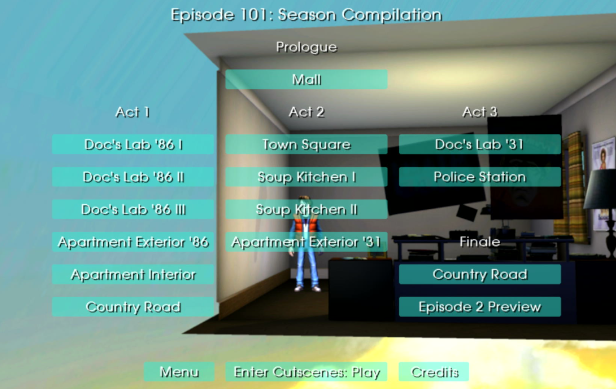
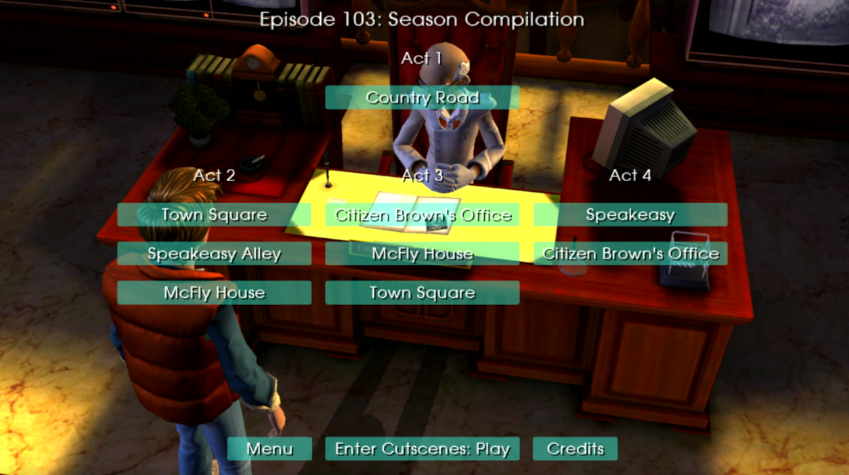

Unused Audio#
popper_zip Leftover sound from Sam & Max Save the World.
ui_boing Found with the episode select screen exclusive to the Wii version is this unused boing sound.
Gamepad Button Icons#


These textures include icons for a generic gamepad, an Xbox 360 controller, a PlayStation 3 DualShock 3 pad, and a Microsoft Intellimouse. While they are present in all versions of the game, they are actually used in the corresponding platform releases. The developers likely included all texture sets across platforms to streamline development and ensure compatibility.
Leftover Music#
The files "mus_cs_env_bankvr_giveboscoabillion_e1_1", and "mus_cs_env_officevr_use_rathole_e1_1" are both leftovers from Episode 5 of Sam & Max Save the World.
PC Version Leftovers#
Throughout the lua files of the Wii version (maybe in the other versions, and maybe other Telltale games) is the following comment about a missing end to a string:
    -- WARNING: missing end command somewhere! Added here
  end
setup.lua contains leftovers from the PC version's options menu, such as the windowed, fullscreen options, render quality, and a "Project Registry Key" presumably also from the PC version. The Wii version does not contain any video settings.
local kRenderQuality = "Render Quality"
local kScreenSize = "Fullscreen Size"
local kWindowed = "Windowed"
local regKey = prefs["Project Registry Key"]
if not RegistryKeyExists(regKey) then
return
enddirectcontrol.lua contains more options menu leftovers, shown below.
local kWindowSize = "Window Size" -- WARNING: F->nextEndif is not empty. Unhandled nextEndif->addr = 11 Dummy#
A dummy action is mentioned within the navigate.lua file, and also some nil which is mentioned throughout the various lua files of the game.
mControllerTurnDummy
Navigate_SetPlayer = function(player)
  -- upvalues: mPlayer , SetRunning , mScene , mPivot , mPivotParent
  mPlayer = player
  if mPlayer then
    Navigate_Enable(true)
    SetRunning(false)
    local pivotName = "obj_pivot" .. AgentGetName(mPlayer)
    if IsToolBuild() and not AgentExists(pivotName) then
      local parent = AgentCreate(pivotName .. "Parent", "dummy", nil, nil, mScene, true, false)
      AttachAgent(parent, mPlayer, false)
      local pivot = AgentCreate(pivotName, "dummy", nil, nil, mScene, true, false)
      AttachAgent(pivot, parent, false)
    end
    mPivot = AgentFind(pivotName)
    mPivotParent = AgentGetParent(mPivot)
  end
  DirectControl_SetAgent(mPlayer)
end
A dummy.prop file, that's all.
Invalid Hint Text String#
|
|
To do: |
In the hints.lua file, there is text that is usually not seen that will say the text could not be found, or is unreadable.
  else
    Print("Dialog node \"" .. nodeName .. "\" doesn't exist or isn't visible; unable to deliver hint")
    return
  end
Mentions of Other Ports#
This string in the utilities.lua file mentions all the other ports of the game.
IsPlatformPC = function()
  return not IsToolBuild() or (not LocalizationGetEnabled("PC") and ((not IsPlatformIPhone() and not IsPlatformMac() and not IsPlatformPS3() and not IsPlatformWii() and not IsPlatformXbox360())))
  do return end
  return IsEnginePC()
end

IsPlatformIPhone = function()
  if not IsEngineIPhone() and not LocalizationGetEnabled("iPhone") then
    return LocalizationGetEnabled("iPad")
  end
end

IsPlatformMac = function()
  if not IsEngineMac() then
    return LocalizationGetEnabled("Mac")
  end
end

IsPlatformPS3 = function()
  if not IsEnginePS3() then
    return LocalizationGetEnabled("PS3")
  end
end

IsPlatformWii = function()
  if not IsEngineWii() then
    return LocalizationGetEnabled("Wii")
  end
end

IsPlatformXbox360 = function()
  if not IsEngineXbox360() then
    return LocalizationGetEnabled("Xbox360")
  end
end|
The Back to the Future series | |
|---|---|
|
MSX |
|
|
ZX Spectrum |
|
|
NES |
|
|
Commodore 64 |
|
|
DOS |
|
|
Amstrad CPC |
|
|
Atari ST |
|
|
Amiga |
|
|
Master System |
|
|
SNES |
|
|
Genesis |
|
|
Windows, Wii, PlayStation 4, Xbox One, Mac OS X, iOS, Xbox 360, PlayStation 3 |
|