
|
To do: |
3D Dot Game Heroes is when you take the gameplay of a classic top-down Legend of Zelda game, put it in 3D, and then give the player a giant sword that can pass through walls. There's even an added character creator so you can play as a chicken if you absolutely need to.
Unseen Graphics#
Reflection Textures#
Some of the reflection textures found show environments not in the game.
Dungeon Reflection#
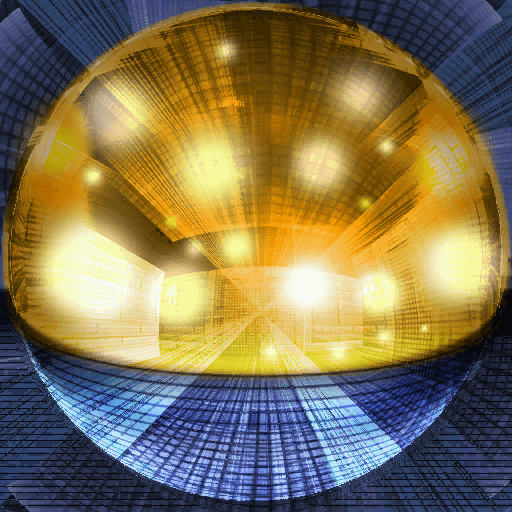
A reflection texture exists for what appears to be an interior of a dungeon.
Outdoors Reflection#
A reflection texture exists for what looks like a very early version of the game; the environment in the reflection appears to be directly pulled from the original The Legend of Zelda, ported to 3D.

Unused Graphics#
|
|
To do: |
Opening Cutscene Graphics#
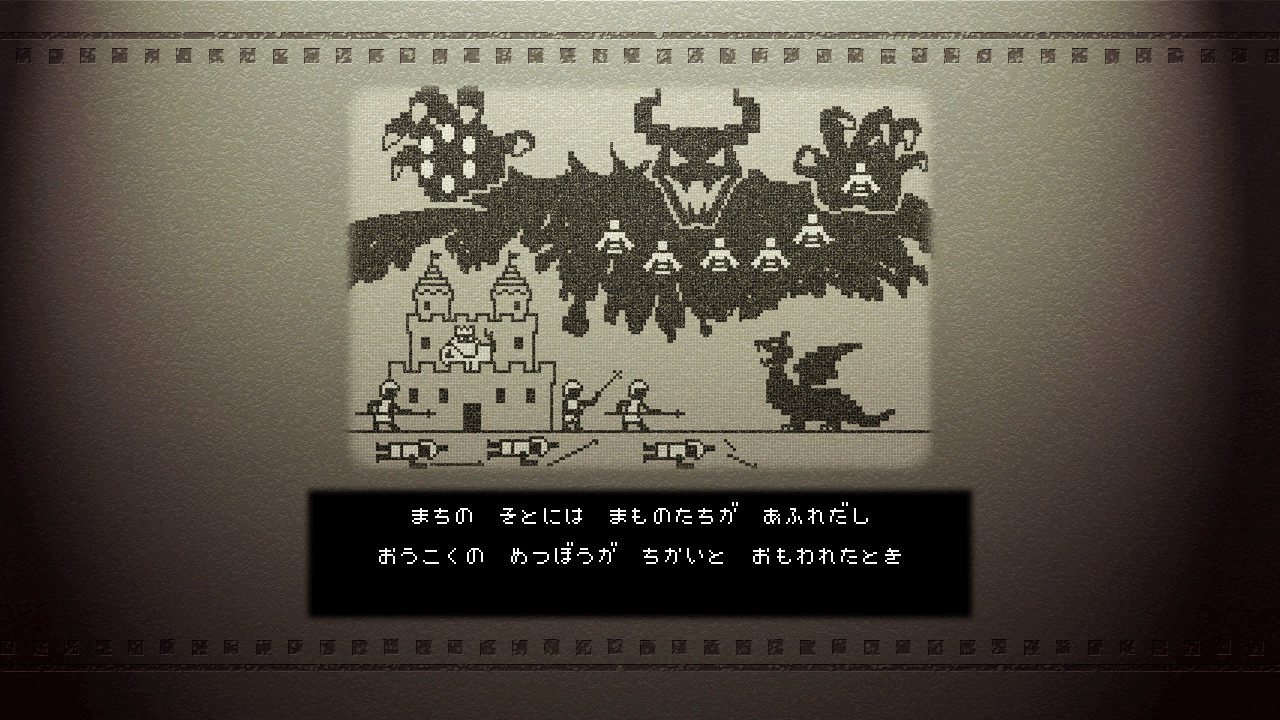
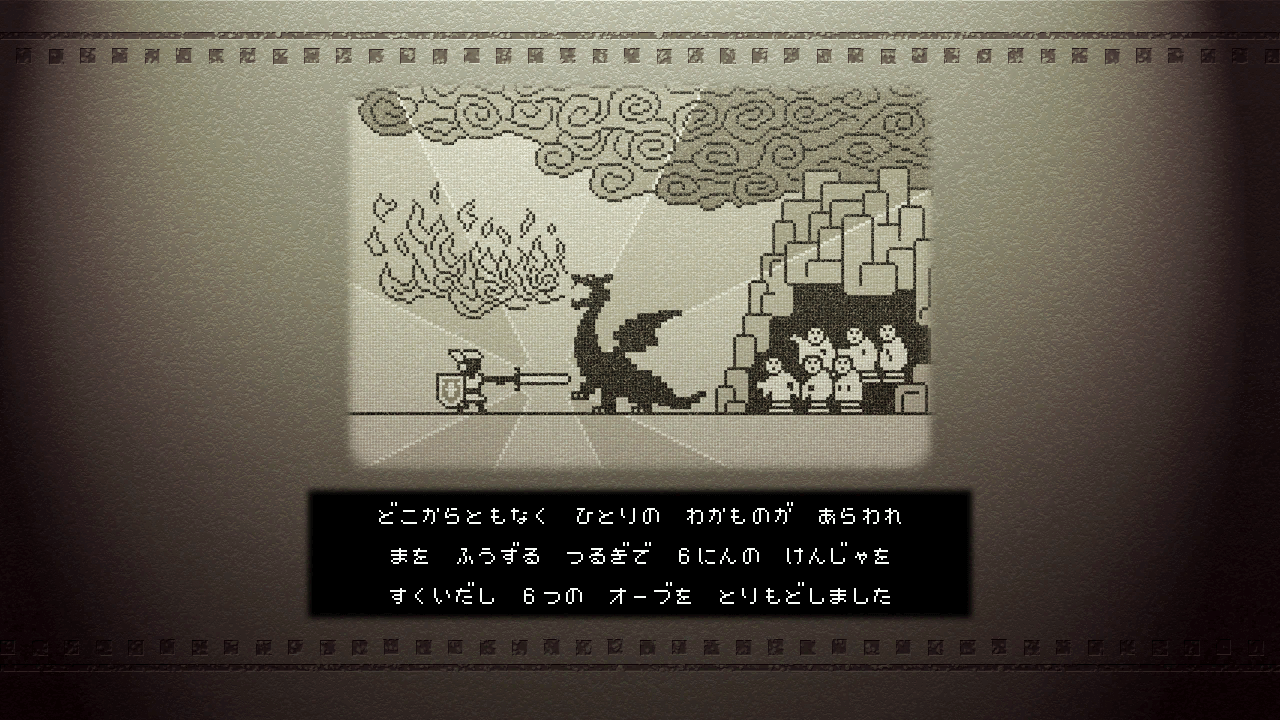
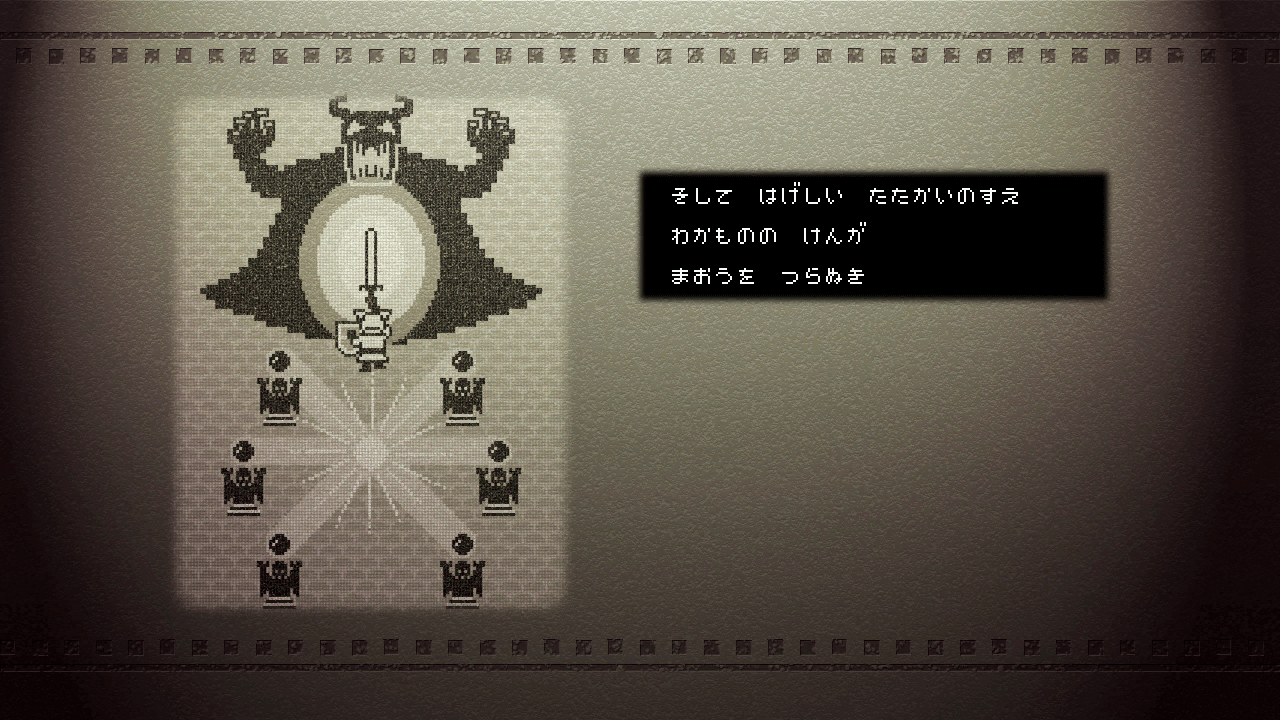
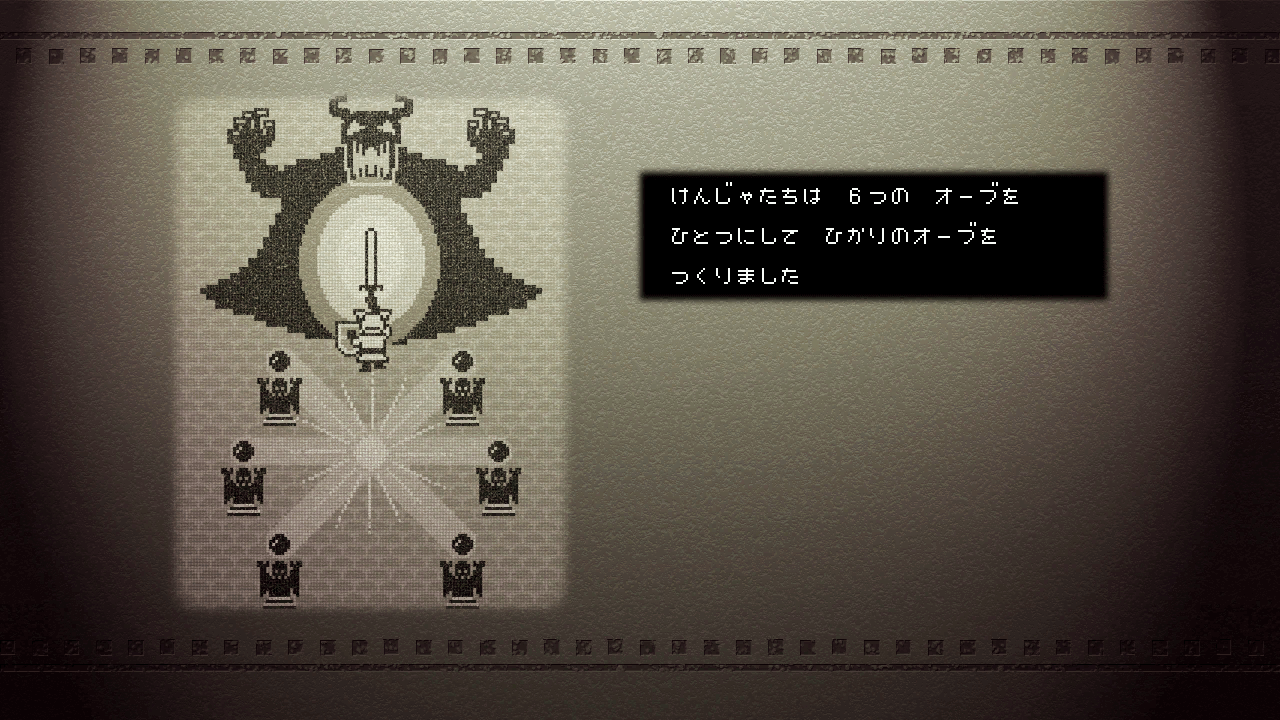
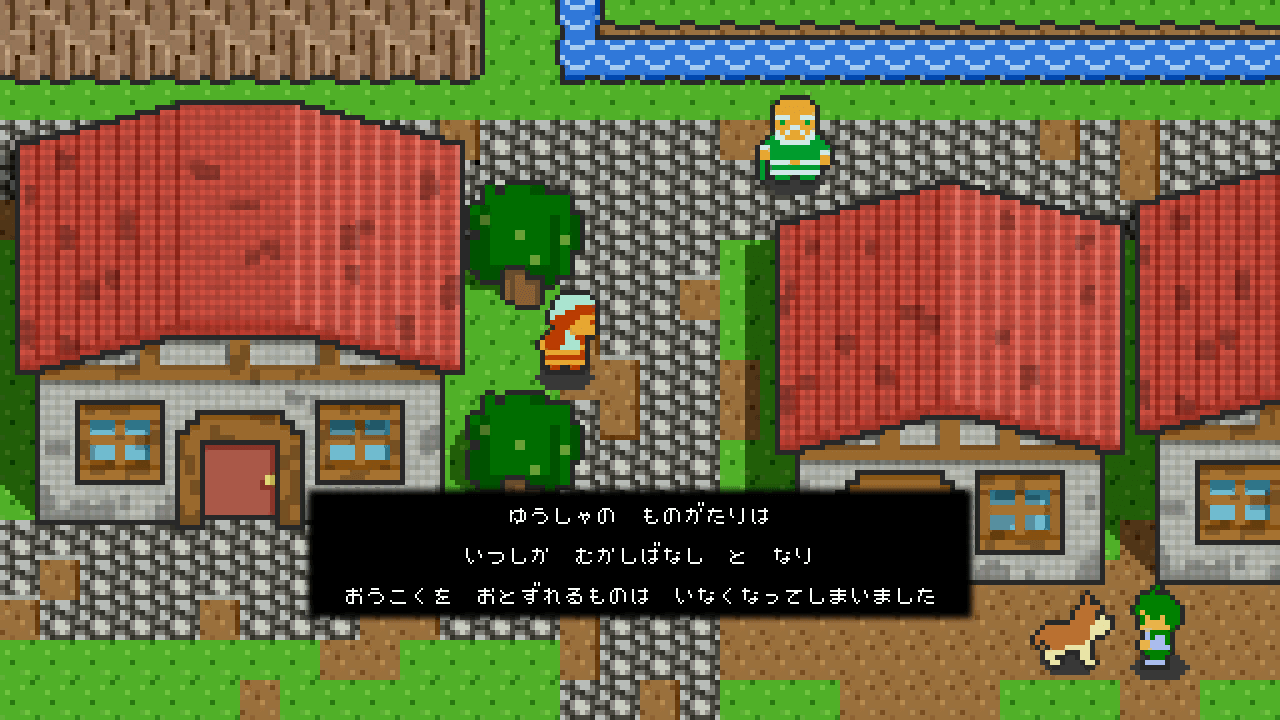
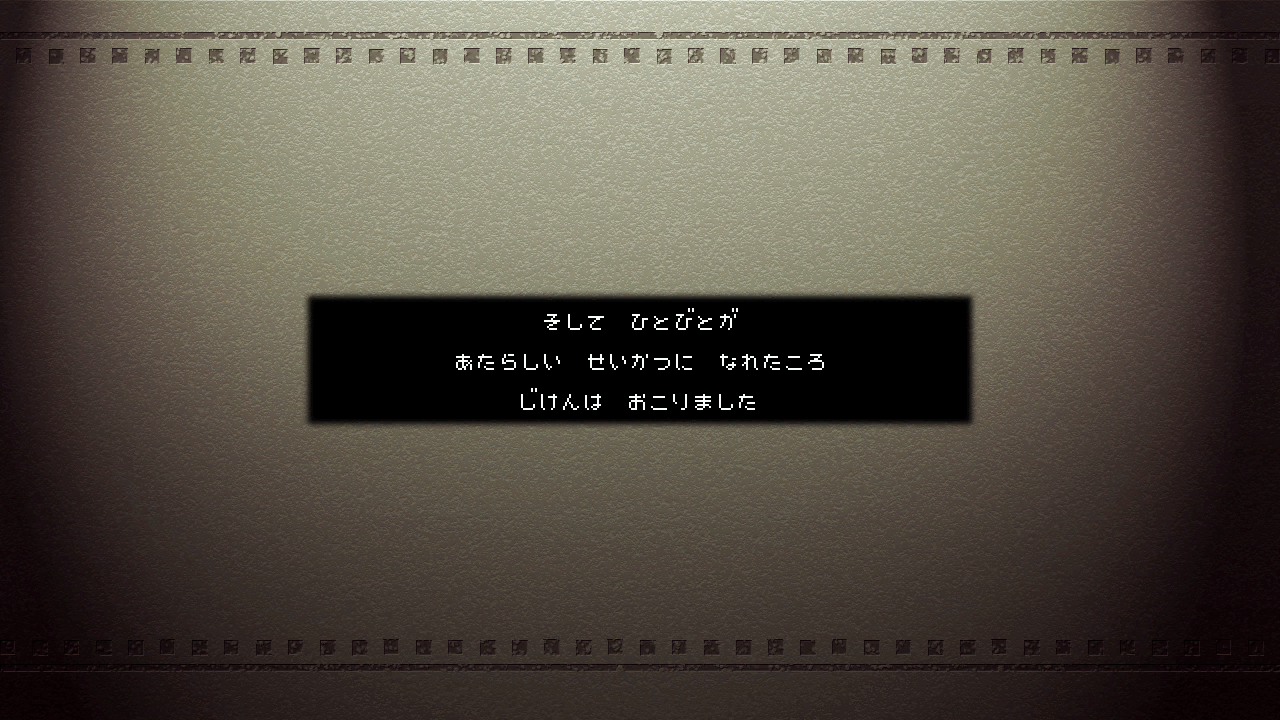
Some graphics related to an early version of the opening cutscene can be found in data/Opening/Opening.ps3.tpk.
Instead of using these graphics the ending cutscene plays a pre-rendered video file.
Graphic |
Shot Number |
Graphic |
Shot Number |
|
|---|---|---|---|---|
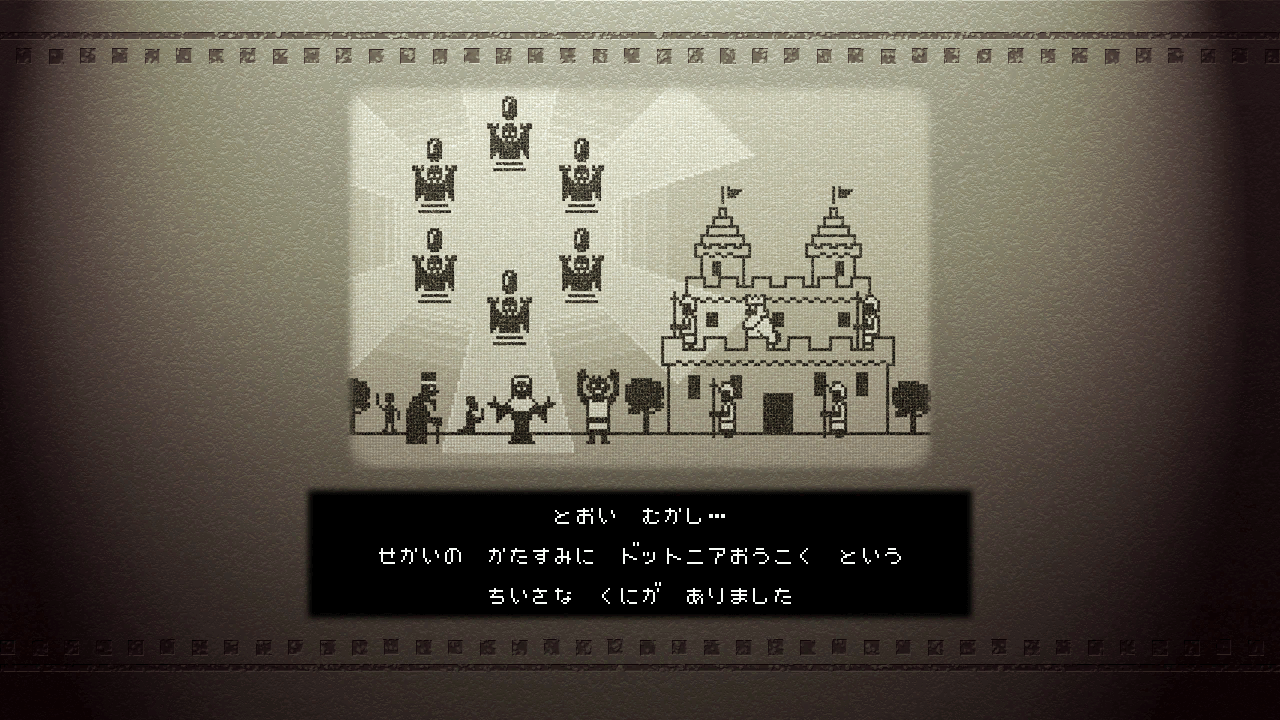 |
Shot 1 |
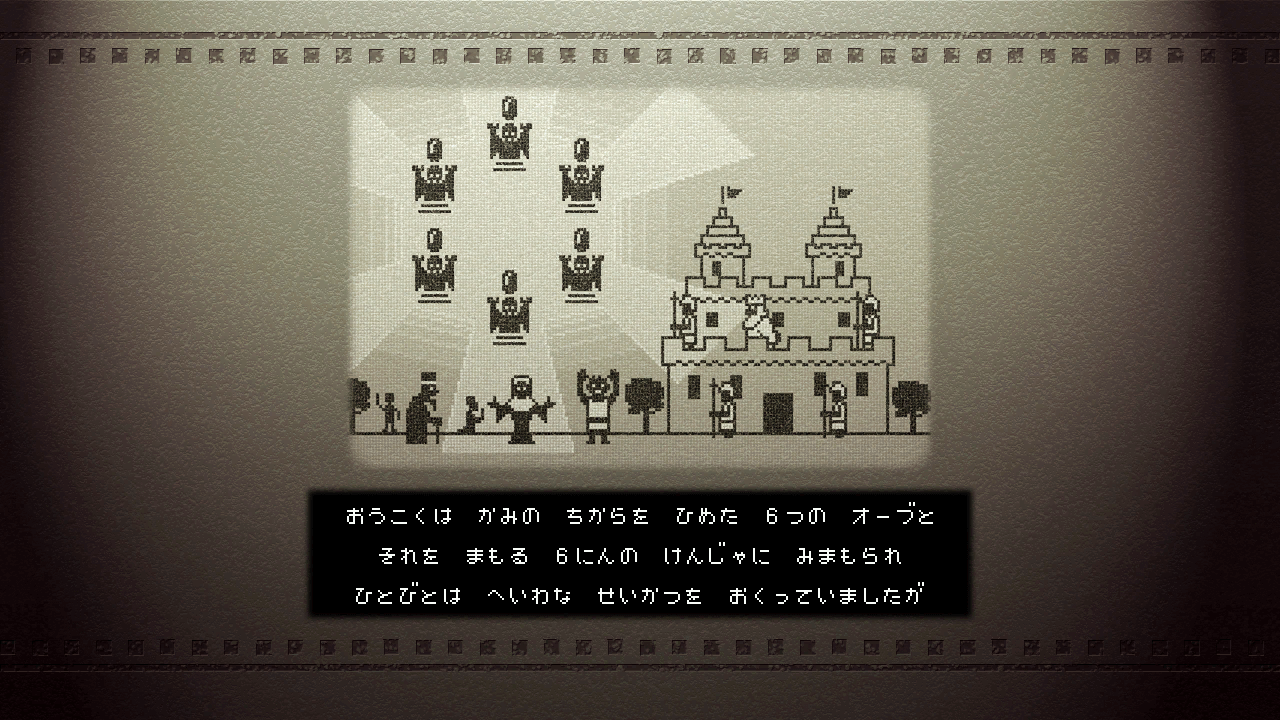 |
Shot 2 |
|
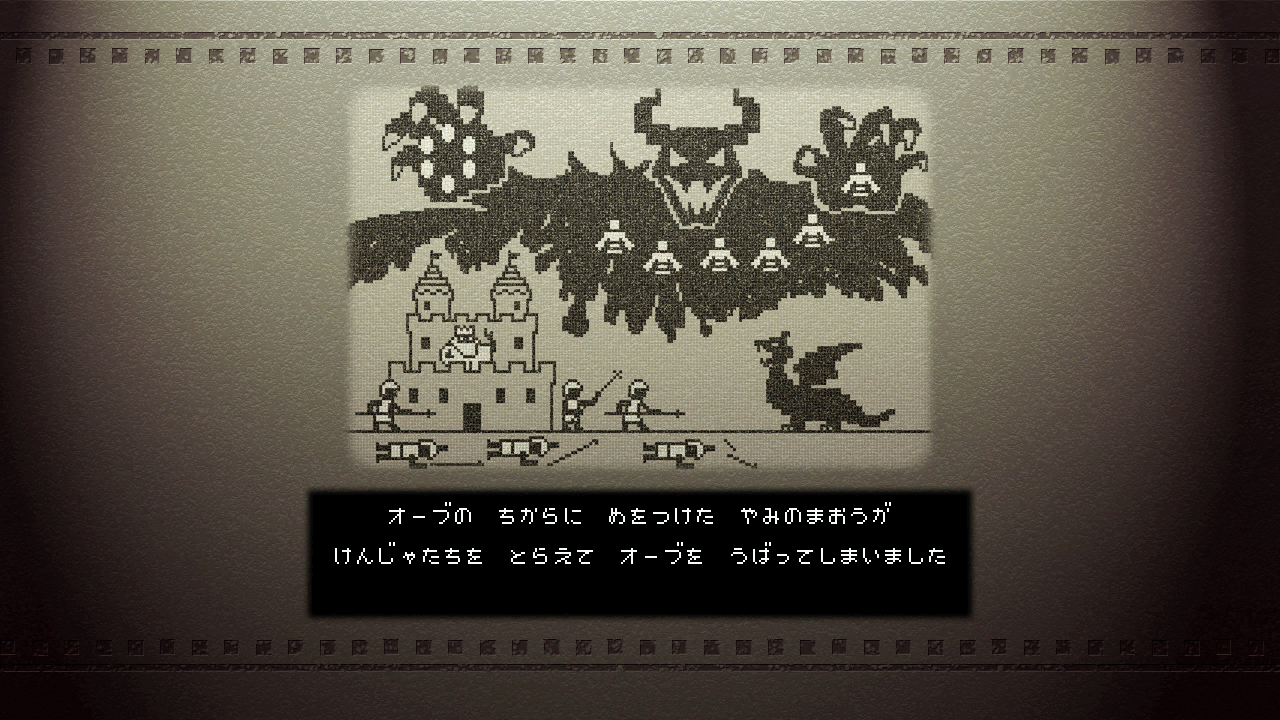 |
Shot 3 |
 |
Shot 4 |
|
 |
Shot 5 |
 |
Shot 6 |
|
 |
Shot 7 |
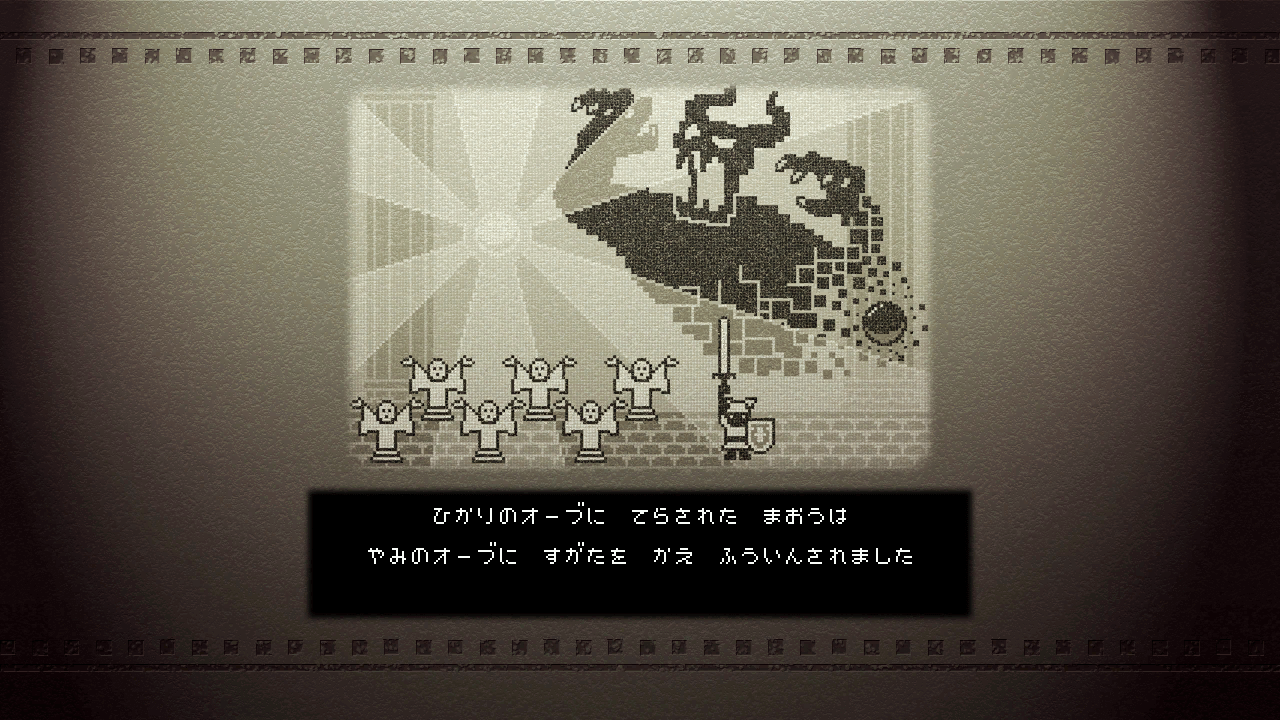 |
Shot 8 |
|
 |
Shot 9 |
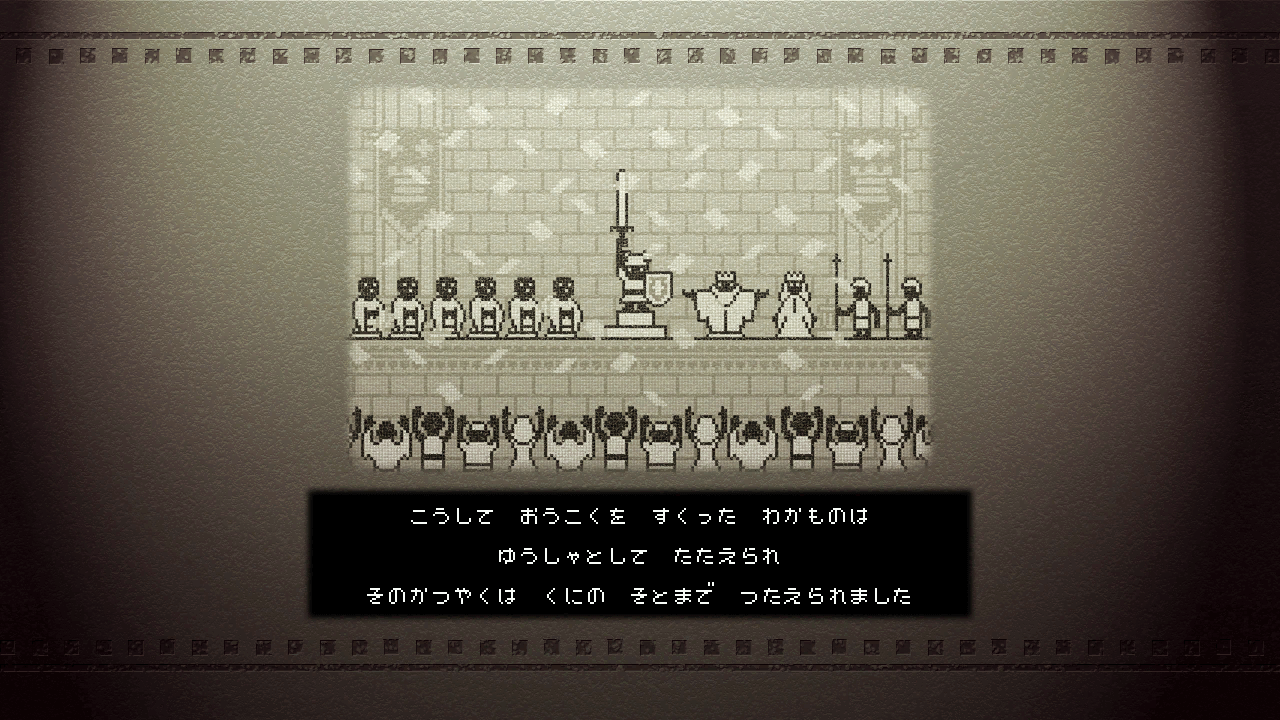 |
Shot 10 |
|
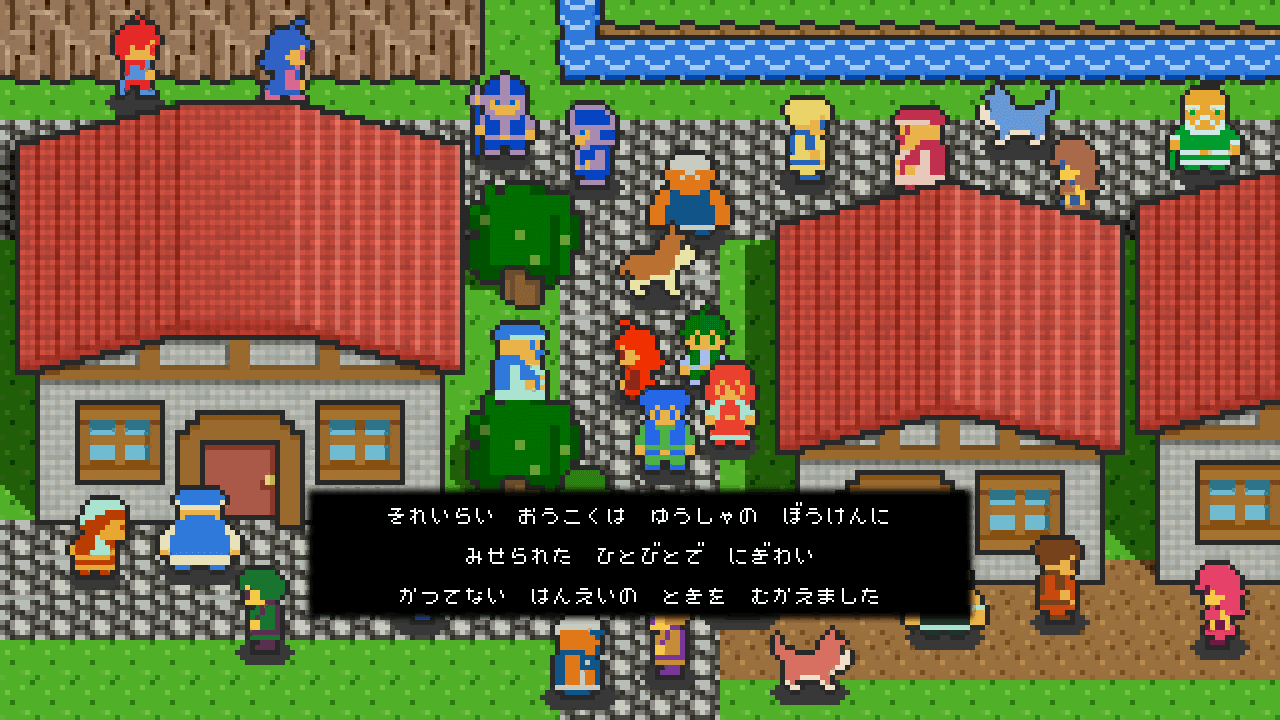 |
Shot 11 |
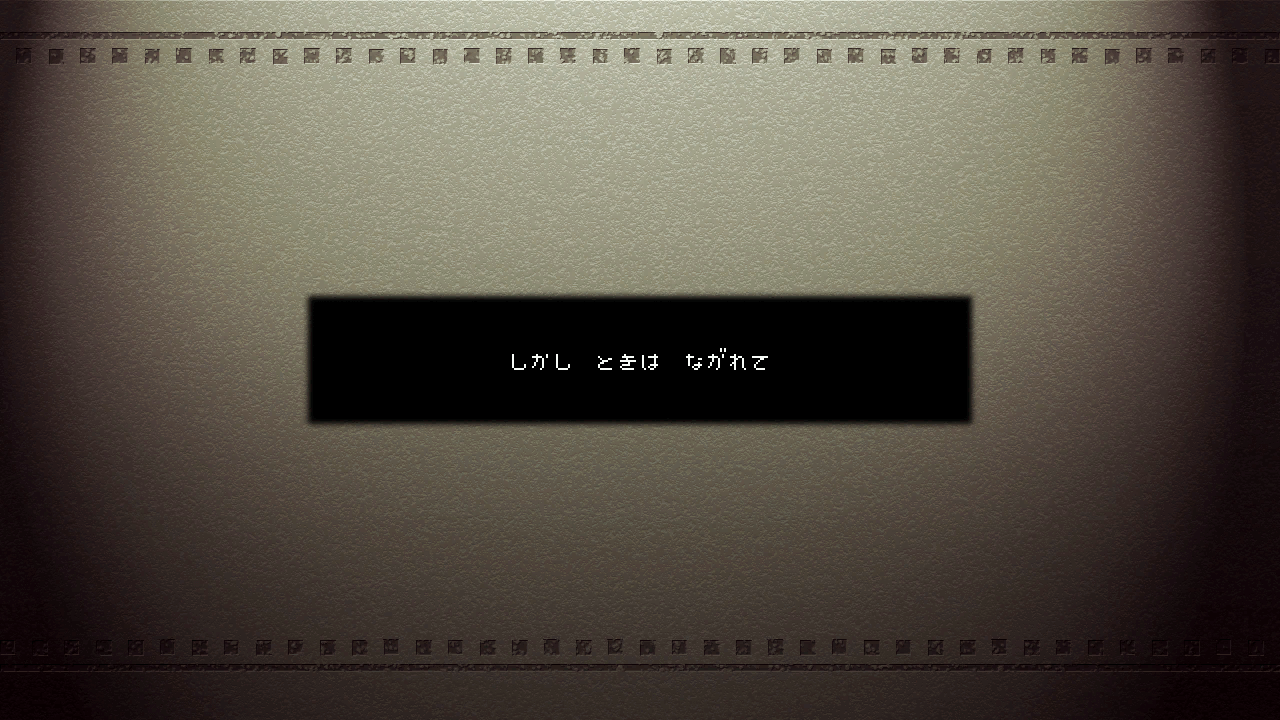 |
Shot 12 |
|
 |
Shot 13 |
 |
Shot 16 |
Notable Cutscene Graphics#
In the palace interior cutscene shots, the princess has a different design where she's colored blue instead of pink.
Graphic |
Shot Number |
|---|---|
 |
Shot 14 |
 |
Shot 15 |
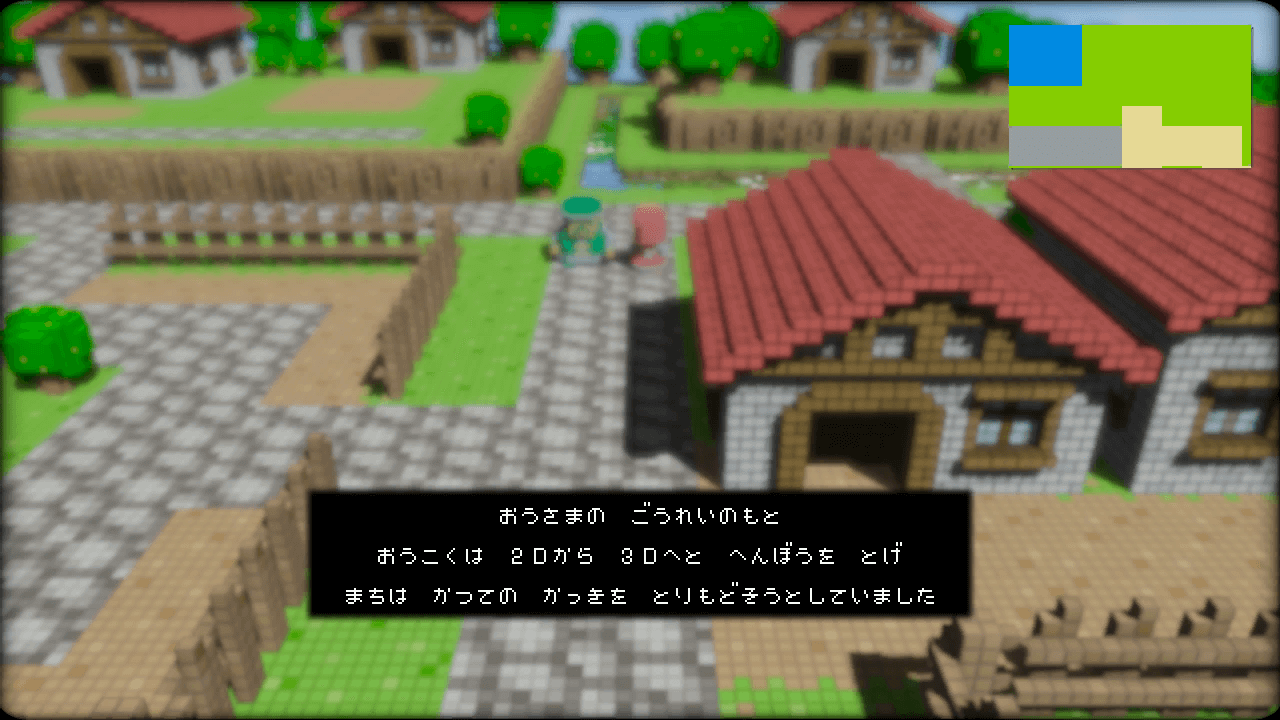
An early screenshot present in the early opening cutscene uses an early version of the mini-map in the upper right corner.
 |
Editor Icons#
Some renders for trees and other objects that would appear in the world that appear to be from the scrapped level editor.


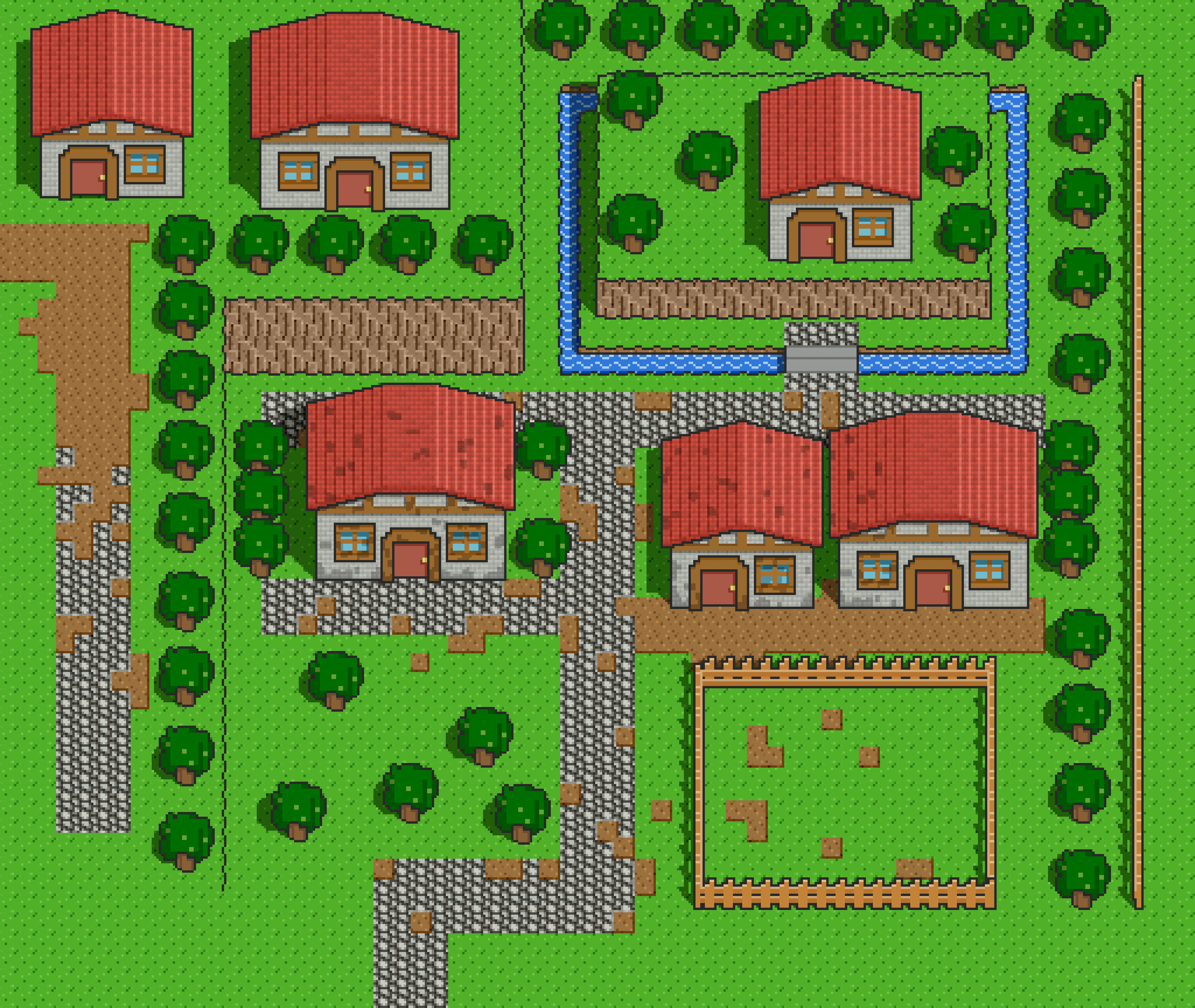
Opening Village#
The 2D sprite village that's used in the opening cutscene for the transition from 2D to 3D is present; the layout appears to be an early version of the first village.
Ending Cutscene Graphics#
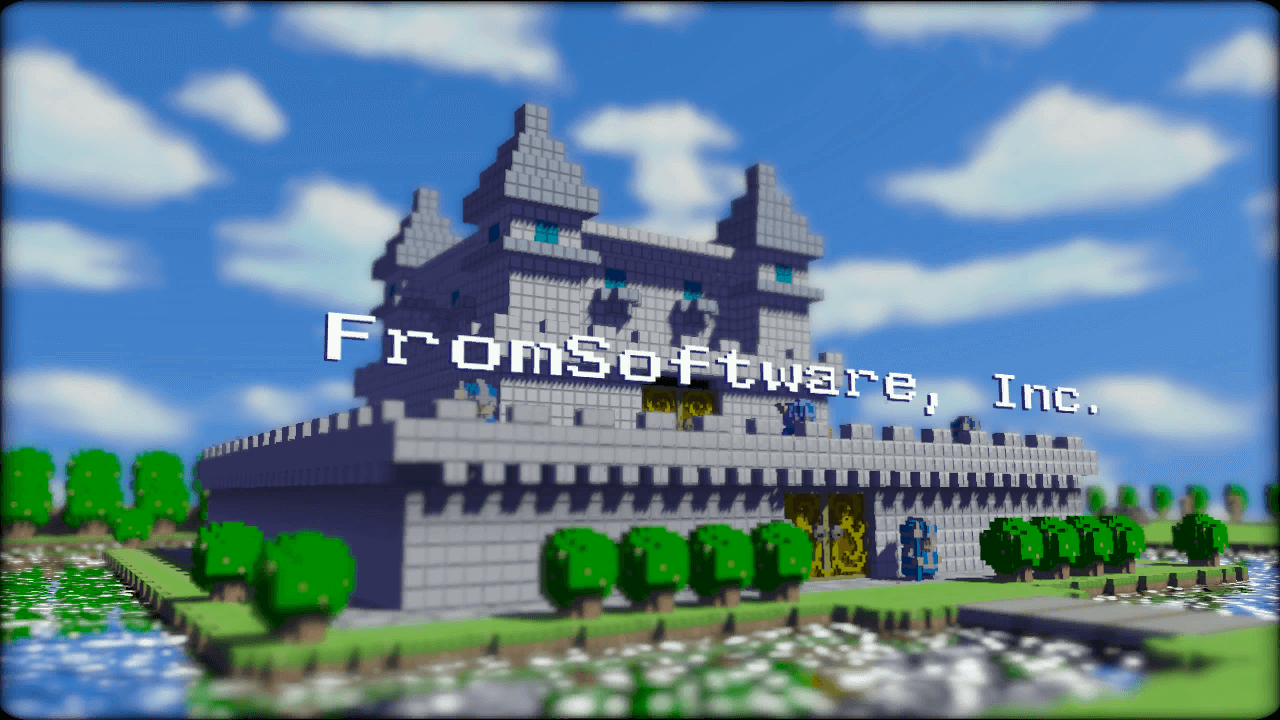
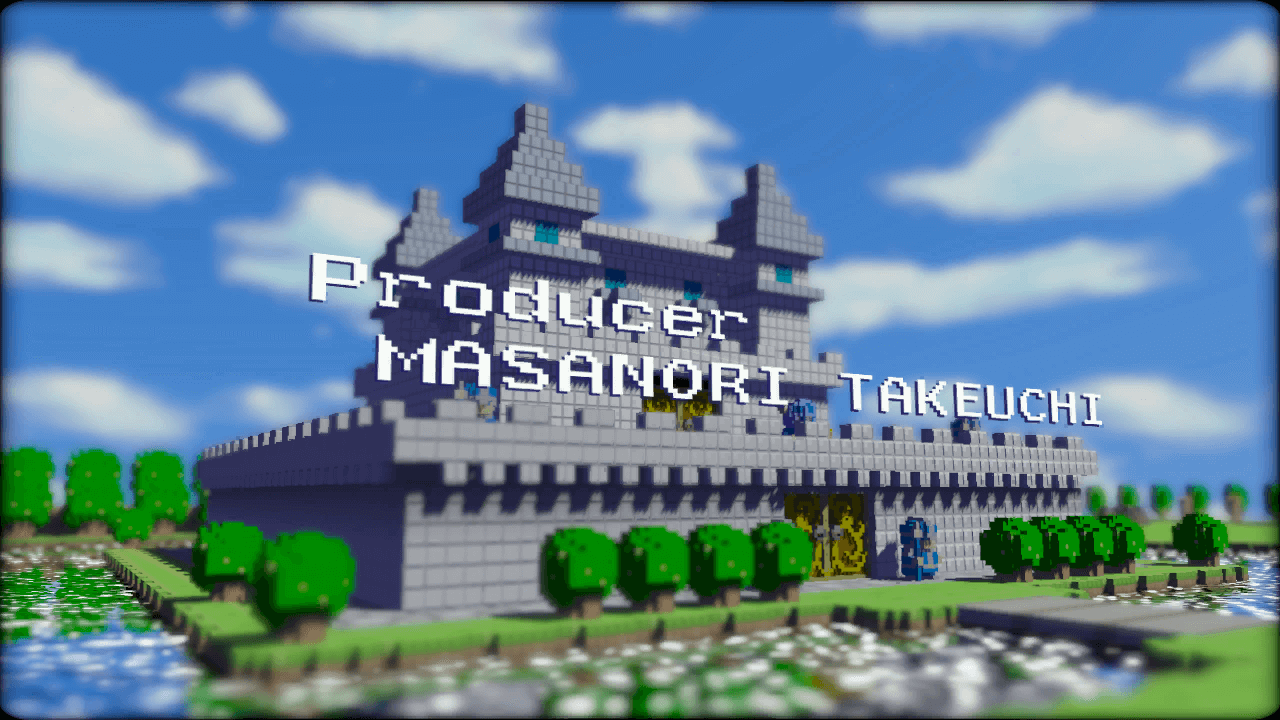
Some screenshots used for an early version of the ending cutscene can be found in data/Ending/Ending.ps3.tpk.
Instead of using these graphics the ending cutscene plays a pre-rendered video file.
Shot 1#
Shot 1 features an early view of Dotnia Castle, which has no red banners present. The text used for Shot 1 is also different from the other shots.
 |
 |
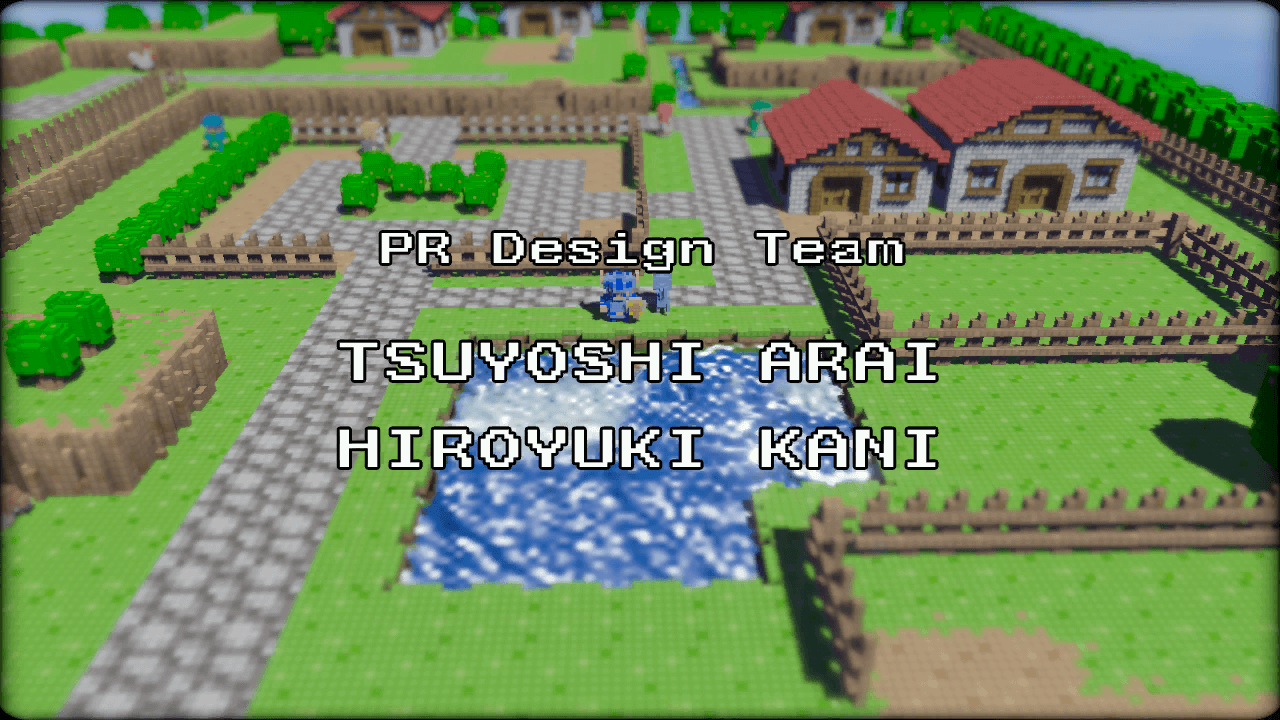
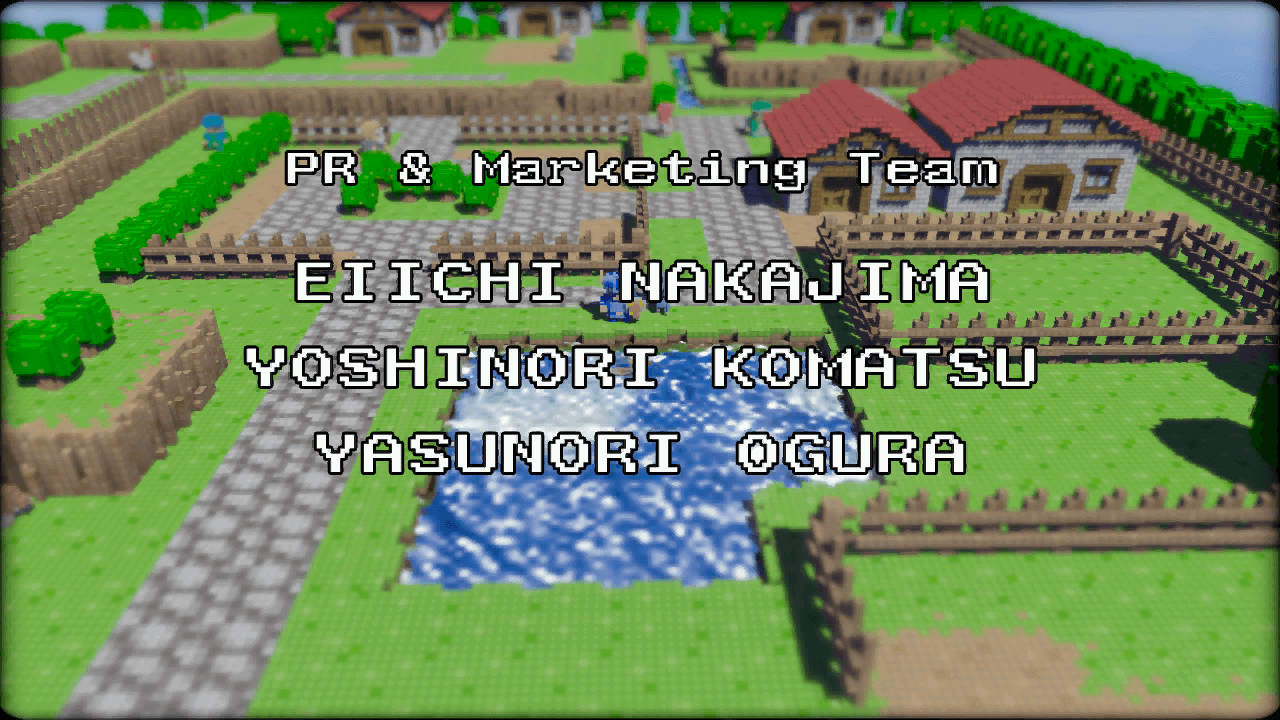
Shot 2#
Shot 2 features an early version of the first village.
 |
 |
 |
Shot 3#
Shot 3 features an early view of the Grass Temple entrance, where it's closed off by a wall in front.
 |
 |
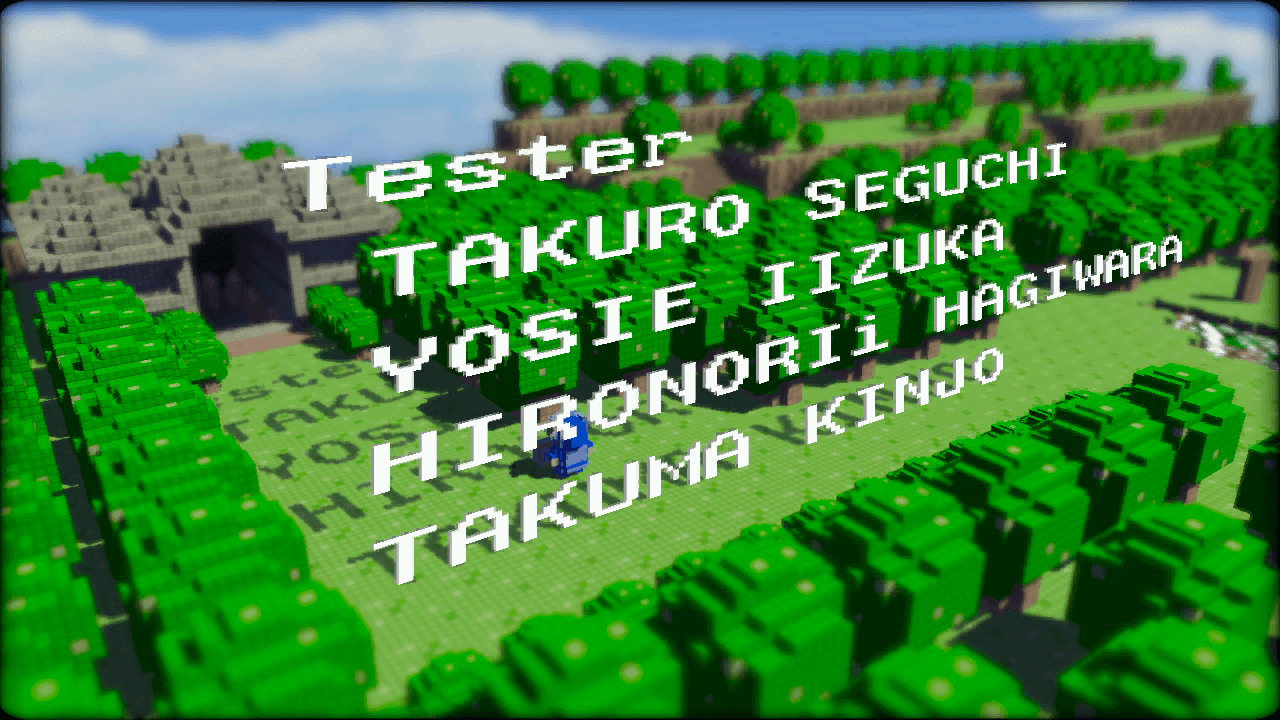
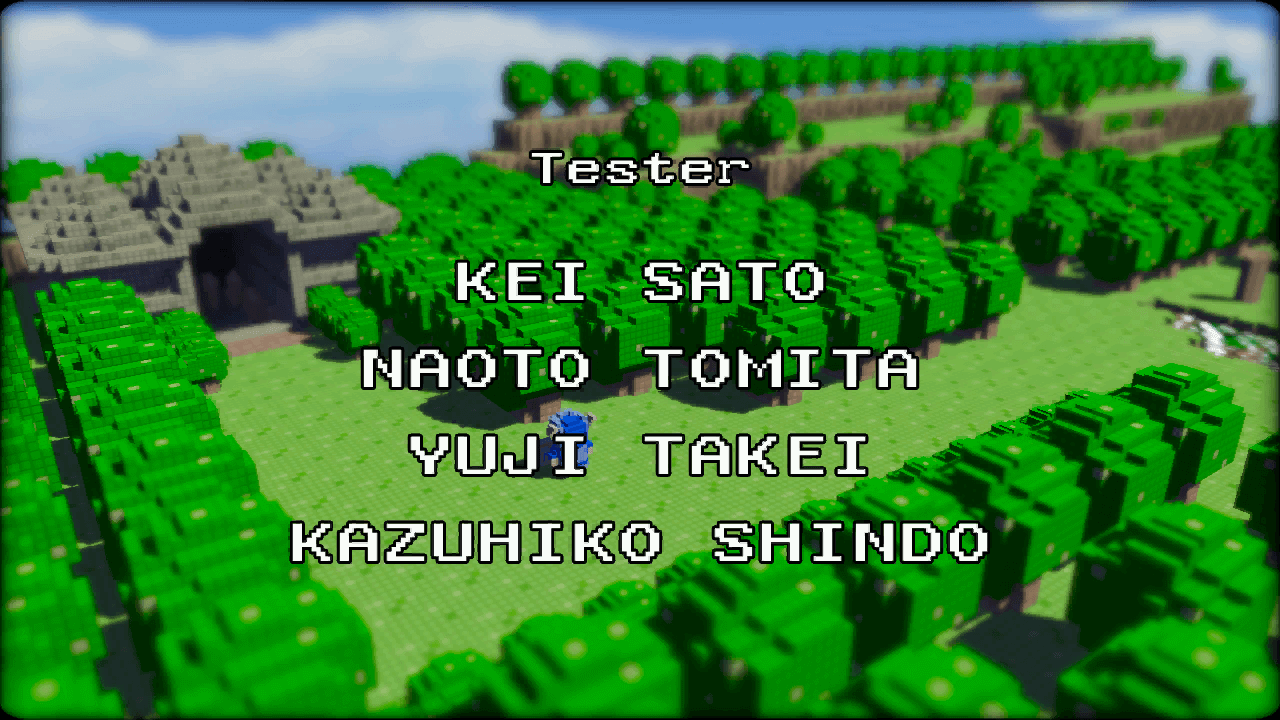
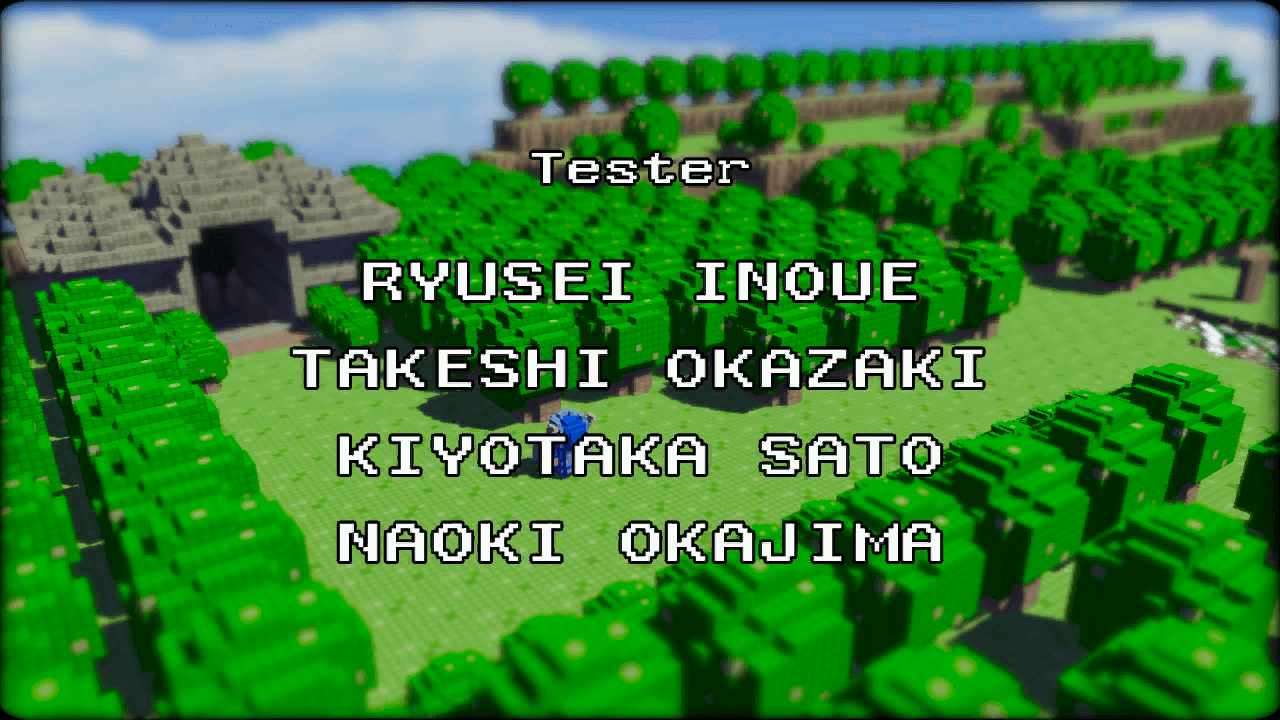
Shot 4#
Shot 4 features an early version of the Forest Temple entrance. One of the images for Shot 4 uses different text styling.
 |
 |
 |
 |
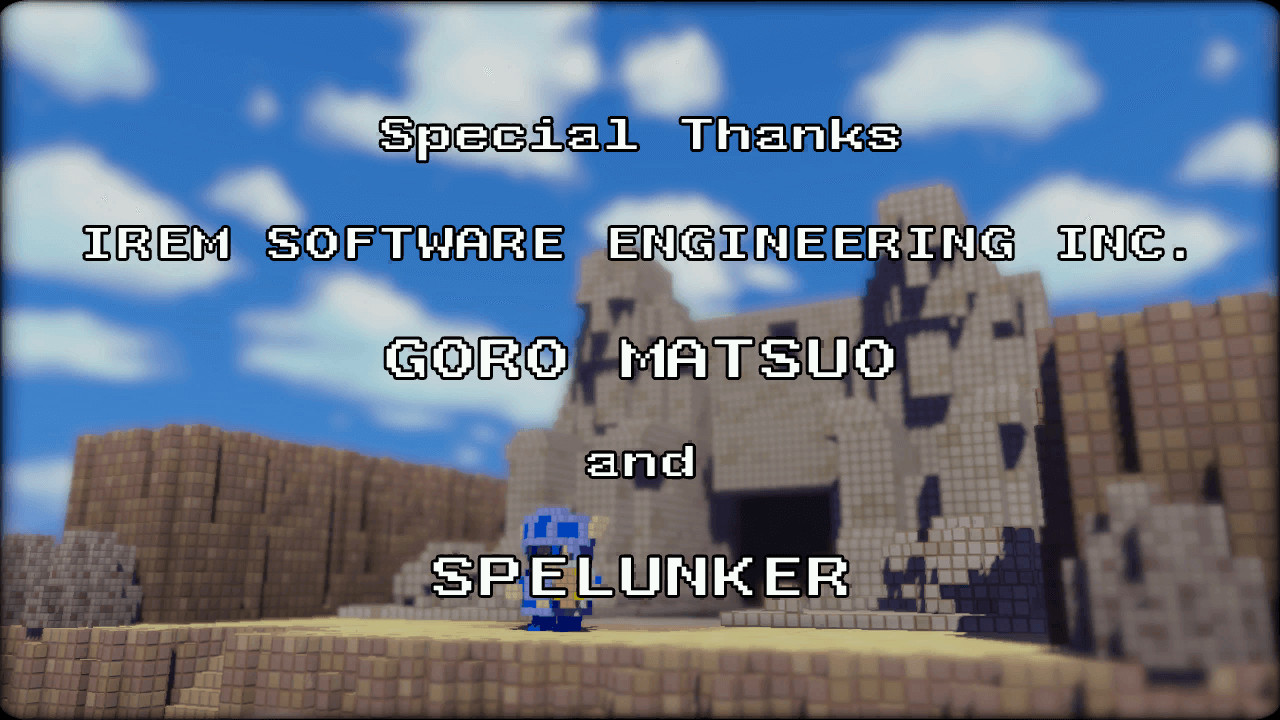
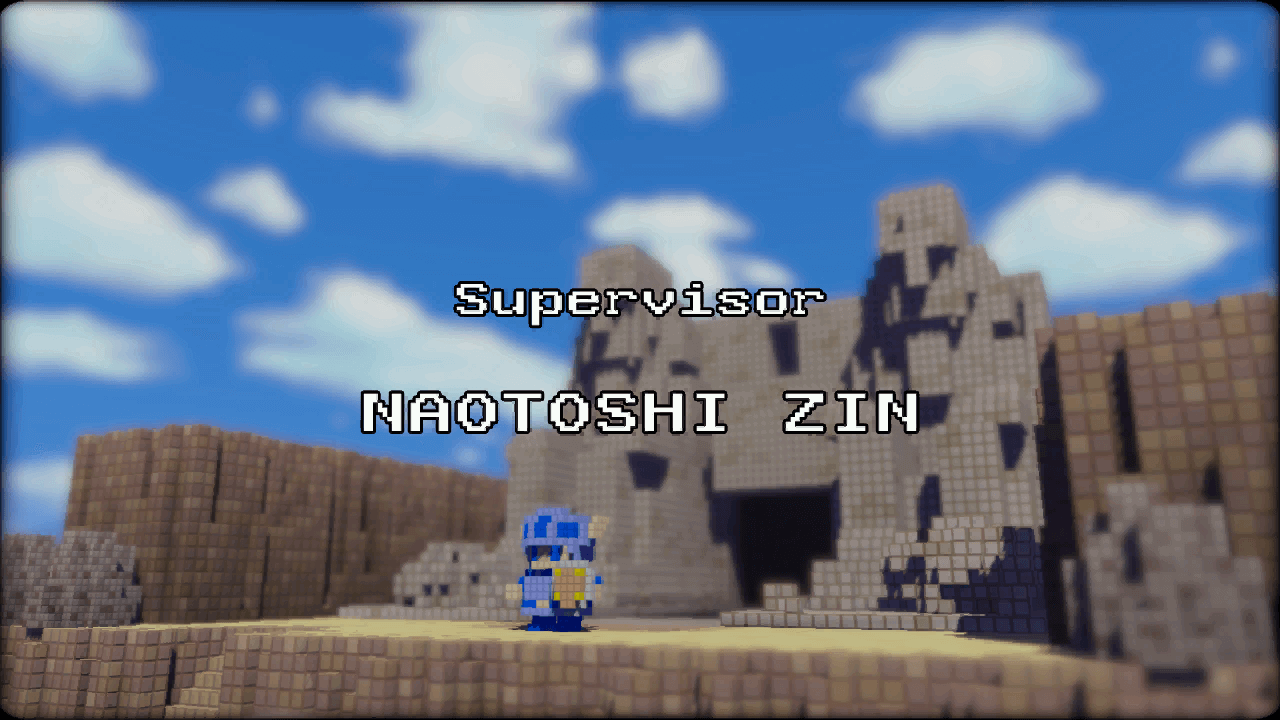
Shot 5#
Shot 5 features an early version of the Wind Temple entrance.
 |
 |
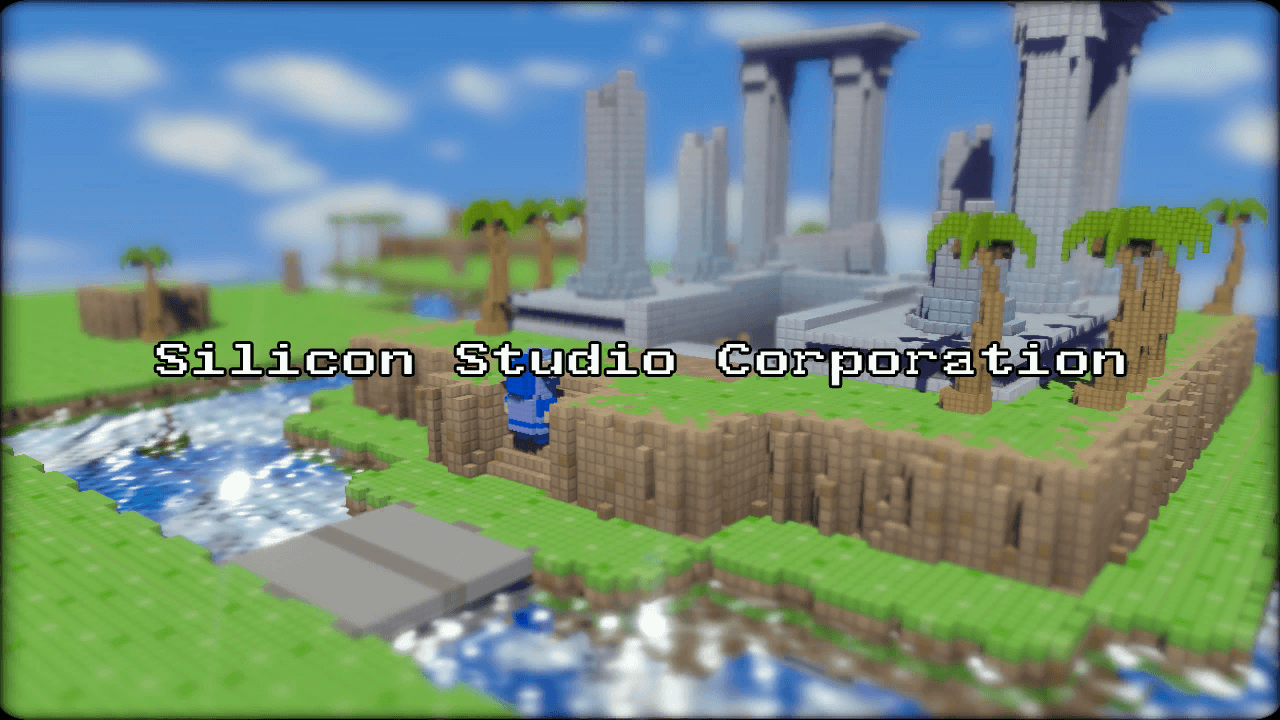
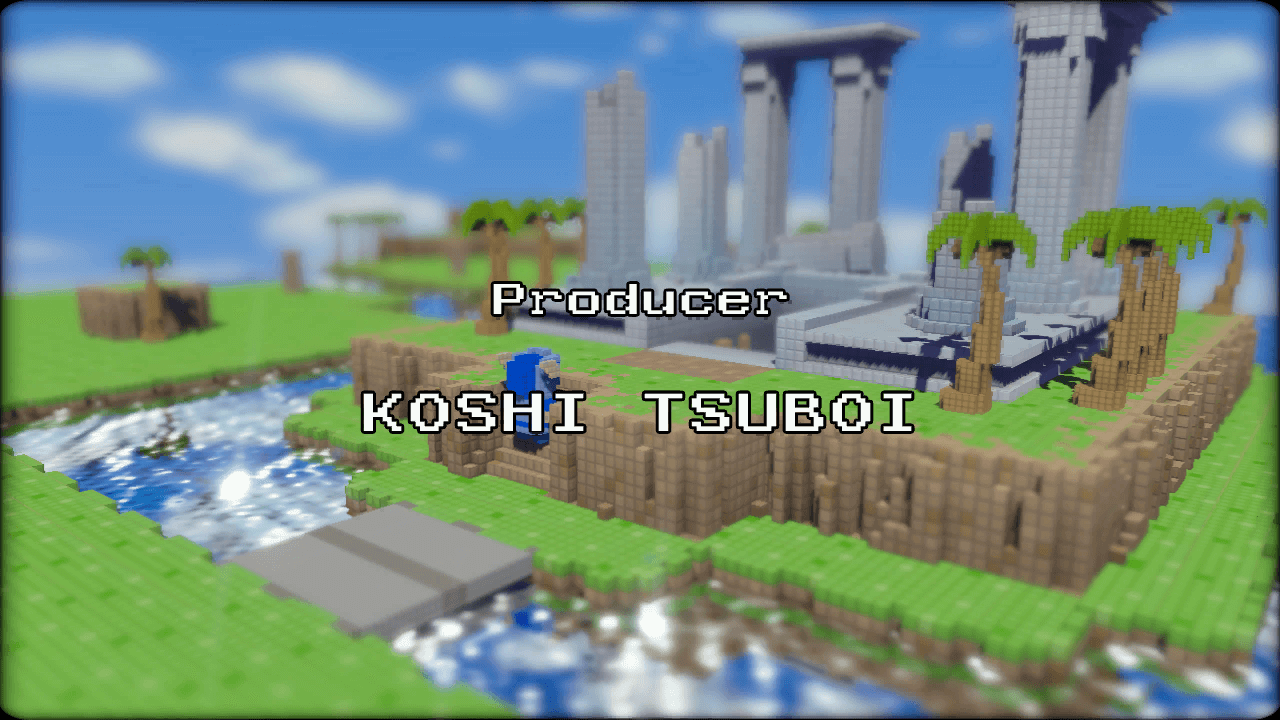
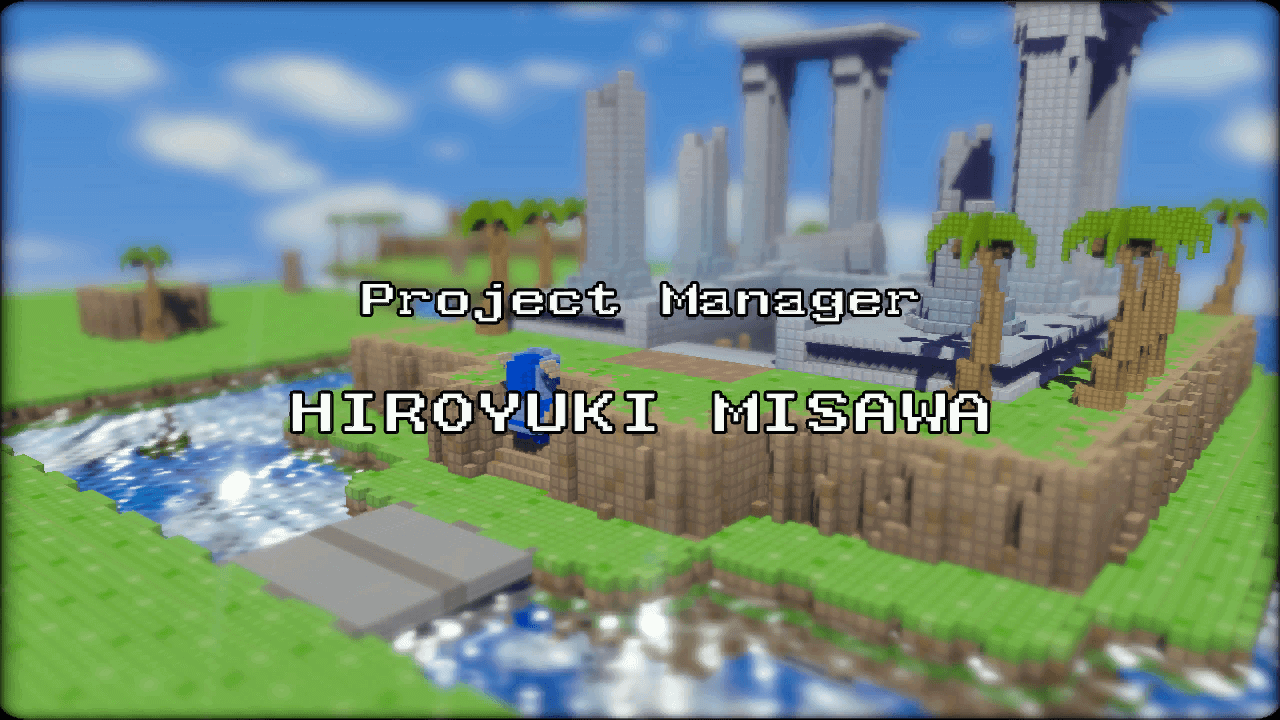
Shot 6#
Shot 6 features an early version of the Water Temple entrance.
 |
 |
 |
 |
Shot 7#
Shot 7 features an early version of the Fire Temple entrance.
 |
 |
 |
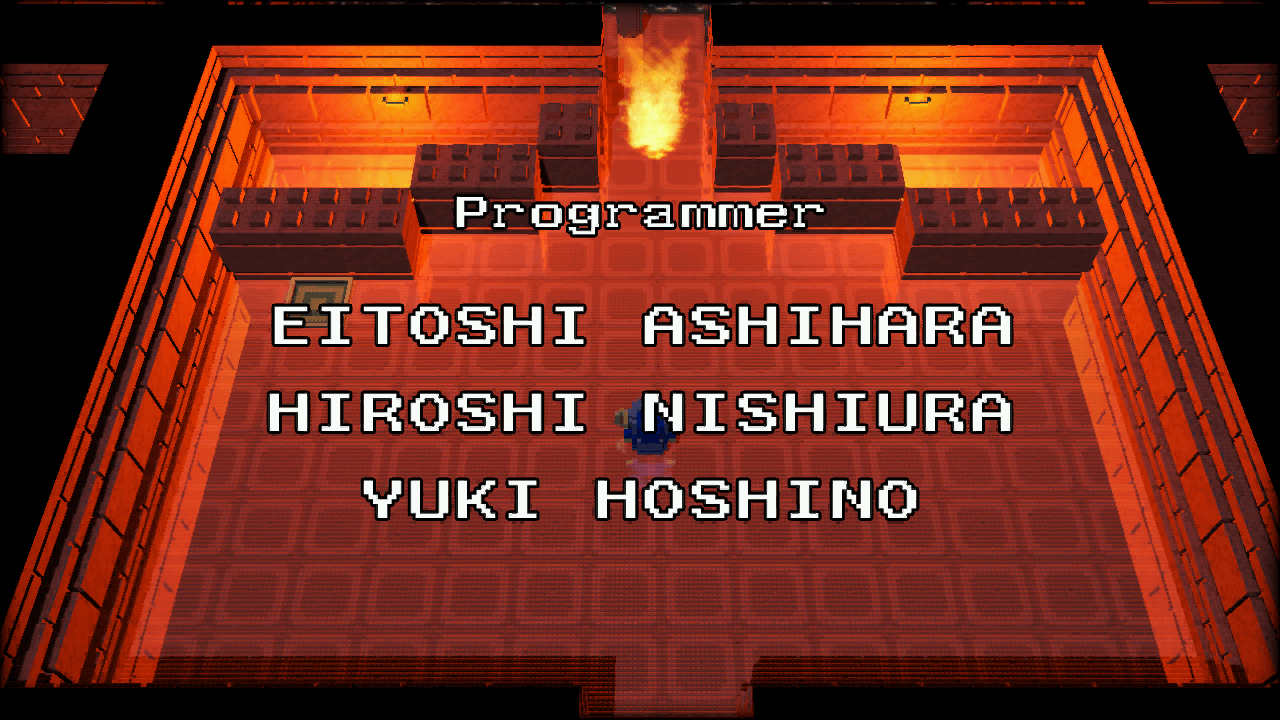
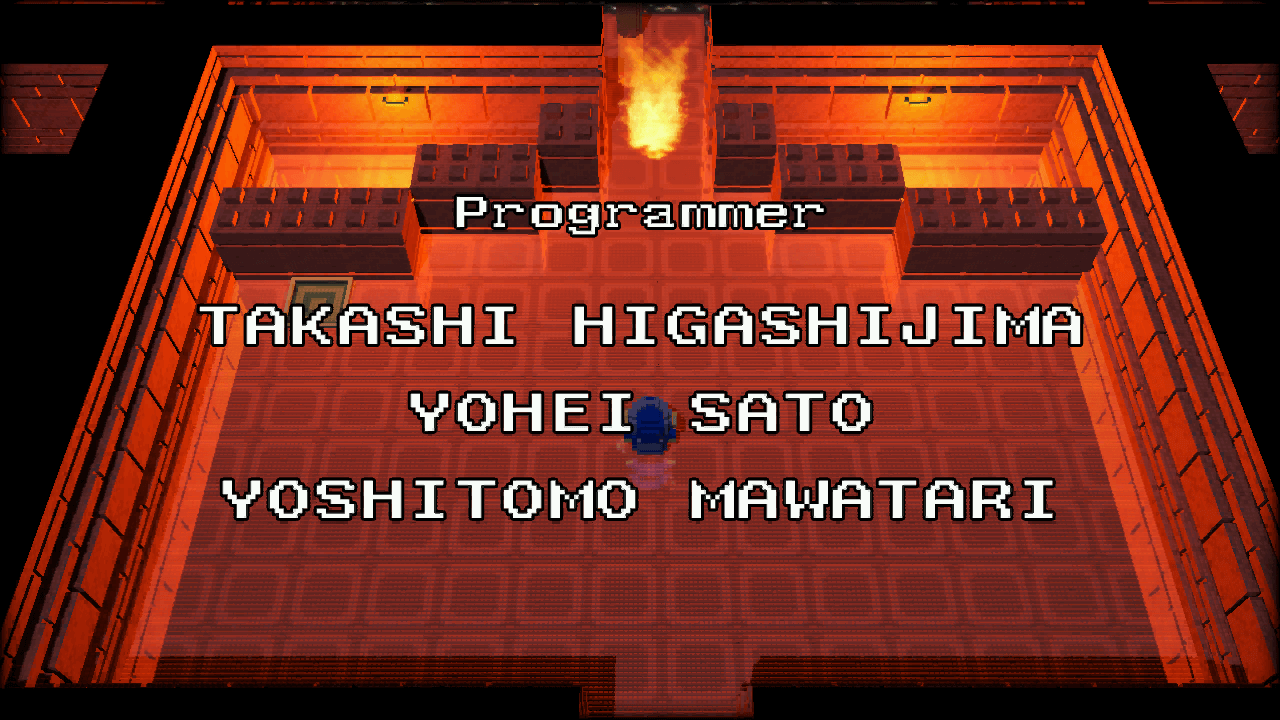
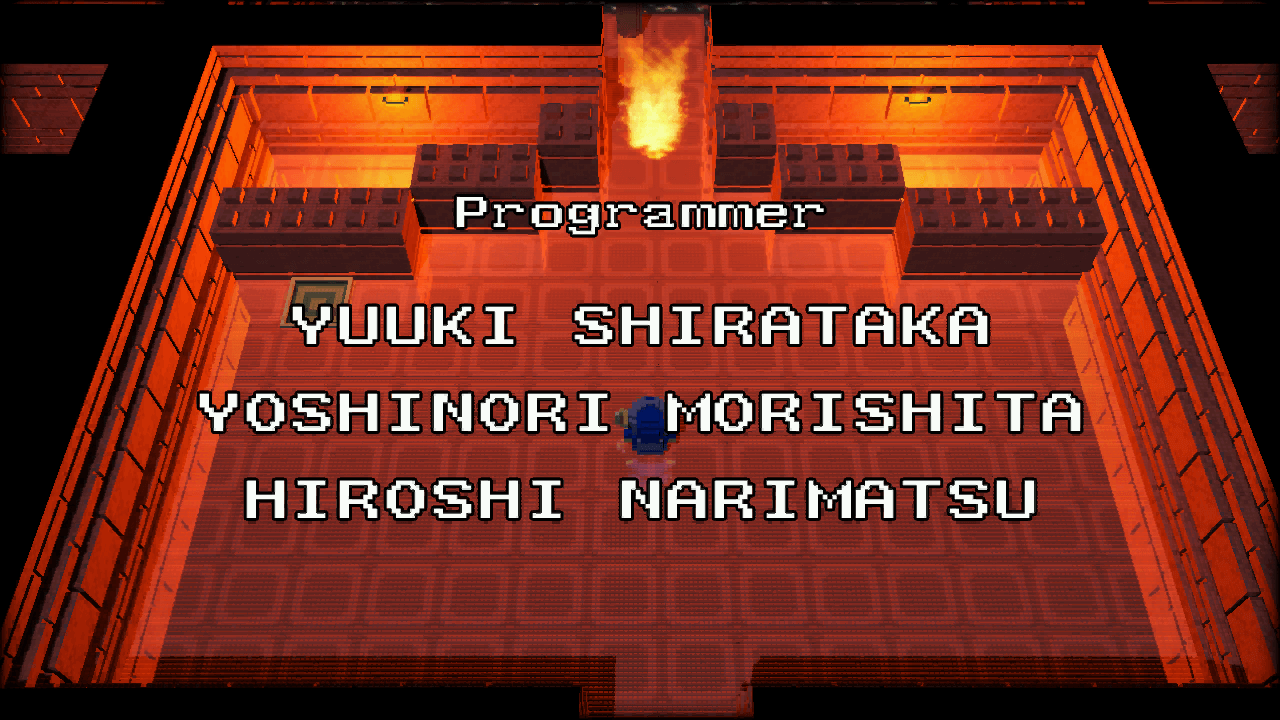
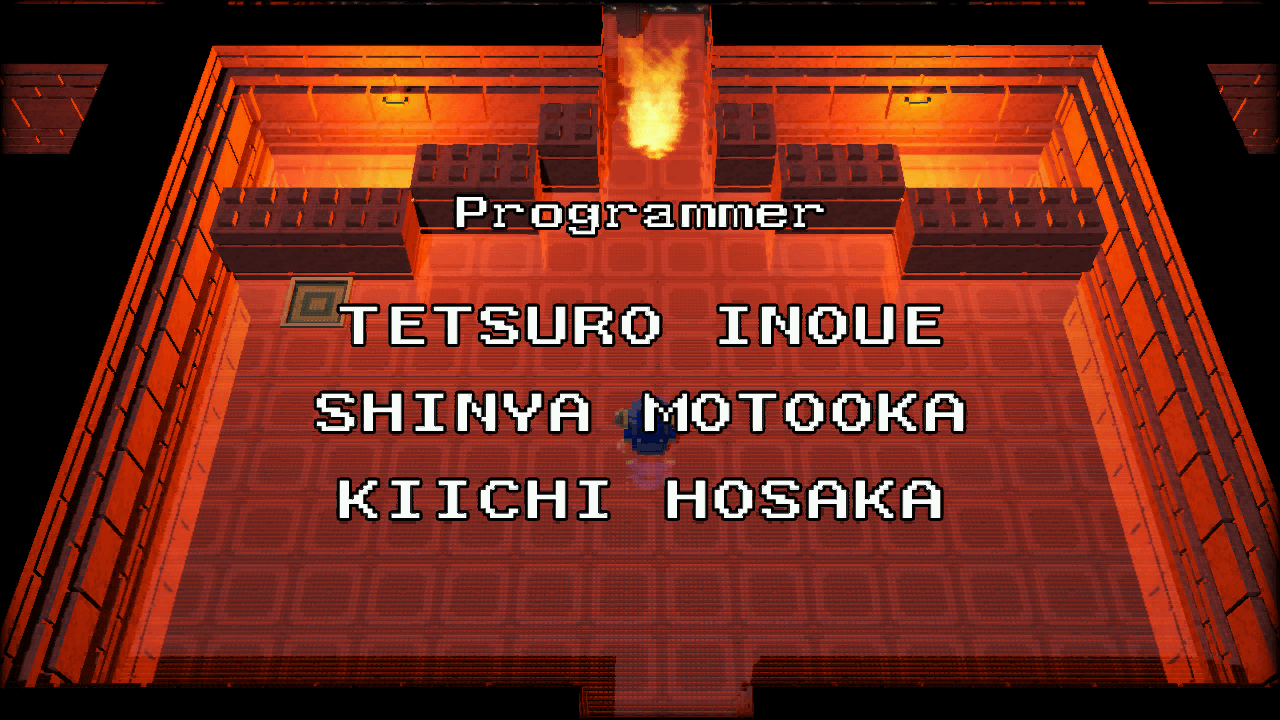
Shot 8#
Shot 8 features an early interior to the Fire Temple.
 |
 |
 |
 |
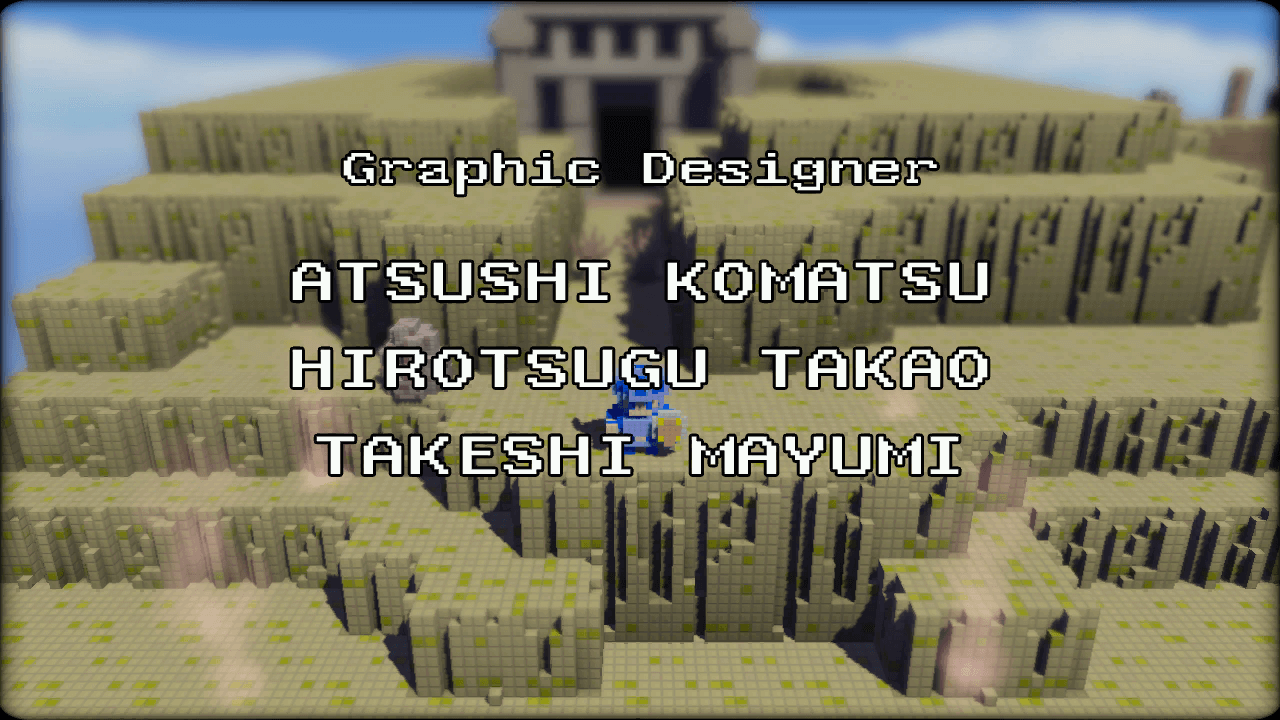
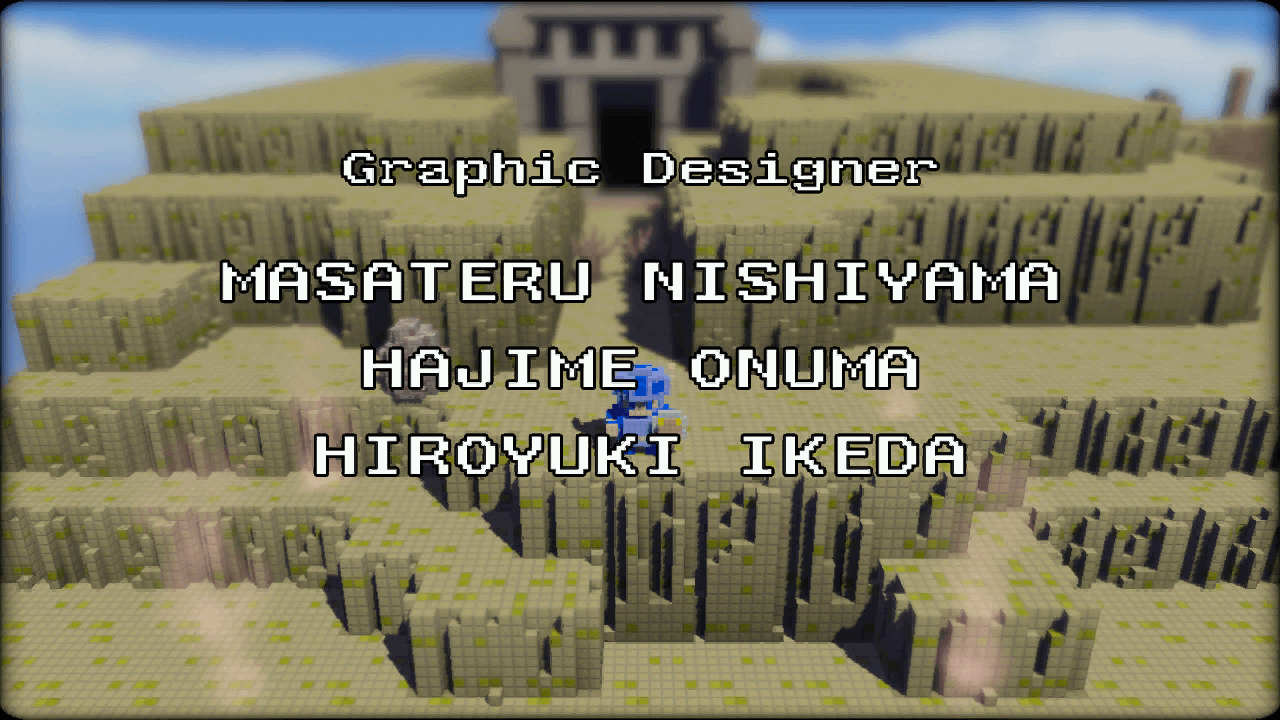
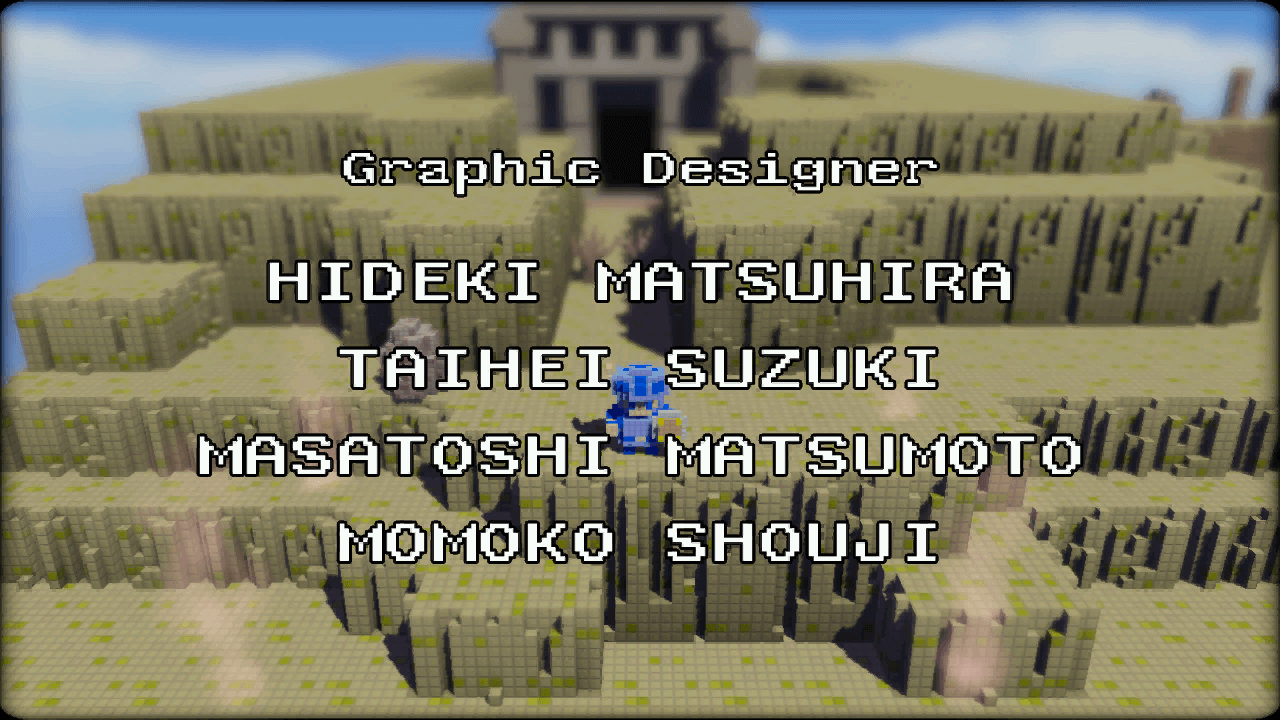
Shot 9#
Shot 9 features an early version of the Desert Temple entrance.
 |
 |
 |
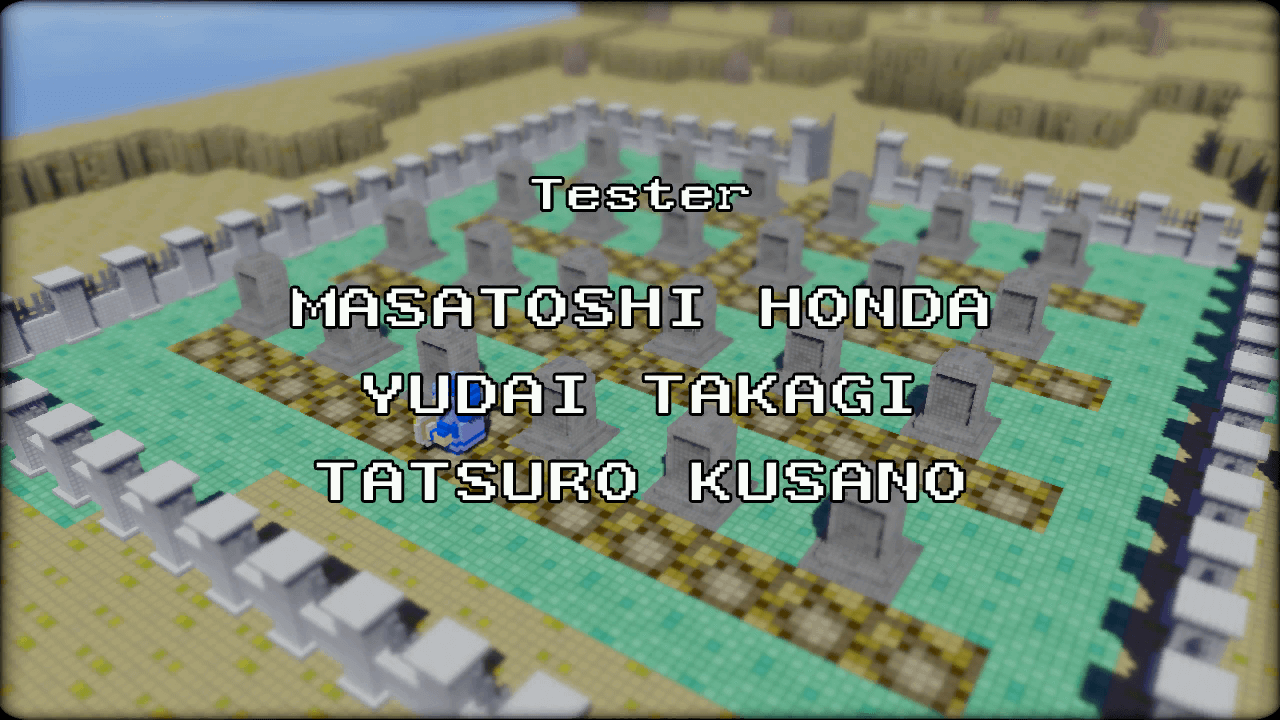
Shot 10#
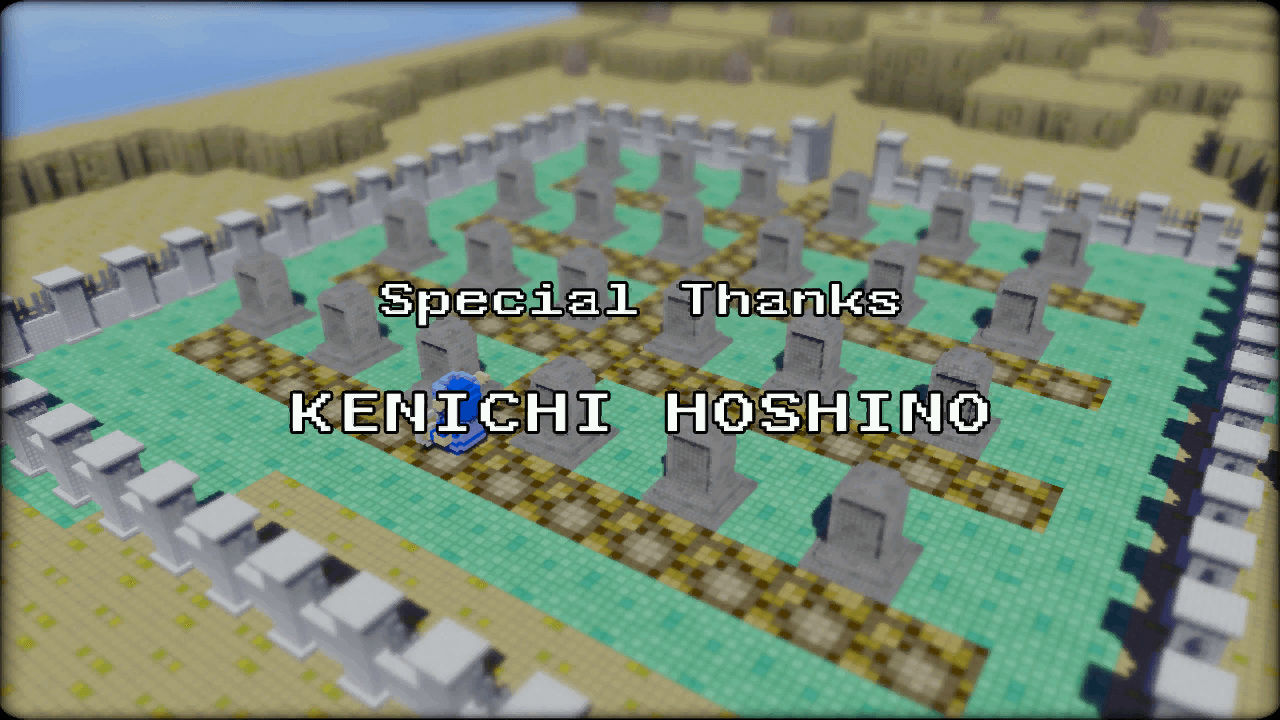
Shot 10 features an early version of the graveyard in the lower left of the world.
 |
 |
Shot 11#
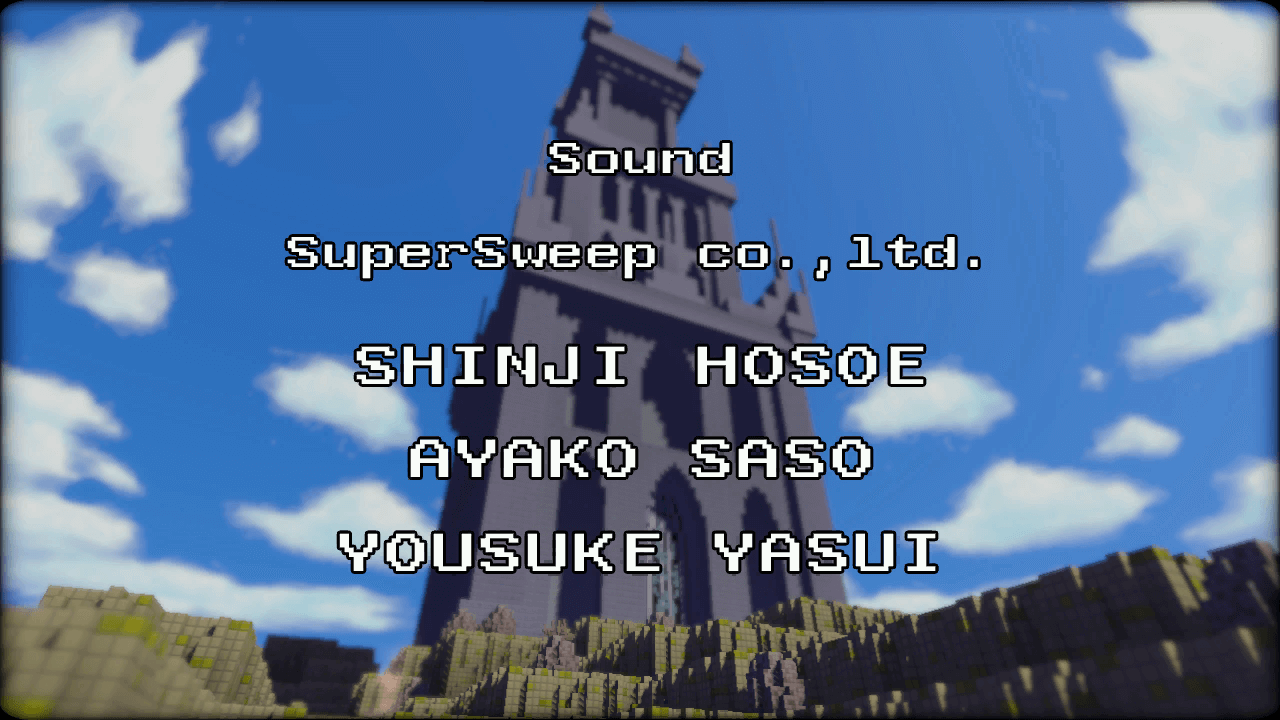
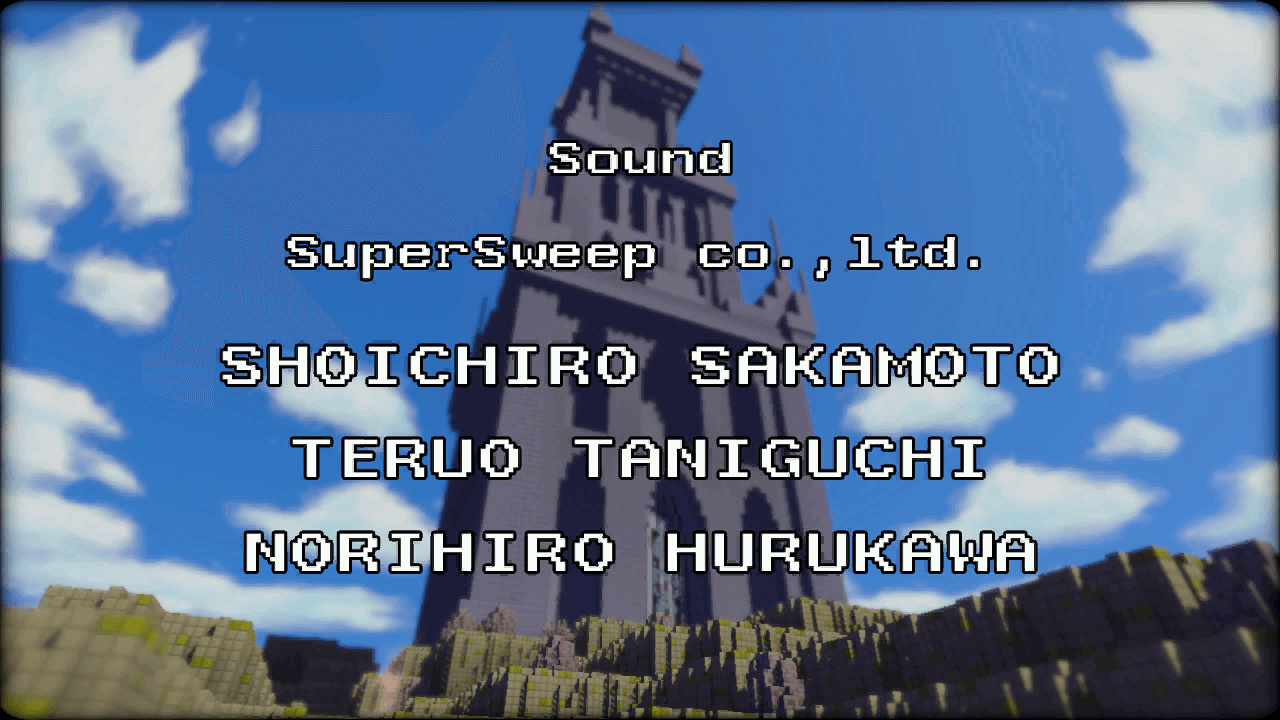
Shot 11 features an early version of the final dungeon.
 |
 |
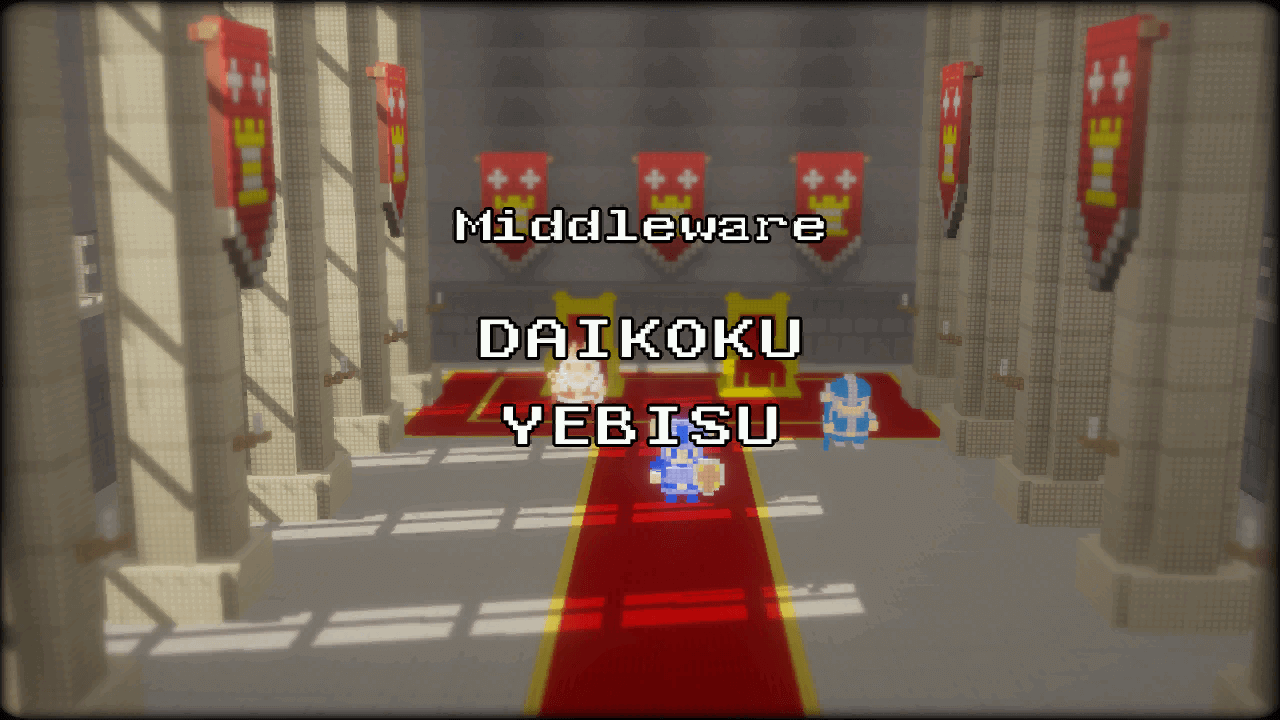
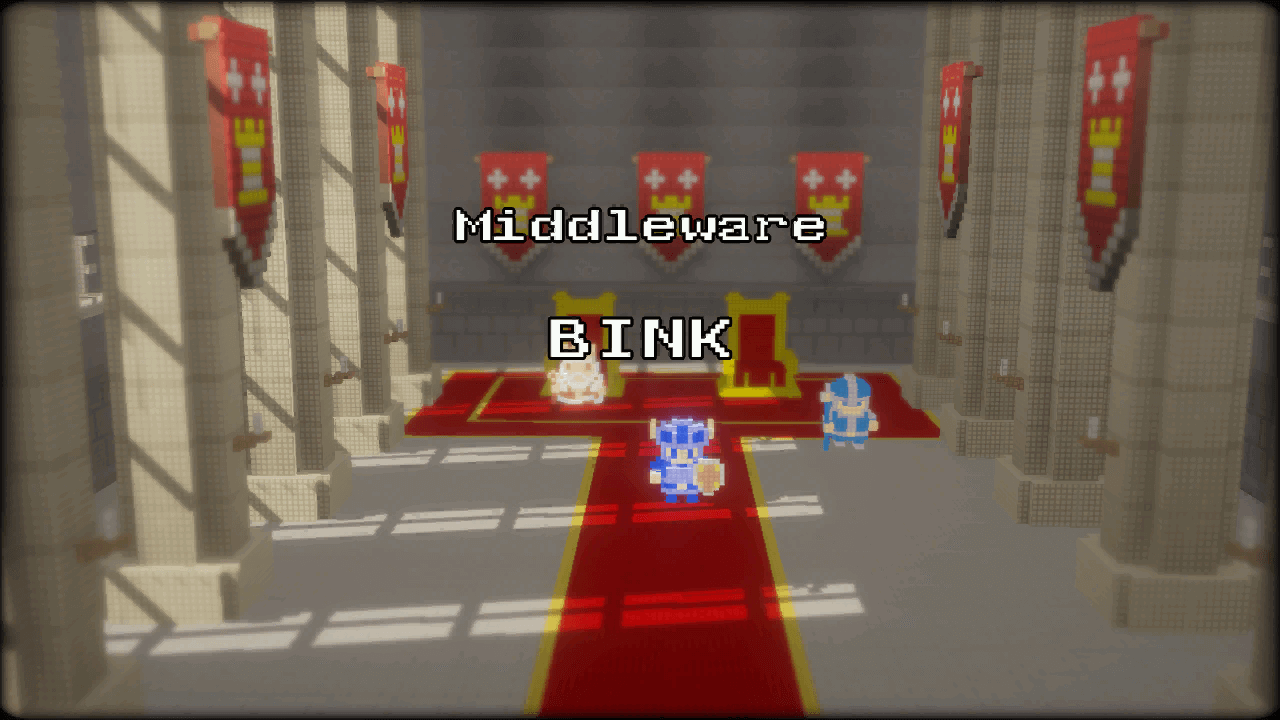
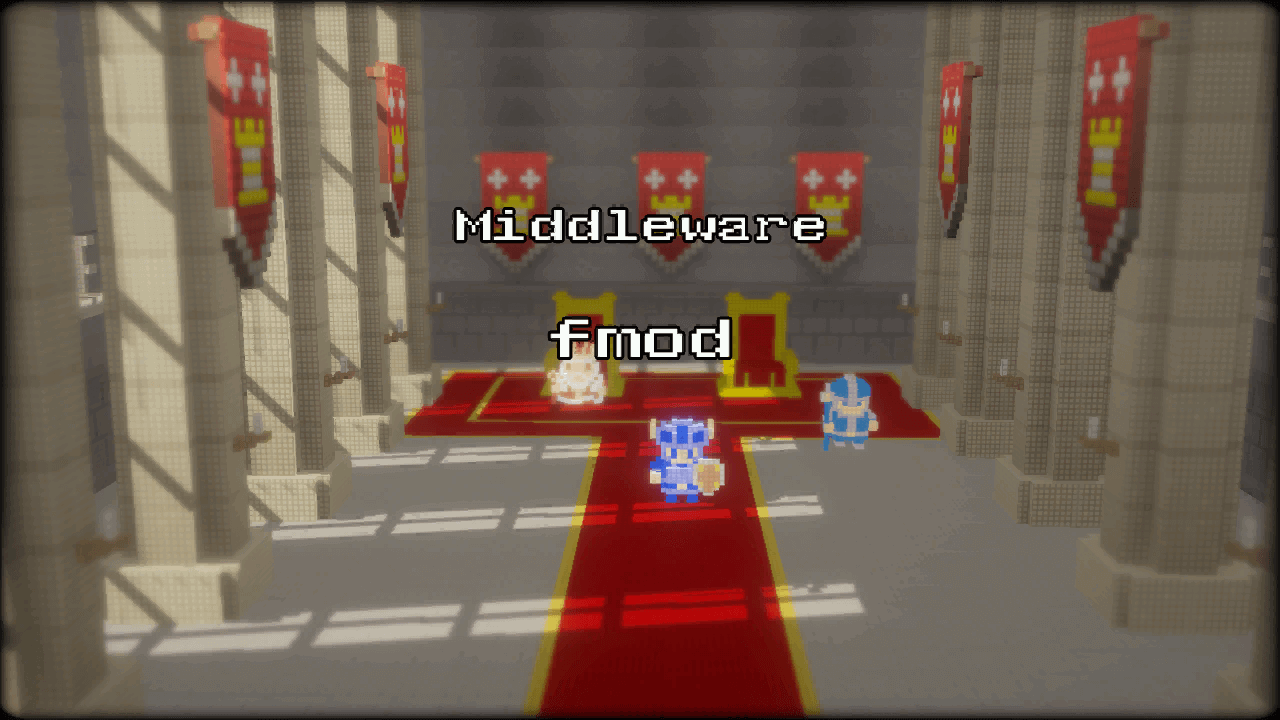
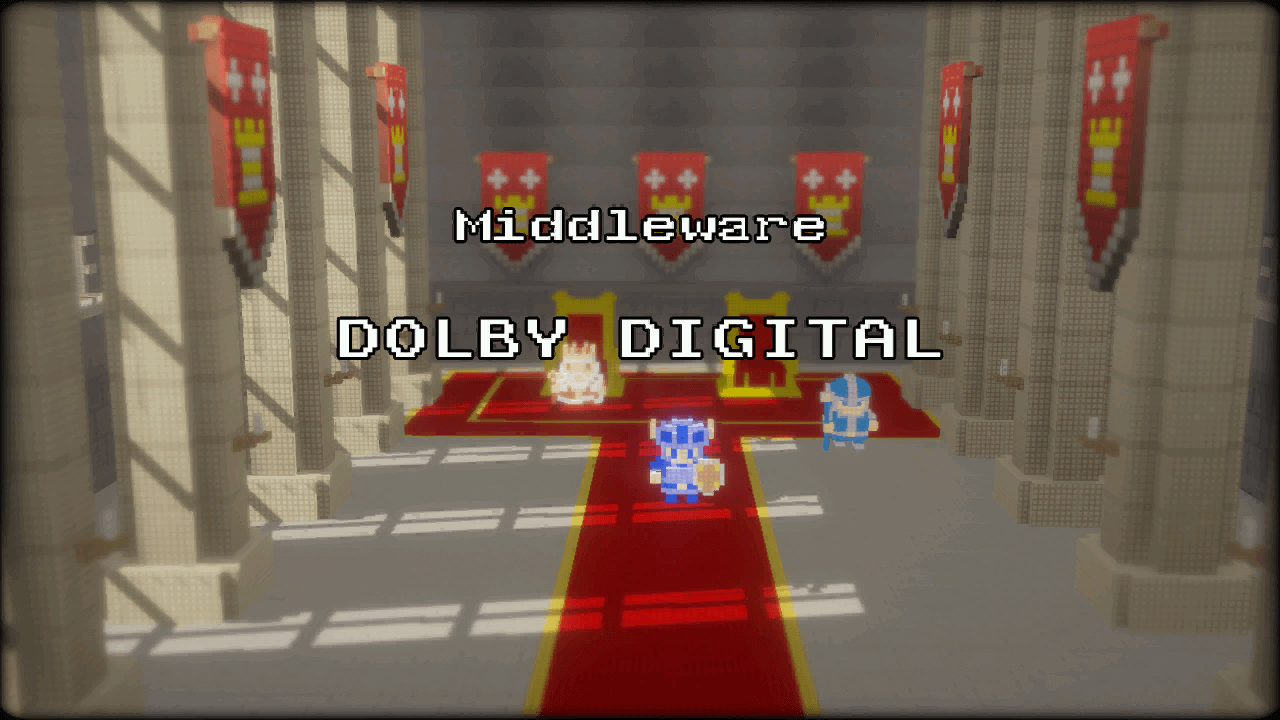
Shot 12#
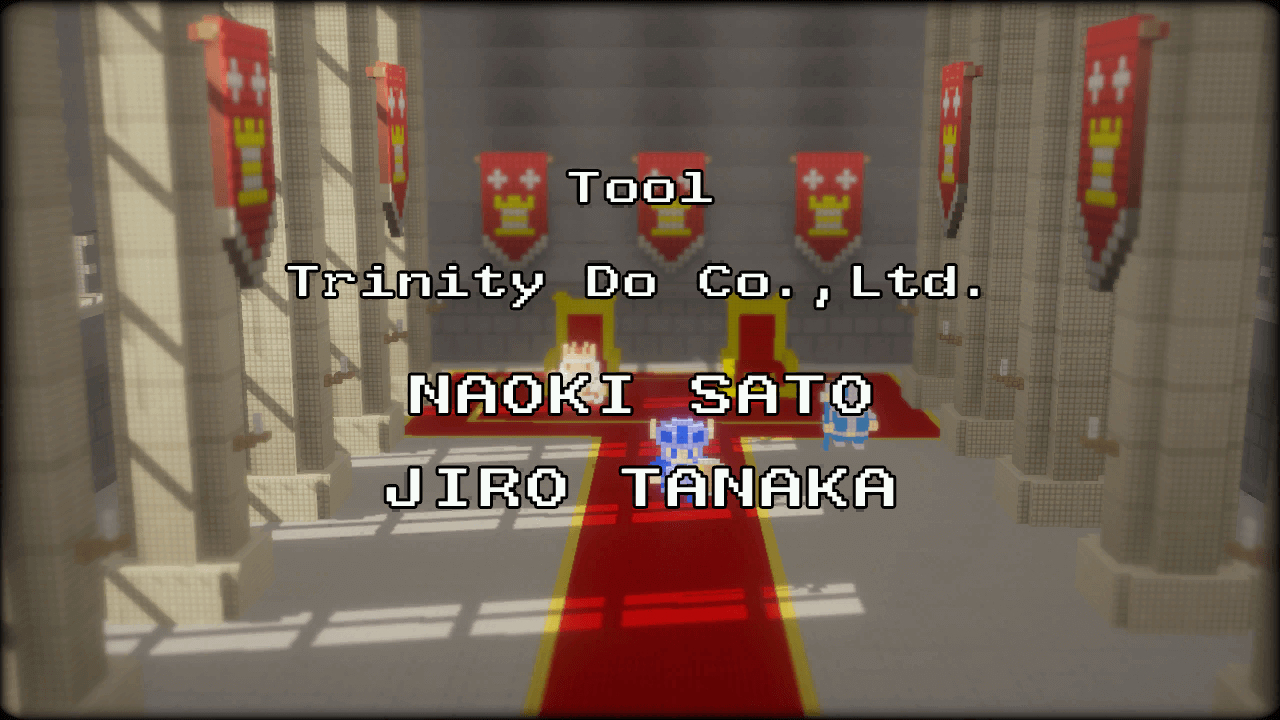
Shot 12 features an early version of the Dotnia Castle Throne Room.
 |
 |
 |
 |
 |
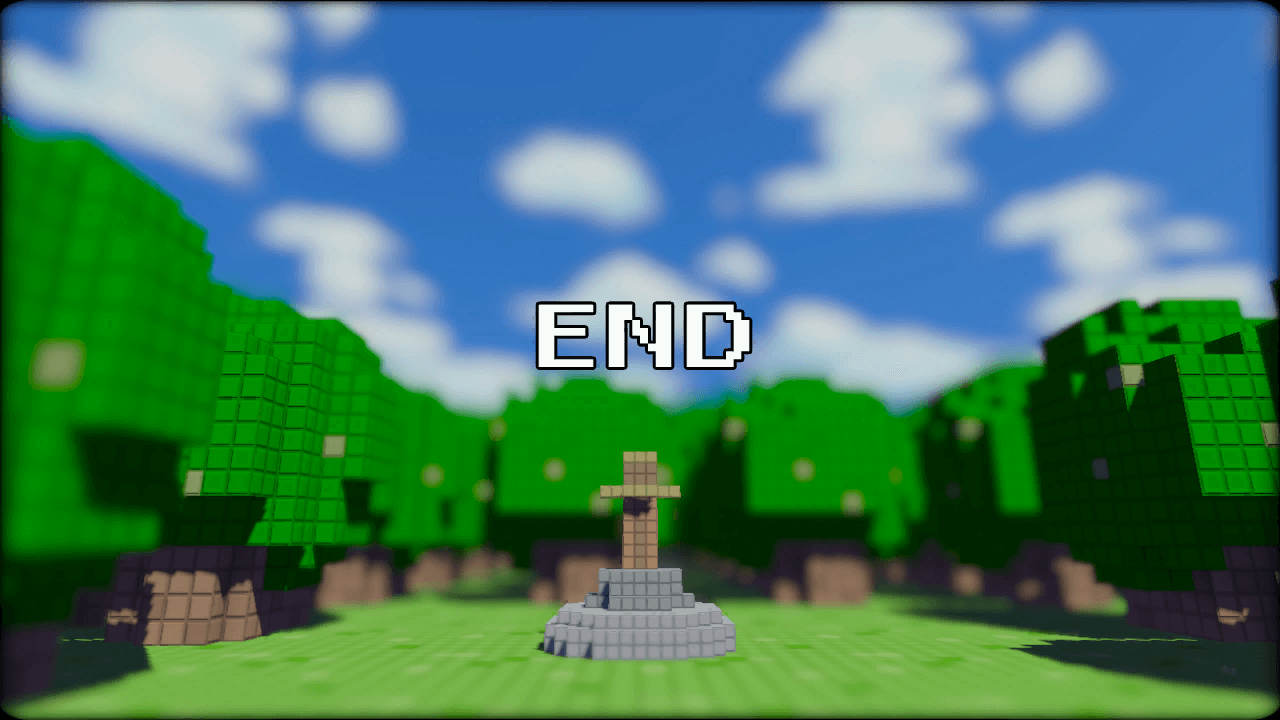
Shot 13#
Shot 13 features an early version of the hero's sword pedestal, which uses the default wooden sword.
 |
Safearea#
A graphic likely used for debugging the placement of UI graphics on the screen can be found in data/SafeArea/SafeArea.ps3.tpk.

Early Mini-map Section#
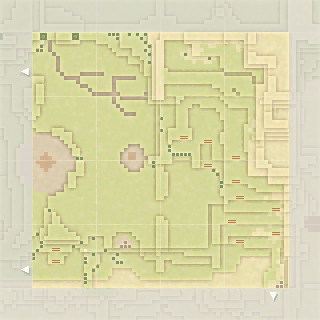
In each section of the overworld a mini-map is displayed based on the section you're in.
An early mini-map for section 27 of the map can be found in data/UserInterface/radar/radarMap/radar_27.ps3.tpk, while the final used version can be found in data/UserInterface/radar/radarMap/radar_27_eng.ps3.tpk.
Early |
Final |
|---|---|

|
|
Early Item Icons#
Some early icons for some of the items can be found in data/UserInterface/Status/. Most of the designs remain the same, with the exception of the Wire Rod.
|
|
To do: |


Placeholder Store Sword Icons#
In the texture files for the general store, some placeholder item icons can be found that use an early version of the sword graphic, numbered 1 to 12.


Early Fish Sword Texture#
An early version of the Fish Sword's texture is found alongside the final version.


Unused Items#
Every collectible item in the game that can be used has an item ID; some items found in the item ID list aren't used anywhere in the game.
Early Swords#
Item IDs 1 - 3 are for early sword items that could be collected.
Name |
Icon |
ID |
|---|---|---|
Normal Sword |
 |
1 |
Silver Sword |
Icon Replaced |
2 |
Master Sword |
Icon Replaced |
3 |
Rope#
Name |
Icon |
ID |
|---|---|---|
Rope |
Icon Replaced |
8 |
Flute#
Name |
Icon |
ID |
|---|---|---|
Flute |
Icon Replaced |
9 |
Early Arrow#
An early version of the arrow item; the icon is different than the final arrow graphic.
Name |
Icon |
ID |
|---|---|---|
Early Arrow |
 |
10 |
Final Arrow |
 |
36 |
Light Bow & Arrow#
Items referred to as the light bow and arrow; they would have functioned as an upgrade to the regular bow and arrows, possibly functioning similar to the light bow in The Legend of Zelda series, where enemies are killed instantly.
Name |
Icon |
ID |
|---|---|---|
Light Bow |
Icon Replaced |
11 |
Light Arrow (1) |
Icon Replaced |
42 |
Early Shields#
Item IDs 12 - 14 are for early shield items that could be collected.
Name |
Icon |
ID |
|---|---|---|
Normal Shield |
Icon Replaced |
12 |
Silver Shield |
Icon Replaced |
13 |
Master Shield |
Icon Replaced |
14 |
Red Juice#
Possibly an early version of the Red Potion.
Name |
Icon |
ID |
|---|---|---|
Red Juice |
Icon Replaced |
22 |
Safety Boots#
In the final game there are two pairs of boots, the Dash Boots and the Miracle Boots. The "Safety Boots" might have been an upgrade inbetween these items.
Name |
Icon |
ID |
|---|---|---|
Safety Boots |
Icon Replaced |
43 |
Extra Dungeon Maps#
Item IDs 52 and 53 are for extra dungeon maps that would have been for more dungeons, if more had been added past the final dungeon. In the texture file they both use the "missing" icon.
Name |
Icon |
ID |
|---|---|---|
Dungeon MAP 8 |
 |
52 |
Dungeon MAP 9 |
|
53 |
Unlocking Bomb#
An item for another bomb can be found that is used to unlock the ability to use bombs.
Name |
Icon |
ID |
|---|---|---|
Bomb (for acquisition) |
|
66 |
Invisibility Cloak#
An item referred to as the Invisibility Cloak; there are remnants of data for it elsewhere in the files, which might mean its ability could be restored.
Name |
Icon |
ID |
|---|---|---|
Invisibility Cloak |
 |
79 |
Big Bomb#
A bigger version of the bomb, that might have been used for something that would need a bigger explosion.
Name |
Icon |
ID |
|---|---|---|
Big Bomb |
 |
80 |
Power Drink#
An item called the Power Drink that might have been an early version of the Elixir. It can be seen in some of the loading screen art.
Name |
Icon |
ID |
|---|---|---|
Power Drink |
 |
82 |
Barrier#
An item called Barrier with no additional data.
Name |
Icon |
ID |
|---|---|---|
Barrier |
|
85 |
Hourglass#
An item called Hourglass with no additional data.
Name |
Icon |
ID |
|---|---|---|
Hourglass |
|
86 |
Minigame A Items#
Items listed after the swords that would have either been rewards or items for use in the minigames.
Name |
Icon |
ID |
Name |
Icon |
ID |
|
|---|---|---|---|---|---|---|
Item 1 for mini game A |
|
119 |
Item 6 for mini game A |
|
124 |
|
Item 2 for mini game A |
|
120 |
Item 7 for mini game A |
|
125 |
|
Item 3 for mini game A |
|
121 |
Item 8 for mini game A |
|
126 |
|
Item 4 for mini game A |
|
122 |
Item 9 for mini game A |
|
127 |
|
Item 5 for mini game A |
|
123 |
Item 10 for mini game A |
|
128 |
Minigame B Items#
Items listed after the swords that would have either been rewards or items for use in the minigames.
Name |
Icon |
ID |
Name |
Icon |
ID |
|
|---|---|---|---|---|---|---|
Item 1 for mini game B |
|
129 |
Item 6 for mini game B |
|
134 |
|
Item 2 for mini game B |
|
130 |
Item 7 for mini game B |
|
135 |
|
Item 3 for mini game B |
|
131 |
Item 8 for mini game B |
|
136 |
|
Item 4 for mini game B |
|
132 |
Item 9 for mini game B |
|
137 |
|
Item 5 for mini game B |
|
133 |
Item 10 for mini game B |
|
138 |
Minigame C Items#
Items listed after the swords that would have either been rewards or items for use in the minigames.
Name |
Icon |
ID |
Name |
Icon |
ID |
|
|---|---|---|---|---|---|---|
Item 1 for mini game C |
|
139 |
Item 6 for mini game C |
|
144 |
|
Item 2 for mini game C |
|
140 |
Item 7 for mini game C |
|
145 |
|
Item 3 for mini game C |
|
141 |
Item 8 for mini game C |
|
146 |
|
Item 4 for mini game C |
|
142 |
Item 9 for mini game C |
|
147 |
|
Item 5 for mini game C |
|
143 |
Item 10 for mini game C |
|
148 |