 This article has a talk page!
This is a sub-page of Proto:Super Mario 3D Land.

|
This page or section needs more images. |

|
To do: |
There are a lot of changes in general that have yet been finalized, most notably the Game Over screen.
Menus#
ProductSequence leftovers#
The E3 demo contains 2 sequences (C++ class used to manage scenes and transitions between them): E3Sequence and ProductSequence. E3Sequence draws the course selection screen and enters the stages shown. ProductSequence is an early version of the same sequence which is part of the final game (in which it is the only sequence). As a consequence, the following scenes which are unrelated to the demo itself are available:
- TitleScene
- CourseSelectScene
- EndingScene
Using various code and romfs patches to fix crashes and replace missing assets, ProductSequence can be entered to enter these scenes.
This build will by default jump to the E3Sequence to load the E3 Selection Screen, but you can patch it to load the ProductSequence instead by replacing 453353657175656E6365000000000000 at 0x00346430 in code.bin with 50726F6475637453657175656E636500 (This replaces the string "E3Sequence" with "ProductSequence").
TitleScene#
|
|
To do: |
- Please note that the following videos use placeholder models or models taken from the release version of the game, as they are missing in the E3 build.
Logo#
|
Proto |
Final |
|---|---|
|
|
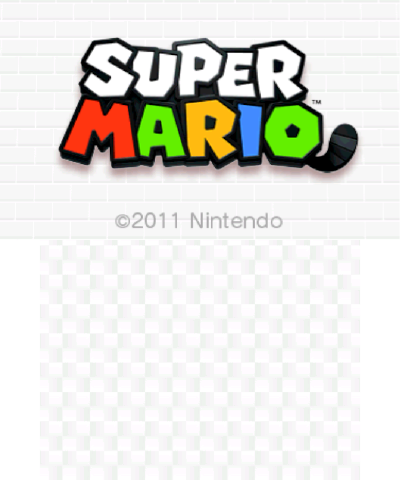
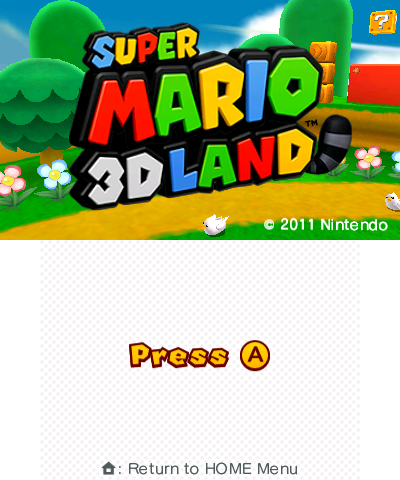
- This build was made before the final name was decided, and thus uses "Super Mario" as a placeholder.
- After clicking on the bottom screen once, the following file select screen appears.
File Select#
|
Proto |
Final |
|---|---|
|
|
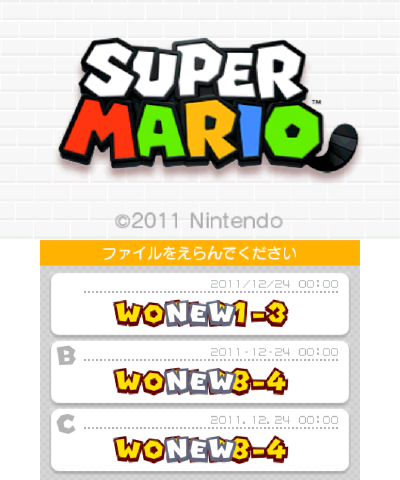
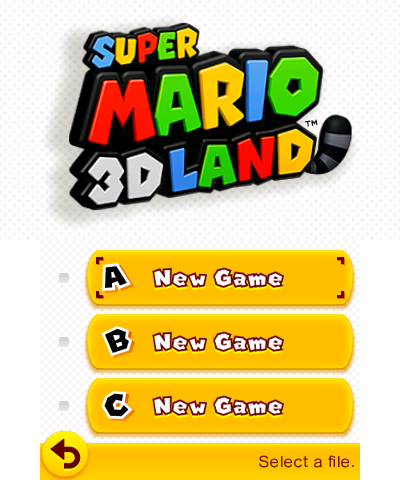
- The bottom screen layout is a dummy, and will bring you to course selection on the same save file regardless of which one you click.
CourseSelectScene#
- The course select logic is very similar to the release version, with small differences in Mario's course enter sequence.
- The layout on the bottom screen is a dummy and seems to be a concept by the layout designer, it is non-interactive and does not display correct information.
Course Selection Screen#
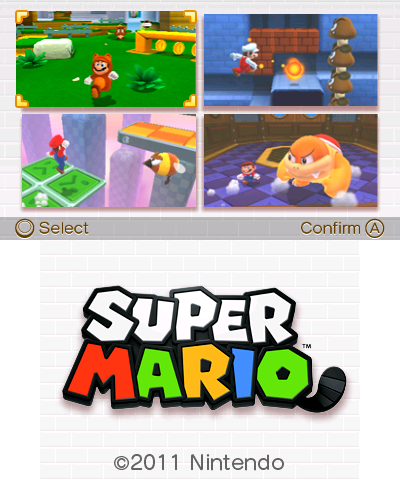
- This course selection screen is exclusive to this demo.
- The unused level select theme from the final game is used in this build.
Game Over#
|
Proto |
Final |
|---|---|

|

|
The Game Over screen's "GAME OVER" text is colored like the game logo's text is. As well, it does not show Mario falling and landing on the ground. The background as well is a sandy-looking texture instead of yellow.
Models#
Fire Flower#
|
Proto |
Final |
|---|---|
|
|
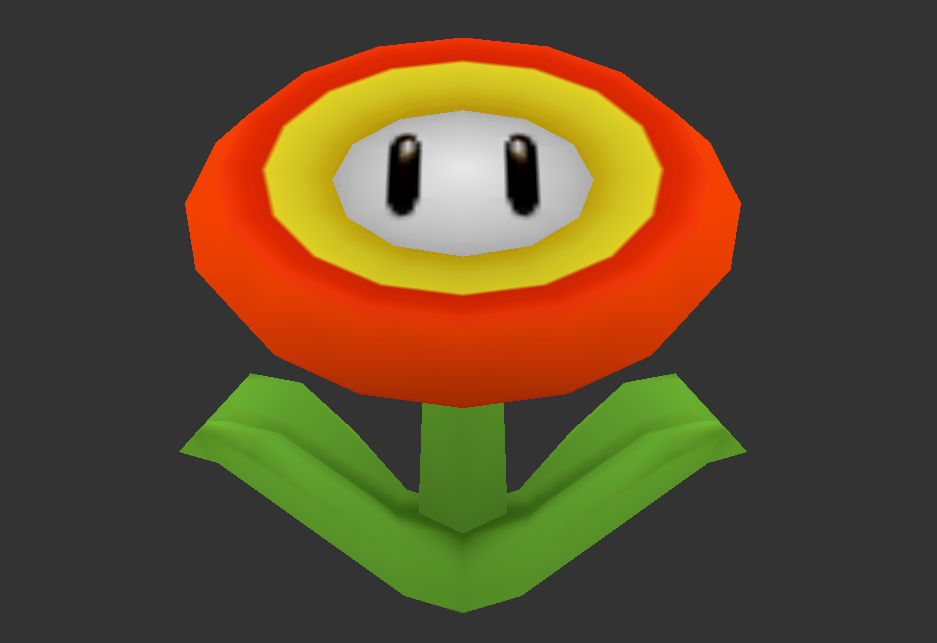
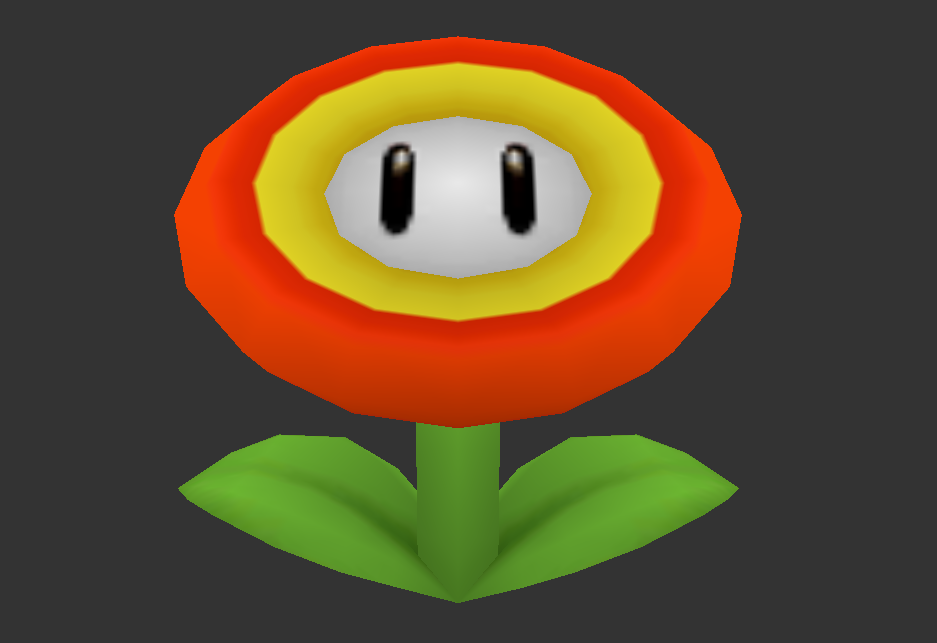
Fire Flower's model is different. The leaves didn't fit the official design and the model was ported from Super Mario Galaxy so they were remodeled to fit the official design and made it different.
Warp Boxes#
|
Proto |
Final |
|---|---|

|

|
|
Proto |
Final |
|---|---|

|

|
Orange and purple warp boxes are different. In the demo, the purple boxes warp you around to different parts of the level, while orange boxes take you to minigames. In the final, the coloring was swapped.
Gameplay#
- The timer counts down faster in the demo than in the final game.
- The note blocks use the early sound left unused in the final game.
- The game over music has an extra instrument: A banjo!
- The note blocks behave differently in the demo, as well. If Mario simply bounces on them, they'll play random sound effects, including this Yoshi sound. If you jump while on them, they'll play a note scale, and if you do this repeatedly, the pitch of this note scale will change. If you ground-pound on the note block, both will occur.
- The game logo used on the level select is not the game's final logo. This would not be revealed for a few more months.
- Sound effects are different. Sounds for the star coins do not change with pitch whenever you get another coin.
- In the demo, the primary level timer is still used when in a minigame room, but in the final minigame rooms use a separate timer, counting down from 10.
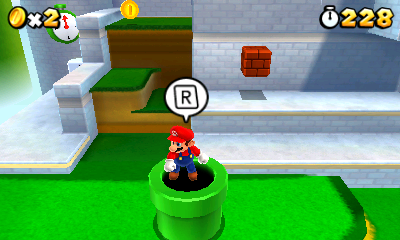
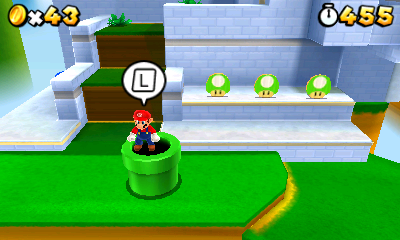
- Entering pipes shows the R button graphic in the demo, but the L button graphic in the final. Both buttons allow you to enter pipes, though.
|
Proto |
Final |
|---|---|
|
|
- The particle effect when the flag hits the top of the flagpole differs between games. The demo has five red stars, while the final game has a halo and sparkles come out from the top of the flagpole.
- Gold flagpole goals are not yet implemented.
|
Proto |
Final |
|---|---|

|

|
- When tallying up the remaining time, the Clear Time is not shown.
- Sound effects for when coins are revealed are not present.
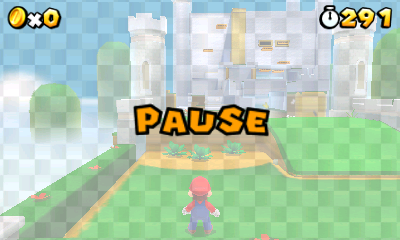
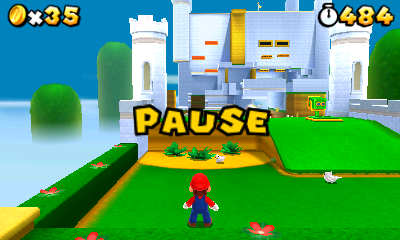
- Pause Menu background is a checkerboard design instead of a solid yellow color. As well, this checkerboard pattern is applied translucently on the top screen.
|
Proto |
Final |
|---|---|
|
|
- The "Pause" text flashes faster in the demo than in the final.
- Adjusting the 3D slider while in the Pause Menu only affects the checkerboard overlay.
- The hold item on the touch screen is higher up on the touchscreen in this demo.
- The Super Mushroom's hold item image had additional shading added to its front.
|
Proto |
Final |
|---|---|

|

|
- Powerups do not pop out of the boxes and fall to the ground, they stay on top of the box they came from.
- Mario has two distinct rolling animations and accompanying sounds; one when walking, the other when running.
- Mario will perform a roll whenever a shoulder button is pressed while he is moving.
- Camera locks angle when adjusted with the left/right buttons on the D-Pad.
- Fire and Ink Piranha have different animations when firing either fire or ink respectively.
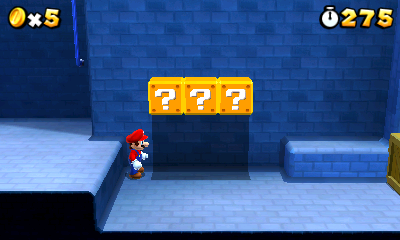
- Mario does not move his head to look at ? blocks.
|
Proto |
Final |
|---|---|
|

|
- Mario does not produce an air trail when he jumps or turns while jumping.
|
Proto |
Final |
|---|---|
|
|
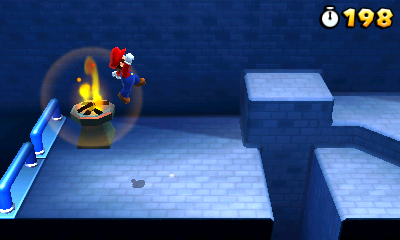
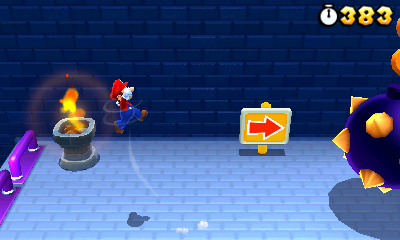
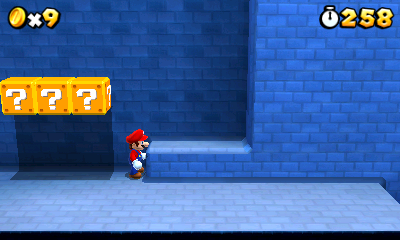
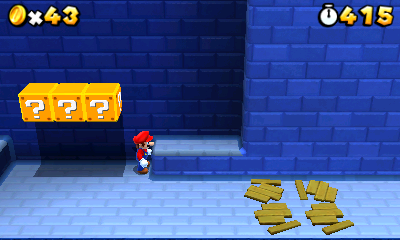
- After destroying crates, there is nothing that remains of them in the demo. In the final game, there are boards left on the ground by default, but there is a setting that disables this function. Also, you can't destroy crates by running into them while invincible in the demo.
|
Proto |
Final |
|---|---|
|
|
- The maximum amount of lives is 99; this total can be obtained by performing the 1-Up trick after kicking the first shell in 1-2 where the Goombas are, and when it stops by jumping on it while facing the camera.
- Koopa Shells have some differences.
- If kicked or jumped on, they slow down after sliding around for a while. In the final game, they slide around indefinitely.
- They don't "kick-start" other Koopa Shells on contact. In fact, they don't interact at all; they pass right through each other.
- They don't wobble power-ups or activated Checkpoint Flags.
- They don't activate Checkpoint Flags.
- Fireballs just disappear if they touch a shell, rather than bouncing the shell.
- There is no 1-Up bonus for doing multiple "kick-ups" with your tail.
- They bounce off crates on contact, smashing them, rather than smashing through them.
- There is no combo for multiple crates destroyed by a shell in one go.
- They do not smash when falling down a pit, so they just disappear.