 This article has a talk page!
This is a sub-page of Proto:Gearheads (Windows).
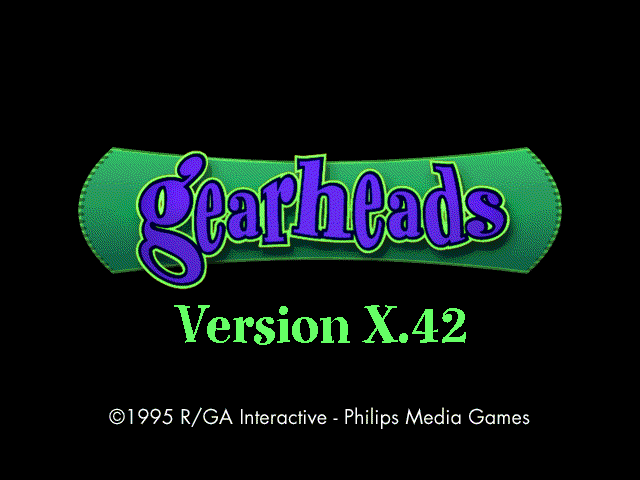 This preview version of Gearheads, called Gearheads Review, has similarities to the demo version, and is much more functional. The build date of version X.42 is 23 January 1996, exactly four months before the RTM build. The CD also has some pre-release screenshots and character images.
Differences from the final game#
General#
- No startup animation sequence, and no anim.dat file.
- No joystick support.
- No keyboard key customisation.
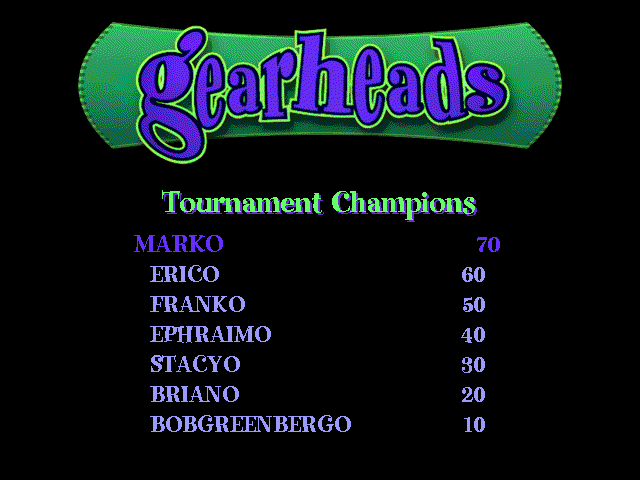
- No Tournament (called 'Challenge' here) mode; it's still under construction.
- No Gearmaster difficulty level, even though it appears in the options screen.
- The title shows the name of the current level.
- Most levels have powerups disabled.
:*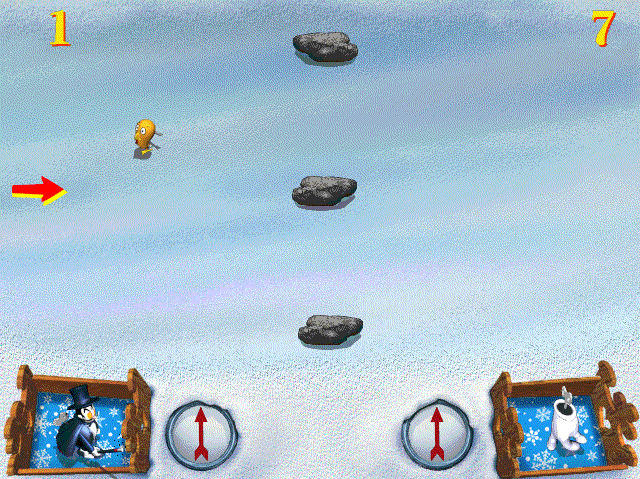 There is a powerup that releases a Small Fry. This is possibly the yet-to-be-properly-implemented Missile Command powerup, which releases a Rocket.
- Toys can be released while paused!
- Present are screens.txt and script.txt. These appear to control the game screens and objects, respectively. Also present are AI0.TXT and AI1.TXT, for AI Weights and AI Stats.
- The menu has a Level menu, which is a level select.

- The Help menu has a Screens option, to jump to various screens around the game.
- Toy differences:
:*Clucketta does not produce Small Fry.
:*Big Al and Krush Kringle have slightly more vim.
:*Walking Timebomb has more vim.
:*Zap-Bot is a little faster.
:*Orbit has less vim.
:*The Rocket is lighter, slower, and has less vim.
:*Disasteroid does not even attempt to destroy Big Al, who is immune.
Sound#
- Sounds are wav files in the wav directory. No gearage.dll, where the final game has the sounds as WAVE resources.
- The music carries on playing after a match has concluded.
- No sound on the Philips and R/GA screens.
- The Gearheads logo sound plays when you first arrive at the main menu.
- No powerup key sound.
- Others:
Prototype |
Final |
Notes |
|
|---|---|---|---|
Win |
Final sounds present, but unused by default. Can be customised in gearhead.ini. |
||
Lose |
|||
Presto teleporting |
|||
Orbit sidestepping |
Graphic/Visual#
|
Prototype |
Final |
|---|---|

|

|
|
Prototype |
Final |
|---|---|

|

|
|
Prototype |
Final |
|---|---|

|

|
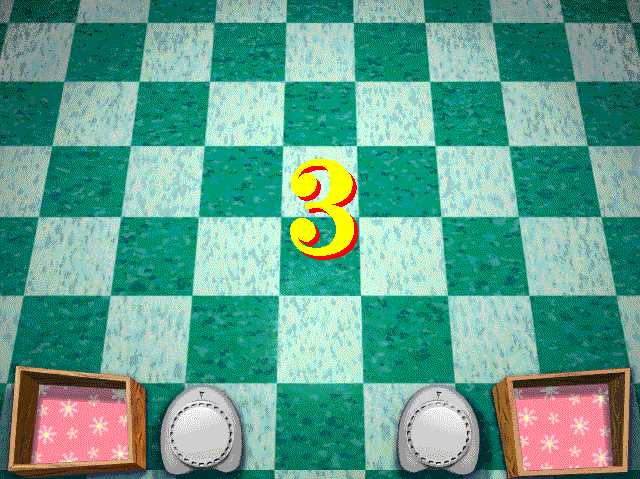
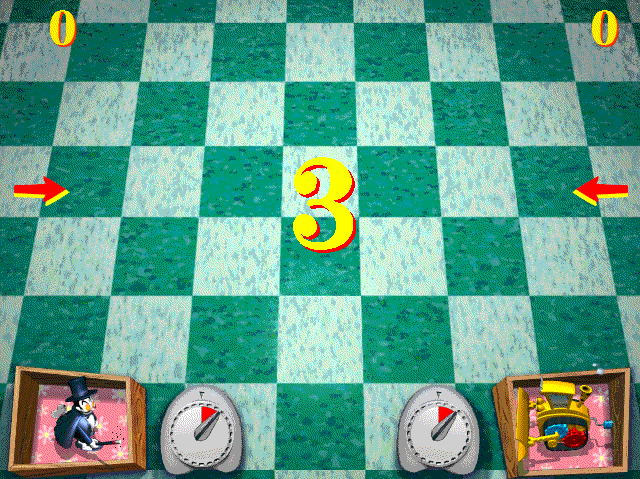
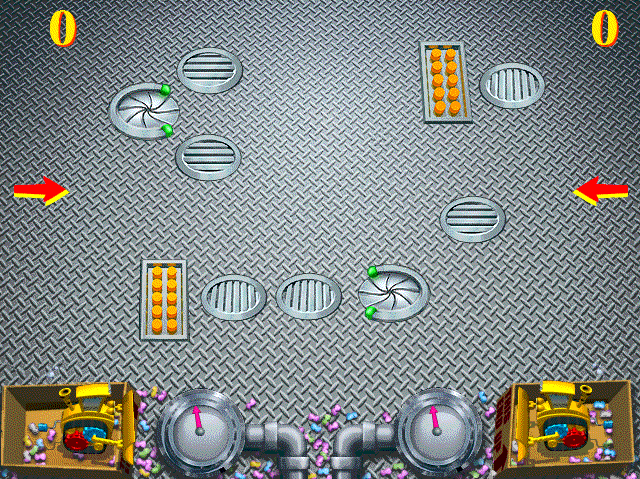
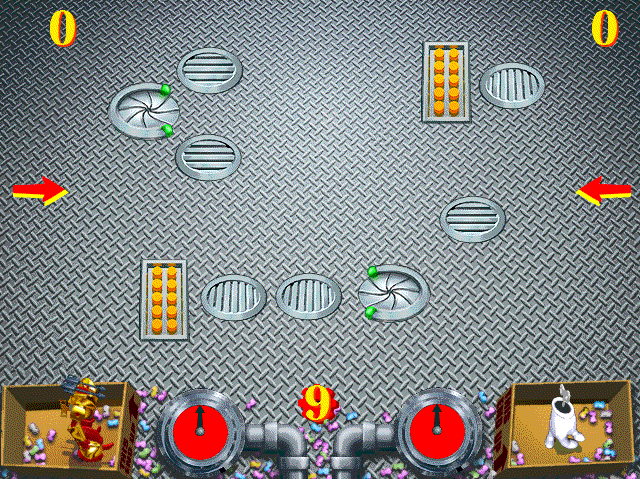
- Like the demo, game elements (toys, arrows, gauges, and scores) do not appear until the match actually starts, and the countdown number is slightly larger:
|
Prototype |
Final |
|---|---|
|
|
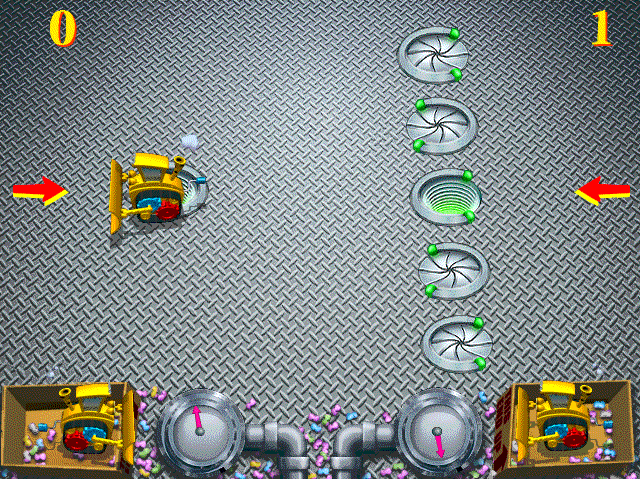
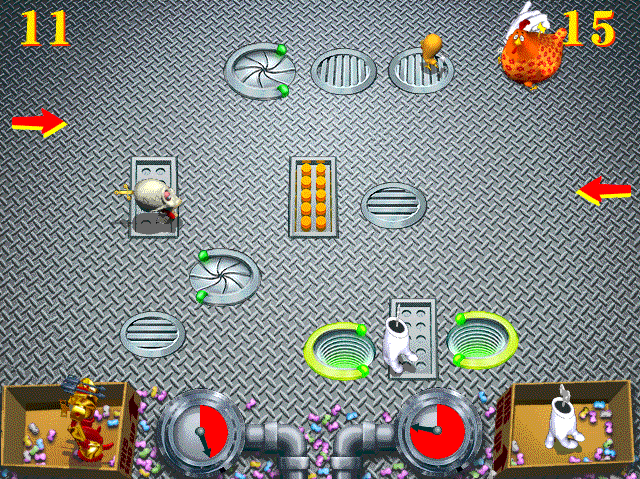
:*The Factory has a different gauge (pink arrow, and no gauge colour) and teleporter effect:
|
Prototype |
Final |
|---|---|
|
|
:*Factory obstacles Wall2 and Wall3 are slanted; only Wall1 and Wall4 are straight. In the final game, all walls are straight:
|
Prototype |
Final |
|---|---|
|
|
|


|
Prototype |
Final |
|---|---|
|
|
|


|
Prototype |
Final |
|---|---|
|
|
:*The Garden has no gauge colour:
|
Prototype |
Final |
|---|---|

|

|
:*The Frozen Pond gauge has a red arrow instead of a blue one (and no gauge colour):
|
Prototype |
Final |
|---|---|

|

|
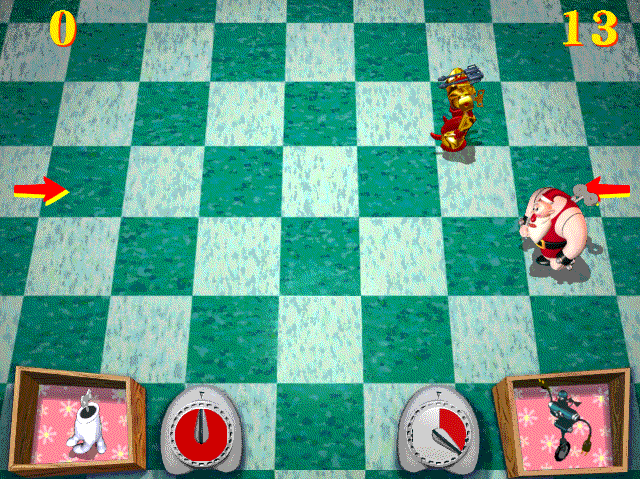
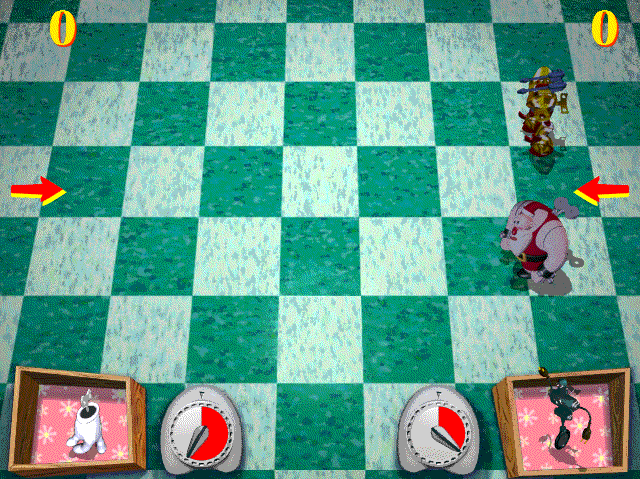
:*Disasteroid and Krush Kringle are not "greyed" when they run out of wind.
:*Zap-Bot appears lower in the toybox, and has no shadow.
:*The Kitchen gauge has a darker shade of red.
|
Prototype |
Final |
|---|---|
|
|
Screens#
|
Prototype |
Final |
|---|---|
|

|
|
Prototype |
Final |
|---|---|
|
|
|
Prototype |
Final |
|---|---|
|

|
|
Prototype |
Final |
|---|---|

|
|
|
Prototype |
Final |
|---|---|
|
|
|
Prototype |
Final |
|---|---|

|

|
|
Prototype |
Final |
|---|---|

|

|
|
Prototype |
Final |
|---|---|

|

|
gearhead.ini#
gearhead.ini is significantly different. It's full of sections and fields that are not present in the final game. Like the final game, it goes in the Windows directory, and the prototype will not work with the final game's gearheads.ini, and the final game will not work properly with the prototype's. If you have both installed, it is advisable to keep a copy of both files to avoid having to reinstall the games.
- The [gearhead] section contains help, Italic, background, grouphit, LeftLDRU, and RightLDRU fields. The function of these is unknown. There are also uns1, uns2, and uns3 fields, which appear to be objects of some kind; they have six zeros.
- There is an [art] section, containing the following fields:
[art]
script=script.txt
optscreens=screens.txt
demoscreens=demoscrn.txt
; Note--sound names must all have different first 2 letters (lo,th,ok,..)
logosound=wav\gearlogo.wav
threetwoone=wav\ha_spc1.wav
oksound=wav\ok.wav
notoy=wav\notoy.wav
gosound=wav\go.wav
endsound=wav\go.wav
winsound=wav\go.wav
losesound=wav\go.wav
blank=blank- The first three fields are not present in the final game. The rest of it (except "blank=blank", the purpose of which is unknown) is settings that are in the [sound] section in the final game.
|
Prototype |
Final |
|---|---|
|
|
- The final version points to WAVE resources in gearage.dll.
- [FocusBox] section:
[FocusBox]
b1=CEFJ
b2=AGIK
b3=FJKL
b4=ABDH
b5=CGHL- The purpose of this is unknown.
- Level sections have FirstSquare (two integers), stage (four integers), scoreat (two integers), attractsong (filename), and bonus (boolean) fields, which they do not have in the final game. FirstSquare and scoreat are supported in the final game, but not present by default, and stage is only present in one level. The latter two are not supported in the final game.
Other screens#
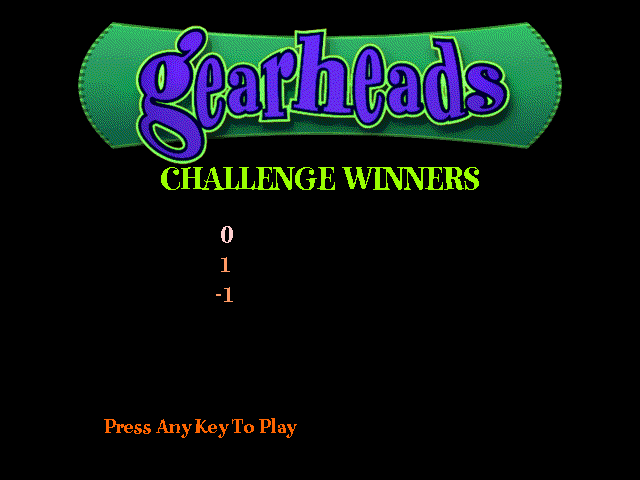
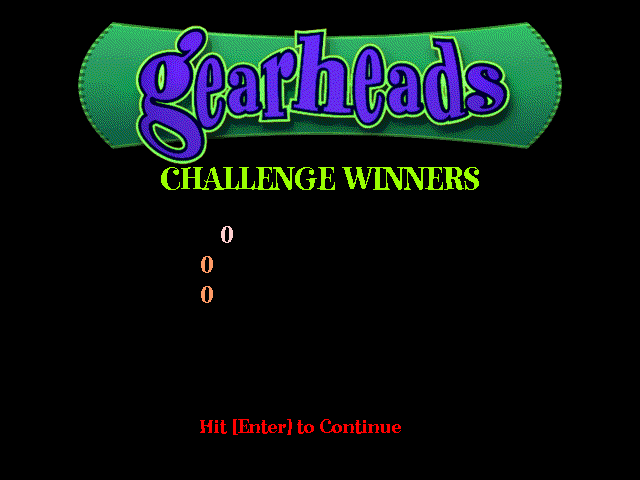

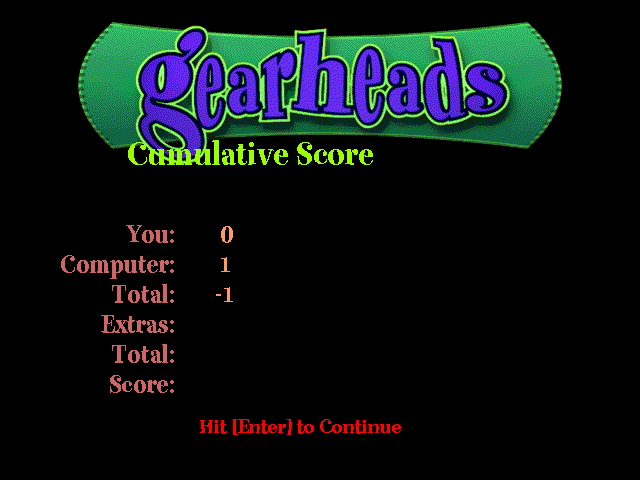
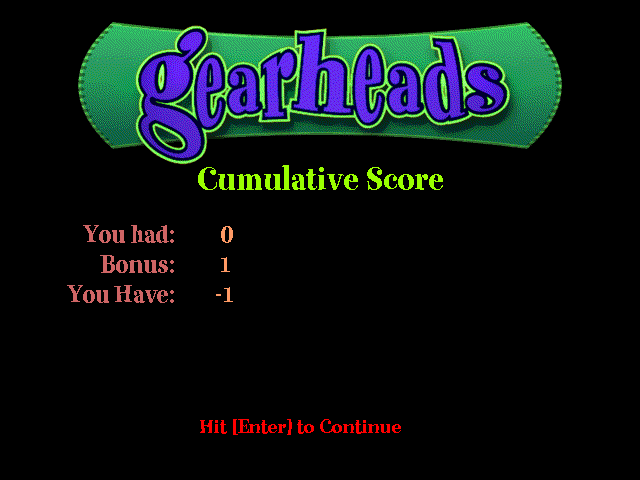
Old screens#
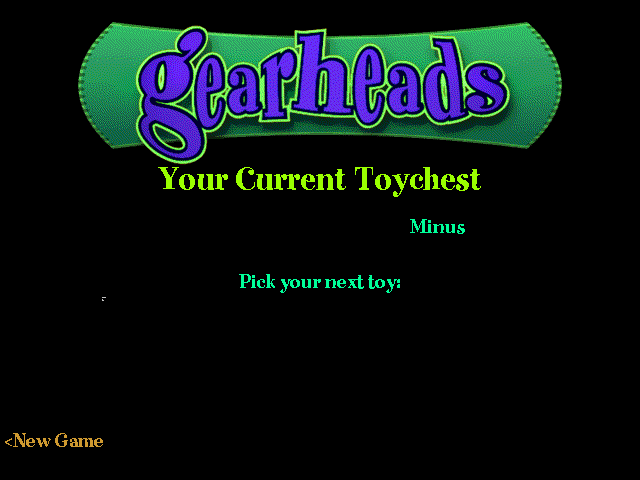
These are old screens from an earlier build, accessible by editing SCREENS.TXT to uncomment them, and then jumping to them. Toy image references are filenames. They do not appear here, as there are no external files for the toy images, but are instead resources in gear.exe.



Unused Content#
- The win, lose, and Small Fry launch sounds are unused by default.
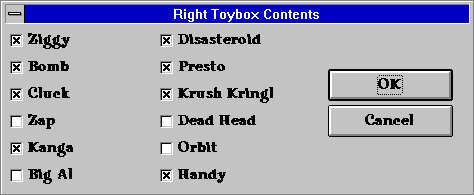
 There is a leftover window from the demo, a gear.exe resource named DEMOGRIPE, saying you cannot pick your own toys.
- The other toy contents windows are present, but the one without the "don't look!" text is used instead.
- Menus APPMENU (see below), FOCUSMENU, and DEMOMENU. FOCUSMENU has a Difficulty menu, comprising 'Normal' and 'Expert' options. DEMOMENU is the menu used in the demo version.
Unused Text#
Text |
Notes |
|---|---|
Do you want to stick with this box of toys? |
You are taken to the main menu after a match is completed. |
The file grin.dat is missing. Alas! |
There is no grin.dat file here. The demo is the only version known to have it. |
GearHeads Focus |
Apparently there's Gearheads, Gearheads Demo, Gearheads Review, Gearheads Focus, and Gearheads Sketch. The first three are editions of Gearheads; are the latter two as well? Presumably, the unused FOCUSMENU is used by Gearheads Focus, just as DEMOMENU is used by Gearheads Demo. |
GearHeads Sketch |
|
Right player don't look! Left player pick four toys, then press OK |
Part of the unused Toybox Contents screens. |
Left player don't look! Right player pick four toys, then press OK |
|
In the real game of Gearheads, you'll be able to design your own toybox. Here in the demo, we've picked three toys for you--the ones in the light blue boxes. |
Demo leftover (see above). |
Press 1 or 2 |
|
Too many sprites--increase MAXDIB |
Development text. |
not enough space for environment |
|
not enough space for arguments |
|
Too many sprites--increase MAXDIB |
Levels#
Level differences#
Prototype |
Final |
Notes |
|---|---|---|
 |
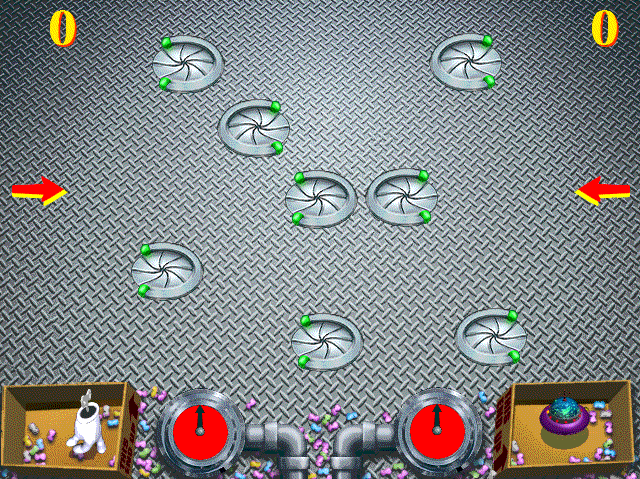 |
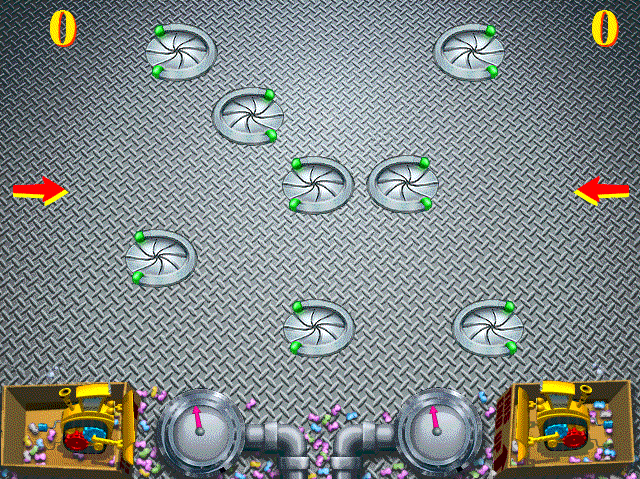
Same arrangement of teleporters, but in a slightly different position. |
 |
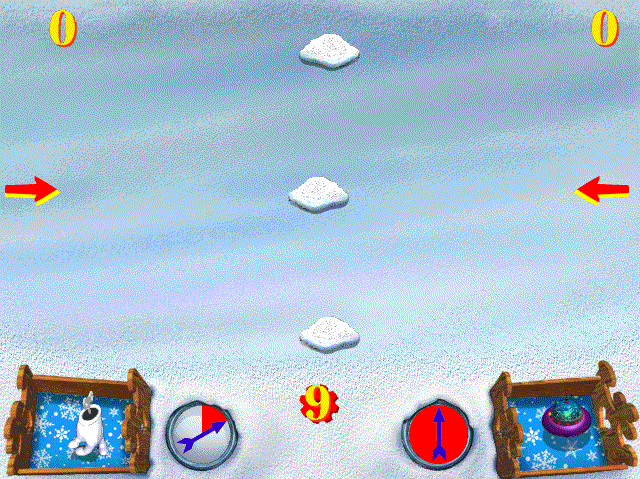 |
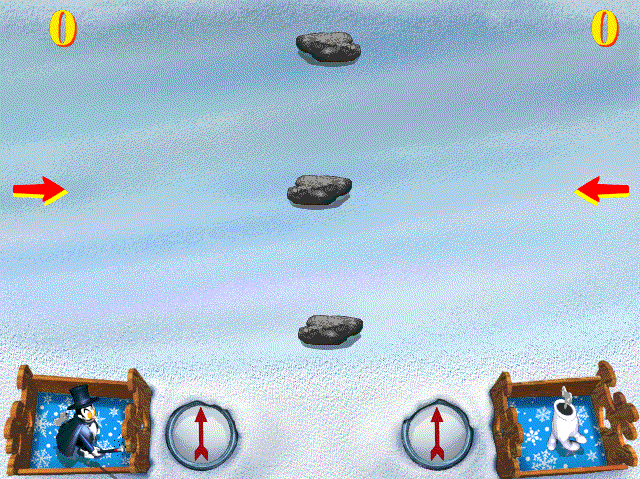
The obstacles are the same thing (blocks), but, in the final game, they look different depending on the level. |
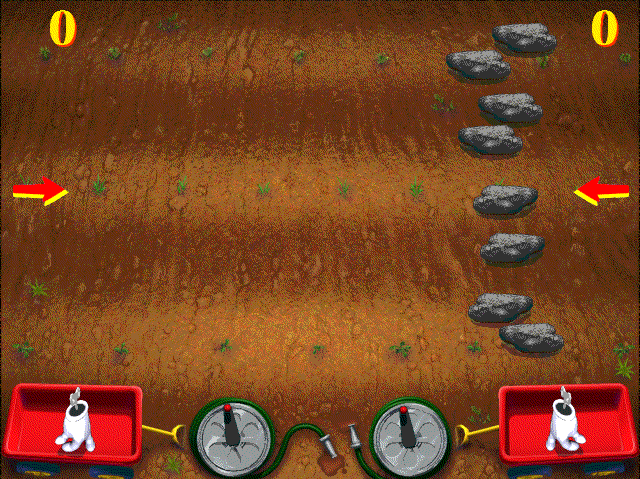 |
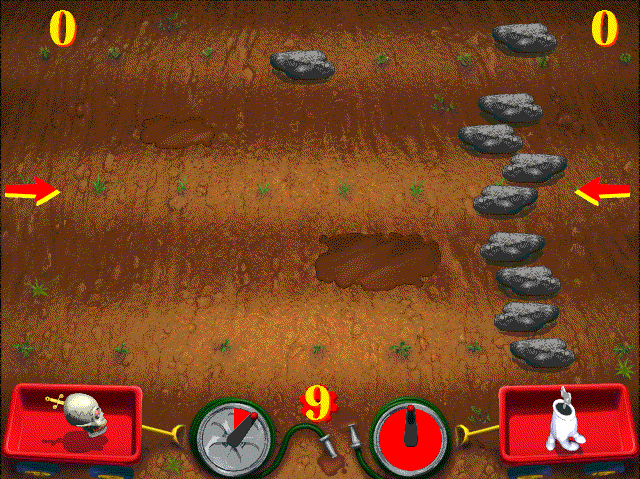 |
The bonus levels all have the Kitchen music and the Kitchen gauge (but no gauge holder).
Levels not in the final game#
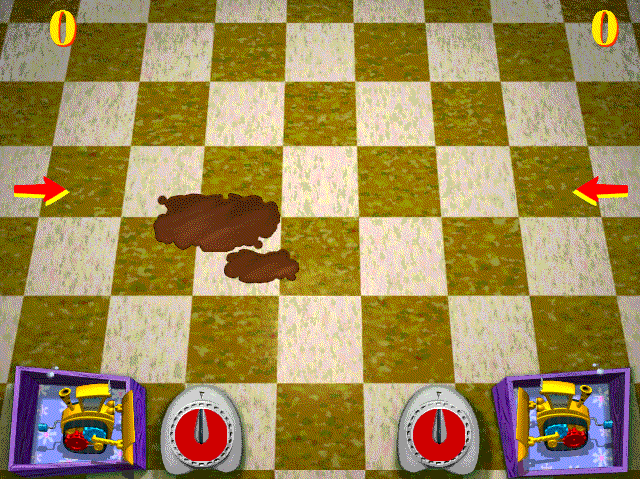
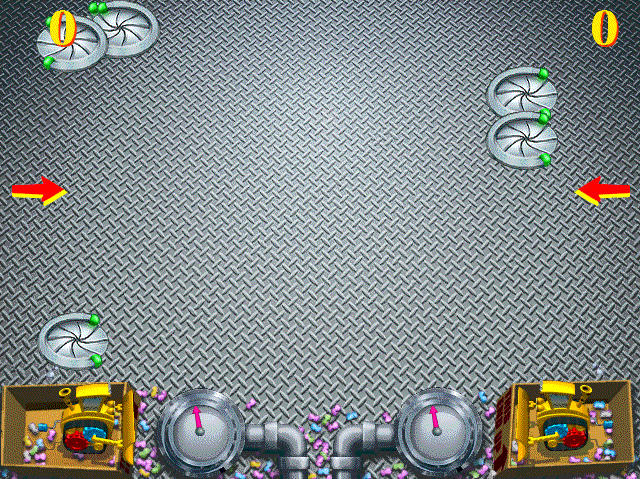
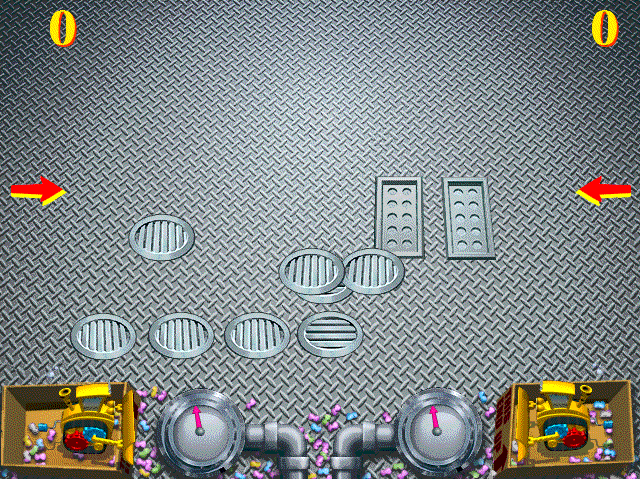
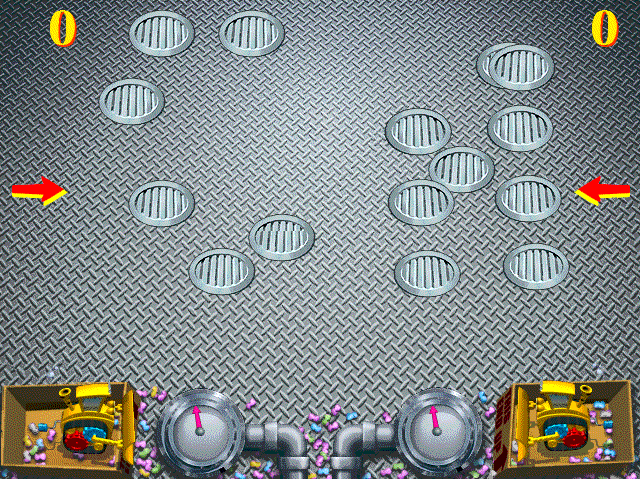
Debug Content#
App Menu#
Accessible by hex-editing gear.exe at 21AA3 to read "AppMenu", with a null character at the end.


Like the final game, the player is sometimes asked on quitting to save settings.
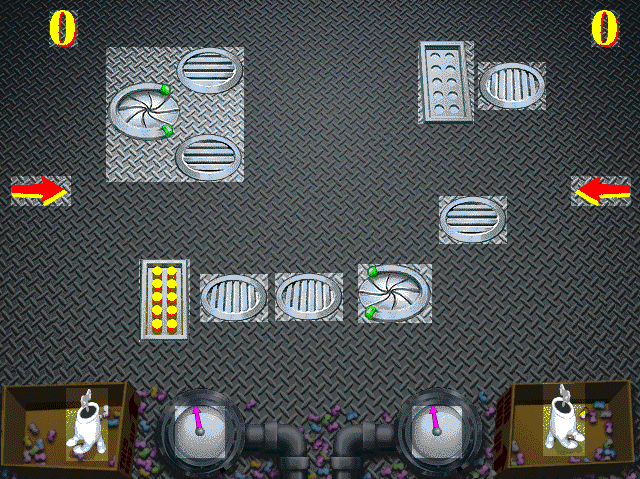
Grey's purpose appears to be seeing the location of objects. ReColor Playfield functions as it does in the final game, as does most of the rest. 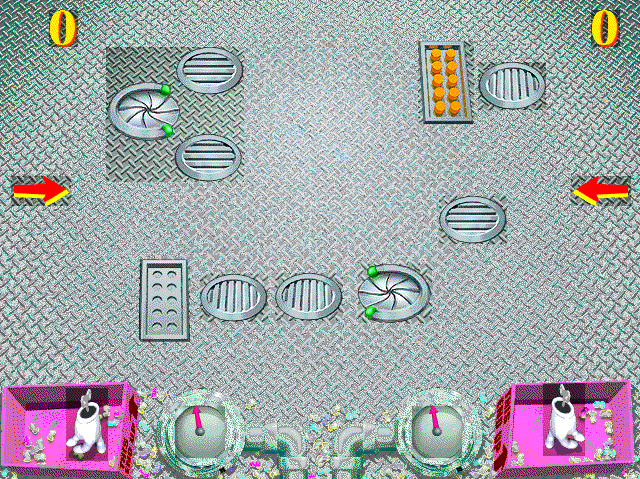
Winding on Arrow isn't properly functional; it results in a broken arrow that then resets.
|
Prototype |
Final (extended) |
|---|---|

|

|
|
Prototype |
Final |
|---|---|

|

|

And, the player is asked to confirm the overwriting of an old level. The final game simply overwrites without prompting.
The GearHead Control window has the Rocket and Small Fry the wrong way around. This is evidenced by the following lines in gearhead.ini
roket=500 80 0 10 0 0 5 10 80 90 0 0
small=9 40 2 20 25 0 0 70 60 130 13 8
These appear in the GearHead Control window as Small Fry's and Rocket's stats respectively:
|
Prototype |
Final |
|---|---|

|

|
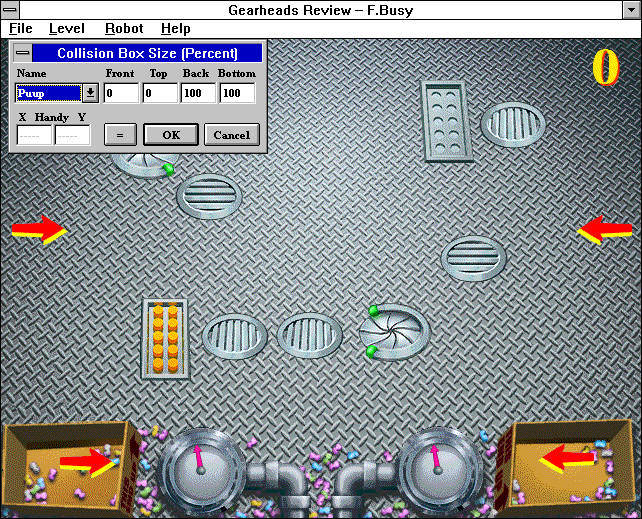
As in the demo, it seems that the Collision Box Size window does not load objects that are not part of the current match. However, unlike the demo, it seems that toys are always loaded. Non-existent objects yield an arrow.