
|
This page contains no introduction. |

|
To do:
|
Playable Rose and Lime#
|
|
To do: |
Setting the character value to 2 or 3 in the save file editor makes Rose and Lime playable, which in the final game are just shopkeepers
They both will have the same cutscenes and animations as Cerise, but have Viruse as their shopkeeper like Miss Noir.
Unused Animations#
|
|
To do: |
animation
Unfinished walking animation
animation2
Head turning left
animation3
Crouching
animation4
Miss Noir being sad
animation5
Looking right
animationexpress
Blinking, only to the right eye
aswitra_cerise_hi, aswitra_cerise_lookaround, aswitra_cerise_sit, aswitra_cerise_wave, aswitra_missnoir_charge and aswitra_missnoir_standup
A set of animations used in the Nintendo Switch Announcement Trailer
pose_ref
Pose reference
showsplash_cerise & showsplash_ecru
Poses used on the cutscene title card
win_ceriseold_B & win_ceriseold_E
Different win animations for Cerise when getting a B and E rank. these been reused to be Ecru's win animations (with slight alterations to fit Ecru's body).
win_ecru_UNK
Win animation being similar to Cerise's A rank animation.
win_missnoir_S_old
Has Miss Noir face backwards and then laughs towards the the camera. The laughing part gets used in the final version.
win_placeholder
Has Cerice celebrate by jumping into the air.
Unused Graphics#
|
|
To do: |
Debug Graphics#
spr_debug_hitbox


Hit Spheres.
spr_debug_number
Numbers from 0 to infinity
spr_test_anchor
spr_test_arrow
spr_test_ball_blue
spr_test_ball_player
spr_test_ball
spr_test_rotball_simple


For Testing Rotation.
spr_test_rotball
For Testing Rotation, but not simple.
spr_test_rottman_simple


Similar to spr_test_rotball_simple but with some guy.
Characters#
spr_cerise_hattex_test

Test texture for Cerise's beret, looking similar to the pastel texture.


Early foot sprites for Cerise and Ecru functioning similiarly to how hats work with having a top view (showing them being a flat sphere).
The one for Cerise could be seen in a video of a early version of the game.


Likely from when Ecru was originally conceptualized to be beige before changed to blue (in fact, ecru is just another word for beige).


Early Miss Noir assets with a different eye deign and different leg and snout colors.
Other Sprites#
spr_enemy_wobbler_placeholder


Placeholder for the Wobbler enemy.
spr_main_menu_background_3

Placeholder for the game logo in the main menu.
spr_menu_cutscene_preview_noirstory_10

Placeholder cutscene preview.
spr_placeholder_smash

Self explanatory
Textures#

Found in the texture used for Cerise's & Ecru's room can be found placeholder graphics
spr_cube_test_tex

Texture with number 1 and 2 drawn over them
spr_misccube_tex_1
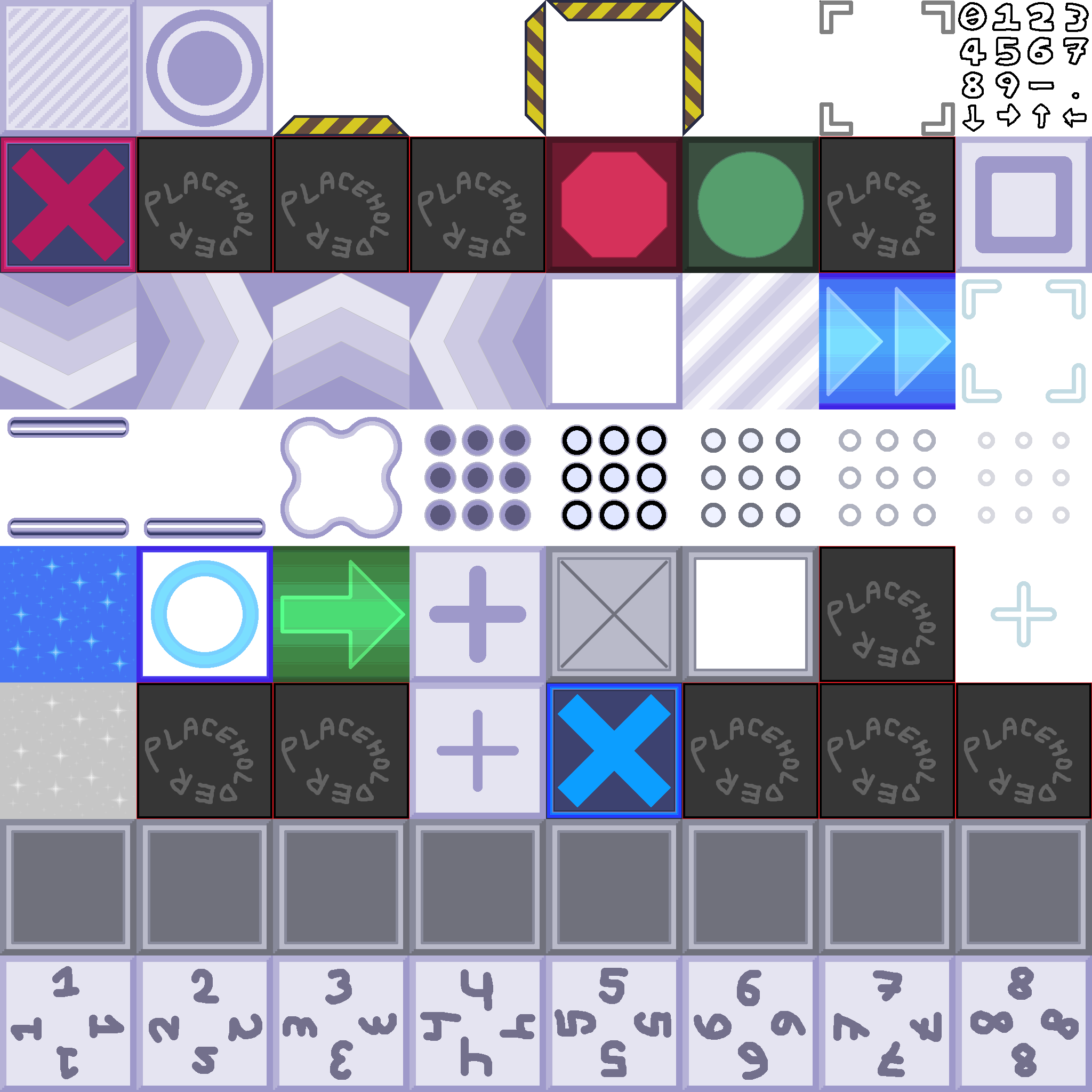
Early version of the final texture, having early desings and placeholder textures
spr_testcube_tex

Texture with silly faces
Blank Images#
There are a few sprites that are just blank for whatever reason.
spr_dreamseq_apple
spr_dreamseq_branch
spr_hud_equip_window
spr_hud_levelclear_status
spr_vividcore_chair
spr_vividcore_tv
spr_vividcore_tv_shine
Debug Objects/Rooms#
|
|
To do: |
obj_animviewer / rm_animviewer
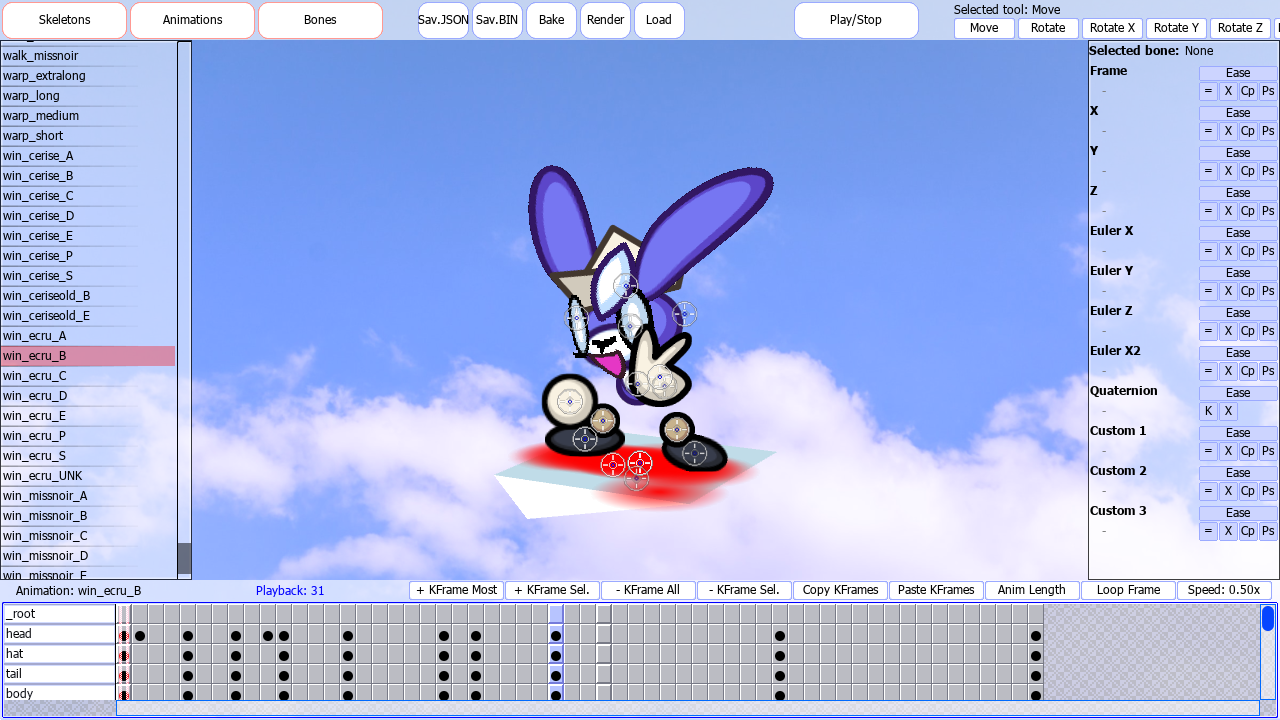
An advanced character and animation viewer, also for saving changes and render to png.
Note that you can't see the cursor, making it kinda hard to use.
Controlls:
- Left Click - Interact
- Middle Click - Move Camera
- Right Click - Show Panel
- Scroll - Zoom in/out / Scroll
- Z - Switch between bones and body view
- X - Ignore root
- B - Front view
- N - Side view
- M - Top view
- ↵ Return - Pause and unpause animation
- O, P, 9 or 0 - Play animation
- Space - Select all objects
- 1 through 6 - Select tool
- F1 - View center of object
- F3 - Makes the background white
- F4 - Center camera
- F10 - Hide timeline
- PgUp - View camera direction and coordinates
- Ctrl and Left Click - Select multiple frames
- ⇧ Shift and Left Click - Square select frames
obj_debug_audi_editor / rm_audieditor

Lets you playback sound and save changes.
- Play - Plays selected sound.
- Play with debug - displays a popup window listing Master volume, Sound volume and Gain.
- Category - Type of Sound. (Sound, Voice, Menu, Ambience and PowerSound).
- Prioriry - Sound Priotity, commonly 64.
- Loop - Loops sound
- Pitch - Pitch of the sound
- Pitch Random - Range of random pitch on playback.
- 3D - Takes in 3D space?
- 3D Size - Size of it in 3D space?
- Stop - Stops sound playback
- Save - Saves changes
- Load - Load
obj_debug_controller_test

Tests XInput Joysticks.
obj_fontgen

Displays a popup reading "ok".
obj_debug_color_tester

Displays a popup reading "enter to refresh" before crashing.
obj_debug_gpudepthsetter
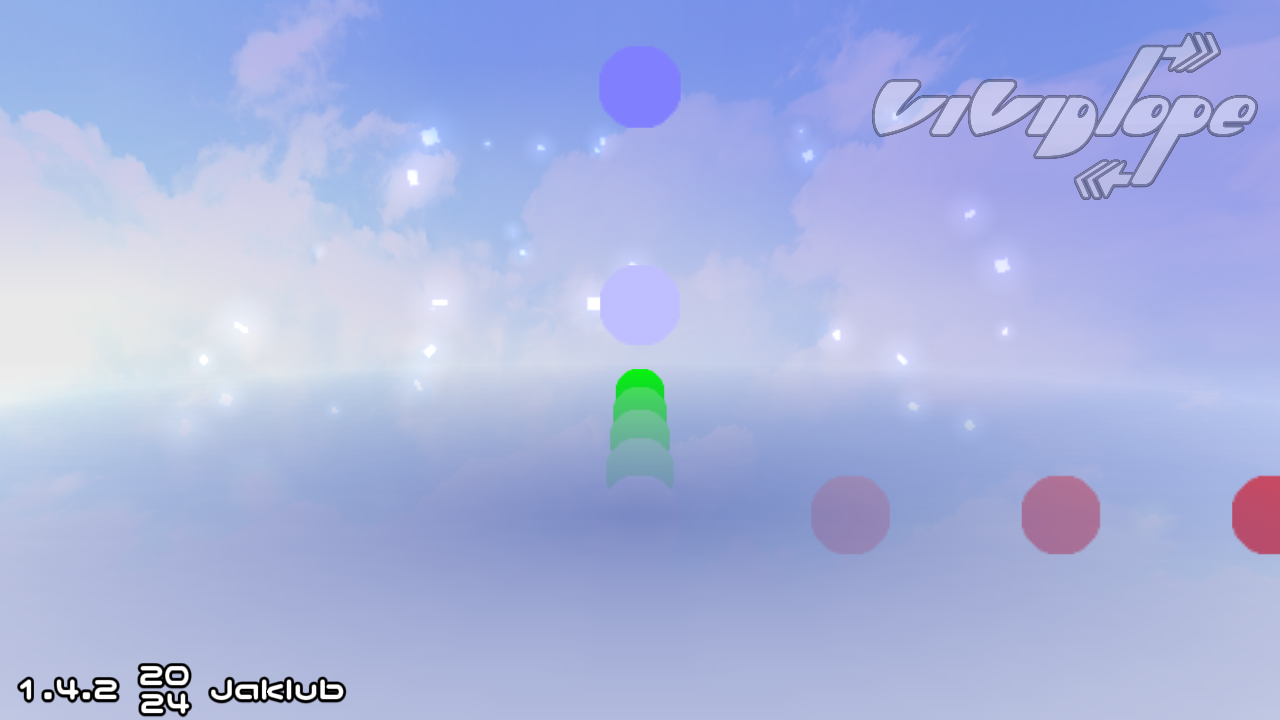
Places color coded dots for the X, Y, and Z axis,
obj_debug_rapidfire_stage_change_test
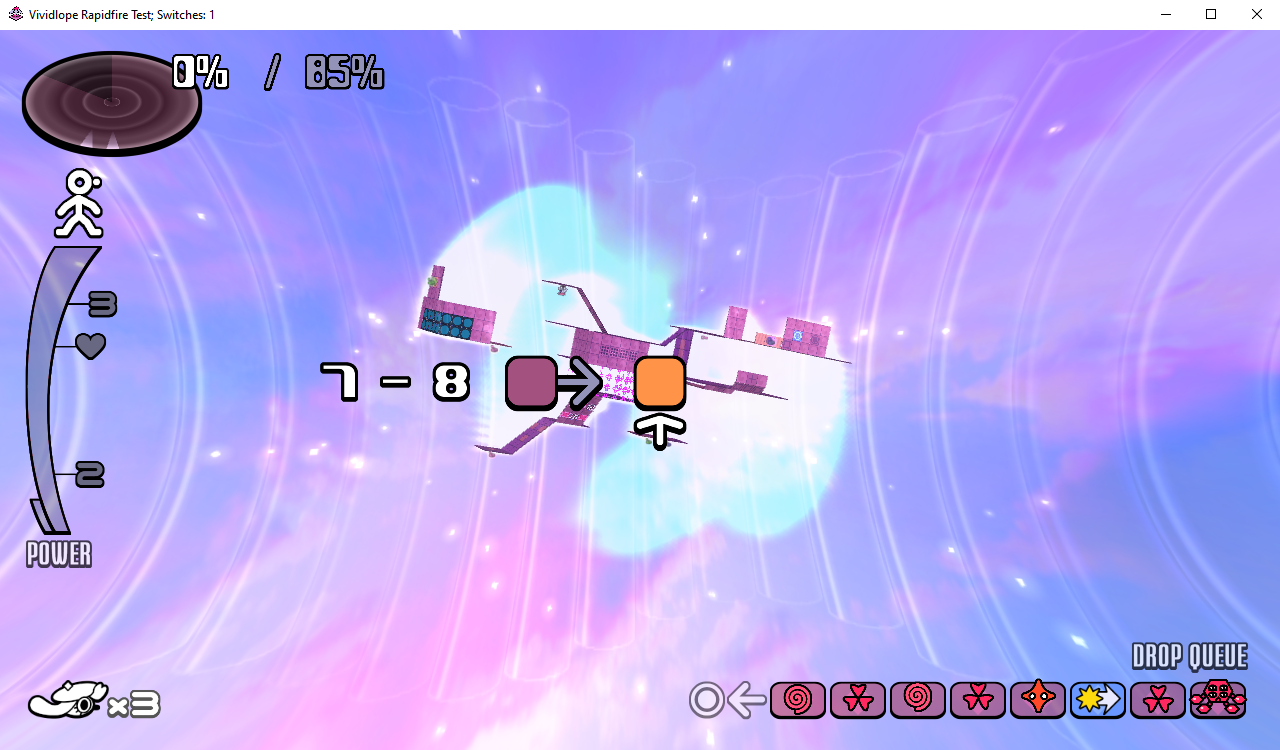
It will repeatly display a random level.
The window name will change to Vividlope Rapidfire Test; Switches:, followed by the number of switches.
obj_debug_rapidfire_screen_change_test_switch
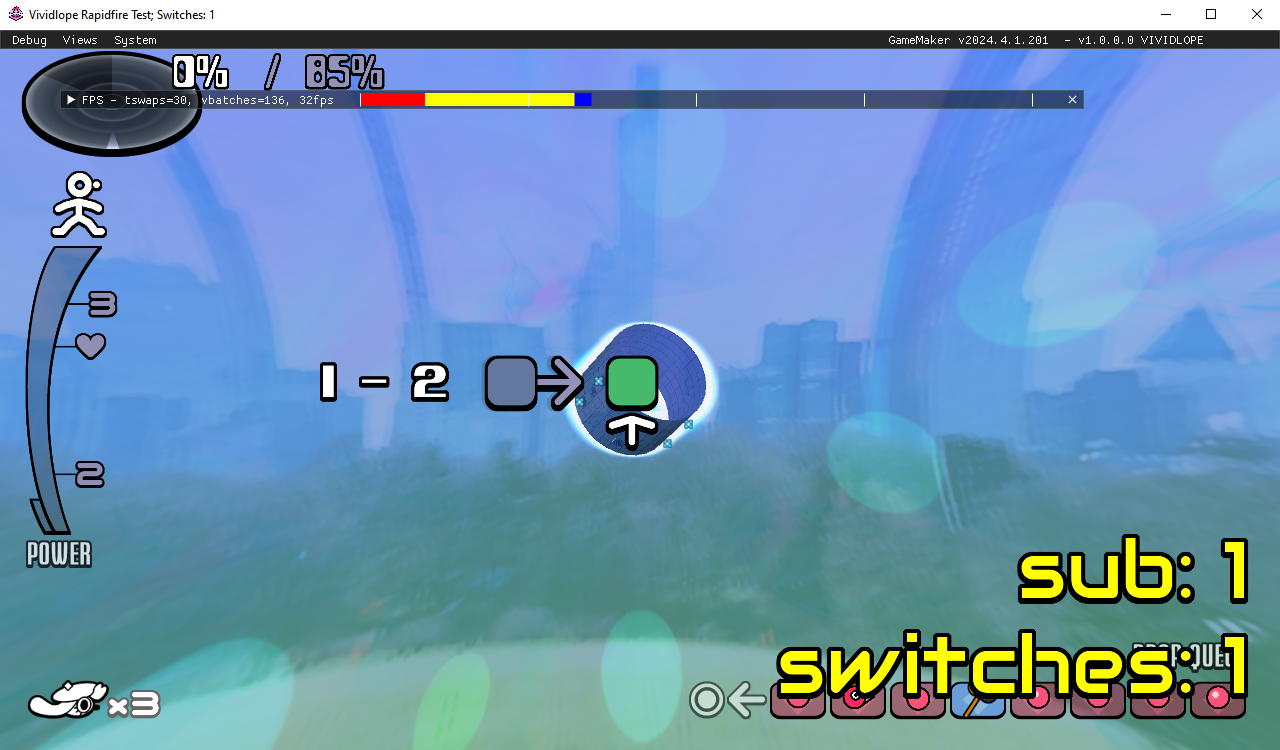
Similar to the previous one but with on-screen text doing the same, changing color to yellow when loading. It also has the GameMaker debugger on.
obj_debug_room / rm_debug
Unknown. Displays text "f5 to change character".
obj_debug_savedata_editor / rm_savedataeditor

For viewing and editing save data.
obj_debug_speechtest / rm_speechtest

Lets you view every string in the game.
Controls:
- Up and Down Arrow Keys - Change text number by 1
- Left and Right Keys - Change text number by 10
- Q - Play text
- Left Click - Spawns either a small or big speech balloon
obj_debug_stage_preview_tester / rm_previewtest
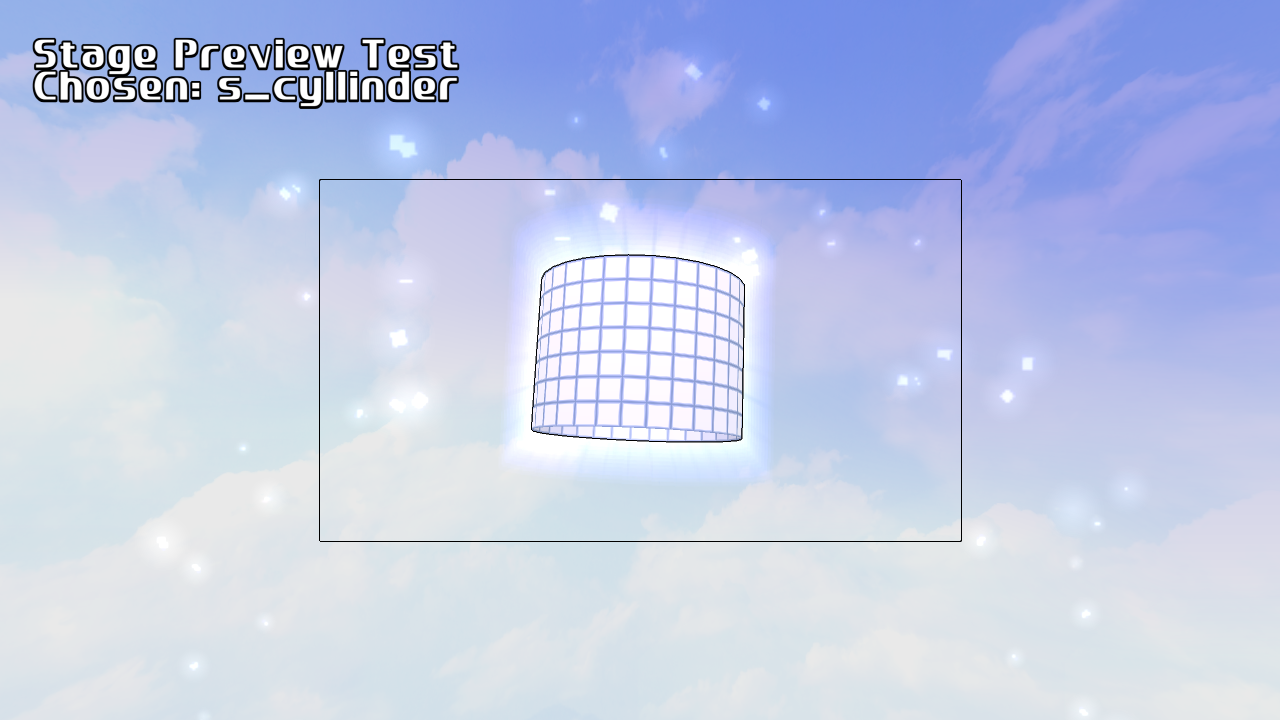
Test for the stage previews.
Pressing ↵ Return will ask you to enter a stage filename.
obj_debug_vividext_function_test / rm_vividext_func_test

Test for the VividExt.
The arrow keys move the text up and down
obj_theroom_viewer / rm_theroomtest
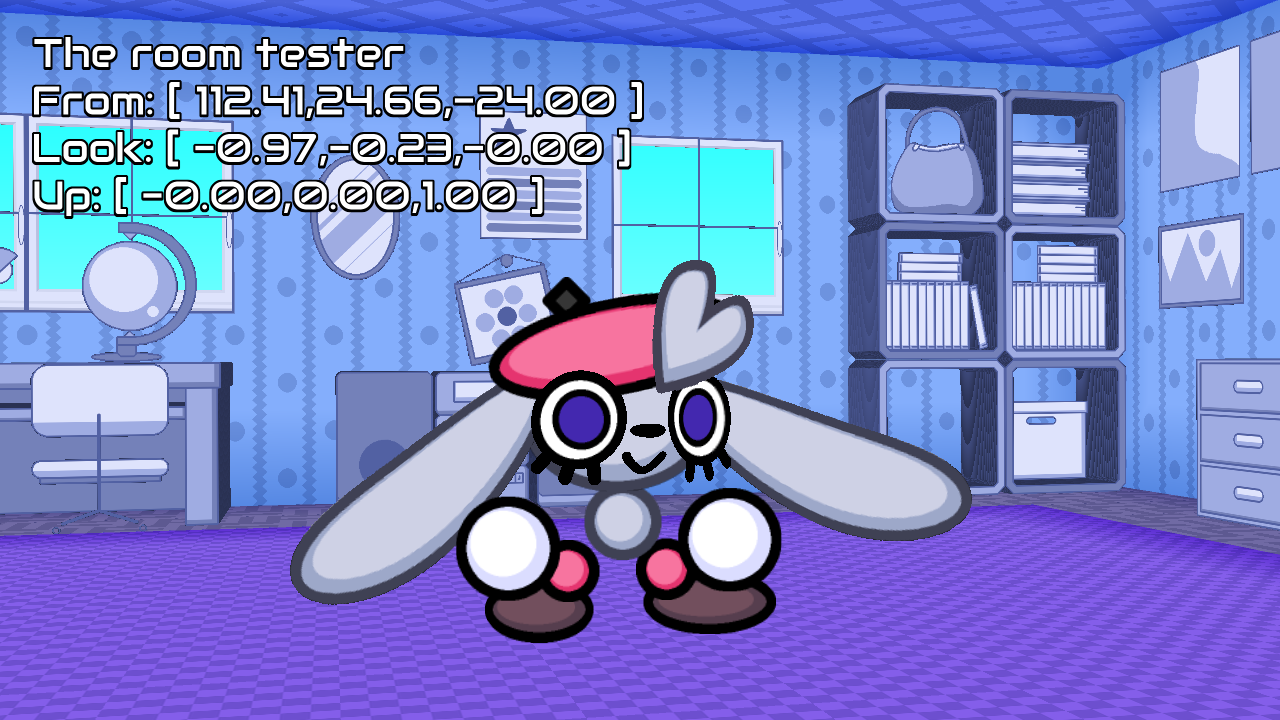
Lets you fly around in Cerise's & Ecru's room with Cerise proudly in the middle of the room.
Controls:
- W, S, A or D - Move around
- Q or E - Move up and down
- Arrow Keys - Look around
- F - Reset vertical and camera
Unused Objects/Rooms#
|
|
To do: |
obj_level_dream_controller_old
A different cutscene intro, having Cerise dreaming with then having the camera move up, transitioning to a cutscene.
obj_new_lunar_year_controller / rm_new_lunar_year
Has Cerise laying down while Ecru bounces off exploding fireworks spelling out '2023' in the background.
obj_strailer_cerise_controller
Scene used at the end of the Nintendo Switch Trailer
Pressing the back button will throw you to the main menu.
obj_trailertext_controller / rm_trailertext
Text seen in the trailer.
Keys 1 through 6 will change to one of the below texts:
PUZZLE
X
ACTIONEXPLOREEVADECOLLECTIN ALL
DIMENSIONSFIND
YOUR
FRIENDobj_trailer_titlecard_controller / rm_trailertitle
Logo seen at the end of the trailer.
Unused Sounds#
vc_ecru_testtrack_1down
vc_ecru_testtrack_1up
vc_ecru_testtrack_2down
vc_ecru_testtrack_nopitch
Ecru speaking in different pitches.
Unused Text#
VIVIDLOPE WIPDisplay Name.
Test messege! Test messege! Test messege! Test messege! Test messege! Test messege! Test messege!Wow! Wow! Wow! Wow! Wow! Wow! Wow! Wow! Wow! Wow! Wow! Wow! Wow! Wow! Wow! Wow! Wow!Test message! Test message! Test message! Test message! Test message! Test message! Test message! Wow!lang#
English |
Japanese |
|---|---|
|
|
|
|
Strings for if Rose and Lime were playable characters.
// -----------------------------------------
// -----------------------------------------
// -----------------------------------------
// -------- switch ver. additions are marked with // switch addition - ctrl+f to update
// -----------------------------------------
// -----------------------------------------
// -----------------------------------------
// -----------------------------------------
// -----------------------------------------
// -----------------------------------------
// switch addition
// -----------------------------------------
// -----------------------------------------
// -----------------------------------------Notes about the Switch version texts
// ns - shop name
// na - dressup selection name
// de - description both in shop and dressup selection
String name prefixes.
// "END" as in "THE END" - 完 would probably workTranslation note
// "END" as in "THE END" - 完 would probably work – I think ~終~ is better! -SamMeanwhile in the Japanese translation it can be found with a reply by one of the translators.