This is a sub-page of TrackMania Sunrise (Windows).
This game has blocks that are hidden from the normal editor.
Some blocks are hidden, because they are used internally, like clips, frontiers, pylons and pillars.
However there exist other blocks that are completely unused/unseen, but they are still loaded in game mainly for backwards compatibility with older tracks that still potentially used them.
Terminology#
Please check the Terminology first, in order to fully understand the context of some of these blocks.
Island#
IslandHighWayStraight & IslandHighWayCorner#
These blocks are regular road blocks, but as separate "Classic" blocks instead.
Both of these were hidden from the editor when the "Road" variant was made, making them obsolete.
It's worth noting, that the icons show the block using a completely different road texture.
Icons:


Screenshot:
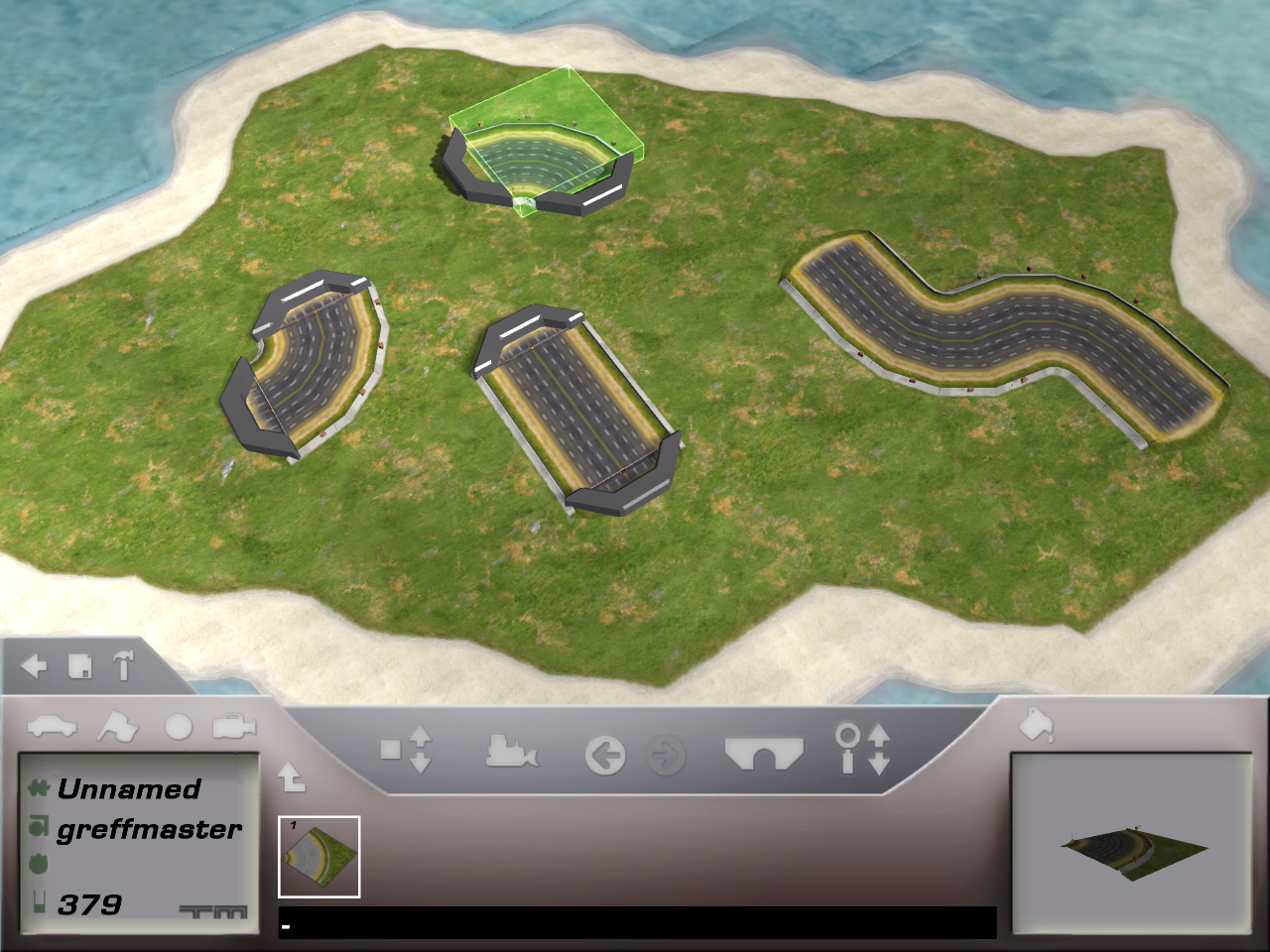
*Hidden "Classic" blocks on the left, modern "Road" blocks on the right.
IslandDecorRock2#
In-game, there is only one "DecorRock" block available. However, a second one can be found.
This block is 2 units long and 1 unit wide (128m x 64m), while the original is 1 unit long and wide (64m x 64m).
Icon:

Screenshot:
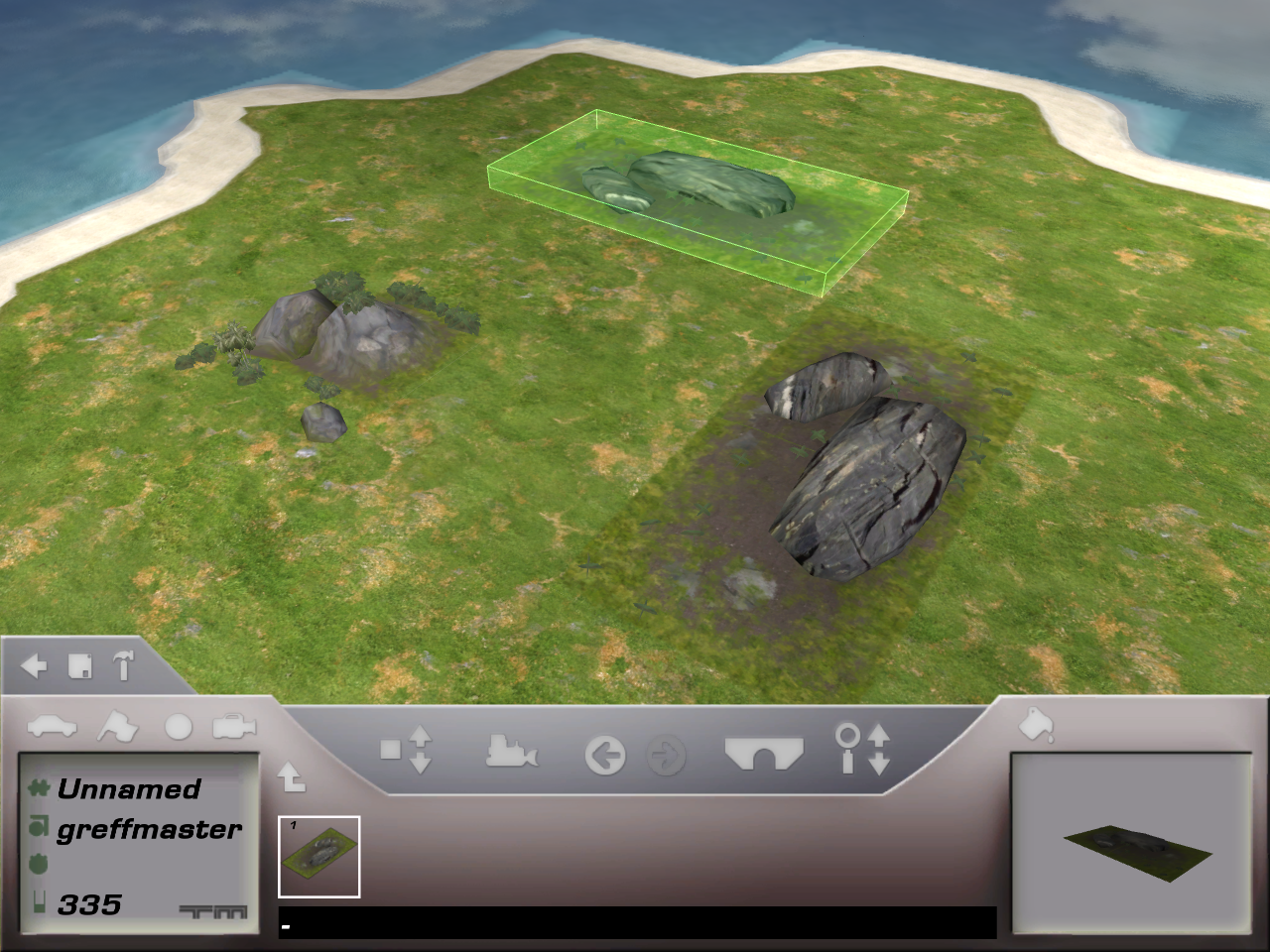
*The block on the left is used in the game, the block on the right isn't.
IslandDecorAdvertising#
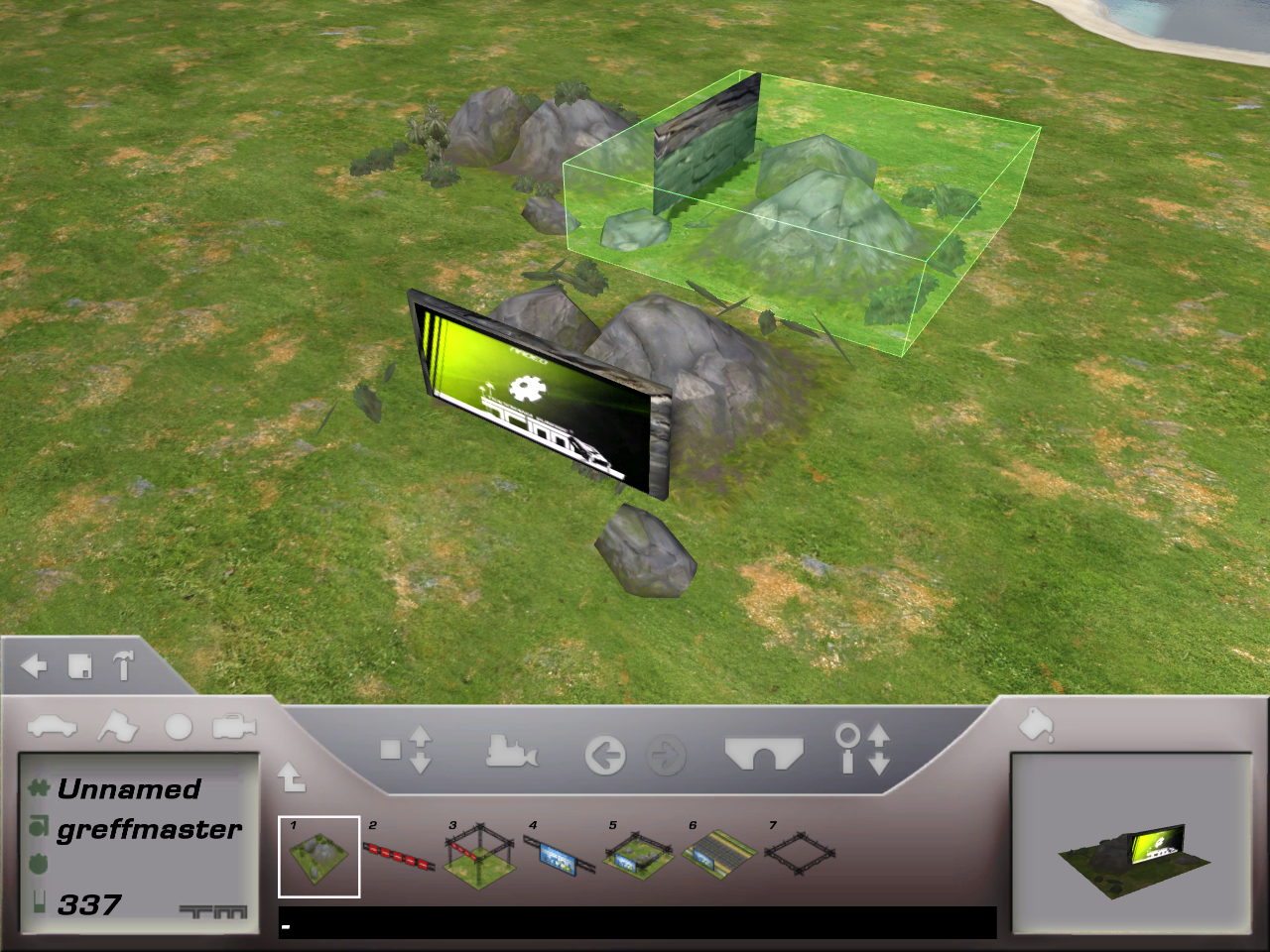
This block is similar to "DecorRock1", but with the addition of a skinnable sign.
The icon however, doesn't show the sign model and has a strange size of 56x44 pixels instead of the usual 64x64 pixels.
Icon:

Screenshot:
IslandHills#
This is an unused frontier for the Island environment.
It's a lower variant of the normally used "IslandHills6" frontier, being 2 units high, instead of 6.
It cannot be used in the editor without heavily modifying the game files.
It can be seen on some early pre-release media.
Screenshot:
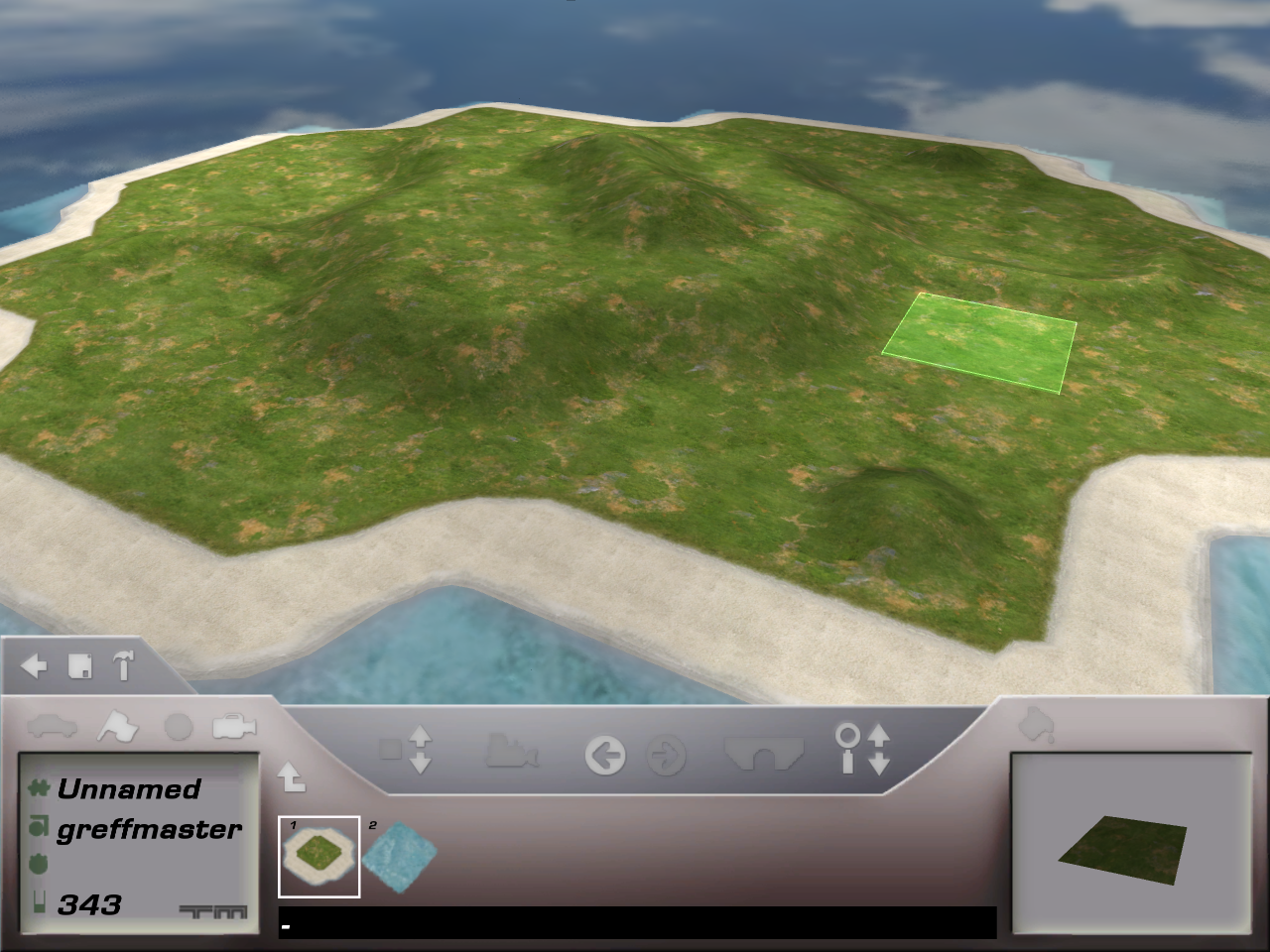
*Screenshot shows modified terrain block to use "IslandHills" frontier instead.
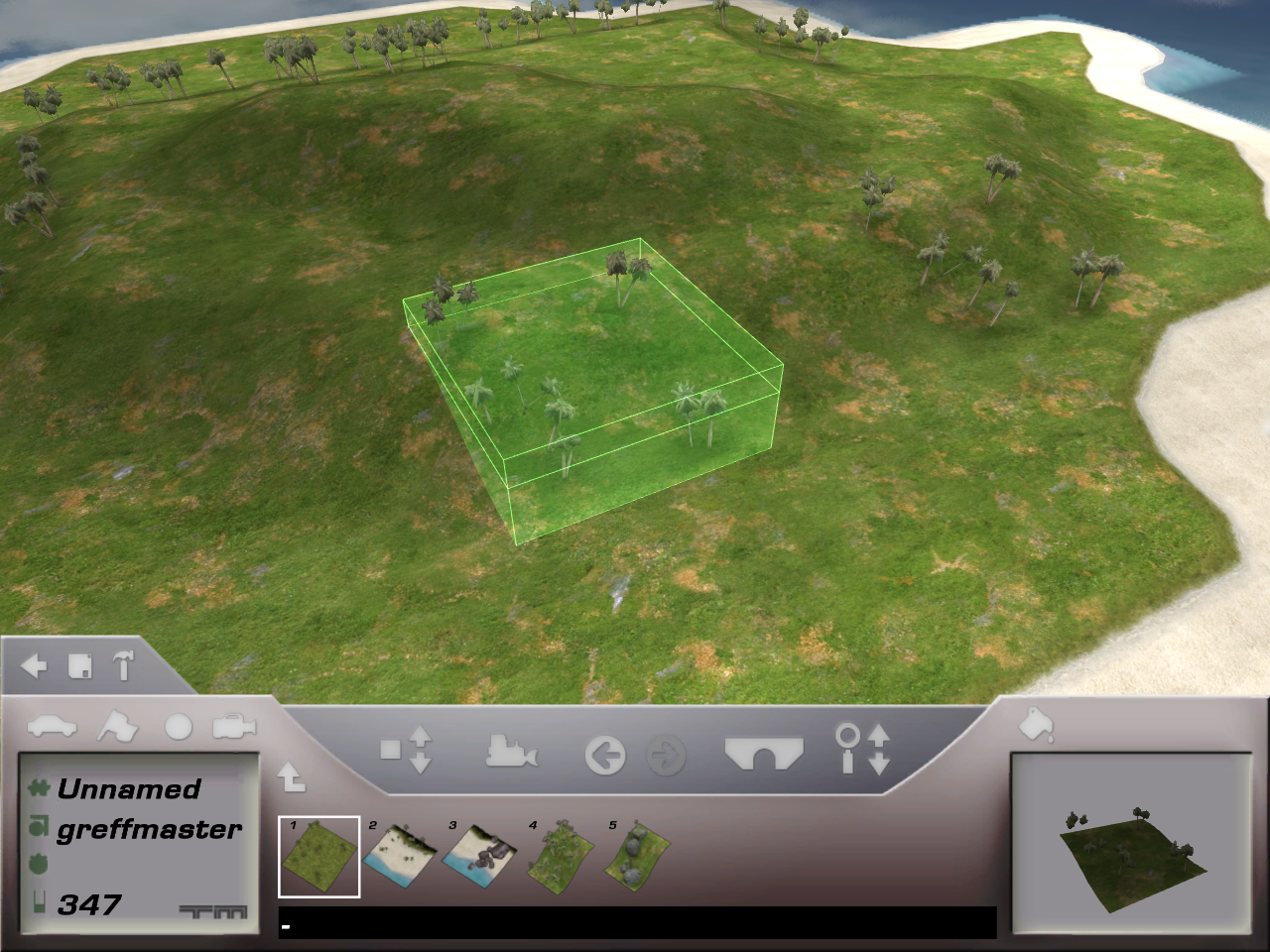
IslandHillsDecoTree#
This is a "IslandHills" variant of the normally used "IslandHills6DecoTree" block.
This block can only be placed on previously mentioned "IslandHills" frontier.
Icon:

Screenshot:
IslandTunnelEntry#
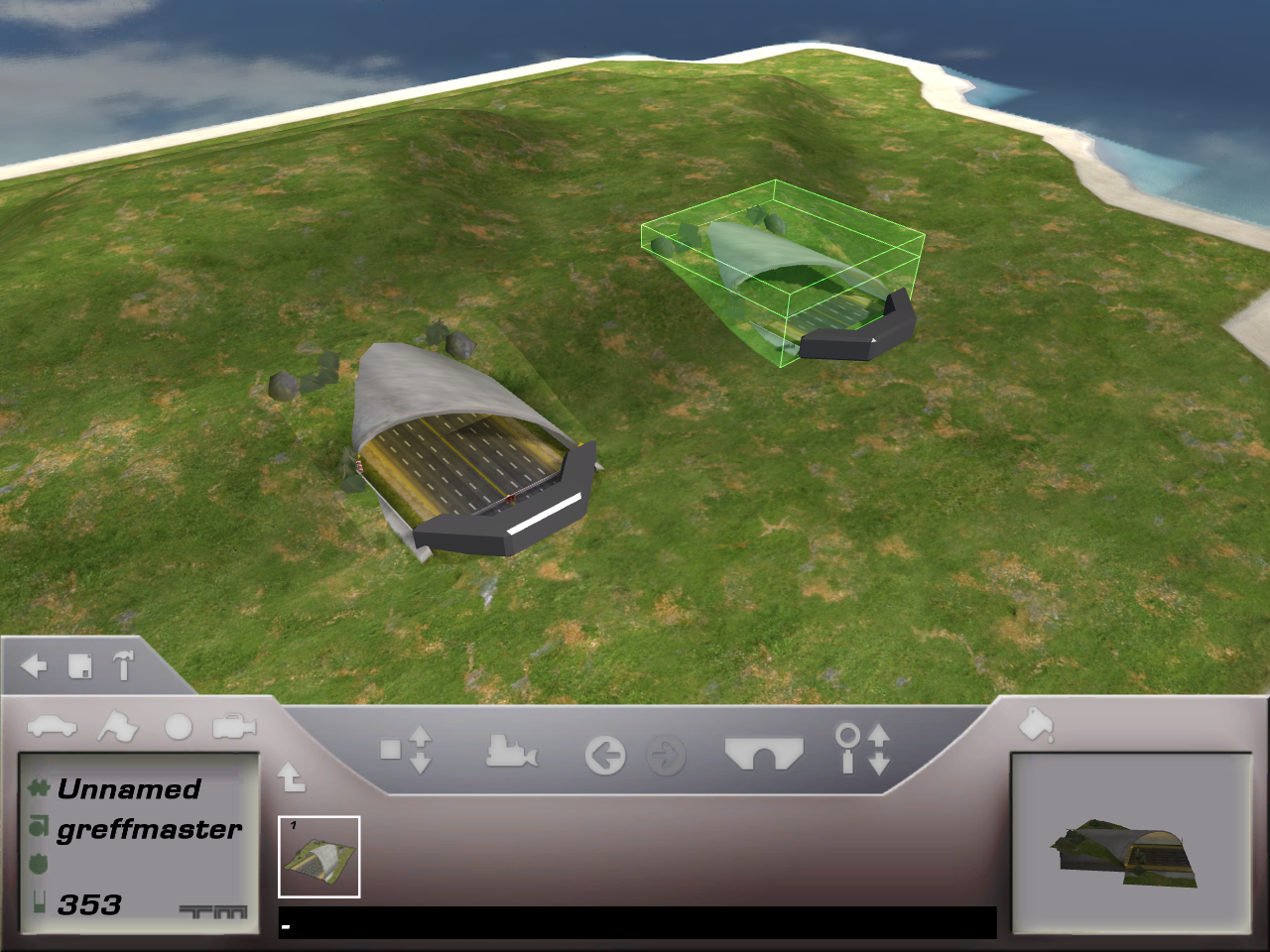
This is a "IslandHills" variant of the normally used "IslandTunnelEntry1" block.
This block can only be placed on previously mentioned "IslandHills" frontier.
Icon:

Screenshot:
IslandSignsSupport#
This block is very similar to "IslandSigns", but with addition of pylons generating under the block.
This is the only block that uses pylons, but because the default "Zone" for the environment is "Sea" (which doesn't support pylons), the game crashes when trying to generate them, even when placed over "Grass".
Icon:

Screenshot:
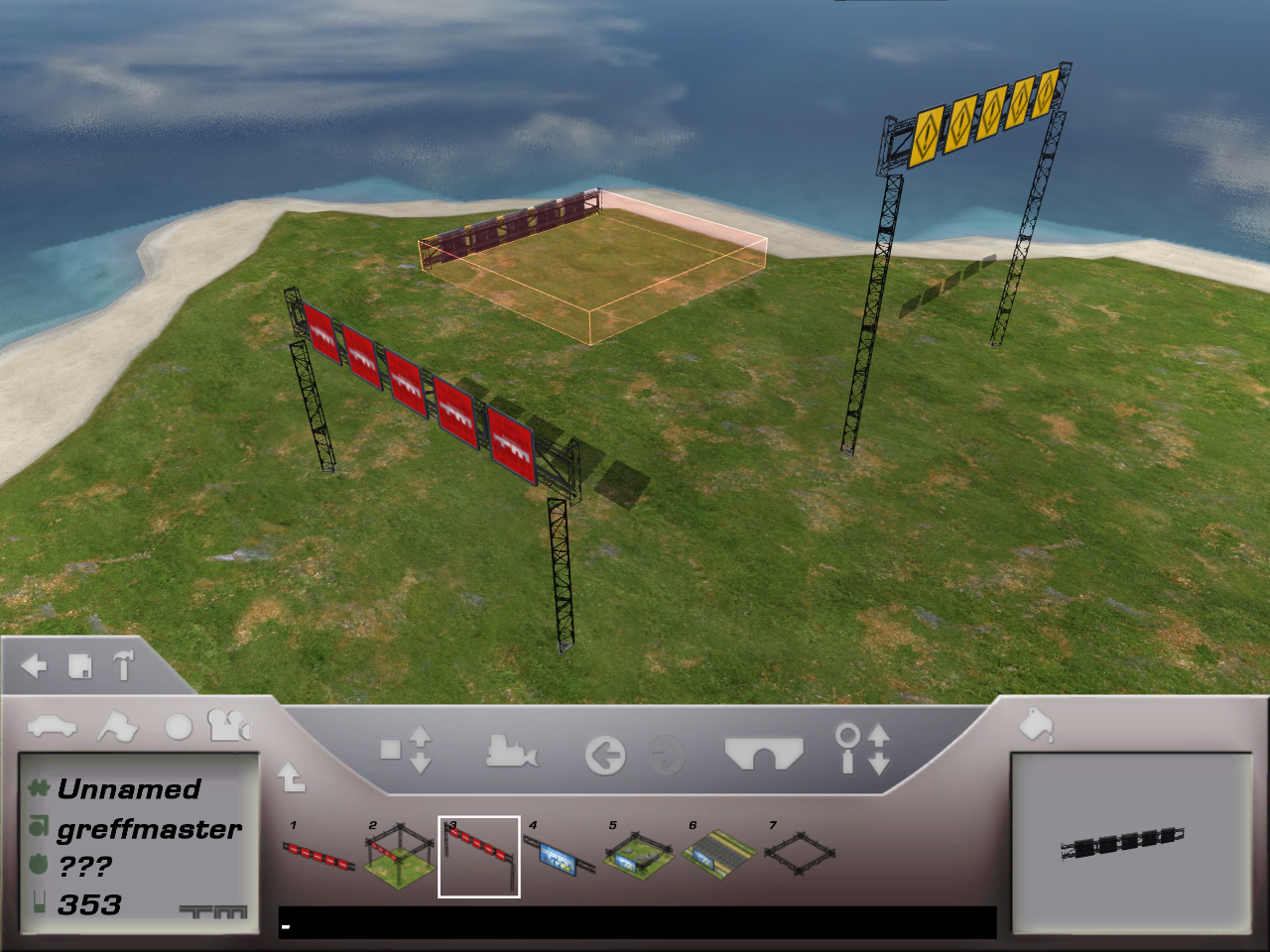
*The game has been modified to support pylons.
Coast#
CoastHarbor & CoastQuay#
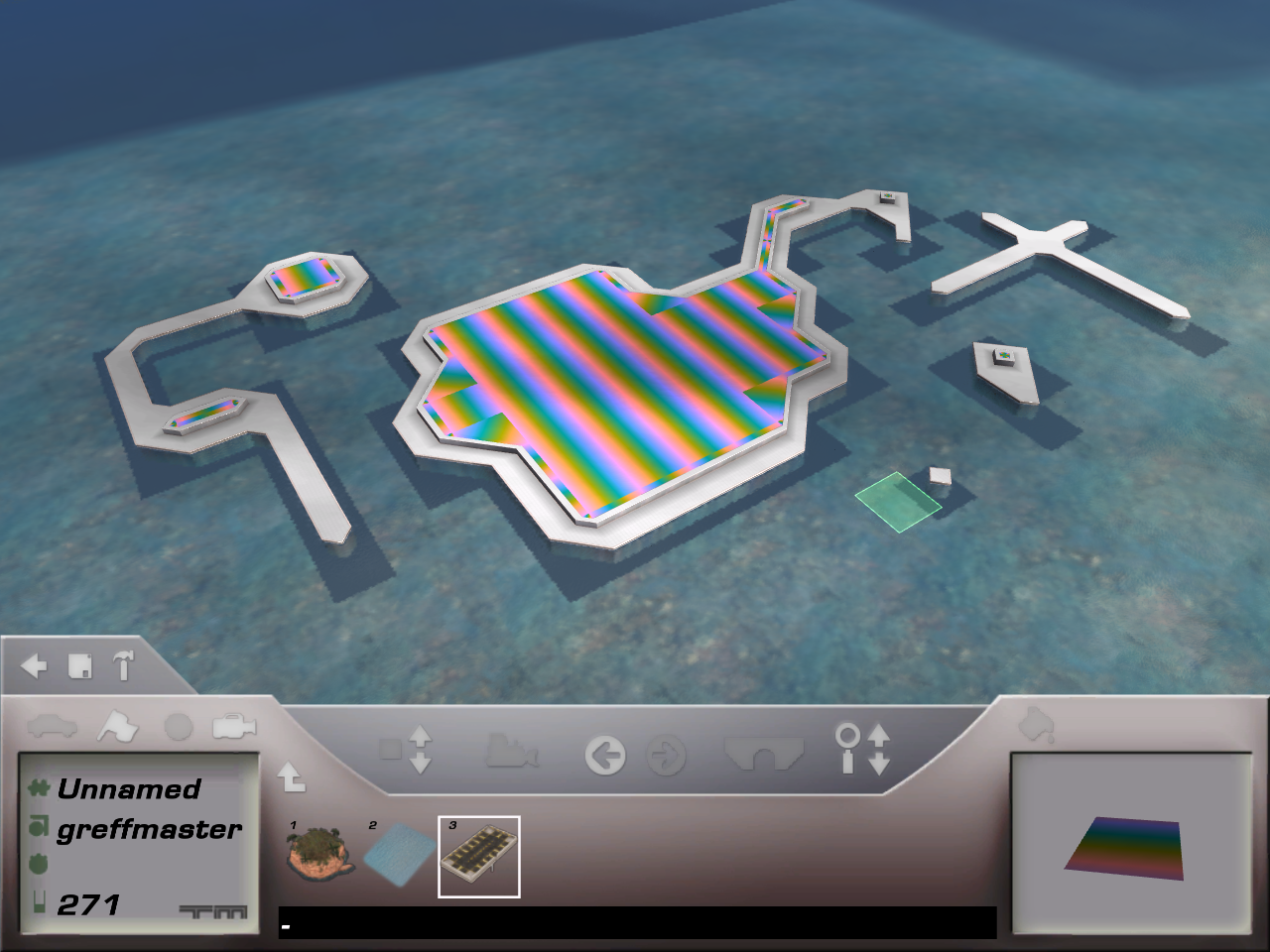
"CoastHarbor" is an unfinished terrain hidden in the track editor, it's icon shows the block "SpeedGarageRoad" from the "Desert" environment, which isn't included in this game.
"CoastQuay" is the frontier used around it (the terrain borders). All of it's variants are fully usable.
This terrain can be seen on some early pre-release photos.
In the final game however, it has a completely different look when placed.
Icon:

Screenshot:
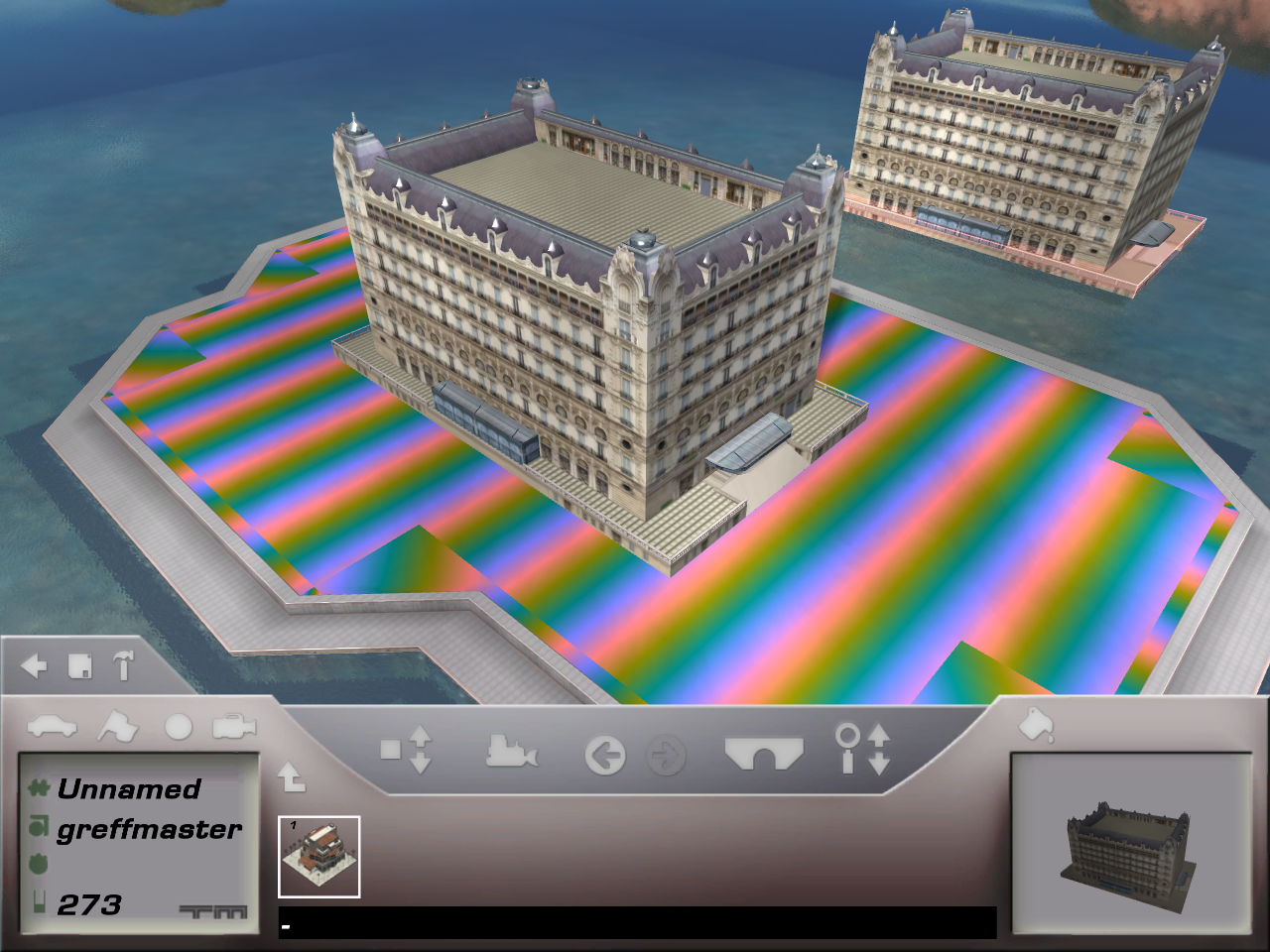
CoastHotel#
This is the only block that can be placed on the "CoastHarbor" terrain.
With the release of the eXtreme update, this block was effectively removed, but still exists in the original game.
The icon shows a different model entirely, which is similar to "IslandHotel".
Icon:

Screenshot:
CoastTunnelEntryAir#
In the "Coast" environment, only one block is available in the editor that connects road to tunnel.
However, there's a hidden second block that is also supposed to do this, but due to how the block is designed, you can't place it anywhere.
Icon:

Screenshot:
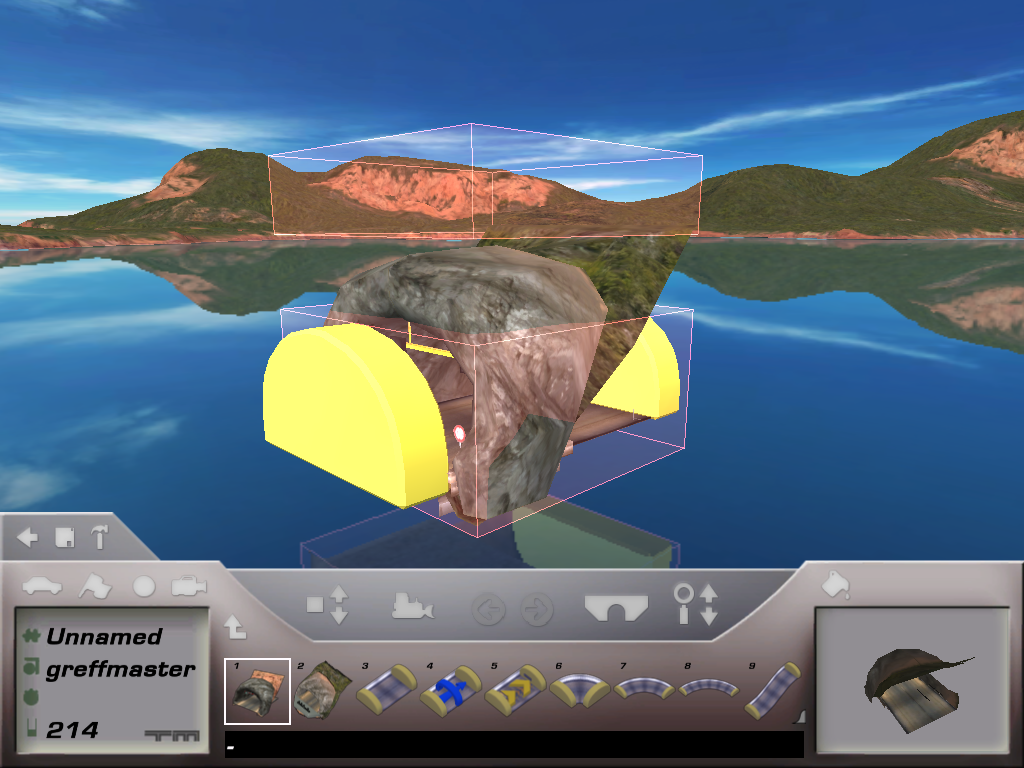
*The icon for this block shows early textures from the environment.
CoastRenderCube#
This block has been added with the eXtreme update.
It's a small floating cube above water with no collision which reflects everything around it.
It's icon displays the default CoastCar image with the garage in the background.
Unhiding this block from the editor and selecting it causes an instant game crash, but can be placed with external tools with no issues.
Icon:

Screenshot:

CoastRoadOpen#
This block behaves like the normal "CoastRoad" block, with the difference that the walls are removed entirely.
The models for this block are unfinished and have visible gaps in them.
Icon:

Screenshot:
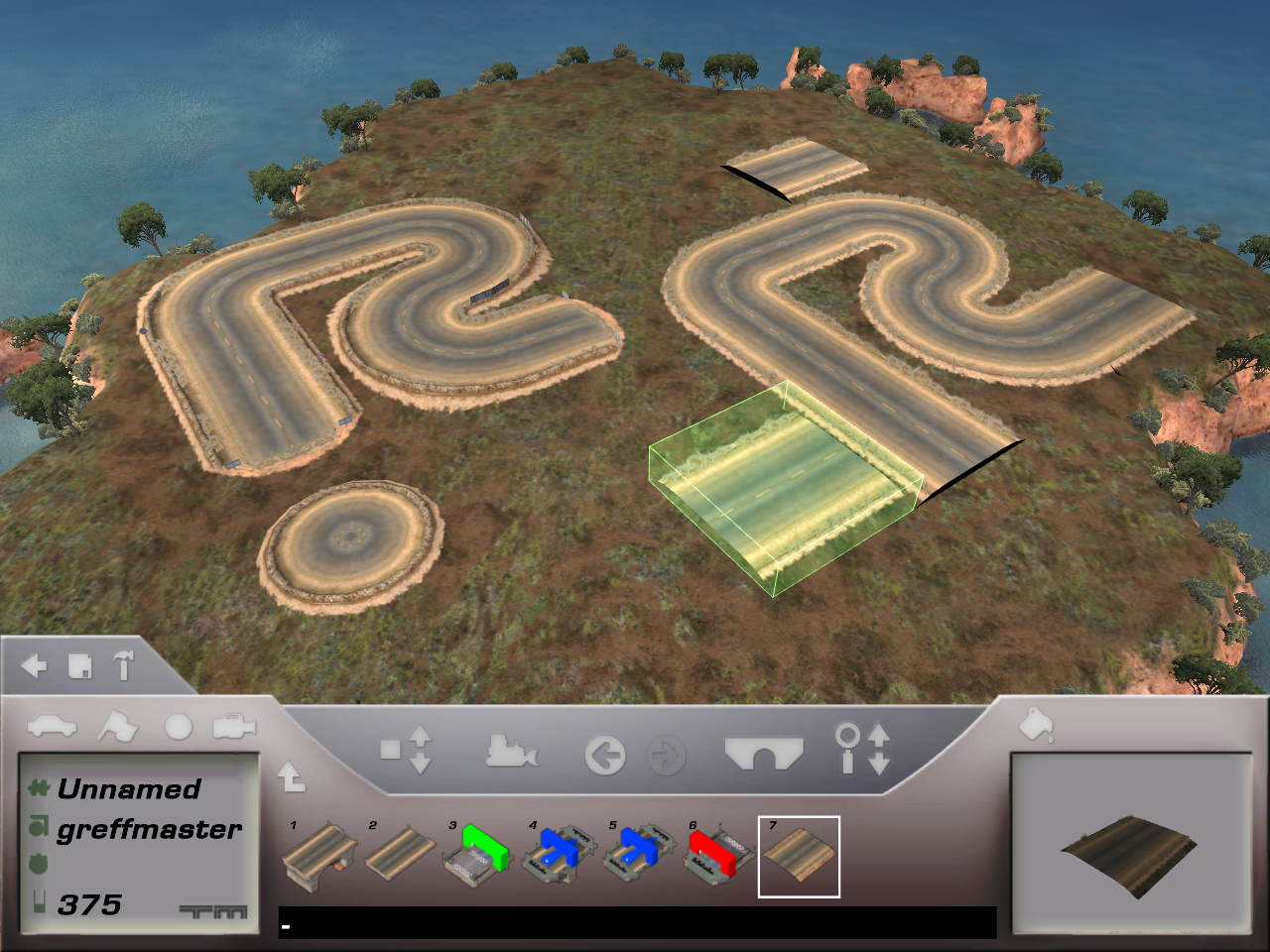
Finished "CoastRoad" blocks on the left, hidden "CoastRoadOpen" blocks on the right.
CoastFreeSignsWaterL#
This is an unused variant of the "CoastFreeSignsWater" blocks.
Unlike "CoastFreeSignsWaterT", this block is 2 units wide. The block has a pillar generating underneath one side of the block.
However, the pillar placement is incorrect based on the block rotation, so that's probably why this block was hidden.
This pillar bug wouldn't be fixed until TrackMania 2.
Icon:

Screenshot:
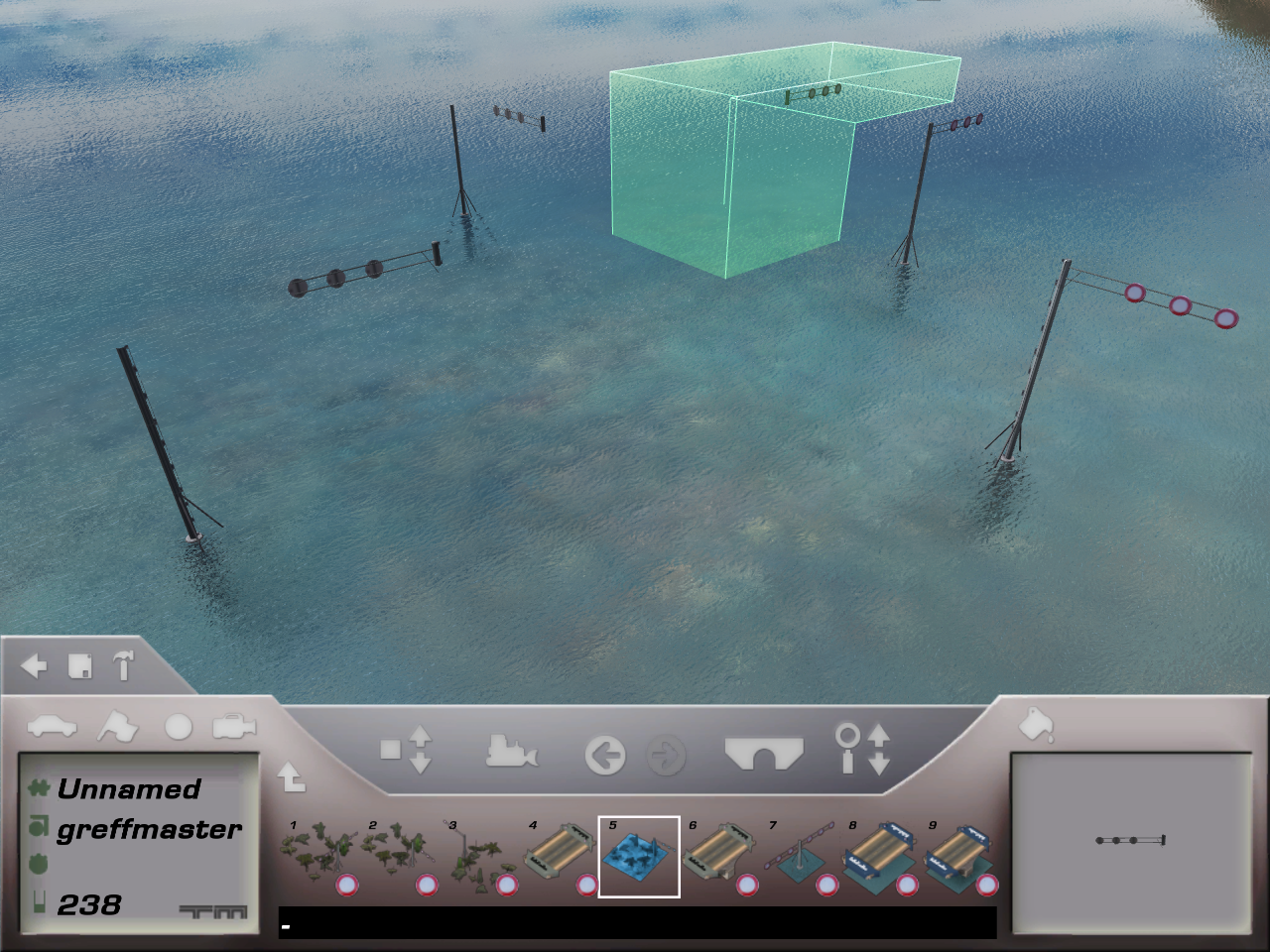
The icon for the block seems to be an early version of "CoastFreeSignsL", but tinted blue.
Bay#
BayPlatformBoxRoad#
This hidden block can be seen on the track "Downtown" from the official "Race" campaign, located in the "Shopping" serie.
Manually spawning the car on top of this block in the editor will put the car inside the block instead.
Icon:

Screenshot:
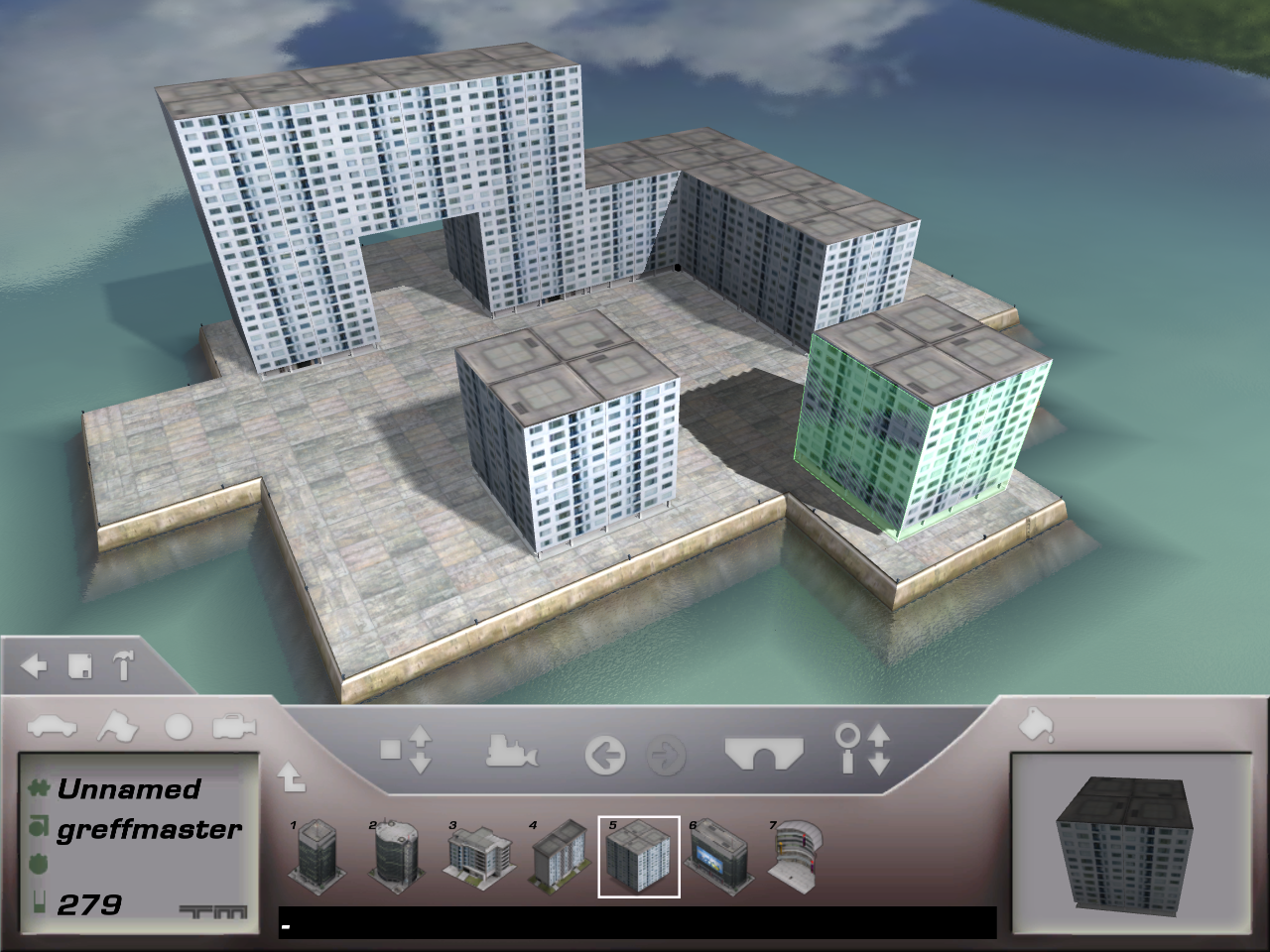
BayPlatformBoxClip#
Clip for the "BayPlatformBoxRoad" block.
Because only "Classic" blocks can place clips on the track, this clip can never be seen in-game.
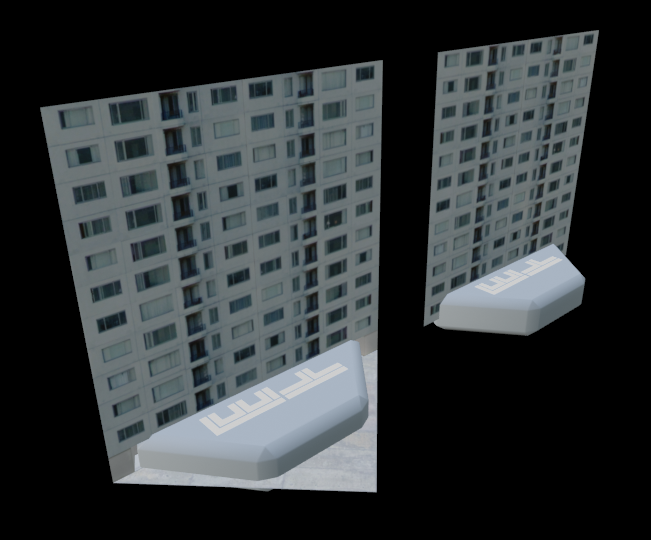
BayFlatsRoadClip & BayFlatsRoadClipPillar#
Clips for the "BayFlatsRoad" and "BayFlatsRoad2" blocks.
Because only "Classic" blocks can place clips on the track, this clip can never be seen in-game.

BayPlatformClip#
This clip is completely unused. Judging from the name, it might have been used for platform blocks.
The clip itself is just a copy of "BayRoadClip" and looks exactly the same.
No need to show a render of how this clip looks like.