This is a sub-page of The Sims Life Stories/The Sims 2 Leftovers/Base Game.
Sub-Pages#

Create-A-Sim#
Found In |
Format |
Instance |
File Name |
Image |
Notes |
|---|---|---|---|---|---|
3D/Sims08.package |
LIFO |
0xFF86295D |
aubodygardner-femaleoutfit1_lifo |
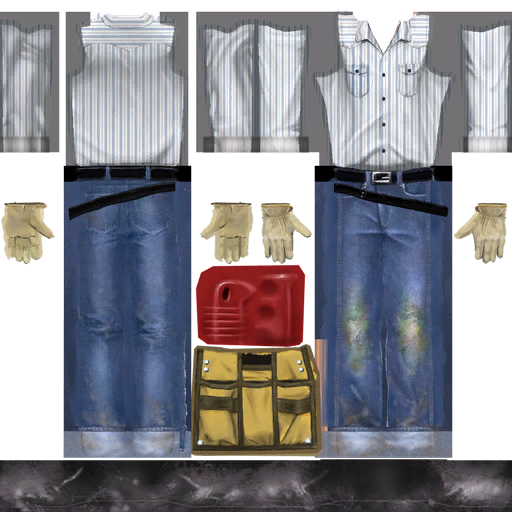 |
Leftover outfits for female Gardener Service NPCs, that go hidden. |
3D/Sims08.package |
LIFO |
0xFF45A147 |
aubodygardner-female-bump1_lifo |
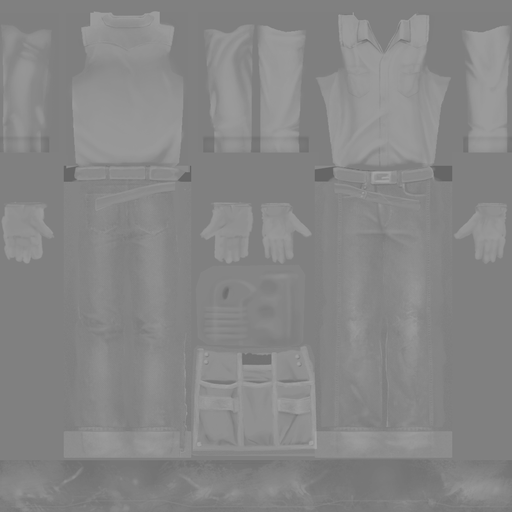 |
Bump map for above. |
3D/Sims08.package |
LIFO |
0xFF9AB1CB |
aubodygardner-maleoutfit1_lifo |
|
Leftover outfits for female Gardener Service NPCs, that go hidden. |
3D/Sims08.package |
LIFO |
0xFF7678D9 |
aubodygardner-male-bump1_lifo |
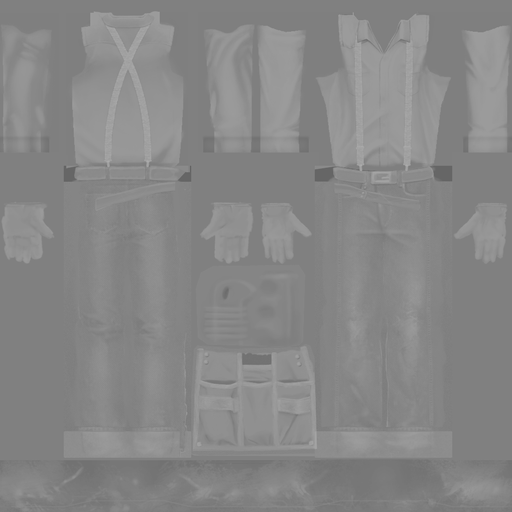 |
Bump map for above. |
3D/Sims12.package |
LIFO |
0xFFCE89C6 |
uubodyexterminator-blackrepoman1_lifo |
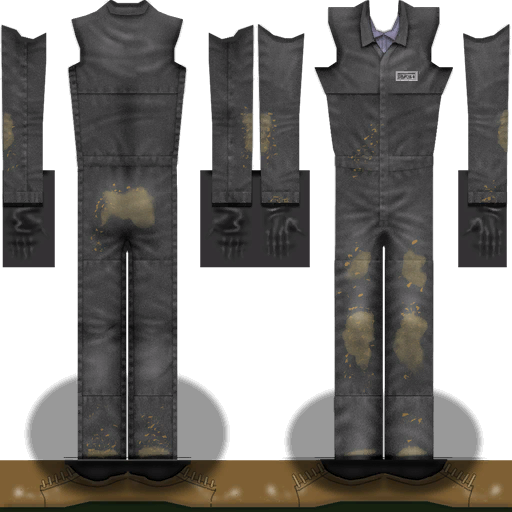 |
The leftover Repo Man uniform, due to them not appearing in game. |
Wants/Fears#
The following applies to Fears graphics that do not appear in Memories, therefore leftover from Fears.
Found In |
Image |
Notes |
|---|---|---|
UI/ui.package |
 |
Leftover graphic used for the "Miss School Bus" Fear. |
UI/ui.package |
 |
Leftover graphic used for the "Social Bunny!" Fear. |
Accessories#
Found In |
Format |
Instance |
File Name |
Image |
Notes |
|---|---|---|---|---|---|
3D/Sims08.package |
LIFO |
0xFF5C6BC5 |
auaccessoryrepogun-surface1_lifo |
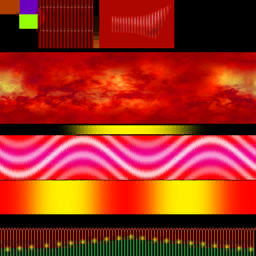 |
Leftover accessory for the weapon the Repo Man uses. |
3D/Objects07.package |
LIFO |
0xFF116D7C |
accessorykickybag-diffuse-red0_lifo |
 |
The Kicky Bag interaction isn't available in this game, leaving this accessory unused. |
3D/Objects07.package |
LIFO |
0xFF38716A |
accessorykickybag-diffuse-bump0_lifo |
 |
Bump map for above. |
3D/Objects07.package |
LIFO |
0xFF7E0365 |
accessoryhedgeshears-surface0_lifo |
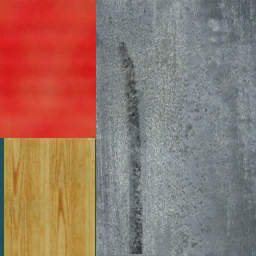 |
Hedges never grow in this game, thus leaving hedge clippers unused. |
3D/Objects08.package |
LIFO |
0xFF9FEA80 |
mailbox-billsorange0_lifo |
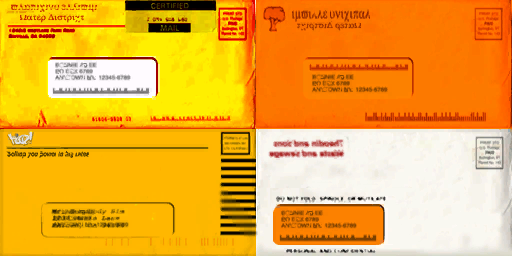 |
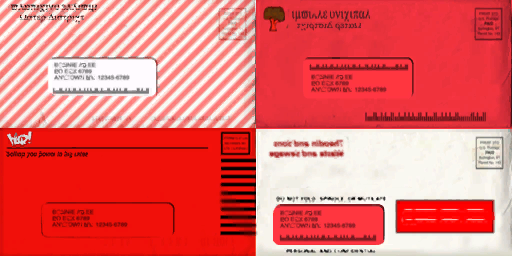
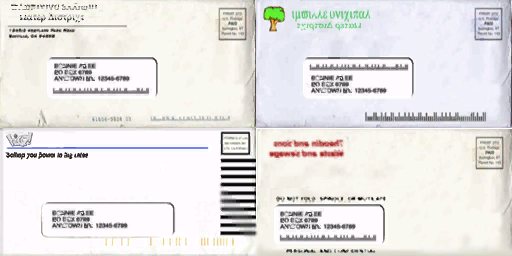
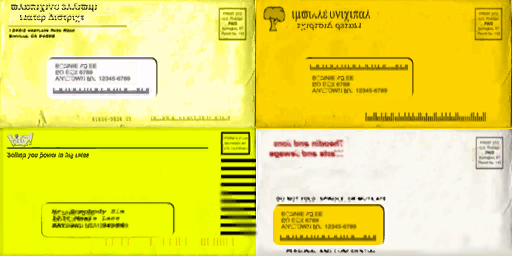
Bills don't appear in the game. |
3D/Objects08.package |
LIFO |
0xFF7FE371 |
mailbox-billsred0_lifo |
 |
|
3D/Objects08.package |
LIFO |
0xFF28C71F |
mailbox-billswhite0_lifo |
 |
|
3D/Objects08.package |
LIFO |
0xFFD4A384 |
mailbox-billsyellow0_lifo |
 |
|
3D/Objects09.package |
LIFO |
0xFFE25390 |
vehiclerepotruck-paint0_lifo |
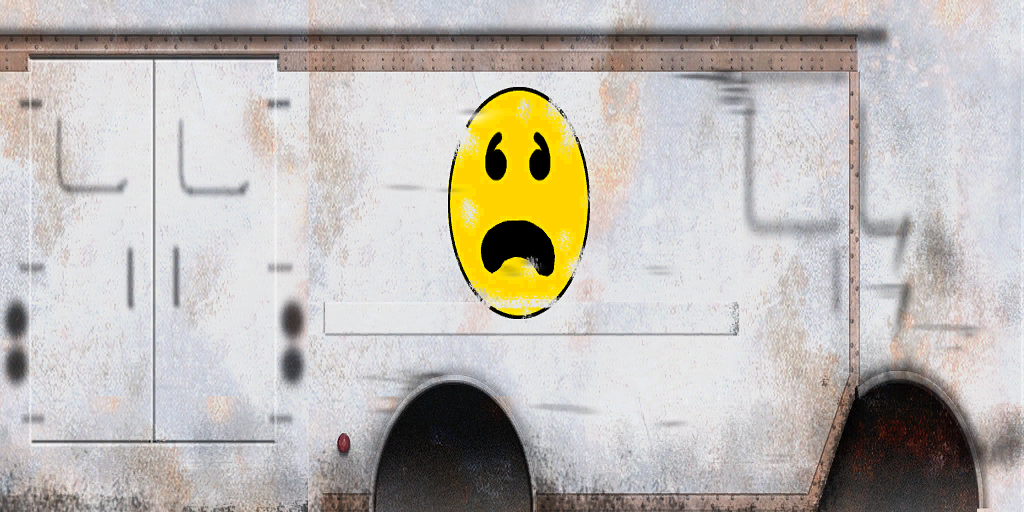 |
Leftover textures for the Repo Man vehicle that doesn't appear in the game. |
3D/Objects09.package |
LIFO |
0xFFAA0BBB |
vehiclepickupgardener-diffuse0_lifo |
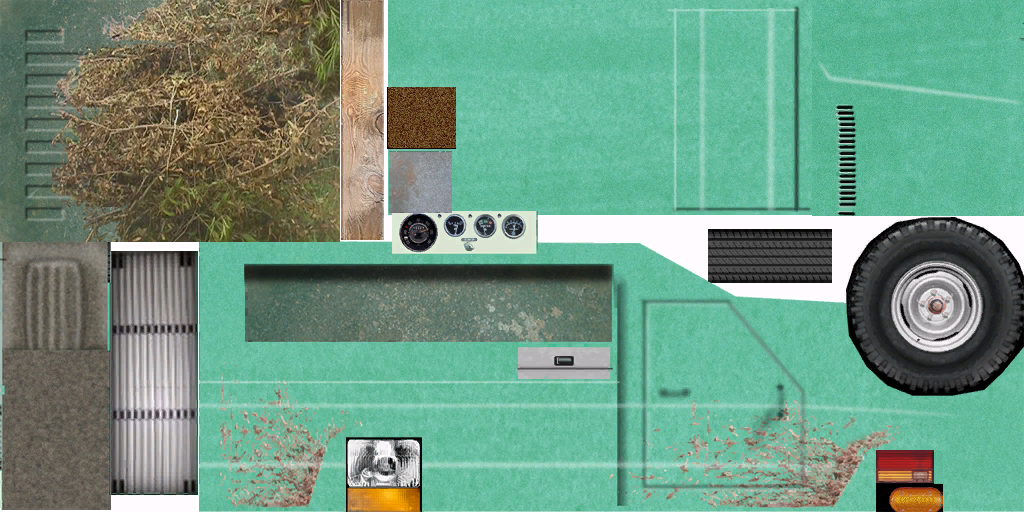 |
Leftover textures for the Gardener vehicle that doesn't appear in the game. |
Furniture#
Found In |
Format |
Instance |
File Name |
Image |
Notes |
|---|---|---|---|---|---|
3D/Objects07.package |
LIFO |
0xFFED8E18 |
curtaincolonial-fabric-bluesatin0_lifo |
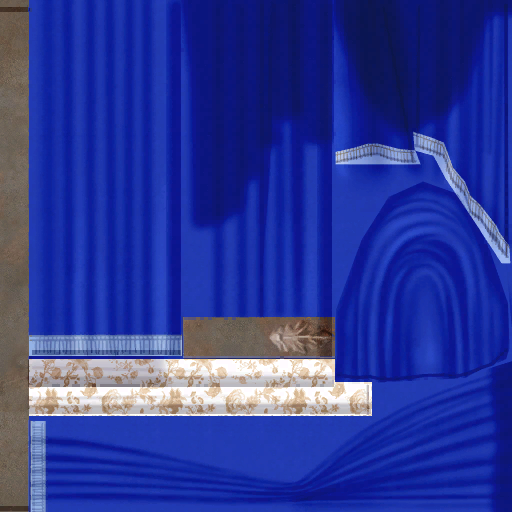 |
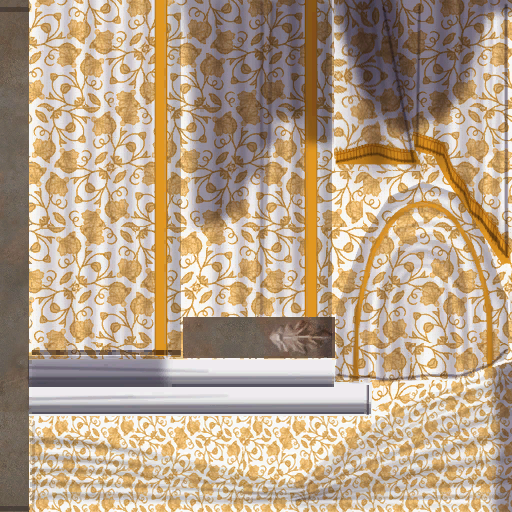
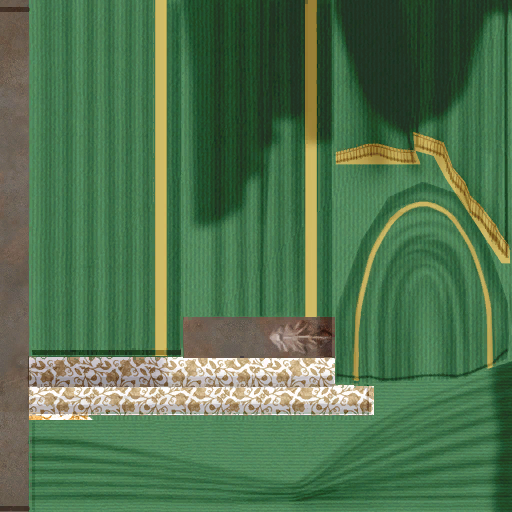
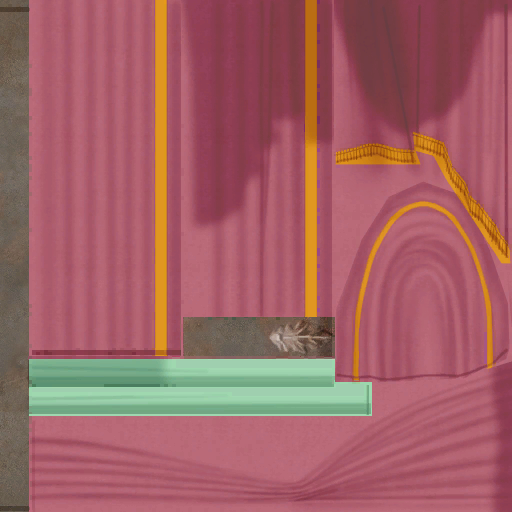
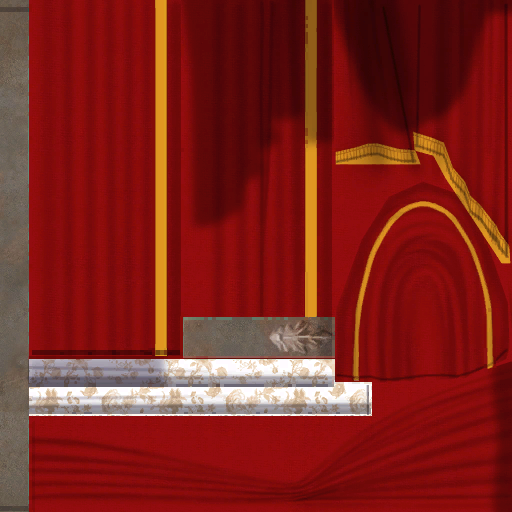
Leftover textures for the Floor-Length Tieback Curtains and the Doublewide Tieback Curtains. |
3D/Objects07.package |
LIFO |
0xFF72EE03 |
curtaincolonial-fabric-flowers0_lifo |
 |
|
3D/Objects07.package |
LIFO |
0xFF516FB1 |
curtaincolonial-fabric-green0_lifo |
 |
|
3D/Objects07.package |
LIFO |
0xFF31BA18 |
curtaincolonial-fabric-pink0_lifo |
 |
|
3D/Objects07.package |
LIFO |
0xFF16B9D8 |
curtaincolonial-fabric-redvelvet0_lifo |
 |
|
3D/Objects07.package |
LIFO |
0xFF333766 |
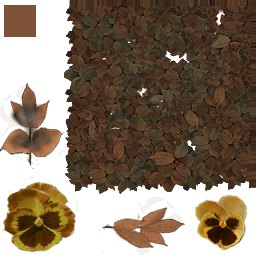
flowerdaisy-foliage-dead0_lifo |
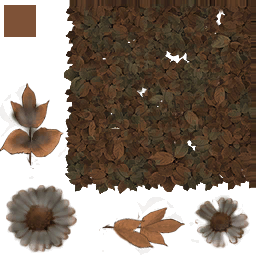 |
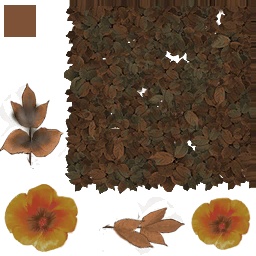
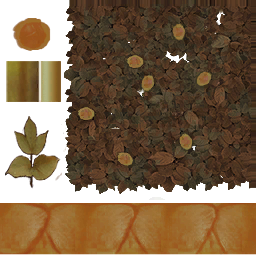
Flowers cannot wilt in this game, leaving the textures unused. |
3D/Objects07.package |
LIFO |
0xFFD3EE0D |
flowerpansy-foliage-dead0_lifo |
 |
|
3D/Objects07.package |
LIFO |
0xFF02B5BF |
flowerpoppy-foliage-dead0_lifo |
 |
|
3D/Objects07.package |
LIFO |
0xFF691441 |
flowertulips-foliage-dead0_lifo |
 |
|
3D/Objects09.package |
LIFO |
0xFF363947 |
paintinghorizontal-cheesemagritte0_lifo |
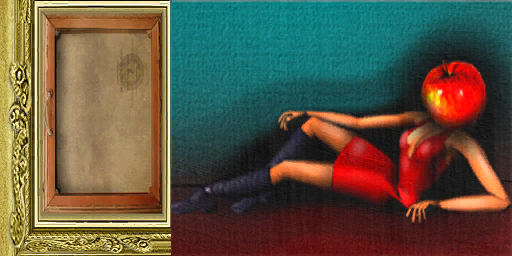 |
Leftover texture for the In The Beginning Painting. |
3D/Objects09.package |
LIFO |
0xFFDB7B92 |
paintingneonflamingo-mask-blue-lit0_lifo |
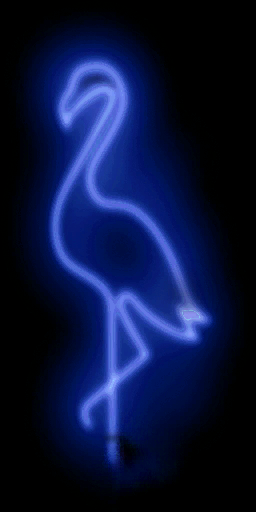 |
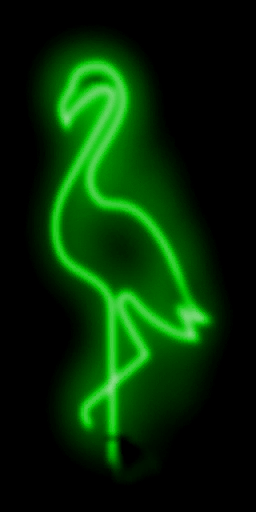
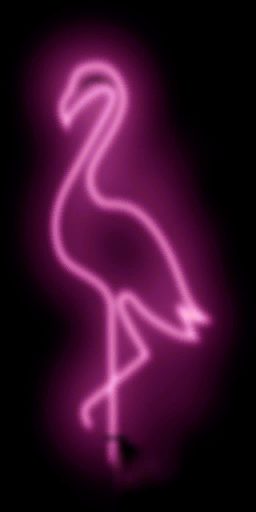
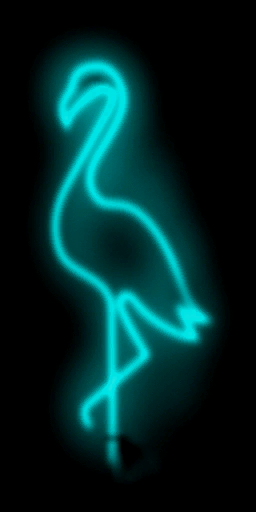
Leftover textures for the Neon Flamingo light. |
3D/Objects09.package |
LIFO |
0xFFECFF6A |
paintingneonflamingo-mask-green-lit0_lifo |
 |
|
3D/Objects09.package |
LIFO |
0xFFB87F38 |
paintingneonflamingo-mask-pink-lit0_lifo |
 |
|
3D/Objects09.package |
LIFO |
0xFFC04436 |
paintingneonflamingo-mask-teal-lit0_lifo |
 |
|
3D/Objects09.package |
LIFO |
0xFF4E6FB8 |
paintingneonflamingo-mask-yellow-lit0_lifo |
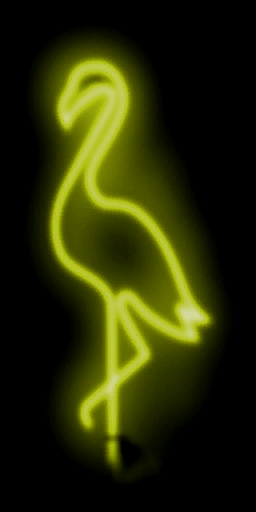 |
Neighborhood Textures#
Found In |
Format |
Instance |
File Name |
Image |
Notes |
|---|---|---|---|---|---|
3D/Textures.package |
LIFO |
0xFF333766 |
desert-medium0_lifo |
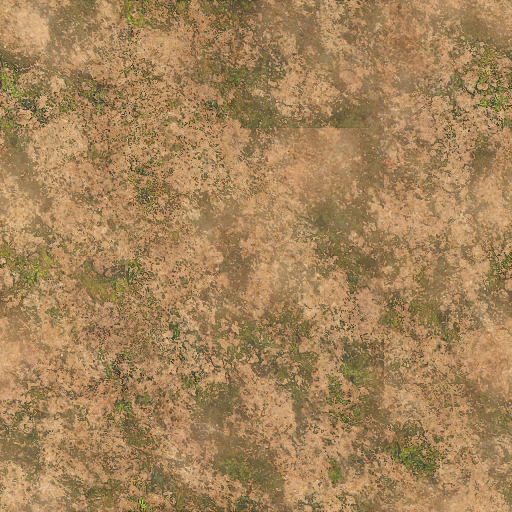 |
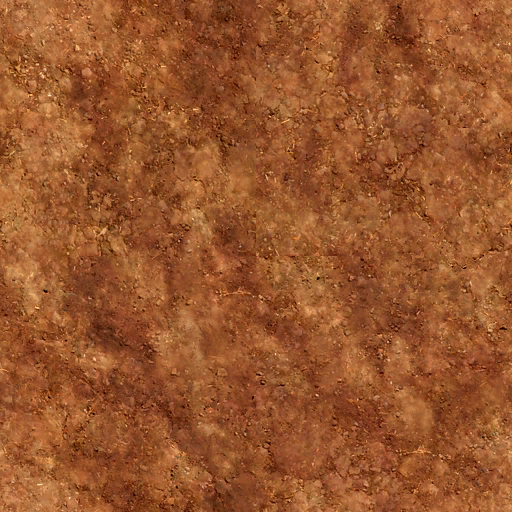
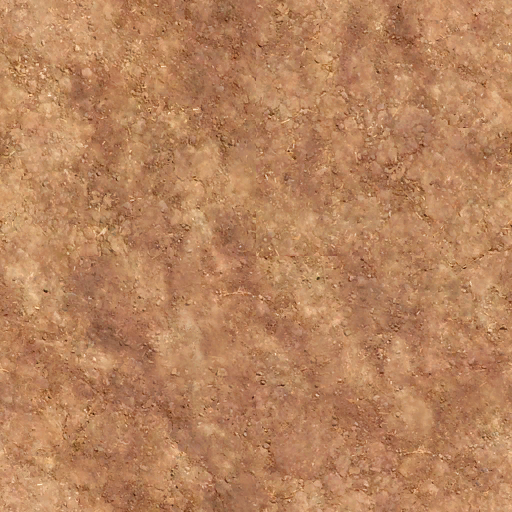
Leftover textures for desert terrain, since no desert neighborhoods appear in game. |
3D/Textures.package |
LIFO |
0xFF5796EA |
desert-rough-red0_lifo |
 |
|
3D/Textures.package |
LIFO |
0xFFC1C261 |
desert-rough0_lifo |
 |
|
3D/Textures.package |
LIFO |
0xFF5FC150 |
desert-smooth0_lifo |
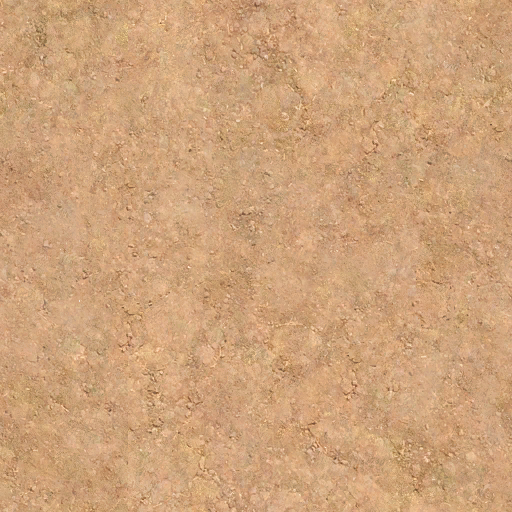 |
HUDs#
Found In |
Image |
Notes |
|---|---|---|
UI/ui.package |
 |
Fears don't appear in the game, making this border a leftover. |
UI/ui.package |
 |
It's also the same with the glowing Fears if it is fulfilled.. |
UI/ui.package |
|
The original "1x4 Wants" graphic and it's border from The Sims 2. Final uses a unique 4x4 Wants graphic. |
UI/ui.package |
|
The original Fears graphic and outlines, goes unused due to Fears not appearing in the game. |
UI/ui.package |
 |
A leftover title logo for The Sims 2. |
UI/ui.package |
 |
Another leftover title logo for The Sims 2, intended for both the loading screen and Neighborhood Menu. |
UI/ui.package |
 |
Leftovers for How To Play mode graphic. The final uses a unique neighborhood graphic. |
UI/ui.package |
 |
Custom Neighborhoods cannot be created in this game, leaving these graphics unused. |
UI/ui.package |
 |
Custom Neighborhoods cannot be created in this game, leaving these graphics unused. |
UI/ui.package |
 |
Custom Neighborhoods cannot be created in this game, leaving these graphics unused. |
UI/ui.package |
 |
In-game self portraits cannot be painted in this game, leaving those graphics unused. |
UI/ui.package |
 |
|
UI/ui.package |
 |
Leftover graphic of recording a video. Videos cannot be recorded in this game. |
UI/ui.package |
 |
Leftover graphic of recording a video. Videos cannot be recorded in this game. |


Neighborhood View#
Neighborhood Customization is completely removed from this game, so the following leftovers go completely unused.
Found In |
Image |
Notes |
|---|---|---|
UI/ui.package |
|
There are leftovers for the other lot sizes that came with the base game, which are 3x5 both sides, 4x3, 4x5 both sides and 5x5. They were likely cut due to limitations. In the final game, there are only five lot sizes (2x2, 2x3 both sides, 1x3 and 3x3). |
UI/ui.package |
|
The same applies to the lot sizes viewed in the menu. |
UI/ui.package |
|
These icons go unused due to Neighborhood Customization not being available. |
UI/ui.package |
 |
Though the props are seen in normal gameplay, the icons for selecting them aren't. |
UI/ui.package |
 |
|
UI/ui.package |
 |
|
UI/ui.package |
 |
|
UI/ui.package |
 |
|
UI/ui.package |
|
|
UI/ui.package |
 |
|
UI/ui.package |
 |
|
UI/ui.package |
 |
|
UI/ui.package |
 |
|
UI/ui.package |
 |
|
UI/ui.package |
 |
|
UI/ui.package |
 |
|
UI/ui.package |
 |