 This article has a talk page!
This is a sub-page of The Sims 2: Castaway (PlayStation 2, Wii).
There are a bunch of toggleable options left in the game, that were most likely used by the developers for testing and debugging while making the game.
(Source: Edness)
General Options#
enable_new_main_menu#
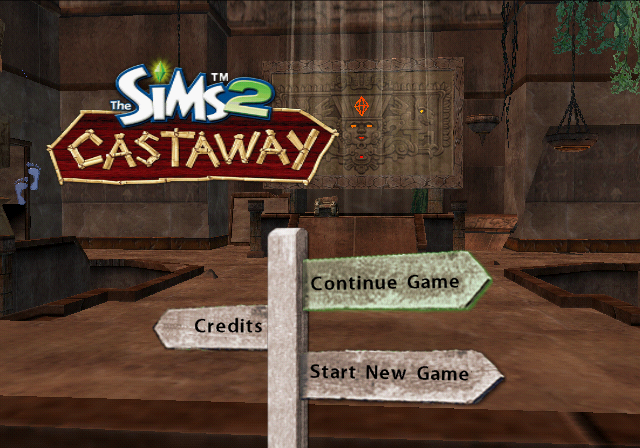
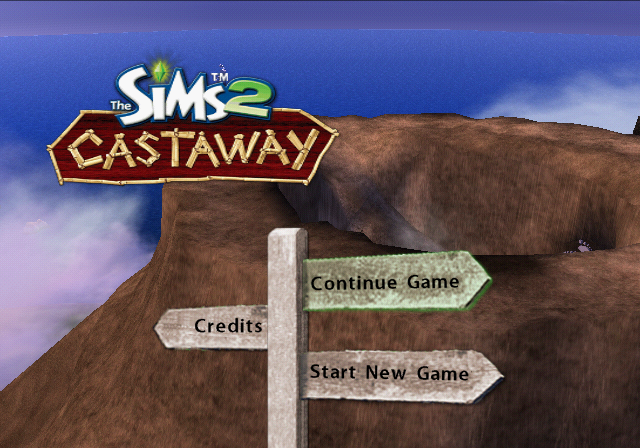
Use the new "random" TSC6 main menu.
EUR |
USA |
|
PS2 |
00516CD4 00000001 |
00515154 00000001 |
Wii |
0049BA64 00000001 |
00497DE4 00000001 |

|
To do: |
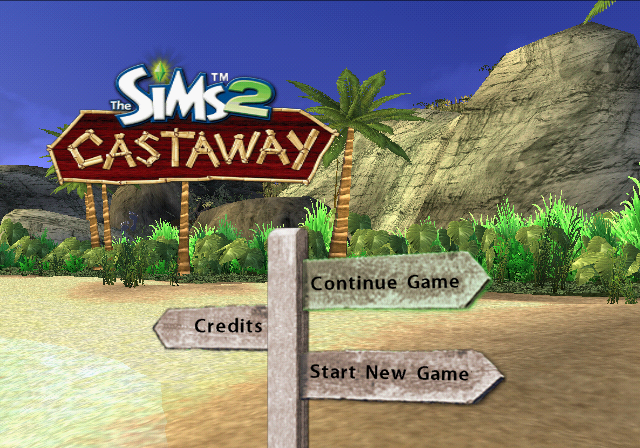
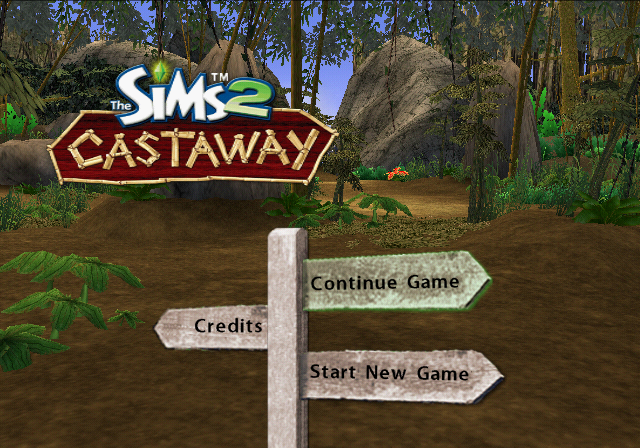
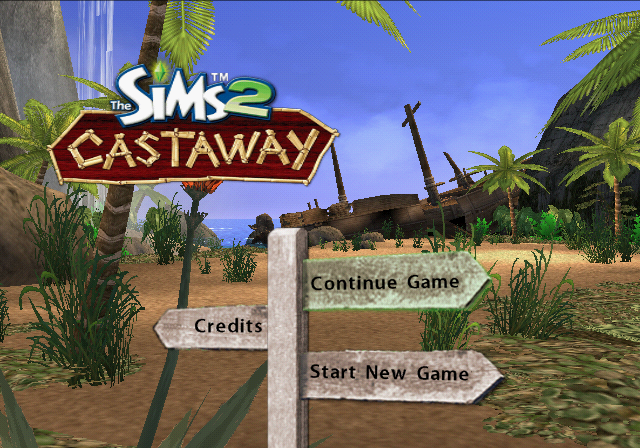
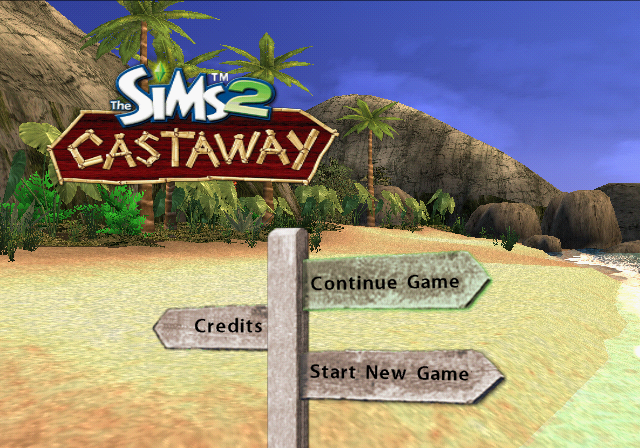
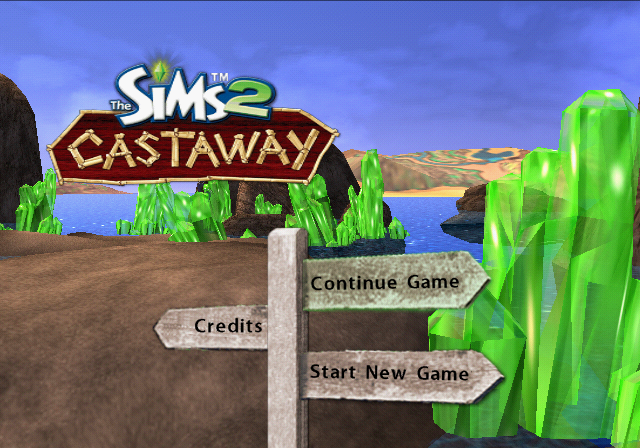
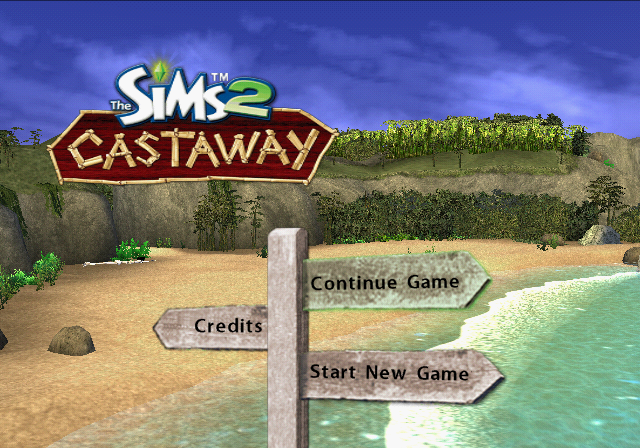
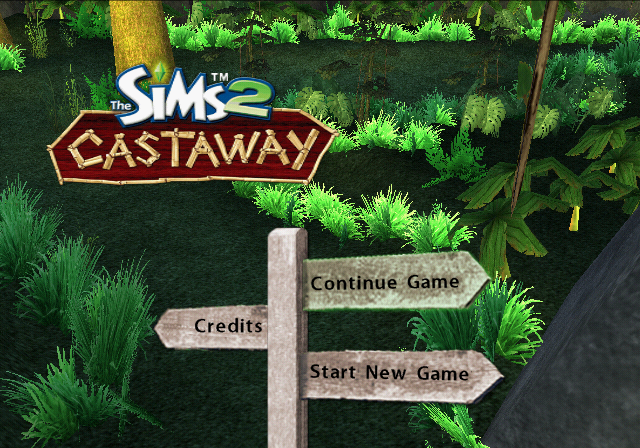
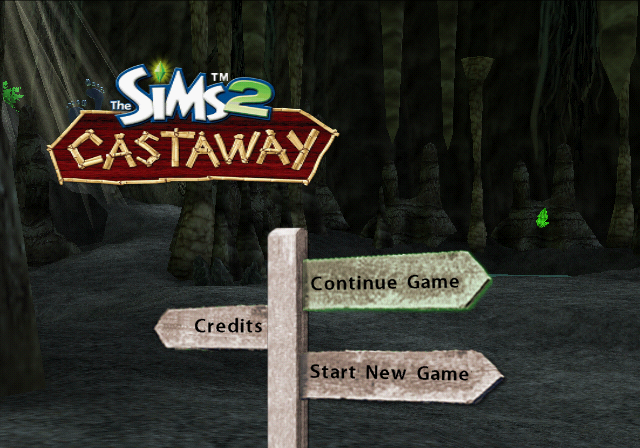
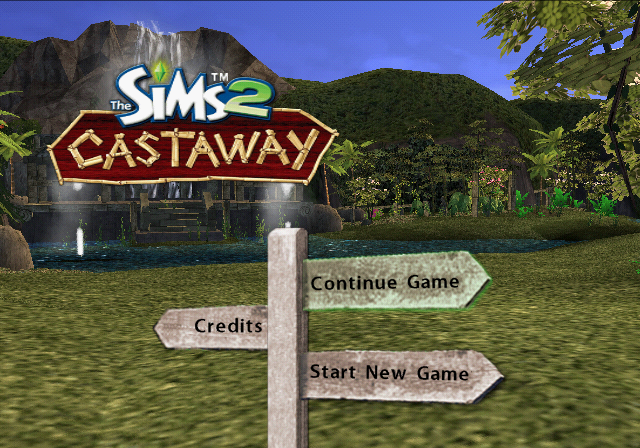
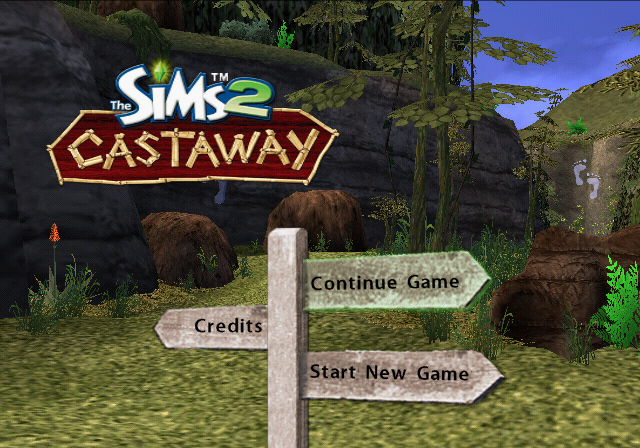
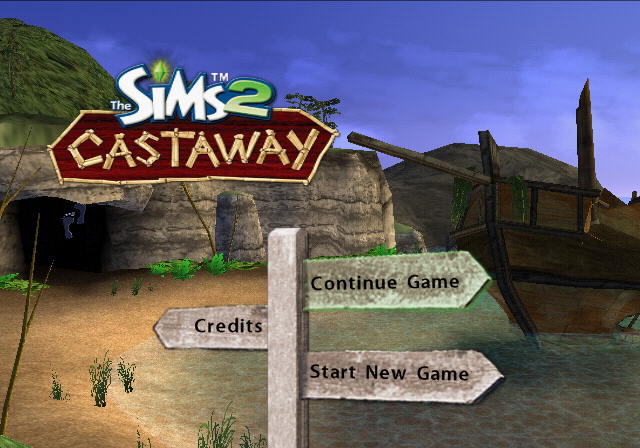
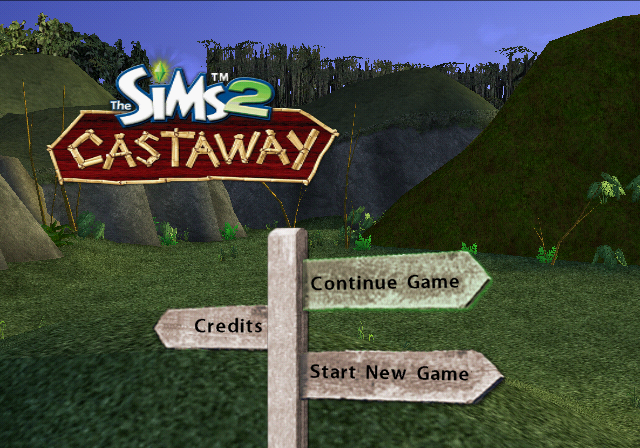
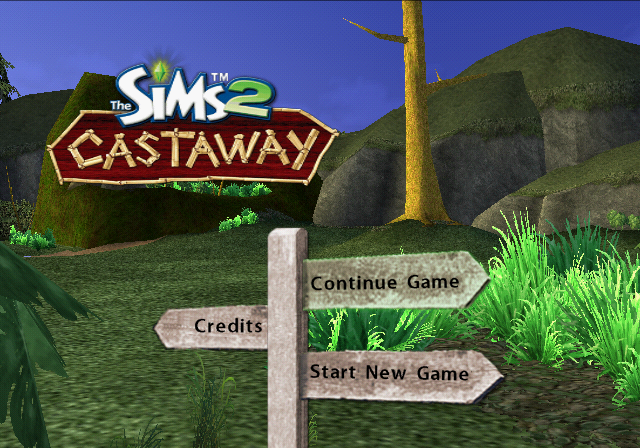
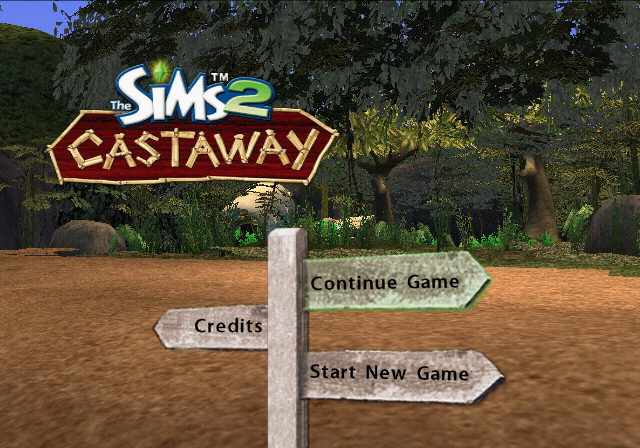
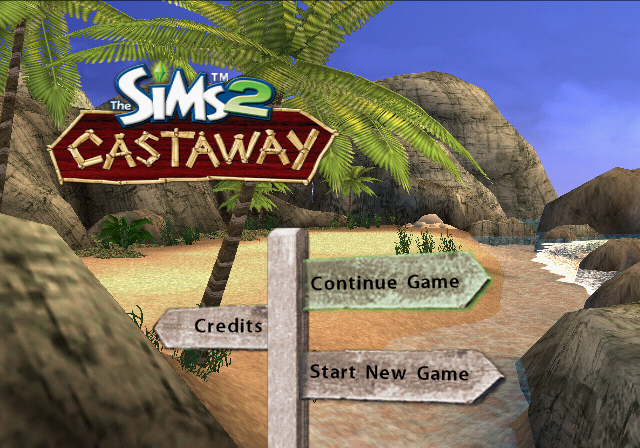
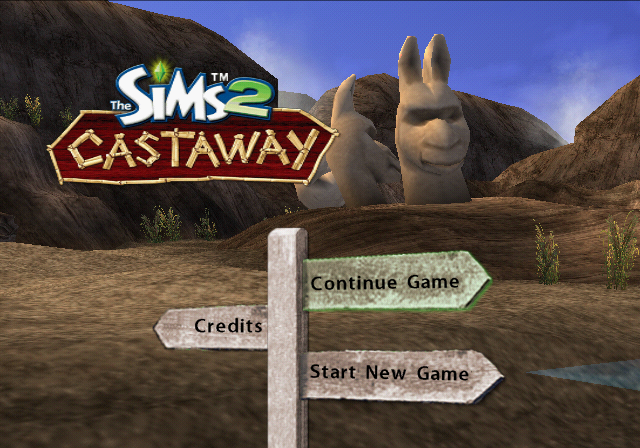
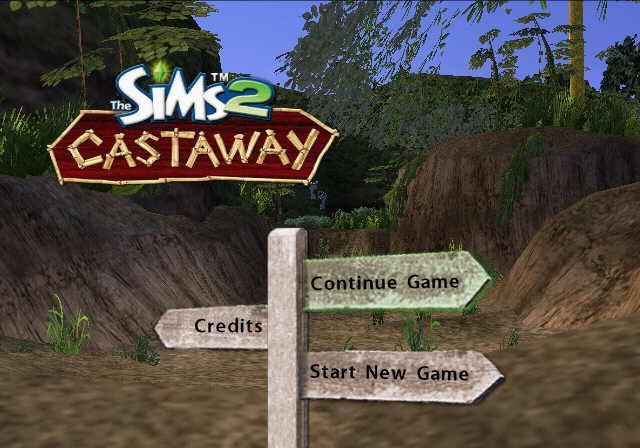
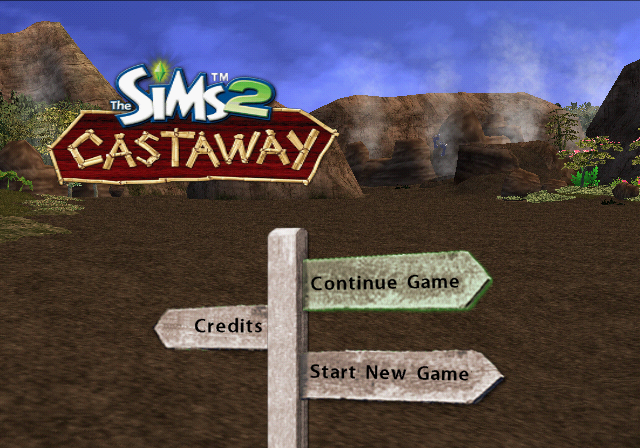
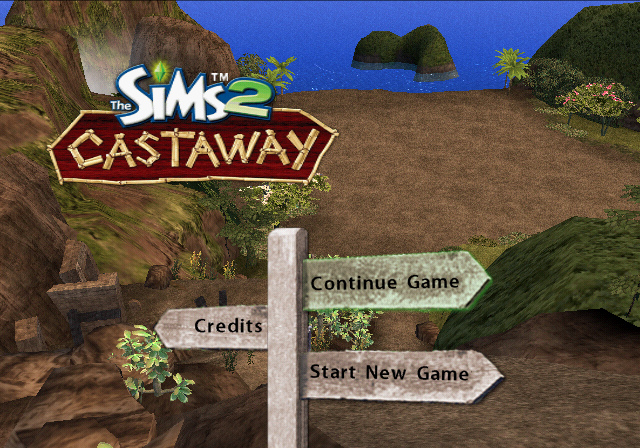
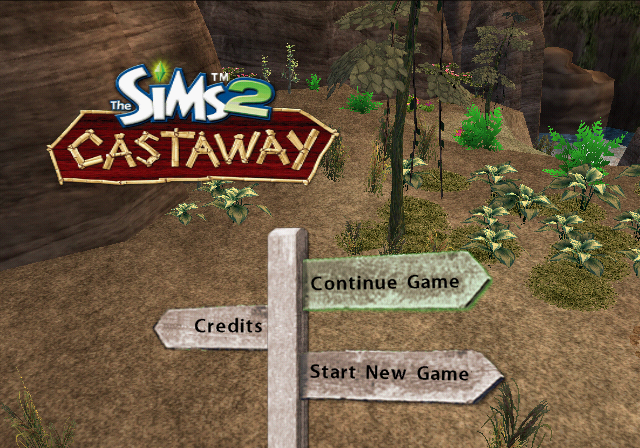
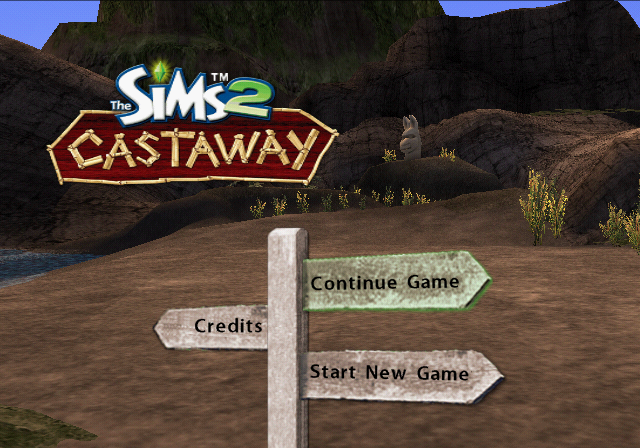
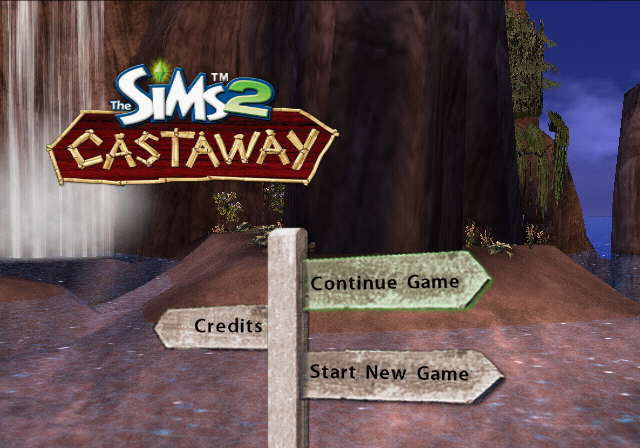
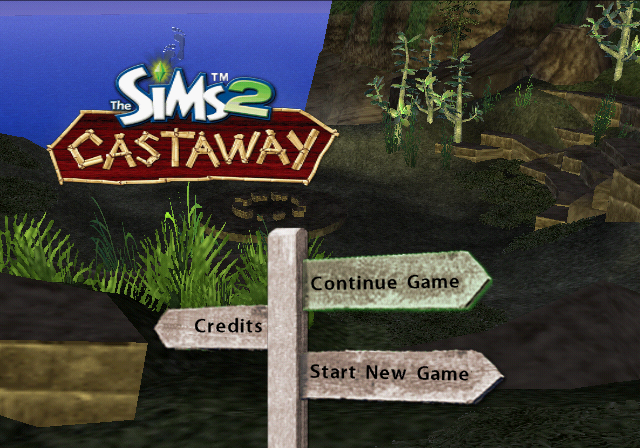
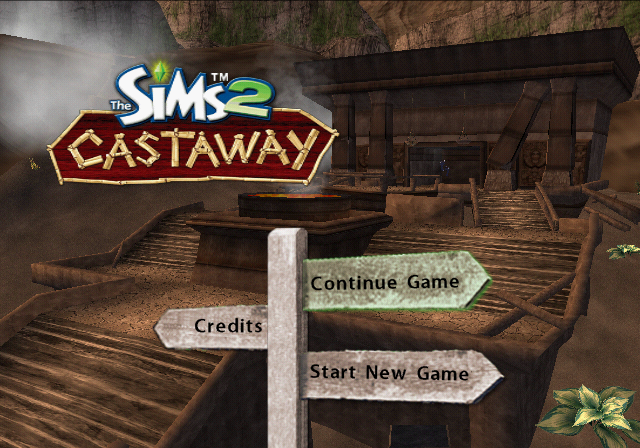
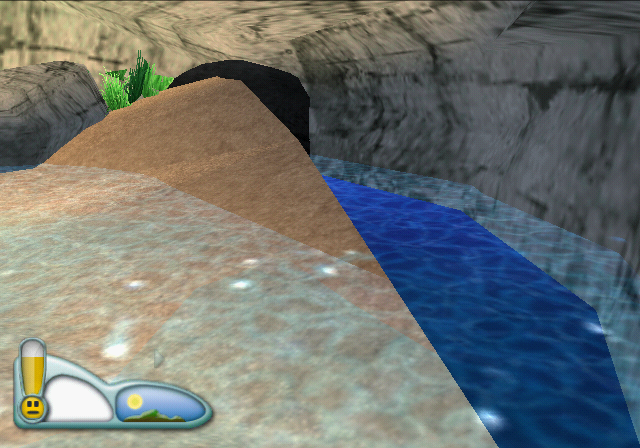
An unused Main Menu variant where the background keeps constantly changing, showing random different scenery from all the islands. Some of them lack additional objects that would be seen normally in-game, such as the trees. Why this menu style ended up not being used remains a mystery.
Create-A-Sim Options#
enable_clothing_catalog#
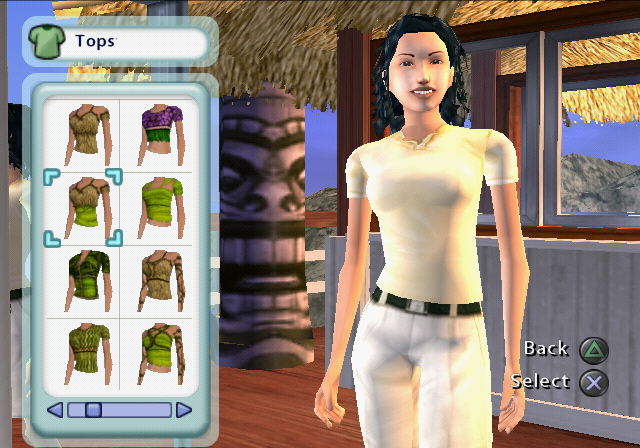
If enabled the CAS has all the clothing in the game available
EUR |
USA |
|
PS2 |
00516CC0 00000001 |
00515140 00000001 |
Wii |
0049BA59 00000001 |
00497DD9 00000001 |
Makes all the Create-A-Sim clothing available, including craftable clothes and clothes that can arrive in crates.
enable_cas_icon_editing#
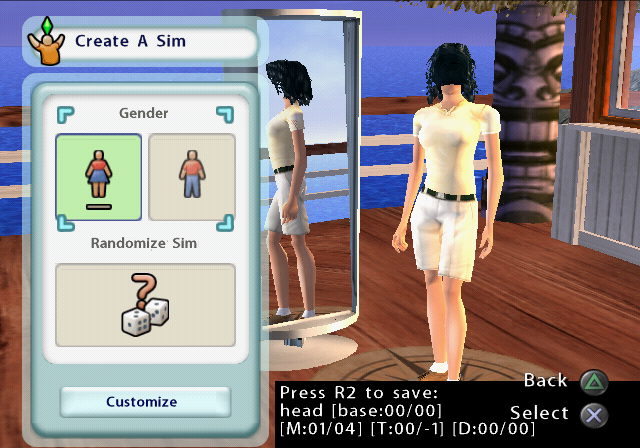
If true, Icon configuration options will be available in CAS.
EUR |
USA |
|
PS2 |
00516CE0 00000001 |
00515160 00000001 |
Wii |
0049BA67 00000001 |
00497DE7 00000001 |
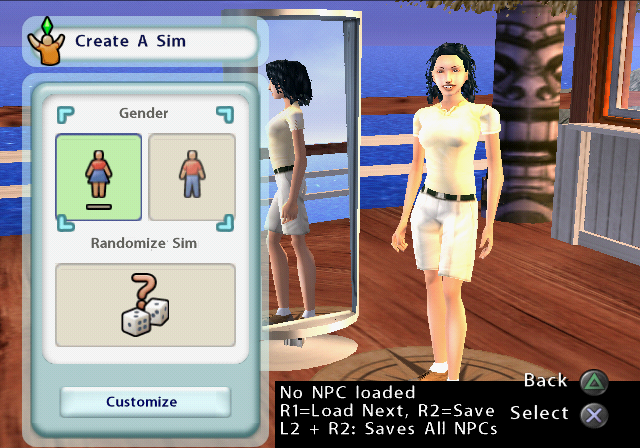
Lets you cycle through the clothing options. Press O to change the clothing/accessory type and cycle forwards with R1 and backwards with L2. Some types such as head don't seem to have anything else to display, despite having 5 items, so instead you get a headless Sim.
enable_sim_npc_editing#
If true, NPC configuration options will be available in CAS.
EUR |
USA |
|
PS2 |
00516CDC 00000001 |
0051515C 00000001 |
Wii |
0049BA66 00000001 |
00497DE6 00000001 |
A broken option, since there are no NPCs in this game. Normally the game will crash after the CAS, but if the crash is bypassed, after getting in-game you'll be in a world with no Sims, stuck forever on First Beach.
enable_cas#
Enable Create-A-Sim -- old Create-A-Roommate
EUR |
USA |
|
PS2 |
00516CF0 00000001 |
00515170 00000001 |
Wii |
0049BA6B 00000001 |
00497DEB 00000001 |
Similarly broken option, will crash by default, but if bypassed, will also lead you to be permanently stuck in First Beach.
Gameplay Options#

enable_all_objects_moveable#
If enabled all objects can be moved
EUR |
USA |
|
PS2 |
00516CC4 00000001 |
00515144 00000001 |
Wii |
0049BA5A 00000001 |
00497DDA 00000001 |
Lets you move around any of the pre-placed objects in the world.

enable_ignore_crafting_requirements#
If enabled crafting items uses no requirements
EUR |
USA |
|
PS2 |
00493CB0 00000001 |
004923B0 00000001 |
Wii |
005DB815 00000001 |
005D7B75 00000001 |
This option is meant to just ignore the requirements for your Sims skills and currently used crafting bench, but it also seems to disable the crafting resource limitations.
enable_ignore_crafting_resources#
If enabled crafting items uses no resources
EUR |
USA |
|
PS2 |
00493CB4 00000001 |
004923B4 00000001 |
Wii |
005DB816 00000001 |
005D7B76 00000001 |
As mentioned above, this option is technically redundant, but it still has an effect of its own by displaying that you have enough resources to craft something.
enable_show_all_plans#
If enabled all plans are visible
EUR |
USA |
|
PS2 |
00493CAC 00000001 |
004923AC 00000001 |
Wii |
005DB814 00000001 |
005D7B74 00000001 |
Shows all plans. Even those that aren't meant to be used everywhere, such as bridges and boats.
enable_uneven_terrain#
If enabled, don't draw tiles, walk/place on uneven terrain
EUR |
USA |
|
PS2 |
00516CA8 00000000 |
00515128 00000000 |
Wii |
0049BA53 00000000 |
00497DD3 00000000 |
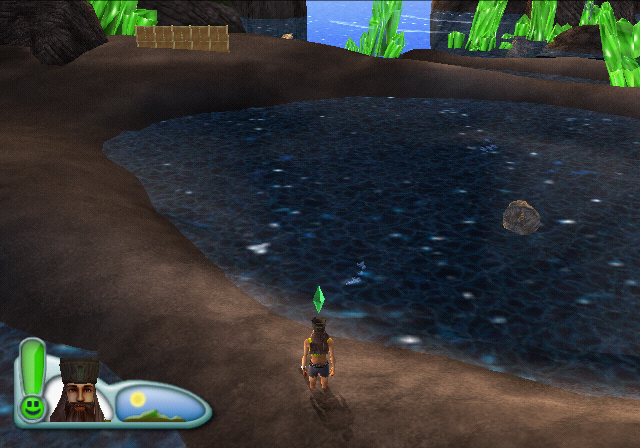
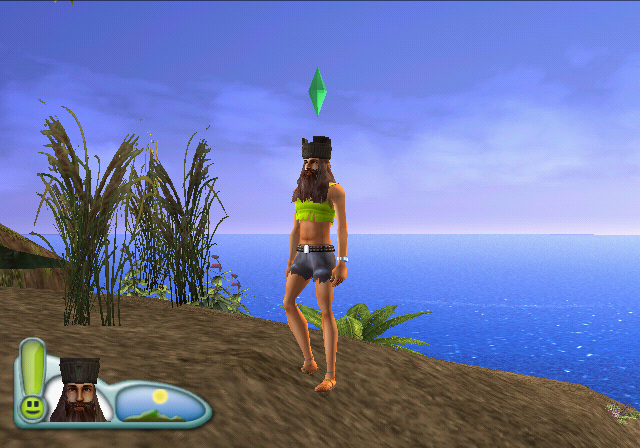
Since all the previous Sims games had flat lots, this was introduced to work around that "limitation". Disabling this will make object and character stand on an even ground.
enable_ik#
If enabled, it would allow IK to work
EUR |
USA |
|
PS2 |
00516CAC 00000001 |
0051512C 00000001 |
Wii |
0049BA54 00000001 |
00497DD4 00000001 |
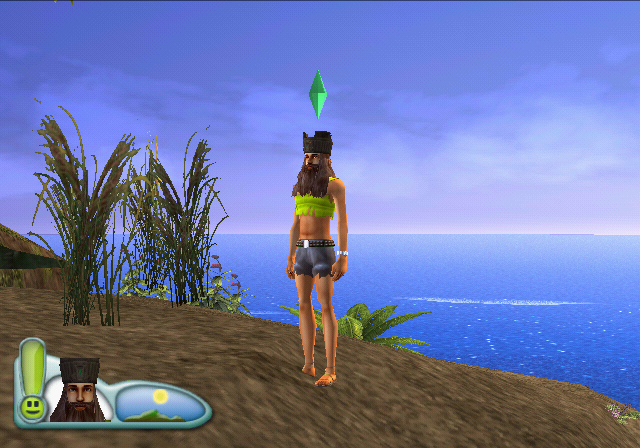
By allowing inverse kinematics to work, it can, for example, make standing on uneven ground look better by placing the feet accordingly to ground level. This is kind of buggy, and may not always work.
disable_additional_raycasting#
If enabled, additional rays will be cast to keep sim's feet along slope of terrain
EUR |
USA |
|
PS2 |
00516CB0 00000001 |
00515130 00000001 |
Wii |
0049BA55 00000001 |
00497DD5 00000001 |
Seems to keep the Sim at the same level on the terrain as it would when inverse kinematics are disabled.

enable_midlot_fade_flags#
Enable midlot fade flags.
EUR |
USA |
|
PS2 |
00516CB4 00000001 |
00515134 00000001 |
Wii |
0049BA56 00000001 |
00497DD6 00000001 |
Disables some distant objects and the clouds?
disable_passive_influence#
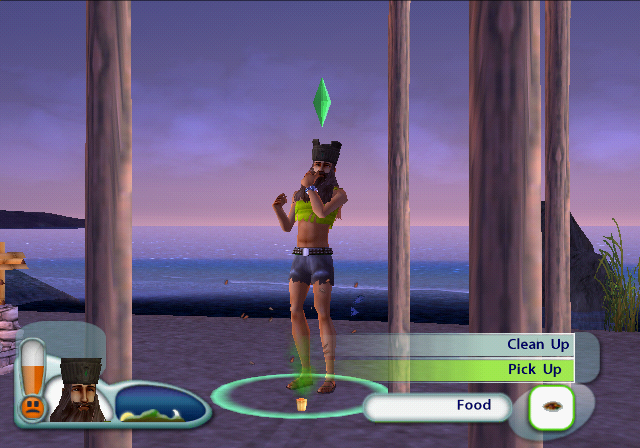
Turns off all passive influence motives including MFJH.
EUR |
USA |
|
PS2 |
00516C98 00000001 |
00515118 00000001 |
Wii |
0049BA4F 00000001 |
00497DCF 00000001 |
Disables animations such as clicking fingers when music is played nearby and holding your nose when near an object that smells.
disable_shower_curtain#
disables the shower curtain
EUR |
USA |
|
PS2 |
00516CEC 00000001 |
0051516C 00000001 |
Wii |
0049BA6A 00000001 |
00497DEA 00000001 |
enable_all_lots_on_map#
Enable all lots for transport on pause menu map
EUR |
USA |
|
PS2 |
00516C38 00000001 |
005150B8 00000001 |
Wii |
0049BA30 00000001 |
00497DB0 00000001 |
enable_build_past_fire_code#
If enabled can build without regard to fire code
EUR |
USA |
|
PS2 |
00516C64 00000001 |
005150E4 00000001 |
Wii |
0049BA3B 00000001 |
00497DBB 00000001 |
Only seems to work with objects, not so much with shelters, walls and such.
enable_modal_dialog_timeout#
Used to let modal dialogs timeout for autotesting.
EUR |
USA |
|
PS2 |
00516C30 00000001 |
005150B0 00000001 |
Wii |
0049BA2E 00000001 |
00497DAE 00000001 |
When enabled, most if not all modal dialog boxes will only last on the screen for one second.
disable_object_highlighting#
If set object highlighting is disabled
EUR |
USA |
|
PS2 |
00516C34 00000001 |
005150B4 00000001 |
Wii |
0049BA2F 00000001 |
00497DAF 00000001 |
Disables the ring below selectable nearby objects.
enable_3d_wall_fade#
If enabled the 3d wall fade system is used instead of 2d system
EUR |
USA |
|
PS2 |
00516C1C 00000000 |
0051509C 00000000 |
Wii |
0049BA29 00000000 |
00497DA9 00000000 |
This option is enabled by default, but can be disabled and it'll prevent the walls from fading that are in front of the currently selected Sim.
stop_reading_DPD#
Stop reading the dpd for the cursor
EUR |
USA |
|
Wii |
0049BA77 00000001 |
00497DF7 00000001 |
Stops reading from the Wii Sensor Bar, thus making this game a lot more difficult to play. Needless to say, this option is only present in the Wii release.
Visual Options#
Camera Information#
EUR |
USA |
|
PS2 |
00515774 00000001 |
00513BF4 00000001 |
Wii |
0049A0FB 00000001 |
0049647B 00000001 |
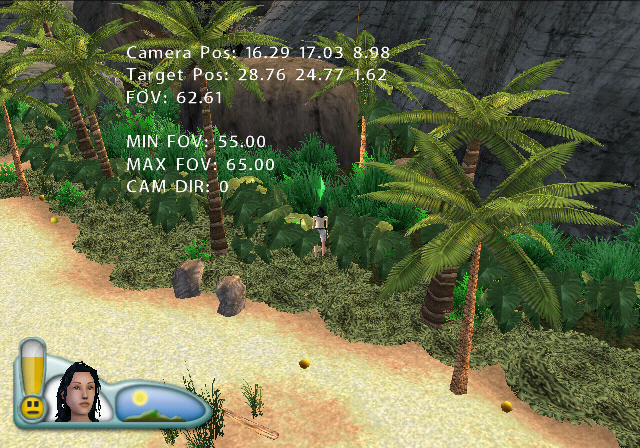
Displays information on the screen about the camera and target position, and FOV.
Rendering Information#
EUR |
USA |
|
Wii |
005DC020 00000001 |
005D8380 00000001 |
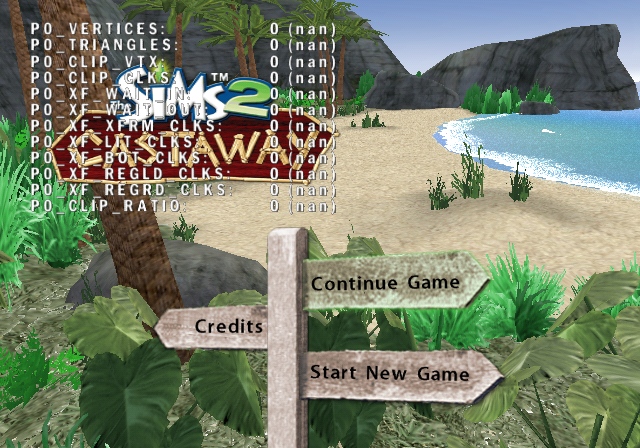
This is only present on the Wii release. The values stay at 0 (nan) most of the time, and very rarely and briefly flash something in one of them.
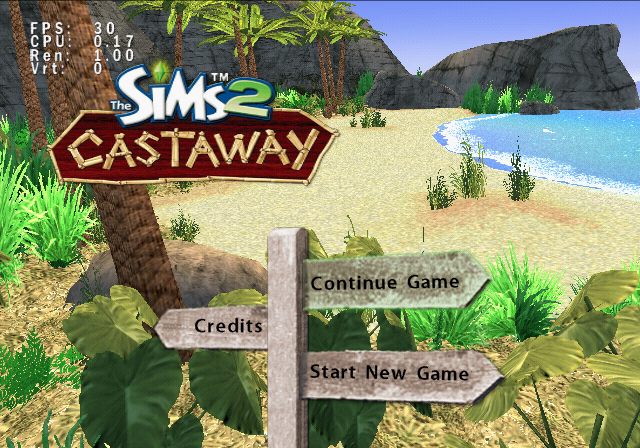
display_performance_metrics#
Used to display the FPS and CPU.
EUR |
USA |
|
PS2 |
00516C20 00000001 |
005150A0 00000001 |
Wii |
0049BA2A 00000001 |
00497DAA 00000001 |
Does exactly what's mentioned in the cheat subtitle. The Wii version only shows FPS and CPU, but PS2 also shows Ren and Vrt.
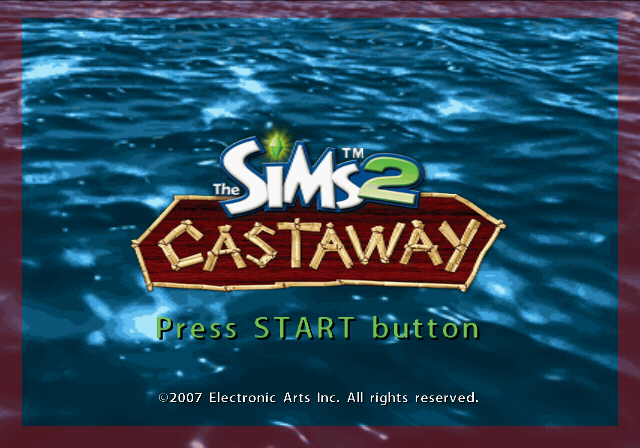
display_text_boundaries#
Used to highlight the boundaries on the TV where text can't touch.
EUR |
USA |
|
PS2 |
00516C24 00000001 |
005150A4 00000001 |
Wii |
0049BA2B 00000001 |
00497DAB 00000001 |
Displays a red border around the screen, showing the area that would likely be hidden due to overscan on older TVs.
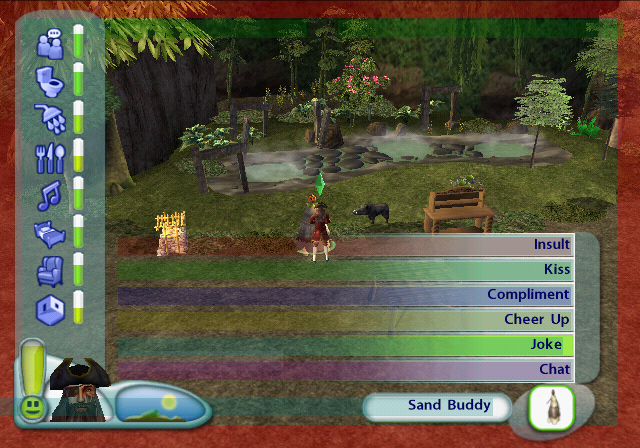
enable_flash_bounding_boxes#
Enable colored bounding boxes used by flash text.
EUR |
USA |
|
PS2 |
00516C48 00000001 |
005150C8 00000001 |
Wii |
0049BA34 00000001 |
00497DB4 00000001 |
Highlights the textbox regions and boundaries.
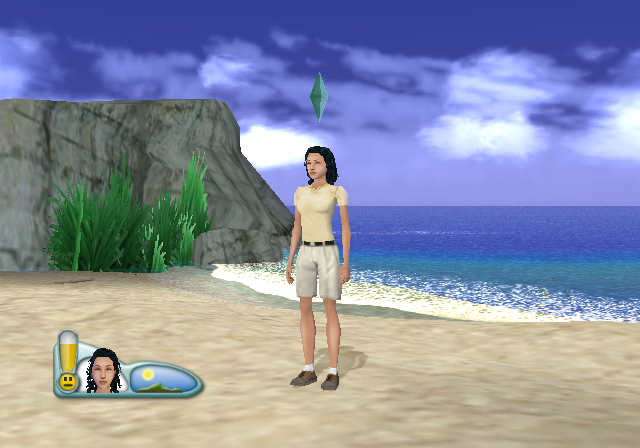
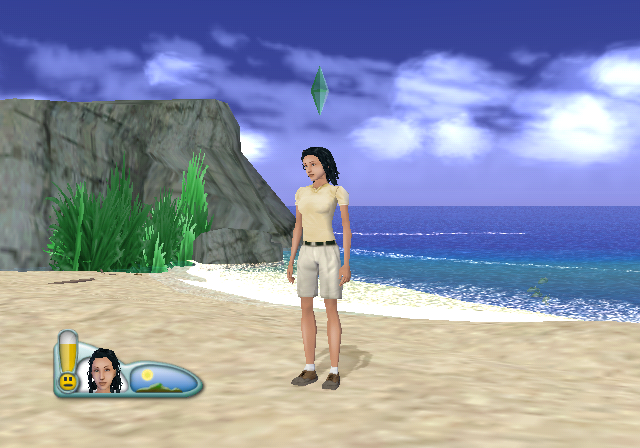
The next 4 hidden graphics options are only present in the Wii release, and each of their effects can be compared against this default image shown on the right of this text.
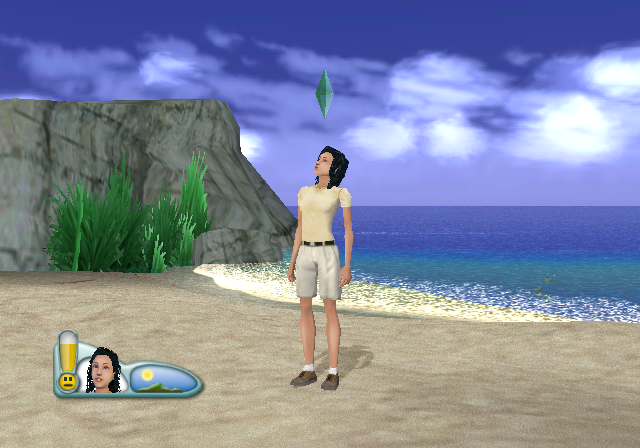
use_wii_multipass_shaders#
Use the multi-pass shader system
EUR |
USA |
|
Wii |
0049BA79 00000000 |
00497DF9 00000000 |
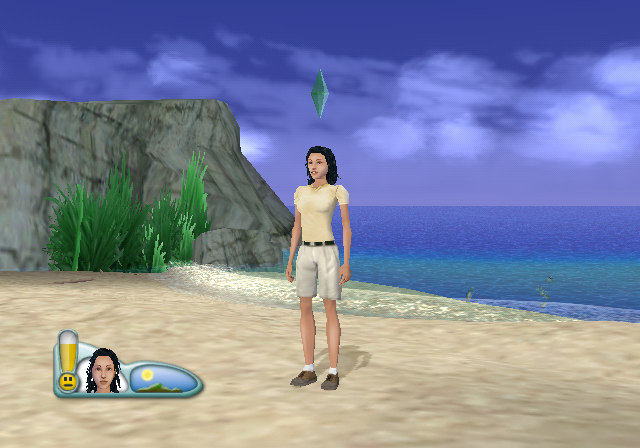
This option is enabled by default, and disabling it seems to make some surfaces like sand appear more rough.
use_new_wii_shader_system#
Use the new shader system
EUR |
USA |
|
Wii |
0049BA7A 00000001 |
00497DFA 00000001 |
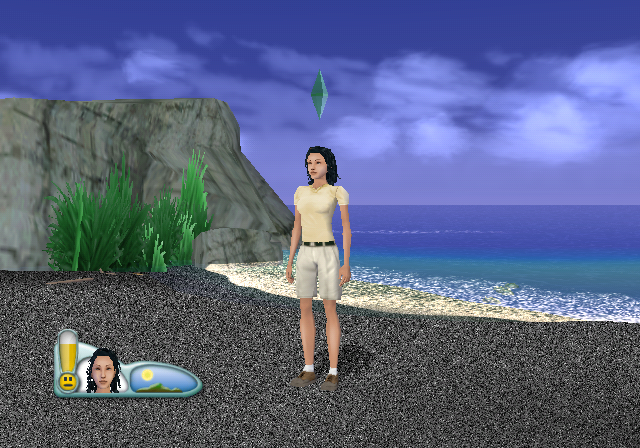
An option that's disabled by default. Enabling it on its own has some minor effects, such as making the clouds more transparent, however, if multipass shaders are disabled and this is enabled, it has some very trippy effects on the sand.
use_wii_cpu_smooth_skin#
Use CPU smooth skins (slower but prettier)
EUR |
USA |
|
Wii |
0049BA7B 00000001 |
00497DFB 00000001 |
use_wii_vertex_intensity#
Use Wii vertex intensity
EUR |
USA |
|
Wii |
0049BA7C 00000000 |
00497DFC 00000000 |
Yet another option that's enabled by default, and disabling it seems to hide dark spots such as shadows.
Miscellaneous Options#
enable_sound#
If set enables sound. Otherwise sound is turned off
EUR |
USA |
|
PS2 |
00516CFC 00000000 |
0051517C 00000000 |
Wii |
0049BA6E 00000000 |
00497DEE 00000000 |
Enabled by default, of course, but can be disabled.
skip_startup_movie#
If enabled the intro and maxis logo movies won't be played
EUR |
USA |
|
PS2 |
00516D04 00000001 |
00515184 00000001 |
Wii |
0049BA70 00000001 |
00497DF0 00000001 |
Skips the EA logo video, as this game doesn't have neither the Maxis screen, nor an intro video.
disable_slide_show#
Disable the slideshow after CAS
EUR |
USA |
|
PS2 |
00516CF4 00000001 |
00515174 00000001 |
Wii |
0049BA6C 00000001 |
00497DEC 00000001 |