Suzumiya Haruhi no Heiretsu (The Parallel of Haruhi Suzumiya) is a fully-voiced adventure game/visual novel hybrid game released for the Wii in 2009. It was released as part of a pair of games, and was followed in series by Suzumiya Haruhi no Chokuretsu (The Series of Haruhi Suzumiya - geddit?!) for the DS later in 2009.
Unlike other games in the series, Heiretsu uses fully 3D characters and environments. The story is set into motion after Haruhi wins tickets to a luxury cruise aboard the Oberon for her and her friends. As expected, things quickly take a turn for the unexpected. The introduction of the mysterious pair of Mikoto and Taiichirou only serve to complicate things further. It's up to the Kyon and the player to escape the loops of this neverending voyage.
Debug mode#
The game has a debug mode, turned off by default, that can be re-enabled through the use of the following Gecko code to change a flag:
Enable debug mode |
|---|
|
Queries to lookup file entries in the game's bln archive store, the loading of sound files, the loading of THP video files and other system information will be logged to console with this code set.
(Source: Jonko)
Crash handler#
Enabling debug mode enables error handling on a game crash. With the code set, game crashes will display a red screen with error information: 
Leftover Kiosk Demo "Special Ver."#
Watch on YouTubeThe game files contain graphics, event and menu data for a "Special Ver." mode. This is a Kiosk Demo, probably used to promote the game at retail stores in Japan. The mode lets you select and play through abridged versions of four scenarios from the retail game and can be almost fully restored and played with the following Gecko code:
Restore "Special Ver." |
|---|
|
(Source: research: Jonko, video: William)
Special Ver. differences#

|
To do: |
The kiosk demo scenarios are shortened from their retail equivalents and make use of different event/script files, though share the exact same voice lines, sound effects and levels. Lip flap data in the demo scenes, however, appears to make use of an earlier version of the format and so doesn't synchronize correctly against the voice lines being played.
Menu differences
|
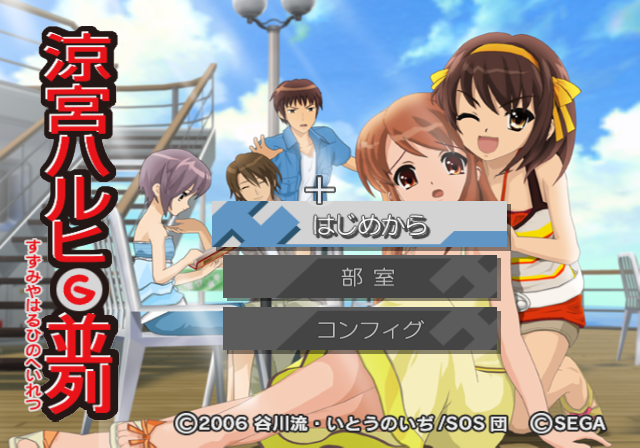
Special Ver. title screen |
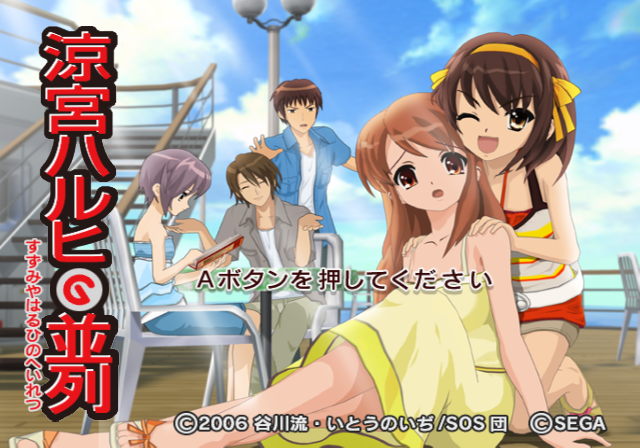
Retail title screen |
|---|---|
|
|
Note the different (darker and realigned) copyright text in the Special Ver. and the watermark in the bottom right. The start game button prompt is also very slightly different in the special version.
|
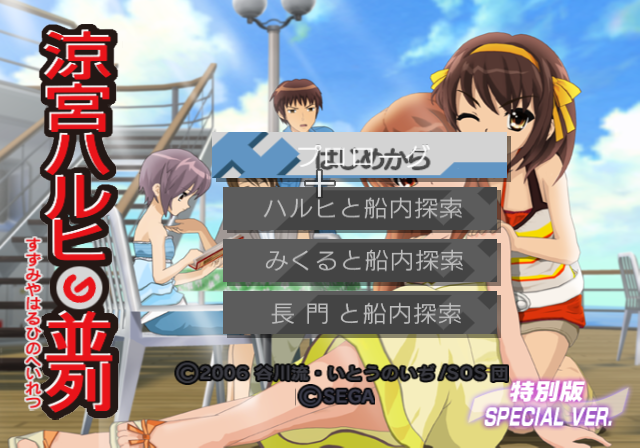
Special Ver. main menu |
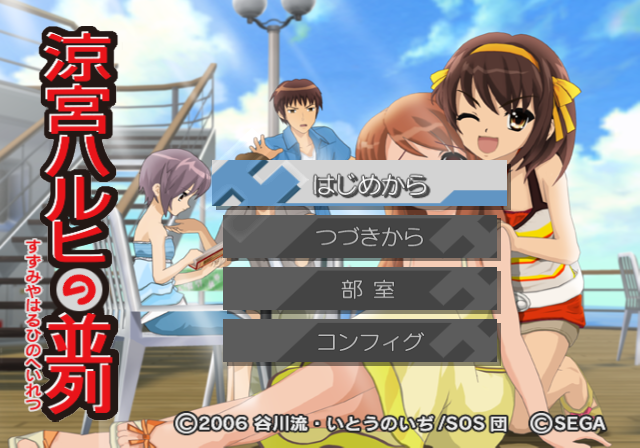
Retail main menu |
|---|---|
|
|
The four available scenarios (approximate translations) are: "Prologue," "Onboard investigation with Haruhi," "Onboard investigation with Mikuru," and "Onboard investigation with Nagato". The buttons used in this menu have the text shadow baked into their texture and since they were updated for the main menu on the retail game, they look incorrect here.
|
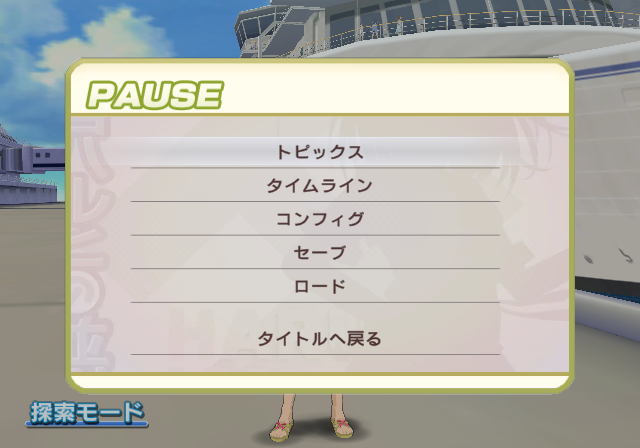
Special Ver. pause meu |
Retail pause menu |
|---|---|

|
|
The Kiosk demo disables saving and loading. You can still change the game settings in the config menu, though config changes also won't save and the "Saving config changes" prompt will not appear.
The History, Topics and Timeline menus can also still be accessed. Interestingly, the game doesn't clear data for these menus between demo sequence playthroughs from memory, so dialogue from the "prologue" demo sequence for example can be read if you complete that sequence and select another, then press minus to bring up the history log.
Demo end screen 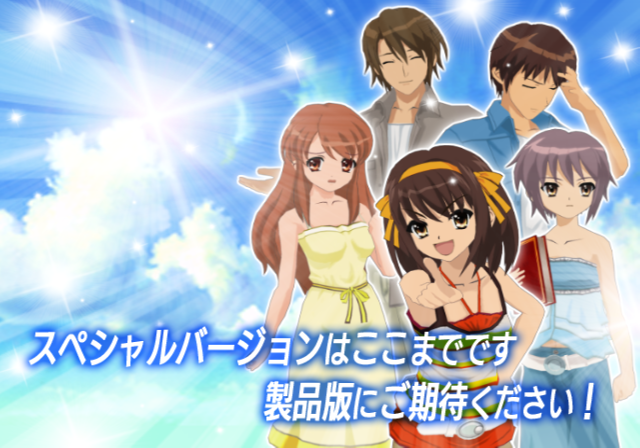
After playing through a demo scenario, this screen will appear before the game returns to the title. The screen text roughly translates to: "This is the end of the Special Version. Please look forward to the full version!"
Title screen attract mode sequences
The retail game has five attract mode sequences that play if you leave the title screen running for too long. These sequences will be cycled through endlessly. The demo, however, only has two of these five; the second and third retail sequences - and doesn't cycle after displaying two. Given that the Special Ver. was a promotional demo, it's possible that additional attract sequences / trailer videos that are meant to play here simply aren't on the retail disc.
|
Special Ver. attract sequences |
Retail attract sequences |
|---|---|
|
|
|
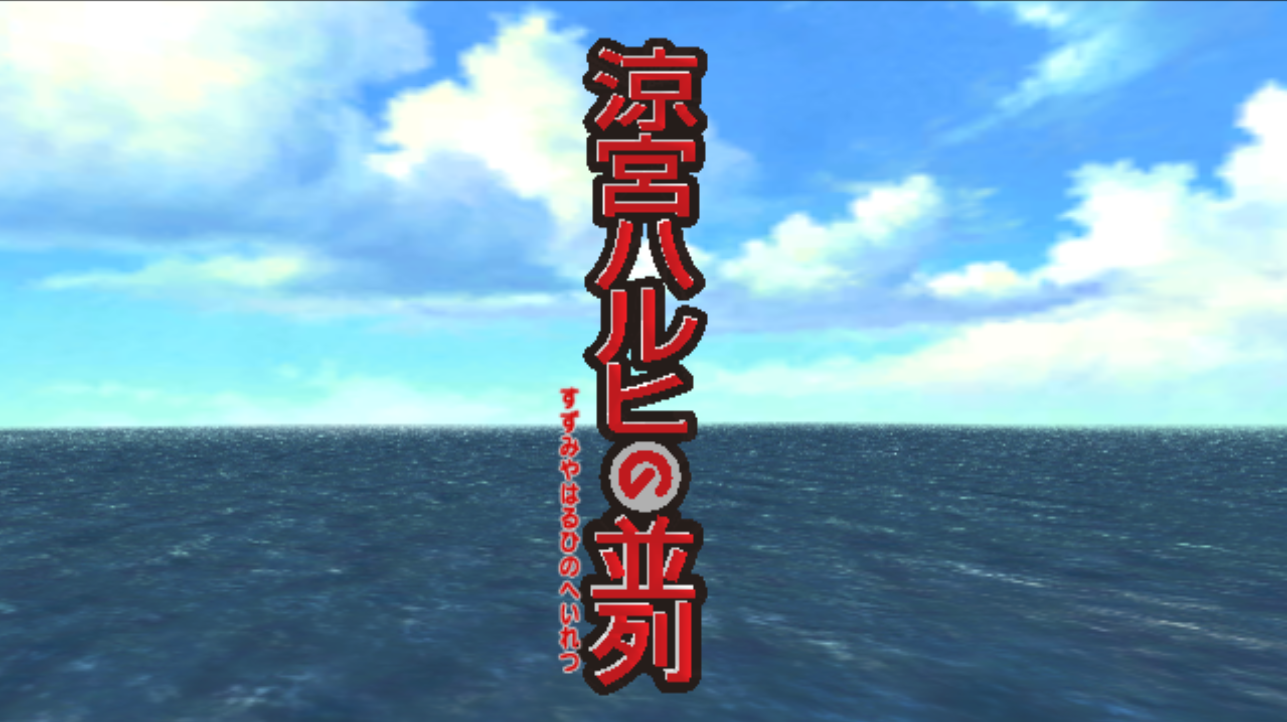
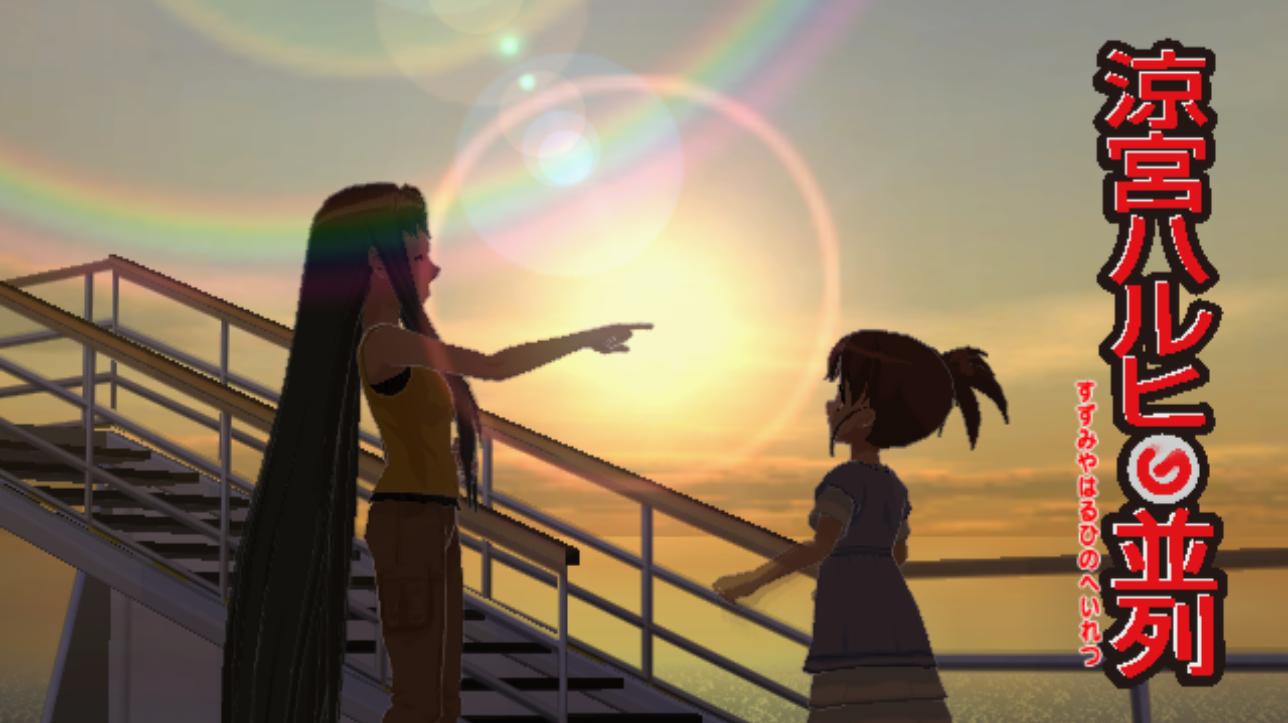
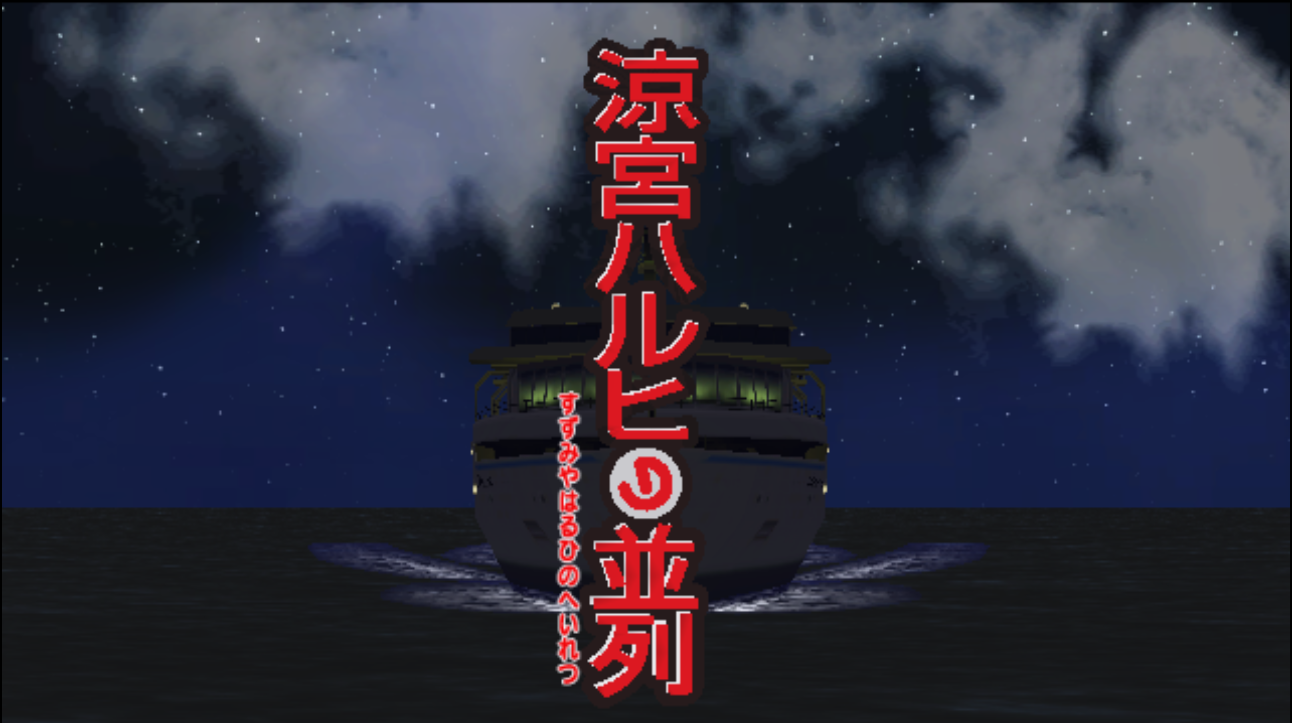
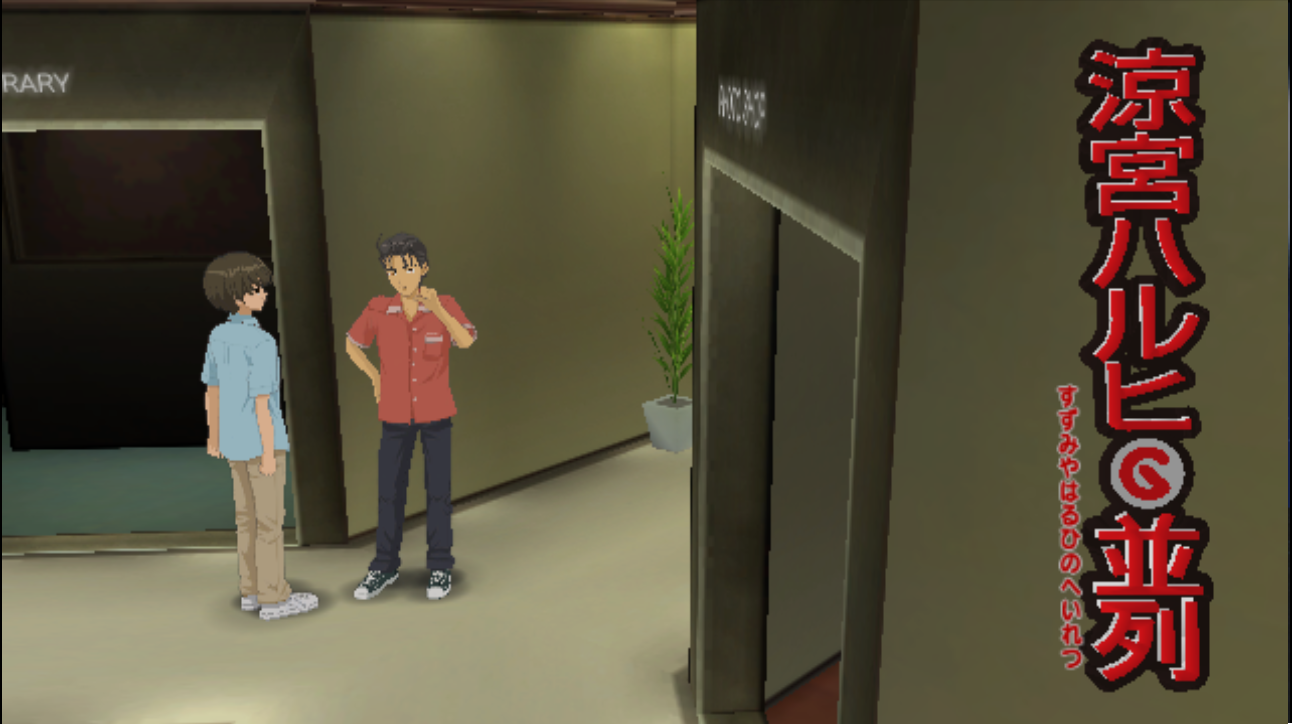
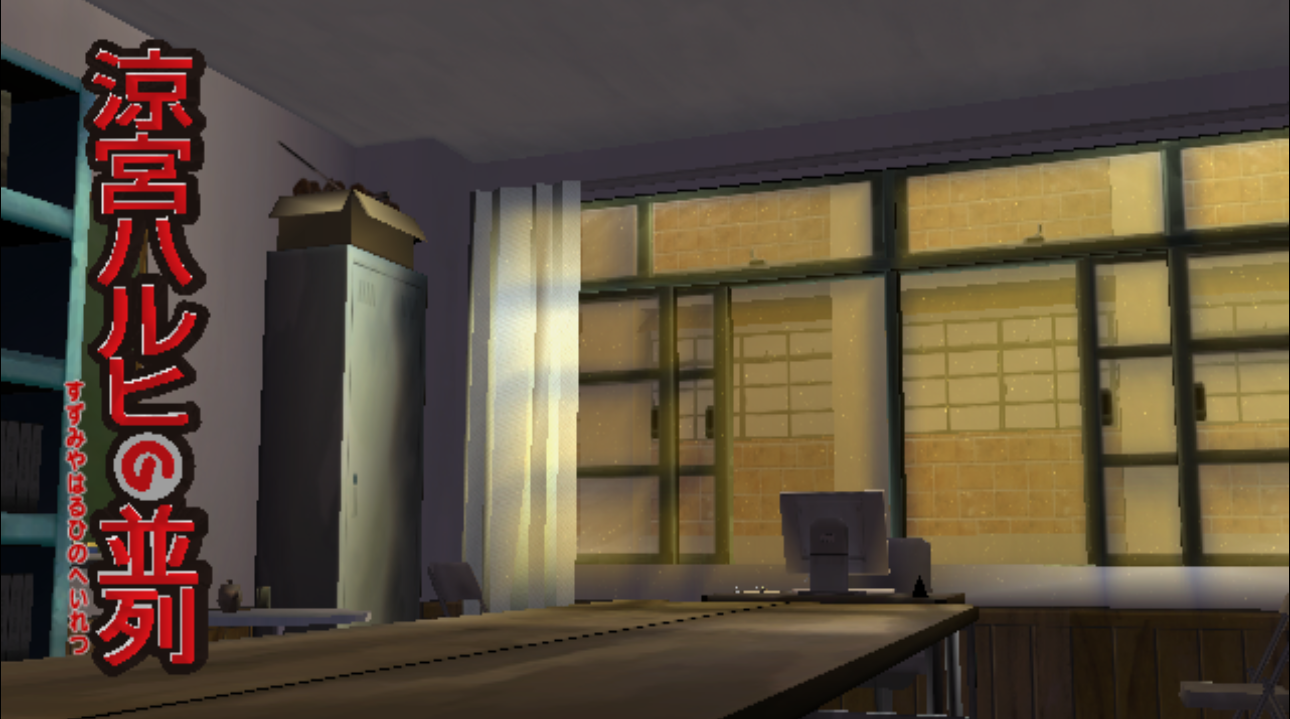
Also note that with the restored version of of the Special Ver., pressing B to return to the title screen from the scenario selection menu will soft-lock the game as the start game button prompt does not appear. Attract sequences will not play, either, so the only option to reload the title screen is to reset the game.
Title screen seagull flyby 
The seagull flyby sequence that plays before the title screen and logo bounce-in is missing when loading the Special Ver.; no skybox or background environment is present and the seagull simply happily flies through a white void of nothingness.
Unused maps#
The game references 9 unused maps, which are duplicate versions of maps used in the final game.
- Cabin No. 1024 x5 (0x00 to 0x05)
- Warehouse (0x06)
- Warehouse - Night (0x07)
- Ship's Bow - Sunset (0x08)
Each map references a script to start with. All the scripts referenced by each room are unused scripts used for testing the various scripting commands. It's possible to load into these scenes with a gecko code and a patch.
Unused scripts#
|
|
To do: |
There are a total of 9 unique scripts, which additionally reference a number of unused versions of final game "Interrupt" quick time sequences.
SCRSAMPLE0
Talking to each character in this script tests specific game features.
Character |
Feature |
|---|---|
Haruhi |
Tests the command followed by testing the various ways of using the command including focusing on a character, using pre-calculated vectors, using in-line declared vectors, using relative angles, and refocusing on a single pre-calculated vector. Finally, this script makes use of a test interrupt to test the interrupt system through a series of menus, the details of which can be seen in the video above. |
Nagato |
Tests the lip syncing system by having Nagato hold lip positions for various lengths of time. Originally, this was then followed by testing voiced lines, but all the test voiced lines have been removed in the final game. The camera then shifts to focusing on Mikuru and tests the facial expression system, especially including the blush and tears systems. |
Mikuru |
Tests the camera transition system, using several of the available camera transitions. |
Koizumi |
Tests the topic system, with Koizumi gaining, changing, vanishing, and using a topic (and the appropriate messages showing for each). |
SCRTest_Hanai
SCRTest_Kwmt
SCRTest_Cam / SCRTest_Script
SCRSAMPLE1
SCRSAMPLE2 / SCRSAMPLE3 / SCRSAMPLE4
(Source: research: Jonko, video: William)
Script parser error handler#
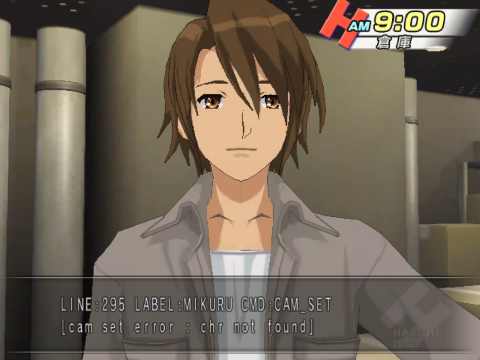
The scripting system has in-built error handling if it couldn't be parsed for some reason or an invalid reference is made by it. The error handler will briefly display a message at the bottom of the screen displaying the error, command and line number. This can be seen in a number of the debug scripts that make references to invalid topic IDs.
Early SEGA splash screen#

Sound and graphics for an earlier image-based "SEGA" logo splash screen are present in the game files. Originally, as is the case in Chokuretsu, the SEGA splash was meant to be the classic blue logo screen with the SEGA voiced by a random member of the game cast. The final game uses a generic .THP intro sequence instead, though. The audio files for the character voices remain unused in the files, alongside the original logo.
(Source: William)
|
The Haruhi Suzumiya series | |
|---|---|
|
PlayStation Portable |
|
|
PlayStation 2 |
|
|
Nintendo DS |
|
|
Wii |
Suzumiya Haruhi no Heiretsu • Suzumiya Haruhi no Gekidou (Hirano Aya Premium Movie Disc) |