 This article has a talk page!

|
To do: |
A game based on the Spawn comic book series.
Debug Menu#
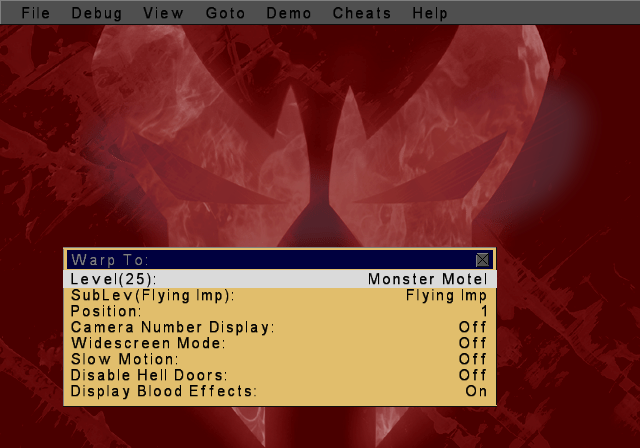
An elaborate debug menu remains in this game. This allows you to toggle various debug options on or off, select models, sounds and textures to view, and more. These include an exclusive set of cheats as well. To enable this menu, apply the below code and hold the Select button while the Dolby Surround Pro Logic logo is on-screen. Once the debug menu appears, you can let go of the Select button.
USA code:

Enable Debug Menu (Hold Select button at Dolby Logo screen)
20210158 00000000
D02F0102 0000FFFE
10226388 0000995C
D02F0102 0000FFFF
10226388 000098F2
Controls:
- X to accept or toggle an option.
- D-Pad Left / Right to change an option.
- Select to enable scrolling of the top menu bar.
- Triangle to start the game normally.
Menu Option |
Notes |
|---|---|
Level |
Changes the level category. |
SubLev |
Changes the sub level. |
Position |
Spawns you in different locations. |
Camera Number Display |
Displays debug information on-screen while in-game. |
Widescreen Mode |
Toggles widescreen mode. |
Slow Motion |
This has no effect on the PS2 version. |
Disable Hell Doors |
|
Display Blood Effects |
Turns blood on or off. |
This menu can be a bit broken at times and can crash your game. This generally only happens if a grey box is left on-screen from the debug menu. Make sure this isn't stuck on-screen when entering the game.
(Source: Original TCRF research)
File#
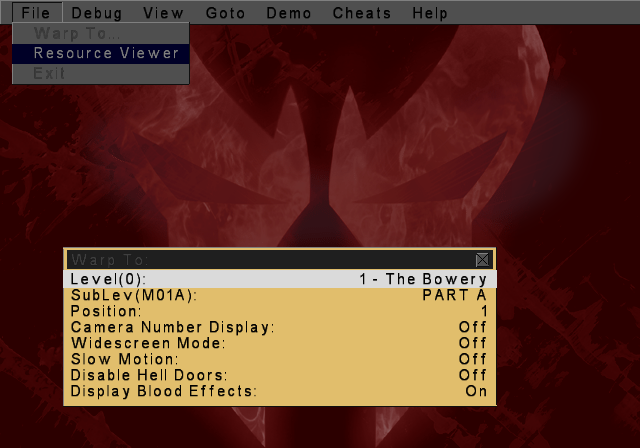
Selecting Resource Viewer will send you to another screen where you can select graphics, sounds, and models to choose from.
Debug#
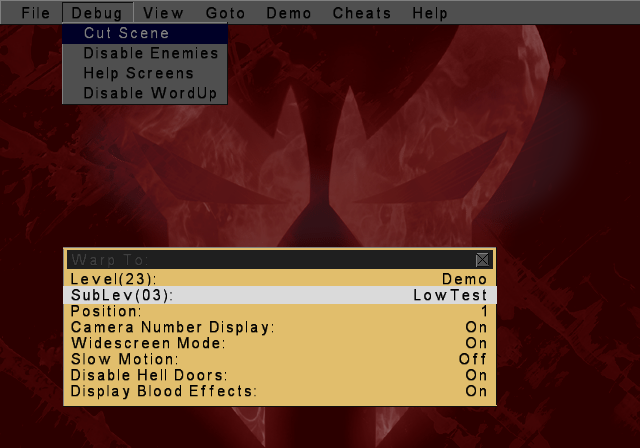
Setting anything to on here will disable the option in-game.
View#
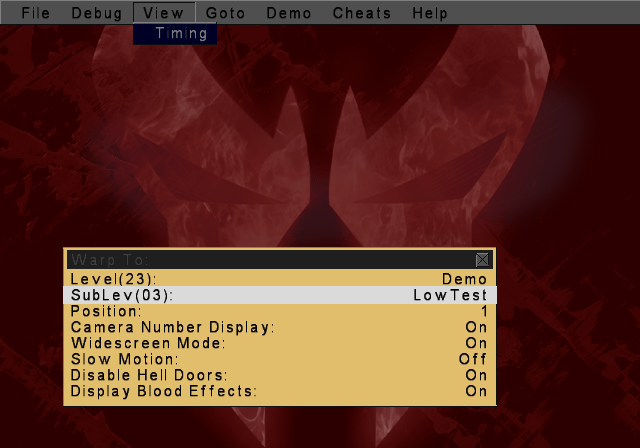
Timing doesn't work anymore.
Goto#
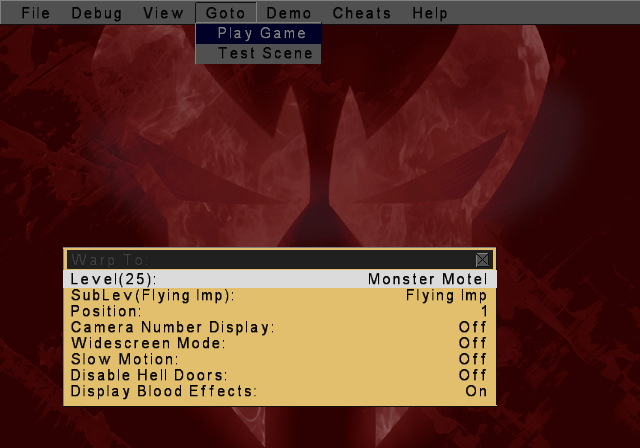
It's unclear what this once did. It's advised not to select these options.
Demo#
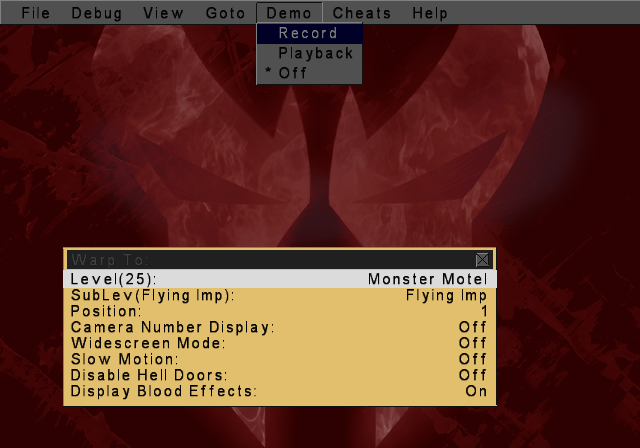
These options would likely record button inputs however, they don't appear to work anymore.
Cheats#
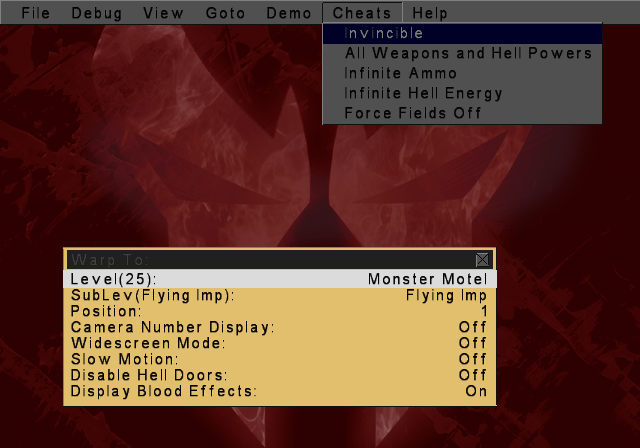
Allows you to set an exclusive set of cheats on or off.
Help#

Displays a build date and time information window.
|
The Spawn series | |
|---|---|
|
PlayStation |
|
|
PlayStation 2 |
|