This is a sub-page of Sonic Unleashed (Xbox 360, PlayStation 3).
E3 Assets#
Title Screen Leftovers#
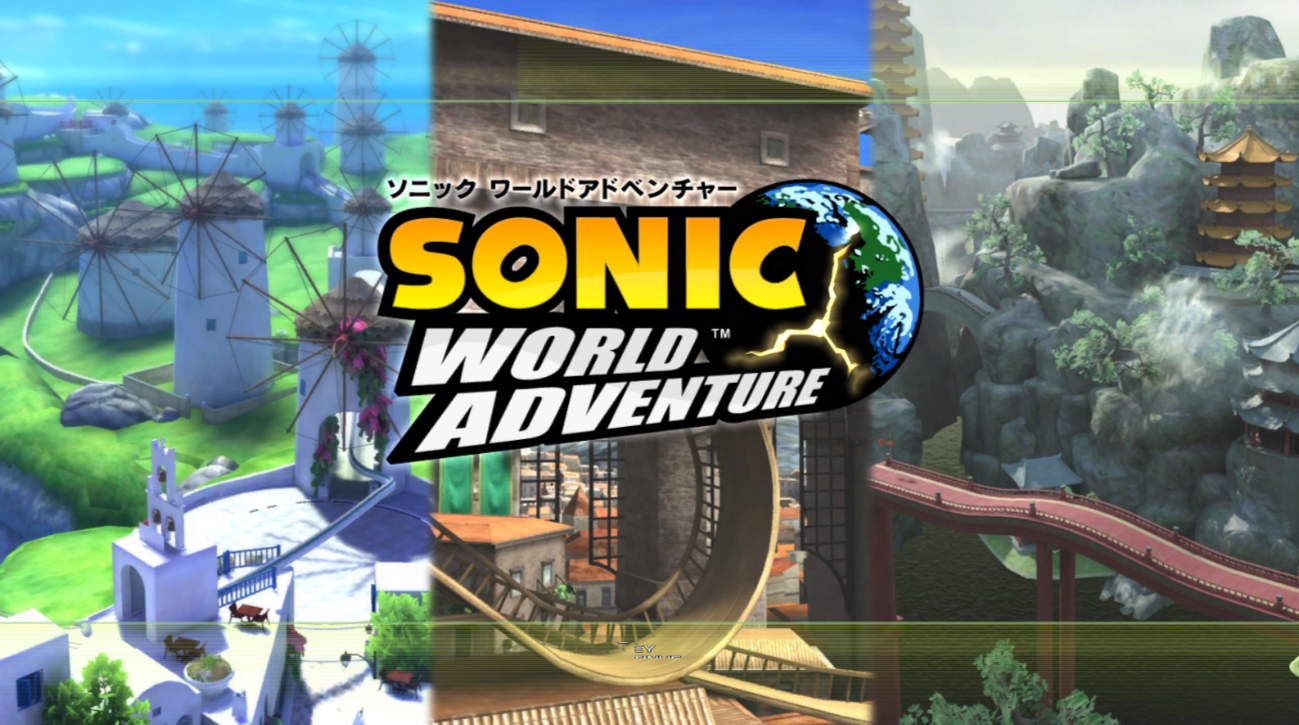
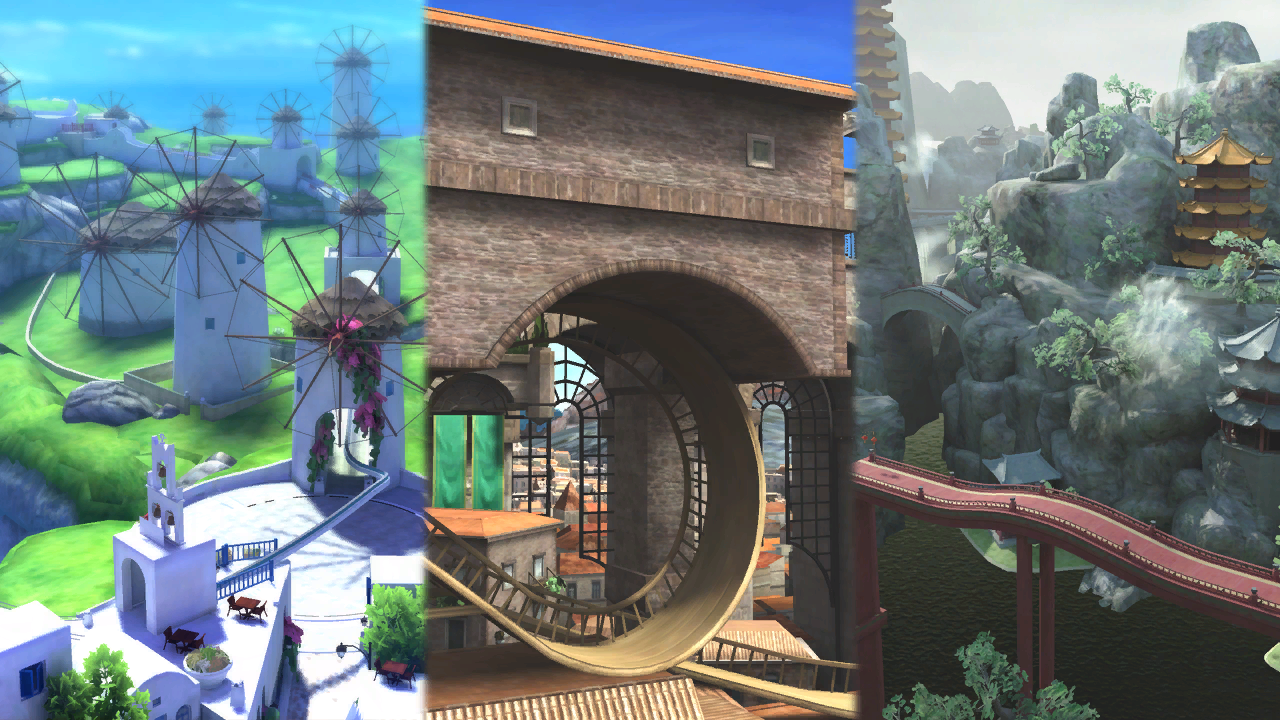
TitleE3.ar.00 is a leftover from the E3 demo.
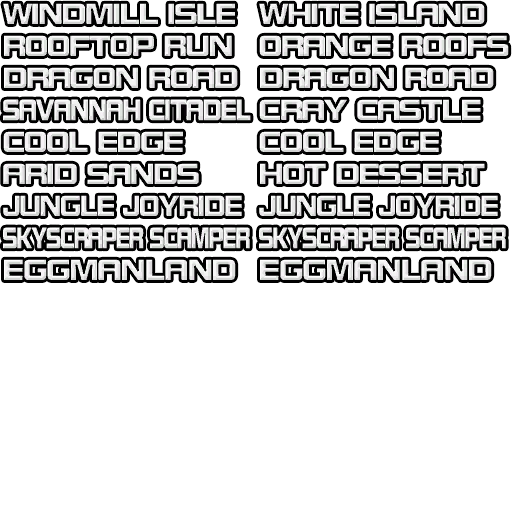
- Most of the files are duplicates which are used elsewhere, but it contains two images not seen anywhere else. Likely used as the background. It depicts Windmill Isle, Rooftop Run, and Dragon Road. These were likely the stages playable at E3. The background was also used for the title screen in the downloadable demo on the PS3 and 360 digital stores.
- The game still has an yncp file from the E3. + This title screen was also can be spoted in the Japanese demo for the Xbox 360.

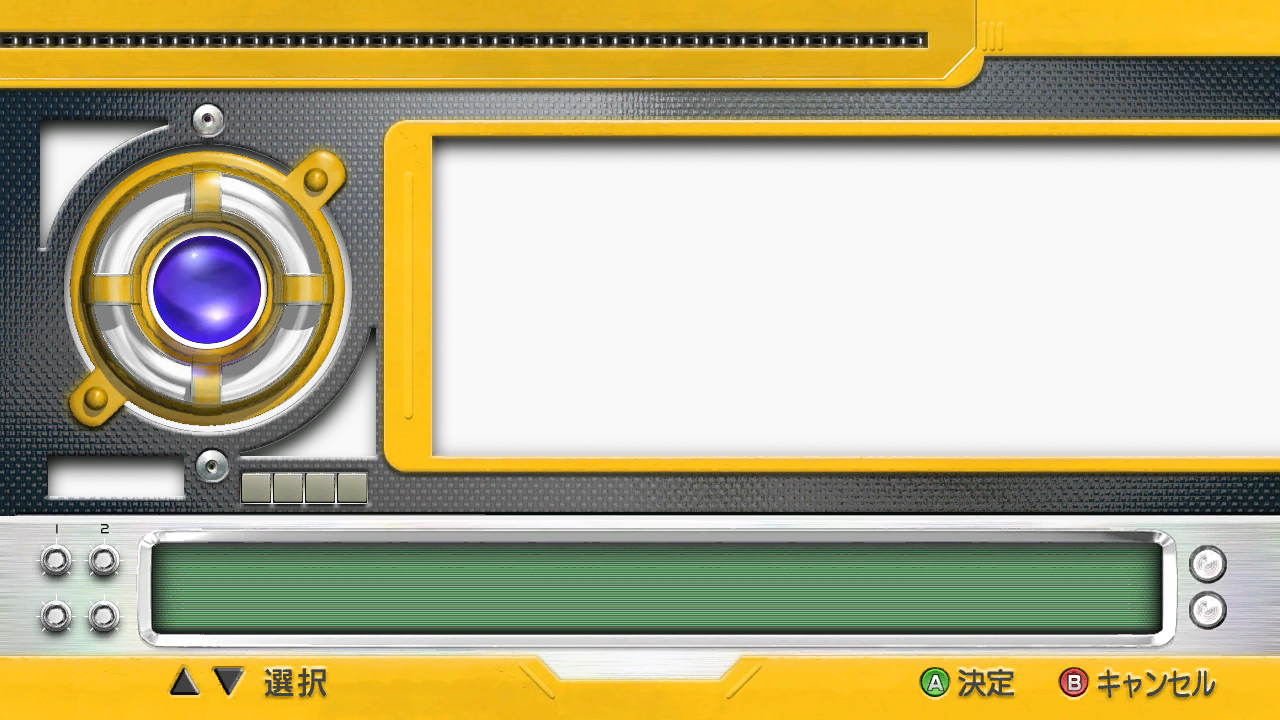
Used for selecting menu options. There's a strangely large number of settings on here, as well as a "Continue" option. Not something you'd expect at an E3 demo... some of this was probably unused there, too. The only other thing of note here is the font used; Rodin. It's seen use in other Sonic games but is completely absent in Unleashed (well, this version, anyway).
Control Tutorials#
Hedgehog |
Werehog |
|---|---|
 |
 |
 |
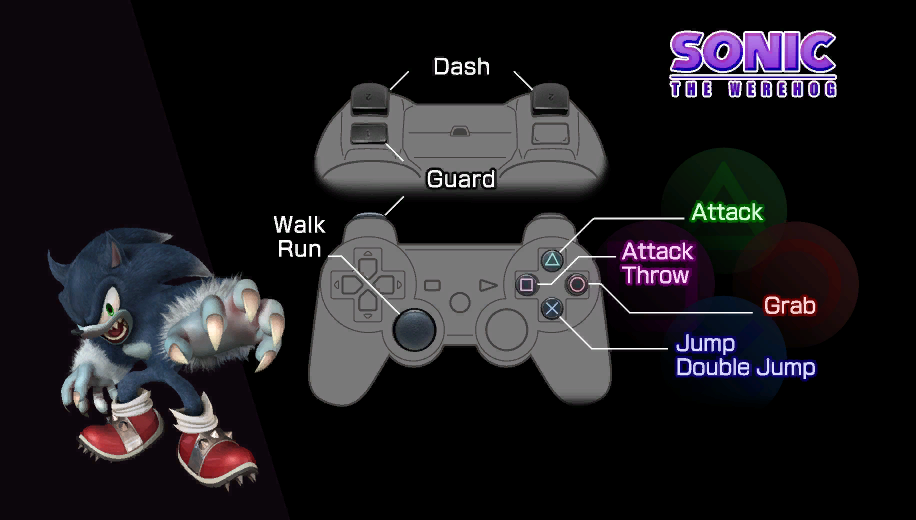 |
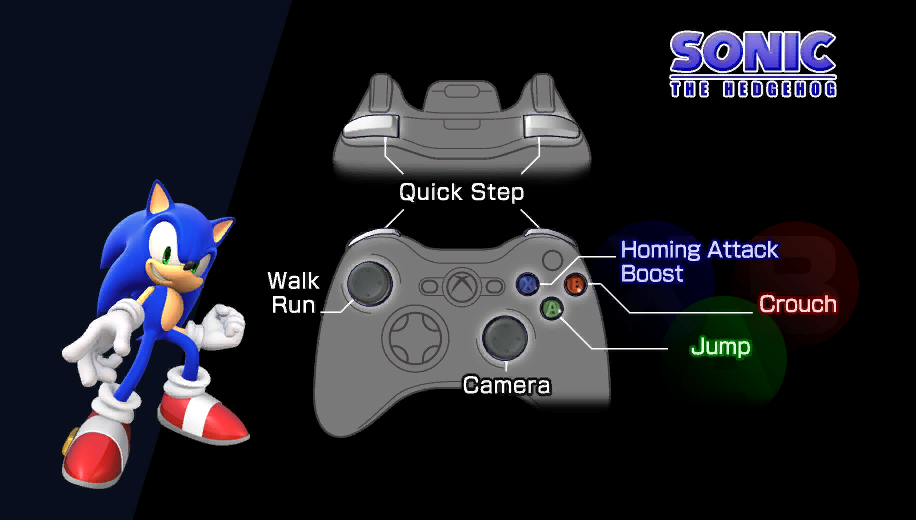
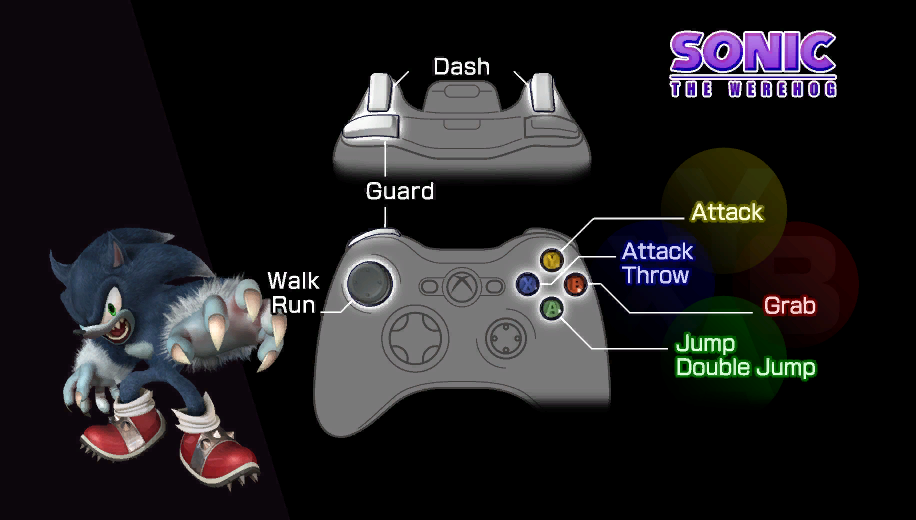
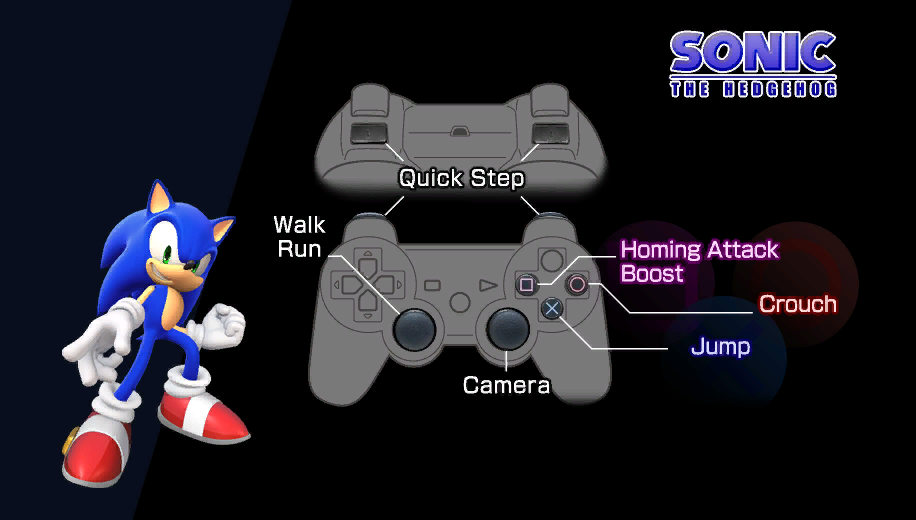
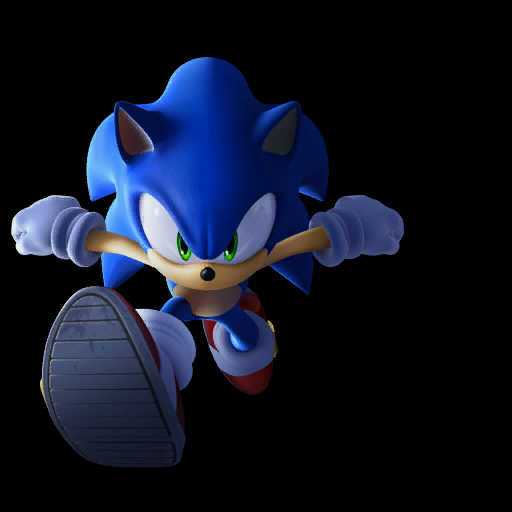
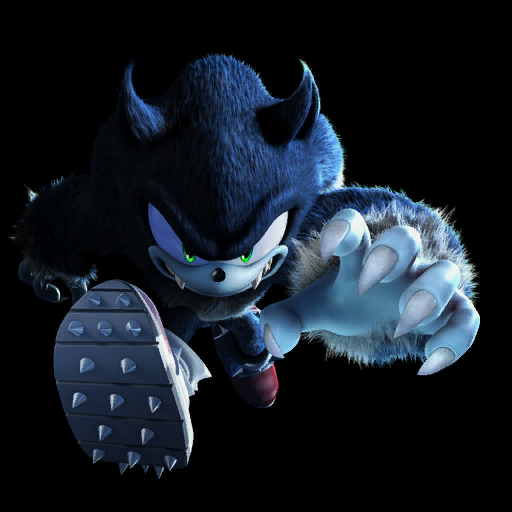
In the "Loading" folder on the root of the disc, there are two control tutorial images which seem to be for an event like E3. Oddly, the Werehog's controls omit the labels for the camera and the "Unleash" move, and Sonic's controls only label moves in his base move set.
Early GUI Assets#
Loading Screen#
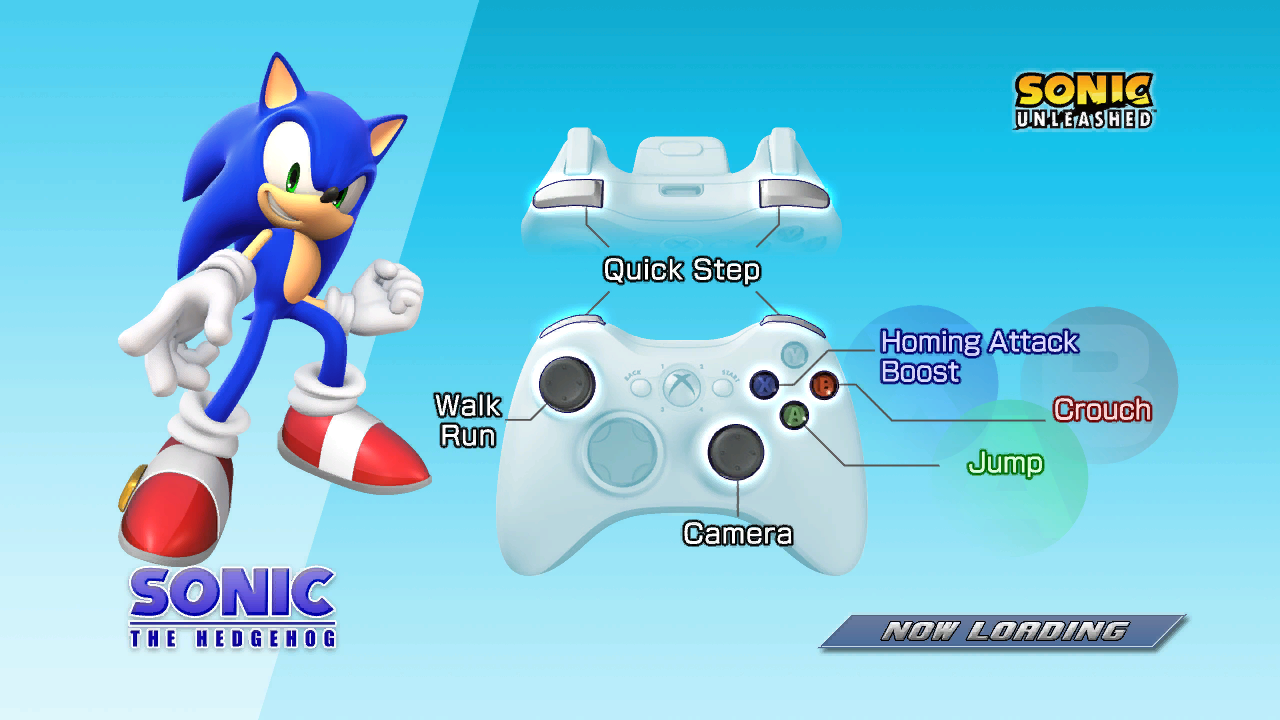
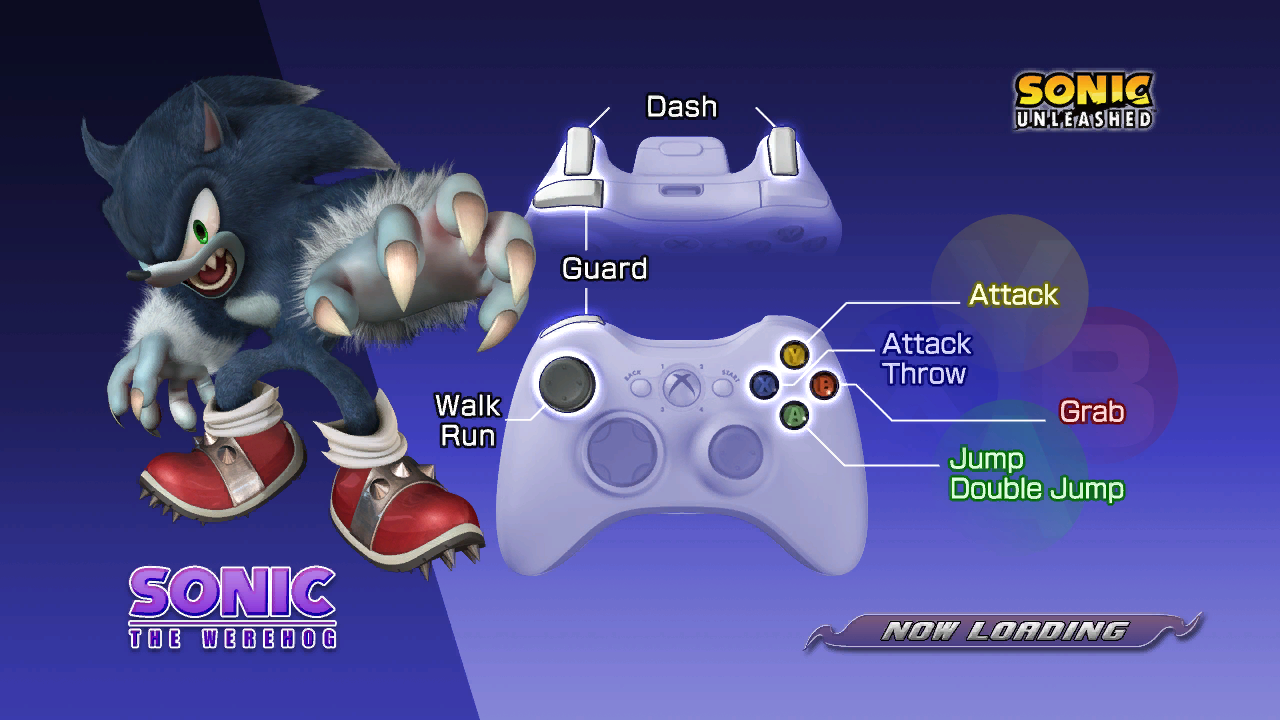
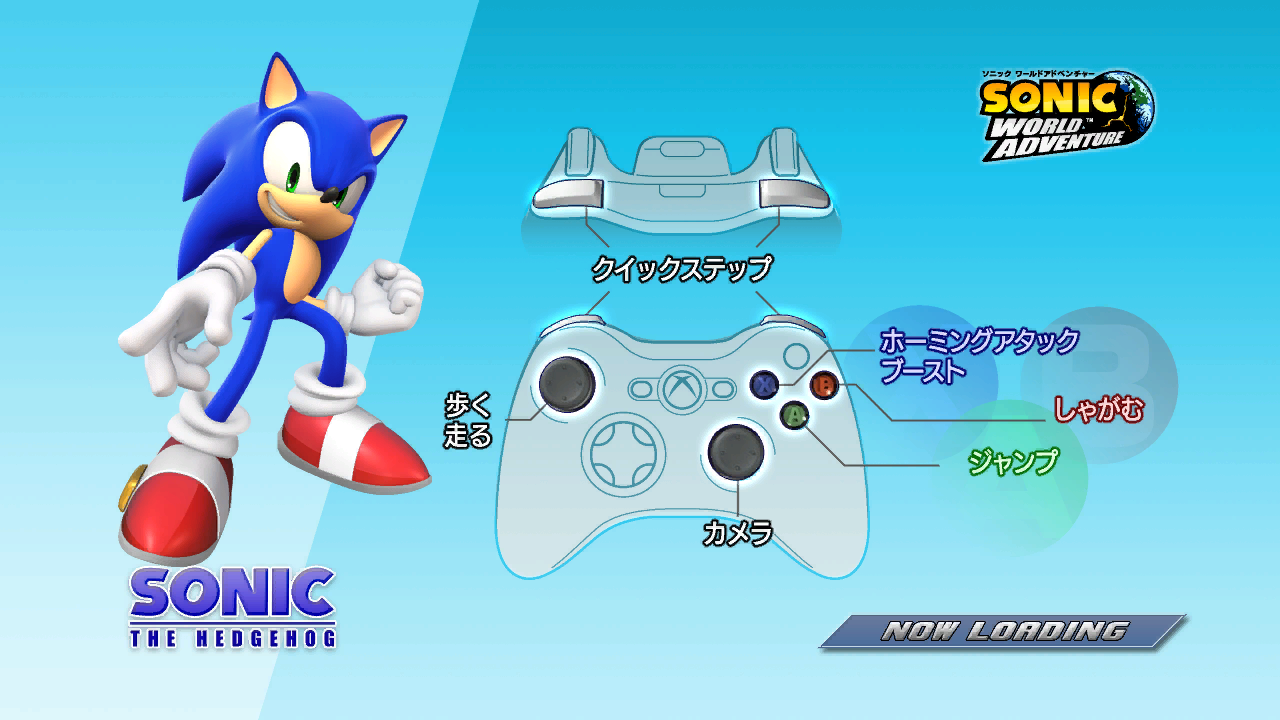
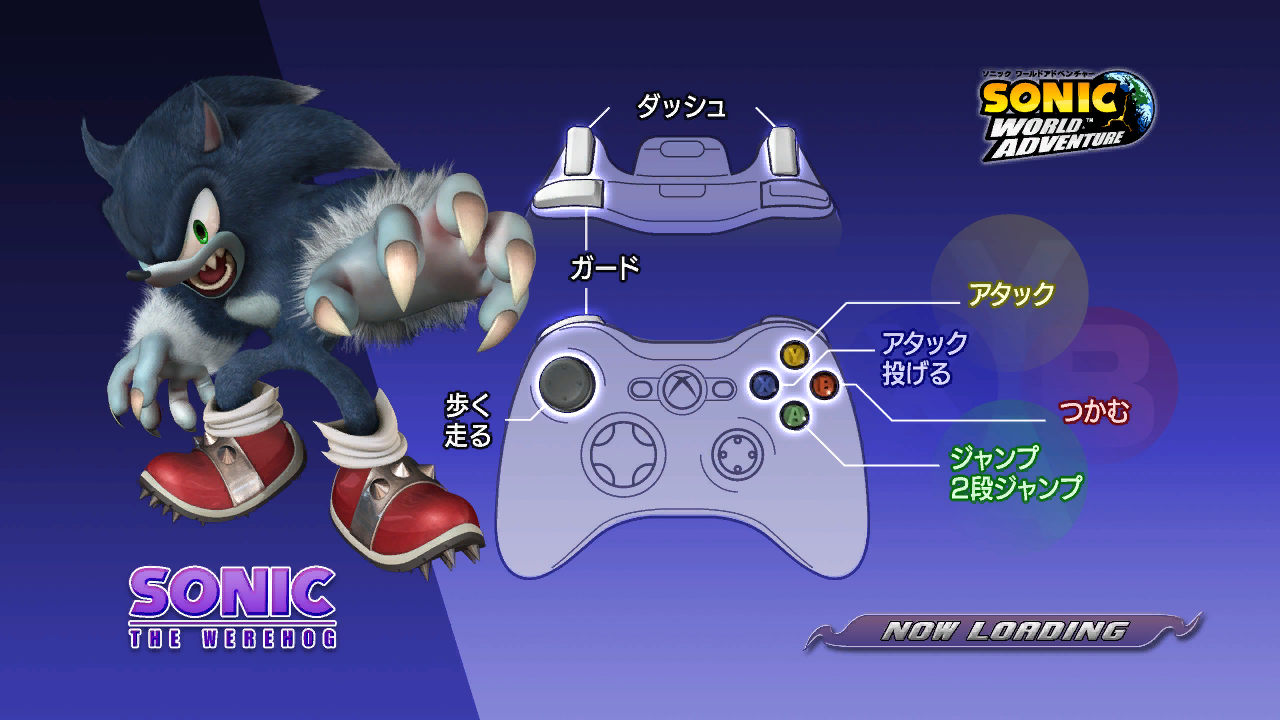
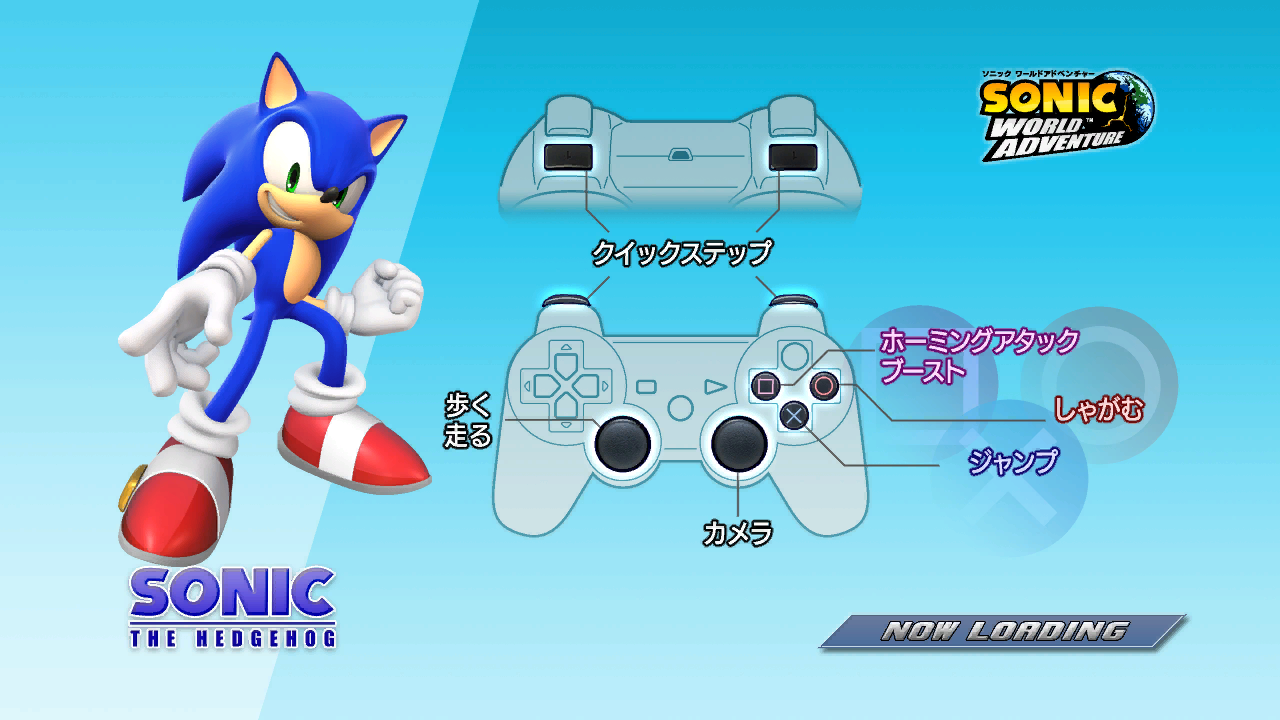
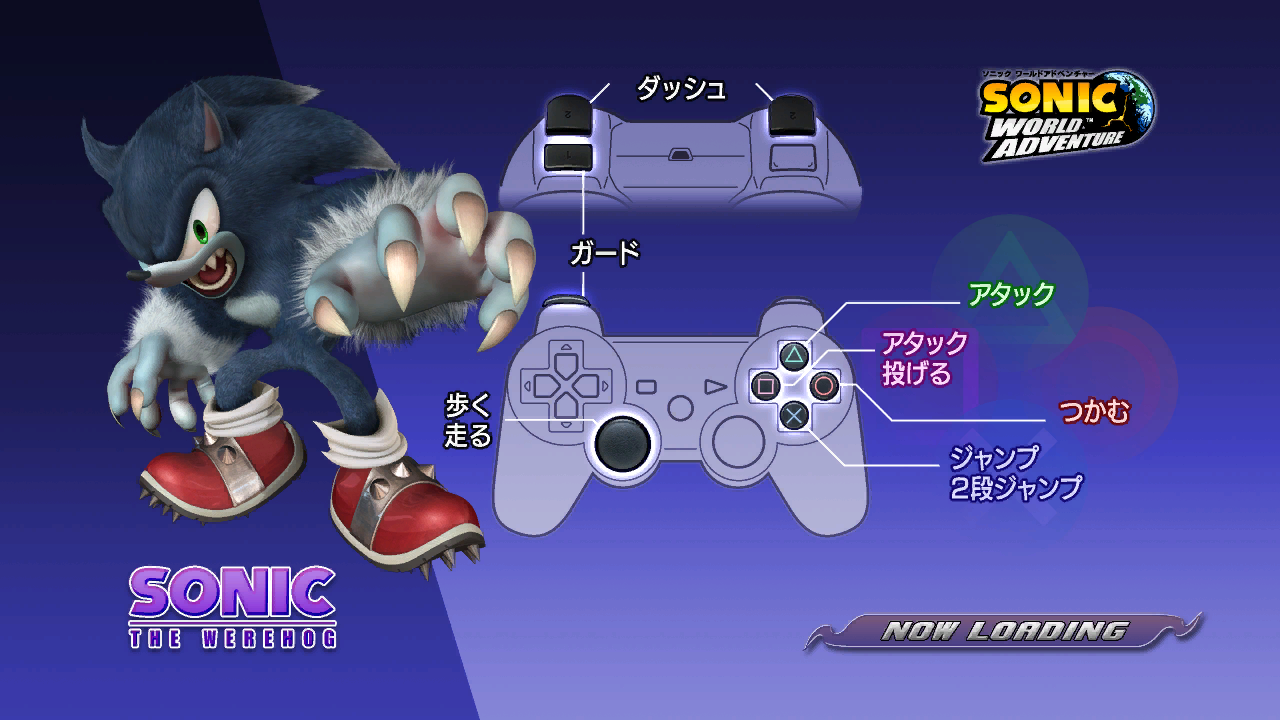
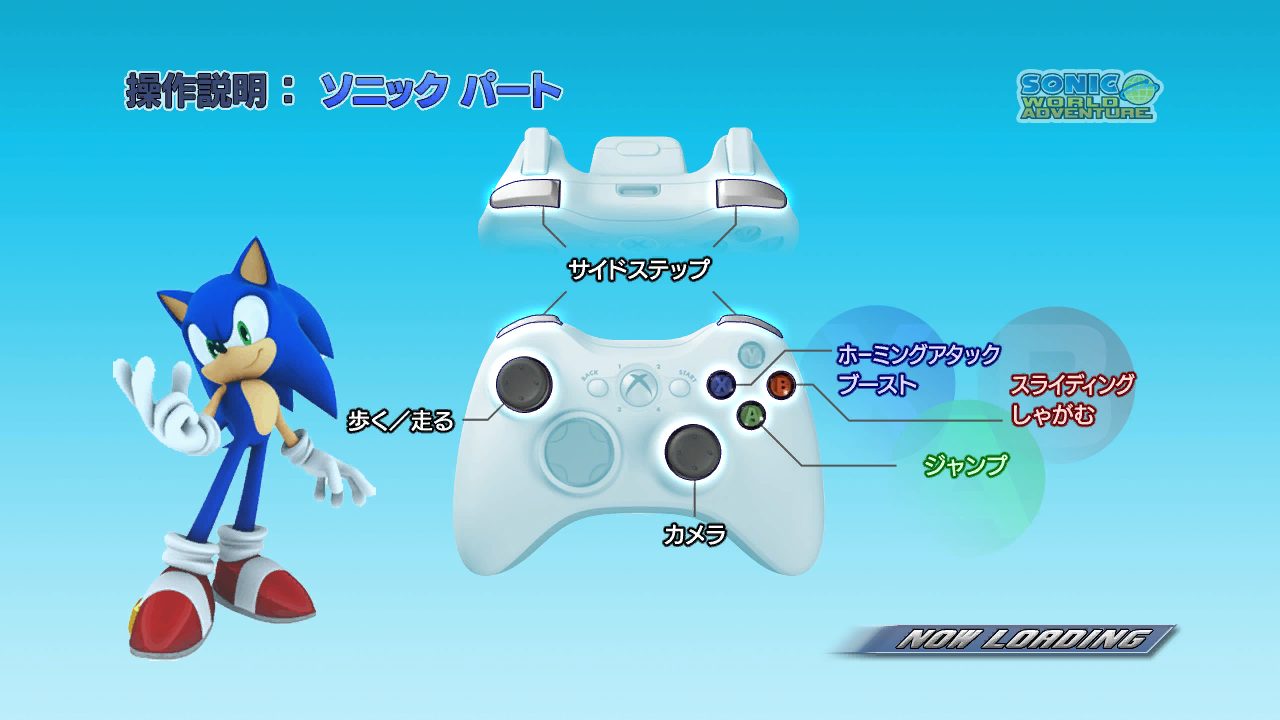
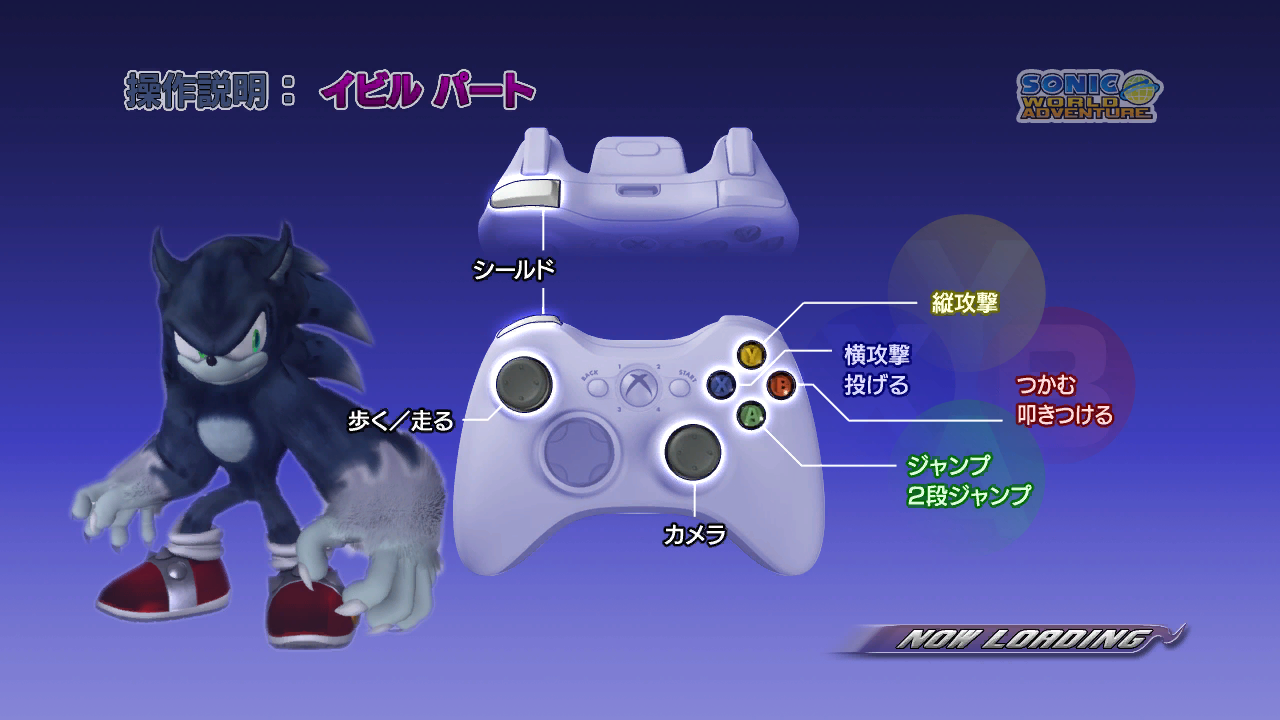
Control tutorials similar to those in the "Loading" folder, likely based on them. These are against a brighter background and use images of a real 360 controller, but are otherwise pretty much the same, missing controls and all. MainMenu.ar.00 contains files pertaining to an early main menu of sorts. It's possible this was also used at E3, but there is no direct evidence of this.
Hedgehog |
Werehog |
|---|---|
|
|
Japanese versions
- The differences aren't just in terms of language, either; this version goes back to the vector art of the controller, only this time it's not strangely fading out the right controller handle, this applies to some on the PlayStation 3 version but it isn't as visible.
Hedgehog |
Werehog |
|---|---|
|
|
|
|
Earlier versions of the same controller tutorial - there's a lot more to unpack here
- The button assignments are mostly the same, but the Werehog's controls finally label the right stick for camera control! It sacrifices the triggers for running, though.
- The Werehog render is very crude, containing a model which appears to be unfinished and better matches some of the pre-release images for this game (earlier versions used a model closer to that of the Wii version).
- Sonic's render is from this wallpaper from the Sonic Channel website.
- The "NOW LOADING" text at the bottom is using the style which the game normally reserves for larger text, being closer together and further italicised. The above versions use text that more closely matches how smaller text looks in the final game.
- The Sonic World Adventure logo in the top-right corner is an earlier one that most closely matches the style of the Sonic Adventure 2 Chao Garden.
Hedgehog |
Werehog |
|---|---|
|
|
E3 Main Menu#
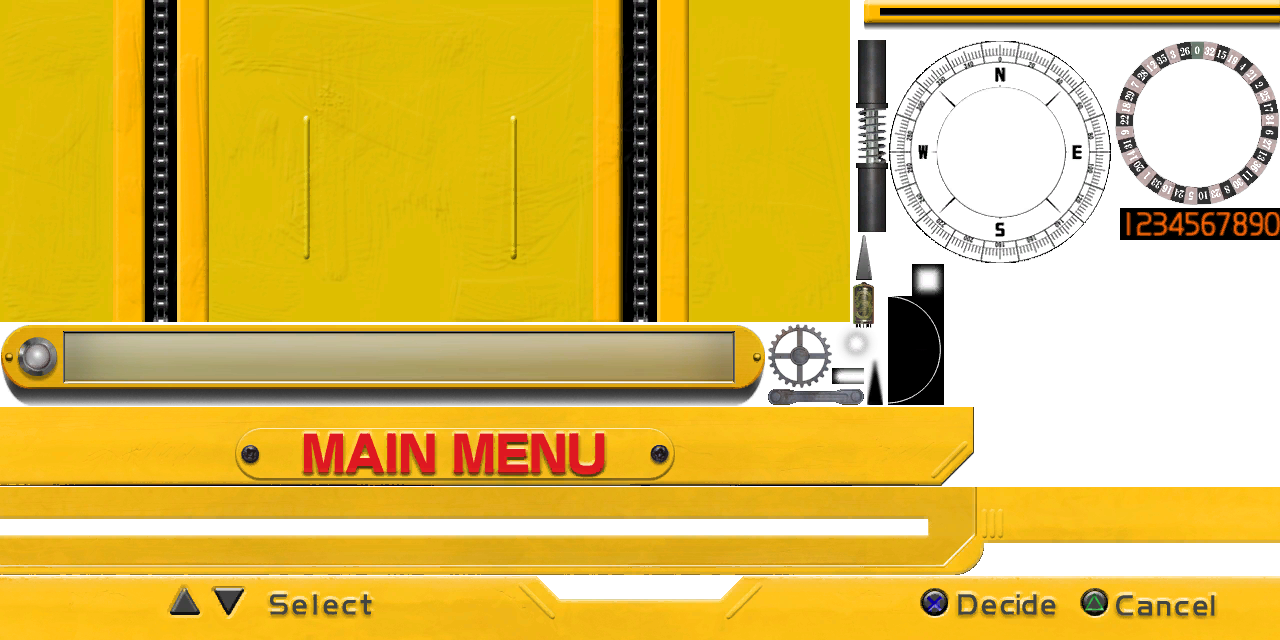
Finally, the actual UI elements themselves - ui_mm_parts1.dds strangely has (early) PlayStation button icons, even though this is the 360 version...
In addition to this, system.csb and now_loading.dds are also present - the former being a copy of the same file from Sonic the Hedgehog (2006) and the latter being a 1280x720 black rectangle.

Hub Preview#
Spagonia#
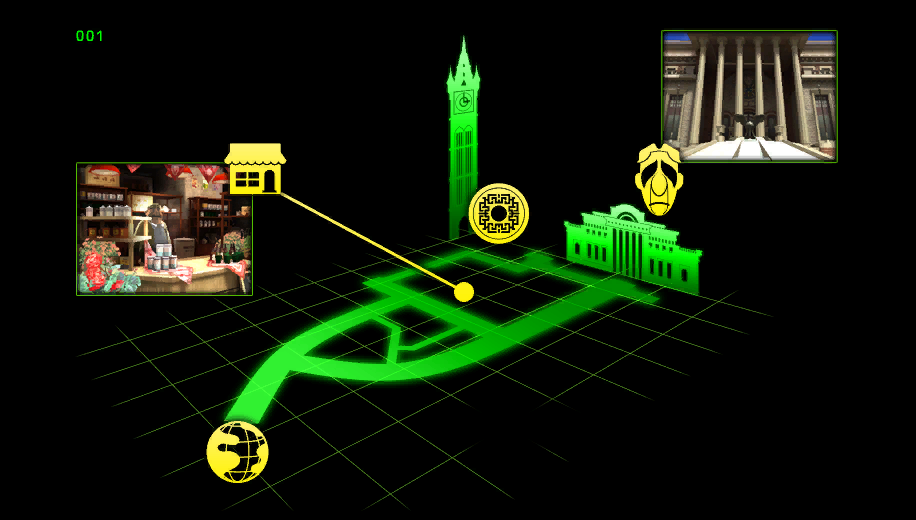
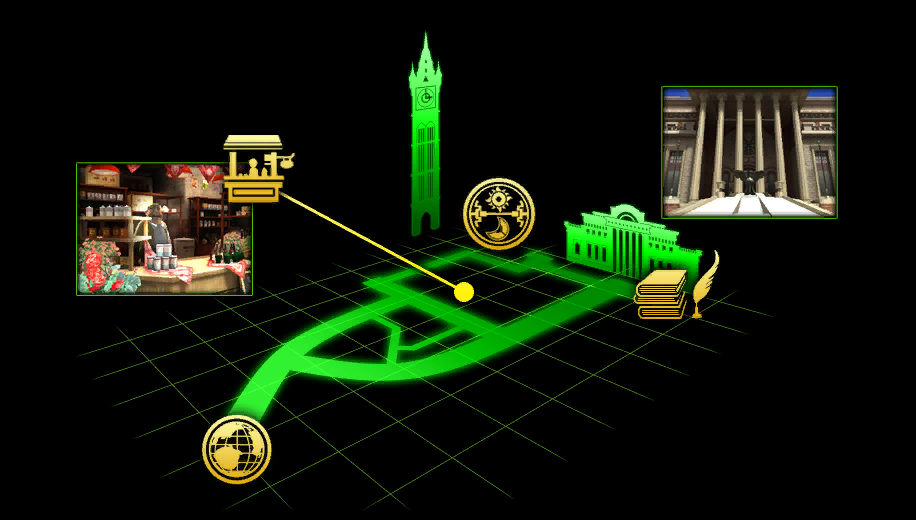
Also present in the "Loading" folder is an early version of the hub world preview for Spagonia. It is mostly the same, but the icons were changed completely between versions, and the early version's screenshot of the university is closer to the top than in the final due to an icon of Pickle in the way. The relevant icon was moved downward in the final image.
|
TownSample.dds (early) |
mat_load_town_EU.dds (used) |
|---|---|
|
|
UI#
HUD#
Image |
Description |
|---|---|
ui_ps1_gauge1.dds |
In the archive named Sonic.ar.00 there is a image called ui_ps1_gauge1.dds while the gauge is still used in the final game, everything else is unused and only featured in an earlier version of the game. |
ui_ps1_e_gauge1.dds |
In the archive named ActionCommon.ar.00 there is a image called ui_ps1_e_gauge1.dds with what looks to be some early Werehog UI seen in a few preview images of the game. Right now there doesn't seem to be any way to implement it and have it work as intended but that could change in the future... |


Lap Acts Unused Assets#
The final version of the game has acts with laps, but the game never shows how many laps the player has left to run. Also apparently Sonic Team had a idea was to add a timer for such acts, but it's unknown whether they deliberately abandoned this idea, or simply did not have time to implement it. Another interesting detail is that the ui_itembox.yncp file has a reverse icon, which in theory would show the player that they're running in the wrong direction, as is always shown in racing games.


Main Menu#
Main and World Map#

ui_worldmap.yncp contains animation of launching the DOTS operating system, in normal state the game never loads this animation, but there are speculations that it could be used for the "Internet" / "World Ranking" menu
Options#
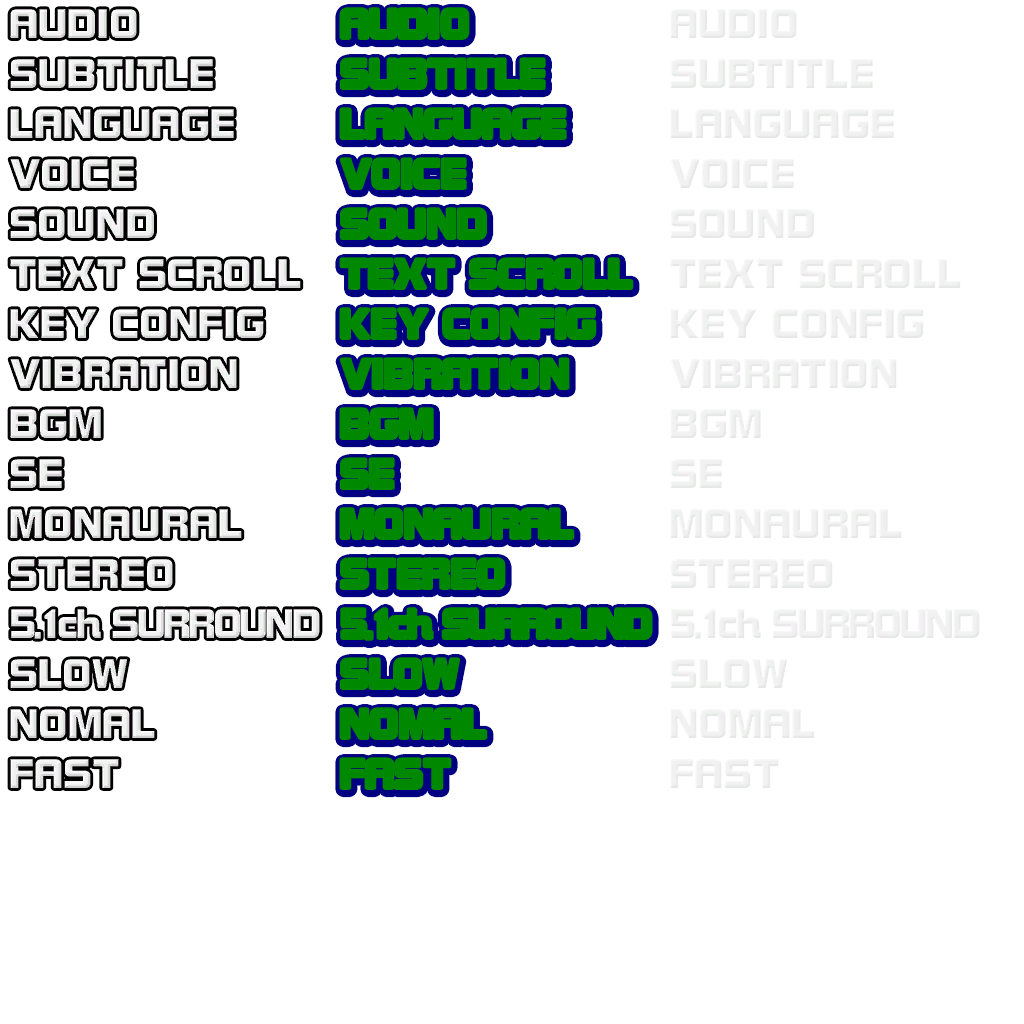
Can be found in WorldMap.ar.00, the most interesting thing to point out, that the texture mentions a couple of options which are not present in the game :
- Audio
- Monaural
- Stereo
- 5.1ch Surround
- Language
- DEUTSCH
- FRANÇAIS
- ITALIANO
- ESPAÑOL
- Text Scroll
- Slow
- Nomal (Normal)
- Fast
- Key Config
- Vibration


Network Leftovers#
Can be found in WorldMap.ar.00 in "Language/English" folder

Install Leftovers#
Present only in the PlayStation 3 version of the game is a folder named Install containing images that would've been used during an install process. This folder also exists in the Windows port of Sonic Generations.

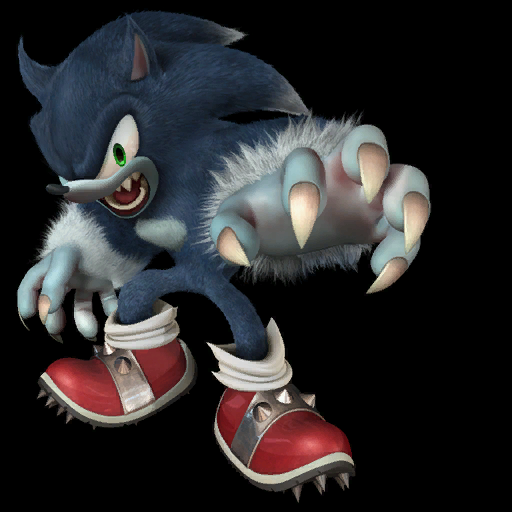
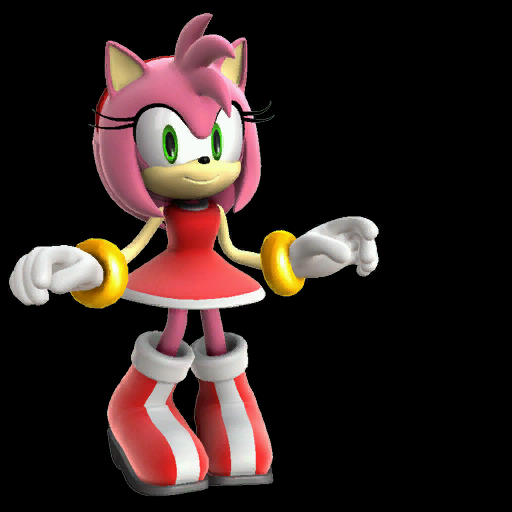


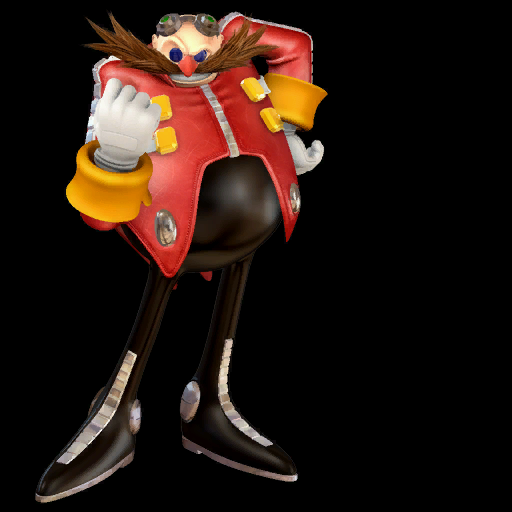
Also the install menu can be accessed in-game, by modifying the cursor position in memory. It does not actually install any data onto the PS3 HDD, but shows how the UI would have looked like.
- Leftover of the UI, stored in Install.ar.00.
YNCP |
In Game |
|---|---|
''If you want to read the text, visit Unused Text Sub-Page
Mics#
Reddog#
A folder called 'reddog' is present on the root of the disc, which contains leftover icons for the debugger used during development. These icons would find their way into Sonic Generations, implying the same debugger was used in that game as well.


