 This article has a talk page!
Debug Modes#
An elaborate debug mode that activates a scenario select menu can be enabled with a complex sequence of button inputs. You will need a cheat device to enable the second half of the debug features, however.
To enable this mode, press the following buttons while the PRESS START BUTTON text is on-screen:
Press Select three times,
Hold R1 and press the following (let go of the last button pressed before pressing the next button):
+X,
(release X)
+Circle
(release Circle)
+Square
(release Square)
+Triangle,
(release Triangle)
(release R1)
Hold L1 and press the following (let go of the last button pressed before pressing the next button):
+D-Pad Down,
(release D-Pad Down)
+D-Pad Left,
(release D-Pad Left)
+D-Pad Right,
(release D-Pad Right)
+D-Pad Up,
(release D-Pad Up)
(release L1)
Press the following while not holding any button:
X,
D-Pad Down,
Triangle,
D-Pad Up,
Circle,
D-Pad Left,
Square,
D-Pad Right,
Hold Select and press and hold the following:
+L1 (continue holding),
+X (continue holding),
+Triangle (continue holding),
(release L1),
(release X),
(release Select),
(release Triangle),
Press Select three times.
Finally, you should hear a confirm sound if done correctly. Phew. To enable the rest of the debug features this mode contains, enable the below code and plug in a controller in slot #2.
Master Code (only needed for cheat devices)
9012E378 0C04B886

Re-enable Controller 2
01F1AD5C 00000001
(Source: Original TCRF research)
Scenario Select#


With debug mode on, you will come across this screen when entering a game mode. Pressing Select here will show various system statistics. You can also press Circle while in the statistics screen to start the game with it always enabled on-screen.
Controller 2 Modes#
The following debug modes are activated by pressing certain buttons on controller 2. Select button will change the possible modes.
Bport: SYS
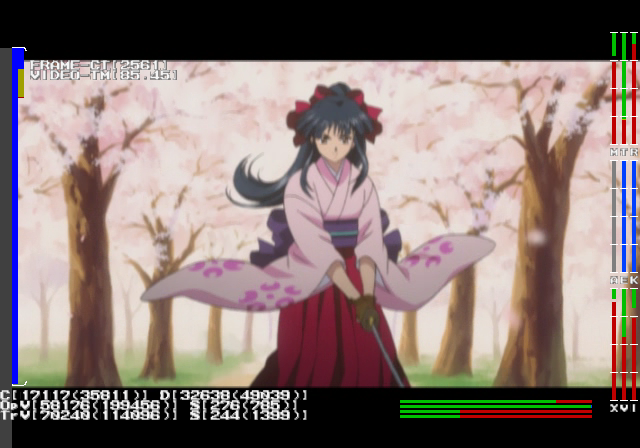
Pressing R2 in this mode will enable or disable various debug information.
Bport: ADV
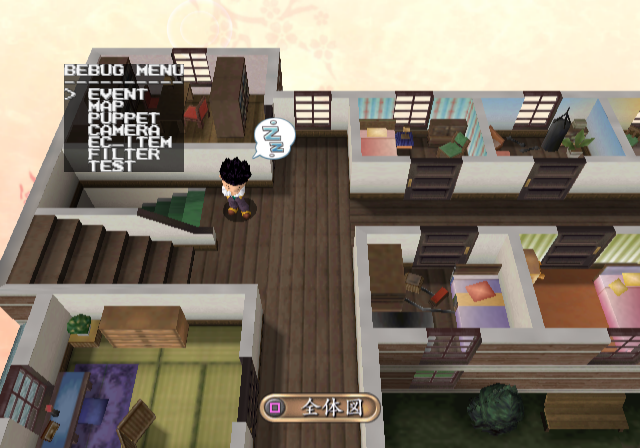
Pressing L2 here will open a bebug menu. No, this isn't a debug menu. You can also press the following buttons in this mode to enable debug information and another debug window:
- L1 + D-Pad Up opens another menu. This probably handles game related flags. Pressing the same button combination will cycle through different menus.
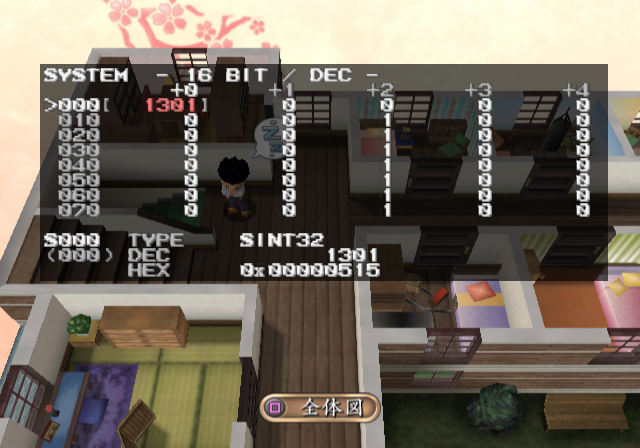
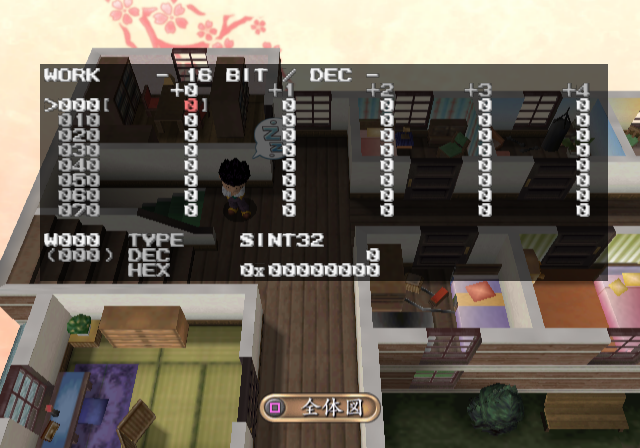
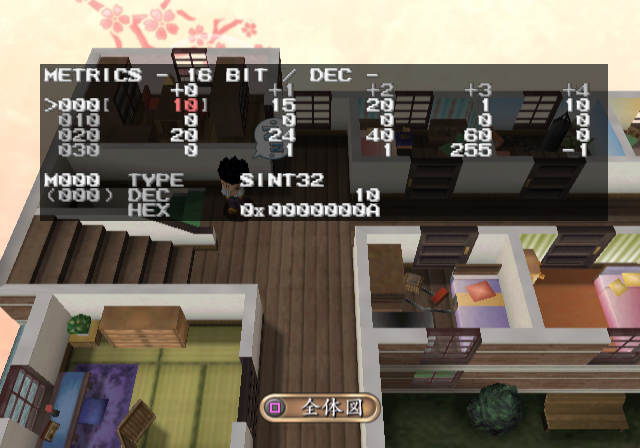
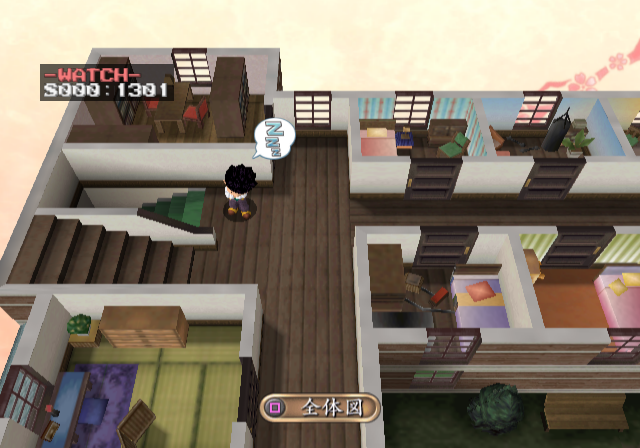
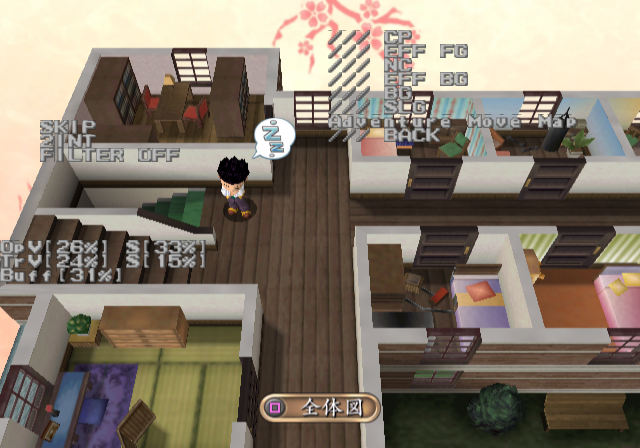
The following buttons appear to show various map related information on-screen:
- R1 + D-Pad Up
- R1 + Triangle
- R1 + Circle
- R1 + X
- R1 + Square
EVENT
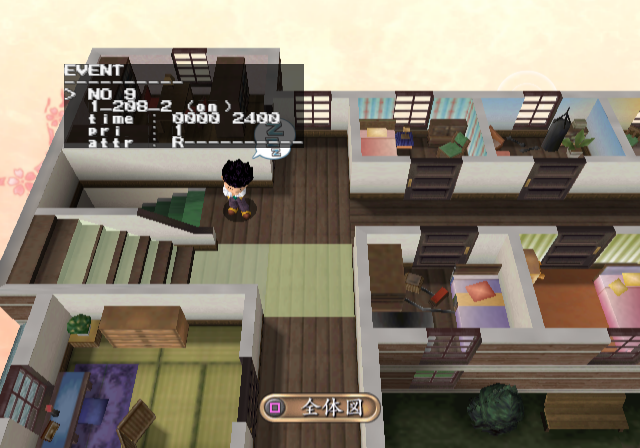
This menu shows you the various events on the map and highlights them.
MAP
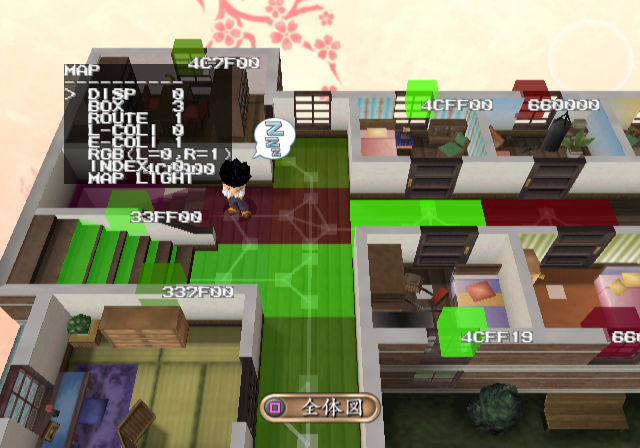
This allows you to toggle various map specific options. You can remove geometry and enable various debug overlays.
PUPPET
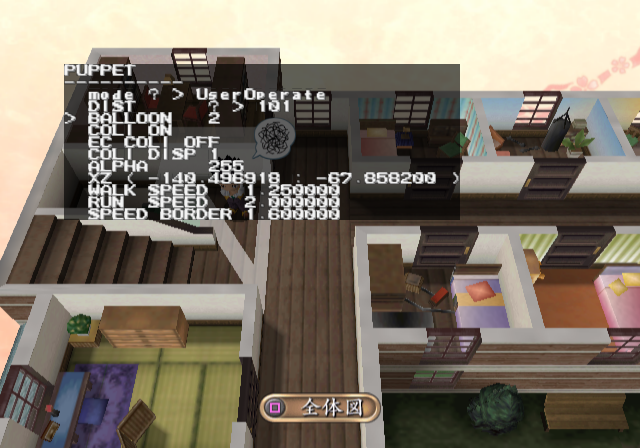
This allows you to change character related parameters.
CAMERA
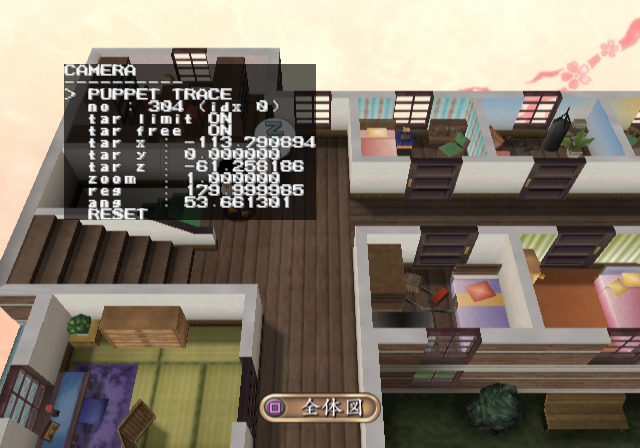
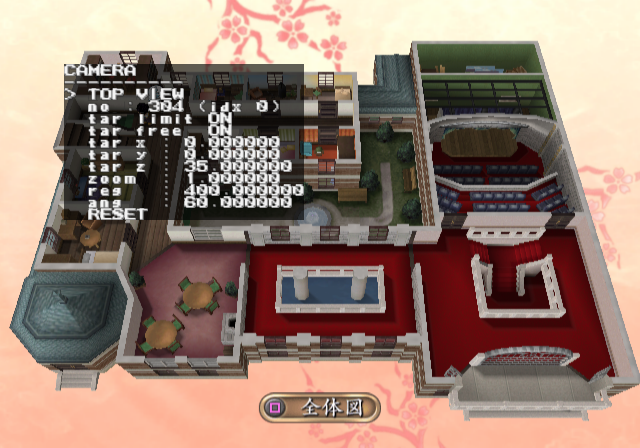
This allows you to change various camera settings, as well as change to a debug camera mode.
Bport: MINIGAME#
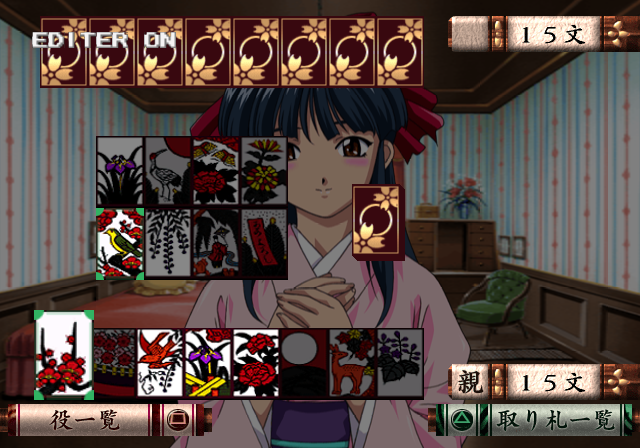
Pressing Triangle in this mode will display EDITOR ON on-screen. It's not clear what this does.
Bport: GRAPHIC INFO WINDOW#
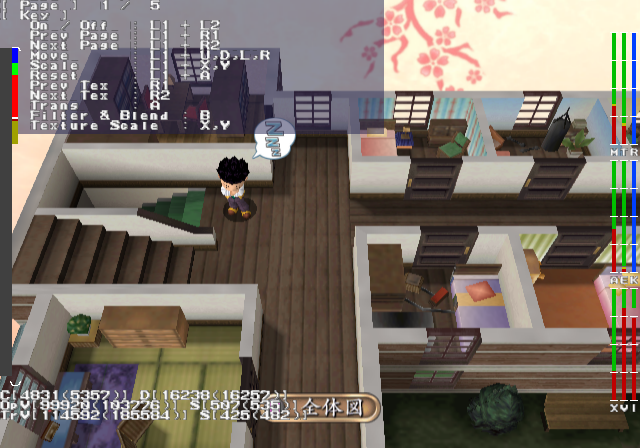
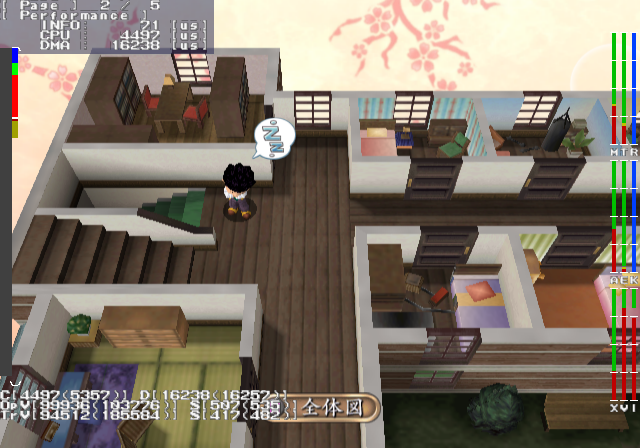
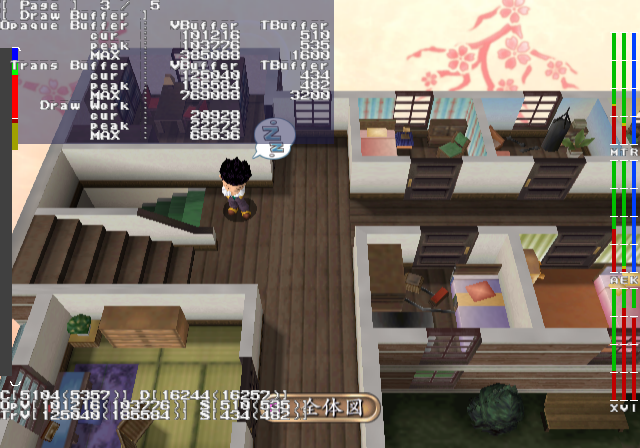
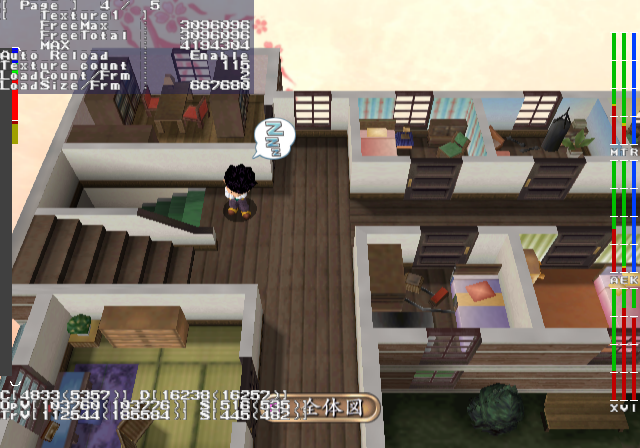
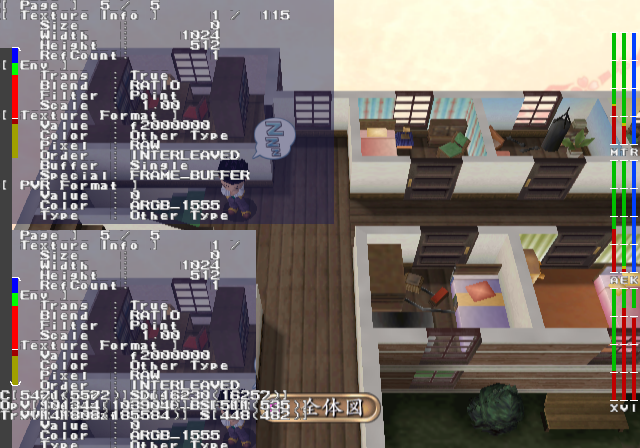
To display anything in this window, you will need to first press R2 button in the Bport: SYS mode to render debug information on-screen. This mode displays various graphic and system information.
Bport: SOUND DEBUG#
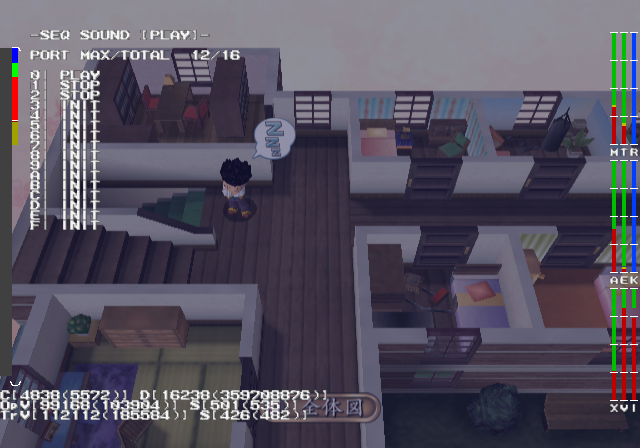
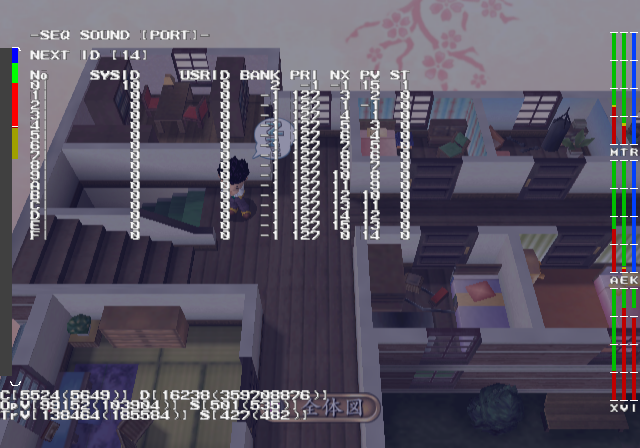
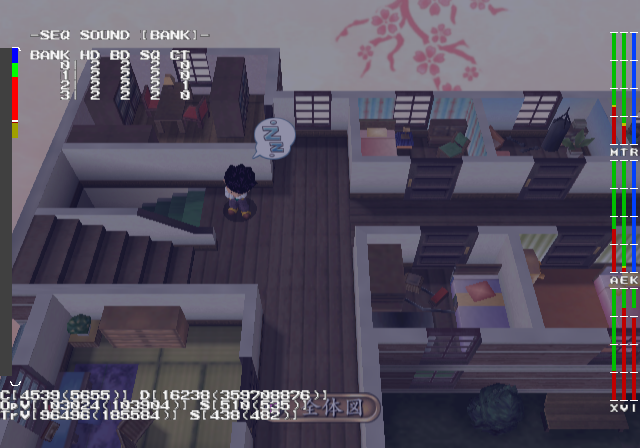
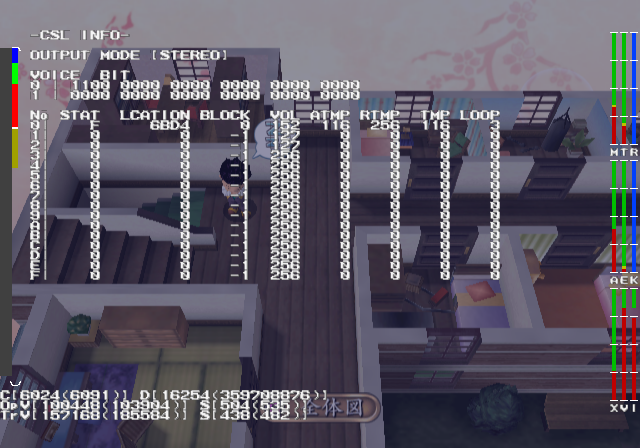
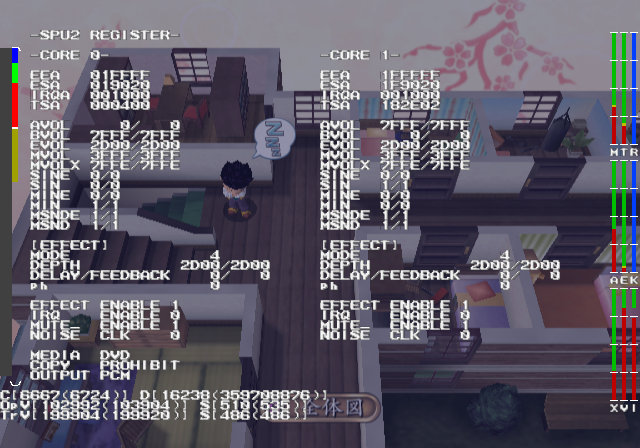
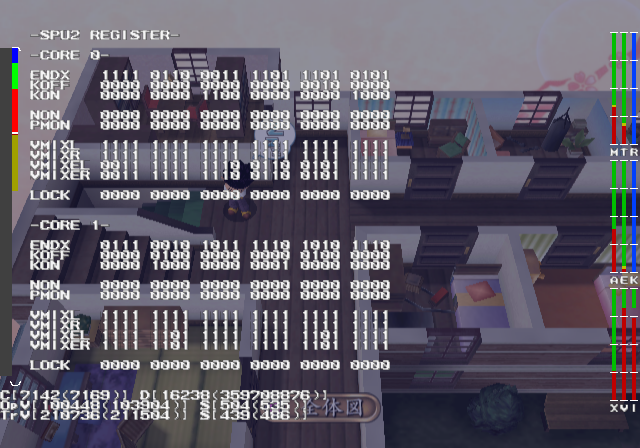
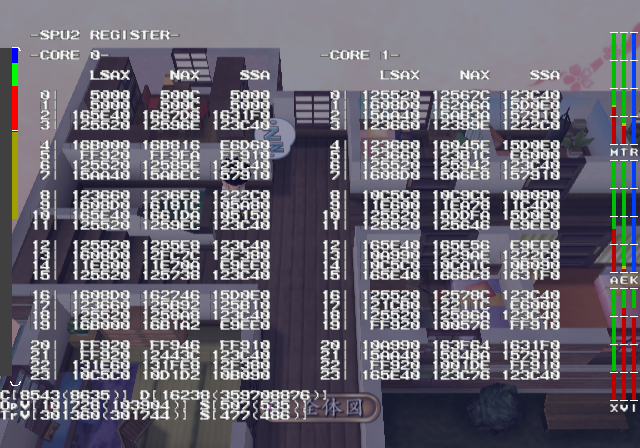
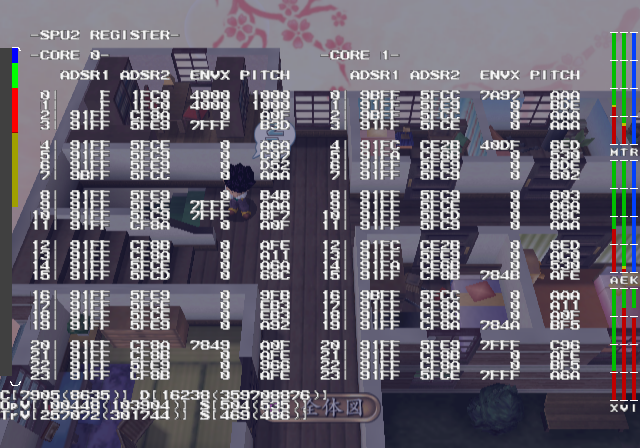
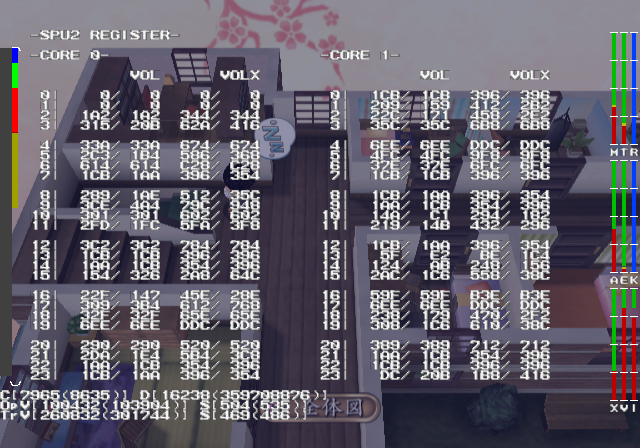
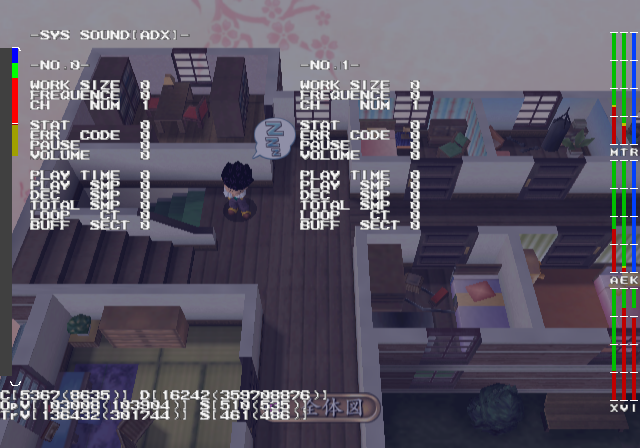
This mode will display various sound information. Change pages with R1 / L1.
Bport: RESOURCE DEBUG#
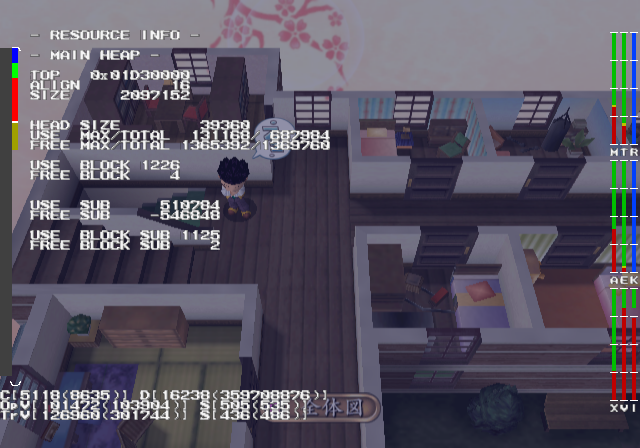
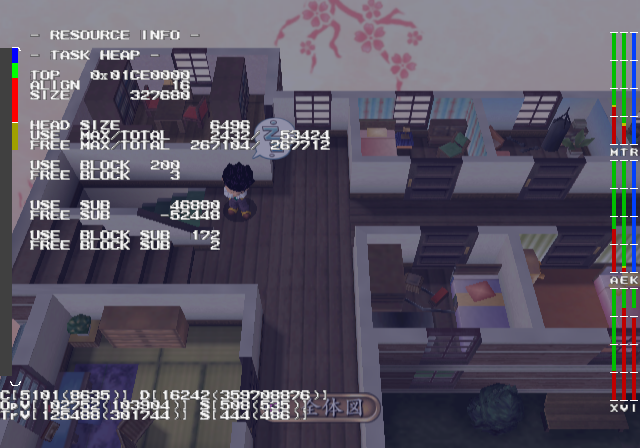
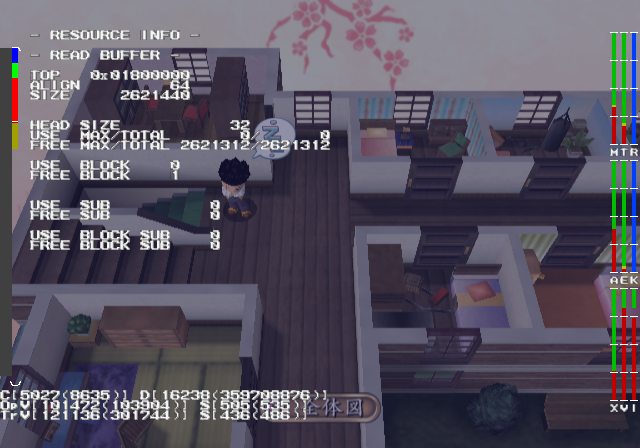
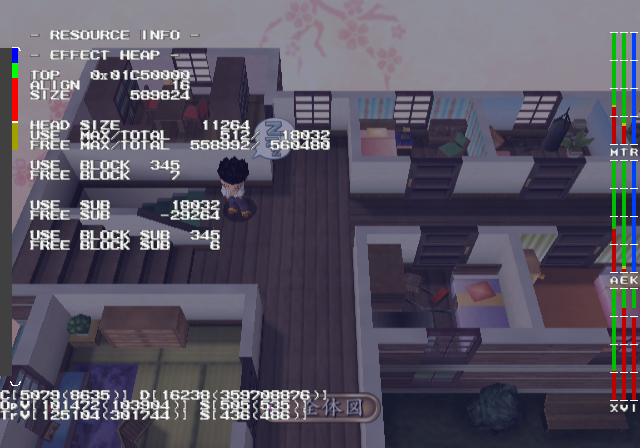
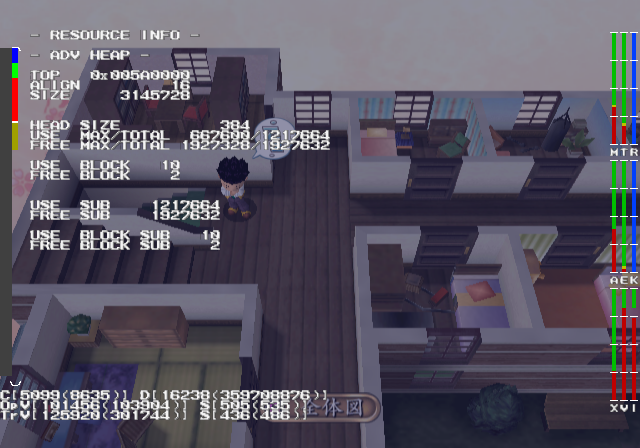
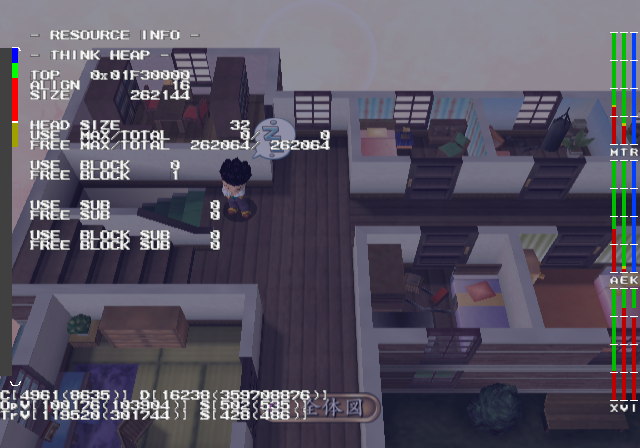
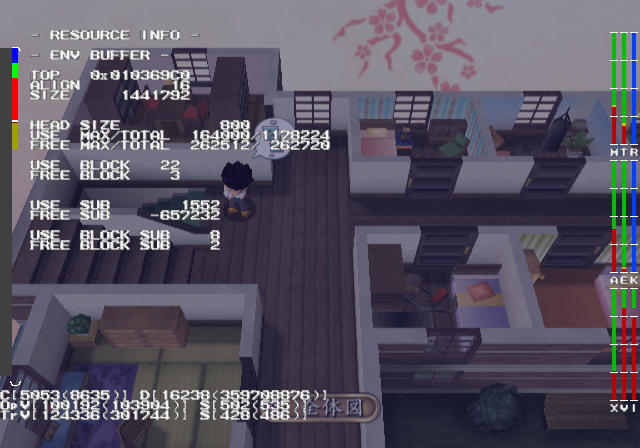
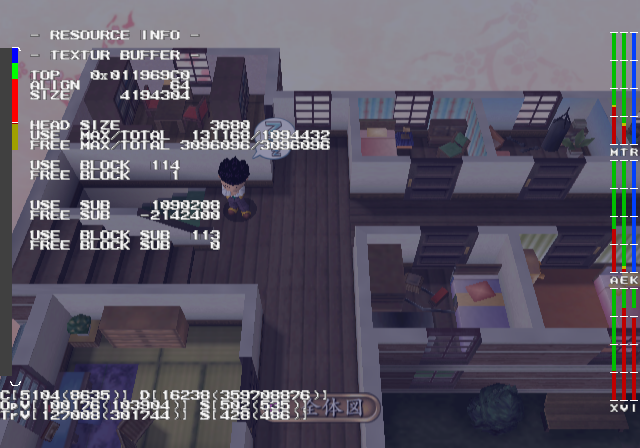
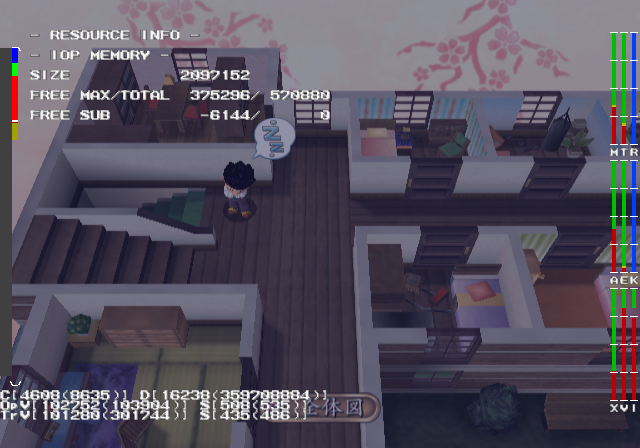
This mode will display various system resource information.
Bport: LONGDAYS#
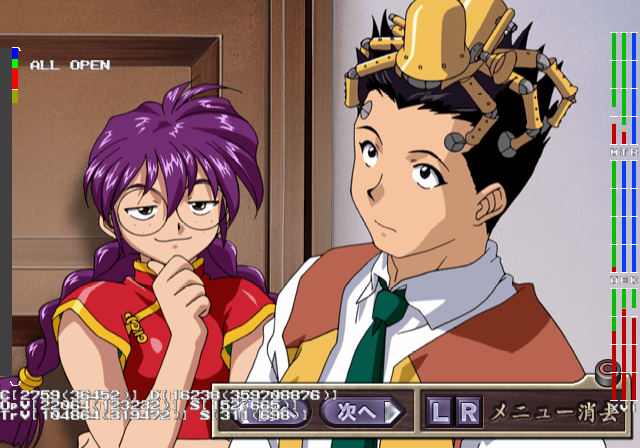
Pressing Triangle here will open all extra items. Music, CG images, etc.
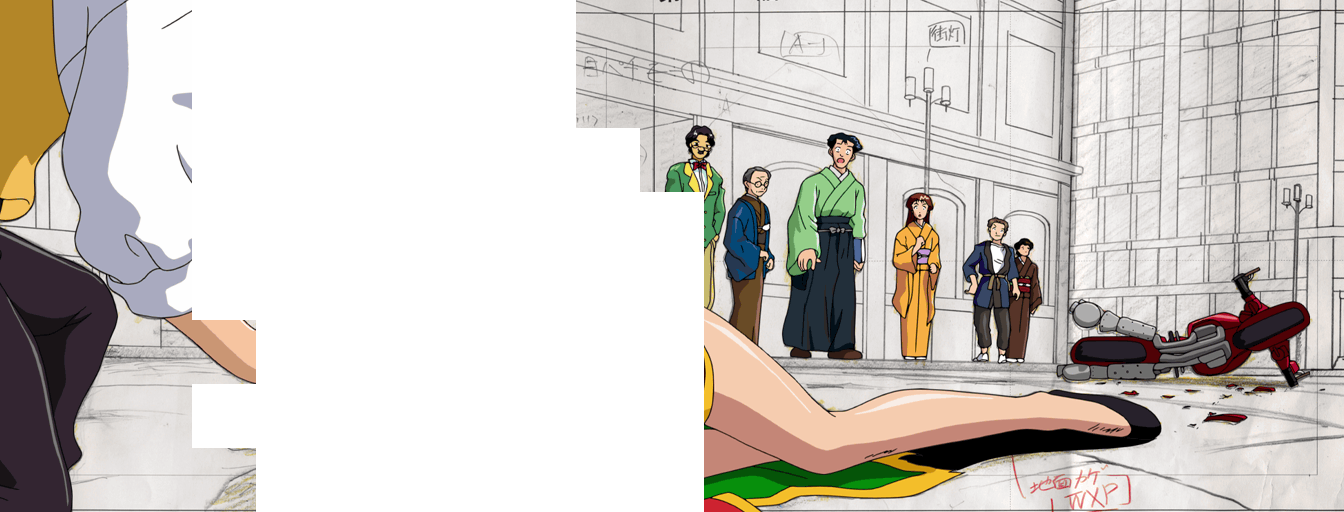
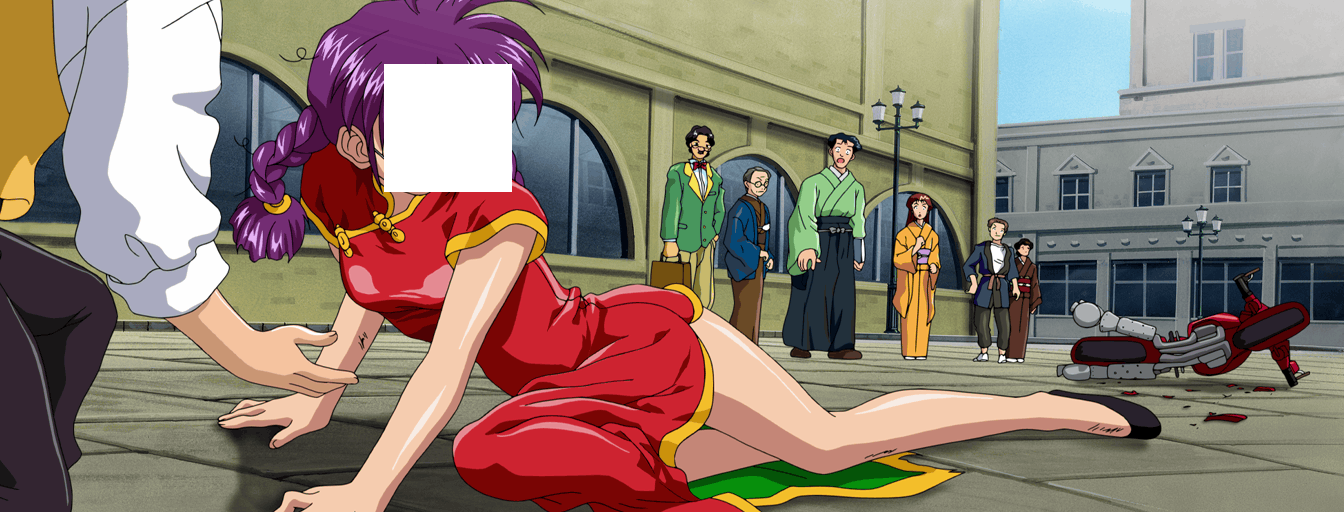
Unused Images#

|
To do: |
Image |
|---|
 |
 |
 |
 |
Unused (In-game) |
Used (In-game) |
Unused (original) |
Used (original) |
|---|---|---|---|
|
|
 |
 |
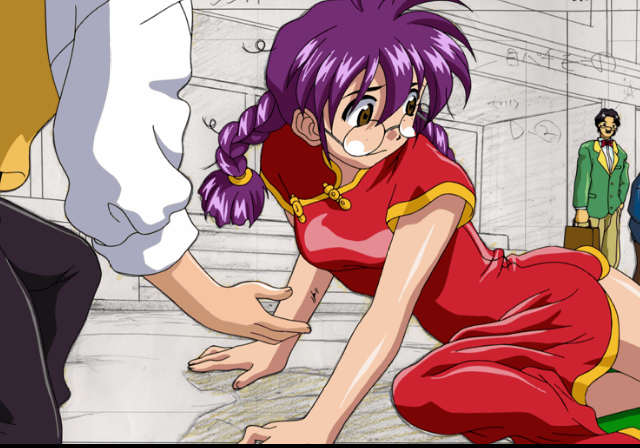
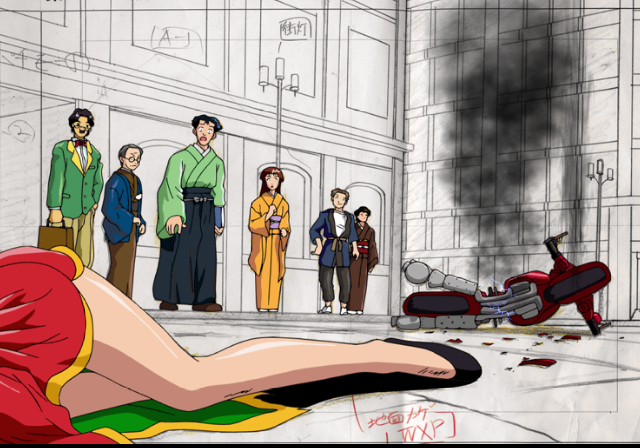
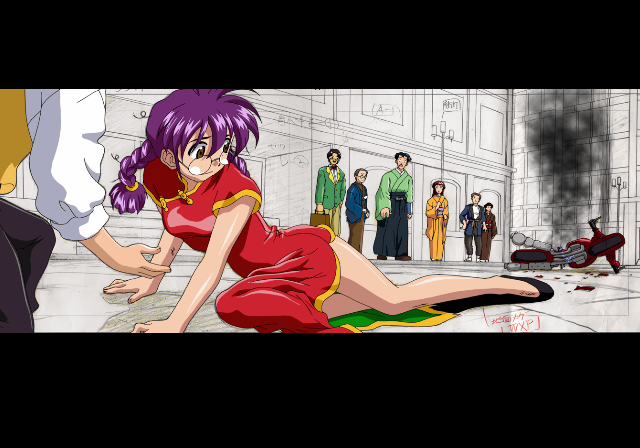

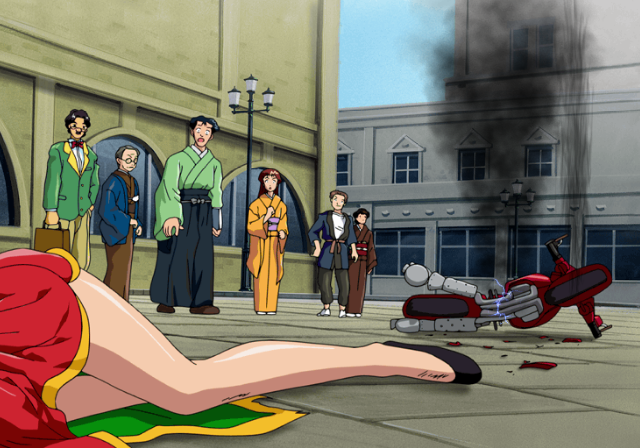


The following content is |
||
|---|---|---|
|

(Source: Original TCRF research)
|
The Sakura Wars series | |
|---|---|
|
Sega Saturn |
Sakura Taisen • Sakura Taisen 2: Kimi, Shinitamou Koto Nakare |
|
Dreamcast |
Sakura Taisen • Sakura Taisen 2: Kimi, Shinitamou Koto Nakare • Sakura Taisen 3: Paris wa Moeteiru ka (Movie Disc) • Sakura Taisen 4: Koi Seyo, Otome |
|
Windows |
Sakura Taisen 3: Paris wa Moeteiru ka • Sakura Taisen 4: Koi Seyo, Otome |
|
PlayStation 2 |
Sakura Taisen: Atsuki Chishio Ni (Prototype) • Sakura Taisen Monogatari: Mysterious Paris • Sakura Taisen 3: Paris wa Moeteiru ka • Sakura Taisen V Episode 0: Kouya no Samurai Musume • Sakura Wars: So Long, My Love |
|
PlayStation Portable |
|
|
Wii |
|
|
PlayStation 4 |
|
|
Miscellaneous | |
|
Sega Saturn |
Hanagumi Taisen Columns • Sakura Taisen Jouki Radio Show • Sakura Taisen Teigeki Graph |
|
Dreamcast |
Hanagumi Taisen Columns 2 • Ogami Ichiro Funtouki: Sakura Taisen Kayou Show "Benitokage" Yori • Sakura Taisen Kinematron Hanagumi Mail • Sakura Taisen Dream Passport 3 • Sakura Taisen Online |
|
Game Boy Color |
|
|
PlayStation 2 |
|
|
Arcade |
|