Nitronic Rush is a freeware experimental survival racing game, taking cues from old-school arcade racers and shoving lots of pop-culture and internet references for good measure.
IT KEEPS HAPPENING

|
To do: |
References to Cut Levels#
6_LostAreas.xml inside the LevelSets folder has four commented out entries for scrapped "Old" levels. They can be easily undummied and selected via the Arcade menu; however, the middle two are non-functional due to missing script files, and "Change of Heart" needs its "unlocked" value to be set to 1 in order to run.
  <!--
  <Level name="Change of Heart" >
    <Boolean name="unlocked" value="0" />
    <Integer name="sd_level" value="0" />
    <String name="xml_file" >Old_RedLevel_v21.xml</String>
    <String name="img_file" >levelimage_OldRedLevel_v21.dds</String>
    <Integer name="music" value="3" />
    <Integer name="score_style" value="7" />
    <Boolean name="wings_enabled" value="1" />
  </Level>
  -->
  <!--
  <Level name="Challenging City Entrance" >
    <Boolean name="unlocked" value="1" />
    <Integer name="sd_level" value="0" />
    <String name="xml_file" >BlueLevel_1.xml</String>
    <String name="img_file" >levelimage_challenging_blue.dds</String>
    <Integer name="music" value="2" />
    <Integer name="score_style" value="7" />
    <Boolean name="wings_enabled" value="1" />
  </Level>
  -->
  <!--
  <Level name="Challenging Core Approach" >
    <Boolean name="unlocked" value="1" />
    <Integer name="sd_level" value="0" />
    <String name="xml_file" >RedLevel_1.xml</String>
    <String name="img_file" >levelimage_challenging_red.dds</String>
    <Integer name="music" value="3" />
    <Integer name="score_style" value="7" />
    <Boolean name="wings_enabled" value="1" />
  </Level>
  -->
  <!--
  <Level name="Andrew Rules" >
    <Boolean name="unlocked" value="1" />
    <Integer name="sd_level" value="0" />
    <String name="xml_file" >andrewrules.xml</String>
    <String name="img_file" ></String>
    <Integer name="music" value="1" />
    <Integer name="score_style" value="7" />
    <Boolean name="wings_enabled" value="1" />
  </Level>
  -->
Debug Mode#
A handful of development tools can be accessed by tweaking some of the .ini files in the config folder.
Console#
Setting the following string from "False" to "True" in nitronic.ini will summon a console on a separate window.
[Dev]
CreateConsole=false
Developer Hotkeys#
Setting the following string from "False" to "True" in core_config.ini will enable hotkeys that trigger a few debugging features.
[Dev]
DevKeys=falseCommands#
- P - freezes the player's car.
- K - awards the user with a placeholder achievement.
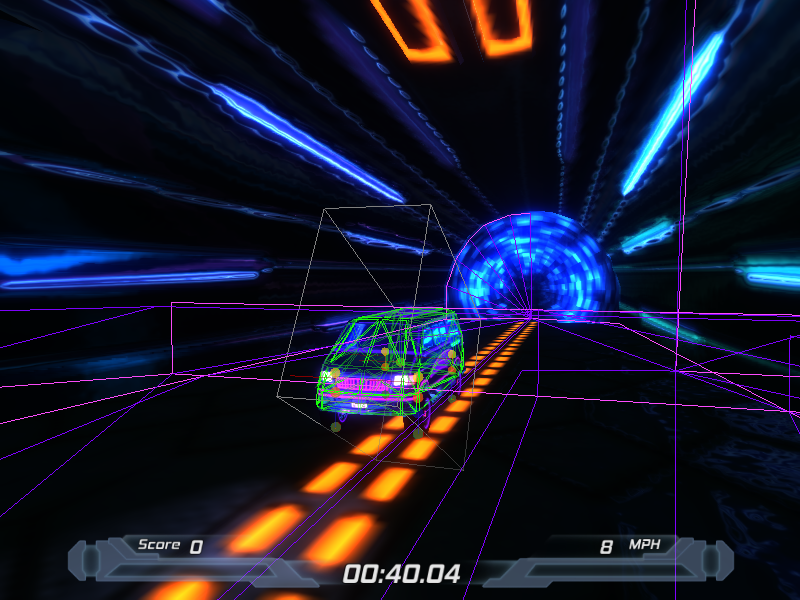
- F3 - generates collision boxes around the vehicle and the starting point.
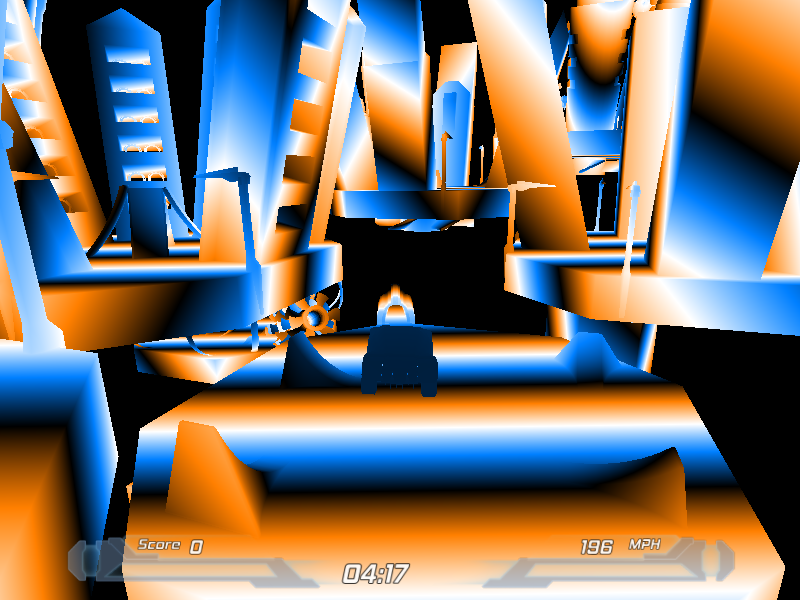
- F5 - renders every mesh with a blue-white-brown gradient.
- F6 - yields everything in a colourful 8-bit style.
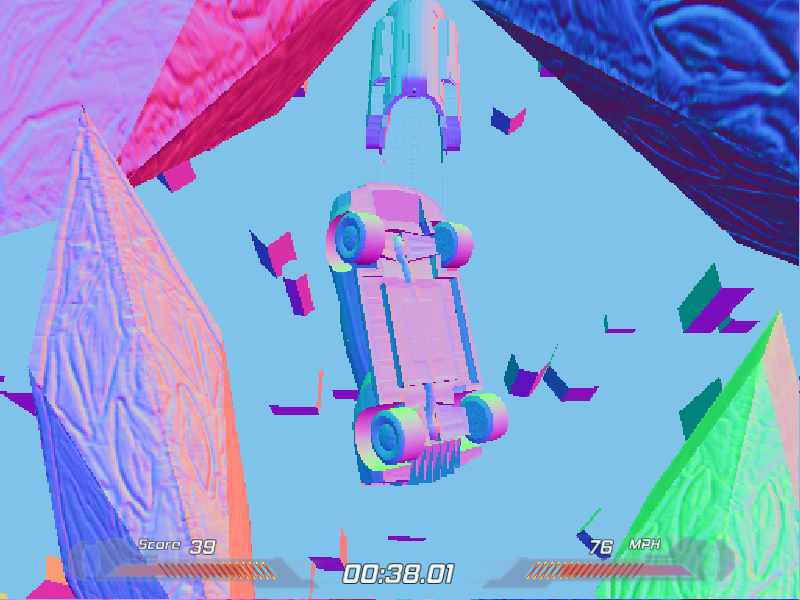
- F7 - draws everything with an embossed texture.
- F8 - what did this do again?
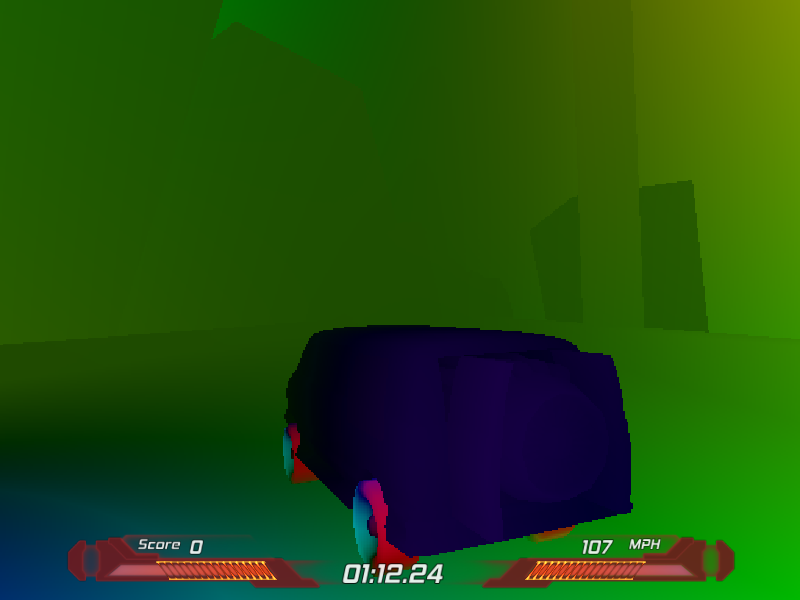
- F9 - toggles a washed out rendering with (mostly dark) colors.
- PgDn - automatically warps you to the end of the map.
Collision Boxes#
Graphical Effects#

Temp Achievement#

Level Editor#
Setting the following string from "False" to "True" in nitronic.ini grants access to a fully-fledged level editor in-game.
[Dev]
EditorEnabled=false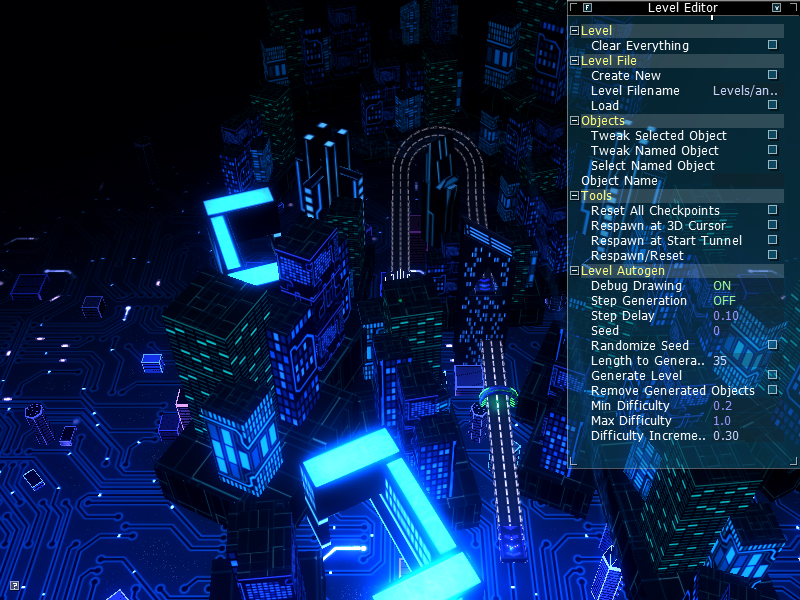
- Ctrl + ~ - spawns the car in an empty level.
- Ctrl + LMB - dolly out/dolly in from target.
- Ctrl + S - snap active object to cursor.
- Ctrl + Z - undo action.
- Ctrl + R - snap objects rotation to cursor.
- Ctrl + C - copy color of active object.
- Ctrl + V - paste copied color to active object.
- Ctrl + B - copies brightness.
- Alt + ~ - switches the camera to a top-down view and opens the menu shown above.
- Alt + LMB - rotates the camera around a green target.
- Alt + B - pastes brightness to selected object.
- Alt + C - copies light color from selected object.
- Alt + V - pastes copied light color to selected object.
- RMB - selects objects.
- C - centers target on green thing.
- Tab ↹ - open active object's properties.
- Mouse-wheel - dolly in and out
- B - box select
- J - toggle between road connections on selected object.
- K - snap road to active road connection.
- V - change camera behavior.
|
|
To do: |
Unused Graphics#
Anisometrical#
aniso_circle.tga is an anisometrical rainbow cone seen from the top.

Cool#
cool.jpg is... something. It appears to be a cracked rock texture with a crosshair and a yellow box pasted onto it.

Demo Credits#
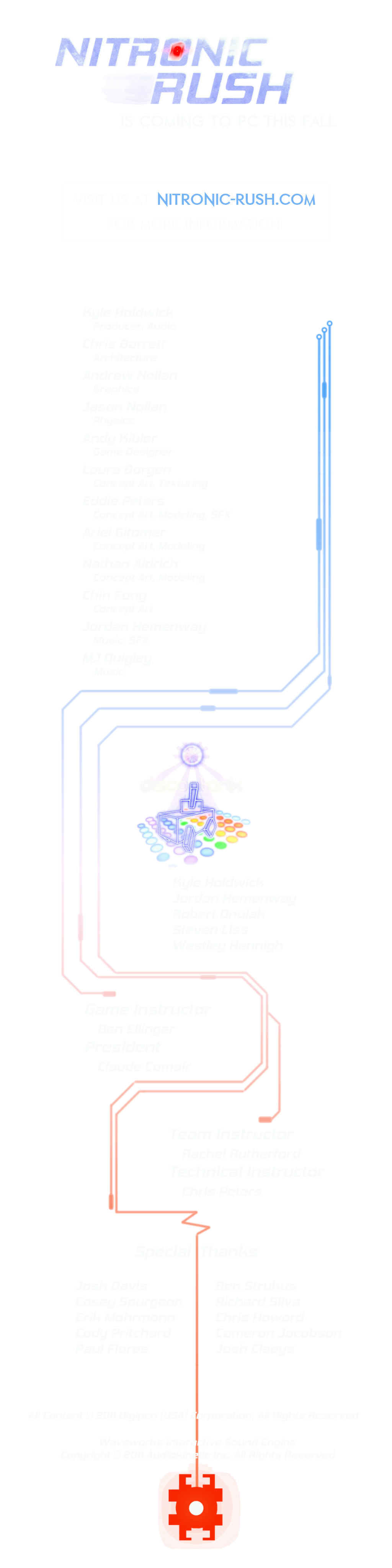
Credits.tga is a lengthy piece of leftover credits from a demo version. Many of these designs were repurposed for the credits level.
Early Logo#
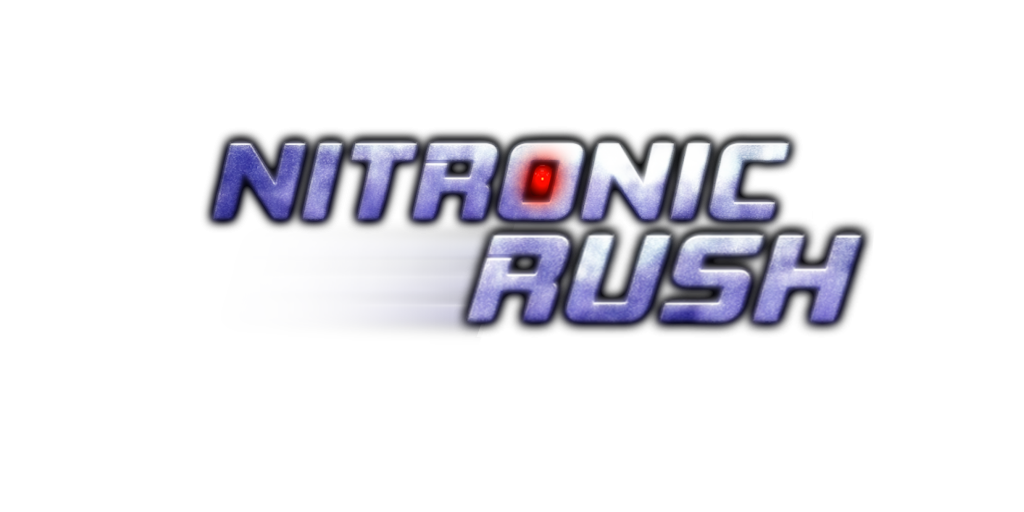
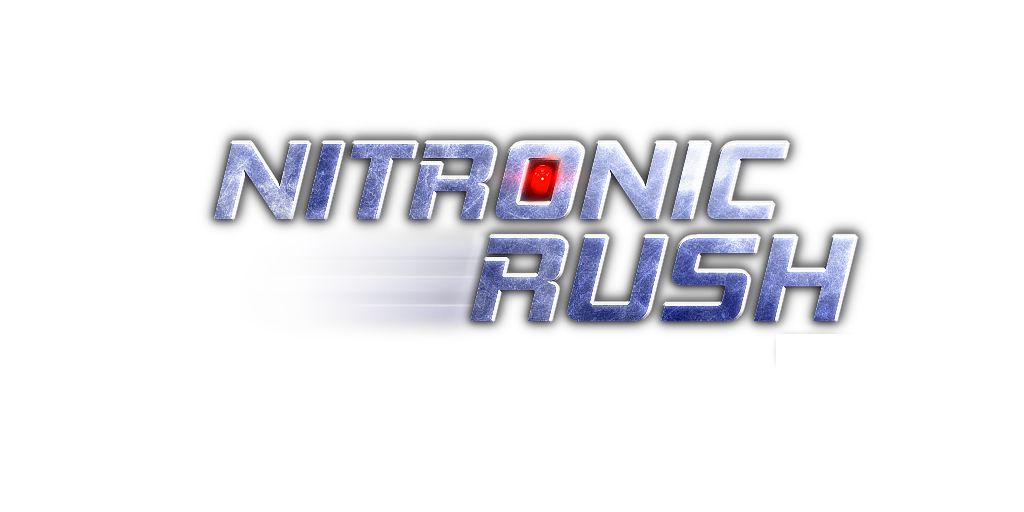
The game's logo went through a slight redesign, making it less bolder and washed out.
|
rush.tga |
|---|
|
|
Rush4.tga |
|
Early Menu Button#
menu_button_new.png is a menu button done in a different style than the final one.

Icons#
The Icons folder is packed to the brim with tiny pictures of model renders from every structure in the game; they serve as a means for placing objects into the level editor by drag-and-dropping them into the game's window, so none are used per se in the actual game. Of interest are at least three placeholder icons.


Skybox#
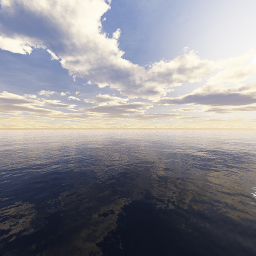
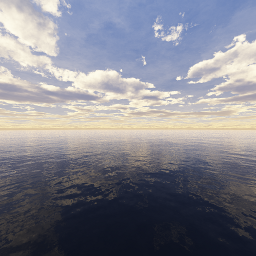
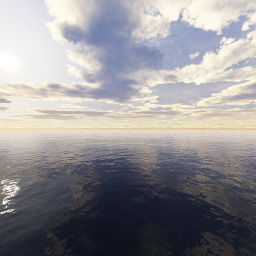
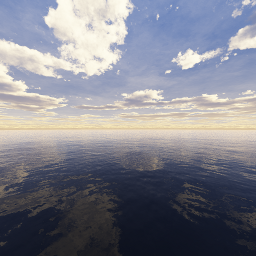
A completely unused skybox seen from all angles. It doesn't fit the theme of the game at all.

Unused Fonts#
Present in the Fonts folder are two zipped TrueType fonts downloaded from a now-defunct website:
Negative Tuning 
Transuranium 
The latter was once used as a display for the narrator's text, and can be seen in an early trailer for the game.
Unused Text#
Furthermore, both archives include the same ReadMe.txt file from the fonts provider.
T E P I D   M O N K E Y   F O N T S
freeware fonts for a freeware world

Site:   http://www.tepidmonkey.com/
E-mail: brandon@tepidmonkey.com

Thanks for your interest in my fonts!

For help on how to unzip, unstuff or install one of my
fonts, please visit my site at
www.tepidmonkey.com and go to the Help section.
If you have any comments or questions, you can e-mail
me at brandon@tepidmonkey.com and I'll try to reply as
soon as possible.

Every week, I present a brand new original font for
your downloading pleasure, so be sure to visit my web
site every Sunday.

You may use this font(s) for non-commercial and
commercial purposes. You are not allowed to sell this
font for any fee at all. You are allowed to
redistribute it as long as you don't charge ANYTHING
for it (at all) and if you include this unaltered
Read Me file. You may not change any aspect of the font
file or this file.
For the full set of terms of use (which override what
is listed here), go to www.tepidmonkey.com
and visit the Terms section.
Leftover Python Script#
The Effects folder contains a short Python script labeled compile.py. It references a deleted executable and was likely used to output files in the .fxo format by the looks of it.
import os
import subprocess

program_str = "fxc.exe"
flags_str = "/T fx_2_0 /O3"

files = os.listdir("")

for file in files:
    file_parts = file.rsplit(".", 1)
    if len(file_parts) != 2:
        continue
    ext = file_parts[1]
    if ext == "fx":
        out_file = "/Fo " + file_parts[0] + ".fxo"
        subprocess.call(program_str+" "+flags_str+" "+out_file+" "+file)