This is a sub-page of Mario Kart 8 Deluxe.

|
This page is rather stubbly and could use some expansion. |
The kiosk demo of Mario Kart 8 Deluxe is found on Nintendo Switch demo kiosk units, typically found in retail stores. A Chinese version of the Kiosk Demo also exists as well as a Wave 6 DLC one, containing DLC tracks as playable tracks (randomly selected).
General Differences#
Title Screen & Main Menu#

|
This page or section needs more images. |
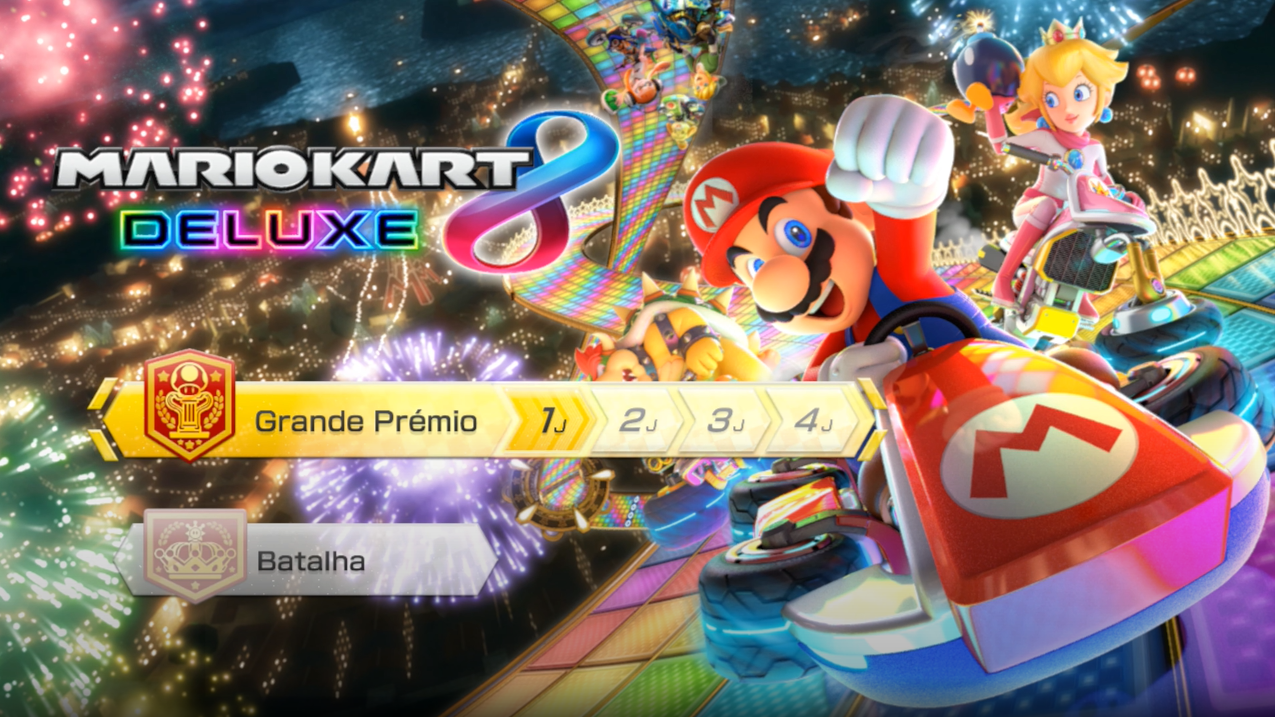
- The main menu in the demo contains only two available game modes, Grand Prix and Battle Mode.
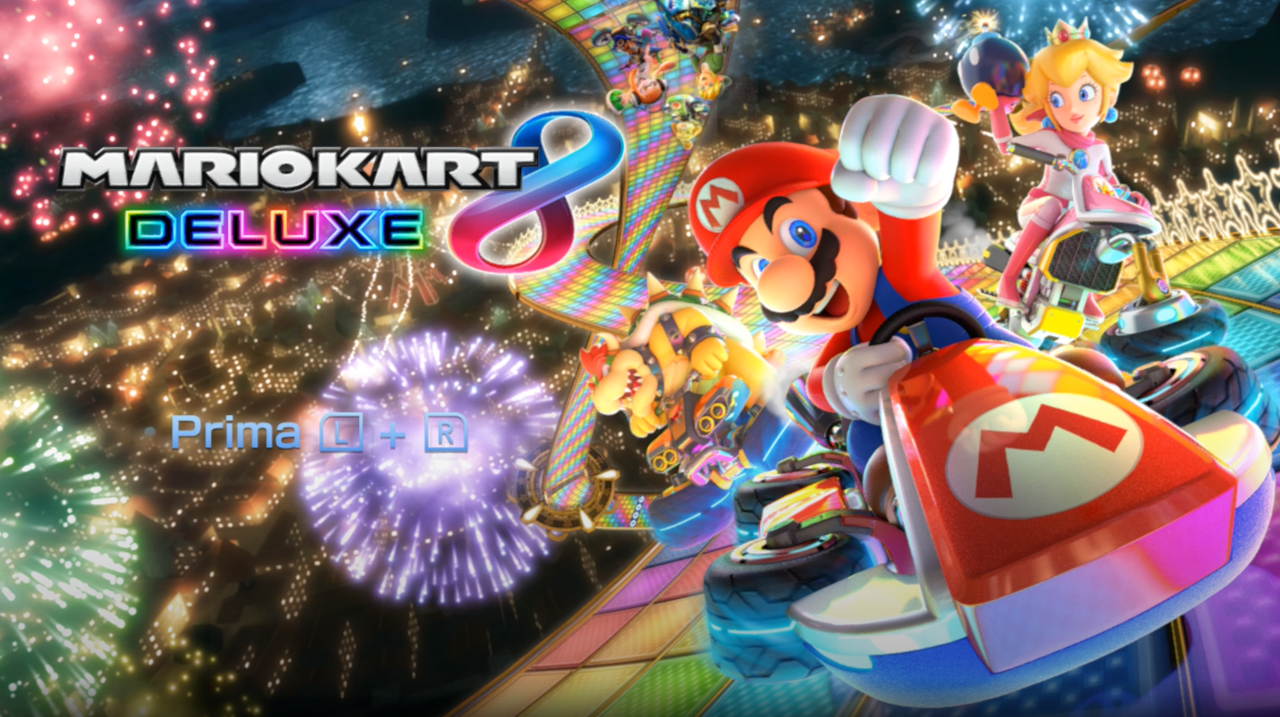
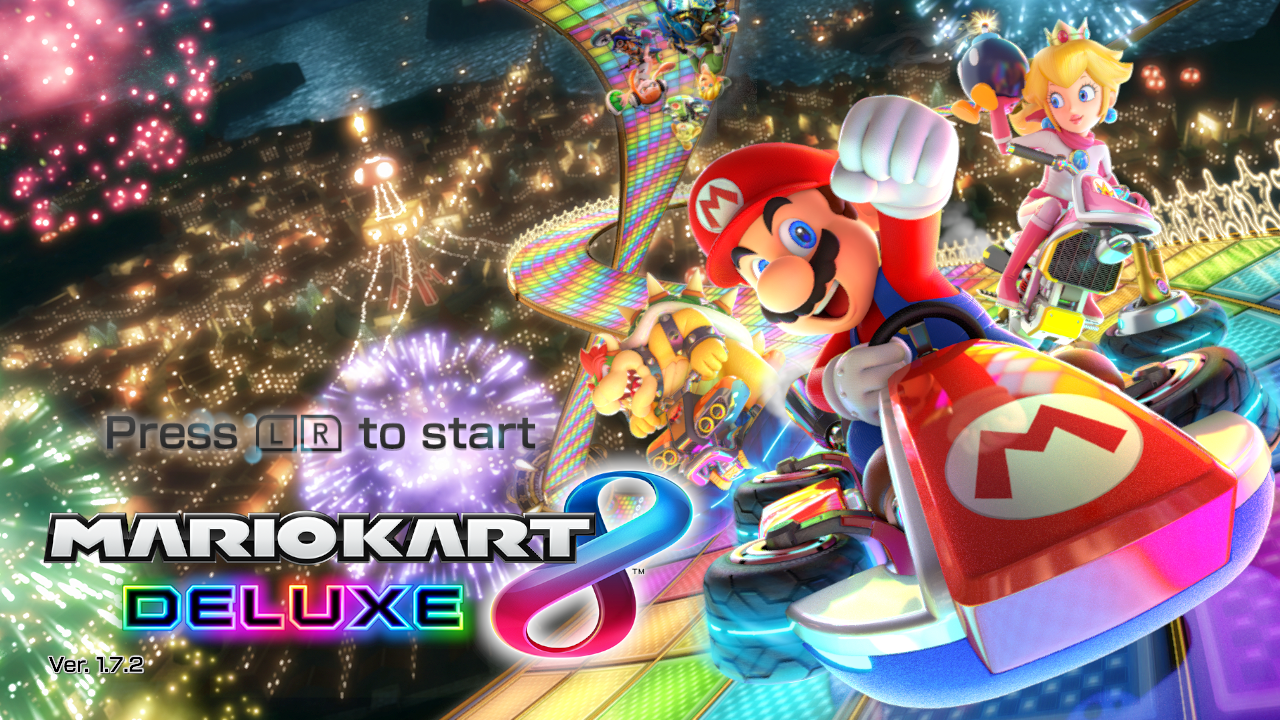
- The game logo is positioned in the top left of the screen, rather than bottom left in the final.
- The demo title screen lacks the version number seen in the final.
Title Screen#
Demo |
Final |
|---|---|
 |
 |
Main Menu#
Demo |
Final |
|---|---|
 |
|
Character & Vehicle Selection#
- Miis are absent from the character selection screen.
- Vehicle part statistics, as well as the options for Smart Steering, Gyro Controls, & Auto Acceleration, are unavailable.
- The demo has a limited amount of vehicle parts to select.
Vehicle Bodies#
Standart Kart
Blue Falcon
B Dasher
Streetle
Koopa Clown
Master Cycle
City Tripper
Bone Rattler
Splat Buggy
InkstrikerTires#
Standard
Hot Monster
Azure Roller
Cyber Slick
Retro Off-Road
Triforce TiresGliders#
Super Glider
Cloud Glider
Waddle Wing
Parachute
Bowser Kite
Hylian Kite- Only 9 Race Courses and 4 Battle Courses from the full game are playable in the demo, and are selected at random upon confirming your vehicle combination.
Race Courses#
Wii Wario's Gold Mine
Wild Woods
Super Bell Subway
Hyrule Circuit
Dragon Driftway
Big Blue
Animal Crossing (Summer)
GBA Ribbon Road
3DS Neo Bowser City
Battle Courses#
Battle Stadium
Urchin Underpass
GCN Luigi Mansion
SNES Battle Course 1
"Thanks for Playing!" screen#
After the trophy screen is dismissed, a "Thanks for Playing!" screen will appear. After a few seconds pass, or when the A button is pressed, the system boots back into the Nintendo Switch demo kiosk menu.
 |
Files#

|
This needs some investigation. |
Most unavailable features are still present in the game's files, namely online & wireless play functionality and the absent vehicle parts and characters, though the excluded courses and their respective music are not.