
|
This page contains no introduction. |

|
To do:
ev991000, ev992000, ev993000, ev994000, ev995000, ev996000, ev997000, ev998000. |
Debug Menus#
A couple of debug menus can be re-enabled with the below code. These mostly allow you to view events, and images. It's not clear if the other options in these menus work correctly.
SLPM-66063 codes (not tested on Konami the Best):

Master Code (only needed for cheat devices)
90108290 0C04204C

Enable Debug Menus
D0354EDC 0000DEFF
1023869C 0000E470
D0354EDC 0000DBFF
1023869C 0000E3D0
D0354EDC 0000FFFF
1023869C 00007820
With the code on, press and hold the following button combinations over the Gallery main menu option. Continue holding the buttons until the menu appears on-screen.
- L1 + Circle for debug_menu.
- L2 + Circle for morii_menu.
(Source: Original TCRF research)
debug_menu#

This menu mostly contains quick start options.
Text |
Notes |
|---|---|
Title |
Sends you to the title screen. |
GPB Check |
Starts a new game. |
MapStart |
Sends you to the world map. |
event test |
Allows you to view any event in the game. |
morii_menu#

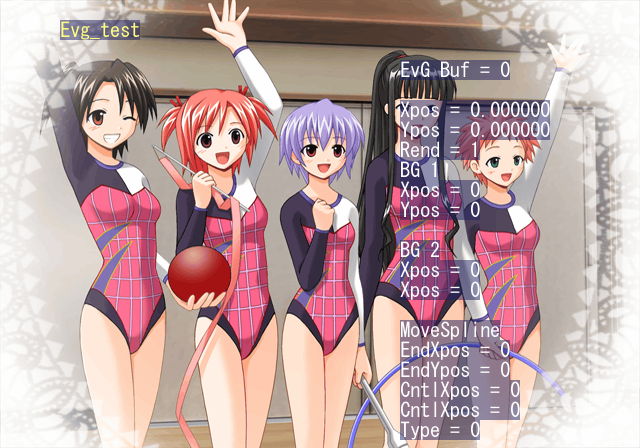
This menu contains a variety of options. Not all appear to work. Press Start to return to this menu when in a sub mode.
Text |
Notes |
|---|---|
event test |
Same event test from the first menu. |
sprite |
Unknown. Doesn't appear to work. |
bstchar |
Unknown. Simply displays a background image. |
evbg |
Unknown. Doesn't appear to work. |
evg |
Allows you to view event images. Press R3 to view an image. |
Particle Test |
Unknown. Doesn't appear to work. |
ActEvent Test |
Unknown. Displays a colored background image. |
Lesson Test |
Sends you to class. |
3D Perth |
Unknown. Doesn't appear to work. |
tutorial |
Opens the help menu. |
Debug Display#

Apply the below code to display various debug information.
Enable Debug Display
2028FBA4 00000001
(Source: Original TCRF research)
Controller 2 Debug Mode#
Present by default is shortcuts via button combinations on controller 2, however the game disables controller 2 inputs. To make controller 2, controller 1, enable the below code and press L3.
Press L3 to Change Controller 2 to Controller 1, R3 to Disable
D0354EDC 0000FFFD
20355130 00000000
D0354EDC 0000FFFE
20355130 00000001
20355140 00000006
Known button inputs: R2 = Pause game. Start = Skip scenes.
(Source: Original TCRF research)
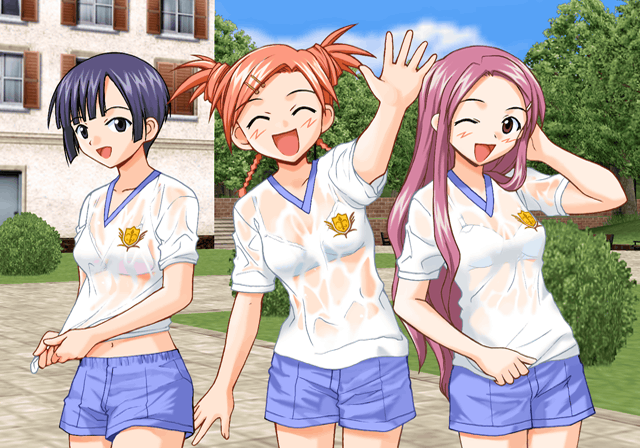
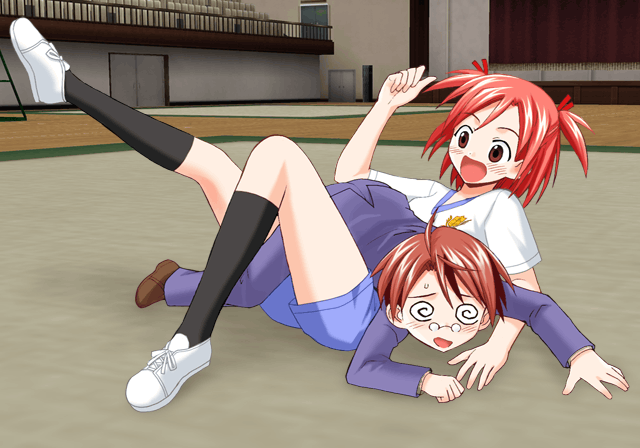
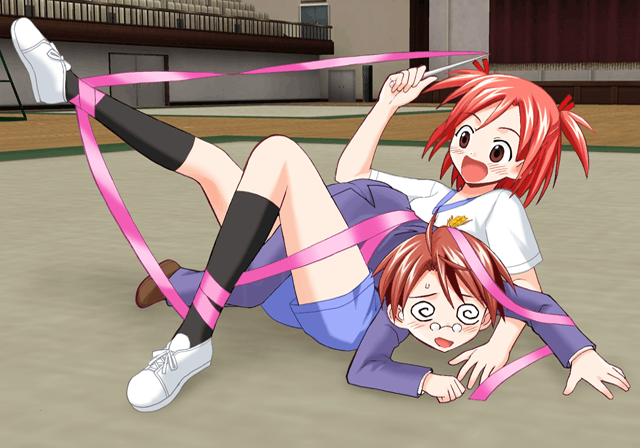
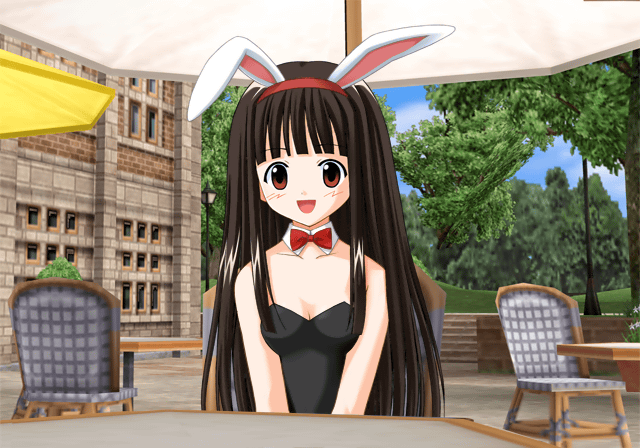
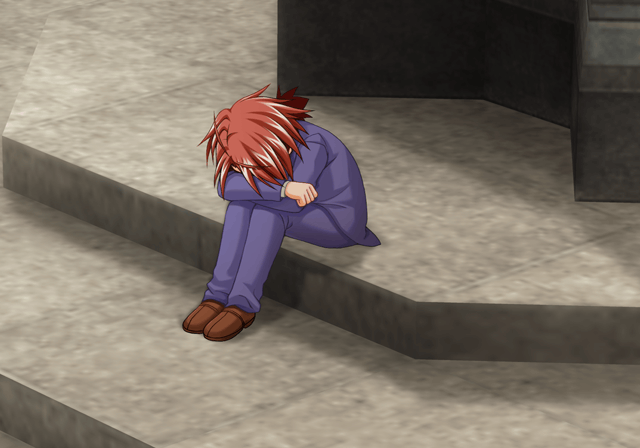
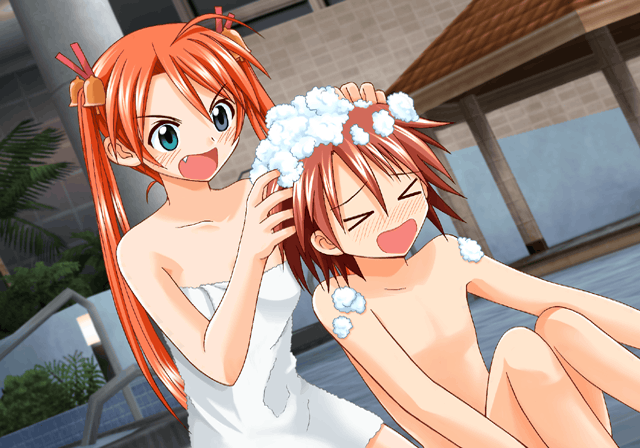
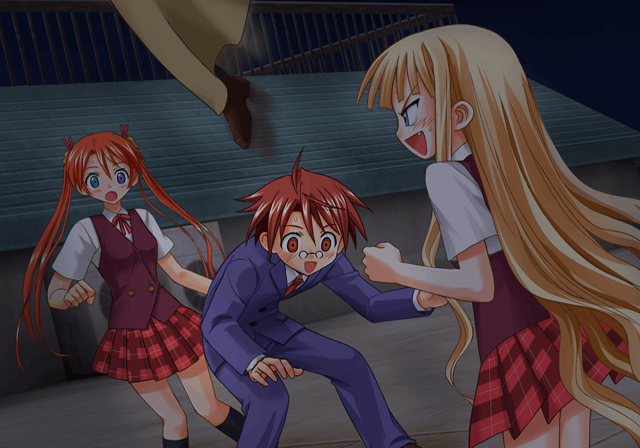
Unused Images#
Unused |
Used |
|---|---|
 |
 |
 |
 |
 |
- |
 |
- |
|
 |
 |
- |
 |
- |
 |
- |
 |
- |
 |
- |
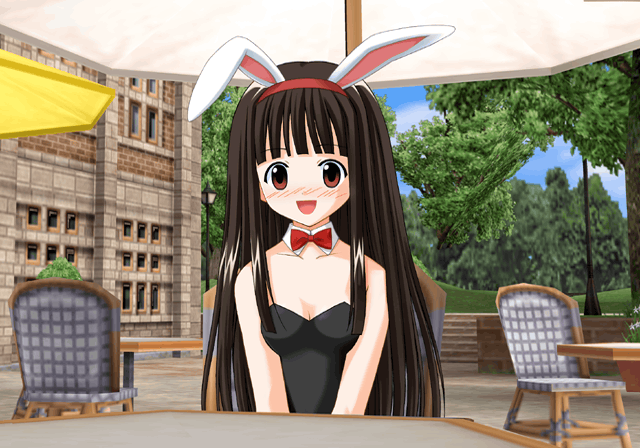
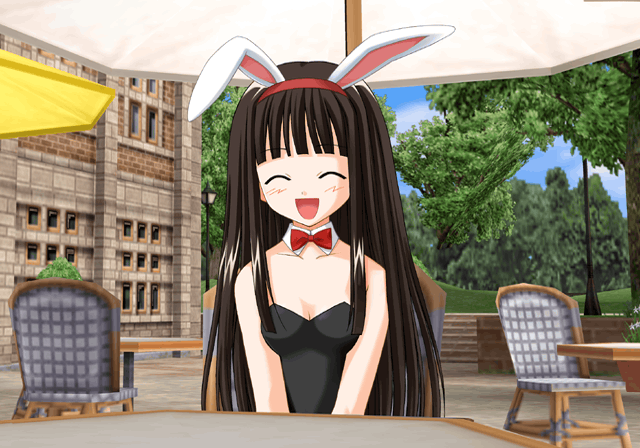
Unused Events#
These can be viewed in the event test debug menu option.
00000001#
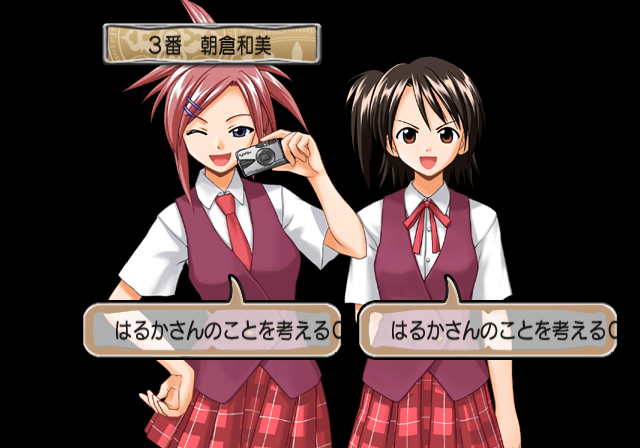
This displays several test choices to choose from. After selecting them, a series of test scripts will execute.
00000002#

This displays several test texts.
00000003#
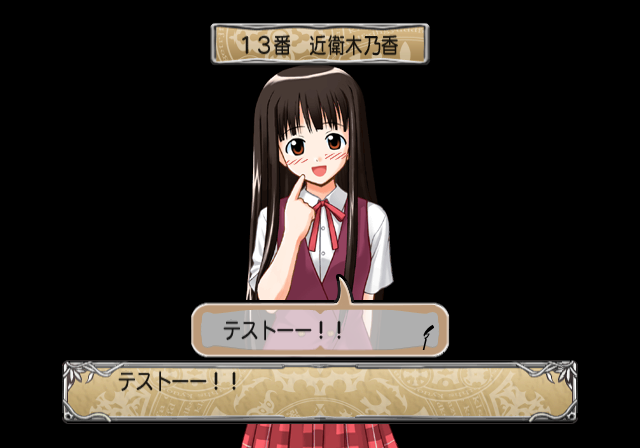
Another test script which displays several test texts.
00000004#

This displays a few lines of test text.
00000005#
This is basically the same as the above event.
99000000#
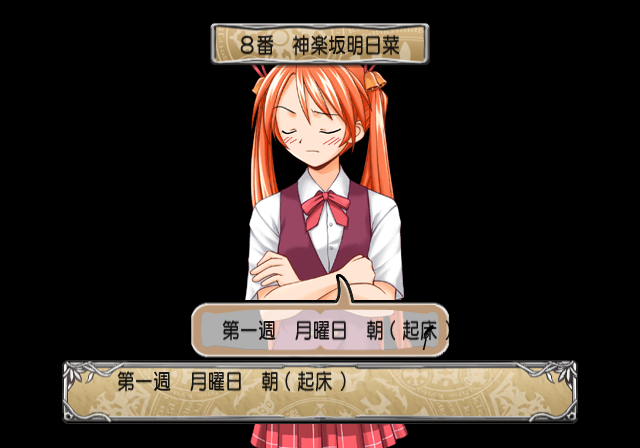
A test script which repeats "Week 1, Monday, Morning".
(Source: Original TCRF research)