 This article has a talk page!
Activision and Konami had been working together to make sure that the former didn't stomp all over the latter's music game patents, so it made sense to join forces and bring the then-super-popular Guitar Hero series to the arcade.
Guitar Hero Arcade is a direct port of Guitar Hero III: Legends of Rock with a selection of fifty tracks from that game's main setlist, bonus tracks and DLC, along with some minor arcade-centric changes like "premium songs" that cost two credits to play instead of one.
Debug Mode#

|
Please elaborate. |
Menu#
When you enable Debug Mode by altering settings.cfg, you get a menu just like Guitar Hero III: Legends of Rock with a few minor changes to it:
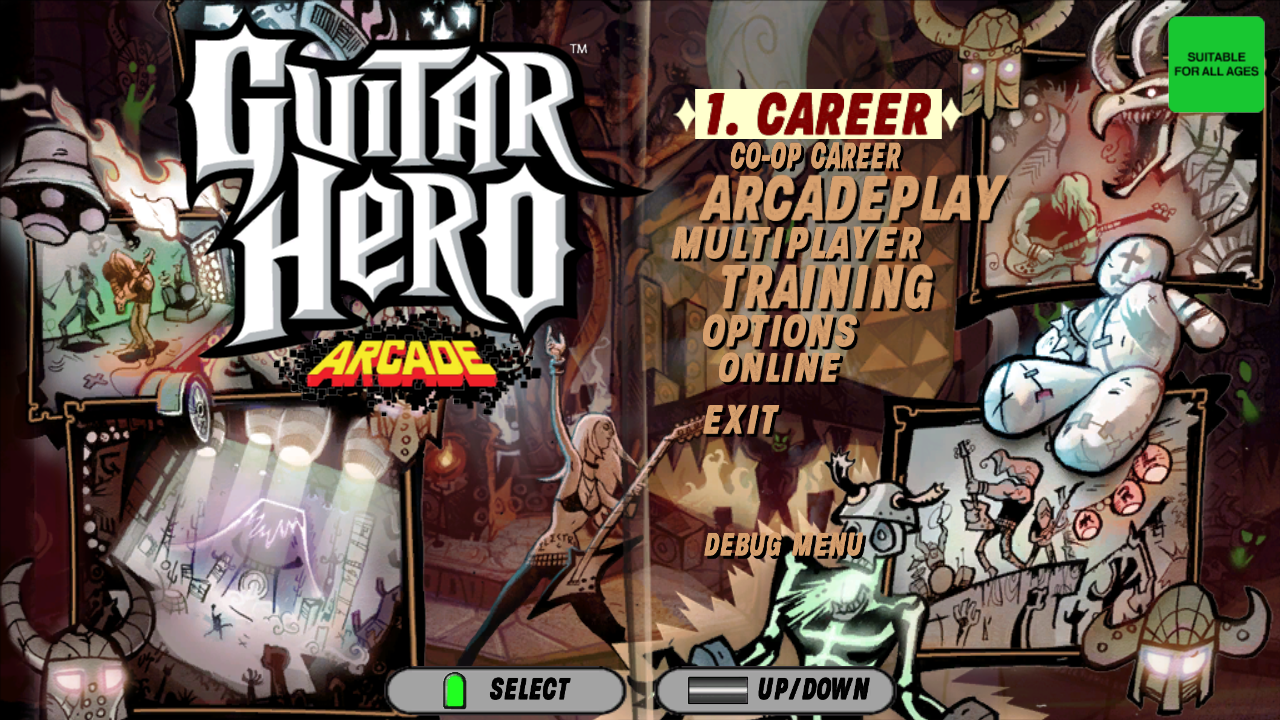
Menu |
Functionality |
|---|---|
Career Mode |
Career Mode from Legends of Rock Shopping Mall Crashes and Vs. Battles Crashes. |
Co-Op Career |
Career Mode from Legends of Rock Shopping Mall Crashes the cabinet. |
ArcadePlay |
Normal Arcade Experience. |
Multiplayer |
Hard-Locks the cabinet. Must be rebooted. |
Training |
Goes to a very unfinished graphically corrupted of the game, but training still works. |
Options |
Arcade Attendant Options. |
Online |
Tries to login to the Guitar Hero Servers (PC) but fails. |
Debug Menu |
See below. |
Debug Menu#
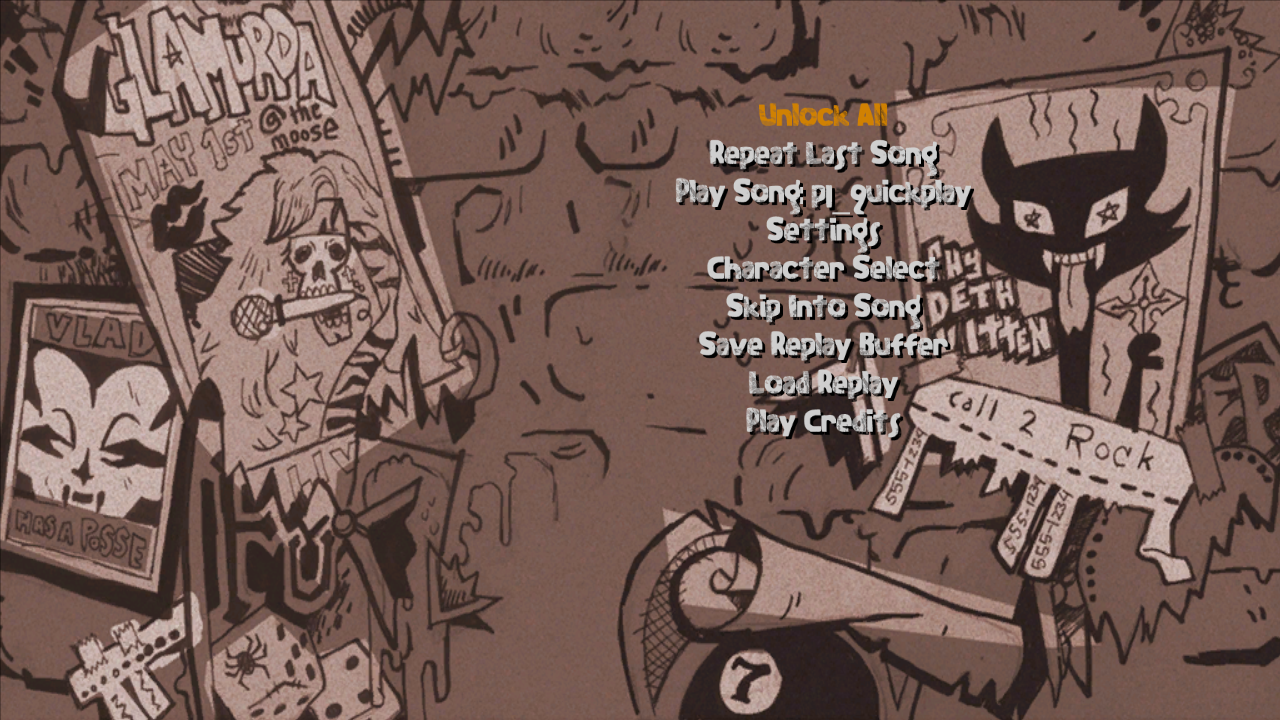
Once inside the Debug Menu, the options you will get on this screen are for testing models, songs, and unlocking all the songs.
Debug |
Functionality |
|---|---|
Unlock All |
Unlocks All Songs in the game. |
Repeat Last Song |
Repeats the last song played on the cabinet. |
Play Song : |
Choose any song to play. |
Settings |
More settings for the game. |
Character Select |
Lets you preview all characters even the "Vs. Battle" Characters. (Usually leads in a crash.) |
Skip into song |
Same as Repeat Last Song. |
Save Replay Buffer |
Does nothing. |
Load Replays |
Does nothing. |
Play Credits |
Takes you to play Through the Fire and Flames (Not normally playable on this game). |
Play Song :#
Pretty interesting on its own. You have three options when you go inside of this menu, you are presented with the following options:
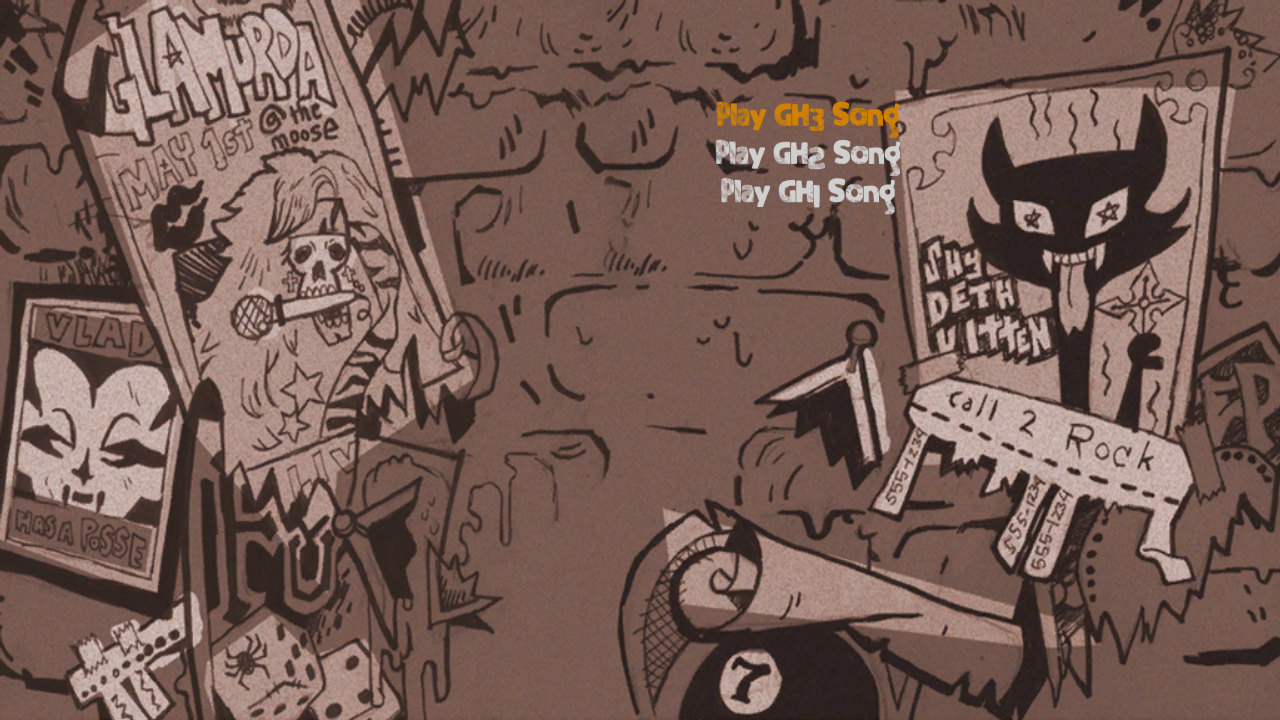
Entering Play GH3 Song will let you play every single song the game has to offer, even if they are not listed in the actual song list. Attempting to enter Play GH2 Song and Play GH1 Song will do nothing.
Settings#
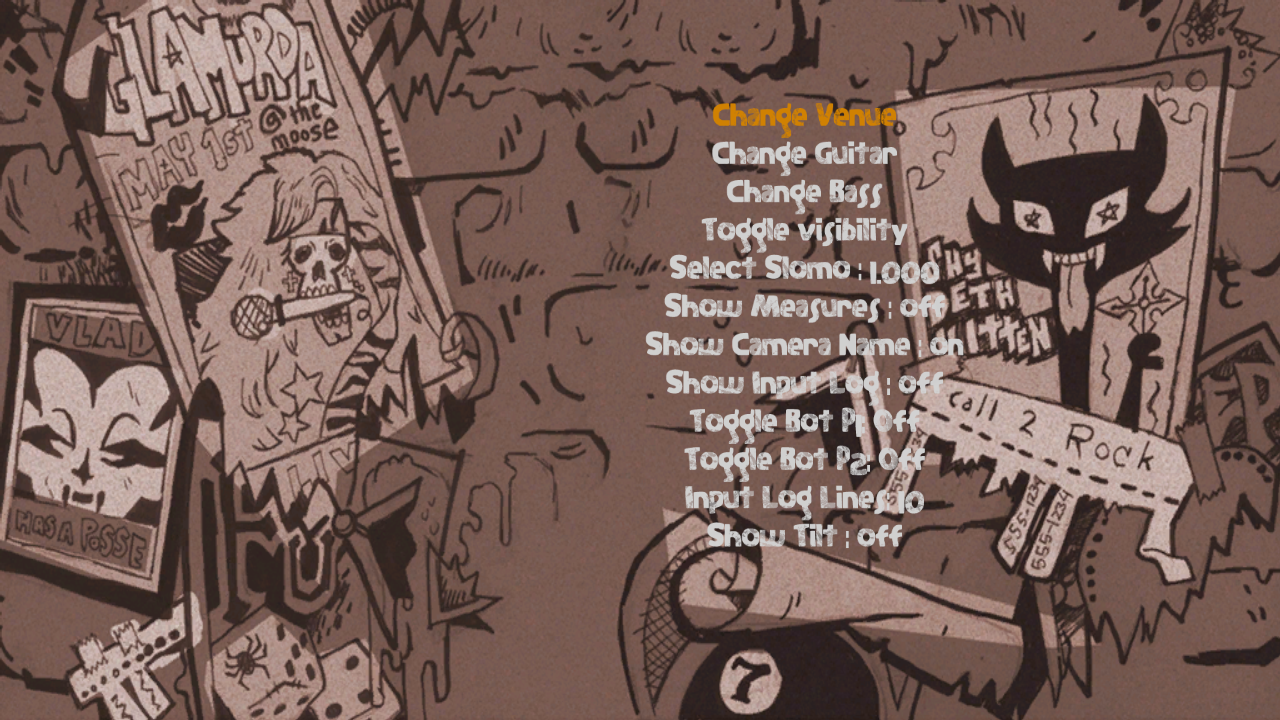
In this menu you have some Options to turn on and off plus a model viewer to view the Guitarist (Partially working).
Debug |
Functionality |
|---|---|
Change Venue |
Test a Stage. |
Change Guitar |
Takes you to play Slow Ride. |
Change Bass |
Takes you to play Slow Ride. |
Toggle Visibility |
Turn off the Crowd. |
Select Slomo |
Not working. |
Show Measures |
Does nothing. |
Show Camera Name |
Shows the internal name of each Camera Angle. |
Show Input log |
Shows what Buttons are being pressed in the bottom right of the screen. |
Toggle Bot P1 & P2 |
Turns on AutoPlay. (Does not work) |
Input Log Lines |
Determines how many lines can show up when Show Input log is on. |
Show Tilt |
Shows the Tilt Degree (Star Power Mechanic) for each guitar in giant numbers in the middle of the screen. |
Change Venue#
Changes the image to the main stage with the band in the front. There are three hidden stages, documented below.
Training Mode and Career Mode#
Training Mode is missing graphics and the Career Mode only partially works.
Unused Stages#
Viewer#

A blank void.
Credits (.)#
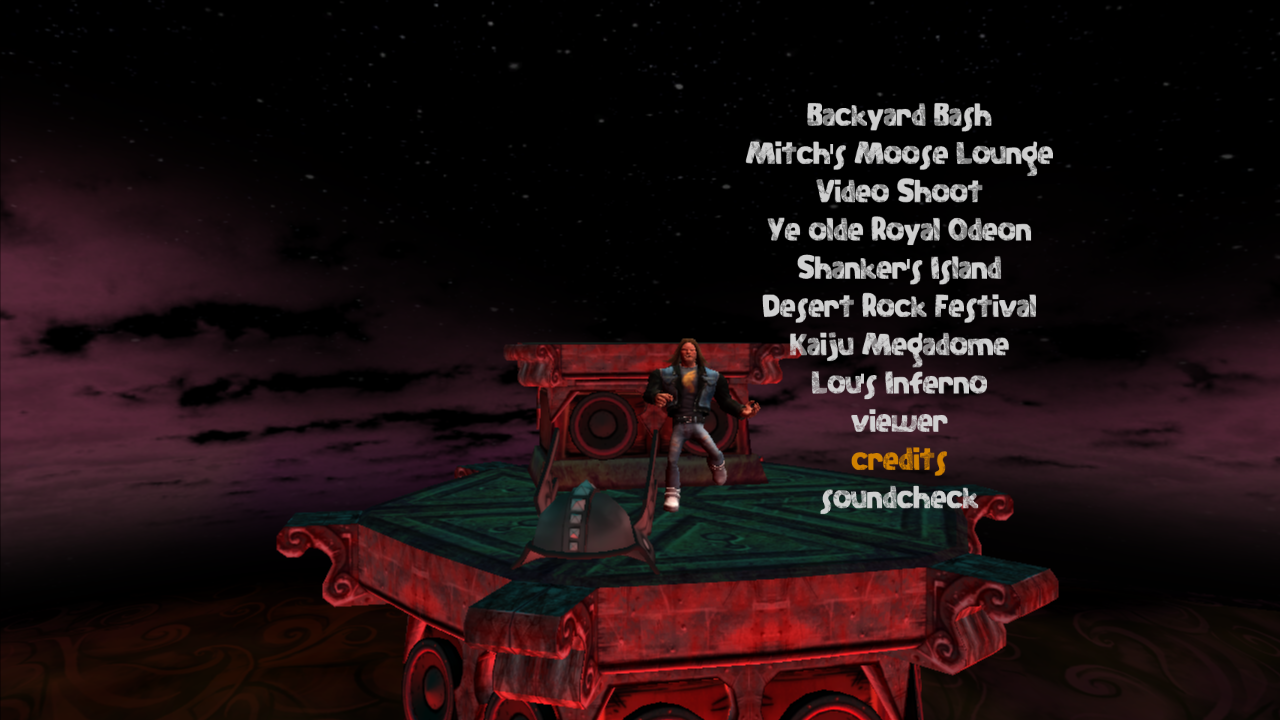
Used to play "Through the Fire and Flames" on console versions.
Soundcheck#
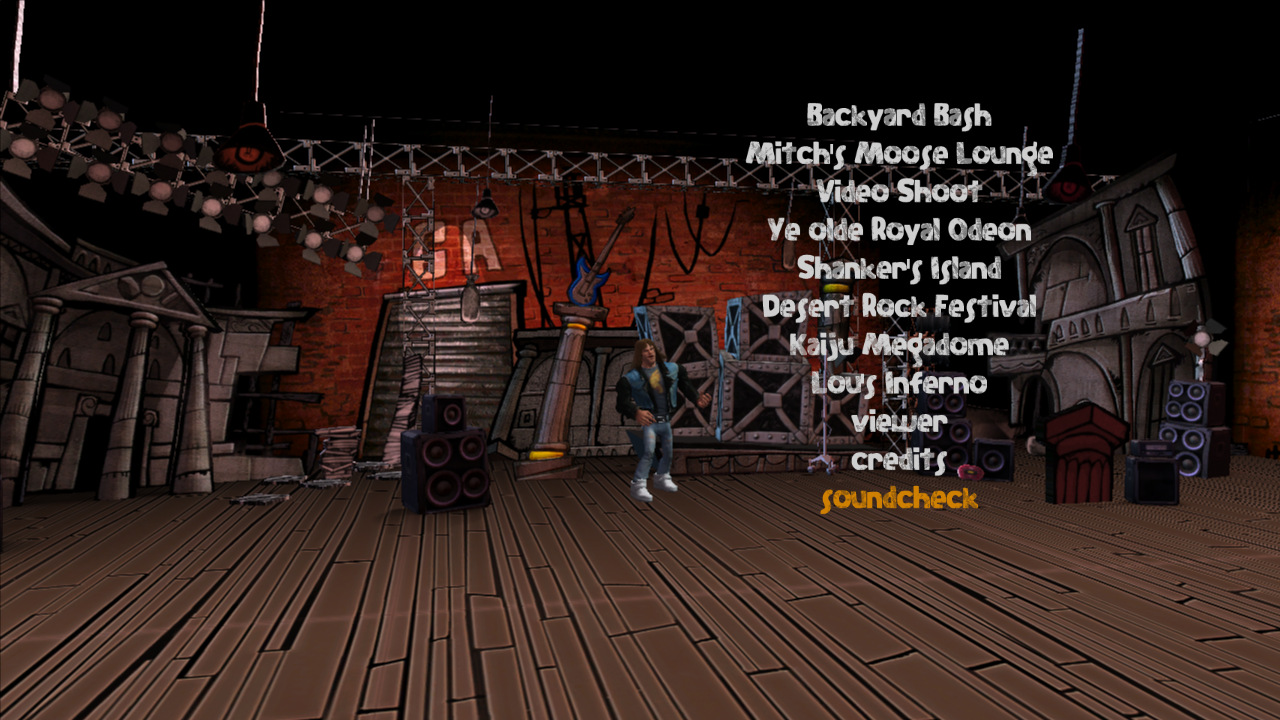
Used to play the Training Mode on console versions.
Unused Songs#
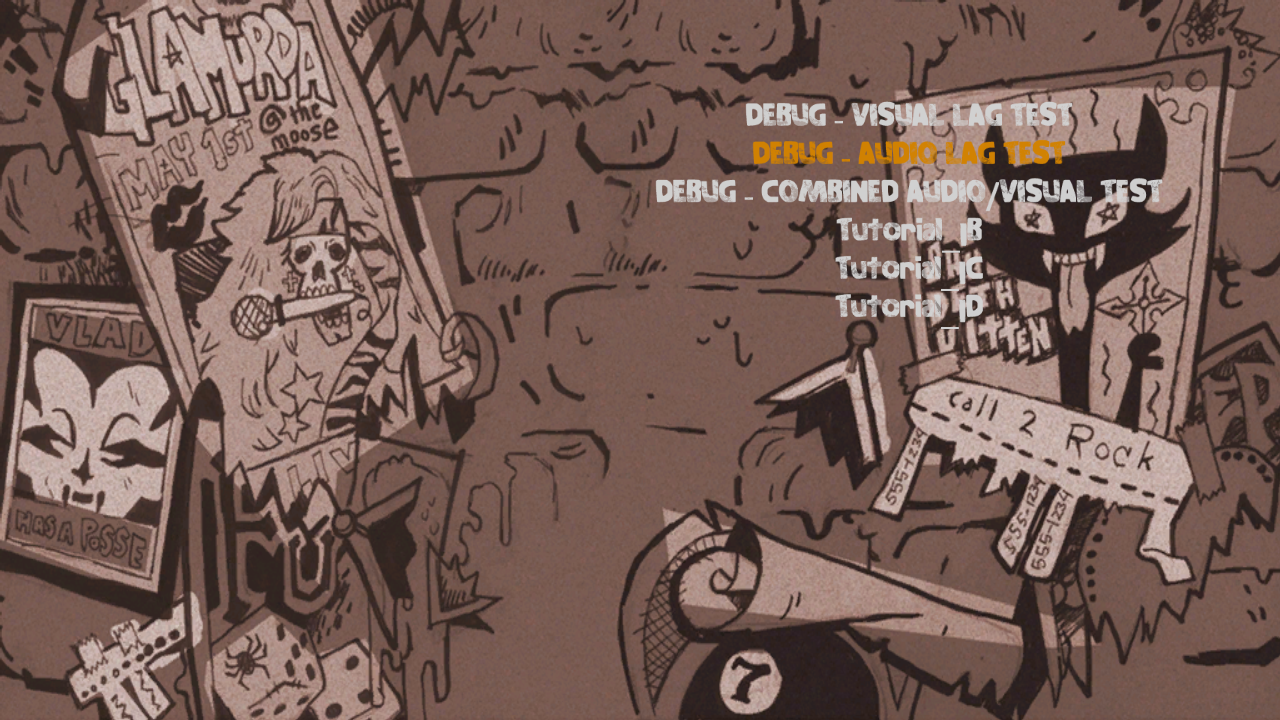
DEBUG - VISUAL LAG TEST & AUDIO LAG TEST (Unplayable Songs)#
Watch on YouTubeWatch on YouTube
Both of these are basic tests for checking how delayed the inputs are; the latter of which has a simple drum track to sync to.
Through the Fire and Flames#
This song is selectable in the debug menu. Despite the song never showing up on the actual arcade list, it still has a BEGINNER chart in the game. If a BEGINNER chart has not been made for the song it automatically uses the EASY chart for the song. Even though you picked BEGINNER you still need to play notes.
|
The Guitar Hero series | |
|---|---|
|
PlayStation 2 | |
|
Main Series |
Guitar Hero (Prototype) • Guitar Hero II (Prototypes) • Guitar Hero III: Legends of Rock • Guitar Hero: World Tour • Guitar Hero 5 |
|
Band-Specific |
|
|
Expansions |
Guitar Hero Encore: Rocks the 80's (Prototype) • Guitar Hero: Smash Hits |
|
Spin-Offs |
|
|
Wii | |
|
Main Series |
Guitar Hero III: Legends of Rock • Guitar Hero 5 • Guitar Hero: Warriors of Rock |
|
Band-Specific |
|
|
Expansions |
|
|
Spin-Offs |
|
|
PlayStation 3, Xbox 360 | |
|
Main Series |
Guitar Hero III: Legends of Rock (Prototype) • Guitar Hero: World Tour • Guitar Hero: Warriors of Rock (Prototype) |
|
Spin-Offs |
|
|
Windows, Mac OS X | |
|
Main Series |
|
|
Nintendo DS | |
|
On Tour |
|
|
Spin-Offs |
|
|
Arcade | |
|
Main Series |
|