
|
This page sucks. |

|
To do:
|
Goat Simulator originally started as part of a game jam held at Coffee Stain Studios, and it went quite uphill from there, and is intended to be a parody of the entire "simulation" category of games. Basically, you're a goat that wrecks stuff...that's it.
In-Game Console#
A console can be triggered with the TAB key and expanded with the ~ (tilde) key. (Or press \ for the expanded console on newer versions of the game) It has an auto-complete feature that makes it easier to browse through commands. The most noteworthy ones are displayed below.
DebugCreatePlayer#
Command for testing the game's co-op multiplayer system. Spawns up to 3 other uncontrollable goats with the same coat color as Pilgor (player 1) until properly respawned, where they will then have their proper coat colors.
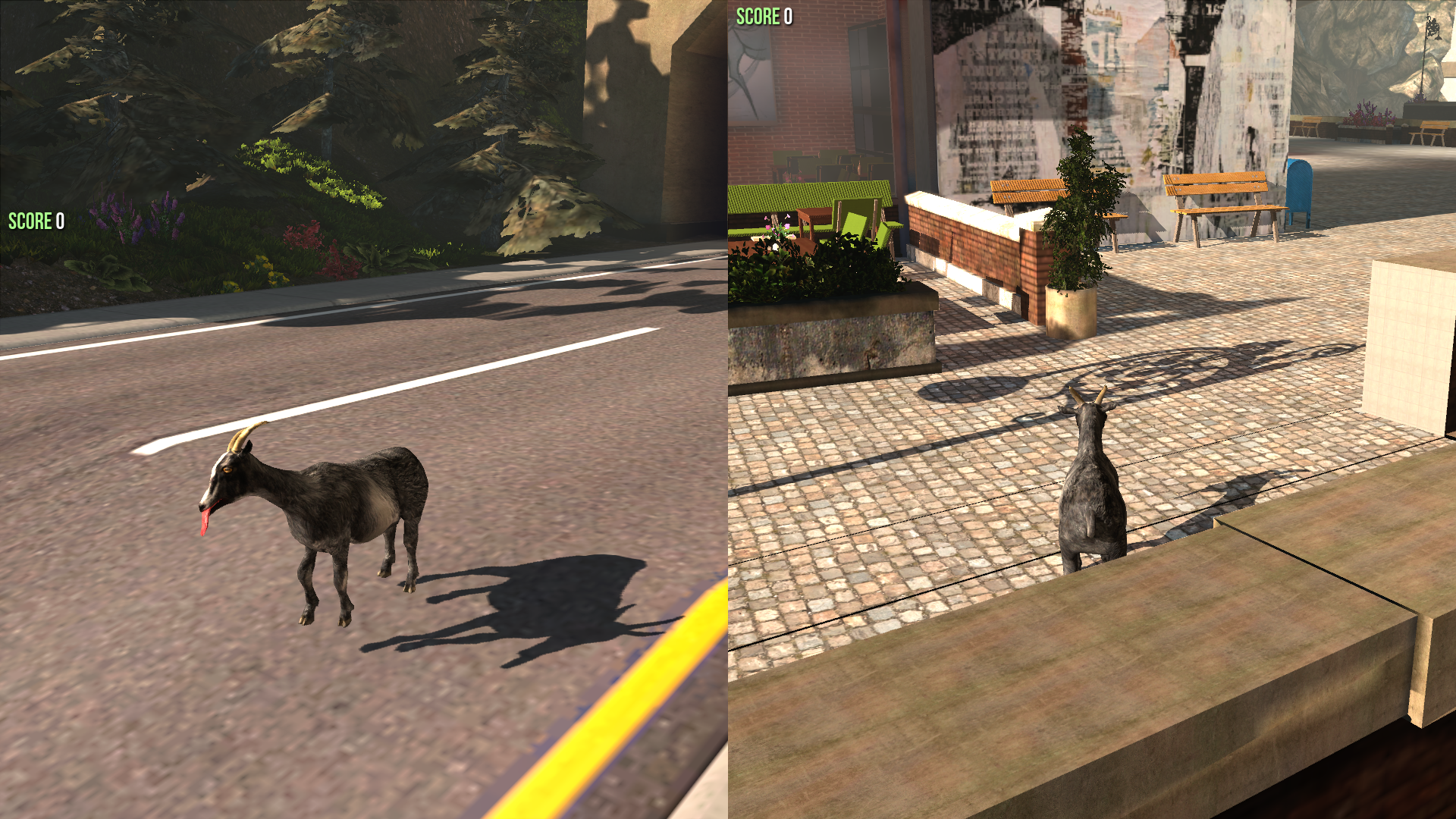
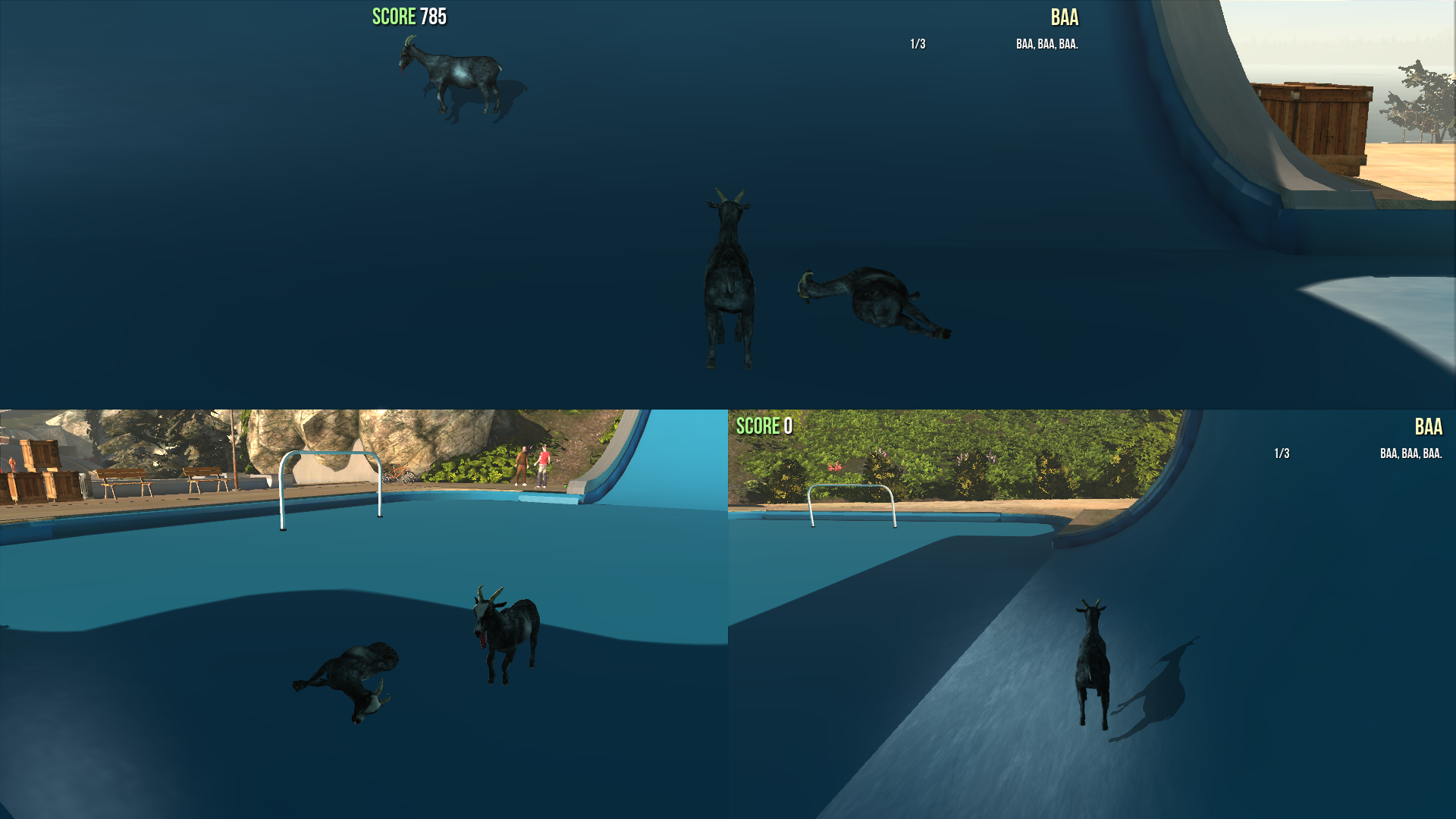
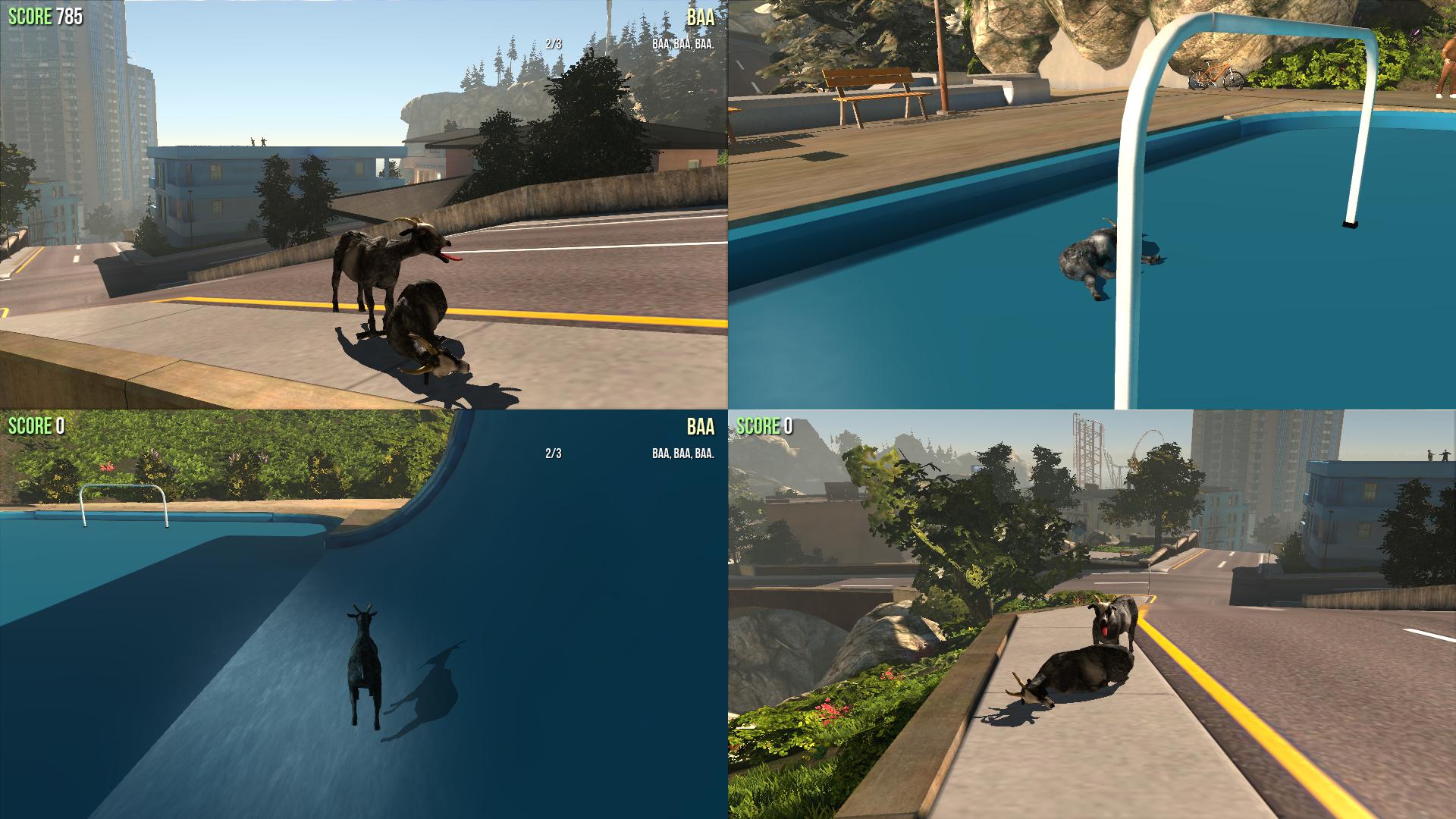
This function is rather experimental and in certain cases can lead to sudden crashes of the game if goats are despawned.
ShowJuice#
Shows placeholder text for a quest. 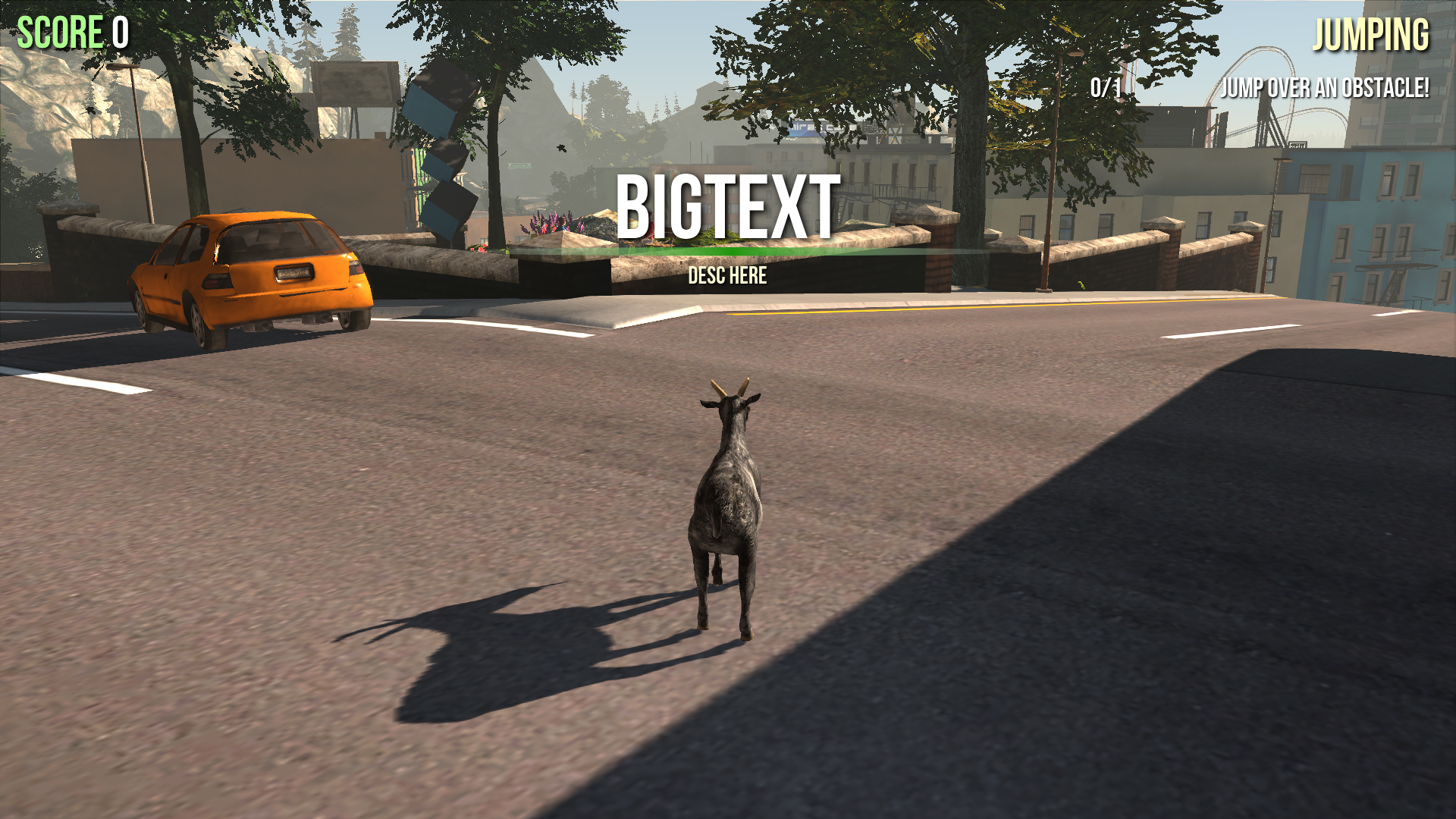
Commands#
- FOV: edits the camera zoom on the player; default is 90.
- FreezeAt: locks the camera for "more determinastic render profiling".
- LegacyHUD: shows some placeholder text for 1 frame and then switches back to the original HUD.
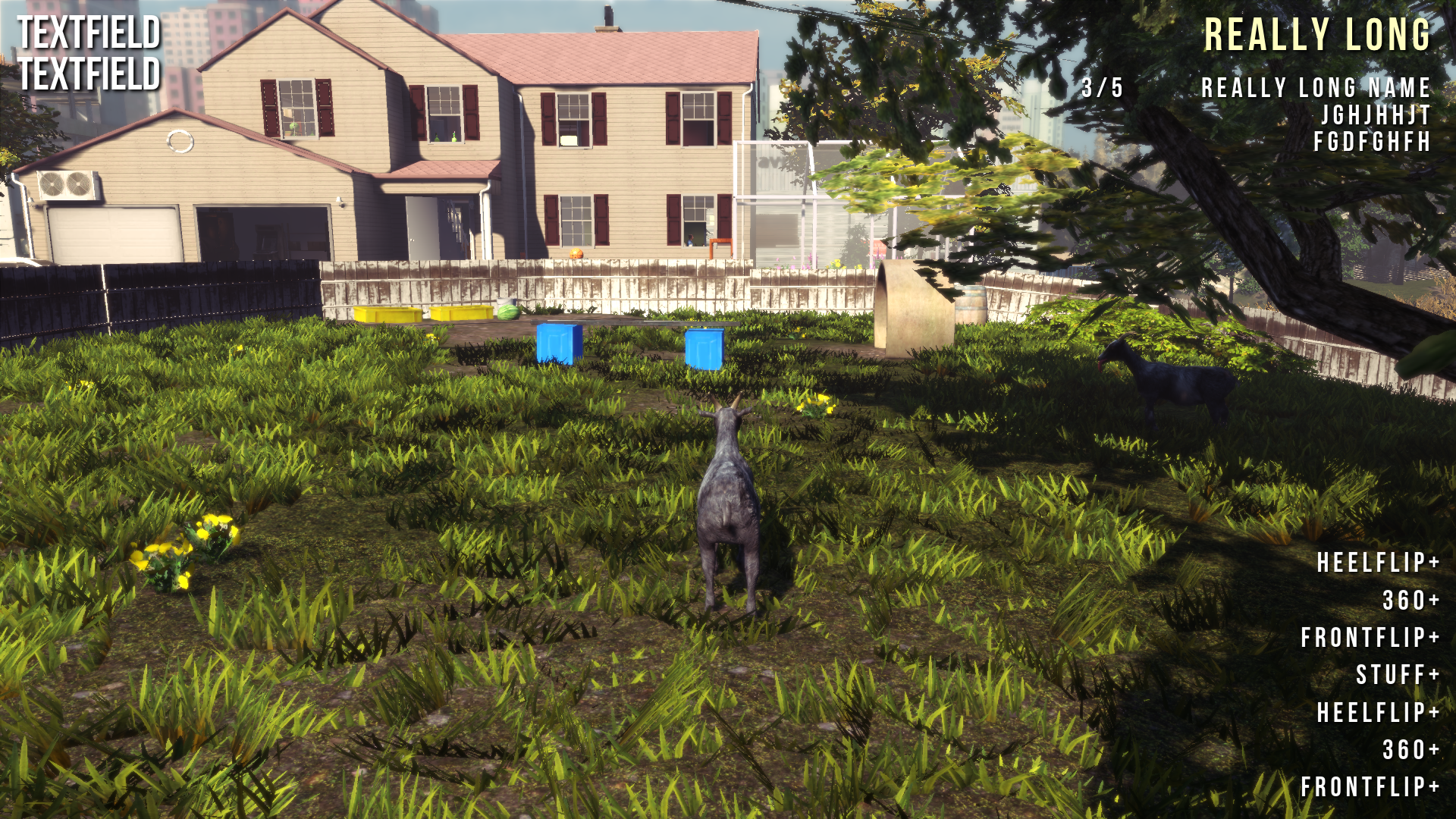
- Shot: takes a screenshot and saves it as a raw bitmap in "
\Documents\My Games\GoatSim\GoatGame\Screenshots\Win32\". - ShowGameHUD (1 or 0): toggles the display for the scores and objectives.
- There are a lot of commands for viewing assets in the games packages in the expanded console.
- ListAudioComponents.
- ListSounds.
- ListSoundClasses.
- ListSoundModes.
- ListUncachedStaticLightingInteractions.
- ListSoundWaves.
- ListTextures.
- ListWaves.
- Obj LIST.
- Obj CLASSES.
(Source: Goat Simulator Wiki)
Unused Music#
While the game's overall soundtrack lasts for 10 minutes, there are three additional songs that go unused.
Filename |
Audio File |
Description |
|---|---|---|
Its_a_Goat_Trap_01.SoundNodeWave |
A theme meant to be used at the title screen. The main song, Soft_Get.SoundNodeWave, plays instead. |
|
Tappad_Fullbits01.SoundNodeWave |
A little cheerful track, probably meant for the Flappy Goat minigame. |
|
TappadBakonEnVagn.SoundNodeWave |
This was used in the recent 1.1 "goat parkour" trailer. |
Unused Sounds#
v1.0.28026 has a file named Goat_Sounds.upk which contains these 4 unused bleats, one of which is a stock sound effect. They were very likely scrapped due to being too short for Pilgor's "baa" animation in-game.
Filename |
Audio File |
|---|---|
__name_21__.SoundNodeWave |
|
__name_22__.SoundNodeWave |
|
__name_23__.SoundNodeWave |
|
GoatSound_01.SoundNodeWave |
In the same file is a heavenly choir, named HolyGoat_01. It was probably meant to play upon unlocking the Angel Goat mutator.
There's some static noise in EditorSounds.upk labeled as WhiteNoise.SoundNodeWave too, and it's the only file on that archive.
Unused NPC Textures#
In Goat Simulator, all the NPCs use the same two models but just change the texture. They also use the developers faces. Two textures end up going unused.
Sportyman#
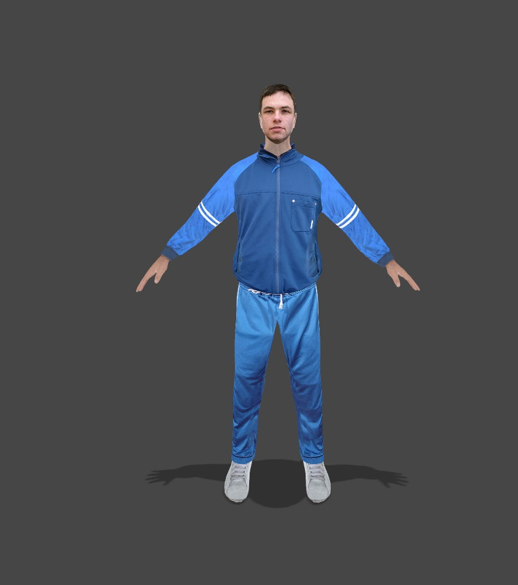
Sportyman (also the in game codename for the tracksuit NPCs) is wearing a blue tracksuit similar to Molle's. The real face model is unknown.
Casual Girl#
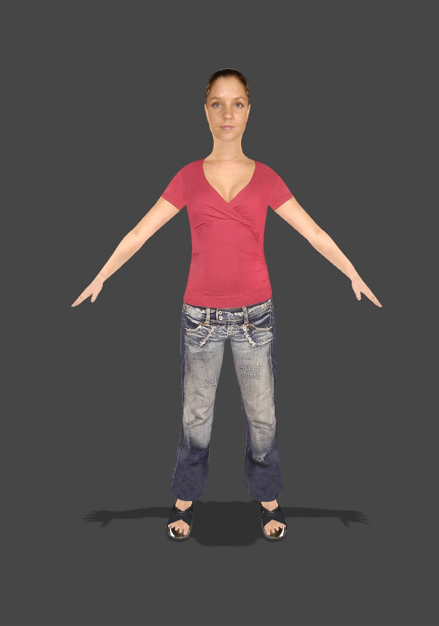
CasualGirl is pretty much Ditto to Sportyman when it comes to her information. She is wearing an outfit similar to Line's. The real face model is also unknown. She can also be seen in early gameplay.
Unused Models#
|
|
To do: |
There is a handful of meshes located in EditorMeshes.upk and NodeBuddies.upk that were likely used for testing purposes. Some are leftovers from the Unreal SDK.
Test Floor#
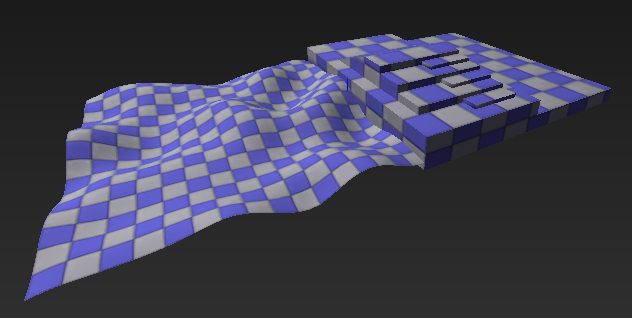
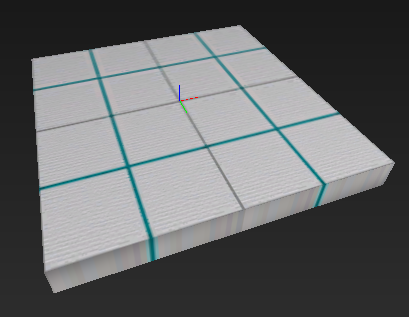
AnimTreeEd_PreviewFloor.StaticMesh is your average test surface with one of the default textures on. A video of the alpha version shows a similar structure smashed together with the final map.
Axis#
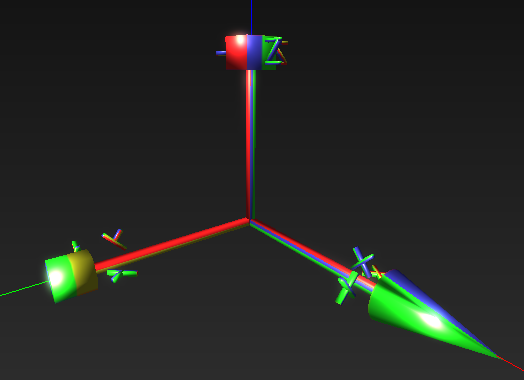
Axis_Guide.StaticMesh is exactly what it says on the tin. It has no texture.
Letters#

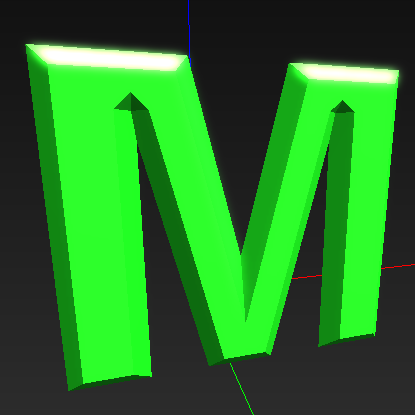 NodeBuddy_AutoAdjust.StaticMesh and NodeBuddy_AutoAdjustOff.StaticMesh are just A and M in capital letters.
Arrows#
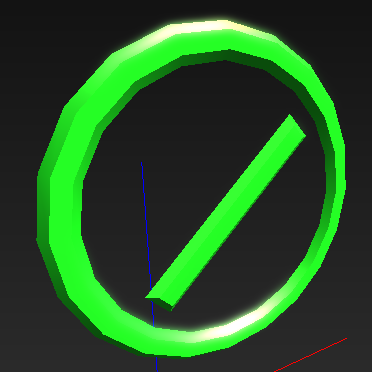
There are a few meshes of some arrows of different sizes and shapes. Likewise, there are two models of a chopped arrow and a cut open box each.


Ladder#
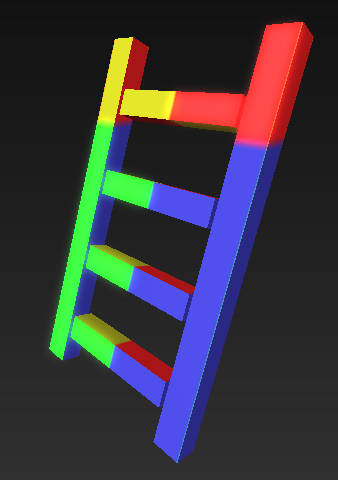
NodeBuddy_PerchClimb.StaticMesh is an untextured short ladder.
Targets#
Two models render a target along with a rectangular block and a sole target that somehow is a pop-up. The first one has a few duplicates with both objects facing in different directions.


SWAT#
Two models depict the word SWAT with an arrow pointing to the left/right.


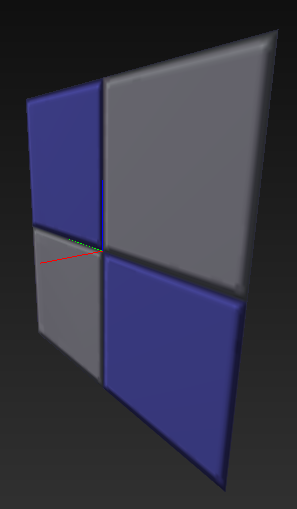
TexProps#
A few simple models likely for testing textures.


Miscellaneous#
Developer Oversight#
In the initial release version (v1.0), If you head over the tunnel in the Low Gravity Testing Facility's direction, you can see a test model just after the tunnel. It's impossible to interact with it since an invisible wall bounces you off.
This is corrected in the v1.1 patch, and the test model is nowhere to be found. 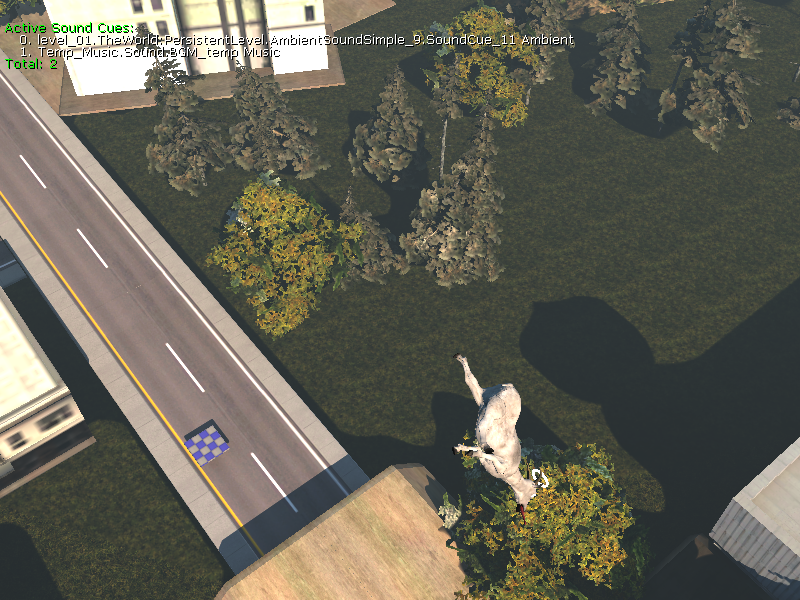
Unused Graphics#
Small Goat#

Stored in UI_Icons.upk is this little drawing of a goat.
Map Templates#
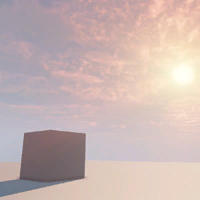
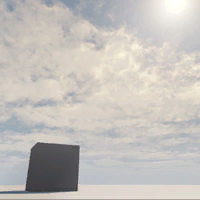
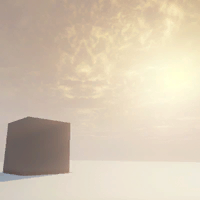
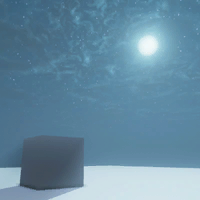
MapTemplatesIndex.upk has these textures of a black cube standing at different times of the day.
Engine Materials#
EngineMaterials.upk contains some assorted placeholders, like the default texture.


There are also a few "icons" related to the Unreal Editor judging by the filenames.


Unsorted#
Filename |
Graphic |
Description |
|---|---|---|
CASC_DisabledModule.Texture2D |
 |
Some static that doesn't fit the categories above as it is 64x32. |
UnrealEdIcons.Texture2D |
 |
This set of icons is part of a 512x512 transparent picture, so it has been cropped. |
Base Materials#
Base_Materials.upk has some odd textures that don't seem to be used anywhere.



Game Framework#
GameFramework.upk harbours these two icons for something related to crowds.


Color Lookup#
ColorLookup.upk has these two colourful strips. The second one is slightly brighter than the first one.
|
Goat_Lookup_01_1.Texture2D |
level_01_1.Texture2D |
|---|---|

|

|
Material Templates#
Last but not least, MaterialTemplates.upk has these two textures.

Hidden Dialog Boxes#
Two dialog boxes can be viewed with a resource editor in the game's main executable. Its purpose is unknown, and they don't seem to be related to the Unreal devkit.

101 DIALOGEX 0, 0, 275, 118
STYLE DS_FIXEDSYS | DS_MODALFRAME | DS_CENTER | WS_POPUP | WS_CAPTION | WS_SYSMENU
CAPTION "Dialog"
LANGUAGE LANG_ENGLISH, SUBLANG_ENGLISH_US
FONT 8, "MS Shell Dlg", FW_NORMAL, FALSE, 1
{
   CONTROL "Yes", 1002, BUTTON, BS_DEFPUSHBUTTON | WS_CHILD | WS_VISIBLE | WS_TABSTOP, 25, 97, 50, 14
   CONTROL "No", 1003, BUTTON, BS_PUSHBUTTON | WS_CHILD | WS_VISIBLE | WS_TABSTOP, 141, 97, 50, 14
   CONTROL "Yes to all", 1000, BUTTON, BS_PUSHBUTTON | WS_CHILD | WS_VISIBLE | WS_TABSTOP, 83, 97, 50, 14
   CONTROL "No to all", 1001, BUTTON, BS_PUSHBUTTON | WS_CHILD | WS_VISIBLE | WS_TABSTOP, 199, 97, 50, 14
   CONTROL "Static", 1004, STATIC, SS_LEFT | WS_CHILD | WS_VISIBLE | WS_GROUP, 17, 19, 246, 66
}
102 DIALOGEX 0, 0, 297, 126
STYLE DS_FIXEDSYS | DS_MODALFRAME | DS_CENTER | WS_POPUP | WS_CAPTION | WS_SYSMENU
CAPTION "Dialog"
LANGUAGE LANG_ENGLISH, SUBLANG_ENGLISH_US
FONT 8, "MS Shell Dlg", FW_NORMAL, FALSE, 1
{
   CONTROL "Yes", 1002, BUTTON, BS_PUSHBUTTON | WS_CHILD | WS_VISIBLE | WS_TABSTOP, 15, 98, 50, 14
   CONTROL "Yes to all", 1000, BUTTON, BS_PUSHBUTTON | WS_CHILD | WS_VISIBLE | WS_TABSTOP, 70, 98, 50, 14
   CONTROL "No", 1003, BUTTON, BS_PUSHBUTTON | WS_CHILD | WS_VISIBLE | WS_TABSTOP, 124, 98, 50, 14
   CONTROL "No to all", 1001, BUTTON, BS_PUSHBUTTON | WS_CHILD | WS_VISIBLE | WS_TABSTOP, 177, 98, 50, 14
   CONTROL "Cancel", 1009, BUTTON, BS_PUSHBUTTON | WS_CHILD | WS_VISIBLE | WS_TABSTOP, 232, 98, 50, 14
   CONTROL "Static", 1004, STATIC, SS_LEFT | WS_CHILD | WS_VISIBLE | WS_GROUP, 16, 14, 265, 66
}
Unused Text#
UDKOffline.html#
A greeting message for the SDK can be found in the Engine folder.
Welcome to the Unreal Development Kit.

To view the most recent UDK news, refresh this page after connecting to the Internet or visit www.udk.com/documentation.
At our web site you’ll find:
•   The latest news, software updates and UDK version information
•   In-depth detail on features that boost project quality and productivity
•   Community message boards, support resources and contests
• Case studies on notable UDK projectsEngine.int#
The text file for the splash screen has the following string that doesn't show up.
[General]
SplashScreen_ThirdPartyCopyrightInfo=bäääGoatGame.int#
The main file for all the game's text has a commented out option for switching coarse language. Even if it is re-enabled, it cannot be used since the Advanced options box overlaps it. A mod exists that restores its functionality.
[GGUIViewOptions]
;mOptionStrings[10]="profanity filter"
Revisional Differences#
- The v1.0.28026 update renamed the Yoshi Goat mutator to Italian Dinosaur Goat, potentially due to Nintendo sending a copyright notice to Coffee Stain Studios.
Mobile Version#
|
|
To do: |
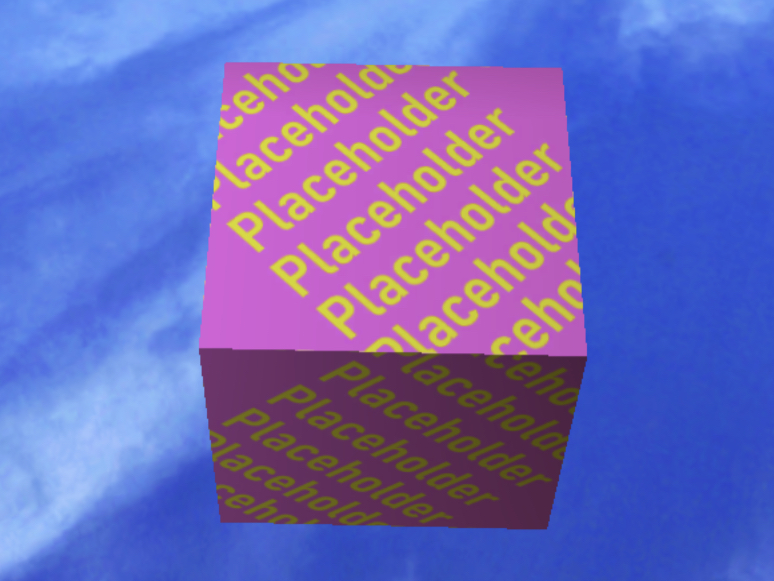
Placeholder Cube#
There is a placeholder cube in Goat City Bay. Going close to the cube will respawn the player.
Explicit Content?#
In GoatSettings.bin, there seems to be a option to enable explicit content. It is unknown how to turn it on.
"CloudStorageEmulation" File#
There is a file containing these words:
[CloudStorageEmulation] UpgradeKey=1It is unknown if it is different between the Android and iOS releases.
|
|
To do: |
Internal Project Name#
The project name for the game is GoatGame according to various folders and filenames.