 This article has a talk page!
From the team behind Ape Escape and Fantavision, Flipnic: Ultimate Pinball is, as the game's box art puts it, "an enjoyable simple-action amazing pinball game for you".

Unused Graphics#
Demo Leftovers#

|
Text |
Translated |
|---|---|
|
|
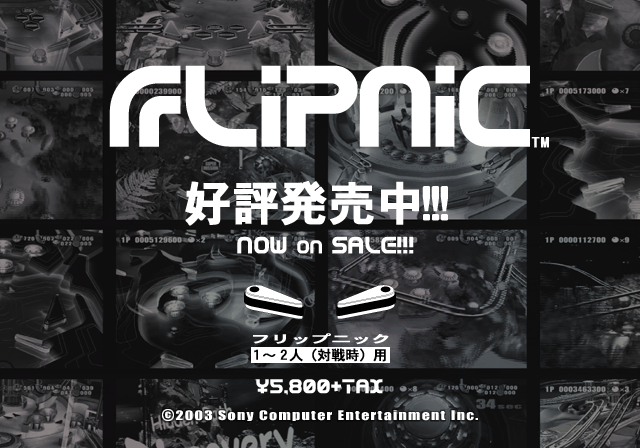
Leftover screens from an as-of-yet-unknown Japanese pre-release or demo version of the game.
Debug Functions#
Debug Menu#

|
To do: |
A debug menu is present in the game, which allows the user to toggle on and off various menu layers. It is not currently known how to reliably enter this menu, and the game has a tendency to crash when attempting to load it.
Tilt Visualization#
|
|
To do: |
By editing hex address 0x170B80, a tilt meter can be enabled. This meter fills up when trying to nudge and ticks back down over time. If it fills completely, the bar clears and the Tilt cutscene is activated.
Developer Leftovers#
The res/menu folder contains several files with a .MLB extension, used for the game's menu layouts. The same folder also contains corresponding .CSV and .XML files for each .MLB file, which were most likely used as intermediate files during development. Most (if not all) XML viewers aren't able to display the files, throwing a parsing error within the first few lines. Inspecting the raw text of the XMLs reveals the game's assets were stored on a Windows PC under the X:/ directory; curiously, SCE_PRESENTS.XML instead uses the directory E:\FLIPNIC\作業2. Developer comments are sprinkled throughout in dedicated <comment> fields as well, most of which just label what graphic the given XML block corresponds to.
Regional Differences#
|
Japan |
North America |
|---|---|
|
|
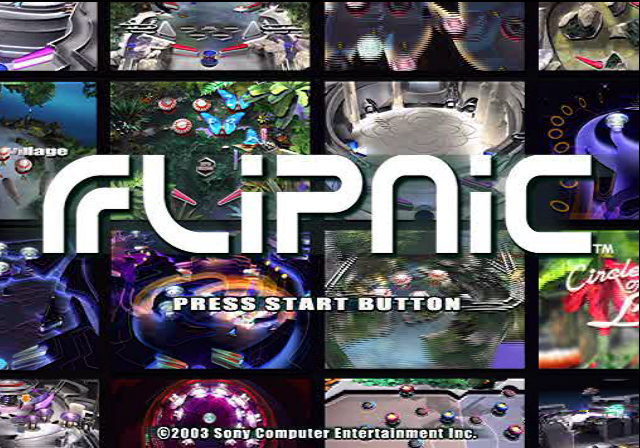
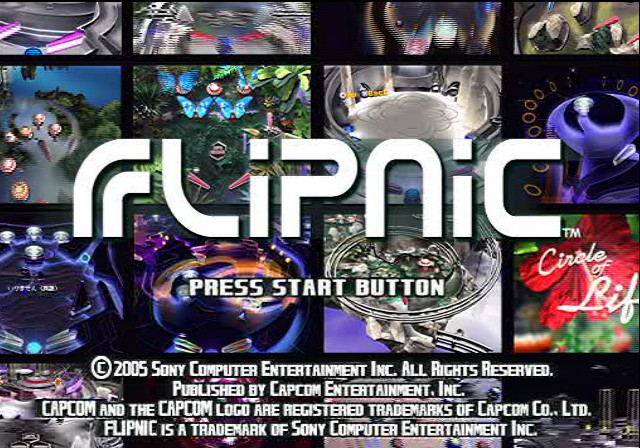
The game's copyright year was updated in the North American version, along with several additional lines since Capcom published the game in that region. The game's logo and "Press Start Button" text have also been moved up slightly to accommodate for this.
|
Japan |
International |
|---|---|

|
|
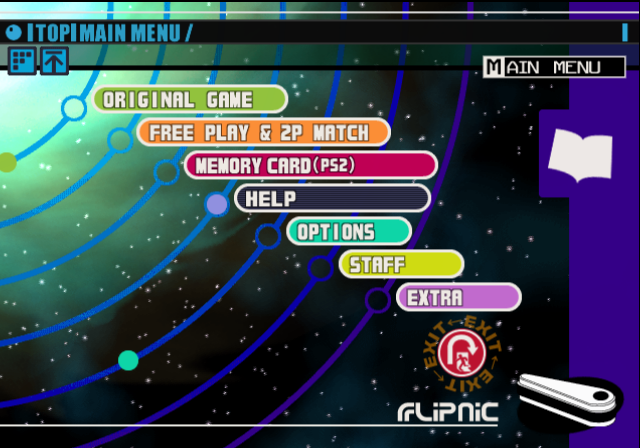
The "EXPLAIN" option on the main menu was renamed to "HELP". An extra space was also added after the "&" in "FREE PLAY & 2P MATCH".
|
Japan |
International |
|---|---|
|
|
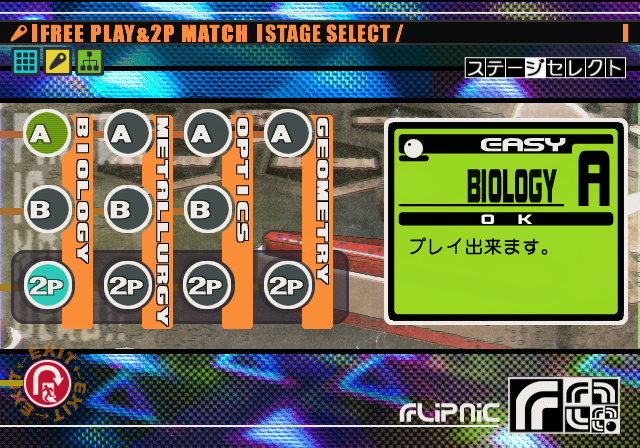
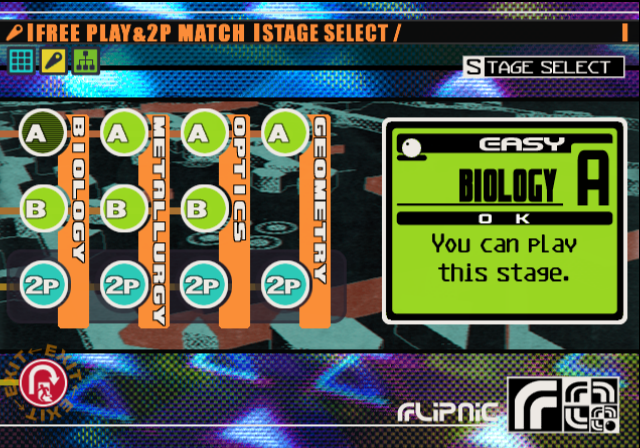
The Japanese version requires you to complete a level in Original Game mode before it becomes playable in Free Play. This was changed in the international versions, where all levels are unlocked by default in Free Play.
|
Japan |
International |
|---|---|
|
|
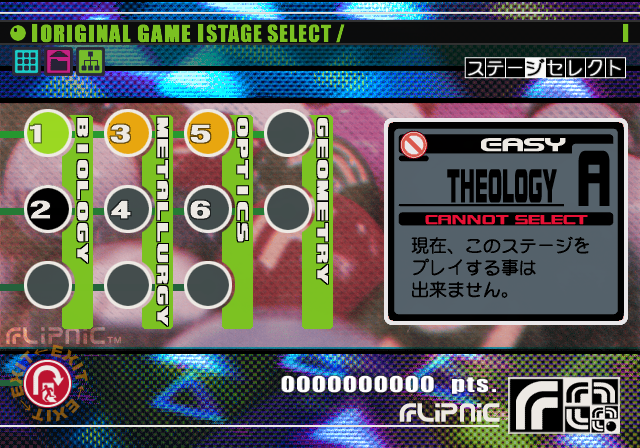
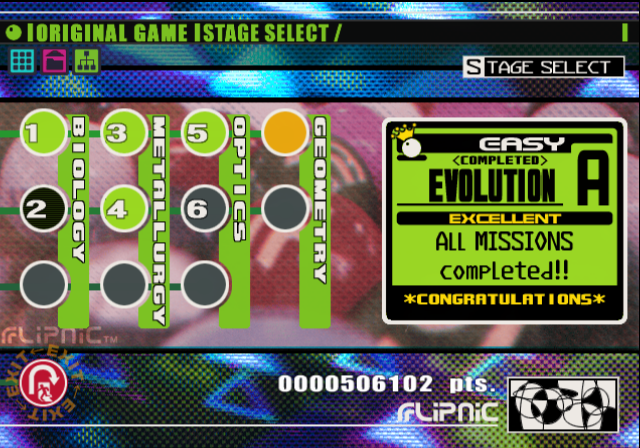
The North American version renamed the "Theology" levels to "Evolution". Notably, the back of the game's box still calls these stages by their original name.
|
Japan |
International |
|---|---|
|
|
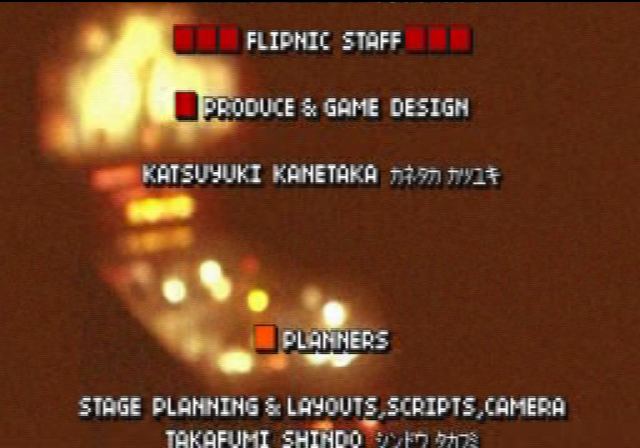
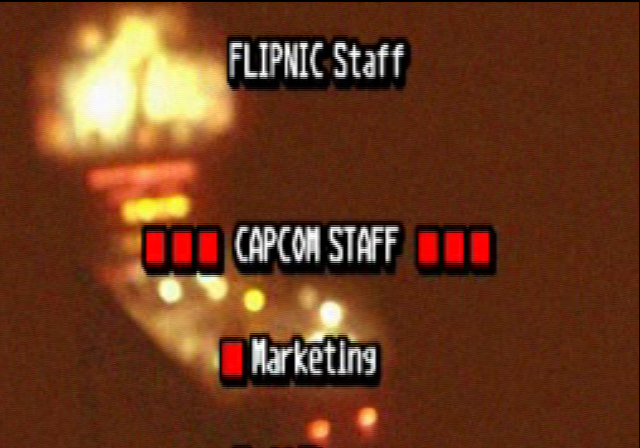
The Staff Credits uses a completely different font between the Japanese and international versions, with a pixelated, dot-matrix-like font used.
The Japanese version has an exclusive sixth "Game Over" cutscene featuring a skull smoking a cigarette. This was likely removed in order to lower the game's age rating internationally due to the depiction of smoking.