 This article has a talk page!
Hey Lois! I'm an unused video!
Unused Video#
RaysTXT.bik#
A cutscene placeholder video.
Debug Menu#
By editing Game.txt, you can toggle various debugging related material by simply changing any these lines from OFF to ON.
DEBUG_CHEATS            OFF                      // Are debug cheats on/off
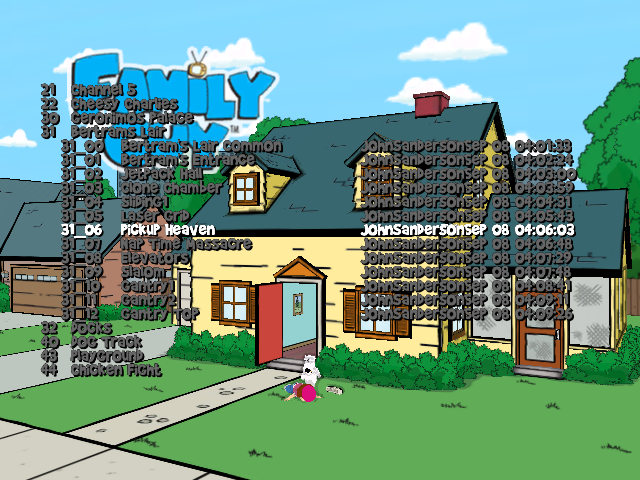
LEVEL_SELECT            OFF                      // Level select on/off
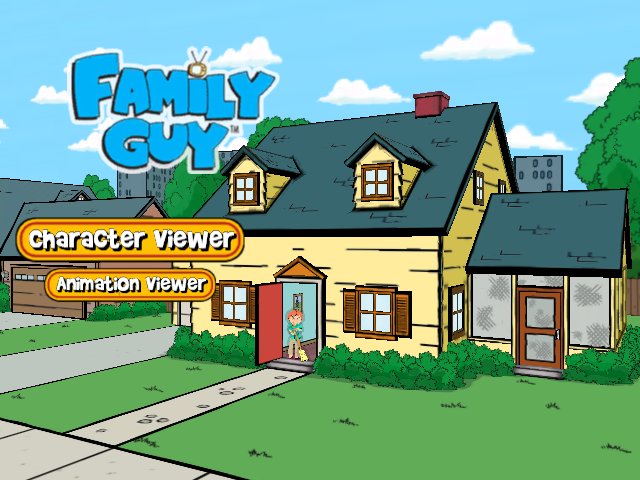
VIEWER_APPROVAL     OFF         // for character or animation viewer approval access
There are also a few toggles in this text file that seem have no effect.
DEBUG_TEXT              OFF                      // Display debug text/gfx
DEBUG_FLY               OFF                     // Fly-through mode on/off
DEBUG_SOUND     OFF         // Debug Sound info
(Source: djs)
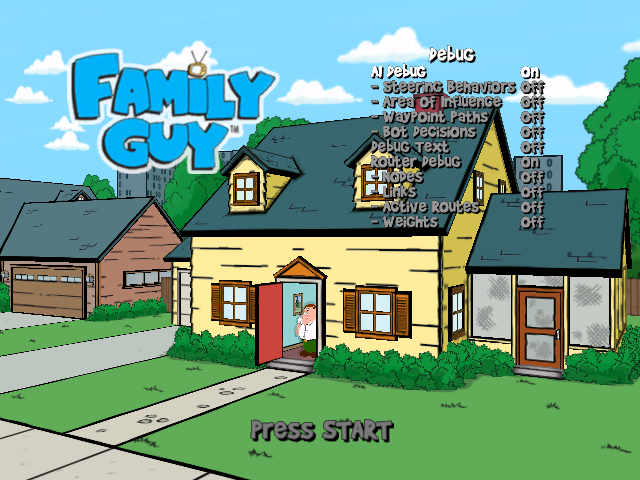
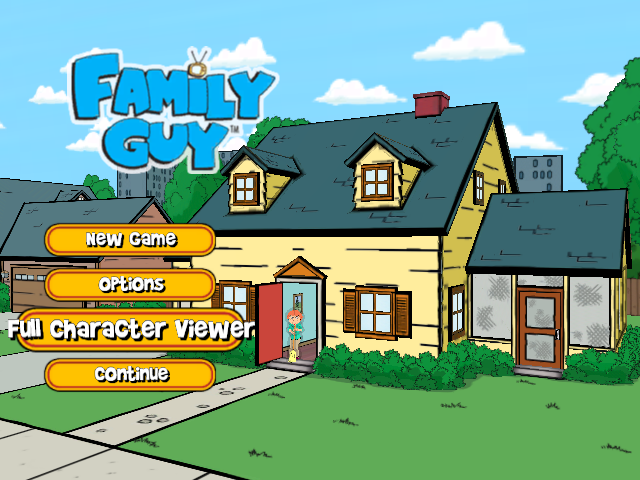
DEBUG_CHEATS adds these following options
- A debug menu that can be viewed by holding BACK at any time,
- A Full Character Viewer button to the main menu which doesn't work,
- A Reload Level button to the in-game pause menu which does work,
- Pressing LS + RS toggles a free camera. Pressing RS while free camera is active will teleport you to where the center of the camera is pointing at.


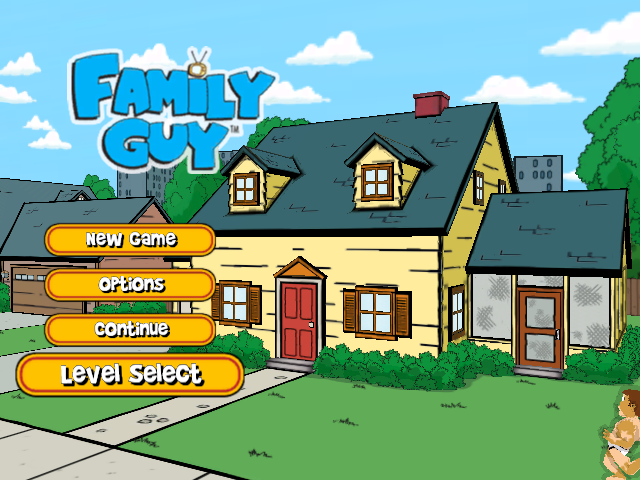
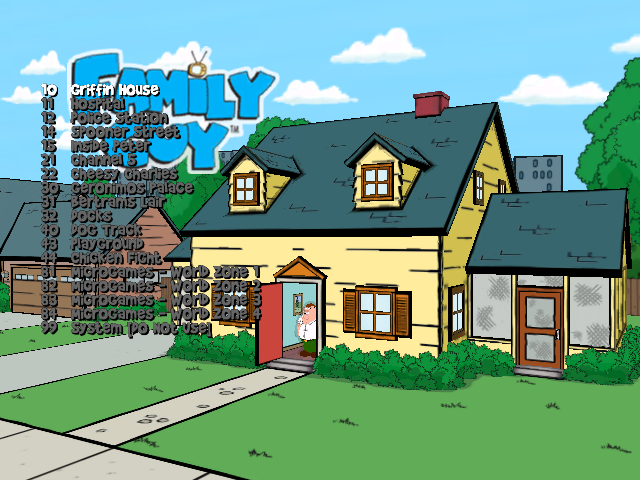
LEVEL_SELECT adds a Level Select button to the main menu. It'll ask to select a save slot where it'll create a save in your selected location, and then comes the level selection screen itself.
VIEWER_APPROVAL replaces the buttons in the main menu with Character Viewer and Animation Viewer, neither of which seem to function.
|
The Family Guy series | |
|---|---|
|
PlayStation 2 |
|
|
Xbox |
|
|
PlayStation Portable |
|
|
Pinball |
|
|
PlayStation 3, Xbox 360, Windows |
|
|
iOS, Android |
|