 This article has a talk page!
Deus Ex: The Conspiracy faithfully reproduces all the conspiracy-fuelled action from the PC version, with a few tweaks and simplifications to fit within the PS2's confines (and even a few enhancements, especially to the animations!)
Sub-Pages#


Unused Models/Graphics#
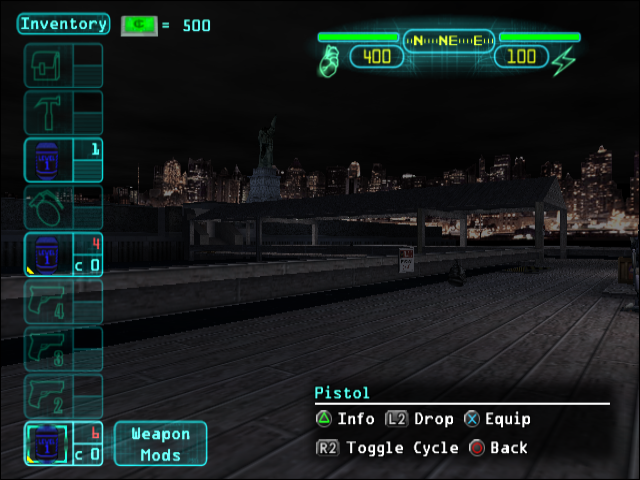
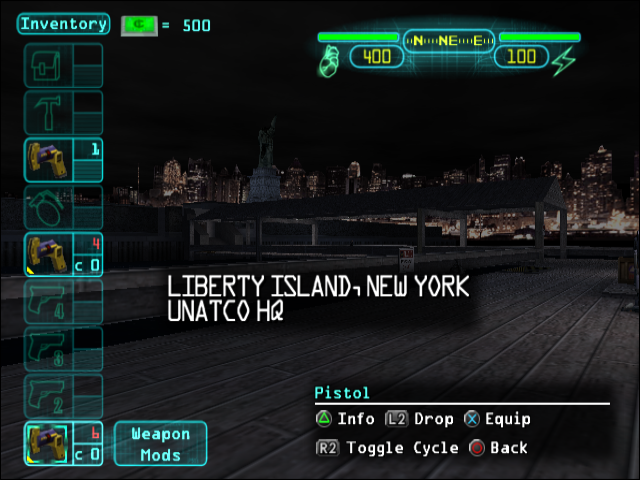
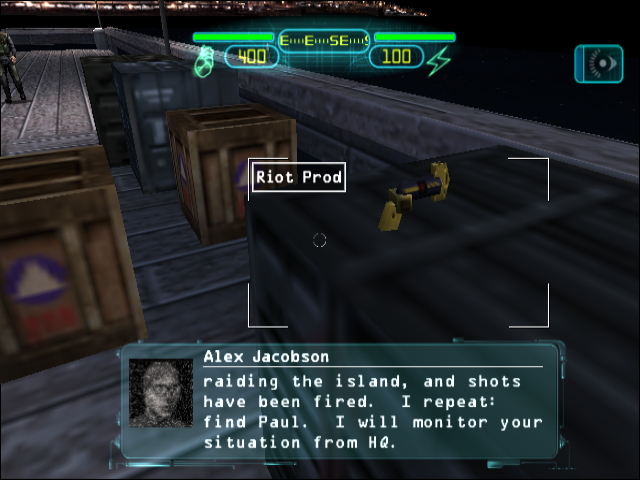
The nanokey ring from the PC version was originally planned to be an item, but was later streamlined into being automatic when using locked doors that you have the key for. The world model still exists in the files, along with its icon and the icon for nanokeys.
Nanokey Icon |
Nano-Keyring Icon |
Nano-Keyring Model |
|---|---|---|
 |
 |
 |
Unused nanokey icon. |
Unused nano-keyring icon. |
A riot prod hacked to use the nano-keyring |
The keyring was originally meant to occupy the top utility slot, before being redesigned. 
(Source: Original TCRF research)
Unused Text#
The PSX2USER.INI file contains commented out controller layouts that were being developed.
; DX PSX2 Default Keys (phs, 3/29/01)
;
; UT      Dual Shock               DX Control From Andy (early 4/01)
; --      ----------               ----------------------
; Joy1  = L1                     = Use in world
; Joy2  = L2                     = Lean left
; Joy3  = R1                     = Fire weapon / Use item in hand
; Joy4  = R2                     = Lean right
; Joy5  = Triangle               = Scope / Info (while paused)
; Joy6  = Square                 = Inventory (this should pause game)
; Joy7  = Circle                 = Augmentations (this should pause the game)
; Joy8  = Cross                  = Equip/Unequip, Drop (while paused)
; Joy9  = D-Pad Left             = Cycle through Inventory Left (no pause)
; Joy10 = D-Pad Right            = Cycle through Inventory Right (no pause)
; Joy11 = D-Pad Up               =
; Joy12 = D-Pad Down             =
; Joy13 = Left Analog Down (L3)  = Toggles Crouch
; Joy14 = Right Analog Down (R3) = Jump
; Joy15 = Select                 = Misc Screens (Goals/Notes, Images, etc)
; Joy16 = Start                  = Menu Screens
; JoyX  = Left Analog X          = Movement (Strafe Left/Right)
; JoyY  = Left Analog Y          = Movement (Forward/Backward)
; JoyU  = Right Analog X         = Look (left/right)
; JoyV  = Right Analog Y         = Look (up/down)
;
;Joy1=ParseRightClick
;Joy2=FootPlant
;Joy3=ParseLeftClick|Fire
;Joy4=ToggleScope
;Joy5=ShowHUDGoals
;Joy6=ShowHudInventory
;Joy7=ShowHudAugmentations
;Joy8=Jump
;Joy9=ToggleAutoAimLock
;Joy10=DropItem
;Joy11=PrevWeapon
;Joy12=NextWeapon
;Joy13=Duck
;Joy14=CenterView
;Joy15=renderstats
;Joy16=ShowMainMenu
;JoyX=Axis aStrafe SpeedBase=300.0 DeadZone=0
;JoyY=Axis aBaseY SpeedBase=300.0 DeadZone=0
;JoyZ=
;JoyR=
;JoyU=Axis aLook SpeedBase=128.0 DeadZone=0.4
;JoyV=Axis aLookUp SpeedBase=128.0 DeadZone=0.4
;;JoyU=Axis aMouseX SpeedBase=128.0 DeadZone=0.4
;;JoyV=Axis aMouseY SpeedBase=128.0 DeadZone=0.4
;JoyU=Axis aMouseX SpeedBase=58.0 DeadZone=0 Exponential=1
;JoyV=Axis aMouseY SpeedBase=58.0 DeadZone=0 Exponential=1
;JoyPovRight=
;JoyPovLeft=
;JoyPovUp=
;JoyPovDown=
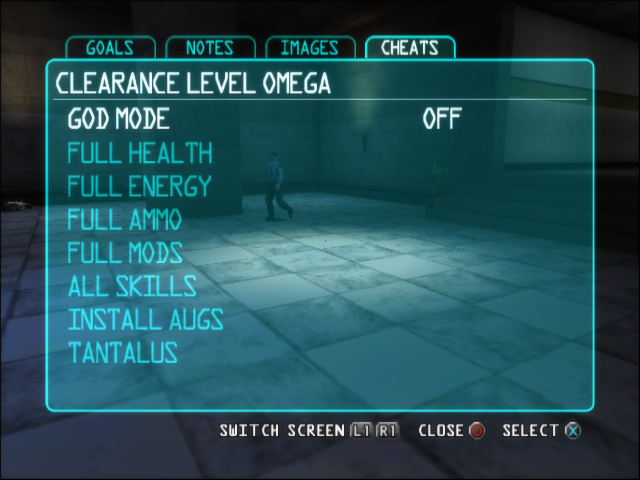
The cheat menu also has text included for an "Install Augs" option that wasn't finished.
Mockup |
Final |
|---|---|
 |
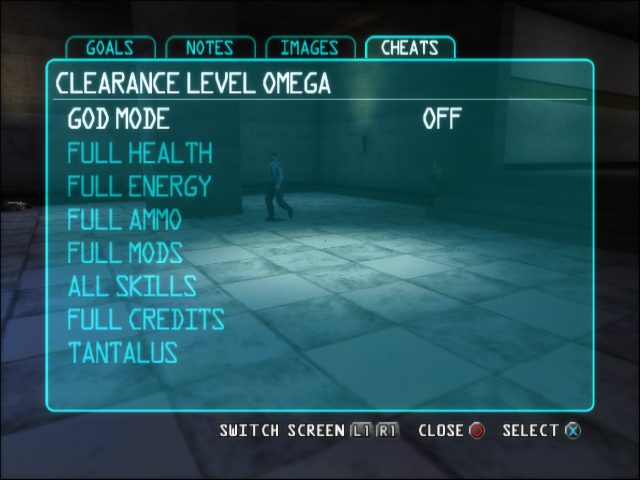 |
Mockup of option. |
Final version. |
(Source: Original TCRF research)
Unused NPC/Conversation#
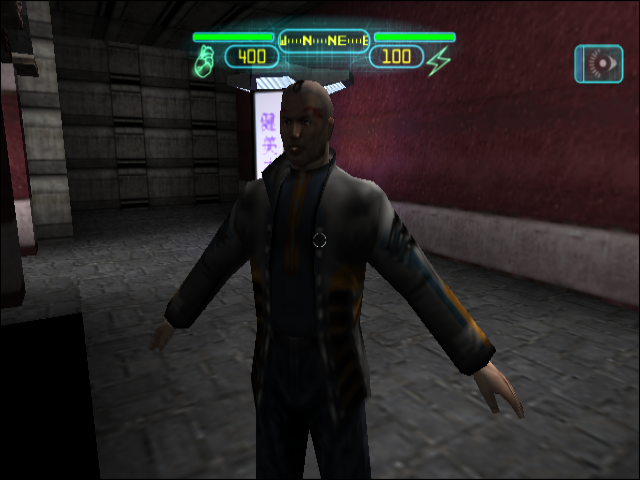
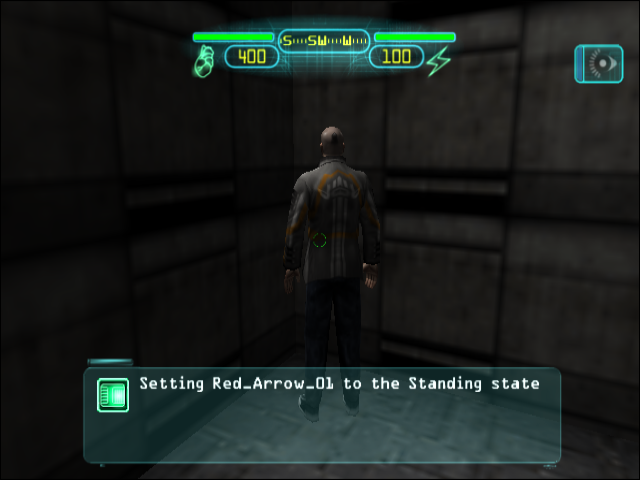
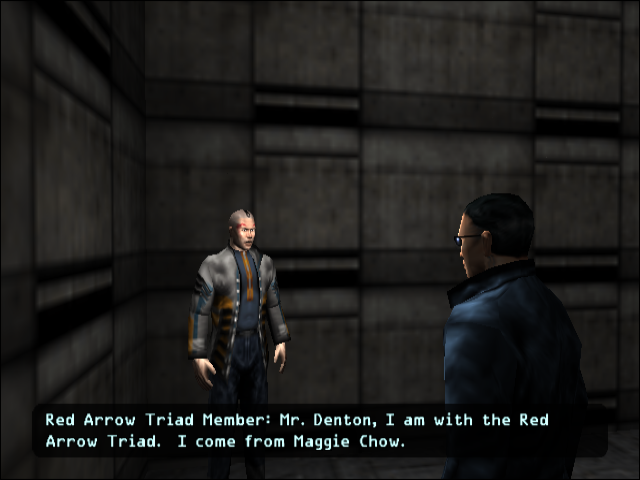
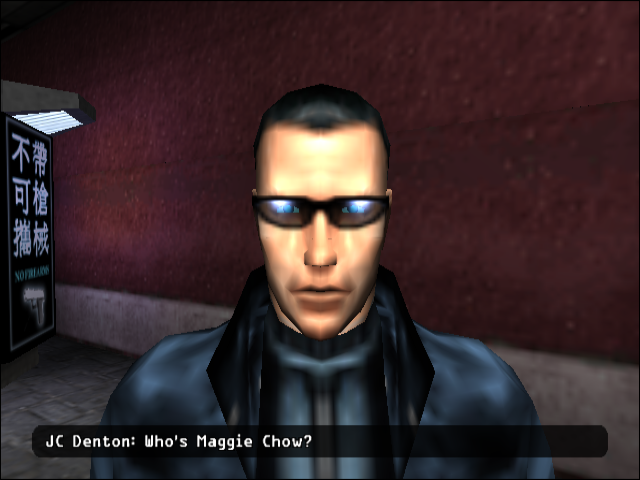
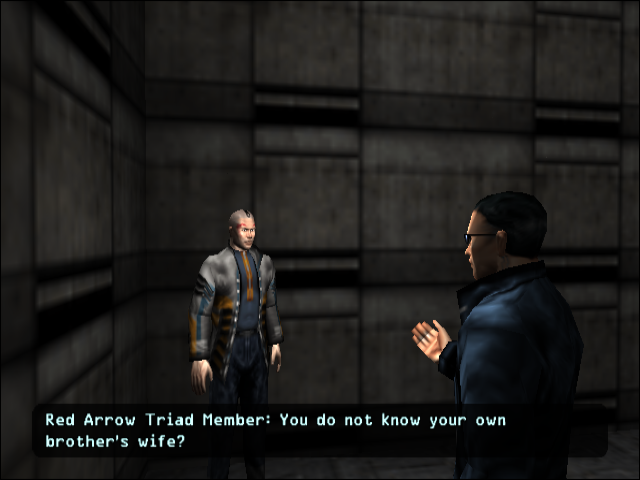
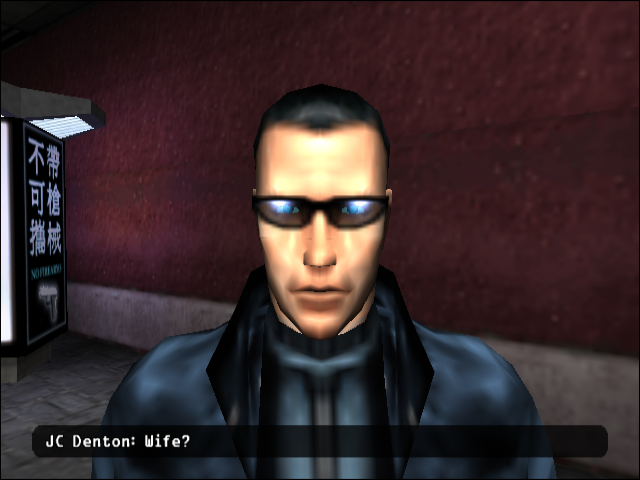
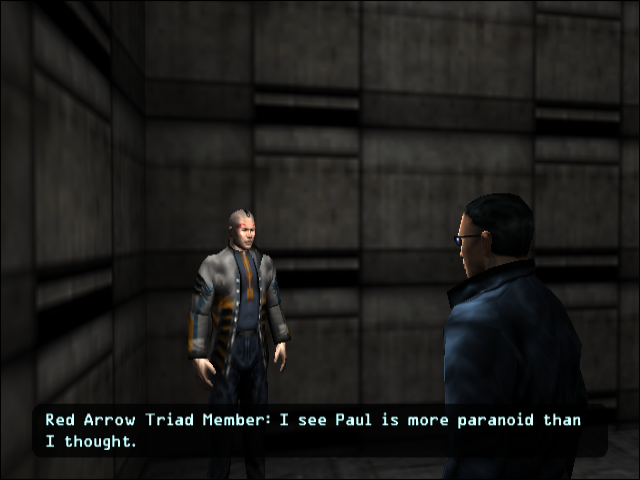
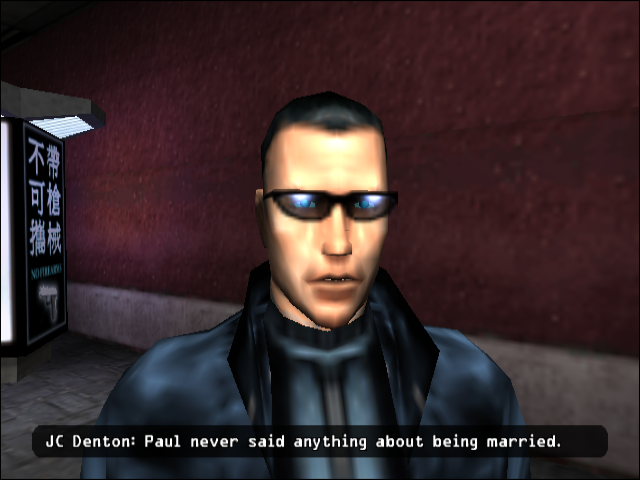
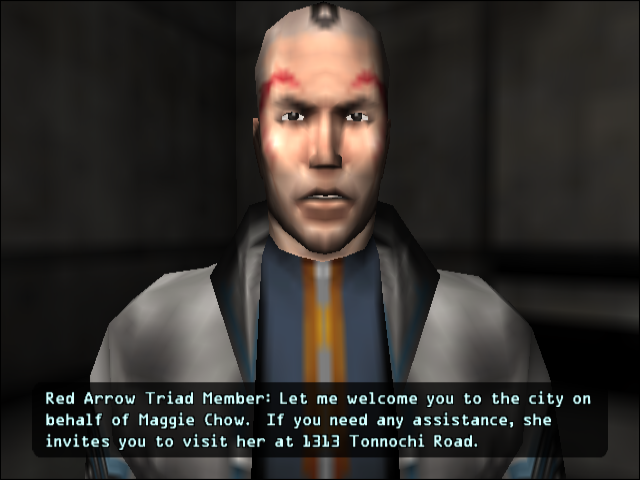
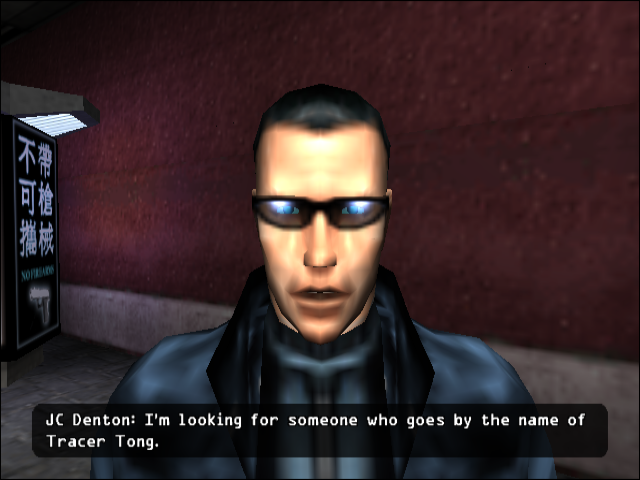
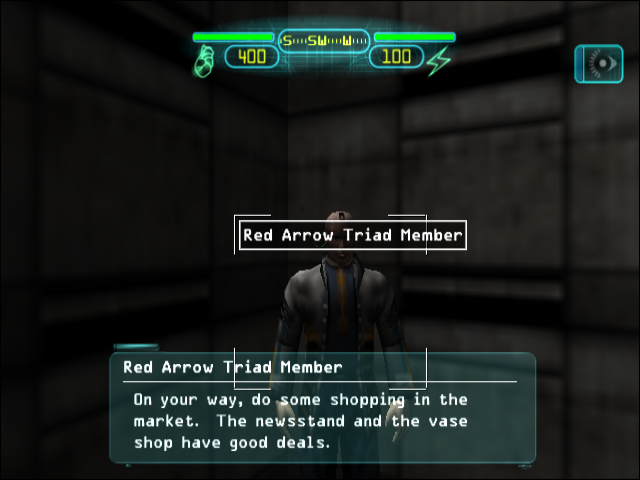
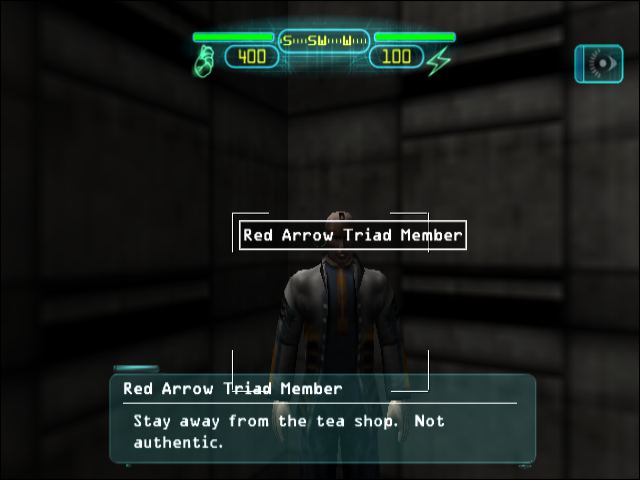
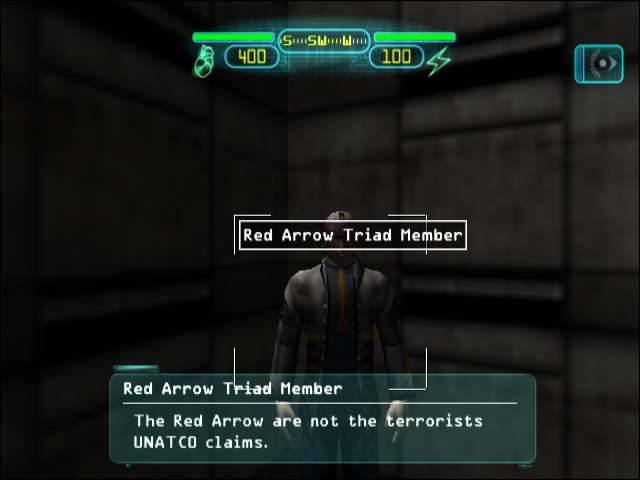
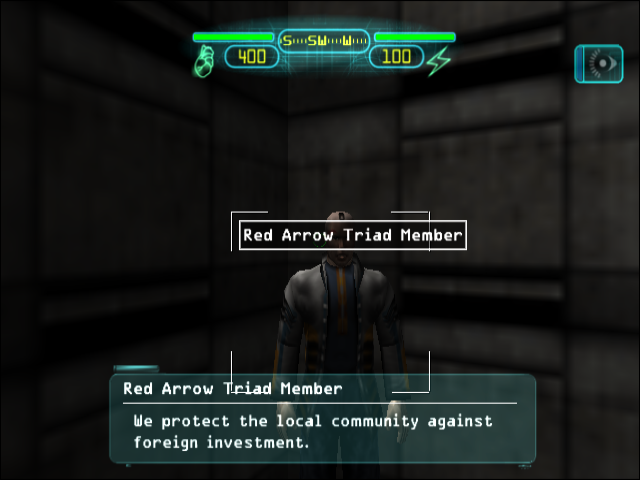
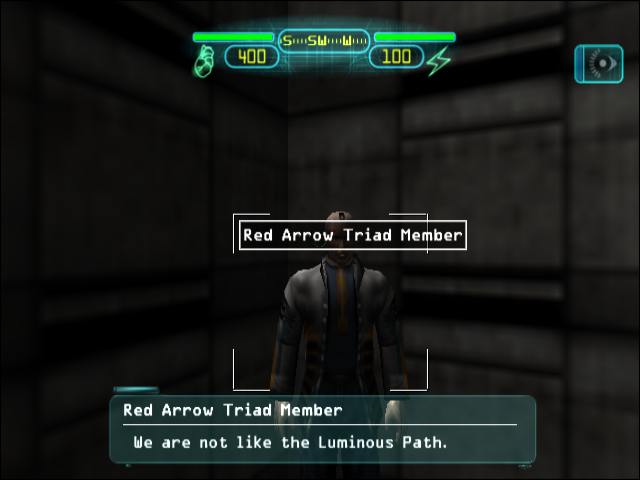
In Hong Kong, between the level transition from the market to the compound a T-posing Red Arrow member can be found in a corner. Using "SetState Standing" command he can be talked to to have a conversation about Paul Denton and his supposed wife, Maggie Chow. This conversation was also included in the PC version and unused there in the same manner.
 |
 |
T-posing and out of bounds. |
Set to the standing state to converse. |
Conversation 1 (if Paul is alive):
 |
 |
 |
 |
 |
 |
 |
|
Conversation 1 (if Paul is dead):
|
|
|
|
|
|
|
|
|
Conversation 2:
 |
 |
Barks:
 |
 |
 |
 |
 |
(Source: Original TCRF research)
Developer Tools#
Log File#
The commands OPENMCLOG / CLOSEMCLOG will save the equivalent of the PC version's log to the memory card.
Hidden Flag Viewer#
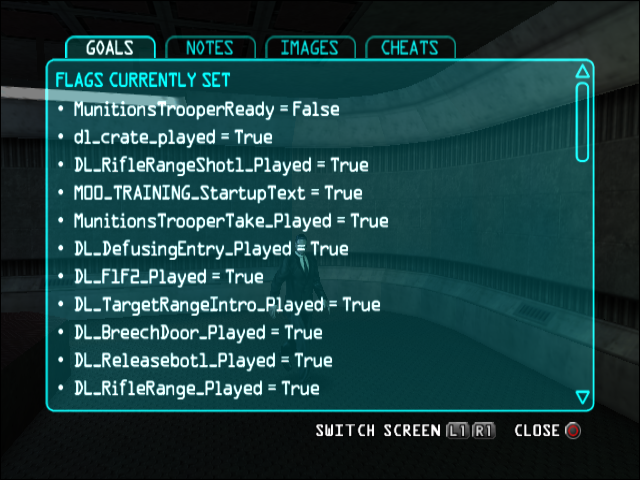
Select can be pressed to bring up the goals screen, if PlayerPawn.bCheatsEnabled is true Select can then be pressed again to view the currently set flags.
Map Loader#
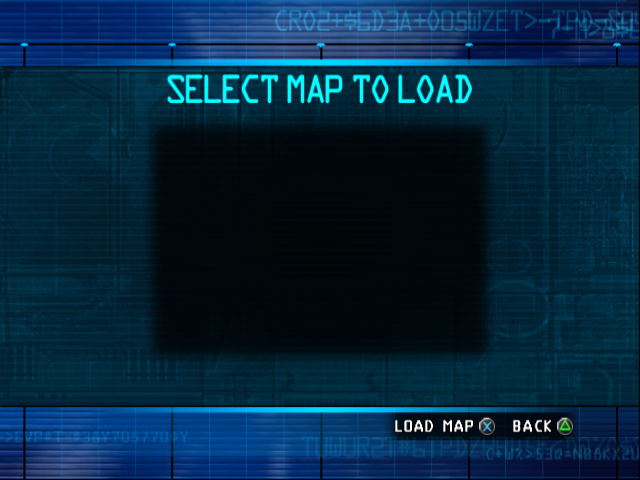
A menu that at one point would've had a list of maps to load. Despite showing Triangle as the back button the correct button is Circle. Pressing X while the list is empty tries to load an invalid map, crashing the game. This menu can be loaded by setting PlayerPawn.bCheatsEnabled to true and using the command "LoadMapWindow".
Add Augmentation Cheat#
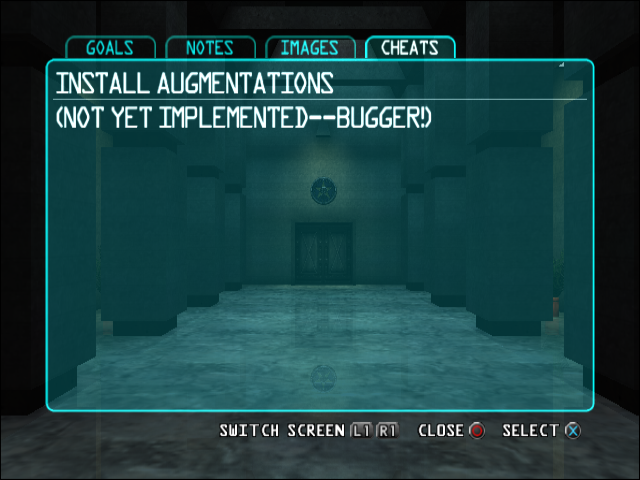
Intended to be called from the cheat menu, but has no option. This option was never finished and just shows the text "(NOT YET IMPLEMENTED--BUGGER!)". This menu can be seen by editing the memory of any of the other cheat options to "ADDAUGS".
Developer Console#
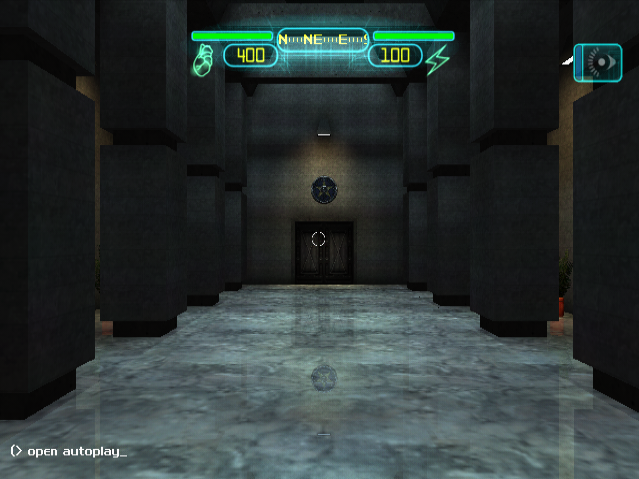
With PlayerPawn.bCheatsEnabled, on the main menu pressing F12 on a keyboard will close the main menu and display the console on the lower left of the screen, allowing console commands to be input.
(Source: Original TCRF research)
References#
|
The Deus Ex series | |
|---|---|
|
Windows |
Deus Ex (Prototype, The Nameless Mod) • Invisible War • Human Revolution • The Fall • Mankind Divided |
|
PlayStation 2 |
|
|
Xbox |
|
|
iOS |
|