
Unused Graphics#
Packed Ceramic Icons#


During the game's closed beta, it was possible to encounter Packed Ceramic tiles (along with its respective Camo Assault and Regrow Assault variants), similar to the Packed MOAB and Packed BFB tiles that remain in the final game. On tiles with this modifier, the game tended to spawn large, dense clusters of ceramic bloons, especially in later rounds. This tile modifier was removed in the final game (possibly due to being too difficult, especially when combined with Regrow Assault), and cities transferred from the beta had these tiles replaced with other types, leaving these graphics unused.
Igloo#
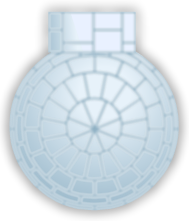
While this graphic is used on one of the Snow tracks, only the front half of it is visible. The rest of the igloo is hidden offscreen.
(Source: Original TCRF research)
Special Item Toggles#


Toggles for turning off and on special items. In the final game, there is no way to turn special items off. The Use button suggests that temporary special items existed at one point, as clicking it would either consume the item stock by 1 if possible, or show the empty special item entry text. This means that the player would have to hunt for an item again on a tile. The unused Bloonsday Device special item was likely one of the items where the button would appear.
(Source: Original TCRF research)
Quest Icons#


Four unused icons for quests.
(Source: Original TCRF research)
Item Icons#


These icons exist among the graphics for special items, and appear very similar to the icons for Monkey Boosts and Red Hot Spikes. Scrapped consumable items, perhaps? The first icon resembles the icon for the Absolute Zero ability, while the second icon resembles the icon for the MOAB Assassin ability.
Interestingly, these icons were added in one of the game's last updates, long after the introduction of Monkey Boosts and Red Hot Spikes.
(Source: Original TCRF research)
Premium Upgrades#
A selection of Premium Upgrades from BTD5 can be found in the files, including small monkey money purchases MoreMonkeyMoney and MonkeyMoneyInvestment. They are likely leftovers from the aforementioned game.






CT Under Repair Icon#

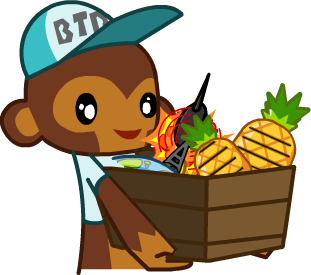
On June 6, 2014, shortly after Contested Territory had released, it was halted due to major development issues and was revamped, displaying this graphic in place while it was being fixed. It still remains in the files and can be enabled by setting the constant DISABLE_CONTESTED_TERRITORY to true.
(Source: Bloons Wiki)
Hall of Fame Button#

This button would have been on the bottom left side of the Contested Territory screen.
Milestone Button#
This button would have brought up contested territory progress while in a Contested Territory battle, with text listing the next round goal the player needed to reach. It would've been located next to the regular round UI.
Tutorial Monkey and Panel#
|
Initial |
Final |
|---|---|

|
|

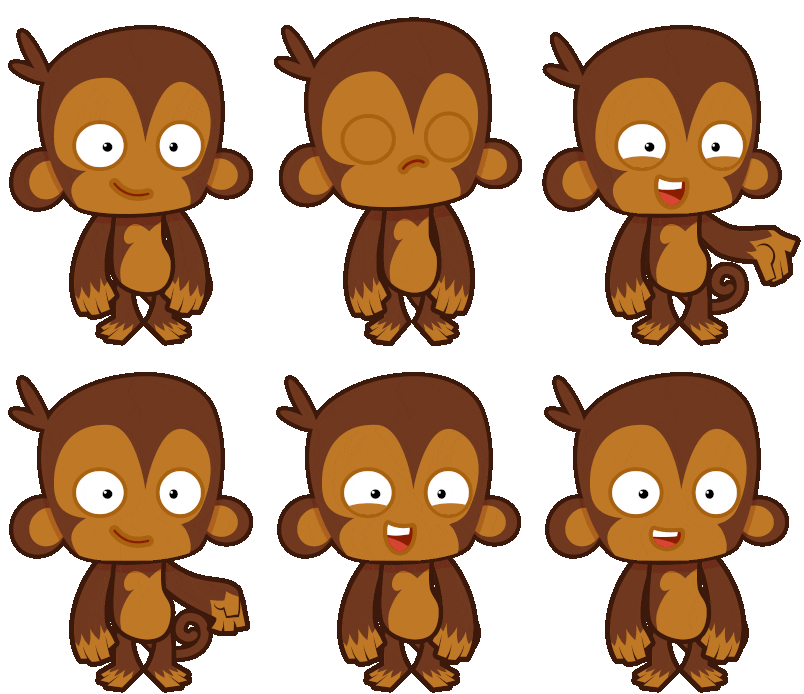
In the files of the initial release (open beta), an earlier version of the tutorial panel from the start of the game can be found. Not only does this panel have a completely different message, but it also has a different design for the monkey that guides the player, which is in the style of monkeys from Bloons TD 5 and Bloons TD Battles. This reveals that at one point in the game's development, it didn't use a new style at all and kept BTD5's entirely, unlike earlier releases which only used the Bloons TD 5 style for tower art.
Here's the unused tutorial panel with the old tutorial monkey from earlier, which has a white outline and a completely different description. 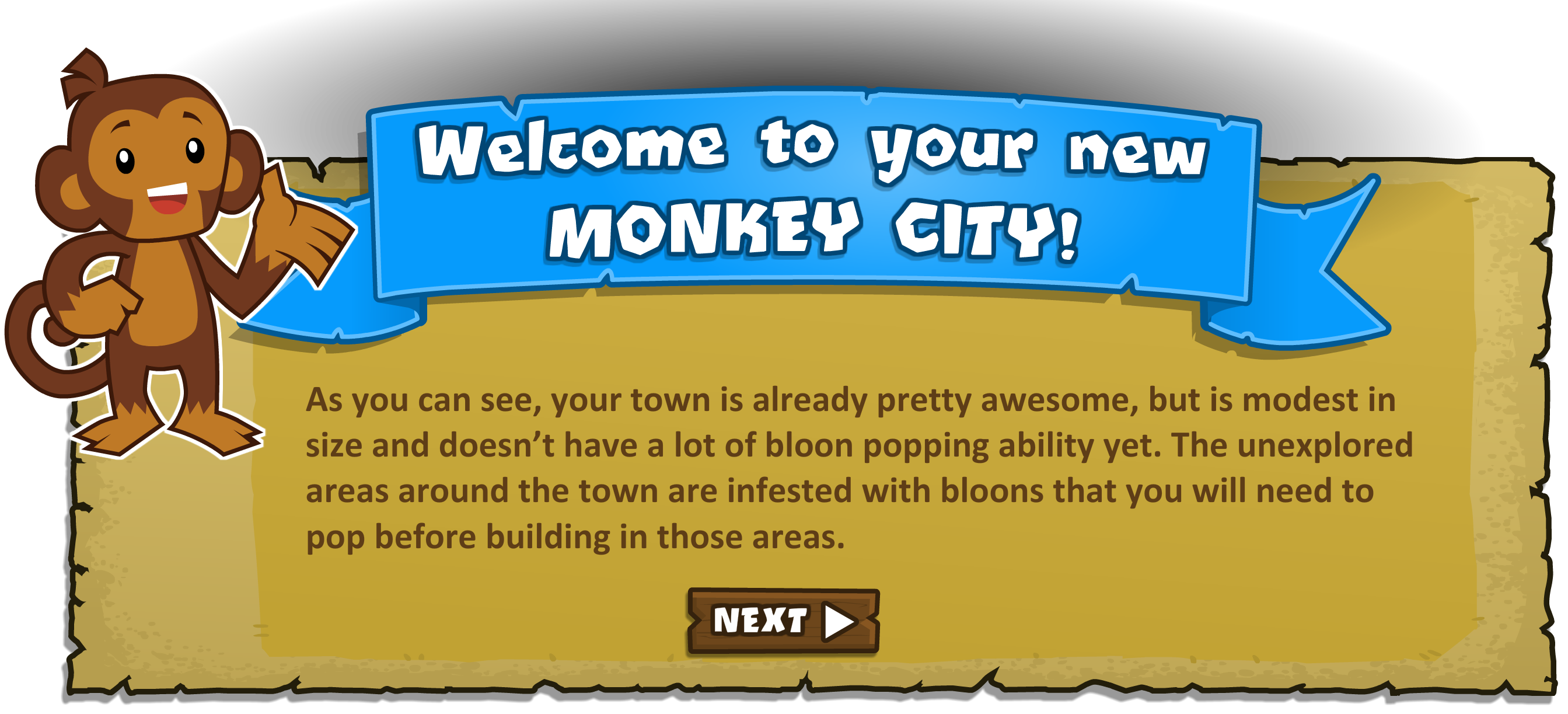
To compare, the final description is:
"The area around your town is just waiting to be explored. Get rid of any pesky bloons that stand in your way and expand your city."
Maintenance Screen#
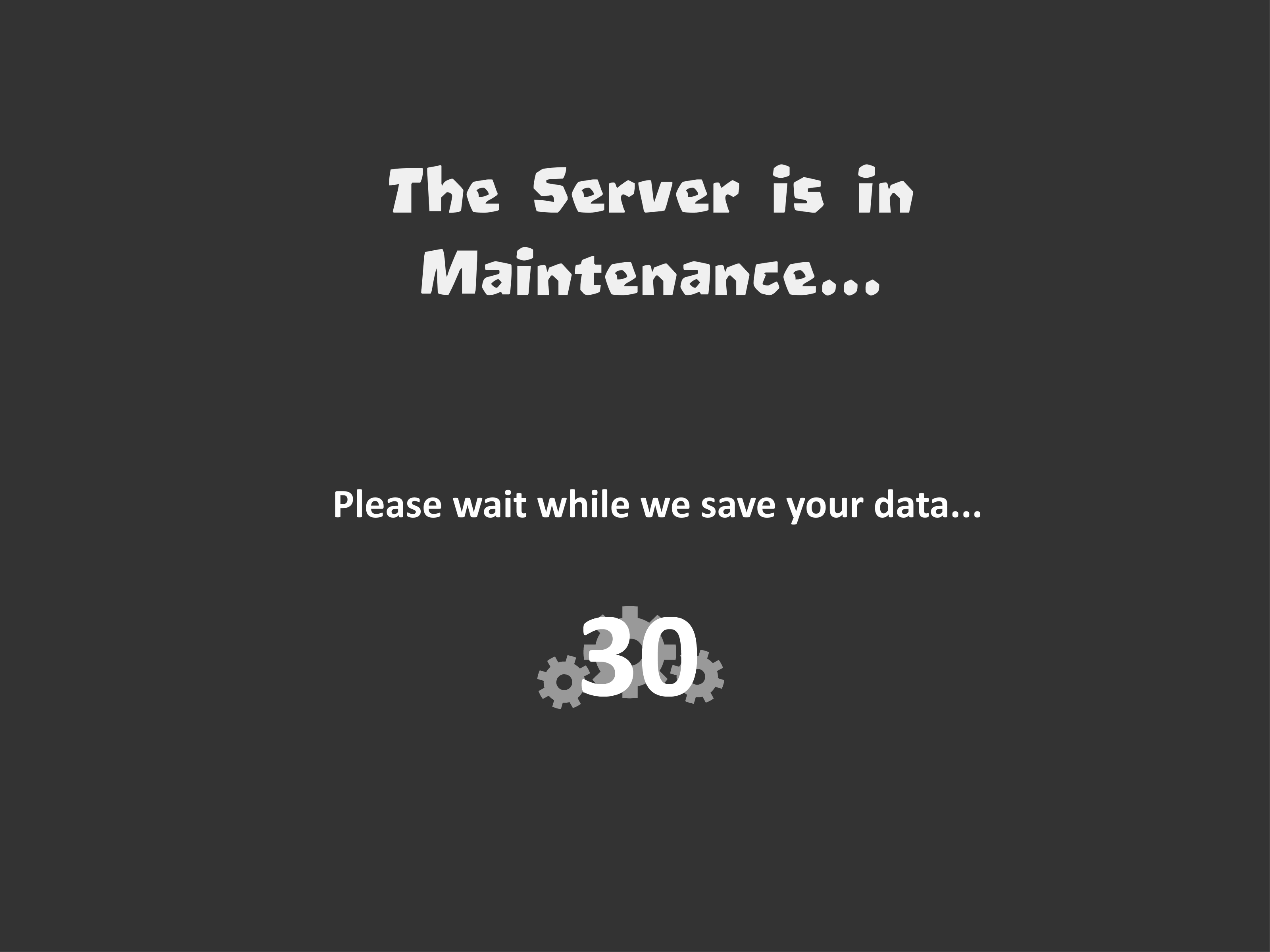
The screen the game had when it was in maintenance, which the game last had on November 9th, 2017 (according to the internal metadata).
ABrownBoxThatIsBrown#

This file is a brown box that is brown, no more to say about that.
Early Home Screen#
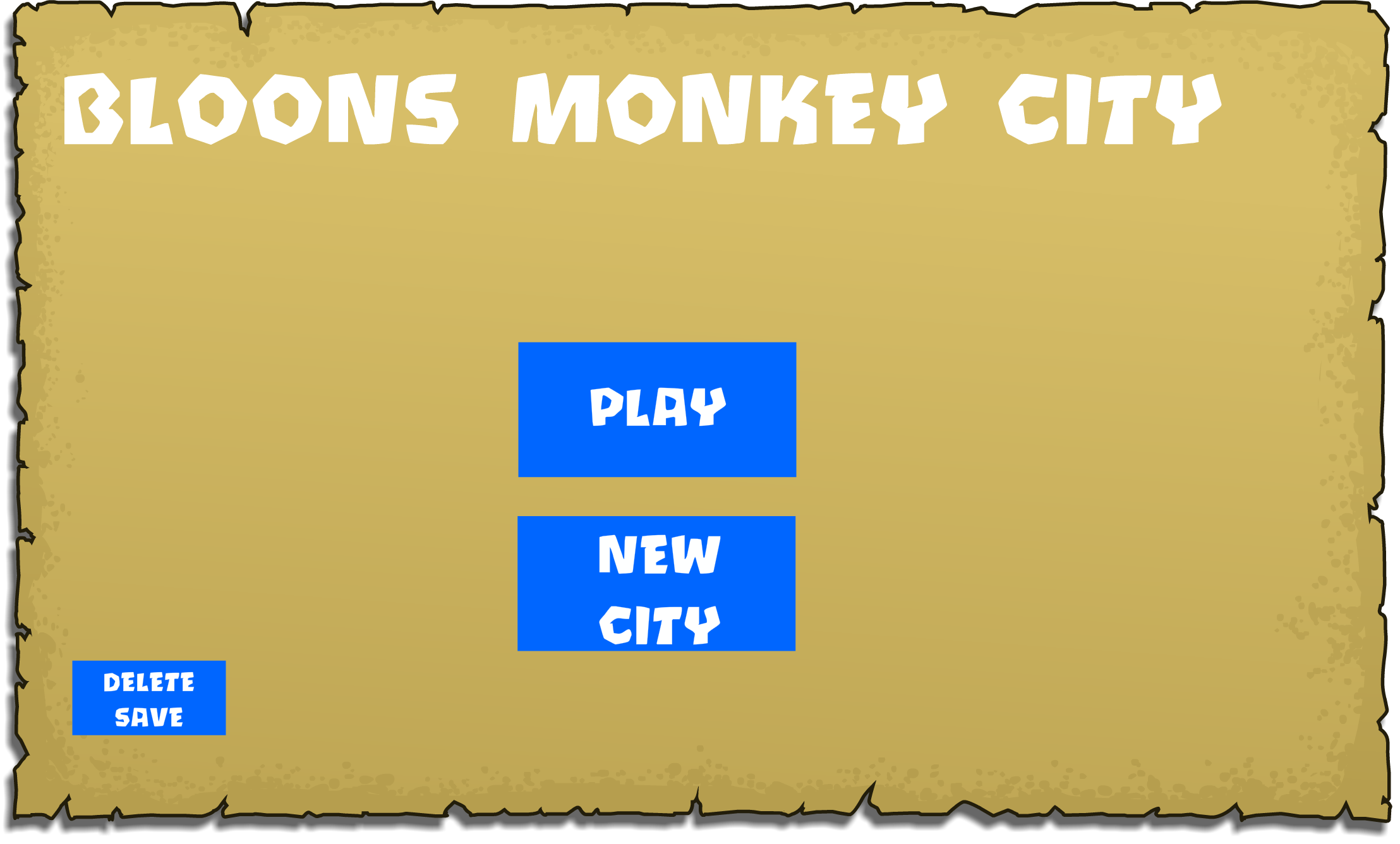
An early home screen that has a play button, a new game (city) button, and a delete save button.
Test Mission Button#

Setting the USE_DEV_MAGIC constant to true puts this button next to the UI for attacking a tile. It can be pressed to open a panel that allows the player to play any special mission (including unused ones).
Special Items Button#

A button from the bottom map UI that was removed at one of the times the UI was rearranged. It still exists in an alternate bottom map UI test file for the developers.
Missions Button and Panel#

In the files, there is a button is for tracks and special missions that has existed since launch, meaning you could originally replay missions alongside tracks. This was sadly never implemented; even though normal tracks can be replayed, it is only for Grassy Pass, the first city.
This button is located to the left of the "Monkeys & Items" button, dating back to when it was called the "My Monkeys" button. The Contested Territory Button ended up taking its spot.
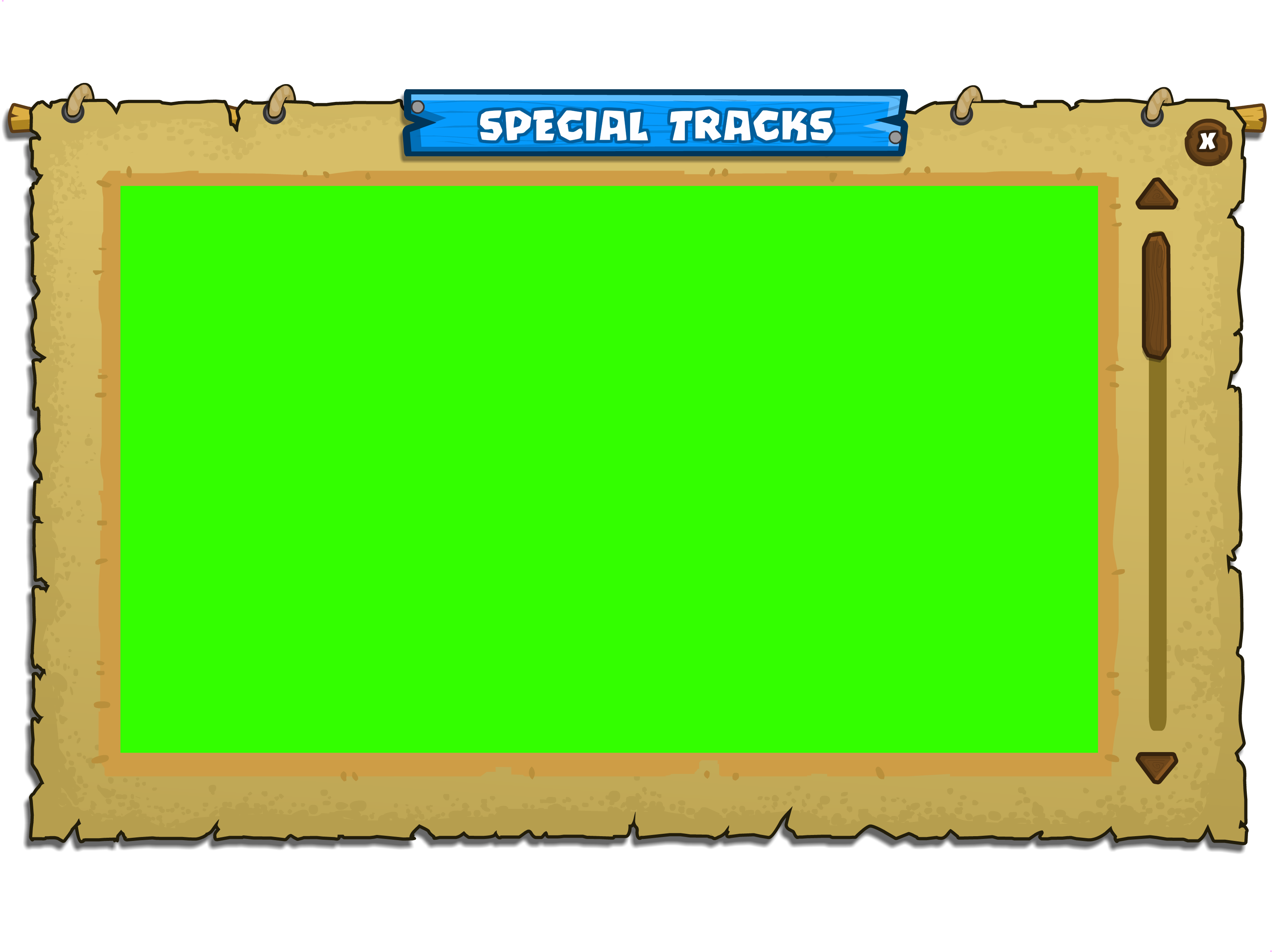
There is also an unused panel for the special mission tracks! (green screen is where the content would go)

This is what would go on that panel. There would be a box for each mission. It has placeholder text, like most panels.
TownEnterance#

A town entrance graphic that would be next to a city border.
Manage Cities Panel#
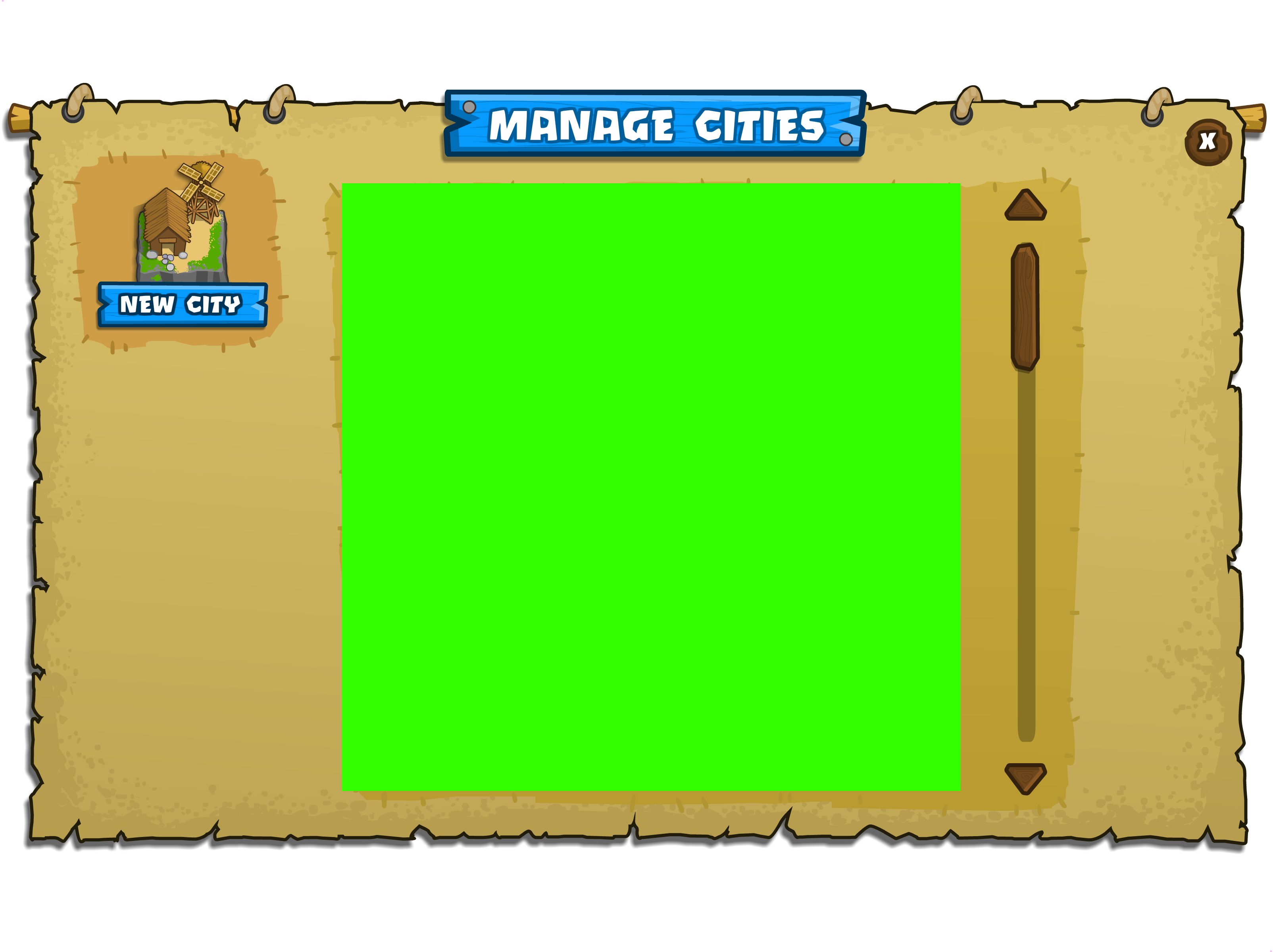
This file is very interesting, as it dates back to when Bloons Monkey City had a different concept for cities.
Originally, the player could build and manage multiple secondary cities of the same grassy theme from their capital city, instead of two cities with different themes of same level like the final. This graphic is a leftover from before the concept was ditched. This system is still used internally for cities, but the two cities, Grassy Pass and Bloon Dunes, are both registered as capital cities, leaving secondary cities unused. The start of the game is set to mention that your city is a Capital City, but it gets overridden with text simply calling it a "City".
City Information Panel#
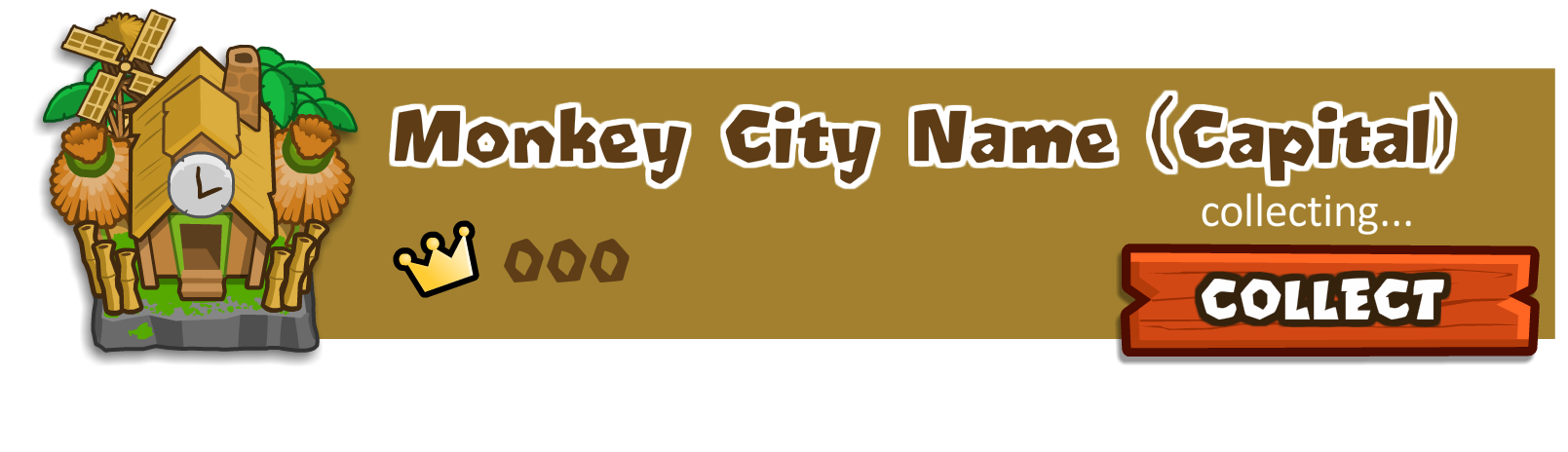
A panel to collect resources from your capital city, featuring the level and city name. Would have been much needed if the player had a large amount of secondary cities.
Turbo Charge#


An alternate design for the Boomerang Thrower's Turbo Charge upgrade, along with a Glaive Thrower variant. These are meant to match the design shown on the upgrade's portrait. For unknown reasons, the final game reuses the graphics from the Bionic Boomer upgrade instead.
These graphics also exist in Bloons Tower Defense 5 and Bloons TD Battles.
Special Agents#
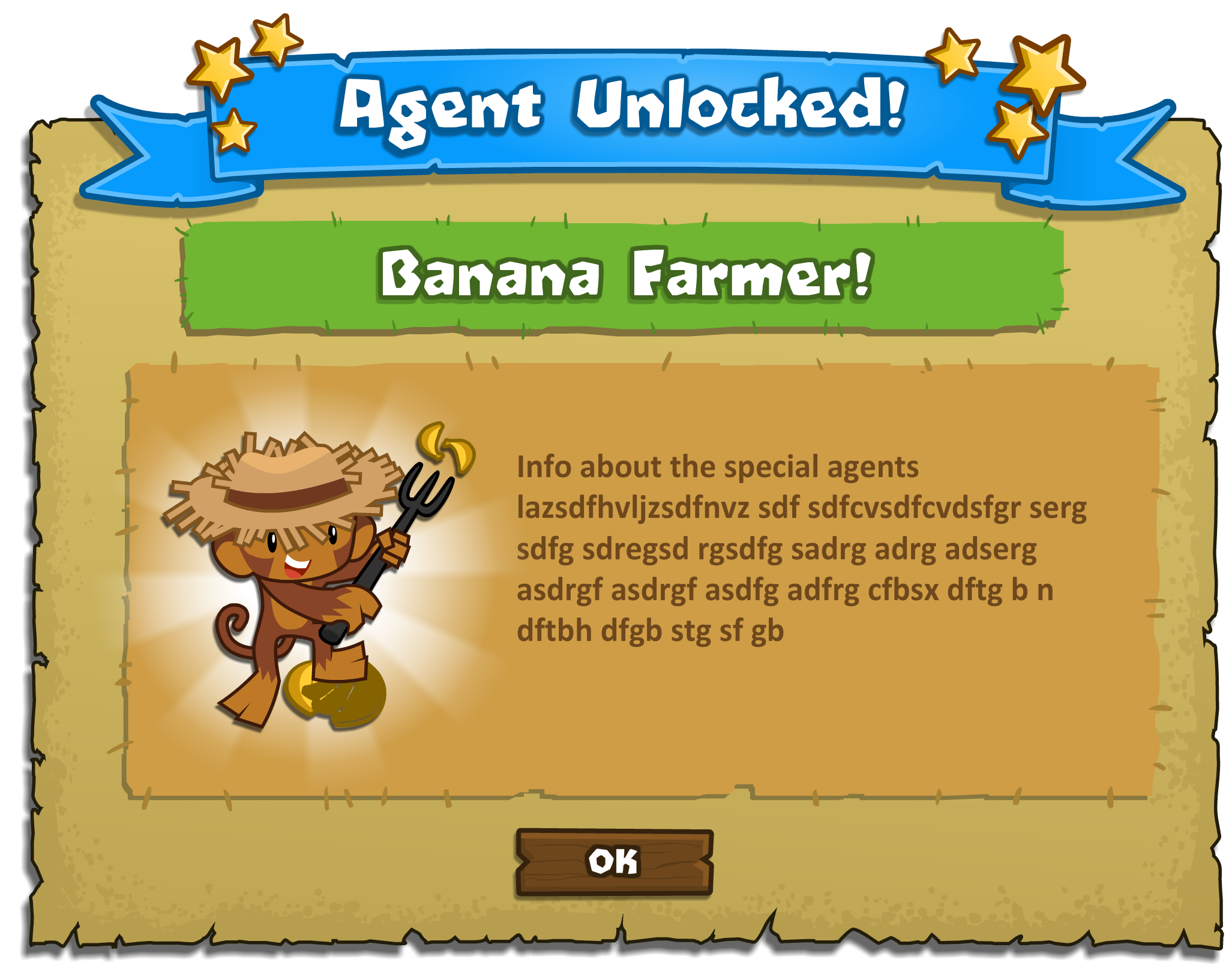
Portrait graphics for most of the non-pro Special Agents from BTD5 and BTD5 Deluxe (a now-defunct enhanced port of the Adobe Flash version). It seems that Special Agents were planned to be a part of the game, as there is an unused pop-up message that would have been displayed upon unlocking them. The only Special Agent not included here is the Bloonsday Device, as that was intended for a different purpose.



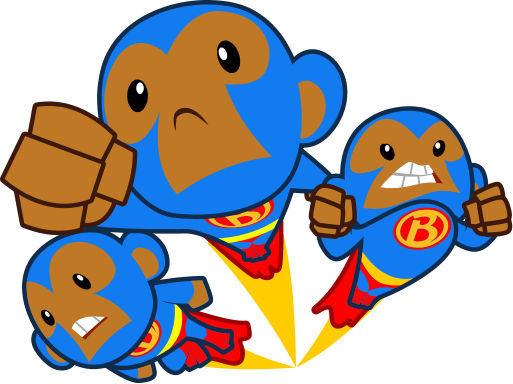

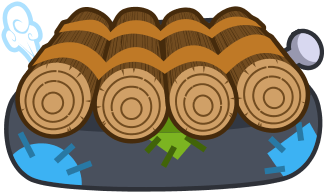

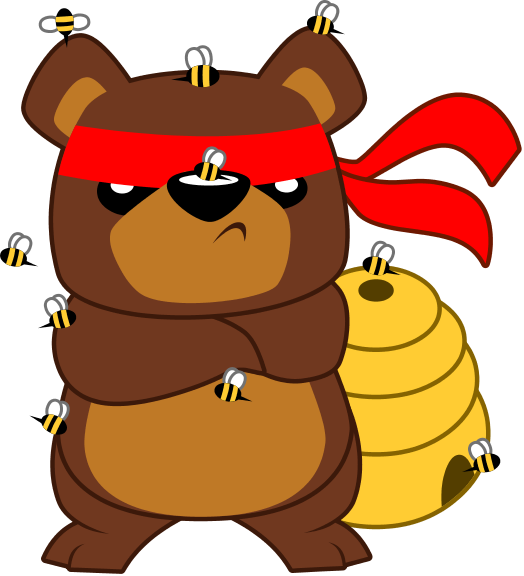

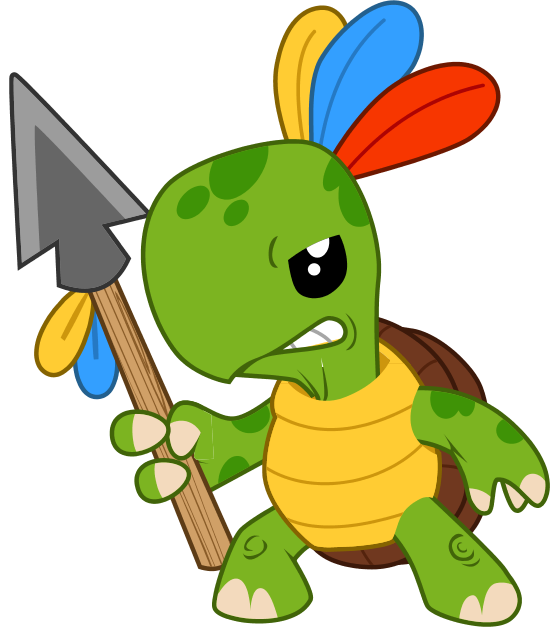

The Banana Farmer was later included in the mobile version, though as a premium tower rather than a Special Agent.
Here's the unused agent panel, which has placeholder text:
Placeholder Graphics#
Placeholder Thumbnail#

A placeholder map thumbnail that says "Epic Winning".
Placeholder Tiles#


Placeholder Game Complete Screen#
|
Initial |
Later |
|---|---|
|
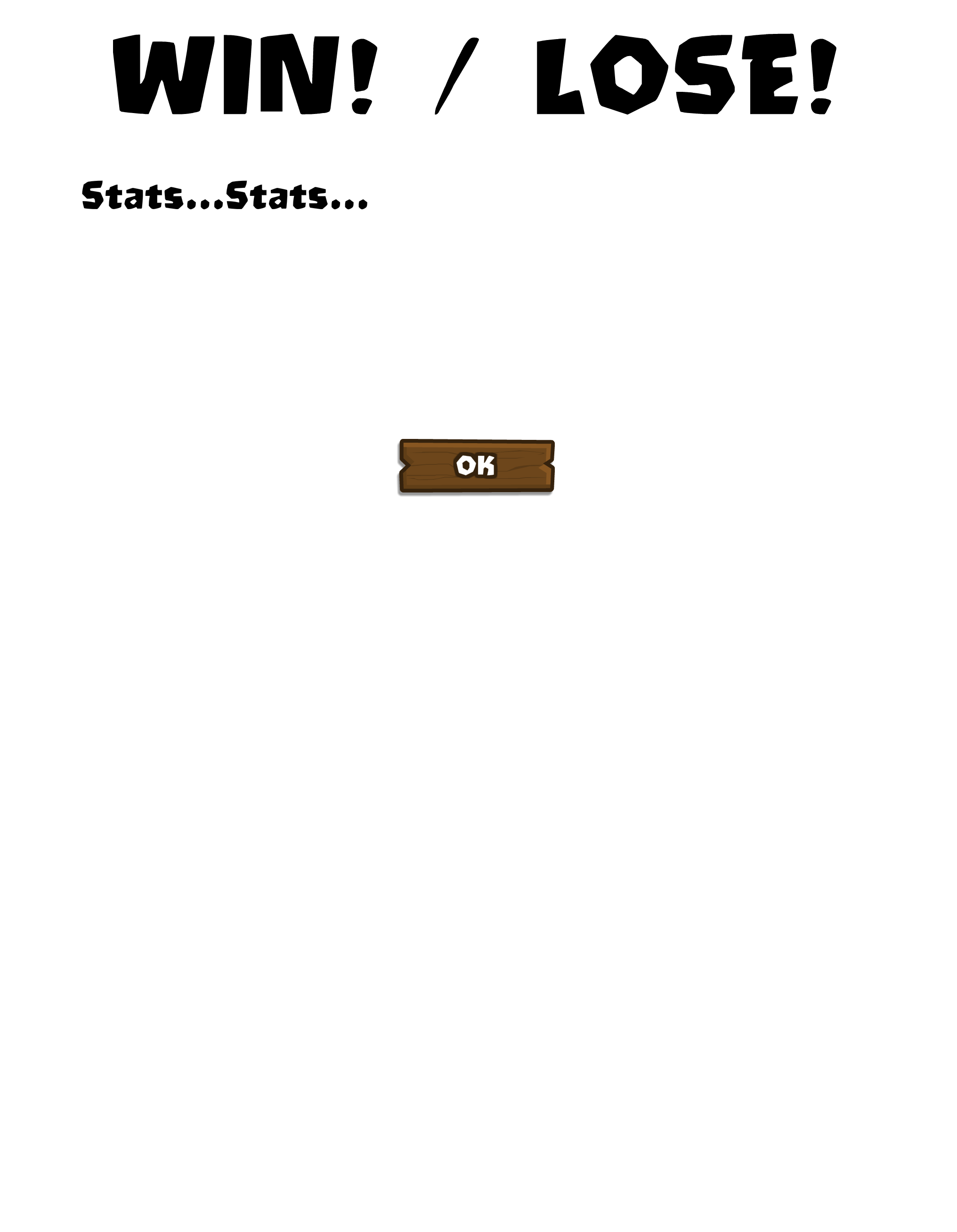
|
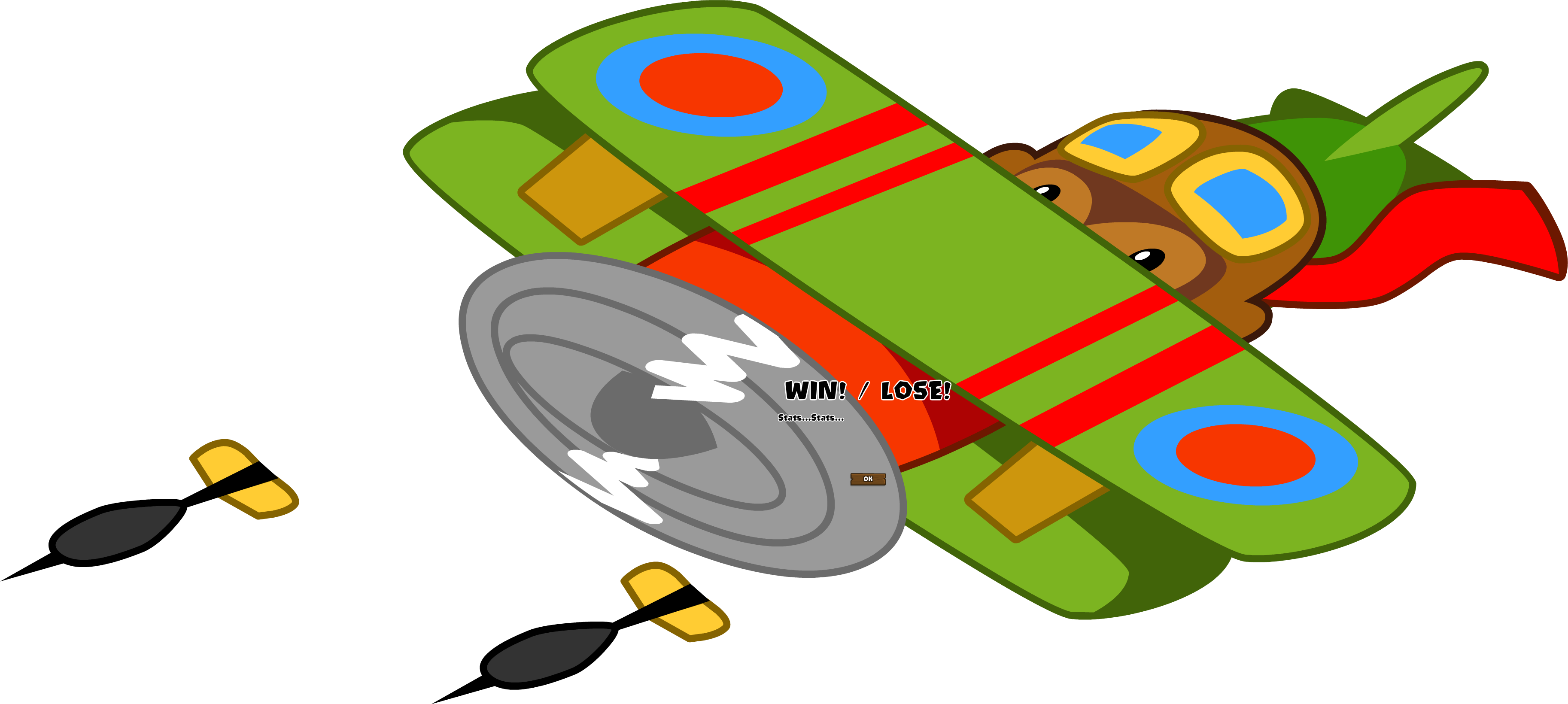
A placeholder game complete screen that originally had a Rapid Fire (1-0 upgrade) Monkey Ace portrait as a background. This was removed in later versions.
test_image1.png#

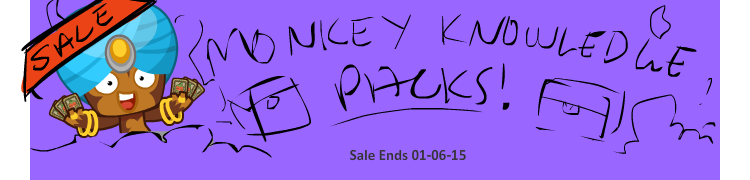
An image of a crudely-drawn event banner, seemingly used for testing. This banner is advertising a sale on Monkey Knowledge packs, which ended(?) on 1/6/15(?). Interestingly, the merchant monkey's design in this banner is different from his final design, as he's sporting a turban instead of a bandanna.
Like most of the game's banner images, this image is stored server-side.

(Source: Original TCRF research)
Placeholder Confirm Panel#
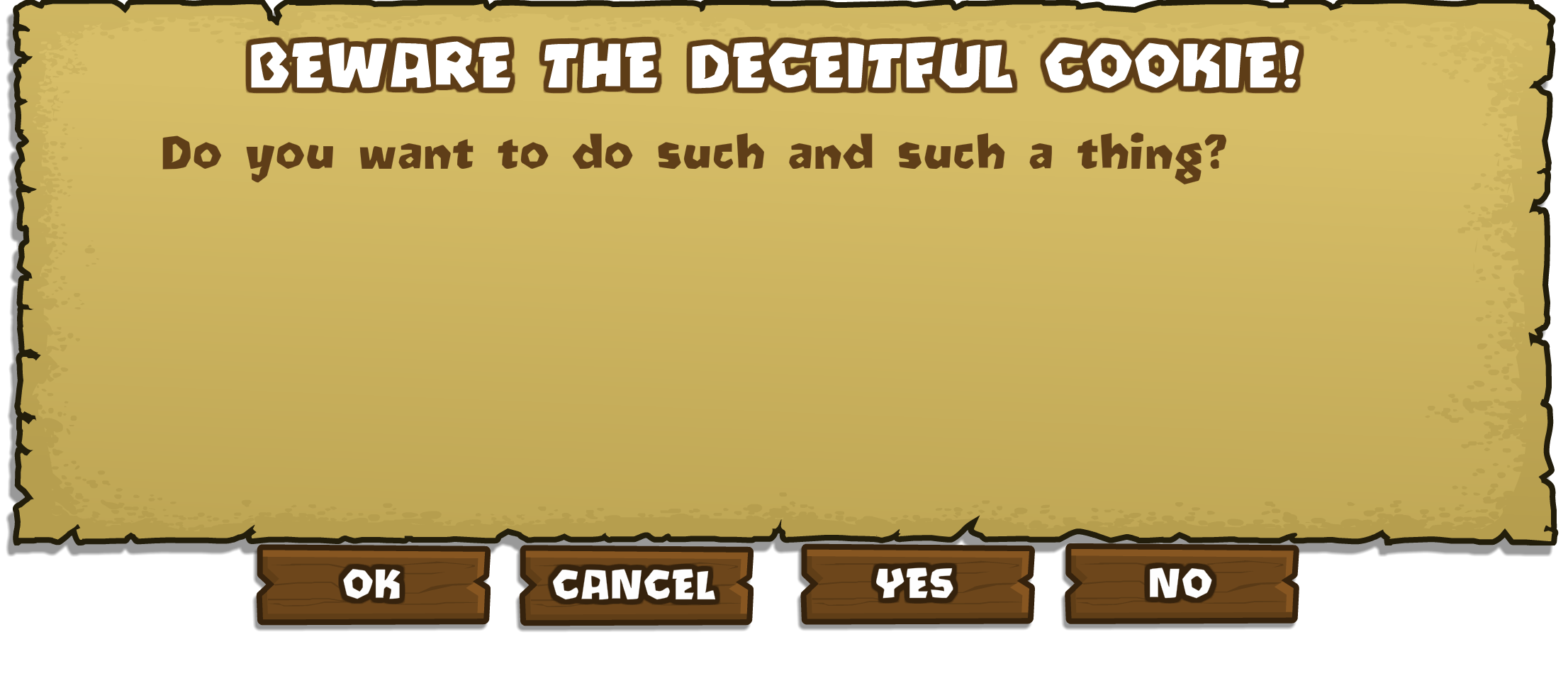
"Do you want to do such and such a thing?"
A placeholder confirmation panel with four confirm buttons, "OK", "CANCEL", "YES", and "NO".
Placeholder Notification#
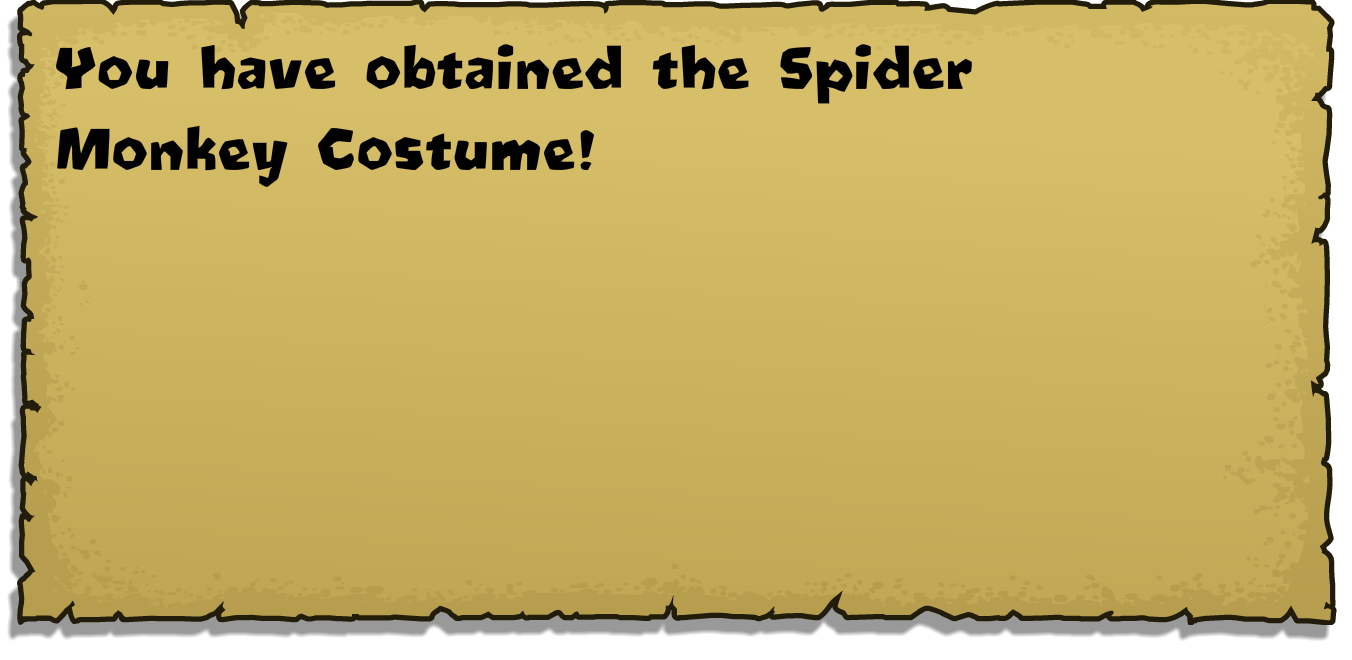
A placeholder for the notifications, presumably from the task list.