Attack on Titan 2 is the sequel to the mainline Attack on Titan game. It looks and plays similarly to the previous game, but takes some creative liberties with the anime's plot. This time, you play as a non-canon custom character that is inserted into the story and is conveniently present at all of the major story beats from the anime.
Sub-Pages#

Unused Graphics#
Character Icons#
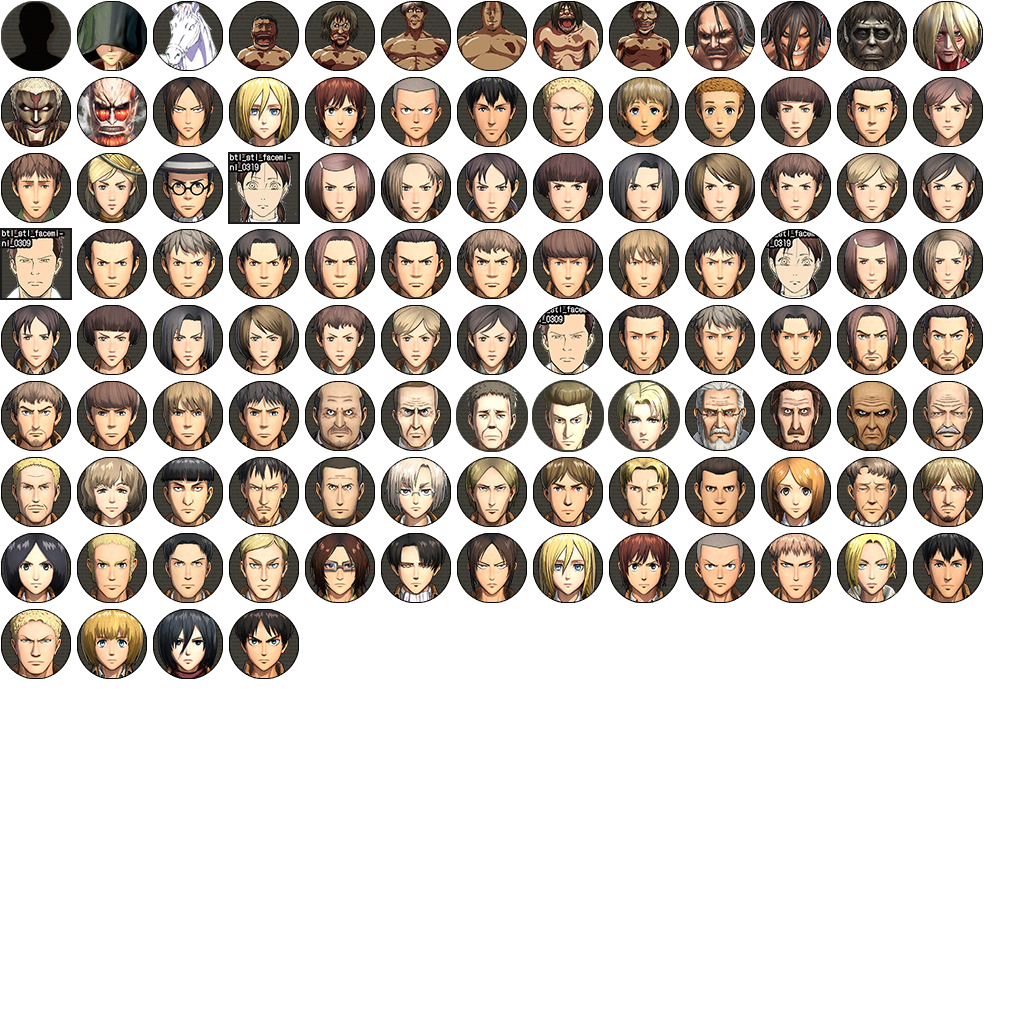
Many of the character icons in this texture are used, but some of them are not. The top row has seven unused icons: a sketch of a horse and images of various titans. The second titan in the set stands out as the one referred to as the "Peering Titan". These icons are also present in the previous game, but they now have a circular border around each one. Also, the third, fourth, and fifth rows have four different placeholder icons, also a holdover from the previous game. They are sketches of minor background characters, each having the text "btl_stl_facemlnl_0319" and "btl_stl_facemlnl_0309" on them. Here, two of the icons are squares, and two are circles.
The male character appears to be Nack Tierce. The sketch used appears to have been taken directly from the model reference sheet for the anime.

The female character closely matches an unnamed nurse from episode 13 of the anime, albeit without a bandana and differently colored hair.
 |
Character Select Icons#
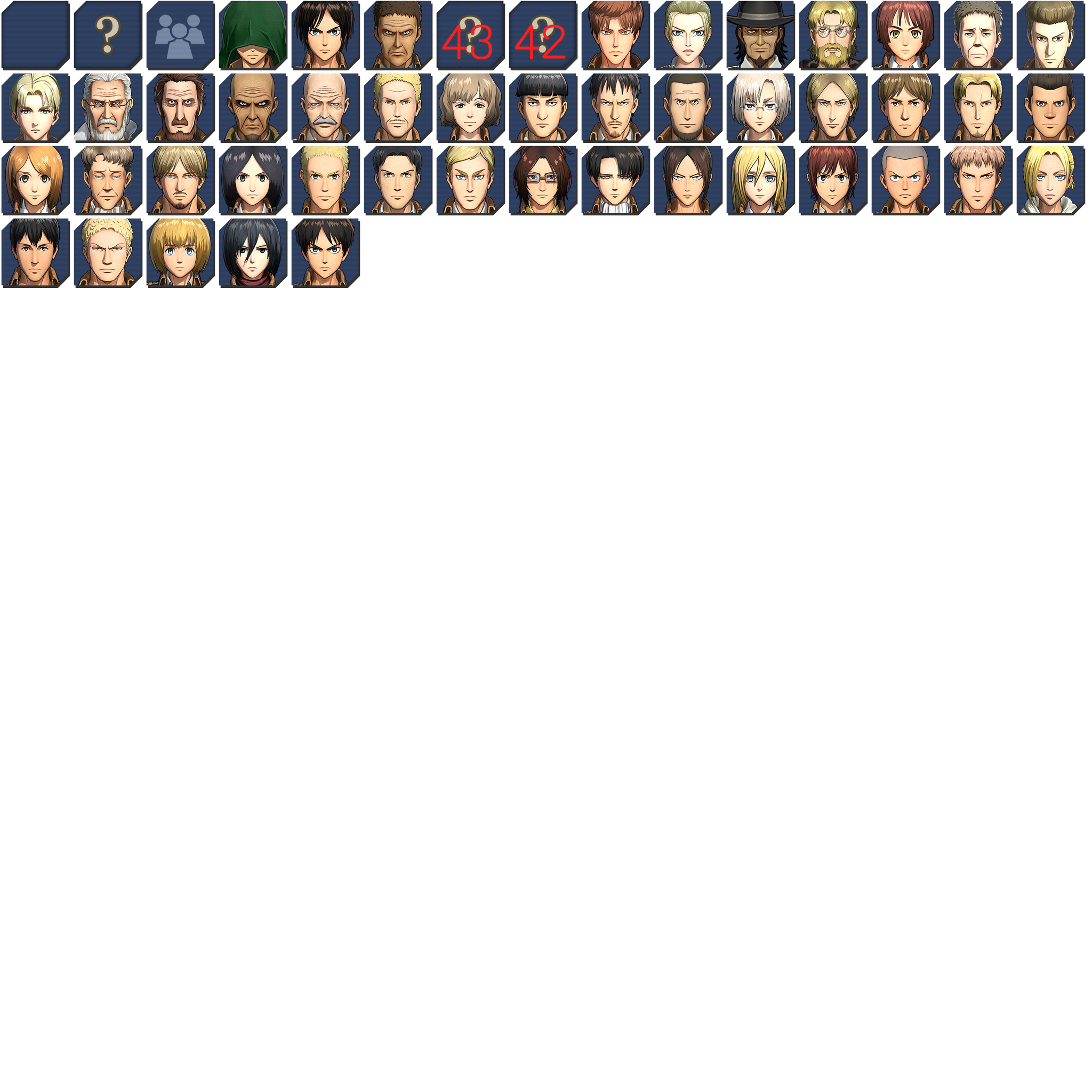
Just like the texture above, this icon sheet is used, save for some portions that are not. In the top row, there are two unused icons, both of which are the "Unknown Character" icon with the numbers "43" or "42" written on top in red.
 |
People Log Portraits#
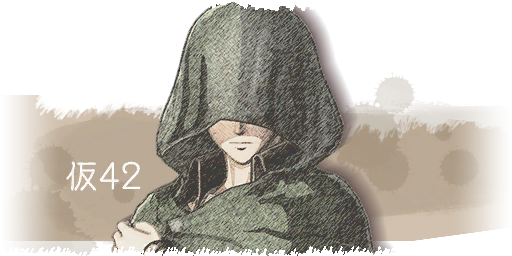
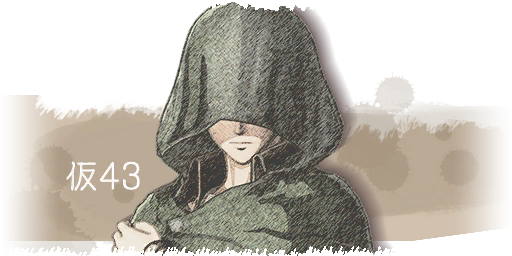
Two textures used in the People Log section of the notebook. These textures are the portrait of the protagonist, with kanji followed by "42" or "43" written over them. The Japanese text translates to "temporary". These textures, along with the numbered icons in the previous one, imply that the 42nd and 43rd playable characters were used as placeholders.
chara_list_0042 |
chara_list_0043 |
|---|---|
 |
 |
Debugging Textures#
These textures can be found in the game's LINKDATA_DEBUG archive.
Font and Icons#
A texture of a font with a few icons. (Gray background added for visual clarity.)

|
Map#
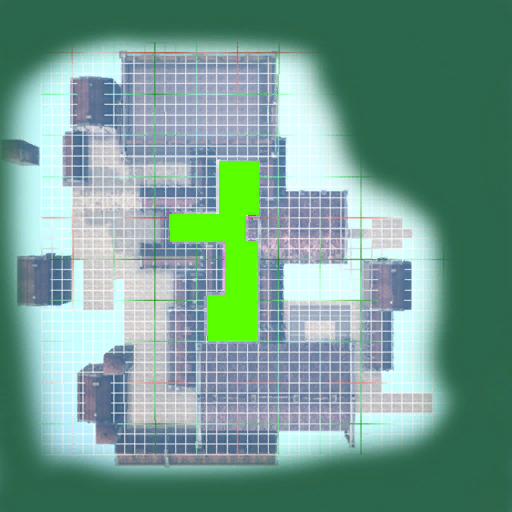
A top-down view of a stage's map. This texture has grid lines and an area highlighted in green. The stage here has some buildings and streets but is obviously incomplete.
 |
Outline#
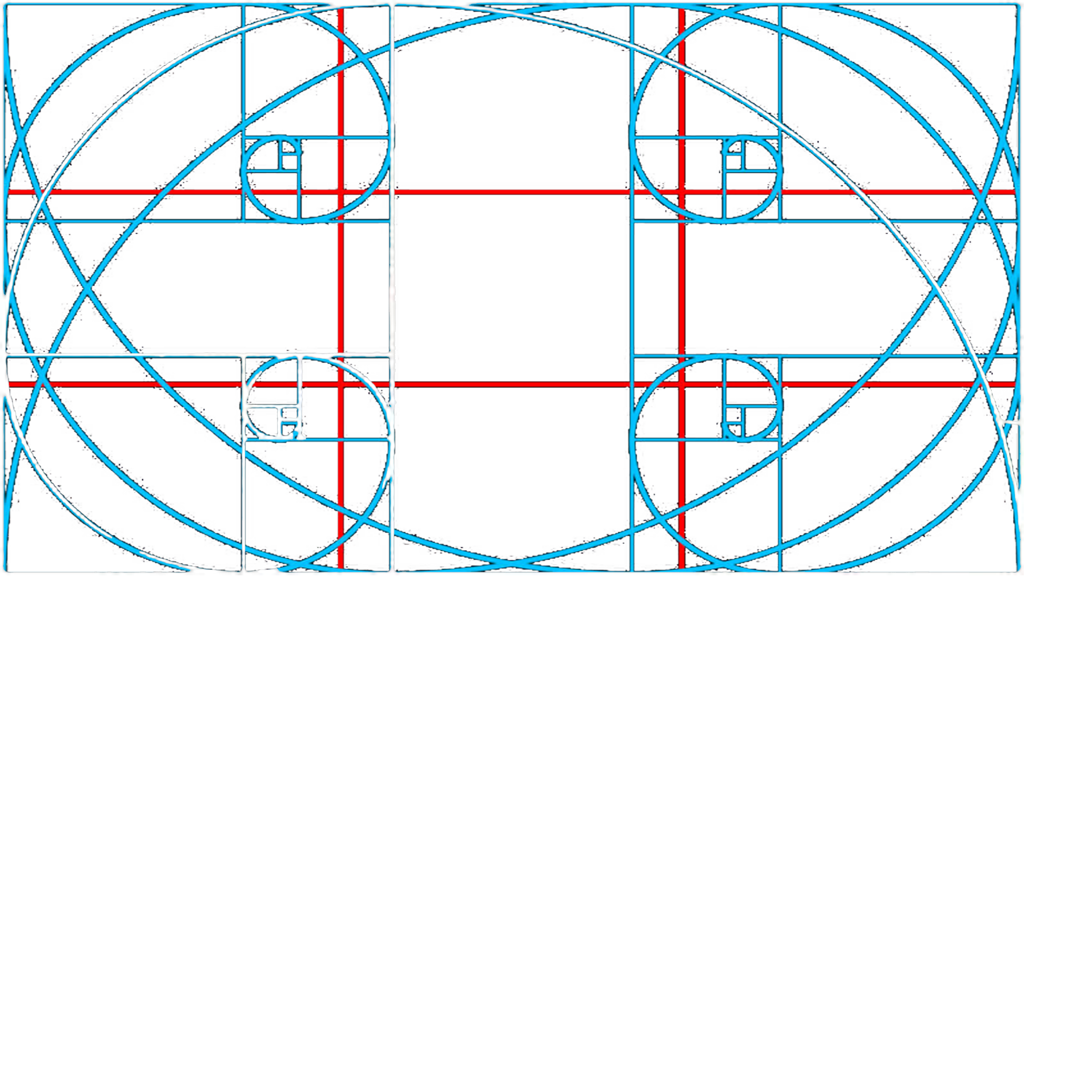
A rectangular image containing multiple lines. The red lines seem to represent the rule of thirds, and the blue lines represent the golden spiral, one originating in each corner. Given that these both have to do with composition, this texture may have been used for stylistic purposes, such as determining where to place UI elements.
 |
Character Placement Outlines#
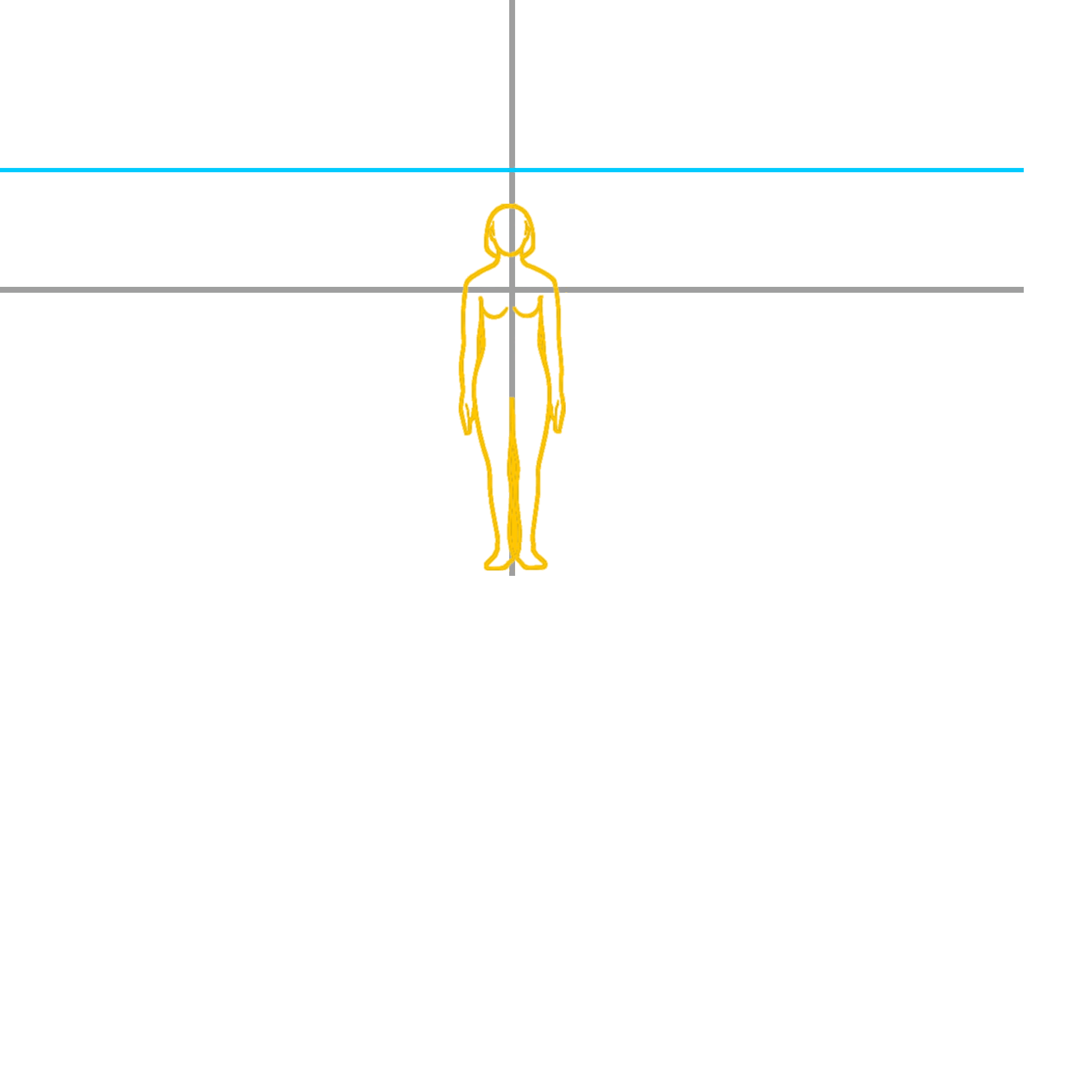
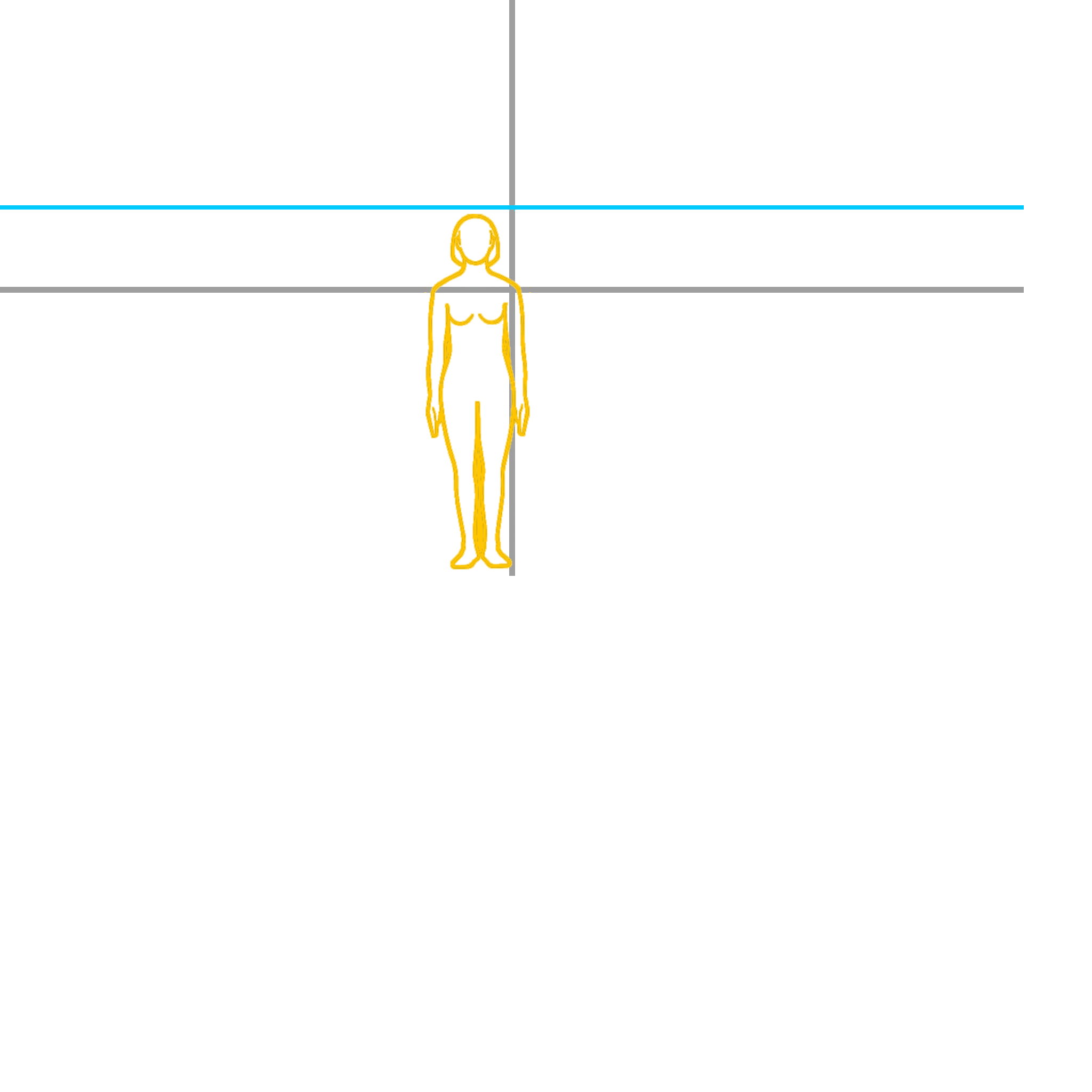
Multiple rectangular images with two gray lines, a blue line, and a yellow character outline. The blue line and yellow outline change positions across these four textures. These textures were also likely used for composition and perspective purposes.
 |
 |
 |
 |
Test Textures#
Some assorted test textures, likely used for testing model UV's in-game.
 |
 |
 |
 |
 |
(Source: dead celebrity)
Revisional Differences#
Title Screen#
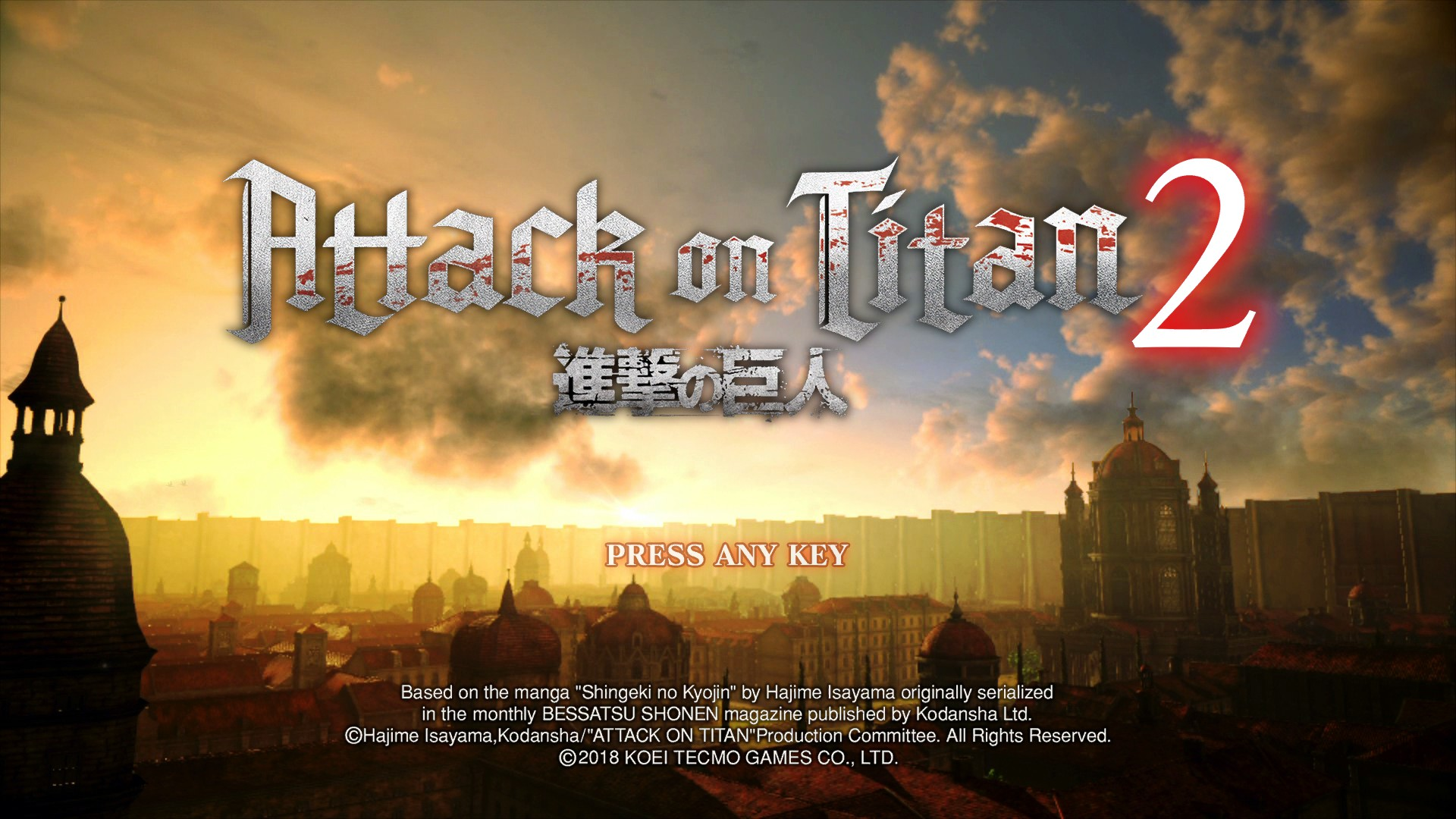
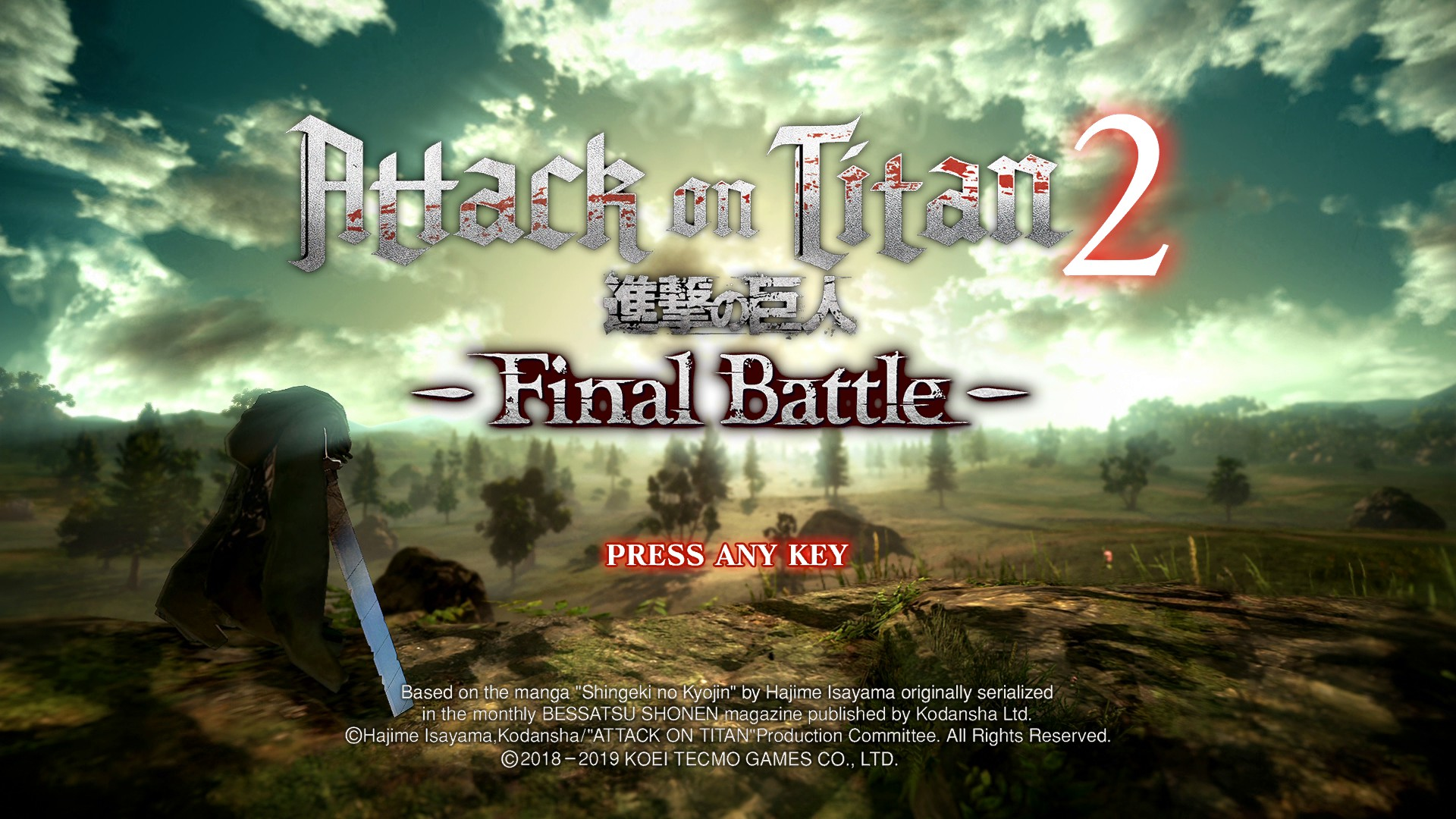
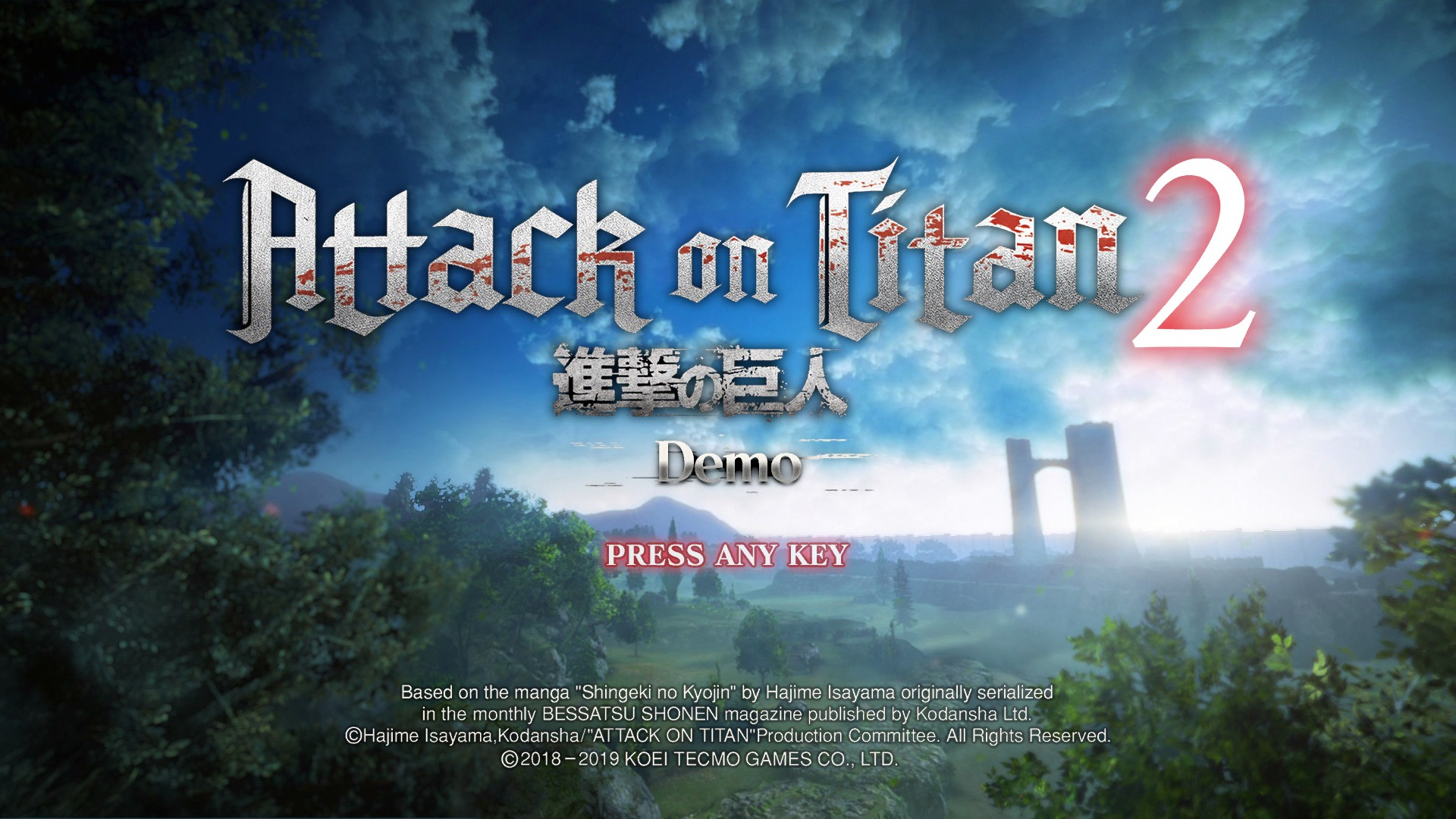
If you own the "Final Battle" DLC for this game, the title screen will change to reflect that. Also, the demo has an alternate title screen, with text to indicate it as the demo.
Base Game |
Final Battle |
Demo |
|---|---|---|
 |
 |
 |
(Source: dead celebrity)
Version Updates#
Version 1.01#
- Fixed issues with inappropriate language.
Version 1.02#
- Added Predator Mode for online play.
- Added the Titan Biological Research Report to the Titan Research Room in story mode.
- Added an option to display a distance meter between you and a Titan.
- Added an option to indicate which team you want to join while waiting in a lobby for Annihilation Mode during online play.
- Revised the user interface for Annihilation Mode.
- Fixed various bugs.
Version 1.03#
- Fixed various bugs.
Version 1.04#
- Added Expulsion Mode to online play.
- Fixed various bugs and adjusted game balance.
Version 1.05#
- Added Showdown Mode to online play.
- Added an option to enable/disable slow motion effects.
- Fixed various bugs and adjusted game balance.
Version 1.06#
- Added Generic Statements of Deployment to the regiment store.
- Added the option to develop multiple pieces of equipment simultaneously.
- Added the option to select multiple pieces of materials when reinforcing weapons.
- Added learnable player character skills.
- Added Kenny's hat as an available hairstyle for the player character.
- Added functionality to choose the in-battle music for scout missions and replaying past missions.
- Added the "Heaven" difficulty setting.
- Added the Titan Elimination Training mode, in both Expulsion and Showdown varieties, to the Titan Research Room.
- Changed the completion reward for Titan Biological Research Report from Titan Research Room EXP to a Generic State of Deployment.
- It is now possible to carry out a Titan Biological Research Report without using any Wings of Freedom.
- Added the option to skip certain camerawork during battles.
Version 1.07#
- Added an option to enable/disable control assistance.
- Added skin color varieties to the character editor.
- Added a "no jacket" option for multiple characters.
- Changed conditions for critical hits with blade attacks.
- Changed the effects and cost of the "Titan Hunter" skill.
- Changed behavior related to the "Spinning Slash" skill.
- Added the option to remove mobile items on the equipment screen.
- The following changes were made to Another Mode:
- Revised the selection method for missions, as well as being able to select Story Mode missions.
- Changed the timing of going online.
- Changed the functionality of the "Create Room" and "Room Search" options.
- Added the ability to change the controlled character in daily life.
- Added the ability to acquire battle EXP in other modes outside of battle mode.
- The login bonus was made optional.
- Added the ability to use parts of Regiment Administration and the Titan Research Room.
- Revised the deployment method from rooms.
- Added the ability to use the Equipment Station and the Material Procurement Shop in rooms.
- Added the ability to change the controlled character within rooms.
- Fixed various bugs and adjusted game balance.
- Revised the user interface.
Version 1.08#
- Fixed various bugs and adjusted game balance.
- Revised the user interface.
Version 1.09/1.10/1.11#
- Fixed various bugs and adjusted game balance.
Internal Project Name#
The Steam Depot that contains the game's files is named "Revenge", giving the game's internal name.
(Source: dead celebrity)
Oddities#
Orange Model#
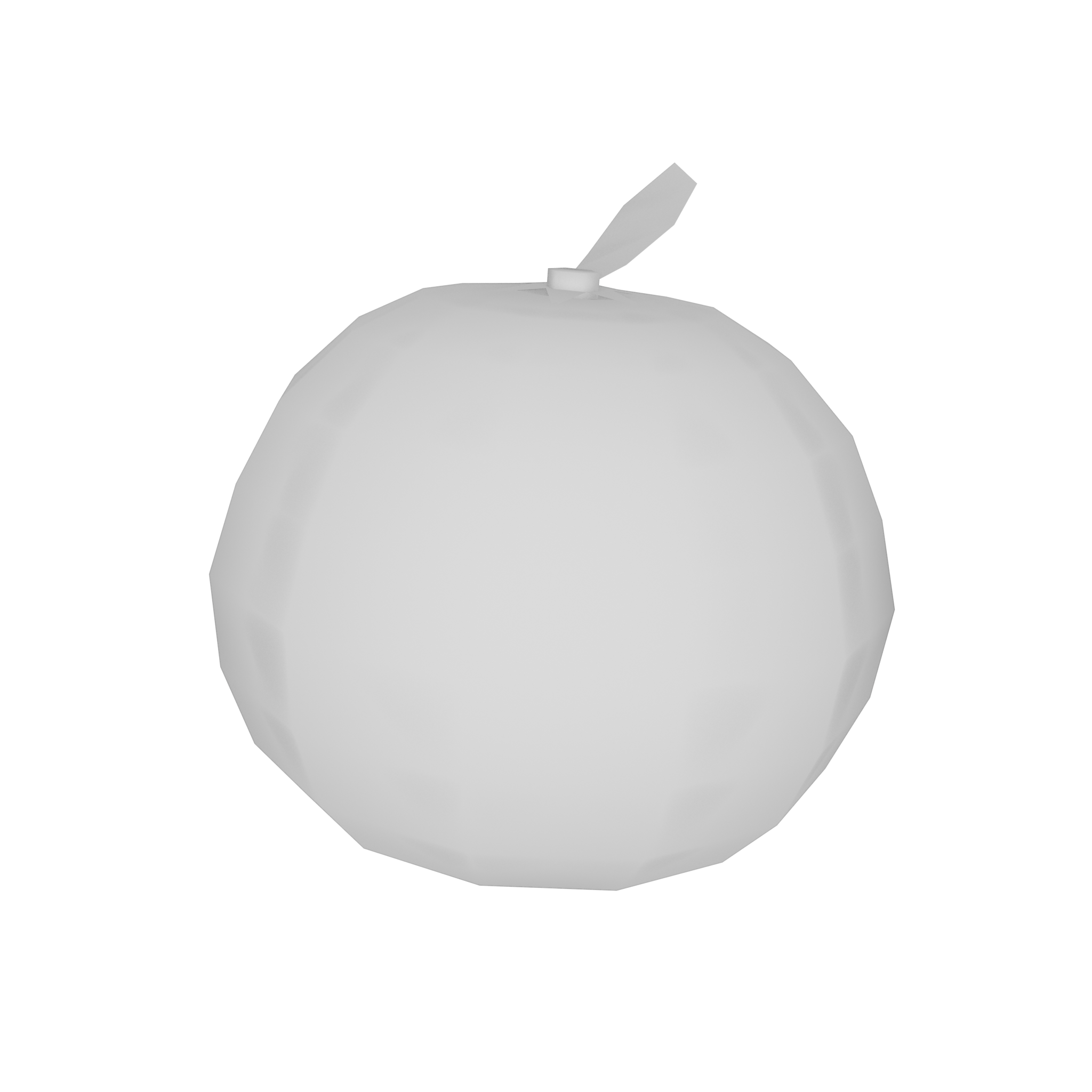
A model of a orange, while ultimately used, appears dozens of times in the game's files. This model seems to be used as a separator between groups of models. For example, there will be 12 titan arm models, followed by 8 orange models, then by 4 titan eye models, followed by 11 orange models, and so on. All of the models are the exact same orange. The previous game also had this oddity regarding models of oranges.
 |
Bizarre Colossal Titan Substitute#
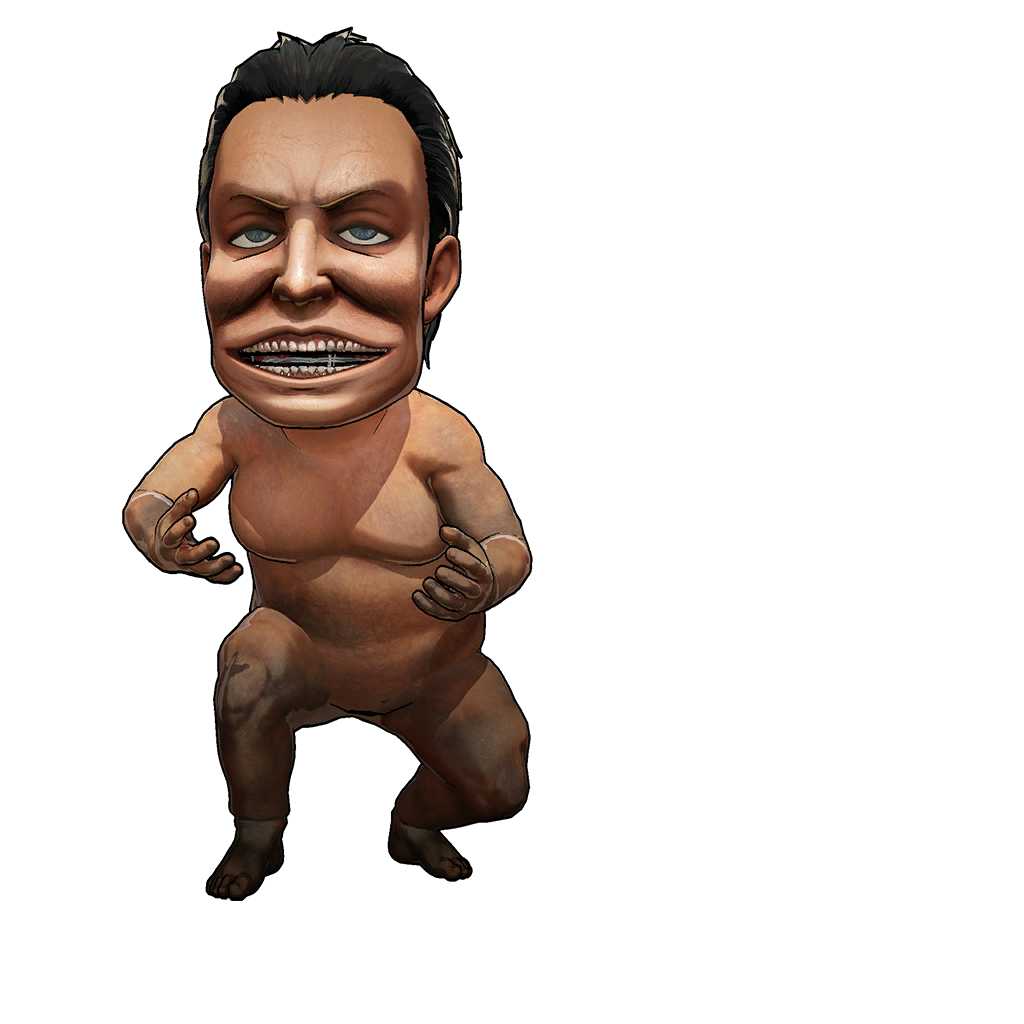
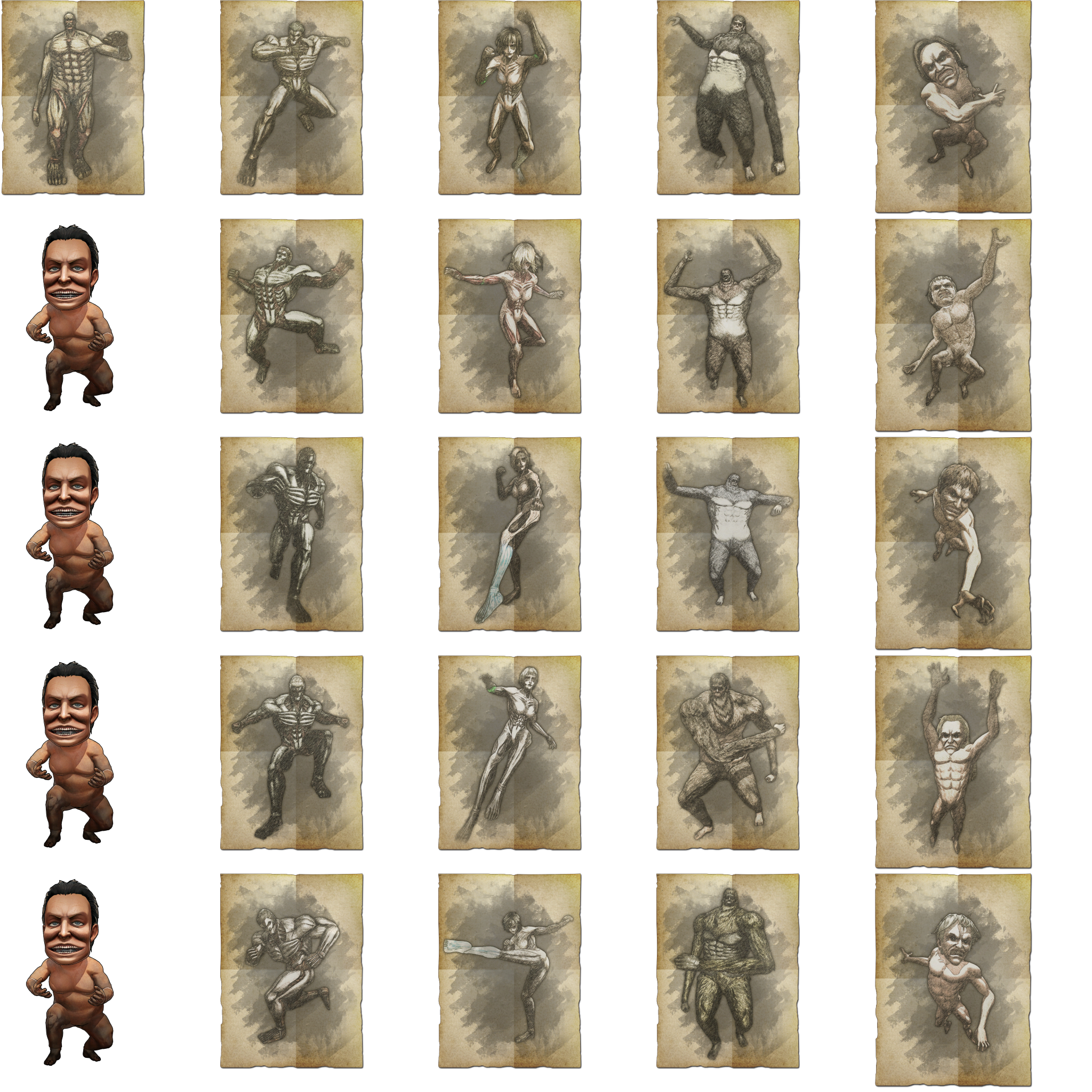
In the base game, there are 5 different Bizarre Titans: Colossal, Armored, Female, Beast, and Jaw. All of these titans have 5 variations, except the Colossal titan, who only has 1. This is reflected in the file container that houses the Bizarre Titans' portraits, except an additional, random render of a titan is present. This texture is repeated 4 times, and is used as a substitute for the Bizarre Colossal titan's missing 4 variations.
The Substitute Texture |
The Texture's Usage |
|---|---|
 |
 |
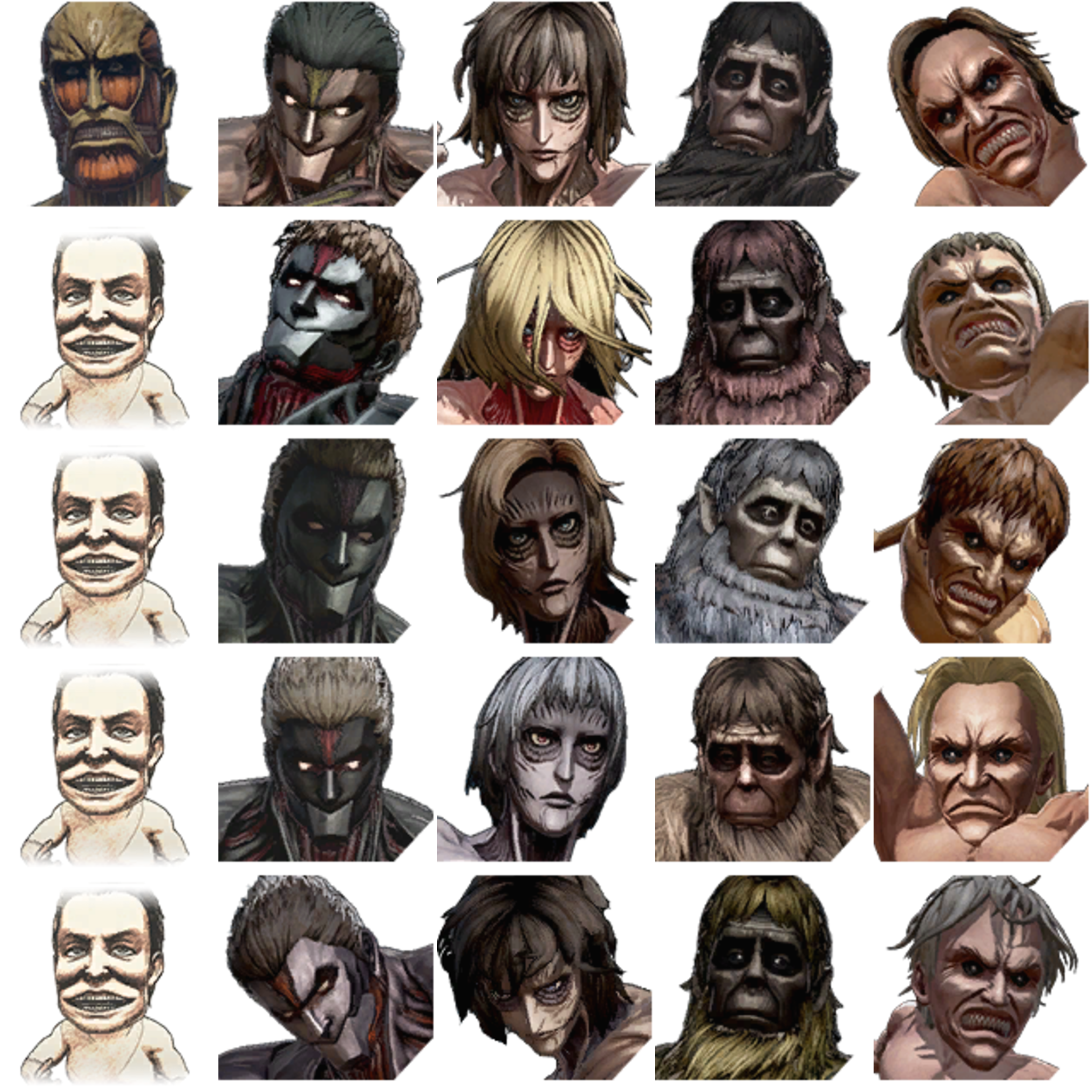
In the same fashion, this unremarkable titan is also used as a substitute with the Bizarre Titans' icons.
The Substitute Texture |
The Texture's Usage |
|---|---|
 |
 |
(Source: dead celebrity)
|
The Attack on Titan series | |
|---|---|
|
Nintendo 3DS |
Humanity in Chains • Shichi Kara no Dasshutsu • Mirai no Zahyou |
|
Windows, PlayStation 4, PlayStation Vita, Xbox One |
|
|
PlayStation 3 |
|
|
Google Stadia, Nintendo Switch |
|
|
Android, iOS |
|
|
Meta Quest 2 |
|