 This article has a talk page!
This is a sub-page of Proto:Ōkami (PlayStation 2).
 Maps
Maps
 Yokai
Menus
Models
Audio
Textures
TextIt was very kind of the developers to leave us their notes.
Item Locations & Contents
Yokai
Menus
Models
Audio
Textures
TextIt was very kind of the developers to leave us their notes.
Item Locations & ContentsDivine Instruments#
Watch on YouTubeMany of the Divine Instruments are present in this version, albeit with major tweaks. Instruments obtained later in the story are just placeholders.
Most are unobtainable in this version but can be obtained with the following PCSX2 pnach cheat:
[All Divine Instruments]
author=Jaco
description=Give all Divine Instruments.
patch=1,EE,20436134,extended,00000001
patch=1,EE,20436136,extended,00000001
patch=1,EE,20436138,extended,00000001
patch=1,EE,2043613A,extended,00000001
patch=1,EE,2043613C,extended,00000001
patch=1,EE,2043613E,extended,00000001
patch=1,EE,20436140,extended,00000001
patch=1,EE,20436142,extended,00000001
patch=1,EE,20436144,extended,00000001
patch=1,EE,20436146,extended,00000001
patch=1,EE,20436148,extended,00000001
patch=1,EE,2043614A,extended,00000001
patch=1,EE,2043614C,extended,00000001
patch=1,EE,2043614E,extended,00000001
patch=1,EE,20436150,extended,00000001
Differences#
In the prototype, the first set of rosary beads you get is a little darker and red instead of blue. Additionally, the extra parts that trail behind the beads instead rotate around them.
|
Devout Beads (Prototype) |
Devout Beads (Final) |
|---|---|

|

|
Texture#
All the glaives in the prototype seem to share the design that would eventually evolve into the Blade of Kusanagi. The prototype seems to use a stock photo of a real map. The name is a slightly edited version of the final Tsumugari's name.
|
Tsumugari (Prototype) |
Blade of Kusanagi (Final) |
|---|---|

|

|
Model#
The model itself is close. Instead of a swirl of wind in the center, the prototype features a globe with clouds spiraling up the blade.
|
Tsumugari (Prototype) |
Blade of Kusanagi (Final) |
|---|---|

|

|
(Source: Kayya (Render))
Celestial Brush Techniques#
Minus a few exceptions, the Celestial Brush techniques and their brushstrokes in this beta function as expected. Icestorm and Thunderstorm can be invoked with their expected brushstrokes, but aren't quite finished and are fairly basic.
Most are unobtainable in this version but can be obtained with the following PCSX2 pnach cheat:
[All Celestial Brush techniques]
author=Jaco
description=Give all Celestial Brush techniques.
patch=1,EE,20490508,extended,FFFFFFFF
Leftover Debug Flags#
There are a disappointingly large number of references to the axed debug mode here. While we don't get to play with it, there are at least these leftovers. Only the filter toggle is present in later versions.
|
|
To do:
|
The debug axis is missing in the debug build. Debug boxes for various things.
[Boxes]
author=Jaco
description=Enable leftover bounding boxes.
patch=1,EE,00610E8B,extended,00000004
An XYZ axis on every model, as well as a toggle for the filter and bloom. Some test maps automatically disable the filter through other means, but not the bloom.
[Axis/Bloom]
author=Jaco
description=Enable leftover debug axis/disable filter and bloom.
patch=1,EE,00610EFA,extended,000000xx
Replace xx with:
40 = Filter & Bloom
80 = Debug XYZ axis
C0 = Both
Balls#
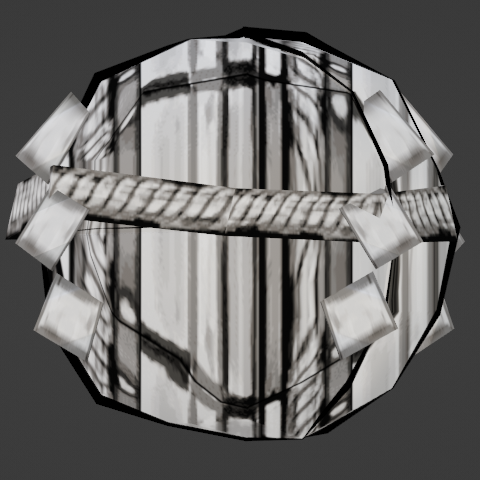
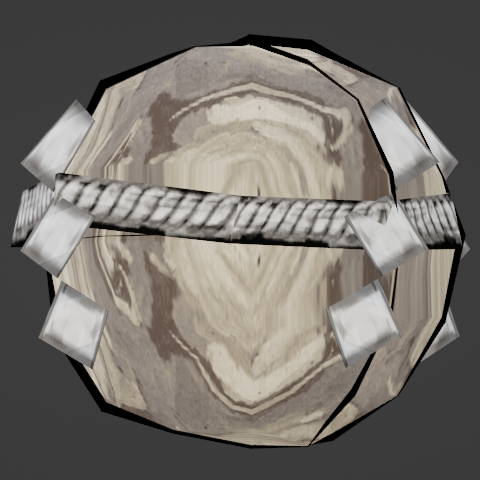
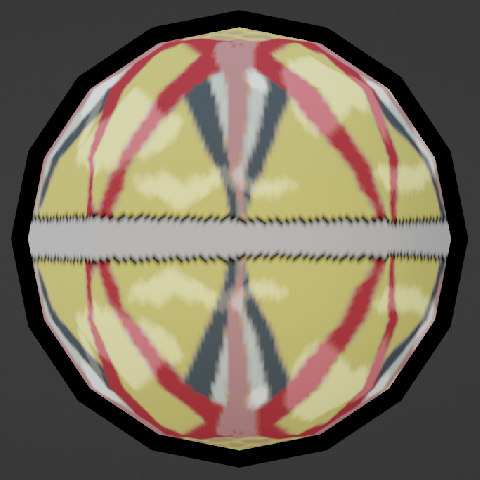
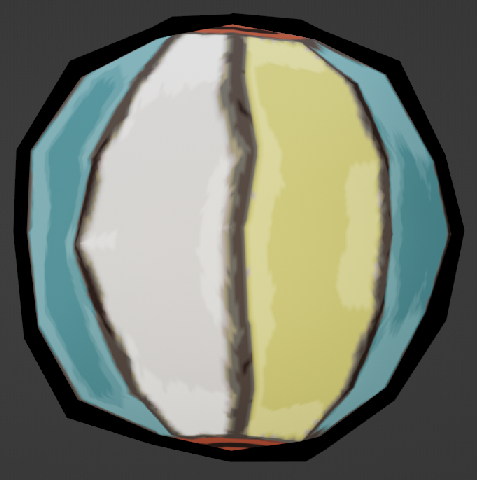
Occupying wp1a through wp1c are these. It's unknown what they were for. The textures need to be converted before they will load. They do not react to the Celestial Brush. Watch on YouTube
wp1a#
The model has splits in it, presumably to shatter. Only the rope is textured. A mock-up with a commonly used rock texture is supplemented below. It can only be moved by headbutting it.

wp1b#

wp1c#
This one is very floaty.

(Source: Kayya (Render),Jaco (Discovery, Texture Dump))