 This article has a talk page!
This is a sub-page of Proto:Pokémon Sword and Shield/Build 562.
 After pressing the start button on the title screen, a debug menu appears. The Dpad or analog stick can be used to navigate these menus. Some more options have been added since last time.
Field#
When this option is selected, the player's last save file is loaded. A new game has the player start a Level 50 Charizard, a Level 50 Blastoise and a Level 50 Pikachu.
BattleViewer#
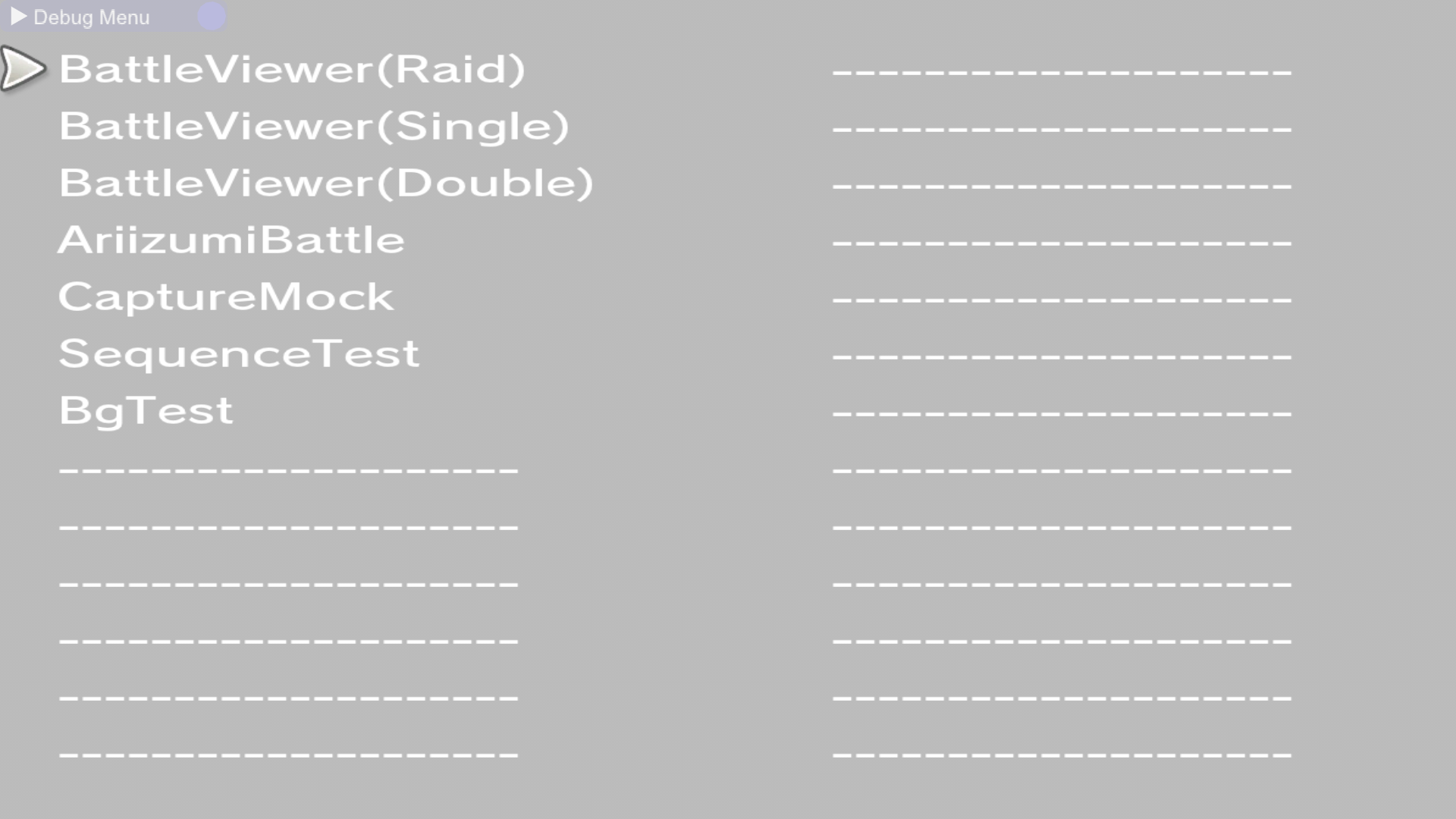
This is a way for the user to test out various battle mechanics.
BattleViewer(Raid)#

|
This needs some investigation. |
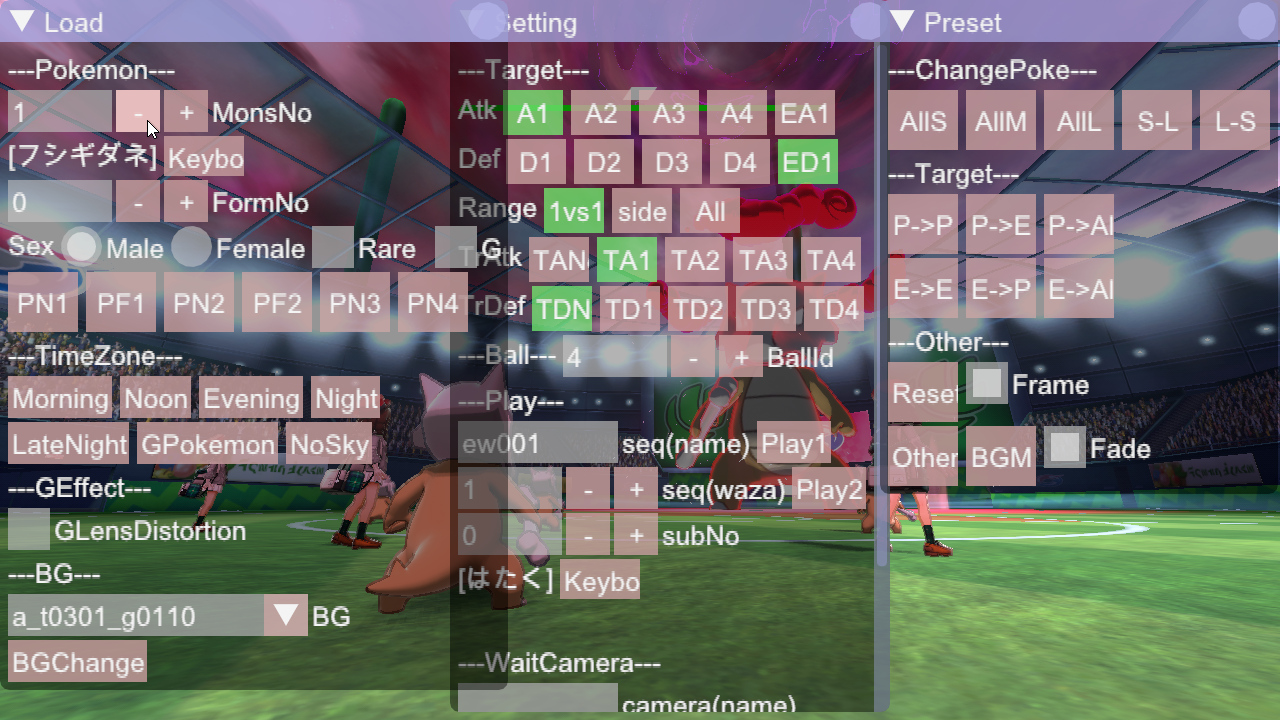
Selecting this option places the player in a raid battle. All trainers use the player's model. By default the trainers all use Marowak, and the raid boss is another Marowak.
BattleViewer(Single)#
|
|
This needs some investigation. |
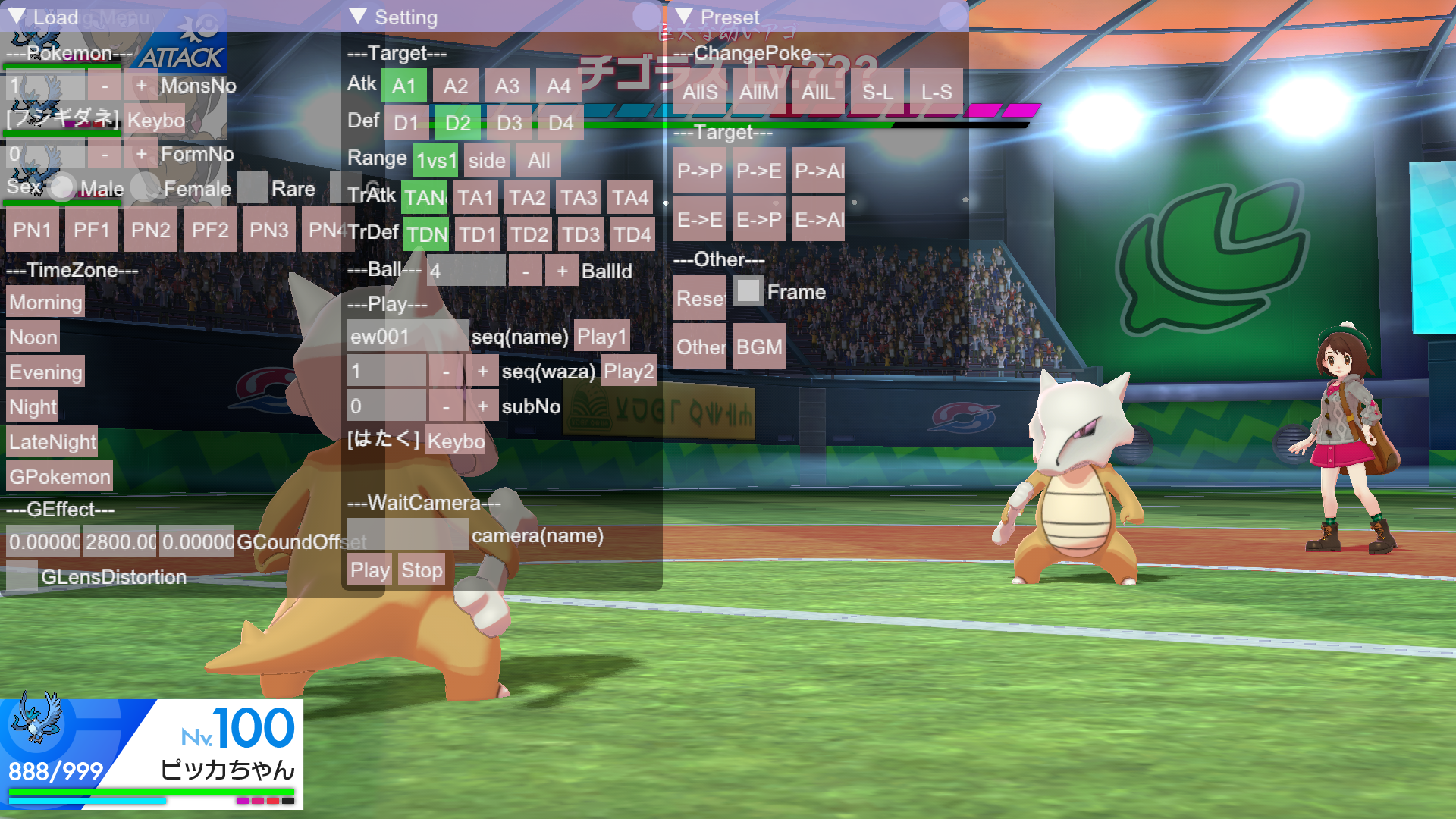
Selecting this option places the player in a single battle. Both trainers use the player's model. By default the trainers all use Marowak.
BattleViewer(Double)#
|
|
This needs some investigation. |
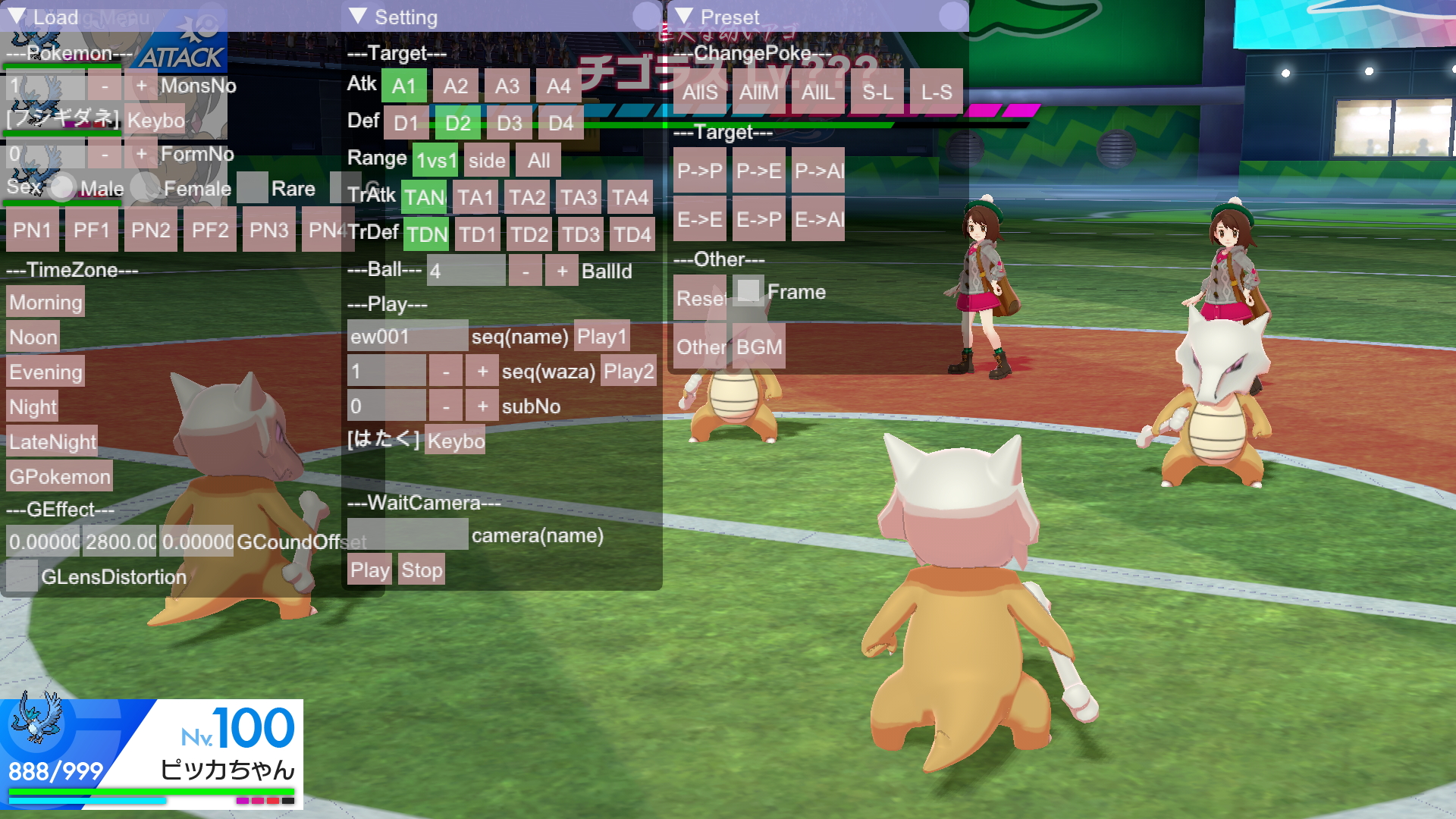
Selecting this option places the player in a double battle. All trainers use the player's model. By default the trainers all use Marowak.
AriizumiBattle#
Selecting this results in a submenu getting opened, but nothing else happens. Pressing start returns to the previous menu.
CaptureMock#
Nothing happens when this is selected.
SequenceTest#
Nothing happens when this is selected.
BgTest#
Selecting this results in an error code.
WideRoad#
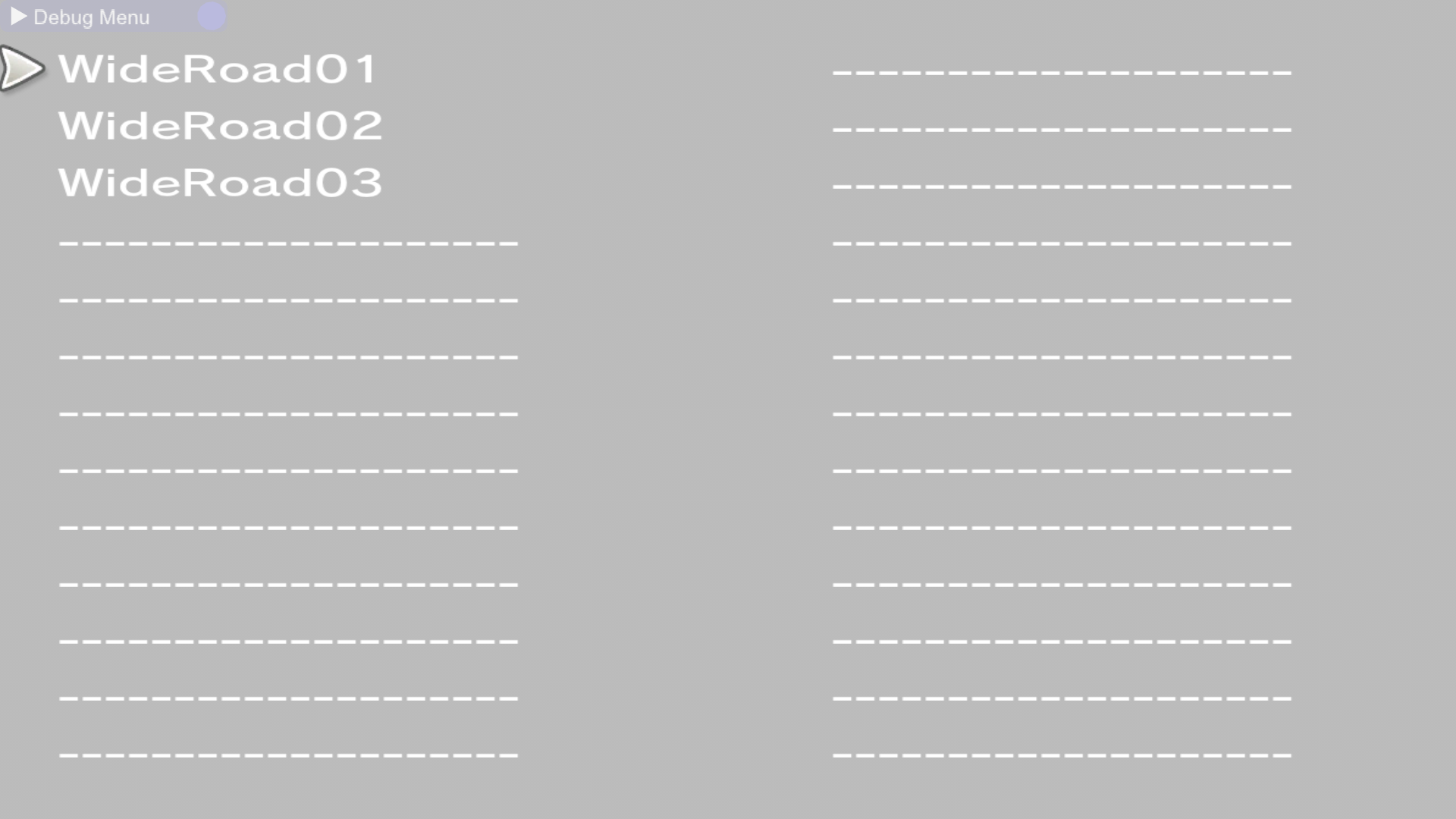
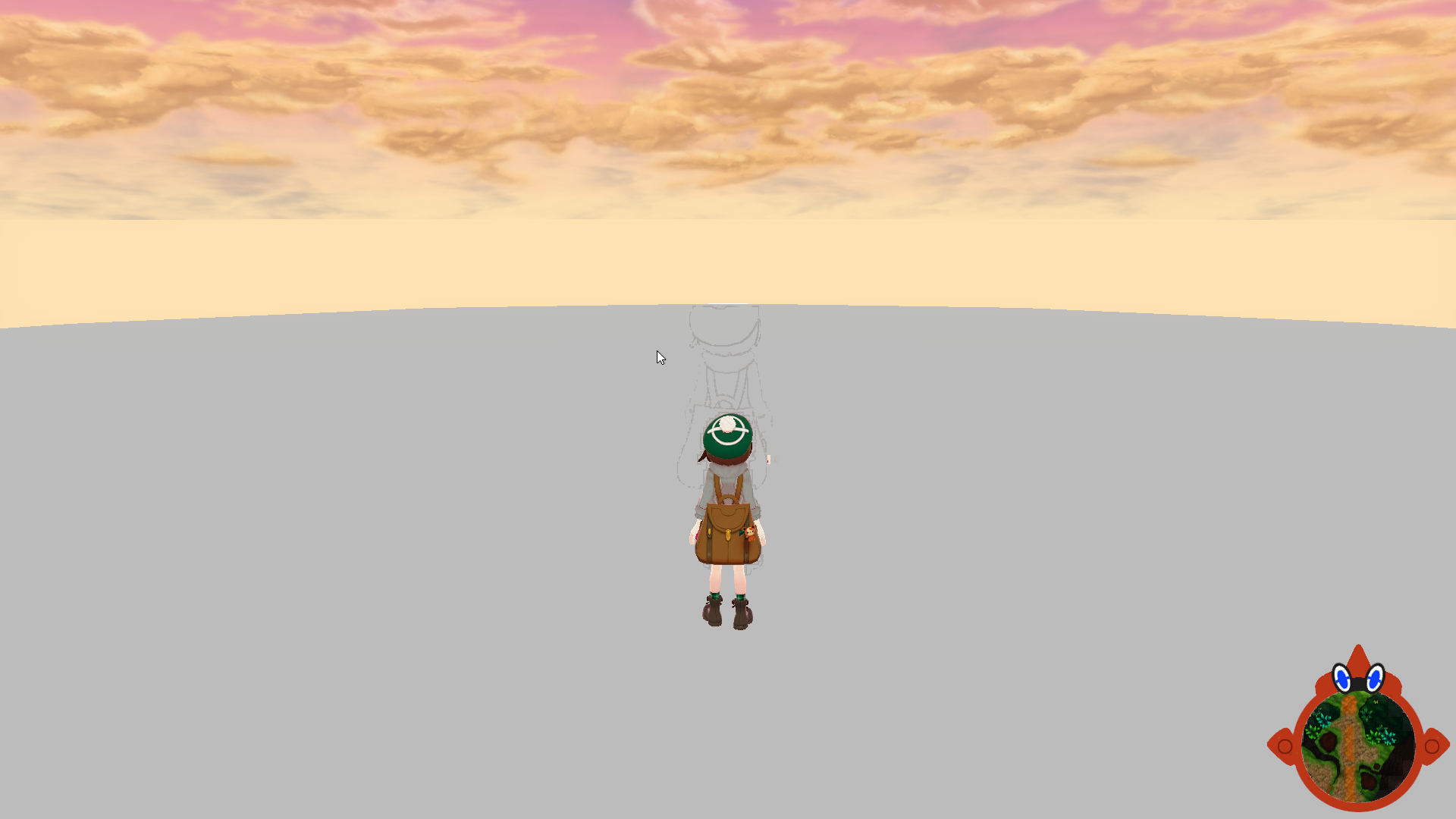
- Choosing WideRoad01 loads the player in the wild area between Wedgehurst and Motostoke.
- Choosing WideRoad02 loads the player in the wild area between Motostoke and Hammerlocke.
- WideRoad03' places the player in an empty area.
Chara Select#
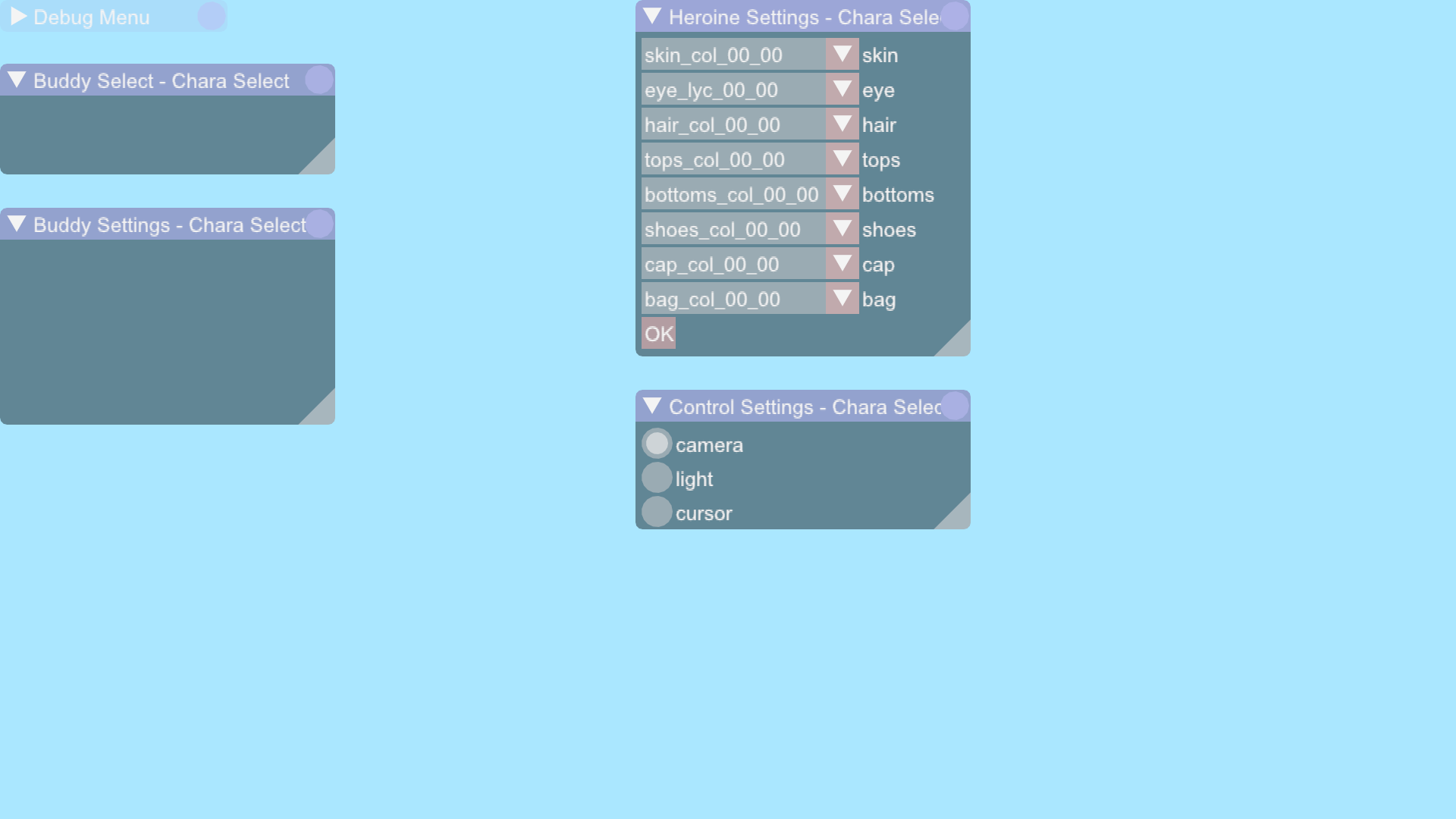
This option brings up a menu to view character models, but nothing shows up on screen other than the menus.
DebugBattle#
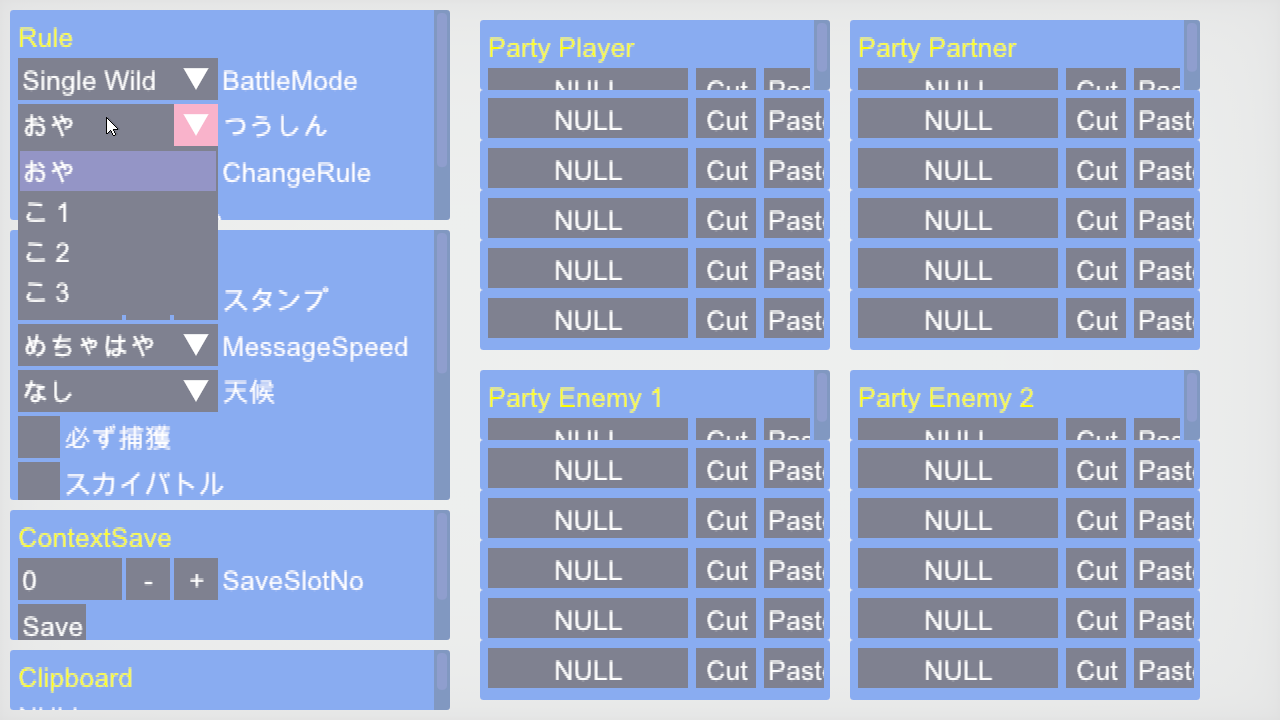
This option loads up a bunch of submenus, but nothing else happens. Pressing start crashes the game.
Chara View#
Choosing this option displays an error code and crashes the game.
Demo Player#

|
This page or section needs more videos. |
This menu allows the user to view animation sequences. A lot more animation sequences work this time when compared to the previous build...although you're not going to get much more than a tilting black square. Choosing any of the following options will crash the game:
- sd9030_gamestart01
- sd9031_gamestart02
- sd9032_gamestart03
- sd9111_evolution_after
Notably, a couple of the selectable options seem to be leftovers from Pokémon: Let's Go, Pikachu! and Let's Go, Eevee!.
Uikit#
|
|
This page or section needs more videos. |
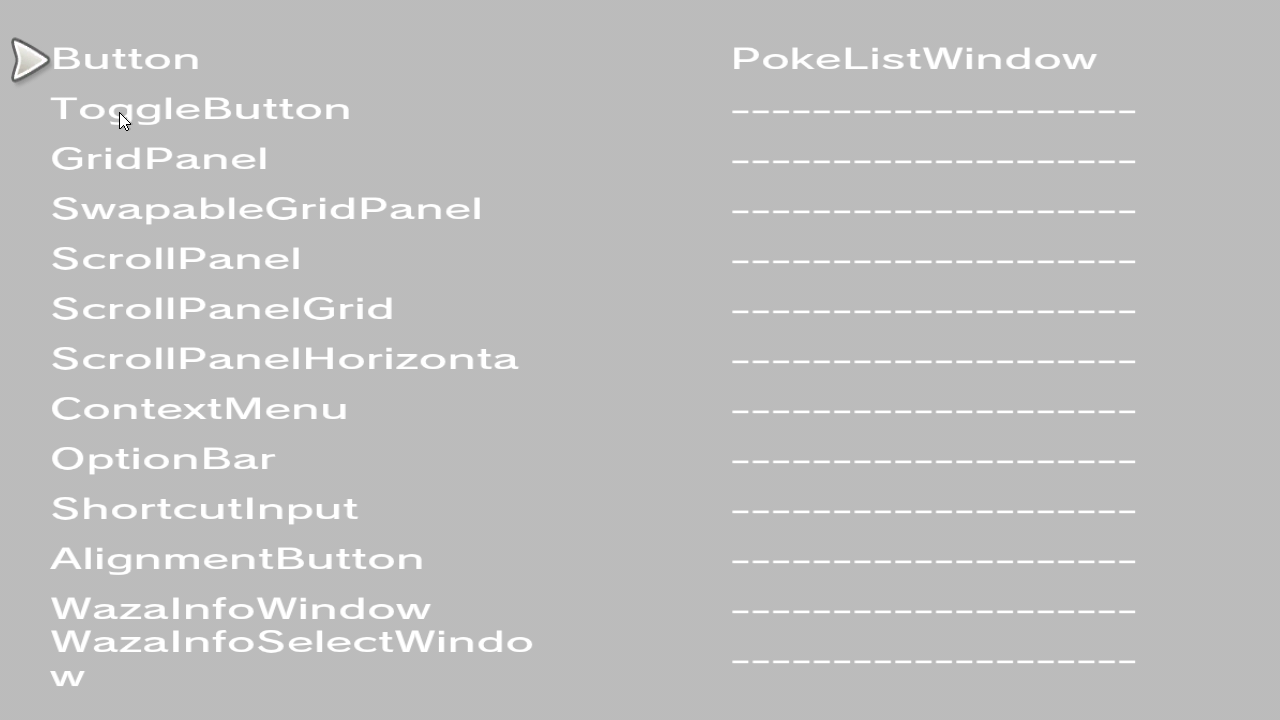
This mode allows the user to test various UI functions.
FieldViewer#
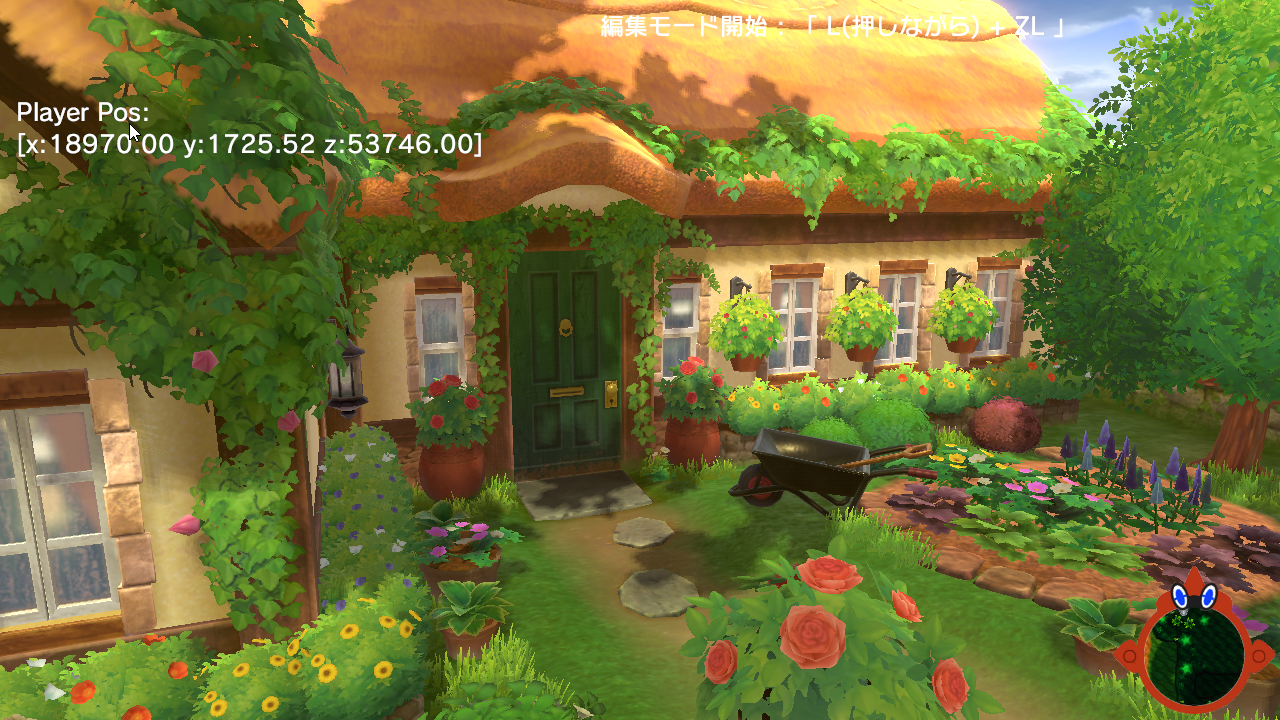
Choosing this will place the player character in an even earlier version of Postwick (with none of the warps functional), inside the exterior of the player's house. There is a window showing the player's current xyz coordinates, and an instruction at the top of the screen that says "編集モード開始: 「L (押しながら)+ZL". What's actually going on here is that the player character is invisible, but otherwise acts the exact same as in the regular game.
Network#
Choosing this brings up a second screen of debug options, all of which seem to test internet functionalities. Selecting the third option crashes the game.
ohno#

Choosing this brings up a second screen of debug options, but none seem to do anything, with some of them even crashing the game. This menu is likely named after programmer Katsumi Ohno.
Obata#

Like with the ohno menu, choosing this brings up a second screen of debug options. More options load this time when compared to the previous build. This menu may be named after battle system programmer Toshihiro Obata.
TestBattle#
Crashes the game.
PokeMake#
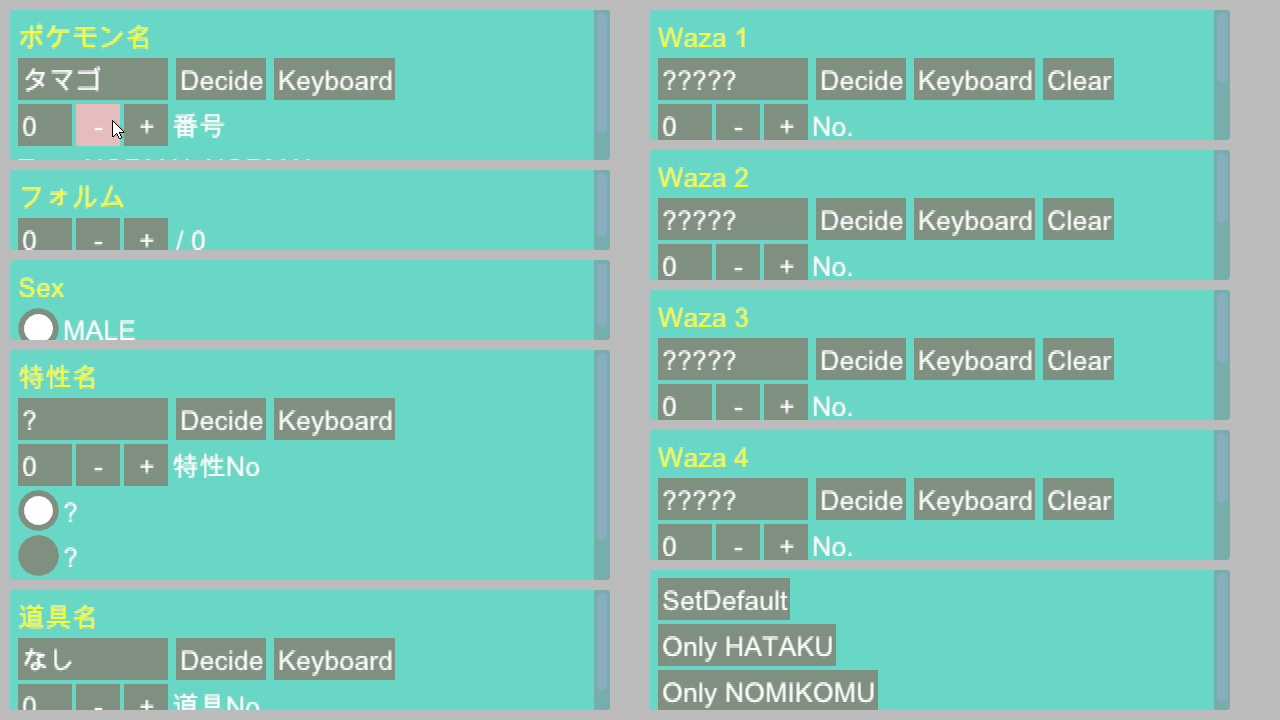
Loads up a bunch of settings, presumably for generating a Pokémon.
ImguiTest#
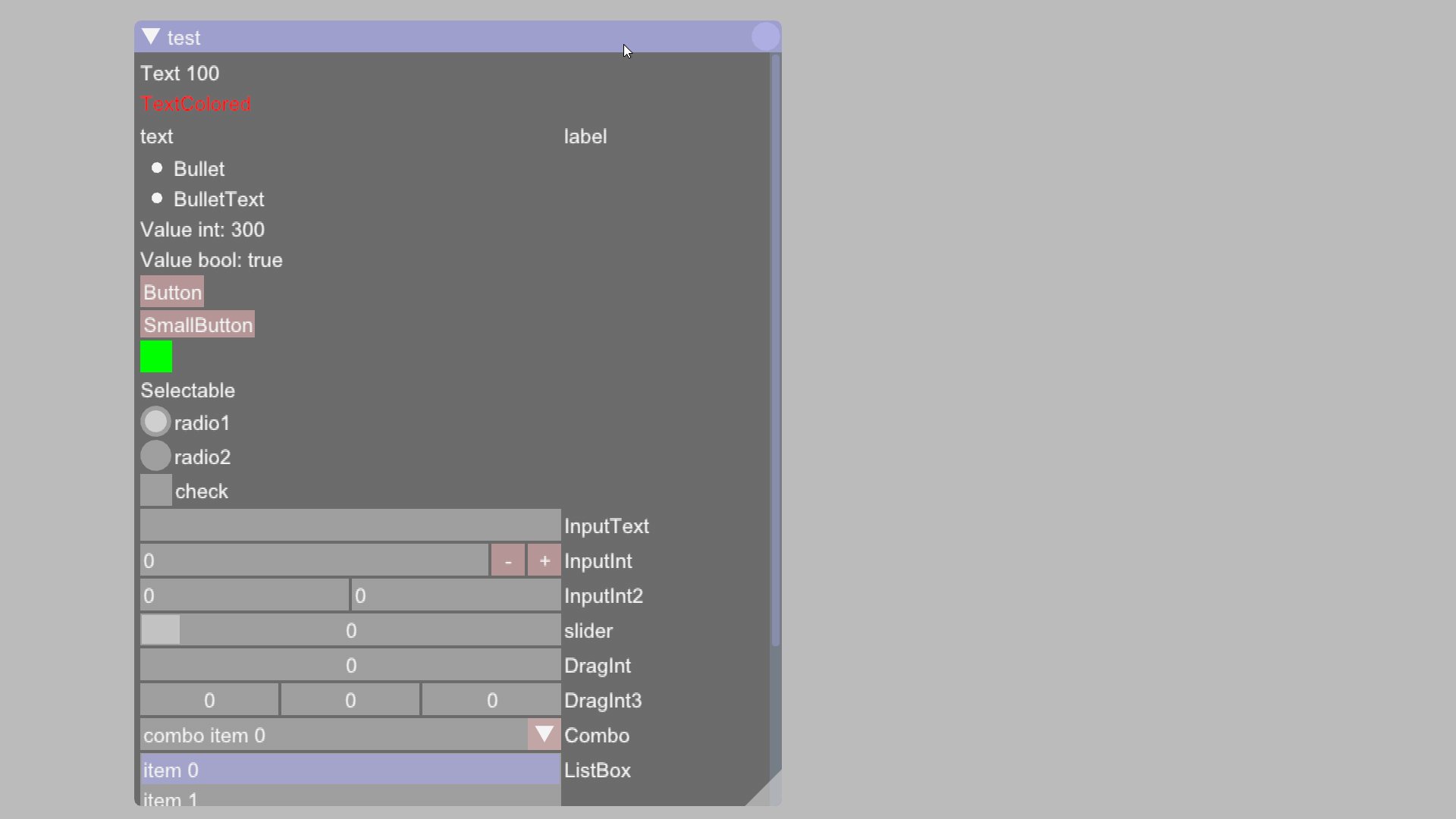
Choosing ImguiTest brings up a new window, allowing the user to test various functions like input boxes, selectable options, buttons, and sliders.
TestObata#
Simply reloads the Obata menu.
TrainerName#
Loads a blank screen. Press Start to go back.
TrainerTypeData#
Loads a blank screen. Press Start to go back.
TrainerData#
Loads a blank screen. Press Start to go back.
Fujita#

Choosing this once again brings up a second screen of debug options. The first and last option crash the game. This menu may be named after Pokémon Character Modeller Chisato Fujita.
pad#
Tests controller input.
software keyboard#
Tests the Nintendo Switch's keyboard functionalities.
ikuta#
This menu allows users to access an early version of the Pokémon Camp. It is likely named after Pokémon Camp Programmer Junya Ikuta. 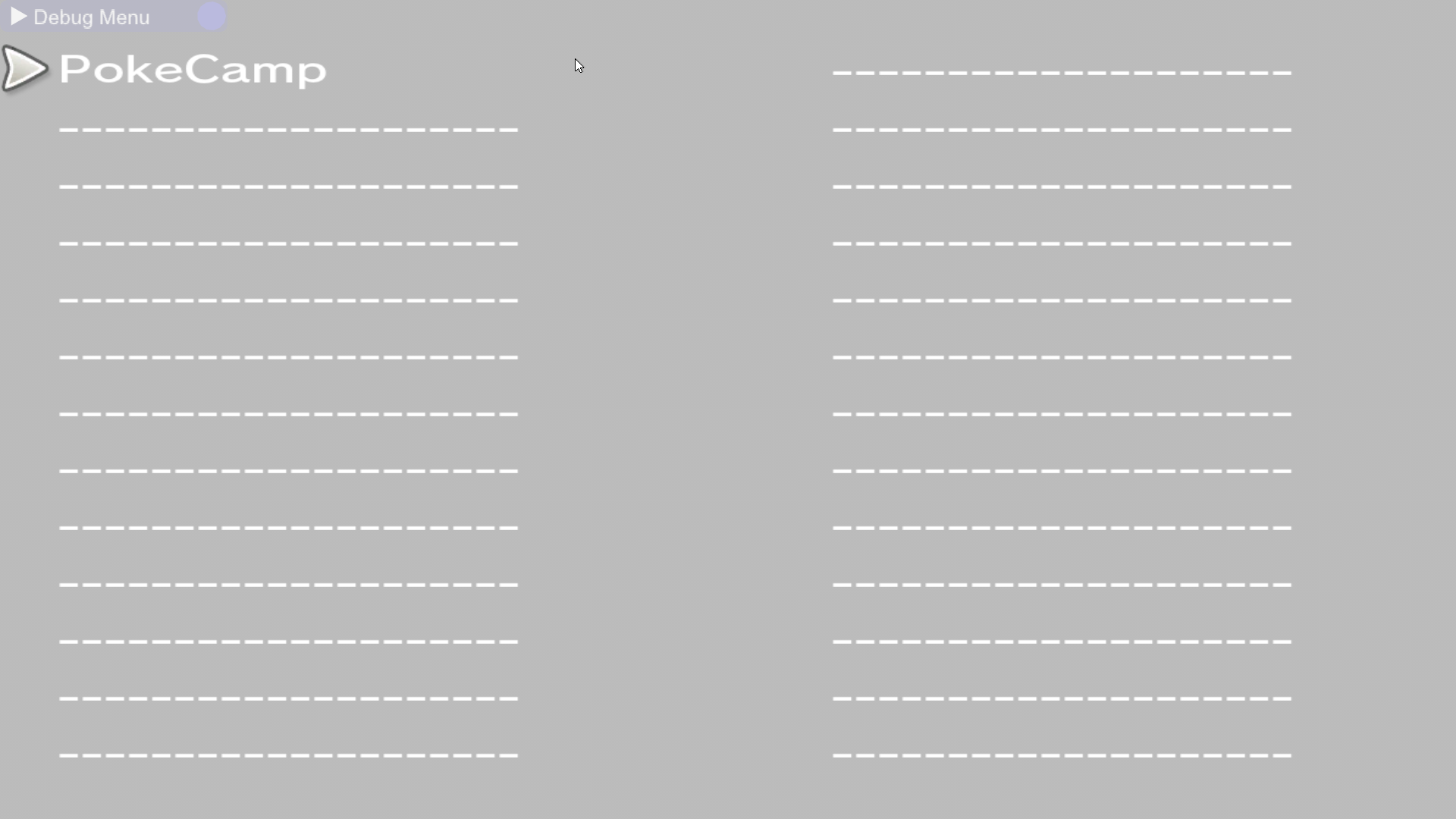
Beacon#

Both of the options in this menu only load a blank screen.
muto#
This menu allows users to test a few UI features. It is likely named after UI System Programmer Yu Muto. 
- Bag crashes the game.
- BattleUI loads a blank screen.
- UIManagerTest briefly loads the Rotom minimap in the bottom-right corner, but then loads a blank screen.
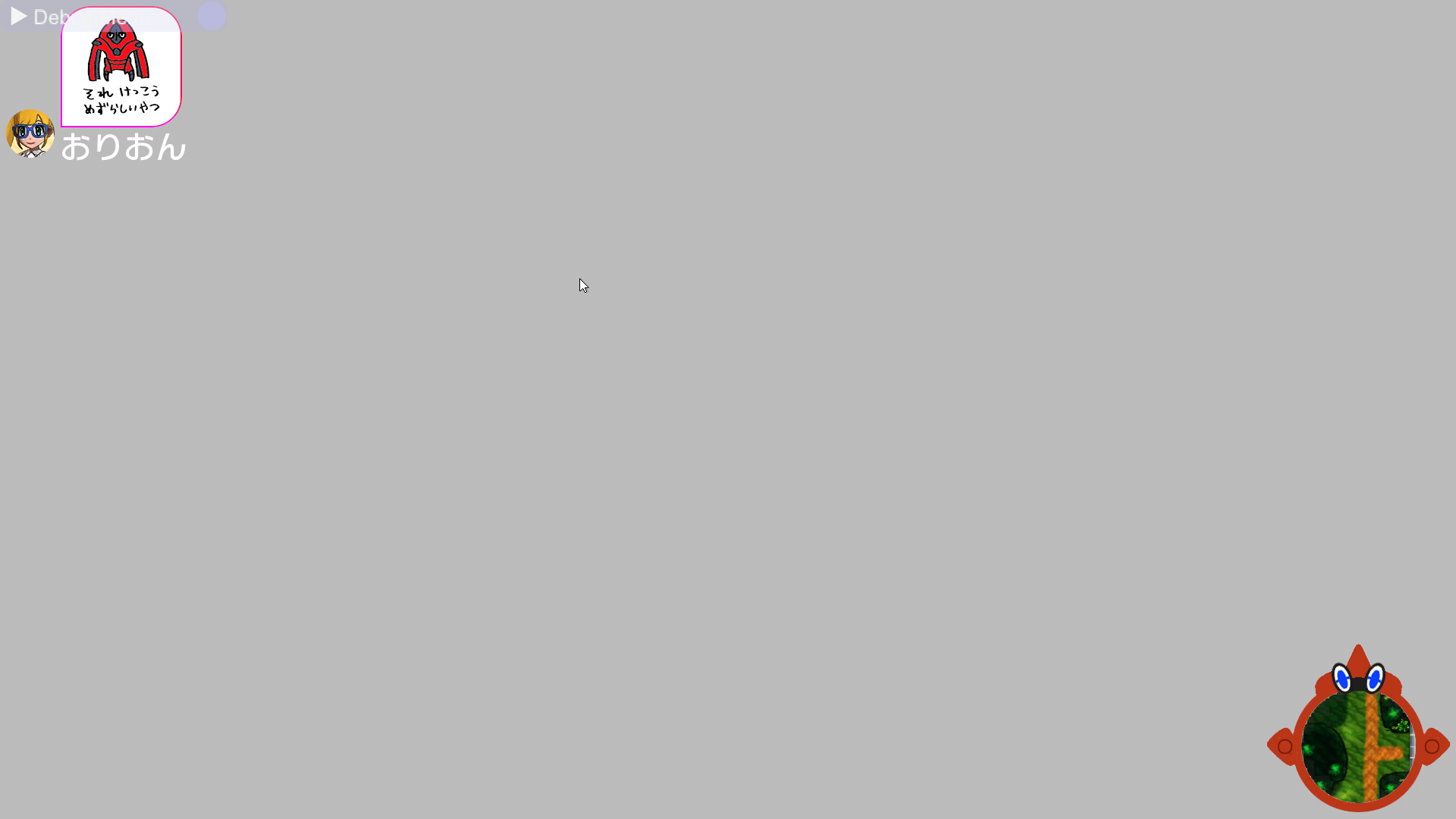
- RFUITest permanently loads the Rotom minimap in the bottom-right corner and leaves it on screen. The user can move the map by moving the left analog stick. Pressing the "A" button will display a sticker on the top-left of the screen, from a player named "". Pressing the "L" button will get rid of the sticker, and it can't be called back on screen. The Dpad can also be used to use stickers, just like in the regular Field gameplay.
- ReportTest now crashes the game instead.
sanga#

This menu allows users to test a few UI features. It is likely named after UI System Programmer Akio Sanga.
- SoftwareKeyboard displays an elaborate menu.
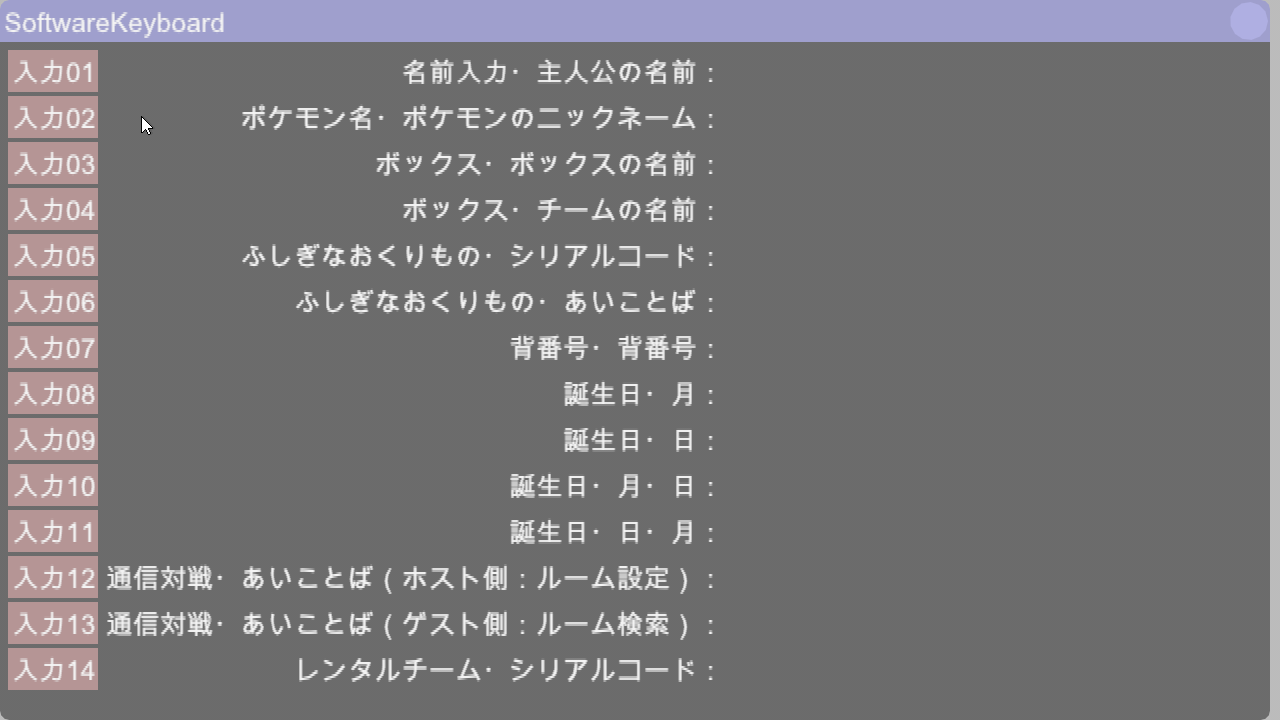
- ReportTest displays an elaborate menu.

- GridPanel displays three buttons. When a button is pressed, text appears on screen saying "button_0X was pressed." Pressing button_02 brings the user back to the main sanga menu. Notably, these buttons resemble those from the games Sun, Moon, Ultra Sun, and Ultra Moon.
(compare image to alola game) 
- BtnTest has the exact same functions as GridPanel, but the buttons are larger and more reminiscent of the final game's style. The text here is always Japanese.
(compare image to final game) 
kawai#
This menu may be named after Kiyotaka Kawai, credited as a "Special Thanks" in the final game.
- Like with the previous two, ReportTest brings up a screen that the user can't interact with.
- UIkitButton brings the user to a screen with three buttons. Notably, an animation is played that shows the buttons appearing on-screen.
nakayama#

This menu may be named after UI System Programmer Hiroki Nakayama.
- Choosing FieldMenuProc results in the game crashing.
- Choosing ShopWalletProc loads up the player money display on the top left.
- Choosing MsgWindowProc loads up a series of display boxes, complete with a multi-choice question.
- Choosing ContextMenuProc brings up a menu that the user can navigate through. None of these options do anything, the user is just brought to a blank screen.
Sakai#

The selection in this menu doesn't do anything other than bring the user to a blank screen.
wakabayashi#

This menu may be named after UI System Programmer Taku Wakabayashi.
- Choosing TestProc crashes the game.
- Choosing Test1 loads up 3 rotating buttons that you can click.
- Choosing ItemCheck lets you display the icon and description of all the items found in Pokémon Ultra Sun and Ultra Moon.

endo#

All options load up a blank screen. It is likely named after Network Programmer Akira Endo
inada#

The selection in this menu doesn't do anything other than bring the user to a blank screen. It is likely named after Field Programmer Tsuyoshi Inada.
takahashi#

The selection in this menu loads up the early storyboard version of the "D010" Cutscene (opening cutscene shown on the TV) from the previous build. It is likely named after Programming Section Director Tomoya Takahashi.