 This article has a talk page!
This is a sub-page of Proto:Command & Conquer: Red Alert 3.
The very first & official Beta version of the semi-open "Beta 2" test, released on July 30th, 2008. The purpose of this build was to test the balance of all 3 factions in skirmishes based on players' feedback and data.
This build was meant to be tested on official Electronic Arts servers, which have been turned off after the Beta ended, however, with some tools and other 'Chronospherical' actions it's possible to replace Beta's intended main menu with unfinished main menu, through which the player can access local skirmish, LAN play and more.
The version itself cannot be normally played anymore because all keys used to access the Beta have expired once the Beta ended. Fortunately, on September 29th, 2024, a working CD Key has been obtained, which made the Beta build being playable, and with some restorations - the game is semi-playable again.
The intial Beta version was built almost 2 months before release, meaning there have been a lot of changes.


UI differences#

|
To do:
|
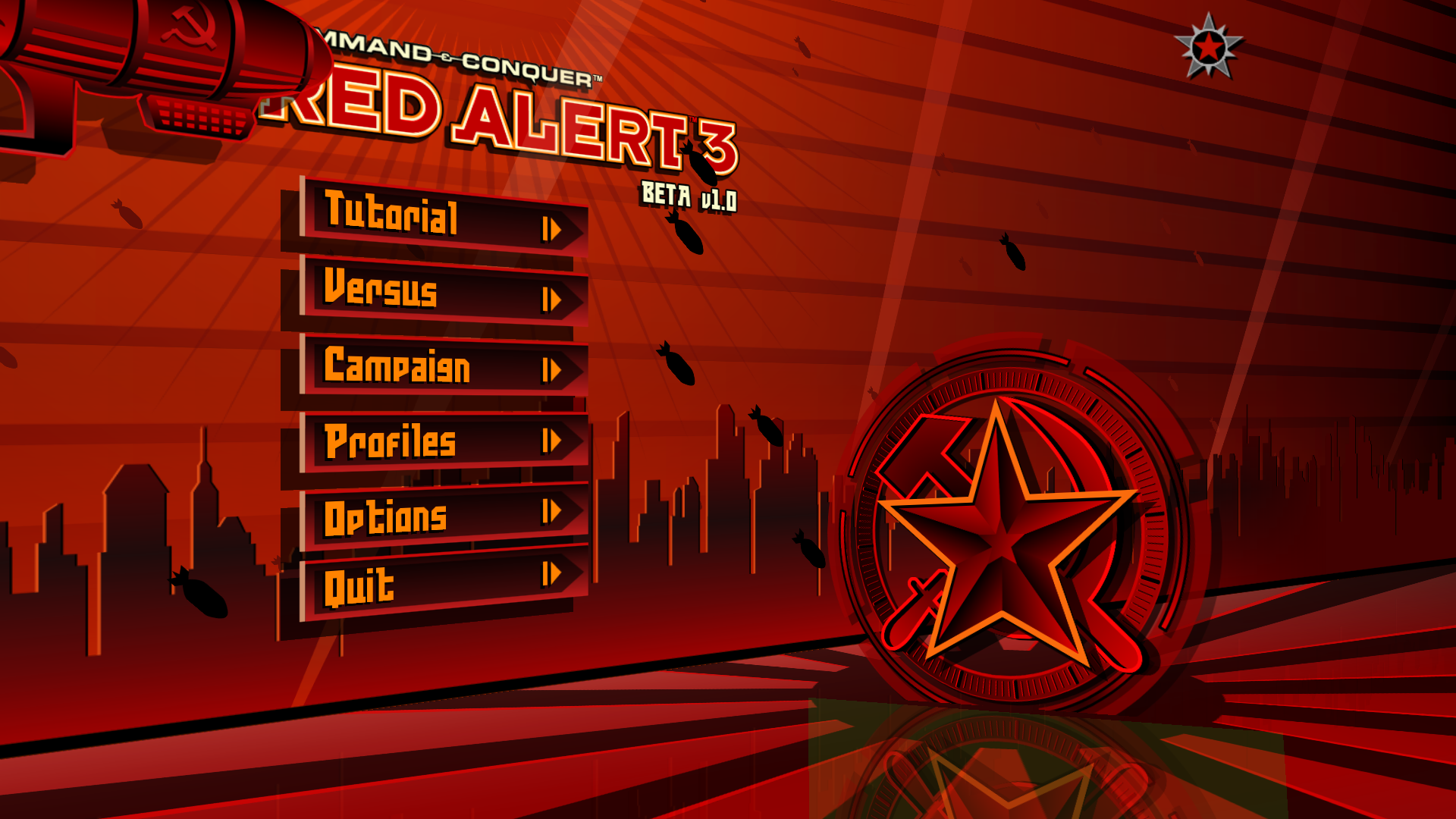
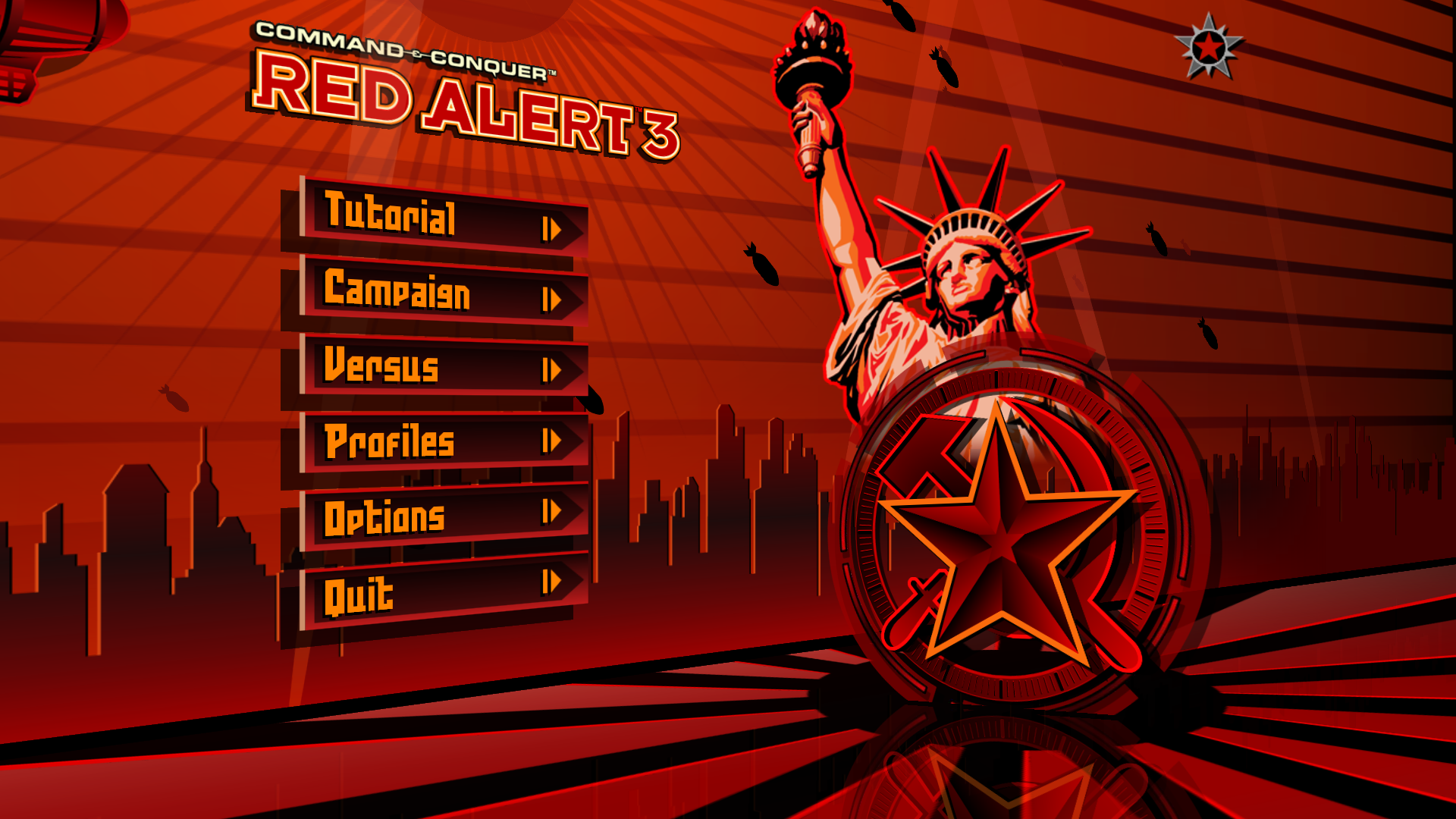
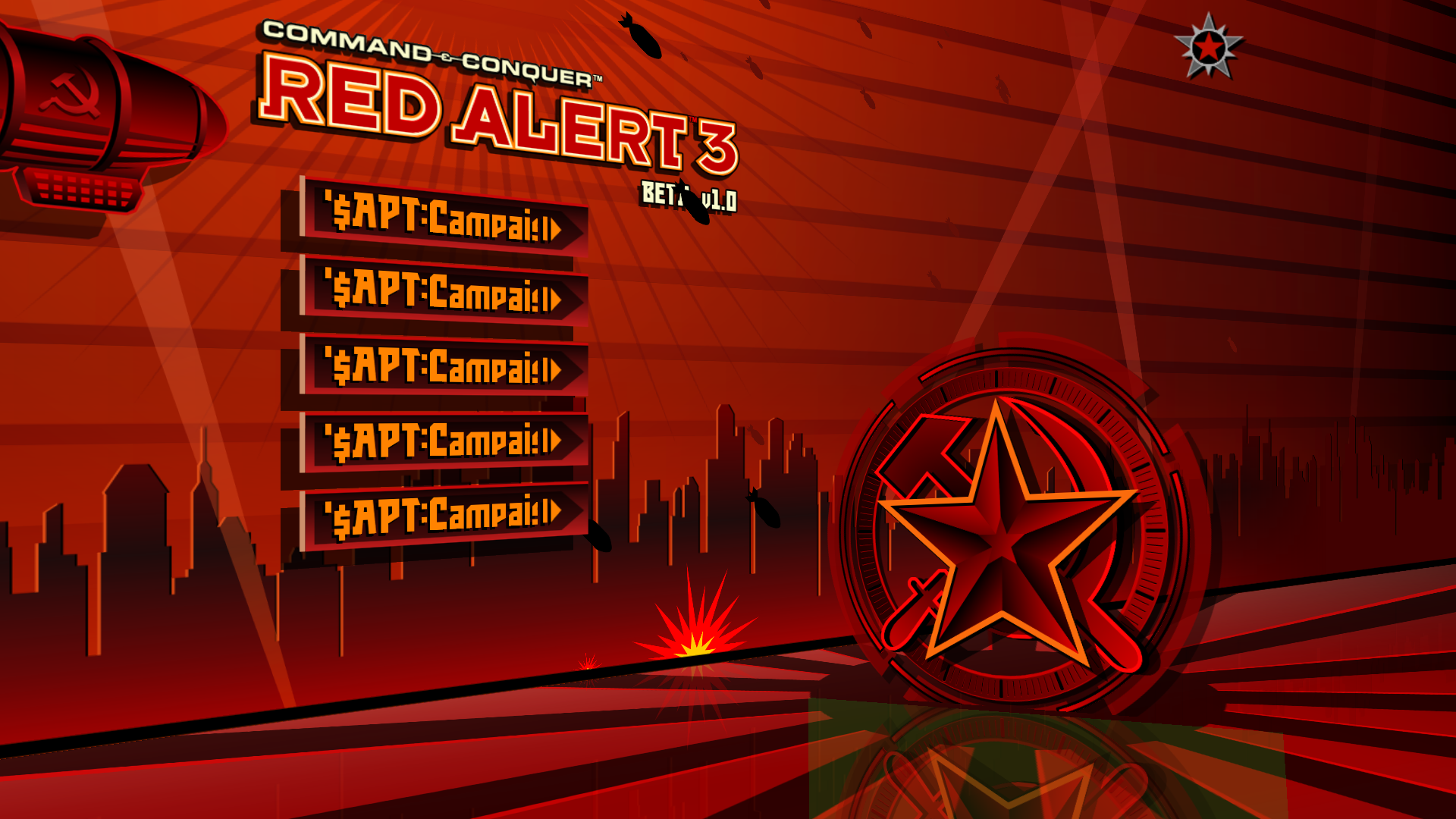
The campaign and versus option have swapped places in comparison to the retail version, the logo is slightly bigger and has "Beta v1.0" text. Due to a bug the Statue of Liberty doesn't show up properly and a green square appears below the Soviet symbol. Both of these issues were fixed in Beta v1.1.
Beta v1.0 |
Retail v1.12 |
|---|---|
 |
 |
Campaign menu#
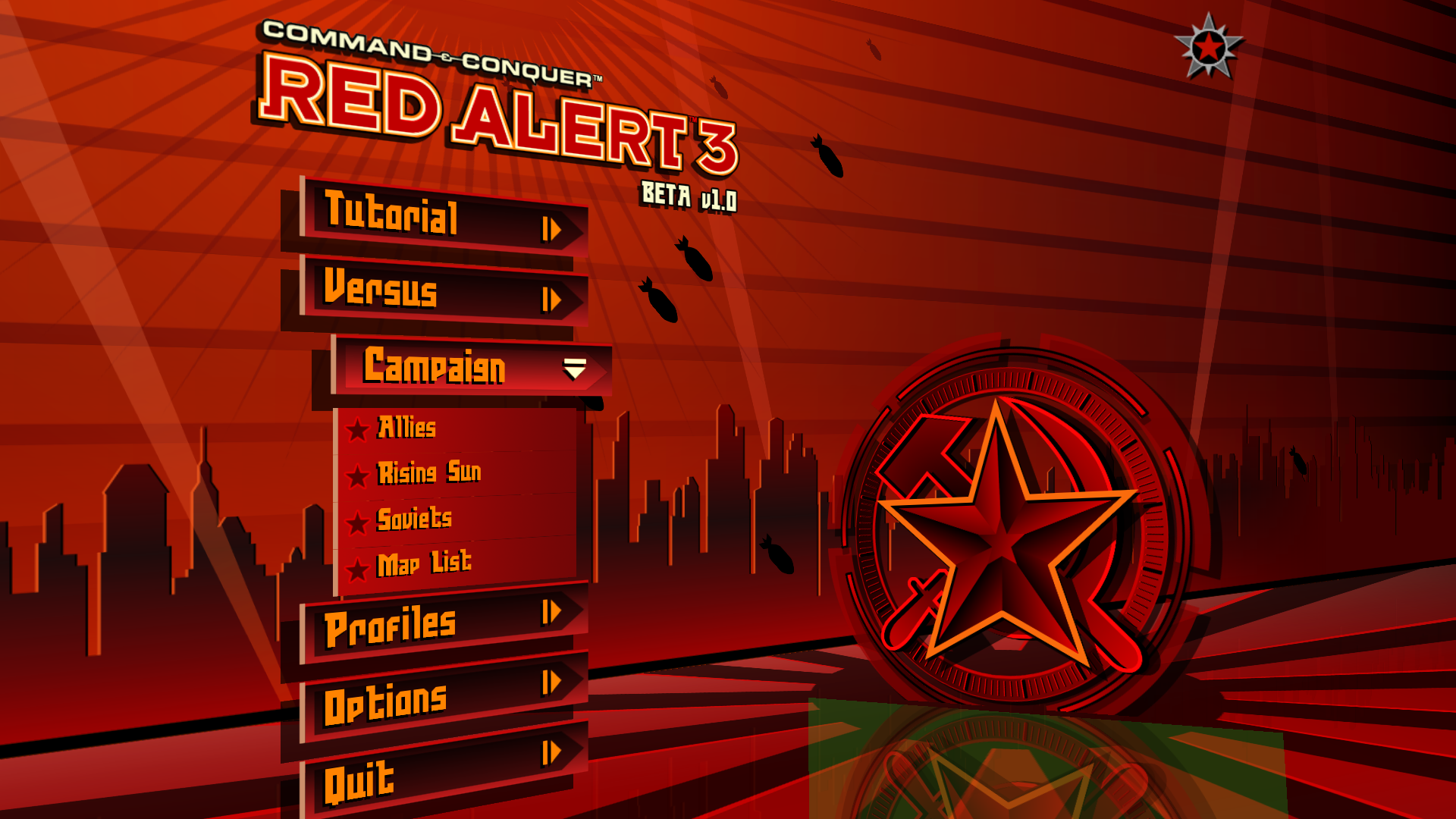
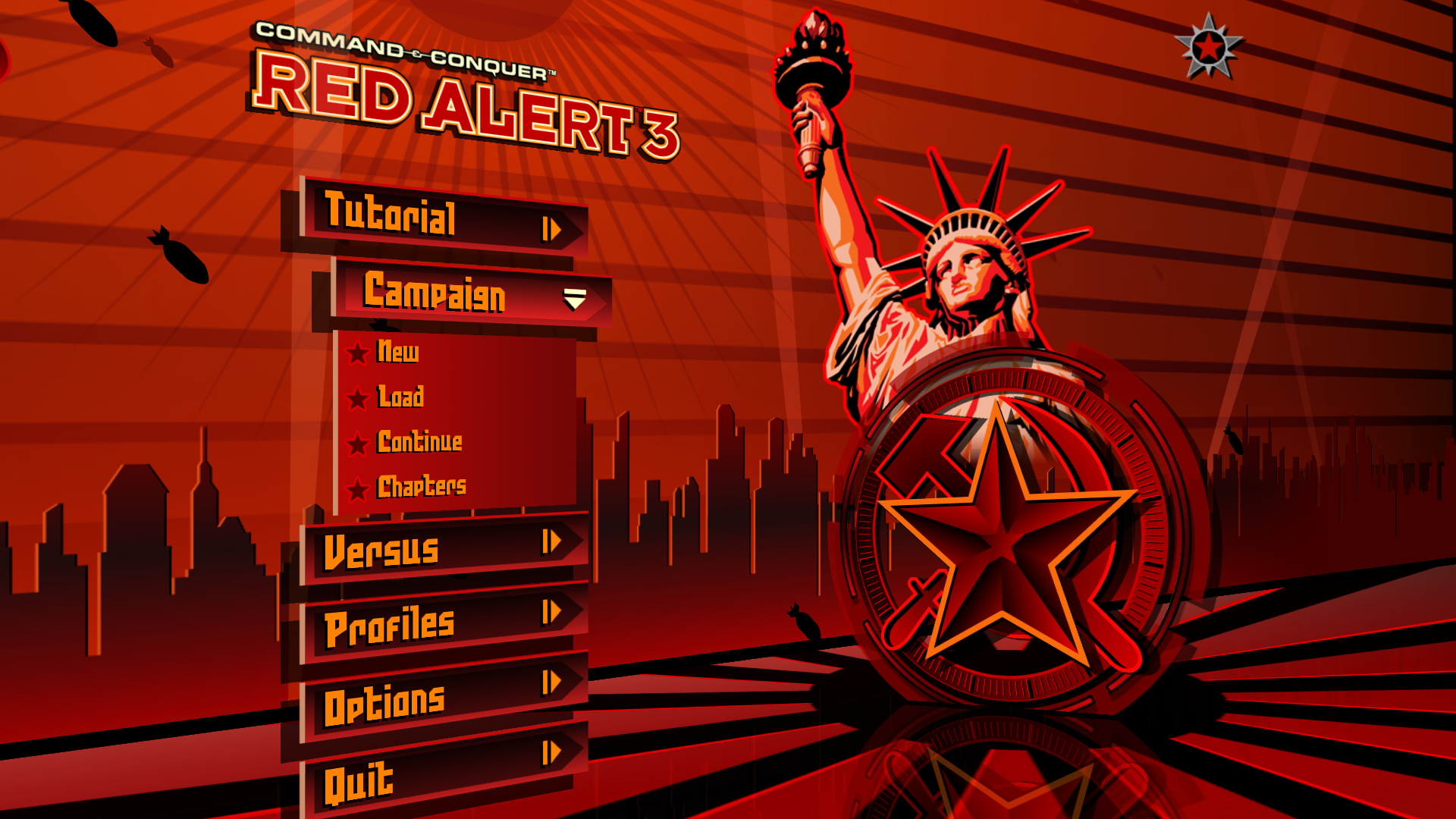
Pressing the campaign menu will show four options, with first three being Allies, Soviet and Empire campaigns, and the fourth being list of maps to pick (prototype version of picking a specific mission).
Beta v1.0 |
Retail v1.12 |
|---|---|
 |
 |
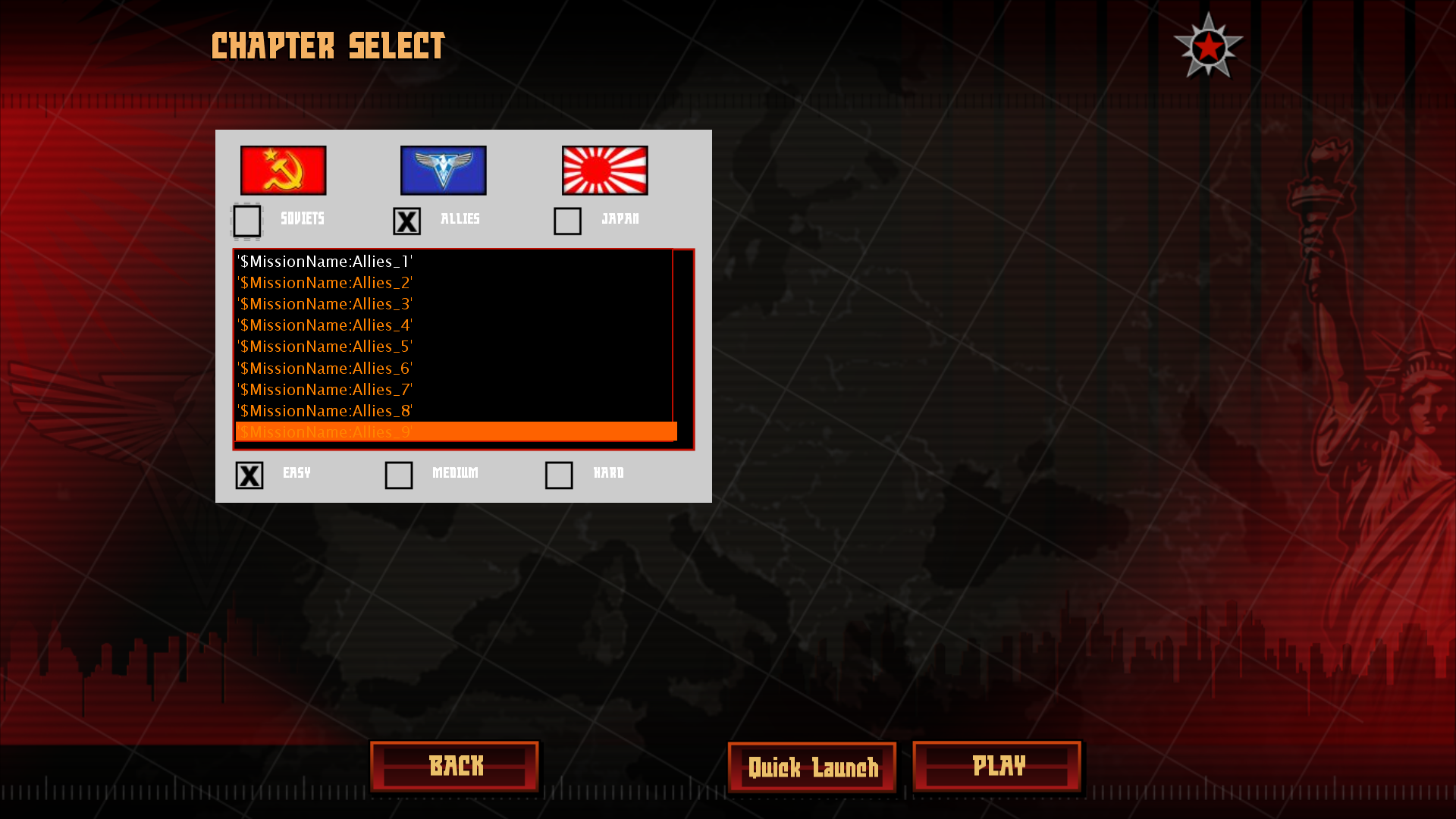
Pressing any first three options will cause a new set of menu options to slide from the right side, in the place of the previous menu options. This kind of menu animation is never used in the retail game. All 5 campaign menu options lack proper names, so they use placeholder names. First option does nothing; second option opens the "load save" menu with no saves to load; third option also does nothing; fifth option brings you back to the previous menu, and the fourth option opens the "Chapter Select" menu where player can "play" any mission of any faction on either Easy, Medium or Hard difficulty.
Beta v1.0 |
|---|
 |
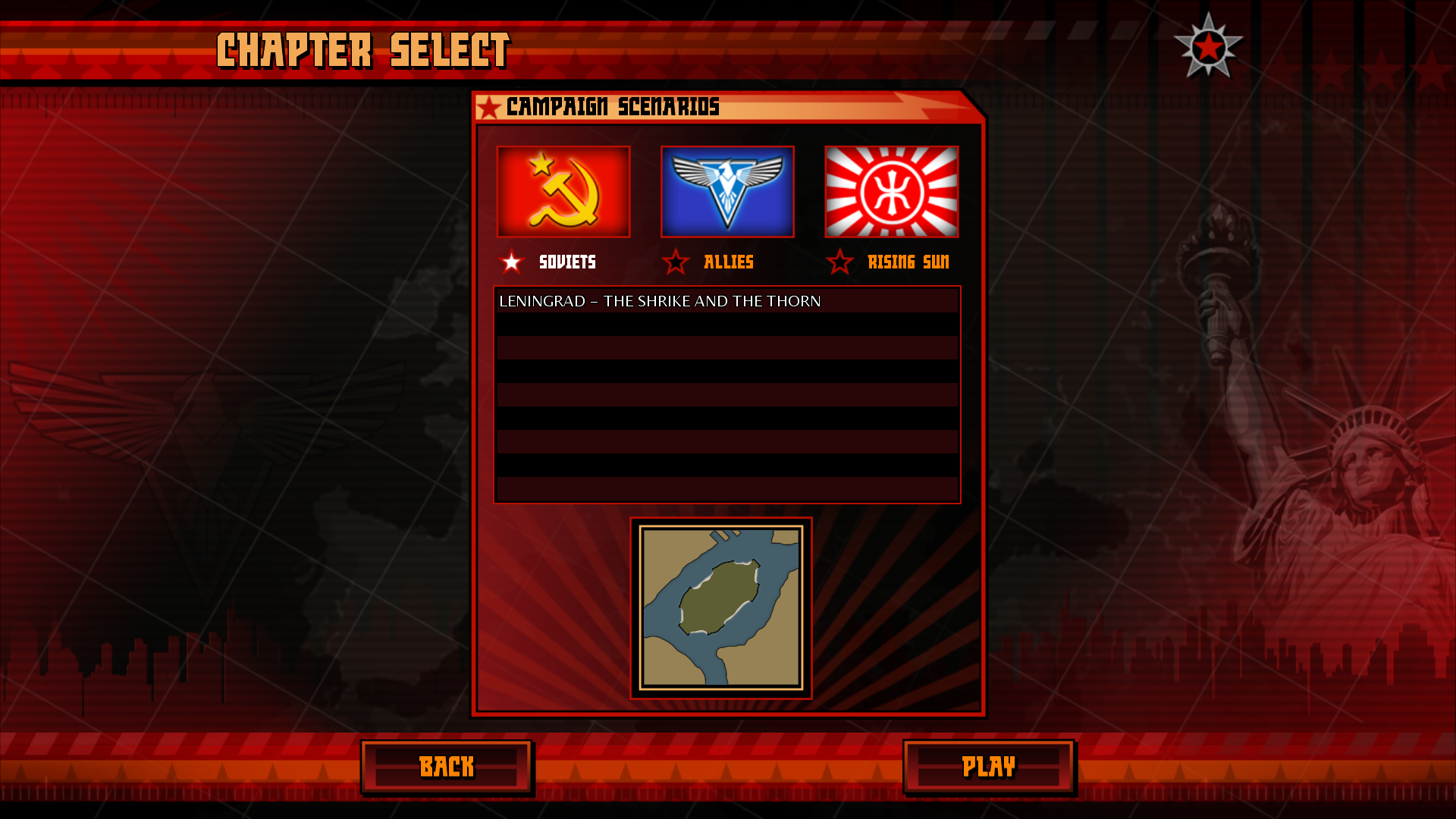
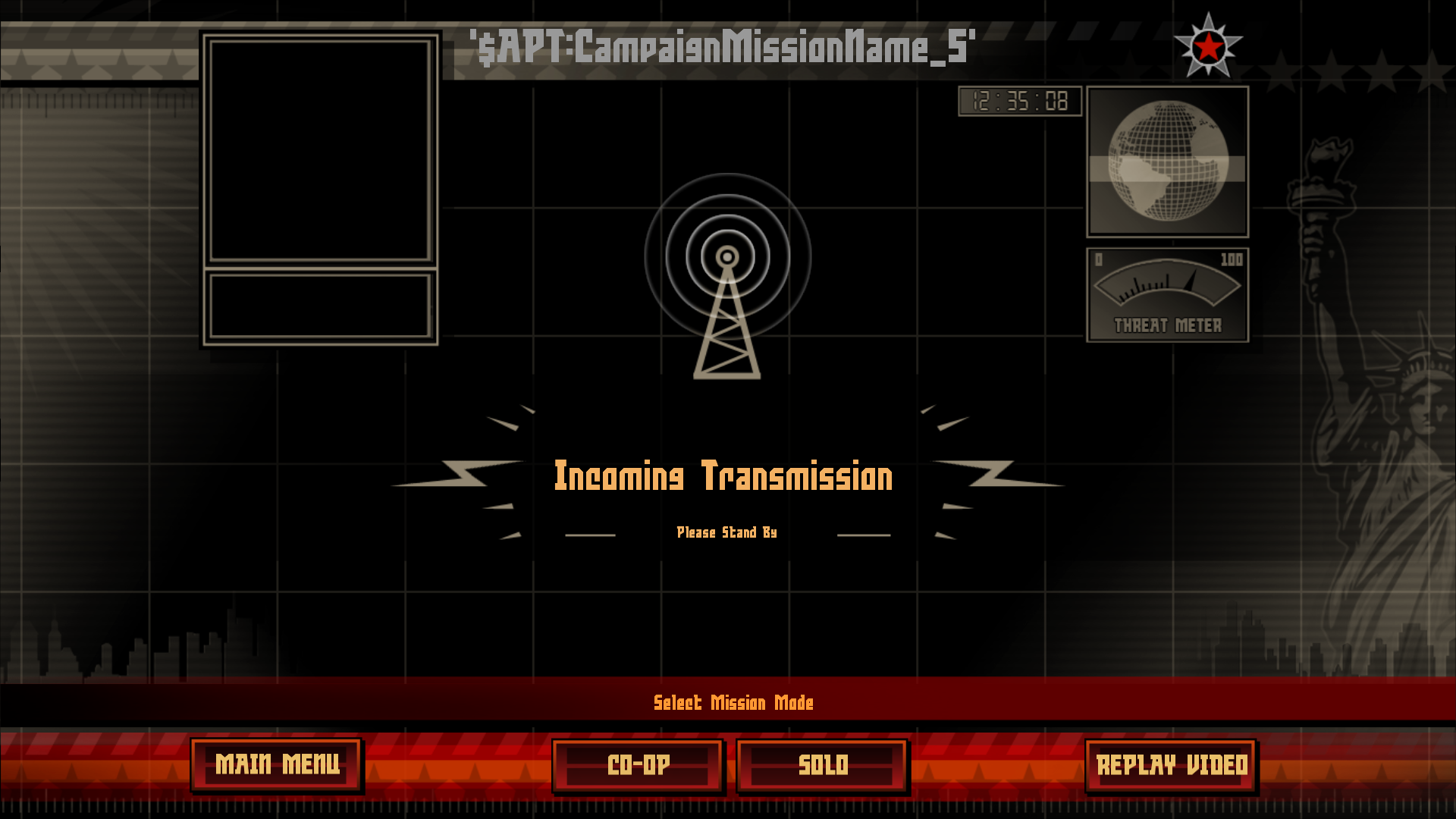
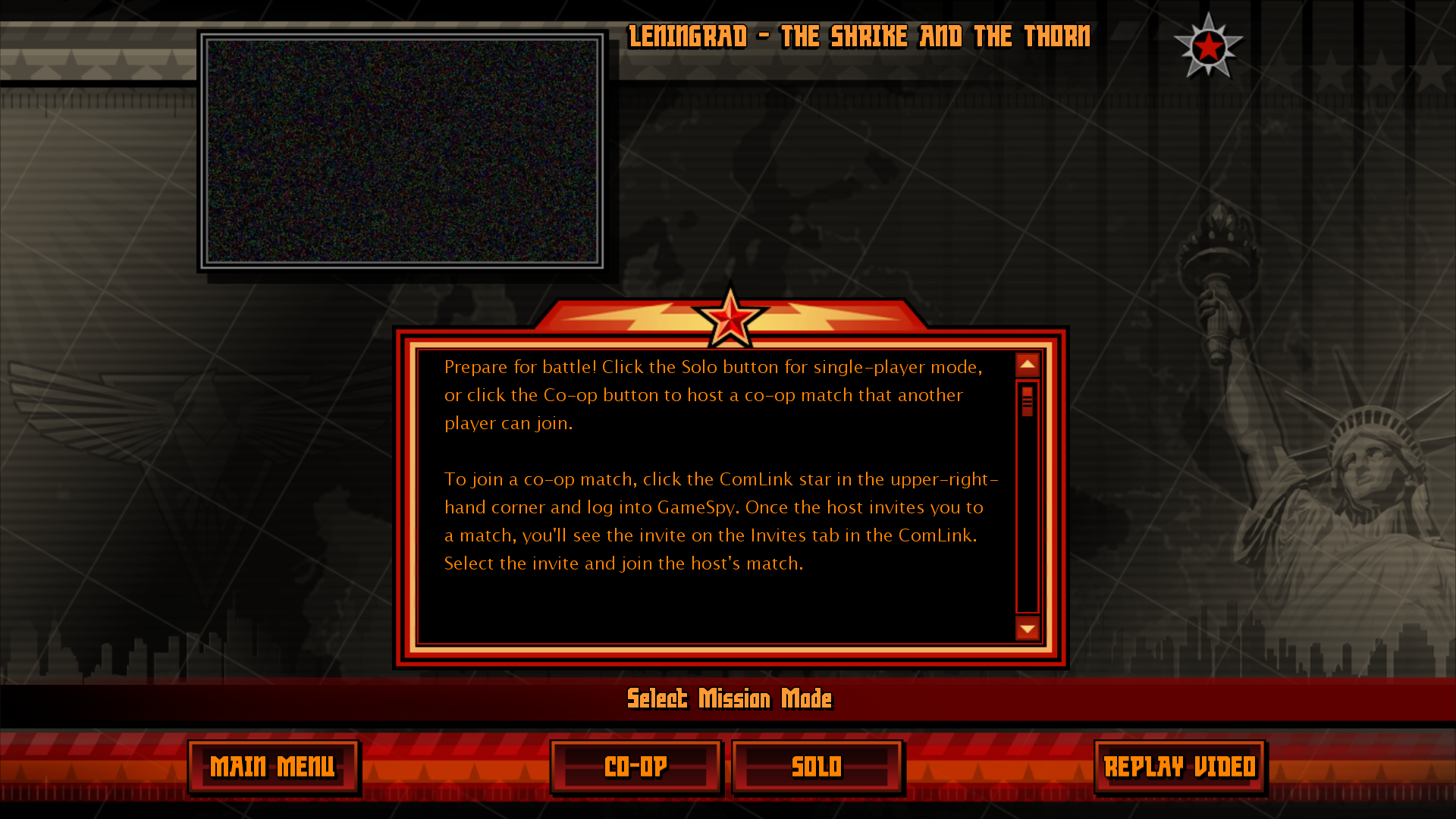
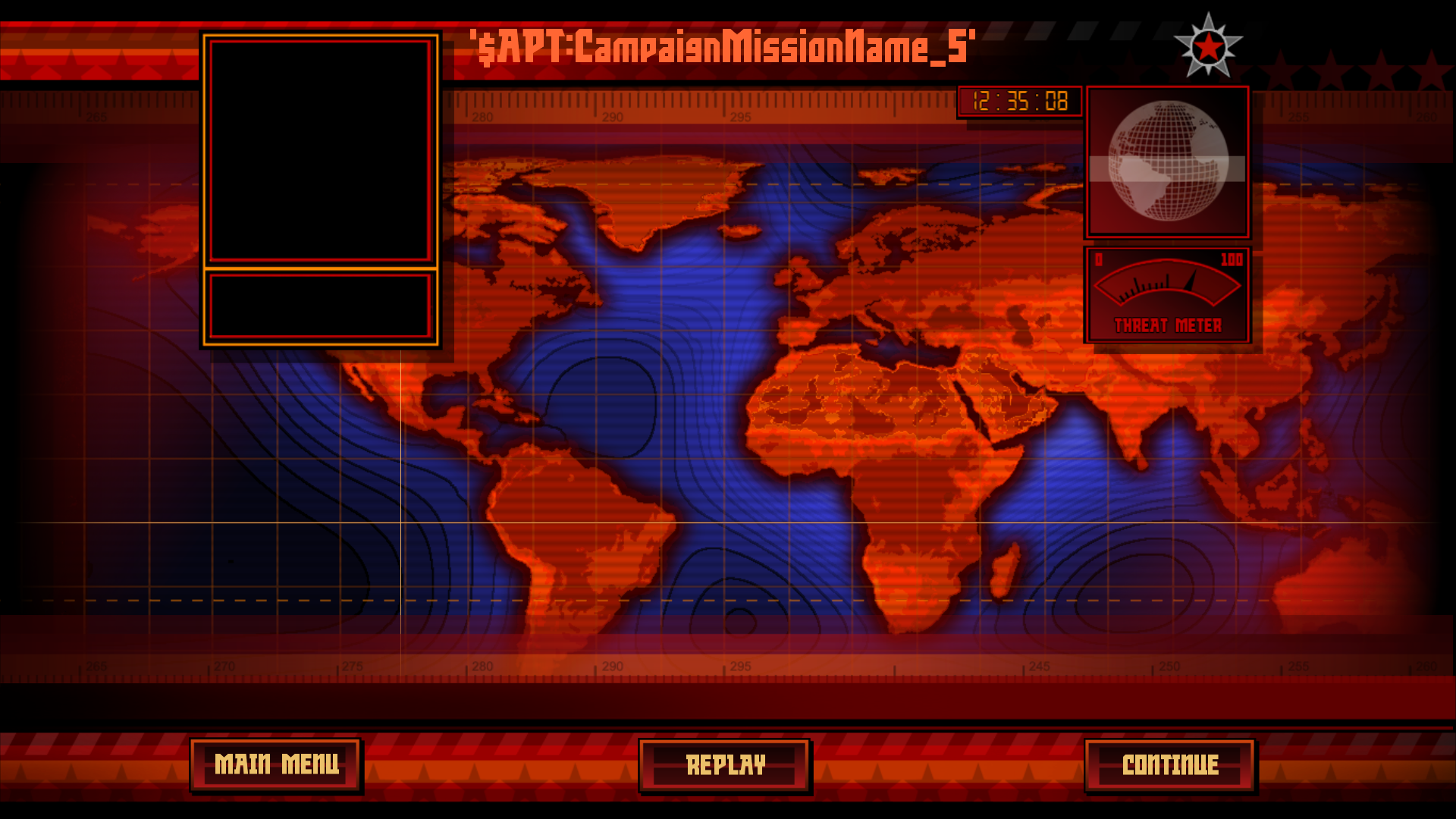
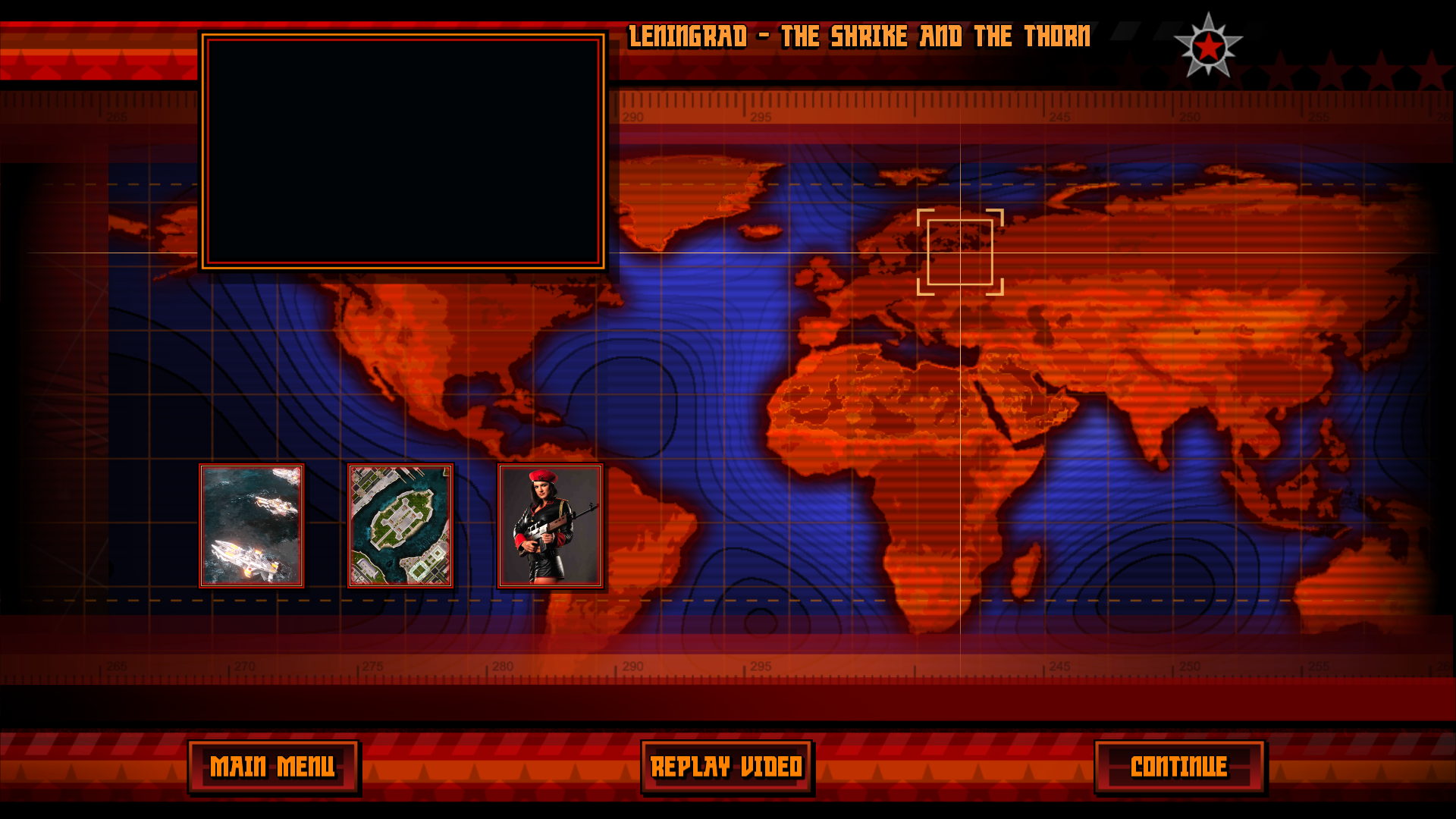
Besides the "Back" and "Play" buttons there's also a "Quick Play" button, which just crashes the game. Pressing the "Play" button shows the "Mission Briefing" menu, where player chooses to either go Solo or in Co-op, as well as "Replay Video". Pressing the "Replay Video" will show the black screen for a split second and then return back to the "Mission Briefing", since no videos exist in the build. Pressing the "Co-op" button will open the UI for account registration & login, and pressing "Solo" will start the actual "Mission Briefing" with no EVA to say anything and the animation for picking photos and shots, like in retail. In total 4 photos show up, with first three being WIP screenshots of Soviet 1st mission and the 4th being a shot of Natasha Volkova's actress. "Replay" will just repeat the played test animation, and "Continue"/"Skip" will change the scene from "Mission Briefing" to "Objectives Briefing" scene.
Beta v1.0 |
Retail v1.12 |
|---|---|
 |
 |
Beta v1.0 |
Retail v1.12 |
|---|---|
 |
 |
Beta v1.0 |
Retail v1.12 |
|---|---|
 |
 |
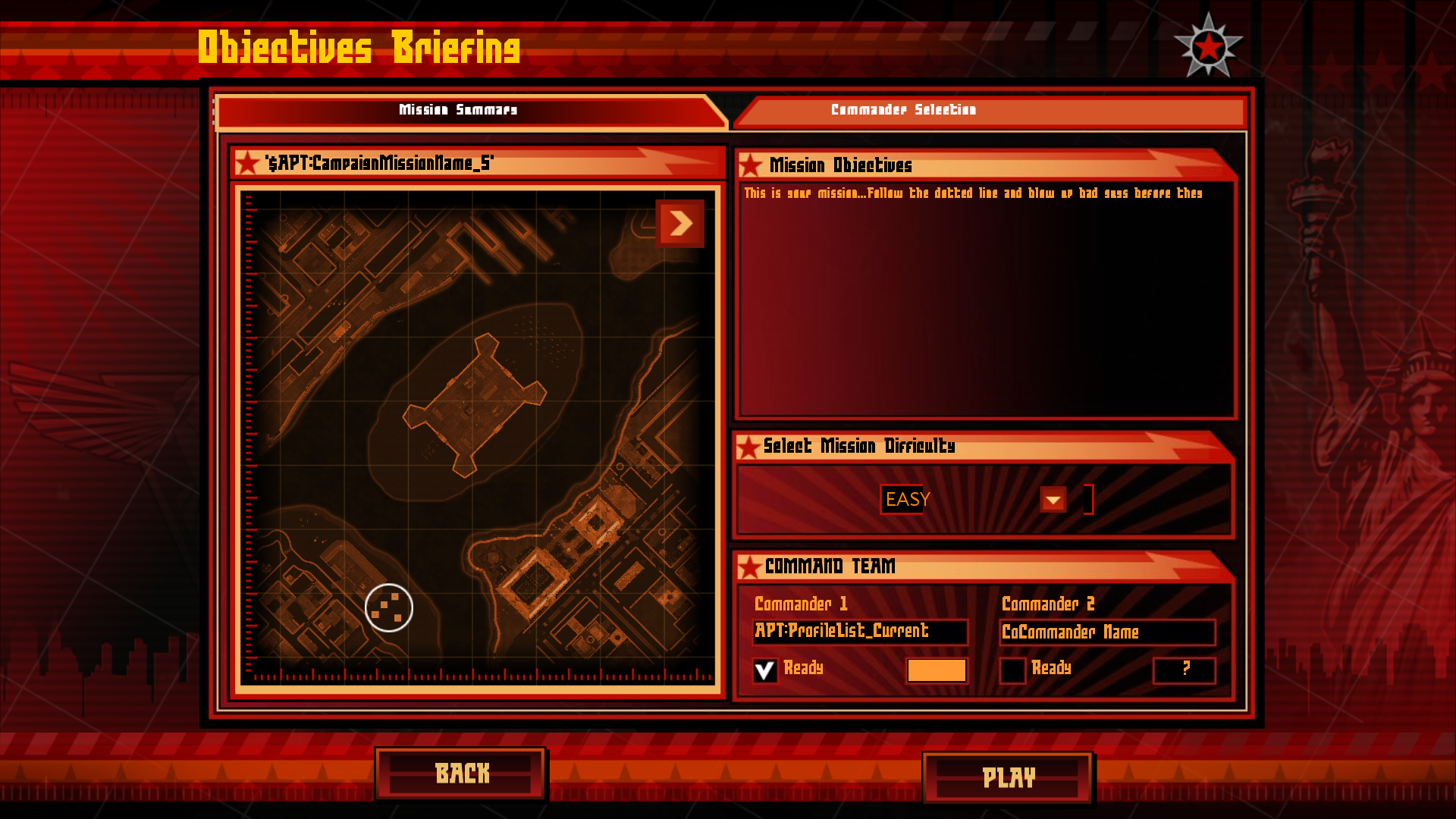
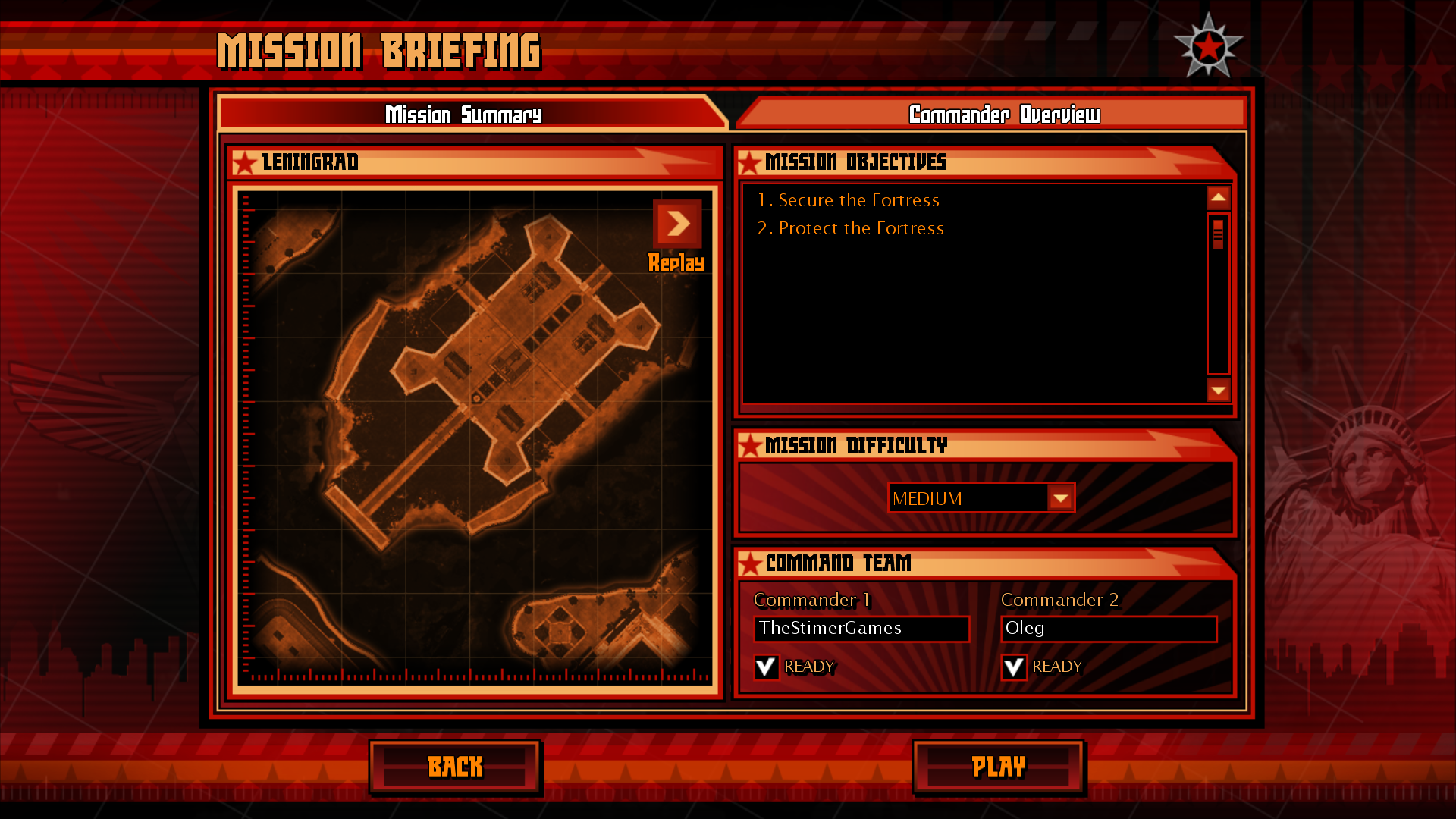
The objectives demonstration screen shows early visual objectives of Soviet 1st map, the mission description says "This is your mission... Follow the dotted line and blow up bad guys before they", player can select difficulty, and the player itself is named as "APT:ProfileList_Current", while the Co-Commander is named as "CoCommander Name". Pressing the "Play" button will show the "Establishing Battlefield control in..." screen with 5 seconds timer, and then it'll crash the game since the build has no campaign maps.
Beta v1.0 |
Retail v1.12 |
|---|---|
 |
 |
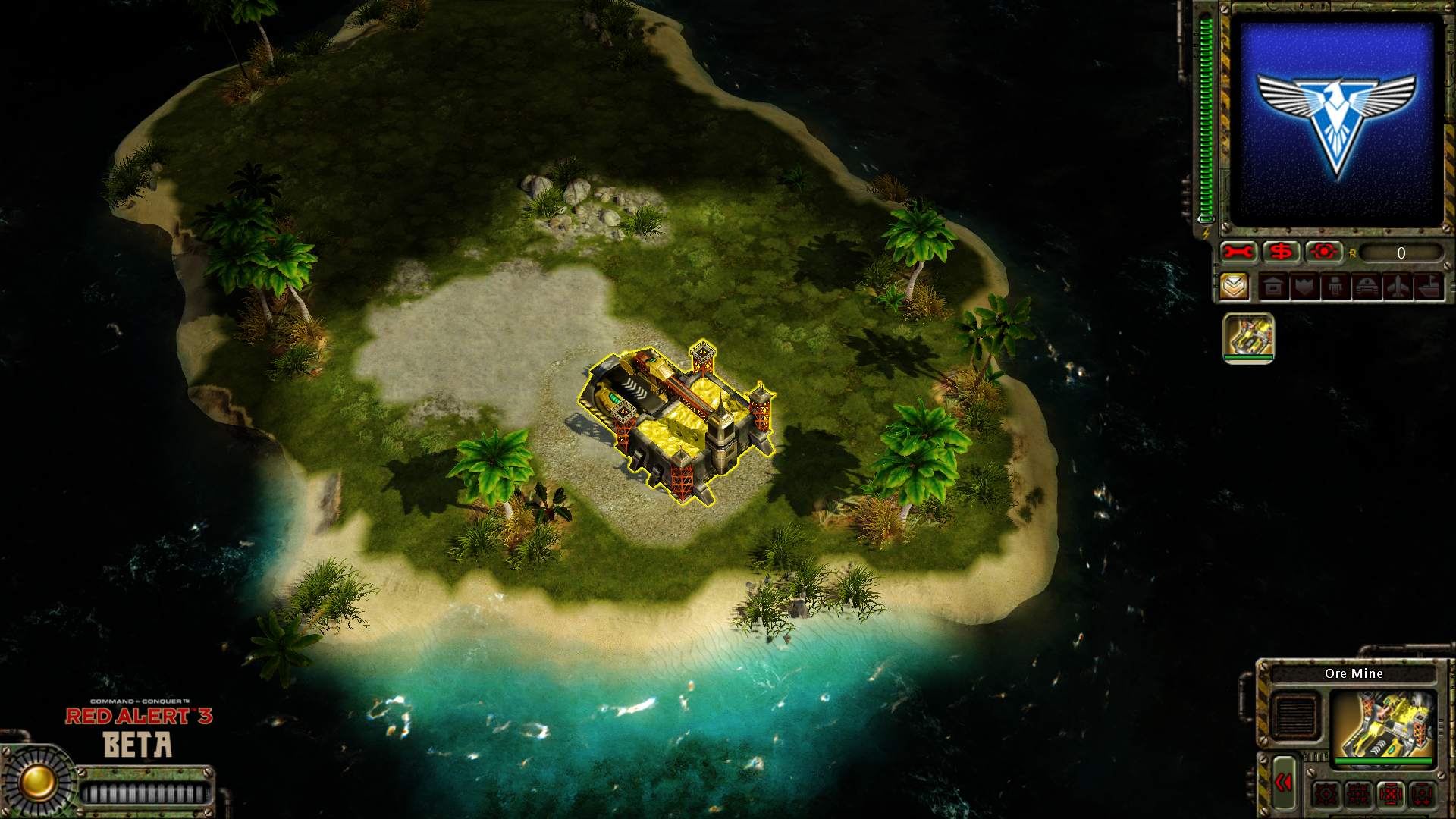
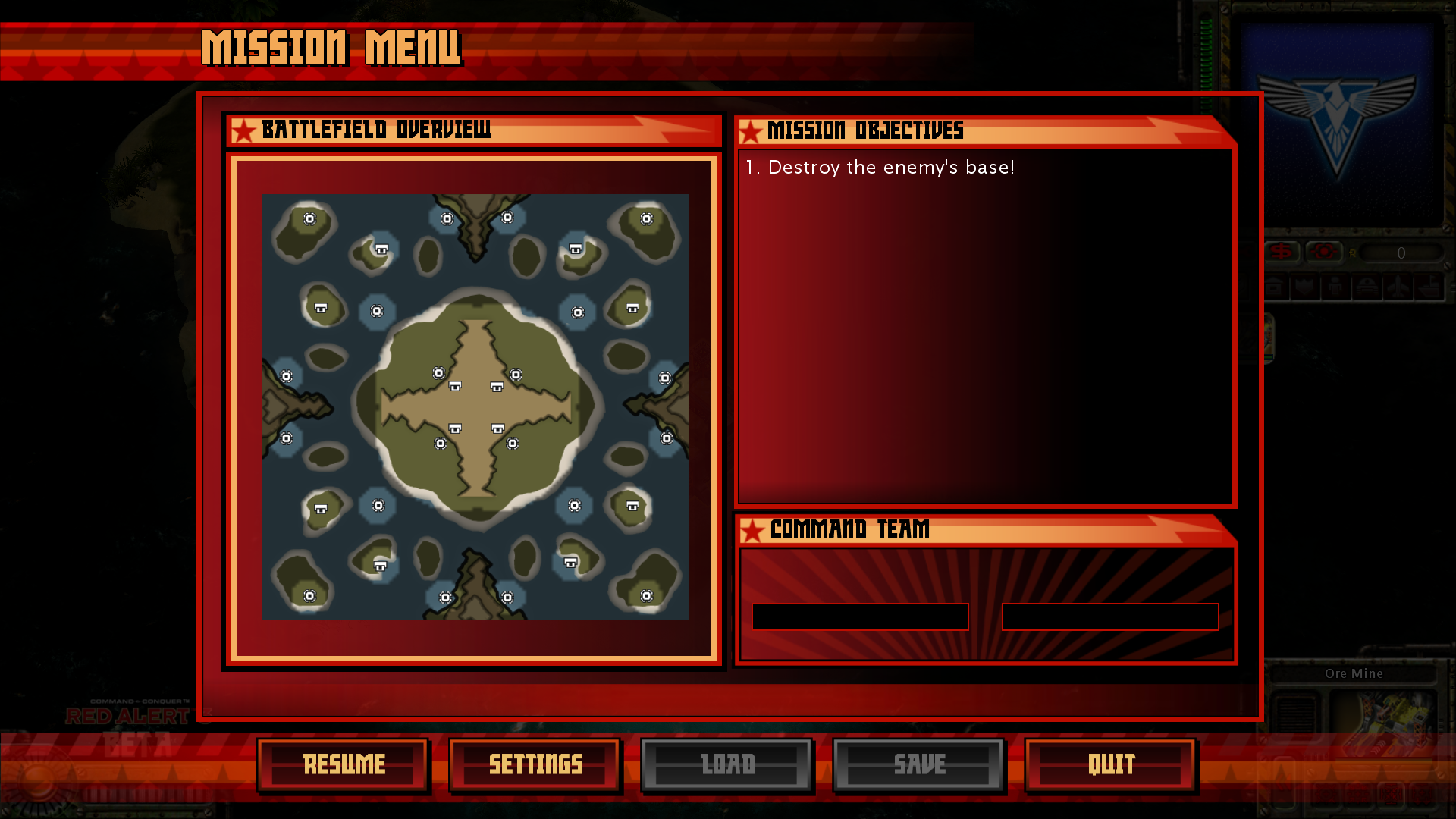
The fourth option opens the "Map Menu", with the only maps to be pickable being the two said maps that are used for skirmishes. Additionally there are difficulty picking options below that aren't visible unless player howers their mouse over them. Launching any of those two maps will result in player starting the game as "Neutral player", the same technical player that controls all Ore Nodes and Neutral Tech Buildings like Oil Derrik and Observation Post.
Singleplayer map menu |
What happens if you launch any map in this menu: |
The pause menu |
|---|---|---|
 |
 |
 |
Tutorial#
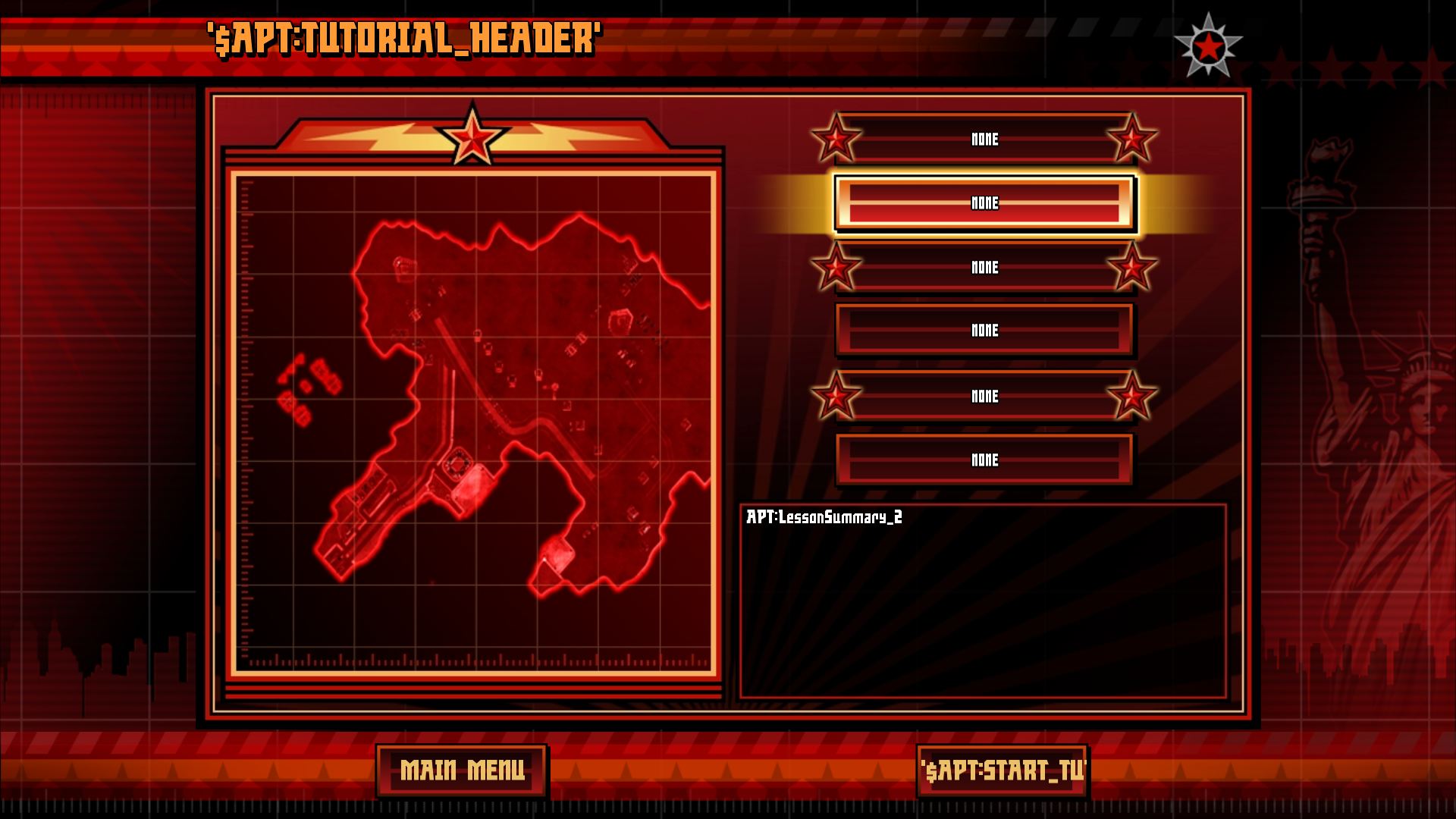
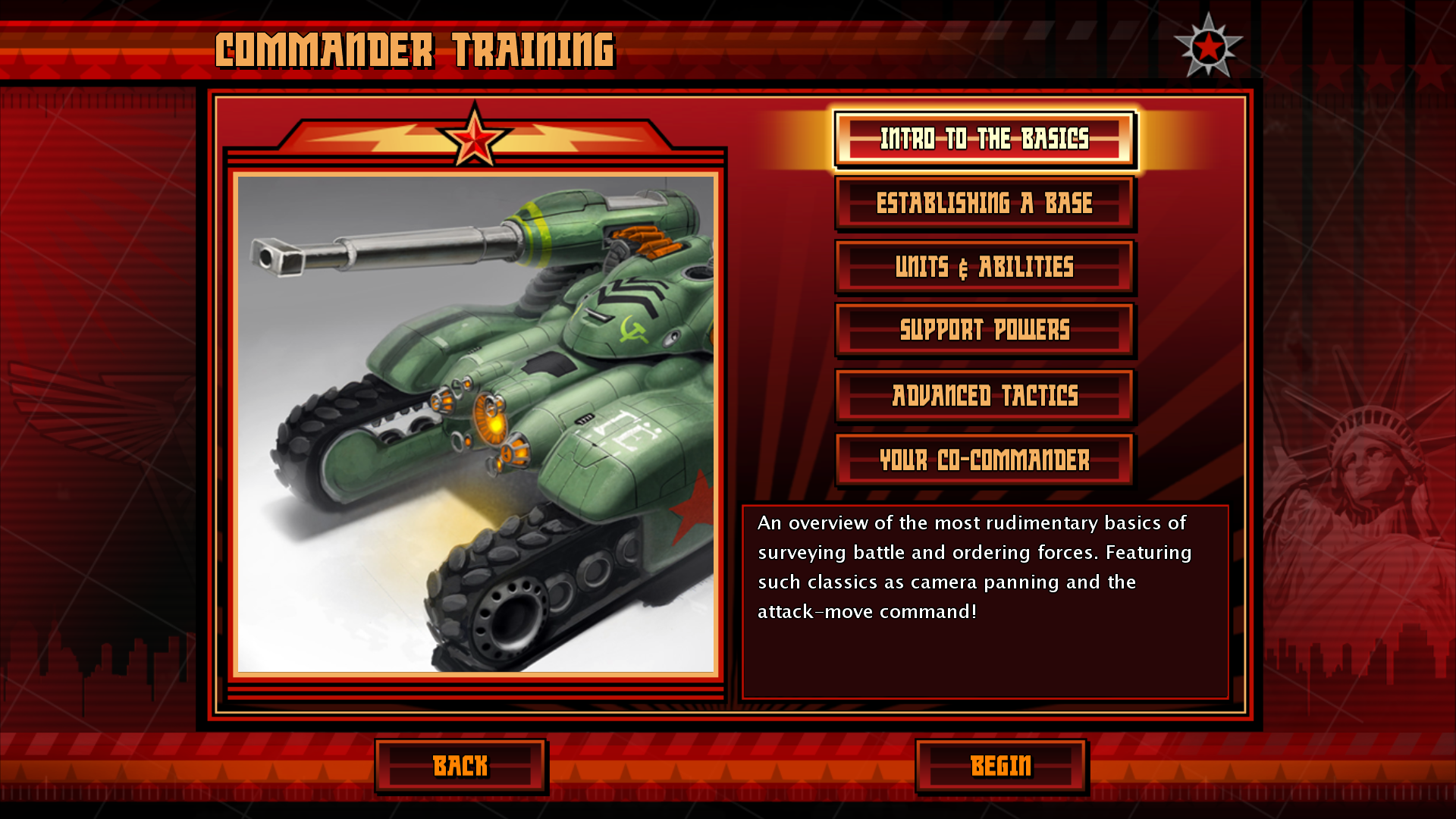
Pressing the Tutorial option will show Tutorial menu, showing the early map design of Allies 8th mission and five more options to choose, all named "None" and which represent tutorials themselves. Unfortunately pressing any of them results in game's crash since no actual tutorial exists in the game.
Beta v1.0 |
Retail v1.12 |
|---|---|
 |
 |
Versus#
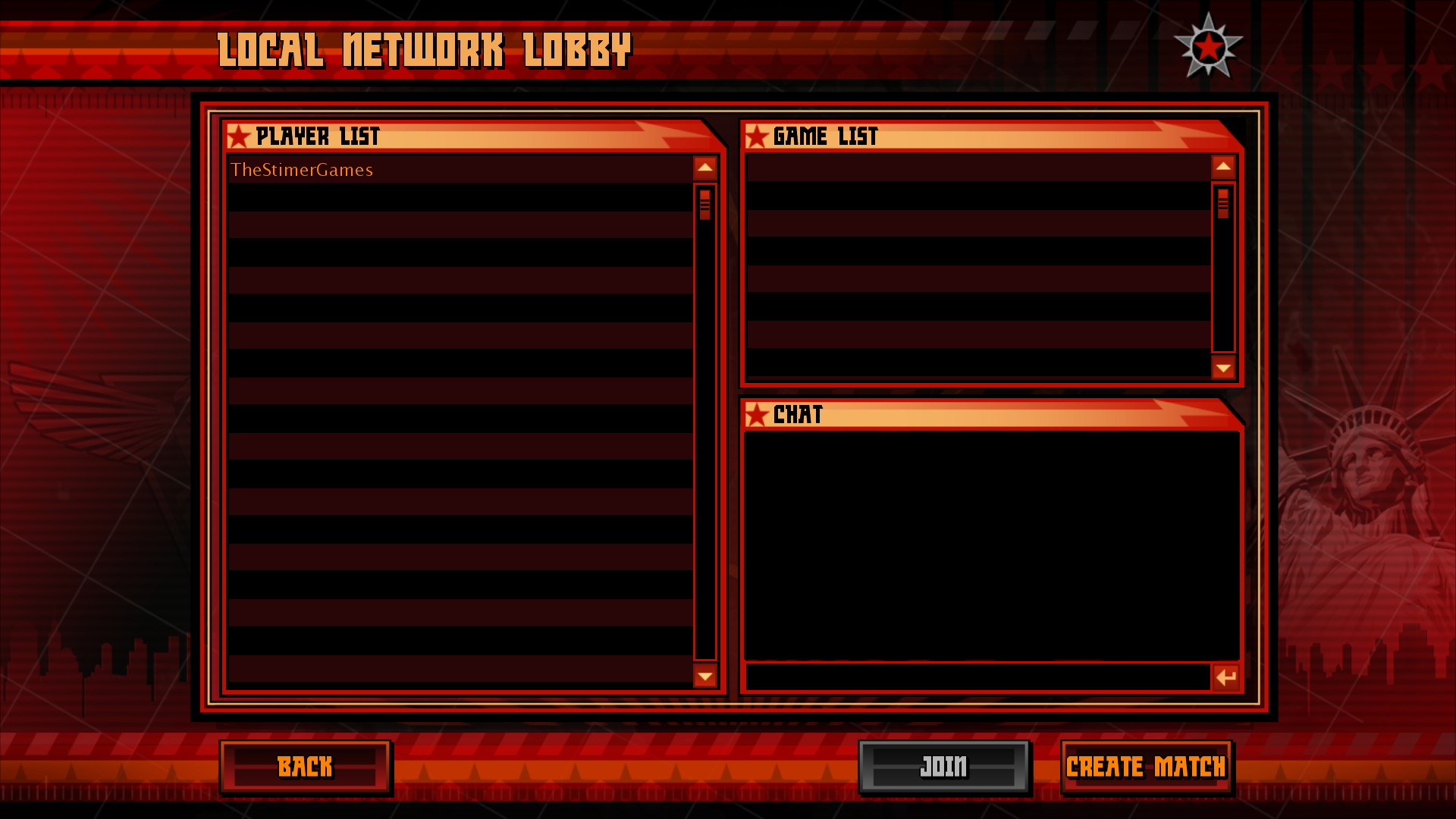
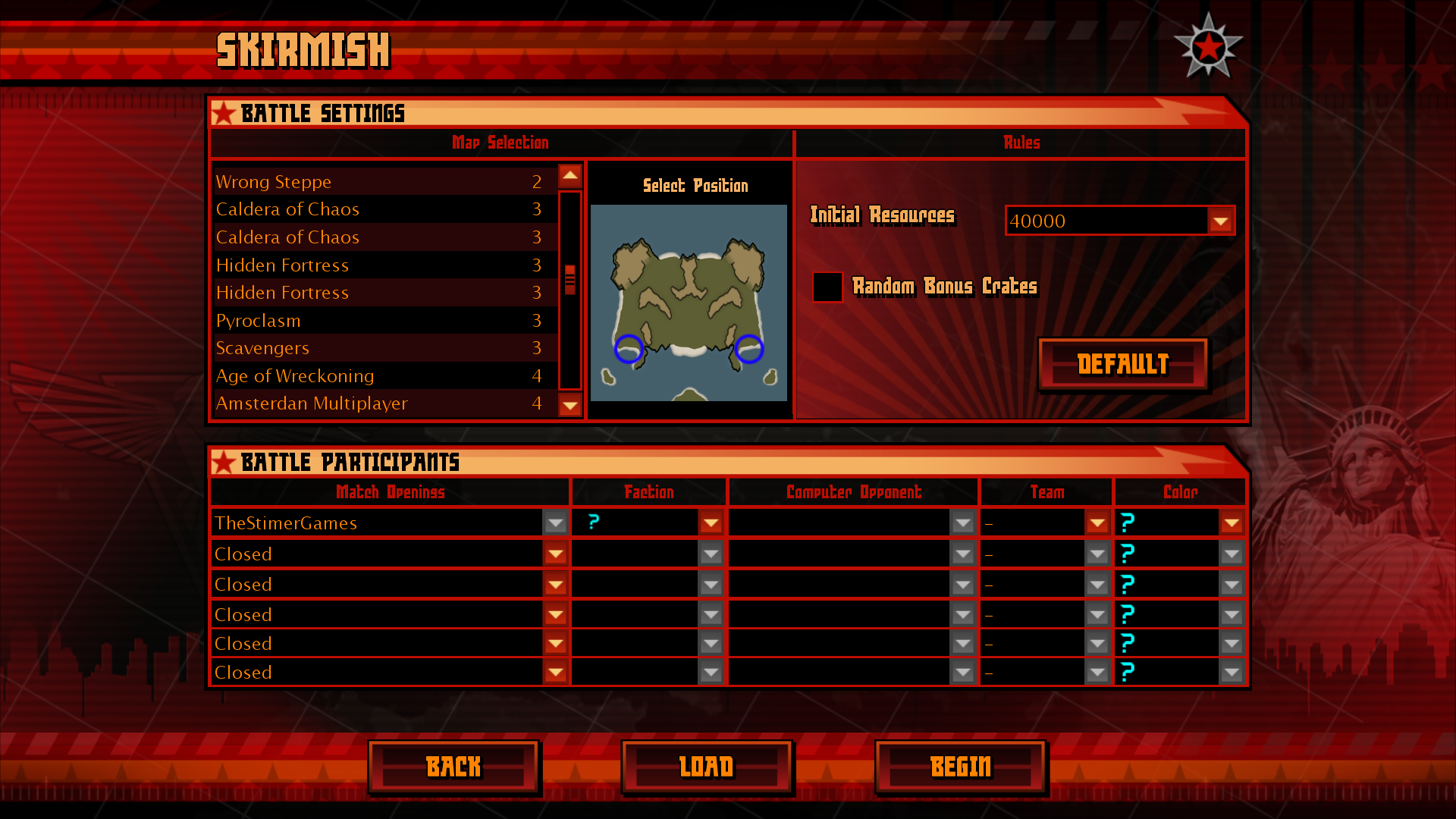
Versus menu has 3 options: Online, Network and Skirmish. Online opens the Account Registration & Login UI, and since all RA3 Beta servers are long time down, this option serves no purpose; Network opens the very unfinished "LAN Lobby", lacking proper background and barely working. It's still possible to launch LAN server to play against each other; Skirmish also opens an unfinished UI for "Skirmishes", where player can pick a map, pick a faction, team and player color. Unfortunately no AI opponents exist in this version, but the game allows the map to be launched in singleplayer. The "Map list" button on the top does nothing.
Beta v1.0 |
Retail v1.12 |
|---|---|
 |
 |
Beta v1.0 |
Retail v1.12 |
|---|---|
 |
 |
Profiles#
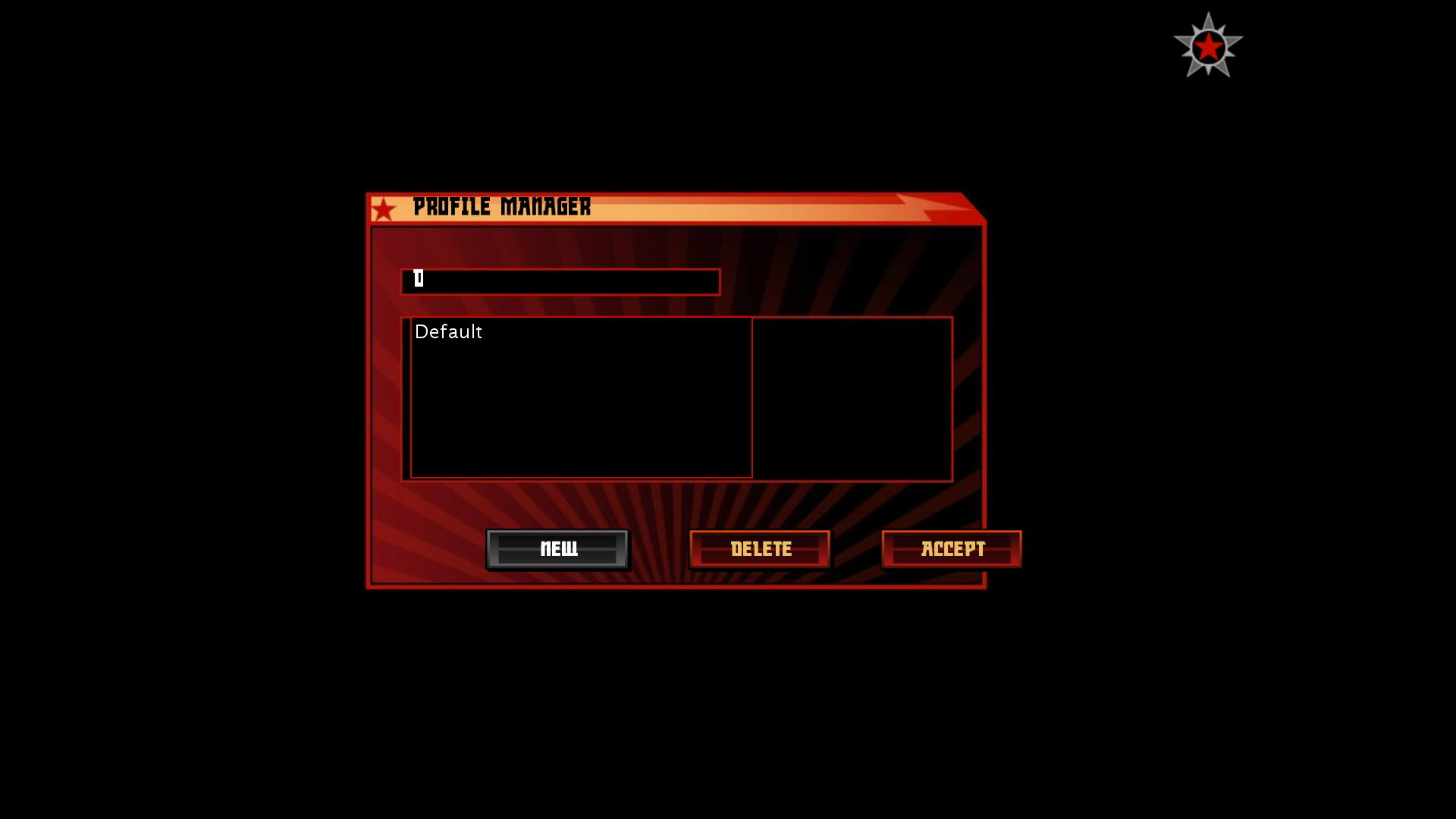
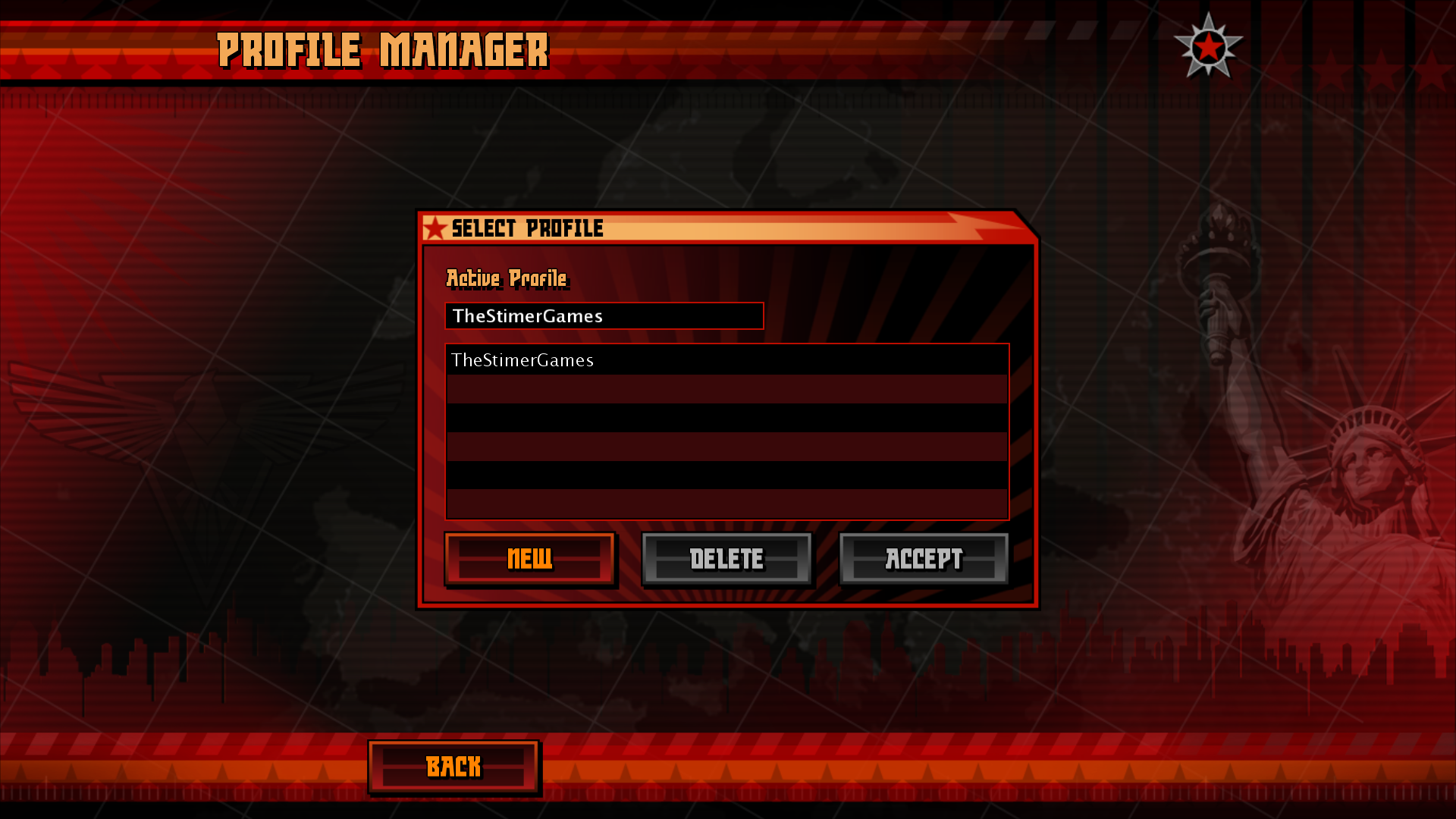
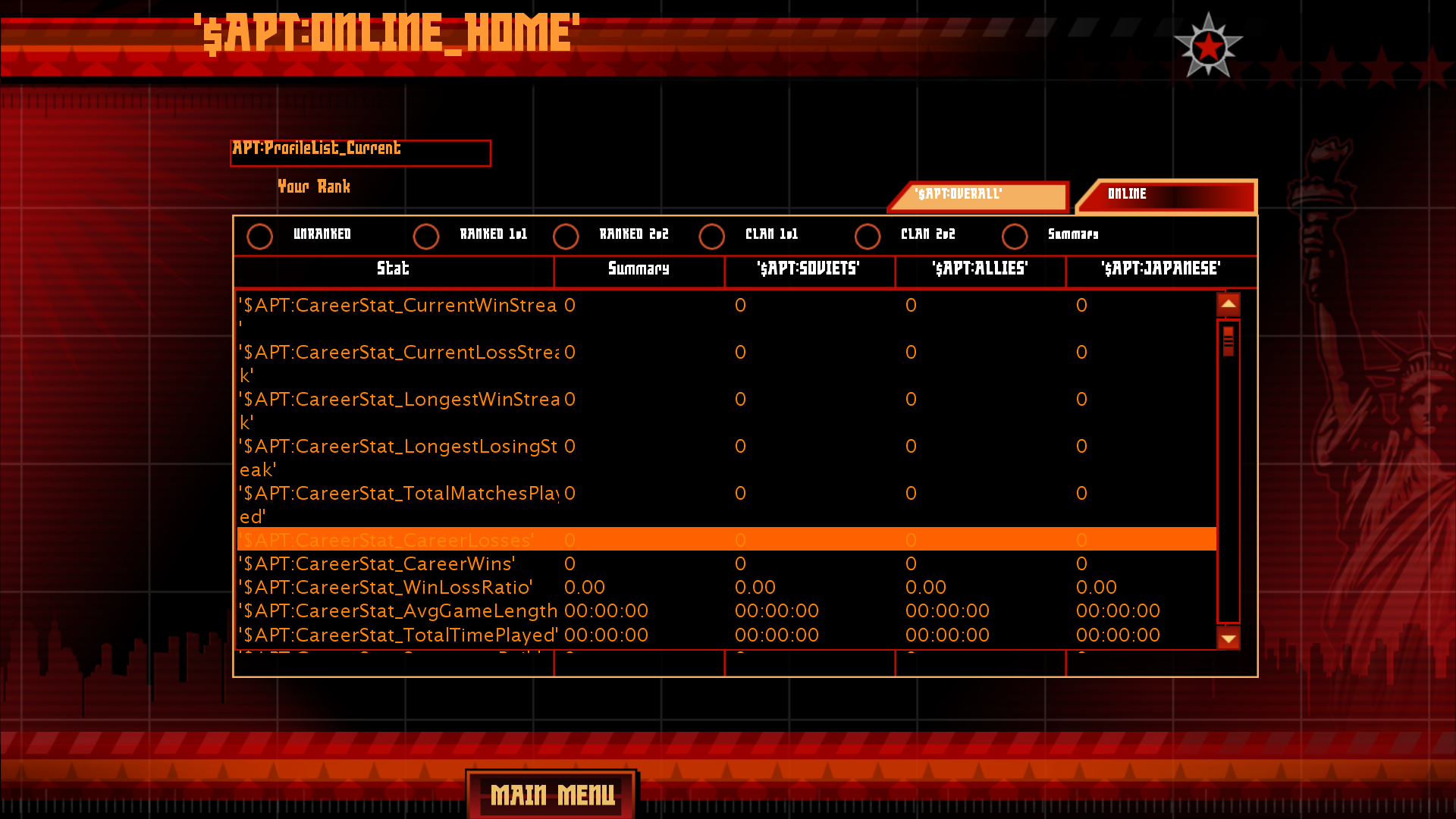
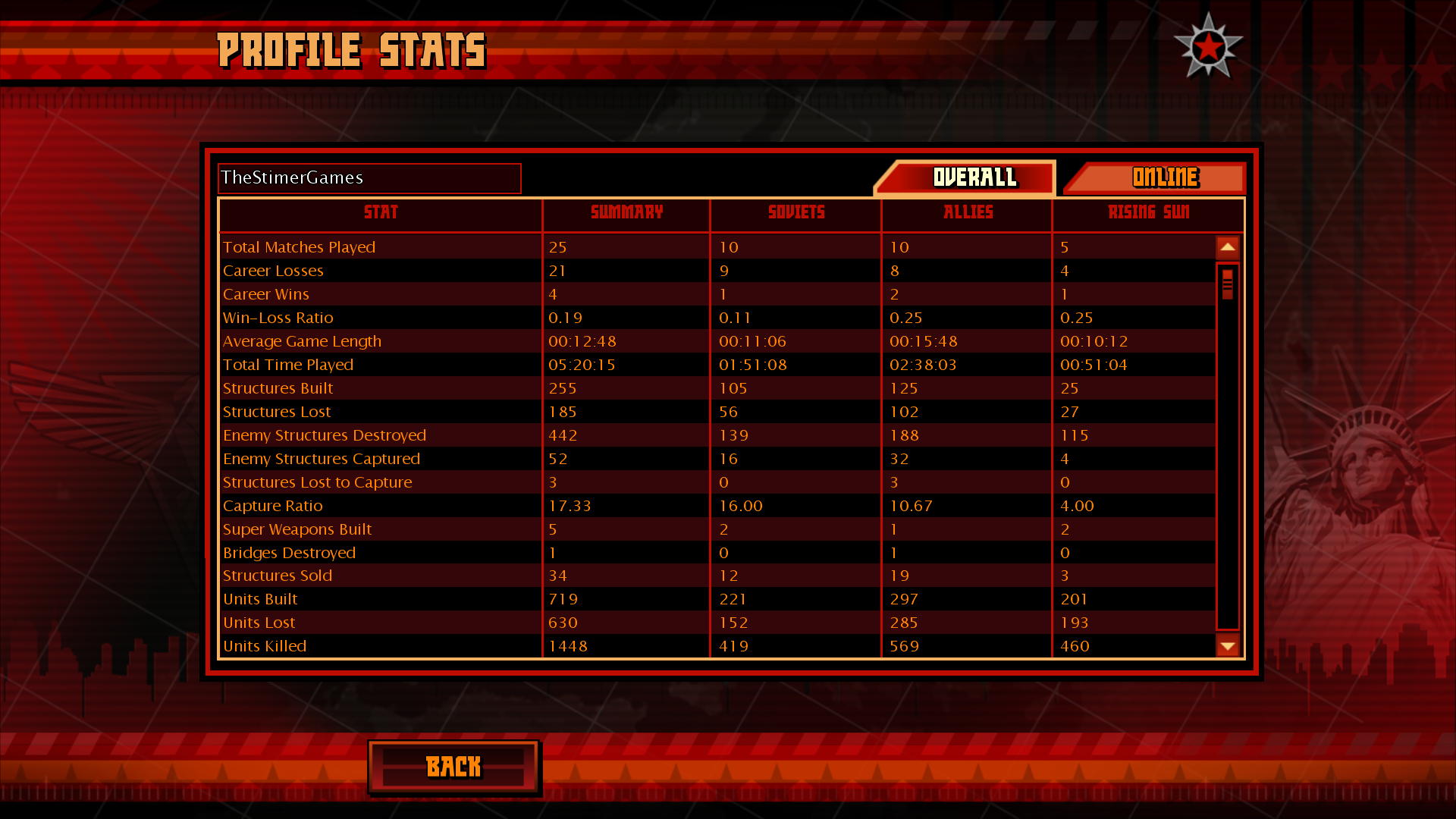
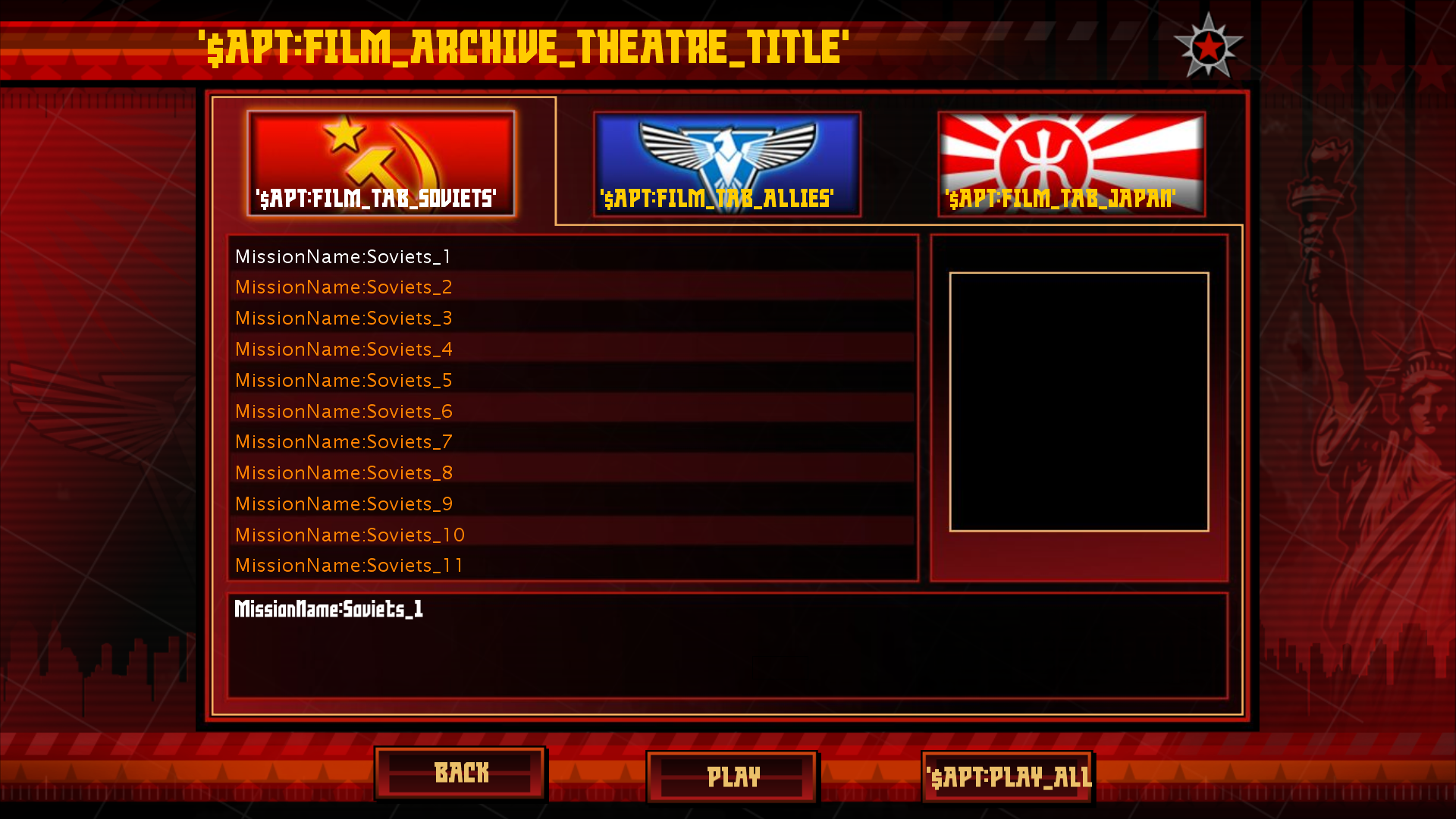
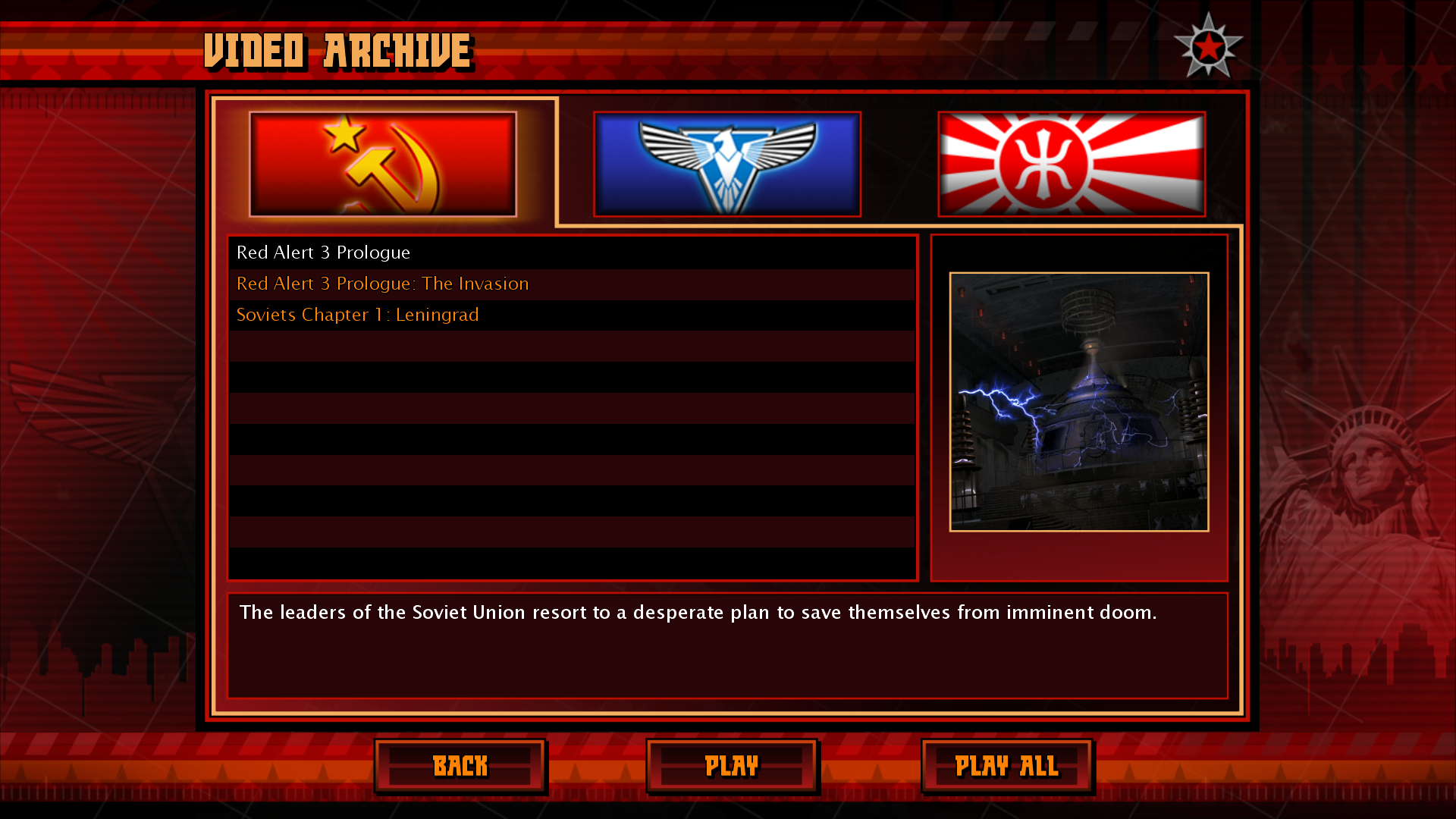
Despite the fact that Profile menu exists, it's impossible to make an new profile and so only the Default profile exists. There's also a button to delete the profile. Additionally player can view their online stats, which is also somewhat unfinished and buttons do nothing, resulting in player getting stuck in that window. Transmissions menu shows transmissions to watch, with the option to watch specific or watch all. Both of them do nothing since no videos exist in this build.
Beta v1.0 |
Retail v1.12 |
|---|---|
 |
 |
Beta v1.0 |
Retail v1.12 |
|---|---|
 |
 |
Beta v1.0 |
Retail v1.12 |
|---|---|
 |
 |
Options#
Options menu didn't change that much, since most options are the same as in Retail version.
Credits#
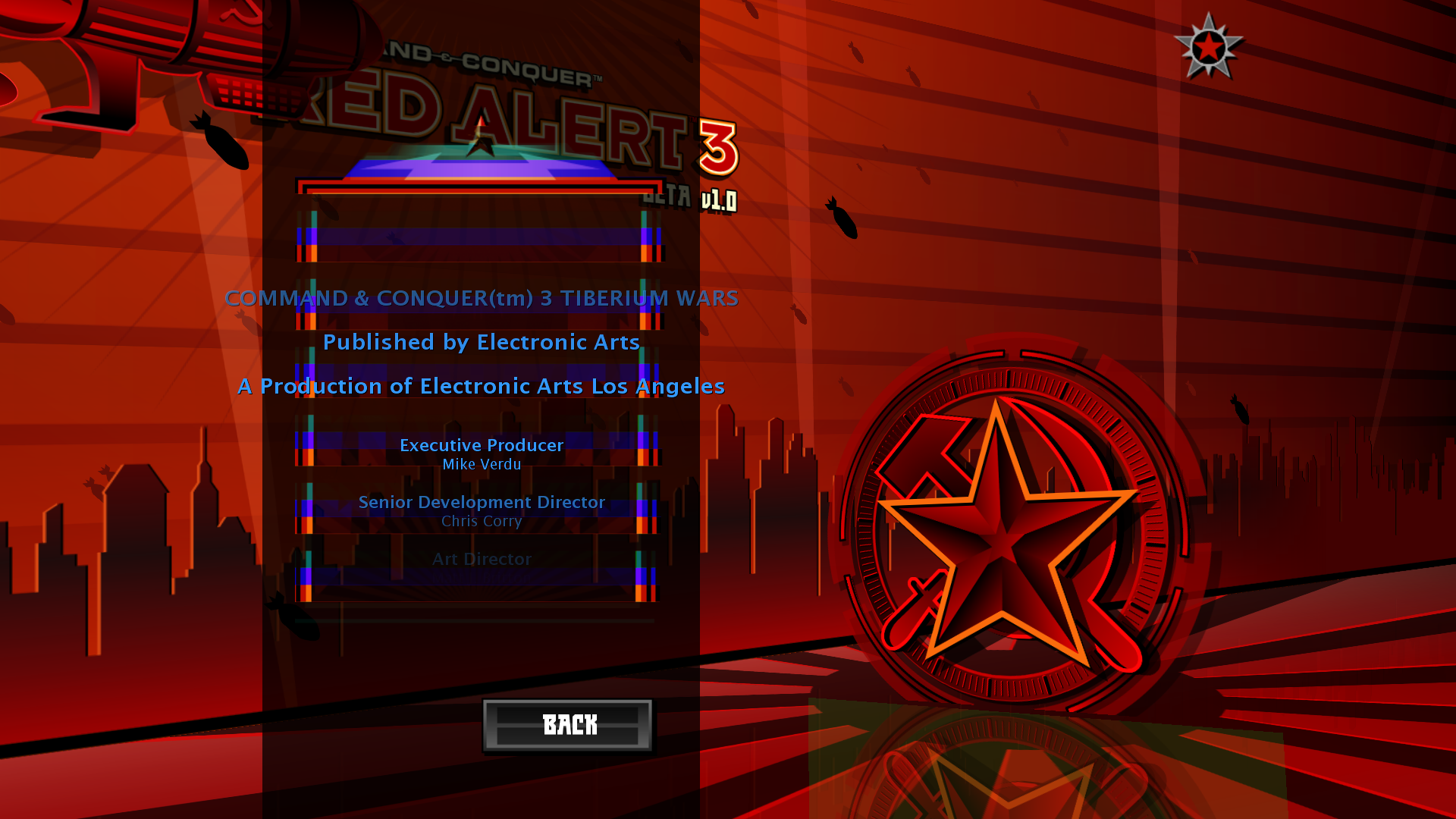
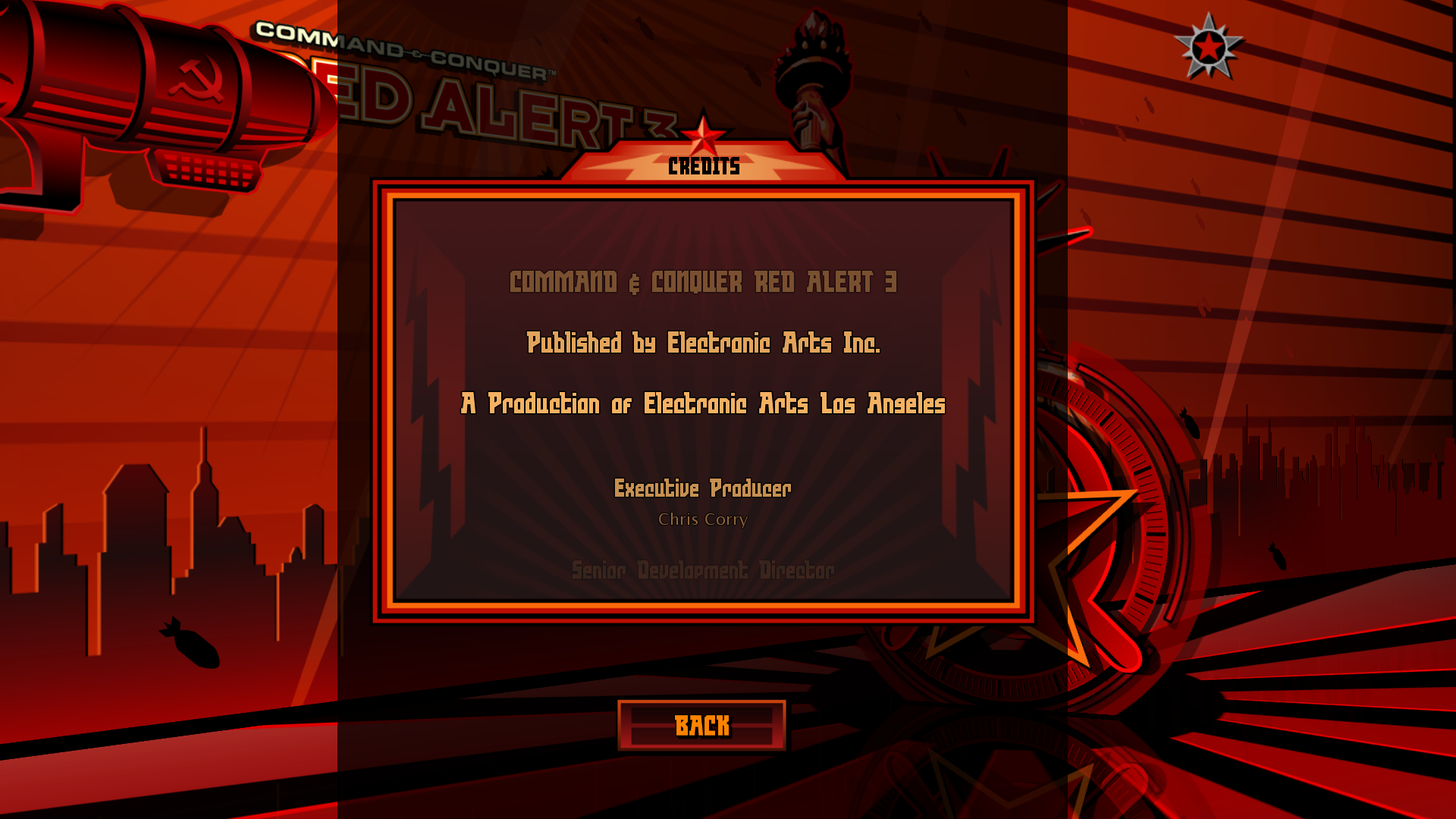
Credits are shown with unfinished UI and they show exact same credits that are used in Command & Conquer 3 Tiberium Wars. Buttons also don't do anything, so the player also gets soft-locked in this menu.
Beta v1.0 |
Retail v1.12 |
|---|---|
 |
 |
General Gameplay Differences#
|
|
To do:
|
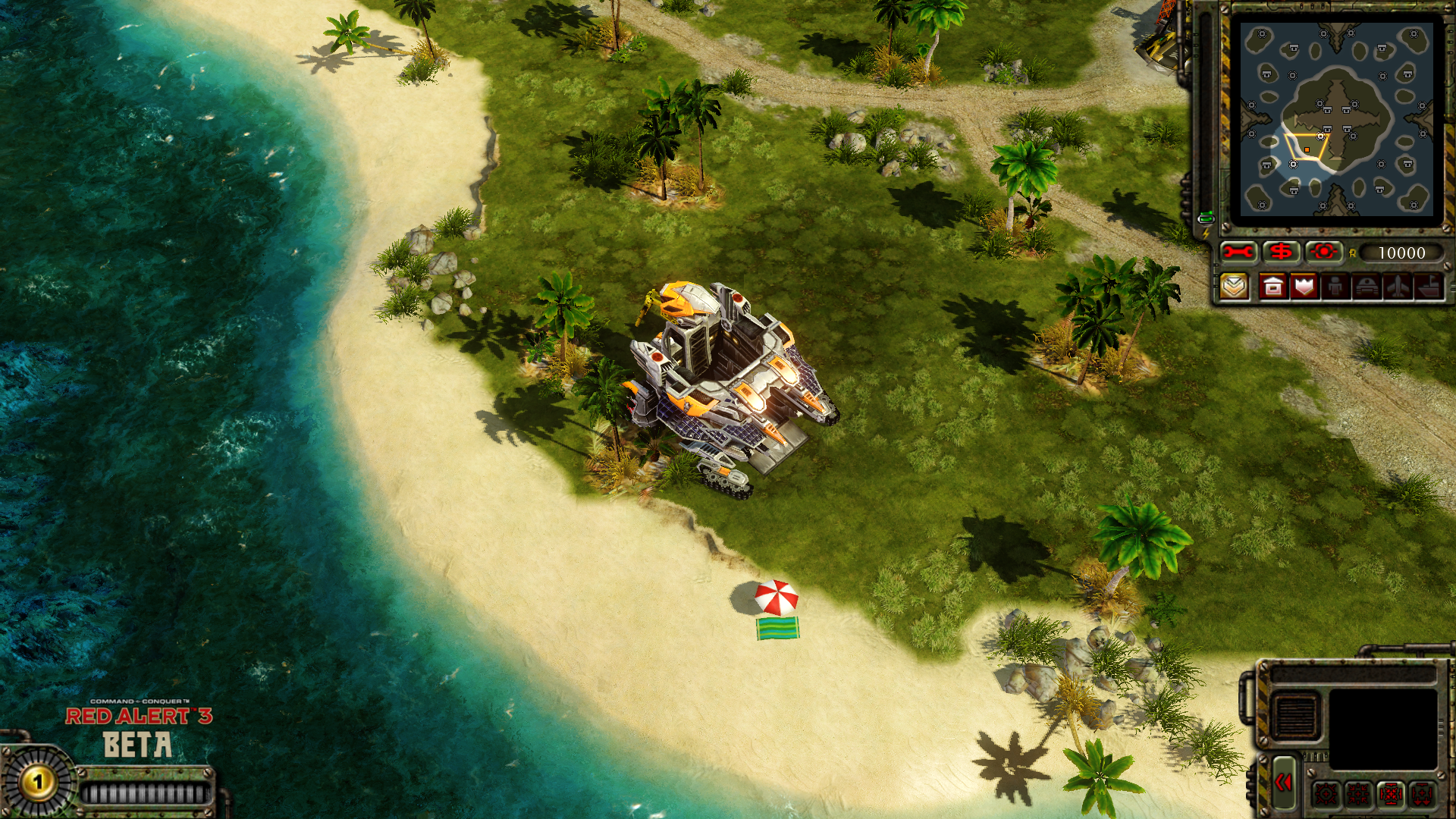
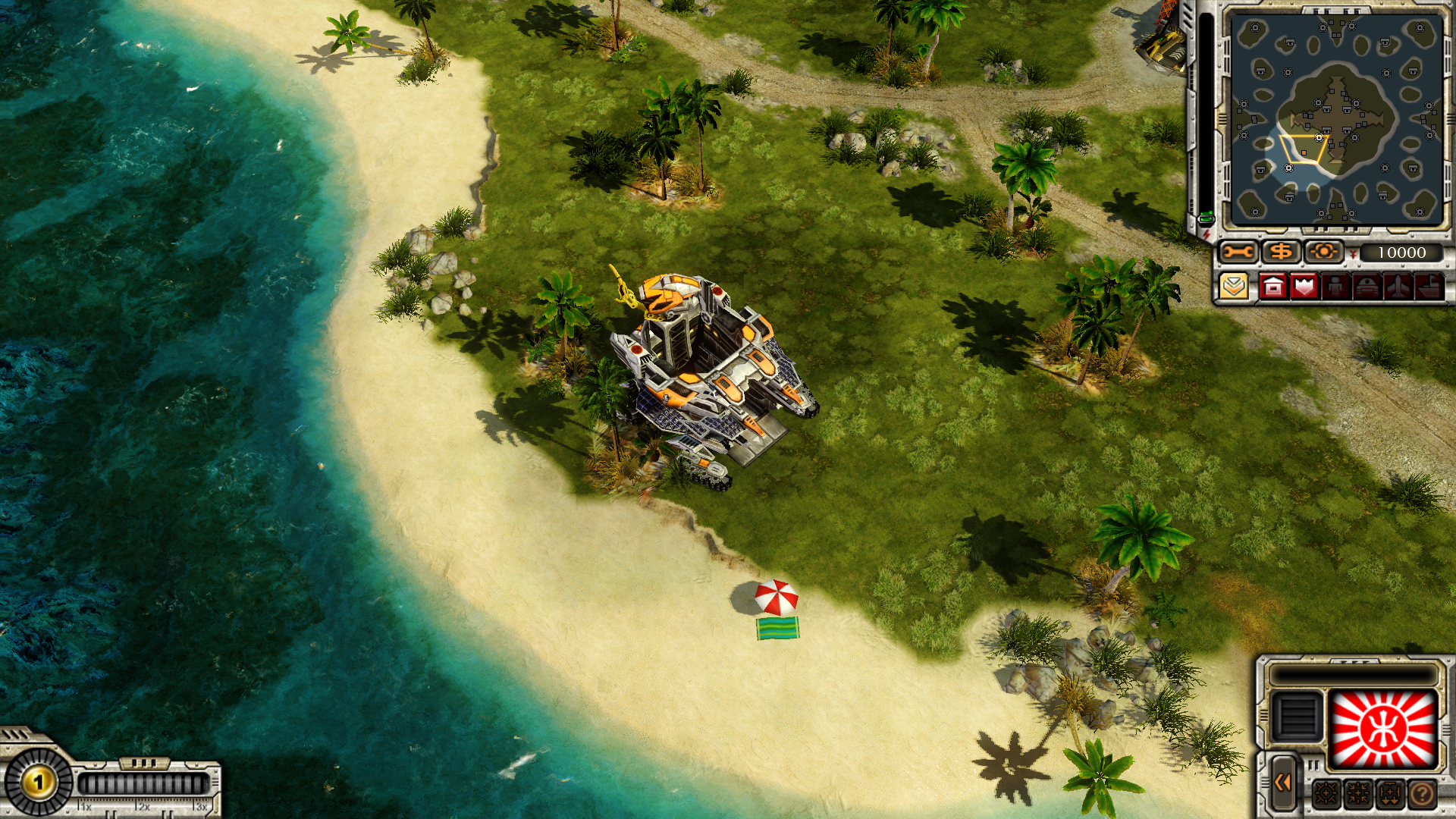
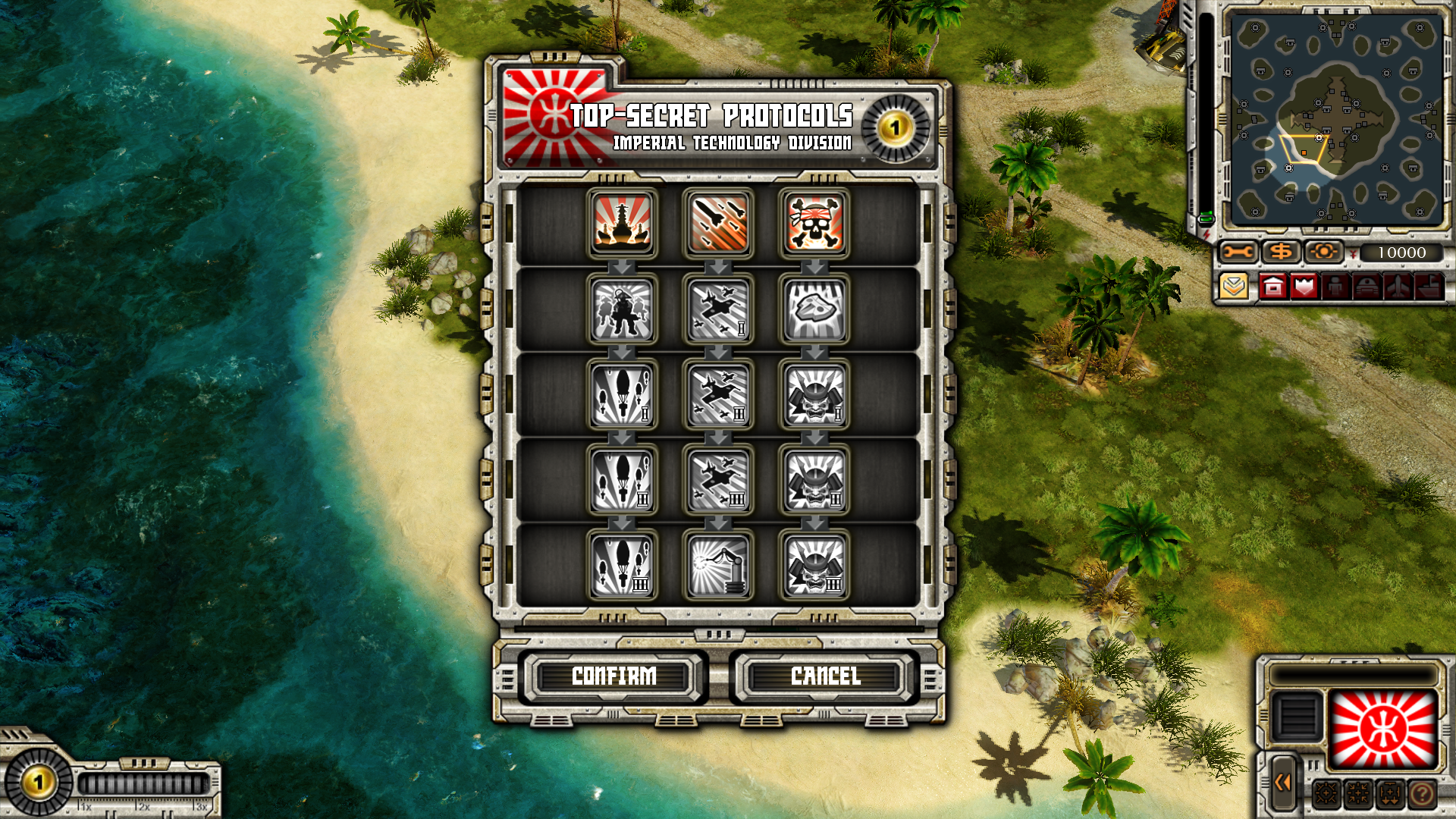
All 3 factions share the same Soviet UI for most elements and the same Allies EVA with some missing voicelines and all 3 factions share the same Allies stylized UI for Top Secret Protocols. Additionally, a medium sized logo of "Red Alert 3 Beta" is positioned above the danger meter.
Beta v1.0 |
Retail v1.12 |
|---|---|
 |
 |
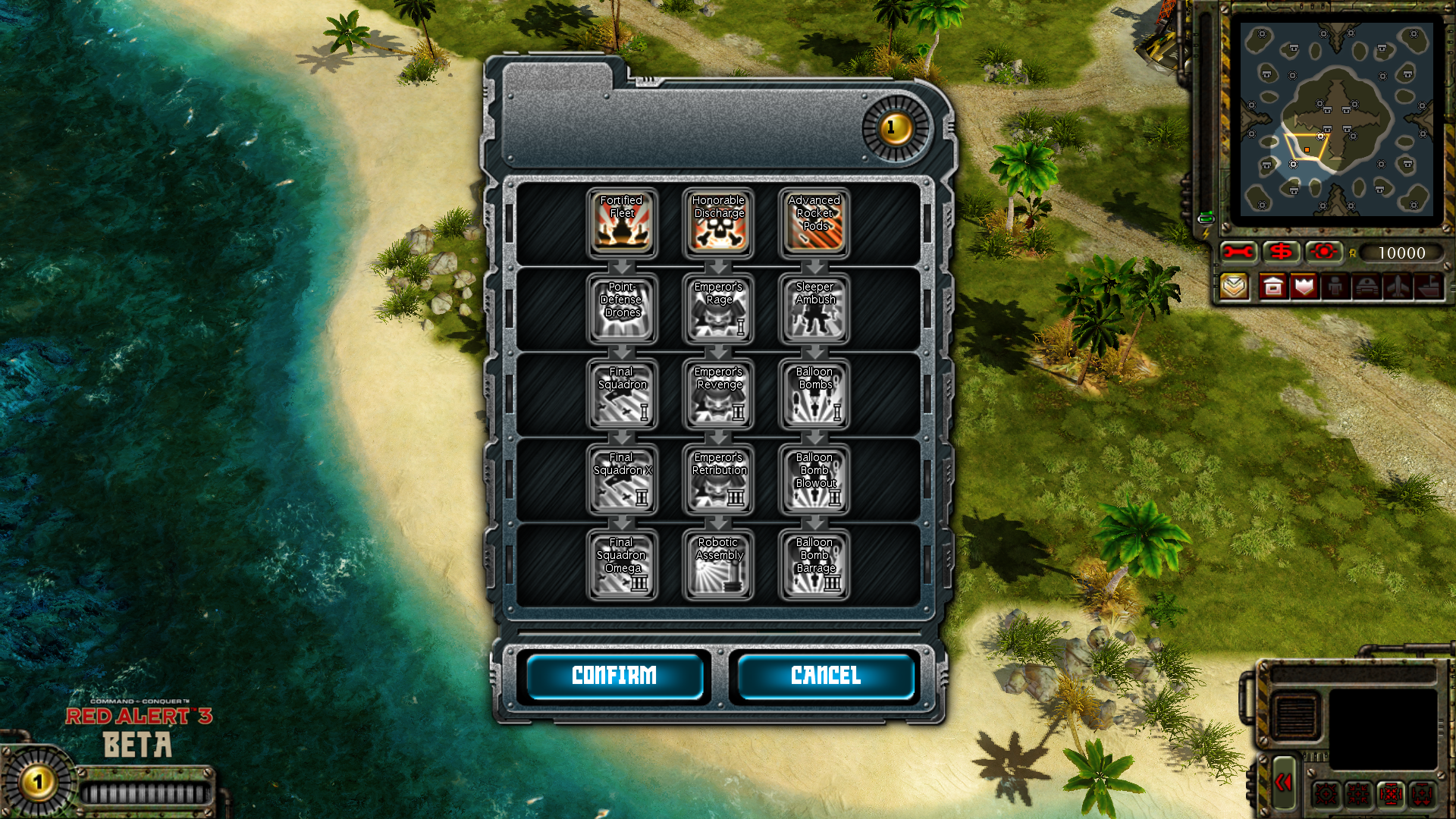
All Top Secret Protocols have their names written on top of them, while in Retail the name of a protocol is only visible if the player hovers the mouse over it. Additionally, all Top Secret Protocols are visible on the left side of the screen as if all of them were active abilities. Pressing passive-based protocols does nothing however, since they're not supposed to be used as an active ability. There's also no special UI for Top Secret Protocols and they appear as icons without anything.
Beta v1.0 |
Retail v1.12 |
|---|---|
 |
 |
Super weapons cannot be built in this version, but their resources do exist in files. Whenever it's possible to mod them back or not - it's unknown.
Most units either reuse voicelines from Red Alert 2 (Allies and Soviets) or share the same voice bank between each other (Empire), and those who have their own voice banks have their voicelines with unfinished sound effects. Additionally, each faction has a unit with early versions of a voice bank, either said with different tone or by a different VA.
All three combat soundtracks are early versions of themselves from the Retail game, either having slightly different compositions or missing some instruments.
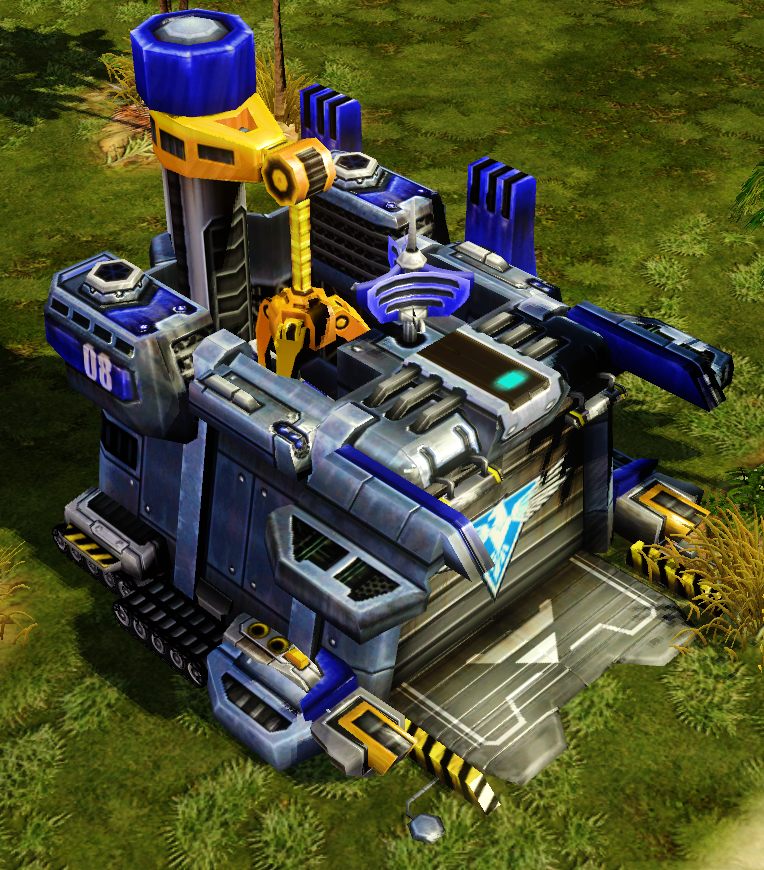
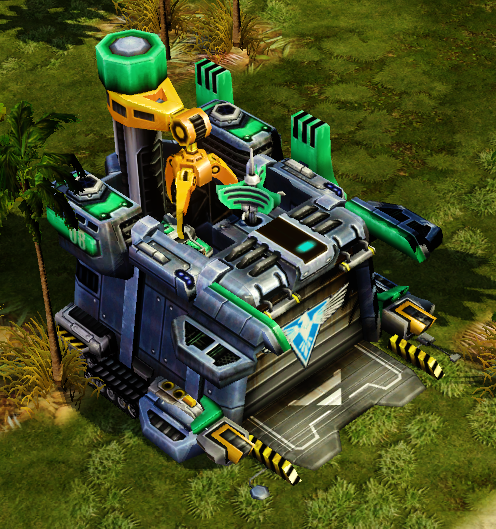
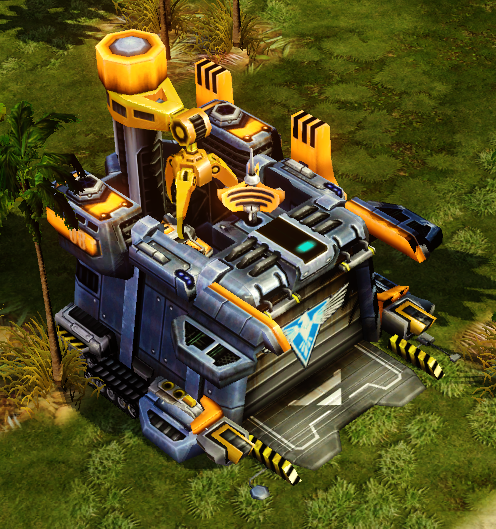
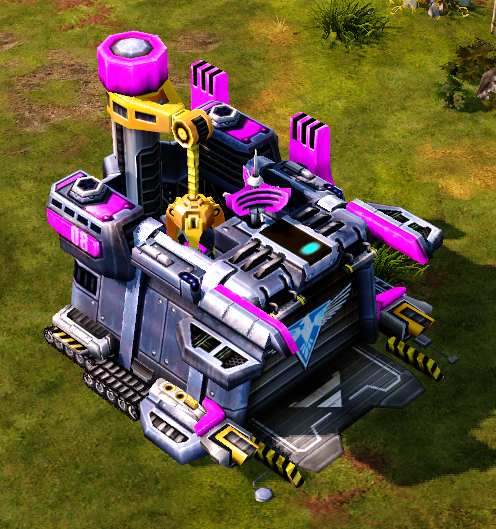
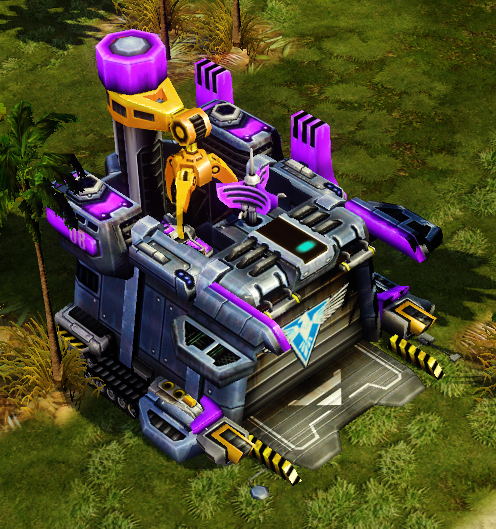
Half of units & buildings have unfinished layers for team colored plates, which makes them difficult to distinguish their teams.
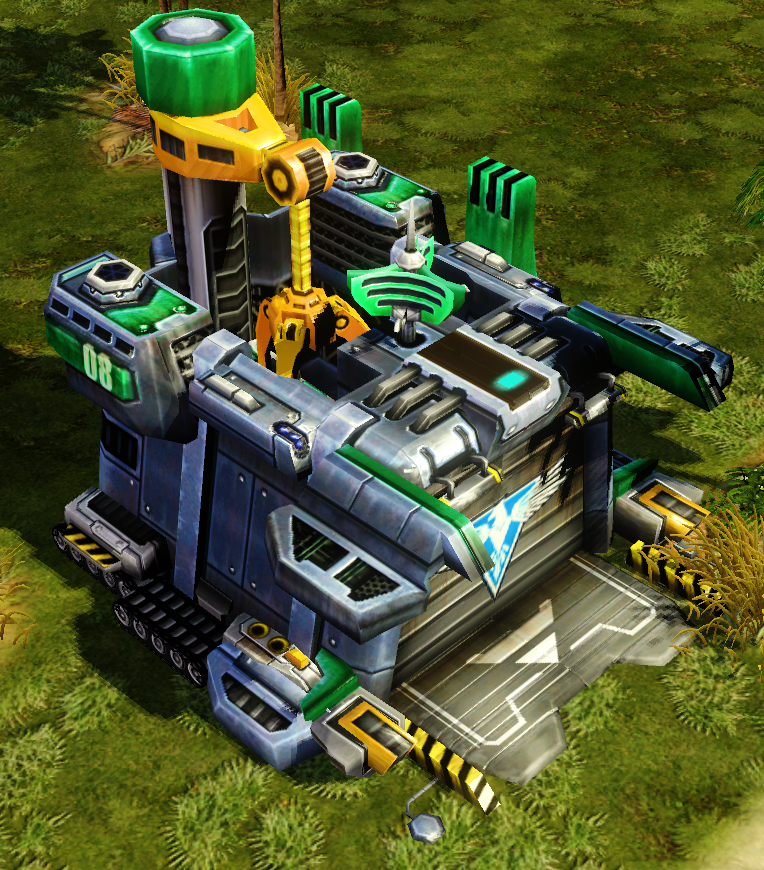
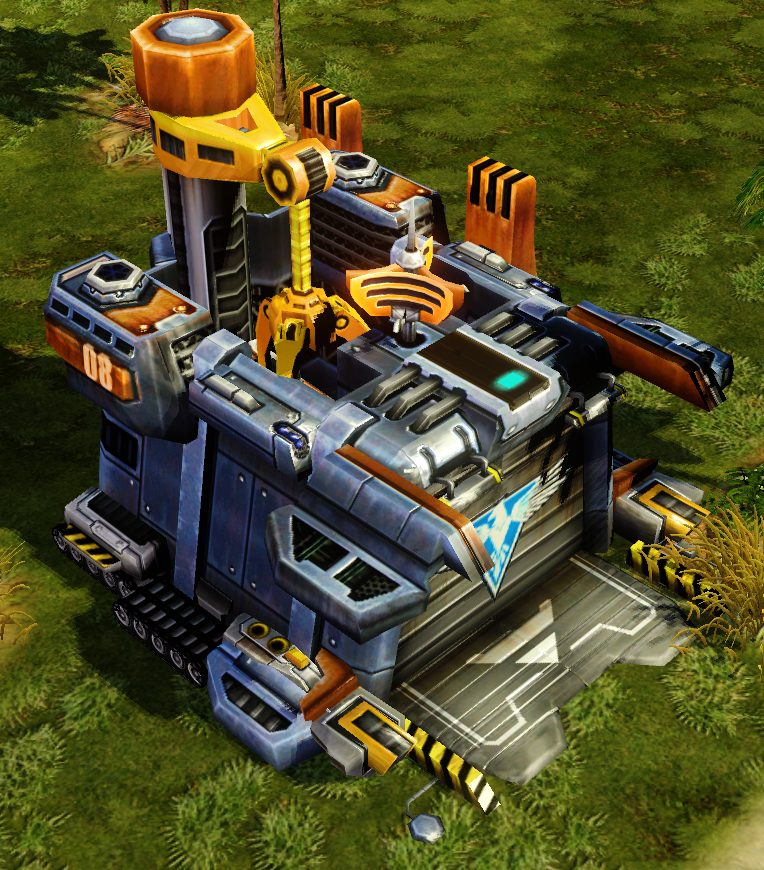
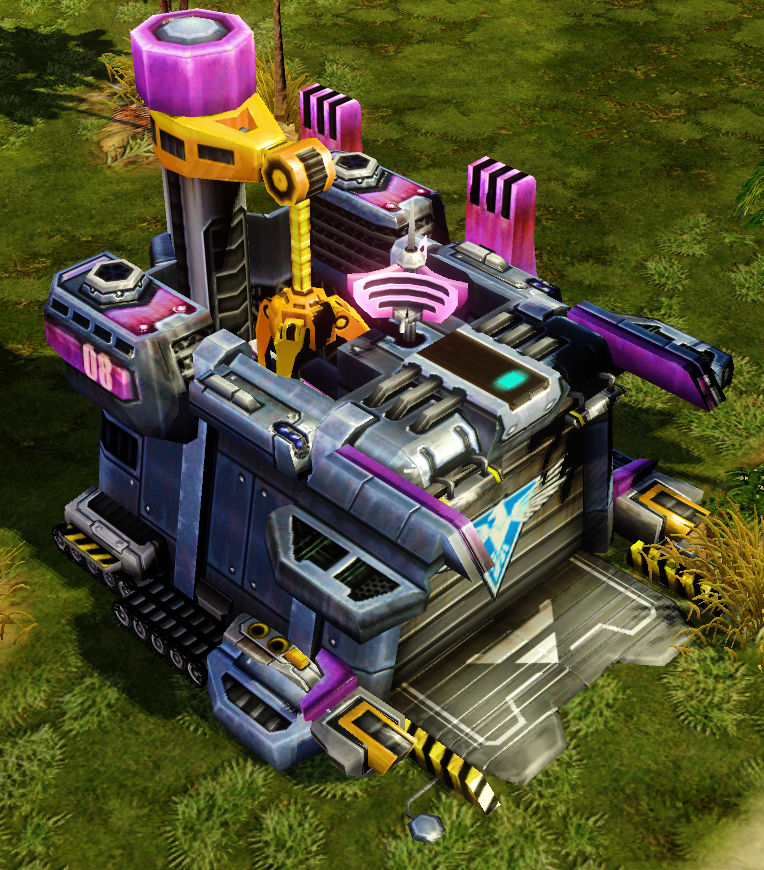
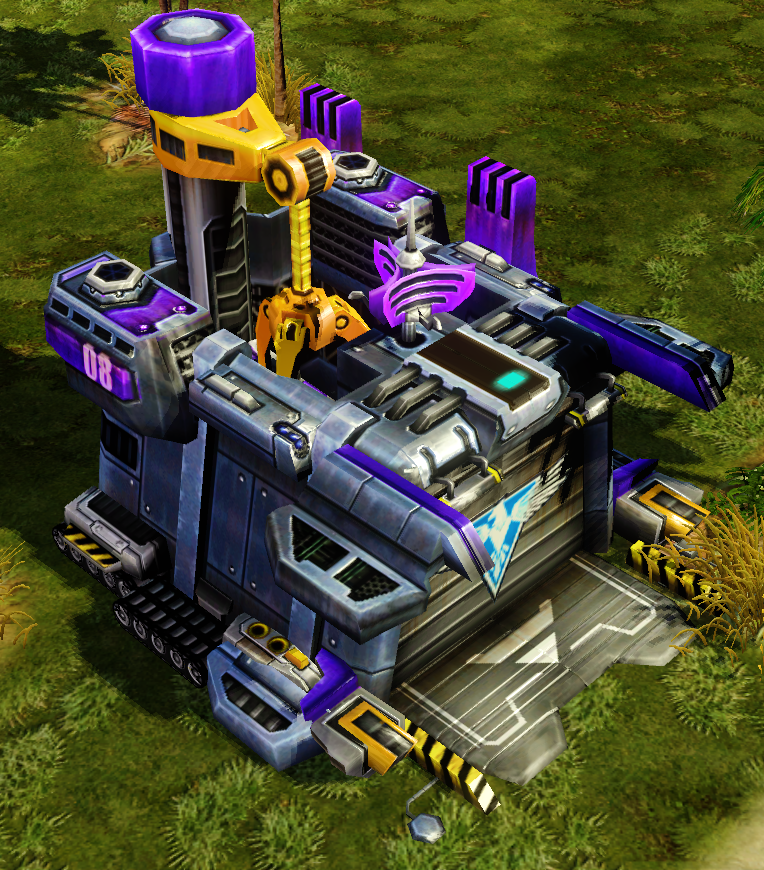
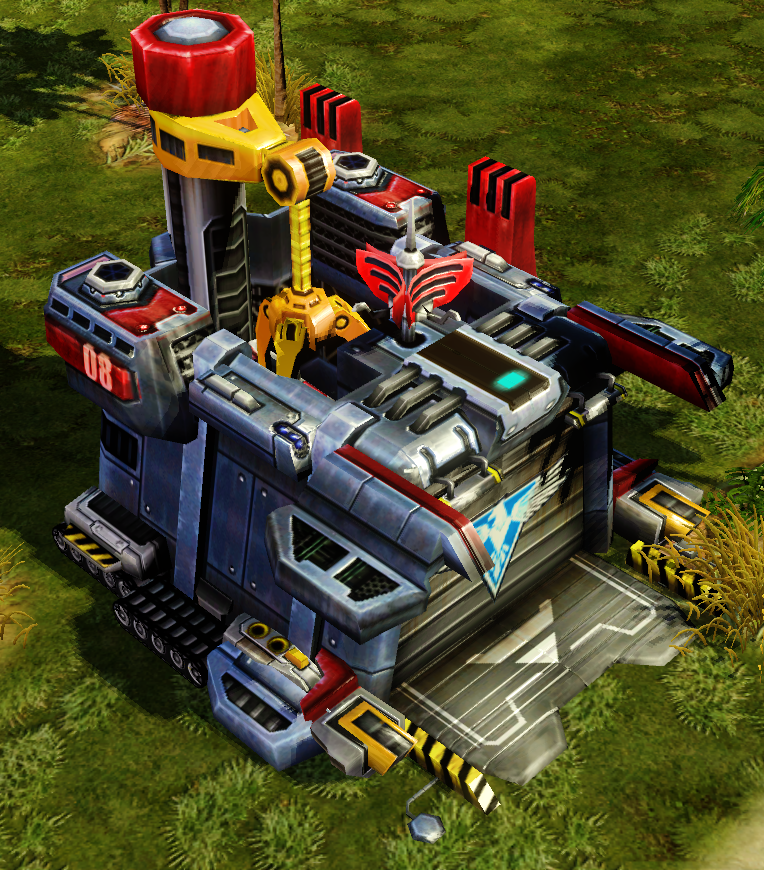
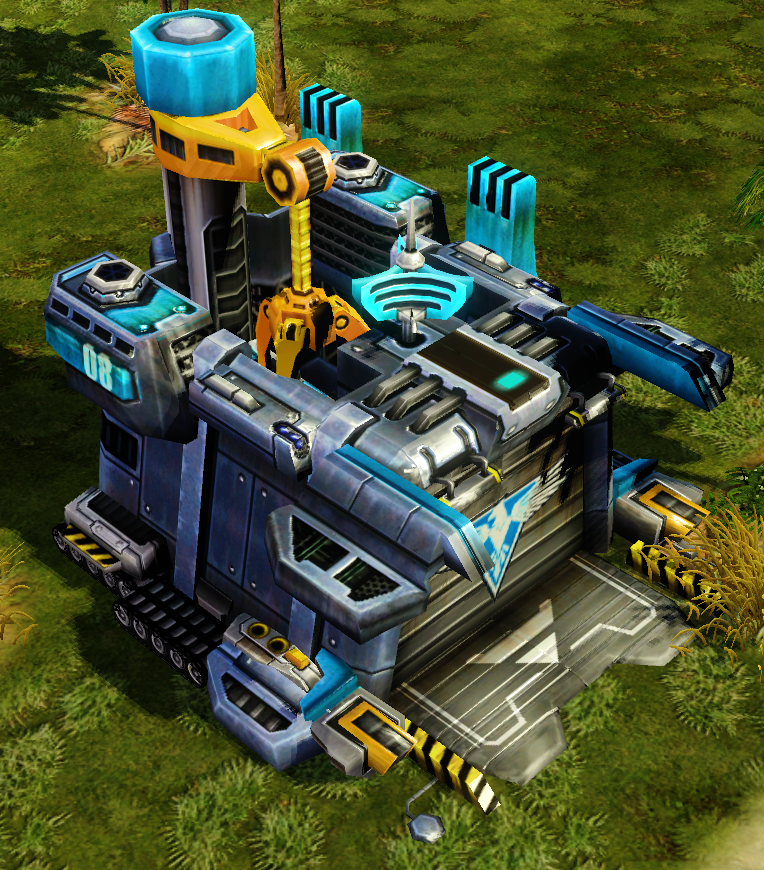
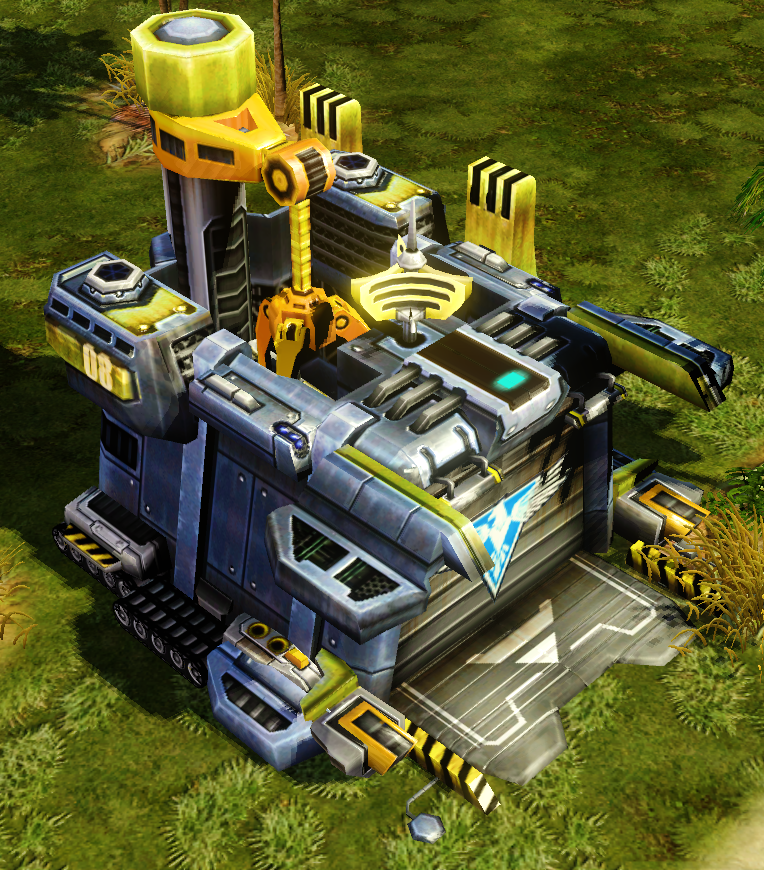
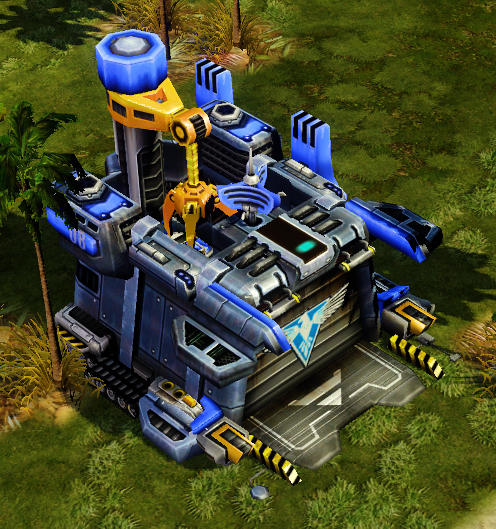
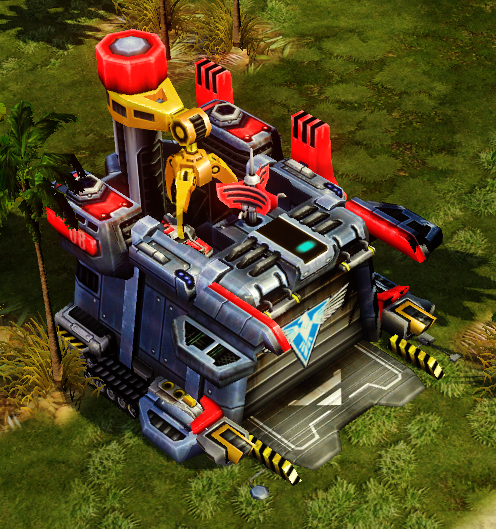
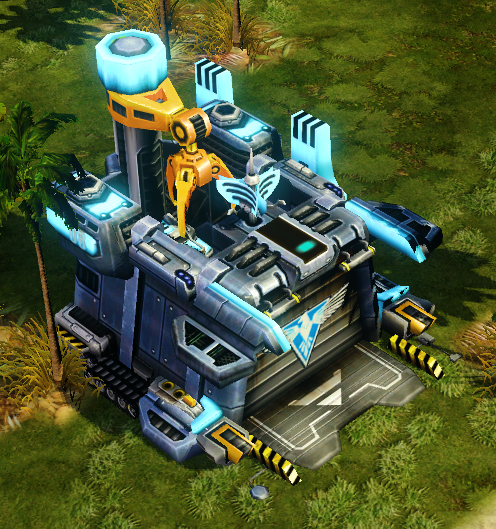
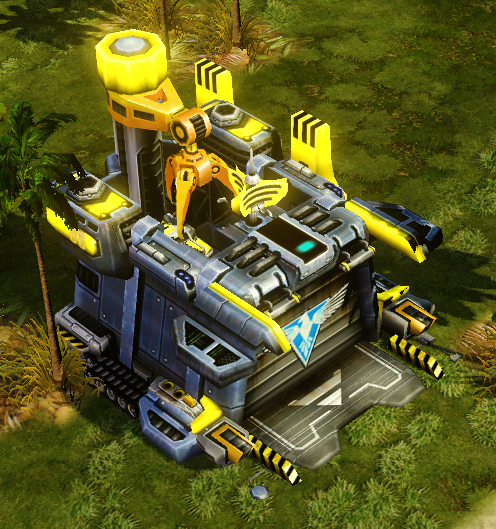
Player colors seem to be taken from Command & Conquer 3 Tiberium Wars, being less colorful and contrast. Additionally, the pink player color exists, which in the Retail game is only used by units in Tutorial and eventually got added in Uprising, also getting brighter and getting more contrast.
Beta v1.0 Blue |
Beta v1.0 Green |
Beta v1.0 Orange |
Beta v1.0 Pink |
Beta v1.0 Purple |
Beta v1.0 Red |
Beta v1.0 Teal |
Beta v1.0 Yellow |
|---|---|---|---|---|---|---|---|
 |
 |
 |
 |
 |
 |
 |
 |
Retail v1.12 Blue |
Retail v1.12 Green |
Retail v1.12 Orange |
Uprising v1.10 Pink |
Retail v1.12 Purple |
Retail v1.12 Red |
Retail v1.12 Teal |
Retail v1.12 Yellow |
|---|---|---|---|---|---|---|---|
 |
 |
 |
 |
 |
 |
 |
 |
Only units with hand-drawn icons have proper square icons with big resolution, while most of vehicles and buildings use smaller resolution for icons, with renders having different positions.
There's no button to show the video of unit's demonstration in this version. Instead there's another "movement" mode which doesn't function at all.
All Construction Yards have special hitbox in front of them for unit production despite the fact that only Empire can properly utilize such feature. This is probably a leftover idea from Command & Conquer 3 Tiberium Sun since in that game all Construction Yards could produce special units for base expanding.
It's possible to place a building on a slopping surface & different elevations if the player moves their mouse around the area where they want to place the building. Sometimes this results in player being able to construct buildings where they're not supposed to be placed (edge of a beach & water or inside of the cliff), and the smaller building's hitbox, the higher success of doing the trick. Only Soviets & Allies could utilize this trick, while Empire's Nano-cores couldn't do that. It was later removed.
MCVs weren't able to crush small & medium vehicles. In addition to that, amphibious vehicles that can crush infantry and other vehicles such as ore collectors or MCVs, can crush amphibious infantry. This was later fixed in Beta 1.3.
When Construction Yard packs into an MCV, it appears on the bottom of the water surface during its animation and then teleports back onto the surface the moment the animation is done and the unit can move around.
Walls sometimes bug out and refuse to connect with each other for whatever reasons.