 This article has a talk page!
This is a sub-page of Proto:Burnout Crash!.
This is a debug-enabled build of Burnout Crash!, which predates the final build by almost 5 months.

|
To do: |

|
This prototype is documented on Hidden Palace. |
General Differences#
This build is normally unplayable due to a few online-related functions such as the leaderboard failing to load. That can be patched with the following codes.
82177B28 4E800020
8219F0A8 4E800020
(Patch: Edness)
Upon starting up, one of the first differences seen are the Electronic Arts and Criterion Games logos being shown as their own screens rather than being a part of a bigger animation.
UI_0.DDX\Screens\criterion |
UI_0.DDX\Screens\ea |
|---|---|
 |
 |
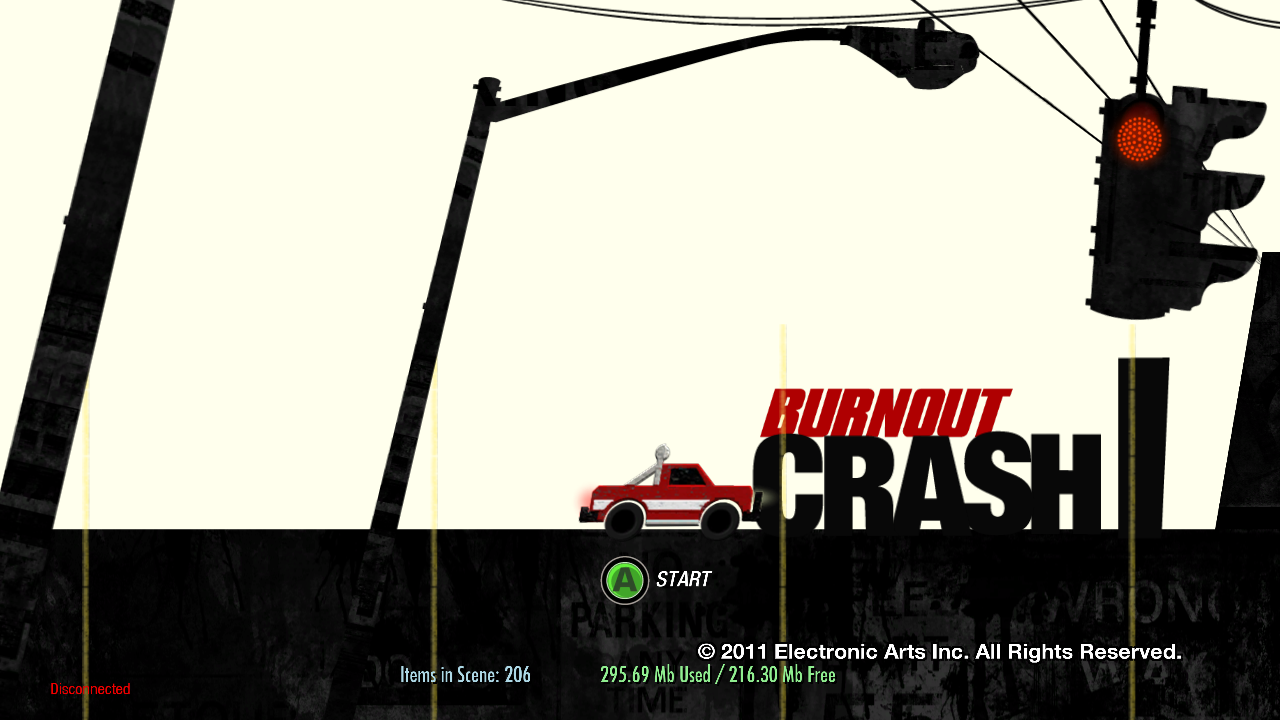
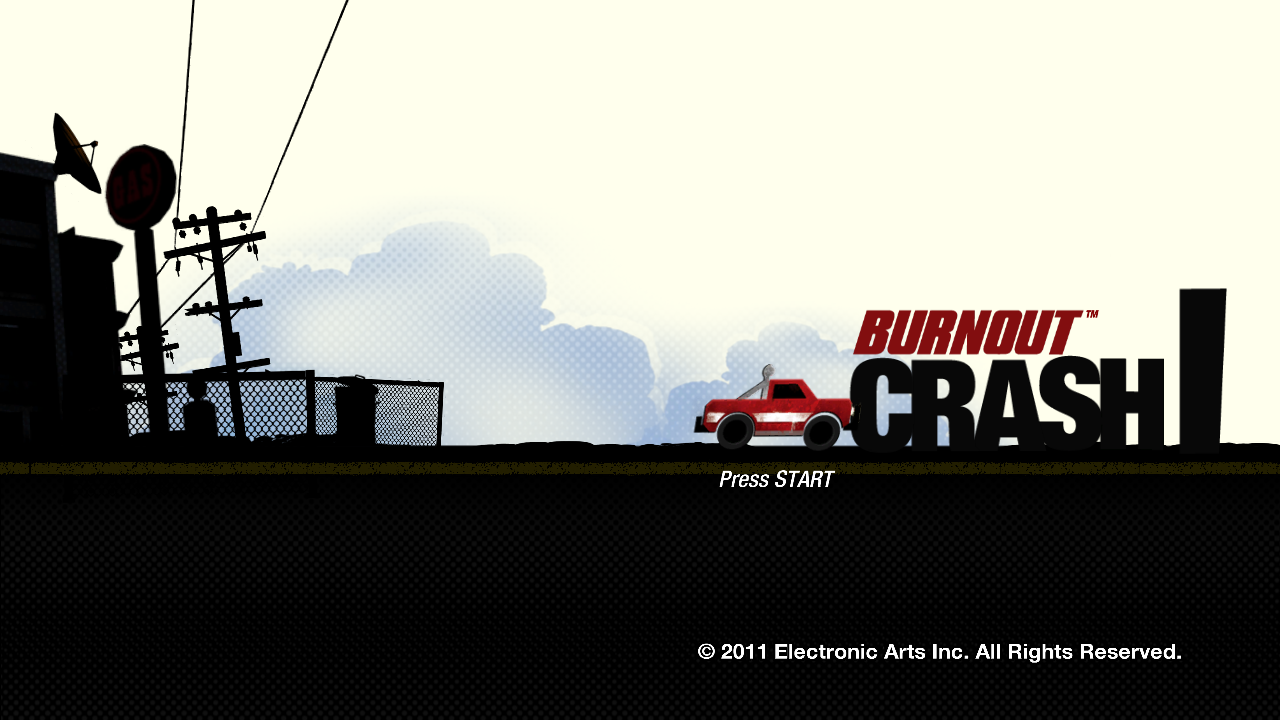
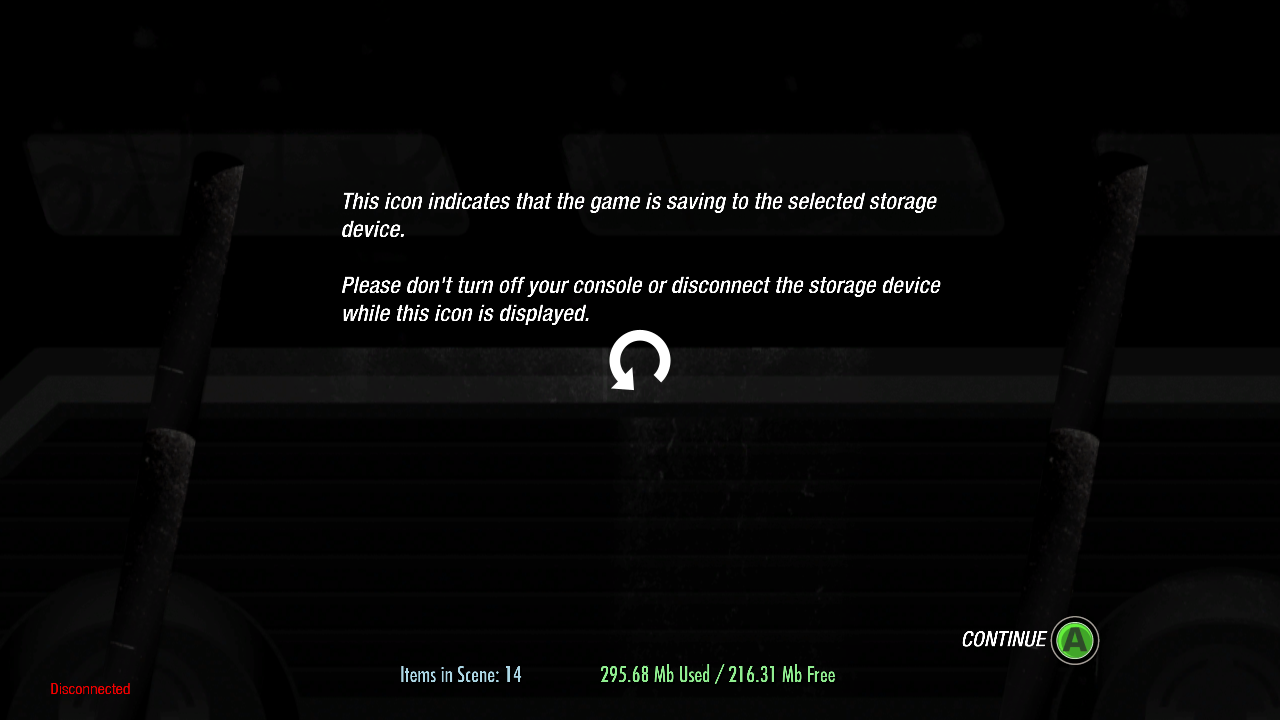
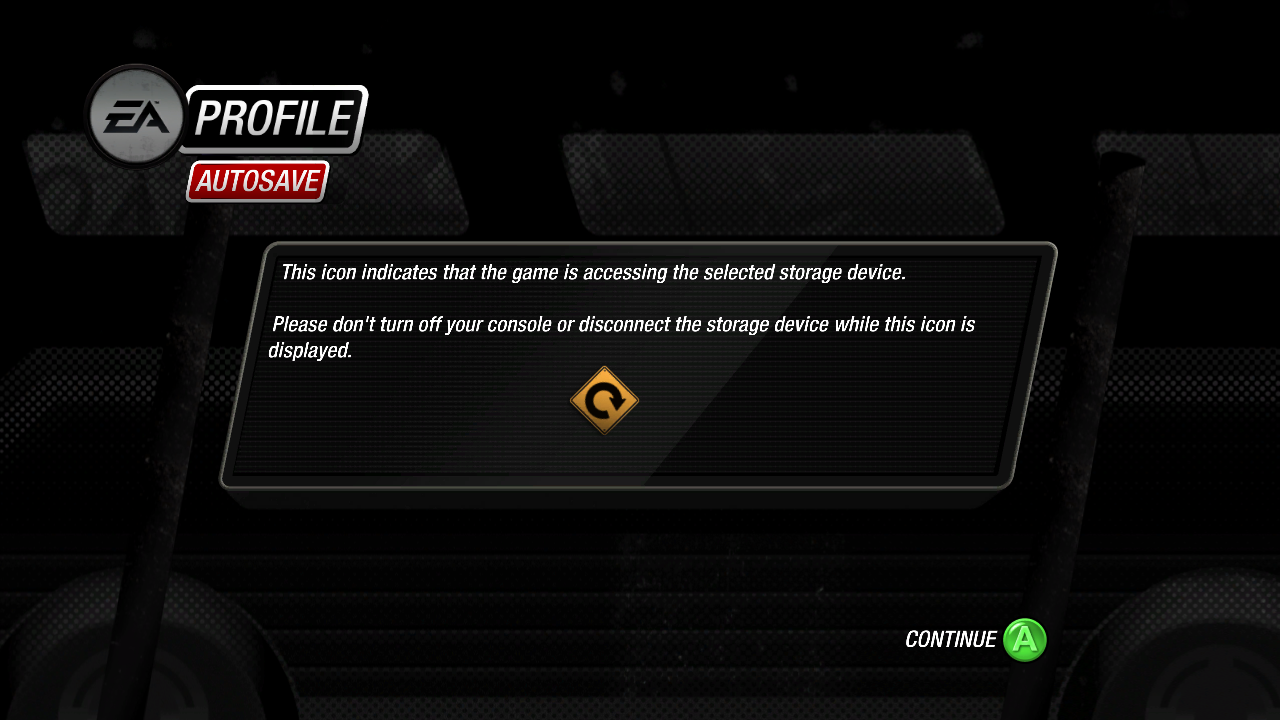
The title screen animation is very short, and looks quite different. There's also a bunch of debug information visible on the screen about how many items are in the current scene, and how much memory is being taken up.
Early |
Final |
|---|---|
 |
 |
 |
 |
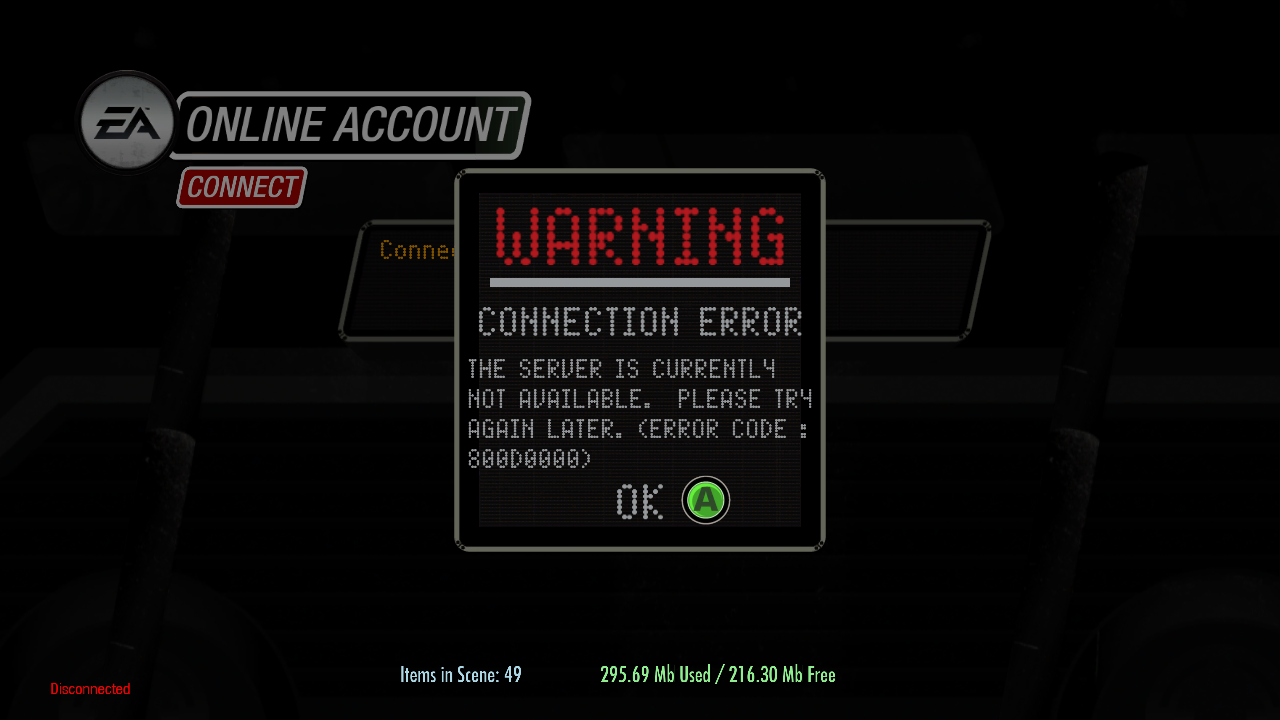 |
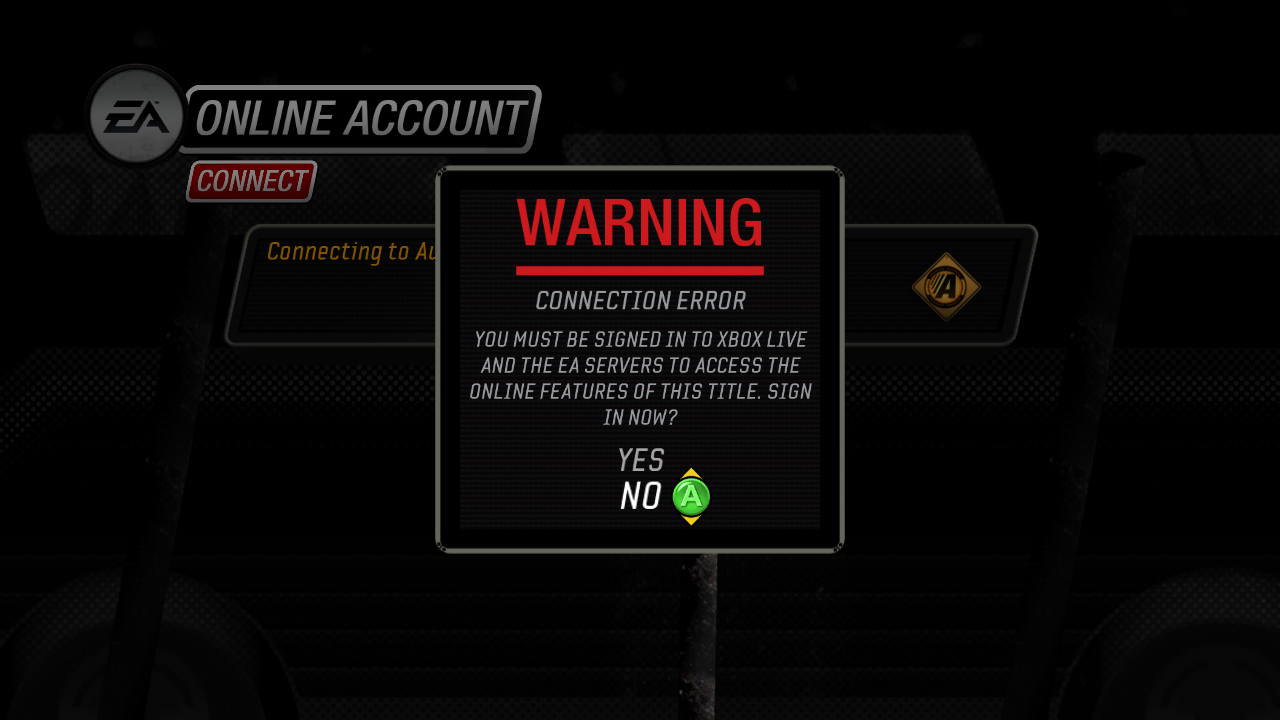 |
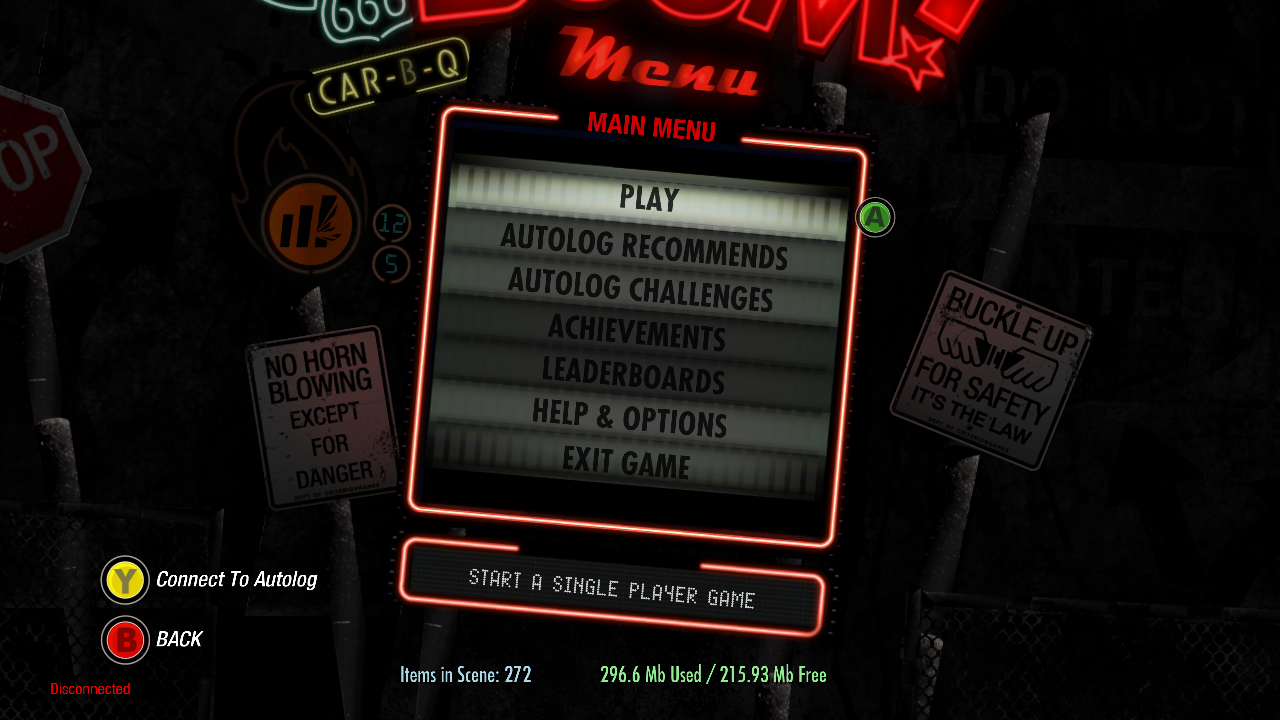 |
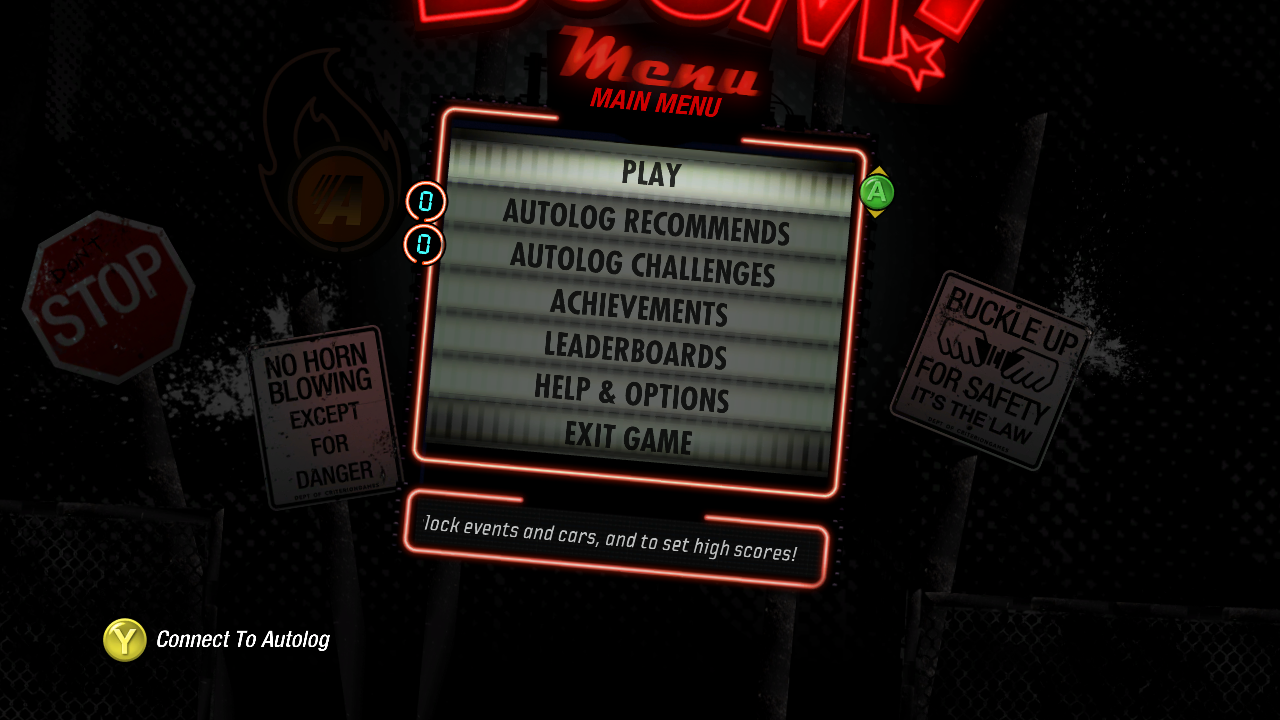 |
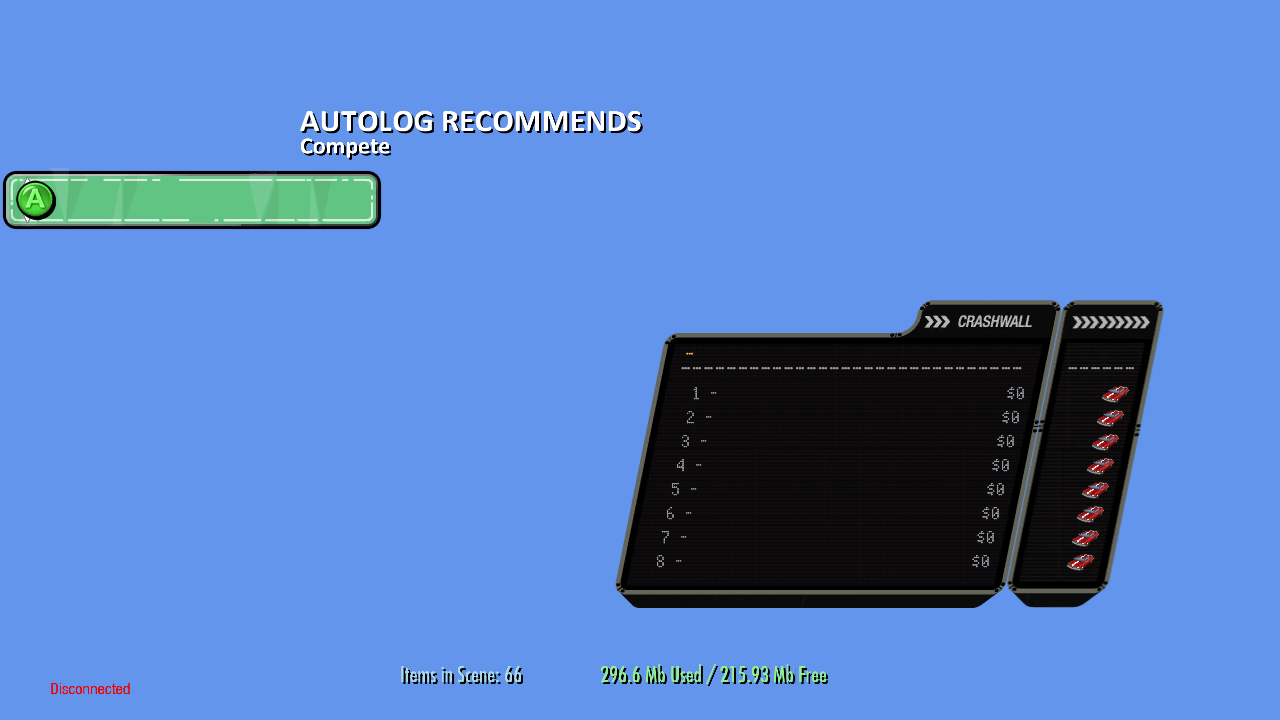
The Autolog Recommends menu is very incomplete.
Menu 1 |
Menu 2 |
|---|---|
 |
 |
Debugging Options#
There are two different debugging types enabled in this build.
Debug Menu#
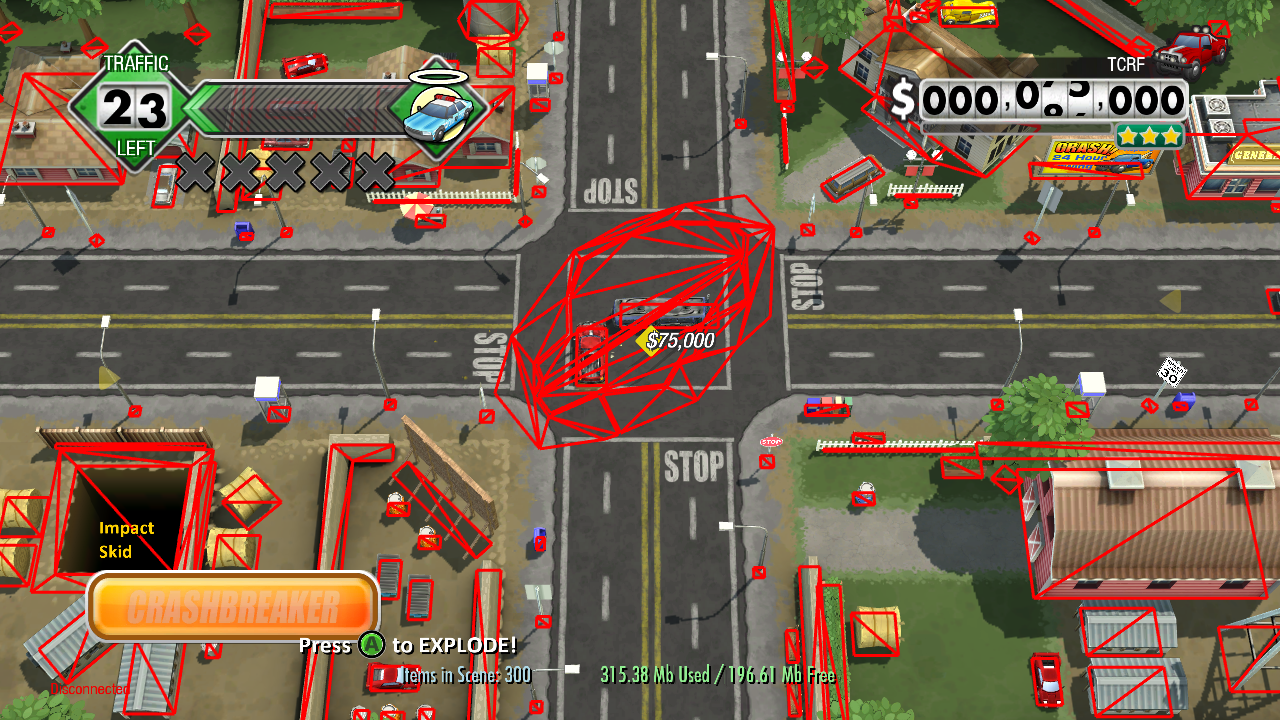
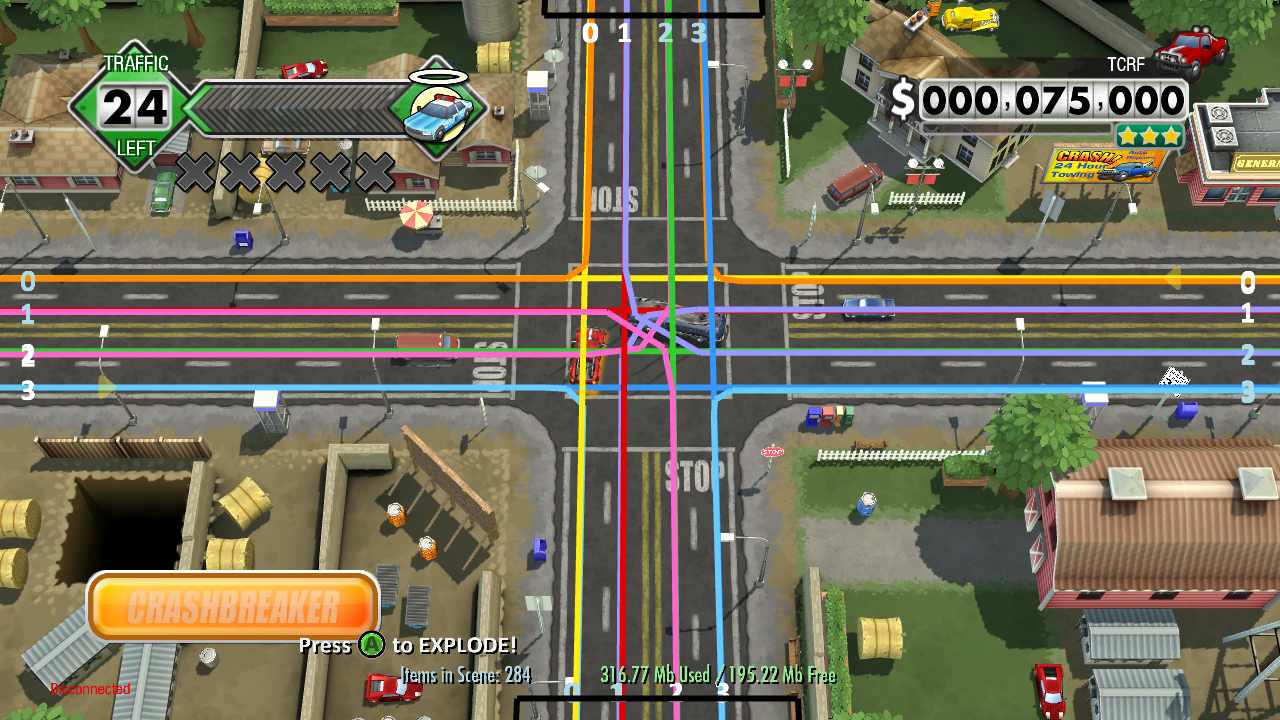
The Settings menu has a button named Debug Settings, under which there are two pages of debug options.
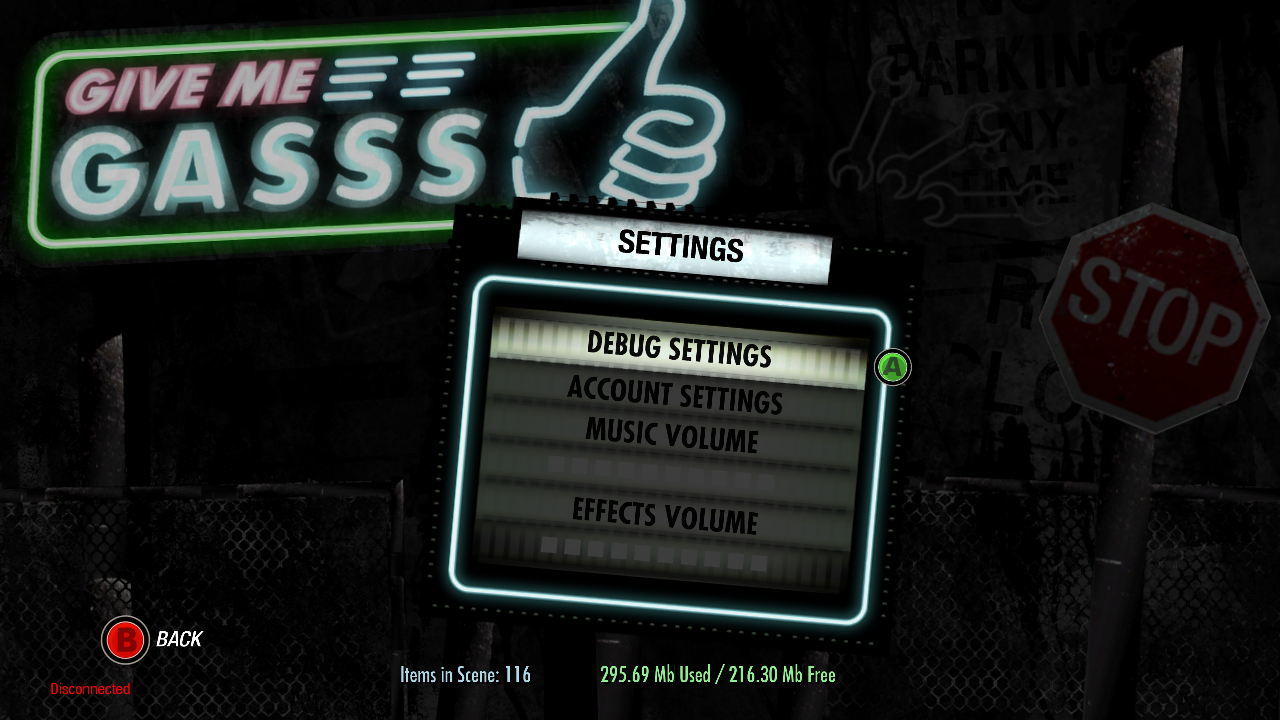
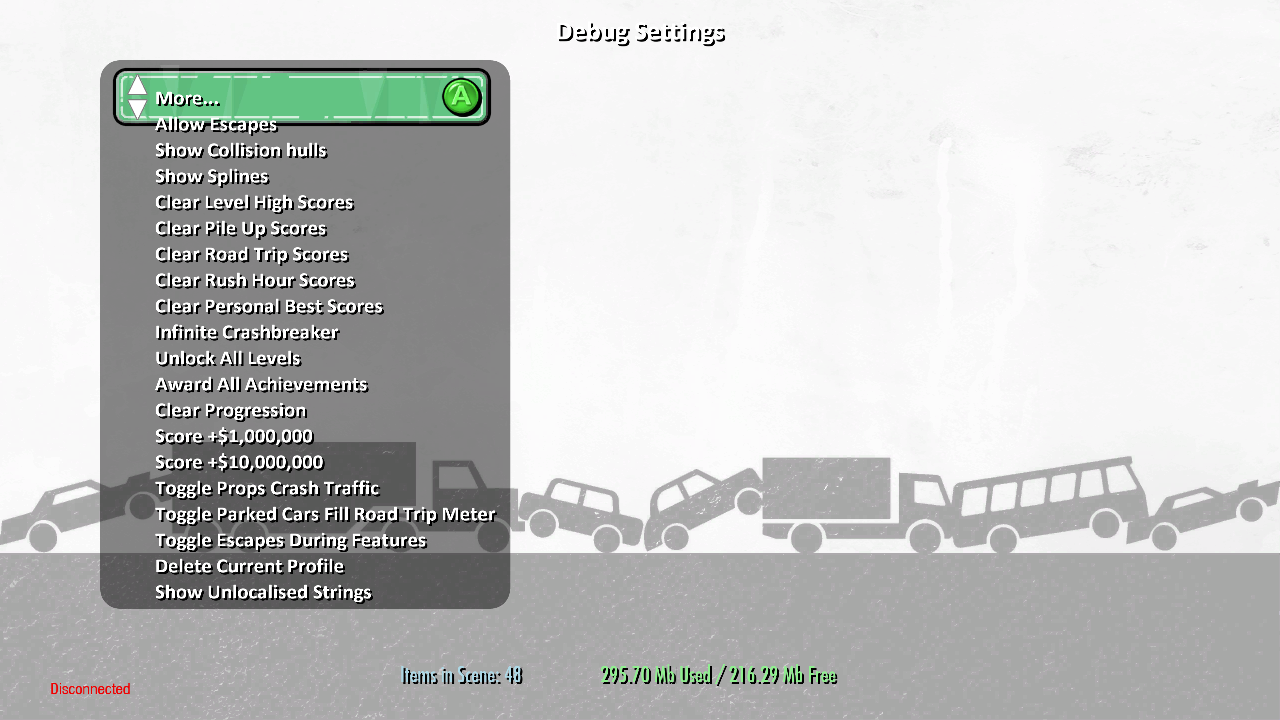
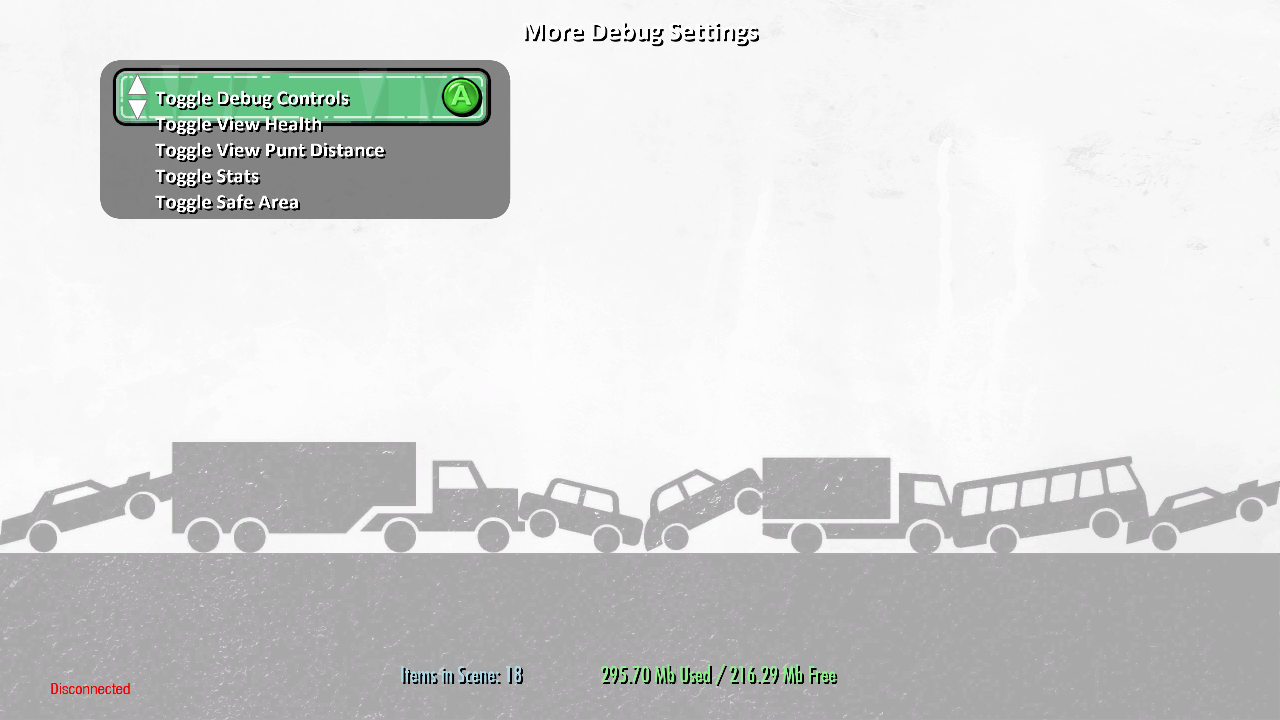
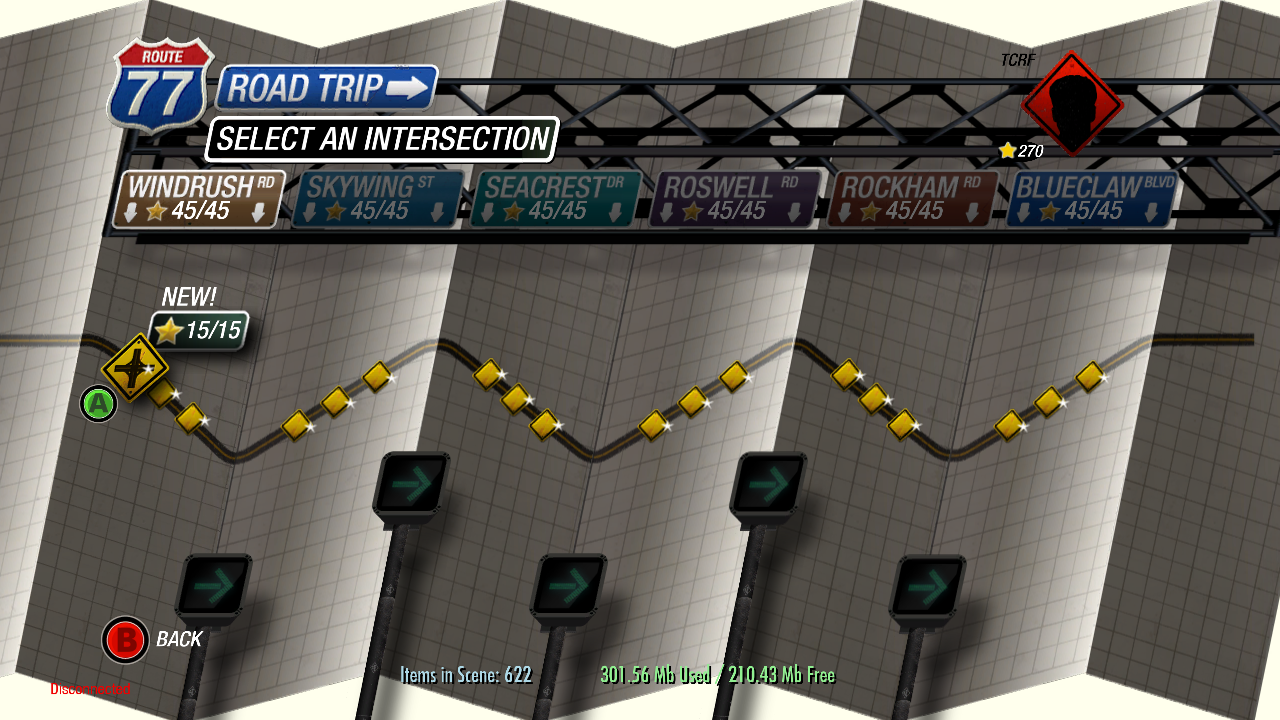
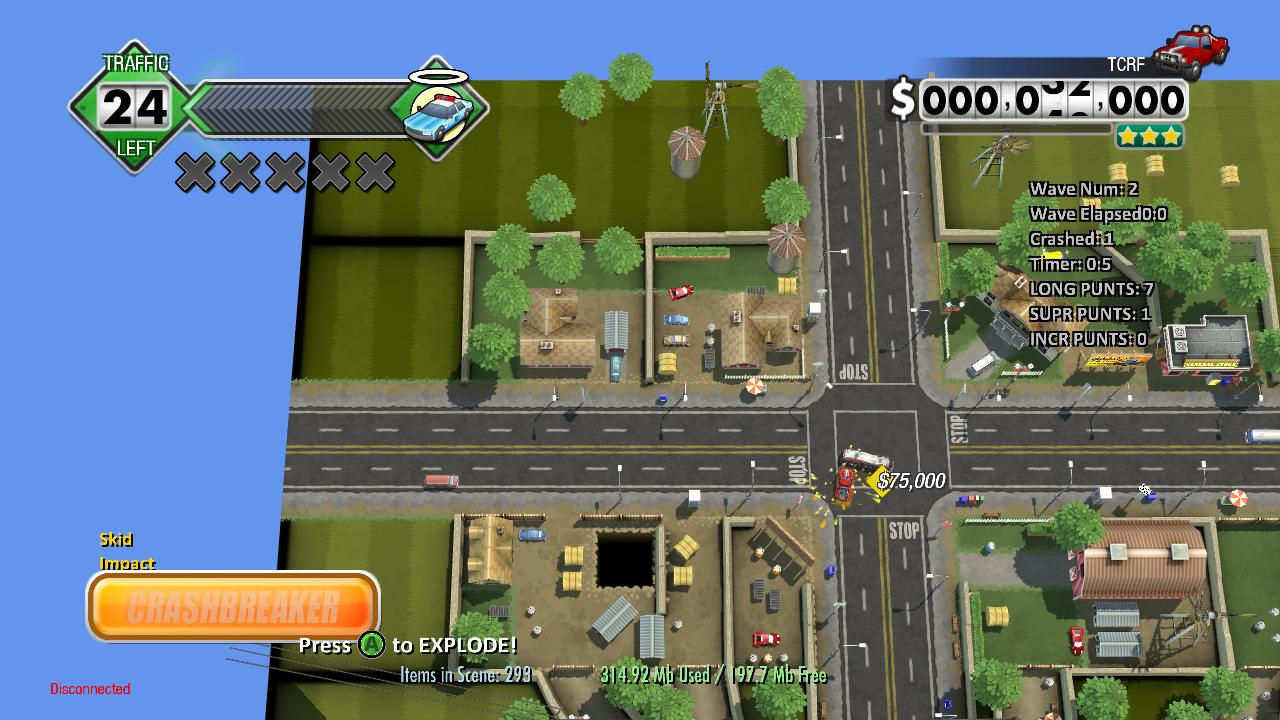
Below are some of the effects of the debug options:
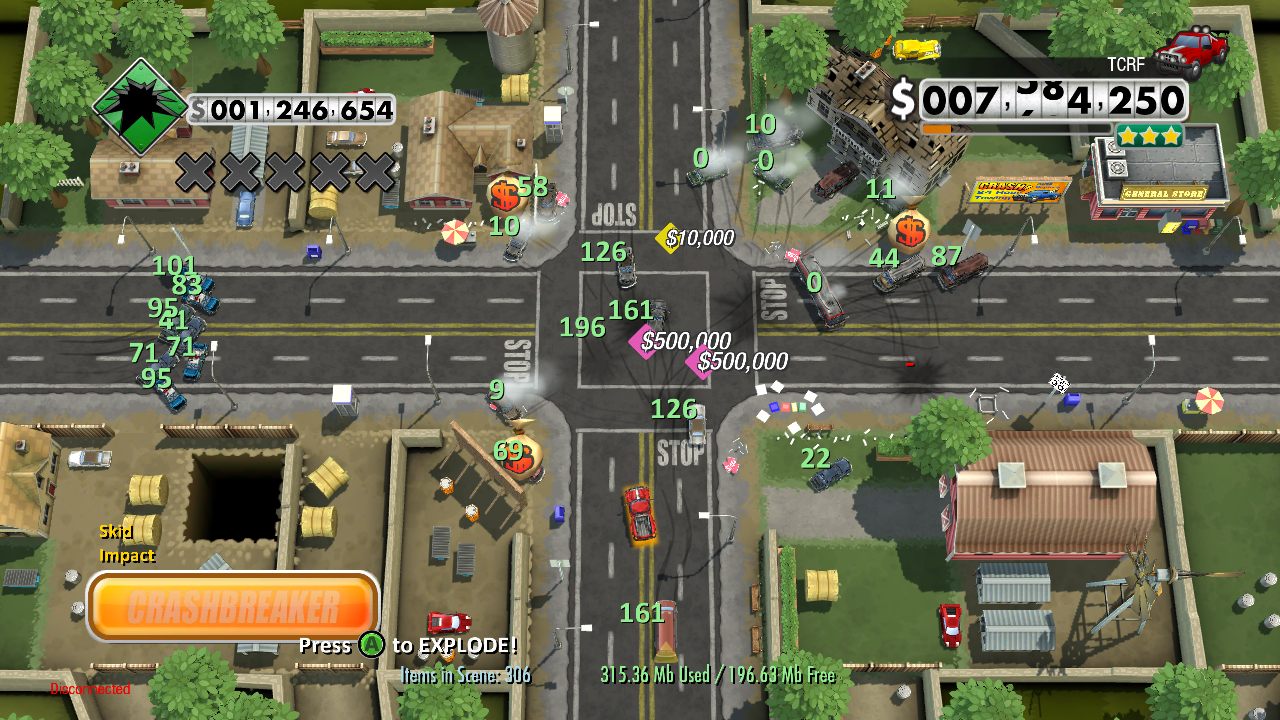
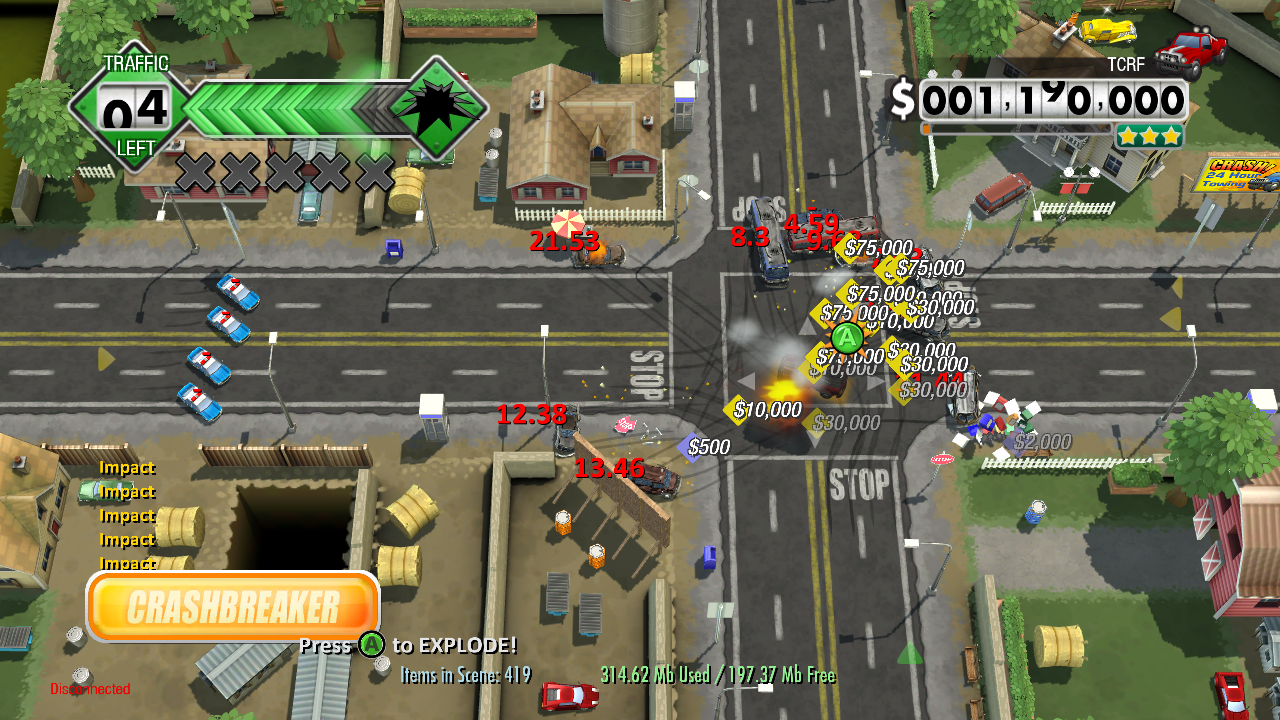
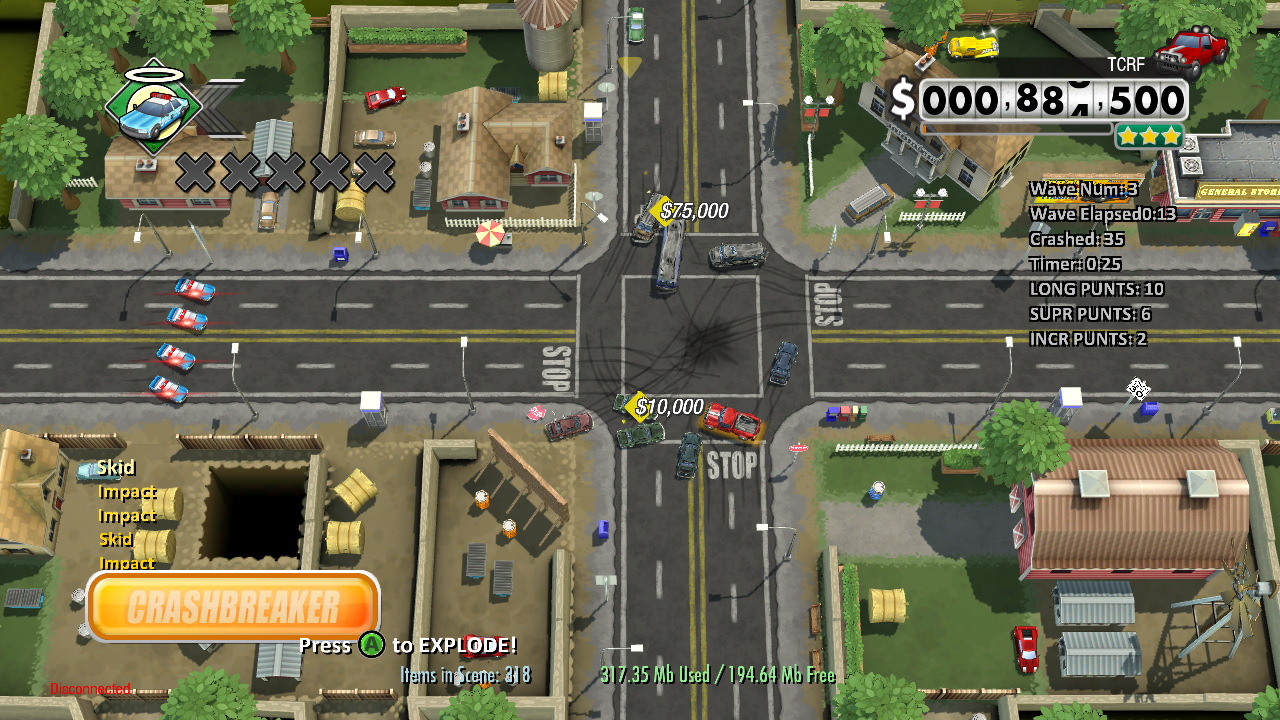
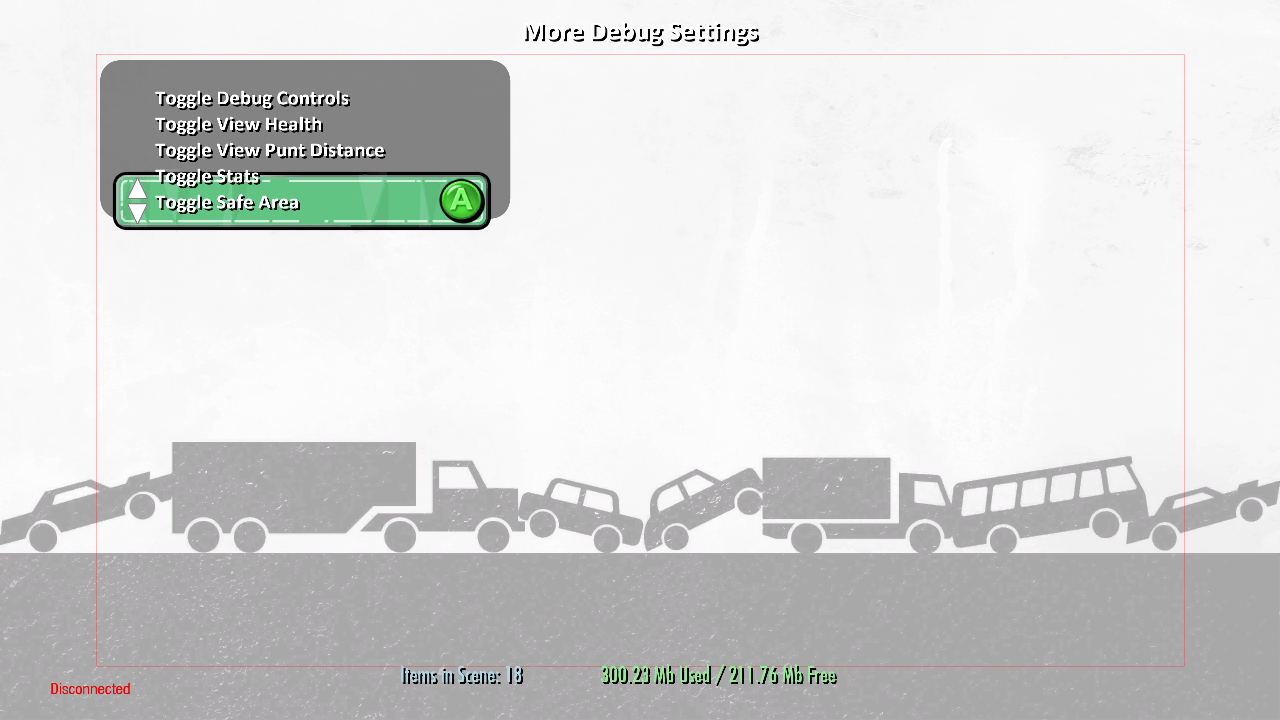
Debug Buttons#
There are two different kinds of debugging buttons - the 1st one being toggleable on Controller 1. These are enabled by default, but can be toggled with the Toggle Debug Controls button in the debug menu above.
BACK |
Same effect as Toggle Stats |
|---|---|
RT / LT |
Zoom in/out camera |
The other one being options that are toggleable via a USB keyboard connected to the Xbox 360. These are not affected by the Toggle Debug Controls debug option.
SPACE |
Sound volume information |
|---|---|
L |
Lighting information |
D |
Disconnect |
P |
Pause (freeze/unfreeze) game |
H |
Toggle HUD |
NUMPAD 0 |
Initiate any in-game event |
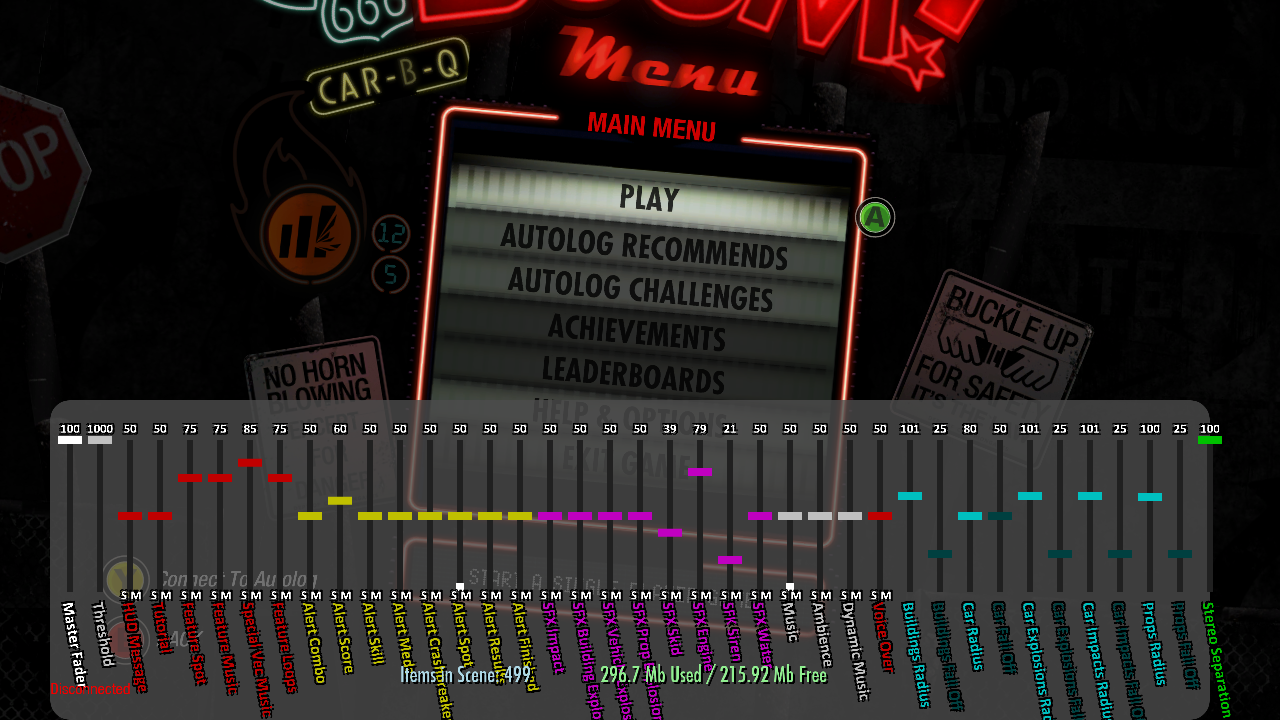
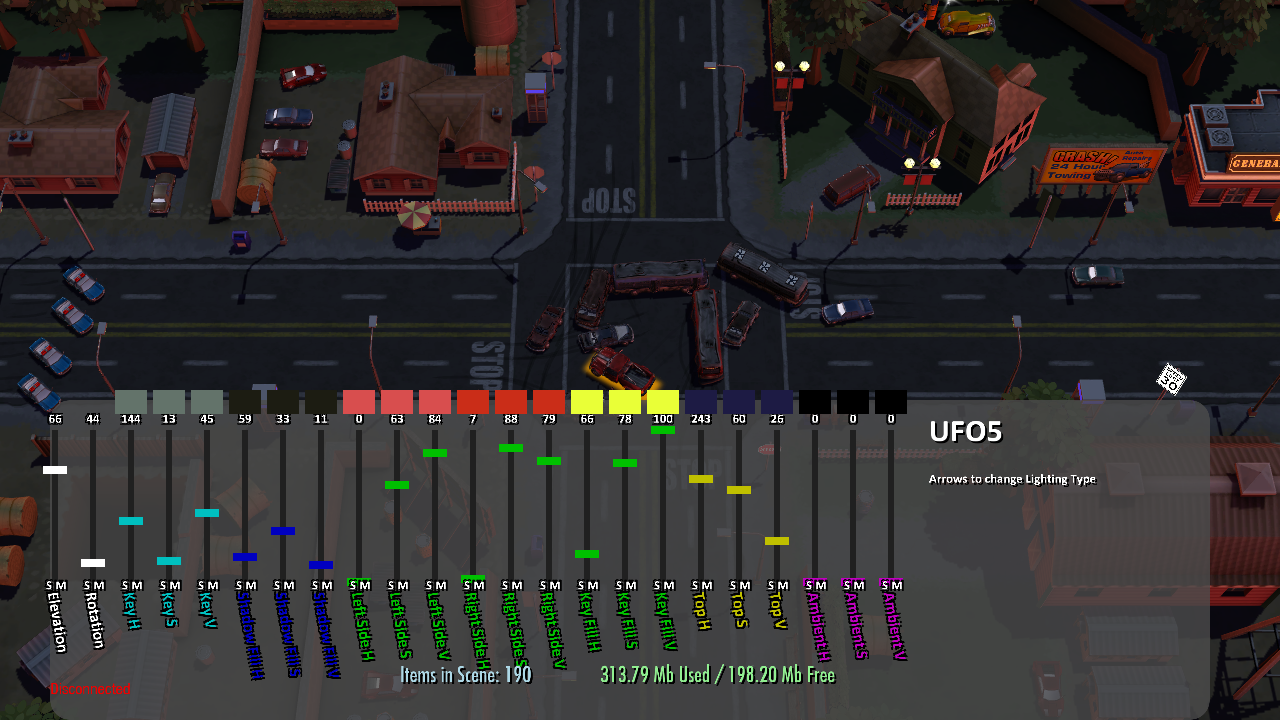
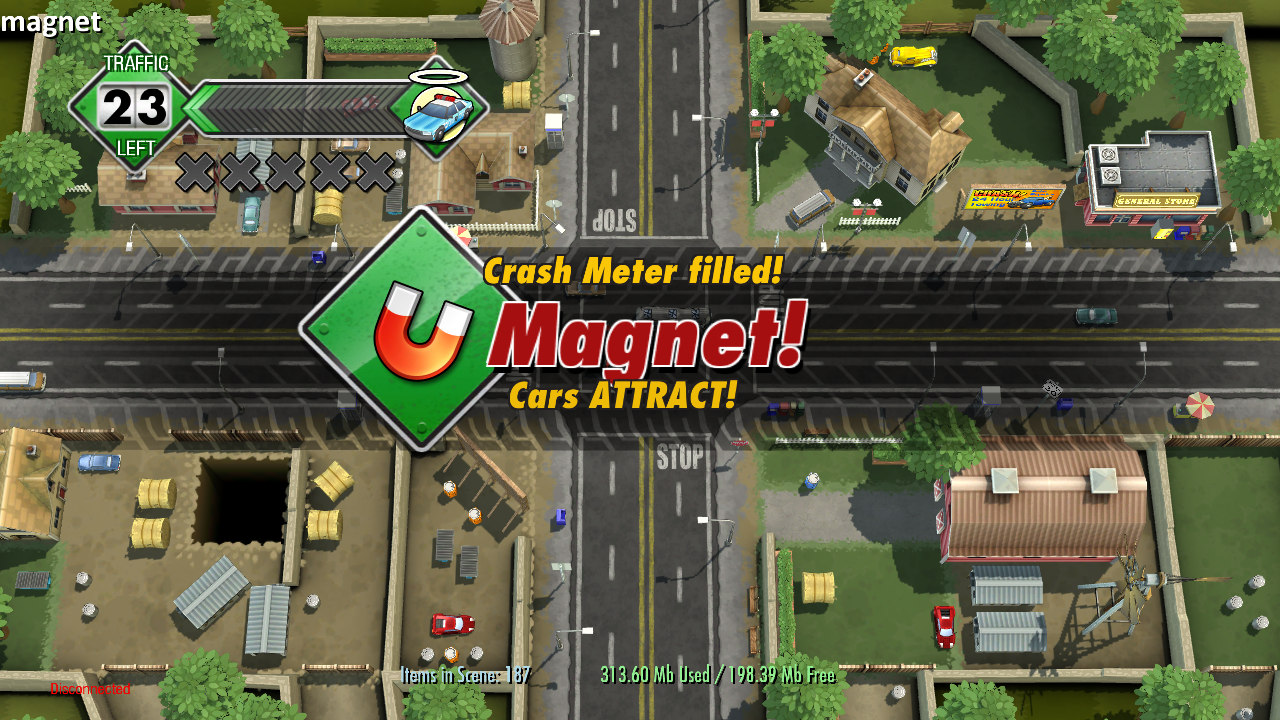

Sound info entries |
|---|
Master Fader |
Threshold |
HUD Message |
Tutorial |
Feature Spot |
Feature Music |
Special Vec Music |
Feature Loops |
Alert Combo |
Alert Score |
Alert Skill |
Alert Medal |
Alert Crashbreaker |
Alert Spot |
Alert Results |
Alert Finished |
SFX Impact |
SFX Building Explosion |
SFX Vehicle Explosion |
SFX Prop Explosion |
SFX Skid |
SFX Engine |
SFK Siren |
SFX Water |
Music |
Ambience |
Dynamic Music |
Voice Over |
Buildings Radius |
Buildings Fall Off |
Car Radius |
Car Fall Off |
Car Explosions Radius |
Car Explosions Fall Off |
Car Impacts Radius |
Car Impacts Fall Off |
Props Radius |
Props Fall Off |
Stereo Separation |
Lighting info entries |
|---|
Elevation |
Rotation |
Key H |
Key S |
Key V |
Shadow Fill H |
Shadow Fill S |
Shadow Fill V |
Left Side H |
Left Side S |
Left Side V |
Right Side H |
Right Side S |
Right Side V |
Key Fill H |
Key Fill S |
Key Fill V |
Top H |
Top S |
Top V |
Ambient H |
Ambient S |
Ambient V |
Lighting presets |
|---|
Current Stage |
ice |
plane1 |
plane2 |
plane3 |
plane4 |
plane5 |
fog |
monster1 |
monster2 |
monster3 |
monster4 |
monster5 |
tornado1 |
tornado2 |
tornado3 |
tornado4 |
tornado5 |
tidal_wave1 |
tidal_wave2 |
tidal_wave3 |
tidal_wave4 |
tidal_wave5 |
meteor |
rain |
super_meteor1 |
super_meteor2 |
super_meteor3 |
super_meteor4 |
super_meteor5 |
UFO1 |
UFO2 |
UFO3 |
UFO4 |
UFO5 |
In-game events |
|---|
ambulance |
bad_cops |
bank_van |
bulldozer |
detonator |
drive_in |
fog |
gas |
gold_car |
good_cops |
hole |
ice |
ice_cream |
limo |
magnet |
manhole |
meteor |
missile |
pizza_van |
rain |
sports_car |
taxi |
Early Graphics#
Menu-Related#
The Route 77 graphic seen in the background of the main menu says Route 666 in this build. The filename in the final game still says ROUTE666, however.
The Route 666 graphic can also be found in UI_1.DDX\UI\V2\MAINMENU\ROUTE666.
Early |
Final |
|---|---|
UI_2.DDX\UI\V2\SETTINGS\ROUTE666 |
GLOBAL_0.DDX\UI\V2\SETTINGS\ROUTE666 |
 |
 |
Junction Map#
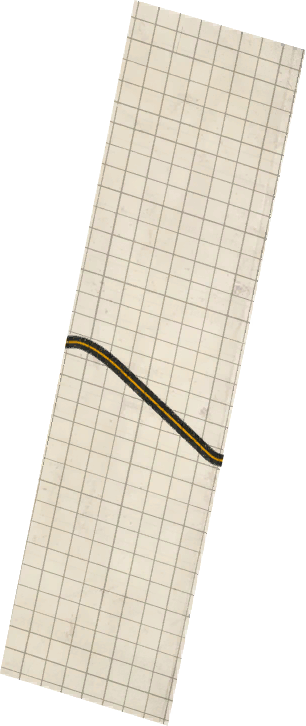
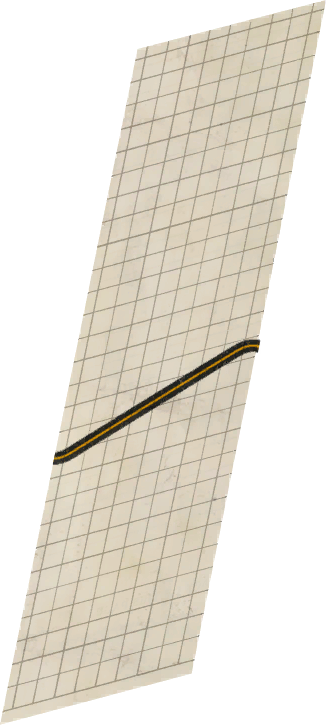
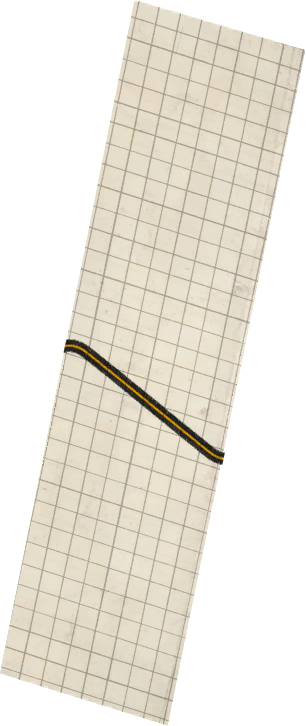
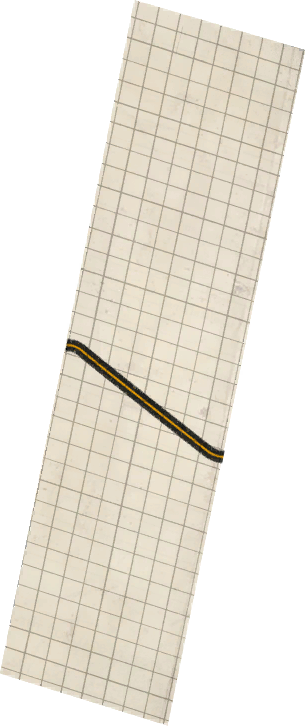
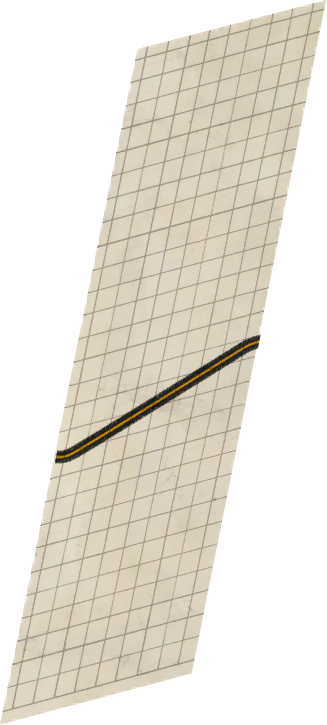
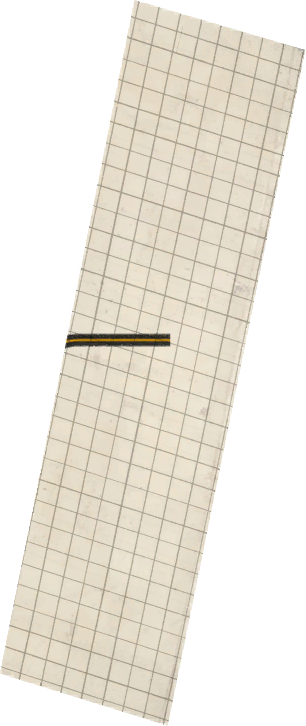
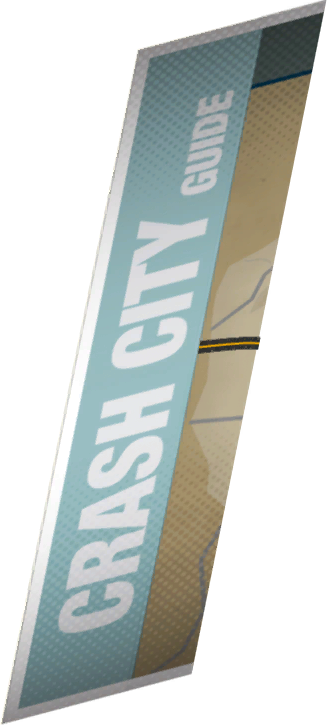
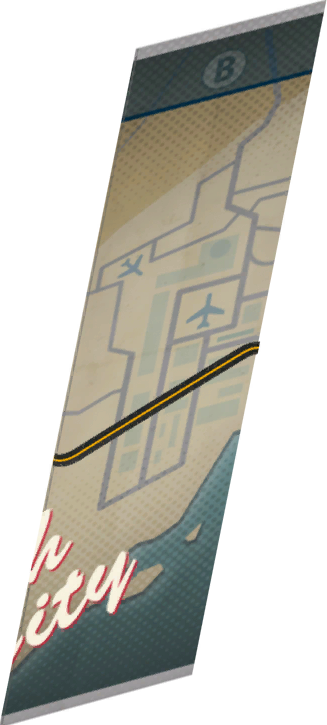
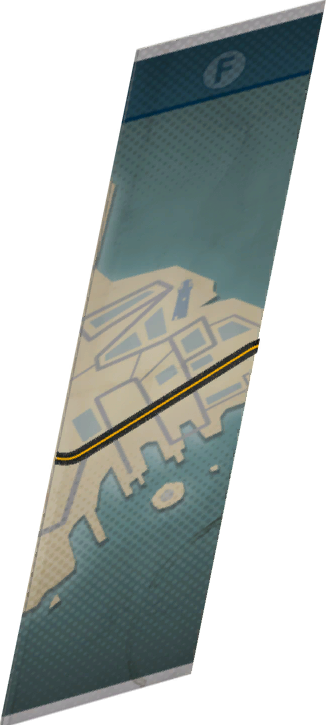
The junction map textures are much more simplistic in this build.
Early |
|---|
UI_0.DDX\UI\V2\EVENT_MAP\PAPER_1, _2, _3, _4, _5, _6;UI_1.DDX\UI\V2\EVENT_MAP\PAPER_7'',_8'' |
|
Final |
UI_0.DDX\UI\V2\EVENT_MAP\{PAPER_1, _2, _3, _4, _5, _6, _7, _8} |
|






Unused Graphics#
Placeholders#
UI_1.DDX\UI\V2\EVENT_SELECT_NEW\ has 21 placeholder textures, 18 of them saying "PLACEHOLDER" and the other 3 saying "PAVEMENT".
PLACEHOLDER |
PAVEMENT |
|---|---|
 |
 |
Textures displaying "PLACEHOLDER" |
|---|
{TEMP_TEXTURE_BLUECLAW} |
{TEMP_TEXTURE_BLUECLAW2} |
{TEMP_TEXTURE_BLUECLAW3} |
{TEMP_TEXTURE_ROCKHAM} |
{TEMP_TEXTURE_ROCKHAM2} |
{TEMP_TEXTURE_ROCKHAM3} |
{TEMP_TEXTURE_ROSWELL} |
{TEMP_TEXTURE_ROSWELL2} |
{TEMP_TEXTURE_ROSWELL3} |
{TEMP_TEXTURE_SEACREST} |
{TEMP_TEXTURE_SEACREST2} |
{TEMP_TEXTURE_SEACREST3} |
{TEMP_TEXTURE_SKYWING} |
{TEMP_TEXTURE_SKYWING2} |
{TEMP_TEXTURE_SKYWING3} |
{TEMP_TEXTURE_WINDRUSH} |
{TEMP_TEXTURE_WINDRUSH2} |
{TEMP_TEXTURE_WINDRUSH3} |
Textures displaying "PAVEMENT" |
|---|
{TEMP_TEXTURE_WINDRUSH_PAVEMENT} |
{TEMP_TEXTURE_WINDRUSH_PAVEMENT2} |
{TEMP_TEXTURE_WINDRUSH_PAVEMENT3} |
Early Videos#
The videos are quite incomplete - the Road Trip and Rush Hour tutorials occasionally have a Fraps watermark visible, and the Pile Up tutorial uses the 2D junctions for which the graphics have survived into the final game.
Early Video |
Final Video |
|---|---|
CRASH_TUTORIAL_ROADTRIP.VP6 - Road Trip Tutorial |
|
CRASH_TUTORIAL_RUSHHOUR.VP6 - Rush Hour Tutorial |
|
PILE_UP.VP6 - Pile Up Tutorial |
|
CRASH_ATTRACT_LOOP.VP6 |
|