
|
This game is still under active development. |

|
This page contains no introduction. |
Debug Menu#
To access the debug menu, open the file 00console.rpy (located in renpy\common\) in a text editor and scroll down to the line config.console = False. Change False to True and then save and close the text editor, this will enable Ren'Py's console. Start a new save file and then immediately press Shift + O to open the console. Type jump map250 and press Enter, you'll now appear in the debug menu.
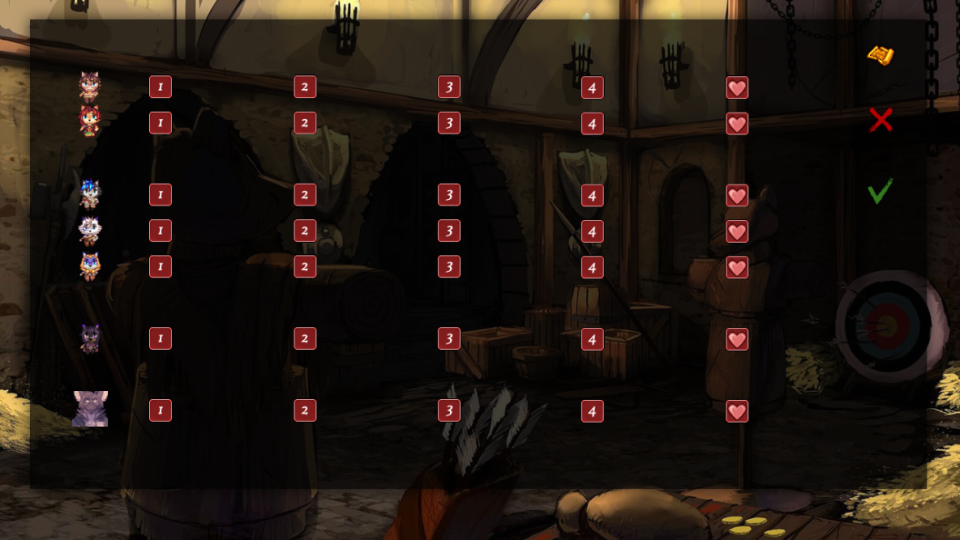
This menu allows you to warp to any of the heart to heart moments. The map icon will display any journals you've found.
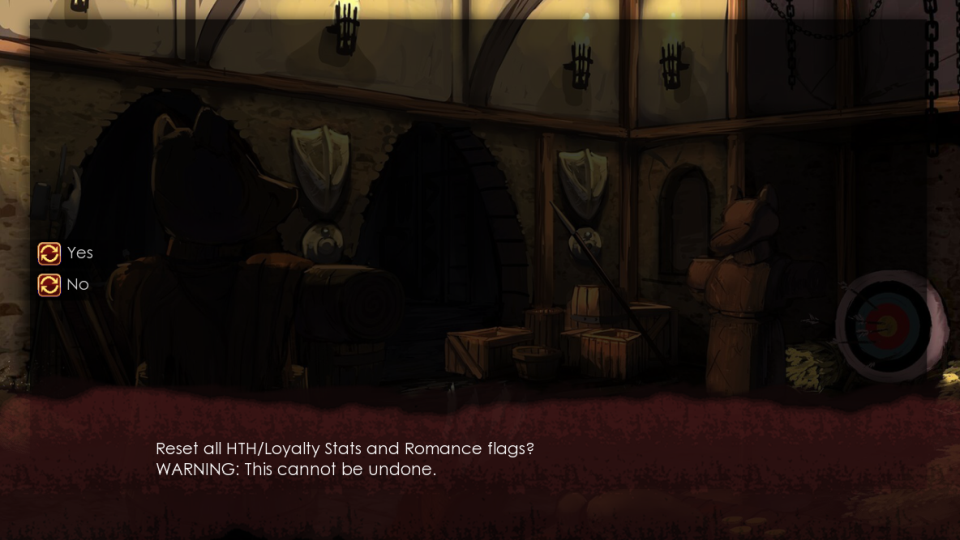
The X icon resets all character relationship flags.
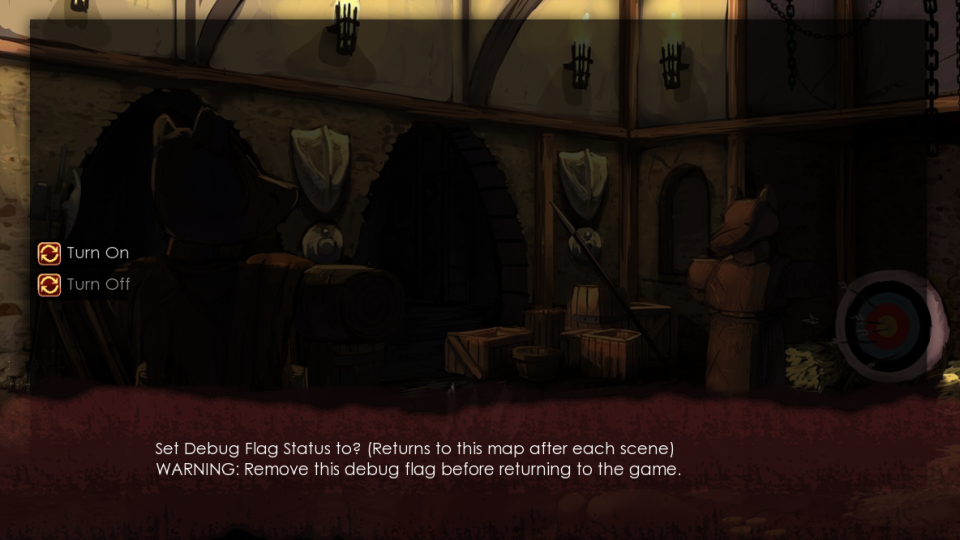
And the tick icon enables a debug flag which returns you to the debug menu after each scene.
(Source: Original TCRF research)
Early Title Screens#
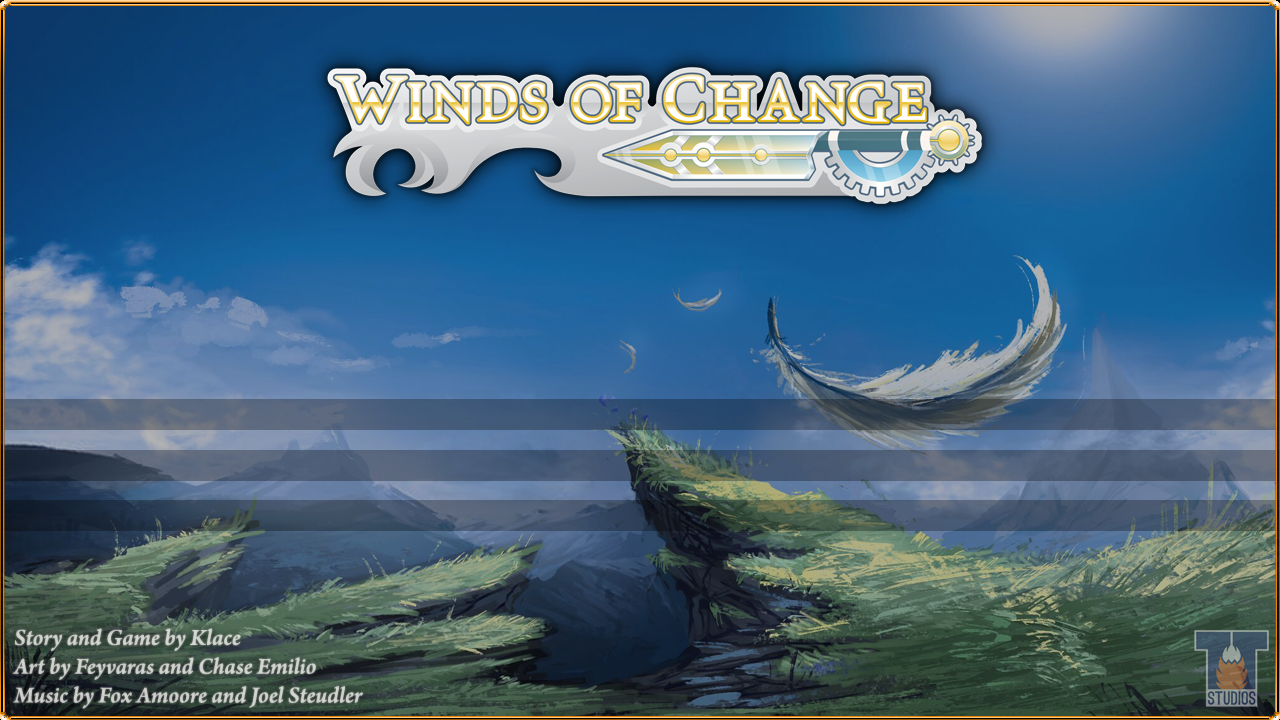
Present in the titles1 directory is title.psd which is the .psd file that was used to create the background image for the title screen. A couple of the layers in the file are earlier versions of the title screen.
Layer 1#
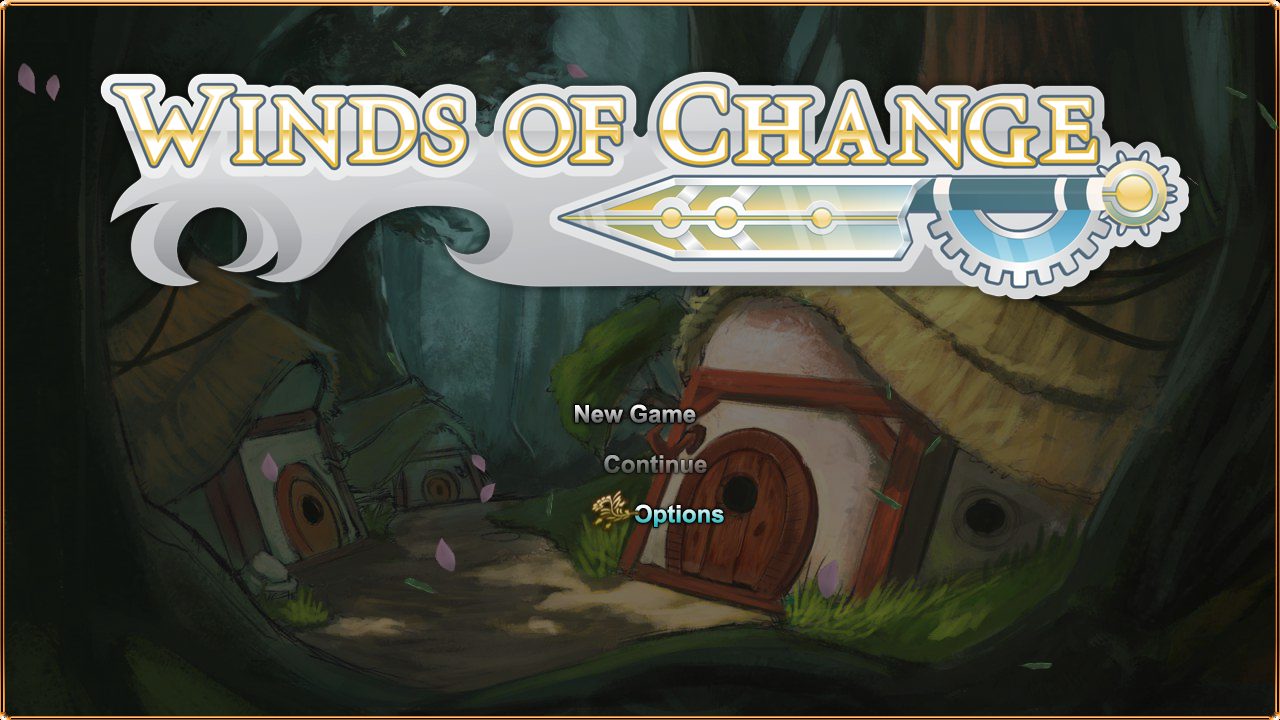
Layer 4#
(Source: Original TCRF research)