Typer Shark Deluxe is a game where you need to write words to defeat sharks.
Partner.xml File#

|
To do: |
Present in almost every PopCap game is partner.xml. partner.xml allows PopCap, as well as PopCap's partners, to easily modify small details of the game without the need to recompile the game or access to the game's source code. This file has been edited numerous times through multiple partners and PopCap themselves, and later revisions of the game added more features to it. Also present is a checksum check, so not every user can make any changes they want. If the checksum fails, an error message appears, and the game either fails to boot up or boots up with default values, typically enabling the trial or registration system. Below is an attempt to list the features for partner.xml in Typer Shark Deluxe. Interestingly, Popcap messed up version 1.0 of Typer Shark Deluxe by shipping the game with an invalid signature, causing numerous problems. This was fixed in 1.01
Boolean Value |
Effect |
|---|---|
DefaultWindowed |
On a fresh installation, start the game in Windowed or Full Screen. |
DontUpdate |
Toggle the in-game update system. |
NoReg |
Toggle the registration system. Configurable through MaxPlays |
Integer Value |
Effect |
|---|---|
NumOptionsLinks |
Display a link button in the options menu. |
MaxPlays |
Max amount of times allowed to play before forcing registration. |
String Value |
Effect |
|---|---|
OptionsLinkURL0 |
The URL that the link button will redirect the user to. |
RegisterLink |
The URL of the link to register the game. |
RegBtnText |
The text that will be on the register button in the options menu. |
Revision List#
- 1.0 = Initial release!
- 1.01 = Fixed registration dialog bug, sound-related crash
- 1.02 = Bug fixes.
For some reason, 1.02 removed the 1.01 changelogs. PopCap is NEVER consistent with these.
Title Screen#
June 2, 2003 |
March 9, 2007 |
August 28, 2007 |
Typer Shark Abyss |
|---|---|---|---|
 |
 |
 |
 |
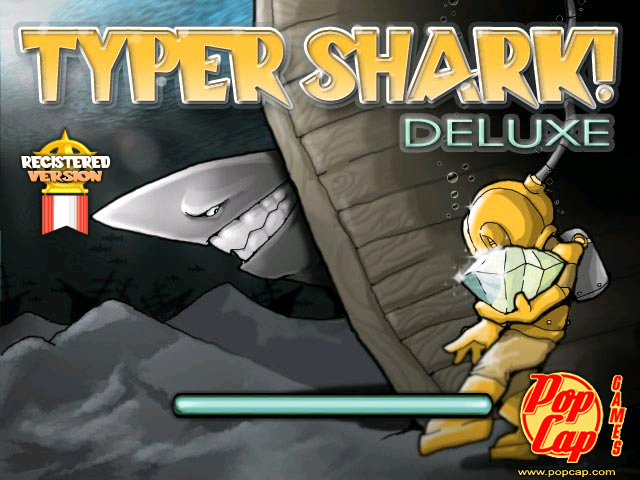
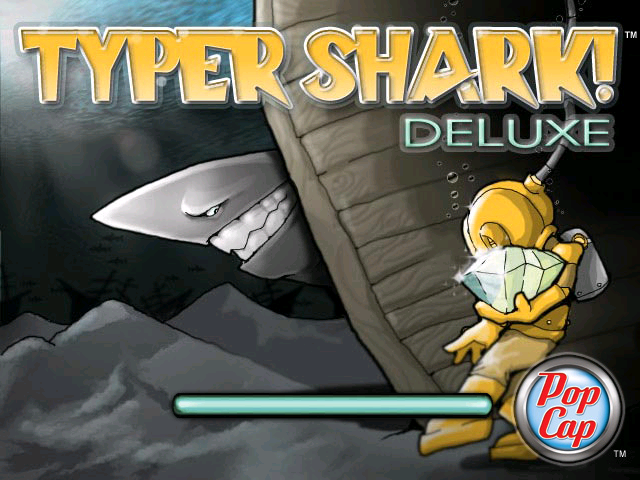
One of the only PopCap games that does not have a "Click here to play!" button and goes straight to the menu. However, if you trigger the Update Checker or are on an unregistered version, a similar button does appear. Traditionally, installers from 2003 to 2006 used the old PopCap logo. For a brief period, the second revision of the logo was used, and in August 2007, the final logo was used.
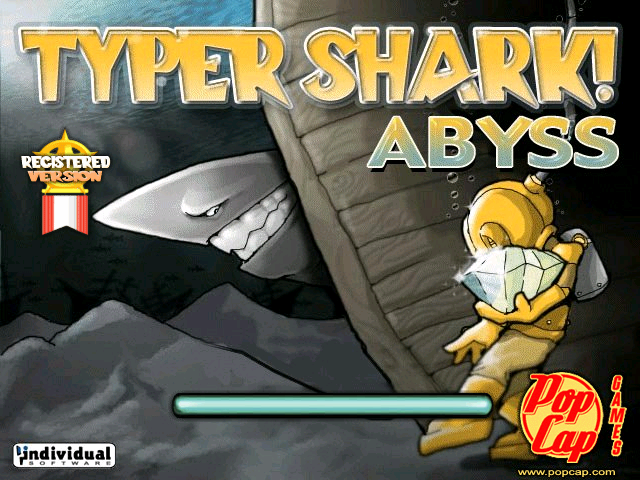
Typer Shark Abyss uses the old PopCap logo as expected, since it dates back to 2006. However, strangely, they also made very minor changes to the image itself.
The unregistered/registered badge is enabled through partner.xml and is not part of the image.
1.0 (Installer, Popcap.com, June 3, 2003)#
- The earliest known version of the game.
- Ships with an invalid signature for partner.xml.
- The build information using -version marks version 1.0 as build 141 dated Tuesday, June 3, 16:15:36, 2003
1.01 (Installer, Popcap.com, August 28, 2003)#
- Fixed the invalid signature for partner.xml.
- The build information using -version marks version 1.01 as build 149 dated Wednesday, August 27, 17:46:15, 2003
1.02 (Installer, Popcap.com, April 20, 2004)#
- The last known compiled build of the game. Any other versions edit other parts of the game, such as Partner.xml, images, or use a DRM wrapper.
- Updated the Popcap framework.
- The build information using -version marks version 1.02 as build 165 dated Tuesday, April 20, 13:00:30, 2004
Typing Instructor Deluxe Version#
Bundled with the software Typing Instructor Deluxe is an exclusive and unique trial build of Typer Shark Deluxe named Typer Shark Abyss with a compile date of October 15, 2006.
- Uses a unique titlescreen splash with the name Typer Shark! Abyss. This splash screen is dated as early as July 1st, 2003.
- The game immediately loads you into Abyss mode after loading the game.
- The hint that normally would appear does not appear, and the game begins as normal.
- The game acts as a trial, where exiting Abyss mode or getting a Game Over provides a banner to try the full version for free.
- Pressing the help button in-game opens help.chm
- The default lesson type is Home Row Keys. You can change this after exiting the game to other lessons and difficulty.
- Although other parts of the game from the Deluxe version are inaccessible, code in the executable seems to suggest that it all still exists.
- partner.xml exists, but doesn't appear to be read from.
- Debug mode using CTRL + ALT + D appears to be completely disabled, but the strings are still present.
- Downloading the full version opens WinTSSetup_individual which is hardcoded in the executable. Even though this was compiled in 2006, the setup for the Deluxe version is 1.0 without the partner.xml signature problem.
- While Command-Line Parameter -version works, the build number and date are empty, which appears to be a consistent thing for builds after 2005.
The images exclusive to Typer Shark Abyss date from July 1st, 2003, to May 25, 2004, making it possible that earlier versions of Typer Shark Abyss existed. Typer Shark Abyss tags itself as version 1.0.
Unused Graphics#

A logo for Word Shark. However, it's only the alpha image and not the normal one. Word Shark was the original name, before it was changed to Typer Shark


Present in all versions, named _zz_cap2 _zz_logo3 and _zz_pop2 and appears not to be used in any. The filenames are not referenced in the executable, and deleting them causes no problems. The used file for the logo is barandlogo for versions before 1.02 and titlescreen for 1.02.
Oddities#

The blue gem (from Bejeweled) is called gem_purple.gif for some reason, it may have been likely the purple gem from Bejeweled Deluxe might have been in the blue gem's spot originally. The purple gem is also the only gem from Bejeweled that is absent from this game.
Command-Line Parameters#
The game's executable mentions developer command lines for starting the game, it's not friendly with commands using spaces so use = instead, starting from this method forces the game to act like it's in "Trial" mode. Note this does not work on Mac OS as the framework port didn't support them at the time. These are:
- -play: Plays popcap.dmo if it's present, if not present, an error is shown. -demofile can also be used to choose the name and location of the file.
- -recnum: Records demos with Popcap.dmo and Popcap#.dmo if that's taken on every boot.
- -playnum: Plays demos with Popcap.dmo and Popcap#.dmo from -recnum if that's taken on every boot.
- -record: Records a demo named Popcap.dmo and saves after shutdown of the game.
- -demofile: Specifies filename for recorded demos.
- -crash: Crashes the game immediately with an Access Violation error.
- -screensaver: Makes the game act like it's a screensaver, any movement or key presses will immediately force close the game.
- -changedir: Changes game installation directory, for the current boot.
- -version: Shows the product name, version, build number and build date with a popup instead of starting the game.
Debug Commands#
Pressing CTRL + ALT + D will play a sound (c:\windows\media\Windows XP Menu Command.wav) to indicate debug key input is enabled, allowing options of typing unique keys for debugging displays or mechanisms, another use will disable it.
- F2 : Start/Stop perf timing.
- F3 : Toggle FPS display.
- ⇧ Shift + F3 : Toggle FPS/mouse coordinate display.
- F8 : Toggle 3D acceleration.
- F9 : Show current Video Stats (mostly used to see if 3D acceleration is currently on).
- F11 : Dump all program images in memory to the Typer Shark Deluxe's directory inside the newly created _dump folder.
Internal Project Name#
The game is internally referred to as WinWS, where WS stands for Word Shark, its original name.