 This article has a talk page!

|
To do: |
Night of the Quinkan is the third and final entry in the main Ty the Tasmanian Tiger trilogy where Ty and friends team up with Boss Cass to defeat the Quinkan army.
Debug Mode#
Action Replay (GameCube) code
7JCN-6EED-J4X44
MF7W-W1TF-88GFC
enables a handful of debugging functions during gameplay, described below.
Alternatively, if playing on the "R3575_V0.15" build on Windows, create a shortcut to "TY3.exe" and at the end of the target field, enter in "tydev" and run the shortcut afterwards. Debug Mode will also be enabled this way.
Level Select#
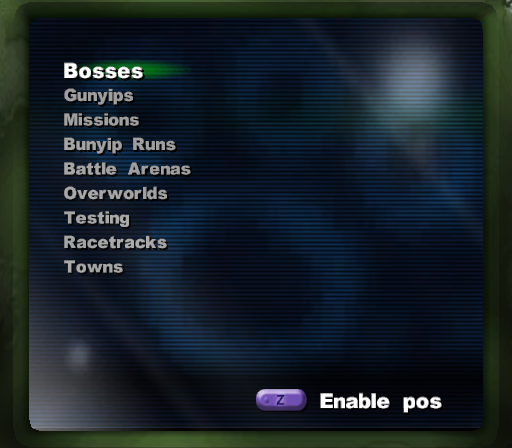
Pause the game, select Exit, then select Change Level to access a level select allowing access to any area in the game.
Coordinate Display#
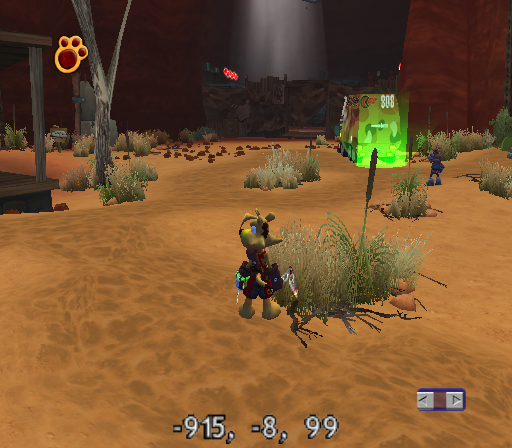
Press Z in the level select to enable a coordinate display in-game. On the Steam version, go into "Change Level" and press RT to enable the coordinate display.
Free-Movement Mode#
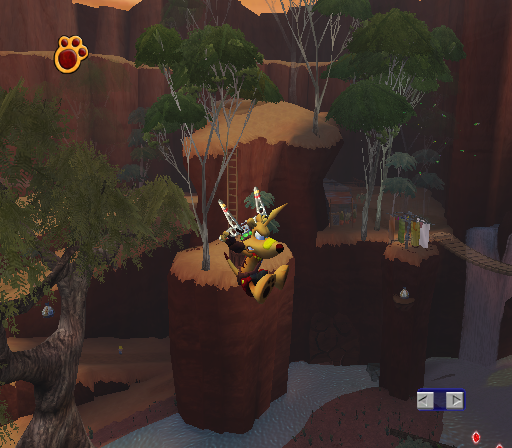
Hold R during gameplay. On the Steam version, using an XBOX Controller, hold down LB during gameplay.
(Source: Ralf @ gc-forever)
Testing Levels#
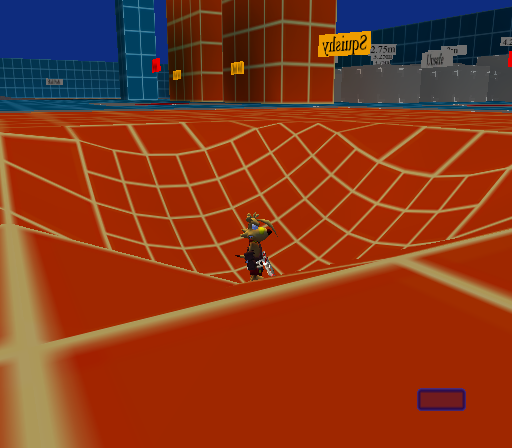
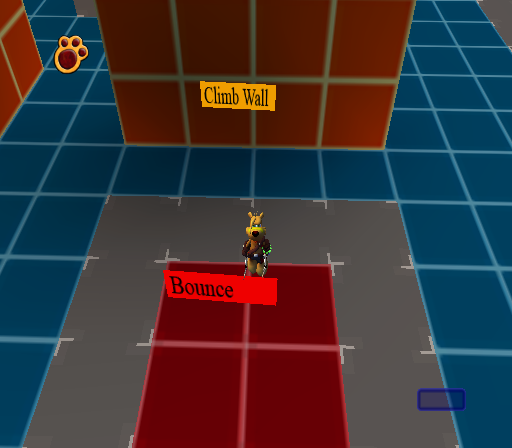
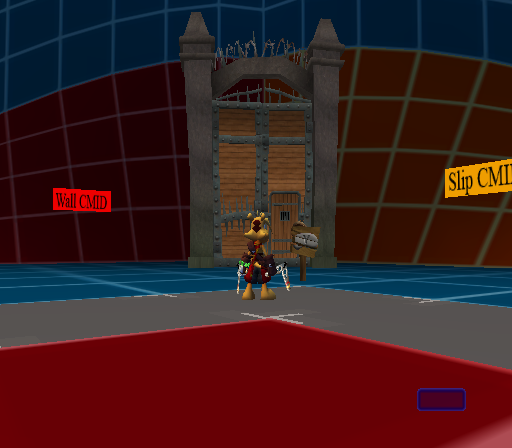
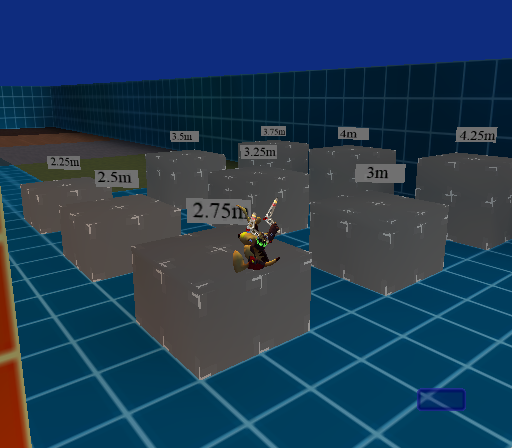
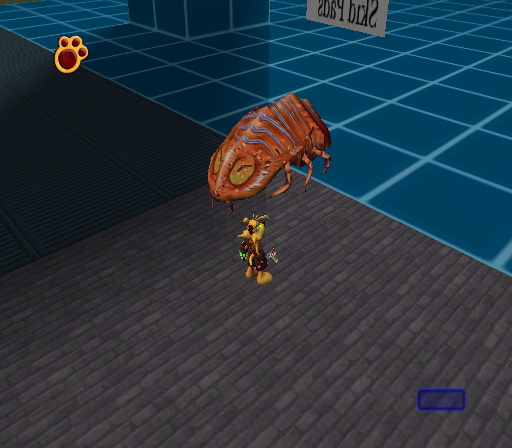
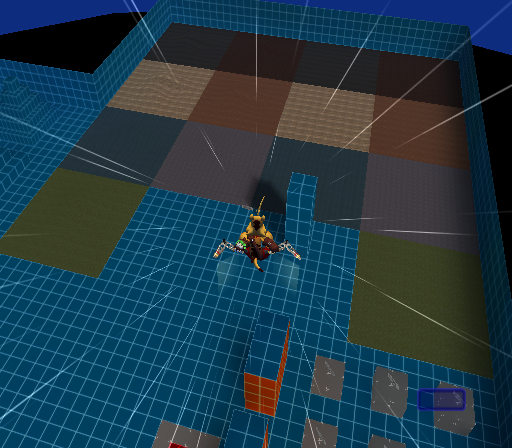
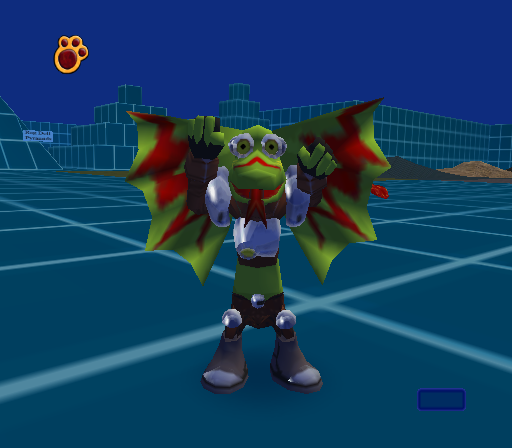
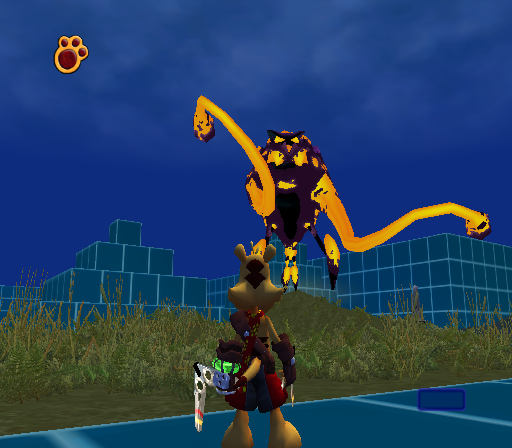
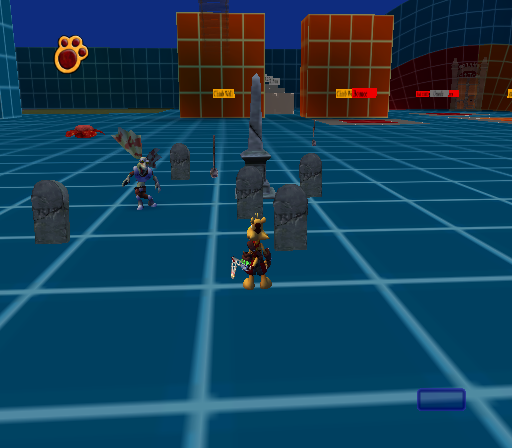
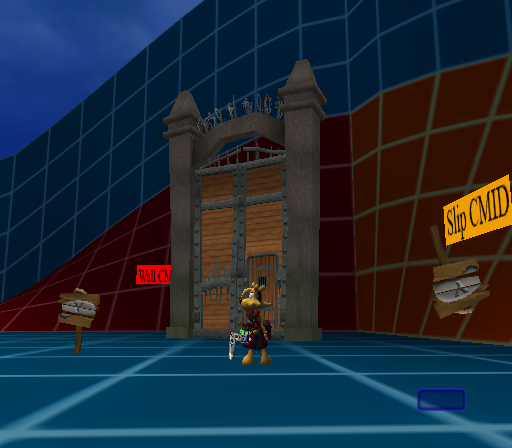
Three testing levels can be accessed by using the aforementioned level select.
Q1 Testing#
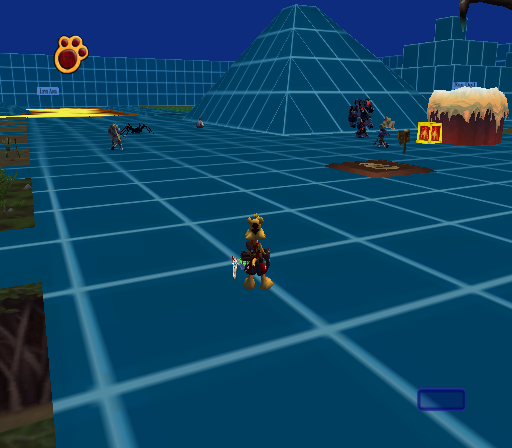
A very large test map used to test many different aspects of the game.
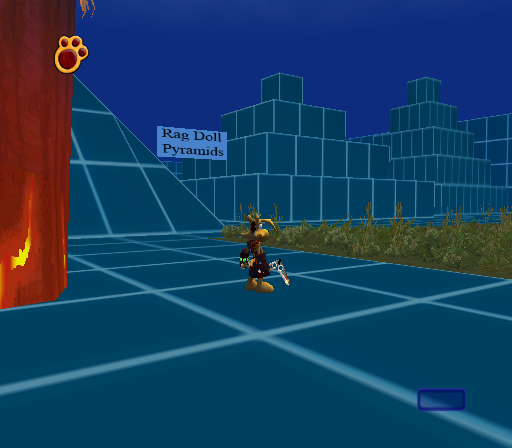
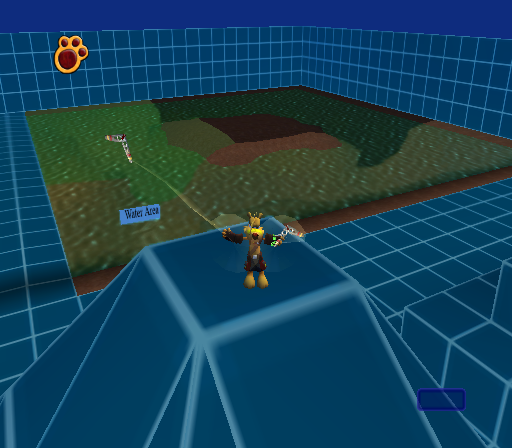
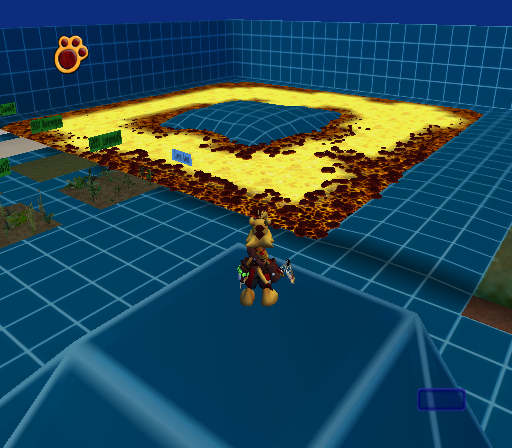
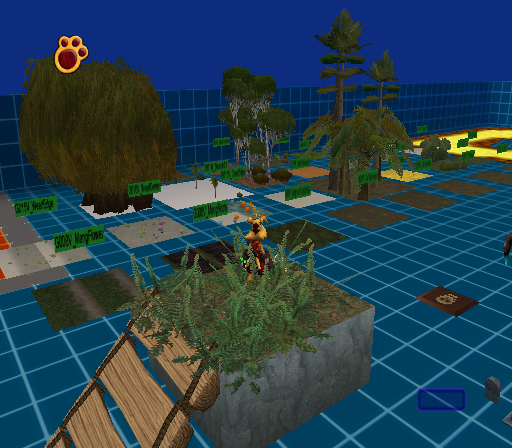

Q4 Testing#
A test map that takes place in Karlos' arena. Since the spawn point is underneath the map, a moon jump code is needed in order to explore it, provided below:
3A3A0724 00000100
423E4FE8 050E447A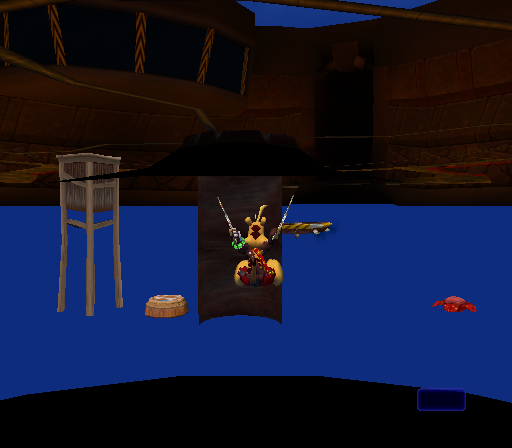


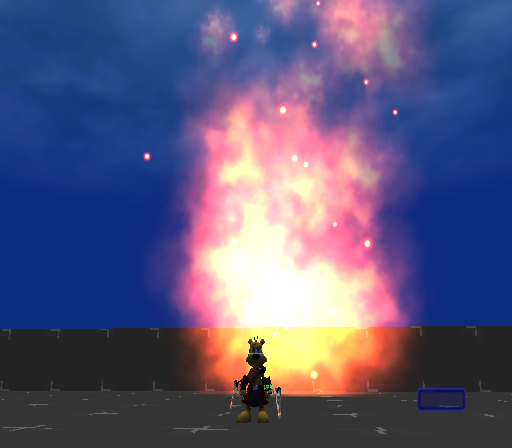
Q5 Testing#
A small plus shaped map.


Cloth Physics Debug#
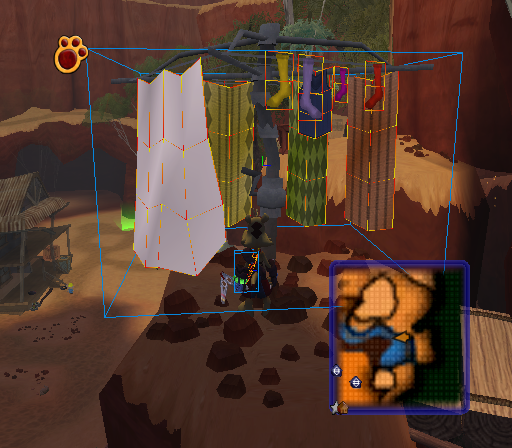
Action Replay code
0458B800 00000001
0458B804 00000001
will draw boxes around objects that use cloth physics such as Ty's scarf.
Debug Spheres#
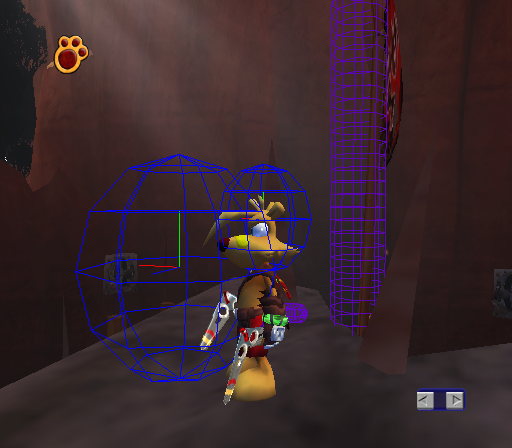
Action Replay code
0458B7FC 00000001will draw a couple of blue spheres around Ty and purple cylinders around his tail certain objects. The blue spheres will flash red whenever Ty is moving. It's unknown what they're for.
Debug Info#
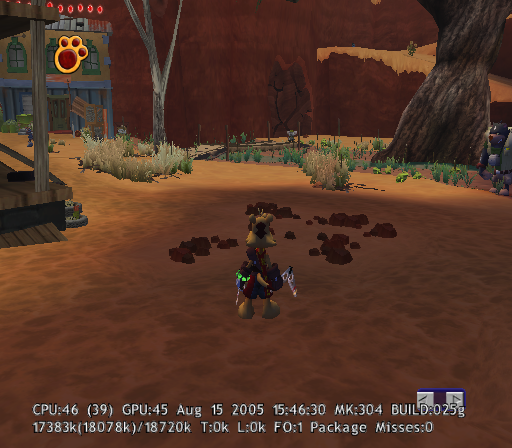
Action Replay (GameCube) code
0058B730 00000000and pressing Z and Up on the D-Pad will display debug info including build info, CPU and GPU usage counters, memory usage counters, and other unknown info.
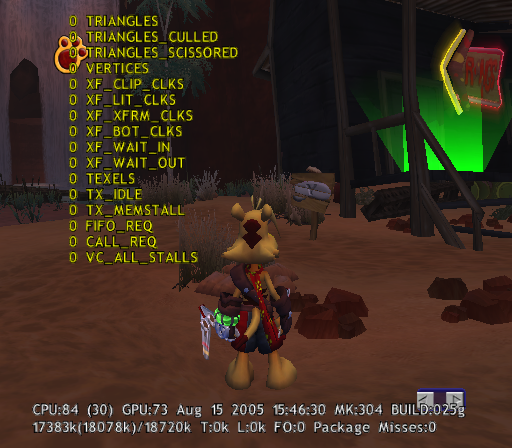
Pressing Z and Up on the D-Pad a second time will display more counters which don't seem to be functional as none of the values change. Pressing Z and Up on the D-Pad a third time will hide all of the counters and info.
Camera Debug Info#
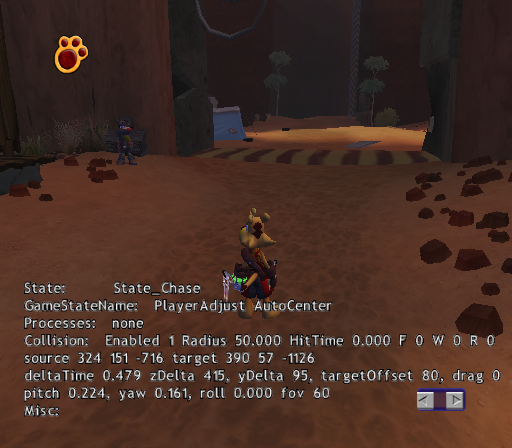
Action Replay code
0058A32D 00000001will display some camera info.
- State: Displays the current camera state.
- GameStateName: Changes depending on what Ty is currently doing.
- Processes: Changes depending on whether or not the camera is adjusting for walls or higher platforms.
- Collision: Displays camera collision info.
- Enabled: Displays whether or not camera collision is enabled or not.
- Radius: The size of the camera's collision sphere.
- HitTime: Increases whenever the camera is touching a wall, floor or roof.
- F, W, R: Indicates if the camera is touching a floor, wall, or roof.
- source: Camera's current location.
- target: Ty's current location.
- deltaTime: How far the camera is zoomed in.
- zDelta, yDelta: The camera's location relative to Ty's position.
- targetOffset: Changes when you adjust the y axis of the camera.
- pitch, yaw, roll, fov: The camera's current pitch, yaw, roll, and field of view.
- Misc: Unknown.
Ty's Gloves#
|
In-game |
Full |
|---|---|
|

|
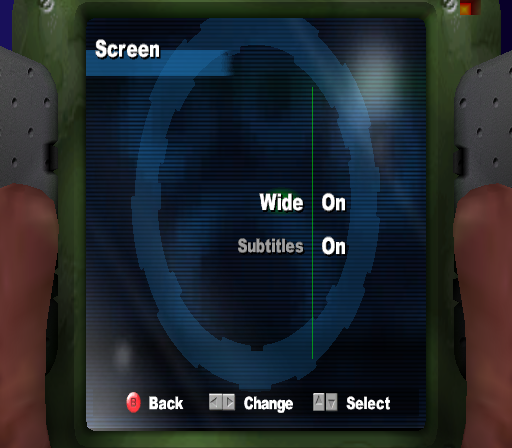
Just like in Ty 2, Ty's gloves in the pause menu are fully modeled but it's only possible to see his thumbs by enabling the widescreen option.
Duplicate Pipe in Cassopolis#
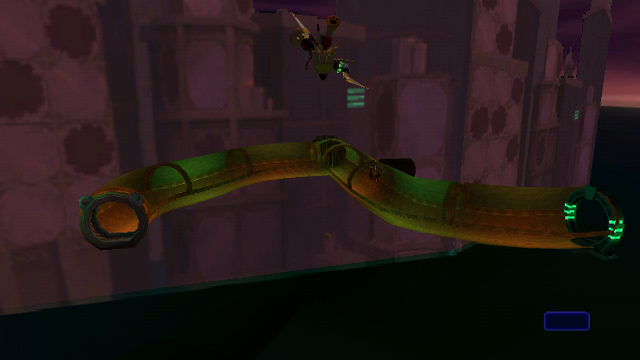
Somewhere behind the buildings in Cassopolis has a duplicate of an already existent entrance/exit pipe sans the door shutters. It can be entered using the debug code and moon jump Action Replay codes.
Build Dates#
GameCube |
PlayStation 2 |
|---|---|
Aug 15 2005 15:46:30 |
Aug 24 2005 12:28:46 |
The build date is not present in the Xbox version.
|
The Ty the Tasmanian Tiger series | |
|---|---|
|
Game Boy Advance |
|
|
GameCube, PlayStation 2, Xbox |
|
|
Windows |
|
|
Nintendo Switch |
|