 This article has a talk page!

|
To do: |
Ty 2 ditches the collectathon platformer gameplay from the first game in favor of a GTA-styled open world with mixed results.
Development Mode#
Action Replay code
0401AABC 60000000will enable a development mode in the PAL GameCube release. This will give Ty invincibility and all of the boomerangs as well as a free movement mode which can be entered by holding R. This will also enable a level select and coordinate display.
Level Select#

Highlight Exit and select Change Level.
Coordinate Display#
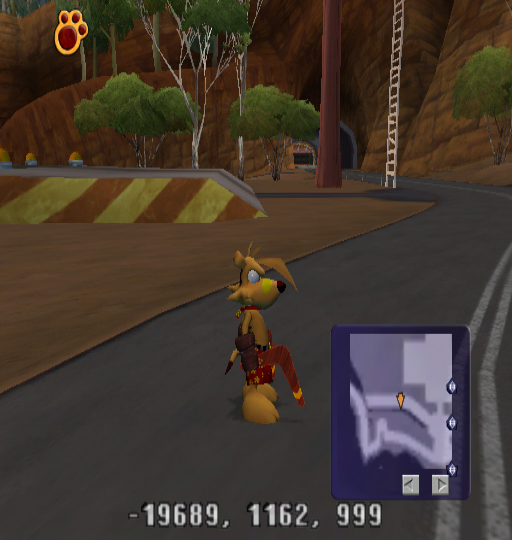
Press Z at the level select to enable a coordinate display.
Camera Debug Info#
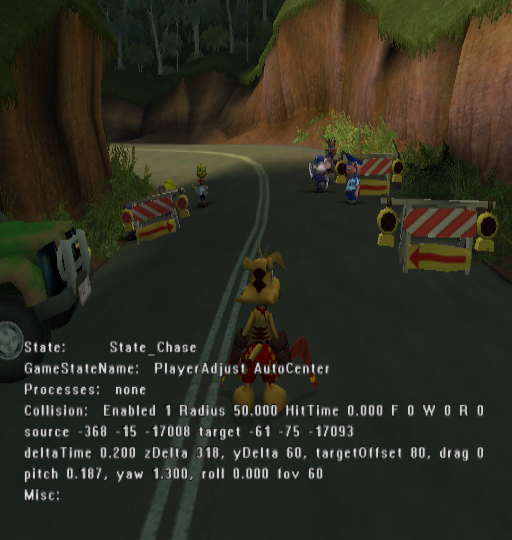
Action Replay code
0052BFE5 00000001will display some camera info.
- State: Displays the current camera state.
- GameStateName: Changes depending on what Ty is currently doing.
- Processes: Changes depending on whether or not the camera is adjusting for walls or higher platforms.
- Collision: Displays camera collision info.
- Enabled: Displays whether or not camera collision is enabled or not.
- Radius: The size of the camera's collision sphere.
- HitTime: Increases whenever the camera is touching a wall, floor or roof.
- F, W, R: Indicates if the camera is touching a floor, wall, or roof.
- source: Camera's current location.
- target: Ty's current location.
- deltaTime: How far the camera is zoomed in.
- zDelta, yDelta: The camera's location relative to Ty's position.
- targetOffset: Changes when you adjust the y axis of the camera.
- pitch, yaw, roll, fov: The camera's current pitch, yaw, roll, and field of view.
- Misc: Unknown.
Debug Info#
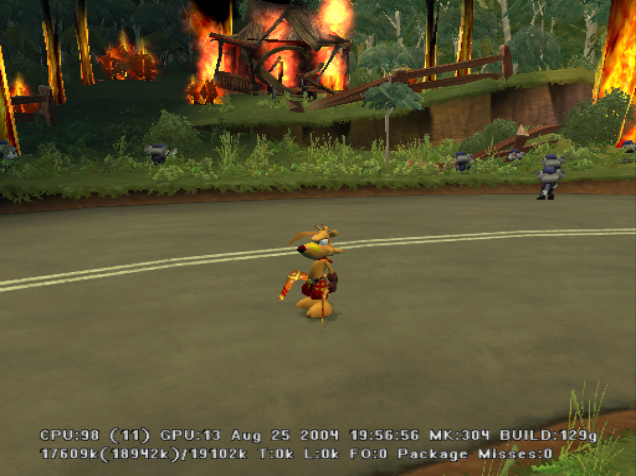
Action Replay code
0052CC50 00000000and pressing Z + Down on the D-Pad will display debug info including build info, CPU and GPU usage counters, memory usage counters, and other unknown info.
Cutscene Error Handler#
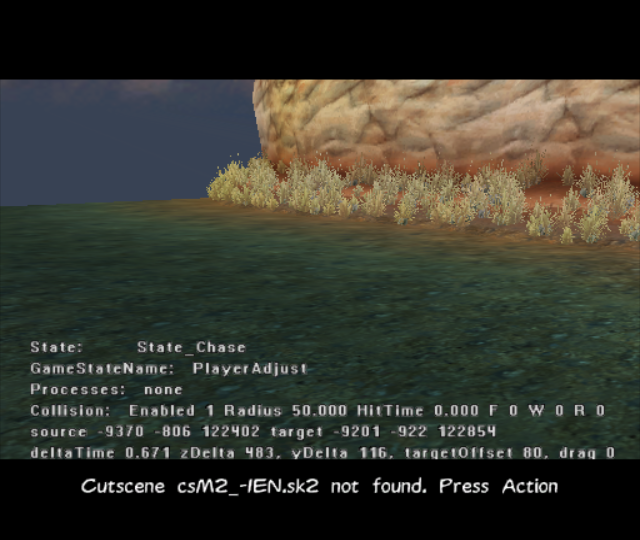
If the game tries to load a nonexistent cutscene, it will display this error handler.
Ty's Gloves#
|
In-game |
Full |
|---|---|
|
|
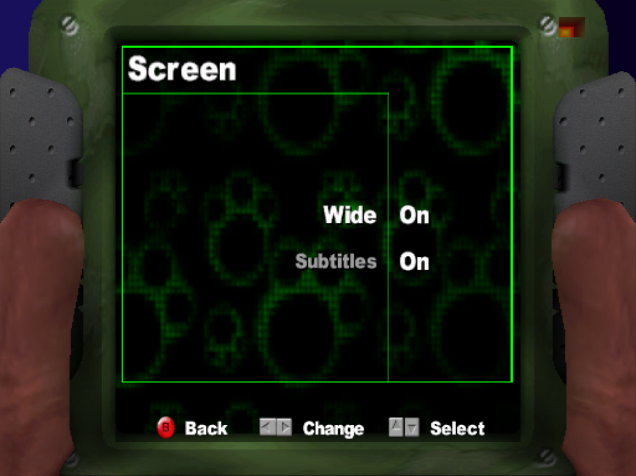
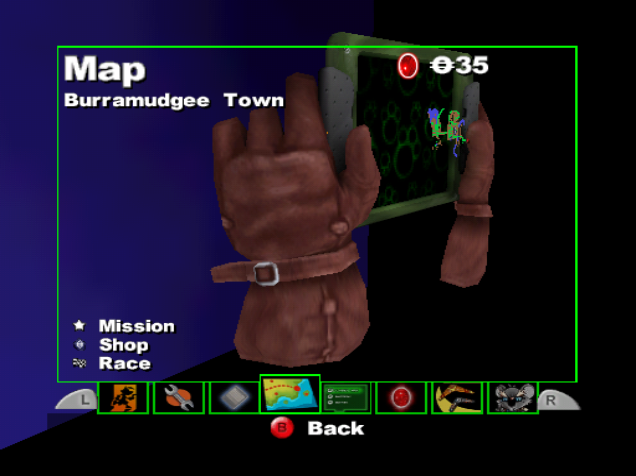
Ty's gloves in the pause menu are fully modeled but it's only possible to see his thumbs by enabling the widescreen option. However, later builds and the final release for Windows has some parts of the gloves cropped off as the pause screen was zoomed in.
Build Dates#
GameCube |
PlayStation 2 |
|---|---|
Aug 25 2004 19:56:56 |
Aug 30 2004 16:18:08 |
The build date is not present in the Xbox version.
|
The Ty the Tasmanian Tiger series | |
|---|---|
|
Game Boy Advance |
|
|
GameCube, PlayStation 2, Xbox |
|
|
Windows |
|
|
Nintendo Switch |
|