This is a sub-page of Super Mario Strikers.

|
Please elaborate. |
Draw Debug Grid#

Shows a grid.
7UD0-Q1ZP-M4GAJ
WBR4-RZZM-7FGUM
Draw Debug Safe Frame#

A green line box, used to indicate the portion of the screen that is typically not obscured by overscan on most CRTs (the "safe area").
J7BA-1TWU-PXA8C
HW9C-2707-789M6
Draw Debug Bounding Sphere#
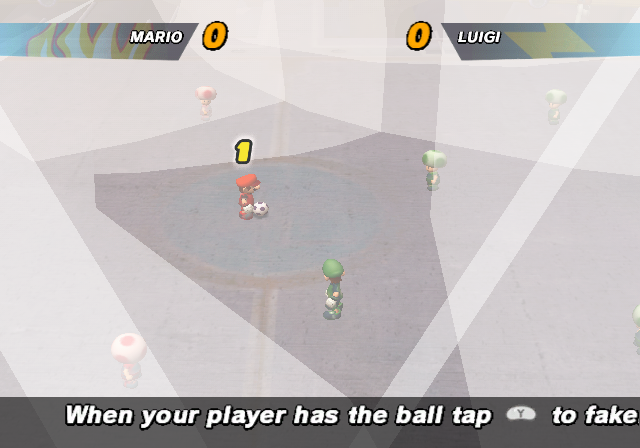
Displays Bounding Spheres.
XKRV-NATH-TFB7A
620U-01B9-UE00R
Debug Frame Smiler#

Shows a green smiling face, but gets more upset as the frame rate dips. It's intended to indicate if the frame rate is satisfactory or not.
U74P-N5KD-5V24U
A2K2-QECW-WJUJ1
Region Info#

Shows the region number.
6BK5-DFZJ-RHZKC
KX3T-2Q4T-6XENW
Memory Info#
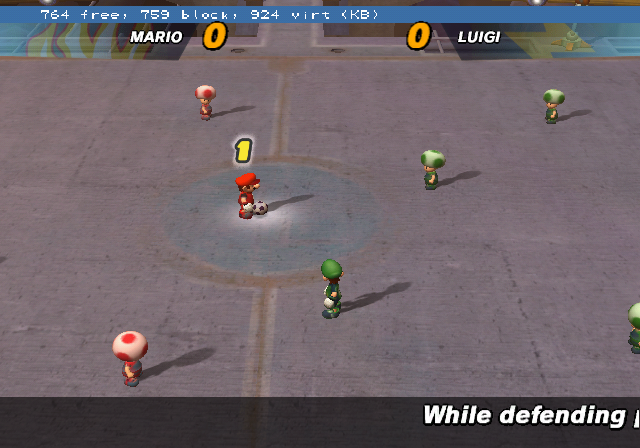
Shows the memory graph.
2YPV-A4XV-FP36R
GBRP-TC38-PN793
Culling Info#

Displays culling info.
4578-H1DN-F9FWT
K6KW-821V-ET54P
Debug Camera#
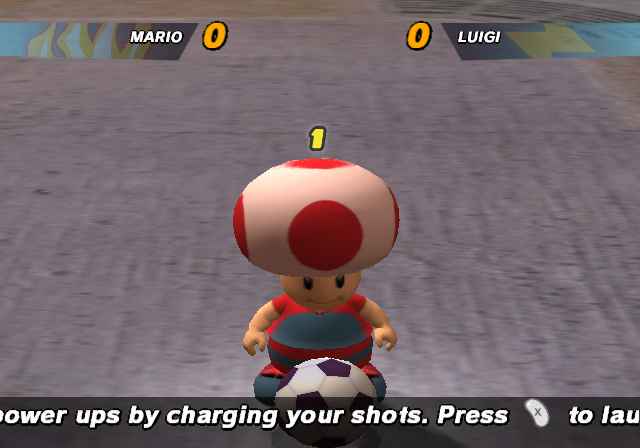
Press 'R + DPad Up/Down/Left/Right' to enable the debug camera.
3G8Q-6CZ0-RWVPT
17GZ-GZMU-7A3J9
DANQ-X3R7-1TAH8
0B3B-MP0Z-G5JAK
Q1WZ-3GFV-4KQF0
1YN8-6J8U-PP6QB
JW41-GH43-GVEZX
BW65-398F-1XFGG
1GWQ-VBX6-JH36VControls#
- R + DPad Up: Crowd Debug Camera
- R + DPad Left: Field Debug Camera 1
- R + DPad Right: Field Debug Camera 2
- R + DPad Down: Normal Camera
Field Debug Camera 1:#
- X/Y: Zoom In/Out
- L/R: Move Up/Down
- Stick Up/Down: Move Forward/Backward
- Stick Left/Right: Move Left/Right
- C-Stick Up/Down: Look Up/Down
- C-Stick Left/Right: Rotate Left/Right
Field Debug Camera 2:#
- Stick Up/Down: Zoom In/Out
- Stick Left/Right: Strafe Left/Right
- C-Stick Up/Down: Look Up/Down
- C-Stick Left/Right: Rotate Left/Right
(Source: Ralf@GC-Forever)