
|
This page contains no introduction. |
Debug Menus#
A couple of debug menus can be re-enabled with the below code. With the code on, hold either L1 + Circle over the NEW GAME main menu option for V-SYSTEM DEBUGMODE or L2 + Circle for INPUT HEX MODE debug menu.
Master Code (Only needed for cheat devices)
901562E0 0C055860

Re-enable Debug Menus
D0172142 0000DBFF
1011BD38 000004F2
D0172142 0000FFFF
1011BD38 00007706
D0172142 0000DEFF
1011BD38 0000B0A0
(Source: Original TCRF research)
V-SYSTEM DEBUGMODE#


This menu contains various system-related information. You can view the font file this game uses, and even edit memory of the game in real-time. You can also toggle a few debug displays that will appear on-screen here as well.
INPUT HEX MODE#

This mode contains the following options when setting the 00000000 (hex input) to a certain value listed below:
- 00000000 draws test cubes on-screen with either left or right buttons. Press Start to exit.

- 00000001 allows you to view all of the images in the game.
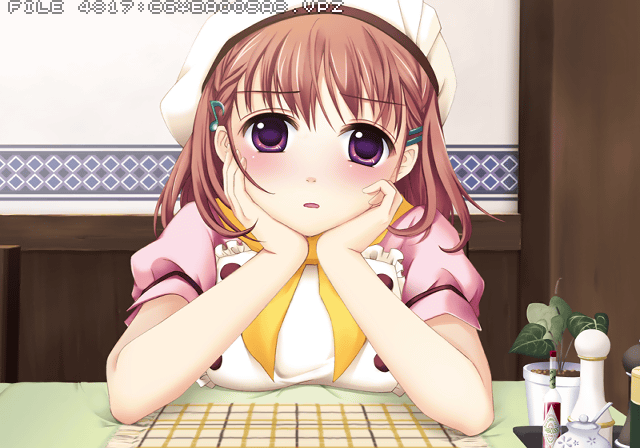
- 00000002 will open a scene select menu. From here you can view all of the events in the game. Changing this to a high number will open another test menu which opens more test events. Note: this may crash at times. For best results, choose this option first before choosing anything else.

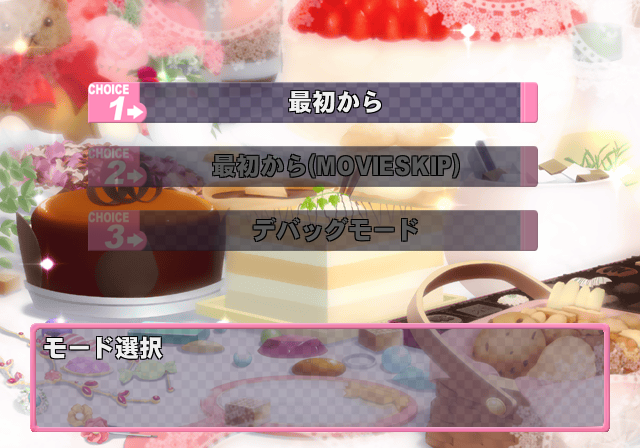
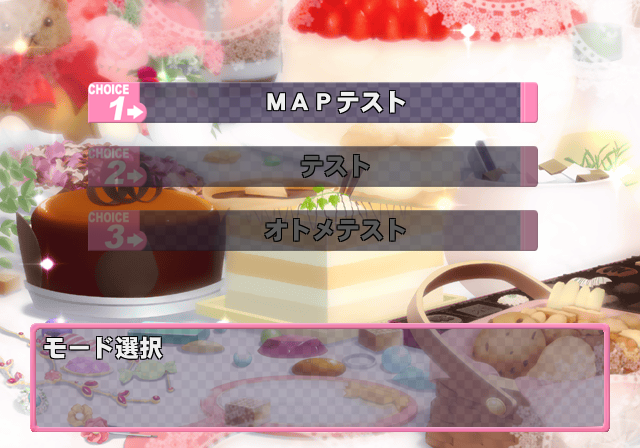
- 00000003 returns you to the title screen.
- FFFFFFFF exits the menu.
Unused Image#

Several of these images can be viewed in the INPUT HEX MODE debug menu. The text here translates to "CG cut for moral reasons".