 This article has a talk page!
This is a sub-page of Sonic Boom: Rise of Lyric.
Most of these are leftovers from CryEngine.
e_DebugDraw#

|
This page or section needs more images. |
Draws the game under certain conditions for inspecting render data. There are several different modes that draw in different ways, helpfully labelled at the top-left of the screen. Any numbers not included are free slots.
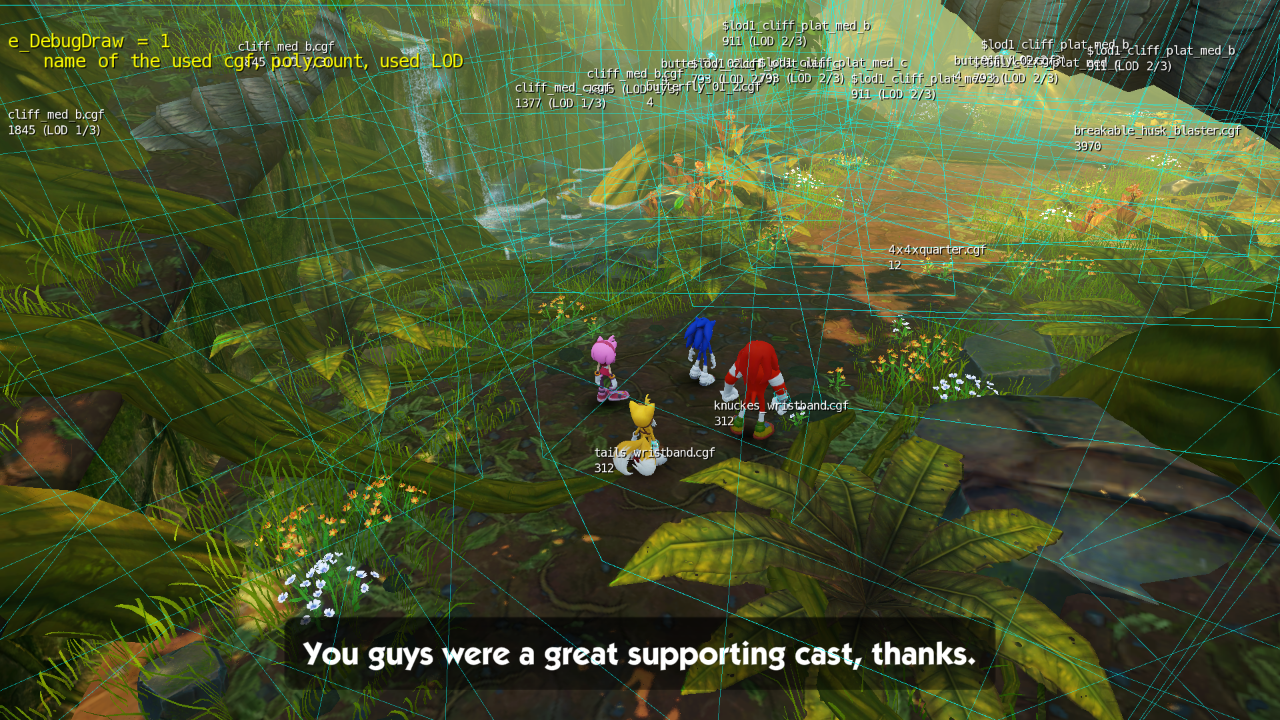
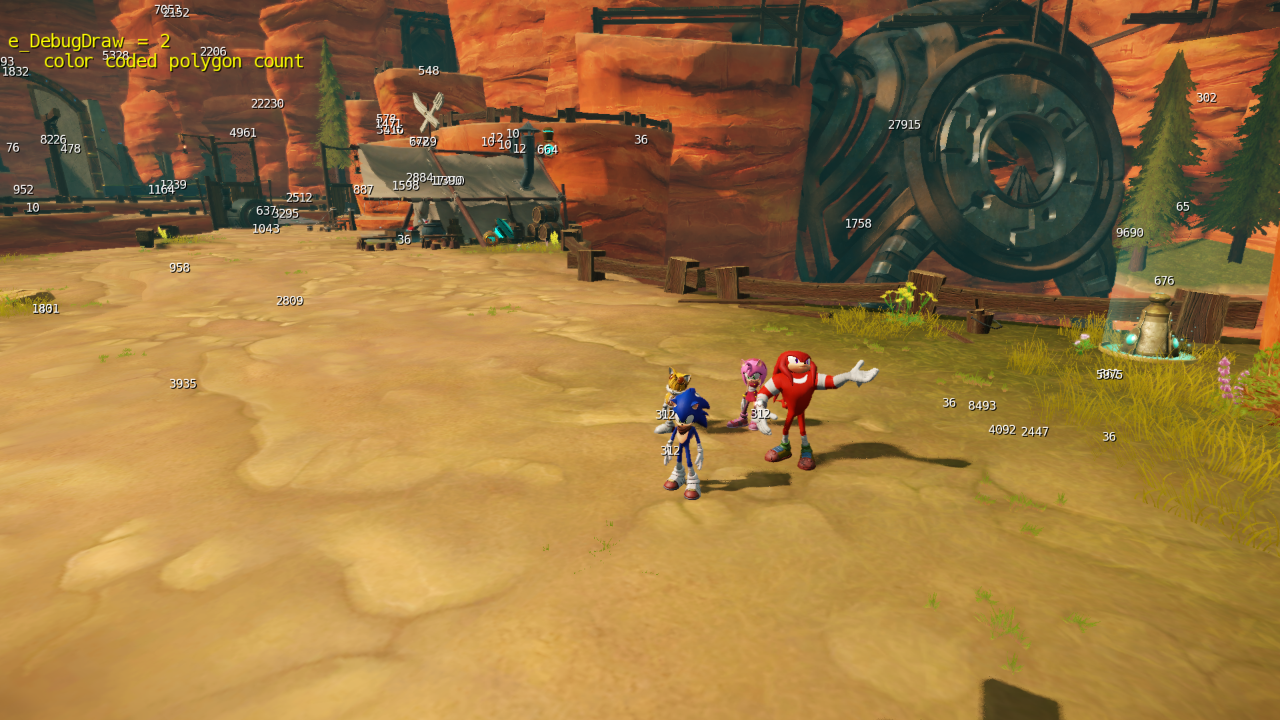
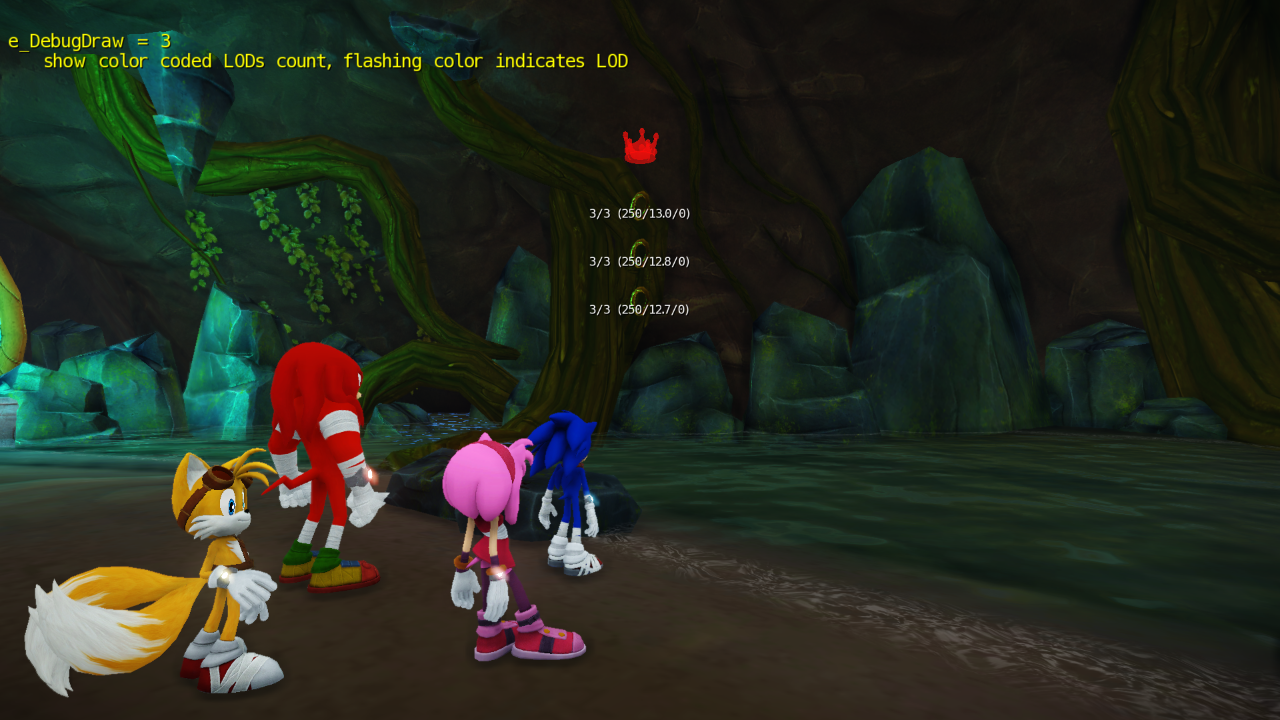
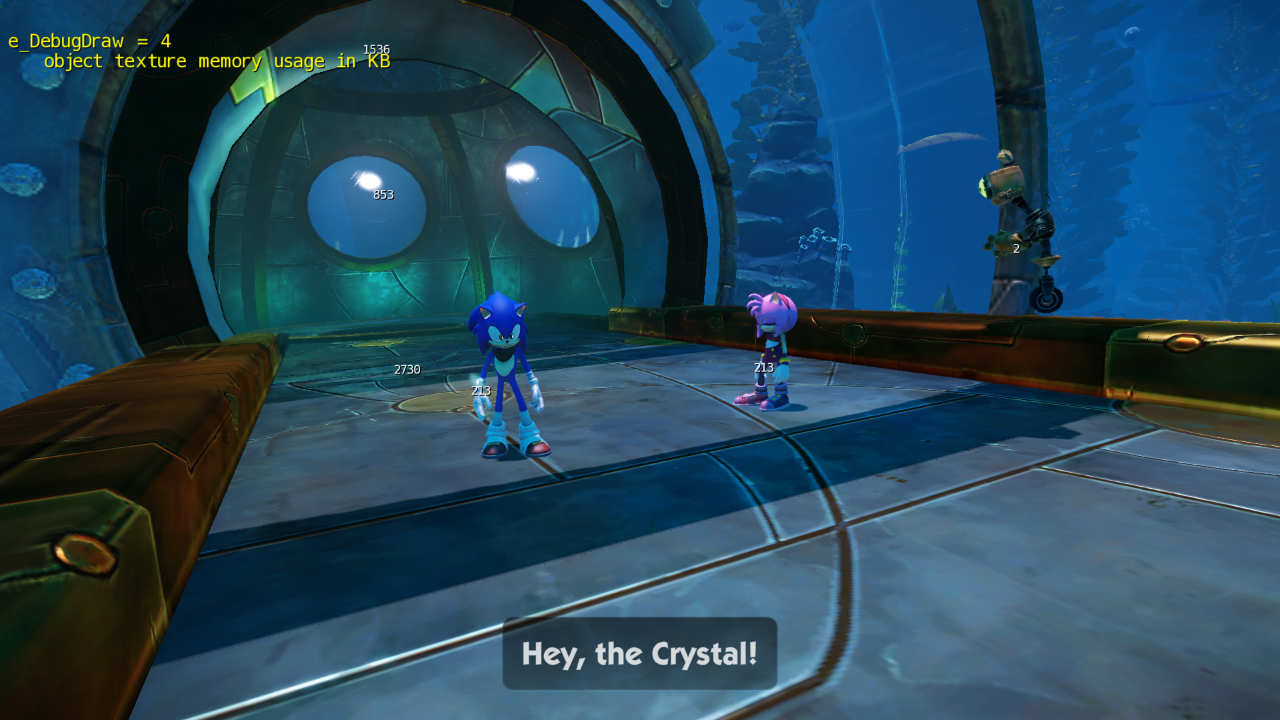
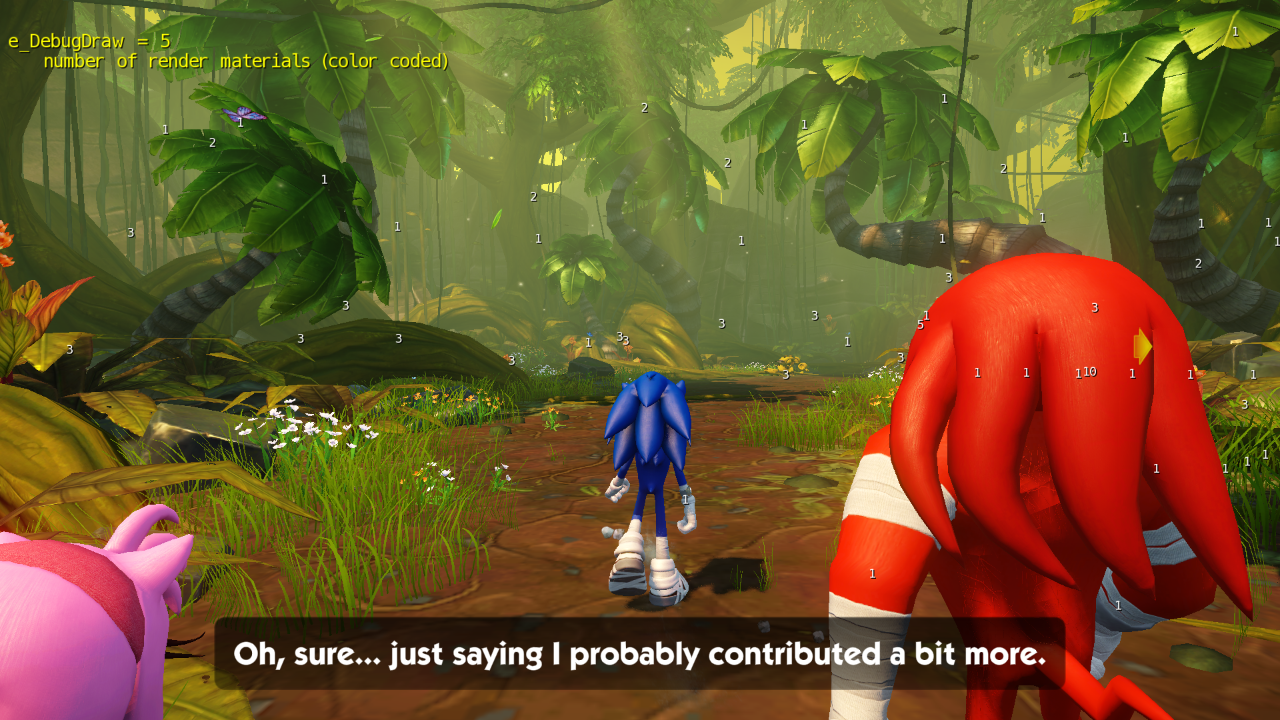
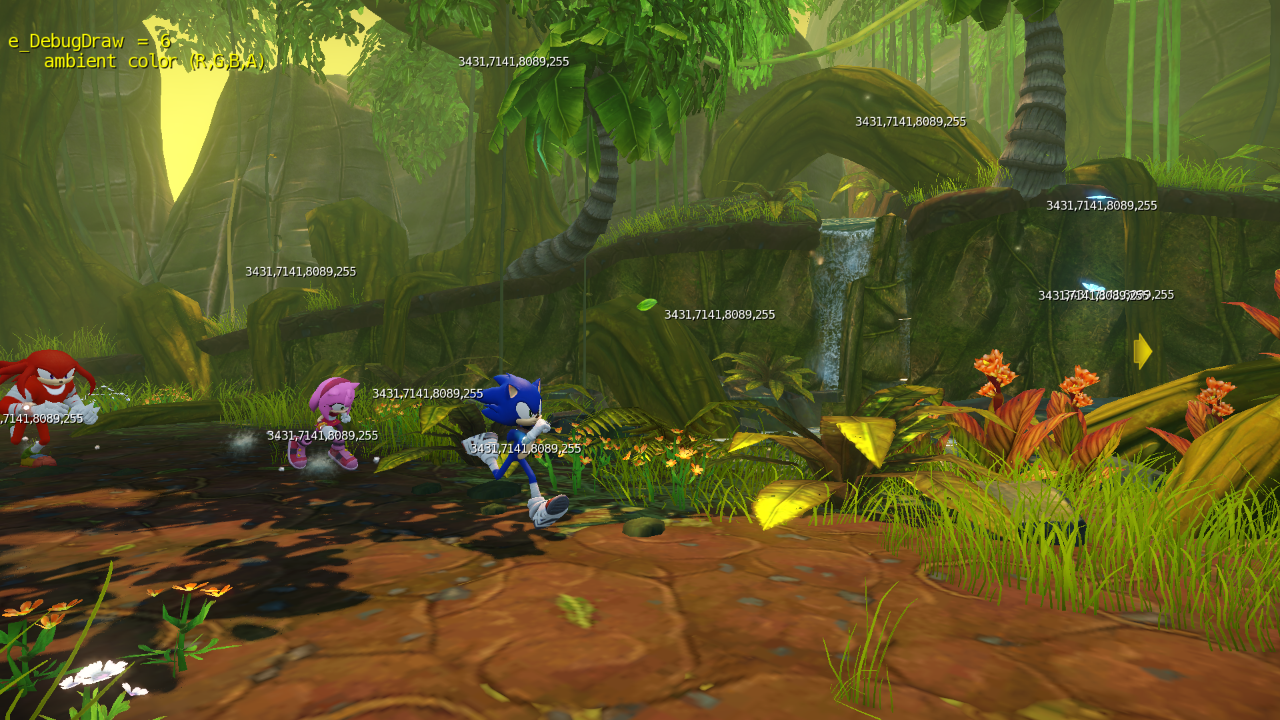
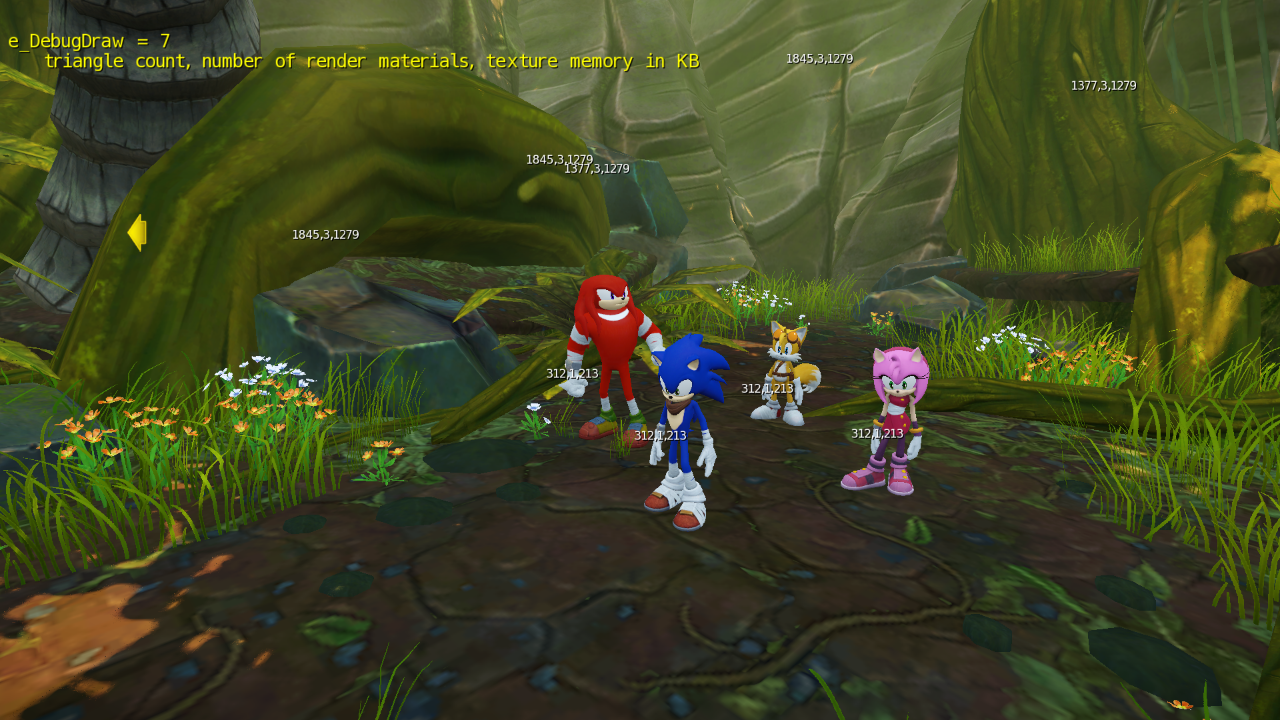
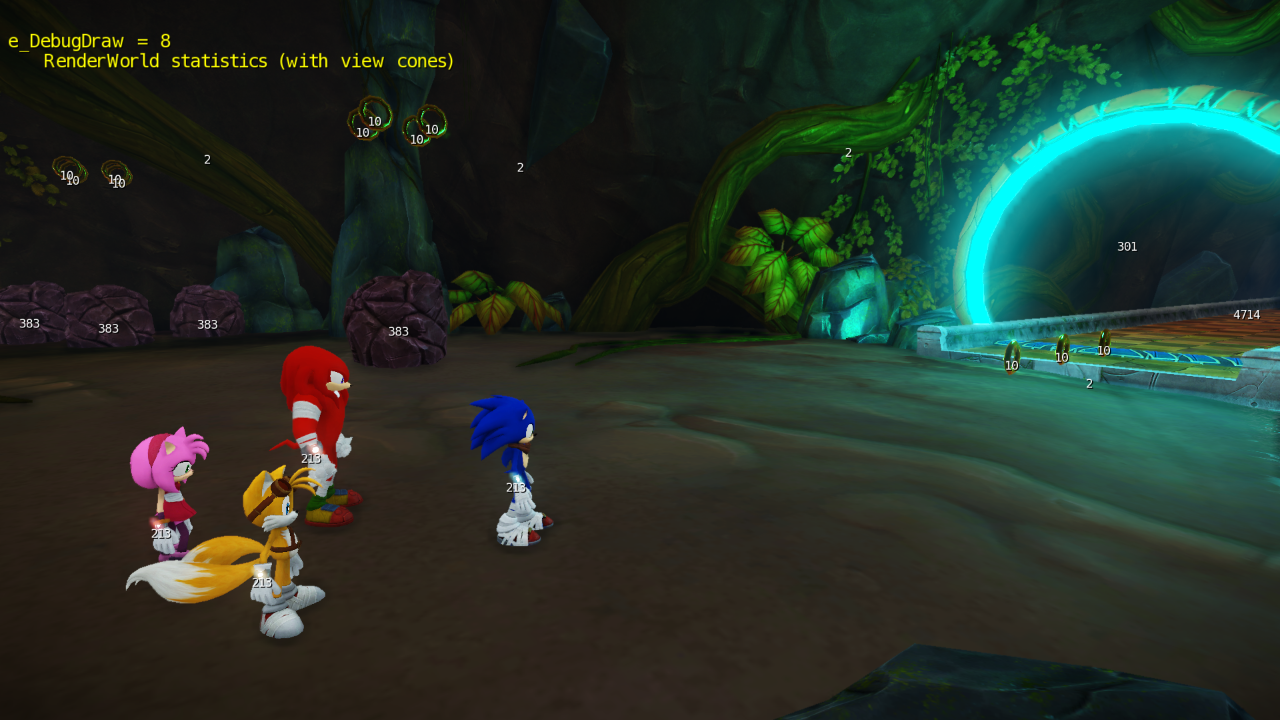
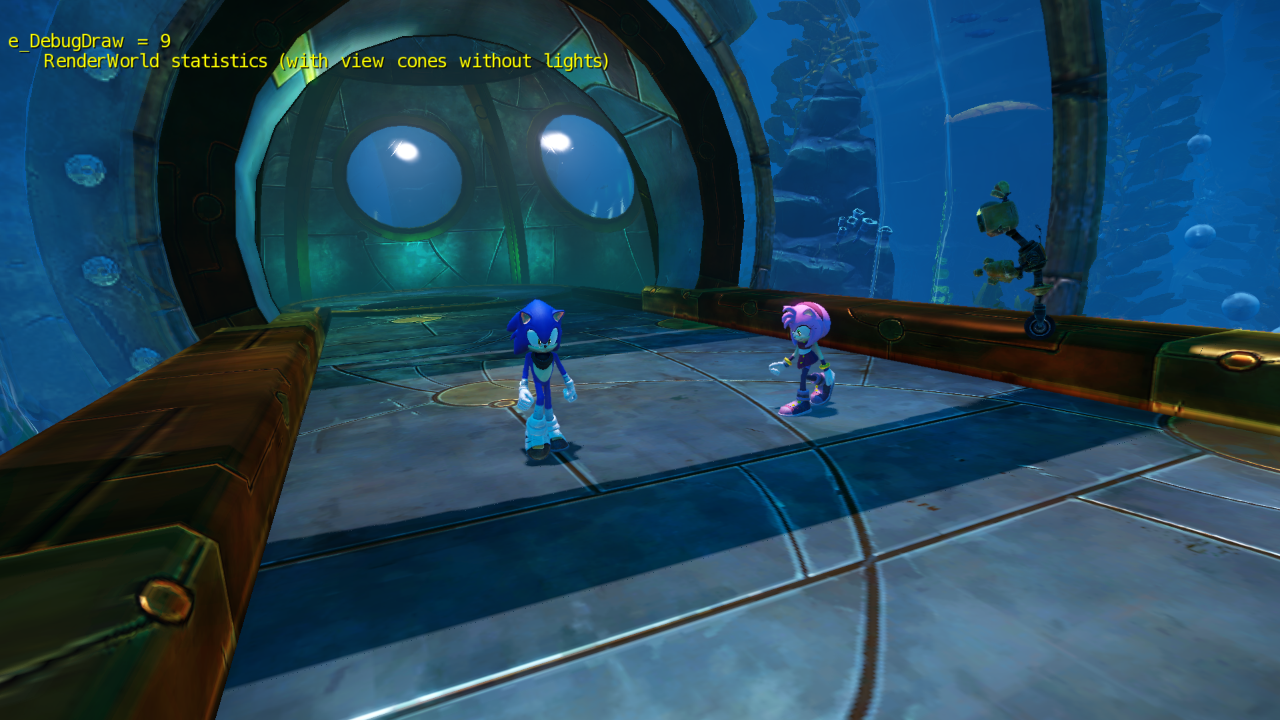

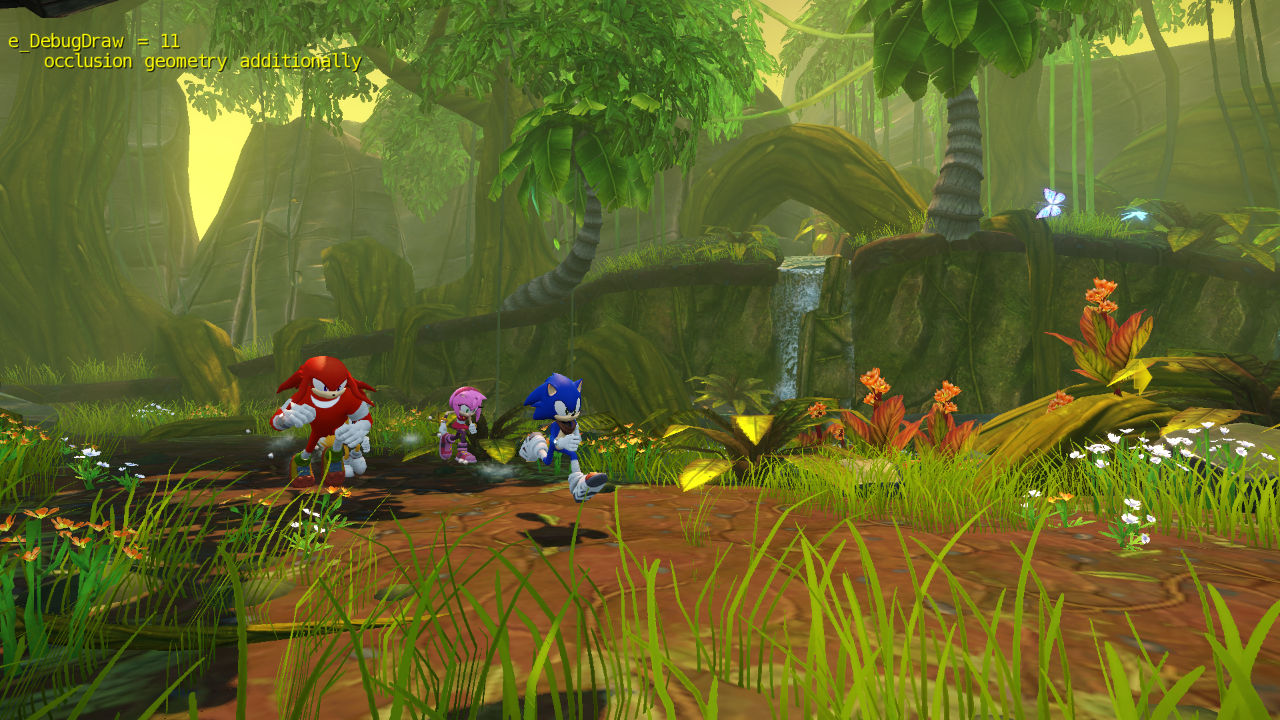
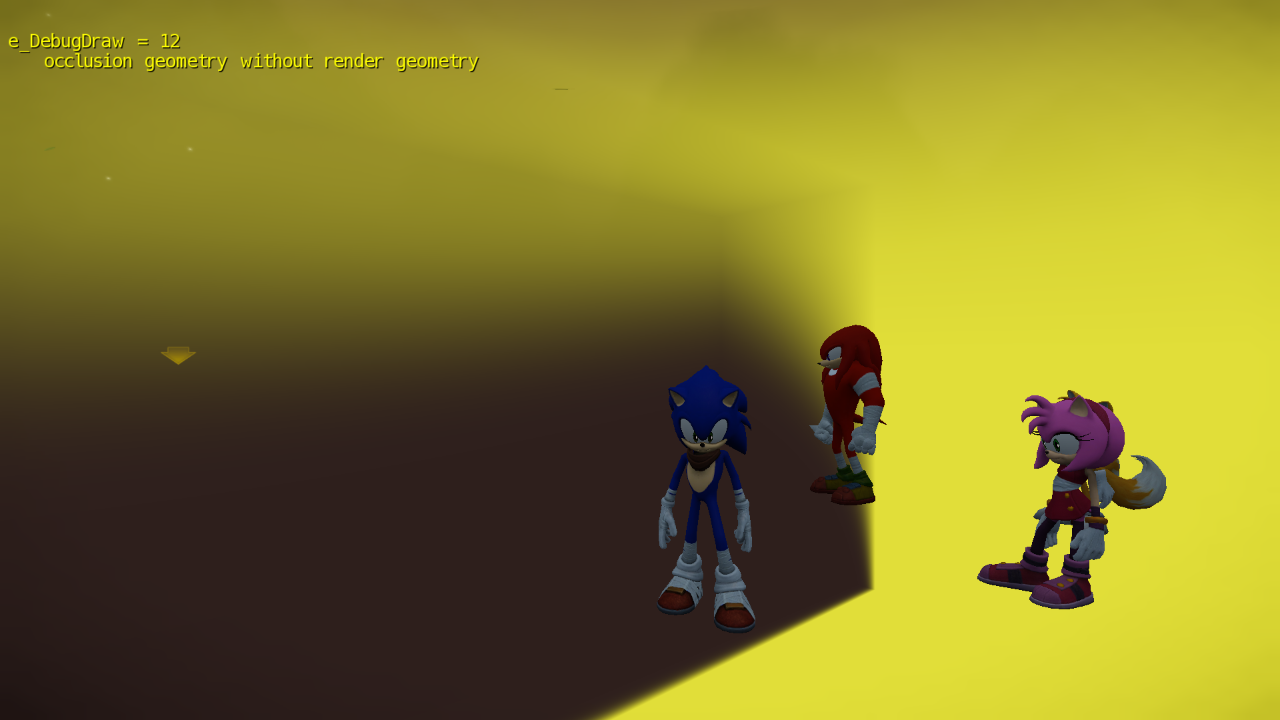

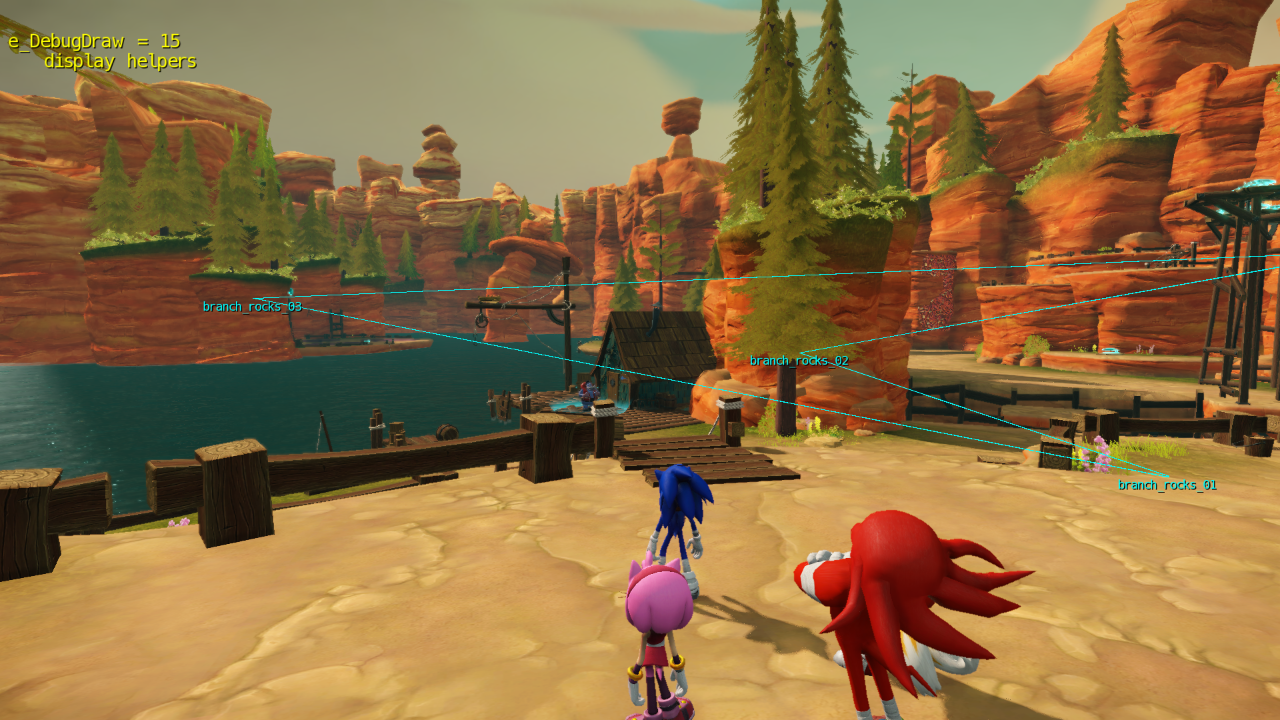
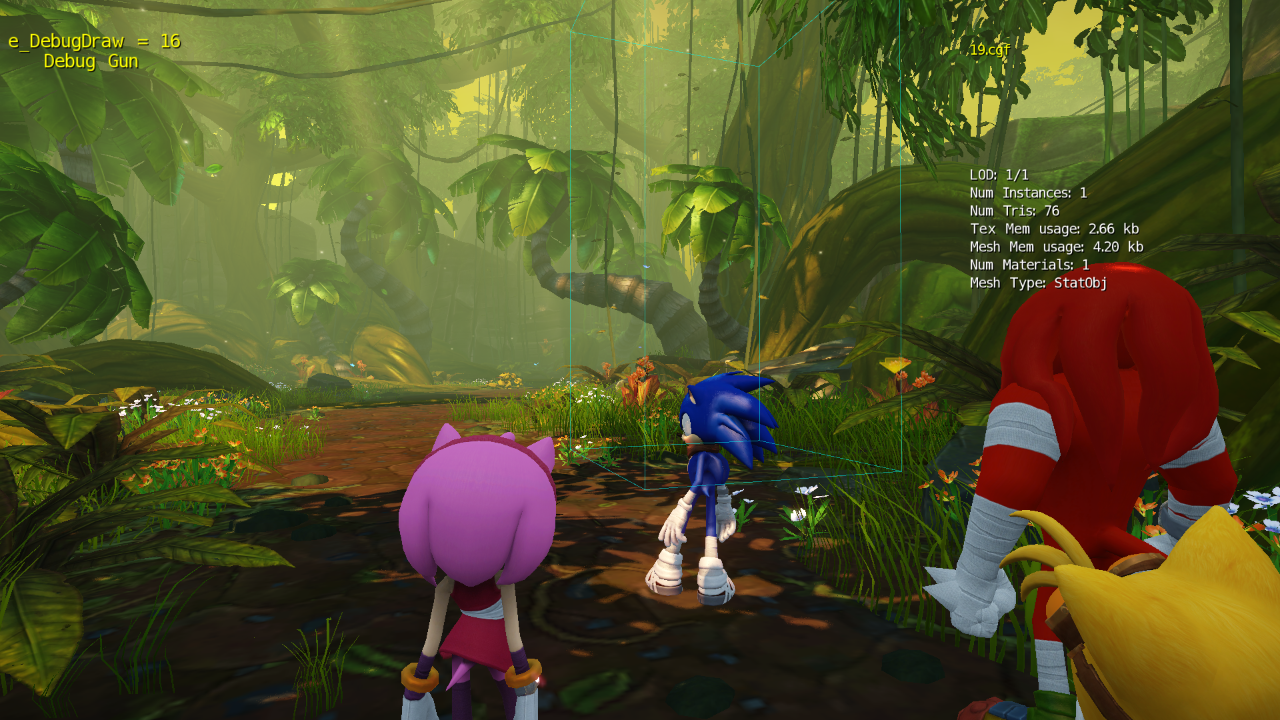
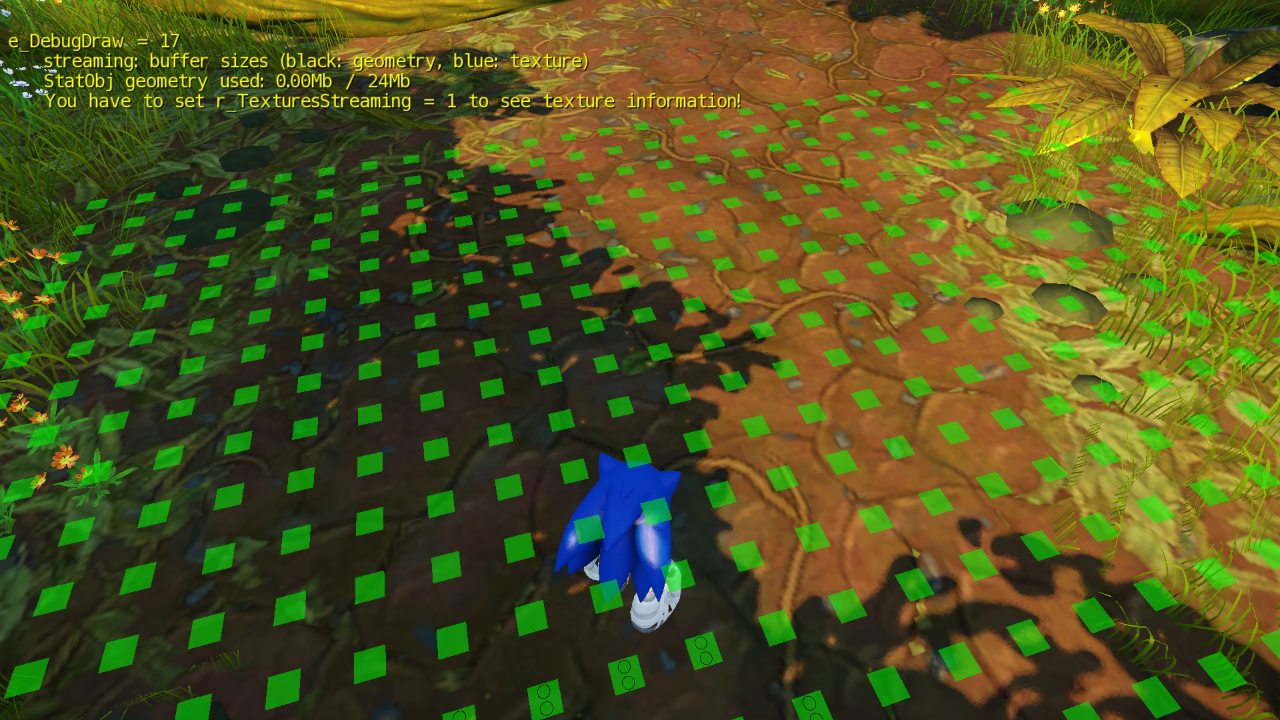
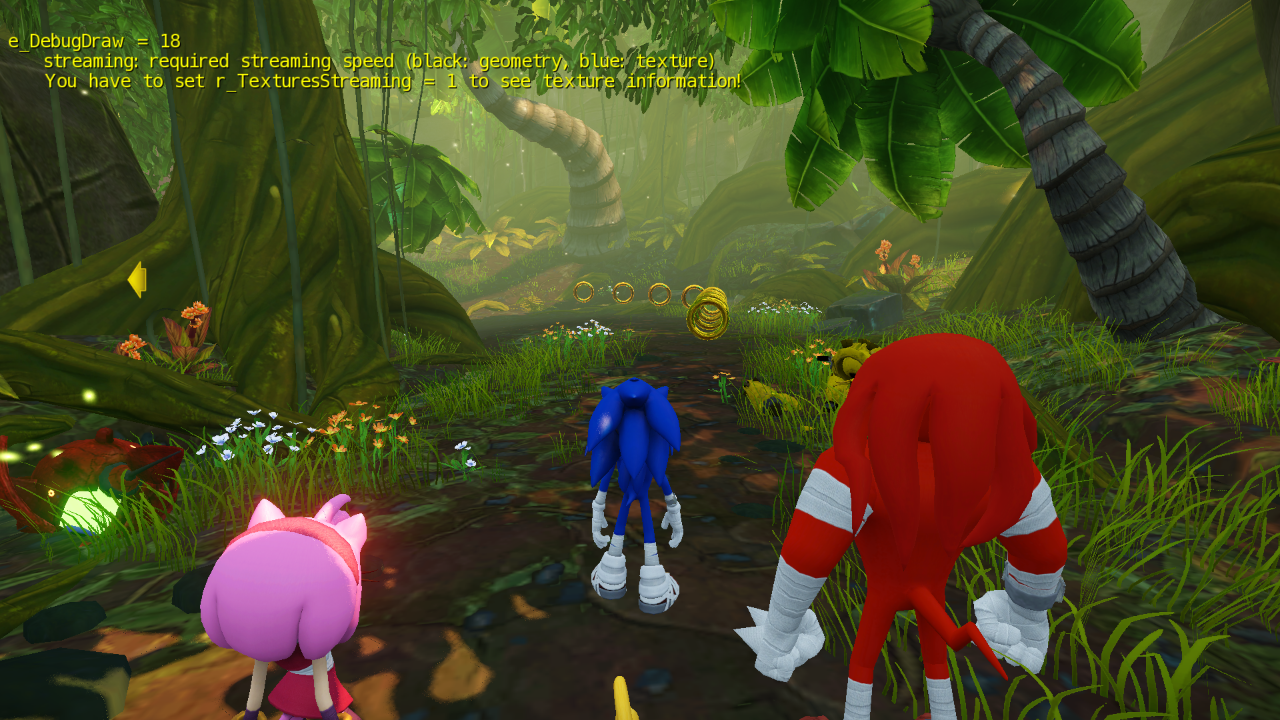
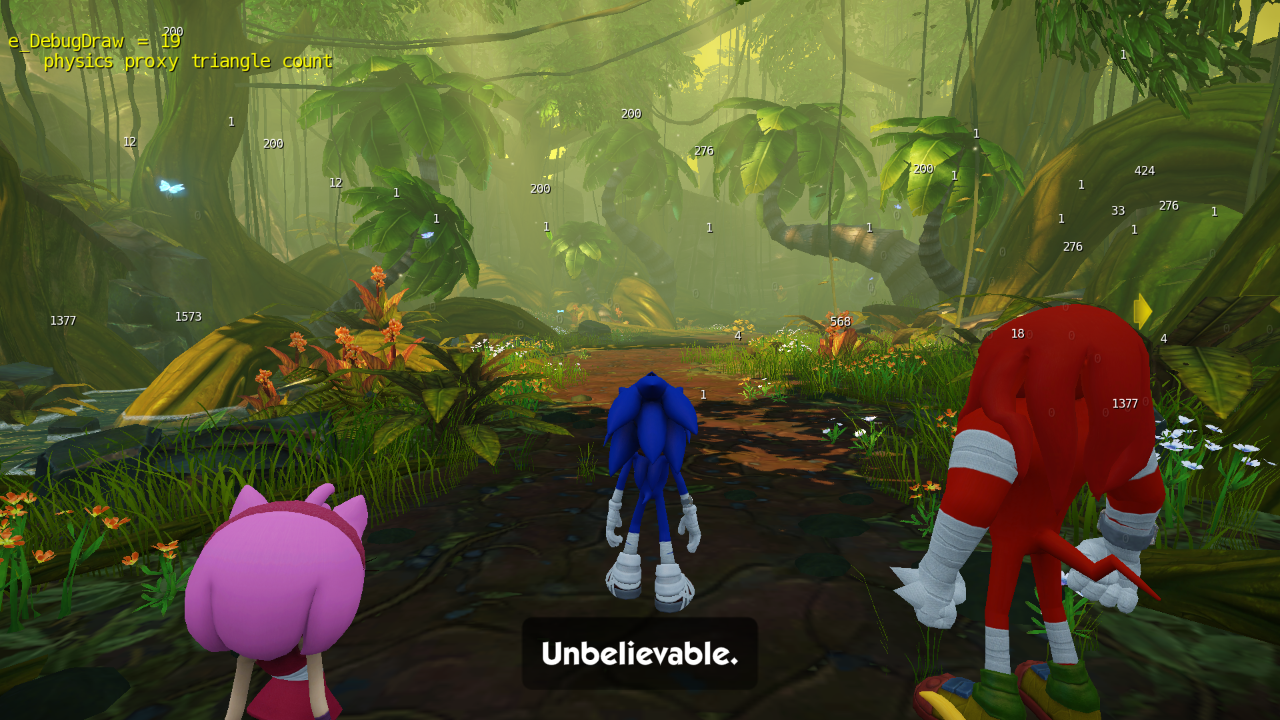
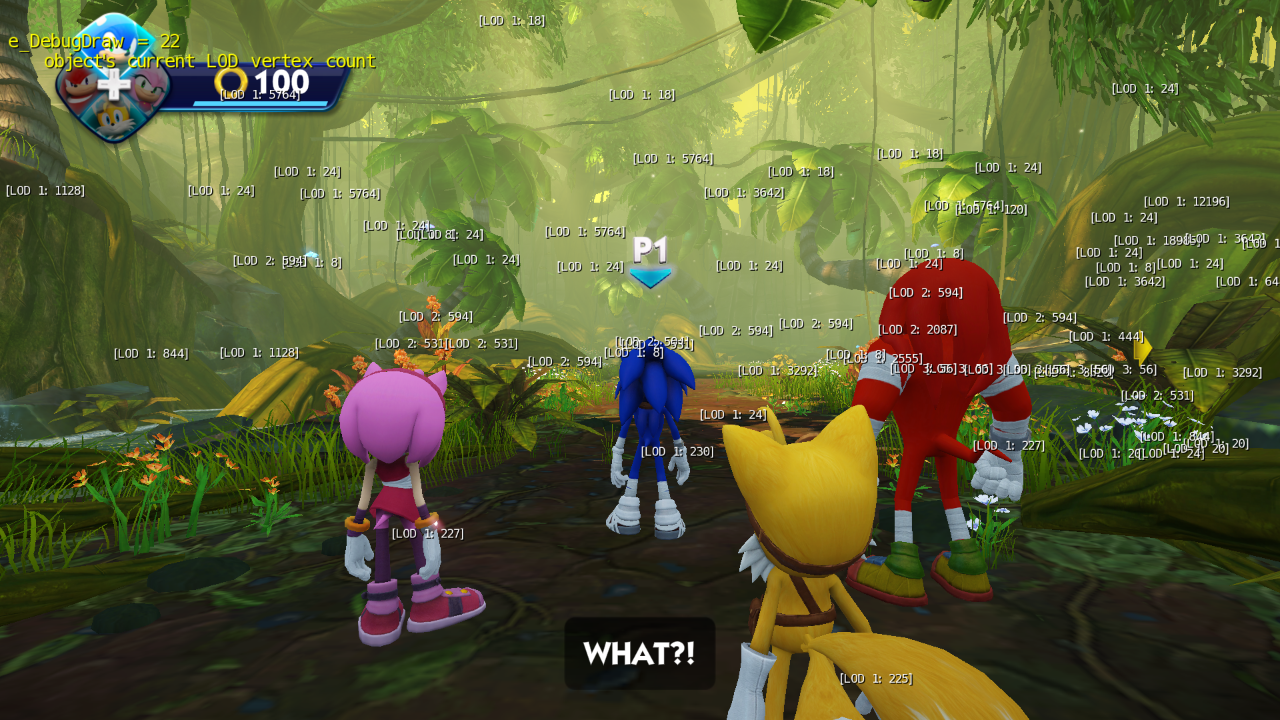
(Source: Original TCRF research)
g_debugCheckpoints#
Displays the currently-loaded stage and lists the last active checkpoints for each player.
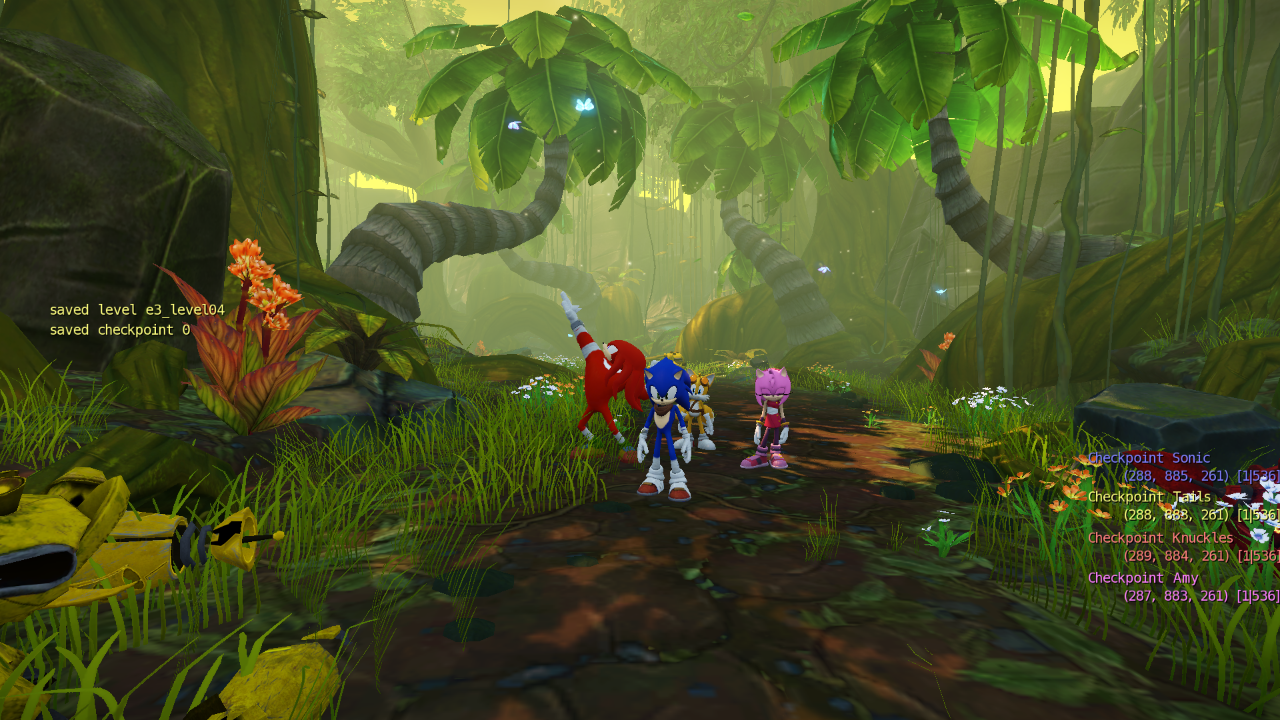
(Source: Original TCRF research)
g_debugChoiceUpgrades#
Displays the amount of upgrades unlocked for each player.
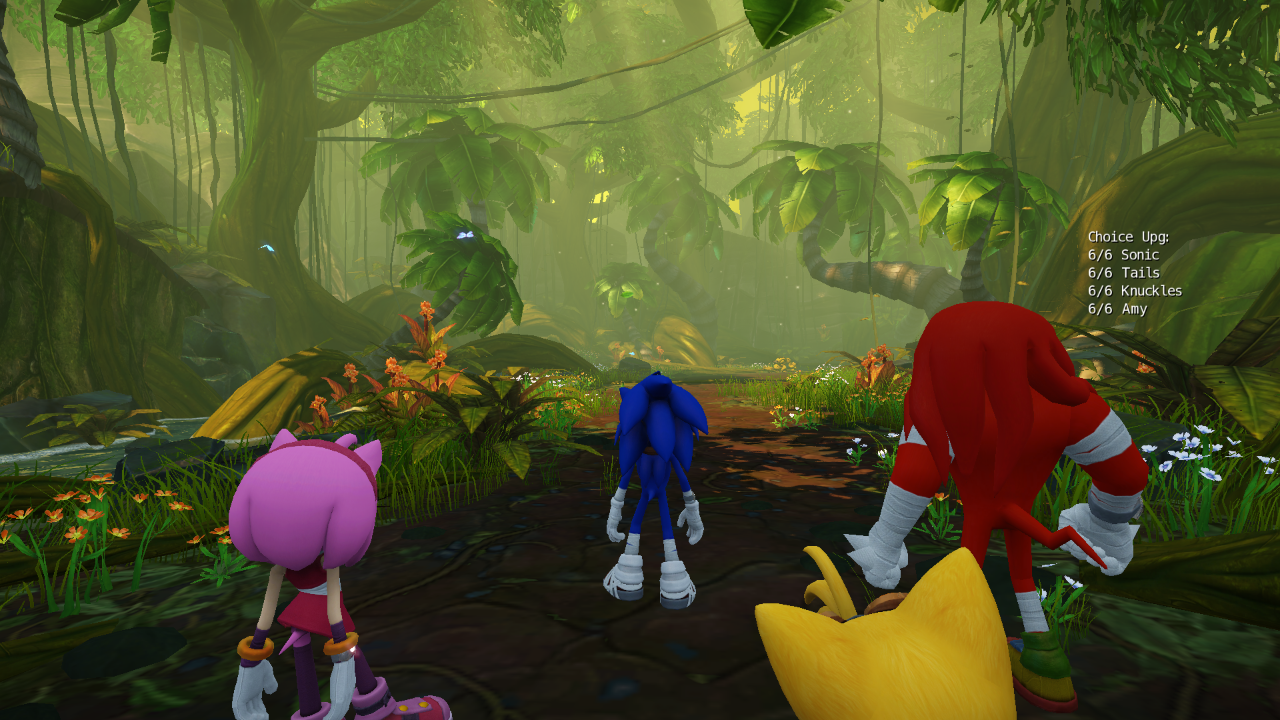
(Source: Original TCRF research)
g_debugMagnetic#
Displays the current amount of magnetic objects in the stage.
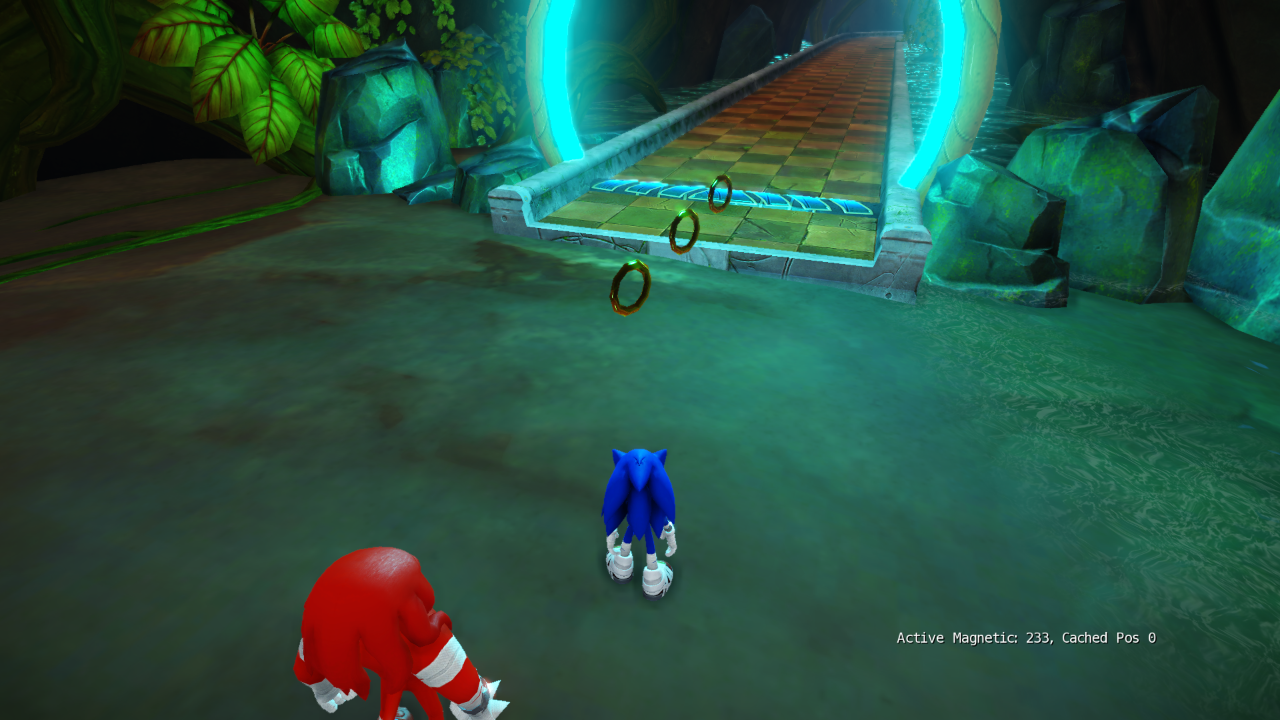
(Source: Original TCRF research)
g_debugPlayers#
Displays a list of devices pertaining to each player.
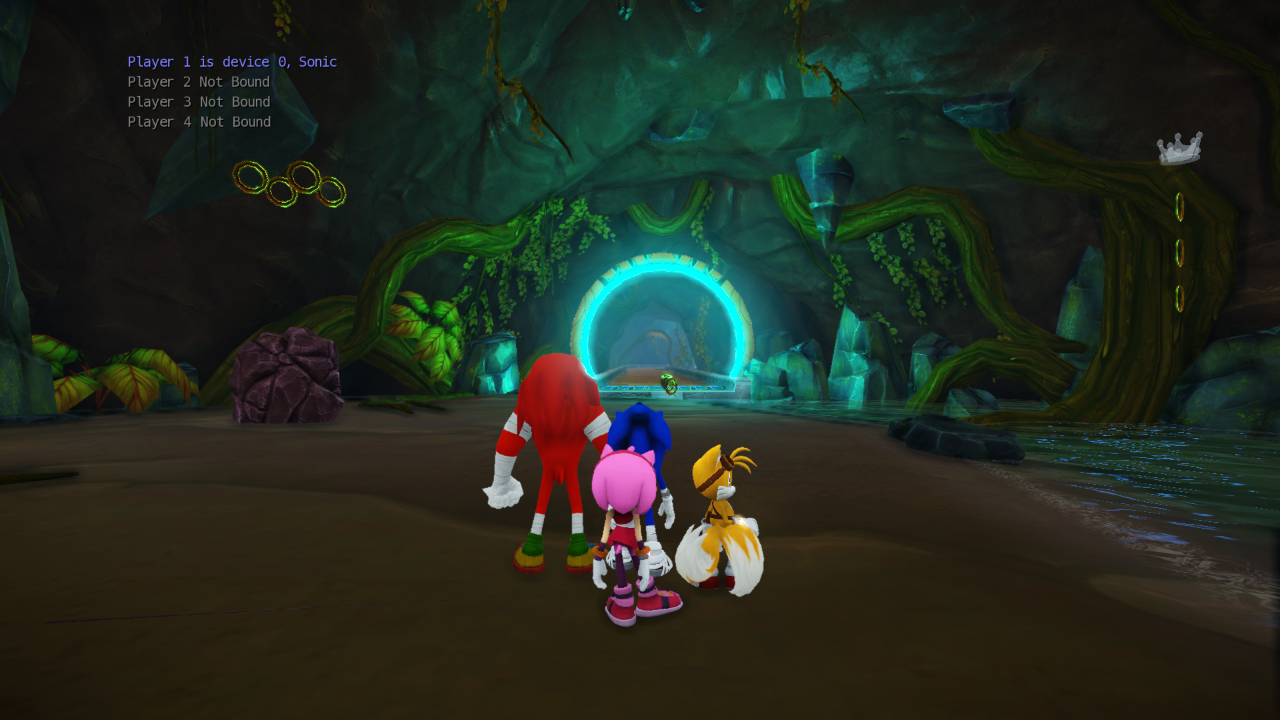
(Source: Original TCRF research)
g_debugtrackview#
Displays the current active sequence if there is one.
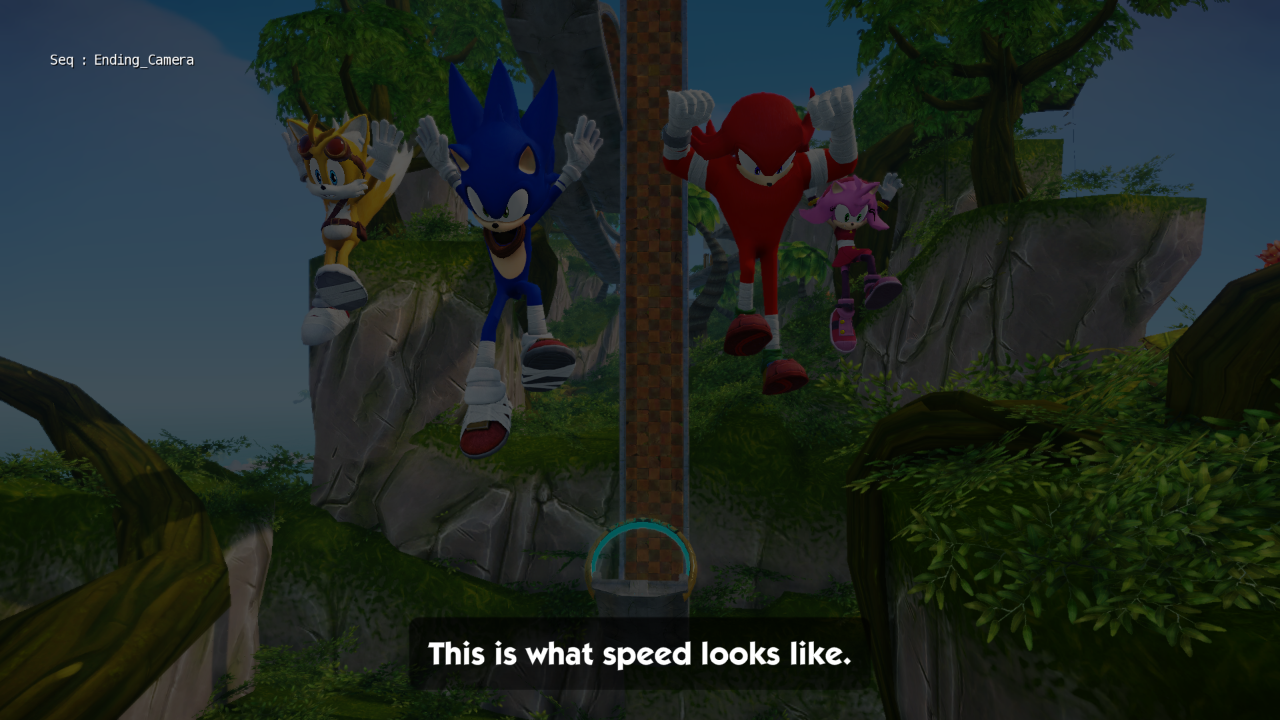
(Source: Original TCRF research)
g_debugCamera#
Displays info about the camera for each player.
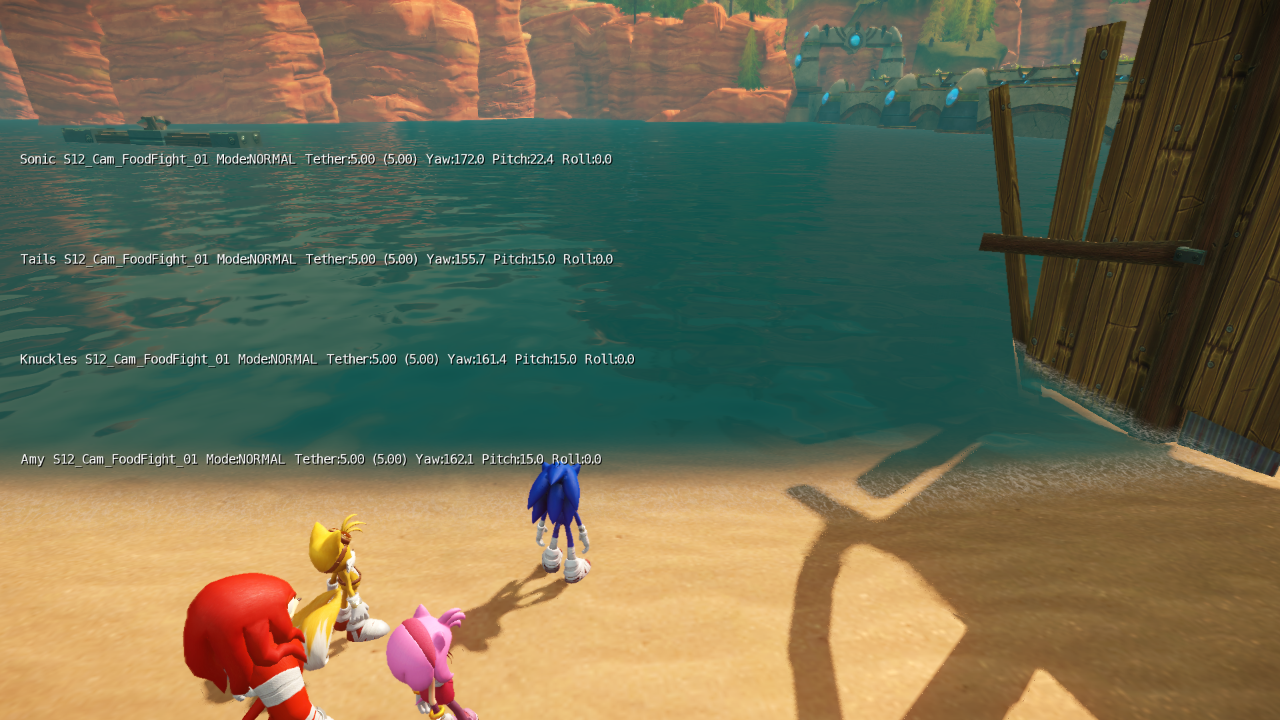
(Source: Original TCRF research)
g_debugCamTether#
Pulls the camera in closer with a tighter movement speed - possibly used for pre-release footage.
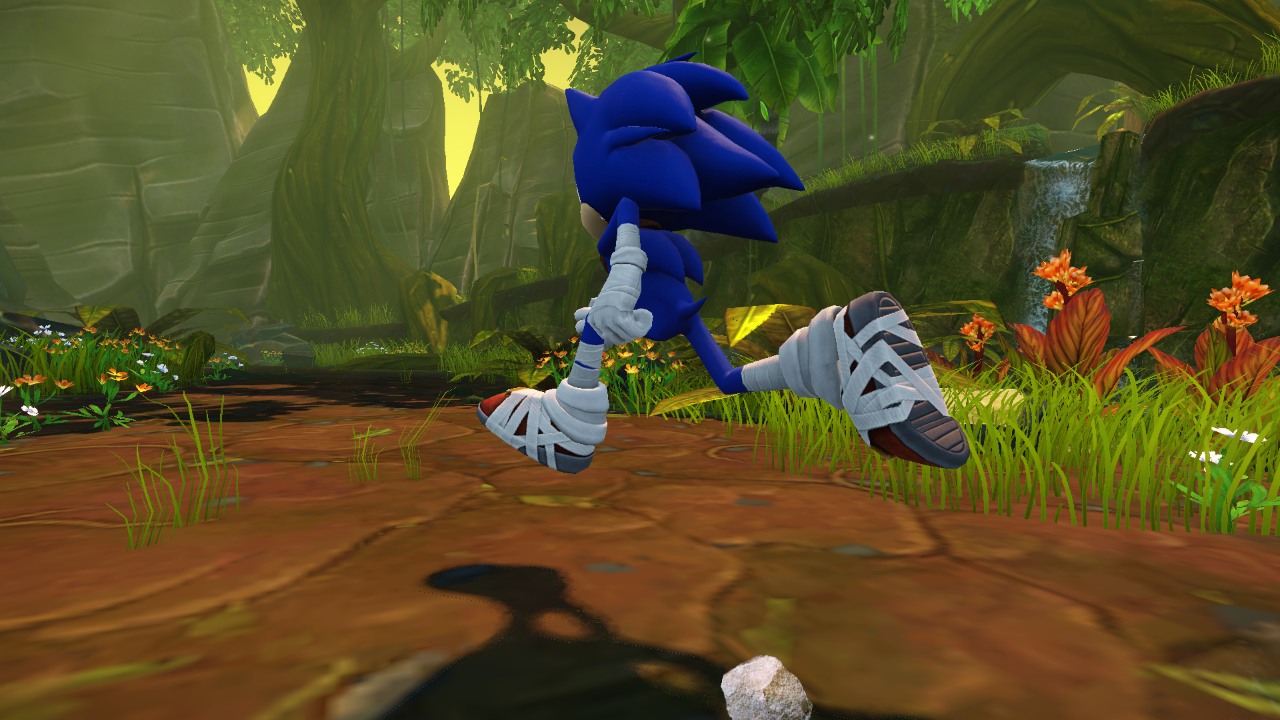
(Source: Original TCRF research)
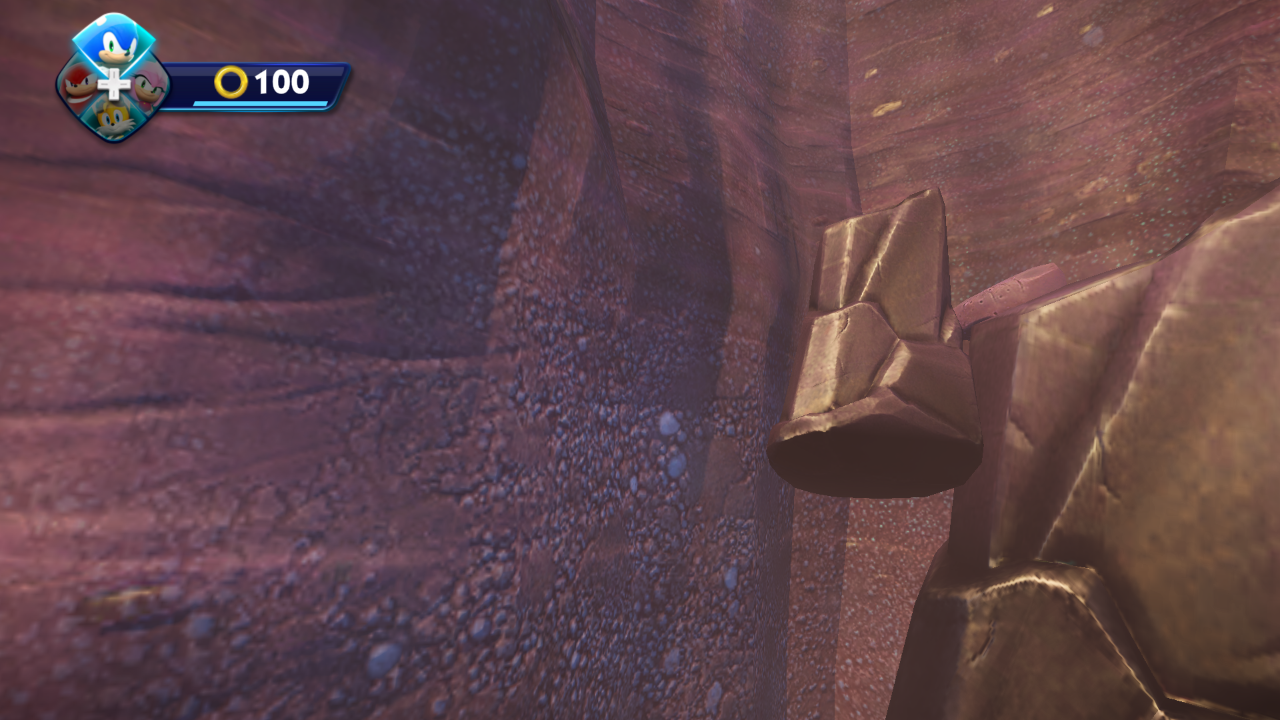
g_detachCamera#
Detaches the camera from the player and snaps to the world origin point. Crytek's documentation on this is incomplete.
(Source: Original TCRF research)
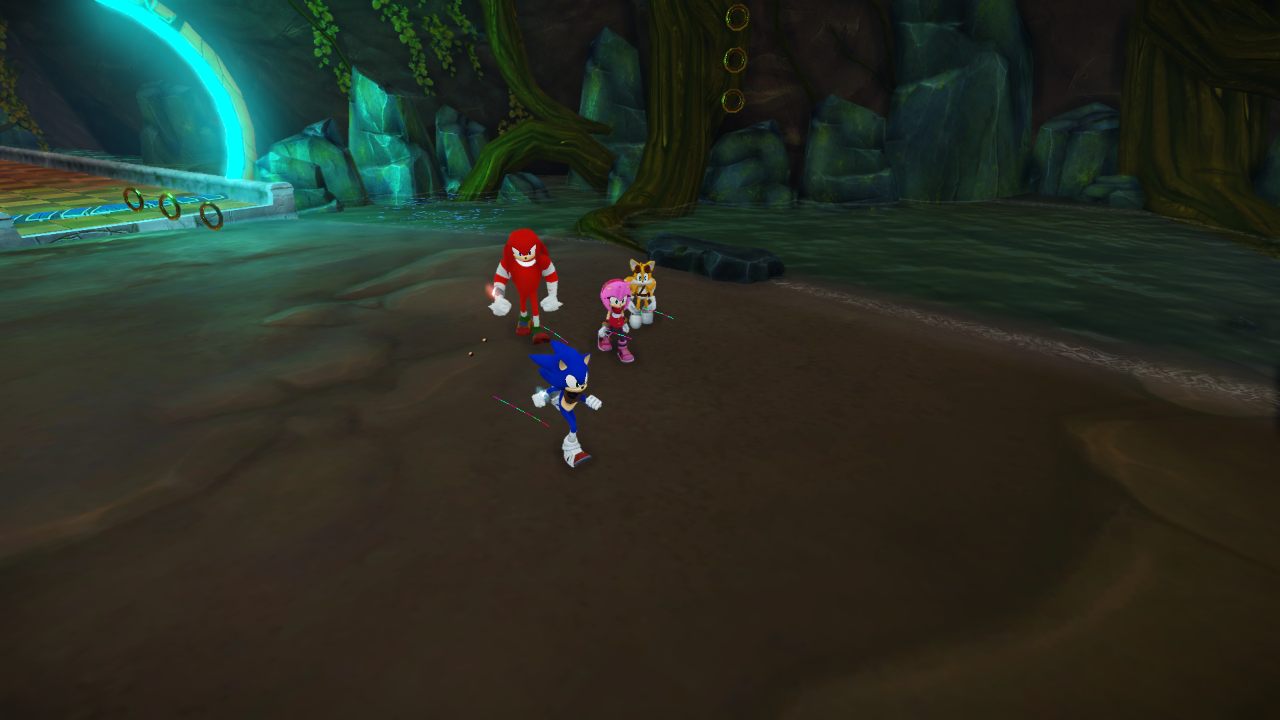
g_drawMovePaths#
Draws a spline in real-time behind the players as they move.
(Source: Original TCRF research)
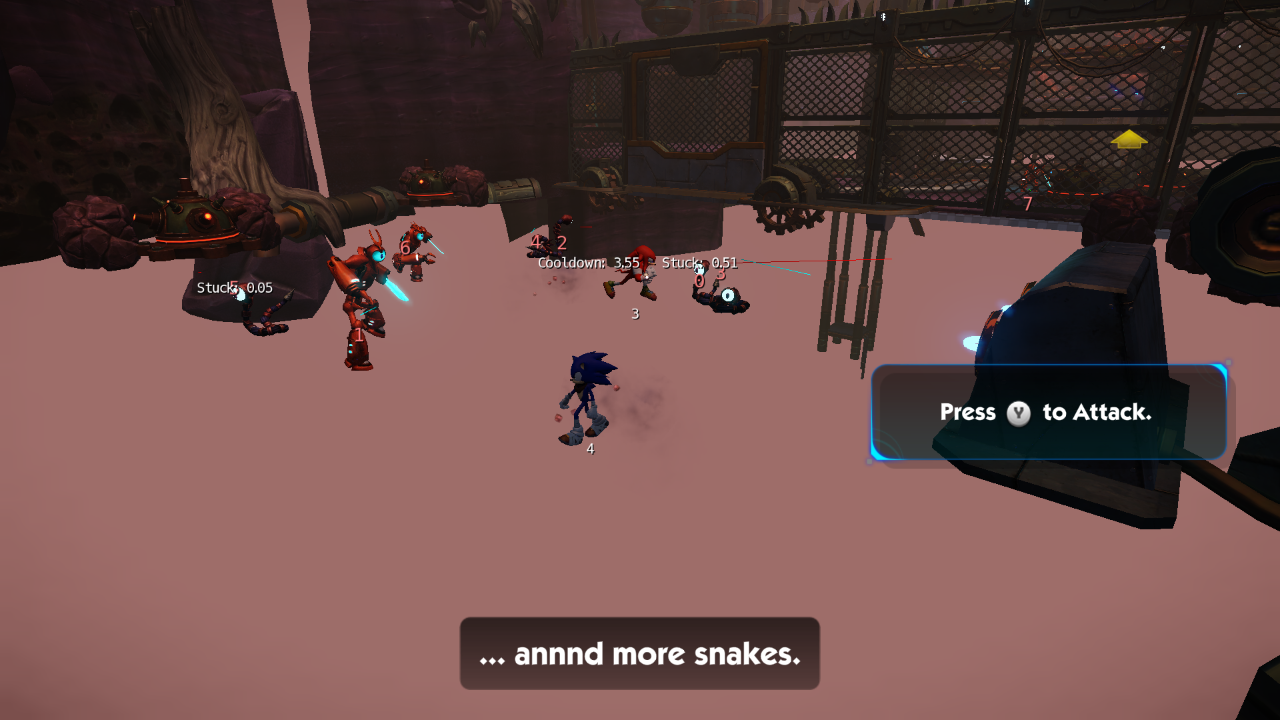
g_enemyManagerDebug#
Displays state identifiers and other properties for enemies.
(Source: Original TCRF research)
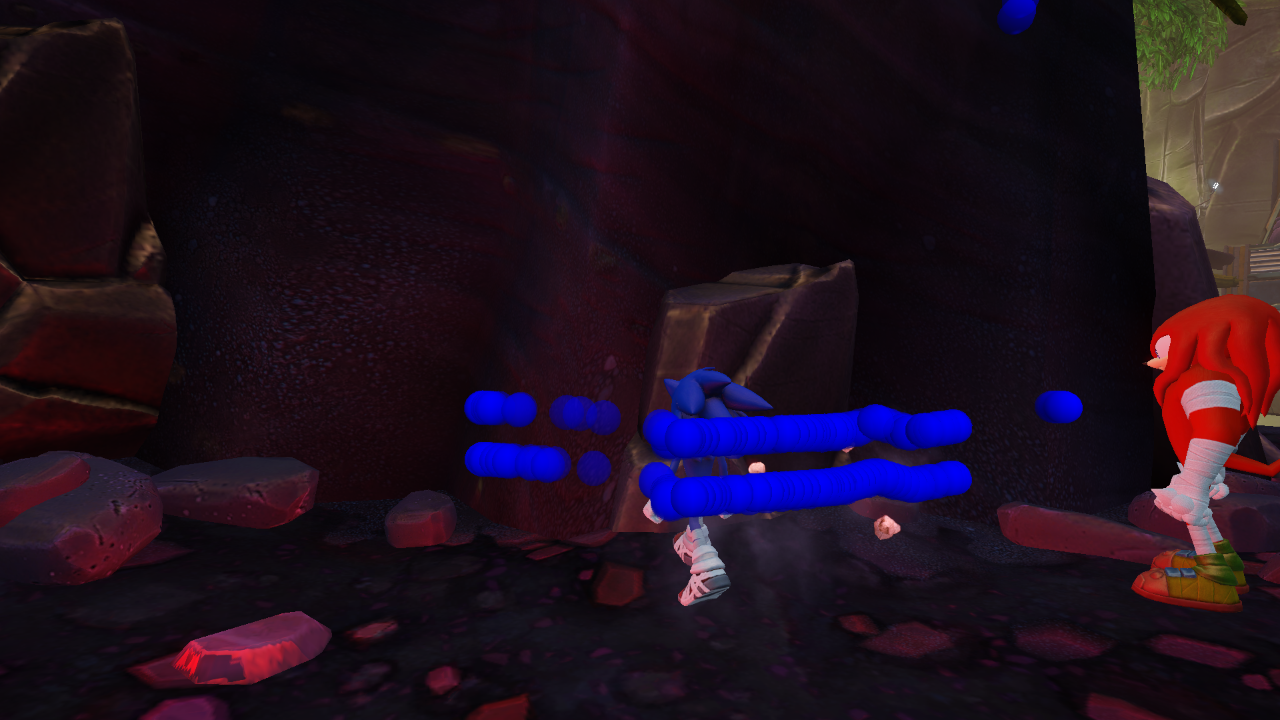
g_fenceDebug#
Draws blue spheres at the player's position when they intersect a wall.
(Source: Original TCRF research)
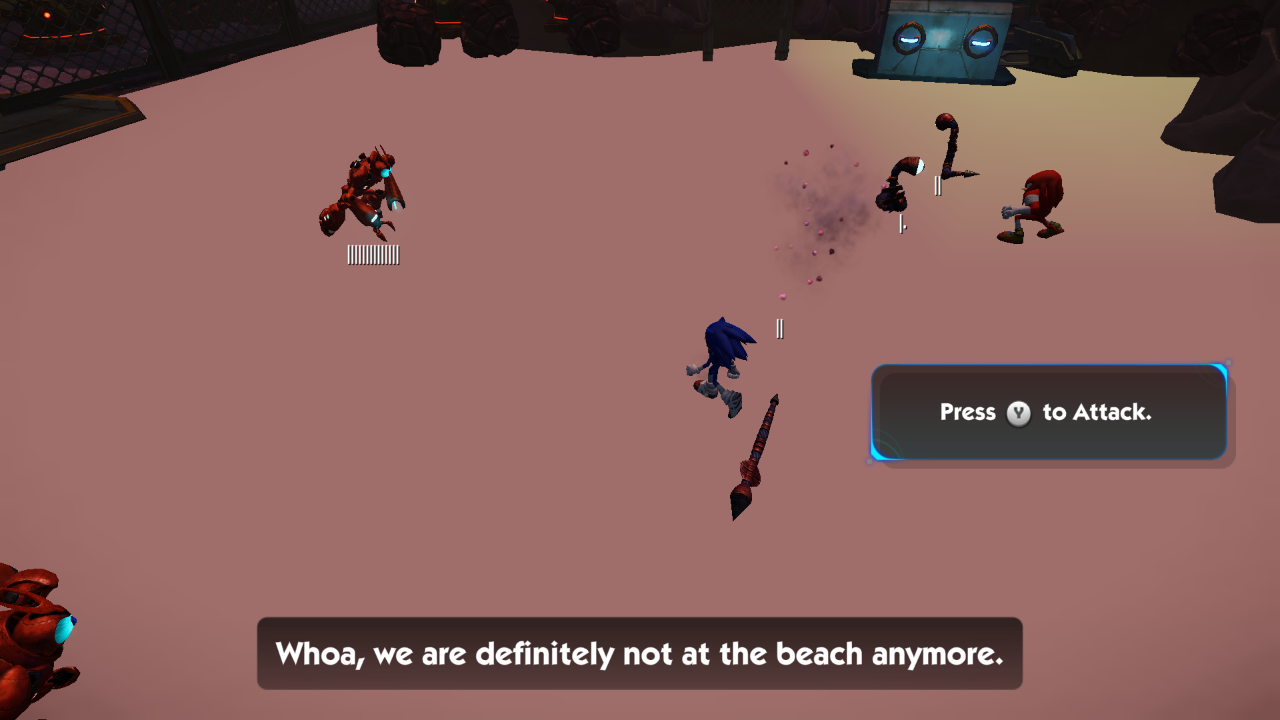
g_showHealthbars#
Draws tally marks below enemies to represent their health.
(Source: Original TCRF research)
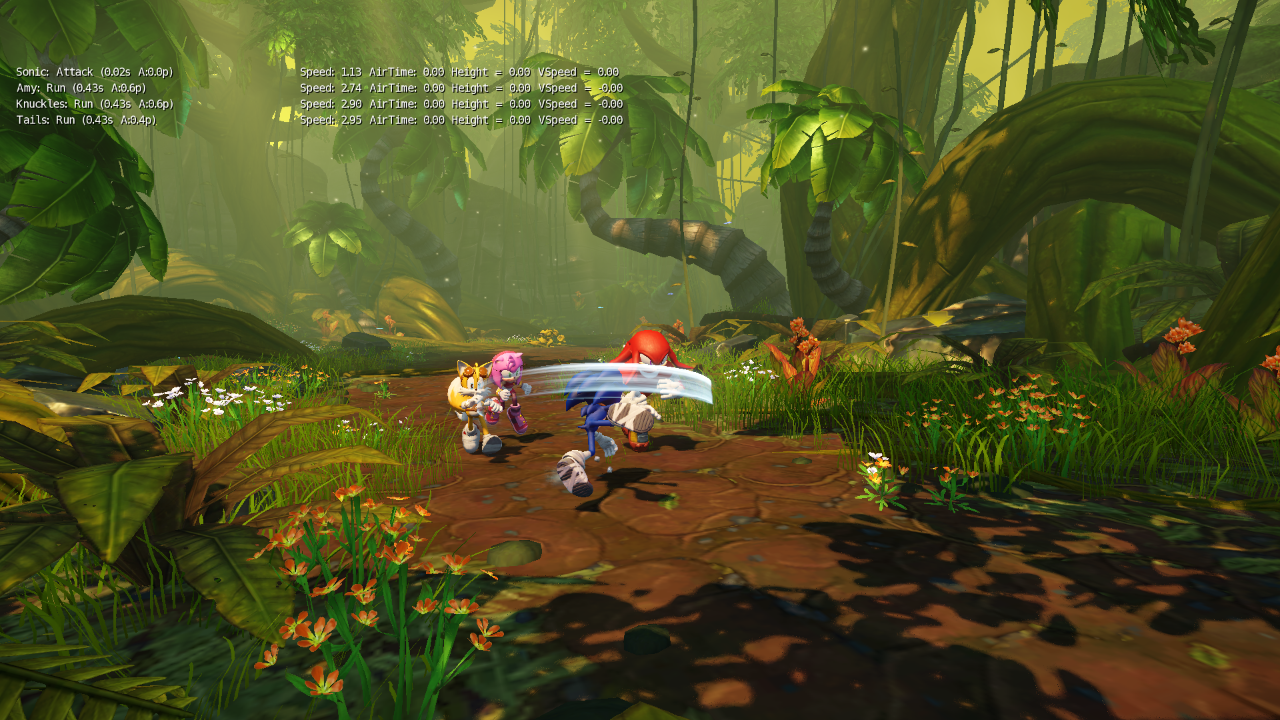
g_showStates#
Displays the current state and the duration it's been active for per player, as well as metrics for speed, air time, height, and vertical speed.
(Source: Original TCRF research)
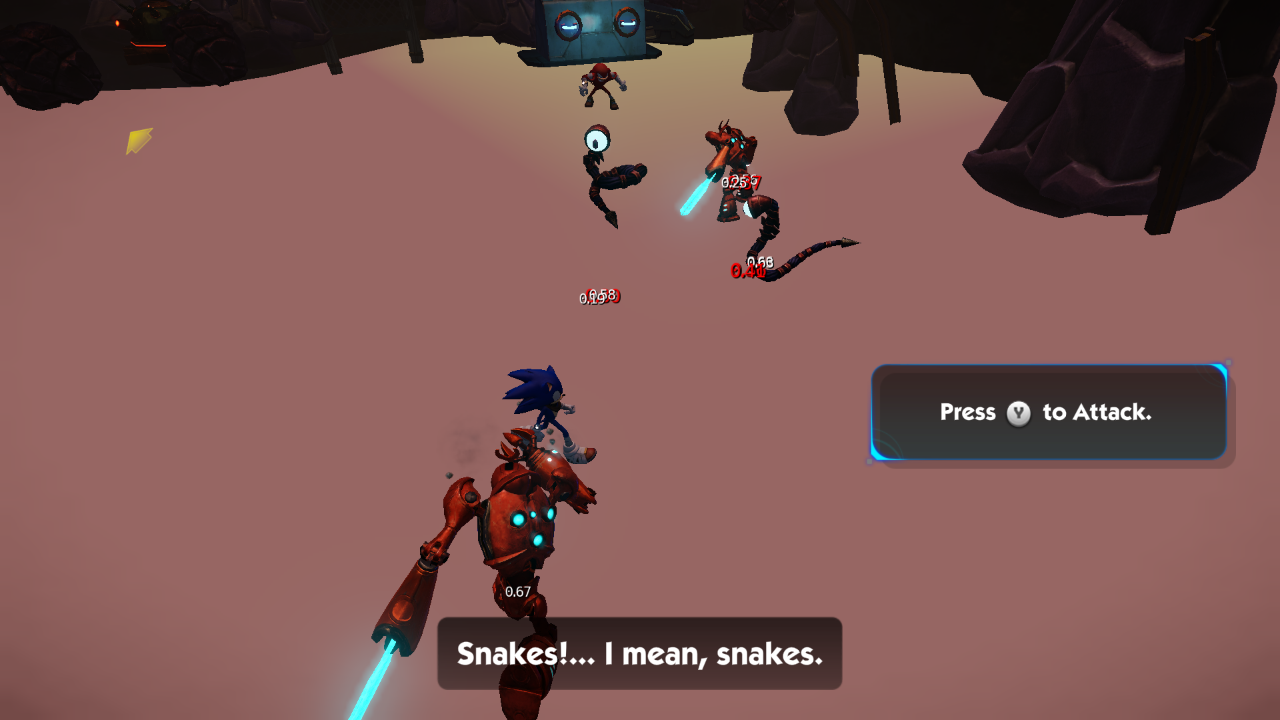
g_showTargeting#

|
Please elaborate. |
Draws numbers under the enemies that turn red depending on the condition, though said conditions are unknown.
(Source: Original TCRF research)
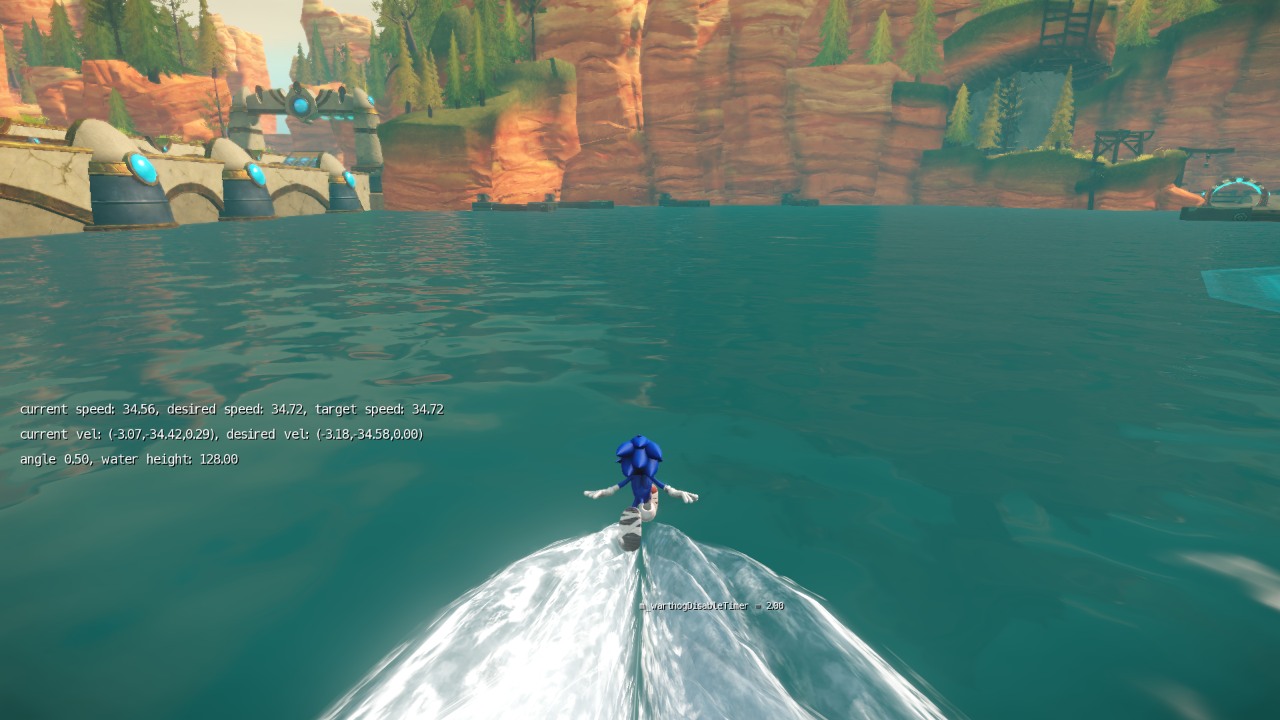
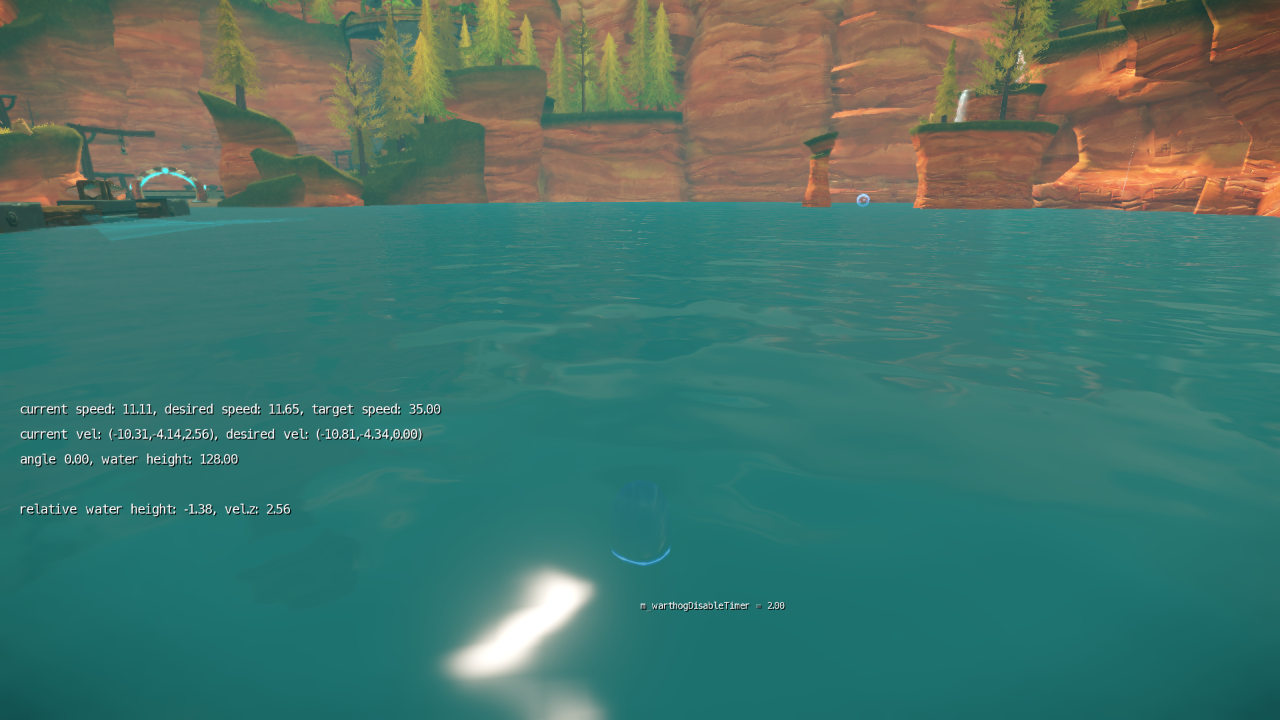
g_waterRunDebug#
Displays parameters on the screen when the player is running on water, with an extra relative parameter when you perform a spindash underwater. An additional parameter is shown by the player called m_warthogDisableTimer, which is a timer that removes your water running ability if you stand on land for its duration - it resets if you land back on the water.
(Source: Original TCRF research)
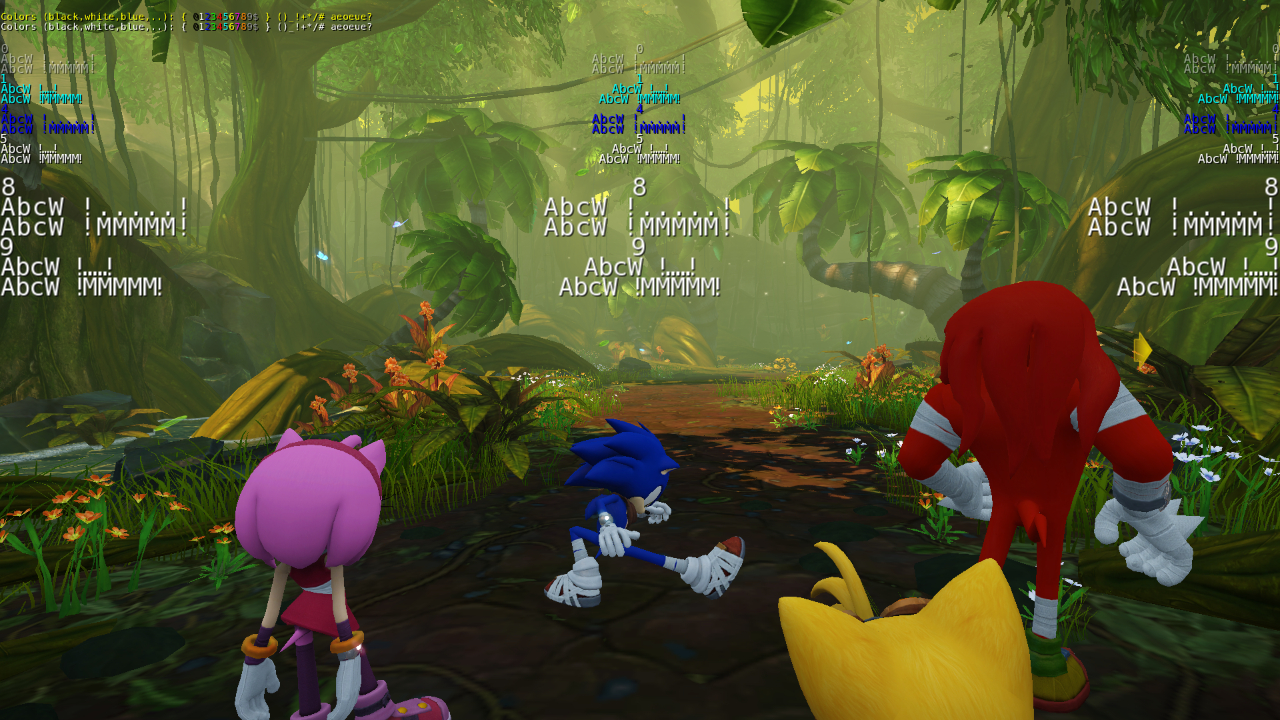
r_DebugFontRendering#
Displays placeholder text to verify if the text renderer is working as intended.
(Source: Original TCRF research)
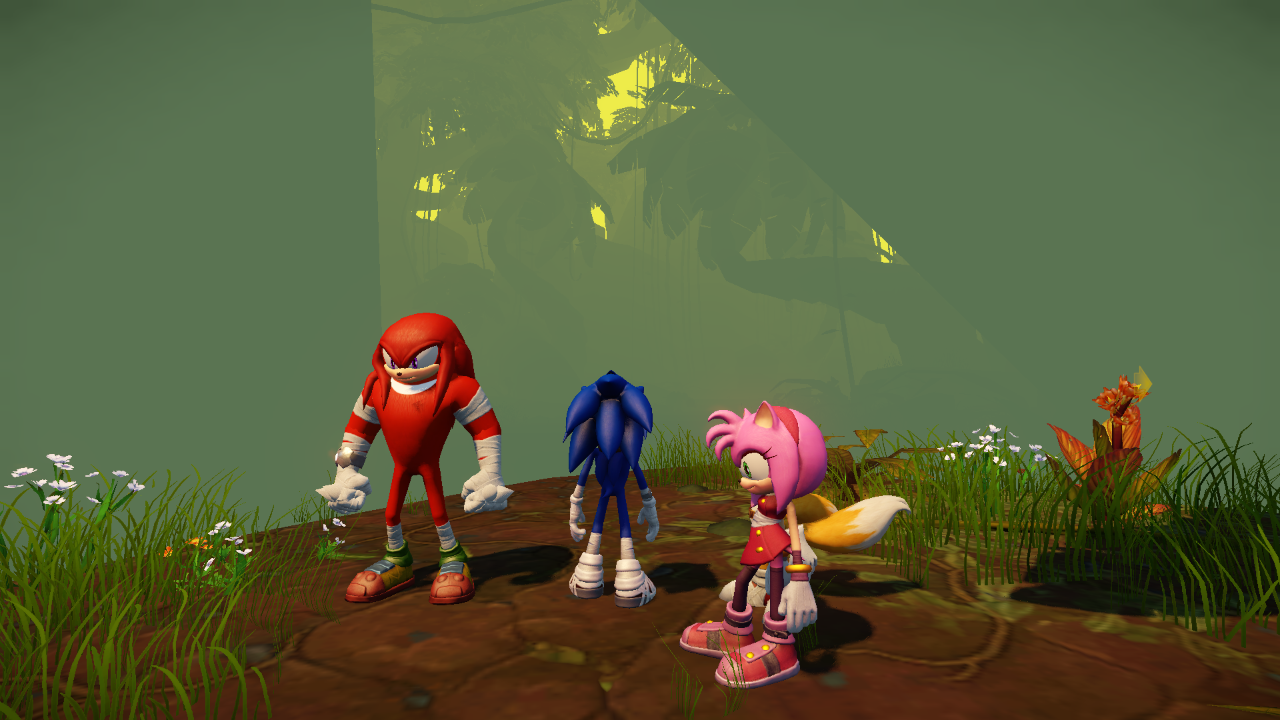
r_DebugLightVolumes#
Enters an unknown debugging view for light volumes. Crytek's documentation on this is incomplete.
(Source: Original TCRF research)
r_DebugRenderMode#
Enters an unknown debugging view for the renderer. Crytek's documentation on this is incomplete.

(Source: Original TCRF research)
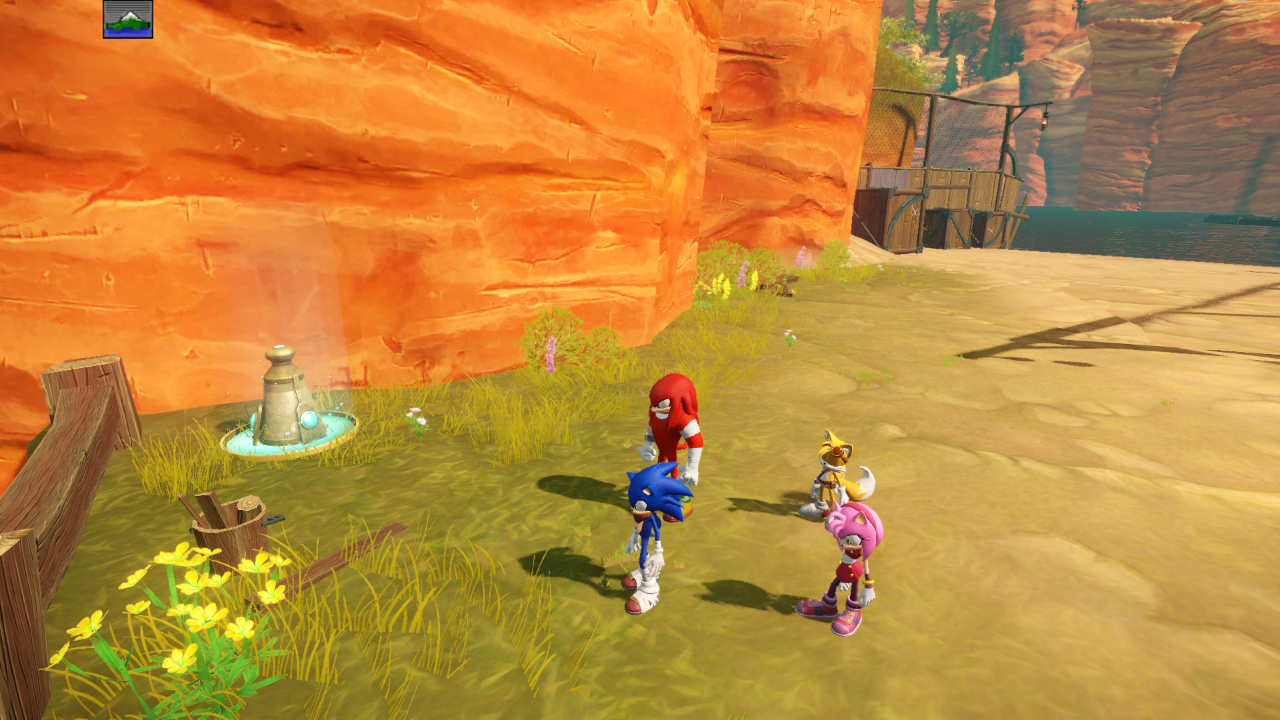
r_DisplayInfo#
Toggles debugging info.
(Source: Original TCRF research)
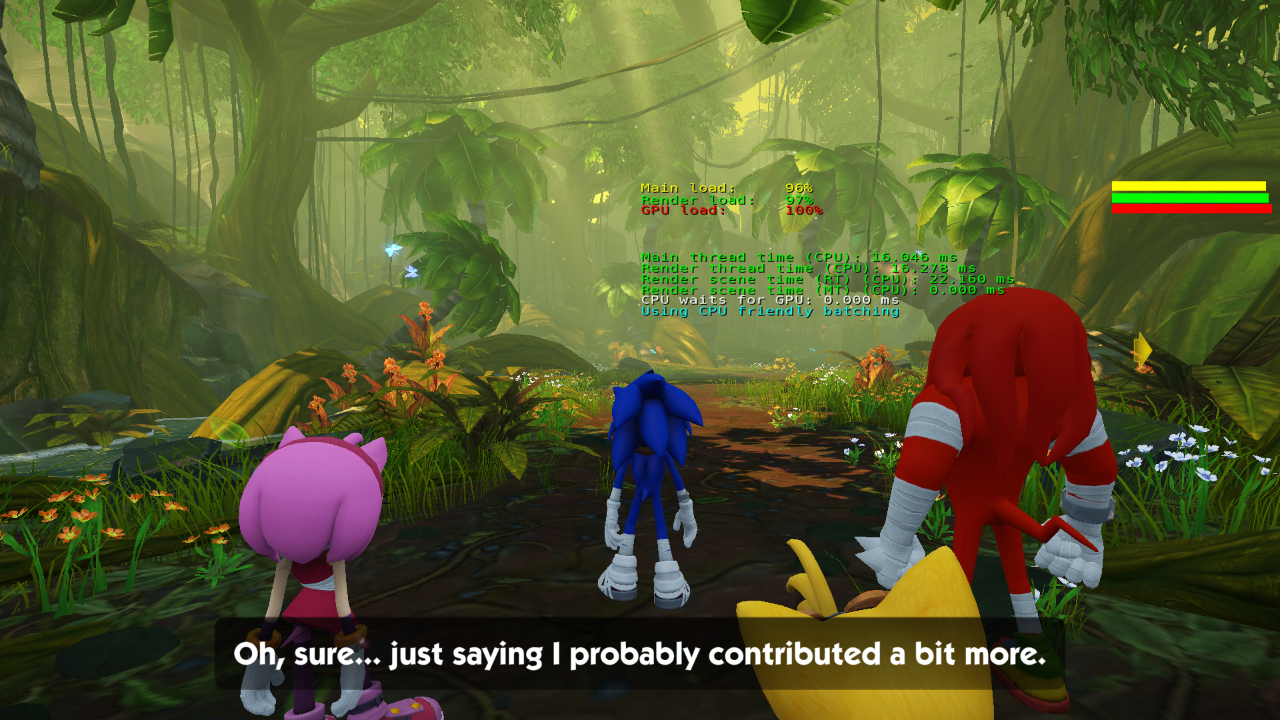
r_ShowMT#
Displays rendering performance metrics for multi-threading in real-time.
(Source: Original TCRF research)
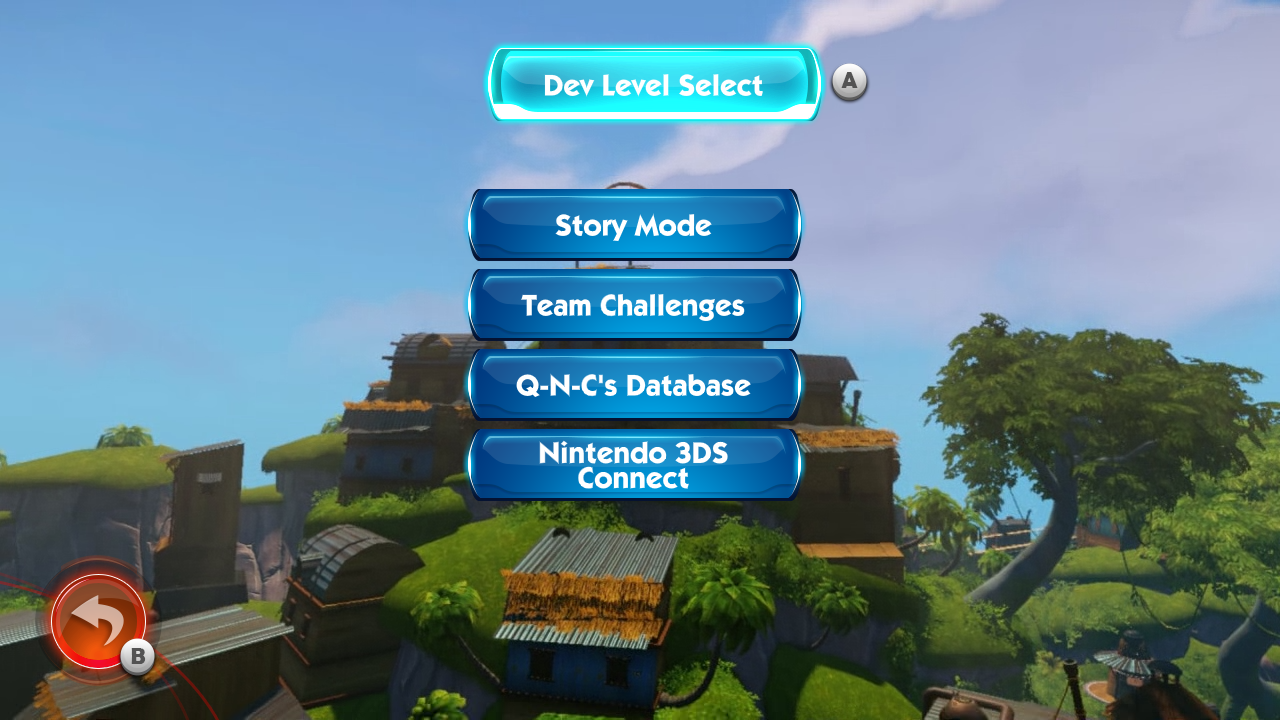
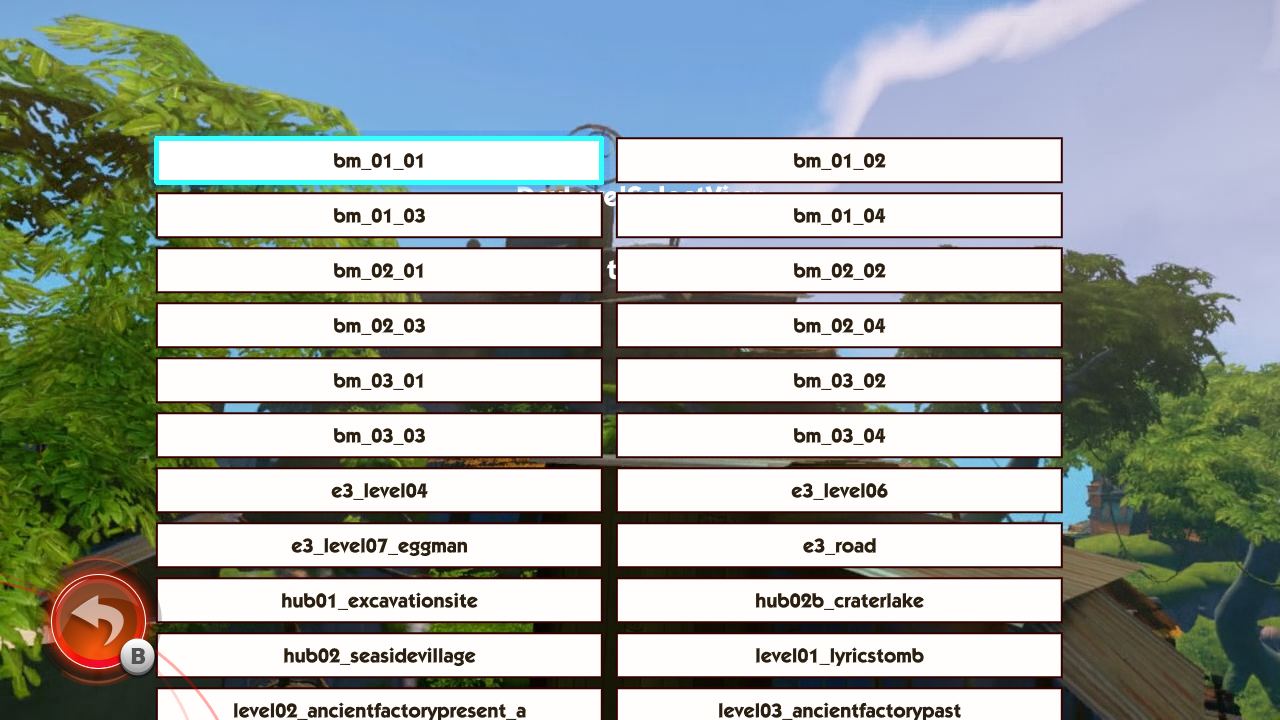
sys_brbdebug#
Adds a level select to the main menu.
(Source: Original TCRF research)
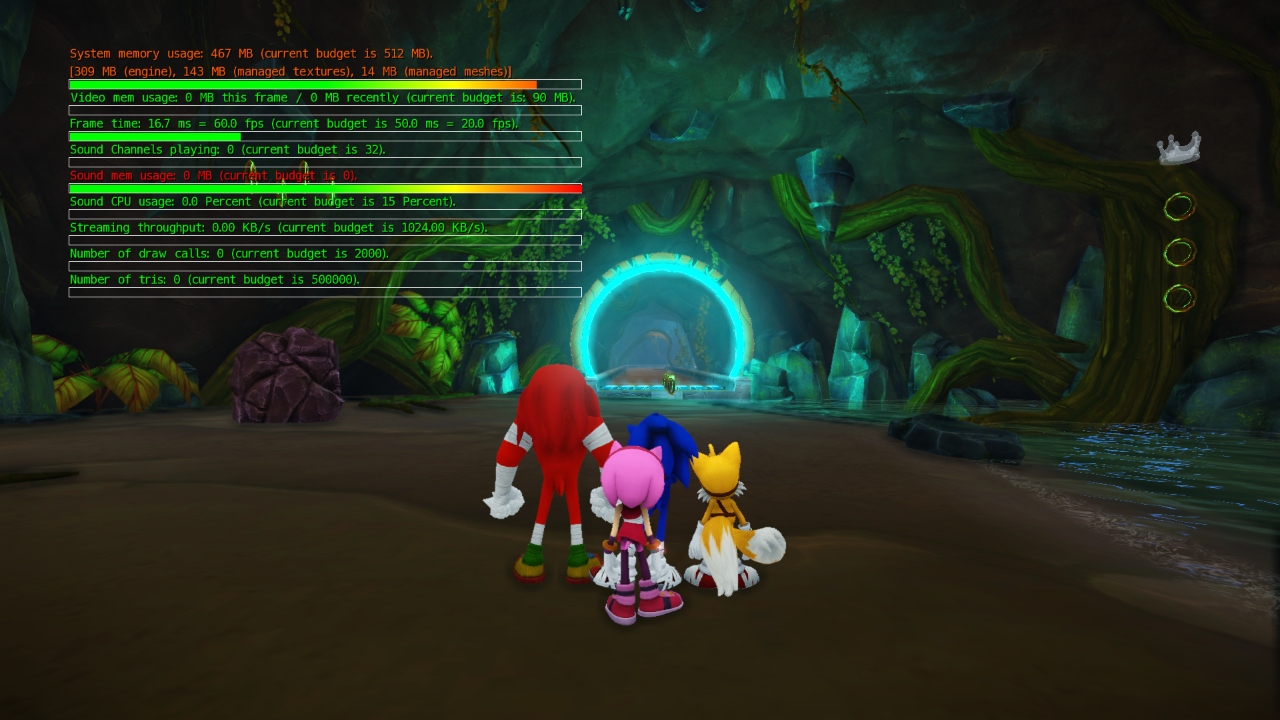
sys_enable_budgetmonitoring#
Displays performance budget info in real-time.
(Source: Original TCRF research)
sys_streaming_debug#
Displays info regarding data streaming. This game in particular doesn't utilize this, so it doesn't function.
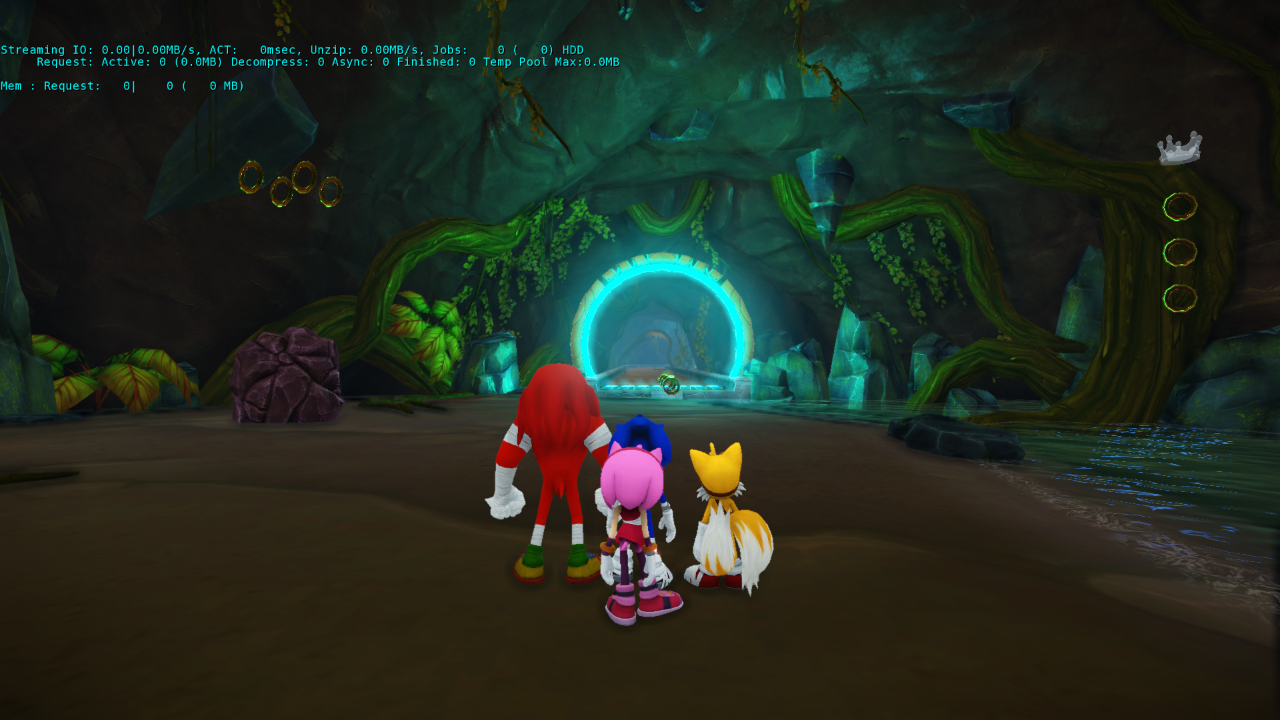
(Source: Original TCRF research)