
|
This page contains no introduction. |
Debug Mode#
Having the below code active will enable developer shortcuts. This will be enabled once at the main menu. After you save your game with the code on, you will no longer need the code active to enable debug features.
Original Release codes:

Enable Debug Mode
00377D86 00000001
Controls:
- Select toggles debug menu on / off.
- Select + Triangle toggles a debug meter.
- Select + Up / Down toggles debug menu page.
- L3 pauses / unpauses the game.
Alternately, you can download the below save file to automatically enable debug mode.
 |
Download Rim Runners Debug Save File: Rim Runners Debug Save.7z (9 KB) (info) |
(Source: Original TCRF research)
Global Heap Menu#
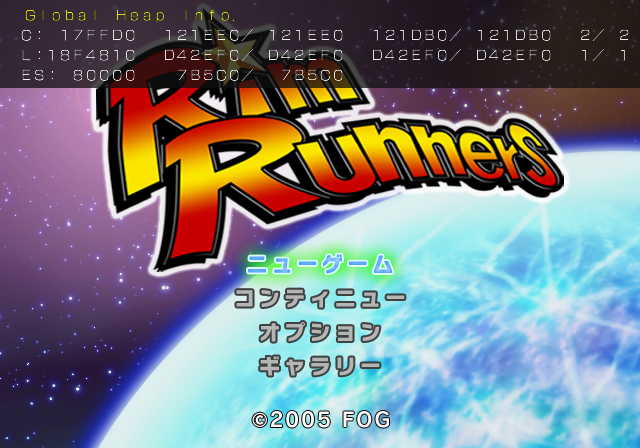
Memory information display. Only present while at the main menu.
File Viewer#
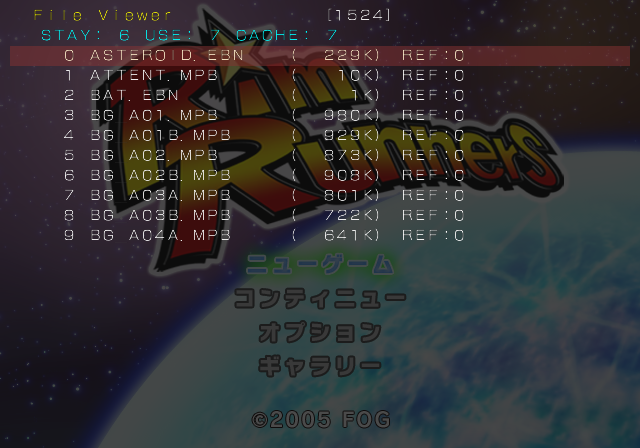
Shows the current files loaded in memory.
Gra Tex Viewer#
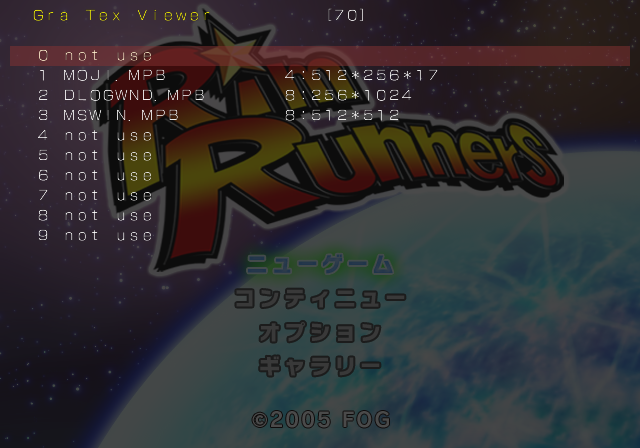
Shows current images loaded in memory.
System Settings#
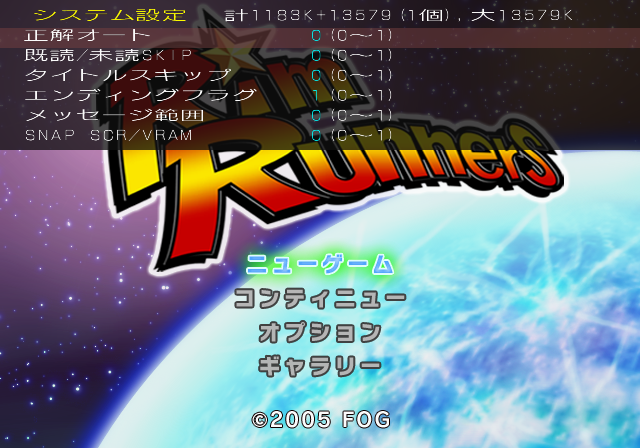
Allows toggling of various debug settings. Setting タイトルスキップ (Title Skip) to on will automatically send you to an event select menu.
OBJ Maneger#
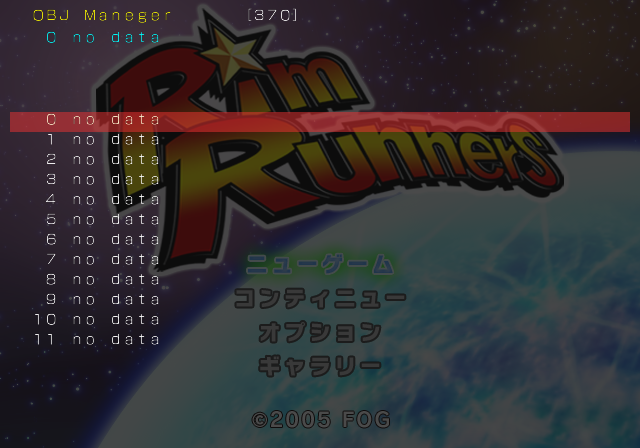
Shows currently loaded 3D models.
CAMERA edit.#
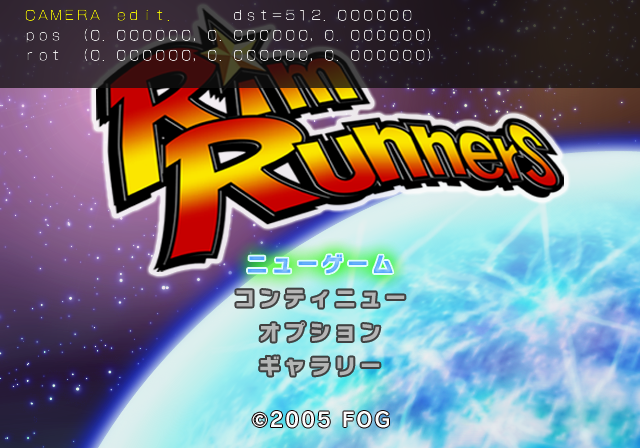
Allows editing of camera settings.
BG, BU#
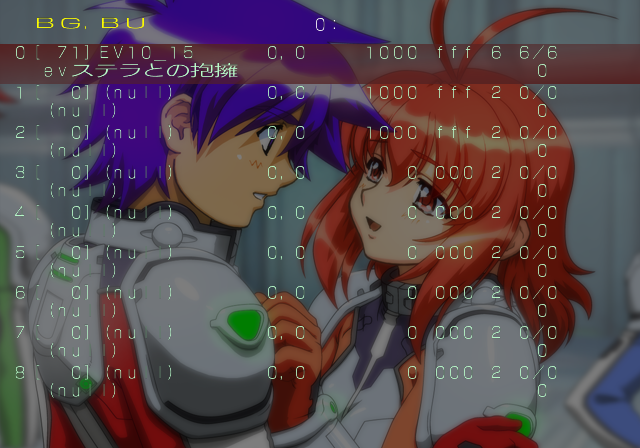
Allows viewing of background, character, and event images. This can only be accessed while in a new game or loading a game.
Fuki-Koma#
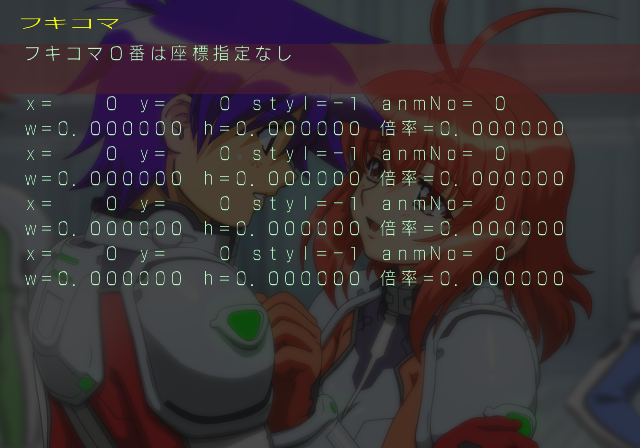
Allows viewing of text boxes.
Sound#
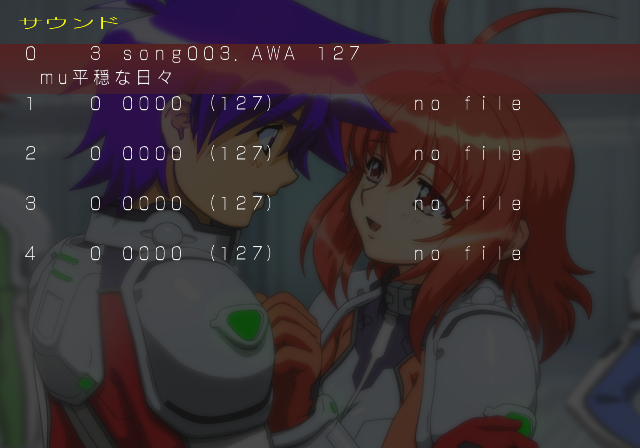
Allows listening of sounds and music.
Variables#
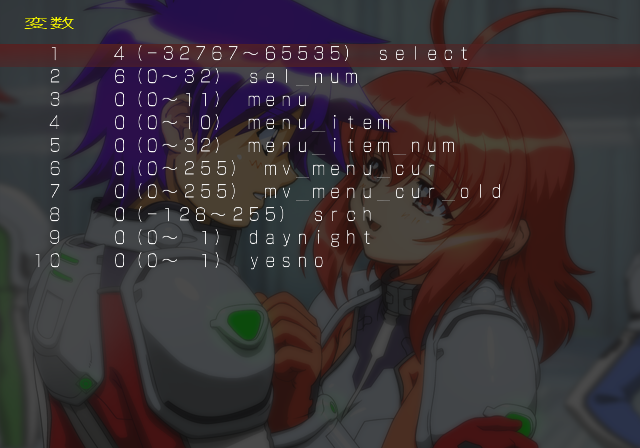
Allows changing of various flags.
Flag Variables#

Allows changing of more flags.
Scene Select Menu#
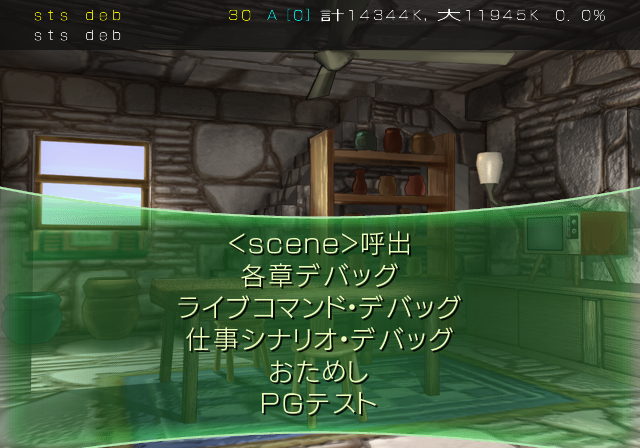
Allows viewing of any scene in the game. Also contains a few exclusive test features. タイトルスキップ (Title Skip) must be set from the System Settings debug menu to end up here.
Unused Images#


Text reads "Temp".